Learn about Pigsty’s features, architecture, design principles, use cases, and project background.
Features · Core Concepts · Architecture · High Availability · Backup & Recovery
This is the multi-page printable view of this section. .
The Pigsty v5.0 documentation focuses on Pigsty itself: architecture, installation, deployment, configuration, operations, and the complete manual for every first-party module.
v5.0 Docs Preview OINK 1.0.0 Local First
Press ⌘ with K on macOS, or Ctrl with K, to open offline search and the command palette anywhere on the site.
Learn about Pigsty’s features, architecture, design principles, use cases, and project background.
Features · Core Concepts · Architecture · High Availability · Backup & Recovery
Start with a fresh Linux host, configure Pigsty, and complete your first deployment.
Install · Configure · Run Playbooks · Offline Install · Web UI
Plan capacity, prepare resources, harden security, and deliver a multi-node production environment.
Planning · Preparation · Install · Security · Sandbox
Look up configuration templates, modules, parameters, playbooks, ports, and filesystem conventions.
Config Templates · Modules · Parameters · Playbooks · Ports · File Hierarchy
Highly available PostgreSQL clusters, services, backup, monitoring, security, and daily administration.
VictoriaMetrics, VictoriaLogs, Grafana, Nginx, and infrastructure services.
Host management, software baselines, log collection, VIP, and HAProxy load balancing.
Reliable distributed configuration storage for PostgreSQL high availability.
S3-compatible object storage and a PostgreSQL backup repository.
Primary-replica, Sentinel, and native cluster modes.
JuiceFS backed by PostgreSQL metadata and object storage.
Dynamic KRaft, TLS, ACL, and complete observability.
MySQL 8.4 LTS and InnoDB Cluster.
A managed Docker service and container runtime.
Code-Server, Jupyter, and an AI coding sandbox.
This site does not duplicate the standalone manuals for Pig, Patroni, pg_exporter, pgBackRest, PgBouncer, the software repository, application templates, or pilot projects. When these components must be referenced, the documentation links to the existing site; Pigsty’s own integration, configuration, and operational guidance remains in the relevant module manual.
Pigsty uses a scalable architecture design, suitable for both large-scale production environments and single-node development/demo environments. This guide focuses on the latter.
If you intend to learn about Pigsty, you can start with the Quick Start single-node deployment. A Linux virtual machine with 1C/2G is sufficient to run Pigsty.
You can use a Linux MiniPC, free/discounted virtual machines provided by cloud providers, Windows WSL, or create a virtual machine on your own laptop for Pigsty deployment. Pigsty provides out-of-the-box Vagrant templates and OpenTofu templates to help you provision Linux VMs with one click locally or in the cloud.
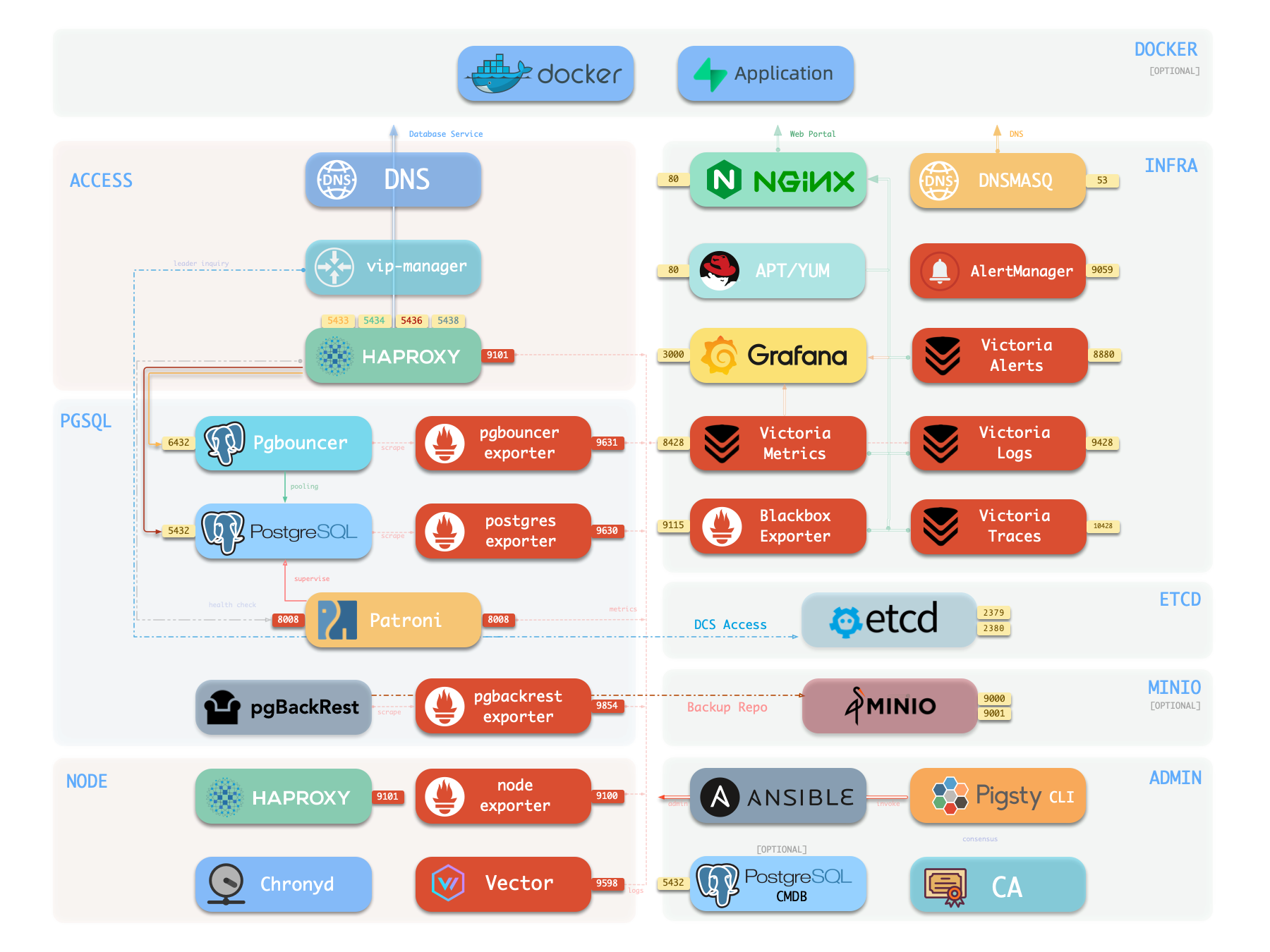
The single-node version of Pigsty includes all core features: 575 PG extensions, self-contained Grafana/Victoria monitoring, IaC provisioning capabilities, and local PITR point-in-time recovery. If you have external object storage (for PostgreSQL PITR backup), then for scenarios like demos, personal websites, and small services, even a single-node environment can provide a certain degree of data persistence guarantee. However, single-node cannot achieve High Availability—automatic failover requires at least 3 nodes.
If you want to install Pigsty in an environment without internet connection, please refer to the Offline Install mode. If you only need the PostgreSQL database itself, please refer to the Slim Install mode. If you are ready to start serious multi-node production deployment, please refer to the Deployment Guide.
Prepare a node with compatible Linux system, and execute as an admin user with passwordless ssh and sudo privileges:
Yes, it’s that simple. You can use pre-configured templates to bring up Pigsty with one click without understanding any details.
Next, you can explore the Graphical User Interface, access PostgreSQL database services; or perform configuration customization and execute playbooks to deploy more clusters.
This is the Pigsty single-node install guide Single Node. For multi-node HA production deployment, refer to the Deployment docs.
Pigsty single-node installation consists of three steps: Install, Configure, and Deploy.
Prepare a node with compatible OS, and run as an admin user with nopass ssh and sudo:
Choose a Pigsty download mirror:
This command runs the install script, downloads and extracts Pigsty source to your home directory and installs dependencies. Then complete Configure and Deploy:
Skip this step if you already have a prepared pigsty.yml.
After installation, access the Web UI via IP/domain + port 80/443 through Nginx,
and access the default PostgreSQL service via port 5432.
The complete process takes 3–10 minutes depending on server specs/network. Offline installation speeds this up significantly; for monitoring-free setups, use Slim Install for even faster deployment.
Video Example: Online Single-Node Installation (Debian 13, x86_64)
demo/install-hero.cast — /demo/install-hero.cast
Installing Pigsty involves some preparation work. Here’s a checklist.
For single-node installations, many constraints can be relaxed—typically you only need to know your IP address. If you don’t have a static IP, use 127.0.0.1.
| Item | Requirement | Item | Requirement |
|---|---|---|---|
| Node | 1-node, at least 1C2G, no upper limit |
Disk | /data mount point, xfs recommended |
| OS | Linux x86_64 / aarch64, EL/Debian/Ubuntu |
Network | Static IPv4; single-node without fixed IP can use 127.0.0.1 |
| SSH | nopass SSH login via public key |
SUDO | sudo privilege, preferably with nopass option |
Typically, you only need to focus on your local IP address—as an exception, for single-node deployment, use 127.0.0.1 if no static IP available.
Use the following commands to auto-install Pigsty source to ~/pigsty (recommended). Deployment dependencies (Ansible) are installed automatically.
Choose a Pigsty download mirror:
If you prefer not to run a remote script, you can manually download or clone the source. When using git, always checkout a specific version before use.
For manual download/clone installations, run the bootstrap script to install Ansible and other dependencies. You can also install them yourself.
In Pigsty, deployment blueprints are defined by the inventory, the pigsty.yml configuration file. You can customize through declarative configuration.
Pigsty provides the configure script as an optional configuration wizard,
which generates an inventory with good defaults based on your environment and input:
The generated config file is at ~/pigsty/pigsty.yml by default. Review and customize as needed before installation.
Many configuration templates are available for reference. You can skip the wizard and directly edit pigsty.yml:
The output below is from the current main branch (v5.0.0-preview). If you install another version, the first line reports that version.
Common configure Arguments
-i | --ip
,
The primary private IP of the current host, used to replace the 10.10.10.10 placeholder in the inventory.
-c | --conf
,
A configuration template name relative to conf/, without the .yml suffix.
-v | --version
,
PostgreSQL major version 14 through 19; PG19 is Beta, so use the dedicated pg19 template.
-r | --region
,
,
Upstream repository region for faster downloads: default, china, or europe.
-n | --non-interactive
,
,
Use command-line arguments for the primary IP and skip the interactive wizard.
-x | --proxy
,
,
Use current environment variables to configure proxy_env.
If your machine has multiple IPs bound, use -i|--ip <ipaddr> to explicitly specify the primary IP, or provide it in the interactive prompt.
The script replaces the placeholder 10.10.10.10 with your node’s primary IPv4 address. Choose a static IP; do not use public IPs.
We strongly recommend modifying default passwords and credentials in the config file before installation. See Security Recommendations for details.
Pigsty’s deploy.yml playbook applies the blueprint from Configure to target nodes.
When you see pgsql init done, PLAY RECAP and similar output at the end, installation is complete!
Upstream repos used by Pigsty (like Linux/PGDG repos) can sometimes enter a broken state due to improper updates, causing deployment failures (this has happened multiple times)! You can wait for upstream fixes or use pre-made offline packages to solve this.
Warning: Running deploy.yml again on an existing deployment may restart services and overwrite configurations!
After single-node installation, you typically have four modules installed on the current node:
PGSQL, INFRA, NODE, and ETCD.
The INFRA module provides a graphical management interface, accessible via Nginx on ports 80/443.
The PGSQL module provides a PostgreSQL database server, listening on 5432, also accessible via Pgbouncer/HAProxy proxies.
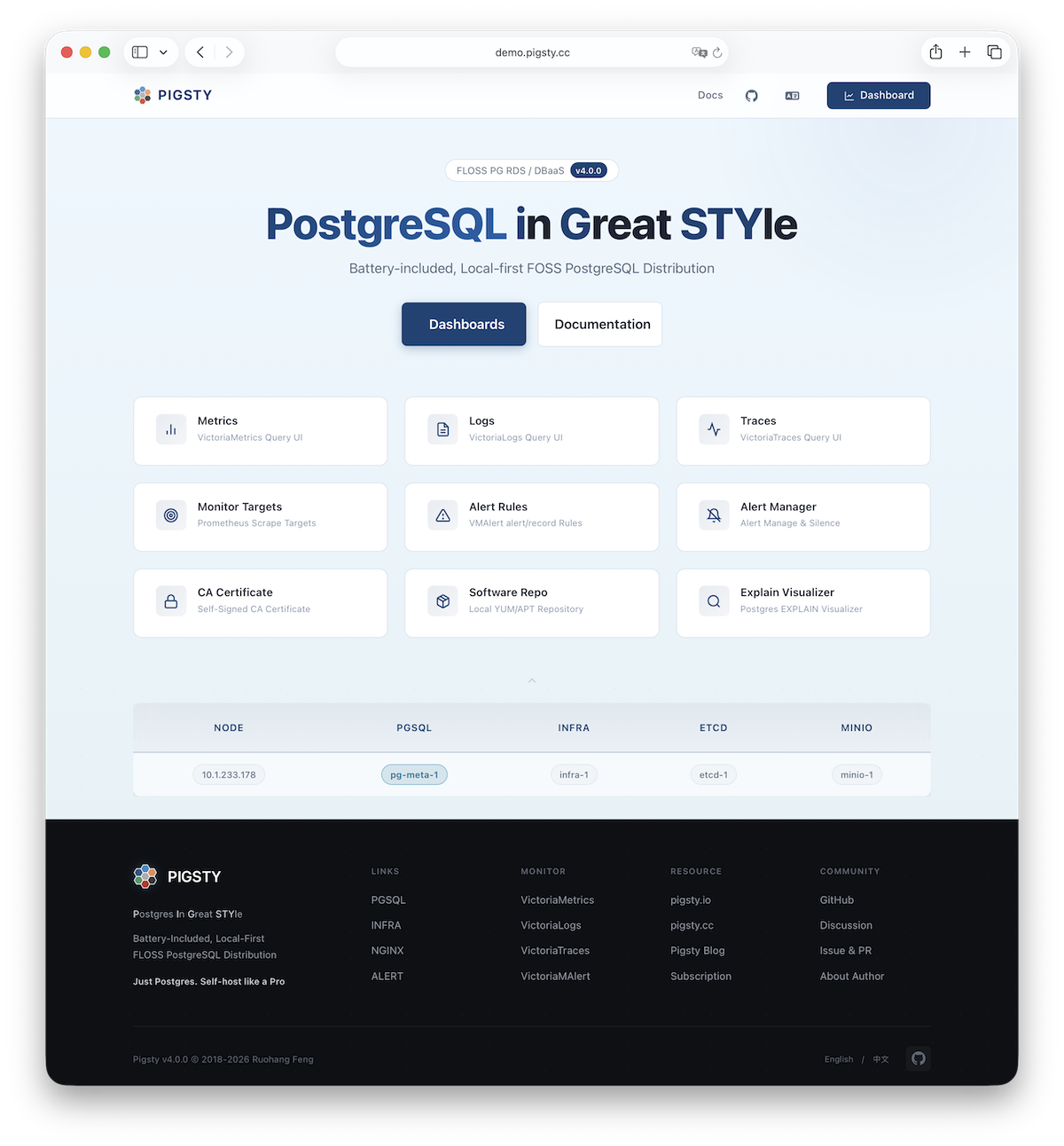
Use the current node as a base to deploy and monitor more clusters: add cluster definitions to the inventory and run:
Most modules require the NODE module installed first. See available modules for details:
Pigsty is designed for native Linux, but can also run in Linux containers with systemd. If you don’t have native Linux (e.g., macOS or Windows), use Docker to spin up a local single-node Pigsty for testing.
Enter the docker/ dir in Pigsty source and launch with one command:
After deployment, access services:
| Service | URL / Command | Credentials |
|---|---|---|
| SSH | ssh root@localhost -p 2222 |
Password: pigsty |
| Web Portal | http://localhost:8080 | - |
| Grafana | http://localhost:8080/ui | admin / grafana_admin_password |
| PostgreSQL | psql 'postgres://dbuser_dba:<pg_admin_password>@localhost:5432/postgres' |
pg_admin_password |
make launch runs ./configure -g internally to generate random passwords. You can check them with:
Web Portal and PostgreSQL are only available after Deployment (./deploy.yml) completes.
Docker deployment requires:
| Item | Requirement | Item | Requirement |
|---|---|---|---|
| Docker | Docker 20.10+ (Desktop or CE) | CPU | At least 1 core |
| RAM | At least 2GB | Disk | At least 20GB free |
Ensure default host ports (2222/8080/8443/5432) are available, or edit .env first.
Pigsty provides an out-of-the-box Docker image on Docker Hub.
| Image | Pull | Size | Contents |
|---|---|---|---|
pgsty/pigsty |
~500MB | 1.3GB | Debian 13 + systemd + SSH + pig + Ansible |
main branch and the site baseline both use v5.0.0-preview; verify that the matching remote image exists before pulling or deploying../deploy.ymlBuilt on Debian 13 (Trixie), pre-installed with pig CLI and Ansible, Pigsty source already initialized.
Pigsty provides out-of-the-box Docker support in the docker/ source directory.
Simplest way is make launch, which auto-completes: start container, generate config, and deploy:
Or step by step for inspection at each stage:
To build locally instead of pulling from Docker Hub:
Customize image version and port mappings via .env:
Port Mapping:
| Env Var | Default | Container | Description |
|---|---|---|---|
PIGSTY_VERSION |
v4.5.0 |
- | Current main source default; verify the remote tag separately |
PIGSTY_SSH_PORT |
2222 |
22 | SSH access port |
PIGSTY_HTTP_PORT |
8080 |
80 | Nginx HTTP port |
PIGSTY_HTTPS_PORT |
8443 |
443 | Nginx HTTPS port |
PIGSTY_PG_PORT |
5432 |
5432 | PostgreSQL port |
Override via env vars if defaults are occupied:
Pigsty Docker provides Makefile commands for container and image management.
Recommended way to run:
The current Makefile no longer provides a countdown prompt. After removing the container, make purge runs rm -rf -- ./data directly. Verify the current directory and target data first, and back it up when necessary.
If you prefer docker run over Docker Compose:
Or use Makefile’s make run:
Pigsty Docker image is based on Debian 13 (Trixie) with systemd as init.
Service management inside container stays consistent with native Linux via systemctl.
Key features:
pigsty--privileged for systemd/data volume mountImage build executes these init steps:
Running ./configure with -c docker applies the Docker-optimized config template:
127.0.0.1 as default IPEnsure Docker is properly installed with sufficient resources. On Docker Desktop, allocate at least 2GB RAM. Check for port conflicts on 2222, 8080, 8443, 5432.
Web Portal and PostgreSQL only available after deployment. Ensure ./deploy.yml finished successfully.
Use make status to check service status.
Override via .env or env vars:
Container data mounted to ./data. To wipe and start fresh:
On macOS with Docker Desktop, performance is worse than native Linux due to virtualization overhead. Expected—Docker deployment is for dev/testing. For production, use native Linux installation.
After single-node installation, you’ll have the INFRA module installed on the current node, which includes an out-of-the-box Nginx web server.
The default server configuration provides a WebUI graphical interface for displaying monitoring dashboards and unified proxy access to other component web interfaces.
You can access this graphical interface by entering the deployment node’s IP address in your browser. By default, Nginx serves on standard ports 80/443.
| Direct IP Access | Domain (HTTP) | Domain (HTTPS) | Demo |
|---|---|---|---|
http://10.10.10.10 |
http://i.pigsty |
https://i.pigsty |
https://demo.pigsty.io |
To access Pigsty’s monitoring system dashboards (Grafana), visit the /ui endpoint on the server.
| Direct IP Access | Domain (HTTP) | Domain (HTTPS) | Demo |
|---|---|---|---|
http://10.10.10.10/ui |
http://i.pigsty/ui |
https://i.pigsty/ui |
https://demo.pigsty.io/ui |
If your service is exposed to Internet or office network, we recommend accessing via domain names and enabling HTTPS encryption—only minimal configuration is needed.
By default, Nginx exposes the following endpoints via different paths on the default server at ports 80/443:
| Endpoint | Component | Native Port | Description | Public Demo |
|---|---|---|---|---|
/ |
Nginx | 80/443 |
Homepage, local repo, file service | demo.pigsty.io |
/ui/ |
Grafana | 3000 |
Grafana dashboard portal | demo.pigsty.io/ui/ |
/vmetrics/ |
VictoriaMetrics | 8428 |
Time series database Web UI | demo.pigsty.io/vmetrics/ |
/vlogs/ |
VictoriaLogs | 9428 |
Log database Web UI | demo.pigsty.io/vlogs/ |
/vtraces/ |
VictoriaTraces | 10428 |
Distributed tracing Web UI | demo.pigsty.io/vtraces/ |
/vmalert/ |
VMAlert | 8880 |
Alert rule management | demo.pigsty.io/vmalert/ |
/alertmgr/ |
AlertManager | 9059 |
Alert management Web UI | demo.pigsty.io/alertmgr/ |
/blackbox/ |
Blackbox | 9115 |
Blackbox exporter | |
/haproxy/* |
HAProxy | 9101 |
Load balancer admin Web UI | |
/pev |
PEV2 | 80 |
PostgreSQL execution plan visualizer | demo.pigsty.io/pev |
/nginx |
Nginx | 80 |
Nginx status page (for metrics) |
If you have your own domain name, you can point it to Pigsty server’s IP address to access various services via domain.
If you want to enable HTTPS, you should modify the home server configuration in the infra_portal parameter:
You can run make cert command after deployment to apply for a free Let’s Encrypt certificate for the domain.
If you don’t define the certbot field, Pigsty will use the local CA to issue a self-signed HTTPS certificate by default.
In this case, you must first trust Pigsty’s self-signed CA to access normally in your browser.
You can also mount local directories and other upstream services to Nginx. For more management details, refer to INFRA Management - Nginx.
PostgreSQL (abbreviated as PG) is the world’s most advanced and popular open-source relational database. Use it to store and retrieve multi-modal data.
This guide is for developers with basic Linux CLI experience but not very familiar with PostgreSQL, helping you quickly get started with PG in Pigsty.
We assume you’re a personal user deploying in the default single-node mode. For prod multi-node HA cluster access, refer to Prod Service Access.
In the default single-node installation template, you’ll create a PostgreSQL database cluster named pg-meta on the current node, with only one primary instance.
PostgreSQL listens on port 5432, and the cluster has a preset database meta available for use.
After installation, exit the current admin user ssh session and re-login to refresh environment variables.
Then simply type pp and press Enter to access the database cluster via the psql CLI tool (p is the shortcut for the pig CLI):
You can also switch to the postgres OS user and execute psql directly to connect to the default postgres admin database.
To access a PostgreSQL database, use a CLI tool or graphical client and fill in the PostgreSQL connection string:
Some drivers and tools may require you to fill in these parameters separately. The following five are typically required:
| Parameter | Description | Example Value | Notes |
|---|---|---|---|
host |
Database server address | 10.10.10.10 |
Replace with your node IP or domain; can omit for localhost |
port |
Port number | 5432 |
PG default port, can be omitted |
username |
Username | dbuser_dba |
Pigsty default database admin |
password |
Password | DBUser.DBA |
Pigsty default admin password (change this!) |
dbname |
Database name | meta |
Default template database name |
For personal use, you can directly use the Pigsty default database superuser dbuser_dba for connection and management. The dbuser_dba has full database privileges.
By default, if you specified the configure -g parameter when configuring Pigsty, the password will be randomly generated and saved in ~/pigsty/pigsty.yml:
Pigsty’s default single-node template presets the following database users, ready to use out of the box:
| Username | Password | Role | Purpose |
|---|---|---|---|
dbuser_dba |
DBUser.DBA |
Superuser | Database admin (change this!) |
dbuser_meta |
DBUser.Meta |
Business admin | App R/W (change this!) |
dbuser_view |
DBUser.Viewer |
Read-only user | Data viewing (change this!) |
For example, you can connect to the meta database in the pg-meta cluster using three different connection strings with three different users:
Note: These default passwords are automatically replaced with random strong passwords when using configure -g. Remember to replace the IP address and password with actual values.
psql is the official PostgreSQL CLI client tool, powerful and the first choice for DBAs and developers.
On a server with Pigsty deployed, you can directly use psql to connect to the local database:
After successful connection, you’ll see a prompt like this:
Common psql Commands
After entering psql, you can execute SQL statements or use meta-commands starting with \:
| Command | Description | Command | Description |
|---|---|---|---|
Ctrl+C |
Interrupt query | Ctrl+D |
Exit psql |
\? |
Show all meta commands | \h |
Show SQL command help |
\l |
List all databases | \c dbname |
Switch to database |
\d table |
View table structure | \d+ table |
View table details |
\du |
List all users/roles | \dx |
List installed extensions |
\dn |
List all schemas | \dt |
List all tables |
Executing SQL
In psql, directly enter SQL statements ending with semicolon ;:
If you prefer graphical interfaces, here are some popular PostgreSQL clients:
Grafana
Pigsty’s INFRA module includes Grafana with a pre-configured PostgreSQL data source (Meta).
You can directly query the database using SQL from the Grafana Explore panel through the browser graphical interface, no additional client tools needed.
Grafana’s default username is admin, and the password can be found in the grafana_admin_password field in the inventory (default pigsty).
DataGrip
DataGrip is a professional database IDE from JetBrains, with powerful features. IntelliJ IDEA’s built-in Database Console can also connect to PostgreSQL in a similar way.
DBeaver
DBeaver is a free open-source universal database tool supporting almost all major databases. It’s a cross-platform desktop client.
pgAdmin
pgAdmin is the official PostgreSQL-specific GUI tool from PGDG, available through browser or as a desktop client.
Pigsty provides a configuration template for one-click pgAdmin service deployment using Docker in Software Template: pgAdmin.
Pigsty provides many PostgreSQL monitoring dashboards, covering everything from cluster overview to single-table analysis.
We recommend starting with PGSQL Overview. Many elements in the dashboards are clickable, allowing you to drill down layer by layer to view details of each cluster, instance, database, and even internal database objects like tables, indexes, and functions.
One of PostgreSQL’s most powerful features is its extension ecosystem. Extensions can add new data types, functions, index methods, and more to the database.
Pigsty provides 575 extensions covering 16 major categories including time-series, geographic, vector, and full-text search, installable with one click.
Start with three commonly used extensions, then install more extensions such as timescaledb as needed.
postgis: Geographic information system for processing maps and location data (installed by default)pgvector: Vector database supporting AI embedding vector similarity search (installed by default)timescaledb: Time-series database for efficient storage and querying of time-series data (optional install)Congratulations on completing the PostgreSQL basics! Next, you can start configuring and customizing your database.
Besides using the configuration wizard to auto-generate configs, you can write Pigsty config files from scratch. This tutorial guides you through building a complex inventory step by step.
If you define NODE, INFRA, ETCD, MINIO, and PGSQL in the inventory upfront, deploy.yml can deploy this core path in one run—but it hides the details. Optional modules such as Docker, Redis, Kafka, native MySQL, JUICE, and VIBE require their own playbooks.
This doc breaks down all modules and playbooks, showing how to incrementally build from a simple config to a complete deployment.
The simplest valid config only defines the admin_ip variable—the IP address of the node where Pigsty is installed (admin node):
This config deploys nothing, but running ./deploy.yml generates a self-signed CA in files/pki/ca for issuing certificates.
For convenience, you can also set region to specify which region’s software mirrors to use (default, china, europe).
Pigsty’s NODE module manages cluster nodes. Any IP address in the inventory will be managed by Pigsty with the NODE module installed.
We added two global parameters:
node_repo_modules specifies repos to add;
region specifies which region’s mirrors to use.
These parameters enable the node to use correct repositories and install required packages. The NODE module offers many customization options: node names, DNS, repos, packages, NTP, kernel params, tuning templates, monitoring, log collection, etc. Even without changes, the defaults are sufficient.
Run deploy.yml or more precisely node.yml to bring the defined node under Pigsty management.
A full-featured RDS cloud database service needs infrastructure support: monitoring (metrics/log collection, alerting, visualization), NTP, DNS, and other foundational services.
Define a special group infra to deploy the INFRA module:
We also assigned an identity parameter: infra_seq to distinguish nodes in multi-node HA INFRA deployments.
Run infra.yml to install INFRA **](/docs/infra/) and [**NODE modules on 10.10.10.10:
demo/infra.cast — /demo/infra.cast
NODE module is implicitly defined as long as an IP exists. NODE is idempotent—re-running has no side effects.
After completion, you’ll have complete observability infrastructure and node monitoring, but PostgreSQL database service is not yet deployed.
If your goal is just to set up this monitoring system (Grafana + Victoria), you’re done! The infra template is designed for this.
Everything in Pigsty is modular: you can deploy only monitoring infra without databases;
or vice versa—run HA PostgreSQL clusters without infra—Slim Install.
To provide PostgreSQL service, install the PGSQL` module and its dependency ETCD—just two lines of config:
We added two new groups: etcd and pg-meta, defining a single-node etcd cluster and a single-node PostgreSQL cluster.
Use ./deploy.yml to converge the defined modules in the core path again, or deploy incrementally:
PGSQL depends on ETCD for HA consensus, so install ETCD first. After completion, you have a working PostgreSQL service!
| ID | NODE | INFRA | ETCD | PGSQL | Description |
|---|---|---|---|---|---|
| 1 | 10.10.10.10 |
infra-1 |
etcd-1 |
pg-meta-1 |
Add etcd and PostgreSQL cluster |
We used node.yml, infra.yml, etcd.yml, and pgsql.yml to deploy all four core modules on a single machine.
In Pigsty, you can customize PostgreSQL cluster internals like databases and users through the inventory:
pg_users: Defines a new user dbuser_meta with password DBUser.Metapg_databases: Defines a new database meta with Pigsty CMDB schema (optional) and vector extensionPigsty offers rich customization parameters covering all aspects of databases and users.
If you define these parameters upfront, they’re automatically created during ./pgsql.yml execution.
For existing clusters, you can incrementally create or modify users and databases:
You can install different major versions of PostgreSQL, and up to 575 extensions. Let’s remove the current default PG 18 and install PG 16:
We can customize parameters to install and enable common extensions by default: timescaledb, postgis, and pgvector:
pg_extensions: Install timescaledb, postgis, pgvector extensions.pg_libs: Configure loading timescaledb, pg_stat_statements, auto_explain dynamic libraries.pg_databases: Create and enable vector, postgis, timescaledb extensions for the meta database.Add more nodes to the deployment, bring them under Pigsty management, deploy monitoring, configure repos, install software…
demo/node.cast — /demo/node.cast
Now deploy a new database cluster pg-test on the three newly added nodes, using a three-node HA architecture:
demo/pgsql.cast — /demo/pgsql.cast
Pigsty provides optional Redis support as a caching service in front of PostgreSQL:
Redis HA requires cluster mode or sentinel mode. See Redis Configuration.
Pigsty’s MINIO module currently deploys Silo S3-compatible object storage, which can serve as a PostgreSQL backup repository. The module, inventory group, and playbooks retain the compatible minio name.
Serious production Silo deployments typically require at least 4 nodes with 4 disks each (4N/16D).
If you want to use containers to run tools for managing PG or software using PostgreSQL, install the DOCKER module:
Use pre-made application templates to launch common software tools with one click, such as the GUI tool for PG management: Pgadmin:
You can even self-host enterprise-grade Supabase with Pigsty, using external HA PostgreSQL clusters as the foundation and running stateless components in containers.
Pigsty uses Ansible to manage clusters, a very popular large-scale/batch/automation ops tool in the SRE community.
Ansible can use declarative approach for server configuration management. All module deployments are implemented through a series of idempotent Ansible playbooks.
For example, in single-node deployment, you’ll use the deploy.yml playbook. Pigsty has more built-in playbooks, you can choose to use as needed.
Understanding Ansible basics helps with better use of Pigsty, but this is not required, especially for single-node deployment.
Pigsty provides a “one-stop” deploy playbook deploy.yml for the core path: CA/software repository, NODE, INFRA, ETCD, PGSQL, and MINIO when enabled in the inventory. Optional modules such as Redis, Kafka, and native MySQL require their own module playbooks even when defined in the inventory.
| Playbook | Command | Group | infra |
[nodes] |
etcd |
minio |
[pgsql] |
|---|---|---|---|---|---|---|---|
infra.yml |
./infra.yml |
-l infra |
✓ | ✓ | |||
node.yml |
./node.yml |
✓ | ✓ | ✓ | ✓ | ||
etcd.yml |
./etcd.yml |
-l etcd |
✓ | ||||
minio.yml |
./minio.yml |
-l minio |
✓ | ||||
pgsql.yml |
./pgsql.yml |
✓ |
This is the simplest deployment method. You can also follow instructions in Customization Guide to incrementally complete deployment of all modules and nodes step by step.
When using the Pigsty installation script or the bootstrap phase of offline installation, Pigsty will automatically install ansible and its dependencies for you.
If you want to manually install Ansible, refer to the following instructions. The minimum supported Ansible version is 2.9.
Please note that EL10 EPEL repo doesn’t yet provide a complete Ansible package. Pigsty PGSQL EL10 repo supplements this.
Ansible is also available on macOS. You can use Homebrew to install Ansible on Mac, and use it as an admin node to manage remote cloud servers. This is convenient for single-node Pigsty deployment on cloud VPS, but not recommended in prod envs.
Ansible playbooks are executable YAML files containing a series of task definitions to execute.
Running playbooks requires the ansible-playbook executable in your environment variable PATH.
Running ./node.yml playbook is essentially executing the ansible-playbook node.yml command.
You can use some parameters to fine-tune playbook execution. The following 4 parameters are essential for effective Ansible use:
| Purpose | Parameter | Description |
|---|---|---|
| Target | -l|--limit <pattern> |
Limit execution to specific groups/hosts/patterns |
| Tasks | -t|--tags <tags> |
Only run tasks with specific tags |
| Params | -e|--extra-vars <vars> |
Extra command-line parameters |
| Config | -i|--inventory <path> |
Use a specific inventory file |
Playbook execution targets can be limited with -l|--limit <selector>.
This is convenient when running playbooks on specific hosts/nodes or groups/clusters.
Here are some host limit examples:
See all details in Ansible documentation: Patterns: targeting hosts and groups
Missing this value can be dangerous—most playbooks execute on all hosts. Use with caution.
Execution tasks can be controlled with -t|--tags <tags>.
If specified, only tasks with the given tags will execute instead of the entire playbook.
To run multiple tasks, specify multiple tags separated by commas -t tag1,tag2:
You can override config parameters at runtime using CLI arguments, which have highest priority.
Extra command-line parameters are passed via -e|--extra-vars KEY=VALUE, usable multiple times:
For complex parameters, use JSON strings to pass multiple complex parameters at once:
The default config file is pigsty.yml in the Pigsty home directory.
You can use -i <path> to specify a different inventory file path.
To permanently change the default config file, modify the inventory parameter in ansible.cfg.
Pigsty provides a series of convenience scripts to simplify common operations. These scripts are in the bin/ directory:
These scripts are simple wrappers around Ansible playbooks, making common operations more convenient.
Below are the built-in playbooks in Pigsty. You can also easily add your own playbooks, or customize and modify playbook implementation logic as needed.
| Module | Playbook | Function |
|---|---|---|
| INFRA | deploy.yml |
One-click deploy Pigsty on current node |
| INFRA | infra.yml |
Initialize Pigsty infrastructure on infra nodes |
| INFRA | infra-rm.yml |
Remove infrastructure components from infra nodes |
| INFRA | cache.yml |
Create offline packages from target node |
| INFRA | cert.yml |
Issue certificates using Pigsty self-signed CA |
| NODE | node.yml |
Initialize node, adjust to desired state |
| NODE | node-rm.yml |
Remove node from Pigsty |
| PGSQL | pgsql.yml |
Initialize HA PostgreSQL cluster or add replica |
| PGSQL | pgsql-rm.yml |
Remove PostgreSQL cluster or replica |
| PGSQL | pgsql-db.yml |
Add new business database to existing cluster |
| PGSQL | pgsql-user.yml |
Add new business user to existing cluster |
| PGSQL | pgsql-pitr.yml |
Perform point-in-time recovery on cluster |
| PGSQL | pgsql-monitor.yml |
Monitor remote PostgreSQL with local exporter |
| PGSQL | pgsql-migration.yml |
Generate migration manual and scripts |
| PGSQL | slim.yml |
Install Pigsty with minimal components |
| REDIS | redis.yml |
Initialize Redis cluster/node/instance |
| REDIS | redis-rm.yml |
Remove Redis cluster/node/instance |
| ETCD | etcd.yml |
Initialize ETCD cluster or add new member |
| ETCD | etcd-rm.yml |
Remove ETCD cluster/data or shrink member |
| MINIO | minio.yml |
Initialize a Silo object-storage cluster |
| MINIO | minio-rm.yml |
Remove Silo, its configuration, and optional data |
| DOCKER | docker.yml |
Install Docker on nodes |
| DOCKER | app.yml |
Install applications using Docker Compose |
| JUICE | juice.yml |
Install and configure JuiceFS |
| VIBE | vibe.yml |
Install the Vibe coding environment |
| KAFKA | kafka.yml |
Create or converge a Kafka dynamic KRaft cluster |
| KAFKA | kafka-rm.yml |
Remove a Kafka cluster or member |
| MYSQL (Pilot) | mysql.yml |
Deploy native MySQL 8.4 standalone or three-node clusters |
| MYSQL (Pilot) | mysql-rm.yml |
Stop and retire native MySQL while retaining local state |
Pigsty installs from Internet upstream by default, but some envs are isolated from the Internet. To address this, Pigsty supports offline installation using offline packages. Think of them as Linux-native Docker images.
Offline packages bundle all required RPM/DEB packages and dependencies; they are snapshots of the local APT/YUM repo after a normal installation.
In serious prod deployments, we strongly recommend using offline packages. They ensure all future nodes have consistent software versions with the existing env, and avoid online installation failures caused by upstream changes (quite common!), guaranteeing you can run it independently forever.
The following table records the historical v4.4.0 offline artifacts and the OS minor versions used to build them; these are not the currently recommended operating systems.
| Linux Distribution | System Code | Minor Version | Package |
|---|---|---|---|
| RockyLinux 9 x86_64 | el9.x86_64 |
9.7 |
pigsty-pkg-v4.4.0.el9.x86_64.tgz |
| RockyLinux 9 aarch64 | el9.aarch64 |
9.7 |
pigsty-pkg-v4.4.0.el9.aarch64.tgz |
| RockyLinux 10 x86_64 | el10.x86_64 |
10.1 |
pigsty-pkg-v4.4.0.el10.x86_64.tgz |
| RockyLinux 10 aarch64 | el10.aarch64 |
10.1 |
pigsty-pkg-v4.4.0.el10.aarch64.tgz |
| Debian 12 x86_64 | d12.x86_64 |
12.14 |
pigsty-pkg-v4.4.0.d12.x86_64.tgz |
| Debian 12 aarch64 | d12.aarch64 |
12.14 |
pigsty-pkg-v4.4.0.d12.aarch64.tgz |
| Debian 13 x86_64 | d13.x86_64 |
13.6 |
pigsty-pkg-v4.4.0.d13.x86_64.tgz |
| Debian 13 aarch64 | d13.aarch64 |
13.6 |
pigsty-pkg-v4.4.0.d13.aarch64.tgz |
| Ubuntu 26.04 x86_64 | u26.x86_64 |
26.04.0 |
pigsty-pkg-v4.4.0.u26.x86_64.tgz |
| Ubuntu 26.04 aarch64 | u26.aarch64 |
26.04.0 |
pigsty-pkg-v4.4.0.u26.aarch64.tgz |
| Ubuntu 24.04 x86_64 | u24.x86_64 |
24.04.4 |
pigsty-pkg-v4.4.0.u24.x86_64.tgz |
| Ubuntu 24.04 aarch64 | u24.aarch64 |
24.04.4 |
pigsty-pkg-v4.4.0.u24.aarch64.tgz |
| Ubuntu 22.04 x86_64 | u22.x86_64 |
22.04.5 |
pigsty-pkg-v4.4.0.u22.x86_64.tgz |
| Ubuntu 22.04 aarch64 | u22.aarch64 |
22.04.5 |
pigsty-pkg-v4.4.0.u22.aarch64.tgz |
If your OS exactly matches one of these historical artifact baselines, you can use the corresponding v4.4.0 offline package.
The v4.4.0 Community Edition publishes six dual-architecture artifacts for Debian 13, EL 10, and Ubuntu 24.04 on GitHub.
Artifact names and checksums for Debian 12, EL 9, Ubuntu 22.04, and Ubuntu 26.04 remain listed here; those offline packages are available with the Professional Edition.
Download Community Edition artifacts from the GitHub release page. The MD5 checksums for all v4.4.0 offline packages are:
When OS minor versions don’t match, it may work or may fail—we don’t recommend taking the risk.
Please note that the historical v4.4.0 artifacts above were built on EL 9.7/10.1, Debian 12.14/13.6, and Ubuntu 22.04.5/24.04.4/26.04.0.
Cross-minor installation may fail due to OpenSSL/system library differences.
Use online installation on matching OS versions to build your own offline package, or contact us for custom packages.
Offline installation steps:
/tmp/pkg.tgzcd ~/pigsty)./bootstrap, it will extract the package and configure using local repo (and install ansible from it offline)./configure -g -c rich, you can directly use the rich template configured for offline installation, or configure yourself./deploy.yml as usual to install the core path from the local repository; other optional modules still require their own playbooksdemo/install-offline.cast — /demo/install-offline.cast
If you encounter “No package nginx available” errors during offline installation, it usually means a previous installation attempt failed. Delete the /www/pigsty directory and re-run the deployment.
If you want to use the already extracted and configured offline package in your own config, modify and ensure these settings:
repo_enabled: Set to true, will build local software repo (explicitly disabled in most templates)node_repo_modules: Set to local, then all nodes in the env will install from the local software repo
node,infra,pgsql, i.e., install directly from these upstream repos.local will use the local software repo to install all packages, fastest, no interference from other repos.local,node,infra,pgsqlThe first parameter, if enabled, Pigsty will create a local software repo. The second parameter, if contains local, then all nodes in the env will use this local software repo.
If it only contains local, then it becomes the sole repo for all nodes. If you still want to install other packages from other upstream repos, you can add other repo module names too, e.g., local,node,infra,pgsql.
Hybrid Installation Mode
If your environment has Internet access, there’s a hybrid approach that combines the advantages of offline and online installation. You can use the offline package as a base, and supplement missing packages online.
Using the historical v4.4.0 artifacts as an example, suppose you run RockyLinux 9.6 while the package was built for RockyLinux 9.7.
You can use the el9 offline package (though made for 9.7), then execute make repo-build before formal installation to re-download missing packages for 9.6.
Pigsty will download the required increments from upstream repos.
If your OS isn’t in the default list, you can make your own offline package with the built-in cache.yml playbook:
rich template for an online installation (./configure -c rich), and confirm that the target INFRA node has generated its local repository at /www/pigsty; if not, run ./infra.yml -t repo against that node firstcd ~/pigsty; ./cache.yml -l <infra-host> to select one INFRA node that already has a local repository, build the package there, and fetch it~/pigsty/dist/${version}/pigsty-pkg-${version}.${os}.${arch}.tgz; copy it to the offline environment (ftp, scp, USB, etc.), then unpack it with bootstrapCurrent cache.yml defaults can be overridden with extra variables:
cache_pkg_name
,
cache_pkg_dir
,
cache_repo
,
We offer paid services providing tested, pre-made offline packages for specific Linux major.minor versions (¥200).
Pigsty relies on ansible to execute playbooks; this script is responsible for ensuring ansible is correctly installed in various ways.
Usually, you need to run this script in two cases:
git clone of the source package, so ansible isn’t installed.The bootstrap script will automatically detect if the offline package exists (-p to specify, default is /tmp/pkg.tgz).
If it exists, it will extract and use it, then install ansible from it.
If the offline package doesn’t exist, it will try to install ansible from the Internet. If that still fails, you’re on your own!
The bootloader will by default move away existing repo configurations to ensure only required repos are enabled.
You can find them in /etc/yum.repos.d/backup (EL) or /etc/apt/backup (Debian / Ubuntu).
If you want to keep existing repo configurations during bootstrap, use the -k|--keep parameter.
If you only want HA PostgreSQL database cluster itself without monitoring, infra, etc., consider Slim Installation.
Slim installation has no INFRA module, no monitoring, no local repo—just ETCD and PGSQL and partial NODE functionality.
To use slim installation, you need to:
slim.yml slim install config template (configure -c slim)slim.yml playbook instead of the default deploy.ymldemo/install-slim.cast — /demo/install-slim.cast
Slim installation only installs/configures these components:
| Component | Required | Description |
|---|---|---|
patroni |
⚠️ Required | Bootstrap HA PostgreSQL cluster |
etcd |
⚠️ Required | Meta database dependency (DCS) for Patroni |
pgbouncer |
✔️ Optional | PostgreSQL connection pooler |
vip-manager |
✔️ Optional | L2 VIP binding to PostgreSQL cluster primary |
haproxy |
✔️ Optional | Auto-routing services via Patroni health checks |
chronyd |
✔️ Optional | Time synchronization with NTP server |
tuned |
✔️ Optional | Node tuning template and kernel parameter management |
You can disable all optional components via configuration, keeping only the required patroni and etcd.
Because there’s no INFRA module’s Nginx providing local repo service, offline installation only works in single-node mode.
Slim installation config file example: conf/slim.yml:
Slim installation uses the slim.yml playbook instead of deploy.yml:
Slim installation can also deploy HA clusters—just add more nodes to the etcd and pg-meta groups. A three-node deployment example:
| ID | NODE | PGSQL | INFRA | ETCD |
|---|---|---|---|---|
| 1 | 10.10.10.10 |
pg-meta-1 |
No INFRA module | etcd-1 |
| 2 | 10.10.10.11 |
pg-meta-2 |
No INFRA module | etcd-2 |
| 3 | 10.10.10.12 |
pg-meta-3 |
No INFRA module | etcd-3 |
The default configuration targets local demonstrations and development or testing on a trusted intranet. If other hosts can reach the deployment, complete at least three checks: credentials, network boundaries, and critical files.
Production environments should also review the Security Model, Compliance, and Security Considerations.
Pigsty default credentials are public in the source code and documentation and must not be used directly in production.
The configuration wizard can randomize built-in parameters and example credentials that it recognizes:
configure -g does not replace:
cipher_pass;ha/safe;After generation, inspect pigsty.yml and replace every uncovered credential. The wizard prints generated passwords to the terminal, so protect terminal history and automation logs as sensitive data.
See the Default Credentials Checklist for the complete scope.
node_firewall_mode defaults to zone. It trusts the intranet defined by node_firewall_intranet and restricts ports exposed to public networks.
| Port | Service | Public by Default |
|---|---|---|
22 |
SSH | Yes |
80 |
Nginx HTTP | Yes |
443 |
Nginx HTTPS | Yes |
5432 |
PostgreSQL | Not in the base default; exposed additionally by the demo pigsty.yml |
Production deployments should normally remove 5432 from the demo configuration. If applications need direct database access, restrict source addresses in the cloud security group, host firewall, and HBA.
Also verify that the intranet definition matches the actual trust boundary. The default RFC 1918 ranges may be too broad; office networks, container networks, and other tenant networks should not become trusted automatically.
The following files and directories contain highly sensitive information:
pigsty.yml: system and application credentials, node definitions, and service configuration;files/pki/ca/ca.key: local CA private key;files/pki/misc/*.key: client-certificate private keys;/pg/tmp/pg-user-*.sql: SQL containing plaintext passwords generated during user creation.Restrict access to the admin node and configuration repository. Do not commit complete inventories or private keys to public repositories. Maintain controlled backups of the CA private key and required configuration.
Unlike Getting Started, production Pigsty deployments require more Architecture Planning and Preparation.
This chapter helps you understand the complete deployment process and provides best practices for production environments.
Before deploying to production, we recommend testing in Pigsty’s Sandbox to fully understand the workflow. Use Vagrant to create a local 4-node sandbox, or leverage OpenTofu to provision larger simulation environments in the cloud.
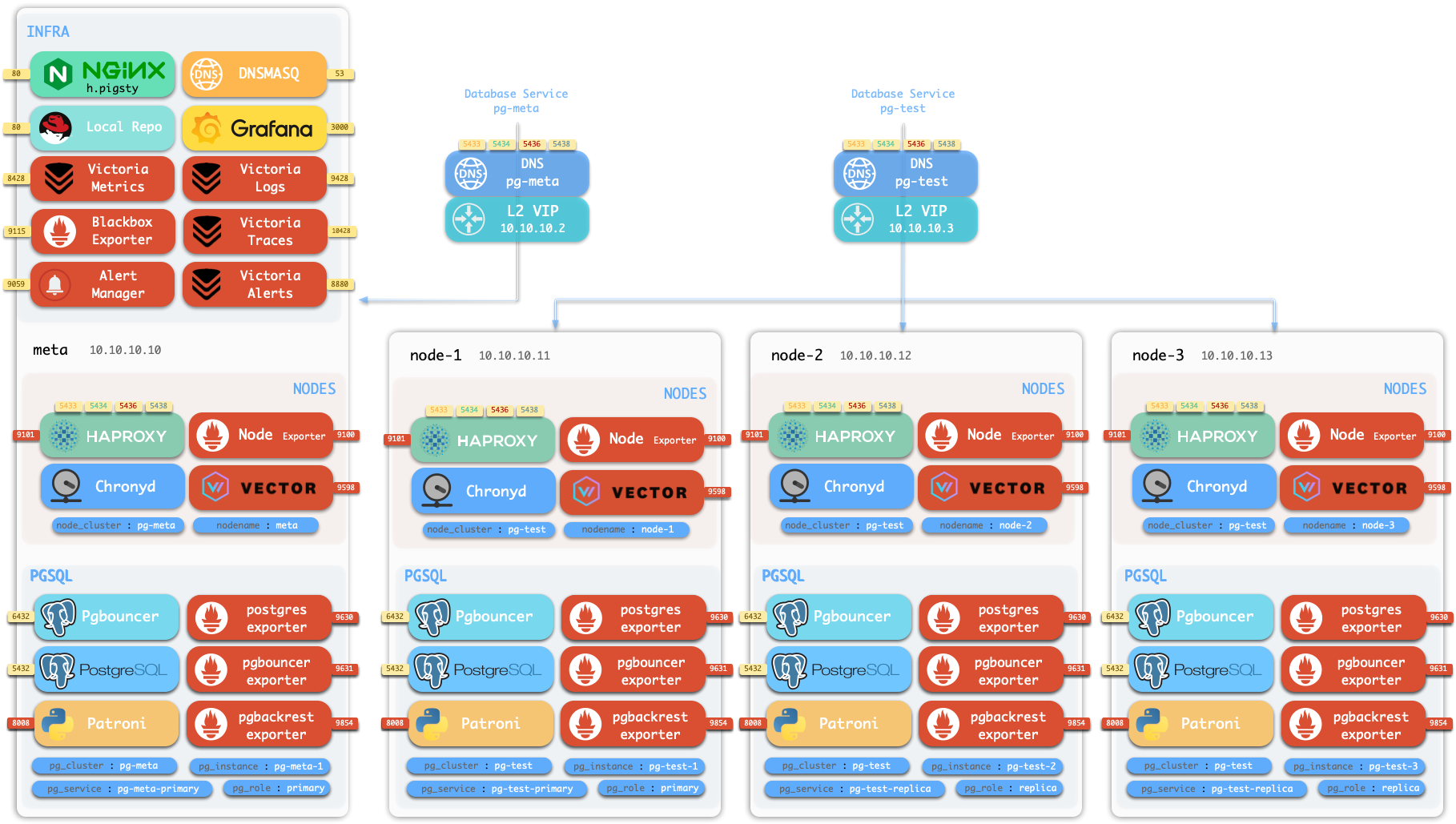
For production, you typically need at least three nodes for high availability. You should understand Pigsty’s core Concepts and common administration procedures, including Configuration, Ansible Playbooks, and Security Hardening for enterprise compliance.
This is the Pigsty production multi-node deployment guide. For single-node Demo/Dev setups, see Getting Started.
Prepare nodes with SSH access following your architecture plan,
install a compatible Linux OS, then execute with an admin user having passwordless ssh and sudo:
This runs the install script, downloading and extracting Pigsty source to your home directory with dependencies installed. Complete configuration and deployment to finish.
Before running deploy.yml for deployment, review and edit the configuration inventory: pigsty.yml.
After installation, access the WebUI via IP/domain + ports 80/443,
and PostgreSQL service via port 5432.
Full installation takes 3-10 minutes depending on specs/network. Offline installation significantly speeds this up; slim installation further accelerates when monitoring isn’t needed.
Video Example: 20-node Production Simulation (Ubuntu 24.04 x86_64)
demo/install-simu.cast — /demo/install-simu.cast
Production Pigsty deployment involves preparation work. Here’s the complete checklist:
| Item | Requirement | Item | Requirement |
|---|---|---|---|
| Node | At least 1C2G, no upper limit |
Plan | Multiple homogeneous nodes: 2/3/4 or more |
| Disk | /data as default mount point |
FS | xfs recommended; ext4/zfs as needed |
| VIP | L2 VIP, optional (unavailable in cloud) | Network | Static IPv4, single-node can use 127.0.0.1 |
| CA | Self-signed CA or specify existing certs | Domain | Local/public domain, optional, default i.pigsty |
| Kernel | Linux x86_64 / aarch64 |
Linux | el8, el9, el10, d12, d13, u22, u24, u26 |
| Locale | C.UTF-8 or C |
Firewall | Ports: 80/443/22/5432 (optional) |
| User | Avoid root and postgres |
Sudo | sudo privilege, preferably with nopass |
| SSH | Passwordless SSH via public key | Accessible | ssh <ip|alias> sudo ls no error |
Use the following to automatically install the Pigsty source package to ~/pigsty (recommended). Deployment dependencies (Ansible) are auto-installed.
If you prefer not to run remote scripts, manually download or clone the source. When using git, always checkout a specific version before use:
For manual download/clone, additionally run bootstrap to manually install Ansible and other dependencies, or install them yourself:
In Pigsty, deployment details are defined by the configuration inventory—the pigsty.yml config file. Customize through declarative configuration.
Pigsty provides configure as an optional configuration wizard,
generating a configuration inventory with good defaults based on your environment:
The generated config defaults to ~/pigsty/pigsty.yml. Review and customize before installation.
Many configuration templates are available for reference. You can skip the wizard and directly edit pigsty.yml:
The wizard only replaces the current node’s IP (use -s to skip replacement). For multi-node deployments, replace other node IPs manually.
Also customize the config as needed—modify default passwords, add nodes, etc.
Common configure parameters:
| Parameter | Description |
|---|---|
-c|--conf |
Specify config template relative to conf/, without .yml suffix |
-v|--version |
PostgreSQL major version 14 through 19; PG19 is currently Beta |
-r|--region |
Upstream repo region for faster downloads: default|china|europe |
-n|--non-interactive |
Use CLI params for primary IP, skip interactive wizard |
-x|--proxy |
Configure proxy_env from current environment variables |
If your machine has multiple IPs, explicitly specify one with -i|--ip <ipaddr> or provide it interactively.
The script replaces IP placeholder 10.10.10.10 with the current node’s primary IPv4. Use a static IP; never use public IPs.
Generated config is at ~/pigsty/pigsty.yml. Review and modify before installation.
Change default passwords and credentials before installation. See Security Recommendations.
Pigsty’s deploy.yml playbook applies the configuration blueprint to all target nodes.
When output ends with pgsql init done, PLAY RECAP, etc., installation is complete!
Upstream repos (Linux/PGDG) may break due to improper updates, causing deployment failures (quite common)! For serious production deployments, we strongly recommend using verified offline packages for offline installation.
Warning: Running deploy.yml again on an initialized environment may restart services and overwrite configs. Be careful!
Assuming the 4-node deployment template, your Pigsty environment should have a structure like:
| ID | NODE | PGSQL | INFRA | ETCD |
|---|---|---|---|---|
| 1 | 10.10.10.10 |
pg-meta-1 |
infra-1 |
etcd-1 |
| 2 | 10.10.10.11 |
pg-test-1 |
- | - |
| 3 | 10.10.10.12 |
pg-test-2 |
- | - |
| 4 | 10.10.10.13 |
pg-test-3 |
- | - |
The INFRA module provides a graphical management interface via browser, accessible through Nginx’s 80/443 ports.
The PGSQL module provides a PostgreSQL database server on port 5432, also accessible via Pgbouncer/HAProxy proxies.
For production multi-node HA PostgreSQL clusters, use service access for automatic traffic routing.
After installation, explore the WebUI and access PostgreSQL service via port 5432.
Deploy and monitor more clusters—add definitions to the configuration inventory and run:
Most modules require the NODE module first. See available modules:
Pigsty runs on nodes (physical machines or VMs). This document covers the planning and preparation required for deployment.
Pigsty currently runs on Linux kernel with x86_64 / aarch64 architecture.
A “node” refers to an SSH accessible resource that provides a bare Linux OS environment.
It can be a physical machine, virtual machine, or a systemd-enabled container equipped with systemd, sudo, and sshd.
Deploying Pigsty requires at least 1 node. You can prepare more and deploy everything in one pass via playbooks, or add nodes later.
The minimum spec requirement is 1C1G, but at least 1C2G is recommended. Higher is better—no upper limit. Parameters are auto-tuned based on available resources.
The number of nodes you need depends on your requirements. See Architecture Planning for details. Although a single-node deployment with external backup provides reasonable recovery guarantees, we recommend multiple nodes for production. A functioning HA setup requires at least 3 nodes; 2 nodes provide Semi-HA.
Pigsty uses /data as the default data directory. If you have a dedicated data disk, mount it there.
Use /data1, /data2, /dataN for additional disk drives.
To use a different data directory, configure these parameters:
| Name | Description | Default |
|---|---|---|
node_data |
Node main data directory | /data |
pg_fs_main |
PG main data directory | /data/postgres |
pg_fs_backup |
PG backup directory | /data/backups |
etcd_data |
ETCD data directory | /data/etcd |
infra_data |
Infra data directory | /data/infra |
nginx_data |
Nginx data directory | /data/nginx |
minio_data |
Silo data directory | /data/minio |
redis_fs_main |
Redis data directory | /data/redis |
kafka_data |
Kafka data directory | /data/kafka |
The native MySQL 8.4 pilot module does not currently expose a data-directory parameter and always uses /var/lib/mysql.
You can use any supported Linux filesystem for data disks. For production, we recommend xfs.
xfs is a Linux standard with excellent performance and CoW capabilities for instant large database cluster cloning. Multi-drive Silo deployments require xfs.
ext4 is another viable option with a richer data recovery tool ecosystem, but lacks CoW.
zfs provides RAID and snapshot features but with significant performance overhead and requires separate installation.
Choose among these three based on your needs. Avoid NFS for database services.
Pigsty assumes /data is owned by root:root with 755 permissions.
Admins can assign ownership for first-level directories; each application runs with a dedicated user in its subdirectory.
See FHS for the directory structure reference.
Pigsty defaults to online installation mode, requiring outbound Internet access. Offline installation eliminates the Internet requirement.
Internally, Pigsty requires a static network. Assign a fixed IPv4 address to each node.
The IP address serves as the node’s unique identifier—the primary IP bound to the main network interface for internal communications.
For single-node deployment without a fixed IP, use the loopback address 127.0.0.1 as a workaround.
Using public IP addresses as node identifiers can cause security and connectivity issues. Always use internal IP addresses.
Pigsty supports optional L2 VIP for NODE clusters (keepalived) and PGSQL clusters (vip-manager).
To use L2 VIP, you must explicitly assign an L2 VIP address for each node/database cluster. This is straightforward on your own hardware but may be challenging in public cloud environments.
To use optional Node VIP and PG VIP features, ensure all nodes are on the same L2 network.
Pigsty generates a self-signed CA infrastructure for each deployment, issuing all encryption certificates.
If you have an existing enterprise CA or self-signed CA, you can use it to issue the certificates Pigsty requires.
Pigsty uses a local static domain i.pigsty by default for WebUI access. This is optional—IP addresses work too.
For production, domain names are recommended to enable HTTPS and encrypted data transmission. Domains also allow multiple services on the same port, differentiated by domain name.
For Internet-facing deployments, use public DNS providers (Cloudflare, AWS Route53, etc.) to manage resolution. Point your domain to the Pigsty node’s public IP address. For LAN/office network deployments, use internal DNS servers with the node’s internal IP address.
For local-only access, add the following to /etc/hosts on machines accessing the Pigsty WebUI:
Pigsty runs on Linux. It currently targets 16 platform combinations: eight distribution major versions across two architectures. See the Compatible OS List.
We recommend Rocky Linux 9.8 / 10.2, Debian 12.15 / 13.6, or Ubuntu 22.04.5 / 24.04.4 / 26.04.0 as default options.
On macOS and Windows, use VM software or Docker systemd images to run Pigsty.
We strongly recommend a fresh OS installation. If your server already runs Nginx, PostgreSQL, or similar services, consider deploying on new nodes.
For multi-node deployments, ensure all nodes use the same Linux distribution, architecture, and version. Heterogeneous deployments may work but are unsupported and may cause unpredictable issues.
We recommend setting en_US as the primary OS language, or at minimum ensuring this locale is available, so PostgreSQL logs are in English.
Some distributions (e.g., Debian) may not provide the en_US locale by default. Enable it with:
For PostgreSQL, we strongly recommend using the built-in C.UTF-8 collation (PG 17+) as the default.
The configuration wizard automatically sets C.UTF-8 as the collation when PG version and OS support are detected.
Pigsty uses Ansible to control all managed nodes from the admin node. See Installing Ansible for details.
Pigsty installs Ansible on Infra nodes by default, making them usable as admin nodes (or backup admin nodes). For single-node deployment, the installation node serves as both the admin node running Ansible and the INFRA node hosting infrastructure.
You can install the current default Pigsty source with:
To install a specific version, use the -s <version> parameter:
To install the latest beta version:
For developers or the latest development version, clone the repository directly:
If your environment lacks Internet access, download the source tarball from GitHub Releases or the Pigsty repository:
Pigsty uses a modular architecture. You can combine modules like building blocks and express your intent through declarative configuration.
Here are common deployment patterns for reference. Customize based on your requirements:
| Pattern | INFRA | ETCD | PGSQL | MINIO | Description |
|---|---|---|---|---|---|
Single-node (meta) |
1 | 1 | 1 | Single-node deployment default | |
Slim deploy (slim) |
1 | 1 | Database only, no monitoring infra | ||
Infra-only (infra) |
1 | Monitoring infrastructure only | |||
Rich deploy (rich) |
1 | 1 | 1 | 1 | Single-node + object storage + local repo with all extensions |
| Multi-node Pattern | INFRA | ETCD | PGSQL | MINIO | Description |
|---|---|---|---|---|---|
Two-node (dual) |
1 | 1 | 2 | Semi-HA, tolerates specific node failure | |
Three-node (trio) |
3 | 3 | 3 | Standard HA, tolerates any one failure | |
Four-node (full) |
1 | 1 | 1+3 | Demo setup, single INFRA/ETCD | |
Production (simu) |
2 | 3 | n | n | 2 INFRA, 3 ETCD |
| Large-scale (custom) | 3 | 5 | n | n | 3 INFRA, 5 ETCD |
Your architecture choice depends on reliability requirements and available resources. Serious production deployments require at least 3 nodes for HA configuration. With only 2 nodes, use Semi-HA configuration.
We offer Architecture Consulting Services to help plan your Pigsty configuration.
The simplest configuration with everything on a single node. Installs four essential modules by default. Typically used for demos, devbox, or testing.
With an external S3/MinIO backup repository providing RTO/RPO guarantees, this configuration works for standard production environments.
Single-node variants:
rich): Production single-node template with local Silo object storage, local software repo, and all PG extensions.slim): Installs only PGSQL and ETCD, no monitoring infra. Slim installation can expand to multi-node HA deployment.infra): Opposite of slim—installs only INFRA monitoring infrastructure, no database services, for monitoring other instances.pgsql, mssql, polar, ivory, mysql, pgtde, oriole, agens, pgedge.Two-node configuration enables database replication and Semi-HA capability with better data redundancy and limited failover support:
Two-node HA auto-failover has limitations. This “Semi-HA” setup only auto-recovers from specific node failures:
node-1 fails: No automatic failover—requires manual promotion of node-2node-2 fails: Automatic failover works—node-1 auto-promotedThree-node template provides true baseline HA configuration, tolerating any single node failure with automatic recovery.
| ID | NODE | PGSQL | INFRA | ETCD |
|---|---|---|---|---|
| 1 | node-1 |
pg-meta-1 |
infra-1 |
etcd-1 |
| 2 | node-2 |
pg-meta-2 |
infra-2 |
etcd-2 |
| 3 | node-3 |
pg-meta-3 |
infra-3 |
etcd-3 |
Pigsty Sandbox uses the standard four-node configuration.
| ID | NODE | PGSQL | INFRA | ETCD |
|---|---|---|---|---|
| 1 | node-1 |
pg-meta-1 |
infra-1 |
etcd-1 |
| 2 | node-2 |
pg-test-1 |
||
| 3 | node-3 |
pg-test-2 |
||
| 4 | node-4 |
pg-test-3 |
For demo purposes, INFRA / ETCD modules aren’t configured for HA. You can adjust further:
| ID | NODE | PGSQL | INFRA | ETCD | MINIO |
|---|---|---|---|---|---|
| 1 | node-1 |
pg-meta-1 |
infra-1 |
etcd-1 |
minio-1 |
| 2 | node-2 |
pg-test-1 |
infra-2 |
etcd-2 |
|
| 3 | node-3 |
pg-test-2 |
etcd-3 |
||
| 4 | node-4 |
pg-test-3 |
With proper virtualization infrastructure or abundant resources, you can use more nodes for dedicated deployment of each module, achieving optimal reliability, observability, and performance.
| ID | NODE | INFRA | ETCD | MINIO | PGSQL |
|---|---|---|---|---|---|
| 1 | 10.10.10.10 |
infra-1 |
pg-meta-1 |
||
| 2 | 10.10.10.11 |
infra-2 |
pg-meta-2 |
||
| 3 | 10.10.10.21 |
etcd-1 |
|||
| 4 | 10.10.10.22 |
etcd-2 |
|||
| 5 | 10.10.10.23 |
etcd-3 |
|||
| 6 | 10.10.10.31 |
minio-1 |
|||
| 7 | 10.10.10.32 |
minio-2 |
|||
| 8 | 10.10.10.33 |
minio-3 |
|||
| 9 | 10.10.10.34 |
minio-4 |
|||
| 10 | 10.10.10.40 |
pg-src-1 |
|||
| 11 | 10.10.10.41 |
pg-src-2 |
|||
| 12 | 10.10.10.42 |
pg-src-3 |
|||
| 13 | 10.10.10.50 |
pg-test-1 |
|||
| 14 | 10.10.10.51 |
pg-test-2 |
|||
| 15 | 10.10.10.52 |
pg-test-3 |
|||
| 16 | …… |
Pigsty requires an OS admin user with passwordless SSH and Sudo privileges on all managed nodes.
This user must be able to SSH to all managed nodes and execute sudo commands on them.
Typically use names like dba or admin, avoiding root and postgres:
root for deployment is possible but not a production best practice.postgres (pg_dbsu) as admin user is strictly prohibited.The passwordless requirement is optional if you can accept entering a password for every ssh and sudo command.
Use -k|--ask-pass when running playbooks to prompt for SSH password,
and -K|--ask-become-pass to prompt for sudo password.
Some enterprise security policies may prohibit passwordless ssh or sudo. In such cases, use the options above,
or consider configuring a sudoers rule with a longer password cache time to reduce password prompts.
Typically, your server/VM provider creates an initial admin user.
If unsatisfied with that user, Pigsty’s deployment playbook can create a new admin user for you.
Assuming you have root access or an existing admin user on the node, create an admin user with Pigsty itself:
This leverages the existing admin to create a new one—a dedicated dba (uid=88) user described by these parameters, with sudo/ssh properly configured:
| Name | Description | Default |
|---|---|---|
node_admin_enabled |
Enable node admin user | true |
node_admin_uid |
Node admin user UID | 88 |
node_admin_username |
Node admin username | dba |
All admin users should have sudo privileges on all managed nodes, preferably with passwordless execution.
To configure an admin user with passwordless sudo from scratch, edit/create a sudoers file (assuming username vagrant):
For admin user dba, the /etc/sudoers.d/dba content should be:
If your security policy prohibits passwordless sudo, remove the NOPASSWD: part:
Ansible relies on sudo to execute commands with root privileges on managed nodes.
In environments where sudo is unavailable (e.g., inside Docker containers), install sudo first.
Your current user should have passwordless SSH access to all managed nodes as the corresponding admin user.
Your current user can be the admin user itself, but this isn’t required—as long as you can SSH as the admin user.
SSH configuration is Linux 101, but here are the basics:
If you don’t have an SSH key pair, generate one:
Pigsty will do this for you during the bootstrap stage if you lack a key pair.
Distribute your generated public key to remote (and local) servers, placing it in the admin user’s ~/.ssh/authorized_keys file on all nodes.
Use the ssh-copy-id utility:
When direct SSH access is unavailable (jumpserver, non-standard port, different credentials), configure SSH aliases in ~/.ssh/config:
Reference the alias in the inventory using ansible_host for the real SSH alias:
SSH parameters work directly in Ansible. See Ansible Inventory Guide for details. This technique enables accessing nodes in private networks via jumpservers, or using different ports and credentials, or using your local laptop as an admin node.
You should be able to passwordlessly ssh from the admin node to all managed nodes as your current user.
The remote user (admin user) should have privileges to run passwordless sudo commands.
To verify passwordless ssh/sudo works, run this command on the admin node for all managed nodes:
If there’s no password prompt or error, passwordless ssh/sudo is working as expected.
Production deployments typically require firewall configuration to block unauthorized port access.
By default, block inbound access from office/Internet networks except:
22 for node access80) / HTTPS (443) for WebUI services5432 for database accessIf accessing PostgreSQL via other ports, allow them accordingly. See used ports for the complete port list.
5432: PostgreSQL database6432: Pgbouncer connection pooler5433: PG primary service5434: PG replica service5436: PG default service5438: PG offline servicePigsty provides a standard 4-node sandbox environment for learning, testing, and feature demonstration.
The sandbox uses fixed IP addresses and predefined identity identifiers, making it easy to reproduce various demo use cases.
The default sandbox environment consists of 4 nodes, using the ha/full.yml configuration template.
| ID | IP Address | Node | PostgreSQL | INFRA | ETCD | MINIO |
|---|---|---|---|---|---|---|
| 1 | 10.10.10.10 |
meta |
pg-meta-1 |
infra-1 |
etcd-1 |
minio-1 |
| 2 | 10.10.10.11 |
node-1 |
pg-test-1 |
|||
| 3 | 10.10.10.12 |
node-2 |
pg-test-2 |
|||
| 4 | 10.10.10.13 |
node-3 |
pg-test-3 |
The sandbox configuration can be summarized as the following config:
The sandbox comes with a single-instance PostgreSQL cluster pg-meta on the meta node:
There’s also a 3-instance PostgreSQL HA cluster pg-test deployed on the other three nodes:
Two optional L2 VIPs are bound to the primary instances of pg-meta and pg-test clusters respectively.
The meta node also hosts:
etcd cluster providing DCS service for PostgreSQL HAminio cluster managed by the MINIO module, providing S3-compatible object storageha/full.yml also declares three Redis example topologies and enables Docker installation on the INFRA node. The standard deploy.yml does not deploy these two optional modules; run ./redis.yml and ./docker.yml separately when needed.
Pigsty provides out-of-the-box templates. You can use Vagrant to create a local sandbox, or use OpenTofu to create a cloud sandbox.
Local sandbox uses VirtualBox/libvirt to create local virtual machines, running free on your Mac / PC.
To run the full 4-node sandbox, your machine should have at least 4 CPU cores and 8GB memory.
The current Vagrant configuration uses the cloud-image/* boxes from Vagrant Cloud. See Vagrant: Supported Images for available images, source-pinned versions, and architecture details. Boxes without a version pinned in source are resolved by Vagrant to their currently available version.
Cloud sandbox uses public cloud API to create virtual machines. Easy to create and destroy, pay-as-you-go, ideal for quick testing.
Use the spec/aliyun-full.tf template to create a 4-node sandbox on Alibaba Cloud:
For more details, please refer to the OpenTofu documentation.
Besides the standard 4-node sandbox, Pigsty also provides other environment specs:
Run the following Makefile shortcuts from ~/pigsty/vagrant:
The simplest 1-node environment for quick start, development, and testing:
2-node environment for testing primary-replica replication:
3-node environment for testing basic high availability:
20-node large simulation environment for full production environment testing:
This environment includes:
meta1, meta2, meta3)Vagrant is a popular local virtualization tool that creates local virtual machines in a declarative manner.
Pigsty requires a Linux environment to run. You can use Vagrant to easily create Linux virtual machines locally for testing.
The currently recommended and validated baselines are Rocky Linux 9.8 / 10.2, Debian 12.15 / 13.6, and Ubuntu 22.04.5 / 24.04.4 / 26.04.0. Major-version Vagrant aliases map to pinned box versions.
First, ensure you have Vagrant and a virtual machine provider (such as VirtualBox or libvirt) installed on your system.
On macOS, you can use Homebrew for one-click installation:
After installing VirtualBox, you need to restart your system and allow its kernel extensions in System Preferences.
On Linux, you can use VirtualBox or vagrant-libvirt as the VM provider.
Use the Pigsty-provided make shortcuts to create virtual machines:
You can use variant aliases to specify different operating system images:
Available OS suffixes: 8 (EL8), 9 (EL9), 10 (EL10), 12 (Debian 12.15), 13 (Debian 13.6), 22 (Ubuntu 22.04.5), 24 (Ubuntu 24.04.4), 26 (Ubuntu 26.04.0)
You can also use the following aliases to create Pigsty build environments. These templates won’t replace the base image:
Pigsty provides multiple predefined VM specs in the vagrant/spec/ directory:
| Template | Nodes | Spec | Description | Alias |
|---|---|---|---|---|
| meta.rb | 1 node | 2c4g x 1 | Single-node devbox | Devbox |
| dual.rb | 2 nodes | 1c2g x 2 | Two-node environment | |
| trio.rb | 3 nodes | 1c2g x 3 | Three-node environment | |
| full.rb | 4 nodes | 2c4g + 1c2g x 3 | 4-node full sandbox | Sandbox |
| deci.rb | 10 nodes | Mixed | 10-node environment | |
| simu.rb | 20 nodes | Mixed | 20-node production simubox | Simubox |
| minio.rb | 4 nodes | 1c2g x 4 + disk | MinIO test environment | |
| citus.rb | 13 nodes | Mixed | Citus coordinator and six two-replica worker groups | |
| oss.rb | 7 nodes | 2c2g x 7 | 7-platform OSS build environment | |
| pro.rb | 7 nodes | 2c2g x 7 | 7-platform PRO build environment | |
| rpm.rb | 2 nodes | 1c2g x 2 | 2-node EL build environment | |
| deb.rb | 5 nodes | 1c2g x 5 | 5-node Deb build environment | |
| all.rb | 7 nodes | 1c2g x 7 | 7-node full build environment |
Each spec file contains a Specs variable describing the VM nodes. For example, full.rb contains the 4-node sandbox definition:
Current Vagrant templates explicitly provision a 32 GB primary system disk for every VM. Regular nodes also receive one data disk whose size comes from the spec’s disk value, defaulting to 128 GB when omitted. Object-storage nodes whose names begin with minio instead receive four 32 GB data disks mounted at /data1 through /data4.
These disks depend on Vagrant’s experimental disks feature. The repository Makefile exports VAGRANT_EXPERIMENTAL=disks automatically; set it yourself when invoking vagrant directly.
simu.rb provides a 20-node production environment simulation configuration:
meta1-3): 4c16gproxy1-2): 1c2gminio1-4): 1c2getcd1-5): 1c2gpg-src-1-3, pg-dst-1-3): 2c4gUse the vagrant/config script to generate the final Vagrantfile based on spec and options:
The config script supports various image aliases:
| Distro | Alias | Vagrant Box |
|---|---|---|
| Rocky 8 | el8, rocky8, r8 |
cloud-image/rocky-8 |
| Rocky 9 | el9, rocky9, el, r9 |
cloud-image/rocky-9 |
| Rocky 10 | el10, rocky10, r10 |
cloud-image/rocky-10 |
| Debian 12 | d12, debian12, deb12 |
cloud-image/debian-12 |
| Debian 13 | d13, debian13, deb13 |
cloud-image/debian-13 |
| Ubuntu 22.04.5 | u22, ubuntu22, ubuntu2204 |
cloud-image/ubuntu-22.04 |
| Ubuntu 24.04.4 | u24, ubuntu24, ubuntu2404, ubuntu |
cloud-image/ubuntu-24.04 |
| Ubuntu 26.04.0 | u26, ubuntu26, ubuntu2604 |
cloud-image/ubuntu-26.04 |
| AlmaLinux 8 | alma8 |
cloud-image/almalinux-8 |
| AlmaLinux 9 | alma9 |
cloud-image/almalinux-9 |
| AlmaLinux 10 | alma10 |
cloud-image/almalinux-10 |
| RHEL 8 / 9 | rhel8, rhel9 |
generic/rhel8, generic/rhel9 |
| Oracle Linux 8 / 9 | oracle8, oracle9 |
generic/oracle8, generic/oracle9 |
The historical d11/debian11/deb11 and u20/ubuntu20/ubuntu2004 aliases remain visible in the script mapping, but the current script explicitly rejects them; they are not supported images.
You can use the VM_SCALE environment variable to adjust the resource multiplier (default is 1):
For example, using VM_SCALE=4 with the meta spec will adjust the default 2c4g to 8c16g:
The simu and deci specs don’t support resource scaling. The scale parameter is automatically reset to 1 because their resource configurations are already optimized for simulation scenarios.
The vagrant/Makefile provides shortcuts for managing virtual machines. Run the following commands from that directory:
Pigsty Vagrant templates use your ~/.ssh/id_rsa[.pub] as the SSH key for VMs by default.
Before starting, ensure you have a valid SSH key pair. If not, generate one with:
The standard EL, Debian, Ubuntu, and AlmaLinux matrix uses cloud-image/* boxes from Vagrant Cloud. Explicit RHEL and Oracle Linux aliases use generic/* boxes. The current config script applies the same cloud-image/* mapping to VirtualBox, libvirt, amd64, and arm64; actual payload availability is still resolved by Vagrant Cloud at runtime.
VirtualBox and libvirt use the same mapping. vagrant/config writes the validated versions below for every supported cloud-image/* image, making amd64 and arm64 environments reproducible:
| OS | Vagrant Box | Source Version Policy |
|---|---|---|
| Rocky 8 | cloud-image/rocky-8 |
8.10.20240528.0 |
| Rocky 9 | cloud-image/rocky-9 |
9.8.20260525.0 |
| Rocky 10 | cloud-image/rocky-10 |
10.2.20260525.0 |
| Debian 12 | cloud-image/debian-12 |
20260806.2562.0 |
| Debian 13 | cloud-image/debian-13 |
20260810.2566.0 |
| Ubuntu 22.04 | cloud-image/ubuntu-22.04 |
20260810.0.0 |
| Ubuntu 24.04 | cloud-image/ubuntu-24.04 |
20260801.0.0 |
| Ubuntu 26.04 | cloud-image/ubuntu-26.04 |
20260731.0.0 |
| AlmaLinux 8 | cloud-image/almalinux-8 |
8.10.20260803 |
| AlmaLinux 9 | cloud-image/almalinux-9 |
9.8.20260810 |
| AlmaLinux 10 | cloud-image/almalinux-10 |
10.2.20260526.0 |
The retained but unsupported Debian 11 and Ubuntu 20.04 aliases are pinned to 20260618.2513.0 and 20250624.0.0; experimental generic/* RHEL, Oracle Linux, and CentOS 7 images are pinned to their final 4.3.12 release. These legacy images are outside the current support matrix.
You can use the following environment variables to control Vagrant behavior:
When using older versions of VirtualBox as Vagrant provider, additional configuration is required to use 10.x.x.x CIDR as Host-Only network:
The first time you use Vagrant to start a specific operating system, it will download the corresponding Box image file (typically 1-2 GB). After download, the image is cached and reused for subsequent VM creation.
If you’re using libvirt as the provider, you can use make info to view VMs, networks, and storage volume information, and make nuke to forcefully destroy all related resources.
OpenTofu is an open-source “Infrastructure as Code” tool that you can use to create virtual machines on public clouds with one click.
Pigsty uses OpenTofu by default and provides Terraform-compatible .tf templates for Alibaba Cloud, AWS (global and China), Azure, GCP, Tencent Cloud, Hetzner, Vultr, DigitalOcean, and Linode. The aliyun-s3.tf template also creates a private OSS bucket and dedicated RAM read/write credentials for S3/pgBackRest scenarios.
On macOS, you can use Homebrew to install OpenTofu:
For Debian, Ubuntu, RHEL, and other platforms, refer to the OpenTofu installation guide. The package and command name is tofu.
Enter the cloud-template directory, select a template, initialize provider plugins, and apply the configuration:
After reviewing the plan, run tofu apply and type yes to confirm. OpenTofu will then create VMs and related cloud resources.
After creation, print the public IP address of the admin node:
Global-cloud templates usually also provide an executable ssh_command output:
The repository’s ./ssh script is a compatibility tool for legacy templates whose outputs are all IP addresses and whose root password is PigstyDemo4. It iterates over the IaC outputs, treats them as IP addresses, writes them to ~/.ssh/pigsty_config, and distributes keys with sshpass. It is suitable for compatibility templates such as aliyun.tf, aliyun-full.tf, aliyun-oss.tf, and aliyun-pro.tf. Do not run it against modern templates that output ssh_command, private IPs, or access keys.
When using a compatible template:
If you want to use the configuration in ~/.ssh/pigsty_config, ensure your ~/.ssh/config includes:
After testing, you can destroy all created cloud resources with one click:
The directory and file names remain terraform/, .tf, terraform.tfvars, .terraform.lock.hcl, and terraform.tfstate because OpenTofu intentionally supports these compatibility names. Terraform remains available as an explicit compatibility option:
Use only one CLI in a working directory at a time. Before migrating existing state, preserve it and compare both plans:
Continue only when the OpenTofu plan contains the changes you expect. Never delete terraform.tfstate while reinitializing providers.
Pigsty provides multiple predefined cloud resource templates in the terraform/spec/ directory:
| Template File | Cloud Provider | Description |
|---|---|---|
aliyun.tf |
Alibaba Cloud | Single-node meta template, supports all distributions and AMD/ARM (default) |
aliyun-s3.tf |
Alibaba Cloud | Single node + private OSS bucket and RAM read/write credentials for S3/pgBackRest |
aliyun-full.tf |
Alibaba Cloud | Four-node sandbox, supports all distributions and AMD/ARM |
aliyun-oss.tf |
Alibaba Cloud | Six-node build template, supports all distributions and AMD/ARM |
aliyun-pro.tf |
Alibaba Cloud | Seven-node multi-distribution test template |
aws.tf |
AWS | Global AWS single node, Debian 12/13, AMD/ARM |
aws-cn.tf |
AWS | Legacy single-node environment for AWS China |
azure.tf |
Azure | Single node, Debian 12/13, AMD/ARM |
gcp.tf |
GCP | Single node, Debian 12/13, AMD/ARM |
qcloud.tf |
Tencent Cloud | Tencent Cloud single-node environment |
hetzner.tf |
Hetzner | Single node, Debian 12/13, AMD/ARM |
vultr.tf |
Vultr | Single node, Debian 12/13, currently AMD only |
digitalocean.tf |
DigitalOcean | Single node, Debian 12/13, currently AMD only |
linode.tf |
Linode | Single node, Debian 12/13, currently AMD only |
When using a template, copy the template file to terraform.tf:
Variables differ between templates. Alibaba Cloud templates support the full multi-distribution matrix and default to u26. Global AWS, Azure, GCP, Tencent Cloud, and Hetzner support Debian 12/13 with AMD/ARM selection and generally default to d12/amd64. Vultr, DigitalOcean, and Linode currently expose AMD instance choices only.
Alibaba Cloud templates expose the following resource parameters in a locals block. Other cloud templates use provider-specific instance, disk, and network variables or local values; consult the selected .tf file.
Add your Alibaba Cloud credentials to environment variables, for example in ~/.bash_profile or ~/.zshrc:
The following are commonly used ECS Public OS Image prefixes in Alibaba Cloud:
The currently recommended and validated baselines are Rocky Linux 9.8 / 10.2, Debian 12.15 / 13.6, and Ubuntu 22.04.5 / 24.04.4 / 26.04.0.
| Distro | Code | x86_64 Image Prefix | aarch64 Image Prefix |
|---|---|---|---|
| CentOS 7.9 | el7 |
centos_7_9_x64 |
- |
| Rocky 8.10 | el8 |
rockylinux_8_10_x64 |
rockylinux_8_10_arm64 |
| Rocky 9.8 | el9 |
rockylinux_9_8_x64 |
rockylinux_9_8_arm64 |
| Rocky 10.2 | el10 |
rockylinux_10_2_x64 |
rockylinux_10_2_arm64 |
| Debian 11.11 | d11 |
debian_11_11_x64 |
- |
| Debian 12.15 | d12 |
debian_12_15_x64 |
debian_12_15_arm64 |
| Debian 13.6 | d13 |
debian_13_6_x64 |
debian_13_6_arm64 |
| Ubuntu 22.04.5 LTS | u22 |
ubuntu_22_04_x64_20G |
ubuntu_22_04_arm64_20G |
| Ubuntu 24.04.4 LTS | u24 |
ubuntu_24_04_x64_20G |
ubuntu_24_04_arm64_20G |
| Ubuntu 26.04.0 LTS | u26 |
ubuntu_26_04_x64_20G |
ubuntu_26_04_arm64_20G |
| Anolis 8.10 | an8 |
anolisos_8_10_x64 |
anolisos_8_10_arm64 |
| Alibaba Cloud Linux 3 | al3 |
aliyun_3_x64_20G_alibase_[0-9]+ |
aliyun_3_arm64_20G_alibase_[0-9]+ |
The aliyun-s3.tf template additionally creates an OSS bucket and related permissions for PostgreSQL PITR backup:
pigsty-osspigsty-oss-user user~/pigsty.skoss:* permissions on the bucket and its objects for read/write useBoth global and China-region templates can read standard AWS environment variables or credential files:
aws.tf reads ~/.ssh/id_rsa.pub by default. The legacy China-region aws-cn.tf instead reads this dedicated public key:
aws.tf uses a rolling lookup for official Debian AMIs. aws-cn.tf uses a hard-coded China-region AMI and ~/.aws/pigsty-key.pub; verify the target region, AMI, and key before deployment.
Add Tencent Cloud credentials to environment variables:
Tencent Cloud templates are community-contributed examples and may need adjustments based on your specific requirements.
The GCP template also requires a project variable, for example tofu apply -var="project=my-project". Except for AWS China, current key-based templates read ~/.ssh/id_rsa.pub by default; edit the selected template to use another public-key path.
Pigsty provides OpenTofu-first Makefile shortcuts. Set IAC_CLI=terraform explicitly to use Terraform instead.
For modern templates with ssh_command, private-IP, or other non-IP outputs, run tofu apply directly; do not use make u, which invokes the legacy ./ssh script afterward. Automatic confirmation is available only through deliberately named up-auto, apply-auto, and destroy-auto targets.
Cloud resources created with OpenTofu incur costs. After testing, promptly use tofu destroy to destroy resources to avoid unnecessary expenses.
It’s recommended to use pay-as-you-go instance types for testing. Templates default to using Spot Instances to reduce costs.
Alibaba Cloud and Tencent Cloud templates set the default root password to PigstyDemo4; Linode uses PigstyDemo4! to satisfy its password-complexity rules.
Current AWS, Azure, GCP, Hetzner, Vultr, and DigitalOcean templates primarily use SSH public-key authentication and do not share a default root password. Example passwords are for temporary tests only; change them or disable password login in production.
These templates target demonstration and development. Their current security groups or cloud firewalls allow all or nearly all inbound traffic from 0.0.0.0/0 (some also include ::/0), not just the ports Pigsty requires.
Restrict source networks and ports before deployment; do not use these defaults unchanged in production.
After creation, SSH login to the admin node using:
Alibaba Cloud templates that retain the legacy output and password conventions can also use ./ssh or make ssh to write SSH aliases. For other templates, use their ssh_command output.
Pigsty defaults target development, testing, and demonstrations on a trusted intranet. A production deployment must configure credentials, network boundaries, authentication, certificates, backup, and audit according to its threat model.
See Security and Compliance for mechanisms and boundaries, and the Launch Hardening Checklist for executable checks. ha/safe is a hardening example, not a substitute for reviewing each control.
Protect these assets:
pigsty.yml and other inventories, which normally contain system and application credentials;files/pki/ca/ca.key, which can issue certificates trusted by the deployment;/pg/tmp/pg-user-*.sql files.Restrict access to the admin node and configuration repository. Do not commit complete inventories or private keys to public repositories. Back up the CA private key and recovery configuration through controlled channels.
Replace every public default credential before production. Start with:
This option does not replace the pgBackRest cipher_pass, every Silo example credential in ha/safe, or user-defined values. Review the result against the Default Credentials Checklist.
PostgreSQL stores newly set or updated passwords with SCRAM-SHA-256 by default. To enforce complexity, preload passwordcheck through pg_libs, or configure credcheck. Declare account lifetime with expire_in or expire_at.
Credential rotation must also update database users, the PgBouncer user list, component configuration, and client connection information. Prepare a rollback plan before rotating.
PostgreSQL listens on 0.0.0.0 by default. To constrain listen addresses, set:
A listen address is not the only boundary. Production reviews should also cover:
node_firewall_public_port;node_firewall_intranet trusts overly broad CIDRs;The demo pigsty.yml inventory also exposes 5432 publicly. Remove that exception in production. If direct database access is required, limit it to explicit application CIDRs.
pgbouncer_sslmode.patroni_ssl_enabled.HBA auth: ssl requires an encrypted connection only. Clients should also use sslmode=verify-full with a trusted CA to verify the database server; see Encrypted Communication.
Grafana, VictoriaMetrics, and other components may listen on node ports, but the default firewall does not expose them directly to public networks. Prefer Nginx for external access, and restrict management pages by source address and identity.
world rules.auth: cert for privileged remote users, with a process for delivering and revoking client certificates.revokeconn: true for multi-tenant shared clusters, and inspect effective database ACLs.role: offline explicitly on the HBA rule for dbrole_offline.After changing HBA, users, or roles, compare both the inventory and the effective database state.
Pigsty enables page checksums by default to detect page damage after write. Checksums do not detect every memory error, logical error, or incorrect application write.
The CRIT template enables Patroni strict synchronous mode and more detailed connection logging. The synchronous mode targets preservation of acknowledged transactions, but depends on synchronous_commit, synchronous-replica state, and failover conditions. Writes block when no synchronous replica is available.
CRIT configures watchdog as automatic; it activates only when the system has a usable watchdog device. Decide whether required is appropriate according to hardware and availability requirements.
pg_rpo and pg_rto, understand their configuration semantics and validate objectives through exercises.Replicas handle only some node failures; they do not replace backups.
pgbackrest_method: minio object-storage repository uses AES-256-CBC by default, but cipher_pass: pgBackRest is public and must be replaced.pgBR.${pg_cluster} in ha/safe is also an example and must not be used as the final key.See Data Security and Backup and Recovery for details.
The default OLTP template logs DDL, slow queries, and PostgreSQL 18 connection-authorization events. CRIT also logs connection and disconnection events.
pgaudit must be installed, preloaded, and configured with an audit policy. Installing the package alone does not produce SQL audit logs. When Vector and VictoriaLogs are enabled, adjust log retention, access, and archive policy to requirements.
Metrics, logs, and alerts are incident inputs only. Production also needs alert classification, on-call ownership, incident determination, response, evidence collection, and post-incident review.
permissive to enforcing after compatibility validation.Pigsty is a portable, extensible open-source PostgreSQL distribution for building production-grade database services in local environments with declarative configuration and automation. It has a vast ecosystem providing a complete set of tools, scripts, and best practices to bring PostgreSQL to enterprise-grade RDS service levels.
Pigsty’s name comes from PostgreSQL In Great STYle, also understood as Postgres, Infras, Graphics, Service, Toolbox, it’s all Yours—a self-hosted PostgreSQL solution with graphical monitoring that’s all yours. You can find the source code on GitHub, visit the official documentation for more information, or experience the Web UI in the online demo.
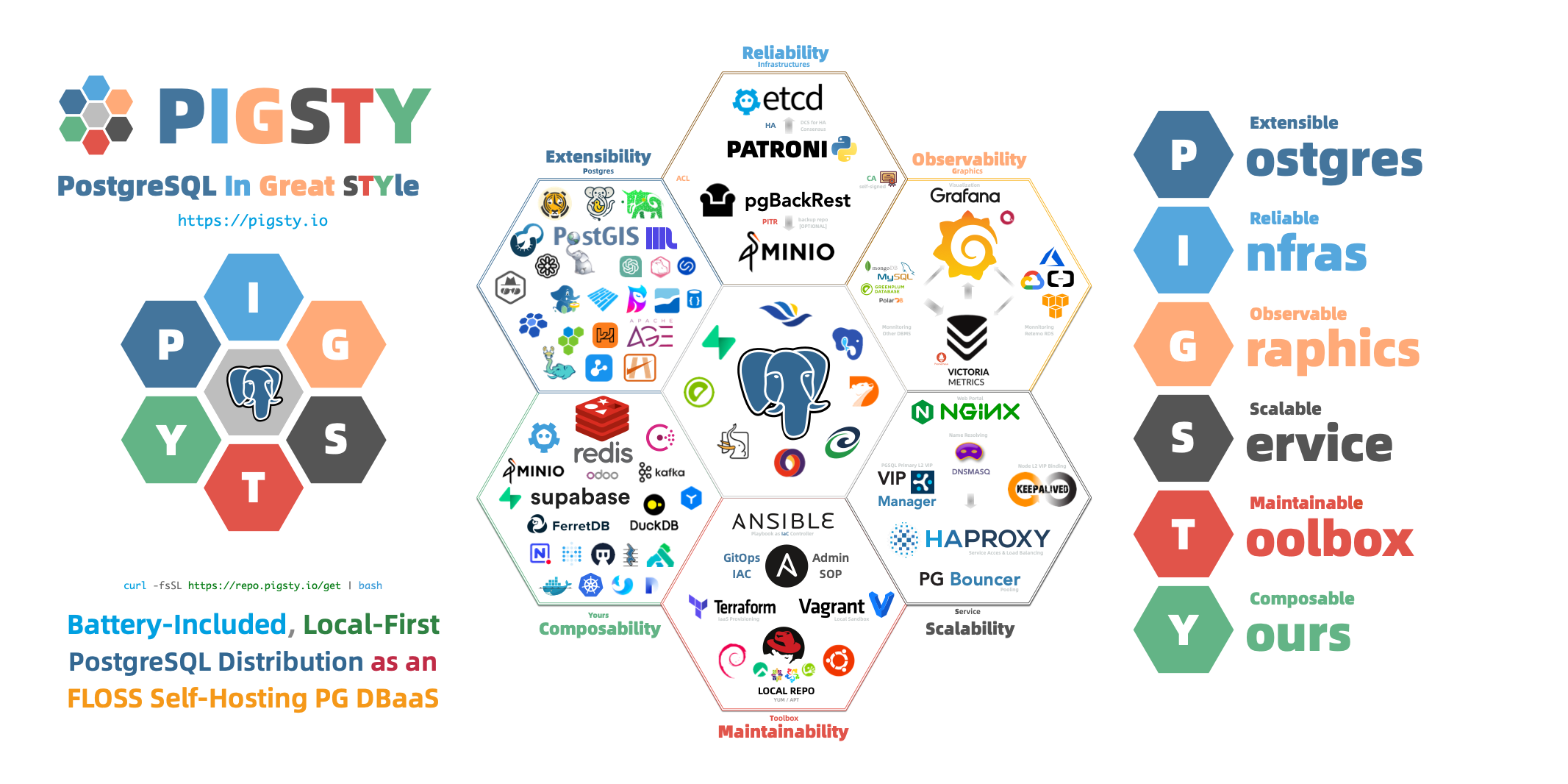
PostgreSQL is a sufficiently perfect database kernel, but it needs more tools and systems to become a truly excellent database service. In production environments, you need to manage every aspect of your database: high availability, backup recovery, monitoring alerts, access control, parameter tuning, extension installation, connection pooling, load balancing…
Wouldn’t it be easier if all this complex operational work could be automated? This is precisely why Pigsty was created.
Pigsty provides:
Out-of-the-Box PostgreSQL Distribution
Pigsty deeply integrates 575 extensions from the PostgreSQL ecosystem, providing out-of-the-box distributed, time-series, geographic, spatial, graph, vector, search, and other multi-modal database capabilities. From kernel to RDS distribution, providing production-grade database services for versions 14-18 on EL/Debian/Ubuntu.
Self-Healing High Availability Architecture
A high availability architecture built on Patroni, Etcd, and HAProxy enables automatic failover for hardware failures with seamless traffic handoff. Primary failure recovery time RTO < 45s, data recovery point RPO ≈ 0. You can perform rolling maintenance and upgrades on the entire cluster without application coordination.
Complete Point-in-Time Recovery Capability
Based on pgBackRest and an optional Silo object-storage cluster, providing out-of-the-box PITR point-in-time recovery capability. Giving you the ability to quickly return to any point in time, protecting against software defects and accidental data deletion.
Flexible Service Access and Traffic Management
Through HAProxy, Pgbouncer, and VIP, providing flexible service access patterns for read-write separation, connection pooling, and automatic routing. Delivering stable, reliable, auto-routing, transaction-pooled high-performance database services.
Stunning Observability
An observability stack based on VictoriaMetrics and Grafana provides unparalleled monitoring best practices. Over three thousand types of monitoring metrics describe every aspect of the system, from global dashboards to CRUD operations on individual objects.
Declarative Configuration Management
Following the Infrastructure as Code philosophy, using declarative configuration to describe the entire environment. You just tell Pigsty “what kind of database cluster you want” without worrying about how to implement it—the system automatically adjusts to the desired state.
Modular Architecture Design
A modular architecture design that can be freely combined to suit different scenarios. Beyond the core PostgreSQL module, it also provides optional modules for Redis, MINIO (Silo), Etcd, and support for various PG-compatible kernels and modes.
Industry-leading security practices: a self-signed CA for encrypted communication, AES-encrypted backups, SCRAM-SHA-256 password hashing, an out-of-the-box ACL model, and least-privilege HBA rules.
Simple and Easy Deployment
All dependencies are pre-packaged for one-click installation in environments without internet access. Local sandbox environments can run on micro VMs with 1 core and 2GB RAM, providing functionality identical to production environments. Provides Vagrant-based local sandboxes and Terraform-based cloud deployments.
Pigsty is not a traditional, all-encompassing PaaS (Platform as a Service) system.
Pigsty doesn’t provide basic hardware resources. It runs on nodes you provide, whether bare metal, VMs, or cloud instances, but it doesn’t create or manage these resources itself (though it provides Terraform templates to simplify cloud resource preparation).
Pigsty is not a container orchestration system. It runs directly on the operating system, not requiring Kubernetes or Docker as infrastructure. Of course, it can coexist with these systems and provides a Docker module for running stateless applications.
Pigsty is not a general database management tool. It focuses on PostgreSQL and its ecosystem. While it also supports peripheral components like Redis, Etcd, and Silo, the core is always built around PostgreSQL.
Pigsty won’t lock you in. It’s built on open-source components, doesn’t modify the PostgreSQL kernel, and introduces no proprietary protocols. You can continue using your well-managed PostgreSQL clusters anytime without Pigsty.
Pigsty doesn’t restrict how you should or shouldn’t build your database services. For example:
Pigsty provides a different level of abstraction than the hardware layer—it works at the database service layer, focusing on how to deliver PostgreSQL at its best, rather than reinventing the wheel.
To understand Pigsty’s value, let’s review the evolution of PostgreSQL deployment approaches.
In traditional deployment, DBAs needed to manually install and configure PostgreSQL, manually set up replication, manually configure monitoring, and manually handle failures. The problems with this approach are obvious:
To solve these problems, cloud providers offer managed database services (RDS). Cloud RDS does solve some operational issues, but also brings new challenges:
Pigsty represents a third approach: building database services in local environments that match or exceed cloud RDS.
Pigsty combines the advantages of both approaches:
This approach is particularly suitable for:
Now that you understand Pigsty’s basic concepts, you can:
Pigsty uses a modular architecture with a declarative interface. You can freely combine modules like building blocks as needed.
Pigsty uses a modular design with six main default modules: PGSQL, INFRA, NODE, ETCD, REDIS, and MINIO.
PGSQL: Self-healing HA Postgres clusters powered by Patroni, Pgbouncer, HAproxy, PgBackrest, and more.INFRA: Local software repo, Nginx, Grafana, Victoria, AlertManager, Blackbox Exporter—the complete observability stack.NODE: Tune nodes to desired state—hostname, timezone, NTP, ssh, sudo, haproxy, docker, vector, keepalived.ETCD: Distributed key-value store as DCS for HA Postgres clusters: consensus leader election/config management/service discovery.REDIS: Redis servers supporting standalone primary-replica, sentinel, and cluster modes with full monitoring.MINIO: S3-compatible simple object storage that can serve as an optional backup destination for PG databases.You can declaratively compose them freely. If you only want host monitoring, installing the INFRA module on infrastructure nodes and the NODE module on managed nodes is sufficient.
The ETCD and PGSQL modules are used to build HA PG clusters—installing these modules on multiple nodes automatically forms a high-availability database cluster.
You can reuse Pigsty infrastructure and develop your own modules; REDIS and MINIO can serve as examples. Protocol compatibility layers such as PostgreSQL Mongo mode are composed from standard PGSQL and Docker APP workflows.
Note that all modules depend strongly on the NODE module: in Pigsty, nodes must first have the NODE module installed to be managed before deploying other modules.
When nodes (by default) use the local software repo for installation, the NODE module has a weak dependency on the INFRA module. Therefore, the admin/infrastructure nodes with the INFRA module complete the bootstrap process in the deploy.yml playbook, resolving the circular dependency.
By default, Pigsty installs on a single node (physical/virtual machine). The deploy.yml playbook installs INFRA, ETCD, PGSQL, and optionally MINIO modules on the current node,
giving you a fully-featured observability stack (VictoriaMetrics, VictoriaLogs, VictoriaTraces, Grafana, Alertmanager, Blackbox Exporter, etc.), plus a built-in PostgreSQL standalone instance as a CMDB, ready to use out of the box (cluster name pg-meta, database name meta).
This node now has a complete self-monitoring system, visualization tools, and a Postgres database with PITR auto-configured (HA unavailable since you only have one node). You can use this node as a devbox, for testing, running demos, and data visualization/analysis. Or, use this node as an admin node to deploy and manage more nodes!
The installed standalone meta node can serve as an admin node and monitoring center to bring more nodes and database servers under its supervision and control.
Pigsty’s monitoring system can be used independently. If you want to install the VictoriaMetrics/Grafana observability stack, Pigsty provides best practices! It offers rich dashboards for host nodes and PostgreSQL databases. Whether or not these nodes or PostgreSQL servers are managed by Pigsty, with simple configuration, you immediately have a production-grade monitoring and alerting system, bringing existing hosts and PostgreSQL under management.
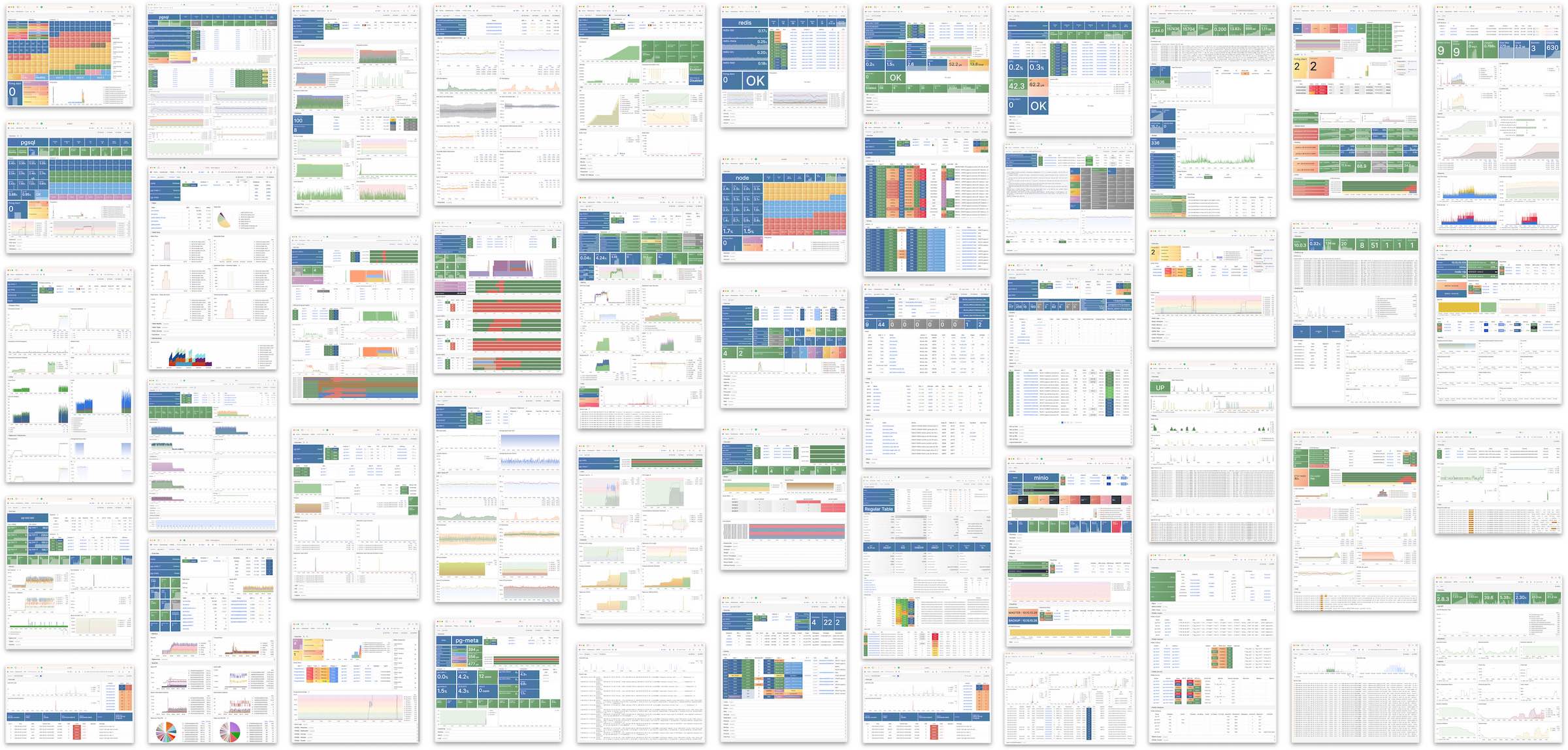
Pigsty helps you own your own production-grade HA PostgreSQL RDS service anywhere.
To create such an HA PostgreSQL cluster/RDS service, you simply describe it with a short config and run the playbook to create it:
In less than 10 minutes, you’ll have a PostgreSQL database cluster with service access, monitoring, backup PITR, and HA fully configured.
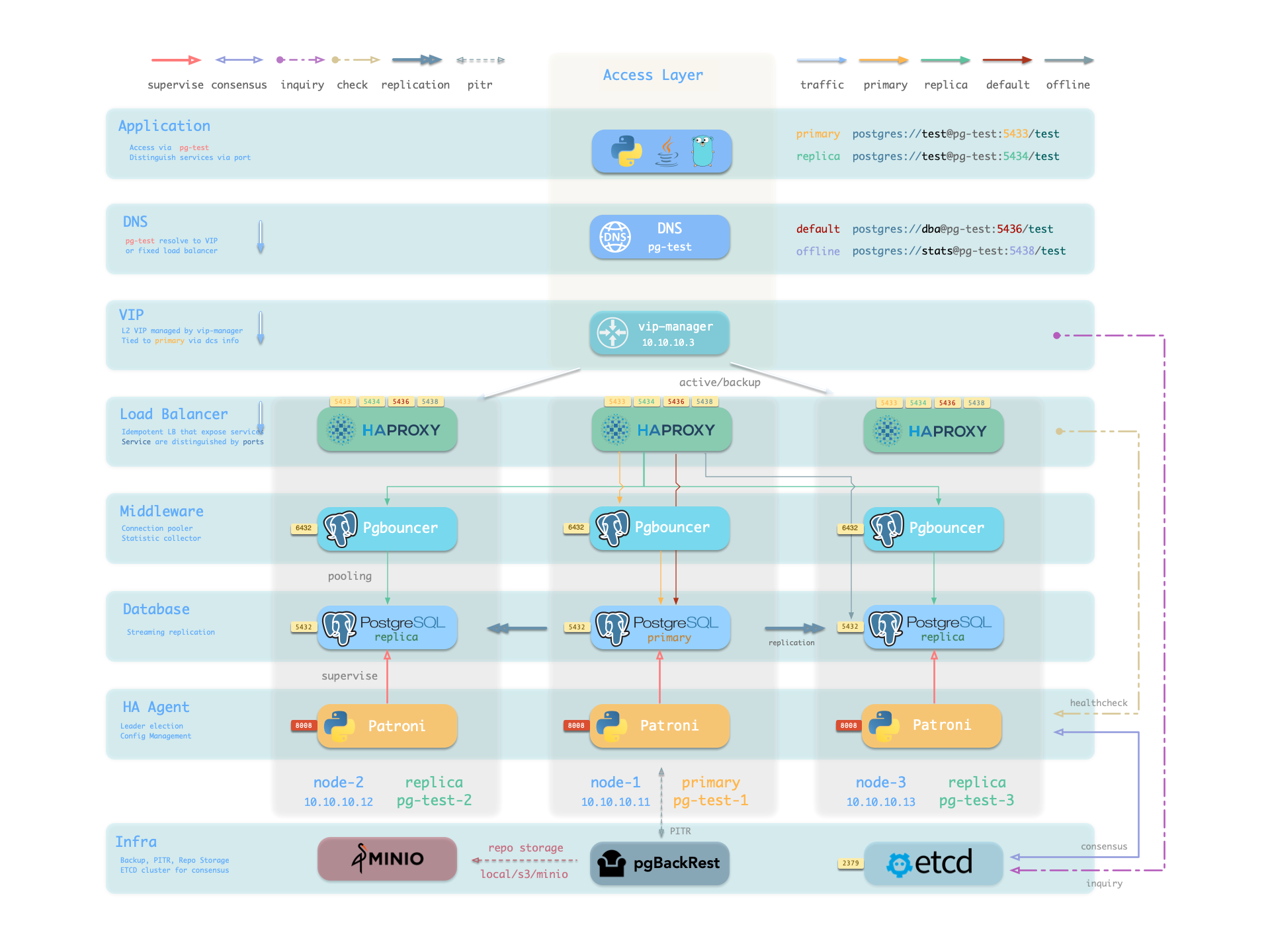
Hardware failures are covered by the self-healing HA architecture provided by patroni, etcd, and haproxy—in case of primary failure, automatic failover executes within 45 seconds by default. Clients don’t need to modify config or restart applications: Haproxy uses patroni health checks for traffic distribution, and read-write requests are automatically routed to the new cluster primary, avoiding split-brain issues. This process is seamless—for example, in case of replica failure or planned switchover, clients experience only a momentary flash of the current query.
Software failures, human errors, and datacenter-level disasters are covered by pgBackRest and the optional Silo cluster. This provides local/cloud PITR capabilities and, in case of datacenter failure, offers cross-region replication and disaster recovery.
A node is an abstraction of hardware resources and operating systems. It can be a physical machine, bare metal, virtual machine, or container/pod.
Any machine running a Linux OS (with systemd daemon) and standard CPU/memory/disk/network resources can be treated as a node.
Nodes can have modules installed. Pigsty has several node types, distinguished by which modules are deployed:
| Type | Description |
|---|---|
| Regular Node | A node managed by Pigsty |
| ADMIN Node | The node that runs Ansible to issue management commands |
| INFRA Node | Nodes with the INFRA module installed |
| ETCD Node | Nodes with the ETCD module for DCS |
| MINIO Node | Nodes with the MINIO module for object storage |
| PGSQL Node | Nodes with the PGSQL module installed |
| … | Nodes with other modules… |
In a singleton Pigsty deployment, multiple roles converge on one node: it serves as the regular node, admin node, infra node, ETCD node, and database node simultaneously.
Nodes managed by Pigsty can have modules installed. The node.yml playbook configures nodes to the desired state.
A regular node may run the following services:
| Component | Port | Description | Status |
|---|---|---|---|
node_exporter |
9100 |
Host metrics exporter | Enabled |
haproxy |
9101 |
HAProxy load balancer (admin port) | Enabled |
vector |
9598 |
Log collection agent | Enabled |
docker |
9323 |
Container runtime support | Optional |
keepalived |
n/a |
L2 VIP for node cluster | Optional |
keepalived_exporter |
9650 |
Keepalived status monitor | Optional |
Here, node_exporter exposes host metrics, vector sends logs to the collection system, and haproxy provides load balancing. These three are enabled by default.
Docker, keepalived, and keepalived_exporter are optional and can be enabled as needed.
A Pigsty deployment has exactly one admin node—the node that runs Ansible playbooks and issues control/deployment commands.
This node has ssh/sudo access to all other nodes. Admin node security is critical and access must be strictly controlled; see Security Model: Trust Boundaries for its trust scope and critical assets.
During single-node installation and configuration, the current node becomes the admin node. However, alternatives exist. For example, if your laptop can SSH to all managed nodes and has Ansible installed, it can serve as the admin node—though this isn’t recommended for production.
For instance, you might use your laptop to manage a Pigsty VM in the cloud. In this case, your laptop is the admin node.
In serious production environments, the admin node is typically 1-2 dedicated DBA machines. In resource-constrained setups, INFRA nodes often double as admin nodes since all INFRA nodes have Ansible installed by default.
A Pigsty deployment may have 1 or more INFRA nodes; large production environments typically have 2-3.
The infra group in the inventory defines which nodes are INFRA nodes. These nodes run the INFRA module with these components:
| Component | Port | Description |
|---|---|---|
nginx |
80/443 |
Web UI, local software repository |
grafana |
3000 |
Visualization platform |
victoriaMetrics |
8428 |
Time-series database (metrics) |
victoriaLogs |
9428 |
Log collection server |
victoriaTraces |
10428 |
Trace collection server |
vmalert |
8880 |
Alerting and derived metrics |
alertmanager |
9059 |
Alert aggregation and routing |
blackbox_exporter |
9115 |
Blackbox probing (ping nodes/VIPs) |
dnsmasq |
53 |
Internal DNS resolution |
chronyd |
123 |
NTP time server |
ansible |
- |
Playbook execution |
Nginx serves as the module’s entry point, providing the web UI and local software repository. With multiple INFRA nodes, services on each are independent, but you can access all monitoring data sources from any INFRA node’s Grafana.
Pigsty is licensed under Apache-2.0, though embedded Grafana component uses AGPLv3.
The ETCD module provides Distributed Consensus Service (DCS) for PostgreSQL high availability.
The etcd group in the inventory defines ETCD nodes. These nodes run etcd servers on two ports:
| Component | Port | Description |
|---|---|---|
etcd |
2379 |
ETCD key-value store (client port) |
etcd |
2380 |
ETCD cluster peer communication |
The MINIO module provides optional backup storage for PostgreSQL.
The minio inventory group defines MINIO module nodes. In v4.5.0, these nodes run Silo servers on:
| Component | Port | Description |
|---|---|---|
silo |
9000 |
S3 API endpoint |
silo |
9001 |
Silo admin console |
Nodes with the PGSQL module are called PGSQL nodes. Node and PostgreSQL instance have a 1:1 deployment—one PG instance per node.
PGSQL nodes can borrow identity from their PostgreSQL instance—controlled by node_id_from_pg, defaulting to true, meaning the node name is set to the PG instance name.
PGSQL nodes run these additional components beyond regular node services:
| Component | Port | Description | Status |
|---|---|---|---|
postgres |
5432 |
PostgreSQL database server | Enabled |
pgbouncer |
6432 |
PgBouncer connection pool | Enabled |
patroni |
8008 |
Patroni HA management | Enabled |
pg_exporter |
9630 |
PostgreSQL metrics exporter | Enabled |
pgbouncer_exporter |
9631 |
PgBouncer metrics exporter | Enabled |
pgbackrest_exporter |
9854 |
pgBackRest metrics exporter | Enabled |
vip-manager |
n/a |
Binds L2 VIP to cluster primary | Optional |
{{ pg_cluster }}-primary |
5433 |
HAProxy service: pooled read/write | Enabled |
{{ pg_cluster }}-replica |
5434 |
HAProxy service: pooled read-only | Enabled |
{{ pg_cluster }}-default |
5436 |
HAProxy service: primary direct connection | Enabled |
{{ pg_cluster }}-offline |
5438 |
HAProxy service: offline read | Enabled |
{{ pg_cluster }}-<service> |
543x |
HAProxy service: custom PostgreSQL services | Custom |
The vip-manager is only enabled when users configure a PG VIP.
Additional custom services can be defined in pg_services, exposed via haproxy using additional service ports.
Regular nodes typically reference an INFRA node via the admin_ip parameter as their infrastructure provider.
For example, with global admin_ip = 10.10.10.10, all nodes use infrastructure services at this IP.
Parameters that reference ${admin_ip}:
| Parameter | Module | Default Value | Description |
|---|---|---|---|
repo_endpoint |
INFRA |
http://${admin_ip}:80 |
Software repo URL |
repo_upstream.baseurl |
INFRA |
http://${admin_ip}/pigsty |
Local repo baseurl |
infra_portal.endpoint |
INFRA |
${admin_ip}:<port> |
Nginx proxy backend |
dns_records |
INFRA |
["${admin_ip} i.pigsty", ...] |
DNS records |
node_default_etc_hosts |
NODE |
["${admin_ip} i.pigsty"] |
Default static DNS |
node_etc_hosts |
NODE |
- | Custom static DNS |
node_dns_servers |
NODE |
["${admin_ip}"] |
Dynamic DNS servers |
node_ntp_servers |
NODE |
- | NTP servers (optional) |
Typically the admin node and INFRA node coincide. With multiple INFRA nodes, the admin node is usually the first one; others serve as backups.
In large-scale production deployments, you might separate the Ansible admin node from INFRA module nodes. For example, use 1-2 small dedicated hosts under the DBA team as the control hub (ADMIN nodes), and 2-3 high-spec physical machines as monitoring infrastructure (INFRA nodes).
Typical node counts by deployment scale:
| Scale | ADMIN | INFRA | ETCD | MINIO | PGSQL |
|---|---|---|---|---|---|
| Single-node | 1 | 1 | 1 | 0 | 1 |
| 3-node | 1 | 3 | 3 | 0 | 3 |
| Small prod | 1 | 2 | 3 | 0 | N |
| Large prod | 2 | 3 | 5 | 4+ | N |
Running production-grade, highly available PostgreSQL clusters typically requires a comprehensive set of infrastructure services (foundation) for support, such as monitoring and alerting, log collection, time synchronization, DNS resolution, and local software repositories. Pigsty provides the INFRA module to address this—it’s an optional module, but we strongly recommend enabling it.
The diagram below shows the architecture of a single-node deployment. The right half represents the components included in the INFRA module:
| Component | Type | Description |
|---|---|---|
| Nginx | Web Server | Unified entry for WebUI, local repo, reverse proxy for internal services |
| Repo | Software Repo | APT/DNF repository with all RPM/DEB packages needed for deployment |
| Grafana | Visualization | Displays metrics, logs, and traces; hosts dashboards, reports, and custom data apps |
| VictoriaMetrics | Time Series DB | Scrapes all metrics, Prometheus API compatible, provides VMUI query interface |
| VictoriaLogs | Log Platform | Centralized log storage; all nodes run Vector by default, pushing logs here |
| VictoriaTraces | Tracing | Collects slow SQL, service traces, and other tracing data |
| VMAlert | Eval Rule/Alert | Evaluates alerting rules, pushes events to Alertmanager |
| AlertManager | Alert Manager | Aggregates alerts, dispatches notifications via email, Webhook, etc. |
| BlackboxExporter | Blackbox Probe | Probes reachability of IPs/VIPs/URLs |
| DNSMASQ | DNS Service | Provides DNS resolution for domains used within Pigsty [Optional] |
| Chronyd | Time Sync | Provides NTP time synchronization to ensure consistent time across nodes [Optional] |
| CA | Certificate | Issues encryption certificates within the environment |
| Ansible | Orchestration | Batch, declarative, agentless tool for managing large numbers of servers |
Nginx is the access entry point for all WebUI services in Pigsty, using ports 80 / 443 for HTTP/HTTPS by default. Live Demo
| IP Access (replace) | Domain (HTTP) | Domain (HTTPS) | Public Demo |
|---|---|---|---|
http://10.10.10.10 |
http://i.pigsty |
https://i.pigsty |
https://demo.pigsty.io |
Infrastructure components with WebUIs can be exposed uniformly through Nginx, such as Grafana, VictoriaMetrics (VMUI), AlertManager, and HAProxy console. Additionally, the local software repository and other static resources are served via Nginx.
Nginx configures local web servers or reverse proxy servers based on definitions in infra_portal.
By default, it exposes Pigsty’s admin homepage: i.pigsty. Different endpoints on this page proxy different components:
| Endpoint | Component | Native Port | Notes | Public Demo |
|---|---|---|---|---|
/ |
Nginx | 80/443 |
Homepage, local repo, file server | demo.pigsty.io |
/ui/ |
Grafana | 3000 |
Grafana dashboard entry | demo.pigsty.io/ui/ |
/vmetrics/ |
VictoriaMetrics | 8428 |
Time series DB Web UI | demo.pigsty.io/vmetrics/ |
/vlogs/ |
VictoriaLogs | 9428 |
Log DB Web UI | demo.pigsty.io/vlogs/ |
/vtraces/ |
VictoriaTraces | 10428 |
Tracing Web UI | demo.pigsty.io/vtraces/ |
/vmalert/ |
VMAlert | 8880 |
Alert rule management | demo.pigsty.io/vmalert/ |
/alertmgr/ |
AlertManager | 9059 |
Alert management Web UI | demo.pigsty.io/alertmgr/ |
/blackbox/ |
Blackbox | 9115 |
Blackbox probe |
Pigsty allows rich customization of Nginx as a local file server or reverse proxy, with self-signed or real HTTPS certificates.
For more information, see: Tutorial: Nginx—Expose Web Services via Proxy and Tutorial: Certbot—Request and Renew HTTPS Certificates
Pigsty creates a local software repository on the Infra node during installation to accelerate subsequent software installations. Live Demo
This repository defaults to the /www/pigsty directory,
served by Nginx and mounted at the /pigsty path:
| IP Access (replace) | Domain (HTTP) | Domain (HTTPS) | Public Demo |
|---|---|---|---|
http://10.10.10.10/pigsty |
http://i.pigsty/pigsty |
https://i.pigsty/pigsty |
https://demo.pigsty.io/pigsty |
Pigsty supports offline installation, which essentially pre-copies a prepared local software repository to the target environment.
When Pigsty finds /www/pigsty/repo_complete during deployment, it skips upstream downloads and uses the existing repository directly.
The current source has sow generate this file as both a completion marker and a SHA-256 manifest of repository contents. To force a rebuild, run ./infra.yml -t repo_build -e repo_build=true.
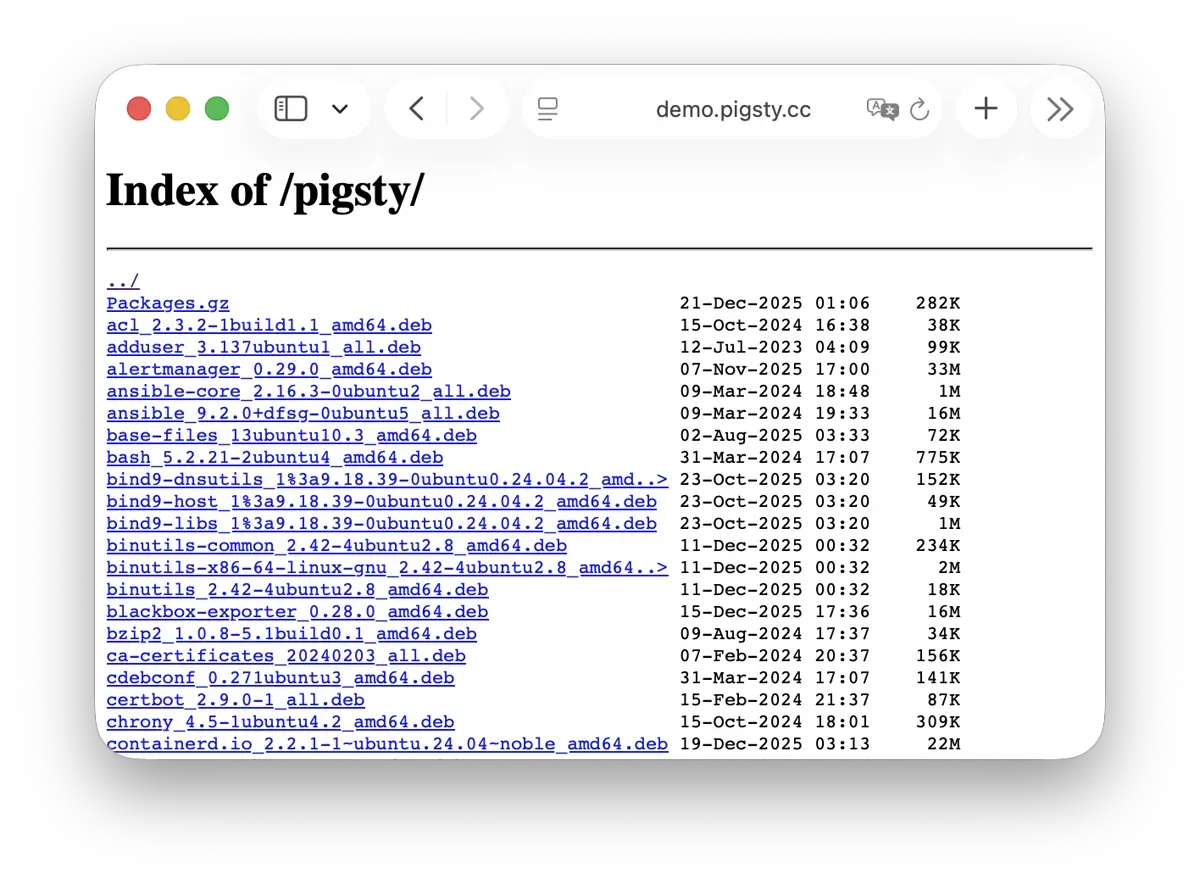
For more information, see: Config: INFRA - REPO
Grafana is the core component of Pigsty’s monitoring system, used for visualizing metrics, logs, and various information. Live Demo
Grafana listens on port 3000 by default and is proxied via Nginx at the /ui path:
| IP Access (replace) | Domain (HTTP) | Domain (HTTPS) | Public Demo |
|---|---|---|---|
http://10.10.10.10/ui |
http://i.pigsty/ui |
https://i.pigsty/ui |
https://demo.pigsty.io/ui |
Pigsty provides pre-built dashboards based on VictoriaMetrics / Logs / Traces, with one-click drill-down and roll-up via URL jumps for rapid troubleshooting.
Grafana can also serve as a low-code visualization platform, so ECharts, victoriametrics-datasource, victorialogs-datasource plugins are installed by default,
with Vector / Victoria datasources registered uniformly as vmetrics-*, vlogs-*, vtraces-* for easy custom dashboard extension.
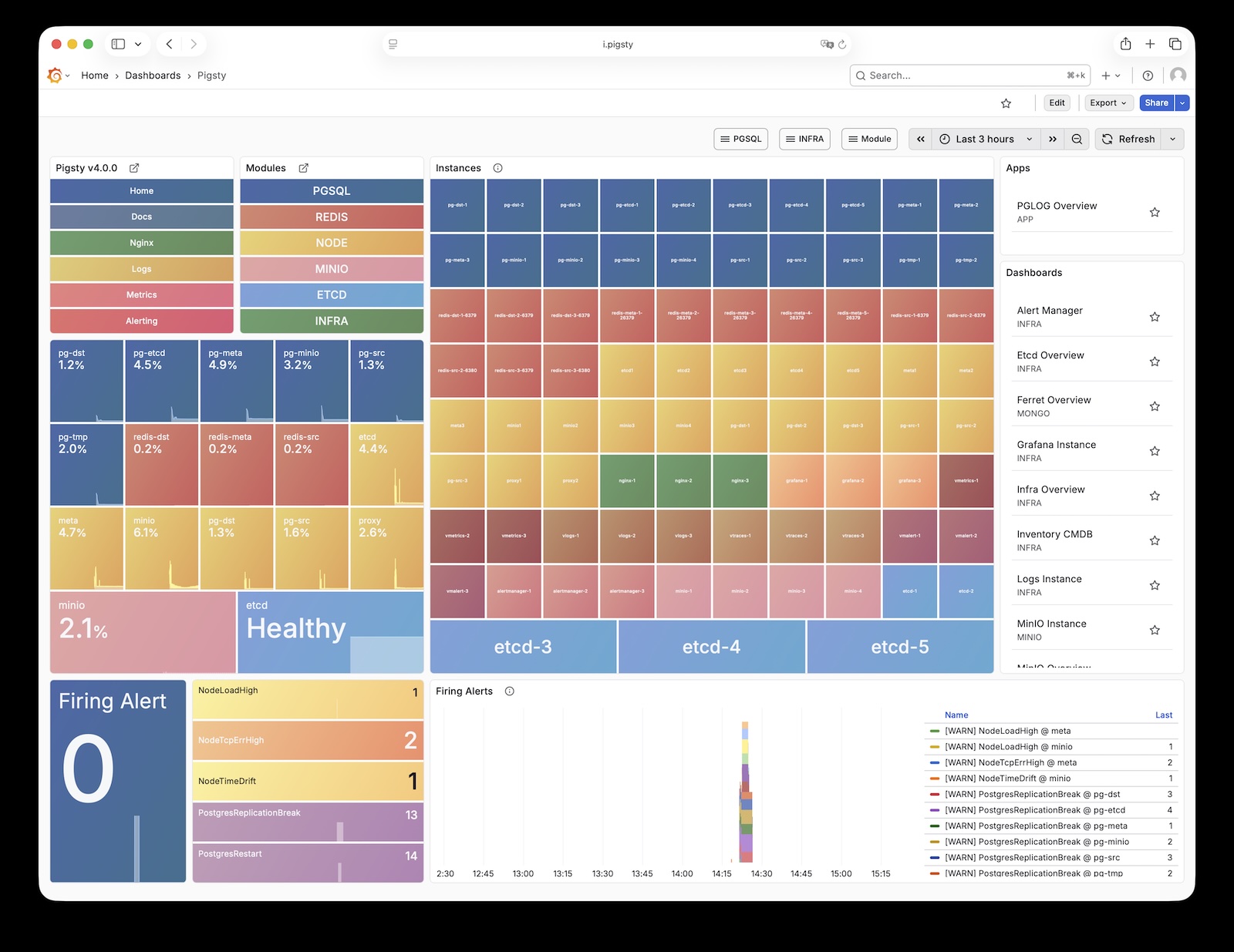
For more information, see: Config: INFRA - GRAFANA.
VictoriaMetrics is Pigsty’s time series database, responsible for scraping and storing all monitoring metrics. Live Demo
It listens on port 8428 by default, mounted at Nginx /vmetrics path, and also accessible via the p.pigsty domain:
| IP Access (replace) | Domain (HTTP) | Domain (HTTPS) | Public Demo |
|---|---|---|---|
http://10.10.10.10/vmetrics |
http://p.pigsty |
https://i.pigsty/vmetrics |
https://demo.pigsty.io/vmetrics |
VictoriaMetrics is fully compatible with the Prometheus API, supporting PromQL queries, remote read/write protocols, and the Alertmanager API. The built-in VMUI provides an ad-hoc query interface for exploring metrics data directly, and also serves as a Grafana datasource.
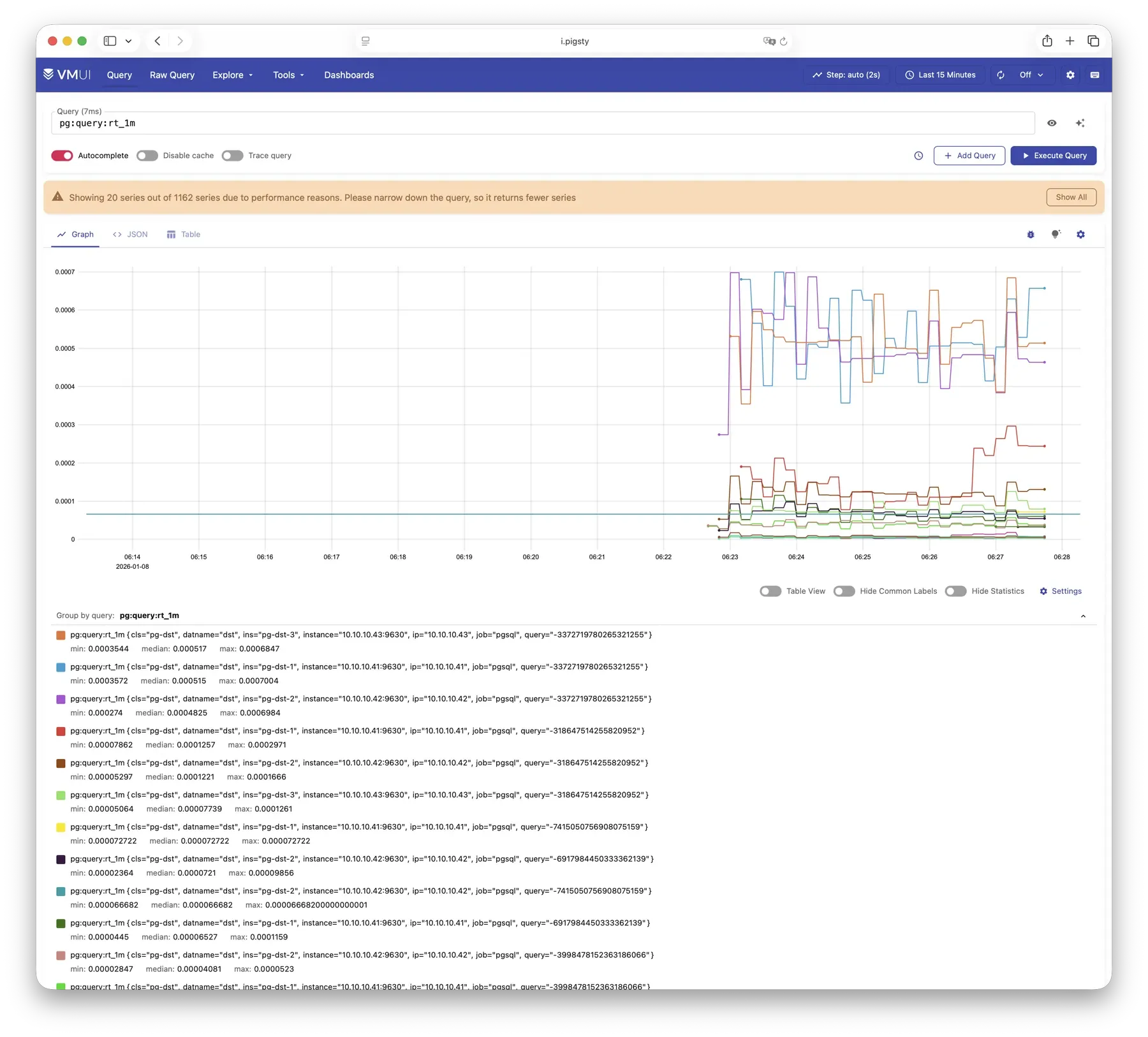
For more information, see: Config: INFRA - VMETRICS
VictoriaLogs is Pigsty’s log platform, centrally storing structured logs from all nodes. Live Demo
It listens on port 9428 by default, mounted at Nginx /vlogs path:
| IP Access (replace) | Domain (HTTP) | Domain (HTTPS) | Public Demo |
|---|---|---|---|
http://10.10.10.10/vlogs |
http://i.pigsty/vlogs |
https://i.pigsty/vlogs |
https://demo.pigsty.io/vlogs |
All managed nodes run Vector Agent by default, collecting system logs, PostgreSQL logs, Patroni logs, Pgbouncer logs, etc., processing them into structured format and pushing to VictoriaLogs. The built-in Web UI supports log search and filtering, and can be integrated with Grafana’s victorialogs-datasource plugin for visual analysis.
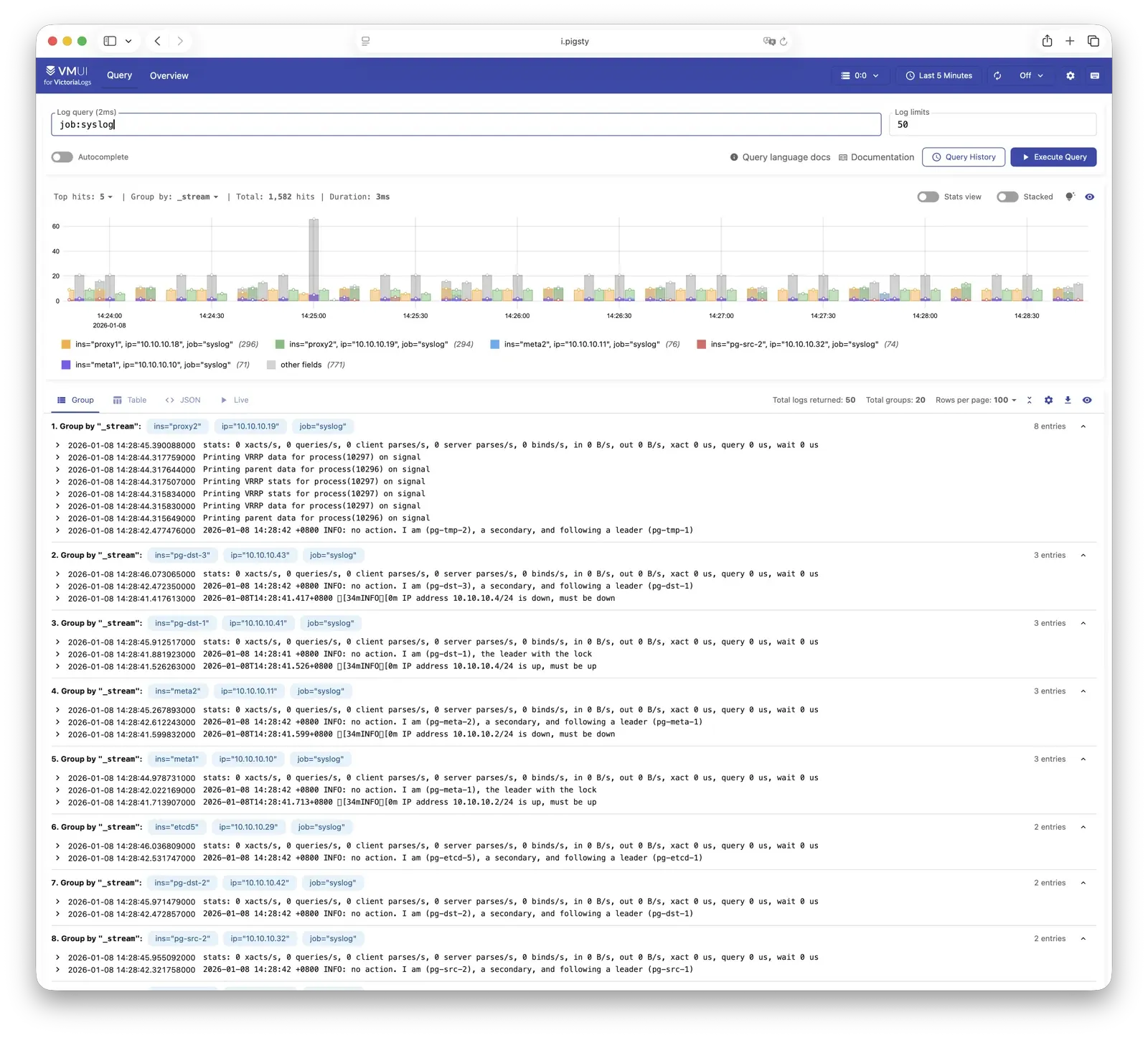
For more information, see: Config: INFRA - VLOGS
VictoriaTraces is used for collecting trace data and slow SQL records. Live Demo
It listens on port 10428 by default, mounted at Nginx /vtraces path:
| IP Access (replace) | Domain (HTTP) | Domain (HTTPS) | Public Demo |
|---|---|---|---|
http://10.10.10.10/vtraces |
http://i.pigsty/vtraces |
https://i.pigsty/vtraces |
https://demo.pigsty.io/vtraces |
VictoriaTraces provides a Jaeger-compatible interface for analyzing service call chains and database slow queries. Combined with Grafana dashboards, it enables rapid identification of performance bottlenecks and root cause tracing.
For more information, see: Config: INFRA - VTRACES
VMAlert is the alerting rule computation engine, responsible for evaluating alert rules and pushing triggered events to Alertmanager. Live Demo
It listens on port 8880 by default, mounted at Nginx /vmalert path:
| IP Access (replace) | Domain (HTTP) | Domain (HTTPS) | Public Demo |
|---|---|---|---|
http://10.10.10.10/vmalert |
http://i.pigsty/vmalert |
https://i.pigsty/vmalert |
https://demo.pigsty.io/vmalert |
VMAlert reads metrics data from VictoriaMetrics and periodically evaluates alerting rules. Pigsty provides pre-built alerting rules for PGSQL, NODE, REDIS, and other modules, covering common failure scenarios out of the box.
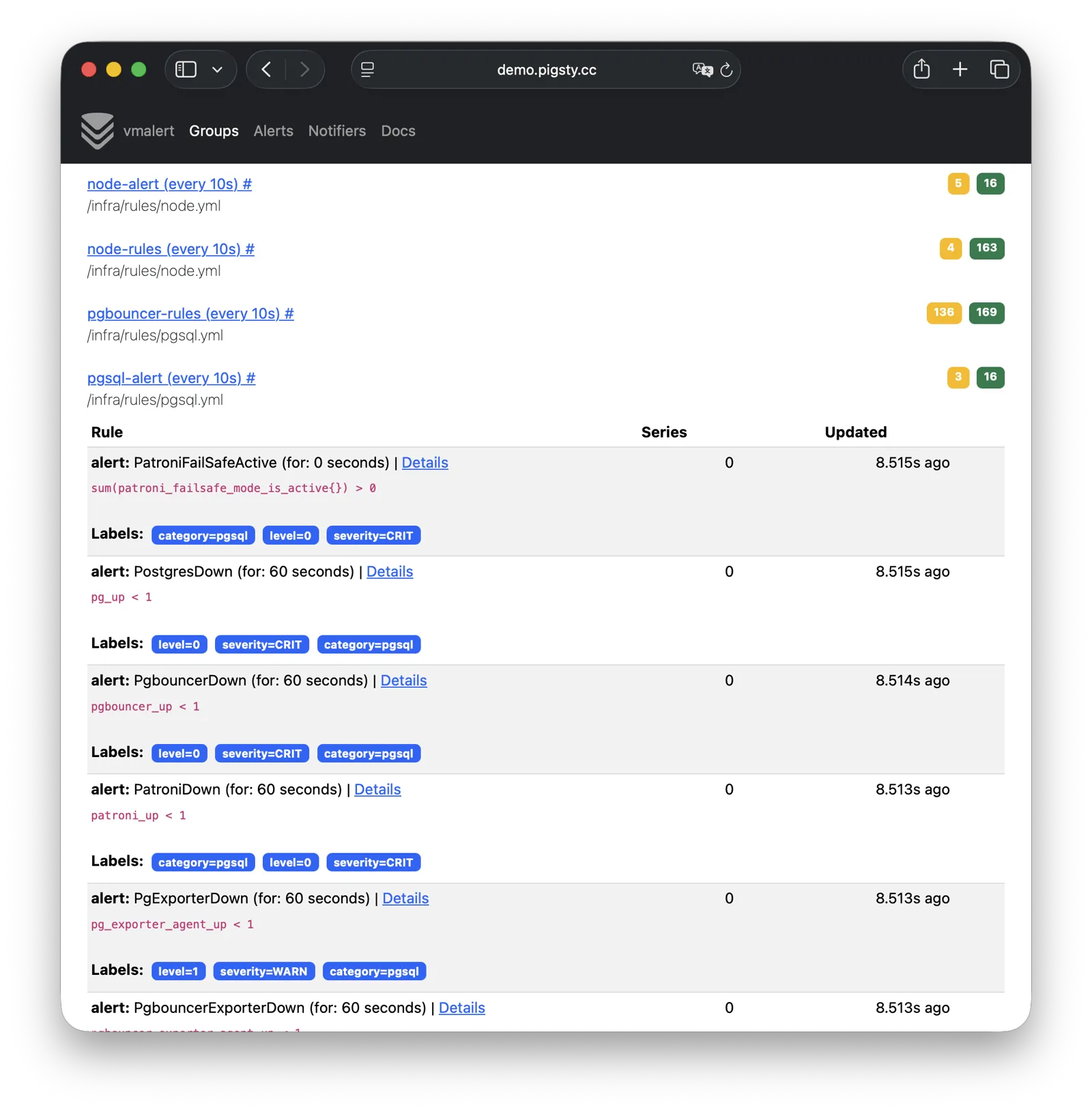
For more information, see: Config: INFRA - VMALERT
AlertManager handles alert event aggregation, deduplication, grouping, and dispatch. Live Demo
It listens on port 9059 by default, mounted at Nginx /alertmgr path, and also accessible via the a.pigsty domain:
| IP Access (replace) | Domain (HTTP) | Domain (HTTPS) | Public Demo |
|---|---|---|---|
http://10.10.10.10/alertmgr |
http://a.pigsty |
https://i.pigsty/alertmgr |
https://demo.pigsty.io/alertmgr |
AlertManager supports multiple notification channels: email, Webhook, Slack, PagerDuty, WeChat Work, etc. Through alert routing rules, differentiated dispatch based on severity level and module type is possible, with support for silencing, inhibition, and other advanced features.
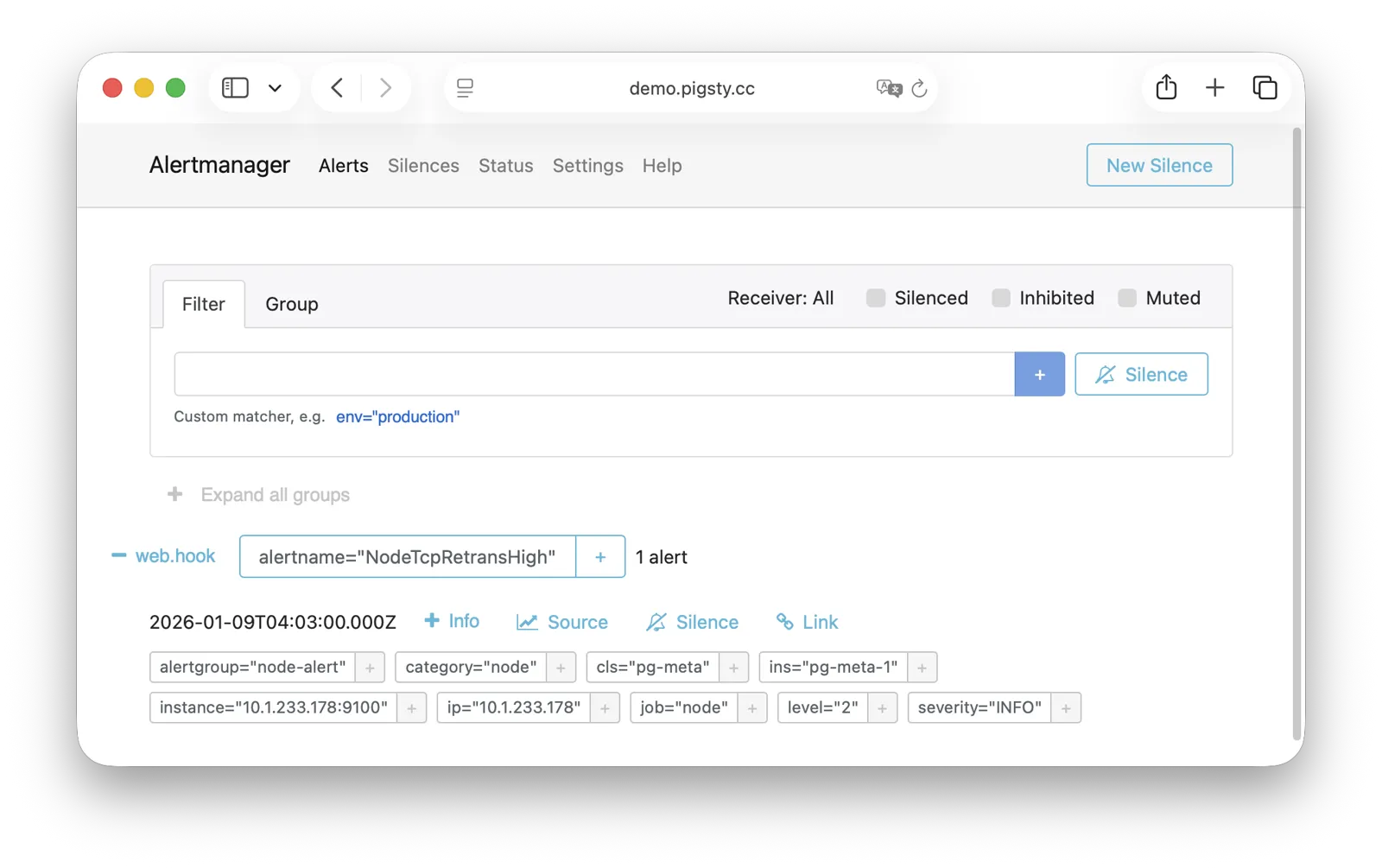
For more information, see: Config: INFRA - AlertManager
Blackbox Exporter is used for active probing of target reachability, enabling blackbox monitoring.
It listens on port 9115 by default, mounted at Nginx /blackbox path:
| IP Access (replace) | Domain (HTTP) | Domain (HTTPS) | Public Demo |
|---|---|---|---|
http://10.10.10.10/blackbox |
http://i.pigsty/blackbox |
https://i.pigsty/blackbox |
https://demo.pigsty.io/blackbox |
It supports multiple probe methods including ICMP Ping, TCP ports, and HTTP/HTTPS endpoints. Useful for monitoring VIP reachability, service port availability, external dependency health, etc.—an important tool for assessing failure impact scope.
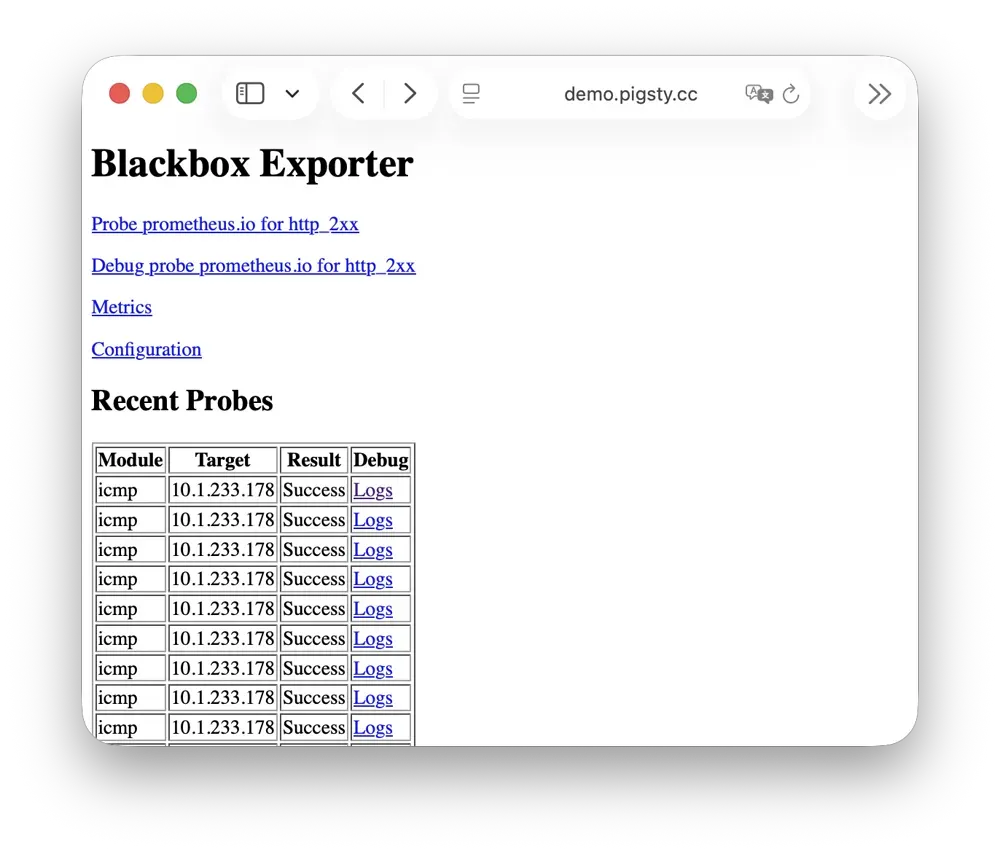
For more information, see: Config: INFRA - BLACKBOX
Ansible is Pigsty’s core orchestration tool; all deployment, configuration, and management operations are performed through Ansible Playbooks.
Pigsty automatically installs Ansible on the admin node (Infra node) during installation. It adopts a declarative configuration style and idempotent playbook design: the same playbook can be run repeatedly, and the system automatically converges to the desired state without side effects.
Ansible’s core advantages:
For more information, see: Playbooks: Pigsty Playbook
DNSMASQ provides DNS resolution on INFRA nodes, resolving domain names to their corresponding IP addresses.
DNSMASQ listens on port 53 (UDP/TCP) by default, providing DNS resolution for all nodes. Records are stored in the /etc/dnsmasq.d/pigsty directory.
Other modules automatically register their domain names with DNSMASQ during deployment, which you can use as needed. DNS is completely optional—Pigsty works normally without it. Client nodes can configure INFRA nodes as their DNS servers, allowing access to services via domain names without remembering IP addresses.
dns_records: Default DNS records written to INFRA nodesnode_dns_servers: Configure DNS servers for nodes, defaults to INFRA node via admin_ip (can also be disabled)For more information, see: Config: INFRA - DNS and Tutorial: DNS—Configure Domain Resolution
Chronyd provides NTP time synchronization, ensuring consistent clocks across all nodes. It listens on port 123 (UDP) by default as the time source.
Time synchronization is critical for distributed systems: log analysis requires aligned timestamps, certificate validation depends on accurate clocks, and PostgreSQL streaming replication is sensitive to clock drift. In isolated network environments, the INFRA node can serve as an internal NTP server with other nodes synchronizing to it.
In Pigsty, all nodes run chronyd by default for time sync. The default upstream is pool.ntp.org public NTP servers.
Chronyd is essentially managed by the Node module, but in isolated networks, you can use admin_ip to point to the INFRA node’s Chronyd service as the internal time source.
In this case, the Chronyd service on the INFRA node serves as the internal time synchronization infrastructure.
For more information, see: Config: NODE - TIME
In Pigsty, the relationship between nodes and infrastructure is a weak circular dependency: node_monitor → infra → node
The NODE module itself doesn’t depend on the INFRA module, but the monitoring functionality (node_monitor) requires the monitoring platform and services provided by the infrastructure module.
Therefore, in the infra.yml and deploy playbooks, an “interleaved deployment” technique is used:
If you don’t need “one-shot” deployment of all nodes, you can use phased deployment: initialize INFRA nodes first, then regular nodes.
Regular nodes reference an INFRA node via the admin_ip parameter as their infrastructure provider.
For example, when you configure global admin_ip = 10.10.10.10, all nodes will typically use infrastructure services at this IP.
This design allows quick, batch switching of infrastructure providers. Parameters that may reference ${admin_ip}:
| Parameter | Module | Default Value | Description |
|---|---|---|---|
repo_endpoint |
INFRA |
http://${admin_ip}:80 |
Software repo URL |
repo_upstream.baseurl |
INFRA |
http://${admin_ip}/pigsty |
Local repo baseurl |
infra_portal.endpoint |
INFRA |
${admin_ip}:<port> |
Nginx proxy backend |
dns_records |
INFRA |
["${admin_ip} i.pigsty", ...] |
DNS records |
node_default_etc_hosts |
NODE |
["${admin_ip} i.pigsty"] |
Default static DNS |
node_etc_hosts |
NODE |
[] |
Custom static DNS |
node_dns_servers |
NODE |
["${admin_ip}"] |
Dynamic DNS servers |
node_ntp_servers |
NODE |
["pool pool.ntp.org iburst"] |
NTP servers (optional) |
For example, when a node installs software, the local repo points to the Nginx local software repository at admin_ip:80/pigsty. The DNS server also points to DNSMASQ at admin_ip:53.
However, this isn’t mandatory—nodes can ignore the local repo and install directly from upstream internet sources (most single-node config templates); DNS servers can also remain unconfigured, as Pigsty has no DNS dependency.
The management-initiating ADMIN node typically coincides with the INFRA node.
In single-node deployment, this is exactly the case. In multi-node deployment with multiple INFRA nodes, the admin node is usually the first in the infra group; others serve as backups.
However, exceptions exist. You might separate them for various reasons:
For example, in large-scale production deployments, a classic pattern uses 1-2 dedicated management hosts (tiny VMs suffice) belonging to the DBA team as the control hub, with 2-3 high-spec physical machines (or more!) as monitoring infrastructure. Here, admin nodes are separate from infrastructure nodes. In this case, the admin_ip in your config should point to an INFRA node’s IP, not the current ADMIN node’s IP. This is for historical reasons: initially ADMIN and INFRA nodes were tightly coupled concepts, with separation capabilities evolving later, so the parameter name wasn’t changed.
Another common scenario is managing cloud nodes locally. For example, you can install Ansible on your laptop and specify cloud nodes as “managed targets.” In this case, your laptop acts as the ADMIN node, while cloud servers act as INFRA nodes.
By default, Pigsty only needs one INFRA node for most requirements. Even if the INFRA module goes down, it won’t affect database services on other nodes.
However, in production environments with high monitoring and alerting requirements, you may want multiple INFRA nodes to improve infrastructure availability. A common deployment uses two Infra nodes for redundancy, monitoring each other… or more nodes to deploy a distributed Victoria cluster for unlimited horizontal scaling.
Each Infra node is independent—Nginx points to services on the local machine. VictoriaMetrics independently scrapes metrics from all services in the environment, and logs are pushed to all VictoriaLogs collection endpoints by default. The only exception is Grafana: every Grafana instance registers all VictoriaMetrics / Logs / Traces / PostgreSQL instances as datasources. Therefore, each Grafana instance can see complete monitoring data.
If you modify Grafana—such as adding new dashboards or changing datasource configs—these changes only affect the Grafana instance on that node. To keep Grafana consistent across all nodes, use a PostgreSQL database as shared storage. See Tutorial: Configure Grafana High Availability for details.
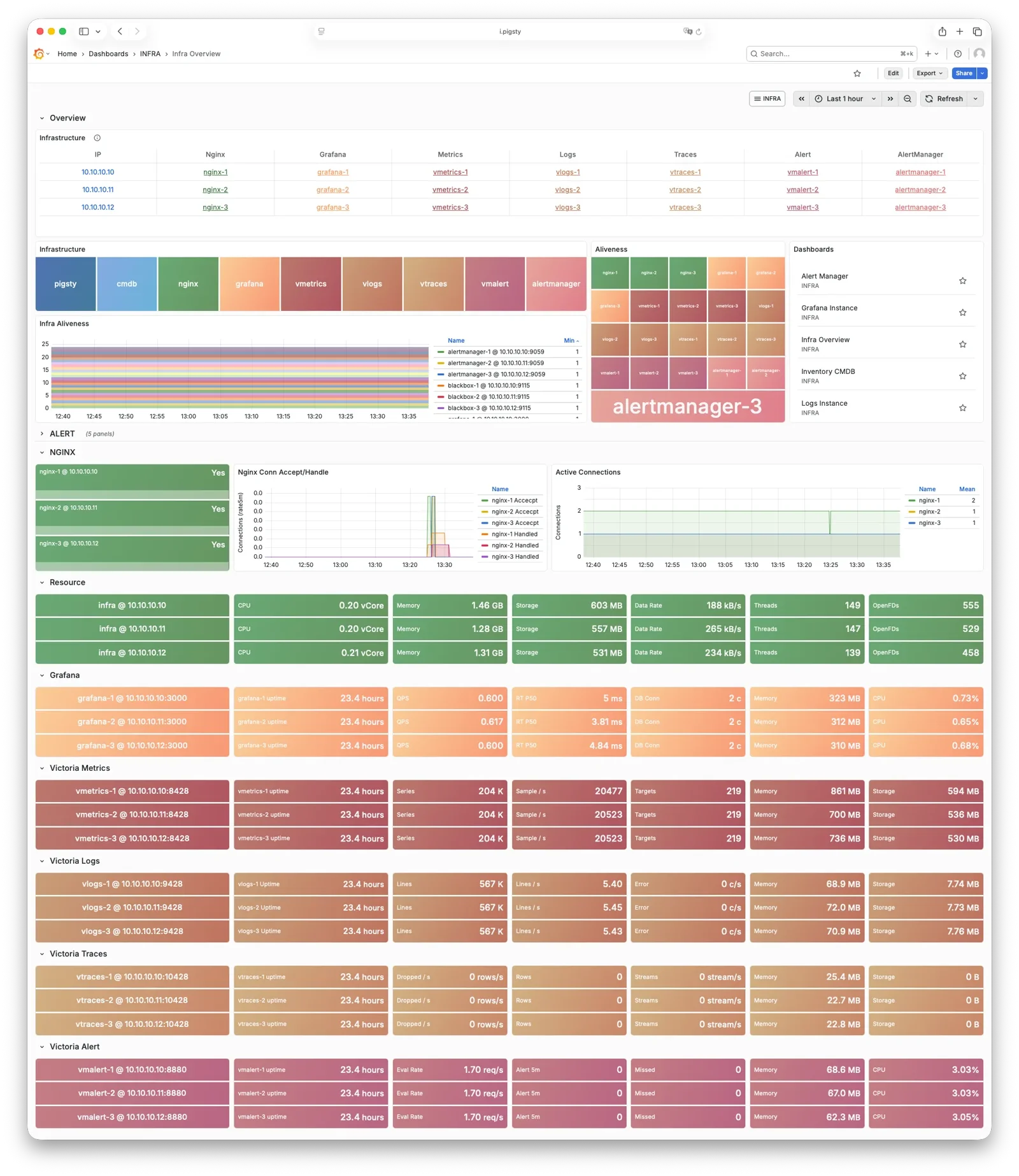
The PGSQL module organizes PostgreSQL in production as clusters—logical entities composed of a group of database instances associated by primary-replica relationships.
The PGSQL module includes the following components, working together to provide production-grade PostgreSQL HA cluster services:
| Component | Type | Description |
|---|---|---|
postgres |
Database | The world’s most advanced open-source relational database, PGSQL core |
patroni |
HA | Manages PostgreSQL, coordinates failover, leader election, config changes |
pgbouncer |
Pool | Lightweight connection pooling middleware, reduces overhead, adds flexibility |
pgbackrest |
Backup | Full/incremental backup and WAL archiving, supports local and object storage |
pg_exporter |
Metrics | Exports PostgreSQL monitoring metrics in a Prometheus-compatible format |
pgbouncer_exporter |
Metrics | Exports Pgbouncer connection pool metrics |
pgbackrest_exporter |
Metrics | Exports backup status metrics |
vip-manager |
VIP | Binds L2 VIP to current primary node for transparent failover [Optional] |
The vip-manager is an on-demand component. Additionally, PGSQL uses components from other modules:
| Component | Module | Type | Description |
|---|---|---|---|
haproxy |
NODE | LB | Exposes service ports, routes traffic to primary or replicas |
vector |
NODE | Logging | Collects PostgreSQL, Patroni, Pgbouncer logs and ships to center |
etcd |
ETCD | DCS | Distributed consistent store for cluster metadata and leader info |
By analogy, the PostgreSQL database kernel is the CPU, while the PGSQL module packages it as a complete computer. Patroni and Etcd form the HA subsystem, while pgBackRest and optional Silo form the backup subsystem. HAProxy, Pgbouncer, and vip-manager form the access subsystem. Various Exporters and Vector build the observability subsystem; finally, you can swap different kernel CPUs and extension cards.

| Subsystem | Components | Function |
|---|---|---|
| HA Subsystem | Patroni + etcd | Failure detection, auto-failover, config management |
| Access Subsystem | HAProxy + Pgbouncer + vip-manager | Service exposure, load balancing, pooling, VIP |
| Backup Subsystem | pgBackRest (+ Silo) | Full/incremental backup, WAL archiving, PITR |
| Observability Subsystem | pg_exporter / pgbouncer_exporter / pgbackrest_exporter + Vector | Metrics collection, log aggregation |
pg_vip_address to the cluster primary node.
pgbackrest_method = local)
local (default), pgBackRest creates local repository under pg_fs_bkup on primary nodeminio, pgBackRest creates the backup repository on dedicated Silo or an external S3 serviceThe HA subsystem consists of Patroni and etcd, responsible for PostgreSQL cluster failure detection, automatic failover, and configuration management.
How it works: Patroni runs on each node, managing the local PostgreSQL process and writing cluster state (leader, members, config) to etcd. When the primary fails, Patroni coordinates election via etcd, promoting the healthiest replica to new primary. The entire process is automatic, with RTO typically under 45 seconds.
Key Interactions:
:8008), reporting instance roleFor more information, see: High Availability and Config: PGSQL - PG_BOOTSTRAP
The access subsystem consists of HAProxy, Pgbouncer, and vip-manager, responsible for service exposure, traffic routing, and connection pooling.
There are multiple access methods. A typical traffic path is: Client → DNS/VIP → HAProxy (543x) → Pgbouncer (6432) → PostgreSQL (5432)
| Layer | Component | Port | Role |
|---|---|---|---|
| L2 VIP | vip-manager | - | Binds L2 VIP to primary (optional) |
| L4 Load Bal | HAProxy | 543x | Service exposure, load balancing, health checks |
| L7 Pool | Pgbouncer | 6432 | Connection reuse, session management, transaction pooling |
Service Ports:
5433 primary: Read-write service, routes to primary Pgbouncer5434 replica: Read-only service, routes to replica Pgbouncer5436 default: Default service, direct to primary (bypasses pool)5438 offline: Offline service, direct to offline replica (ETL/analytics)Key Features:
For more information, see: Service Access and Config: PGSQL - PG_ACCESS
The backup subsystem consists of pgBackRest (optionally with Silo or external S3 as a remote repository), responsible for data backup and point-in-time recovery (PITR).
Backup Types:
Storage Backends:
local (default): Local disk, backups stored at pg_fs_bkup mount pointminio: S3-compatible object storage, supports centralized backup management and off-site DRKey Interactions:
For more information, see: PITR, Backup & Recovery, and Config: PGSQL - PG_BACKUP
The observability subsystem consists of three Exporters and Vector, responsible for metrics collection and log aggregation.
| Component | Port | Target | Key Metrics |
|---|---|---|---|
| pg_exporter | 9630 |
PostgreSQL | Sessions, transactions, replication lag, buffer hits |
| pgbouncer_exporter | 9631 |
Pgbouncer | Pool utilization, wait queue, hit rate |
| pgbackrest_exporter | 9854 |
pgBackRest | Latest backup time, size, type |
| vector | 9598 |
postgres/patroni/pgbouncer logs | Structured log stream |
Data Flow:
pg_exporter / pgbouncer_exporter connect to target services via local Unix socket, decoupled from HA topology. In slim install mode, these components can be disabled.
For more information, see: Config: PGSQL - PG_MONITOR
PostgreSQL is the PGSQL module core, listening on port 5432 by default for relational database services, deployed 1:1 with nodes.
Pigsty currently supports PostgreSQL 14-18 (lifecycle major versions), installed via binary packages from the PGDG official repo. Pigsty also allows you to use other PG kernel forks to replace the default PostgreSQL kernel, and install up to 575 extension plugins on top of the PG kernel.
PostgreSQL processes are managed by default by the HA agent—Patroni. When a cluster has only one node, that instance is the primary; when the cluster has multiple nodes, other instances automatically join as replicas: through physical replication, syncing data changes from the primary in real-time. Replicas can handle read-only requests and automatically take over when the primary fails.
You can access PostgreSQL directly, or through HAProxy and Pgbouncer connection pool.
For more information, see: Config: PGSQL - PG_BOOTSTRAP
Patroni is the PostgreSQL HA control component, listening on port 8008 by default.
Patroni takes over PostgreSQL startup, shutdown, configuration, and health status, writing leader and member information to etcd. It handles automatic failover, maintains replication factor, coordinates parameter changes, and provides a REST API for HAProxy, monitoring, and administrators.
HAProxy uses Patroni health check endpoints to determine instance roles and route traffic to the correct primary or replica. vip-manager monitors the leader key in etcd and automatically migrates the VIP when the primary changes.
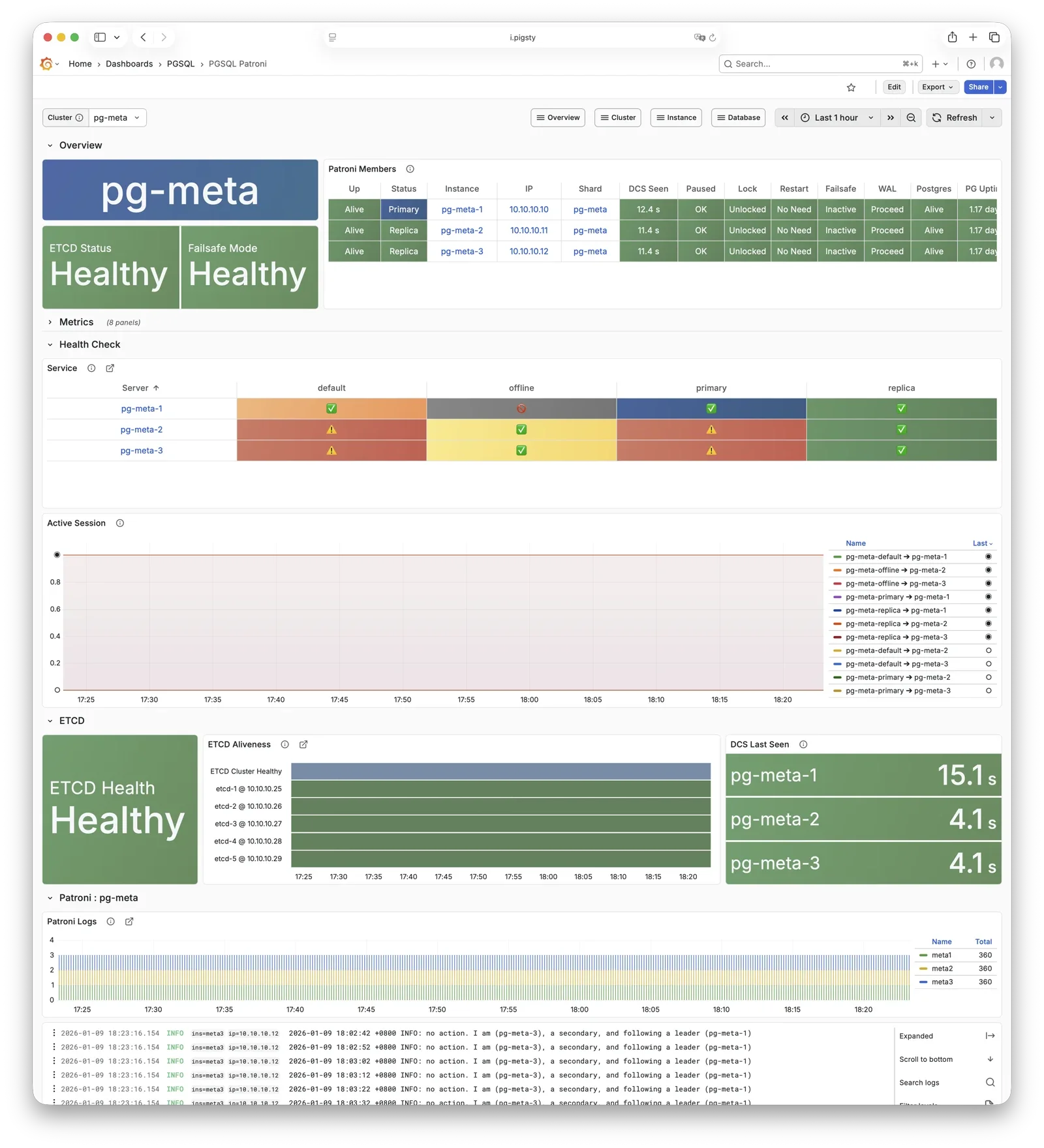
For more information, see: Config: PGSQL - PG_BOOTSTRAP
Pgbouncer is a lightweight connection pooling middleware, listening on port 6432 by default, deployed 1:1 with PostgreSQL database and node.
Pgbouncer runs statelessly on each instance, connecting to PostgreSQL via local Unix socket, using Transaction Pooling by default for pool management, absorbing burst client connections, stabilizing database sessions, reducing lock contention, and significantly improving performance under high concurrency.
Pigsty routes production traffic (read-write service 5433 / read-only service 5434) through Pgbouncer by default,
while only the default service (5436) and offline service (5438) bypass the pool for direct PostgreSQL connections.
Pool mode is controlled by pgbouncer_poolmode, defaulting to transaction (transaction-level pooling).
Connection pooling can be disabled via pgbouncer_enabled.
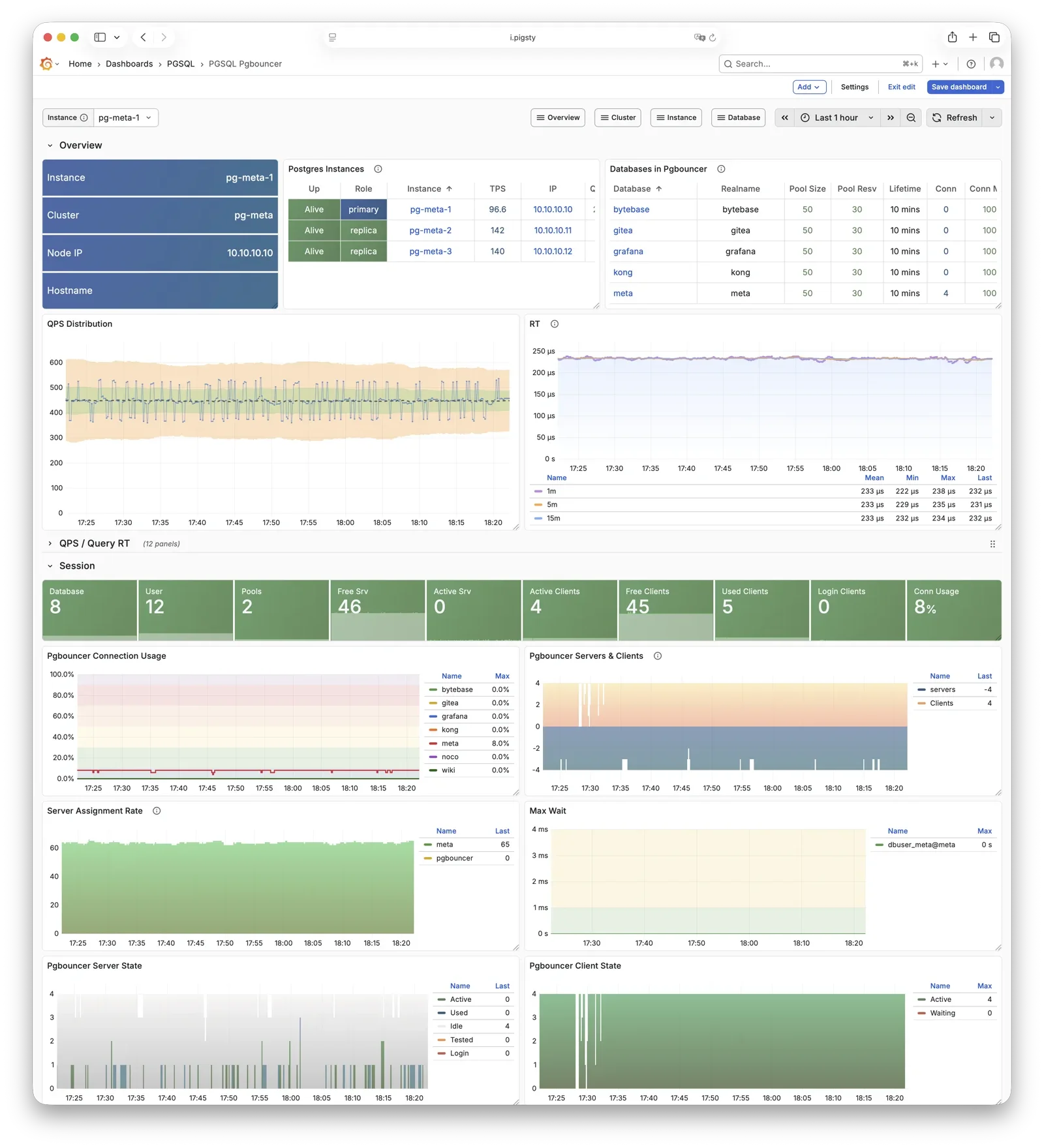
For more information, see: Config: PGSQL - PG_ACCESS
pgBackRest is a professional PostgreSQL backup/recovery tool, one of the strongest in the PG ecosystem, supporting full/incremental/differential backup and WAL archiving.
Pigsty uses pgBackRest for PostgreSQL PITR capability, allowing you to roll back clusters to any point within the backup retention window.
pgBackRest works with PostgreSQL to create backup repositories on the primary, executing backup and archive tasks.
By default, it uses local backup repository (pgbackrest_method = local),
but can be configured for Silo or external S3 object storage for centralized backup management.
After initialization, pgbackrest_init_backup can automatically trigger the first full backup.
Recovery integrates with Patroni, supporting bootstrapping replicas as new primaries or standbys.
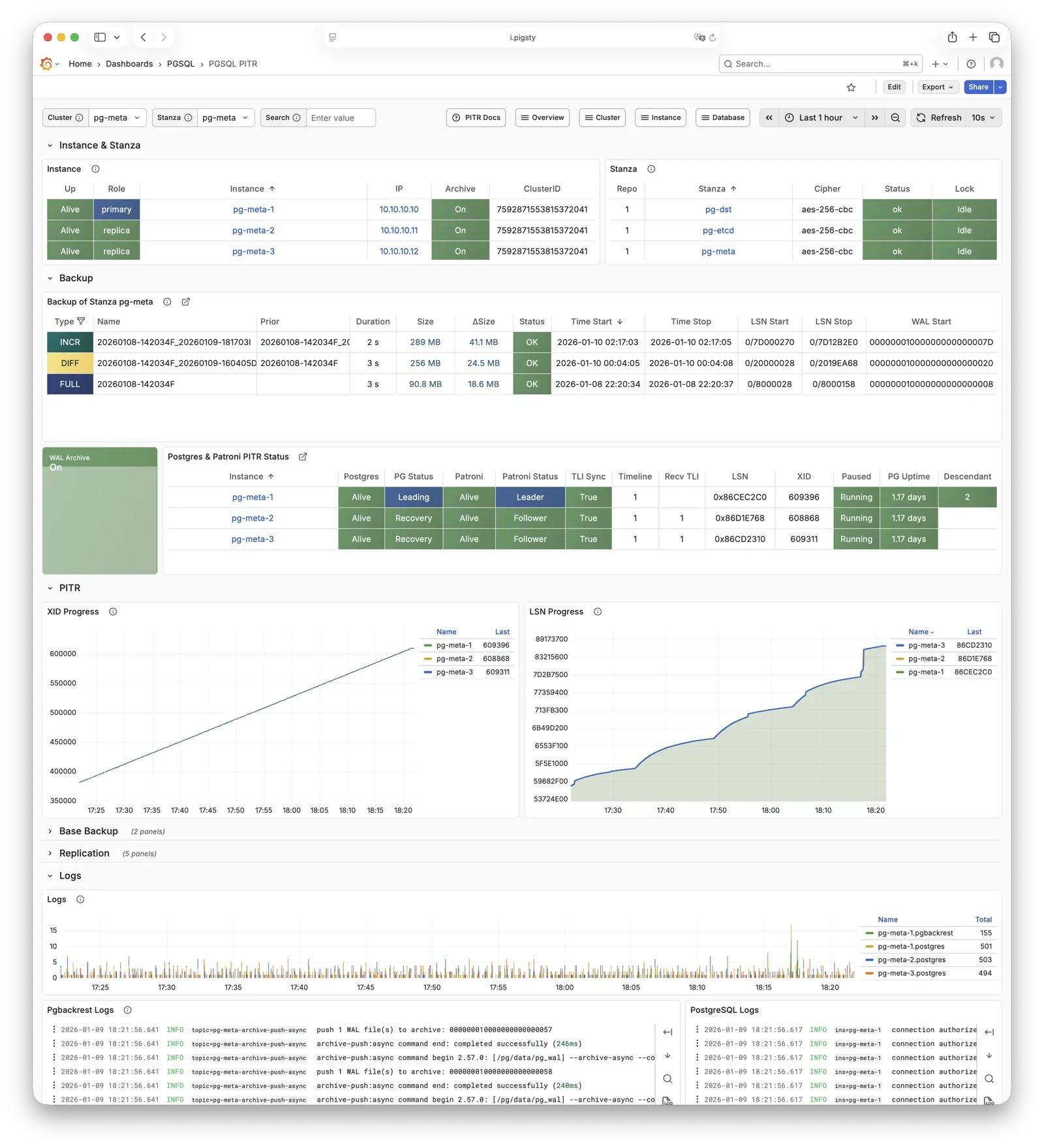
For more information, see: Backup & Recovery and Config: PGSQL - PG_BACKUP
HAProxy is the service entry point and load balancer, exposing multiple database service ports.
| Port | Service | Target | Description |
|---|---|---|---|
9101 |
Admin | - | HAProxy statistics and admin page |
5433 |
primary | Primary Pgbouncer | Read-write service, routes to primary pool |
5434 |
replica | Replica Pgbouncer | Read-only service, routes to replica pool |
5436 |
default | Primary Postgres | Default service, direct to primary (bypasses pool) |
5438 |
offline | Offline Postgres | Offline service, direct to offline replica (ETL/analytics) |
HAProxy uses Patroni REST API health checks to determine instance roles and route traffic to the appropriate primary or replica.
Service definitions are composed from pg_default_services and pg_services.
A dedicated HAProxy node group can be specified via pg_service_provider to handle higher traffic;
by default, HAProxy on local nodes publishes services.
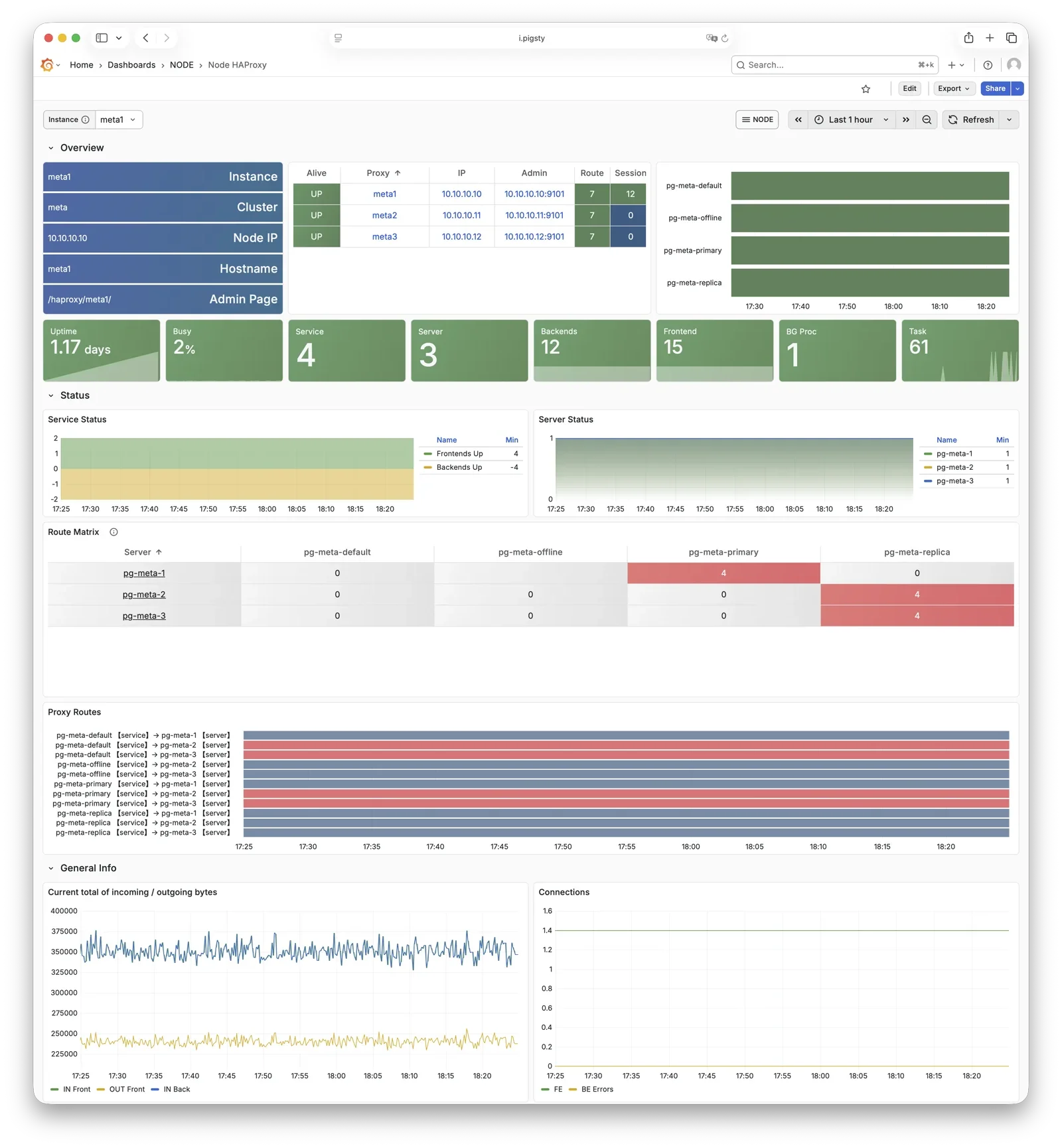
For more information, see: Service Access and Config: PGSQL - PG_ACCESS
vip-manager binds L2 VIP to the current primary node. This is an optional component; enable it if your network supports L2 VIP.
vip-manager runs on each PG node, monitoring the leader key written by Patroni in etcd,
and binds pg_vip_address to the current primary node’s network interface.
When cluster failover occurs, vip-manager immediately releases the VIP from the old primary and rebinds it on the new primary, switching traffic to the new primary.
This component is optional, enabled via pg_vip_enabled.
When enabled, ensure all nodes are in the same VLAN; otherwise, VIP migration will fail.
Public cloud networks typically don’t support L2 VIP; it’s recommended only for on-premises and private cloud environments.
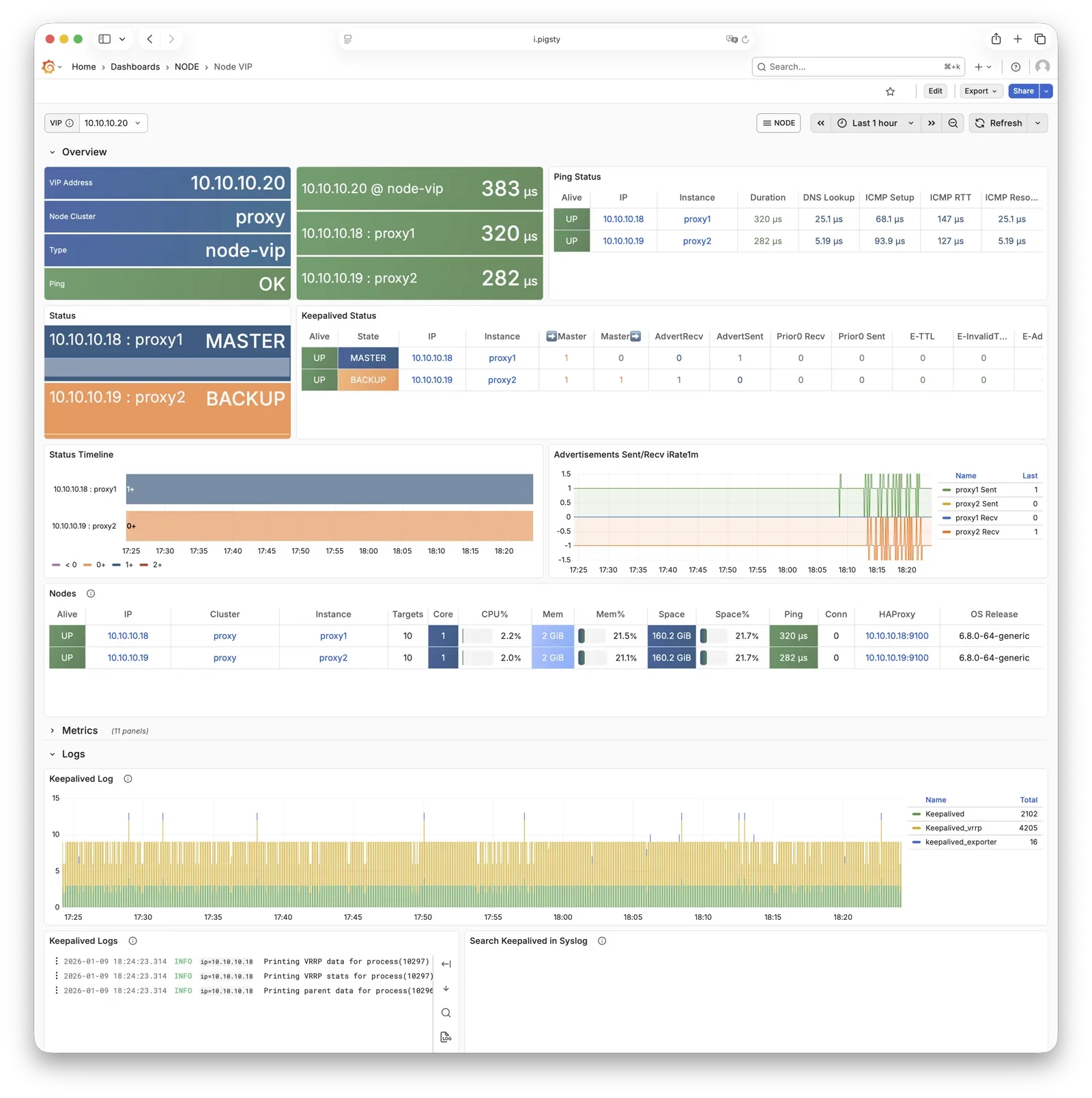
For more information, see: Tutorial: VIP Configuration and Config: PGSQL - PG_ACCESS
pg_exporter exports PostgreSQL monitoring metrics, listening on port 9630 by default.
pg_exporter runs on each PG node, connecting to PostgreSQL via local Unix socket, exporting rich metrics covering sessions, buffer hits, replication lag, transaction rates, etc., scraped by VictoriaMetrics on INFRA nodes.
Collection configuration is specified by pg_exporter_config,
with support for automatic database discovery (pg_exporter_auto_discovery),
and tiered cache strategies via pg_exporter_cache_ttls.
You can disable this component via parameters; in slim install, this component is not enabled.
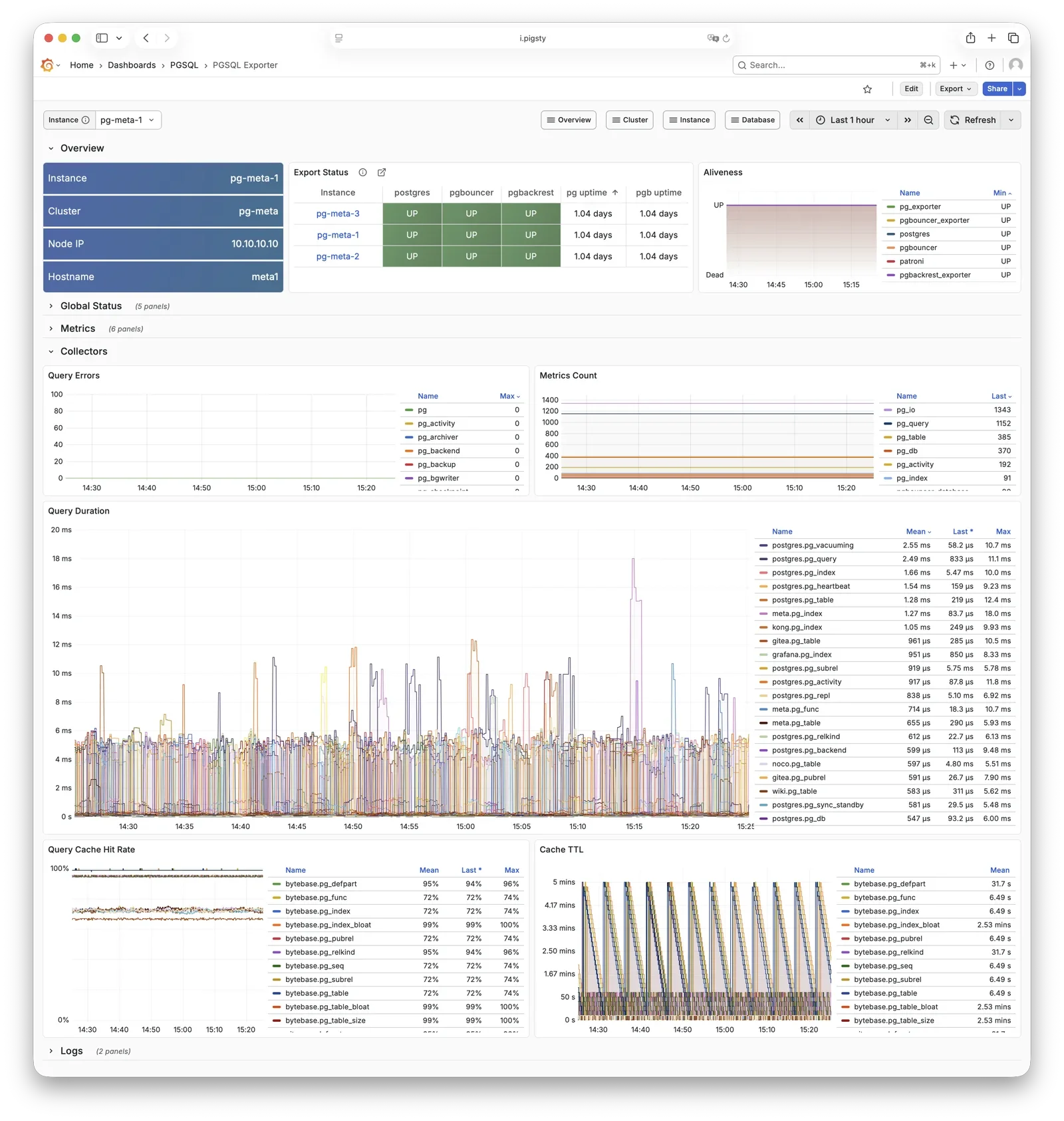
For more information, see: Config: PGSQL - PG_MONITOR
pgbouncer_exporter exports Pgbouncer connection pool metrics, listening on port 9631 by default.
pgbouncer_exporter uses the same pg_exporter binary but with a dedicated metrics config file, supporting pgbouncer 1.8-1.25+.
pgbouncer_exporter reads Pgbouncer statistics views, providing pool utilization, wait queue, and hit rate metrics.
If Pgbouncer is disabled, this component is also disabled. In slim install, this component is not enabled.
For more information, see: Config: PGSQL - PG_MONITOR
pgbackrest_exporter exports backup status metrics, listening on port 9854 by default.
pgbackrest_exporter parses pgBackRest status, generating metrics for most recent backup time, size, type, etc. Combined with alerting policies, it quickly detects expired or failed backups, ensuring data safety. Note that when there are many backups or using large network repositories, collection overhead can be significant, so pgbackrest_exporter has a default 2-minute collection interval. In the worst case, you may see the latest backup status in the monitoring system 2 minutes after a backup completes.
For more information, see: Config: PGSQL - PG_MONITOR
etcd is a distributed consistent store (DCS), providing cluster metadata storage and leader election capability for Patroni.
etcd is deployed and managed by the independent ETCD module, not part of the PGSQL module itself, but critical for PostgreSQL HA. Patroni writes cluster state, leader info, and config parameters to etcd; all nodes reach consensus through etcd. vip-manager also reads the leader key from etcd to enable automatic VIP migration.
For more information, see: ETCD Module
Vector is a high-performance log collection component, deployed by the NODE module, responsible for collecting PostgreSQL-related logs.
Vector runs on nodes, tracking PostgreSQL, Pgbouncer, Patroni, and pgBackRest log directories, sending structured logs to VictoriaLogs on INFRA nodes for centralized storage and querying.
For more information, see: NODE Module
The largest entity concept in Pigsty is a Deployment. The main entities and relationships (E-R diagram) in a deployment are shown below:
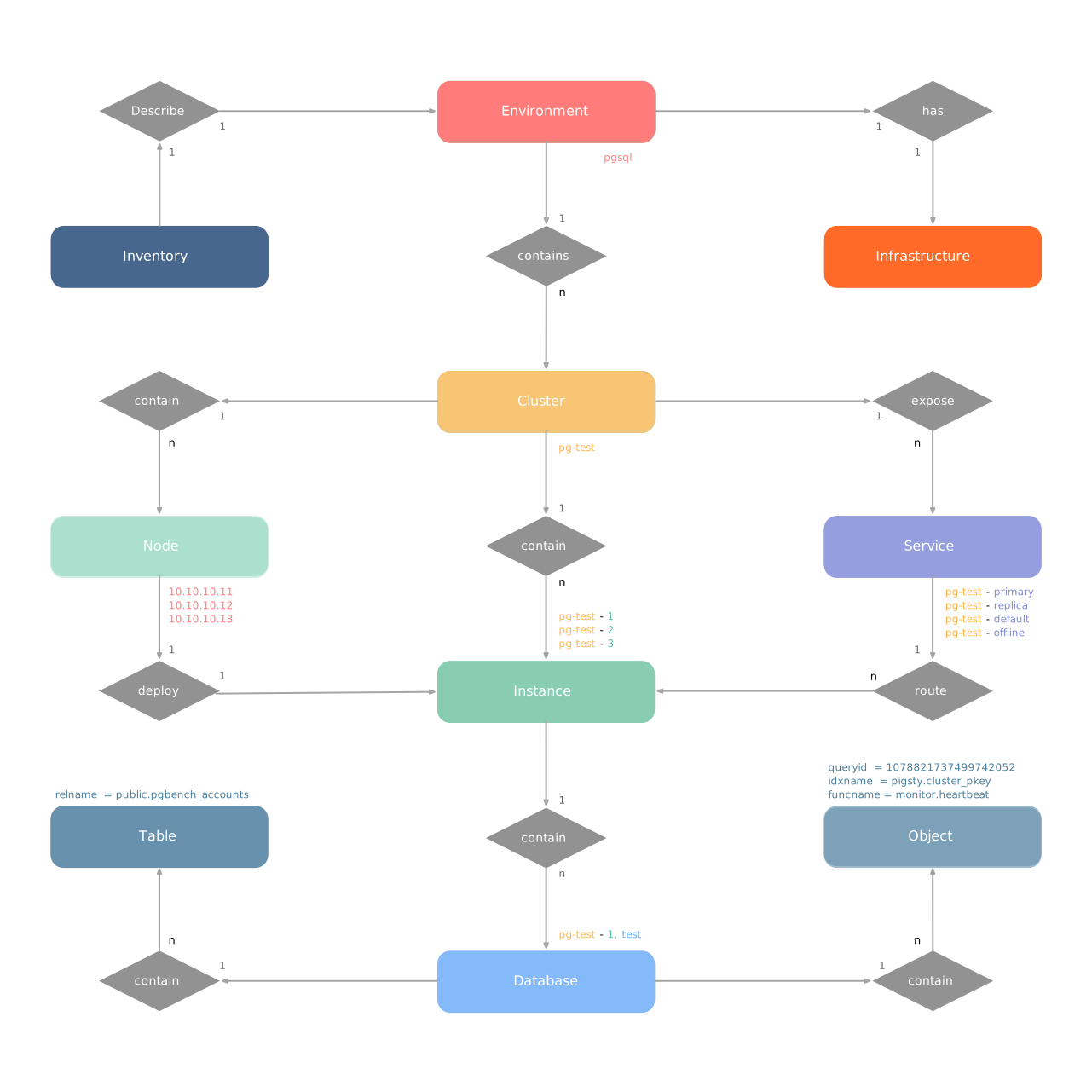
A deployment can also be understood as an Environment. For example, Production (Prod), User Acceptance Testing (UAT), Staging, Testing, Development (Devbox), etc. Each environment corresponds to a Pigsty inventory that describes all entities and attributes in that environment.
Typically, an environment includes shared infrastructure (INFRA), which broadly includes ETCD (HA DCS) and MINIO (centralized backup repository),
serving multiple PostgreSQL database clusters (and other database module components). (Exception: there are also deployments without infrastructure)
In Pigsty, almost all database modules are organized as “Clusters”. Each cluster is an Ansible group containing several node resources. For example, PostgreSQL HA database clusters, Redis, Etcd, and Silo all exist as clusters. An environment can contain multiple clusters.
The INFRA module plays a special role in Pigsty: it’s not a traditional “cluster” but rather a management hub composed of a group of infrastructure nodes, providing core services for the entire Pigsty deployment. Each INFRA node is an autonomous infrastructure service unit running core components like Nginx, Grafana, and VictoriaMetrics, collectively providing observability and management capabilities for managed database clusters.
There are two core entities in Pigsty’s INFRA module:
INFRA nodes typically serve as Admin Nodes, the control plane of Pigsty.
Each INFRA node runs the following core components:
| Component | Port | Description |
|---|---|---|
| Nginx | 80/443 |
Web portal, local repo, unified reverse proxy |
| Grafana | 3000 |
Visualization platform, dashboards, data apps |
| VictoriaMetrics | 8428 |
Time-series database, Prometheus API compatible |
| VictoriaLogs | 9428 |
Log database, receives structured logs from Vector |
| VictoriaTraces | 10428 |
Trace storage for slow SQL / request tracing |
| VMAlert | 8880 |
Alert rule evaluator based on VictoriaMetrics |
| Alertmanager | 9059 |
Alert aggregation and dispatch |
| Blackbox Exporter | 9115 |
ICMP/TCP/HTTP black-box probing |
| DNSMASQ | 53 |
DNS server for internal domain resolution |
| Chronyd | 123 |
NTP time server |
These components together form Pigsty’s observability infrastructure.
Let’s look at a concrete example with a two-node INFRA deployment:
The above config fragment defines a two-node INFRA deployment:
| Group | Description |
|---|---|
infra |
INFRA infrastructure node group |
| Node | Description |
infra-1 |
10.10.10.10 INFRA node #1 |
infra-2 |
10.10.10.11 INFRA node #2 |
For production environments, deploying at least two INFRA nodes is recommended for infrastructure component redundancy.
Pigsty uses the INFRA_ID parameter group to assign deterministic identities to each INFRA module entity. One parameter is required:
| Parameter | Type | Level | Description | Format |
|---|---|---|---|---|
infra_seq |
int |
Node | INFRA node sequence, required | Natural number, starting from 1, unique within group |
With node sequence assigned at node level, Pigsty automatically generates unique identifiers for each entity based on rules:
| Entity | Generation Rule | Example |
|---|---|---|
| Node | infra-{{ infra_seq }} |
infra-1, infra-2 |
The INFRA module assigns infra-N format identifiers to nodes for distinguishing multiple infrastructure nodes in the monitoring system.
However, this doesn’t change the node’s hostname or system identity; nodes still use their existing hostname or IP address for identification.
INFRA nodes provide unified web service entry through Nginx. The infra_portal parameter defines services exposed through Nginx.
The default configuration only defines the home server:
Pigsty automatically configures reverse proxy endpoints for enabled components (Grafana, VictoriaMetrics, AlertManager, etc.). If you need to access these services via separate domains, you can explicitly add configurations:
| Domain | Service | Description |
|---|---|---|
i.pigsty |
Home | Pigsty homepage |
g.pigsty |
Grafana | Monitoring dashboard |
p.pigsty |
VictoriaMetrics | TSDB Web UI |
a.pigsty |
Alertmanager | Alert management UI |
Accessing Pigsty services via domain names is recommended over direct IP + port.
The number of INFRA nodes depends on deployment scale and HA requirements:
| Scale | INFRA Nodes | Description |
|---|---|---|
| Dev/Test | 1 | Single-node deployment, all on one node |
| Small Prod | 1-2 | Single or dual node, can share with other services |
| Medium Prod | 2-3 | Dedicated INFRA nodes, redundant components |
| Large Prod | 3+ | Multiple INFRA nodes, component separation |
In singleton deployment, INFRA components share the same node with PGSQL, ETCD, etc.
In small-scale deployments, INFRA nodes typically also serve as “Admin Node” / backup admin node and local software repository (/www/pigsty).
In larger deployments, these responsibilities can be separated to dedicated nodes.
Pigsty’s monitoring system collects metrics from INFRA components themselves. Unlike database modules, each component in the INFRA module is treated as an independent monitoring object, distinguished by the cls (class) label.
| Label | Description | Example |
|---|---|---|
cls |
Component type, each forming a “class” | nginx |
ins |
Instance name, format {component}-{infra_seq} |
nginx-1 |
ip |
INFRA node IP running the component | 10.10.10.10 |
job |
VictoriaMetrics scrape job, fixed as infra |
infra |
Using a two-node INFRA deployment (infra_seq: 1 and infra_seq: 2) as example, component monitoring labels are:
| Component | cls |
ins Example |
Port |
|---|---|---|---|
| Nginx | nginx |
nginx-1, nginx-2 |
9113 |
| Grafana | grafana |
grafana-1, grafana-2 |
3000 |
| VictoriaMetrics | vmetrics |
vmetrics-1, vmetrics-2 |
8428 |
| VictoriaLogs | vlogs |
vlogs-1, vlogs-2 |
9428 |
| VictoriaTraces | vtraces |
vtraces-1, vtraces-2 |
10428 |
| VMAlert | vmalert |
vmalert-1, vmalert-2 |
8880 |
| Alertmanager | alertmanager |
alertmanager-1, alertmanager-2 |
9059 |
| Blackbox | blackbox |
blackbox-1, blackbox-2 |
9115 |
All INFRA component metrics use a unified job="infra" label, distinguished by the cls label:
The PGSQL module organizes PostgreSQL in production as clusters—logical entities composed of a group of database instances associated by primary-replica relationships.
Each cluster is an autonomous business unit consisting of at least one primary instance, exposing capabilities through services.
There are four core entities in Pigsty’s PGSQL module:
Along with two business entities—“Database” and “Role”—these form the complete logical view as shown below:
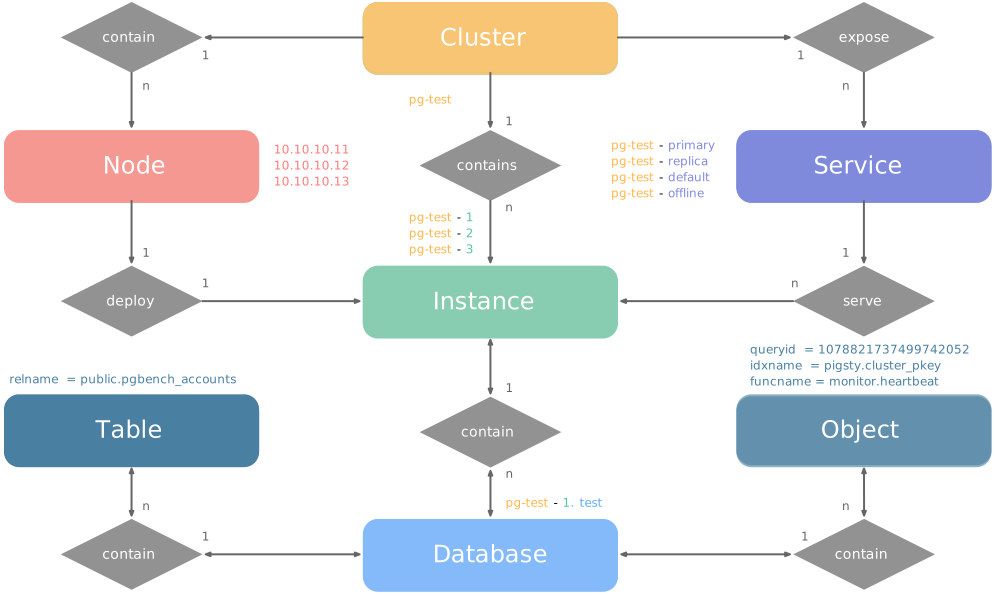
Let’s look at two concrete examples. Using the four-node Pigsty sandbox, there’s a three-node pg-test cluster:
The above config fragment defines a high-availability PostgreSQL cluster with these related entities:
| Cluster | Description |
|---|---|
pg-test |
PostgreSQL 3-node HA cluster |
| Instance | Description |
pg-test-1 |
PostgreSQL instance #1, default primary |
pg-test-2 |
PostgreSQL instance #2, initial replica |
pg-test-3 |
PostgreSQL instance #3, initial replica |
| Service | Description |
pg-test-primary |
Read-write service (routes to primary pgbouncer) |
pg-test-replica |
Read-only service (routes to replica pgbouncer) |
pg-test-default |
Direct read-write service (routes to primary postgres) |
pg-test-offline |
Offline read service (routes to dedicated postgres) |
| Node | Description |
node-1 |
10.10.10.11 Node #1, hosts pg-test-1 PG instance |
node-2 |
10.10.10.12 Node #2, hosts pg-test-2 PG instance |
node-3 |
10.10.10.13 Node #3, hosts pg-test-3 PG instance |
Pigsty uses the PG_ID parameter group to assign deterministic identities to each PGSQL module entity. Three parameters are required:
| Parameter | Type | Level | Description | Format |
|---|---|---|---|---|
pg_cluster |
string |
Cluster | PG cluster name, required | Valid DNS name, regex [a-zA-Z0-9-]+ |
pg_seq |
int |
Instance | PG instance number, required | Natural number, starting from 0 or 1, unique within cluster |
pg_role |
enum |
Instance | PG instance role, required | Enum: primary, replica, offline |
With cluster name defined at cluster level and instance number/role assigned at instance level, Pigsty automatically generates unique identifiers for each entity based on rules:
| Entity | Generation Rule | Example |
|---|---|---|
| Instance | {{ pg_cluster }}-{{ pg_seq }} |
pg-test-1, pg-test-2, pg-test-3 |
| Service | {{ pg_cluster }}-{{ pg_role }} |
pg-test-primary, pg-test-replica, pg-test-offline |
| Node | Explicitly specified or borrowed from PG | pg-test-1, pg-test-2, pg-test-3 |
Because Pigsty adopts a 1:1 exclusive deployment model for nodes and PG instances, by default the host node identifier borrows from the PG instance identifier (node_id_from_pg).
You can also explicitly specify nodename to override, or disable nodename_overwrite to use the current default.
When using multiple PostgreSQL clusters (sharding) to serve the same business, two additional identity parameters are used: pg_shard and pg_group.
In this case, this group of PostgreSQL clusters shares the same pg_shard name with their own pg_group numbers, like this Citus cluster:
In this case, pg_cluster cluster names are typically composed of: {{ pg_shard }}{{ pg_group }}, e.g., pg-citus0, pg-citus1, etc.
Pigsty provides dedicated monitoring dashboards for horizontal sharding clusters, making it easy to compare performance and load across shards, but this requires using the above entity naming convention.
There are also other identity parameters for special scenarios, such as pg_upstream for specifying backup clusters/cascading replication upstream, gp_role for Greenplum cluster identity,
pg_exporters for external monitoring instances, pg_offline_query for offline query instances, etc. See PG_ID parameter docs.
Pigsty provides an out-of-box monitoring system that uses the above identity parameters to identify various PostgreSQL entities.
For example, the cls, ins, ip labels correspond to cluster name, instance name, and node IP—the identifiers for these three core entities.
They appear along with the job label in all native monitoring metrics collected by VictoriaMetrics and VictoriaLogs log streams.
The job name for collecting PostgreSQL metrics is fixed as pgsql;
The job name for monitoring remote PG instances is fixed as pgrds.
The job name for collecting PostgreSQL CSV logs is fixed as postgres;
The job name for collecting pgbackrest logs is fixed as pgbackrest, other PG components collect logs via job: syslog.
Additionally, some entity identity labels appear in specific entity-related monitoring metrics, such as:
datname: Database name, if a metric belongs to a specific database.relname: Table name, if a metric belongs to a specific table.idxname: Index name, if a metric belongs to a specific index.funcname: Function name, if a metric belongs to a specific function.seqname: Sequence name, if a metric belongs to a specific sequence.query: Query fingerprint, if a metric belongs to a specific query.The ETCD module organizes ETCD in production as clusters—logical entities composed of a group of ETCD instances associated through the Raft consensus protocol.
Each cluster is an autonomous distributed key-value storage unit consisting of at least one ETCD instance, exposing service capabilities through client ports.
There are three core entities in Pigsty’s ETCD module:
Compared to PostgreSQL clusters, the ETCD cluster model is simpler, without Services or complex Role distinctions. All ETCD instances are functionally equivalent, electing a Leader through the Raft protocol while others become Followers. During scale-out intermediate states, non-voting Learner instance members are also allowed.
Let’s look at a concrete example with a three-node ETCD cluster:
The above config fragment defines a three-node ETCD cluster with these related entities:
| Cluster | Description |
|---|---|
etcd |
ETCD 3-node HA cluster |
| Instance | Description |
etcd-1 |
ETCD instance #1 |
etcd-2 |
ETCD instance #2 |
etcd-3 |
ETCD instance #3 |
| Node | Description |
10.10.10.10 |
Node #1, hosts etcd-1 instance |
10.10.10.11 |
Node #2, hosts etcd-2 instance |
10.10.10.12 |
Node #3, hosts etcd-3 instance |
Pigsty uses the ETCD parameter group to assign deterministic identities to each ETCD module entity. Two parameters are required:
| Parameter | Type | Level | Description | Format |
|---|---|---|---|---|
etcd_cluster |
string |
Cluster | ETCD cluster name, required | Valid DNS name, defaults to fixed etcd |
etcd_seq |
int |
Instance | ETCD instance number, required | Natural number, starting from 1, unique within cluster |
With cluster name defined at cluster level and instance number assigned at instance level, Pigsty automatically generates unique identifiers for each entity based on rules:
| Entity | Generation Rule | Example |
|---|---|---|
| Instance | {{ etcd_cluster }}-{{ etcd_seq }} |
etcd-1, etcd-2, etcd-3 |
The ETCD module does not assign additional identity to host nodes; nodes are identified by their existing hostname or IP address.
Each ETCD instance listens on the following two ports:
| Port | Parameter | Purpose |
|---|---|---|
| 2379 | etcd_port |
Client port, accessed by Patroni, vip-manager, etc. |
| 2380 | etcd_peer_port |
Peer communication port, used for Raft consensus |
ETCD clusters enable TLS-encrypted communication by default and use RBAC authentication. Clients need the correct certificates and passwords to access ETCD services.
As a distributed coordination service, ETCD cluster size directly affects availability, requiring more than half (quorum) of nodes to be alive to maintain service.
| Cluster Size | Quorum | Fault Tolerance | Use Case |
|---|---|---|---|
| 1 node | 1 | 0 | Dev, test, demo |
| 3 nodes | 2 | 1 | Small-medium production |
| 5 nodes | 3 | 2 | Large-scale production |
Even-member ETCD clusters are technically valid, but they do not tolerate more failures than an odd cluster with one fewer member and add deployment and quorum cost. Production clusters therefore usually have one, three, or five members; clusters larger than five are uncommon.
Pigsty provides an out-of-box monitoring system that uses the above identity parameters to identify various ETCD entities.
For example, the cls, ins, ip labels correspond to cluster name, instance name, and node IP—the identifiers for these three core entities.
They appear along with the job label in all ETCD monitoring metrics collected by VictoriaMetrics.
The job name for collecting ETCD metrics is fixed as etcd.
MINIO is Pigsty’s compatibility module name for object storage. The current v4.5.0 source deploys Silo through minio_type: silo and organizes a group of object-storage instances into a cluster.
Each cluster is an autonomous S3-compatible object-storage unit consisting of at least one instance and exposing service through the S3 API port.
There are three core entities in Pigsty’s MINIO module:
Silo also retains the Storage Pool concept for expansion.
Silo supports Pigsty’s three inventory deployment modes:
| Mode | Code | Description | Use Case |
|---|---|---|---|
| Single-Node Single-Drive | SNSD | Single node, single data directory or disk | Dev, test, demo |
| Single-Node Multi-Drive | SNMD | Single node, multiple disks, typically 4+ | Resource-constrained small deployments |
| Multi-Node Multi-Drive | MNMD | Multiple nodes, multiple disks per node | Production recommended |
SNSD mode can use a regular directory for quick experimentation. Multi-drive Silo deployments should use real disk mount points or the service will refuse to start.
The following example explicitly selects the current default Silo backend and defines a four-node multi-drive cluster:
This config fragment defines a four-node Silo cluster with four disks per node. Instance identifiers retain the MINIO module’s compatibility naming:
| Cluster | Description |
|---|---|
minio |
Silo 4-node HA cluster |
| Instance | Description |
minio-1 |
Object-storage instance #1, managing 4 disks |
minio-2 |
Object-storage instance #2, managing 4 disks |
minio-3 |
Object-storage instance #3, managing 4 disks |
minio-4 |
Object-storage instance #4, managing 4 disks |
| Node | Description |
10.10.10.10 |
Node #1, hosts minio-1 instance |
10.10.10.11 |
Node #2, hosts minio-2 instance |
10.10.10.12 |
Node #3, hosts minio-3 instance |
10.10.10.13 |
Node #4, hosts minio-4 instance |
Pigsty uses the MINIO parameter group to assign deterministic identities to each MinIO module entity. Two parameters are required:
| Parameter | Type | Level | Description | Format |
|---|---|---|---|---|
minio_cluster |
string |
Cluster | Object-storage cluster name, required | Valid non-empty name, no default |
minio_seq |
int |
Instance | Object-storage instance number, required | Natural number, starting from 1, unique within cluster |
With cluster name defined at cluster level and instance number assigned at instance level, Pigsty automatically generates unique identifiers for each entity based on rules:
| Entity | Generation Rule | Example |
|---|---|---|
| Instance | {{ minio_cluster }}-{{ minio_seq }} |
minio-1, minio-2, minio-3, minio-4 |
The MINIO module does not assign additional identity to host nodes; nodes are identified by their existing hostname or IP address.
The minio_node parameter generates node names for internal Silo cluster use (written to /etc/hosts for cluster discovery), not host-node identity.
Roles locate actual members across the entire inventory by minio_cluster; the Ansible group name does not need to match the cluster name. minio_type is a retained backend selector and currently must be silo.
Beyond identity parameters, the following parameters are critical for Silo cluster configuration:
| Parameter | Type | Description |
|---|---|---|
minio_type |
enum |
Retained selector; currently only silo |
minio_data |
path |
Data directory, use {x...y} for multi-drive |
minio_node |
string |
Node name pattern for multi-node deployment |
minio_domain |
string |
Service domain, defaults to sss.pigsty |
These parameters determine minio_volumes, which the role writes to Silo’s MINIO_VOLUMES:
minio_data value, e.g., /data/miniominio_data directories, e.g., /data{1...4}minio_node and minio_data, e.g., https://minio-{1...4}.pigsty:9000/data{1...4}Each object-storage instance listens on the following ports:
| Port | Parameter | Purpose |
|---|---|---|
| 9000 | minio_port |
S3 API service port |
| 9001 | minio_admin_port |
Web admin console port |
The MINIO module enables HTTPS by default, controlled by minio_https. Keep HTTPS enabled with the default pgBackRest S3 repository configuration and install the Pigsty CA correctly.
Clients can reach a multi-node Silo cluster through any member. For a stable entry point, use a load balancer such as HAProxy with a VIP.
After Silo cluster deployment, Pigsty automatically creates the following resources (controlled by minio_provision):
Default Buckets (defined by minio_buckets):
| Bucket | Purpose |
|---|---|
pgsql |
PostgreSQL pgBackREST backup storage |
meta |
Metadata storage, versioning enabled |
data |
General data storage |
Default Users (defined by minio_users):
| User | Default Password | Policy | Purpose |
|---|---|---|---|
pgbackrest |
S3User.Backup |
pgsql |
PostgreSQL backup dedicated user |
s3user_meta |
S3User.Meta |
meta |
Access meta bucket |
s3user_data |
S3User.Data |
data |
Access data bucket |
These passwords are publicly documented default credentials, intended only for demonstrations and local development. Replace them before production deployment.
pgbackrest is used for PostgreSQL cluster backups; s3user_meta and s3user_data are reserved users not actively used.
Pigsty uses the identity parameters above to identify object-storage entities. A Silo availability series looks like this:
Here cls, ins, and ip identify the cluster name, instance name, and node IP. Compatible monitoring naming keeps job="minio", while the current backend label is flavor=silo. See the metric list for details.
The Redis module organizes Redis in production as clusters—logical entities composed of a group of Redis instances deployed on one or more nodes.
Each cluster is an autonomous high-performance cache/storage unit consisting of at least one Redis instance, exposing service capabilities through ports.
There are three core entities in Pigsty’s Redis module:
Unlike PostgreSQL, Redis uses a single-node multi-instance deployment model: one physical/virtual machine node typically deploys multiple Redis instances to fully utilize multi-core CPUs. Therefore, nodes and instances have a 1:N relationship. Additionally, production typically advises against Redis instances with memory > 12GB.
Redis has three different operating modes, specified by the redis_mode parameter:
| Mode | Code | Description | HA Mechanism |
|---|---|---|---|
| Standalone | standalone |
Classic master-replica, default mode | Requires Sentinel |
| Sentinel | sentinel |
HA monitoring and auto-failover for standalone | Multi-node quorum |
| Native Cluster | cluster |
Redis native distributed cluster, no sentinel needed | Built-in auto-failover |
replica_of parameter. Requires additional Sentinel cluster for HA.Let’s look at concrete examples for each mode:
Classic master-replica on a single node:
| Cluster | Description |
|---|---|
redis-ms |
Redis standalone cluster |
| Node | Description |
redis-ms-1 |
10.10.10.10 Node #1, hosts 2 instances |
| Instance | Description |
redis-ms-1-6379 |
Primary instance, listening on port 6379 |
redis-ms-1-6380 |
Replica instance, port 6380, replicates from 6379 |
Three sentinel instances on a single node for monitoring standalone clusters. Sentinel clusters specify monitored standalone clusters via redis_sentinel_monitor:
A Redis native distributed cluster with two nodes and six instances (minimum spec: 3 primaries, 3 replicas):
This creates a 3 primary 3 replica native Redis cluster.
| Cluster | Description |
|---|---|
redis-test |
Redis native cluster (3P3R) |
| Instance | Description |
redis-test-1-6379 |
Instance on node 1, port 6379 |
redis-test-1-6380 |
Instance on node 1, port 6380 |
redis-test-1-6381 |
Instance on node 1, port 6381 |
redis-test-2-6379 |
Instance on node 2, port 6379 |
redis-test-2-6380 |
Instance on node 2, port 6380 |
redis-test-2-6381 |
Instance on node 2, port 6381 |
| Node | Description |
redis-test-1 |
10.10.10.12 Node #1, hosts 3 instances |
redis-test-2 |
10.10.10.13 Node #2, hosts 3 instances |
Pigsty uses the REDIS parameter group to assign deterministic identities to each Redis module entity. Three parameters are required:
| Parameter | Type | Level | Description | Format |
|---|---|---|---|---|
redis_cluster |
string |
Cluster | Redis cluster name, required | Valid DNS name, regex [a-z][a-z0-9-]* |
redis_node |
int |
Node | Redis node number, required | Natural number, starting from 1, unique within cluster |
redis_instances |
dict |
Node | Redis instance definition, required | JSON object, key is port, value is instance config |
With cluster name defined at cluster level and node number/instance definition assigned at node level, Pigsty automatically generates unique identifiers for each entity:
| Entity | Generation Rule | Example |
|---|---|---|
| Instance | {{ redis_cluster }}-{{ redis_node }}-{{ port }} |
redis-ms-1-6379, redis-ms-1-6380 |
The Redis module does not assign additional identity to host nodes; nodes are identified by their existing hostname or IP address.
redis_node is used for instance naming, not host node identity.
redis_instances is a JSON object with port number as key and instance config as value:
Each Redis instance listens on a unique port within the node. You can choose any port number,
but avoid system reserved ports (< 1024) or conflicts with Pigsty used ports.
The replica_of parameter sets replication relationship in standalone mode, format '<ip> <port>', specifying upstream primary address and port.
Additionally, each Redis node runs a Redis Exporter collecting metrics from all local instances:
| Port | Parameter | Purpose |
|---|---|---|
| 9121 | redis_exporter_port |
Redis Exporter port |
Redis’s single-node multi-instance deployment model has some limitations:
Pigsty provides an out-of-box monitoring system that uses the above identity parameters to identify various Redis entities.
For example, the cls, ins, ip labels correspond to cluster name, instance name, and node IP—the identifiers for these three core entities.
They appear along with the job label in all Redis monitoring metrics collected by VictoriaMetrics.
The job name for collecting Redis metrics is fixed as redis.
Pigsty follows the IaC and GitOPS philosophy: use a declarative config inventory to describe the entire environment, and materialize it through idempotent playbooks.
Users describe their desired state declaratively through parameters, and playbooks idempotently adjust target nodes to reach that state. This is similar to Kubernetes CRDs & Operators, but Pigsty implements this functionality on bare metal and virtual machines through Ansible.
Pigsty was born to solve the operational management problem of ultra-large-scale PostgreSQL clusters. The idea behind it is simple — we need the ability to replicate the entire infrastructure (100+ database clusters + PG/Redis + observability) on ready servers within ten minutes. No GUI + ClickOps can complete such a complex task in such a short time, making CLI + IaC the only choice — it provides precise, efficient control.
The config inventory pigsty.yml file describes the state of the entire deployment. Whether it’s production (prod), staging, test, or development (devbox) environments,
the difference between infrastructures lies only in the config inventory, while the deployment delivery logic is exactly the same.
You can use git for version control and auditing of this deployment “seed/gene”, and Pigsty even supports storing the config inventory as database tables in PostgreSQL CMDB, further achieving Infra as Data capability. Seamlessly integrate with your existing workflows.
IaC is designed for professional users and enterprise scenarios but is also deeply optimized for individual developers and SMBs. Even if you’re not a professional DBA, you don’t need to understand these hundreds of adjustment knobs and switches. All parameters come with well-performing default values. You can get an out-of-the-box single-node database with zero configuration; Simply add two more IP addresses to get an enterprise-grade high-availability PostgreSQL cluster.
Take the following default config snippet as an example. This config describes a node 10.10.10.10 with INFRA, NODE, ETCD, and PGSQL modules installed.
To actually install these modules, execute the following playbooks:
You can declare PostgreSQL database clusters by installing the PGSQL module on multiple nodes, making them a service unit:
For example, to deploy a three-node high-availability PostgreSQL cluster using streaming replication on the following three Pigsty-managed nodes,
you can add the following definition to the all.children section of the config file pigsty.yml:
After defining, you can use playbooks to create the cluster:
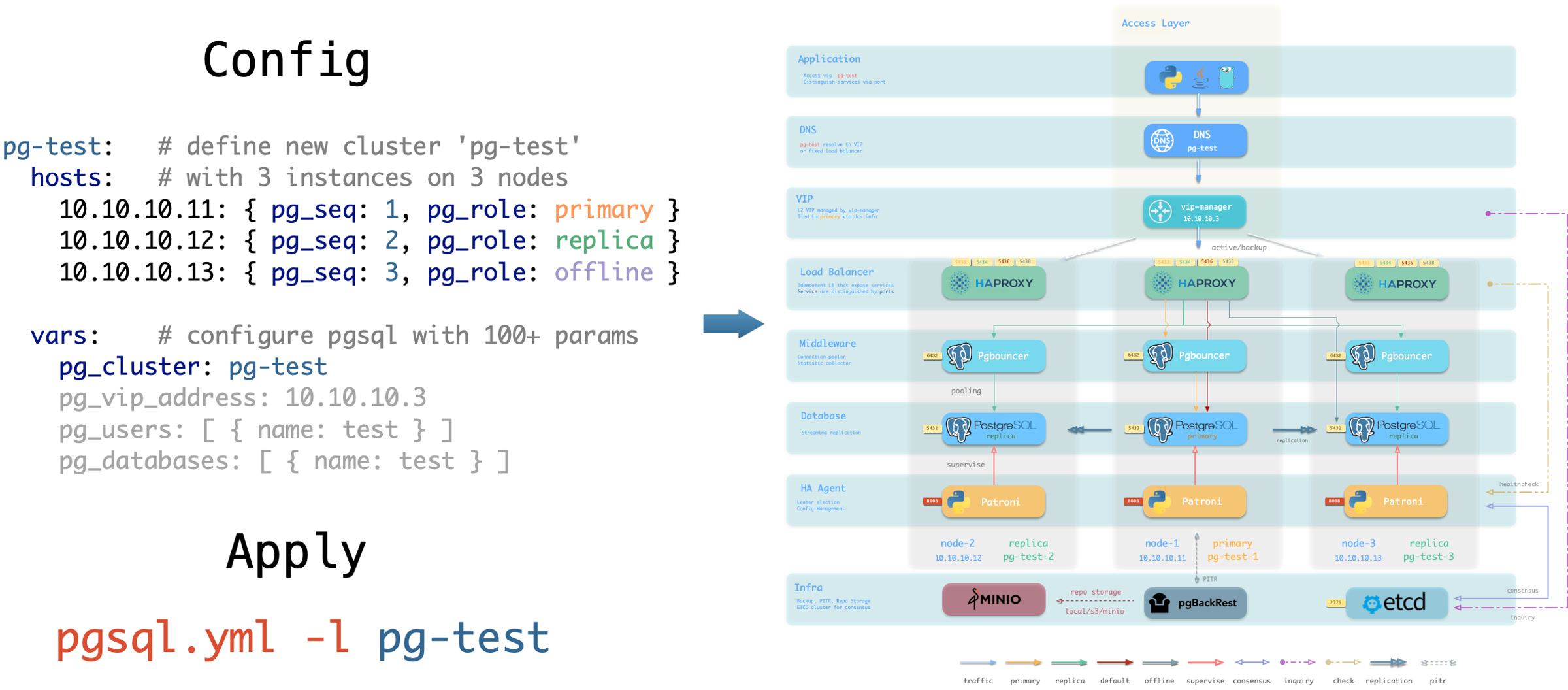
You can use different instance roles such as primary, replica, offline, delayed, sync standby; as well as different clusters: such as standby clusters, Citus clusters, and even Redis / MINIO (Silo) / Etcd clusters
Not only can you define clusters declaratively, but you can also define databases, users, services, and HBA rules within the cluster. For example, the following config file deeply customizes the content of the default pg-meta single-node database cluster:
Including: declaring six business databases and seven business users, adding an extra standby service (synchronous standby, providing read capability with no replication delay), defining some additional pg_hba rules, an L2 VIP address pointing to the cluster primary, and a customized backup strategy.
You can also customize Pigsty’s access control through declarative configuration. For example, the following config file provides deep security customization for the pg-meta cluster:
Uses the three-node core cluster template: crit.yml, to ensure data consistency is prioritized with zero data loss during failover.
Enables L2 VIP and restricts database and connection pool listening addresses to local loopback IP + internal network IP + VIP three specific addresses.
The template enables TLS for the Patroni API and PgBouncer, and requires SSL for database access through HBA.
It also enables $libdir/passwordcheck in pg_libs to enforce a password-strength policy.
Finally, a separate pg-meta-delay cluster is declared as pg-meta’s delayed replica from one hour ago, for emergency data deletion recovery.
Below is a declarative configuration for a four-node Citus distributed cluster:
Below are declarative configuration examples for Redis primary-replica cluster, sentinel cluster, and Redis Cluster:
Below is a declarative configuration example for a three-node Etcd cluster:
Below is a declarative configuration example for a three-node Silo cluster. The inventory group and parameters retain the MINIO module’s compatibility names:
Every Pigsty deployment corresponds to an Inventory that describes key properties of the infrastructure and database clusters.
Pigsty uses Ansible YAML configuration format by default,
with a single YAML configuration file pigsty.yml as the inventory.
You can directly edit this configuration file to customize your deployment, or use the configure wizard script provided by Pigsty to automatically generate an appropriate configuration file.
The inventory uses standard Ansible YAML configuration format, consisting of two parts: global parameters (all.vars) and multiple groups (all.children).
You can define new clusters in all.children and describe the infrastructure using global variables: all.vars, which looks like this:
Each Ansible group may represent a cluster, which can be a node cluster, PostgreSQL cluster, Redis cluster, Etcd cluster, Silo cluster, etc.
A cluster definition consists of two parts: cluster members (hosts) and cluster parameters (vars).
You can define cluster members in <cls>.hosts and describe the cluster using configuration parameters in <cls>.vars.
Here’s an example of a 3-node high-availability PostgreSQL cluster definition:
Cluster-level vars (cluster parameters) override global parameters, and instance-level vars override both cluster parameters and global parameters.
If your deployment is large or you want to better organize configuration files, you can split the inventory into multiple files for easier management and maintenance.
You can place cluster member definitions in the hosts.yml file and put cluster-level configuration parameters in corresponding files under the group_vars directory.
You can temporarily specify a different inventory file when running playbooks using the -i parameter.
Additionally, Ansible supports multiple configuration methods. You can use local yaml|ini configuration files, or use CMDB and any dynamic configuration scripts as configuration sources.
In Pigsty, we specify pigsty.yml in the same directory as the default inventory through ansible.cfg in the Pigsty home directory. You can modify it as needed.
Additionally, Pigsty supports using a CMDB metabase to store the inventory, facilitating integration with existing systems.
Pigsty provides a configure script as a configuration wizard that automatically generates an appropriate pigsty.yml configuration file based on your current environment.
This is an optional script: if you already understand how to configure Pigsty, you can directly edit the pigsty.yml configuration file and skip the wizard.
Enter the pigsty source home directory and run ./configure to automatically start the configuration wizard. Without any arguments, it defaults to the meta single-node configuration template:
This command will use the selected template as a base, detect the current node’s IP address and region, and generate a pigsty.yml configuration file suitable for the current environment.
demo/configure.cast — /demo/configure.cast
The configure script performs the following adjustments based on environment and input, generating pigsty.yml in the Pigsty directory by default.
10.10.10.10 in the configuration template and sets it as the admin_ip parameter valueregion to default (global default repos) or china (using Chinese mirror repos)tiny parameter template for node_tune and pg_conf to optimize resource usage-v is specified, switches pg_version and pg18-* package-group aliases in the template to that major version; fixed-kernel templates mssql, polar, and pg19 are excluded from this replacement-g is specified, replaces default passwords recognized by the configuration wizard with randomly generated strong passwords; review uncovered values against the Default Credentials Checklist (strongly recommended)C.UTF-8 locale, or the OS-supported C.UTF-8ansible for deployment is available in the current environment-s to skip)| Argument | Description |
|---|---|
-c, --conf |
Generate config from conf/<template>.yml, supports subdirectories like ha/full |
-i, --ip |
Replace placeholder 10.10.10.10 in config template with specified IP |
-v, --version |
Specify PostgreSQL major version (14-19); PG19 is Beta, so prefer the dedicated pg19 template |
-r, --region |
Set software repo mirror region: default, china (Chinese mirrors), europe (European) |
-o, --output |
Output path, default pigsty.yml; relative paths use Pigsty home, absolute paths are used as given |
-s, --skip |
Skip IP probing, target SSH/Sudo checks, and effective IP replacement; keep 10.10.10.10 |
-x, --proxy |
Write current environment proxy variables (HTTP_PROXY, HTTPS_PROXY, ALL_PROXY, NO_PROXY) to config |
-n, --non-interactive |
Non-interactive mode; a single/demo IP is auto-selected, while ambiguous multi-IP hosts require -i |
-p, --port |
SSH port used by readiness checks only; it does not write ansible_port into the generated config |
-g, --generate |
Generate random values for passwords in config file, improving security (strongly recommended) |
The configure script executes detection and configuration in the following order:
The script automatically detects the network environment to determine if you’re in mainland China (behind GFW):
region: default repositorieshttps://pigsty.cc is reachable, sets region: chinaregion: default and emits an internet-unreachable warning-r argumentThe script determines the primary IP address in the following priority:
-i, use it directly10.10.10.10 is detected, select it automatically (for sandbox environments)When fewer than 4 CPU cores are detected (1-3 cores), the script automatically adjusts configuration:
This ensures smooth operation on low-spec virtual machines.
The script automatically enables C.UTF-8 as the default locale when:
C.UTF-8 / C.utf8 localeWhen region is set to china, the script automatically:
docker_registry_mirrors Docker mirror accelerationPIP_MIRROR_URL Python mirror accelerationWhen using the -g argument, the script generates 24-character random strings for the following passwords:
| Password Parameter | Description |
|---|---|
grafana_admin_password |
Grafana admin password |
pg_admin_password |
PostgreSQL admin password |
pg_monitor_password |
PostgreSQL monitor user password |
pg_replication_password |
PostgreSQL replication user password |
patroni_password |
Patroni API password |
haproxy_admin_password |
HAProxy admin password |
minio_secret_key |
Silo Root Secret |
etcd_root_password |
ETCD Root password |
It also replaces the following placeholder passwords:
DBUser.Meta → random passwordDBUser.Viewer → random passwordS3User.Backup → random passwordS3User.Meta → random passwordS3User.Data → random passwordDBUser.Supa → random passwordVibe.Coding → random passwordThe script reads templates from conf/. The value of -c is a path relative to that directory without the .yml suffix, such as ha/full or app/immich.
| Template | Description |
|---|---|
meta |
Default template: Single-node installation with INFRA + NODE + ETCD + PGSQL |
rich |
Feature-rich version: Includes almost all extensions, Silo, local repo |
slim |
Minimal version: PostgreSQL + ETCD only, no monitoring infrastructure |
fat |
Complete version: rich base with more extensions installed |
pgsql |
Pure PostgreSQL template |
pg19 |
Single-node PostgreSQL 19 Beta evaluation template |
infra |
Pure infrastructure template |
ha/)
| Template | Description |
|---|---|
ha/dual |
2-node HA cluster |
ha/trio |
3-node HA cluster |
ha/full |
4-node complete sandbox environment |
ha/safe |
Security-hardened HA configuration |
ha/octo |
Compact 8-node HA simulation |
ha/simu |
20-node production simulation environment |
ha/citus |
13-node Citus distributed cluster |
| Template | Description |
|---|---|
supabase |
Supabase self-hosted configuration |
app/dify |
Dify AI platform configuration |
app/odoo |
Odoo ERP configuration |
app/electric |
Electric sync engine configuration |
app/insforge |
Insforge backend platform configuration |
app/hindsight |
Hindsight application configuration |
app/teable |
Teable table database configuration |
app/mattermost |
Mattermost collaboration platform configuration |
app/maybe |
Maybe finance application configuration |
app/registry |
Docker Registry configuration |
app/immich |
Immich photo and video management |
app/jumpserver |
JumpServer bastion host |
| Template | Description |
|---|---|
ivory |
IvorySQL: Oracle-compatible PostgreSQL |
mssql |
Babelfish: SQL Server-compatible PostgreSQL |
polar |
PolarDB: Alibaba Cloud open-source distributed PostgreSQL |
ha/citus |
Citus: Distributed PostgreSQL HA cluster |
mysql |
OpenHalo: MySQL protocol-compatible PostgreSQL |
pgtde |
Percona PostgreSQL Server: transparent encryption |
oriole |
OrioleDB: Next-generation storage engine |
agens |
AgensGraph: graph database kernel |
pgedge |
pgEdge: distributed PostgreSQL kernel |
mongo |
MongoDB-compatible stack template |
| Template | Description |
|---|---|
vibe |
Vibe Coding development environment |
docker |
Run Pigsty inside a Docker container |
demo/bare |
Minimal readable single-node example |
demo/el |
Full parameter example for EL distributions |
demo/debian |
Full parameter example for Debian/Ubuntu |
demo/demo |
Multi-module demo environment |
demo/kernel |
Ten-node database-kernel matrix |
demo/redis |
Redis replica, Sentinel, and native Cluster demo |
demo/minio |
Multi-node, multi-drive Silo demo (source default) |
demo/kafka |
Kafka KRaft development and secure-cluster demo |
demo/mysql |
Native MySQL 8.4 pilot demo |
demo/remote |
Remote PostgreSQL/RDS monitoring example |
demo/saas |
Legacy single-node SaaS component bundle |
demo/wool |
Small cloud-instance example for China |
build/oss |
Cross-distribution open-source package build env |
build/dev |
Three-node development and build environment |
The script supports the following environment variables:
| Environment Variable | Description | Default |
|---|---|---|
PIGSTY_HOME |
Pigsty installation directory | ~/pigsty |
METADB_URL |
Metabase connection URL | service=meta |
HTTP_PROXY |
HTTP proxy | - |
HTTPS_PROXY |
HTTPS proxy | - |
ALL_PROXY |
Universal proxy | - |
NO_PROXY |
Proxy whitelist | Built-in default |
Passwordless access: Before running configure, ensure the current user has passwordless sudo privileges and passwordless SSH to localhost. This can be automatically configured via the bootstrap script.
IP address selection: Choose an internal IP as the primary IP address, not a public IP or 127.0.0.1.
Password security: In production, always change default passwords in the configuration file. Use -g to randomize recognized credentials, then review the Default Credentials Checklist for remaining values.
Configuration review: After the script completes, it’s recommended to review the generated pigsty.yml file to confirm the configuration meets expectations.
Multiple executions: You can run configure multiple times to regenerate configuration; each run will overwrite the existing pigsty.yml.
macOS limitations: When running on macOS, the script skips some Linux-specific checks and uses placeholder IP 10.10.10.10. macOS can only serve as an admin node.
Place your configuration file in the conf/ directory, then specify it with the -c argument:
Use the -o argument to specify different output files:
Then specify the configuration file when running playbooks:
You must explicitly specify the IP address using the -i argument:
Use the -s argument to skip IP replacement:
In the inventory, you can use various parameters to fine-tune Pigsty customization. These parameters cover everything from infrastructure settings to database configuration.
According to the current source and parameter reference pages, Pigsty’s 10 official modules expose 373 public parameters for fine-grained control. See Reference - Parameter List for the complete list. The native MySQL 8.4 pilot module exposes 13 additional public parameters that are listed separately and excluded from this total.
| Module | Groups | Params | Description |
|---|---|---|---|
| PGSQL | 9 | 124 | PostgreSQL high-availability cluster configuration |
| INFRA | 10 | 73 | Software repositories and Victoria observability infrastructure |
| NODE | 11 | 73 | Node initialization, system tuning, and operations baseline |
| ETCD | 2 | 13 | ETCD cluster and removal protection parameters |
| MINIO | 2 | 22 | Silo deployment, observability, and removal parameters |
| REDIS | 2 | 22 | Redis/Valkey deployment and removal parameters |
| DOCKER | 1 | 8 | Docker engine parameters |
| JUICE | 1 | 2 | JuiceFS instance and cache parameters |
| VIBE | 1 | 18 | Code/Jupyter/Node.js/Claude/Codex configuration |
| KAFKA | 2 | 18 | Kafka deployment and removal-protection parameters |
Parameters are key-value pairs that describe entities. The Key is a string, and the Value can be one of five types: boolean, string, number, array, or object.
Parameters can be set at different levels with the following priority:
| Level | Location | Description | Priority |
|---|---|---|---|
| CLI | -e command line argument |
Passed via command line | Highest (5) |
| Host/Instance | <group>.hosts.<host> |
Parameters specific to a single host | Higher (4) |
| Group/Cluster | <group>.vars |
Parameters shared by hosts in group/cluster | Medium (3) |
| Global | all.vars |
Parameters shared by all hosts | Lower (2) |
| Default | <roles>/default/main.yml |
Role implementation defaults | Lowest (1) |
Here are some examples of parameter priority:
-e grafana_clean=true when running playbooks to wipe Grafana datapg_role on host variables to override pg instance rolepg_cluster on group variables to override pg cluster namenode_ntp_servers on global variables to specify global NTP serverspg_version is not set, Pigsty will use the default value from the pgsql role implementation (default is 18)Except for identity parameters, every parameter has an appropriate default value, so explicit setting is not required.
Identity parameters are special parameters that serve as entity ID identifiers, therefore they have no default values and must be explicitly set.
| Module | Identity Parameters |
|---|---|
PGSQL |
pg_cluster, pg_seq, pg_role, … |
NODE |
nodename, node_cluster |
ETCD |
etcd_cluster, etcd_seq |
MINIO |
minio_cluster, minio_seq |
REDIS |
redis_cluster, redis_node, redis_instances |
INFRA |
infra_seq |
The exception is etcd_cluster, which still defaults to etcd.
Object storage minio_cluster no longer has a default and must be defined explicitly in each object-storage cluster’s variables.
Do not place it in all.vars, or every host will be marked as a MINIO module member.
In Pigsty, deployment blueprint details are defined by the inventory, which is the pigsty.yml configuration file. You can customize it through declarative configuration.
However, writing configuration files directly can be daunting for new users. To address this, we provide some ready-to-use configuration templates covering common usage scenarios.
Each template is a predefined pigsty.yml configuration file containing reasonable defaults suitable for specific scenarios.
You can choose a template as your customization starting point, then modify it as needed to meet your specific requirements.
Pigsty provides the configure script as an optional configuration wizard that generates an inventory with good defaults based on your environment and input.
Use ./configure -c <conf> to specify a configuration template, where <conf> is the path relative to the conf directory (the .yml suffix can be omitted).
If no template is specified, Pigsty defaults to the meta.yml single-node configuration template.
The following are single-node configuration templates for installing Pigsty on a single server:
| Template | Description |
|---|---|
meta.yml |
Default template, single-node PostgreSQL online installation |
rich.yml |
Feature-rich template with local repo, Silo, and more examples |
slim.yml |
Minimal template, PostgreSQL only without monitoring and infrastructure |
Templates for various database management systems and kernels:
| Template | Description |
|---|---|
pgsql.yml |
Native PostgreSQL kernel, basic features (14~18) |
pg19.yml |
PostgreSQL 19 Beta trial template |
mssql.yml |
Babelfish kernel, SQL Server protocol compatible (17/18) |
polar.yml |
PolarDB PG kernel, Aurora/RAC style (17) |
ivory.yml |
IvorySQL kernel, Oracle syntax compatible (18) |
mysql.yml |
OpenHalo kernel, MySQL compatible (14) |
pgtde.yml |
Percona PostgreSQL Server transparent encryption (18) |
oriole.yml |
OrioleDB kernel, OLTP enhanced (16~18) |
agens.yml |
AgensGraph graph database kernel (17) |
pgedge.yml |
pgEdge distributed database kernel (15~18, default 18) |
supabase.yml |
Supabase self-hosted configuration (15~18) |
You can add more nodes later or use HA templates to plan your cluster from the start.
You can configure Pigsty to run on multiple nodes, forming a high-availability (HA) cluster:
| Template | Description |
|---|---|
dual.yml |
2-node semi-HA deployment |
trio.yml |
3-node standard HA deployment |
full.yml |
4-node standard deployment |
safe.yml |
4-node security-enhanced deployment with delayed replica |
octo.yml |
Compact 8-node HA simulation |
simu.yml |
20-node production environment simulation |
ha/citus.yml |
Citus distributed HA PostgreSQL (14~18) |
You can use the following templates to run Docker applications/software:
| Template | Description |
|---|---|
supabase.yml |
Start single-node Supabase |
odoo.yml |
Start Odoo ERP system |
dify.yml |
Start Dify AI workflow system |
electric.yml |
Start Electric sync engine |
insforge.yml |
Start Insforge backend platform |
hindsight.yml |
Start Hindsight application |
mattermost.yml |
Start Mattermost collaboration platform |
teable.yml |
Start Teable spreadsheet database |
maybe.yml |
Start Maybe finance app |
registry.yml |
Start Docker Registry |
Besides main templates, Pigsty provides a set of demo templates for different scenarios:
| Template | Description |
|---|---|
el.yml |
Full-parameter config file for EL 8/9 systems |
debian.yml |
Full-parameter config file for Debian/Ubuntu systems |
remote.yml |
Example config for monitoring remote PostgreSQL clusters or RDS |
redis.yml |
Redis cluster example configuration |
minio.yml |
4-node multi-drive Silo cluster example (source default) |
kafka.yml |
Kafka dynamic KRaft example with a single-node dev cluster and a three-node secure cluster |
mysql.yml |
Native MySQL 8.4 single-node/three-node pilot example; distinct from OpenHalo conf/mysql.yml |
demo.yml |
Configuration file for Pigsty public demo site |
fat.yml |
Single-node config with local repo and full feature set |
infra.yml |
Deploy only the infrastructure modules |
vibe.yml |
Vibe Coding / AI application development template |
mongo.yml |
FerretDB / MongoDB-compatible example |
docker.yml |
Docker application host template |
The following configuration templates are for development and testing purposes:
| Template | Description |
|---|---|
build/oss.yml |
Open source build config for EL 9/10, Debian 12/13, Ubuntu 22.04/24.04/26.04 |
build/dev.yml |
Development and testing build config |
Pigsty allows you to use a PostgreSQL metabase as a dynamic configuration source, replacing static YAML configuration files for more powerful configuration management capabilities.
CMDB (Configuration Management Database) is a method of storing configuration information in a database for management.
In Pigsty, the default configuration source is a static YAML file pigsty.yml,
which serves as Ansible’s inventory.
This approach is simple and direct, but when infrastructure scales and requires complex, fine-grained management and external integration, a single static file becomes insufficient.
| Feature | Static YAML File | CMDB Metabase |
|---|---|---|
| Querying | Manual search/grep | SQL queries with any conditions, aggregation analysis |
| Versioning | Depends on Git or manual backup | Database transactions, audit logs, time-travel snapshots |
| Access Control | File system permissions, coarse-grained | PostgreSQL fine-grained access control |
| Concurrent Editing | Requires file locking or merge conflicts | Database transactions naturally support concurrency |
| External Integration | Requires YAML parsing | Standard SQL interface, easy integration with any language |
| Scalability | Difficult to maintain when file becomes too large | Scales to physical limits |
| Dynamic Generation | Static file, changes require manual application | Immediate effect, real-time configuration changes |
Pigsty provides the CMDB database schema in the sample database pg-meta.meta schema baseline definition.
The core idea of CMDB is to replace the static configuration file with a dynamic script.
Ansible supports using executable scripts as inventory, as long as the script outputs inventory data in JSON format.
When you enable CMDB, Pigsty creates a dynamic inventory script named inventory.sh:
This script’s function is simple: every time Ansible needs to read the inventory, it queries configuration data from the PostgreSQL database’s pigsty.inventory view and returns it in JSON format.
The overall architecture is as follows:
flowchart LR
conf["bin/inventory_conf"]
tocmdb["bin/inventory_cmdb"]
load["bin/inventory_load"]
ansible["🚀 Ansible"]
subgraph static["📄 Static Config Mode"]
yml[("pigsty.yml")]
end
subgraph dynamic["🗄️ CMDB Dynamic Mode"]
sh["inventory.sh"]
cmdb[("PostgreSQL CMDB")]
end
conf -->|"switch"| yml
yml -->|"load config"| load
load -->|"write"| cmdb
tocmdb -->|"switch"| sh
sh --> cmdb
yml --> ansible
cmdb --> ansibleThe CMDB database schema is defined in files/cmdb.sql, with all objects in the pigsty schema.
| Table | Description | Primary Key |
|---|---|---|
pigsty.group |
Cluster/group definitions, corresponds to Ansible groups | cls |
pigsty.host |
Host definitions, belongs to a group | (cls, ip) |
pigsty.global_var |
Global variables, corresponds to all.vars |
key |
pigsty.group_var |
Group variables, corresponds to all.children.<cls>.vars |
(cls, key) |
pigsty.host_var |
Host variables, host-level variables | (cls, ip, key) |
pigsty.default_var |
Default variable definitions, stores parameter metadata | key |
pigsty.job |
Job records table, records executed tasks | id |
Cluster Table pigsty.group
Host Table pigsty.host
Global Variables Table pigsty.global_var
Group Variables Table pigsty.group_var
Host Variables Table pigsty.host_var
CMDB provides a series of views for querying and displaying configuration data:
| View | Description |
|---|---|
pigsty.inventory |
Core view: Generates Ansible dynamic inventory JSON |
pigsty.raw_config |
Raw configuration in JSON format |
pigsty.global_config |
Global config view, merges defaults and global vars |
pigsty.group_config |
Group config view, includes host list and group vars |
pigsty.host_config |
Host config view, merges group and host-level vars |
pigsty.pg_cluster |
PostgreSQL cluster view |
pigsty.pg_instance |
PostgreSQL instance view |
pigsty.pg_database |
PostgreSQL database definition view |
pigsty.pg_users |
PostgreSQL user definition view |
pigsty.pg_service |
PostgreSQL service definition view |
pigsty.pg_hba |
PostgreSQL HBA rules view |
pigsty.pg_remote |
Remote PostgreSQL instance view |
pigsty.inventory is the core view that converts database configuration data to the JSON format required by Ansible:
Pigsty provides three convenience scripts for managing CMDB:
| Script | Function |
|---|---|
bin/inventory_load |
Load YAML configuration file into PostgreSQL database |
bin/inventory_cmdb |
Switch configuration source to CMDB (dynamic inventory script) |
bin/inventory_conf |
Switch configuration source to static config file pigsty.yml |
Parse and import YAML configuration file into CMDB:
The script performs the following operations:
pigsty schemaglobal_var tablegroup tablegroup_var tablehost tablehost_var tableEnvironment Variables
PIGSTY_HOME: Pigsty installation directory, defaults to ~/pigstyMETADB_URL: Database connection URL, defaults to service=metaSwitch Ansible to use CMDB as the configuration source:
The script performs the following operations:
${PIGSTY_HOME}/inventory.shansible.cfg to set inventory to inventory.shThe generated inventory.sh contents:
Switch back to using static YAML configuration file:
The script modifies ansible.cfg to set inventory back to pigsty.yml.
After enabling CMDB, you can flexibly query configuration using SQL:
You can modify configuration directly via SQL:
Changes take effect immediately without reloading or restarting any service.
To switch back to static configuration file mode:
Export CMDB configuration to YAML format:
Or use the ansible-inventory command:
Track configuration changes using the mtime field:
CMDB uses standard PostgreSQL, making it easy to integrate with other systems:
Data Consistency: After modifying configuration, you need to re-run the corresponding Ansible playbooks to apply changes to the actual environment
Backup: Configuration data in CMDB is critical, ensure regular backups
Permissions: Configure appropriate database access permissions for CMDB to avoid accidental modifications
Transactions: When making batch configuration changes, perform them within a transaction for rollback on errors
Connection Pooling: The inventory.sh script creates a new connection on each execution; if Ansible runs frequently, consider using connection pooling
CMDB is Pigsty’s advanced configuration management solution, suitable for scenarios requiring large-scale cluster management, complex queries, external integration, or fine-grained access control. By storing configuration data in PostgreSQL, you can fully leverage the database’s powerful capabilities to manage infrastructure configuration.
| Feature | Description |
|---|---|
| Storage | PostgreSQL pigsty schema |
| Dynamic Inventory | inventory.sh script |
| Config Load | bin/inventory_load |
| Switch to CMDB | bin/inventory_cmdb |
| Switch to YAML | bin/inventory_conf |
| Core View | pigsty.inventory |
Pigsty’s PostgreSQL clusters come with out-of-the-box high availability, with core capabilities provided by Patroni, Etcd, and HAProxy.
When your PostgreSQL cluster has two or more instances, you automatically have self-healing database high availability without any additional configuration — as long as any instance in the cluster survives, the cluster can provide complete service. Clients only need to connect to any node in the cluster to get full service without worrying about primary-replica topology changes.
The default norm mode targets an RTO under 45 seconds. With asynchronous replication, pg_rpo=1MiB is Patroni’s sampled lag threshold for failover candidates, not a hard upper bound on actual data loss. Strict synchronous mode with crit.yml keeps acknowledged transactions at RPO = 0 during failover. These behaviors can be configured for your hardware and reliability requirements.
Pigsty includes built-in HAProxy load balancers for automatic traffic switching, providing DNS/VIP/LVS and other access methods for clients. Failover and switchover are almost transparent to the business side except for brief interruptions - applications don’t need to modify connection strings or restart. The minimal maintenance window requirements bring great flexibility and convenience: you can perform rolling maintenance and upgrades on the entire cluster without application coordination. The feature that hardware failures can wait until the next day to handle lets developers, operations, and DBAs sleep well during incidents.
Many large organizations and core institutions have been using Pigsty in production for extended periods. The largest deployment has 25K CPU cores and 220+ PostgreSQL ultra-large instances (64c / 512g / 3TB NVMe SSD). In this deployment case, dozens of hardware failures and various incidents occurred over five years, yet overall availability of over 99.999% was maintained.
What problems does High Availability solve?
What are the costs of High Availability?
Limitations of High Availability
Since replication happens in real-time, all changes are immediately applied to replicas. Therefore, streaming replication-based HA solutions cannot handle data deletion or modification caused by human errors and software defects. (e.g., DROP TABLE or DELETE data)
Such failures require using delayed clusters or performing point-in-time recovery using previous base backups and WAL archives.
| Configuration Strategy | RTO | RPO |
|---|---|---|
| Standalone + Nothing | Data permanently lost, unrecoverable | All data lost |
| Standalone + Base Backup | Depends on backup size and bandwidth (hours) | Lose data since last backup (hours to days) |
| Standalone + Base Backup + WAL Archive | Depends on backup size and bandwidth (hours) | Lose unarchived data (tens of MB) |
| Primary-Replica + Manual Failover | ~10 minutes | Lose data in replication lag (~100KB) |
| Primary-Replica + Auto Failover | Within 1 minute | Lose data in replication lag (~100KB) |
| Primary-Replica + Auto Failover + Sync Commit | Within 1 minute | No data loss |
In Pigsty, the high availability architecture works as follows:
When the primary fails, a new round of leader election is triggered. The healthiest replica in the cluster (highest LSN position, minimum data loss) wins and is promoted to the new primary. After the winning replica is promoted, read-write traffic is immediately routed to the new primary. The impact of primary failure is brief write service unavailability: write requests will be blocked or fail directly from primary failure until new primary promotion, with unavailability typically lasting 15 to 30 seconds, usually not exceeding 1 minute.
When a replica fails, read-only traffic is routed to other replicas. Only when all replicas fail will read-only traffic ultimately be handled by the primary. The impact of replica failure is partial read-only query interruption: queries currently running on that replica will abort due to connection reset and be immediately taken over by other available replicas.
Failure detection is performed jointly by Patroni and Etcd. The cluster leader holds a lease; if it fails to renew the lease within its TTL (30 seconds in the default norm mode), the lease expires, triggering a Failover and a new election.
Even without any failures, you can proactively change the cluster primary through Switchover. In this case, write queries on the primary will experience a brief interruption and be immediately routed to the new primary. This operation is typically used for rolling maintenance/upgrades of database servers.
RPO (Recovery Point Objective) defines the maximum amount of data loss allowed when the primary fails.
For scenarios where data integrity is critical, such as financial transactions, RPO = 0 is typically required, meaning no data loss is allowed.
However, stricter RPO targets come at a cost: higher write latency, reduced system throughput, and the risk that replica failures may cause primary unavailability. For typical scenarios, some data loss is acceptable in exchange for higher availability and performance.
In asynchronous replication scenarios, there is typically some replication lag between replicas and the primary (depending on network and throughput, normally in the range of 10KB-100KB / 100µs-10ms). This means when the primary fails, replicas may not have fully synchronized with the latest data. If a failover occurs, the new primary may lose some unreplicated data.
The pg_rpo parameter is written to Patroni’s maximum_lag_on_failover and defaults to 1048576 (1MiB). It is the sampled lag threshold that permits a replica to participate as a failover candidate, not a hard upper bound on actual data loss.
When the cluster primary fails, if any replica has replication lag within this threshold, Pigsty will automatically promote that replica to be the new primary. However, when all replicas exceed this threshold, Pigsty will refuse [automatic failover] to prevent data loss. Manual intervention is then required to decide whether to wait for the primary to recover (which may never happen) or accept the data loss and force-promote a replica.
Because the primary’s WAL position is not sampled continuously, the worst-case loss under asynchronous replication can also include WAL generated during the most recent ttl window (on average, roughly another loop_wait/2 of WAL). Configure this threshold with your workload’s write rate in mind. Increasing it improves the chance of automatic failover but also broadens candidate eligibility.
When you set pg_rpo = 0, Pigsty enables synchronous replication, ensuring the primary only returns write success after at least one replica has persisted the data.
This configuration ensures zero replication lag but introduces significant write latency and reduces overall throughput.
flowchart LR
A([Primary Failure]) --> B{Synchronous<br/>Replication?}
B -->|No| C{Lag < RPO?}
B -->|Yes| D{Sync Replica<br/>Available?}
C -->|Yes| E[Lossy Auto Failover<br/>Sampled candidate lag is within threshold]
C -->|No| F[Refuse Auto Failover<br/>Wait for Primary Recovery<br/>or Manual Intervention]
D -->|Yes| G[Lossless Auto Failover<br/>RPO = 0]
D -->|No| H{Strict Mode?}
H -->|No| C
H -->|Yes| F
style A fill:#dc3545,stroke:#b02a37,color:#fff
style E fill:#F0AD4E,stroke:#146c43,color:#fff
style G fill:#198754,stroke:#146c43,color:#fff
style F fill:#BE002F,stroke:#565e64,color:#fffPigsty provides three protection modes to help users make trade-offs under different RPO requirements, similar to Oracle Data Guard protection modes.
pg_rpo = 0, enables Patroni synchronous commit mode: synchronous_mode: truecrit.yml template, enables Patroni strict synchronous mode: synchronous_mode: true / synchronous_mode_strict: true| Name | Maximum Performance | Maximum Availability | Maximum Protection |
|---|---|---|---|
| Replication | Asynchronous | Synchronous | Strict Synchronous |
| Data Loss | Possible (replication lag) | Zero normally, minor when degraded | Zero |
| Write Latency | Lowest | Medium (+1 network RTT) | Medium (+1 network RTT) |
| Throughput | Highest | Reduced | Reduced |
| Replica Failure Impact | None | Auto degrade, service continues | Primary stops writes |
| RPO | Possible loss; 1MiB default candidate threshold | = 0 normally / possible loss after degradation | = 0 |
| Use Case | Typical business, performance first | Critical business, safety first | Financial core, compliance first |
| Configuration | Default config | pg_rpo = 0 |
pg_conf: crit.yml |
The three protection modes differ in how two core Patroni parameters are configured: synchronous_mode and synchronous_mode_strict:
synchronous_mode: Whether Patroni enables synchronous replication. If enabled, check if synchronous_mode_strict enables strict synchronous mode.synchronous_mode_strict = false: Default configuration, allows degradation to async mode when replicas fail, primary continues service (Maximum Availability)synchronous_mode_strict = true: Degradation forbidden, primary stops writes until sync replica recovers (Maximum Protection)| Mode | synchronous_mode |
synchronous_mode_strict |
Replication Mode | Replica Failure Behavior |
|---|---|---|---|---|
| Max Performance | false |
- | Async | No impact |
| Max Availability | true |
false |
Synchronous | Auto degrade to async |
| Max Protection | true |
true |
Strict Synchronous | Primary refuses writes |
Typically, you only need to set the pg_rpo parameter to 0 to enable the synchronous_mode switch, activating Maximum Availability mode.
If you use pg_conf = crit.yml template, it additionally enables the synchronous_mode_strict strict mode switch, activating Maximum Protection mode.
Additionally, you can enable watchdog to fence the primary directly during node/Patroni freeze scenarios instead of degrading, achieving behavior equivalent to Oracle Maximum Protection mode.
You can also directly configure these Patroni parameters as needed. Refer to Patroni and PostgreSQL documentation to achieve stronger data protection, such as:
synchronous_commit: 'remote_apply' to strictly ensure primary-replica read-write consistency. (Oracle Maximum Protection mode is equivalent to remote_write)Maximum Performance mode (asynchronous replication) is the default mode used by Pigsty and is sufficient for the vast majority of workloads.
It tolerates some loss during a failure in exchange for higher throughput and availability.
In this mode, pg_rpo adjusts the sampled lag threshold for failover candidates; actual worst-case loss also depends on write rate, ttl, and sampling timing.
Maximum Availability mode (synchronous replication) is suitable for scenarios with high data-integrity requirements. Acknowledged transactions have zero loss while a synchronous replica is healthy, but the cluster can degrade when all synchronous replicas are unavailable.
In this mode, a minimum of two-node PostgreSQL cluster (one primary, one replica) is required.
Set pg_rpo to 0 to enable this mode.
Maximum Protection mode (strict synchronous replication) is suitable for financial transactions, medical records, and other scenarios with extremely high data integrity requirements. We recommend using at least a three-node cluster (one primary, two replicas), because with only two nodes, if the replica fails, the primary will stop writes, causing service unavailability, which reduces overall system reliability. With three nodes, if only one replica fails, the primary can continue to serve.
Patroni failures can be classified into 10 categories by failure target, and further consolidated into five categories based on detection path, which are detailed in this section.
| # | Failure Scenario | Description | Final Path |
|---|---|---|---|
| 1 | PG process crash | crash, OOM killed | Active Detection |
| 2 | PG connection refused | max_connections | Active Detection |
| 3 | PG zombie | Process alive but unresponsive | Active Detection (timeout) |
| 4 | Patroni process crash | kill -9, OOM | Passive Detection |
| 5 | Patroni zombie | Process alive but stuck | Watchdog |
| 6 | Node down | Power outage, hardware failure | Passive Detection |
| 7 | Node zombie | IO hang, CPU starvation | Watchdog |
| 8 | Primary ↔ DCS network failure | Firewall, switch failure | Network Partition |
| 9 | Storage failure | Disk failure, disk full, mount failure | Active Detection or Watchdog |
| 10 | Manual switchover | Switchover/Failover | Manual Trigger |
However, for RTO calculation purposes, all failures ultimately converge to two paths. This section explores the upper bound, lower bound, and average RTO for these two scenarios.
flowchart LR
A([Primary Failure]) --> B{Patroni<br/>Detected?}
B -->|PG Crash| C[Attempt Local Restart]
B -->|Node Down| D[Wait TTL Expiration]
C -->|Success| E([Local Recovery])
C -->|Fail/Timeout| F[Release Leader Lock]
D --> F
F --> G[Replica Election]
G --> H[Execute Promote]
H --> I[HAProxy Detects]
I --> J([Service Restored])
style A fill:#dc3545,stroke:#b02a37,color:#fff
style E fill:#198754,stroke:#146c43,color:#fff
style J fill:#198754,stroke:#146c43,color:#fffinfographic list-row-simple-horizontal-arrow
data
desc Lease Expiration Stages
items
- label Lease Expiration
- label Replica Detect
- label Elect & Promote
- label Haproxy Up
theme light
palette antvtooltip: { trigger: axis, axisPointer: { type: shadow }, formatter: $fn:fmt }
legend: { top: 0, itemGap: 12, data: [Lease Expiration, Replica Detection, Lock Contest & Promote, Health Check] }
grid: { left: 64, right: 24, bottom: 32, top: 40 }
xAxis: { type: value, name: Seconds, nameLocation: end, max: 160, axisLine: { show: true }, axisTick: { show: true }, splitLine: { show: true, lineStyle: { type: dashed, opacity: 0.5 } }, minorTick: { show: true, splitNumber: 5 }, minorSplitLine: { show: true, lineStyle: { type: dotted, opacity: 0.2 } } }
yAxis: { type: category, axisLine: { show: true }, axisTick: { show: true }, splitLine: { show: false }, axisLabel: { fontSize: 10, fontFamily: monospace }, data: [wide-max, wide-avg, wide-min, "", safe-max, safe-avg, safe-min, "", norm-max, norm-avg, norm-min, "", fast-max, fast-avg, fast-min] }
series:
- { name: Lease Expire, type: bar, stack: main, barWidth: 20, z: 2, emphasis: { focus: series }, itemStyle: { color: "#e15759" }, data: [120, 110, 100, "-", 60, 55, 50, "-", 30, 27, 25, "-", 20, 17, 15] }
- { name: Replica Detect, type: bar, stack: main, z: 2, emphasis: { focus: series }, itemStyle: { color: "#edc949" }, data: [20, 10, 0, "-", 10, 5, 0, "-", 5, 3, 0, "-", 5, 3, 0] }
- { name: Elect & Promote, type: bar, stack: main, z: 2, emphasis: { focus: series }, itemStyle: { color: "#59a14f" }, data: [2, 1, 0, "-", 2, 1, 0, "-", 2, 1, 0, "-", 2, 1, 0] }
- { name: HAProxy Check, type: bar, stack: main, z: 2, emphasis: { focus: series }, itemStyle: { color: "#4e79a7" }, data: [8, 6, 4, "-", 6, 5, 3, "-", 4, 3, 2, "-", 2, 2, 1] }
- { name: Total RTO, type: bar, barGap: "-100%", barWidth: 20, z: 1, itemStyle: { color: "#888", opacity: 0 }, emphasis: { itemStyle: { opacity: 0 } }, data: [150, 127, 104, "-", 78, 66, 53, "-", 41, 34, 27, "-", 29, 23, 16] }
- { name: RTO Budget, type: bar, barGap: "-100%", barWidth: 20, z: 0, itemStyle: { color: "rgba(0,0,0,0.08)" }, emphasis: { itemStyle: { color: "rgba(0,0,0,0.12)" } }, data: [150, 150, 150, "-", 90, 90, 90, "-", 45, 45, 45, "-", 30, 30, 30] }| Phase | Best | Worst | Average | Description |
|---|---|---|---|---|
| Lease Expiration | ttl - loop |
ttl |
ttl - loop/2 |
Best: crash just before refresh Worst: crash right after refresh |
| Replica Detect | 0 |
loop |
loop / 2 |
Best: exactly at check point Worst: just missed check point |
| Election Promote | 0 |
2 |
1 |
Best: direct lock and promote Worst: API timeout + Promote |
| HAProxy Check | (rise-1) × fastinter |
(rise-1) × fastinter + inter |
(rise-1) × fastinter + inter/2 |
Best: state change before check Worst: state change right after check |
Key Difference Between Passive and Active Failover:
| Scenario | Patroni Status | Lease Handling | Primary Wait Time |
|---|---|---|---|
| Active Failover (PG crash) | Alive, healthy | Actively tries to restart PG, releases lease on timeout | primary_start_timeout |
| Passive Failover (Node crash) | Dies with node | Cannot actively release, must wait for TTL expiration | ttl |
In passive failover scenarios, Patroni dies along with the node and cannot actively release the Leader Key. The lease in DCS can only trigger cluster election after TTL naturally expires.
The Patroni primary refreshes the Leader Key every loop_wait cycle, resetting TTL to the configured value.
loop since last refresh), remaining TTL = ttl - loopttlttl - loop/2Replicas wake up on loop_wait cycles and check the Leader Key status in DCS.
0looploop/2When replicas detect Leader Key expiration, they start the election process. The replica that acquires the Leader Key executes pg_ctl promote to become the new primary.
pg_ctl promote to become primary (very fast, typically negligible)0.1s2s1s constant overheadHAProxy detects the new primary online, requiring rise consecutive successful health checks.
(rise-1) × fastinter(rise-1) × fastinter + inter(rise-1) × fastinter + inter/2Sum all phase times to get total RTO:
Best Case
Average Case
Worst Case
Substitute the four RTO model parameters into the formulas above:
Four Mode Calculation Results (unit: seconds, format: min / avg / max)
| Phase | fast | norm | safe | wide |
|---|---|---|---|---|
| Lease Expiration | 15 / 17 / 20 |
25 / 27 / 30 |
50 / 55 / 60 |
100 / 110 / 120 |
| Replica Detection | 0 / 3 / 5 |
0 / 3 / 5 |
0 / 5 / 10 |
0 / 10 / 20 |
| Lock Contest & Promote | 0 / 1 / 2 |
0 / 1 / 2 |
0 / 1 / 2 |
0 / 1 / 2 |
| Health Check | 1 / 2 / 2 |
2 / 3 / 4 |
3 / 5 / 6 |
4 / 6 / 8 |
| Total | 16 / 23 / 29 |
27 / 34 / 41 |
53 / 66 / 78 |
104 / 127 / 150 |
infographic list-row-simple-horizontal-arrow
data
desc When Patroni is healthy but PostgreSQL crashes
items
- label Crash Found
- label Restart Timeout
- label Replica Detect
- label Elect Promote
- label HAProxy Check
theme light
palette antvtooltip: { trigger: axis, axisPointer: { type: shadow }, formatter: $fn:fmt }
legend: { top: 0, itemGap: 12, data: [ Crash Found, Restart Timeout, Replica Detection, Elect Promote, HAProxy Check] }
grid: { left: 64, right: 24, bottom: 32, top: 40 }
xAxis: { type: value, name: Seconds, nameLocation: end, max: 160, axisLine: { show: true }, axisTick: { show: true }, splitLine: { show: true, lineStyle: { type: dashed, opacity: 0.5 } }, minorTick: { show: true, splitNumber: 5 }, minorSplitLine: { show: true, lineStyle: { type: dotted, opacity: 0.2 } } }
yAxis: { type: category, axisLine: { show: true }, axisTick: { show: true }, splitLine: { show: false }, axisLabel: { fontSize: 10, fontFamily: monospace }, data: [wide-max, wide-avg, wide-min, "", safe-max, safe-avg, safe-min, "", norm-max, norm-avg, norm-min, "", fast-max, fast-avg, fast-min] }
series:
- { name: Crash Found, type: bar, stack: main, barWidth: 20, z: 2, emphasis: { focus: series }, itemStyle: { color: "#b07aa1" }, data: [20, 10, 0, "-", 10, 5, 0, "-", 5, 3, 0, "-", 5, 3, 0] }
- { name: Restart Timeout, type: bar, stack: main, z: 2, emphasis: { focus: series }, itemStyle: { color: "#f28e2c" }, data: [95, 95, 0, "-", 45, 45, 0, "-", 25, 25, 0, "-", 15, 15, 0] }
- { name: Replica Detect, type: bar, stack: main, z: 2, emphasis: { focus: series }, itemStyle: { color: "#edc949" }, data: [20, 10, 0, "-", 10, 5, 0, "-", 5, 3, 0, "-", 5, 3, 0] }
- { name: Elect Promote, type: bar, stack: main, z: 2, emphasis: { focus: series }, itemStyle: { color: "#59a14f" }, data: [2, 1, 0, "-", 2, 1, 0, "-", 2, 1, 0, "-", 2, 1, 0] }
- { name: HAProxy Check, type: bar, stack: main, z: 2, emphasis: { focus: series }, itemStyle: { color: "#4e79a7" }, data: [8, 6, 4, "-", 6, 5, 3, "-", 4, 3, 2, "-", 2, 2, 1] }
- { name: RTO Total, type: bar, barGap: "-100%", barWidth: 20, z: 1, itemStyle: { color: "#888", opacity: 0 }, emphasis: { itemStyle: { opacity: 0 } }, data: [145, 122, 4, "-", 73, 61, 3, "-", 41, 35, 2, "-", 29, 24, 1] }
- { name: RTO Budget, type: bar, barGap: "-100%", barWidth: 20, z: 0, itemStyle: { color: "rgba(0,0,0,0.08)" }, emphasis: { itemStyle: { color: "rgba(0,0,0,0.12)" } }, data: [150, 150, 150, "-", 90, 90, 90, "-", 45, 45, 45, "-", 30, 30, 30] }| Item | Best | Worst | Average | Description |
|---|---|---|---|---|
| Crash Found | 0 |
loop |
loop/2 |
Best: PG crashes right before check Worst: PG crashes right after check |
| Restart Timeout | 0 |
start |
start |
Best: PG recovers instantly Worst: Wait full start timeout before releasing lease |
| Replica Detect | 0 |
loop |
loop/2 |
Best: Right at check point Worst: Just missed check point |
| Elect Promote | 0 |
2 |
1 |
Best: Acquire lock and promote directly Worst: API timeout + Promote |
| HAProxy Check | (rise-1) × fastinter |
(rise-1) × fastinter + inter |
(rise-1) × fastinter + inter/2 |
Best: State changes before check Worst: State changes right after check |
Key Difference Between Active and Passive Failure:
| Scenario | Patroni Status | Lease Handling | Main Wait Time |
|---|---|---|---|
| Active Failure (PG crash) | Alive, healthy | Actively tries to restart PG, releases lease after timeout | primary_start_timeout |
| Passive Failure (node down) | Dies with node | Cannot actively release, must wait for TTL expiry | ttl |
In active failure scenarios, Patroni remains alive and can actively detect PG crash and attempt restart. If restart succeeds, service self-heals; if timeout expires without recovery, Patroni actively releases the Leader Key, triggering cluster election.
Patroni checks PostgreSQL status every loop_wait cycle (via pg_isready or process check).
0looploop/2After Patroni detects PG crash, it attempts to restart PostgreSQL. This phase has two possible outcomes:
Path A: Self-healing Success (Best case)
0 (relative to Failover path)Path B: Failover Required (Average/Worst case)
primary_start_timeoutstartNote: Average case assumes failover is required. If PG can quickly self-heal, overall RTO will be significantly lower.
Standbys wake up on loop_wait cycle and check Leader Key status in DCS. When primary Patroni releases the Leader Key, standbys discover this and begin election.
0looploop/2After standbys discover Leader Key vacancy, election begins. The standby that acquires the Leader Key executes pg_ctl promote to become the new primary.
pg_ctl promote to become primary (very fast, typically negligible)0.1s2s1s constant overheadHAProxy detects new primary online, requires rise consecutive successful health checks.
(rise-1) × fastinter(rise-1) × fastinter + inter(rise-1) × fastinter + inter/2Sum all phase times to get total RTO:
Best Case (PG instant self-healing)
Average Case (Failover required)
Worst Case
Substituting the four RTO model parameters into the formulas above:
Calculation Results for Four Modes (unit: seconds, format: min / avg / max)
| Phase | fast | norm | safe | wide |
|---|---|---|---|---|
| Failure Detection | 0 / 3 / 5 |
0 / 3 / 5 |
0 / 5 / 10 |
0 / 10 / 20 |
| Restart Timeout | 0 / 15 / 15 |
0 / 25 / 25 |
0 / 45 / 45 |
0 / 95 / 95 |
| Standby Detection | 0 / 3 / 5 |
0 / 3 / 5 |
0 / 5 / 10 |
0 / 10 / 20 |
| Lock & Promote | 0 / 1 / 2 |
0 / 1 / 2 |
0 / 1 / 2 |
0 / 1 / 2 |
| Health Check | 1 / 2 / 2 |
2 / 3 / 4 |
3 / 5 / 6 |
4 / 6 / 8 |
| Total | 1 / 24 / 29 |
2 / 35 / 41 |
3 / 61 / 73 |
4 / 122 / 145 |
| Phase | Active Failure (PG crash) | Passive Failure (node down) | Description |
|---|---|---|---|
| Detection Mechanism | Patroni active detection | TTL passive expiry | Active detection discovers failure faster |
| Core Wait | start |
ttl |
start is usually less than ttl, but requires additional failure detection time |
| Lease Handling | Active release | Passive expiry | Active release is more timely |
| Self-healing Possible | Yes | No | Active detection can attempt local recovery |
RTO Comparison (Average case):
| Mode | Active Failure (PG crash) | Passive Failure (node down) | Difference |
|---|---|---|---|
| fast | 24s | 23s | +1s |
| norm | 35s | 34s | +1s |
| safe | 61s | 66s | -5s |
| wide | 122s | 127s | -5s |
Analysis: In
fastandnormmodes, active failure RTO is slightly higher than passive failure because it waits forprimary_start_timeout(start); but insafeandwidemodes, sincestart < ttl - loop, active failure is actually faster. However, active failure has the possibility of self-healing, with potentially extremely short RTO in best case scenarios.
infographic list-row-simple-horizontal-arrow
data
title Network Partition Failover Flow
desc Primary partitioned from DCS, Patroni proactively demotes to prevent split-brain, waits for TTL expiration before switchover
items
- label Primary Demote
desc Patroni demotes PG after retry timeout
icon mingcute/shield-fill
- label Lease Expiration
desc Leader Key TTL expires
icon mingcute/close-circle-fill
- label Replica Detection
desc Replica detects lease expiration, starts election
icon mingcute/key-2-fill
- label Lock & Promote
desc Replica acquires lock and promotes to new primary
icon mingcute/radar-fill
- label Health Check
desc HAProxy detects new primary online
icon mingcute/arrow-up-circle-fill
theme light
palette antvtooltip: { trigger: axis, axisPointer: { type: shadow }, formatter: $fn:fmt }
legend: { top: 0, itemGap: 12, data: [Primary Demote, Lease Expiration, Replica Detection, Lock & Promote, Health Check] }
grid: { left: 64, right: 24, bottom: 32, top: 40 }
xAxis: { type: value, name: sec, nameLocation: end, max: 160, axisLine: { show: true }, axisTick: { show: true }, splitLine: { show: true, lineStyle: { type: dashed, opacity: 0.5 } }, minorTick: { show: true, splitNumber: 5 }, minorSplitLine: { show: true, lineStyle: { type: dotted, opacity: 0.2 } } }
yAxis: { type: category, axisLine: { show: true }, axisTick: { show: true }, splitLine: { show: false }, axisLabel: { fontSize: 10, fontFamily: monospace }, data: [wide-max, wide-avg, wide-min, "", safe-max, safe-avg, safe-min, "", norm-max, norm-avg, norm-min, "", fast-max, fast-avg, fast-min] }
series:
- { name: Primary Demote, type: bar, stack: main, barWidth: 20, z: 2, emphasis: { focus: series }, itemStyle: { color: "#76b7b2" }, data: [50, 40, 30, "-", 30, 25, 20, "-", 15, 13, 10, "-", 10, 8, 5] }
- { name: Lease Expiration, type: bar, stack: main, z: 2, emphasis: { focus: series }, itemStyle: { color: "#e15759" }, data: [70, 70, 70, "-", 30, 30, 30, "-", 15, 15, 15, "-", 10, 10, 10] }
- { name: Replica Detection, type: bar, stack: main, z: 2, emphasis: { focus: series }, itemStyle: { color: "#edc949" }, data: [20, 10, 0, "-", 10, 5, 0, "-", 5, 3, 0, "-", 5, 3, 0] }
- { name: Lock & Promote, type: bar, stack: main, z: 2, emphasis: { focus: series }, itemStyle: { color: "#59a14f" }, data: [2, 1, 0, "-", 2, 1, 0, "-", 2, 1, 0, "-", 2, 1, 0] }
- { name: Health Check, type: bar, stack: main, z: 2, emphasis: { focus: series }, itemStyle: { color: "#4e79a7" }, data: [8, 6, 4, "-", 6, 5, 3, "-", 4, 3, 2, "-", 2, 2, 1] }
- { name: RTO Total, type: bar, barGap: "-100%", barWidth: 20, z: 1, itemStyle: { color: "#888", opacity: 0 }, emphasis: { itemStyle: { opacity: 0 } }, data: [150, 127, 104, "-", 78, 66, 53, "-", 41, 34, 27, "-", 29, 23, 16] }
- { name: RTO Budget, type: bar, barGap: "-100%", barWidth: 20, z: 0, itemStyle: { color: "rgba(0,0,0,0.08)" }, emphasis: { itemStyle: { color: "rgba(0,0,0,0.12)" } }, data: [150, 150, 150, "-", 90, 90, 90, "-", 45, 45, 45, "-", 30, 30, 30] }| Phase | Best | Worst | Average | Notes |
|---|---|---|---|---|
| Demote | retry |
loop + retry |
loop/2 + retry |
Patroni retries after detecting partition, demotes after timeout |
| Lease Expiration | ttl - loop - retry |
ttl - loop - retry |
ttl - loop - retry |
Remaining TTL time after demotion (approximately constant) |
| Replica Detection | 0 |
loop |
loop/2 |
Best: Right at detection point Worst: Just missed detection |
| Lock & Promote | 0 |
2 |
1 |
Best: Direct lock and promote Worst: API timeout + Promote |
| Health Check | (rise-1) × fastinter |
(rise-1) × fastinter + inter |
(rise-1) × fastinter + inter/2 |
Best: State changes before check Worst: State changes right after check |
Key difference between network partition and node crash:
| Scenario | Patroni State | PostgreSQL State | Lease Handling | Split-brain Risk |
|---|---|---|---|---|
| Node Crash (Expire) | Dies with node | Completely unavailable | Passive wait for TTL expiration | None |
| Network Partition (This scenario) | Alive but cannot access DCS | May still be running (needs active demotion) | Passive wait for TTL expiration | Yes, needs protection |
In network partition scenarios, the primary PostgreSQL may still be running and accepting writes, causing split-brain issues. Patroni solves this through active demotion: when unable to refresh Leader Key, proactively demotes PostgreSQL to read-only or shuts it down.
When primary Patroni is network-partitioned from DCS, it cannot refresh Leader Key and starts retrying.
loop_wait cycle to detectretry_timeoutKey design: Patroni requires constraint loop_wait + 2 × retry_timeout ≤ ttl to ensure primary demotes before TTL expires.
After primary demotion, Leader Key still exists in DCS, must wait for TTL to naturally expire.
Since the primary has demoted, waiting time during this phase is the remaining TTL time. Since partition detection and remaining TTL are negatively correlated (earlier partition means slower detection but longer remaining TTL), their sum is constant:
Note: Primary demotion + lease expiration total time still approximately equals ttl, same as expire failure.
Replica wakes up in loop_wait cycle and checks Leader Key status in DCS.
0looploop/2After replica discovers Leader Key expired, it starts the election process.
≈ 02s1sHAProxy detects new primary coming online, requires rise consecutive successful health checks.
(rise-1) × fastinter(rise-1) × fastinter + inter(rise-1) × fastinter + inter/2Sum all phase times to get total RTO.
Since primary demotion + lease expiration ≈ ttl, network partition RTO formula is same as expire failure:
Best Case
Average Case
Worst Case
Substituting the four RTO model parameters into the formulas:
Patroni constraint validation (loop + 2×retry ≤ ttl):
| Mode | loop | retry | TTL | loop + 2×retry | Meets constraint? |
|---|---|---|---|---|---|
| fast | 5 | 5 | 20s | 15s | ✓ Safe |
| norm | 5 | 10 | 30s | 25s | ✓ Safe |
| safe | 10 | 20 | 60s | 50s | ✓ Safe |
| wide | 20 | 30 | 120s | 80s | ✓ Safe |
Four mode calculation results (seconds, format: min / avg / max)
| Phase | fast | norm | safe | wide |
|---|---|---|---|---|
| Primary Demote | 5 / 8 / 10 |
10 / 13 / 15 |
20 / 25 / 30 |
30 / 40 / 50 |
| Lease Expiration | 10 |
15 |
30 |
70 |
| Replica Detection | 0 / 3 / 5 |
0 / 3 / 5 |
0 / 5 / 10 |
0 / 10 / 20 |
| Lock & Promote | 0 / 1 / 2 |
0 / 1 / 2 |
0 / 1 / 2 |
0 / 1 / 2 |
| Health Check | 1 / 2 / 2 |
2 / 3 / 4 |
3 / 5 / 6 |
4 / 6 / 8 |
| Total | 16 / 23 / 29 |
27 / 34 / 41 |
53 / 66 / 78 |
104 / 127 / 150 |
Conclusion: Network partition RTO is same as expire failure (node crash), as the bottleneck is TTL expiration time.
The biggest risk of network partition is split-brain: old primary may still be running and accepting writes. Patroni provides multiple protection mechanisms:
Patroni’s core protection mechanism: when unable to refresh Leader Key, proactively demotes PostgreSQL.
If Patroni process hangs and cannot execute demotion, Linux watchdog will force system restart.
Can configure fencing scripts to forcibly isolate old primary (e.g., disable network interface, stop service, etc.).
This is the most common network partition scenario, the main focus of this article.
| Failure Type | Primary State | Lease Handling | RTO | Split-brain Risk |
|---|---|---|---|---|
| Expire Failure | Node crash | Passive wait TTL expiration | 16s ~ 150s | None |
| Crash Failure | PG crash, Patroni alive | Release after restart timeout | 1s ~ 111s | None |
| Network Partition | Alive but isolated from DCS | Passive wait TTL expiration | 16s ~ 150s | Yes, needs protection |
| Manual Switchover | Normal or failed | Direct release/acquire | 1s ~ 11s | None |
Key Insight: Network partition RTO is same as expire failure, but requires additional split-brain protection mechanisms.
Ensuring loop_wait + 2 × retry_timeout ≤ ttl constraint is the key design to prevent split-brain.
RTO (Recovery Time Objective) defines the maximum time required for the system to restore write capability when the primary fails.
For critical transaction systems where availability is paramount, the shortest possible RTO is typically required, such as under one minute.
However, shorter RTO comes at a cost: increased false failover risk. Network jitter may be misinterpreted as a failure, leading to unnecessary failovers. For cross-datacenter/cross-region deployments, RTO requirements are typically relaxed (e.g., 1-2 minutes) to reduce false failover risk.
The upper limit of unavailability during failover is controlled by the pg_rto parameter. Pigsty provides four preset RTO modes:
fast, norm, safe, wide, each optimized for different network conditions and deployment scenarios. The default is norm mode (~45 seconds).
When the primary fails, the entire recovery process involves multiple phases: Patroni detects the failure, DCS lock expires, new primary election, promote execution, HAProxy detects the new primary. Reducing RTO means shortening the timeout for each phase, which makes the cluster more sensitive to network jitter, thereby increasing false failover risk.
You need to choose the appropriate mode based on actual network conditions, balancing recovery speed and false failover risk. The worse the network quality, the more conservative mode you should choose; the better the network quality, the more aggressive mode you can choose.
flowchart LR
A([Primary Failure]) --> B{Patroni<br/>Detected?}
B -->|PG Crash| C[Attempt Local Restart]
B -->|Node Down| D[Wait TTL Expiration]
C -->|Success| E([Local Recovery])
C -->|Fail/Timeout| F[Release Leader Lock]
D --> F
F --> G[Replica Election]
G --> H[Execute Promote]
H --> I[HAProxy Detects]
I --> J([Service Restored])
style A fill:#dc3545,stroke:#b02a37,color:#fff
style E fill:#198754,stroke:#146c43,color:#fff
style J fill:#198754,stroke:#146c43,color:#fffPigsty provides four RTO modes to help users make trade-offs under different network conditions.
| Name | fast | norm | safe | wide |
|---|---|---|---|---|
| Use Case | Same rack | Same datacenter (default) | Same region, cross-DC | Cross-region/continent |
| Network | < 1ms, very stable | 1-5ms, normal | 10-50ms, cross-DC | 100-200ms, public network |
| Target RTO | 30s | 45s | 90s | 150s |
| False Failover Risk | Higher | Medium | Lower | Very Low |
| Configuration | pg_rto: fast |
pg_rto: norm |
pg_rto: safe |
pg_rto: wide |
Patroni / PG HA has two key failure paths: active failure detection (Patroni detects a PG crash and attempts restart) and passive lease expiration (node down waits for TTL expiration to trigger election).
tooltip: { trigger: axis, axisPointer: { type: shadow }, formatter: $fn:fmt }
legend: { top: 0, itemGap: 10, data: [Lease Expiration, Failure Detection, Restart Timeout, Replica Detection, Lock & Promote, Health Check] }
grid: { left: 110, right: 24, bottom: 32, top: 40 }
xAxis: { type: value, name: Seconds, nameLocation: end, max: 160, axisLine: { show: true }, axisTick: { show: true }, splitLine: { show: true, lineStyle: { type: dashed, opacity: 0.5 } }, minorTick: { show: true, splitNumber: 5 }, minorSplitLine: { show: true, lineStyle: { type: dotted, opacity: 0.2 } } }
yAxis: { type: category, axisLine: { show: true }, axisTick: { show: true }, splitLine: { show: false }, axisLabel: { fontSize: 9, fontFamily: monospace }, data: [wide-passive-max, wide-passive-avg, wide-passive-min, wide-active-max, wide-active-avg, wide-active-min, "", safe-passive-max, safe-passive-avg, safe-passive-min, safe-active-max, safe-active-avg, safe-active-min, "", norm-passive-max, norm-passive-avg, norm-passive-min, norm-active-max, norm-active-avg, norm-active-min, "", fast-passive-max, fast-passive-avg, fast-passive-min, fast-active-max, fast-active-avg, fast-active-min] }
series:
- { name: Lease Expiration, type: bar, stack: main, barWidth: 16, z: 2, emphasis: { focus: series }, itemStyle: { color: "#e15759" }, data: [120, 110, 100, "-", "-", "-", "-", 60, 55, 50, "-", "-", "-", "-", 30, 27, 25, "-", "-", "-", "-", 20, 17, 15, "-", "-", "-"] }
- { name: Failure Detection, type: bar, stack: main, z: 2, emphasis: { focus: series }, itemStyle: { color: "#b07aa1" }, data: ["-", "-", "-", 20, 10, 0, "-", "-", "-", "-", 10, 5, 0, "-", "-", "-", "-", 5, 3, 0, "-", "-", "-", "-", 5, 3, 0] }
- { name: Restart Timeout, type: bar, stack: main, z: 2, emphasis: { focus: series }, itemStyle: { color: "#f28e2c" }, data: ["-", "-", "-", 95, 95, 0, "-", "-", "-", "-", 45, 45, 0, "-", "-", "-", "-", 25, 25, 0, "-", "-", "-", "-", 15, 15, 0] }
- { name: Replica Detection, type: bar, stack: main, z: 2, emphasis: { focus: series }, itemStyle: { color: "#edc949" }, data: [20, 10, 0, 20, 10, 0, "-", 10, 5, 0, 10, 5, 0, "-", 5, 3, 0, 5, 3, 0, "-", 5, 3, 0, 5, 3, 0] }
- { name: Lock & Promote, type: bar, stack: main, z: 2, emphasis: { focus: series }, itemStyle: { color: "#59a14f" }, data: [2, 1, 0, 2, 1, 0, "-", 2, 1, 0, 2, 1, 0, "-", 2, 1, 0, 2, 1, 0, "-", 2, 1, 0, 2, 1, 0] }
- { name: Health Check, type: bar, stack: main, z: 2, emphasis: { focus: series }, itemStyle: { color: "#4e79a7" }, data: [8, 6, 4, 8, 6, 4, "-", 6, 5, 3, 6, 5, 3, "-", 4, 3, 2, 4, 3, 2, "-", 2, 2, 1, 2, 2, 1] }
- { name: RTO Total, type: bar, barGap: "-100%", barWidth: 16, z: 1, itemStyle: { color: "#888", opacity: 0 }, emphasis: { itemStyle: { opacity: 0 } }, data: [150, 127, 104, 145, 122, 4, "-", 78, 66, 53, 73, 61, 3, "-", 41, 34, 27, 41, 35, 2, "-", 29, 23, 16, 29, 24, 1] }
- { name: RTO Budget, type: bar, barGap: "-100%", barWidth: 16, z: 0, itemStyle: { color: "rgba(0,0,0,0.08)" }, emphasis: { itemStyle: { color: "rgba(0,0,0,0.12)" } }, data: [150, 150, 150, 150, 150, 150, "-", 90, 90, 90, 90, 90, 90, "-", 45, 45, 45, 45, 45, 45, "-", 30, 30, 30, 30, 30, 30] }The four RTO modes differ in how the following 10 Patroni and HAProxy HA-related parameters are configured.
| Component | Parameter | fast | norm | safe | wide | Description |
|---|---|---|---|---|---|---|
patroni |
ttl |
20 | 30 | 60 | 120 | Leader lock TTL (seconds) |
loop_wait |
5 | 5 | 10 | 20 | HA loop check interval (seconds) | |
retry_timeout |
5 | 10 | 20 | 30 | DCS operation retry timeout (seconds) | |
primary_start_timeout |
15 | 25 | 45 | 95 | Primary restart wait time (seconds) | |
safety_margin |
5 | 5 | 10 | 15 | Watchdog safety margin (seconds) | |
haproxy |
inter |
1s | 2s | 3s | 4s | Normal state check interval |
fastinter |
500ms | 1s | 1500ms | 2s | State transition check interval | |
downinter |
1s | 2s | 3s | 4s | DOWN state check interval | |
rise |
3 | 3 | 3 | 3 | Consecutive successes to mark UP | |
fall |
3 | 3 | 3 | 3 | Consecutive failures to mark DOWN |
ttl: Leader lock TTL. Primary must renew within this time, otherwise lock expires and triggers election. Directly determines passive failure detection delay.loop_wait: Patroni main loop interval. Each loop performs one health check and state sync, affects failure discovery timeliness.retry_timeout: DCS operation retry timeout. During network partition, Patroni retries continuously within this period; after timeout, primary actively demotes to prevent split-brain.primary_start_timeout: Wait time for Patroni to attempt local restart after PG crash. After timeout, releases Leader lock and triggers failover.safety_margin: Watchdog safety margin. Ensures sufficient time to trigger system restart during failures, avoiding split-brain.inter: Health check interval in normal state, used when service status is stable.fastinter: Check interval during state transition, uses shorter interval to accelerate confirmation when state change detected.downinter: Check interval in DOWN state, uses this interval to probe recovery after service marked DOWN.rise: Consecutive successes required to mark UP. After new primary comes online, must pass rise consecutive checks before receiving traffic.fall: Consecutive failures required to mark DOWN. Service must fail fall consecutive times before being marked DOWN.Patroni core constraint: Ensures primary can complete demotion before TTL expires, preventing split-brain.
fast mode is suitable for scenarios with extremely high RTO requirements, but requires sufficiently good network quality (latency < 1ms, very low packet loss). Recommended only for same-rack or same-switch deployments, and should be thoroughly tested in production before enabling.
norm mode (default) is Pigsty’s default configuration, sufficient for the vast majority of same-datacenter deployments. In the model used by this page, the passive and active paths average about 34 and 35 seconds, while still providing a reasonable tolerance window against false failovers caused by network jitter.
safe mode is suitable for same-city cross-datacenter deployments with higher network latency or occasional jitter. The longer tolerance window effectively prevents false failovers from network jitter, making it the recommended configuration for cross-datacenter disaster recovery.
wide mode is suitable for cross-region or even cross-continent deployments with high network latency and possible public-network-level packet loss. In such scenarios, stability is more important than recovery speed, so an extremely wide tolerance window ensures very low false failover rate.
| Mode | Target RTO | Passive RTO | Active RTO | Scenario |
|---|---|---|---|---|
fast |
30 |
16 / 23 / 29 |
1 / 24 / 29 |
Same switch, high-quality network |
norm |
45 |
27 / 34 / 41 |
2 / 35 / 41 |
Default, same DC, standard network |
safe |
90 |
53 / 66 / 78 |
3 / 61 / 73 |
Same-city active-active / cross-DC DR |
wide |
150 |
104 / 127 / 150 |
4 / 122 / 145 |
Geo-DR / cross-country |
default |
326 |
22 / 34 / 46 |
2 / 314 / 326 |
Patroni default params |
Typically you only need to set pg_rto to the mode name, and Pigsty will automatically configure Patroni and HAProxy parameters.
The current template looks up pg_rto with pg_rto in pg_rto_plan; a numeric or unknown key falls back directly to norm. Do not treat that fallback as a supported “RTO in seconds” configuration.
The mode configuration actually loads the corresponding parameter set from pg_rto_plan. You can modify or override this configuration to implement custom RTO strategies.
Split read and write operations, route traffic correctly, and deliver PostgreSQL cluster capabilities reliably.
Service is an abstraction: it represents the form in which database clusters expose their capabilities externally, encapsulating underlying cluster details.
Services are crucial for stable access in production environments, showing their value during automatic failover in high availability clusters. Personal users typically don’t need to worry about this concept.
The concept of “service” is for production environments. Personal users with single-node clusters can skip the complexity and directly use instance names or IP addresses to access the database.
For example, Pigsty’s default single-node pg-meta.meta database can be connected directly using three different users:
In real-world production environments, we use primary-replica database clusters based on replication. Within a cluster, one and only one instance serves as the leader (primary) that can accept writes. Other instances (replicas) continuously fetch change logs from the cluster leader to stay synchronized. Replicas can also handle read-only requests, significantly offloading the primary in read-heavy, write-light scenarios. Therefore, distinguishing write requests from read-only requests is a common practice.
Additionally, for production environments with high-frequency, short-lived connections, we pool requests through connection pool middleware (Pgbouncer) to reduce connection and backend process creation overhead. However, for scenarios like ETL and change execution, we need to bypass the connection pool and directly access the database. Meanwhile, high-availability clusters may undergo failover during failures, causing cluster leadership changes. Therefore, high-availability database solutions require write traffic to automatically adapt to cluster leadership changes. These varying access needs (read-write separation, pooled vs. direct connections, failover auto-adaptation) ultimately lead to the abstraction of the Service concept.
Typically, database clusters must provide this most basic service:
For production database clusters, at least these two services should be provided:
Additionally, depending on specific business scenarios, there may be other services, such as:
Pigsty’s service delivery boundary stops at the cluster’s HAProxy. Users can access these load balancers through various means.
The typical approach is to use DNS or VIP access, binding them to all or any number of load balancers in the cluster.
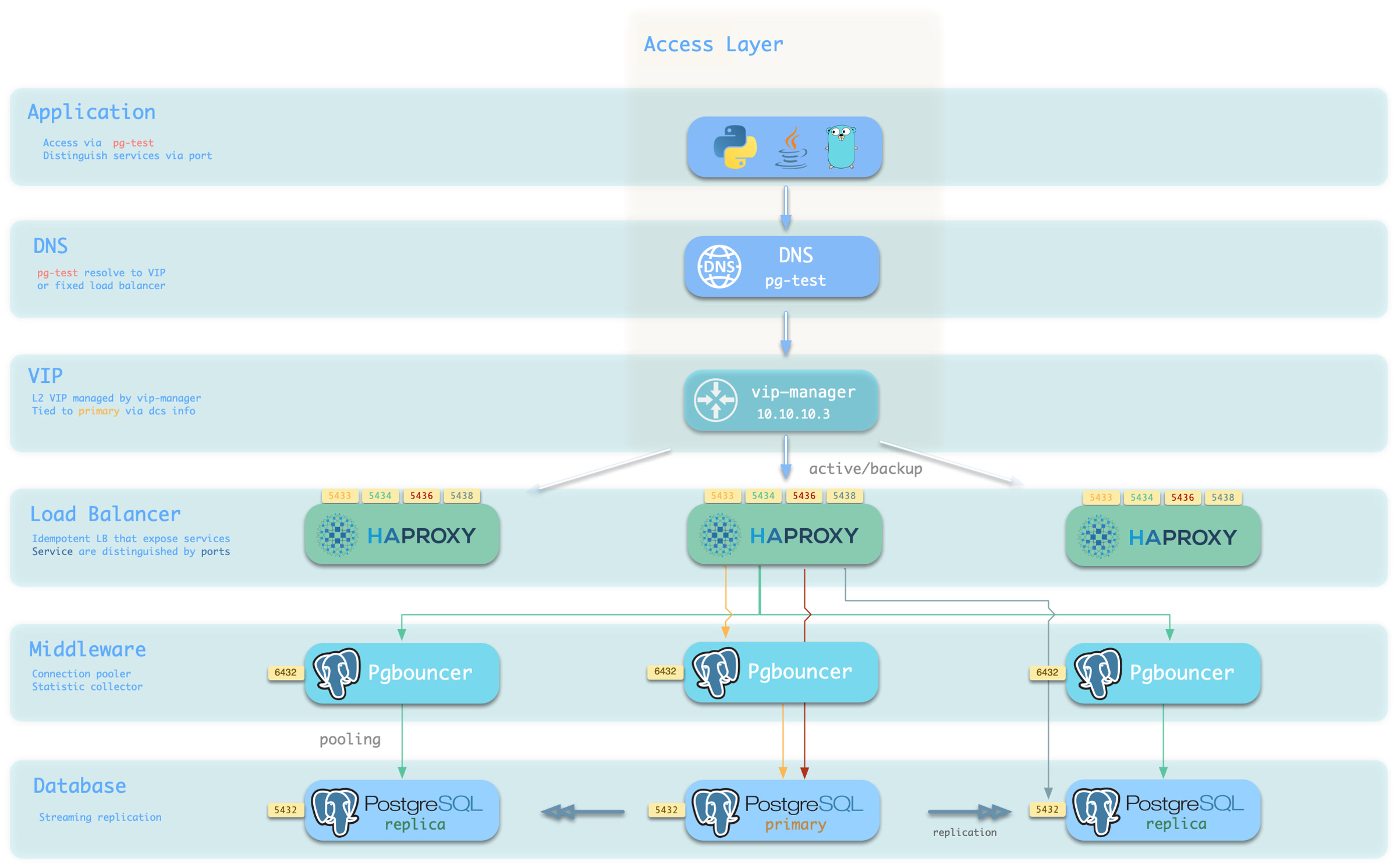
You can use different host & port combinations, which provide PostgreSQL service in different ways.
Host
| Type | Sample | Description |
|---|---|---|
| Cluster Domain Name | pg-test |
Resolved by dnsmasq on INFRA nodes; with pg_dns_target: auto, points to the VIP when enabled, otherwise to the primary IP |
| Cluster VIP Address | 10.10.10.3 |
When pg_vip_enabled is enabled, an L2 VIP managed by vip-manager and bound to the primary node |
| Instance Hostname | pg-test-1 |
Access via any instance hostname (resolved by dnsmasq @ infra nodes) |
| Instance IP Address | 10.10.10.11 |
Access any instance’s IP address |
Port
Pigsty uses different ports to distinguish pg services
| Port | Service | Type | Description |
|---|---|---|---|
| 5432 | postgres | Database | Direct access to postgres server |
| 6432 | pgbouncer | Middleware | Access postgres through connection pool middleware |
| 5433 | primary | Service | Access primary pgbouncer (or postgres) |
| 5434 | replica | Service | Access replica pgbouncer (or postgres) |
| 5436 | default | Service | Access primary postgres |
| 5438 | offline | Service | Access offline postgres |
Combinations
If data, a table, or even a database is deleted accidentally, Point-in-Time Recovery (PITR) can return the cluster to an earlier state.
This capability, once treated as specialist DBA work, is enabled by Pigsty’s standard PostgreSQL configuration.
High availability can fail over to another instance when hardware fails. It has a natural blind spot, however: replication is not backup.
Streaming replication faithfully sends every primary change to every replica within milliseconds, including a DELETE without a WHERE clause or a DROP TABLE issued against the wrong database. Failover handles a broken machine; when the data itself is wrong, every replica can contain the same error.
Database disasters therefore fall into two broad classes. Redundancy handles physical service failure through multiple copies and automatic failover. Logical errors require history: a base backup plus continuous WAL archives from which PostgreSQL can reconstruct a state before the mistake.
| Threat | High Availability | Delayed Cluster | PITR |
|---|---|---|---|
| Hardware or instance failure | ✔ Automatic failover | ✘ | ✔, with a longer RTO |
| Accidental DML, table drop, or database drop | ✘ The error is replicated | ✔ Within the delay | ✔ At any recoverable point |
| Defective software corrupts data over time | ✘ The error is replicated | ✔ Within the delay | ✔ Try different recovery targets |
| Entire cluster or site is lost | ✘ | ✘ | ✔ Only if the repository survives that failure domain |
These mechanisms complement one another: HA restores service quickly, a delayed cluster provides a short undo window, and PITR is the final historical recovery path.
A database can be viewed as a state machine. A base backup is a complete physical snapshot at one point, while WAL (Write-Ahead Log) records every subsequent state change. With a snapshot and an unbroken WAL history starting from it, PostgreSQL can replay the database to any target covered by that history. The backup determines how far back recovery can start; the latest archived WAL determines how close to the present it can reach.
Base backup + WAL archive = point-in-time recovery
Pigsty orchestrates both inputs. Cluster initialization attempts an initial full backup by default, and the primary continuously sends completed WAL segments to the selected repository. See How PITR Works for the complete model of backups, archives, targets, and timelines.
PITR is enabled in Pigsty’s standard PostgreSQL configuration. Each cluster is prepared with a backup repository, WAL archiving, and recovery tooling powered by pgBackRest. The policy remains declarative and can be customized with a few parameters:
The default local method stores backups under /pg/backup and retains two full backups. With one successful full backup per day, the resulting window is roughly 24–48 hours. Selecting the remote minio preset places the repository in Silo or compatible S3 storage, enables AES-256-CBC repository encryption, and uses time-based retention. With a 14-day retention setting and weekly full backups, the steady-state recovery window is roughly 14–21 days. Treat both ranges as policy estimates: actual coverage starts at the oldest usable backup and ends at the latest WAL that reached the repository.
Recovery is declarative too: specify a target, then let the playbook stop the cluster, restore files, replay WAL, and rebuild HA. An operator must still verify the recovered business state.
This follows Pigsty’s declarative configuration model: backup policy is part of the cluster definition, and a recovery target is another declared parameter.
PITR materially improves data integrity and availability:
| Standalone strategy | Event | RTO | RPO |
|---|---|---|---|
| No backup | Host and local data are lost | Permanent loss | All data |
| Base backups only | Host and local data are lost | Backup size and bandwidth, often hours | Changes since the latest backup |
| Base backups + WAL archives | Host and local data are lost | Backup size, replay distance, and bandwidth | WAL not yet present in the surviving repository |
The costs fall mainly into three areas:
PITR by itself does not replace HA. A production design normally combines HA for physical failures with PITR for logical errors and site-level recovery.
pg_pitr parameter, pgsql-pitr.yml, and pig pitrFor the operational runbooks, see PGSQL Backup and Recovery.
If a database is a state machine, WAL (Write-Ahead Log) is its ordered change history. PostgreSQL records each modification in WAL before applying it to data files. Save a physical snapshot at one point, preserve all later WAL, and PostgreSQL can replay that history to a selected consistent state.
PITR is therefore the combination of three simple elements: a snapshot (base backup), history (WAL archive), and a target (where replay should stop).
A base backup is a physical snapshot of the whole PostgreSQL cluster and supplies a starting point for recovery. Pigsty uses pgBackRest to create and manage three backup types:
| Type | Contents | Recovery characteristics |
|---|---|---|
| Full | All database-cluster files | Self-contained, shortest chain, largest backup |
| Differential | Changes since the latest full backup | Restore uses the full plus the differential |
| Incremental | Changes since the latest backup of any type | Smallest backup, restore depends on its complete chain |
The wrapper pg-backup [full|diff|incr] triggers a backup. With no argument it requests incr; pgBackRest creates a full backup instead when no valid full exists. pg_crontab declares recurring jobs and installs them in the postgres user’s crontab.
Backup frequency affects recovery time: the newer the usable backup, the less WAL must be replayed to reach a given target. See PITR Tradeoffs.
A snapshot reaches only its own state. WAL archiving preserves every later change needed to advance beyond it. Pigsty’s standard Patroni templates enable archiving and ask PostgreSQL to hand each completed WAL segment to pgBackRest:
Two implementation details matter:
archive_timeout: 300: on a low-write cluster, PostgreSQL can force a segment switch after five minutes so a partially filled segment does not wait indefinitely. This normally keeps the right edge of the recovery window within minutes when WAL is being generated; it is not a promise that every commit is already remote./pg/spool with archive-async=y to batch transfers. Pigsty sets archive-push-queue-max=4GiB; if repository failure lets the queue cross that bound, pgBackRest can drop the queued WAL to protect local disk. That creates an archive gap, so a new full backup is required to establish a fresh recoverable chain.Expiration is automatic. When old backups expire under the repository policy, pgBackRest also expires archived WAL that no remaining backup needs, unless archive retention is overridden explicitly.
The backup and its continuous WAL history form a recovery window:
The window moves forward as new backups arrive and old chains expire. Pigsty’s local preset keeps two full backups; with one successful full per day, coverage is roughly one to two days. The minio preset uses retention_full_type: time with retention_full: 14; with weekly full backups, the oldest retained chain normally yields roughly 14–21 days of steady-state coverage. These are estimates, not SLAs: missed backups, archive gaps, explicit archive-retention overrides, or repository loss change the actual window. Verify it with pig pb info and restore drills.
See PITR Tradeoffs and Backup Policy.
PostgreSQL supports several ways to locate a state inside the recovery window. Pigsty exposes six target types through pg_pitr:
pg_pitr type |
Meaning | Typical use |
|---|---|---|
default |
Replay through all WAL available from the repository | Restore the newest archived state after total loss |
time |
Stop at a timestamp | Recover from accidental DML or DDL |
xid |
Stop at a transaction ID | Exclude a precisely identified bad transaction |
lsn |
Stop at a WAL location | Low-level exact targeting |
name |
Stop at a restore point created with pg_create_restore_point() |
Planned change checkpoint |
immediate |
Stop as soon as the selected backup becomes consistent | Validate or expose the selected backup state quickly |
The set field is different: it chooses which backup set pgBackRest restores as the starting snapshot; it is not itself a replay stop target.
Targets are inclusive by default: the transaction at the target is retained. To stop immediately before a known bad target, set exclusive: true, which maps to recovery_target_inclusive = false.
Transactions remain atomic. Committed transactions before the effective target survive; transactions not committed at that point are rolled back. Recovery produces a consistent database state rather than half of a transaction.
Restoring to the past and accepting new writes creates a fork in history. PostgreSQL uses a timeline to distinguish each branch. PITR promotion, replica promotion, and failover can all create a new timeline; new WAL does not overwrite the old timeline’s files.
gitGraph
commit id: "Full backup"
commit id: "Normal writes"
commit id: "Bad change"
commit id: "More writes"
branch Timeline-2
checkout Timeline-2
commit id: "PITR before bad change"
commit id: "New writes"Keeping the old history allows another attempt if the first target was wrong. The timeline field can select a timeline; Pigsty’s recovery declaration defaults to latest.
Continue with PITR Architecture to see how these concepts map to Pigsty components and configuration.
The PITR principle is compact; the engineering is not. WAL archiving must not stall production writes, object-storage backups need encryption, backup jobs must follow the primary after failover, shared repositories must isolate clusters, and large numbers of small objects can limit throughput.
Pigsty uses pgBackRest as its backup engine and ships production-oriented defaults for those concerns. This page describes the engine, repository abstraction, archive path, scheduler, and primary-aware execution model.
Pigsty uses pgBackRest for three responsibilities: create base backups with backup, receive WAL with archive-push, and restore data with restore plus archive-get.
Relevant capabilities include:
pgBackRest separates cluster histories using a stanza. Pigsty maps the stanza name directly to pg_cluster, allowing multiple clusters to share one storage service without sharing a backup identity:
Two parameters define repository selection. pgbackrest_method chooses one repository name, and pgbackrest_repo is a dictionary of candidate definitions. Pigsty v4.5.0 renders only the selected pgbackrest_repo[pgbackrest_method] entry as pgBackRest repo1; listing both local and minio does not enable two active repositories.
The presets intentionally differ. local favors simplicity and fast local restore; it is unencrypted, unbundled, and retained by full-backup count. minio targets a remote Silo or compatible S3 repository, enabling encryption, bundles, block incremental backup, and time-based retention.
Rendering is mechanical: underscores in the chosen repository’s keys become hyphens and each key gets a repo1- prefix in /etc/pgbackrest/pgbackrest.conf. A custom cloud repository can therefore use pgBackRest options directly:
See Backup Repository for Silo, external S3-compatible storage, versioning, object locking, TLS, and credential details.
When pgbackrest_enabled is true, as it is by default, the Patroni templates configure:
Base backups enter the system in two ways:
pgbackrest_init_backup is true. The task ignores backup failure and writes /etc/pgbackrest/initial.done only after success, so the marker means “completed,” not merely “attempted.”pg_crontab installs jobs in the database superuser’s crontab. Its role default is an empty list; standard example configurations usually add a daily 01:00 full backup.pg-backup [full|diff|incr] is a small wrapper around pgbackrest backup. With no argument it requests an incremental backup, which pgBackRest promotes to a full backup if no usable full exists.
pgBackRest and the same scheduled job are installed on every PostgreSQL node, but pg-backup checks /pg/bin/pg-role and only proceeds on the current primary. Replicas fail fast rather than writing a competing backup.
That design decouples the backup schedule from the HA topology:
With a non-local repository, Pigsty also adds pgBackRest after basebackup in Patroni’s create_replica_methods. Patroni tries basebackup first; if that method fails, it can restore a replica from the repository with pgbackrest --delta restore, shifting the copy load away from the primary.
The shipped pgBackRest template favors light production overhead and aggressive restore throughput:
| Setting | v4.5.0 behavior | Rationale |
|---|---|---|
| Compression | compress-type=zst |
Balance compression ratio and throughput |
| Backup/archive workers | One quarter of CPU, clamped to 2–4 | Limit competition with the database |
| Restore workers | All detected CPU, capped at 8 | Minimize restore time |
| Asynchronous archive | archive-async=y, spool under /pg/spool |
Batch transfer without synchronous object-store latency |
| Archive queue limit | archive-push-queue-max=4GiB |
Bound local spool growth |
| Fast backup start | start-fast=y |
Request an immediate checkpoint |
| Incremental restore | delta=y |
Reuse destination files that already match |
The 4 GiB queue is a safety tradeoff: if the repository remains unavailable and the queue exceeds the limit, pgBackRest can discard queued archive files. PostgreSQL continues running, but the WAL archive becomes incomplete and a new full backup is needed to establish a new recovery chain. See How PITR Works.
When both backup and exporter settings are enabled, pgbackrest_exporter runs on each PostgreSQL node and exposes metrics on port 9854. The monitoring stack uses those metrics for backup age, type, size, duration, and error visibility.
Useful diagnostic entry points include:
| Entry | Purpose |
|---|---|
pb info |
Shell helper for pgbackrest info using the configured stanza |
/pg/log/pgbackrest/ |
pgBackRest backup, archive, and restore logs |
| `pg-backup full | diff |
See Backup Administration for operational checks, then PITR Tradeoffs for policy design.
A backup is an insurance policy. Its premium is storage, network traffic, and operational work; its benefit is how much data can be recovered and how quickly service can return. There is no universal free policy: more history normally needs more capacity, while a shorter RTO normally needs newer backups and tested procedures.
Designing a policy means answering three questions: where is the repository, how long is history retained, and how often are backups taken?
Repository location is the most important decision because it defines which disasters the backup survives.
A local repository (pgbackrest_method: local) stores backups on the primary’s local filesystem. It is simple, fast, and has no remote service dependency. But data and backup normally share one host failure domain: loss of the machine, disk, or filesystem can destroy both. Local backup protects well against logical errors, but not total host loss unless /pg/backup is deliberately placed on independent storage.
An object-storage repository (pgbackrest_method: minio or a custom S3 definition) sends backups to Silo or S3. It becomes an independent disaster-recovery copy only when deployed outside the database host or site failure domain. Pigsty’s minio preset also enables AES-256-CBC repository encryption, bundling, and block incremental backup. Recovery throughput then depends on the network and storage service, and that service adds operational responsibility.
| Scenario | Recommended repository | Reason |
|---|---|---|
| Development, test, demo | local |
Minimal dependencies; rebuild is acceptable |
| Production | Dedicated Silo or compatible S3 storage | Independent failure domain and encrypted repository |
| Cloud deployment | Managed S3-compatible or cloud object storage supported by pgBackRest | Independent storage and lower operational burden |
| Ransomware/compliance | Versioned storage plus correctly configured object lock/retention | Prevent privileged database-host access from deleting protected versions |
The backup repository is itself sensitive business data. Change the default access keys and cipher_pass, restrict access, protect credentials separately from the database hosts, and verify any object-lock policy. See Backup Repository.
Longer retained history generally consumes more storage, but compression, deduplication, block incremental backup, database change rate, and the mix of full/differential/incremental backups determine the actual amount. Measure real backup and WAL growth instead of relying on a fixed multiplier.
For an illustrative 100 GB database changing by 10 GB per day, before compression:
local preset policy): about 200 GB of full backups plus WAL, commonly giving roughly a one-to-two-day window when every job succeeds.minio preset policy): the oldest surviving weekly chain commonly produces roughly 14–21 days of coverage. Capacity must include multiple full backups, their incrementals, archived WAL, and transient retention-plus-one behavior during expiration.The precise window is not the configuration number alone. It runs from the oldest usable backup chain to the newest WAL present in the surviving repository. pgBackRest’s time retention removes an old full only when another qualifying full can satisfy the period, and related incrementals and WAL follow the retained full chains. Check pig pb info, monitor archive health, and prove coverage with a restore.
Choose a window long enough to cover the delay between an error occurring and being detected. A dropped table may be noticed in minutes; slow corruption or a month-end reconciliation failure can take weeks to surface.
Restore time has two main components: restore a backup chain, then replay WAL to the target. Backup size and storage throughput shape the first; the distance between the chosen backup and target shapes the second.
WAL replay is largely serial. On a write-heavy database, restoring from a weekly full immediately before the next full can require nearly a week of replay. Daily incremental backups reduce that replay distance while transferring only changes since the previous backup. They still depend on a valid chain, so monitor and test the entire chain rather than only the newest file.
A useful rule is: within the available backup window and production load budget, take backups often enough that measured restore time meets the RTO.
Pigsty provides two candidate repository definitions, but pgbackrest_method selects one for the generated repo1 configuration.
Standard policy: local repository and daily full backup. It is simple and restores through local I/O, making it suitable for development or environments where host-level disaster recovery is provided separately:
Production policy: remote Silo/S3 repository, weekly full, daily incremental. It separates the repository failure domain and uses the encrypted minio preset:
Do not describe the default pgbackrest_repo dictionary as a “dual-repository” setup: it contains alternative definitions, and the template renders only pgbackrest_repo[pgbackrest_method] as repo1. A real multi-repository pgBackRest design requires explicit advanced configuration and an independently tested backup, expiration, and restore workflow; the two Pigsty presets alone do not create it.
Use Backup Policy for capacity modelling and schedule details.
Monitoring a successful backup job is necessary but insufficient. Add clone restore drills to routine operations so you can answer:
A clone recovery leaves the source cluster online but overwrites the designated destination cluster, so verify the exact target and use disposable infrastructure. See Declarative Recovery for the recovery interface.
The value of a backup system is realized at restore time, often during an incident when every minute matters. A traditional PITR procedure requires a long sequence of coupled manual steps: pause HA, stop PostgreSQL, prepare recovery settings, restore the backup, replay WAL, validate the target, rebuild metadata, and start the cluster again.
Pigsty applies the same approach used by declarative configuration to recovery: declare the recovery target, then let the orchestration tools stop the cluster, restore the data, replay WAL, and return control to the operator.
Describe the target with the pg_pitr parameter and execute it with pgsql-pitr.yml.
The most common form restores a cluster to a specific time:
The six recovery target types and the rest of the recovery behavior are expressed through fields in this parameter:
See Restore Operations for the complete field reference and examples.
pgsql-pitr.yml turns the manual recovery workflow into six stages and supports Ansible tags for staged execution:
| Stage | Action |
|---|---|
| Print the source cluster, target, and restore command; this stage reports the plan and does not prompt for confirmation | |
| pause | Run patronictl pause so Patroni does not intervene during maintenance |
| stop | Stop Patroni and PostgreSQL on replicas, then on the primary |
| pitr | Render recovery settings, run an incremental pgBackRest restore, start PostgreSQL to replay WAL, wait for consistency, and print control data |
| etcd | Remove stale cluster metadata from etcd so old and new timelines are not mixed |
| start | Start Patroni again, resume HA management, and rebuild replicas |
Several details are important:
delta, so it rewrites only files that differ from the backup. For large databases, this can reduce RTO substantially.pg_controldata; an operator must still verify that the recovered business state is correct.backup: true, the original data directory is moved to /pg/data-backup before recovery. A later run with backup: true removes an existing /pg/data-backup, so this is not a versioned snapshot store.-t down, -t pitr, and -t up separately when you want an operator checkpoint between phases. Completion of the pitr phase means PostgreSQL reached a consistent recovery state; for a time, XID, LSN, or named target, also confirm WAL replay reached that target.The action field controls what happens at the target: promote opens a new timeline, pause waits at the target for inspection, and shutdown stops PostgreSQL there.
A targeted recovery defaults to pause when action is omitted. To preserve a manual gate for pause or shutdown, run the stages separately; a one-shot recovery should choose promote explicitly.
The playbook performs the mechanical workflow, but it cannot decide whether the recovered data is correct.
pig
The pig CLI provides single-instance PITR orchestration directly on a database node, without requiring the management node or an Ansible environment:
pig pitr validates the target, stanza, and available backups; stops Patroni and PostgreSQL; performs the restore; optionally starts PostgreSQL; and prints post-recovery instructions.
For a Patroni-managed data directory, Patroni remains stopped afterward. Validate the data, then use pig pt start to return the instance to HA management.
This single-node workflow does not clear etcd, rebuild replicas, or automatically rejoin the cluster, and it refuses destructive forced shutdown unless --force-stop is supplied explicitly.
The lower-level pig pb commands wrap pgBackRest: pb info lists backups, pb backup creates a backup, and pb restore performs a raw restore.
There is a deliberate safety boundary: pig pb restore refuses to run while Patroni still manages the instance, because Patroni could restart PostgreSQL during the restore.
Use pig pitr or pgsql-pitr.yml for Patroni-managed instances.
The same mechanism supports two different workflows:
| Dimension | In-place recovery | Clone recovery |
|---|---|---|
| Method | Roll the production cluster back | Restore a source backup into a different cluster |
| Downtime | Required during recovery | The source production cluster remains online |
| Effect | Discards all writes after the target | Does not affect the source; the destination is overwritten and can be retried |
| Best for | Whole-cluster corruption or disaster recovery | Recovering deleted objects, audit work, and recovery drills |
For a clone recovery, the cluster field names the source backup stanza.
This example restores the historical state of pg-meta into pg-test without stopping the source cluster:
Exporting an accidentally deleted table from the clone and importing it into production is generally safer than rolling the entire production cluster back. See Clone a Database Cluster for the complete workflow and cleanup steps.
Recovery completion is not the end of the incident. Include these steps in the closeout checklist:
pg-backup full so a recoverable window exists on the new timeline.archive: false, restore normal archiving as described in Post-Recovery.The tools execute the procedure; operators still decide the target, whether to restore in place or into a clone, and whether the recovered data is correct. Continue with PITR Scenarios for that decision framework.
During an incident, the most expensive resource is often decision time. Pigsty can orchestrate the mechanical recovery steps, but an operator must still answer three questions: what is the target, should recovery be in place or into a clone, and how will the result be validated?
Read and rehearse this framework before an incident.
| Scenario | Typical problem | Recommended workflow | Target |
|---|---|---|---|
| Accidental DML | DELETE or UPDATE affects the wrong rows |
Clone, validate, then copy back data | time / xid |
| Dropped table, schema, or database | DROP or an incorrect migration |
Clone, validate, then copy back objects | time / name |
| Defective release or batch corruption | Software writes incorrect data for a period | Clone and compare before choosing repair or cutover | time / xid |
| Audit, investigation, or forensics | Inspect historical state | Clone and hold at the target for inspection | time / lsn |
| Whole-cluster or site loss | Hosts or storage are gone or encrypted | Recover in place on replacement infrastructure | default / time |
Two principles apply throughout:
flowchart TD
A["Data error detected"] --> B["Contain the source of bad writes"]
B --> C{"Can production still serve?"}
C -->|Yes| D["Clone recovery<br/>validate and copy back or cut over"]
C -->|No| E["In-place recovery<br/>or rebuild on new infrastructure"]
D --> F["Validate, take a new backup, review the incident"]
E --> FA DELETE without WHERE, an incorrect UPDATE, or a defective batch job is the most common PITR use case.
First locate the error using application logs, PostgreSQL logs, metrics, or audit records. A timestamp is usually sufficient. If the exact transaction ID is known, xid plus exclusive: true can stop immediately before that transaction.
Validate the recovered rows, then copy only the required data back with pg_dump, COPY, or an application-specific reconciliation procedure. If a configured delayed cluster is still inside its delay window, reading from it may be faster than PITR.
The same approach applies to DROP TABLE, DROP DATABASE, or a migration executed in the wrong environment, with an even stronger preference for a clone. Rolling the entire production cluster back to recover one object also discards every legitimate write after the target.
Restore a separate destination to before the DDL, validate the object, export it with pg_dump, and import it into production. For planned high-risk changes, create a named restore point with pg_create_restore_point() beforehand; a name target then removes timestamp ambiguity.
When a faulty release corrupts data for hours, the challenge is usually identifying the last clean state and the full impact. A clone provides a clean comparison set. Restore repeatedly to candidate times, compare it with production, and decide whether to copy back corrected rows or cut over to a recovered cluster.
This decision needs application-owner validation: a successful PostgreSQL restore proves consistency at a target, not that the target represents correct business state.
Questions such as “what was this balance at month end?” require historical state. Restore into a separate destination, stop at a time, LSN, XID, or named restore point, and inspect without altering the source.
action: pause is the targeted-restore default and holds recovery at the target for inspection; it does not itself configure read-only access or create a separate cluster. The inventory limit and cluster source field determine the destination workflow. Run -t down, -t pitr, and -t up separately when you need an operator gate before promotion, and enforce read-only access explicitly if the investigation requires it. immediate means “stop at the first consistent point,” not “choose a historical timestamp.”
If every database host is destroyed or encrypted, HA cannot help. Recovery requires a repository and the other control-plane assets to have survived outside that failure domain. That survivor can be Silo/S3, another protected host or filesystem, or another tested pgBackRest backend; a remote object store is recommended but the essential property is independent failure-domain survival.
Rebuild hosts, restore the declarative inventory, credentials, and PKI, point the cluster at the surviving repository, then restore through the end of archived WAL:
Inventory and backup data are necessary but not sufficient. Preserve installation media or package repositories, repository credentials and encryption passwords, CA material, custom files, DNS dependencies, and an independently accessible runbook. Keep secrets encrypted and separate from both the database hosts and ordinary source control.
The first end-to-end execution of any of these workflows should not occur during a production incident. Use a disposable destination to rehearse clone recovery regularly and after material architecture changes. Measure three outcomes:
See Restore Operations and Clone a Database Cluster for the task-level runbooks.
Pigsty’s monitoring system has three pillars—metrics, logs, and alerting—and is available out of the box. Logs and alerts are also important inputs for audit and traceability. It can monitor clusters managed by Pigsty, existing PostgreSQL clusters, and external RDS services.
Pigsty monitoring covers these core targets:
| Component | Purpose |
|---|---|
| Grafana | Visualization dashboards, unified entry point, alert views |
| VictoriaMetrics | Time-series metric ingestion, storage, and query |
| VictoriaLogs | Structured log ingestion, indexing, and search |
| VMAlert + Alertmanager | Alert rule evaluation and notification delivery |
| Exporter / Agent | Database/system metric exposure and log forwarding |
Pigsty supports three monitoring onboarding modes:
| Mode | Use Case | Entry |
|---|---|---|
FULL |
Database is deployed and managed directly by Pigsty | PGSQL Monitoring System |
MANAGED |
Existing PostgreSQL cluster with SSH-manageable nodes | Monitor Existing Cluster |
RDS |
Cloud database accessible only by connection string | Monitor RDS |
The database is usually the most sensitive component in an information system: it stores the most valuable data, so attacks and failures can have the most serious consequences. Database security is not a feature that can be enabled with one switch. It is the combined answer to a series of questions: Who can connect? What can they do after connecting? Can traffic be intercepted? Are operations recorded? Can damaged, lost, or deleted data be recovered?
Pigsty turns these answers into an out-of-the-box security baseline and manages it through declarative configuration: HBA rules, roles and privileges, certificates, encryption, backups, and audit policies are declared as parameters in the inventory, then rendered and applied by idempotent playbooks.
This Security as Code approach is itself an important security practice. Policies can be versioned, reviewed, and traced, while one inventory provides a consistent baseline across many instances. When an auditor asks who can access a database, you can start from a readable YAML declaration, then verify the generated HBA rules and database grants against the running system.
In traditional operations, security settings are often scattered across the environment: pg_hba.conf on one server, a GRANT statement executed manually by a DBA, or a firewall rule opened temporarily during an incident.
Over time, documentation and actual state can drift, making it difficult to determine which rule set each instance is using.
Pigsty takes a different approach: security policy is part of the cluster definition and lives alongside other cluster properties.
Users, privileges, and HBA rules are described declaratively, and playbooks apply them idempotently to every cluster instance.
New instances inherit the same policy, and Git history records security configuration changes. Manual GRANT statements, runtime parameter changes, and edits to node files can still cause drift, so production environments should compare declared and actual state regularly.
Reasonable defaults reduce omissions. The following capabilities are enabled in the default Pigsty configuration:
| Capability | Default Behavior | Related Parameter |
|---|---|---|
| Password hashing | New or updated PostgreSQL passwords use SCRAM-SHA-256 | pg_pwd_enc |
| Data checksums | Page checksums are enabled during cluster initialization to detect silent corruption | pg_checksum |
| Server-side TLS | PostgreSQL server certificates are installed and ssl is enabled, so TLS connections are accepted |
— |
| Local CA | A self-signed CA is created automatically for managed component certificates | ca_create |
| etcd encryption and authentication | TLS for client and peer traffic, plus RBAC password authentication | etcd_root_password |
| MINIO object storage HTTPS | Silo backup traffic uses HTTPS by default | minio_https |
| Nginx HTTPS | Web ingress listens on both ports 80 and 443 by default | nginx_sslmode |
| HBA rules | Layered access: local ident, intranet password authentication, and SSL required for public administrator access | pg_default_hba_rules |
| Roles and privileges | A four-tier role model and default privilege templates provide a least-privilege baseline | pg_default_roles |
| Backup and recovery | pgBackRest is enabled by default, with two full backups retained in the local repository | pgbackrest_enabled |
| Firewall | Zone mode trusts intranet CIDRs and exposes only required ports to public networks | node_firewall_mode |
| Restricted sudo | Sudo access for the database OS user is limited to the required command set | pg_dbsu_sudo |
The default configuration targets deployments on a trusted intranet. Some controls require explicit enablement because they impose performance or compatibility costs, or require decisions from the operator:
./configure -g to randomize the credentials it recognizes, then check the pgBackRest encryption passphrase, Silo users in ha/safe, and all custom values.patroni_ssl_enabled, pgbouncer_sslmode); enable it explicitly with the certificates already issued.passwordcheck) and the audit extension (pgaudit) are disabled by default. Confirm package availability, then configure preloading and policy before use.permissive. Demo configurations also expose port 5432 through the firewall; remove that exception in production.minio repository preset uses AES-256 encryption by default, but its default encryption passphrase must be changed.The ha/safe hardening template combines TLS, certificate authentication, password checks, and backup encryption.
Together with the consistency-first CRIT parameter template, it provides a practical starting point. Public credentials, audit extensions, and the failure model still require explicit review.
See the Security Model for the complete upgrade path.
| Section | Question Answered |
|---|---|
| Security Model | Where is the root of trust? How many defensive layers exist? How should the baseline be hardened? |
| Authentication | Who can connect? How is identity proven? How are HBA rules declared and applied? |
| Access Control | What can a connected user do? How does least privilege become the default? |
| Encrypted Communication | How is traffic encrypted? Who issues, distributes, and rotates certificates? |
| Data Security | How is data kept intact, recoverable, confidential, and traceable? |
| Compliance | How do security capabilities map to MLPS and SOC 2 controls? |
Beyond the conceptual model, these pages provide operational security guidance:
ha/safe Template: complete hardening configuration referenceBefore examining individual security features, answer two more fundamental questions: Where is the root of trust? and How many defensive layers exist? The first determines what deserves the strongest protection. The second determines what remains when one layer fails.
Pigsty is an Ansible-based declarative deployment system. Like other control-plane systems, its admin node is the control plane and the node that requires the strongest protection.
| Role | Assets and Privileges |
|---|---|
| Admin node | The pigsty.yml inventory, which normally contains system and application credentials; the CA private key; SSH administration access to every node |
| INFRA nodes | Monitoring and alerts, DNS, Nginx ingress, and software repositories |
| Database nodes | Database instances, local dbsu, and restricted sudo |
| Clients | Database credentials or client certificates; access through service ports, HBA, and authentication |
These roles hold different capabilities; they do not form a simple linear hierarchy. Three assets are especially important:
pigsty.yml inventory contains component passwords and credentials. Strictly control access to the admin node and to the configuration repository when Git is used.files/pki/ca/ca.key, is the trust anchor for the deployment. Anyone holding it can issue an arbitrary trusted certificate. The file uses mode 0600 inside a 0700 directory; keep an offline backup.Pigsty’s security policy states this boundary explicitly: an attack that requires admin-node access, or possession of both pigsty.yml and the CA private key, is not treated as a product vulnerability.
These are high-trust control-plane assets by design and must be protected accordingly.
Defense in depth does not ask one mechanism to solve every problem. It combines controls so that one failure does not remove all protection. Pigsty’s security capabilities can be summarized as seven layers:
| # | Layer | Mechanisms | Details |
|---|---|---|---|
| 1 | Network boundary | Firewall zones, constrained listen addresses, centralized ingress | This page |
| 2 | Transport encryption | Local CA and TLS between components | Encrypted Communication |
| 3 | Authentication | HBA rules, SCRAM passwords, client certificates | Authentication |
| 4 | Access control | Role model, default privileges, database isolation | Access Control |
| 5 | Host security | SELinux, restricted sudo, dedicated OS users | This page |
| 6 | Data security | Checksums, backup and encryption, PITR, deletion safeguards | Data Security |
| 7 | Audit trail | DDL and connection logs, audit extensions, centralized logs | Data Security |
Layers 2, 3, 4, 6, and 7 have dedicated chapters. The following sections cover the network and host layers.
Pigsty enables a firewall during node provisioning (node_firewall_mode defaults to zone), using firewalld or ufw according to the operating system.
Intranet CIDRs (10.0.0.0/8, 172.16.0.0/12, and 192.168.0.0/16, defined by node_firewall_intranet) enter the trusted zone.
Public networks can reach only ports declared in node_firewall_public_port, which defaults to 22 for SSH and 80/443 for web traffic.
The default demo inventory,
pigsty.yml, also exposes port5432for local evaluation. Remove it in production. If direct database access is required, restrict sources to explicit CIDRs with security groups, host firewalls, and HBA.
PostgreSQL listens on all addresses by default (pg_listen: 0.0.0.0). The effective access boundary is the combination of listen addresses, firewall rules, and HBA. Stricter environments can constrain the listener:
The default firewall does not expose Grafana, VictoriaMetrics, or other web infrastructure directly to public networks. External web access normally enters through the Nginx portal. Database traffic enters through HAProxy service ports. Fewer entry points are easier to harden and audit.
The central host-level rule is: each OS user receives only the privileges required for its job.
postgres (pg_dbsu) has no password by default and can enter the database only through local ident authentication.
pg_dbsu_sudo defaults to limit, allowing passwordless systemctl operations for database services and log viewing rather than unrestricted root access.node_admin_username, default dba) is used by operators and playbooks and receives passwordless sudo (nopass) by default.
Security-sensitive environments can set node_admin_sudo to all, which requires a sudo password, or limit, which restricts the command set.node_selinux_mode defaults SELinux to permissive: violations are logged but not blocked, providing a baseline before moving to enforcing.Pigsty does not manage the SSH server configuration. Disabling password login, restricting remote root login, and similar operating-system hardening belong in your host security baseline.
Security does not have to jump to its final state in one step. Pigsty provides an upgrade path in which each level builds on the previous one:
Level 1: default baseline. Out-of-the-box controls include SCRAM passwords, data checksums, a local CA and component certificates, layered HBA, a four-tier role model, default backups, and firewall zones. This level suits development, testing, and evaluation on a trusted intranet. Production still requires credential review, network-boundary review, and client verification.
Level 2: randomized credentials. Default passwords are documented publicly and must be changed in every network-exposed deployment. Add -g when generating configuration to randomize built-in parameters and example credentials recognized by the configuration wizard:
This option does not replace the pgBackRest cipher_pass, every Silo example credential in ha/safe, or user-defined values. See the Default Credentials Checklist for the complete scope.
Level 3: policy hardening with the ha/safe template. conf/ha/safe.yml combines several controls into a starting point for further customization:
ssl, public administrator access uses a client certificate, PgBouncer uses require, and the Patroni API uses HTTPS. Local ident and selected localhost password rules remain.passwordcheck is preloaded explicitly, and built-in users declare expire_in. Example passwords in the template still require review and replacement.${ip},${vip},${lo}, and public connection-pool access by monitoring and administration accounts is denied explicitly.minio repository preset with AES-256-CBC. pgBR.${pg_cluster} is a predictable example value and must be replaced.passwordcheck, credcheck, pgaudit, pgsodium, anonymizer, and related extensions are installed. Installation does not preload, create, or configure an extension.Level 4: database hardening with the crit.yml parameter template. The safe template selects the CRIT parameter template for consistency-first workloads. Compared with the general oltp template, it:
pg_checksum;synchronous_mode_strict), blocking writes that require synchronous acknowledgment when no synchronous replica is available;automatic, which activates only when a usable device exists.Strict synchronous mode targets preservation of acknowledged transactions, but still depends on synchronous_commit, synchronous replica state, and failover eligibility. Validate RPO with failure exercises on the target topology.
You can also select individual controls instead of adopting the complete template:
PostgreSQL uses pg_hba.conf for Host-Based Authentication: who may connect, from where, to which database, and how they must prove their identity.
The mechanism is powerful, but expensive to maintain manually across a cluster. Primary and replica instances may require different rules, and every instance stores its own configuration in the data directory. Without a common declaration and refresh process, rules can drift between instances.
Pigsty applies the same declarative configuration model here: HBA rules are part of the inventory and are rendered and distributed consistently by playbooks.
Cluster HBA policy combines two parameter groups: the global defaults in pg_default_hba_rules and cluster-specific additions in pg_hba_rules.
The PgBouncer connection pool has two independent counterparts: pgb_default_hba_rules and pgb_hba_rules.
A rule can use either of two forms. The recommended alias form keeps one semantic rule on one line:
The raw form supplies a literal pg_hba.conf line for cases the aliases cannot express.
In addition to user, address, database, and authentication method, each rule has two control fields:
order: render order. HBA uses first-match semantics, so order is priority. By convention, 0-99 is reserved for high-priority user rules, 100-999 for defaults, and rules without order come last.role: instance-role filter. common and default apply to every instance; primary, replica, offline, standby, and delayed apply only to matching instances.
A role: offline rule is also rendered on instances marked with pg_offline_query. The same declaration therefore produces the appropriate rules for each instance role without maintaining primary and replica files manually.After editing the declaration, apply it with the wrapper script. The rules are rendered again and reloaded:
pg_hba_rules appends rules; it does not automatically narrow broader defaults. To establish a stricter boundary, review pg_default_hba_rules as well, then inspect the generated pg_hba.conf on every instance.
The alias form gives common cases semantic names. Values in addr expand into concrete address blocks:
| Alias | Expands To | Meaning |
|---|---|---|
local |
Unix socket | Local socket only |
localhost |
Unix socket, 127.0.0.1/32, and ::1/128 |
Local host |
admin |
<admin_ip>/32 |
Admin node |
infra |
/32 address of each INFRA node |
Infrastructure nodes |
cluster |
/32 address of every cluster member |
Cluster-internal traffic |
intra |
10.0.0.0/8, 172.16.0.0/12, 192.168.0.0/16 |
Intranet CIDRs, customizable with node_firewall_intranet |
world |
0.0.0.0/0 and ::/0 |
Any address |
| CIDR | Unchanged | Custom network |
Values in auth select the authentication method and whether TLS is mandatory:
| Alias | Authentication Method | Notes |
|---|---|---|
deny |
reject |
Explicit rejection |
trust |
trust |
Unconditional access; use with care |
pwd |
scram-sha-256 or md5 |
Follows pg_pwd_enc; SCRAM by default |
sha |
scram-sha-256 |
Force SCRAM |
md5 |
md5 |
Compatibility for legacy clients |
ssl |
hostssl with password authentication |
Password authentication over mandatory TLS |
ssl-sha |
hostssl with scram-sha-256 |
Mandatory TLS and SCRAM |
cert |
hostssl with cert |
Client certificate authentication |
ident, os |
ident (peer in PgBouncer) |
OS user mapping |
peer |
peer |
Local OS user |
The user field supports four placeholders, replaced with actual user names during rendering: ${dbsu} (superuser), ${repl} (replication user), ${monitor} (monitoring user), and ${admin} (administration user).
A +role prefix matches all members of that role.
Do not confuse transport enforcement with server verification: auth: ssl requires TLS but does not require the client to verify the server identity. Security-sensitive clients should also use sslmode=verify-full with a trusted CA; see Encrypted Communication.
Pigsty’s default HBA policy follows a simple rule: the farther the source, the stronger the requirement. These are the PostgreSQL defaults from the source configuration:
Layer by layer:
postgres can enter only through a local Unix socket with ident. No password is required, but remote login is impossible. This is why dbsu has no password by default.PgBouncer defaults are more restrictive: public access for monitoring and administration accounts is explicitly denied, while application users are limited to localhost and intranet sources.
The default +dbrole_offline rule does not set role and therefore applies to every instance. To restrict offline users to pg_role: offline or instances with pg_offline_query: true, add role: offline explicitly to the corresponding HBA rule.
This default policy favors usability: application accounts can connect from the intranet with password authentication.
The ha/safe template changes the main TCP rules to ssl and requires administrators outside the intranet to present a client certificate (cert); local ident and selected localhost password rules remain.
Pigsty uses PostgreSQL’s recommended scram-sha-256 password storage by default (pg_pwd_enc). Downgrade to md5 only for legacy client compatibility.
Before executing ALTER USER ... PASSWORD, the password workflow temporarily disables statement logging (SET log_statement TO 'none') to keep passwords out of PostgreSQL logs.
Plaintext passwords still appear in the inventory, and rendered user SQL is written to /pg/tmp/pg-user-<name>.sql with mode 0640. The related Ansible tasks do not use no_log consistently. Restrict access to the admin node, configuration repository, and automation output, and avoid --diff on tasks containing credentials.
Password strength is not enforced by default. If required, preload passwordcheck or the more configurable credcheck:
The ha/safe template sets this pg_libs value explicitly. Selecting the CRIT parameter template alone does not load passwordcheck.
Declare account lifetime with expire_in (days after creation) or expire_at (absolute date), then combine it with the organization’s rotation process:
Passwords can be phished, reused, or guessed. For privileged accounts such as administrators, use auth: cert in HBA to require client certificate authentication.
The client must present a certificate signed by the local CA whose CN matches the database user name. When the HBA rule accepts only cert, a leaked password alone cannot authenticate.
Issue client certificates with the built-in cert.yml playbook:
The certificate and key are stored in files/pki/misc/<cn>.crt and files/pki/misc/<cn>.key. Deliver the private key through a controlled channel. The client should still use verify-full to authenticate the database server; see Encrypted Communication.
The database is not the only authenticated entry point.
The PgBouncer connection pool uses an independent HBA policy and user list. pgbouncer_auth_query is disabled by default, so only users declared with pgbouncer: true are written to userlist.txt and can authenticate through the pool. Re-evaluate the login scope before enabling dynamic authentication queries.
The Patroni REST API carries high-availability control operations such as restart, switchover, and configuration reload. Write operations require HTTP Basic authentication (patroni_username and patroni_password) and are restricted by source-address allowlists.
When patroni_ssl_enabled is enabled, the API uses HTTPS throughout.
Credentials for Grafana, the HAProxy administration interface, the object-storage backend selected by the MINIO module, etcd, and other components are also declared in the inventory. See the Default Credentials Checklist for the full list and update guidance.
Authentication answers “Who are you?” Authorization answers “What may you do?”
Privilege failures rarely result from a lack of mechanisms—PostgreSQL GRANT and REVOKE are sufficiently precise. The usual problem is the absence of conventions that are applied by default:
an application account is made the owner at launch, temporary superuser access is not revoked after troubleshooting, or grants are missed when new tables are created and cause failures in production.
Pigsty provides an out-of-the-box access control model as a starting point: four role tiers, default privileges, and database isolation. It reduces per-database manual grants, but operators must still assign roles according to business boundaries and review effective privileges regularly.
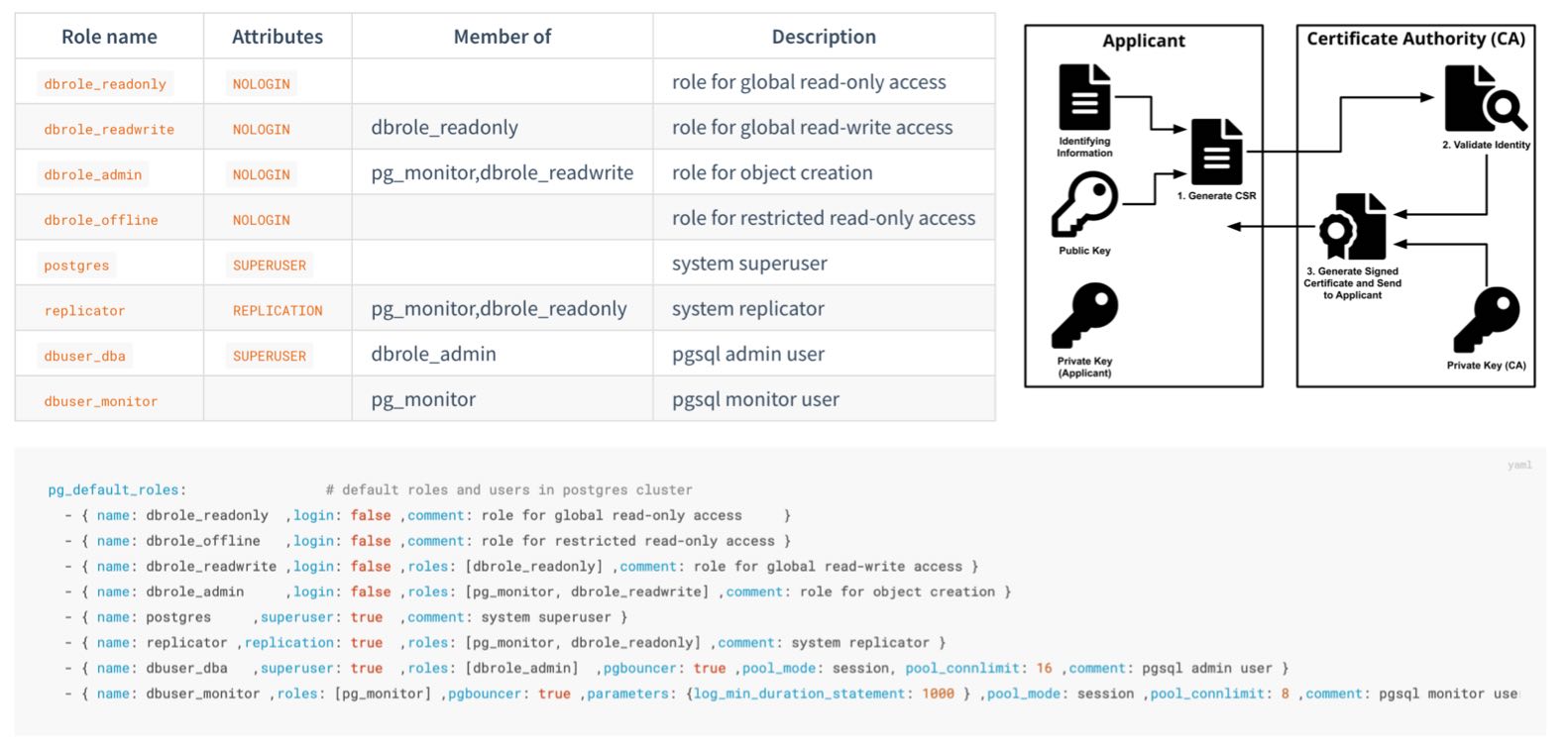
Pigsty creates four business roles by default. They cannot log in and are used as privilege groups:
| Role | Attribute | Inherits | Purpose |
|---|---|---|---|
dbrole_readonly |
NOLOGIN |
— | Global read-only access |
dbrole_readwrite |
NOLOGIN |
dbrole_readonly |
Global DML access; the default choice for application accounts |
dbrole_admin |
NOLOGIN |
dbrole_readwrite, pg_monitor |
Object creation and DDL for administration and release workflows |
dbrole_offline |
NOLOGIN |
— | Independent read-only role that can be restricted to offline instances through HBA |
Pigsty also creates four system users, each with a specific responsibility:
| User | Attribute | Purpose |
|---|---|---|
postgres |
SUPERUSER |
Database superuser; no password and local ident login only |
replicator |
REPLICATION |
Streaming replication and backup, with pg_monitor and read-only privileges |
dbuser_dba |
SUPERUSER |
Routine administration user that inherits dbrole_admin |
dbuser_monitor |
— | Monitoring user with only pg_monitor and read-only privileges |
Application accounts join role groups through the roles field and inherit their privileges:
The role system is itself declarative (pg_default_roles) and can be customized.
This parameter is a complete list. Preserve all required system users and default roles when changing it, and check references from HBA rules, default privileges, and scripts at the same time.
Roles answer “Who receives a privilege?” The other half of the problem is: How do newly created objects receive the correct privileges automatically?
PostgreSQL provides ALTER DEFAULT PRIVILEGES. Pigsty declares these rules through pg_default_privileges:
The read-only role receives query and function execution privileges, the read-write role adds DML, and the administrator role adds the supporting privileges required for object management.
Default privileges have an often-missed prerequisite: they apply only to objects created by identities for which those defaults were configured. Pigsty configures default privileges for:
pg_dbsu, which defaults to postgres;pg_admin_username, which defaults to dbuser_dba;dbrole_admin;pg_databases.Application DDL should normally run as the declared database owner. Platform administration and release workflows can use dbuser_dba or first execute SET ROLE dbrole_admin. Objects created directly by other users do not enter this default privilege model unless ALTER DEFAULT PRIVILEGES is also configured for those users.
This is PostgreSQL behavior, not a Pigsty limitation: default privileges follow the object creator; they do not automatically propagate from the database or the session login name.
PostgreSQL grants CONNECT on databases to PUBLIC by default. If HBA also permits a connection, a login role may enter a database it does not own. This default is particularly important to tighten when several applications share a cluster.
Set revokeconn in a database definition to revoke public connection access:
When enabled, CONNECT is revoked from PUBLIC and granted explicitly to the replication, monitoring, and administration users and to the database owner.
The owner receives GRANT OPTION and can decide who else may connect. Without additional grants or inherited roles, the app_a account cannot connect to app_b.
Cluster initialization also revokes CREATE from PUBLIC on the database and the public schema:
Ordinary users can no longer create objects freely in public databases or schemas, reducing risks from unsafe search_path settings and object shadowing.
PostgreSQL 15 tightened the default CREATE privilege on the public schema; Pigsty applies the same boundary consistently across all supported major versions.
dbrole_offline provides an independent set of read-only privileges for ETL, reporting, and ad hoc queries. The role controls object privileges only; it does not automatically restrict which instance a user may connect to.
In the current default HBA rules, the intranet rule for +dbrole_offline does not set role and therefore applies to every instance. To restrict it to a dedicated pg_role: offline instance, or to a regular replica marked with pg_offline_query: true, modify that rule in the complete pg_default_hba_rules list:
Defining pg_default_hba_rules replaces the entire default list; the example rule cannot be used alone. Expensive queries are limited to offline instances only when HBA filters by instance role and the user does not inherit another role allowed by broader rules. Resource isolation should also use a dedicated service endpoint, connection limits, and query resource controls.
Least privilege also applies at the host level:
postgres superuser has no password and can log in only through local ident. Its sudo access defaults to a restricted set of database service and log commands (pg_dbsu_sudo: limit).dbuser_monitor holds pg_monitor, the read-only role, and privileges on the dedicated monitor schema; it cannot write business tables by default.replicator receives only the directory function privileges required for backup and recovery instead of broad superuser access.TLS can provide three separate protections: transport encryption, server authentication, and client authentication. Each must be configured independently. Enabling server-side TLS does not mean the client verifies the server identity, nor does it mean the server requires a client certificate.
The main operational cost of TLS is not the encryption algorithm but certificate issuance, distribution, trust, and rotation. Without centralized management, internal services often encrypt traffic while skipping certificate verification—or remain on plaintext connections.
Pigsty brings PKI under declarative management. During deployment it creates a local self-signed CA, issues certificates for managed components, and distributes trust so TLS is ready for use after installation.
During the first deployment, Pigsty checks for a CA on the admin node and creates one when required:
| File | Description | Permissions |
|---|---|---|
files/pki/ca/ca.key |
CA private key and root of trust for the deployment; protect it carefully | 0600, with directory mode 0700 |
files/pki/ca/ca.crt |
CA root certificate; safe to distribute | 0644 |
ca_create controls CA behavior. An existing private key and certificate are reused unchanged; if the certificate is missing but the private key exists, that key is used to issue a replacement certificate.
ca_create: false only prevents creation of a missing CA private key. Deployment stops if ca.key is absent, preventing an unexpected trust root. Always back up and restore ca.key and ca.crt together.ca_cn sets the CA certificate CN, which defaults to pigsty-ca. The key is RSA 4096.cert_validity: 7300d).
The browser-facing Nginx certificate is an exception and currently defaults to 397 days.Long default lifetimes reduce the initial maintenance burden for private infrastructure; they do not remove the need for production rotation. Organizations with an established certificate policy should shorten lifetimes and monitor expiration.
Issuing a certificate is only half of PKI. Every node must trust it. When a node is managed, Pigsty distributes the CA certificate to /etc/pki/ca.crt and links it into the operating system trust store:
/etc/pki/ca-trust/source/anchors/ and run update-ca-trust/usr/local/share/ca-certificates/ and run update-ca-certificatesClients that use the OS trust store, such as curl, can then verify certificates signed by the Pigsty CA.
The CA certificate is also published as ca.crt at the site root of the Nginx portal for browsers and external clients.
PostgreSQL libpq clients require special attention: by default they look for ~/.postgresql/root.crt and use sslmode=prefer, so they do not directly use the operating system trust store to verify the server identity.
Security-sensitive PostgreSQL clients should use sslmode=verify-full and specify the Pigsty CA:
verify-full validates both the certificate chain and the connection host name. The DNS name or IP address used by the client must therefore appear in the server certificate SAN. External clients must install ca.crt or specify it with sslrootcert.
The local CA issues certificates for the following components and places them under one trust chain:
| Component | Certificate Identity (CN) | Deployment Path | Encryption State |
|---|---|---|---|
| PostgreSQL | <cluster>-<sequence> |
/pg/cert/server.{crt,key} |
Server-side SSL enabled by default; HBA determines whether it is mandatory |
| PgBouncer | Reuses the PostgreSQL certificate | /pg/cert/ |
TLS disabled by default (pgbouncer_sslmode) |
| Patroni | Reuses the PostgreSQL certificate | /pg/cert/ |
API HTTPS disabled by default (patroni_ssl_enabled) |
| etcd | <instance-name> |
/etc/etcd/server.{crt,key} |
TLS for client and peer traffic |
| Silo | <node-name> |
~minio/.minio/certs/ |
Silo HTTPS is enabled by default (minio_https) |
| Kafka | <cluster>-<sequence> |
/etc/kafka/pki/kafka.pem |
SASL_SSL/SSL with kafka_security: scram; defaults to plaintext |
| MySQL | <instance-name> |
/etc/mysql/pki/server.{crt,key} |
Secure transport enforced; clients and group replication verify the certificate chain |
| Nginx | pigsty, with portal domains in SAN |
/etc/nginx/conf.d/cert/ |
HTTPS enabled by default (nginx_sslmode) |
| INFRA node | <node-name> |
/etc/pki/infra.{crt,key} |
Available to infrastructure components |
The encryption-state column reflects deliberate defaults:
ha/safe template.Keep three states distinct: server-side SSL support does not force clients to use SSL, and neither state proves that the client verifies the server identity.
HBA rules enforce encryption with auth: ssl or cert. Client sslmode and trust settings control server verification. The default rules require TLS only for administrator connections from arbitrary sources. The safe template changes the main TCP rules to ssl or cert while retaining local ident and selected localhost password rules.
The built-in cert.yml playbook issues client certificates. The certificate CN represents the database user name for HBA cert authentication:
Results are stored in files/pki/misc/<cn>.key and files/pki/misc/<cn>.crt. Deliver private keys through a controlled channel and make them readable only by the corresponding user. The client certificate lets the server authenticate the client; the client must still use verify-full to authenticate the database server.
If the organization already operates a PKI, Pigsty can issue certificates from that CA, or from an intermediate signed by the enterprise root. Place the certificate and private key at the expected paths; playbooks do not regenerate a CA when one already exists:
Also set ca_create: false. Deployment will then fail explicitly if the private key is missing instead of creating an unexpected trust root. This setting does not stop the role from reissuing the CA certificate when the private key exists but the certificate is missing, so verify and restore both files together.
pigsty.yml, it is one of the highest-trust assets in the deployment; see Trust Boundaries. Keep an offline backup.files/pki/<component>/ on the admin node; node certificates are deployment copies. Deleting only a node copy restores the same certificate rather than issuing a new one. To rotate, update or remove the corresponding source on the admin node, rerun the relevant playbook, then reload or roll the component as required.Network boundaries, authentication, and access control reduce the likelihood of an incident. When hardware fails, credentials leak, or an operator makes a mistake, data-layer controls must limit the impact and support recovery.
Data security answers four questions: Is the data intact? Can it be recovered? If copied, does it remain confidential? Can you determine what happened?
Bad disk sectors, memory bit flips, and storage firmware defects can cause silent data corruption: the data is damaged without an immediate error.
Pigsty enables page checksums by default (pg_checksum: true).
The cluster is initialized with data-checksums, so PostgreSQL calculates a checksum when writing a page and verifies it when reading.
Page checksums primarily detect corruption in storage media, the I/O path, or pages after they were written. They do not detect every memory error, logical error, or incorrect application write, and they do not replace backups.
The CRIT parameter template goes further: checksums are mandatory regardless of the parameter, and strict synchronous replication (synchronous_mode_strict) blocks writes that require synchronous acknowledgment when no synchronous replica is available.
This mode targets preservation of acknowledged transactions, but it still assumes clients have not reduced synchronous_commit, a synchronous replica participates in the commit, and failover selects only a node containing the required WAL. Validate RPO through failure exercises on the target topology.
Replicas primarily handle node failures; backups handle accidental deletion, logical errors, cluster corruption, and broader disasters. High availability can shorten an interruption after primary failure, but replication also copies an accidental deletion to every replica. Backups are therefore indispensable.
Pigsty enables pgBackRest by default (pgbackrest_enabled).
Base backups plus continuous WAL archiving provide Point-in-Time Recovery (PITR), allowing recovery to a target time within the retained backup and WAL window.
Select the backup repository with pgbackrest_method:
| Repository | Location | Default Retention | Encryption |
|---|---|---|---|
local (default) |
Local /pg/backup directory |
Latest 2 full backups | None |
minio |
Silo or external S3-compatible object storage | 14 days | AES-256-CBC |
Two additional controls reduce damage from accidental deletion:
pg_delay: 1h replica for a critical cluster. Before an erroneous operation is replayed, pause replication and extract the required data. A delayed replica eventually catches up and does not replace a backup.pg_safeguard or etcd_safeguard is enabled, the corresponding removal playbook refuses to run, reducing the risk of accidental cluster removal.Having a backup is not the same as being able to restore. Recovery exercises should be routine; see Backup and Recovery for mechanisms and procedures.
Protect data at rest at three layers:
Backup encryption. pgbackrest_method: minio denotes an S3-compatible repository. It can be provided by Silo deployed through the MINIO module, or independently managed MinIO, RustFS, and external S3 services. The preset uses AES-256-CBC by default, but the public pgBackRest passphrase must be changed in production.
The ha/safe template derives an example passphrase from the cluster name:
pgBR.${pg_cluster} is predictable, and configure -g does not replace it. Use a unique random passphrase in production and store it separately from the backup. Losing the passphrase makes the backup unrecoverable.
The local backup repository is not encrypted by default. Encryption reduces disclosure if backup files or media are copied separately, but offers limited protection when the key and backup remain on the same host.
Transport encryption. Backup uploads to Silo or external S3 services use HTTPS. PostgreSQL client and replication traffic can require SSL through HBA. Clients should also verify the server certificate; see Encrypted Communication.
Encryption at rest. Upstream PostgreSQL currently has no general built-in transparent data encryption (TDE). Pigsty provides two practical options:
use the pg_tde extension with Percona Distribution for PostgreSQL for table-level transparent encryption (see the pgtde configuration template);
or use security extensions such as pgsodium, pgcrypto, and anonymizer for column-level encryption and masking. The safe template installs this extension category.
Full-disk encryption such as LUKS or dm-crypt protects against stolen media at the operating-system layer and complements database-level controls.
After an incident, you must be able to answer who did what and when. Pigsty provides layered logging:
Default baseline: all DDL is logged (log_statement: ddl), and statements taking longer than 100 ms are logged (log_min_duration_statement: 100).
PostgreSQL 18 and later also record connection authorization events.
CRIT template: connection and disconnection events are recorded with log_connections and log_disconnections. PostgreSQL 18 can distinguish connection receipt, authentication, and authorization stages.
pgaudit extension: for fine-grained statement auditing such as object reads and writes or role-based audit classes, install pgaudit and add it to pg_libs for preloading.
The safe template installs the extension, but loading and audit policy must be declared explicitly.
When INFRA logging is enabled and Vector is configured, PostgreSQL logs are sent to VictoriaLogs for centralized storage. The default retention is 15 days and can be adjusted for compliance. Logs and metrics support search, alerts, and incident reconstruction, but incident classification, response, and evidence preservation still require an operational process.
Compliance is not a product you can buy. It is a state that must be demonstrated continuously through three elements:
This page begins with a pre-launch hardening checklist and then maps Pigsty security capabilities to common compliance frameworks. The mappings support architecture and gap analysis; they are not an MLPS assessment conclusion, a SOC 2 audit opinion, or legal advice.
Pigsty default credentials are public in the documentation and source code. They are intended only for demonstrations and local development. Change every applicable default before any production or network-exposed deployment goes live:
| Scope | Example Default | configure -g |
|---|---|---|
| Grafana administrator and viewer | pigsty, DBUser.Viewer |
Yes |
| HAProxy administration interface | pigsty |
Yes |
| PostgreSQL administration, monitoring, and replication users | DBUser.DBA, DBUser.Monitor, DBUser.Replicator |
Yes |
| Patroni REST API | Patroni.API |
Yes |
| etcd root | Etcd.Root |
Yes |
| MINIO module object-storage root | S3User.MinIO |
Yes |
| Object-storage backup and example application users | S3User.Backup, S3User.Meta, S3User.Data |
Yes |
| Example database users | DBUser.Meta, DBUser.Supa, Vibe.Coding |
Yes |
| pgBackRest encryption passphrase | cipher_pass: pgBackRest |
No |
Silo users and pgBR.${pg_cluster} in ha/safe |
Template example values | No |
| User-defined credentials | Custom values | No |
Use -g while generating configuration to randomize built-in parameters and example strings recognized by the configuration wizard:
The wizard prints generated passwords to the terminal, so protect terminal history and automation logs as sensitive data. After generation, inspect the configuration and replace pgBackRest cipher_pass, MINIO module example values in ha/safe that were not covered, and all custom credentials.
Before deployment:
5432sslmode=verify-full and a trusted CAexpire_inha/safe template and the CRIT parameter template
After deployment:
configure -g and uncovered backup, object-storage, and custom credentials have all been changed/pg/data/pg_hba.conf against the declaration and intended boundaryCONNECT grants, and compare them with the inventory
Periodically:
pg_users declarations with effective grants, and remove expired or departed-user accounts
Declarative configuration provides a stable starting point for audit evidence. Retain runtime state as well to show that the configuration was applied and remains effective.
| Evidence | Source |
|---|---|
| Security baseline and change history | The pigsty.yml inventory and Git history |
| Access-control matrix | pg_default_roles, pg_users, and pg_hba_rules declarations |
| Effective authentication policy | Rendered pg_hba.conf on each instance, compared with declarations to detect drift |
| Effective users and privileges | PostgreSQL catalogs, database ACLs, \du+, and \ddp+ |
| Operation and connection logs | PostgreSQL DDL, slow-query, and connection logs retained in VictoriaLogs |
| Backup records | pgBackRest information and monitoring dashboards |
| Security incidents and alerts | Monitoring alert history |
| Certificate inventory | files/pki/ and deployed component certificates |
The following maps database-related Pigsty capabilities to controls in the “secure computing environment” section of GB/T 22239-2019 Level 3:
| Control | Pigsty Capability | Additional Requirement |
|---|---|---|
| Unique identity | Independent accounts and SCRAM-SHA-256 password storage | Real-name account management process |
| Password complexity and rotation | passwordcheck, credcheck, and expire_in |
Enable extensions and establish a rotation process |
| Login failure handling | Can be implemented with credcheck and related extensions |
Enable and configure as required |
| Access control and least privilege | Four-tier roles, default privileges, and database isolation | Privilege approval workflow |
| Security audit | DDL, connection, and slow-query logs; pgaudit; centralized retention |
CRIT or manual connection logging; required retention period |
| Communication confidentiality | Local CA and TLS; HBA-enforced ssl or cert |
Enforce TLS, client verify-full, and certificate rotation |
| Data integrity | Page checksums by default and strict synchronous replication with CRIT | Storage protection, defined failure model, and exercises |
| Data confidentiality | AES-encrypted backup plus TDE and column-encryption options | Enable as required |
| Backup and recovery | pgBackRest, PITR, and a remote S3-compatible repository | Recovery exercise process |
| Residual information protection | — | Media destruction and erasure process |
MLPS also covers physical security, communication networks, and management systems beyond the scope of a database distribution. Pigsty can support database-related technical controls in a secure computing environment; facilities, network devices, and governance must be addressed in the overall system.
Database-related controls in the SOC 2 Trust Services Criteria (TSC) include:
| Criterion | Pigsty Capability | Additional Requirement |
|---|---|---|
| CC6.1 Logical access security | HBA, RBAC, default privileges, and database isolation | Privilege design, approval, and periodic review |
| CC6.2 User registration and authorization | Declarative users, roles, and expiration | Joiner, mover, leaver, and identity-verification process |
| CC6.3 Access changes and revocation | pg_users, role changes, REVOKE, and expiration |
Tickets, approval evidence, and timely revocation |
| CC6.6 External boundary threats | Firewalls, listen addresses, HBA, and restricted management ingress | Network architecture, boundary devices, and continuous validation |
| CC6.7 Information transmission and movement | TLS, client verification, and backup encryption | Policies for exports, media, and third-party transfer |
| CC7.2 System monitoring | Victoria observability stack with extensive metrics and alerts | Alert-response process |
| CC7.3 Incident traceability | Centralized logs and audit extensions | Log-review process |
| A1.2 Availability and recovery | High Availability and PITR | Exercise records and RTO/RPO objectives |
Compliance reviews increasingly cover the software supply chain. Pigsty provides the following distribution and response controls:
Package integrity: RPM and DEB packages in the Pigsty repositories (repo.pigsty.io and repo.pigsty.cc) are GPG-signed.
The public-key fingerprint is 9592 A7BC 7A68 2E73 3337 6E09 E793 5D8D B9BD 8B20 (B9BD8B20) and can be verified before trust is established. Repository definitions written during deployment and the local repository on the INFRA node do not enforce signature verification for every package by default; review package-manager repository trust and signature settings in production.
Vulnerability response: report security issues privately through GitHub private vulnerability reporting or email, as documented in SECURITY.md. The project targets acknowledgment within three business days and an initial assessment within seven days.
Version support: security fixes ship with the latest stable release. Staying current is the standard way to receive them. Users who must remain on a version for longer can obtain extended support through subscription services.
ha/safe Template: hardening configuration examplePigsty runs on Linux, supporting amd64/x86_64 and arm64/aarch64 arch, plus 3 major distros: EL, Debian, Ubuntu.
Pigsty runs bare-metal without containers. Supports actively maintained mainstream releases across the 3 major distro families and both archs.
Recommended OS versions: Rocky Linux 9.8 / 10.2, Debian 12.15 / 13.6, Ubuntu 22.04.5 / 24.04.4 / 26.04.0.
| Distro | Arch | OS Code | PG18 | PG17 | PG16 | PG15 | PG14 |
|---|---|---|---|---|---|---|---|
| RHEL / Rocky / Alma 10 | x86_64 | el10.x86_64 |
|||||
| RHEL / Rocky / Alma 10 | aarch64 | el10.aarch64 |
|||||
| RHEL / Rocky / Alma 9 | x86_64 | el9.x86_64 |
|||||
| RHEL / Rocky / Alma 9 | aarch64 | el9.aarch64 |
|||||
Ubuntu 26.04 (resolute) |
x86_64 | u26.x86_64 |
|||||
Ubuntu 26.04 (resolute) |
aarch64 | u26.aarch64 |
|||||
Ubuntu 24.04 (noble) |
x86_64 | u24.x86_64 |
|||||
Ubuntu 24.04 (noble) |
aarch64 | u24.aarch64 |
|||||
Ubuntu 22.04 (jammy) |
x86_64 | u22.x86_64 |
|||||
Ubuntu 22.04 (jammy) |
aarch64 | u22.aarch64 |
|||||
Debian 13 (trixie) |
x86_64 | d13.x86_64 |
|||||
Debian 13 (trixie) |
aarch64 | d13.aarch64 |
|||||
Debian 12 (bookworm) |
x86_64 | d12.x86_64 |
|||||
Debian 12 (bookworm) |
aarch64 | d12.aarch64 |
These seven minor releases are the current validation baselines. The extension repository retains dual-architecture EL8 compatibility, so the complete package matrix covers 16 Linux platforms. EL8 is in its retirement transition and is no longer a recommended deployment baseline.
Pigsty supports RHEL / Rocky / Alma / Anolis / CentOS 8, 9, 10.
| EL Distro | Arch | OS Code | PG18 | PG17 | PG16 | PG15 | PG14 |
|---|---|---|---|---|---|---|---|
| RHEL10 / Rocky10 / Alma10 | x86_64 | el10.x86_64 |
|||||
| RHEL10 / Rocky10 / Alma10 | aarch64 | el10.aarch64 |
|||||
| RHEL9 / Rocky9 / Alma9 | x86_64 | el9.x86_64 |
|||||
| RHEL9 / Rocky9 / Alma9 | aarch64 | el9.aarch64 |
|||||
| RHEL8 / Rocky8 / Alma8 | x86_64 | el8.x86_64 |
|||||
| RHEL8 / Rocky8 / Alma8 | aarch64 | el8.aarch64 |
|||||
| RHEL7 / CentOS7 | x86_64 | el7.x86_64 |
|||||
| RHEL7 / CentOS7 | aarch64 | - |
Rocky Linux 9.8 / 10.2 balances stability and fresh software. Recommended for EL users.
EL8 goes EOL in 2029. Plan upgrade ASAP. EL10 support is ready, EL8 will be dropped in next release.
RHEL 7 EOL since Jun 2024. PGDG stopped providing binary packages for PG 16/17/18 on EL7.
For extended support on legacy OS, consider Enterprise Subscription.
Pigsty supports Ubuntu 26.04 / 24.04 / 22.04:
| Ubuntu Distro | Arch | OS Code | PG18 | PG17 | PG16 | PG15 | PG14 |
|---|---|---|---|---|---|---|---|
Ubuntu 26.04 (resolute) |
x86_64 | u26.x86_64 |
|||||
Ubuntu 26.04 (resolute) |
aarch64 | u26.aarch64 |
|||||
Ubuntu 24.04 (noble) |
x86_64 | u24.x86_64 |
|||||
Ubuntu 24.04 (noble) |
aarch64 | u24.aarch64 |
|||||
Ubuntu 22.04 (jammy) |
x86_64 | u22.x86_64 |
|||||
Ubuntu 22.04 (jammy) |
aarch64 | u22.aarch64 |
Ubuntu 26.04 provides the newest LTS baseline, while Ubuntu 24.04 remains the conservative default for Ubuntu users.
Pigsty supports Debian 12 / 13, latest Debian 13.6 recommended:
| Debian Distro | Arch | OS Code | PG18 | PG17 | PG16 | PG15 | PG14 |
|---|---|---|---|---|---|---|---|
Debian 13 (trixie) |
x86_64 | d13.x86_64 |
|||||
Debian 13 (trixie) |
aarch64 | d13.aarch64 |
|||||
Debian 12 (bookworm) |
x86_64 | d12.x86_64 |
|||||
Debian 12 (bookworm) |
aarch64 | d12.aarch64 |
|||||
Debian 11 (bullseye) |
x86_64 | d11.x86_64 (historical) |
|||||
Debian 11 (bullseye) |
aarch64 | - |
Debian 11 EOL since Jul 2024. For extended support on legacy OS, consider Enterprise Subscription.
For local VM deployment, use these Vagrant base images (same as used in Pigsty dev):
cloud-image/rocky-8: Rocky 8.10cloud-image/rocky-9: Rocky 9.8cloud-image/rocky-10: Rocky 10.2cloud-image/debian-12: Debian 12.15cloud-image/debian-13: Debian 13.6cloud-image/ubuntu-22.04: Ubuntu 22.04.5cloud-image/ubuntu-24.04: Ubuntu 24.04.4cloud-image/ubuntu-26.04: Ubuntu 26.04.0For cloud deployment, use these Terraform base image prefixes (Aliyun example):
| x86_64 | Aliyun Image Prefix |
|---|---|
| Rocky 8.10 | rockylinux_8_10_x64 |
| Rocky 9.8 | rockylinux_9_8_x64 |
| Rocky 10.2 | rockylinux_10_2_x64 |
| Ubuntu 22.04.5 | ubuntu_22_04_x64_20G |
| Ubuntu 24.04.4 | ubuntu_24_04_x64_20G |
| Ubuntu 26.04.0 | ubuntu_26_04_x64_20G |
| Debian 12.15 | debian_12_15_x64 |
| Debian 13.6 | debian_13_6_x64 |
| aarch64 | Aliyun Image Prefix |
|---|---|
| Rocky 8.10 | rockylinux_8_10_arm64 |
| Rocky 9.8 | rockylinux_9_8_arm64 |
| Rocky 10.2 | rockylinux_10_2_arm64 |
| Ubuntu 22.04.5 | ubuntu_22_04_arm64_20G |
| Ubuntu 24.04.4 | ubuntu_24_04_arm64_20G |
| Ubuntu 26.04.0 | ubuntu_26_04_arm64_20G |
| Debian 12.15 | debian_12_15_arm64 |
| Debian 13.6 | debian_13_6_arm64 |
| Module | Category | Status | Docs Path | Summary |
|---|---|---|---|---|
PGSQL |
Core | GA | /docs/pgsql |
High-availability PostgreSQL clusters with built-in backup, monitoring, SOP, and extension ecosystem. |
INFRA |
Core | GA | /docs/infra |
Local software repository + VictoriaMetrics/Logs/Traces + Grafana infrastructure stack. |
NODE |
Core | GA | /docs/node |
Node initialization and convergence: system tuning, admin, HAProxy, Vector, Keepalived, etc. |
ETCD |
Core | GA | /docs/etcd |
DCS for PostgreSQL HA (service discovery, config, leader-election metadata). |
MINIO |
Extension | GA | /docs/minio |
Deploys Silo S3-compatible object storage, suitable for PostgreSQL backups. |
REDIS |
Extension | GA | /docs/redis |
Redis by default, or Valkey, in standalone, Sentinel, or native-cluster mode with monitoring. |
DOCKER |
Extension | GA | /docs/docker |
Docker daemon and the runtime capability for containerized apps. |
JUICE |
Extension | BETA | /docs/juice |
JuiceFS distributed file system using PostgreSQL as metadata engine. |
VIBE |
Extension | BETA | /docs/vibe |
Browser-based dev environment with Code-Server, JupyterLab, Node.js, Claude Code, and Codex CLI. |
KAFKA |
Extension | BETA | /docs/kafka |
Apache Kafka 4.x dynamic KRaft cluster deployment, security baseline, and monitoring. |
Pigsty provides four core modules that are important for delivering complete highly available PostgreSQL services:
PGSQL: Self-healing PostgreSQL clusters with HA, PITR, IaC, SOP, monitoring, and 575 extensions.INFRA: Local software repository, VictoriaMetrics, VictoriaLogs, VictoriaTraces, Grafana, Alertmanager, Blackbox Exporter…NODE: Node convergence for hostname, timezone, NTP, SSH, sudo, HAProxy, Vector, and Keepalived.ETCD: Distributed key-value store used as DCS for HA PostgreSQL clusters: consensus leader election/config management/service discovery.Although these four modules are usually installed together, separate use is still feasible. In practice, only the NODE module is usually mandatory.
Pigsty provides six extension modules. They are not mandatory for core functionality, but can enhance PostgreSQL capabilities:
MINIO: An S3-compatible object-storage module that deploys Silo and provides PostgreSQL backup integration and monitoring.REDIS: Redis server with standalone/sentinel/cluster production deployment and full monitoring support.DOCKER: Docker daemon service for one-click deployment of stateless software templates on Pigsty.JUICE: JuiceFS distributed filesystem module using PostgreSQL as metadata engine, providing shared POSIX storage.VIBE: Browser-based development environment with Code-Server, JupyterLab, Node.js, Claude Code, and Codex CLI.KAFKA: Apache Kafka 4.x dynamic KRaft clusters with TLS/SCRAM/ACL security baseline, declarative topics/users, and full monitoring.The modules below are closely related to the PostgreSQL ecosystem. They are optional ecosystem capabilities and are not counted in the 10 official modules above:
SUPABASE, DUCKDB: peripheral ecosystem integration.MSSQL, IVORY, POLAR, CITUS, CLOUDBERRY, PGEDGE: kernel replacement, distributed, and MPP forms.MYSQL-compatible kernel (OpenHalo), ORIOLE, PGTDE, AGENS: protocol compatibility, storage engine, transparent encryption, and graph database kernels. Here, MYSQL means the pg_mode=mysql PostgreSQL-compatible kernel, not a native MySQL service.GREENPLUM, NEON: historical docs retained, no longer default public capabilities.MYSQL pilot: the current mysql.yml, mysql-rm.yml, and roles/mysql* manage a fixed native MySQL 8.4 platform with either one node or a three-node single-primary InnoDB Cluster. It remains a PILOT and is not counted among the 10 official modules above.KUBE, VICTORIA, JUPYTER: other pilot modules, currently not open for public use.Pigsty’s home directory is located at ~/pigsty by default. The file structure within this directory is as follows:
~/pigsty Source Tree
/infra is a runtime symlink to /data/infra, which keeps observability data and generated configuration together:
Pigsty’s self-signed CA is located in files/pki/ under the Pigsty home directory.
You must keep the CA key file secure: files/pki/ca/ca.key. This key is generated by the ca role during deploy.yml or infra.yml execution.
Nodes managed by Pigsty will have the following certificate files installed:
All infra nodes will have the following certificates:
When your admin node fails, the files/pki directory and pigsty.yml file should be available on the backup admin node. You can use rsync to achieve this:
The infra role creates infra_data (default: /data/infra) and creates a symlink /infra -> /data/infra.
/data/infra permissions are root:infra 0771; subdirectories default to *:infra 0750 unless overridden:
This structure is created by: roles/infra/tasks/dir.yml, roles/infra/tasks/victoria.yml, roles/infra/tasks/register.yml, roles/infra/tasks/dns.yml, and roles/infra/tasks/env.yml.
The node data directory is specified by node_data, defaulting to /data, owned by root:root with mode 0755.
Most core components place their default data directories here. Some pilot modules use fixed paths of their own; native MySQL 8.4 currently uses /var/lib/mysql.
Pigsty starts HAProxy with its own systemd unit and manages the main configuration separately from service fragments:
To append startup arguments in /etc/default/haproxy, use EXTRAOPTS and retain the default -S /run/haproxy-master.sock. The systemd unit already loads configuration with explicit -f arguments, so do not add another -f to EXTRAOPTS.
Monitoring config has moved from the legacy /etc/prometheus layout to the /infra runtime layout.
The main template is roles/infra/templates/victoria/prometheus.yml, rendered to /infra/prometheus.yml.
files/victoria/bin/* and files/victoria/rules/* are synced to /infra/bin/ and /infra/rules/, while each module registers FileSD targets under /infra/targets/*.
Pigsty-rendered INFRA units are consistently stored in /etc/systemd/system/, including vmetrics, vlogs, vtraces, vmalert, alertmanager, blackbox_exporter, nginx_exporter, and dnsmasq. Distribution package unit directories are not write targets for these roles.
The following parameters and internal variables are related to PostgreSQL directory layout:
pg_dbsu_home: Postgres default user home directory, default: /var/lib/pgsqlpg_bin_dir: Postgres binary directory, default: /usr/pgsql/bin/pg_fs_main: Postgres primary data directory, default: /data/postgrespg_fs_backup: Postgres backup disk mount point, default: /data/backups (optional; can also be a subdirectory on primary disk)pg_data: Internal variable, fixed to the Postgres data-directory symlink /pg/datapg_cluster_dir: Derived variable, {{ pg_fs_main }}/{{ pg_cluster }}-{{ pg_version }}pg_backup_dir: Derived variable, {{ pg_fs_backup }}/{{ pg_cluster }}-{{ pg_version }}Data File Structure
Binary File Structure
On EL-compatible distributions (using yum), PostgreSQL default installation location is:
Pigsty creates a symlink named /usr/pgsql pointing to the actual version specified by the pg_version parameter, for example:
Therefore, the default pg_bin_dir is /usr/pgsql/bin/, and this path is added to the system PATH environment variable, defined in: /etc/profile.d/pgsql.sh.
On Ubuntu/Debian, the default PostgreSQL Deb package installation location is:
Pigsty-rendered PostgreSQL runtime units are likewise stored in /etc/systemd/system/. They primarily include patroni.service, postgres.service, pgbouncer.service, pg_exporter.service, pgbackrest_exporter.service, pgbouncer_exporter.service, and vip-manager.service when VIP is enabled.
Pgbouncer runs under the same user as {{ pg_dbsu }} (default postgres), with configs in /etc/pgbouncer.
pgbouncer.ini: main pool configuration (postgres:postgres 0640)database.txt: pooled database definitions (postgres:postgres 0600)useropts.txt: per-user connection options (postgres:postgres 0600)userlist.txt: password file maintained by /pg/bin/pgb-userpgb_hba.conf: access control file (postgres:postgres 0600)The MINIO module currently deploys only Silo, while retaining minio_* parameter and directory names for compatibility:
Silo certificates are stored in /home/minio/.minio/certs/. The module name, role parameters, data directory, and FileSD path retain the compatible MINIO / minio_* naming.
Pigsty manages Redis or Valkey with the same directory layout and instance naming.
Service units call binaries according to redis_type (/bin/* is compatible with /usr/bin/* on most distributions):
For a Redis instance named redis-test-1-6379, the related resources are as follows:
Pigsty-rendered Redis/Valkey instance and exporter units are consistently stored in /etc/systemd/system/, and instance units use Type=notify. Package-provided units may still live in distribution directories, but those are not role write targets.
This is the parameter navigation page for Pigsty v4.x, without repeating full explanations for each parameter.
For parameter details, please read each module’s param page.
Cross-checked against the current source and parameter reference pages, the 10 official modules expose 373 public parameters. Native MySQL 8.4 remains a pilot module; its 13 public parameters are listed separately and are not included in the official-module total.
| Module | Groups | Count | Description |
|---|---|---|---|
PGSQL |
9 | 124 | PostgreSQL HA cluster configuration |
INFRA |
10 | 73 | Software repository and Victoria-based observability infra |
NODE |
11 | 73 | Node initialization, system tuning, and ops baseline |
ETCD |
2 | 13 | ETCD cluster and removal safeguard parameters |
MINIO |
2 | 22 | Silo deployment, observability, and removal parameters |
REDIS |
2 | 22 | Redis/Valkey deployment and removal parameters |
DOCKER |
1 | 8 | Docker engine parameters |
JUICE |
1 | 2 | JuiceFS instance and cache parameters |
VIBE |
1 | 18 | Code/Jupyter/Node.js/Claude/Codex configuration |
KAFKA |
2 | 18 | Kafka deployment and removal safeguard parameters |
Pilot module: native MYSQL 8.4 currently exposes 13 public parameters: 11 for deployment and 2 for protected removal. Fixed ports, paths, software versions, and timers are not public parameters.
| Module | Major Groups |
|---|---|
PGSQL |
PG_ID, PG_BUSINESS, PG_INSTALL, PG_BOOTSTRAP, PG_PROVISION, PG_BACKUP, PG_ACCESS, PG_MONITOR, PG_REMOVE |
INFRA |
META, CA, INFRA_ID, REPO, INFRA_PACKAGE, NGINX, DNS, VICTORIA, PROMETHEUS, GRAFANA |
NODE |
NODE_ID, NODE_DNS, NODE_PACKAGE, NODE_TUNE, NODE_SEC, NODE_ADMIN, NODE_TIME, NODE_VIPHAPROXY, NODE_EXPORTER, VECTOR |
ETCD |
ETCD, ETCD_REMOVE |
MINIO |
MINIO, MINIO_REMOVE |
REDIS |
REDIS, REDIS_REMOVE |
DOCKER |
DOCKER |
JUICE |
JUICE |
VIBE |
VIBE |
KAFKA |
KAFKA, KAFKA_REMOVE |
This page summarizes Pigsty v4.x playbook entries and usage guidance by module. For detailed task tags, open each module’s playbook page.
| Module | Count | Playbooks |
|---|---|---|
INFRA |
3 | deploy.yml infra.yml infra-rm.yml |
NODE |
2 | node.yml node-rm.yml |
ETCD |
2 | etcd.yml etcd-rm.yml |
PGSQL |
7 | pgsql.yml pgsql-rm.yml pgsql-user.yml pgsql-db.yml pgsql-monitor.yml pgsql-migration.yml pgsql-pitr.yml |
REDIS |
2 | redis.yml redis-rm.yml |
MINIO |
2 | minio.yml minio-rm.yml |
DOCKER |
1 | docker.yml |
JUICE |
1 | juice.yml |
VIBE |
1 | vibe.yml |
KAFKA |
2 | kafka.yml kafka-rm.yml |
MYSQL (pilot) |
2 | mysql.yml mysql-rm.yml |
| Playbook | Module | Purpose |
|---|---|---|
deploy.yml |
INFRA |
One-pass deployment for the core chain (Infra/Node/Etcd/PGSQL, enabling MINIO by config) |
infra.yml |
INFRA |
Initialize infrastructure nodes |
infra-rm.yml |
INFRA |
Remove infrastructure components |
node.yml |
NODE |
Node onboarding and baseline convergence |
node-rm.yml |
NODE |
Node offboarding |
etcd.yml |
ETCD |
ETCD install/scale-out |
etcd-rm.yml |
ETCD |
ETCD remove/scale-in |
pgsql.yml |
PGSQL |
Initialize PostgreSQL cluster or add instance |
pgsql-rm.yml |
PGSQL |
Remove PostgreSQL cluster/instance |
pgsql-user.yml |
PGSQL |
Add business users |
pgsql-db.yml |
PGSQL |
Add business databases |
pgsql-monitor.yml |
PGSQL |
Register remote PostgreSQL for monitoring |
pgsql-migration.yml |
PGSQL |
Generate migration runbook and scripts |
pgsql-pitr.yml |
PGSQL |
Point-in-time recovery (PITR) |
redis.yml |
REDIS |
Deploy Redis |
redis-rm.yml |
REDIS |
Remove Redis |
minio.yml |
MINIO |
Deploy Silo |
minio-rm.yml |
MINIO |
Remove Silo, its configuration, and optional data |
docker.yml |
DOCKER |
Deploy Docker engine |
juice.yml |
JUICE |
Deploy/remove JuiceFS instances |
vibe.yml |
VIBE |
Deploy VIBE dev environment |
kafka.yml |
KAFKA |
Create or converge a complete dynamic KRaft cluster |
kafka-rm.yml |
KAFKA |
Remove a Kafka cluster, or safely retire a single member |
mysql.yml |
MYSQL |
Converge a native MySQL 8.4 single node or three-node InnoDB Cluster (pilot) |
mysql-rm.yml |
MYSQL |
Stop or retire a native MySQL instance or cluster while preserving local state (pilot) |
The following playbooks are cross-module helpers.
| Playbook | Description |
|---|---|
cache.yml |
Build offline installation package cache |
cert.yml |
Issue certificates using Pigsty CA |
app.yml |
Install Docker Compose app templates |
slim.yml |
Minimal component installation scenario |
Several modules provide deletion safeguards through *_safeguard parameters:
pg_safeguardetcd_safeguardminio_safeguardredis_safeguardkafka_safeguardmysql_safeguard and an exact-match mysql_rm_confirm jointly protect native MySQL retirementThe PGSQL, ETCD, MINIO, REDIS, and KAFKA role defaults are explicitly false; set them to true for initialized production clusters. Native MySQL is the exception: mysql_safeguard defaults to true, and even after disabling it you must provide a mysql_rm_confirm value that exactly matches the target instance or cluster.
When safeguard is true, corresponding *-rm.yml playbooks abort immediately. You can force override via CLI:
Use -l to limit execution targets:
For large-scale rollout, validate on one cluster first, then deploy in batches.
Most playbooks are idempotent and safe to rerun, with caveats:
infra.yml does not clean data by default; all clean parameters (vmetrics_clean, vlogs_clean, vtraces_clean, grafana_clean, nginx_clean) default to falsetrue*-rm.yml deletion playbooks requires extra cautionUse -t to run only selected task subsets:
For ordinary convergence, -l must cover every declared member of the selected Kafka cluster; only kafka-rm.yml accepts a single member, for retirement.
mysql-rm.yml stops the service, writes a retirement marker, and deregisters monitoring, but does not delete data directories, backups, configuration, certificates, packages, or InnoDB Cluster metadata.
This page lists default ports used by Pigsty module components. Adjust as needed or use as a reference for fine-grained firewall configuration.
| Module | Component | Port | Parameter | Status |
|---|---|---|---|---|
NODE |
node_exporter |
9100 |
node_exporter_port |
Enabled |
NODE |
haproxy |
9101 |
haproxy_exporter_port |
Enabled |
NODE |
vector |
9598 |
vector_port |
Enabled |
NODE |
keepalived_exporter |
9650 |
vip_exporter_port |
Optional |
NODE |
chronyd |
123 |
- | Enabled |
DOCKER |
docker |
9323 |
docker_exporter_port |
Optional |
INFRA |
nginx |
80 |
nginx_port |
Enabled |
INFRA |
nginx |
443 |
nginx_ssl_port |
Enabled |
INFRA |
nginx_exporter |
9113 |
nginx_exporter_port |
Enabled |
INFRA |
grafana |
3000 |
grafana_port |
Enabled |
INFRA |
victoriaMetrics |
8428 |
vmetrics_port |
Enabled |
INFRA |
victoriaLogs |
9428 |
vlogs_port |
Enabled |
INFRA |
victoriaTraces |
10428 |
vtraces_port |
Enabled |
INFRA |
vmalert |
8880 |
vmalert_port |
Enabled |
INFRA |
alertmanager |
9059 |
alertmanager_port |
Enabled |
INFRA |
blackbox_exporter |
9115 |
blackbox_port |
Enabled |
INFRA |
dnsmasq |
53 |
dns_port |
Enabled |
ETCD |
etcd |
2379 |
etcd_port |
Enabled |
ETCD |
etcd |
2380 |
etcd_peer_port |
Enabled |
MINIO |
Silo S3 API | 9000 |
minio_port |
Optional |
MINIO |
Silo admin port | 9001 |
minio_admin_port |
Optional |
REDIS |
Redis / Valkey | 6379 |
redis_instances |
Optional |
REDIS |
redis_exporter |
9121 |
redis_exporter_port |
Optional |
VIBE |
code-server |
8443 |
code_port |
Optional |
VIBE |
jupyterlab |
8888 |
jupyter_port |
Optional |
KAFKA |
broker |
9092 |
kafka_port |
🧪 BETA |
KAFKA |
KRaft controller |
9093 |
kafka_controller_port |
🧪 BETA |
KAFKA |
kafka_exporter |
9308 |
kafka_exporter_port |
🧪 BETA |
KAFKA |
JMX exporter |
9404 |
kafka_jmx_exporter_port |
🧪 BETA |
MYSQL |
mysqld |
3306 |
Fixed value (the current pilot exposes no port parameter) | 🧪 PILOT |
MYSQL |
MySQL X Protocol |
33060 |
Fixed value; loopback-only on a single node, member-facing in a 3-node topology | 🧪 PILOT |
MYSQL |
Group Replication |
33061 |
Fixed value; three-node InnoDB Cluster only | 🧪 PILOT |
MYSQL |
MySQL Router RW |
6446 |
Fixed value; three-node InnoDB Cluster only | 🧪 PILOT |
MYSQL |
MySQL Router RO |
6447 |
Fixed value; three-node InnoDB Cluster only | 🧪 PILOT |
MYSQL |
mysqld_exporter |
9104 |
Fixed value; controlled by mysql_exporter_enabled |
🧪 PILOT |
PGSQL |
postgres |
5432 |
pg_port |
Enabled |
PGSQL |
pgbouncer |
6432 |
pgbouncer_port |
Enabled |
PGSQL |
patroni |
8008 |
patroni_port |
Enabled |
PGSQL |
pg_exporter |
9630 |
pg_exporter_port |
Enabled |
PGSQL |
pgbouncer_exporter |
9631 |
pgbouncer_exporter_port |
Enabled |
PGSQL |
pgbackrest_exporter |
9854 |
pgbackrest_exporter_port |
Enabled |
PGSQL |
{{ pg_cluster }}-primary |
5433 |
pg_default_services |
Enabled |
PGSQL |
{{ pg_cluster }}-replica |
5434 |
pg_default_services |
Enabled |
PGSQL |
{{ pg_cluster }}-default |
5436 |
pg_default_services |
Enabled |
PGSQL |
{{ pg_cluster }}-offline |
5438 |
pg_default_services |
Enabled |
PGSQL |
{{ pg_cluster }}-<service> |
543x |
pg_services |
Optional |
The native MySQL pilot reuses port 3306 for MySQL Shell AdminAPI. XtraBackup is invoked by a local systemd timer and has no listening port, while the role explicitly disables the MySQL Router REST management interface. The table lists only network endpoints currently managed by the role.
If you use firewall zone mode, expose only minimum required ports via node_firewall_public_port:
22, 80, 443 (recommended)5432Avoid exposing internal component ports directly to the public internet: etcd (2379/2380), patroni (8008), exporters (9xxx), object-storage S3/admin endpoints (9000/9001), redis (6379), ferretdb (27017/27018), Kafka (9092/9093), MySQL Group Replication (33061), etc.
“PostgreSQL In Great STYle”: Postgres, Infras, Graphics, Service, Toolbox, it’s all Yours.
—— Battery-included, local-first PostgreSQL distribution, open-source RDS alternative
Pigsty is a better local open-source RDS for PostgreSQL alternative:
PostgreSQL integrates ecosystem tools and best practices:
Get production-grade PostgreSQL database services locally immediately!
PostgreSQL is a near-perfect database kernel, but it needs more tools and systems to become a good enough database service (RDS). Pigsty helps PostgreSQL make this leap. Pigsty solves various challenges you’ll encounter when using PostgreSQL: kernel extension installation, connection pooling, load balancing, service access, high availability / automatic failover, log collection, metrics monitoring, alerting, backup recovery, PITR, access control, parameter tuning, security encryption, certificate issuance, NTP, DNS, parameter tuning, configuration management, CMDB, management playbooks… You no longer need to worry about these details!
Pigsty supports PostgreSQL 14 ~ 18 mainline kernels and other compatible forks, running on EL / Debian / Ubuntu and compatible OS distributions, available on x86_64 and ARM64 chip architectures, without container support required. Besides database kernels and many out-of-the-box extension plugins, Pigsty also provides complete infrastructure and runtime required for database services, as well as local sandbox / production environment / cloud IaaS auto-deployment solutions.
Pigsty can bootstrap an entire environment from bare metal with one click, reaching the last mile of software delivery. Ordinary developers and operations engineers can quickly get started and manage databases part-time, building enterprise-grade RDS services without database experts!
Hyper-converged multi-modal, use PostgreSQL for everything, one PG to replace all databases!
PostgreSQL’s soul lies in its rich extension ecosystem, and Pigsty uniquely deeply integrates 575 extensions from the PostgreSQL ecosystem, providing you with an out-of-the-box hyper-converged multi-modal database!
Extensions can create synergistic effects, producing 1+1 far greater than 2 results. You can use PostGIS for geospatial data, TimescaleDB for time-series/event stream data analysis, and Citus to upgrade it in-place to a distributed geospatial-temporal database; You can use PGVector to store and search AI embeddings, ParadeDB for ElasticSearch-level full-text search, and simultaneously use precise SQL, full-text search, and fuzzy vector for hybrid search. You can also achieve dedicated OLAP database/data lakehouse analytical performance through pg_duckdb, pg_mooncake and other analytical extensions.
Using PostgreSQL as a single component to replace MySQL, Kafka, ElasticSearch, MongoDB, and big data analytics stacks has become a best practice — a single database choice can significantly reduce system complexity, greatly improve development efficiency and agility, achieving remarkable software/hardware and development/operations cost reduction and efficiency improvement.
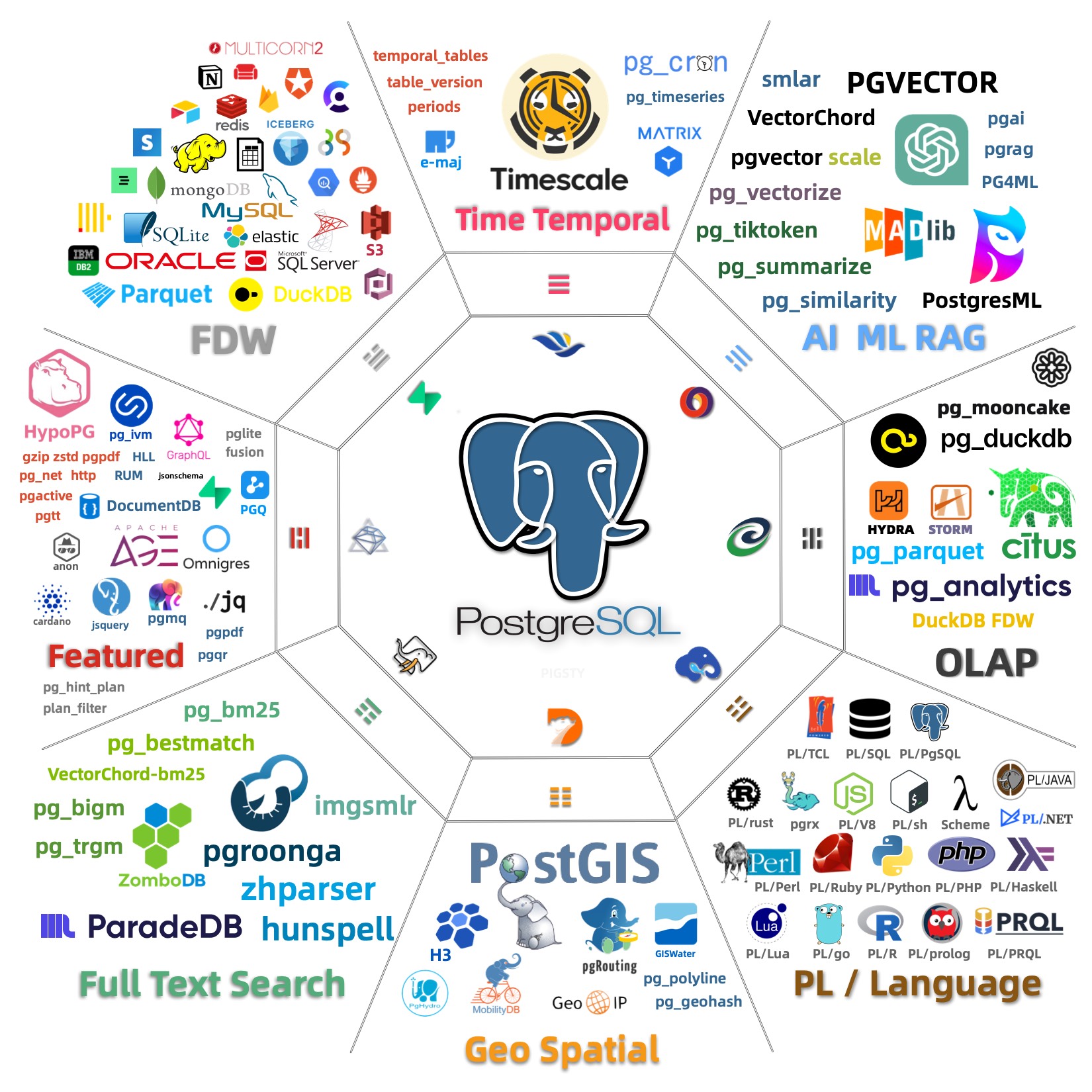
Flexible composition, free extension, multi-database support, monitor existing RDS/hosts/databases
Components in Pigsty are abstracted as independently deployable modules, which can be freely combined to address varying requirements. The INFRA module comes with a complete modern monitoring stack, while the NODE module tunes nodes to desired state and brings them under management.
Installing the PGSQL module on multiple nodes automatically forms a high-availability database cluster based on primary-replica replication, while the ETCD module provides consensus and metadata storage for database high availability.
Beyond these four core modules, Pigsty also provides a series of optional feature modules: The MINIO module can deploy Silo to provide local object storage and serve as a centralized database backup repository.
The REDIS module can provide auxiliary services for databases in standalone primary-replica, sentinel, or native cluster modes. The DOCKER module can be used to spin up stateless application software.
Additionally, Pigsty provides PG-compatible / derivative kernel support. You can use Babelfish for MS SQL Server compatibility, IvorySQL for Oracle compatibility,
OpenHaloDB for MySQL compatibility, and OrioleDB for ultimate OLTP performance.
Furthermore, you can use PostgreSQL Mongo mode for MongoDB compatibility, Supabase for Firebase compatibility, and PolarDB to meet domestic compliance requirements.
Message queues are covered by the KAFKA module, which deploys Kafka 4.x dynamic KRaft clusters.
More professional/pilot modules will be continuously introduced to Pigsty, such as GPSQL, DUCKDB, TIGERBEETLE, KUBERNETES, CONSUL, GREENPLUM, CLOUDBERRY, MYSQL, …
Using modern open-source observability stack, providing unparalleled monitoring best practices!
Pigsty provides best practices for monitoring based on the open-source Grafana / Prometheus modern observability stack: Grafana for visualization, VictoriaMetrics for metrics collection, VictoriaLogs for log collection and querying, Alertmanager for alert notifications. Blackbox Exporter for checking service availability. The entire system is also designed for one-click deployment as the out-of-the-box INFRA module.
Pigsty automatically monitors every managed component: host nodes, HAProxy load balancers, PostgreSQL databases, PgBouncer connection pools, Etcd metadata stores, Redis-compatible caches, Silo object storage, and the monitoring infrastructure itself. Grafana dashboards and preset alert rules provide immediate operational visibility. The same stack can also monitor applications, existing database instances, and cloud RDS services.
Whether for failure analysis or slow query optimization, capacity assessment or resource planning, Pigsty provides comprehensive data support, truly achieving data-driven operations. In Pigsty, over three thousand types of monitoring metrics are used to describe all aspects of the entire system, and are further processed, aggregated, analyzed, refined, and presented in intuitive visualization modes. From global overview dashboards to CRUD details of individual objects (tables, indexes, functions) in a database instance, everything is visible at a glance. You can drill down, roll up, or jump horizontally freely, browsing current system status and historical trends, and predicting future evolution.
Additionally, Pigsty’s monitoring system module can be used independently — to monitor existing host nodes and database instances, or cloud RDS services. With just one connection string and one command, you can get the ultimate PostgreSQL observability experience.
Visit the Screenshot Gallery and Online Demo for more details.
Out-of-the-box high availability and point-in-time recovery capabilities ensure your database is rock-solid!
For table/database drops caused by software defects or human error, Pigsty provides out-of-the-box PITR point-in-time recovery capability, enabled by default without additional configuration. As long as storage space allows, base backups and WAL archiving based on pgBackRest let you quickly return to any point within the recovery window. You can use local directories/disks, Silo deployed by the MINIO module, or external S3-compatible object-storage services to retain longer recovery windows, according to your budget.
Pigsty provides a high-availability self-healing architecture based on Patroni, etcd, and HAProxy. When the node, network, quorum, and synchronous-replica assumptions hold, it can fail over the primary automatically. Actual RTO and RPO depend on replication mode, failure type, timeout settings, and client reconnection behavior.
Pigsty includes built-in HAProxy load balancers for automatic traffic switching, providing DNS/VIP/LVS and other access methods for clients. Failover and active switchover are almost imperceptible to the business side except for brief interruptions, and applications don’t need to modify connection strings or restart. The minimal maintenance window requirements bring great flexibility and convenience: you can perform rolling maintenance and upgrades on the entire cluster without application coordination. The feature that hardware failures can wait until the next day to handle lets developers, operations, and DBAs sleep well. Many large organizations and core institutions have been using Pigsty in production for extended periods. The largest deployment has 25K CPU cores and 200+ PostgreSQL ultra-large instances; in this deployment case, dozens of hardware failures and various incidents occurred over six to seven years, DBAs changed several times, but still maintained availability higher than 99.999%.
Infra as Code, Database as Code, declarative APIs encapsulate database management complexity.
Pigsty provides services through declarative interfaces, elevating system controllability to a new level: users tell Pigsty “what kind of database cluster I want” through configuration inventories, without worrying about how to do it. In effect, this is similar to CRDs and Operators in K8S, but Pigsty can be used for databases and infrastructure on any node: whether containers, virtual machines, or physical machines.
Whether creating/destroying clusters, adding/removing replicas, or creating new databases/users/services/extensions/whitelist rules, you only need to modify the configuration inventory and run the idempotent playbooks provided by Pigsty, and Pigsty adjusts the system to your desired state. Users don’t need to worry about configuration details — Pigsty automatically tunes based on machine hardware configuration. You only need to care about basics like cluster name, how many instances on which machines, what configuration template to use: transaction/analytics/critical/tiny — developers can also self-serve. But if you’re willing to dive into the rabbit hole, Pigsty also provides rich and fine-grained control parameters to meet the demanding customization needs of the most meticulous DBAs.
Beyond that, Pigsty’s own installation and deployment is also one-click foolproof, with all dependencies pre-packaged, requiring no internet access during installation. The machine resources needed for installation can also be automatically obtained through Vagrant or Terraform templates, allowing you to spin up a complete Pigsty deployment from scratch on a local laptop or cloud VM in about ten minutes. The local sandbox environment can run on a 1-core 2GB micro VM, providing the same functional simulation as production environments, usable for development, testing, demos, and learning.
Pigsty provides the security foundations required for database deployment: layered HBA, built-in roles and default privileges, SCRAM-SHA-256, page checksums, a local CA, component certificates, backup, PITR, centralized logs, and firewall configuration.
The defaults target development, testing, and demonstrations on a trusted intranet. Production deployments must replace public credentials, review network boundaries, enforce TLS where required, configure server-certificate verification, and establish backup recovery, privilege review, and incident-response processes.
Security and Compliance documents each mechanism’s default state and boundary. Security Considerations provides production hardening guidance, and Compliance maps relevant controls to MLPS and SOC 2. Whether a deployment meets a specific requirement depends on scope, organizational process, continuous evidence, and the auditor’s conclusion.
Use preset Docker templates to spin up massive software using PostgreSQL with one click!
In various data-intensive applications, the database is often the trickiest part. For example, the core difference between GitLab Enterprise and Community Edition is the underlying PostgreSQL database monitoring and high availability. If you already have a good enough local PG RDS, you can refuse to pay for software’s homemade database components.
Pigsty provides the Docker module and many out-of-the-box Compose templates. You can use Pigsty-managed high-availability PostgreSQL (as well as Redis and Silo) as backend storage, spinning up these software in stateless mode with one click: GitLab, Gitea, Wiki.js, NocoDB, Odoo, Jira, Confluence, Harbor, Mastodon, Discourse, KeyCloak, Mattermost, etc. If your application needs a reliable PostgreSQL database, Pigsty is perhaps the simplest way to get one.
Pigsty also provides application development toolsets closely related to PostgreSQL: PGAdmin4, PGWeb, ByteBase, PostgREST, Kong, as well as EdgeDB, FerretDB, Supabase — these “upper-layer databases” using PostgreSQL as storage. More wonderfully, you can build interactive data applications quickly in a low-code manner based on the Grafana and Postgres built into Pigsty, and even use Pigsty’s built-in ECharts panels to create more expressive interactive visualization works.
Pigsty provides a powerful runtime for your AI applications. Your agents can leverage PostgreSQL and the powerful capabilities of the observability world in this environment to quickly build data-driven intelligent agents.
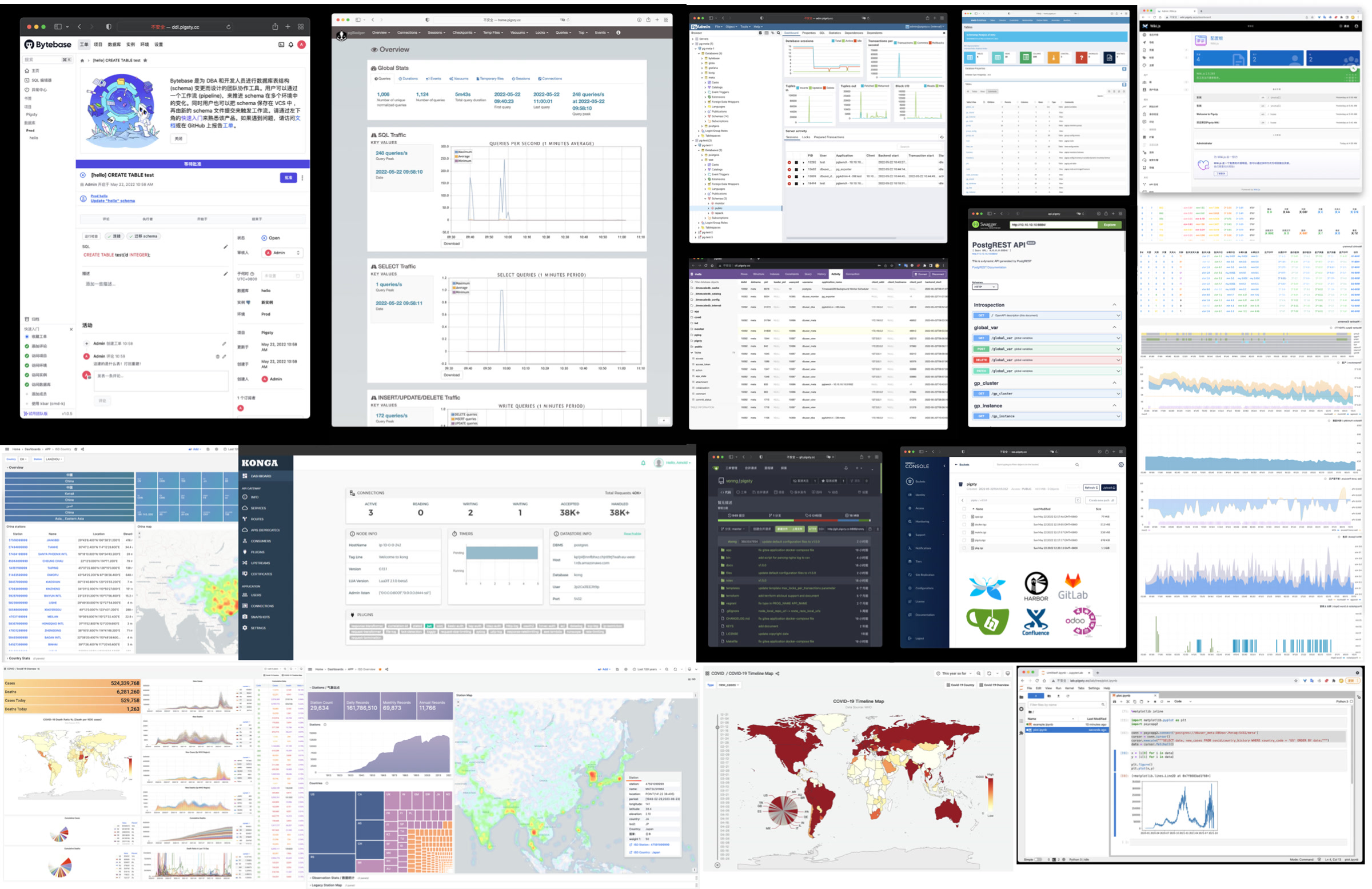
Pigsty is free software open-sourced under Apache-2.0, watered by the passion of PostgreSQL-loving community members
Pigsty is completely open-source and free software, allowing you to run enterprise-grade PostgreSQL database services at nearly pure hardware cost without database experts. For comparison, database vendors’ “enterprise database services” and public cloud vendors’ RDS charge premiums several to over ten times the underlying hardware resources as “service fees.”
Many users choose the cloud precisely because they can’t handle databases themselves; many users use RDS because there’s no other choice. We will break cloud vendors’ monopoly, providing users with a cloud-neutral, better open-source RDS alternative: Pigsty follows PostgreSQL upstream closely, with no vendor lock-in, no annoying “licensing fees,” no node count limits, and no data collection. All your core assets — data — can be “autonomously controlled,” in your own hands.
Pigsty itself aims to replace tedious manual database operations with database autopilot software, but even the best software can’t solve all problems. There will always be some rare, low-frequency edge cases requiring expert intervention. This is why we also provide professional subscription services to provide safety nets for enterprise users who need them. Subscription consulting fees of tens of thousands are less than one-thirtieth of a top DBA’s annual salary, completely eliminating your concerns and putting costs where they really matter. For community users, we also contribute with love, providing free support and daily Q&A.
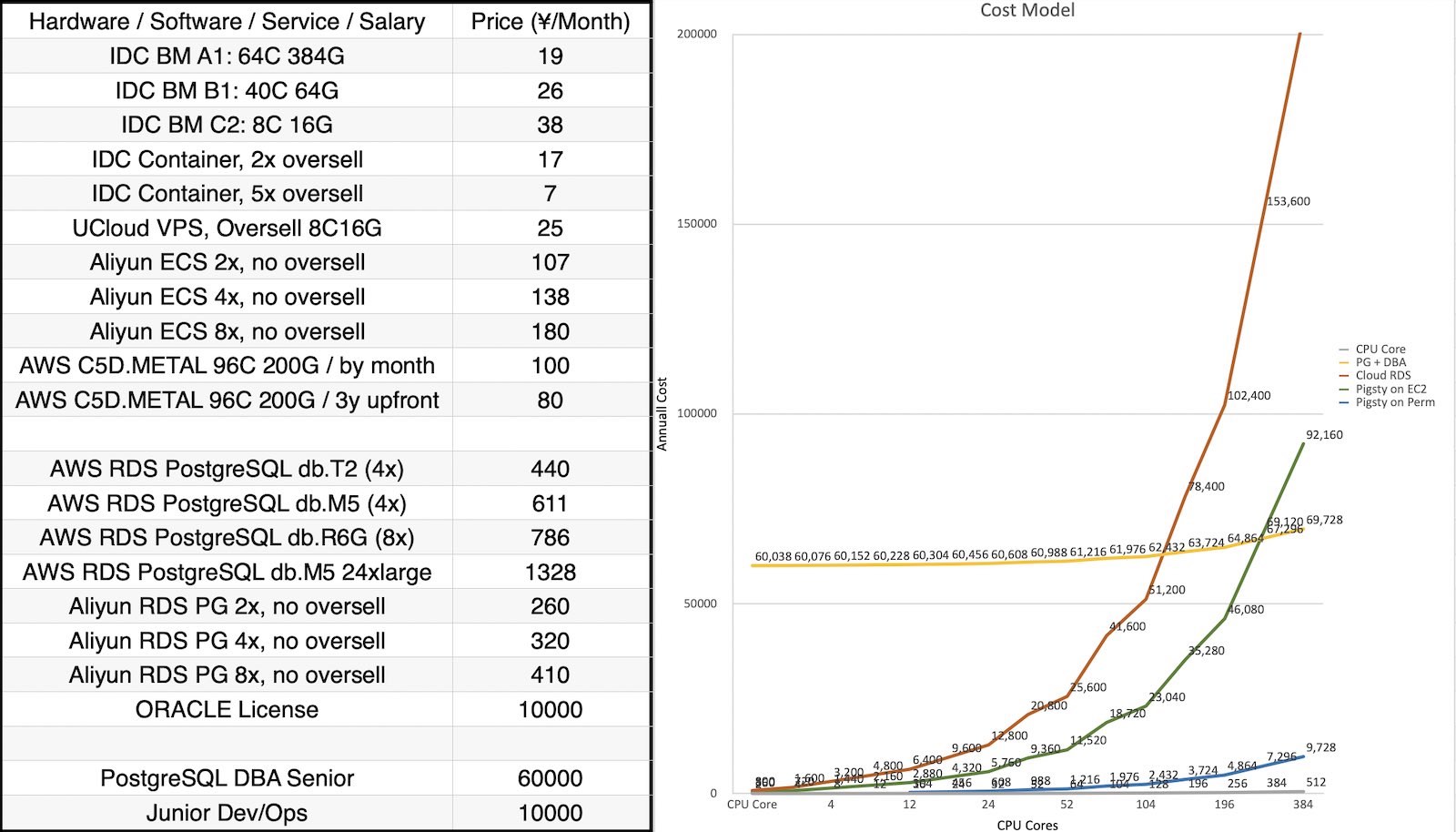
tooltip: { trigger: axis, formatter: $fn:ttfmt }
legend: { top: 4, itemGap: 16, data: [Oracle, Open-Source PG, Cloud RDS, Pigsty over IaaS, Pigsty over IDC ] }
grid: { left: 96, right: 36, bottom: 70, top: 50 }
xAxis:
type: category
name: CPU Cores
nameLocation: middle
nameGap: 36
boundaryGap: false
data: [2, 4, 8, 12, 16, 24, 32, 52, 64, 104, 128, 196, 256, 384, 512]
yAxis:
type: log
logBase: 10
min: 10
name: Monthly Cost (CNY)
axisLabel: { formatter: $fn:yfmt }
splitLine: { show: true, lineStyle: { type: dashed, opacity: 0.5 } }
series:
- { name: Oracle, type: line, symbolSize: 7, lineStyle: { width: 3 }, itemStyle: { color: "#d62728" }, data: [45000, 65000, 105000, 145000, 185000, 265000, 345000, 545000, 665000, 1065000, 1305000, 1985000, 2585000, 3865000, 5145000] }
- { name: Cloud RDS, type: line, symbolSize: 6, lineStyle: { width: 2 }, itemStyle: { color: "#ff7f0e" }, data: [800, 1600, 3200, 4800, 6400, 9600, 12800, 20800, 25600, 41600, 51200, 78400, 102400, 153600, 204800] }
- { name: Pigsty over IaaS, type: line, symbolSize: 6, lineStyle: { width: 2 }, itemStyle: { color: "#2ca02c" }, data: [360, 720, 1440, 2160, 2880, 4320, 5760, 9360, 11520, 18720, 23040, 35280, 46080, 69120, 92160] }
- { name: Pigsty over IDC, type: line, symbolSize: 6, lineStyle: { width: 2 }, itemStyle: { color: "#9467bd" }, data: [38, 76, 152, 228, 304, 456, 608, 988, 1216, 1976, 2432, 3724, 4864, 7296, 9728] }The Pigsty project began in 2018-2019, originating from Tantan. Tantan is an internet dating app — China’s Tinder, now acquired by Momo. Tantan was a Nordic-style startup with a Swedish engineering founding team.
Tantan had excellent technical taste, using PostgreSQL and Go as its core technology stack. The entire Tantan system architecture was modeled after Instagram, designed entirely around the PostgreSQL database. Up to several million daily active users, millions of TPS, and hundreds of TB of data, the data component used only PostgreSQL. Almost all business logic was implemented using PG stored procedures — even including 100ms recommendation algorithms! It was arguably the most complex PostgreSQL-at-scale use case in China at the time.
This atypical development model of deeply using PostgreSQL features placed extremely high demands on the capabilities of engineers and DBAs. And Pigsty is the open-source project we forged in this real-world large-scale, high-standard database cluster scenario — embodying our experience and best practices as top PostgreSQL experts.
In the beginning, Pigsty did not have the vision, goals, and scope it has today. It started as a PostgreSQL monitoring system for our own use. We surveyed all available solutions — open-source, commercial, cloud-based, datadog, pgwatch, etc. — and none could meet our observability needs. So I decided to build one myself based on Grafana and Prometheus. This became Pigsty’s predecessor and prototype. Pigsty as a monitoring system was quite impressive, helping us solve countless management problems.
Subsequently, developers wanted such a monitoring system on their local development machines, so we used Ansible to write provisioning playbooks, transforming this system from a one-time construction task into reusable, replicable software. New versions allowed users to use Vagrant and Terraform, using Infrastructure as Code to quickly spin up local DevBox development machines or production environment servers, automatically completing PostgreSQL and monitoring system deployment.
Next, we redesigned the production environment PostgreSQL architecture, introducing Patroni and pgBackRest to solve database high availability and point-in-time recovery issues. We developed a zero-downtime migration solution based on logical replication, rolling upgrading two hundred production database clusters to the latest major version through blue-green deployment. And we incorporated these capabilities into Pigsty.
Pigsty is software we built for ourselves. The biggest benefit of “eating our own dog food” is that we are both developers and users — as client users, we know exactly what we need, do not cut corners, and never worry about automating ourselves out of jobs.
We solved problem after problem, depositing the solutions into Pigsty. Pigsty’s positioning also gradually evolved from a monitoring system into an out-of-the-box PostgreSQL database distribution. We then decided to open-source Pigsty and began a series of technical sharing and publicity, and external users from various industries began using Pigsty and providing feedback.
In 2022, the Pigsty project received seed funding from Miracle Plus, initiated by Dr. Qi Lu, allowing me to work on this full-time.
As an open-source project, Pigsty has developed quite well. In these years of full-time work, Pigsty’s GitHub stars grew from a few hundred to 5,213 as of 2026-07-11; it made the HN front page, and growth began snowballing. In November 2025, Pigsty won the Magneto Award at the PostgreSQL Ecosystem Conference. In 2026, Pigsty’s subproject PGEXT.CLOUD was selected for a PGCon.Dev 2026 talk. Pigsty became the first Chinese open-source project to appear on the stage of this core PostgreSQL ecosystem conference.
Previously, Pigsty could only run on CentOS 7, but now it covers all mainstream Linux distributions (EL, Debian, Ubuntu) across 16 operating system platforms. Supported PG major versions cover 14-18, and we maintain and integrate 575 extension plugins in the PG ecosystem. Among these, I personally maintain over half (360+) of the extension plugins, providing out-of-the-box RPM/DEB packages. Including Pigsty itself, “based on open source, giving back to open source,” this is our way of contributing to the PG ecosystem.
Pigsty’s positioning has also continuously evolved from a PostgreSQL database distribution to an open-source cloud database. It truly benchmarks against cloud vendors’ entire cloud database brands.
Public cloud vendors like AWS, Azure, GCP, and Aliyun have provided many conveniences for startups, but they are closed-source and force users to rent infrastructure at exorbitant fees.
We believe that excellent database services, like excellent database kernels, should be accessible to every user, rather than requiring expensive rental from cyber lords.
Cloud computing’s agility and elasticity value proposition is strong, but it should be free, open-source, inclusive, and local-first — We believe the cloud computing universe needs a solution representing open-source values that returns infrastructure control to users without sacrificing the benefits of the cloud.
Therefore, we are also leading a movement and battle to exit the cloud, as rebels against public clouds, to reshape the industry’s values.
I hope that in the future world, everyone will have the de facto right to freely use excellent services, rather than being confined to a few cyber lord public cloud giants’ territories as cyber tenants or even cyber serfs.
This is exactly what Pigsty aims to do — a better, free and open-source RDS alternative. Allowing users to spin up database services better than cloud RDS anywhere (including cloud servers) with one click.
Pigsty is a complete complement to PostgreSQL, and a spicy mockery of cloud databases. It literally means “pigsty,” but it’s also an acronym for Postgres In Great STYle, meaning “PostgreSQL in its full glory.”
Pigsty itself is completely open-source and free software, so you can build a PostgreSQL service that scores 90 without database experts. We sustain operations by providing premium consulting services to take you from 90 to 100, with warranty, Q&A, and a safety net.
A well-built system may run for years without needing a “safety net,” but database problems, once they occur, are never small. Often, expert experience can turn decay into magic, and we provide such premium consulting — we believe this is a more just, reasonable, and sustainable model.
I am Feng Ruohang, the author of Pigsty. Almost all of Pigsty’s code is developed by me alone.
Individual heroism still exists in the software field. Only unique individuals can create unique works — I hope Pigsty becomes such a work.
If you’re interested in me, here’s my personal homepage: https://vonng.com/
“Modb Interview with Feng Ruohang” (Chinese)
“Post-90s, Quit to Start Business, Says Will Crush Cloud Databases” (Chinese)
2026-07-10: Pigsty v4.4.0 officially released: PG19 beta support and 531 extensions
2026-05-01: Pigsty v4.3.0 officially released: 510 extensions, Ubuntu 26 support
2026-03-06: Pigsty v4.2.1 released! Drop PG13, 464 extensions
2026-02-28: Pigsty v4.2 is officially released! Seven kernel updates shipped together
2026-02-12: Pigsty v4.1 is officially released! First distribution batch with PostgreSQL 18.2 support
2026-02-04: Extension for Everyone selected as a PGCon.Dev 2026 talk!
2026-02-03: Pigsty v4.0 Released! Entering the Agent era!
2026-01-30: PIG v1.0 Released! Launched together with the PGEXT.CLOUD extension catalog
2025-12-02: Pigsty v3.7.0 Released! PG18 becomes default, 437 extensions, EL10/Debian13 support
2025-11-29: Pigsty won the PostgreSQL Magneto Award!
2025-08-15: Pigsty v3.6.1 Released! Routine PG minor update, PGDG China regional mirrors
2025-08-04: Pigsty v3.6.0 Released! PostgreSQL meta-distribution
2025-06-16: Pigsty v3.5.0 Released! PG18 beta support, 421 extensions, monitoring upgrade, code refactor
2025-04-21: Pigsty v3.4 Released! MySQL compatibility
2025-03-07: Pigsty v3.3.0 Released! 404 extensions
2025-01: Pigsty v3.2.x release series (v3.2.0 ~ v3.2.2)
PostgreSQL Package Manager pig Released!
2024-11: Pigsty v3.1.0 Released! PG17 default, self-hosted Supabase, ARM/Ubuntu24 support
2024-08 ~ 2024-10: Pigsty v3.0.x release series (v3.0.0 ~ v3.0.4)
2024-08: Pigsty supplementary repository provides 254 additional ready-to-use binary RPM/DEB extensions!
2024-05: Pigsty v2.7 Released!
2024-02: Pigsty v2.6 Released!
| Date | Type | Event | Topic |
|---|---|---|---|
| 2025-11-29 | Award&Talk | The 8th Conf of PG Ecosystem (Hangzhou) | PostgreSQL Magneto Award, A World-Grade Postgres Meta Distribution |
| 2025-05-16 | Lightning | PGConf.Dev 2025, Montreal | Extension Delivery: Make your PGEXT accessible to users |
| 2025-05-12 | Keynote | PGEXT.DAY, PGCon.Dev 2025 | The Missing Package Manager and Extension Repo for PostgreSQL Ecosystem |
| 2025-04-19 | Workshop | PostgreSQL Database Technology Summit | Using Pigsty to Deploy PG Ecosystem Partners: Dify, Odoo, Supabase |
| 2025-04-11 | Live Host | OSCHINA Data Intelligence Talk | Is the Viral MCP Hype or Revolutionary? |
| 2025-01-15 | Live Stream | Open Source Veterans & Newcomers Episode 4 | PostgreSQL Extensions Devouring DB World? PG Package Manager pig & Self-hosted RDS |
| 2025-01-09 | Award | OSCHINA 2024 Outstanding Contribution Expert | Outstanding Contribution Expert Award |
| 2025-01-06 | Panel | China PostgreSQL Database Ecosystem Conference | PostgreSQL Extensions are Devouring the Database World |
| 2024-11-23 | Podcast | Tech Hotpot Podcast | From the Linux Foundation: Why the Recent Focus on ‘Chokepoints’? |
| 2024-08-21 | Interview | Blue Tech Wave | Interview with Feng Ruohang: Simplifying PG Management |
| 2024-08-15 | Tech Summit | GOTC Global Open Source Technology Summit | PostgreSQL AI/ML/RAG Extension Ecosystem and Best Practices |
| 2024-07-12 | Keynote | 13th PG China Technical Conference | The Future of Database World: Extensions, Service, and Postgres |
| 2024-05-31 | Unconference | PGCon.Dev 2024 Global PG Developer Conference | Built-in Prometheus Metrics Exporter |
| 2024-05-28 | Seminar | PGCon.Dev 2024 Extension Summit | Extension in Core & Binary Packing |
| 2024-05-10 | Live Debate | Three-way Talk: Cloud Mudslide Series Episode 3 | Is Public Cloud a Scam? |
| 2024-04-17 | Live Debate | Three-way Talk: Cloud Mudslide Series Episode 2 | Are Cloud Databases a Tax on Intelligence? |
| 2024-04-16 | Panel | Cloudflare Immerse Shenzhen | Cyber Bodhisattva Panel Discussion |
| 2024-04-12 | Tech Summit | 2024 Data Technology Carnival | Pigsty: Solving PostgreSQL Operations Challenges |
| 2024-03-31 | Live Debate | Three-way Talk: Cloud Mudslide Series Episode 1 | Luo Selling Cloud While We’re Moving Off Cloud? |
| 2024-01-24 | Live Host | OSCHINA Open Source Talk Episode 9 | Will DBAs Be Eliminated by Cloud? |
| 2023-12-20 | Live Debate | Open Source Talk Episode 7 | To Cloud or Not: Cost Cutting or Value Creation? |
| 2023-11-24 | Tech Summit | Vector Databases in the LLM Era | Panel: New Future of Vector Databases in the AI Age |
| 2023-09-08 | Interview | Motianlun Feature Interview | Feng Ruohang: A Tech Enthusiast Who Makes Great Open Source Founders |
| 2023-08-16 | Tech Summit | DTCC 2023 | DBA Night: PostgreSQL vs MySQL Open Source License Issues |
| 2023-08-09 | Live Debate | Open Source Talk Episode 1 | MySQL vs PostgreSQL: Which is World’s No.1? |
| 2023-07-01 | Tech Summit | SACC 2023 | Workshop 8: FinOps Practice: Cloud Cost Management & Optimization |
| 2023-05-12 | Meetup | PostgreSQL China Wenzhou Meetup | PG With DB4AI: Vector Database PGVECTOR & AI4DB: Self-Driving Database Pigsty |
| 2023-04-08 | Tech Summit | Database Carnival 2023 | A Better Open Source RDS Alternative: Pigsty |
| 2023-04-01 | Tech Summit | PostgreSQL China Xi’an Meetup | PG High Availability & Disaster Recovery Best Practices |
| 2023-03-23 | Live Stream | Bytebase x Pigsty | Best Practices for Managing PostgreSQL: Bytebase x Pigsty |
| 2023-03-04 | Tech Summit | PostgreSQL China Conference | Challenging RDS, Pigsty v2.0 Release |
| 2023-02-01 | Tech Summit | DTCC 2022 | Open Source RDS Alternative: Battery-Included, Self-Driving Database Distro Pigsty |
| 2022-07-21 | Live Debate | Cloud Swallows Open Source | Can Open Source Strike Back Against Cloud? |
| 2022-07-04 | Interview | Creator’s Story | Post-90s Developer Quits to Start Up, Aiming to Challenge Cloud Databases |
| 2022-06-28 | Live Stream | Bass’s Roundtable | DBA’s Gospel: SQL Audit Best Practices |
| 2022-06-12 | Demo Day | MiraclePlus S22 Demo Day | User-Friendly Cost-Effective Database Distribution Pigsty |
| 2022-06-05 | Live Stream | PG Chinese Community Sharing | Pigsty v1.5 Quick Start, New Features & Production Cluster Setup |
Pigsty uses semantic versioning: <major>.<minor>.<patch>. Alpha/Beta/RC versions will have suffixes like -a1, -b1, -c1 appended to the version number.
Major version updates signify incompatible foundational changes and major new features; minor version updates typically indicate regular feature updates and small API changes; patch version updates mean bug fixes and package version updates.
Pigsty plans to release one major version update per year. Minor version updates usually follow PostgreSQL’s minor version update rhythm, catching up within a month at the latest after a new PostgreSQL version is released. Pigsty typically plans 4-6 minor versions per year. For complete release history, please refer to Release Notes.
Pigsty develops using the main trunk branch. Please always use Releases with version numbers.
Unless you know what you’re doing, do not use GitHub’s main branch. Always check out and use a specific version.
Here are our Active Issues and Roadmap.
For the extension support roadmap, you can find it here: https://pigsty.io/ext/e/roadmap
Our GitHub repository is: https://github.com/pgsty/pigsty. Please give us a ⭐️ star!
We welcome anyone to submit new Issues or create Pull Requests, propose feature suggestions, and contribute to Pigsty.
Please note that for issues related to Pigsty documentation, please submit Issues in the github.com/pgsty/pigsty.cc repository.
Press ⌘ with K on macOS, or Ctrl with K, to search the documentation, extension catalog, and blog directly.
Pigsty is built by its maintainers and community.
Chinese users are mainly active in WeChat groups. Currently, there are seven active groups. Groups 1-4 are full; for other groups, you need to add the assistant’s WeChat to be invited.
To join the WeChat community, search for “Pigsty小助手” (WeChat ID: pigsty-cc), note or send “加群” (join group), and the assistant will invite you to the group.

Telegram: https://t.me/joinchat/gV9zfZraNPM3YjFh
Discord: https://discord.gg/j5pG8qfKxU
You can also contact me via email: [email protected]
When you encounter problems using Pigsty, you can seek help from the community. The more information you provide, the more likely you are to get help from the community.
Please refer to the Community Help Guide and provide as much information as possible so that community members can help you solve the problem. Here is a reference template for asking for help:
What happened? (Required)
Pigsty version and OS version (Required)
Some cloud providers have customized standard OS distributions. You can tell us which cloud provider’s OS image you are using. If you have customized and modified the environment after installing the OS, or if there are specific security rules and firewall configurations in your LAN, please also inform us when asking questions.
Pigsty configuration file
Please don’t forget to redact any sensitive information: passwords, internal keys, sensitive configurations, etc.
What did you expect to happen?
Please describe what should happen under normal circumstances, and how the actual situation differs from expectations.
How to reproduce this issue?
Please tell us in as much detail as possible how to reproduce this issue.
Monitoring screenshots
If you are using the monitoring system provided by Pigsty, you can provide relevant screenshots.
Error logs
Please provide logs related to the error as much as possible. Please do not paste content like “Failed to start xxx service” that has no informational value.
You can query logs from Grafana / VictoriaLogs, or get logs from the following locations:
/var/log/messages (rhel) or /var/log/syslog (debian)/pg/log/postgres/*/pg/log/patroni/*/pg/log/pgbouncer/*/pg/log/pgbackrest/*Have you searched Issues/Website/FAQ?
In the FAQ, we provide answers to many common questions. Please check before asking.
You can also search for related issues from GitHub Issues and Discussions:
Is there any other information we need to know?
The more information and context you provide, the more likely we can help you solve the problem.
When you install Pigsty software, if you use offline package installation in a network-isolated environment, we will not receive any data about you.
If you choose online installation, when downloading related packages, our servers or cloud provider servers will automatically log the visiting machine’s IP address and/or hostname in the logs, along with the package names you downloaded.
We will not share this information with other organizations unless required by law. (Honestly, we’d have to be really bored to look at this stuff.)
Pigsty’s primary domain is: pigsty.io. For mainland China, please use the registered mirror site pigsty.cc.
When you visit our website, our servers will automatically log your IP address and/or hostname in Nginx logs.
We will only store information such as your email address, name, and location when you decide to send us such information by completing a survey or registering as a user on one of our websites.
We collect this information to help us improve website content, customize web page layouts, and contact people for technical and support purposes. We will not share your email address with other organizations unless required by law.
This website uses Google Analytics, a web analytics service provided by Google, Inc. (“Google”). Google Analytics uses “cookies,” which are text files placed on your computer to help the website analyze how users use the site.
The information generated by the cookie about your use of the website (including your IP address) will be transmitted to and stored by Google on servers in the United States. Google will use this information to evaluate your use of the website, compile reports on website activity for website operators, and provide other services related to website activity and internet usage. Google may also transfer this information to third parties if required by law or where such third parties process the information on Google’s behalf. Google will not associate your IP address with any other data held by Google. You may refuse the use of cookies by selecting the appropriate settings on your browser, however, please note that if you do this, you may not be able to use the full functionality of this website. By using this website, you consent to the processing of data about you by Google in the manner and for the purposes set out above.
If you have any questions or comments about this policy, or request deletion of personal data, you can contact us by sending an email to [email protected]
Pigsty core uses Apache-2.0; documentation uses CC BY 4.0.
Official License: https://github.com/pgsty/pigsty/blob/main/LICENSE
The Pigsty core is licensed under Apache License 2.0.
Apache-2.0 is a permissive open-source license. You may freely use, modify, and distribute the software for commercial purposes without opening your own source code or adopting the same license.
| What This License Grants | What This License Does NOT Grant | License Conditions |
|---|---|---|
| Commercial use | Trademark use | Include license and copyright notice |
| Modification | Liability & warranty | State changes |
| Distribution | ||
| Patent grant | ||
| Private use |
Pigsty documentation sites (pigsty.cc, pigsty.io, pgsty.com) use Creative Commons Attribution 4.0 International (CC BY 4.0).
CC BY 4.0 permits free sharing and adaptation with appropriate credit, a license link, and indication of changes.
| What This License Grants | What This License Does NOT Grant | License Conditions |
|---|---|---|
| Commercial use | Trademark use | Attribution |
| Modification | Liability & warranty | Indicate changes |
| Distribution | Patent grant | Provide license link |
| Private use |
Open-source software used or related to the Pigsty project.
For 575 PostgreSQL extension plugin licenses, refer to PostgreSQL Extension License List.
| Module | Software Name | License | Purpose & Description | Necessity |
|---|---|---|---|---|
| PGSQL | PostgreSQL | PostgreSQL License | PostgreSQL kernel | Required |
| PGSQL | patroni | MIT License | PostgreSQL high availability | Required |
| ETCD | etcd | Apache License 2.0 | HA consensus and distributed config storage | Required |
| INFRA | Ansible | GPLv3 | Executes playbooks and management commands | Required |
| INFRA | Nginx | BSD-2 | Exposes Web UI and serves local repo | Recommended |
| PGSQL | pgbackrest | MIT License | PITR backup/recovery management | Recommended |
| PGSQL | pgbouncer | ISC License | PostgreSQL connection pooling | Recommended |
| PGSQL | vip-manager | BSD 2-Clause License | Automatic L2 VIP binding to PG primary | Recommended |
| PGSQL | pg_exporter | Apache License 2.0 | PostgreSQL and PgBouncer monitoring | Recommended |
| NODE | node_exporter | Apache License 2.0 | Host node monitoring metrics | Recommended |
| NODE | haproxy | HAPROXY’s License (GPLv2) | Load balancing and service exposure | Recommended |
| INFRA | Grafana | AGPLv3 | Database visualization platform | Recommended |
| INFRA | VictoriaMetrics | Apache License 2.0 | TSDB, metric collection, alerting | Recommended |
| INFRA | VictoriaLogs | Apache License 2.0 | Centralized log collection, storage, query | Recommended |
| INFRA | DNSMASQ | GPLv2 / GPLv3 | DNS resolution and cluster name lookup | Recommended |
| MINIO | Silo | AGPLv3 | The only object-storage service supported by the current MINIO module | Optional |
| INFRA | Historical MinIO branch | AGPLv3 | Historical/repository package; not a v4.5 MINIO backend | Optional |
| INFRA | RustFS | Apache License 2.0 | Repository-retained package; not a v4.5 MINIO backend | Optional |
| NODE | keepalived | MIT License | VIP binding on node clusters | Optional |
| REDIS | Redis | BSD 3-Clause | Default cache engine, using the Redis 7.2 BSD branch | Optional |
| REDIS | Valkey | BSD 3-Clause | Cache engine selected with redis_type: valkey |
Optional |
| REDIS | Redis Exporter | MIT License | Redis monitoring | Optional |
| MONGO | FerretDB | Apache License 2.0 | MongoDB compatibility over PostgreSQL | Optional |
| DOCKER | docker-ce | Apache License 2.0 | Container management | Optional |
| CLOUD | SealOS | Apache License 2.0 | Fast K8S cluster deployment and packaging | Optional |
| DUCKDB | DuckDB | MIT | High-performance analytics | Optional |
| External | Vagrant | Business Source License 1.1 | Local test environment VMs | Optional |
| External | Terraform | Business Source License 1.1 | One-click cloud resource provisioning | Optional |
| External | Virtualbox | GPLv2 | Virtual machine management software | Optional |
Necessity Levels:
Pigsty is a free and open-source software, passionately developed by PostgreSQL community members, aiming to integrate the power of the PostgreSQL ecosystem and promote the widespread adoption of PostgreSQL. If our work has helped you, please consider sponsoring or supporting our project:
Pigsty is a project invested by Miracle Plus (formerly YC China) S22. We thank Miracle Plus and Dr. Qi Lu for their support of this project!
Special thanks to Vercel for sponsoring pigsty and hosting the Pigsty website.

Special thanks to JetBrains for sponsoring Pigsty with JetBrains Open Source License

According to Google Analytics PV and download statistics, Pigsty currently has approximately 100,000 users, with half from mainland China and half from other regions globally. They span across multiple industries including internet, cloud computing, finance, autonomous driving, manufacturing, tech innovation, ISV, and defense. If you are using Pigsty and are willing to share your case and Logo with us, please contact us - we offer one free consultation session as a token of appreciation.
Tantan: 200+ physical machines for PostgreSQL and Redis services
Bilibili: Supporting PostgreSQL innovative business
Bitdeer: Providing PG DBaaS
Oracle OCI: Using Pigsty to deliver PostgreSQL clusters
AirWallex: Monitoring 200+ GCP PostgreSQL databases
Media Storm: Self-hosted PG RDS / Victoria Metrics
Momenta: Autonomous driving, managing self-hosted PostgreSQL clusters
Huafon Group: Using Pigsty to deliver PostgreSQL clusters as chemical industry time-series data warehouse
Beijing Lingwu Technology: Migrating PostgreSQL from cloud to self-hosted
Motphys: Self-hosted PostgreSQL supporting GitLab
Sailong Biotech: Self-hosted Supabase
Hangzhou Lingma Technology: Self-hosted PostgreSQL
Inner Mongolia Haode Tianmu Technology Co., Ltd.
Shanghai Yuanfang
DSG
Pigsty aims to unite the power of the PostgreSQL ecosystem and help users make the most of the world’s most popular database, PostgreSQL, with self-driving database management software.
While Pigsty itself has already resolved many issues in PostgreSQL usage, achieving truly enterprise-grade service quality requires expert support and comprehensive coverage from the original provider. We deeply understand the importance of professional commercial support for enterprise customers. Therefore, Pigsty Enterprise Edition provides a series of value-added services on top of the open-source version, helping users better utilize PostgreSQL and Pigsty for customers to choose according to their needs.
If you have any of the following needs, please consider Pigsty subscription service:
In addition to the Open Source Edition, Pigsty offers two different subscription service tiers: Professional Edition and Enterprise Edition, which you can choose based on your actual situation and needs.
Note on
https://pigsty.io/price: Thehttps://pigsty.io/pricepage is a simplified global pricing landing page (USD pricing, includes theStandardtier and node-cap presets). This page is the detailed subscription reference (CNY pricing, delivery scope, and OS/PG compatibility matrix). For technical compatibility boundaries, this page and Supported Linux prevail.
No scale limit, no warranty
License: Apache-2.0
PG Support: 18 (default), 14–18 available
Architecture Support: x86_64, Arm64
OS Support: Latest minor versions of three families
Features: Core Modules
SLA: No SLA commitment
Community support Q&A:
Support: No person-day support option
Repository: Global Cloudflare hosted repository
Best for self-sufficient open source veterans.
Default choice for regular users
License: Commercial License
PG Support: 14–18
Architecture Support: x86_64, Arm64
OS Support: Mainstream OS major/minor versions
Features: All Modules (except domestic innovation kernels)
SLA: Response within business hours
Expert consulting services:
Support: 1 person-day included per year
Delivery: Standard offline software package
Repository: China mainland mirror sites
The default choice for regular users.
Critical scenarios with strict SLA
License: Commercial License
PG Support: 14–18+ (legacy versions on request)
Architecture Support: x86_64, Arm64
OS Support: Customized on demand
Features: All Modules
SLA: 7 x 24 (< 1h)
Enterprise-level expert consulting services:
Support: 2 person-days included per year
Repository: China mainland mirror sites
Delivery: Customized offline software package
Domestic Innovation: PolarDB-O support
For critical scenarios with a strict SLA.
Pigsty Open Source Edition uses the Apache-2.0 license, provides complete core functionality, requires no fees, but does not guarantee any warranty service. If you find defects in Pigsty, we welcome you to submit an Issue on Github.
Pigsty Open Source supports seven currently validated baselines: EL 9.8 / 10.2, Debian 12.15 / 13.6, and Ubuntu 22.04.5 / 24.04.4 / 26.04.0, across both x86_64 and aarch64.
The historical v4.4.0 Community Edition artifacts comprise six dual-architecture offline bundles built on EL 10.1, Debian 13.6, and Ubuntu 24.04.4. Those build baselines are not the same as the currently recommended operating systems; see the offline installation guide.
Using the Pigsty open source version allows junior development/operations engineers to have 70%+ of the capabilities of professional DBAs. Even without database experts, they can easily set up a highly available, high-performance, easy-to-maintain, secure and reliable PostgreSQL database cluster.
| Code | OS Distribution Version | x86_64 |
aarch64 |
PG18 | PG17 | PG16 | PG15 | PG14 |
|---|---|---|---|---|---|---|---|---|
| EL10 | RHEL 10 / Rocky10 / Alma10 | el10.x86_64 |
el10.aarch64 |
|||||
| EL9 | RHEL 9 / Rocky9 / Alma9 | el9.x86_64 |
el9.aarch64 |
|||||
| U26 | Ubuntu 26.04 (resolute) |
u26.x86_64 |
u26.aarch64 |
|||||
| U24 | Ubuntu 24.04 (noble) |
u24.x86_64 |
u24.aarch64 |
|||||
| U22 | Ubuntu 22.04 (jammy) |
u22.x86_64 |
u22.aarch64 |
|||||
| D13 | Debian 13 (trixie) |
d13.x86_64 |
d13.aarch64 |
|||||
| D12 | Debian 12 (bookworm) |
d12.x86_64 |
d12.aarch64 |
= Primary support, = Optional support
Pigsty Professional Edition subscription provides complete functional modules and warranty for Pigsty itself. For defects in PostgreSQL itself and extension plugins, we will make our best efforts to provide feedback and fixes through the PostgreSQL global developer community.
Pigsty Professional Edition is built on the open source version, fully compatible with all open source features, and provides additional modules plus broader database/OS compatibility options: we provide build options for all minor versions of eight mainstream Linux releases (EL8/9/10, Debian 12/13, Ubuntu 22/24/26).
Pigsty Professional Edition includes support for PostgreSQL 14 - 18, and tracks upstream PostgreSQL minor updates continuously (for active majors, typically day-zero or near-day availability), ensuring smooth rolling upgrades to newer majors and minors.
Pigsty Professional Edition subscription allows you to use China mainland mirror site software repositories, accessible without VPN/proxy; we will also customize offline software installation packages for your exact operating system major/minor version, ensuring normal installation and delivery in air-gapped environments, achieving autonomous and controllable deployment.
Pigsty Professional Edition subscription provides standard expert consulting services, including complex issue analysis, DBA Q&A support, backup compliance advice, etc. We commit to responding to your issues within business hours (5x8), and provide 1 person-day support per year, with optional person-day add-on options.
Pigsty Professional Edition uses a commercial license, providing additional modules, technical support, and warranty services.
Pigsty Professional Edition starting price is ¥150,000 / year, equivalent to the annual fee for 9 vCPU AWS high-availability RDS PostgreSQL, or a junior operations engineer with a monthly salary of 10,000 yuan.
| Code | OS Distribution Version | x86_64 |
aarch64 |
PG18 | PG17 | PG16 | PG15 | PG14 |
|---|---|---|---|---|---|---|---|---|
| EL10 | RHEL 10 / Rocky10 / Alma10 | el10.x86_64 |
el10.aarch64 |
|||||
| EL9 | RHEL 9 / Rocky9 / Alma9 | el9.x86_64 |
el9.aarch64 |
|||||
| EL8 | RHEL 8 / Rocky8 / Alma8 / Anolis8 | el8.x86_64 |
el8.aarch64 |
|||||
| U26 | Ubuntu 26.04 (resolute) |
u26.x86_64 |
u26.aarch64 |
|||||
| U24 | Ubuntu 24.04 (noble) |
u24.x86_64 |
u24.aarch64 |
|||||
| U22 | Ubuntu 22.04 (jammy) |
u22.x86_64 |
u22.aarch64 |
|||||
| D13 | Debian 13 (trixie) |
d13.x86_64 |
d13.aarch64 |
|||||
| D12 | Debian 12 (bookworm) |
d12.x86_64 |
d12.aarch64 |
Pigsty Enterprise Edition subscription includes all service content provided by the Pigsty Professional Edition subscription, plus the following value-added service items:
Pigsty Enterprise Edition subscription provides the broadest range of database/operating system version support, including extended support for EOL operating systems (EL7, D11), domestic operating systems, cloud vendor operating systems, and legacy PostgreSQL major versions (PG12+ on request), as well as full support for Arm64 architecture chips.
Pigsty Enterprise Edition subscription provides domestic innovation and localization solutions, allowing you to use PolarDB v2.0 (this kernel license needs to be purchased separately) kernel to replace the native PostgreSQL kernel and meet local compliance requirements.
Pigsty Enterprise Edition subscription provides higher-standard enterprise-level consulting services, committing to 7x24 with (< 1h) response time SLA, and can provide more types of consulting support: version upgrades, performance bottleneck identification, annual architecture review, extension plugin integration, etc.
Pigsty Enterprise Edition subscription includes 2 person-days of support per year, with optional person-day add-on options, for resolving more complex and time-consuming issues.
Pigsty Enterprise Edition allows you to use Pigsty for DBaaS purposes, building cloud database services for external sales.
Pigsty Enterprise Edition starting price is ¥400,000 / year, equivalent to the annual fee for 24 vCPU AWS high-availability RDS, or an operations expert with a monthly salary of 30,000 yuan.
| Code | OS Distribution Version | x86_64 |
aarch64 |
PG18 | PG17 | PG16 | PG15 | PG14 | PG13 | PG12 |
|---|---|---|---|---|---|---|---|---|---|---|
| EL10 | RHEL 10 / Rocky10 / Alma10 | el10.x86_64 |
el10.aarch64 |
|||||||
| EL9 | RHEL 9 / Rocky9 / Alma9 | el9.x86_64 |
el9.aarch64 |
|||||||
| EL8 | RHEL 8 / Rocky8 / Alma8 / Anolis8 | el8.x86_64 |
el8.aarch64 |
|||||||
| U26 | Ubuntu 26.04 (resolute) |
u26.x86_64 |
u26.aarch64 |
|||||||
| U24 | Ubuntu 24.04 (noble) |
u24.x86_64 |
u24.aarch64 |
|||||||
| U22 | Ubuntu 22.04 (jammy) |
u22.x86_64 |
u22.aarch64 |
|||||||
| D13 | Debian 13 (trixie) |
d13.x86_64 |
d13.aarch64 |
|||||||
| D12 | Debian 12 (bookworm) |
d12.x86_64 |
d12.aarch64 |
|||||||
| D11 | Debian 11 (bullseye) |
d11.x86_64 |
d11.aarch64 |
|||||||
| EL7 | RHEL7 / CentOS7 / UOS … | el7.x86_64 |
- |
Feature Differences
Pigsty Professional/Enterprise Edition includes the following additional features compared to the open source version:
pig)Payment Model
Pigsty subscription uses an annual payment model. After signing the contract, the one-year validity period is calculated from the contract date. If payment is made before the subscription contract expires, it is considered automatic renewal. Consecutive subscriptions have discounts. The first renewal (second year) enjoys a 95% discount, the second and subsequent renewals enjoy a 90% discount on subscription fees, and one-time subscriptions for three years or more enjoy an overall 85% discount.
After the annual subscription contract terminates, you can choose not to renew the subscription service. Pigsty will no longer provide software updates, technical support, and consulting services, but you can continue to use the already installed version of Pigsty Professional Edition software. If you subscribed to Pigsty professional services and choose not to renew, when re-subscribing you do not need to make up for the subscription fees during the interruption period, but all discounts and benefits will be reset.
Pigsty’s pricing strategy ensures value for money - you can immediately get top DBA’s database architecture construction solutions and management best practices, with their consulting support and comprehensive coverage; while the cost is highly competitive compared to hiring database experts full-time or using cloud databases. Here are market references for enterprise-level database professional service pricing:
The fair price for decent database professional services is 10,000 ~ 20,000 yuan / year, with the billing unit being vCPU, i.e., one CPU thread (1 Intel core = 2 vCPU threads). Pigsty provides top-tier PostgreSQL expert services in China and adopts a per-node billing model. On commonly seen high-core-count server nodes, it brings users an unparalleled cost reduction and efficiency improvement experience.
In addition to Pigsty subscription, Pigsty also provides on-demand Pigsty x PostgreSQL expert services - industry-leading database experts available for consultation.
Within three years, provides 10 complex case handling sessions related to PostgreSQL and Pigsty, and unlimited Q&A.
Industry-leading expert on-site support, available for architecture consultation, fault analysis, problem troubleshooting, database health checks, monitoring interpretation, migration assessment, teaching and training, cloud migration/de-cloud consultation, and other continuous time-consuming scenarios.
Consult on any questions you want to know about Pigsty, PostgreSQL, databases, cloud computing, AI…
Database veterans, cloud computing maverick sharing industry-leading insights, cognition, and judgment.
Get a quick diagnostic opinion and response to questions related to PostgreSQL / Pigsty / databases, not exceeding 5 minutes.
Please send an email to [email protected]. Users in mainland China are welcome to add WeChat ID RuohangFeng.
Pigsty is a PostgreSQL database distribution, a local-first open-source RDS cloud database solution. Pigsty is not a Database Management System (DBMS), but rather a tool, distribution, solution, and best practice for managing DBMS.
Analogy: The database is the car, then the DBA is the driver, RDS is the taxi service, and Pigsty is the autonomous driving software.
The ability to use databases well is extremely scarce: either hire database experts at high cost to self-build (hire drivers), or rent RDS from cloud vendors at sky-high prices (hail a taxi), but now you have a new option: Pigsty (autonomous driving). Pigsty helps users use databases well: allowing users to self-build higher-quality and more efficient local cloud database services at less than 1/10 the cost of RDS, without a DBA!
Pigsty has two typical target user groups. The foundation is medium to large companies building ultra-large-scale enterprise/production-grade PostgreSQL RDS / DBaaS services. Through extreme customizability, Pigsty can meet the most demanding database management needs and provide enterprise-level support and service guarantees.
At the same time, Pigsty also provides “out-of-the-box” PG RDS self-building solutions for individual developers, small and medium enterprises lacking DBA capabilities, and the open-source community.
Pigsty embodies the experience and best practices of top experts refined in the most complex and largest-scale client PostgreSQL scenarios, productized into replicable software: Solving extension installation, high availability, connection pooling, monitoring, backup and recovery, parameter optimization, IaC batch management, one-click installation, automated operations, and many other issues at once. Avoiding many pitfalls in advance and preventing repeated mistakes.
Pigsty provides a feature set and infrastructure support far beyond RDS, including 575 extension plugins and 12+ kernel support. Pigsty provides a unique professional-grade monitoring system in the PG ecosystem, along with architectural best practices battle-tested in complex scenarios, simple and easy to use.
Moreover, forged in top-tier client scenarios like Tantan, Apple, and Alibaba, continuously nurtured with passion and love, its depth and maturity are incomparable to RDS’s one-size-fits-all approach.
Pigsty allows you to use 10 ¥/core·month pure hardware resources to run 400¥-1400¥/core·month RDS cloud databases, and save the DBA’s salary. Typically, the total cost of ownership (TCO) of a large-scale Pigsty deployment can be over 90% lower than RDS.
Pigsty can simultaneously reduce software licensing/services/labor costs. Self-building requires no additional staff, allowing you to spend costs where it matters most.
Pigsty integrates the most comprehensive extensions in the PG ecosystem (575), providing an All-in-PG solution: a single component replacing specialized components like Redis, Kafka, MySQL, ES, vector databases, OLAP / big data analytics.
Greatly improving R&D efficiency and agility while reducing complexity costs, and developers can achieve self-service management and autonomous DevOps with Pigsty’s support, without needing a DBA.
Pigsty’s self-healing high-availability architecture ensures hardware failures don’t need immediate handling, letting ops and DBAs sleep well; monitoring aids problem analysis and performance optimization; IaC enables automated management of ultra-large-scale clusters.
Operations can moonlight as DBAs with Pigsty’s support, while DBAs can skip the system building phase, saving significant work hours and focusing on high-value work, or relaxing, learning PG.
Pigsty is primarily developed by Feng Ruohang alone, an open-source contributor, database expert, and evangelist who has focused on PostgreSQL for 10 years, formerly at Alibaba, Tantan, and Apple, a full-stack expert. Now the founder of a one-person company, providing professional consulting services.
He is also a tech KOL, the founder of the top WeChat database personal account “非法加冯” (Illegally Add Feng), with 60,000+ followers across all platforms.
Pigsty is the most influential Chinese open-source project in the global PostgreSQL ecosystem, with about 100,000 users, half from overseas. Pigsty is also one of the most active open-source projects in the PostgreSQL ecosystem, currently dominating in extension distribution and monitoring systems.
PGEXT.Cloud is a PostgreSQL extension repository maintained by Pigsty, with the world’s largest PostgreSQL extension distribution volume. It has become an upstream software supply chain for multiple international PostgreSQL vendors.
Pigsty is currently one of the major distributions in the PostgreSQL ecosystem and a challenger to cloud vendor RDS, now widely used in defense, government, healthcare, internet, finance, manufacturing, and other industries.
Pigsty originated from the need for ultra-large-scale PostgreSQL automated management but has been deeply optimized for ease of use. Individual developers and small-medium enterprises lacking professional DBA capabilities can also easily get started.
The largest deployment is 25K vCPU, 4.5 million QPS, 6+ years; the smallest deployment can run completely on a 1c1g VM for Demo / Devbox use.
Pigsty focuses on integrating the PostgreSQL ecosystem and providing PostgreSQL best practices, but also supports a series of open-source software that works well with PostgreSQL. For example:
Pigsty is 100% open-source software + free software. Under the premise of complying with the open-source license, you can use it freely and for various commercial purposes.
We value software freedom. Pigsty uses the Apache-2.0 license. Please see the license for details.
Pigsty software itself is open-source and free, and provides commercial subscriptions for all budgets, providing quality assurance for Pigsty & PostgreSQL. Subscriptions provide broader OS/PG/chip architecture support ranges, as well as expert consulting and support. Pigsty commercial subscriptions deliver industry-leading management/technical experience/solutions, helping you save valuable time, shouldering risks for you, and providing a safety net for difficult problems.
Pigsty software itself is not a database and is not subject to domestic innovation catalog restrictions, and already has multiple military use cases. However, the Pigsty open-source edition does not provide any form of domestic innovation support. Commercial subscription provides domestic innovation solutions in cooperation with Alibaba Cloud, supporting the use of PolarDB-O with domestic innovation qualifications (requires separate purchase) as the RDS kernel, capable of running on domestic innovation OS/chip environments.
Pigsty uses the Apache-2.0 license. You may use it for DBaaS purposes under the license terms. For explicit commercial authorization, consider the Pigsty Enterprise subscription.
When redistributing Pigsty, you must retain copyright notices, patent notices, trademark notices, and attribution notices from the original work, and attach prominent change descriptions in modified files while preserving the content of the LICENSE file. Under these premises, you can replace PIGSTY’s Logo and trademark, but you must not promote it as “your own original work.” We provide commercial licensing support for OEM and rebranding in the enterprise edition.
Pigsty is a project invested by Miracle Plus S22. The original entity Panji Cloud Data (Beijing) Technology Co., Ltd. has been liquidated and divested of the Pigsty business.
Pigsty is currently independently operated and maintained by author Feng Ruohang. The business entities are:
PIGSTY® and PGSTY® are registered trademarks of Haikou Longhua Yuehang Technology Center.
Pigsty is a local-first RDS alternative released under Apache-2.0, deployable on your own physical/virtual machines or cloud servers.
We’ve chosen Amazon AWS RDS for PostgreSQL (the global market leader) and Alibaba Cloud RDS for PostgreSQL (China’s market leader) as benchmarks for comparison.
Both Aliyun RDS and AWS RDS are closed-source cloud database services, available only through rental models on public clouds. The following cloud-vendor information is a February 2024 archive based on PostgreSQL 16 at that time. The Pigsty column in the Feature Comparison table is maintained against the current release, while the later Key Extensions version table remains a period snapshot.
| Feature | Pigsty | Aliyun RDS | AWS RDS |
|---|---|---|---|
| Major Version Support | 14 - 18 | 13 - 18 | 13 - 18 |
| Read Replicas | Supports unlimited read replicas | Standby instances not exposed to users | Standby instances not exposed to users |
| Read/Write Splitting | Port-based traffic separation | Separate paid component | Separate paid component |
| Fast/Slow Separation | Supports offline ETL instances | Not available | Not available |
| Cross-Region DR | Supports standby clusters | Multi-AZ deployment supported | Multi-AZ deployment supported |
| Delayed Replicas | Supports delayed instances | Not available | Not available |
| Load Balancing | HAProxy / LVS | Separate paid component | Separate paid component |
| Connection Pool | Pgbouncer | Separate paid component: RDS | Separate paid component: RDS Proxy |
| High Availability | Patroni / etcd | Requires HA edition | Requires HA edition |
| Point-in-Time Recovery | pgBackRest / Silo | Backup supported | Backup supported |
| Metrics Monitoring | VictoriaMetrics / Exporter | Free basic / Paid advanced | Free basic / Paid advanced |
| Log Collection | VictoriaLogs / Vector | Basic support | Basic support |
| Visualization | Grafana / Echarts | Basic monitoring | Basic monitoring |
| Alert Aggregation | AlertManager | Basic support | Basic support |
This is a historical PostgreSQL 16 extension-support snapshot based on information visible on 2024-02-28. Its versions and projects—including pg_analytics, which was later archived and removed from the catalog—are not the current Pigsty v4.5.0 or cloud-provider support matrix. Use the extension catalog for current Pigsty coverage and recheck each provider’s documentation for its current service capabilities.
| Extension | Pigsty RDS / PGDG Official Repo | Aliyun RDS | AWS RDS |
|---|---|---|---|
| Install Extensions | Free to install | Not allowed | Not allowed |
| Geospatial | PostGIS 3.4.2 | PostGIS 3.3.4 / Ganos 6.1 | PostGIS 3.4.1 |
| Point Cloud | PG PointCloud 1.2.5 | Ganos PointCloud 6.1 | |
| Vector Embedding | PGVector 0.6.1 / Svector 0.5.6 | pase 0.0.1 | PGVector 0.6 |
| Machine Learning | PostgresML 2.8.1 | ||
| Time Series | TimescaleDB 2.14.2 | ||
| Horizontal Scaling | Citus 12.1 | ||
| Columnar Storage | Hydra 1.1.1 | ||
| Full Text Search | pg_bm25 0.5.6 |
||
| Graph Database | Apache AGE 1.5.0 | ||
| GraphQL | PG GraphQL 1.5.0 | ||
| OLAP | pg_analytics 0.5.6 | ||
| Message Queue | pgq 3.5.0 | ||
| DuckDB | duckdb_fdw 1.1 | ||
| Fuzzy Tokenization | zhparser 1.1 / pg_bigm 1.2 | zhparser 1.0 / pg_jieba | pg_bigm 1.2 |
| CDC Extraction | wal2json 2.5.3 | wal2json 2.5 | |
| Bloat Management | pg_repack 1.5.0 | pg_repack 1.4.8 | pg_repack 1.5.0 |
AWS RDS for PostgreSQL 16 available extensions (excluding PG built-in extensions)
| name | pg16 | pg15 | pg14 | pg13 | pg12 | pg11 | pg10 |
|---|---|---|---|---|---|---|---|
| amcheck | 1.3 | 1.3 | 1.3 | 1.2 | 1.2 | yes | 1 |
| auto_explain | yes | yes | yes | yes | yes | yes | yes |
| autoinc | 1 | 1 | 1 | 1 | null | null | null |
| bloom | 1 | 1 | 1 | 1 | 1 | 1 | 1 |
| bool_plperl | 1 | 1 | 1 | 1 | null | null | null |
| btree_gin | 1.3 | 1.3 | 1.3 | 1.3 | 1.3 | 1.3 | 1.2 |
| btree_gist | 1.7 | 1.7 | 1.6 | 1.5 | 1.5 | 1.5 | 1.5 |
| citext | 1.6 | 1.6 | 1.6 | 1.6 | 1.6 | 1.5 | 1.4 |
| cube | 1.5 | 1.5 | 1.5 | 1.4 | 1.4 | 1.4 | 1.2 |
| dblink | 1.2 | 1.2 | 1.2 | 1.2 | 1.2 | 1.2 | 1.2 |
| dict_int | 1 | 1 | 1 | 1 | 1 | 1 | 1 |
| dict_xsyn | 1 | 1 | 1 | 1 | 1 | 1 | 1 |
| earthdistance | 1.1 | 1.1 | 1.1 | 1.1 | 1.1 | 1.1 | 1.1 |
| fuzzystrmatch | 1.2 | 1.1 | 1.1 | 1.1 | 1.1 | 1.1 | 1.1 |
| hstore | 1.8 | 1.8 | 1.8 | 1.7 | 1.6 | 1.5 | 1.4 |
| hstore_plperl | 1 | 1 | 1 | 1 | 1 | 1 | 1 |
| insert_username | 1 | 1 | 1 | 1 | null | null | null |
| intagg | 1.1 | 1.1 | 1.1 | 1.1 | 1.1 | 1.1 | 1.1 |
| intarray | 1.5 | 1.5 | 1.5 | 1.3 | 1.2 | 1.2 | 1.2 |
| isn | 1.2 | 1.2 | 1.2 | 1.2 | 1.2 | 1.2 | 1.1 |
| jsonb_plperl | 1 | 1 | 1 | 1 | 1 | null | null |
| lo | 1.1 | 1.1 | 1.1 | 1.1 | 1.1 | 1.1 | 1.1 |
| ltree | 1.2 | 1.2 | 1.2 | 1.2 | 1.1 | 1.1 | 1.1 |
| moddatetime | 1 | 1 | 1 | 1 | null | null | null |
| old_snapshot | 1 | 1 | 1 | null | null | null | null |
| pageinspect | 1.12 | 1.11 | 1.9 | 1.8 | 1.7 | 1.7 | 1.6 |
| pg_buffercache | 1.4 | 1.3 | 1.3 | 1.3 | 1.3 | 1.3 | 1.3 |
| pg_freespacemap | 1.2 | 1.2 | 1.2 | 1.2 | 1.2 | 1.2 | 1.2 |
| pg_prewarm | 1.2 | 1.2 | 1.2 | 1.2 | 1.2 | 1.2 | 1.1 |
| pg_stat_statements | 1.1 | 1.1 | 1.9 | 1.8 | 1.7 | 1.6 | 1.6 |
| pg_trgm | 1.6 | 1.6 | 1.6 | 1.5 | 1.4 | 1.4 | 1.3 |
| pg_visibility | 1.2 | 1.2 | 1.2 | 1.2 | 1.2 | 1.2 | 1.2 |
| pg_walinspect | 1.1 | 1 | null | null | null | null | null |
| pgcrypto | 1.3 | 1.3 | 1.3 | 1.3 | 1.3 | 1.3 | 1.3 |
| pgrowlocks | 1.2 | 1.2 | 1.2 | 1.2 | 1.2 | 1.2 | 1.2 |
| pgstattuple | 1.5 | 1.5 | 1.5 | 1.5 | 1.5 | 1.5 | 1.5 |
| plperl | 1 | 1 | 1 | 1 | 1 | 1 | 1 |
| plpgsql | 1 | 1 | 1 | 1 | 1 | 1 | 1 |
| pltcl | 1 | 1 | 1 | 1 | 1 | 1 | 1 |
| postgres_fdw | 1.1 | 1.1 | 1.1 | 1 | 1 | 1 | 1 |
| refint | 1 | 1 | 1 | 1 | null | null | null |
| seg | 1.4 | 1.4 | 1.4 | 1.3 | 1.3 | 1.3 | 1.1 |
| sslinfo | 1.2 | 1.2 | 1.2 | 1.2 | 1.2 | 1.2 | 1.2 |
| tablefunc | 1 | 1 | 1 | 1 | 1 | 1 | 1 |
| tcn | 1 | 1 | 1 | 1 | 1 | 1 | 1 |
| tsm_system_rows | 1 | 1 | 1 | 1 | 1 | 1 | 1.1 |
| tsm_system_time | 1 | 1 | 1 | 1 | 1 | 1 | 1.1 |
| unaccent | 1.1 | 1.1 | 1.1 | 1.1 | 1.1 | 1.1 | 1.1 |
| uuid-ossp | 1.1 | 1.1 | 1.1 | 1.1 | 1.1 | 1.1 | 1.1 |
Aliyun RDS for PostgreSQL 16 available extensions (excluding PG built-in extensions)
| name | pg16 | pg15 | pg14 | pg13 | pg12 | pg11 | pg10 | description |
|---|---|---|---|---|---|---|---|---|
| bloom | 1 | 1 | 1 | 1 | 1 | 1 | 1 | Provides a bloom filter-based index access method. |
| btree_gin | 1.3 | 1.3 | 1.3 | 1.3 | 1.3 | 1.3 | 1.2 | Provides GIN operator class examples that implement B-tree equivalent behavior for multiple data types and all enum types. |
| btree_gist | 1.7 | 1.7 | 1.6 | 1.5 | 1.5 | 1.5 | 1.5 | Provides GiST operator class examples that implement B-tree equivalent behavior for multiple data types and all enum types. |
| citext | 1.6 | 1.6 | 1.6 | 1.6 | 1.6 | 1.5 | 1.4 | Provides a case-insensitive string type. |
| cube | 1.5 | 1.5 | 1.5 | 1.4 | 1.4 | 1.4 | 1.2 | Provides a data type for representing multi-dimensional cubes. |
| dblink | 1.2 | 1.2 | 1.2 | 1.2 | 1.2 | 1.2 | 1.2 | Cross-database table operations. |
| dict_int | 1 | 1 | 1 | 1 | 1 | 1 | 1 | Additional full-text search dictionary template example. |
| earthdistance | 1.1 | 1.1 | 1.1 | 1.1 | 1.1 | 1.1 | 1.1 | Provides two different methods to calculate great circle distances on the Earth’s surface. |
| fuzzystrmatch | 1.2 | 1.1 | 1.1 | 1.1 | 1.1 | 1.1 | 1.1 | Determines similarities and distances between strings. |
| hstore | 1.8 | 1.8 | 1.8 | 1.7 | 1.6 | 1.5 | 1.4 | Stores key-value pairs in a single PostgreSQL value. |
| intagg | 1.1 | 1.1 | 1.1 | 1.1 | 1.1 | 1.1 | 1.1 | Provides an integer aggregator and an enumerator. |
| intarray | 1.5 | 1.5 | 1.5 | 1.3 | 1.2 | 1.2 | 1.2 | Provides some useful functions and operators for manipulating null-free integer arrays. |
| isn | 1.2 | 1.2 | 1.2 | 1.2 | 1.2 | 1.2 | 1.1 | Validates input according to a hard-coded prefix list, also used for concatenating numbers during output. |
| ltree | 1.2 | 1.2 | 1.2 | 1.2 | 1.1 | 1.1 | 1.1 | For representing labels of data stored in a hierarchical tree structure. |
| pg_buffercache | 1.4 | 1.3 | 1.3 | 1.3 | 1.3 | 1.3 | 1.3 | Provides a way to examine the shared buffer cache in real time. |
| pg_freespacemap | 1.2 | 1.2 | 1.2 | 1.2 | 1.2 | 1.2 | 1.2 | Examines the free space map (FSM). |
| pg_prewarm | 1.2 | 1.2 | 1.2 | 1.2 | 1.2 | 1.2 | 1.1 | Provides a convenient way to load data into the OS buffer or PostgreSQL buffer. |
| pg_stat_statements | 1.1 | 1.1 | 1.9 | 1.8 | 1.7 | 1.6 | 1.6 | Provides a means of tracking execution statistics of all SQL statements executed by a server. |
| pg_trgm | 1.6 | 1.6 | 1.6 | 1.5 | 1.4 | 1.4 | 1.3 | Provides functions and operators for alphanumeric text similarity, and index operator classes that support fast searching of similar strings. |
| pgcrypto | 1.3 | 1.3 | 1.3 | 1.3 | 1.3 | 1.3 | 1.3 | Provides cryptographic functions for PostgreSQL. |
| pgrowlocks | 1.2 | 1.2 | 1.2 | 1.2 | 1.2 | 1.2 | 1.2 | Provides a function to show row locking information for a specified table. |
| pgstattuple | 1.5 | 1.5 | 1.5 | 1.5 | 1.5 | 1.5 | 1.5 | Provides multiple functions to obtain tuple-level statistics. |
| plperl | 1 | 1 | 1 | 1 | 1 | 1 | 1 | Provides Perl procedural language. |
| plpgsql | 1 | 1 | 1 | 1 | 1 | 1 | 1 | Provides SQL procedural language. |
| pltcl | 1 | 1 | 1 | 1 | 1 | 1 | 1 | Provides Tcl procedural language. |
| postgres_fdw | 1.1 | 1.1 | 1.1 | 1 | 1 | 1 | 1 | Cross-database table operations. |
| sslinfo | 1.2 | 1.2 | 1.2 | 1.2 | 1.2 | 1.2 | 1.2 | Provides information about the SSL certificate provided by the current client. |
| tablefunc | 1 | 1 | 1 | 1 | 1 | 1 | 1 | Contains multiple table-returning functions. |
| tsm_system_rows | 1 | 1 | 1 | 1 | 1 | 1 | 1 | Provides the table sampling method SYSTEM_ROWS. |
| tsm_system_time | 1 | 1 | 1 | 1 | 1 | 1 | 1 | Provides the table sampling method SYSTEM_TIME. |
| unaccent | 1.1 | 1.1 | 1.1 | 1.1 | 1.1 | 1.1 | 1.1 | A text search dictionary that can remove accents (diacritics) from lexemes. |
| uuid-ossp | 1.1 | 1.1 | 1.1 | 1.1 | 1.1 | 1.1 | 1.1 | Provides functions to generate universally unique identifiers (UUIDs) using several standard algorithms. |
| xml2 | 1.1 | 1.1 | 1.1 | 1.1 | 1.1 | 1.1 | 1.1 | Provides XPath queries and XSLT functionality. |
| Metric | Pigsty | Aliyun RDS | AWS RDS |
|---|---|---|---|
| Peak Performance | PGTPC on NVME SSD Benchmark sysbench oltp_rw | RDS PG Performance Whitepaper sysbench oltp scenario QPS 4000 ~ 8000 per core | |
| Storage Spec: Max Capacity | 32TB / NVME SSD | 32 TB / ESSD PL3 | 64 TB / io2 EBS Block Express |
| Storage Spec: Max IOPS | 4K Random Read: Max 3M, Random Write 2000~350K | 4K Random Read: Max 1M | 16K Random IOPS: 256K |
| Storage Spec: Max Latency | 4K Random Read: 75µs, Random Write: 15µs | 4K Random Read: 200µs | 500µs / Inferred as 16K random IO |
| Storage Spec: Max Reliability | UBER < 1e-18, equivalent to 18 nines MTBF: 2M hours 5DWPD, 3 years continuous | Reliability 9 nines, equivalent to UBER 1e-9 Storage and Data Reliability | Durability: 99.999%, 5 nines (0.001% annual failure rate) io2 specification |
| Storage Spec: Max Cost | ¥31.5/TB·month (5-year warranty amortized / 3.2T / Enterprise-grade / MLC) | ¥3200/TB·month (original ¥6400, monthly ¥4000) 50% off with 3-year prepaid | ¥1900/TB·month using max spec 65536GB / 256K IOPS best discount |
Pigsty provides nearly 3000 monitoring metrics and 50+ monitoring dashboards, covering database monitoring, host monitoring, connection pool monitoring, load balancer monitoring, and more, providing users with an unparalleled observability experience.
Pigsty provides 638 PostgreSQL-related monitoring metrics, while AWS RDS only has 99, and Aliyun RDS has only single-digit metrics:
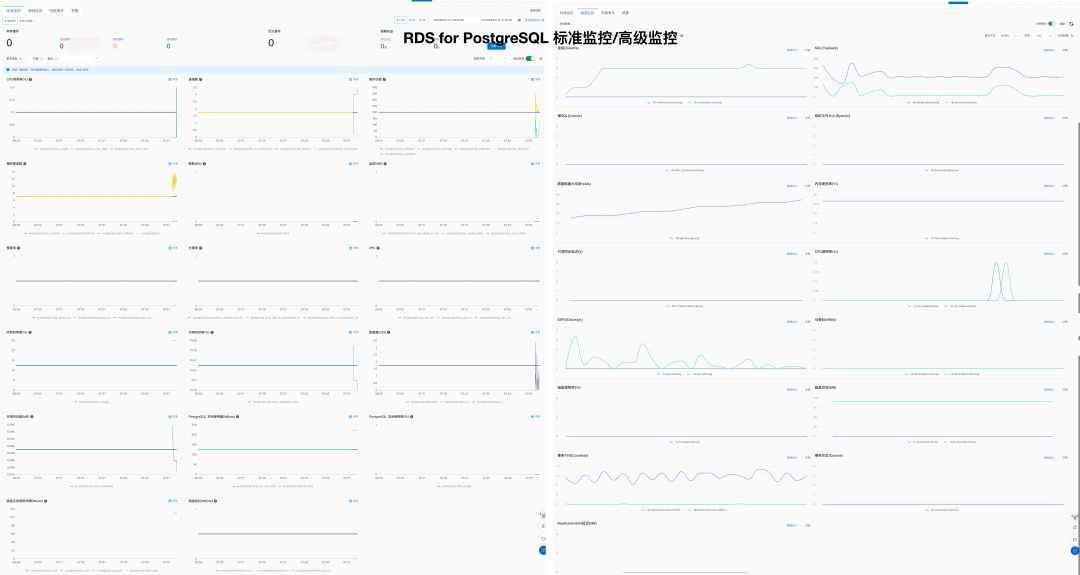
Additionally, some projects provide PostgreSQL monitoring capabilities, but are relatively simple:
| Metric | Pigsty | Aliyun RDS | AWS RDS |
|---|---|---|---|
| System Usability | Simple | Simple | Simple |
| Configuration Management | Config files / CMDB based on Ansible Inventory | Can use Terraform | Can use Terraform |
| Change Method | Idempotent Playbooks based on Ansible Playbook | Console click operations | Console click operations |
| Parameter Tuning | Auto-adapts to node specs, Four preset templates: OLTP, OLAP, TINY, CRIT | ||
| Infra as Code | Natively supported | Can use Terraform | Can use Terraform |
| Customizable Parameters | Pigsty Parameters 283 parameters | ||
| Service & Support | Commercial subscription support available | After-sales ticket support | After-sales ticket support |
| Air-gapped Deployment | Offline installation supported | N/A | N/A |
| Database Migration | Playbooks for zero-downtime migration from existing v10+ PG instances to Pigsty managed instances via logical replication | Cloud migration assistance Aliyun RDS Data Sync |
Based on experience, RDS unit cost is 5-15 times that of self-hosted for software and hardware resources, with a rent-to-own ratio typically around one month. For details, see Cost Analysis.
| Factor | Metric | Pigsty | Aliyun RDS | AWS RDS |
|---|---|---|---|---|
| Cost | Software License/Service Fee | Free, hardware ~¥20-40/core·month | ¥200-400/core·month | ¥400-1300/core·month |
| Support Service Fee | Service ~¥100/core·month | Included in RDS cost |
Some software and vendors providing PostgreSQL management capabilities:
Pigsty refuses to use Kubernetes for managing databases in production, so there are ecological differences with these solutions.
For more information, see:
The cost data below is intended to illustrate order-of-magnitude differences. Cloud vendor pricing and discounts vary over time, region, instance size, and purchase model.
| EC2 | Core·Month | RDS | Core·Month |
|---|---|---|---|
| DHH Self-Hosted Core-Month Price (192C 384G) | 25.32 | Junior Open Source DB DBA Reference Salary | ¥15K/person·month |
| IDC Self-Hosted (Dedicated Physical: 64C384G) | 19.53 | Mid-Level Open Source DB DBA Reference Salary | ¥30K/person·month |
| IDC Self-Hosted (Container, 500% Oversold) | 7 | Senior Open Source DB DBA Reference Salary | ¥60K/person·month |
| UCloud Elastic VM (8C16G, Oversold) | 25 | ORACLE Database License | 10000 |
| Aliyun ECS 2x Memory (Dedicated, No Oversold) | 107 | Aliyun RDS PG 2x Memory (Dedicated) | 260 |
| Aliyun ECS 4x Memory (Dedicated, No Oversold) | 138 | Aliyun RDS PG 4x Memory (Dedicated) | 320 |
| Aliyun ECS 8x Memory (Dedicated, No Oversold) | 180 | Aliyun RDS PG 8x Memory (Dedicated) | 410 |
| AWS C5D.METAL 96C 200G (Monthly No Prepaid) | 100 | AWS RDS PostgreSQL db.T2 (2x) | 440 |
| AWS C5D.METAL 96C 200G (3-Year Prepaid) | 80 | AWS RDS PostgreSQL db.M5 (4x) | 611 |
| AWS C7A.METAL 192C 384G (3-Year Prepaid) | 104.8 | AWS RDS PostgreSQL db.R6G (8x) | 786 |
| Payment Model | Price | Annualized (¥10K) |
|---|---|---|
| IDC Self-Hosted (Single Physical Machine) | ¥75K / 5 years | 1.5 |
| IDC Self-Hosted (2-3 Machines for HA) | ¥150K / 5 years | 3.0 ~ 4.5 |
| Aliyun RDS On-Demand | ¥87.36/hour | 76.5 |
| Aliyun RDS Monthly (Baseline) | ¥42K / month | 50 |
| Aliyun RDS Annual (85% off) | ¥425,095 / year | 42.5 |
| Aliyun RDS 3-Year Prepaid (50% off) | ¥750,168 / 3 years | 25 |
| AWS On-Demand | $25,817 / month | 217 |
| AWS 1-Year No Prepaid | $22,827 / month | 191.7 |
| AWS 3-Year Full Prepaid | $120K + $17.5K/month | 175 |
| AWS China/Ningxia On-Demand | ¥197,489 / month | 237 |
| AWS China/Ningxia 1-Year No Prepaid | ¥143,176 / month | 171 |
| AWS China/Ningxia 3-Year Full Prepaid | ¥647K + ¥116K/month | 160.6 |
Here’s a comparison of self-hosted vs cloud database costs:
| Method | Annualized (¥10K) |
|---|---|
| IDC Hosted Server 64C / 384G / 3.2TB NVME SSD 660K IOPS (2-3 Machines) | 3.0 ~ 4.5 |
| Aliyun RDS PG HA Edition pg.x4m.8xlarge.2c, 64C / 256GB / 3.2TB ESSD PL3 | 25 ~ 50 |
| AWS RDS PG HA Edition db.m5.16xlarge, 64C / 256GB / 3.2TB io1 x 80k IOPS | 160 ~ 217 |
Using Aliyun as an example, the monthly pure compute price is 5-7x the self-hosted baseline, while 5-year prepaid is 2x self-hosted
| Payment Model | Unit Price (¥/Core·Month) | Relative to Standard | Self-Hosted Premium Multiple |
|---|---|---|---|
| On-Demand (1.5x) | ¥ 202 | 160 % | 9.2 ~ 11.2 |
| Monthly (Standard) | ¥ 126 | 100 % | 5.7 ~ 7.0 |
| 1-Year Prepaid (65% off) | ¥ 83.7 | 66 % | 3.8 ~ 4.7 |
| 2-Year Prepaid (55% off) | ¥ 70.6 | 56 % | 3.2 ~ 3.9 |
| 3-Year Prepaid (44% off) | ¥ 55.1 | 44 % | 2.5 ~ 3.1 |
| 4-Year Prepaid (35% off) | ¥ 45 | 35 % | 2.0 ~ 2.5 |
| 5-Year Prepaid (30% off) | ¥ 38.5 | 30 % | 1.8 ~ 2.1 |
| DHH @ 2023 | ¥ 22.0 | ||
| Tantan IDC Self-Hosted | ¥ 18.0 |
Including common NVMe SSD specs, the monthly pure compute price is 11-14x the self-hosted baseline, while 5-year prepaid is about 9x.
| Payment Model | Unit Price (¥/Core·Month) | + 40GB ESSD PL3 | Self-Hosted Premium Multiple |
|---|---|---|---|
| On-Demand (1.5x) | ¥ 202 | ¥ 362 | 14.3 ~ 18.6 |
| Monthly (Standard) | ¥ 126 | ¥ 286 | 11.3 ~ 14.7 |
| 1-Year Prepaid (65% off) | ¥ 83.7 | ¥ 244 | 9.6 ~ 12.5 |
| 2-Year Prepaid (55% off) | ¥ 70.6 | ¥ 230 | 9.1 ~ 11.8 |
| 3-Year Prepaid (44% off) | ¥ 55.1 | ¥ 215 | 8.5 ~ 11.0 |
| 4-Year Prepaid (35% off) | ¥ 45 | ¥ 205 | 8.1 ~ 10.5 |
| 5-Year Prepaid (30% off) | ¥ 38.5 | ¥ 199 | 7.9 ~ 10.2 |
| DHH @ 2023 | ¥ 25.3 | ||
| Tantan IDC Self-Hosted | ¥ 19.5 |
DHH Case: 192 cores with 12.8TB Gen4 SSD (1c:66); Tantan Case: 64 cores with 3.2T Gen3 MLC SSD (1c:50).
Cloud prices calculated at 40GB ESSD PL3 per core (1 core:4x RAM:40x disk).
| Evaluation Factor | Local PCI-E NVME SSD | Aliyun ESSD PL3 | AWS io2 Block Express |
|---|---|---|---|
| Capacity | 32TB | 32 TB | 64 TB |
| IOPS | 4K Random Read: 600K ~ 1.1M, 4K Random Write: 200K ~ 350K | 4K Random Read: Max 1M | 16K Random IOPS: 256K |
| Latency | 4K Random Read: 75µs, 4K Random Write: 15µs | 4K Random Read: 200µs | Random IO: ~500µs (contextually inferred as 16K) |
| Reliability | UBER < 1e-18, equivalent to 18 nines, MTBF: 2M hours, 5DWPD for 3 years | Data Reliability 9 nines Storage and Data Reliability | Durability: 99.999%, 5 nines (0.001% annual failure rate) io2 Specification |
| Cost | ¥16/TB·month (5-year amortized / 3.2T MLC), 5-year warranty, ¥3000 retail | ¥3200/TB·month (original ¥6400, monthly ¥4000), 50% off with 3-year full prepaid | ¥1900/TB·month using max spec 65536GB 256K IOPS best discount |
| SLA | 5-year warranty, replacement on failure | Aliyun RDS SLA Availability 99.99%: 15% monthly fee, 99%: 30% monthly fee, 95%: 100% monthly fee | Amazon RDS SLA Availability 99.95%: 15% monthly fee, 99%: 25% monthly fee, 95%: 100% monthly fee |
| Date | $/GB·Month | ¥/TB·5Years | HDD ¥/TB | SSD ¥/TB |
|---|---|---|---|---|
| 2006.03 | 0.150 | 63000 | 2800 | |
| 2010.11 | 0.140 | 58800 | 1680 | |
| 2012.12 | 0.095 | 39900 | 420 | 15400 |
| 2014.04 | 0.030 | 12600 | 371 | 9051 |
| 2016.12 | 0.023 | 9660 | 245 | 3766 |
| 2023.12 | 0.023 | 9660 | 105 | 280 |
| Other References | High-Perf Storage | Top-Tier Discounted | vs Purchased NVMe SSD | Price Ref |
| S3 Express | 0.160 | 67200 | DHH 12T | 1400 |
| EBS io2 | 0.125 + IOPS | 114000 | Shannon 3.2T | 900 |
There was a time when “moving to the cloud” was almost politically correct in tech circles, and an entire generation of app developers had their vision obscured by the cloud. Let’s use real data analysis and firsthand experience to explain the value and pitfalls of the public cloud rental model — for your reference in this era of cost reduction and efficiency improvement — please see “Cloud Computing Mudslide: Collection”
Cloud Infrastructure Basics
Exposing Object Storage: From Cost Reduction to Price Gouging
Garbage Tencent Cloud CDN: From Getting Started to Giving Up
Cloud Business Model
Cloud Exit Odyssey
Cloud Failure Post-Mortems
RDS Failures
Cloud Vendor Profiles
Sorted by GitHub stars in descending order. Last updated: 2026-08-13 (Beijing time).
| Project | Star | Author | Type | Summary |
|---|---|---|---|---|
pgsty/pigsty |
5521 | Ruohang Feng @ PGSTY | Distribution | Out-of-the-box PostgreSQL distribution |
polardb/PolarDB-for-PostgreSQL |
3191 | Alibaba Cloud | Kernel | Open-source PolarDB for PostgreSQL kernel |
tensorchord/pgvecto.rs |
2181 | TensorChord | Extension | Vector search extension written in Rust |
tensorchord/VectorChord |
1770 | TensorChord | Extension | Next-generation vector search extension |
Tencent/TBase |
1439 | Tencent Cloud | Kernel | Tencent distributed HTAP database kernel |
apache/cloudberry |
1315 | HashData | Kernel | Open-source MPP data warehouse kernel |
IvorySQL/IvorySQL |
1051 | HighGo | Kernel | Oracle-compatible PostgreSQL fork |
pgplex/pgschema |
995 | Chen Tianzhou | Tool | Declarative Postgres schema migration CLI |
amutu/zhparser |
869 | Jov | Extension | Chinese full-text parser based on SCWS |
opengauss-mirror/openGauss-server |
784 | Huawei | Kernel | Early PostgreSQL 9.2 kernel fork |
HaloTech-Co-Ltd/openHalo |
437 | HaloTech | Kernel | PostgreSQL kernel compatible with MySQL wire protocol |
jaiminpan/pg_jieba |
417 | Pan Jiamin | Extension | Chinese full-text search extension based on Jieba |
alitrack/duckdb_fdw |
409 | Li Hongyan | Extension | DuckDB foreign data wrapper |
tensorchord/VectorChord-bm25 |
375 | TensorChord | Extension | Native BM25 ranking index for PostgreSQL |
pgsty/pg_exporter |
359 | Ruohang Feng @ PGSTY | Tool | Metrics exporter for PostgreSQL and Pgbouncer |
ChenHuajun/pg_roaringbitmap |
286 | Chen Huajun @ Suning | Extension | PostgreSQL RoaringBitmap bitmap extension |
pgsty/pig |
199 | Ruohang Feng @ PGSTY | Tool | PostgreSQL extension package manager |
tensorchord/pg_bestmatch.rs |
101 | TensorChord | Extension | BM25 sparse-vector generation in PostgreSQL |
wublabdubdub/PDU-PostgreSQLDataUnloader |
101 | Zhang Chen | Tool | PostgreSQL database rescue and unloading tool |
tensorchord/pg_tokenizer.rs |
45 | TensorChord | Extension | Full-text search tokenizer extension |
jaiminpan/pg_scws |
41 | Pan Jiamin | Extension | Chinese tokenizer extension based on SCWS |
pgsty/pgext |
31 | Ruohang Feng @ PGSTY | Tool | PostgreSQL extension catalog and metadata tool |
tooltip:
trigger: axis
axisPointer: { type: shadow }
formatter: $fn:tipfmt
grid: { left: 320, right: 72, top: 20, bottom: 26 }
xAxis:
type: value
max: 5600
name: GitHub Stars
nameLocation: middle
nameGap: 24
axisLabel: { formatter: $fn:fnum }
splitLine: { show: true, lineStyle: { type: dashed, opacity: 0.45 } }
yAxis:
type: category
inverse: true
axisLabel:
align: right
margin: 8
width: 300
overflow: truncate
fontSize: 11
fontFamily: monospace
data:
- 'pgsty/pigsty'
- 'polardb/PolarDB-for-PostgreSQL'
- 'tensorchord/pgvecto.rs'
- 'tensorchord/VectorChord'
- 'Tencent/TBase'
- 'apache/cloudberry'
- 'IvorySQL/IvorySQL'
- 'pgplex/pgschema'
- 'amutu/zhparser'
- 'opengauss-mirror/openGauss-server'
- 'HaloTech-Co-Ltd/openHalo'
- 'jaiminpan/pg_jieba'
- 'alitrack/duckdb_fdw'
- 'tensorchord/VectorChord-bm25'
- 'pgsty/pg_exporter'
- 'ChenHuajun/pg_roaringbitmap'
- 'pgsty/pig'
- 'tensorchord/pg_bestmatch.rs'
- 'wublabdubdub/PDU-PostgreSQLDataUnloader'
- 'tensorchord/pg_tokenizer.rs'
- 'jaiminpan/pg_scws'
- 'pgsty/pgext'
series:
- name: Star
type: bar
barWidth: 20
showBackground: true
backgroundStyle: { color: "rgba(148, 163, 184, 0.16)" }
itemStyle:
color: $fn:barclr
borderRadius: [0, 5, 5, 0]
label:
show: true
position: right
formatter: $fn:labfmt
color: '#334155'
fontWeight: 600
data: [5521, 3191, 2181, 1770, 1439, 1315, 1051, 995, 869, 784, 437, 417, 409, 375, 359, 286, 199, 101, 101, 45, 41, 31]Sorted by GitHub stars in descending order, with commercial products that do not publish stars listed last. Last updated: 2026-08-13 (Beijing time).
| Project | Star | Vendor | Type | License | Summary |
|---|---|---|---|---|---|
| CloudNativePG | 9133 | EDB | K8S Native | Apache-2.0 | Mainstream PG Operator without Patroni dependency |
| Pigsty | 5521 | PGSTY | Linux Native | Apache-2.0 | Ansible-driven integrated PostgreSQL distribution |
| Zalando Postgres Operator | 5222 | Zalando | K8S Native | MIT | Long-standing Patroni/Spilo architecture operator |
| PGO | 4436 | Crunchy Data | K8S Native | Apache-2.0 | Production-grade operator with backup and monitoring |
| Autobase | 4332 | vitabaks | Linux Native | MIT | Automated deployment for Patroni/etcd/Consul |
| KubeBlocks | 3102 | ApeCloud | K8S Native | AGPL-3.0 | Unified multi-database operator platform |
| StackGres | 1426 | OnGres | K8S Native | AGPL-3.0 | Integrated PG operator with CRD/CLI/Web UI |
| Kubegres | 1350 | Reactive Tech | K8S Native | Apache-2.0 | Minimal operator built on native streaming replication |
| Tembo Operator | 1263 | Tembo | K8S Native | Unspecified | Scenario-based stacks for PostgreSQL |
| pgEdge | 744 | pgEdge | Linux Native | PostgreSQL | Distributed PG distribution focused on Spock multi-master replication |
| KubeDB | 733 | AppsCode | K8S Native | ACL-1.0 | Multi-database operator with kubectl plugin |
| Percona Operator for PostgreSQL | 381 | Percona | K8S Native | Apache-2.0 | PostgreSQL operator in Percona ecosystem |
| EDB TPA | 86 | EDB | Linux Native | GPL-3.0 | EDB official Ansible delivery toolkit |
| Percona Distribution for PostgreSQL | - | Percona | Linux Native | Multi | Integrated PostgreSQL distribution bundle |
| ClusterControl | - | ServerNines | Linux Native | Commercial | Multi-database deploy, monitoring, backup, and failover platform |
| CYBERTEC PGEE | - | CYBERTEC | Linux Native | Commercial | Enterprise PostgreSQL distribution focused on security and performance |
| Crunchy Postgres for Ansible | - | Crunchy Data | Linux Native | Commercial | Crunchy bare-metal/VM automation solution |
| EDB Postgres Advanced Server (EPAS) | - | EDB | Linux Native | Commercial | EDB flagship distribution with Oracle-compatibility features |
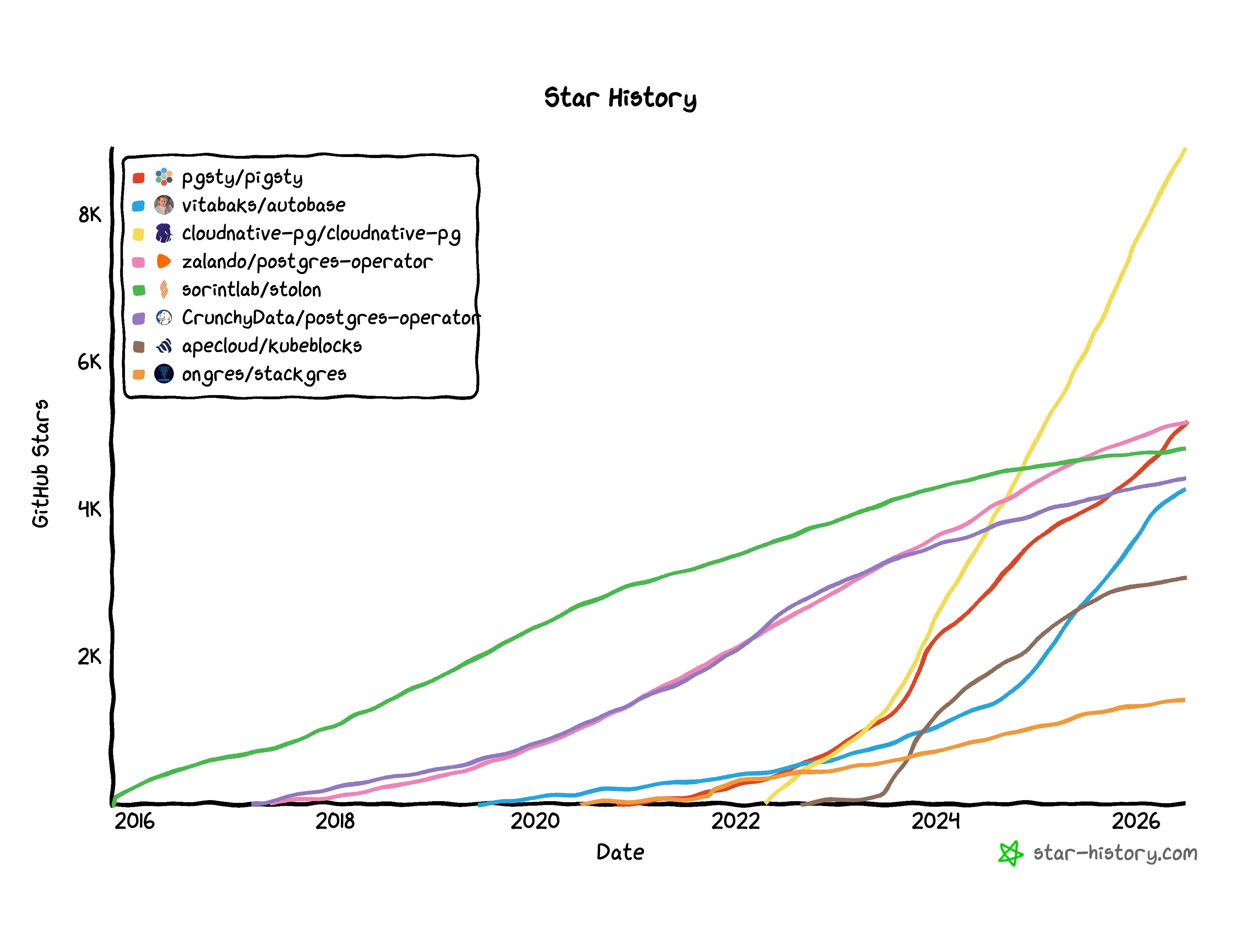
pgsty/pigstyUse -c with configure to select a template. Its value is a path relative to conf/ without the .yml suffix. If omitted, Pigsty uses the default meta template.
| Category | Templates |
|---|---|
| Solo Templates | meta, rich, fat, slim, infra, vibe, docker |
| Kernel Templates | pgsql, pg19, mssql, polar, ivory, agens, pgedge, mysql (OpenHalo), mongo, pgtde, oriole |
| HA Templates | ha/simu, ha/octo, ha/citus, ha/full, ha/safe, ha/trio, ha/dual |
| App Templates | supabase, app/odoo, app/dify, app/insforge, app/hindsight, app/electric, app/maybe, app/teable, app/mattermost, app/registry, app/immich, app/jumpserver |
| Misc Templates | demo/bare, demo/el, demo/debian, demo/demo, demo/kernel, demo/redis, demo/minio, demo/kafka, demo/mysql (native MySQL pilot), demo/remote, demo/saas, demo/wool, build/oss, build/dev |
The meta configuration template is Pigsty’s default template, designed to fulfill Pigsty’s core functionality—deploying PostgreSQL—on a single node.
To maximize compatibility, meta installs only the minimum required software set to ensure it runs across all operating system distributions and architectures.
metael8, el9, el10, d12, d13, u22, u24, u26x86_64, aarch64meta, slim, fatUsage: This is the default config template, so there’s no need to specify -c meta explicitly during configure:
For example, if you want to install PostgreSQL 16 rather than the default 18, you can use the -v arg in configure:
Source: pigsty/conf/meta.yml
The meta template is Pigsty’s default getting-started configuration, designed for quick onboarding.
Use Cases:
Key Features:
repo_enabled: false)postgis and pgvector extensionsNotes:
rich templateThe rich configuration template is an enhanced version of meta, designed for users who need to experience complete functionality.
If you want to build a local software repository, use Silo for backup storage, run Docker applications, or need preconfigured business databases, use this template.
richmetael8, el9, el10, d12, d13, u22, u24, u26x86_64, aarch64meta, slim, fatThis template’s main enhancements over meta:
repo_enabled: true), downloads all PG extensionsUsage:
Source: pigsty/conf/rich.yml
The rich template is Pigsty’s complete functionality showcase configuration, suitable for users who want to deeply experience all features.
Use Cases:
Main Differences from meta:
repo_enabled: true)pgbackrest_method: minio)Notes:
The slim configuration template provides minimal installation capability, installing a PostgreSQL high-availability cluster directly from the internet without deploying Infra monitoring infrastructure.
When you only need an available database instance without the monitoring system, consider using the Slim Installation mode.
slimel8, el9, el10, d12, d13, u22, u24, u26x86_64, aarch64metaUsage:
Source: pigsty/conf/slim.yml
The slim template is Pigsty’s minimal installation configuration, designed for quick deployment of bare PostgreSQL clusters.
Use Cases:
Key Features:
slim.yml playbook instead of deploy.yml for installationDifferences from meta:
slim uses dedicated slim.yml playbook, skips Infra module installationNotes:
The fat configuration template is Pigsty’s Feature-All-Test template, installing all extension plugins on a single node and building a local software repository containing all extensions for PostgreSQL 14-18 (five major versions).
This is a full-featured configuration for testing and development, suitable for scenarios requiring complete software package cache or testing all extensions.
fatel8, el9, el10, d12, d13, u22, u24, u26x86_64, aarch64meta, slim, fatUsage:
To specify a particular PostgreSQL version:
Source: pigsty/conf/fat.yml
The fat template is Pigsty’s full-featured test configuration, designed for completeness testing and offline package building.
Key Features:
Repository Contents:
| Category | Description |
|---|---|
| PostgreSQL 14-18 | Five major versions’ kernels and all extensions |
| Extension Categories | time, gis, rag, fts, olap, feat, lang, type, util, func, admin, stat, sec, fdw, sim, etl |
| Enterprise Components | kafka-stack, Java Runtime, Sealos, TigerBeetle |
| Database Kernels | PolarDB, IvorySQL |
Differences from rich:
fat contains all five versions of PostgreSQL 14-18, rich only contains current default versionfat contains additional enterprise components (Kafka, PolarDB, IvorySQL, etc.)fat requires larger disk space and longer build timeUse Cases:
Notes:
The infra configuration template only deploys Pigsty’s observability infrastructure components (VictoriaMetrics/Grafana/VictoriaLogs/Nginx, etc.), without PostgreSQL and etcd.
Suitable for scenarios requiring a standalone monitoring stack, such as monitoring external PostgreSQL/RDS instances or other data sources.
infrael8, el9, el10, d12, d13, u22, u24, u26x86_64, aarch64metaUsage:
Source: pigsty/conf/infra.yml
The infra template is Pigsty’s pure monitoring stack configuration, designed for standalone deployment of observability infrastructure.
Use Cases:
Included Components:
Not Included:
Monitoring External Instances:
After configuration, add monitoring for external PostgreSQL instances via the pgsql-monitor.yml playbook:
Notes:
The vibe config template provides a ready-to-use AI coding sandbox, integrating Code-Server (Web VS Code), JupyterLab, Claude Code observability, Codex CLI, JuiceFS distributed filesystem, and a feature-rich PostgreSQL database.
vibeel8, el9, el10, d12, d13, u22, u24, u26x86_64, aarch64metaUsage:
Source: pigsty/conf/vibe.yml
The vibe template is an AI-era Web coding sandbox, enabling development, data analysis, AI app building all in browser.
Core Components:
| Component | Description | Access Method |
|---|---|---|
| Code-Server | Web version of VS Code, full-featured code editor | http://<ip>/code |
| JupyterLab | Interactive data science notebook, Python/SQL | http://<ip>/jupyter |
| Claude Code | AI coding runtime and observability entrypoint (claude_env customizable) |
Terminal / Dashboard |
| Codex CLI | OpenAI agentic coding CLI; VIBE installs it but does not manage its configuration | Terminal |
| JuiceFS | PostgreSQL-based distributed filesystem | Mount point /fs |
| PostgreSQL 18 | Feature-rich database with pg18-main + categorized extension package groups |
Port 5432 |
Node tools explicitly installed by this template (node_packages):
openssh-server, juicefs, restic, rcloneuv, opencode, golangasciinema, tmuxPostgreSQL Extensions:
This template installs PostgreSQL 18 extension groups by category:
By default, the meta database enables postgis, timescaledb, and vector; other extensions can be enabled as needed.
The VIBE module provides AI coding sandbox capability; vibe.yml explicitly enables Code-Server and Jupyter and installs Claude Code and Codex CLI by default.
Code-Server: VS Code in browser
code_enabled, code_passwordcode_port, code_data, code_galleryJupyterLab: Interactive computing environment
jupyter_enabled, jupyter_passwordjupyter_port, jupyter_data, jupyter_venvClaude Code: AI coding assistant runtime
claude_envclaude-code dashboard for usage monitoringCodex CLI: AI coding assistant
codex_enabled, which defaults to true@openai/codex only; it does not write Codex configuration or connect Codex to the Claude Code dashboardThis template uses JuiceFS for distributed filesystem capability, with a special feature: both metadata and data stored in PostgreSQL.
Architecture Features:
/fs (controlled by juice_instances.jfs.path)9567 provides Prometheus metricsUse Cases:
Config Example:
After deployment, access via browser:
code_password and jupyter_password defaults are for testing only0.0.0.0:8888, allows any Origin, disables XSRF checks, and relies on the token by default; restrict the port and portal sources and never expose it directly to the Internet5432 (node_firewall_public_port) and includes addr: world HBA by default; remove those public paths for production and add portal Basic Auth when appropriateclaude_envThe docker configuration template runs Pigsty inside a Docker container and provides a minimal single-node stack for infrastructure and PostgreSQL.
For full workflow details, see Docker Deployment.
docker127.0.0.1 and trimmed system capabilities for Docker scenariosx86_64, aarch64meta, vibeUsage:
Source: pigsty/conf/docker.yml
The docker template is optimized for development and validation inside containers.
Key Features:
repo_enabled: false) to avoid extra build overhead in containers/etc/hosts rewritepg18-*)intra and world ranges in pg_hba_rules for fast testingNotes:
pg_hba_rules and password policy for production/data in the container runtime to persist PostgreSQL and component dataThe pgsql configuration template uses the native PostgreSQL kernel, Pigsty’s default database kernel, with stable support for PostgreSQL 14 to 18. The current configure also accepts version 19, but PG19 remains Beta; use the dedicated pg19 template for evaluation.
pgsqlel8, el9, el10, d12, d13, u22, u24, u26x86_64, aarch64metaUsage:
To specify a non-default PostgreSQL version (e.g., 16):
Source: pigsty/conf/pgsql.yml
The pgsql template is Pigsty’s standard kernel configuration, using community-native PostgreSQL.
Version Support:
./configure -c pg19)Use Cases:
meta template, explicitly declaring native kernel usageDifferences from meta:
pgsql template explicitly declares using native PostgreSQL kernelpg19 is the single-node PostgreSQL 19 Beta evaluation template. It follows the meta topology, enables the beta repository, and limits the local repository’s additional cache to core PGSQL packages without preinstalling extensions.
pg1919 Betameta, pgsqlUsage:
Source: pigsty/conf/pg19.yml
Important defaults and limitations:
node_repo_modules: node,infra,pgsql,beta obtains PG19 packages from the PGDG Beta repositoryrepo_extra_packages: [pgsql-core] limits the local repository’s additional cache to core PGSQL packages; instances still use the role’s default pgsql-main pgsql-common installation setpg_extensions: [] installs no extension packagespgbackrest_enabled: true and pgbackrest_exporter_enabled: true; pg-meta retains its daily 01:00 full-backup jobThis is a Beta evaluation configuration, not a production template. Do not treat -v 19 on an ordinary template as a production-ready PG19 deployment; validate extension compatibility, backup and recovery, and upgrade procedures separately.
The mssql configuration template uses a PostgreSQL 17-compatible Babelfish kernel instead of native PostgreSQL, providing Microsoft SQL Server wire protocol (TDS) and T-SQL syntax compatibility. The current template is pinned to pg_version: 17; configure does not apply -v overrides to this fixed-kernel template.
Since Pigsty v4.2, Babelfish is built directly by Pigsty, no longer using the WiltonDB repository, and is available on all supported Linux platforms.
For the complete tutorial, see: Babelfish (MSSQL) Kernel Guide
mssqlel8, el9, el10, d12, d13, u22, u24, u26x86_64, aarch64metaUsage:
Source: pigsty/conf/mssql.yml
The mssql template allows you to use SQL Server Management Studio (SSMS) or other SQL Server client tools to connect to PostgreSQL (through Babelfish protocol compatibility).
Key Features:
multi-db and single-db migration modesbabelfish + pgsql-common + sqlcmduuid-ossp, babelfishpg_common, babelfishpg_tsql, babelfishpg_tds, and babelfishpg_money by defaultx86_64 / aarch64)Connection Methods:
Use Cases:
Notes:
mssql template is pinned to a PostgreSQL 17-compatible kernel; do not rely on -v to switch its major versionmulti-db (babelfishpg_tsql.migration_mode), configurable to single-db when neededmd5 authentication method (not scram-sha-256)The polar configuration template uses Alibaba Cloud’s PolarDB for PostgreSQL database kernel instead of native PostgreSQL, providing “cloud-native” Aurora-style storage-compute separation capability.
For the complete tutorial, see: PolarDB for PostgreSQL (POLAR) Kernel Guide. For kernel differences and version references, see the PGSQL kernel overview.
polarel8, el9, el10, d12, d13, u22, u24, u26x86_64, aarch64metaUsage:
Source: pigsty/conf/polar.yml
The polar template uses Alibaba Cloud’s open-source PolarDB for PostgreSQL kernel, providing cloud-native database capabilities.
Key Features:
/usr/polar-17pgaudit, pg_partman, pg_profile, pg_repack, pg_stat_kcache, pg_cron, and pg_hint_planUse Cases:
Notes:
x86_64 and aarch64The ivory configuration template uses Highgo’s IvorySQL database kernel instead of native PostgreSQL, providing Oracle syntax and PL/SQL compatibility.
For the complete tutorial, see: IvorySQL (Oracle Compatible) Kernel Guide
ivoryel8, el9, el10, d12, d13, u22, u24, u26x86_64, aarch64metaUsage:
Source: pigsty/conf/ivory.yml
The ivory template uses Highgo’s open-source IvorySQL kernel, providing Oracle database compatibility.
Key Features:
Use Cases:
Notes:
liboracle_parser requires loading into shared_preload_librariespgbackrest may have checksum issues in Oracle-compatible mode, PITR capability is limitedThe agens configuration template replaces native PostgreSQL with the AgensGraph kernel and enables property-graph modeling plus Cypher queries.
For the full guide, see: AgensGraph kernel guide
agensel8, el9, el10, d12, d13, u22, u24, u26x86_64, aarch64meta, pgsqlEnable with:
Source: pigsty/conf/agens.yml
The agens template enables pg_mode: agens in the pg-meta cluster and installs the agensgraph kernel package instead of standard PostgreSQL.
Key features:
Typical use cases:
Caveats:
pg_version: 17The pgedge configuration template replaces native PostgreSQL with the pgEdge kernel and provides distributed, multi-master capabilities for edge deployments.
For the full guide, see: pgEdge kernel guide. For kernel differences and version references, see the PGSQL kernel overview.
pgedged12, d13, u22, u24, u26 for PG18 packages. For EL/RPM platforms, check current PGSQL repository availability for pgedge_18.x86_64, aarch64meta, pgsqlEnable with:
Source: pigsty/conf/pgedge.yml
The pgedge template enables pg_mode: pgedge in pg-meta and pre-installs pgEdge core extensions for logical replication and edge distribution.
Key features:
pgedge kernel package (PG15/16/17/18 compatible, default PG18)spock, snowflake, and lolor in the pgedge-$v kernel package and creates them in the meta database by defaultspock and lolor for multi-master setup readinessTypical use cases:
Caveats:
pg_version: 18; keep consistent with target cluster versionsThe mysql configuration template uses OpenHalo database kernel instead of native PostgreSQL, providing MySQL wire protocol and SQL syntax compatibility.
mysqlx86_64, aarch64metaUsage:
Source: pigsty/conf/mysql.yml
The mysql template uses the OpenHalo kernel, allowing you to connect to PostgreSQL using MySQL client tools.
Key Features:
Connection Methods:
Use Cases:
Notes:
openhalo package alias covers Pigsty’s supported Linux platforms on both architectures; actual installation still depends on the target platform’s repository indexThe pgtde configuration template uses Percona PostgreSQL database kernel, providing Transparent Data Encryption (TDE) capability.
pgtdeel8, el9, el10, d12, d13, u22, u24, u26x86_64, aarch64metaUsage:
Source: pigsty/conf/pgtde.yml
The pgtde template selects pg_mode: pgtde and installs the pgtde package
alias. Pigsty links the private /usr/pgtde-$v prefix (currently
/usr/pgtde-18) to its stable /usr/pgsql entry point.
Key Features:
Use Cases:
Usage:
Notes:
x86_64 and aarch64 packages are available on the listed distributionsThe oriole configuration template uses OrioleDB storage engine instead of PostgreSQL’s default Heap storage, providing bloat-free, high-performance OLTP capability.
oriole16, 17, or 18el8, el9, el10, d12, d13, u22, u24, u26x86_64, aarch64metaUsage:
Source: pigsty/conf/oriole.yml
The oriole template uses OrioleDB storage engine, fundamentally solving PostgreSQL table bloat problems.
Key Features:
Use Cases:
Usage:
Notes:
-v 16, -v 17, or -v 18orioledb to shared_preload_librariesThe mongo configuration template is a PostgreSQL deployment mode, not an independent Pigsty module. It combines:
PGSQL moduledocumentdb extension and its required preload librariesAll data, high availability, backup, monitoring, and lifecycle management remain PostgreSQL responsibilities. FerretDB only provides the MongoDB wire-compatible endpoint.
The default template is a single-node deployment on 10.10.10.10. FerretDB listens on loopback by default.
Install mongosh separately if it is not already available, or use another MongoDB-compatible client.
The dedicated mongod PostgreSQL login is declared by the template. FerretDB authentication is enabled, but MongoDB authorization roles are not implemented; PostgreSQL remains the security boundary.
| Layer | Implementation | Responsibility |
|---|---|---|
| Data | PostgreSQL + DocumentDB | Durable storage, transactions, HA, PITR, ACL, monitoring |
| Protocol | FerretDB Docker APP | Stateless MongoDB wire compatibility |
| Access | 127.0.0.1:27017 by default |
Local MongoDB client endpoint |
The container connects to Pigsty’s local primary service on port 5436 through host.docker.internal. The default Mongo endpoint is not exposed to the network; change FERRETDB_BIND_ADDR only when remote access is required.
Source: pigsty/conf/mongo.yml
FerretDB settings are ordinary APP overrides under apps.ferretdb.conf:
Use the standard PostgreSQL parameters, playbooks, dashboards, and administration procedures for the backend cluster. There are no mongo_* inventory parameters or standalone mongo.yml playbook.
The template contains a commented pg-mongo example for three PostgreSQL/FerretDB nodes. Uncomment that block and the two additional etcd members when needed.
In HA mode, each FerretDB container binds {{ inventory_hostname }}:27018; HAProxy exposes all three backends through the floating endpoint 10.10.10.4:27017 (mongo.pigsty). PostgreSQL failover is still handled by Patroni, while FerretDB remains stateless.
The ha/simu configuration template is a 20-node production environment simulation, requiring a powerful host machine to run.
ha/simupigsty/vagrant/spec/simu.rbel8, el9, el10, d12, d13, u22, u24, u26x86_64, aarch64Usage:
Source: pigsty/conf/ha/simu.yml
The ha/simu template is a large-scale production environment simulation for testing and validating complex scenarios.
Architecture:
Use Cases:
Notes:
ha/octo uses the first eight nodes from vagrant/spec/deci.rb to build a compact high-availability simulation. It exercises co-located modules, VIPs, remote backup, and larger membership counts. Do not use it directly as a production blueprint without reviewing capacity, security, and failure domains.
ha/octo10.10.10.10 through 10.10.10.17minio_type, so both deployment and removal roles default to Silo; verify that value, the exact target, and data paths before removalpg-meta: 3-node PostgreSQL cluster with VIP 10.10.10.2/24pg-test: 5-node PostgreSQL cluster whose final instance has the offline role, with VIP 10.10.10.3/24sss.pigsty:9002 and also retains a local repositoryThis template depends on fixed eight-node addresses and VIPs. For any other environment, update the host addresses, VIPs, interfaces, DNS, repository node, and every public example credential together.
Source: pigsty/conf/ha/octo.yml
pg-meta and pg-test PostgreSQL clusters are co-located with those two sets respectively.sss.pigsty through Keepalived VIP 10.10.10.9 and HAProxy port 9002. Silo is the current default engine, while the module and variables retain minio_* compatibility names.pg-meta takes one full backup daily. pg-test takes a weekly full backup and incremental backups on the remaining days; both write to the encrypted S3 pgBackRest repository.repo_enabled: false do not build local repositories. Every node still installs packages from the first node’s local repository.For a conventional minimal HA deployment, prefer ha/trio. For a larger full-scenario simulation, see ha/simu.
The ha/full configuration template is Pigsty’s recommended sandbox demonstration environment, deploying two PostgreSQL clusters across four nodes for testing and demonstrating various Pigsty capabilities.
Most Pigsty tutorials and examples are based on this template’s sandbox environment.
ha/fullel8, el9, el10, d12, d13, u22, u24, u26x86_64, aarch64ha/trio, ha/safe, demo/demoUsage:
After configuration, modify the IP addresses of the other three nodes.
Source: pigsty/conf/ha/full.yml
The ha/full template is Pigsty’s complete feature demonstration configuration, showcasing the collaboration of various components.
Components Overview:
| Component | Node Distribution | Description |
|---|---|---|
| INFRA | Node 1 | Monitoring/Alerting/Nginx/DNS |
| ETCD | Node 1 | DCS Service |
| Silo | Node 1 | S3-compatible Storage |
| pg-meta | Node 1 | Single-node PostgreSQL |
| pg-test | Nodes 2-4 | Three-node HA PostgreSQL |
| redis-ms | Node 1 | Redis Primary-Replica Mode |
| redis-meta | Node 2 | Redis Sentinel Mode |
| redis-test | Nodes 3-4 | Redis Native Cluster Mode |
Use Cases:
Differences from ha/trio:
Notes:
ha/safe uses a three-node high-availability topology to demonstrate TLS, client certificates, password checks, backup encryption, the CRIT parameter template, and related security settings. It is a configuration example to customize, not a compliance-certified template.
ha/safeel8, el9, el10, d12, d13, u22, u24, u26x86_64; some security extensions do not have ARM64 packagesha/trio, ha/fullGenerate the configuration:
-g randomizes only credentials recognized by the configuration wizard. You must still replace Silo users, the pgBackRest cipher_pass, and other template example values.
| Setting | Template Behavior | Boundary and Follow-up |
|---|---|---|
| PostgreSQL HBA | Main TCP rules use ssl; public administrator access uses cert |
Local ident and selected localhost pwd rules remain |
| PgBouncer | pgbouncer_sslmode: require |
Clients must still verify the server certificate where required |
| Patroni | REST API uses HTTPS and a constrained listen address | Basic Auth remains; rotate the password |
| Password check | passwordcheck is preloaded through pg_libs |
Affects only newly set or changed passwords |
| Account lifetime | Built-in and example application users set expire_in: 7300 |
Twenty years is not a rotation policy; shorten it to organizational requirements |
| Listen addresses | PostgreSQL is limited to ${ip},${vip},${lo} |
Firewalls and HBA are still required |
| Backup | Uses Silo with AES-256-CBC | pgBR.${pg_cluster} is a predictable example and must be replaced |
| PostgreSQL parameters | pg-meta uses crit.yml |
Strict synchronous mode can block writes without a synchronous replica |
| Logging | CRIT logs connection and disconnection events | Fine-grained SQL auditing requires explicit pgaudit configuration |
| Security extensions | Installs passwordcheck, credcheck, pgaudit, and related packages |
Installation does not preload, create, or configure an extension |
| Delayed replica | Provides a commented one-hour delayed-cluster example | Not created by default; enable it explicitly |
minio_users, pgbackrest_repo, application users, and API passwords.sslmode=verify-full and a trusted CA.pgaudit, credcheck, and other extensions as required.See Security Model, Authentication, Encrypted Communication, and Data Security for the underlying mechanisms.
Source: pigsty/conf/ha/safe.yml
Three nodes is the minimum scale for majority-based high availability. The ha/trio template distributes INFRA, ETCD, PGSQL, and Silo across three servers. PostgreSQL, ETCD, and object storage continue serving when one server is unavailable.
ha/trioel8, el9, el10, d12, d13, u22, u24, u26x86_64, aarch64ha/dual, ha/full, ha/safeUsage:
After configuration, modify placeholder IPs 10.10.10.11 and 10.10.10.12 to actual node IP addresses.
Source: pigsty/conf/ha/trio.yml
The ha/trio template is Pigsty’s standard HA configuration, providing true automatic failover capability.
Architecture:
10.10.10.9 with HAProxy listening on 9002 on all three nodesHA Guarantees:
sss.pigsty resolves to the object-storage VIP; pgBackRest and mcli use https://sss.pigsty:9002Object Storage:
minio_data: /data/minio is a filesystem directory, not a raw device such as /dev/sdb./data/minio must reside on a separately mounted /data filesystem or be a mount point itself.findmnt -T /data/minio to inspect the actual mount. A result that still points to / means the path is only a directory on the root drive.The template’s S3 API endpoint is highly available. The Portal administration UI still connects to port 9001 on the first node and is outside this API HA path.
Use Cases:
Extension Suggestions:
The ha/dual template uses two-node deployment, implementing a “semi-HA” architecture with one primary and one standby. If you only have two servers, this is a pragmatic choice.
ha/dualel8, el9, el10, d12, d13, u22, u24, u26x86_64, aarch64ha/trio, slimUsage:
After configuration, modify placeholder IP 10.10.10.11 to actual standby node IP address.
Source: pigsty/conf/ha/dual.yml
The ha/dual template is Pigsty’s two-node limited HA configuration, designed for scenarios with only two servers.
Architecture:
Failure Scenario Analysis:
| Failed Node | Impact | Auto Recovery |
|---|---|---|
| Node B down | Primary switches to Node A | Auto |
| Node A etcd down | Primary continues running (no DCS) | Manual |
| Node A pgsql down | Primary continues running | Manual |
| Node A complete failure | Primary degrades to standalone | Manual |
Use Cases:
Notes:
The ha/citus template deploys a complete Citus distributed PostgreSQL cluster with 1 infra node, 1 coordinator group, and 5 worker groups (12 Citus nodes total), providing transparent horizontal scaling and data sharding.
ha/citusel8, el9, el10, d12, d13, u22, u24, u26x86_64meta, ha/trioUsage:
This is a 13-node template. Modify the node addresses after generation.
Source: pigsty/conf/ha/citus.yml
| Cluster | Nodes | IP Addresses | VIP | Role |
|---|---|---|---|---|
| pg-meta | 1 | 10.10.10.10 | - | Infra + CMDB |
| pg-citus1 | 2 | 10.10.10.21, 22 | 10.10.10.29 | Coordinator (group 0) |
| pg-citus2 | 2 | 10.10.10.31, 32 | 10.10.10.39 | Worker (group 1) |
| pg-citus3 | 2 | 10.10.10.41, 42 | 10.10.10.49 | Worker (group 2) |
| pg-citus4 | 2 | 10.10.10.51, 52 | 10.10.10.59 | Worker (group 3) |
| pg-citus5 | 2 | 10.10.10.61, 62 | 10.10.10.69 | Worker (group 4) |
| pg-citus6 | 2 | 10.10.10.71, 72 | 10.10.10.79 | Worker (group 5) |
Architecture:
vip-manager for transparent failoverThe ha/citus template deploys production-grade Citus cluster for large-scale horizontal scaling scenarios.
Key Features:
Pre-installed Extensions:
Security:
pg_dbsu_password enabled for Citus inter-node communicationsslmode=verify-fullVerify after deployment:
Create Distributed Table:
Create Reference Table (replicated to all nodes):
pg_vip_interface defaults to auto; specify an interface explicitly for unusual network environmentsdemo/bare is Pigsty’s smallest configuration example. It keeps only three core groups and three global parameters to show a working inventory skeleton.
Source: pigsty/conf/demo/bare.yml
This template relies on Pigsty defaults and defines no business users, databases, extensions, backup policy, or security hardening. Use it to learn configuration hierarchy or as a minimal customization base; explicitly add passwords, HBA rules, backup, and safeguards for a real environment.
The demo/el configuration template is optimized for Enterprise Linux family distributions (RHEL, Rocky Linux, Alma Linux, Oracle Linux).
demo/elel8, el9, el10x86_64, aarch64meta, demo/debianUsage:
Source: pigsty/conf/demo/el.yml
The demo/el template is optimized for Enterprise Linux family distributions.
Supported Distributions:
Key Features:
Use Cases:
The demo/debian configuration template is optimized for Debian and Ubuntu distributions.
demo/debiand12, d13, u22, u24, u26x86_64, aarch64meta, demo/elUsage:
Source: pigsty/conf/demo/debian.yml
The demo/debian template is optimized for Debian and Ubuntu distributions.
Supported Distributions:
Key Features:
Use Cases:
The demo/demo configuration template is used by Pigsty’s public demo site, demonstrating how to expose services publicly, configure SSL certificates, and install all available extensions.
If you want to set up your own public service on a cloud server, you can use this template as a reference.
demo/demoel8, el9, el10, d12, d13, u22, u24, u26x86_64meta, richUsage:
This template enhances the meta template with:
pigsty.cc)Source: pigsty/conf/demo/demo.yml
The demo/demo template is Pigsty’s public demo configuration, showcasing a complete production-grade deployment example.
Key Features:
Use Cases:
Notes:
The demo/kernel configuration template demonstrates the major PostgreSQL kernels and compatible branches supported by Pigsty in a single configuration. It is intended for feature validation and kernel difference testing, not production use.
demo/kernelpg-cituspgsql, mssql, mongoUsage:
This is a fixed-IP demo template. Adjust node addresses for your actual environment after generation.
Source: pigsty/conf/demo/kernel.yml
This template uses single-node clusters to show the minimum viable configuration for different kernels:
pg-citus: PostgreSQL 18 + Cituspg-ivory: IvorySQL, compatible with PostgreSQL 18pg-mssql: Babelfish, compatible with PostgreSQL 17pg-polar: PolarDB for PostgreSQL, compatible with PostgreSQL 17pg-tde: Percona PostgreSQL 18 + pg_tdepg-oriole: OrioleDB, supports PostgreSQL 16, 17, and 18; the current demo config defaults to PG18pg-mysql: OpenHalo, compatible with PostgreSQL 14pg-mongo: DocumentDB backend for PostgreSQL Mongo mode, default PostgreSQL 18pg-agens: AgensGraph, compatible with PostgreSQL 17pg-edge: pgEdge, compatible with PostgreSQL 18Notes:
demo/minio demonstrates a highly available S3 object-storage cluster with four nodes and four drives per node, for 16 drives total. The template retains MINIO module compatibility naming and explicitly sets minio_type: silo; the current v4.5.0 source accepts only this value, and both deployment and removal roles default to silo. Still verify it together with the exact target, cluster identity, and data paths before removal.
For more tutorials, see the MINIO module documentation.
demo/minioel8, el9, el10, d12, d13, u22, u24, u26x86_64, aarch64metaUsage:
This is a four-node template. You need to modify the IP addresses of the other three nodes after generating the configuration.
Source: pigsty/conf/demo/minio.yml
demo/minio is a reference configuration for production object storage using the Multi-Node Multi-Drive (MNMD) architecture. Its volume layout, HAProxy health checks, and clients retain MinIO-compatible interfaces.
Key Features:
Access:
Use Cases:
Notes:
/data1 - /data4vip_interface)demo/redis demonstrates standalone/replica, Sentinel, and native Cluster modes supported by Pigsty’s Redis module in one configuration.
demo/redisredis-ms, redis-meta, redis-testdemo/demoSource: pigsty/conf/demo/redis.yml
redis-ms: a 6379 primary and 6380 replica on one noderedis-meta: three Sentinel instances monitoring the redis-ms primaryredis-test: a native Redis Cluster across two nodes with three instances per nodeThe IP addresses, passwords, and memory limits are demonstration values. Adjust them to the real topology, then install the Redis module with the redis.yml playbook.
demo/kafka declares two Kafka 4.x dynamic KRaft clusters across four nodes: the plaintext single-node development cluster kf-meta, and the three-node TLS/SCRAM/ACL demonstration cluster kf-test.
demo/kafkakf-meta: Single combined Broker/Controller node in plaintext modekf-test: Three combined nodes with TLS/SCRAM/ACL, topic replication factor 3, and min.insync.replicas=2deploy.yml only deploys the core path and does not run the KAFKA playbook automatically. Each kafka.yml run must select one complete Kafka cluster; the role rejects convergence against only part of a cluster.
Source: pigsty/conf/demo/kafka.yml
kf-meta creates quickstart.events for single-node development and connectivity tests.kf-test creates the test-app SCRAM user, prefix ACLs, and the three-replica test.events topic.kafka-stack and java-runtime; when using only a local repository, cache both complete package groups first.See the KAFKA module for operations, security, and scaling constraints.
demo/mysql is the four-node example for the native MySQL 8.4 LTS pilot module. It is distinct from conf/mysql.yml, which provides MySQL protocol compatibility through the OpenHalo PostgreSQL kernel.
demo/mysqlmy-meta: Standalone MySQL 8.4 instancemy-test: Three-node, single-primary InnoDB Cluster with MySQL Router on every memberReplace every CHANGE_ME value in the template. Real deployment also requires explicit approval. Start with read-only preflight checks:
After explicitly approving an active-inventory update, run ./configure -c demo/mysql, then run both node.yml and mysql.yml with --check and real convergence against the same complete cluster scope. The three-node cluster does not accept a partial-member scope.
Source: pigsty/conf/demo/mysql.yml
3306. The three-node cluster also uses Group Replication on 33061, with Router RW on 6446 and RO on 6447 on each member.mysqld_exporter are enabled by default. The current pilot does not provide continuous binlog archiving, PITR, or automatic recovery.node.yml installs the shared trust anchor at /etc/pki/ca.crt; the MySQL role only issues and installs leaf certificates.See the native MySQL pilot documentation for complete constraints and the confirmed removal workflow.
The build/oss configuration template is the build environment configuration for Pigsty open-source edition offline packages, used to batch-build offline installation packages across multiple operating systems.
This configuration is intended for developers and contributors only.
build/ossel9, el10, d12, d13, u22, u24, u26x86_64Usage:
This is a build template with fixed IP addresses, intended for internal use only.
Source: pigsty/conf/build/oss.yml
The build/oss template is the build configuration for Pigsty open-source edition offline packages.
Build Contents:
Supported Operating Systems:
Build Process:
Use Cases:
The build/dev configuration template is Pigsty’s three-node local build and development environment. It is used to validate repository build and package download workflows across EL9, Debian 12, and Ubuntu 24 nodes.
This template is intended only for developers and contributors.
build/devel9, d12, u24)infra,node,pgsql modulesel9, d12, u24x86_64, aarch64build/ossUsage:
This is a fixed-IP development build template. Adjust host addresses for your local environment before use.
Source: pigsty/conf/build/dev.yml
build/dev is mainly used to validate the Pigsty software repository build pipeline, not for ordinary production installation.
Key Features:
pg_version: 18dist/${version}infra,node,pgsql modules by defaultUse Cases:
demo/remote deploys no local PostgreSQL cluster. Instead, it declares multiple pg_exporters on an INFRA node to monitor remote PostgreSQL, PolarDB, or cloud RDS instances.
demo/remote20001-20016Source: pigsty/conf/demo/remote.yml
Each pg_exporters entry uses a unique local listen port and declares the remote instance’s pg_cluster, pg_seq, pg_host, and optional connection settings. The template demonstrates complete URLs, split credentials, database allowlists, and auto-discovery.
All hostnames and credentials are placeholders. Keep only the entries you need, use a least-privilege monitoring account, and never commit real RDS passwords.
demo/saas is a legacy feature-rich single-node example with predefined business users, databases, and application entrypoints. It demonstrates how PostgreSQL, Silo, Redis, Docker, and the portal can be combined.
demo/saasrich, supabaseSource: pigsty/conf/demo/saas.yml
The template contains placeholder database users and databases for Grafana, Bytebase, Kong, Gitea, Wiki, NocoDB, and Odoo. It uses Silo as the pgBackRest repository and includes a Redis replica example and multiple portal domains.
This compatibility/reference bundle does not install every listed application automatically. For new deployments, prefer rich plus the relevant app/* template. Remove unused users, databases, and entrypoints and replace all passwords first.
demo/wool targets small cloud instances in China and defaults to region: china, PostgreSQL 18, and the tiny tuning profiles.
demo/woolmeta, slimSource: pigsty/conf/demo/wool.yml
pg_conf: tiny.yml and node_tune: tiny on pg-meta10.10.10.10 to be replaced by the cloud instance’s private IPThis template trades backup capability for lower resource use and is suitable only for temporary testing. Production deployments must enable and verify backups, tighten network rules, replace default passwords, and remove unused portal entries.
PGSQL is Pigsty’s core module. Ansible inventory declares PostgreSQL clusters; Patroni and etcd provide HA orchestration; pgBackRest provides backup and PITR; HAProxy, VIP, DNS, PgBouncer, and the observability stack expose and monitor database services.
This page follows the Pigsty v4.5.0 source layout. Exact defaults live only in the parameter reference so the module landing page does not become a second stale parameter snapshot.
| Task | Entry point |
|---|---|
| Initialize a cluster or add an instance | Cluster administration · pgsql.yml |
| Create or change users | User administration · pgsql-user.yml |
| Create or change databases | Database administration · pgsql-db.yml |
| Change HBA or parameters | HBA administration · Component administration |
| Patroni switchovers, maintenance, and incidents | Patroni administration |
| Install, create, update, or remove extensions | Extension administration |
| Monitor an external instance | pgsql-monitor.yml |
| Prepare a migration | Migration · pgsql-migration.yml |
| Remove an instance or cluster | Safe removal workflow · pgsql-rm.yml |
Real runs of pgsql.yml, pgsql-user.yml, pgsql-db.yml, and related playbooks change the target environment; pgsql-rm.yml can delete data and backups by default. Resolve the exact cluster/node and recent backup first. Removal also requires the operator to type and confirm the exact target.
pgsql-pitr.yml, node-local pig pitr, and low-level pig pb restore.Restore is destructive. Production recovery requires an independent recent tested backup and separate gates for shutdown, restore, data validation, timeline promotion, DCS rebuild, replica rebuild, and a fresh full backup.
The current source contains 29 PostgreSQL/PGCAT dashboards under files/grafana/pgsql, covering fleet, cluster, instance, database, table, query, session, transaction, replication, service, PgBouncer, PITR, and alerts.
The PGSQL parameter reference is the single documentation source for v4.5.0 defaults and semantics:
PG_ID: cluster and instance identity.PG_BUSINESS: users, databases, services, and other business objects.PG_INSTALL: kernel, packages, and extensions.PG_BOOTSTRAP: Patroni bootstrap, replication, and database initialization.PG_PROVISION: in-database objects and privileges.PG_BACKUP: pgBackRest and backup repositories.PG_ACCESS: PgBouncer, services, VIP, and DNS.PG_MONITOR: exporters, monitoring registration, and metrics.PG_REMOVE: removal safeguards and cleanup scope.Pigsty is a “configuration-driven” PostgreSQL platform: all behaviors come from the combination of inventory files in ~/pigsty/conf/*.yml and PGSQL parameters.
Once you’ve written the configuration, you can replicate a customized cluster with instances, users, databases, access control, extensions, and tuning policies in just a few minutes.
pigsty/conf/*.yml template or write an Ansible Inventory from scratch, placing cluster groups (all.children.<cls>.hosts) and global variables (all.vars) in the same file.PGSQL parameters in the vars block. The override order from global → cluster → host determines the final value../configure -c <conf> or bin/pgsql-add <cls> and other playbooks to apply the configuration. Pigsty will generate the configuration files needed for Patroni/pgbouncer/pgbackrest based on the parameters.Pigsty’s default demo inventory conf/pgsql.yml is a minimal example: one pg-meta cluster, global pg_version: 18, and a few business user and database definitions. You can expand with more clusters from this base.
Pigsty’s PostgreSQL configuration can be organized from the following dimensions. Subsequent documentation will explain “how to configure” each:
pg_cluster / pg_role / pg_seq / pg_upstream.pg_version, pg_mode, pg_packages, pg_extensions, pg_conf, and other parameters.pg_default_roles and pg_users.pg_databases, baseline, schemas, extensions, pool_* fields and automatically integrate with pgbouncer/Grafana.pg_default_hba_rules and pg_hba_rules to ensure access boundaries for different roles/networks.pg_default_privileges, pg_default_roles, pg_revoke_public parameters, providing an out-of-the-box layered role system.After understanding these parameters, you can write declarative inventory manifests as “configuration as infrastructure” for any business requirement. Pigsty will handle execution and ensure idempotency.
The following snippet shows how to control instance topology, kernel version, extensions, users, and databases in the same configuration file:
pg-analytics cluster contains one primary and one offline replica.pg_version: 18 with a set of extension examples and load olap.yml tuning.pg_databases and pg_users, automatically generating schema/extension and connection pool entries.pg_hba_rules restrict access sources and authentication methods.Modify and apply this inventory to get a customized PostgreSQL cluster without manual configuration.
Choose the appropriate instance and cluster types based on your requirements to configure PostgreSQL database clusters that meet your needs.
You can define different types of instances and clusters. Here are several common PostgreSQL instance/cluster types in Pigsty:
We start with the simplest case: a single instance cluster consisting of one primary:
This configuration is concise and self-describing, consisting only of identity parameters. Matching the Ansible group name to pg_cluster remains convenient for -l pg-test, but it is not a hard membership constraint. Current code discovers actual members from each host’s pg_cluster identity, so one PostgreSQL cluster may span multiple inventory groups.
Use the following command to create this cluster:
For demos, development testing, hosting temporary requirements, or performing non-critical analytical tasks, a single database instance may not be a big problem. However, such a single-node cluster has no high availability. When hardware failures occur, you’ll need to use PITR or other recovery methods to ensure the cluster’s RTO/RPO. For this reason, you may consider adding several read-only replicas to the cluster.
To add a read-only replica instance, you can add a new node to pg-test and set its pg_role to replica.
If the entire cluster doesn’t exist, you can directly create the complete cluster. If the cluster primary has already been initialized, you can add a replica to the existing cluster:
When the cluster primary fails, the read-only instance (Replica) can take over the primary’s work with the help of the high availability system. Additionally, read-only instances can be used to execute read-only queries: many businesses have far more read requests than write requests, and most read-only query loads can be handled by replica instances.
Offline instances are dedicated read-only replicas specifically for serving slow queries, ETL, OLAP traffic, and interactive queries. Slow queries/long transactions have adverse effects on the performance and stability of online business, so it’s best to isolate them from online business.
To add an offline instance, assign it a new instance and set pg_role to offline.
Dedicated offline instances work similarly to common replica instances, but they serve as backup servers in the pg-test-replica service. That is, only when all replica instances are down will the offline and primary instances provide this read-only service.
In many cases, database resources are limited, and using a separate server as an offline instance is not economical. As a compromise, you can select an existing replica instance and mark it with the pg_offline_query flag to indicate it can handle “offline queries”. In this case, this read-only replica will handle both online read-only requests and offline queries. You can use pg_default_hba_rules and pg_hba_rules for additional access control on offline instances.
When Sync Standby is enabled, PostgreSQL will select one replica as the sync standby, with all other replicas as candidates. The primary database will wait for the standby instance to flush to disk before confirming commits. The standby instance always has the latest data with no replication lag, and primary-standby switchover to the sync standby will have no data loss.
PostgreSQL uses asynchronous streaming replication by default. If the primary fails, WAL that has not yet replicated may be lost. pg_rpo is Patroni’s sampled lag threshold for failover candidates, not a hard upper bound on actual loss; the real window also depends on write rate, replication state, and Patroni sampling timing.
However, in some critical scenarios (e.g., financial transactions), data loss is completely unacceptable, or read replication lag is unacceptable. In such cases, you can use synchronous commit to solve this problem. To enable sync standby mode, you can simply use the crit.yml template in pg_conf.
To enable sync standby on an existing cluster, configure the cluster and enable synchronous_mode:
In this case, the PostgreSQL configuration parameter synchronous_standby_names is automatically managed by Patroni.
One replica will be elected as the sync standby, and its application_name will be written to the PostgreSQL primary configuration file and applied.
Quorum Commit provides more powerful control than sync standby: especially when you have multiple replicas, you can set criteria for successful commits, achieving higher/lower consistency levels (and trade-offs with availability).
If you want at least two replicas to confirm commits, you can adjust the synchronous_node_count parameter through Patroni cluster configuration and apply it:
If you want to use more sync replicas, modify the synchronous_node_count value. When the cluster size changes, you should ensure this configuration is still valid to avoid service unavailability.
In this case, the PostgreSQL configuration parameter synchronous_standby_names is automatically managed by Patroni.
After applying the configuration, two sync standbys appear.
Another scenario is using any n replicas to confirm commits. In this case, the configuration is slightly different. For example, if we only need any one replica to confirm commits:
After applying, the configuration takes effect, and all standbys become regular replicas in Patroni. However, in pg_stat_replication, you can see sync_state becomes quorum.
You can clone an existing cluster and create a standby cluster for data migration, horizontal splitting, multi-region deployment, or disaster recovery.
Under normal circumstances, the standby cluster will follow the upstream cluster and keep content synchronized. You can promote the standby cluster to become a truly independent cluster.
The standby cluster definition is basically the same as a normal cluster definition, except that the pg_upstream parameter is additionally defined on the primary. The primary of the standby cluster is called the Standby Leader.
For example, below defines a pg-test cluster and its standby cluster pg-test2. The configuration inventory might look like this:
The primary node pg-test2-1 of the pg-test2 cluster will be a downstream replica of pg-test and serve as the Standby Leader in the pg-test2 cluster.
Just ensure the pg_upstream parameter is configured on the standby cluster’s primary node to automatically pull backups from the original upstream.
If necessary (e.g., upstream primary-standby switchover/failover), you can change the standby cluster’s replication upstream through cluster configuration.
To do this, simply change standby_cluster.host to the new upstream IP address and apply.
You can promote the standby cluster to an independent cluster at any time, so the cluster can independently handle write requests and diverge from the original cluster.
To do this, you must configure the cluster and completely erase the standby_cluster section, then apply.
If you specify pg_upstream on a replica instead of the primary, you can configure cascade replication for the cluster.
When configuring cascade replication, you must use the IP address of an instance in the cluster as the parameter value, otherwise initialization will fail. The replica performs streaming replication from a specific instance rather than the primary.
The instance acting as a WAL relay is called a Bridge Instance. Using a bridge instance can share the burden of sending WAL from the primary. When you have dozens of replicas, using bridge instance cascade replication is a good idea.
A Delayed Cluster is a special type of standby cluster used to quickly recover “accidentally deleted” data.
For example, if you want a cluster named pg-testdelay whose data content is the same as the pg-test cluster from one hour ago:
You can also configure a “replication delay” on an existing standby cluster.
When some tuples and tables are accidentally deleted, you can modify this parameter to advance this delayed cluster to an appropriate point in time, read data from it, and quickly fix the original cluster.
Delayed clusters require additional resources, but are much faster than PITR and have much less impact on the system. For very critical clusters, consider setting up delayed clusters.
Pigsty natively supports Citus. You can refer to conf/ha/citus.yml as a complete example.
To define a Citus cluster, you need to specify the following parameters:
pg_mode must be set to citus, not the default pgsqlpg_shard and shard number pg_group must be defined on each shard clusterpg_primary_db must be defined to specify the database managed by Patroni.pg_dbsu postgres instead of the default pg_admin_username to execute admin commands, then pg_dbsu_password must be set to a non-empty plaintext passwordAdditionally, extra hba rules are needed to allow SSL access from localhost and other data nodes. As shown below:
On the coordinator node, you can create distributed tables and reference tables and query them from any data node. Starting from 11.2, any Citus database node can act as a coordinator.
Choosing a “kernel” in Pigsty means determining the PostgreSQL major version, mode/distribution, packages to install, and tuning templates to load.
The Pigsty v4.5 source currently supports PostgreSQL 14-18 and uses 18 by default. The following content shows how to make these choices through configuration files.
pg_version: Specify the PostgreSQL major version (default 18). Pigsty will automatically map to the correct package name prefix based on the version.pg_packages: Define the core package set to install, supports using package aliases (default pgsql-main pgsql-common, includes kernel + patroni/pgbouncer/pgbackrest and other common tools).pg_extensions: List of additional extension packages to install, also supports aliases; defaults to empty meaning only core dependencies are installed.Effect: Ansible will pull packages corresponding to
pg_version=18during installation, pre-install extensions to the system, and database initialization scripts can then directlyCREATE EXTENSION.
Extension support varies across versions in Pigsty’s offline repository: 14 has relatively fewer available extensions, while 17/18 have the broadest coverage. If an extension is not pre-packaged, it can be added via repo_extra_packages.
pg_mode controls the kernel “flavor” to deploy. Default pgsql indicates standard PostgreSQL. Pigsty currently supports the following modes:
| Mode | Scenario |
|---|---|
pgsql |
Standard PostgreSQL, HA + replication |
citus |
Citus distributed cluster, requires additional pg_shard / pg_group |
gpsql |
Cloudberry / Greenplum / MatrixDB |
mssql |
Babelfish |
mysql |
OpenGauss/HaloDB compatible with MySQL protocol |
polar |
Alibaba PolarDB (based on pg polar distribution) |
ivory |
IvorySQL (Oracle-compatible syntax) |
pgtde |
Percona PostgreSQL with pg_tde under /usr/pgtde-$v |
oriole |
OrioleDB storage engine |
agens |
AgensGraph graph database kernel |
pgedge |
pgEdge distributed replication kernel |
pg_mode determines binary paths, Patroni integration, and some kernel-specific logic; it does not automatically add every required package, extension, and business database. Use the matching conf/*.yml template in real deployments, or explicitly configure pg_packages, pg_extensions, pg_libs, and pg_databases. Here is a minimal Citus example:
conf/ha/citus.ymlprovides the current complete example. The minimal configuration above explicitly installs Citus packages and creates the extension in thecitusdatabase.
Besides system packages, you can control components automatically loaded after database startup through the following parameters:
pg_libs: List to write to shared_preload_libraries. For example: pg_libs: 'timescaledb, pg_stat_statements, auto_explain'.pg_default_extensions / pg_default_schemas: Control schemas and extensions pre-created in template1 and postgres by initialization scripts.pg_parameters: Rendered by Pigsty into postgresql.auto.conf during configuration. Do not also manage the same settings manually with ALTER SYSTEM.Example: Enable TimescaleDB, pgvector and customize some system parameters.
Effect: During initialization, default extensions are created in
template1andpostgres; newly created databases based ontemplate1inherit those objects.pg_parametersis written directly topostgresql.auto.conf.
pg_conf)
pg_conf points to Patroni templates in roles/pgsql/templates/*.yml. Pigsty includes four built-in general templates:
| Template | Applicable Scenario |
|---|---|
oltp.yml |
Default template, for 4–128 core TP workload |
olap.yml |
Optimized for analytical scenarios |
crit.yml |
Emphasizes sync commit/minimal latency, suitable for zero-loss scenarios like finance |
tiny.yml |
Lightweight machines / edge scenarios / resource-constrained environments |
You can directly replace the template or customize a YAML file in templates/, then specify it in cluster vars.
Effect: Copy
crit.ymlas Patroni configuration, overlaypg_parameterswritten topostgresql.auto.conf, making instances run immediately in synchronous commit mode.
olap.yml tuning.pg_libs.Replace the above parameters according to business needs to complete all kernel-level customization.
PostgreSQL package naming conventions vary significantly across different operating systems:
pgvector_18, postgis36_18*postgresql-18-pgvector, postgresql-18-postgis-3This difference adds cognitive burden to users: you need to remember different package name rules for different systems, and handle the embedding of PostgreSQL version numbers.
Pigsty solves this problem through the Package Alias mechanism: you only need to use unified aliases, and Pigsty will handle all the details:
Aliases can also group a set of packages as a whole. For example, Pigsty’s default installed packages - the default value of pg_packages is:
Pigsty will query the current operating system alias list (assuming el10.x86_64) and translate it to PGSQL kernel, extensions, and toolkits:
Next, Pigsty further translates pgsql-main using the currently specified PG major version (assuming pg_version = 18):
Through this approach, Pigsty shields the complexity of packages, allowing users to simply specify the functional components they want.
You can use package aliases in the following four parameters, and the aliases will be automatically converted to actual package names according to the translation process:
pg_extensions - PG extension packagespg_packages - PG kernel/base utility packagesrepo_packages - Package download parameter: packages to download to local repositoryrepo_extra_packages - Extension installation parameter: additional packages to download to local repositoryYou can find the alias mapping files for each operating system and architecture in the roles/node_id/vars/ directory of the Pigsty project source code:
el10.x86_64el10.aarch64el9.x86_64el9.aarch64el8.x86_64el8.aarch64u26.x86_64u26.aarch64u24.x86_64u24.aarch64u22.x86_64u22.aarch64d13.x86_64d13.aarch64d12.x86_64d12.aarch64Pigsty’s alias system uses $v as a placeholder for the PostgreSQL version number. When you specify a PostgreSQL version using pg_version, all $v in aliases will be replaced with the actual version number.
For example, when pg_version: 18:
| Alias Definition (EL) | Expanded Result |
|---|---|
postgresql$v* |
postgresql18* |
pgvector_$v* |
pgvector_18* |
timescaledb-tsl_$v* |
timescaledb-tsl_18* |
| Alias Definition (Debian/Ubuntu) | Expanded Result |
|---|---|
postgresql-$v |
postgresql-18 |
postgresql-$v-pgvector |
postgresql-18-pgvector |
postgresql-$v-timescaledb-tsl |
postgresql-18-timescaledb-tsl |
On EL systems, many aliases use the * wildcard to match related subpackages. For example:
postgis36_18* will match postgis36_18, postgis36_18-client, postgis36_18-utils, etc.postgresql18* will match postgresql18, postgresql18-server, postgresql18-libs, postgresql18-contrib, etc.This design ensures you don’t need to list each subpackage individually - one alias can install the complete extension.
In this document, “user” refers to a logical object within a database cluster created with
CREATE USER/ROLE.
In PostgreSQL, users belong directly to the database cluster rather than a specific database. Therefore, when creating business databases and users, follow the principle of “users first, databases later”.
Pigsty defines roles and users through two config parameters:
pg_default_roles: Define globally shared roles and userspg_users: Define business users and roles at cluster levelThe former defines roles/users shared across the entire environment; the latter defines business roles/users specific to a single cluster. Both have the same format as arrays of user definition objects. Users/roles are created sequentially in array order, so later users can belong to roles defined earlier.
By default, all users marked with pgbouncer: true are added to the Pgbouncer connection pool user list.
Example from Pigsty demo pg-meta cluster:
Each user/role definition is a complex object. Only name is required:
User-level pool quota is consistently defined by
pool_connlimit(mapped to Pgbouncermax_user_connections).
The only required field is name - a valid, unique username within the cluster. All other params have sensible defaults.
| Field | Category | Type | Attr | Description |
|---|---|---|---|---|
name |
Basic | string |
Required | Username, must be valid and unique |
state |
Basic | enum |
Optional | State: create (default), absent |
password |
Basic | string |
Mutable | User password, plaintext or hash |
comment |
Basic | string |
Mutable | User comment |
login |
Privilege | bool |
Mutable | Can login, default true |
superuser |
Privilege | bool |
Mutable | Is superuser, default false |
createdb |
Privilege | bool |
Mutable | Can create databases, default false |
createrole |
Privilege | bool |
Mutable | Can create roles, default false |
inherit |
Privilege | bool |
Mutable | Inherit role privileges, default true |
replication |
Privilege | bool |
Mutable | Can replicate, default false |
bypassrls |
Privilege | bool |
Mutable | Bypass RLS, default false |
connlimit |
Privilege | int |
Mutable | Connection limit, -1 unlimited |
expire_in |
Validity | int |
Mutable | Expire N days from now (priority) |
expire_at |
Validity | string |
Mutable | Expiration date, YYYY-MM-DD format |
roles |
Role | array |
Additive | Roles array, string or object format |
parameters |
Params | object |
Mutable | Role-level parameters |
pgbouncer |
Pool | bool |
Mutable | Add to connection pool, default false |
pool_mode |
Pool | enum |
Mutable | Pool mode: transaction (default) |
pool_connlimit |
Pool | int |
Mutable | Pool user max connections |
name
String, required. Username - must be unique within the cluster.
Must be a valid PostgreSQL identifier matching ^[a-z_][a-z0-9_]{0,62}$: starts with lowercase letter or underscore, contains only lowercase letters, digits, underscores, max 63 chars.
state
Enum for user operation: create or absent. Default create.
| State | Description |
|---|---|
create |
Default, create user, update if exists |
absent |
Delete user with DROP ROLE |
These system users cannot be deleted via state: absent (to prevent cluster failure):
postgres: Database superuserreplicator: Replication user (or pg_replication_username)dbuser_dba: Admin user (or pg_admin_username)dbuser_monitor: Monitor user (or pg_monitor_username)password
String, mutable. User password - users without password can’t login via password auth.
Password can be:
| Format | Example | Description |
|---|---|---|
| Plaintext | DBUser.Meta |
Not recommended, logged to config |
| SCRAM-SHA-256 | SCRAM-SHA-256$4096:xxx$yyy:zzz |
Recommended, PG10+ default |
| MD5 hash | md5... |
Legacy compatibility |
When setting password, Pigsty temporarily disables logging to prevent leakage:
To generate SCRAM-SHA-256 hash:
comment
String, mutable. User comment, defaults to business user {name}.
Set via COMMENT ON ROLE, supports special chars (quotes auto-escaped).
login
Boolean, mutable. Can login, default true.
Setting false creates a Role rather than User - typically for permission grouping.
In PostgreSQL, CREATE USER equals CREATE ROLE ... LOGIN.
superuser
Boolean, mutable. Is superuser, default false.
Superusers have full database privileges, bypassing all permission checks.
Pigsty provides default superuser via pg_admin_username (dbuser_dba). Don’t create additional superusers unless necessary.
createdb
Boolean, mutable. Can create databases, default false.
Some applications (Gitea, Odoo, etc.) may require CREATEDB privilege for their admin users.
createrole
Boolean, mutable. Can create other roles, default false.
Users with CREATEROLE can create, modify, delete other non-superuser roles.
inherit
Boolean, mutable. Auto-inherit privileges from member roles, default true.
Setting false requires explicit SET ROLE to use member role privileges.
replication
Boolean, mutable. Can initiate streaming replication, default false.
Usually only replication users (replicator) need this. Normal users shouldn’t have it unless for logical decoding subscriptions.
bypassrls
Boolean, mutable. Bypass row-level security (RLS) policies, default false.
When enabled, user can access all rows even with RLS policies. Usually only for admins.
connlimit
Integer, mutable. Max concurrent connections, default -1 (unlimited).
Positive integer limits max simultaneous sessions for this user. Doesn’t affect superusers.
expire_in
Integer, mutable. Expire N days from current date.
This param has higher priority than expire_at. Expiration recalculated on each playbook run - good for temp users needing periodic renewal.
Generates SQL:
expire_at
String, mutable. Expiration date in YYYY-MM-DD format, or special value infinity.
Lower priority than expire_in. Use infinity for never-expiring users.
roles
Array, additive. Roles this user belongs to. Elements can be strings or objects.
Simple format - strings for role names:
Full format - objects for fine-grained control:
Object Format Parameters:
| Param | Type | Description |
|---|---|---|
name |
string | Role name (required) |
state |
enum | grant (default) or absent/revoke: control membership |
admin |
bool | true: WITH ADMIN OPTION, false: REVOKE ADMIN |
set |
bool | PG16+: true: WITH SET TRUE, false: REVOKE SET |
inherit |
bool | PG16+: true: WITH INHERIT TRUE, false: REVOKE INHERIT |
PostgreSQL 16+ New Features:
PostgreSQL 16 introduced finer-grained role membership control:
SET ROLE to switch to this roleset and inherit options only work in PG16+. On earlier versions they’re ignored with warning comments.
parameters
Object, mutable. Role-level config params via ALTER ROLE ... SET. Applies to all sessions for this user.
Use special value DEFAULT (case-insensitive) to reset to PostgreSQL default:
Common role-level params:
| Parameter | Description | Example |
|---|---|---|
work_mem |
Query work memory | '64MB' |
statement_timeout |
Statement timeout | '30s' |
lock_timeout |
Lock wait timeout | '10s' |
idle_in_transaction_session_timeout |
Idle transaction timeout | '10min' |
search_path |
Schema search path | 'app,public' |
log_statement |
Log level | 'ddl' |
temp_file_limit |
Temp file size limit | '10GB' |
Query user-level params via pg_db_role_setting system view.
pgbouncer
Boolean, mutable. Add user to Pgbouncer user list, default false.
For prod users needing connection pool access, must explicitly set pgbouncer: true.
Default false prevents accidentally exposing internal users to the pool.
Users with pgbouncer: true are added to /etc/pgbouncer/userlist.txt.
pool_mode
Enum, mutable. User-level pool mode: transaction, session, or statement. Default transaction.
| Mode | Description | Use Case |
|---|---|---|
transaction |
Return connection after txn | Most OLTP apps, default |
session |
Return connection after session | Apps needing session state |
statement |
Return after each statement | Simple stateless queries |
User-level pool params are configured via /etc/pgbouncer/useropts.txt:
pool_connlimit
Integer, mutable. User-level maximum pool connections. If omitted, no user-level override is generated and Pigsty’s global pgbouncer.ini default of 100 applies. PgBouncer uses 0 to mean unlimited.
Pigsty provides a built-in access control / ACL model. Assign these default business roles to users as required:
| Role | Privileges | Typical Use Case |
|---|---|---|
dbrole_readwrite |
Global read-write | Primary application accounts |
dbrole_readonly |
Global read-only | Read-only application access |
dbrole_admin |
DDL privileges | Application administrators and table creation |
dbrole_offline |
Independent read-only; instance scope controlled by HBA | Ad hoc users, ETL, and analytics |
dbrole_offline does not itself restrict a user to offline instances. To establish that boundary, set role: offline on the corresponding HBA rule; see Offline Role and Instance Isolation.
To redesign your own ACL system, customize:
pg_default_roles: System-wide roles and global userspg_default_privileges: Default privileges for new objectspg-init-roles.sql: Role creation SQL templatepg-init-template.sql: Privilege SQL templatePgbouncer is enabled by default as connection pool middleware. Pigsty adds all users in pg_users with explicit pgbouncer: true flag to the pgbouncer user list.
Users in connection pool are listed in /etc/pgbouncer/userlist.txt:
User-level pool params are maintained in /etc/pgbouncer/useropts.txt:
When creating users, Pgbouncer user list is refreshed via online reload - doesn’t affect existing connections.
Pgbouncer runs as same dbsu as PostgreSQL (default postgres OS user). Use pgb alias to access pgbouncer admin functions.
pgbouncer_auth_query param allows dynamic query for pool user auth - convenient when you prefer not to manually manage pool users.
For user management operations, see User Management.
For user access privileges, see Access Control: Role System.
In this document, “database” refers to a logical object within a database cluster created with
CREATE DATABASE.
A PostgreSQL cluster can serve multiple databases simultaneously. In Pigsty, you can define required databases in cluster configuration.
Pigsty customizes the template1 template database - creating default schemas, installing default extensions, configuring default privileges. Newly created databases inherit these settings from template1.
You can also specify other template databases via template for instant database cloning.
By default, all business databases are 1:1 added to Pgbouncer connection pool; pg_exporter auto-discovers all business databases for in-database object monitoring.
All databases are also registered as PostgreSQL datasources in Grafana on all INFRA nodes for PGCAT dashboards.
Business databases are defined in cluster param pg_databases, an array of database definition objects.
During cluster initialization, databases are created in definition order, so later databases can use earlier ones as templates.
Example from Pigsty demo pg-meta cluster:
Each database definition is a complex object with fields below. Only name is required:
Since Pigsty
v4.1.0, database pool fields are unified aspool_reserveandpool_connlimit; legacy aliasespool_size_reserve/pool_max_db_connare converged.
The only required field is name - a valid, unique database name within the cluster. All other params have sensible defaults.
Parameters marked “Immutable” only take effect at creation; changing them requires database recreation.
| Field | Category | Type | Attr | Description |
|---|---|---|---|---|
name |
Basic | string |
Required | Database name, must be valid and unique |
state |
Basic | enum |
Optional | State: create (default), absent, recreate |
owner |
Basic | string |
Mutable | Database owner, defaults to postgres |
comment |
Basic | string |
Mutable | Database comment |
template |
Template | string |
Immutable | Template database, default template1 |
strategy |
Template | enum |
Immutable | Clone strategy: FILE_COPY or WAL_LOG (PG15+) |
encoding |
Encoding | string |
Immutable | Character encoding, default inherited (UTF8) |
locale |
Encoding | string |
Immutable | Locale setting, default inherited (C) |
lc_collate |
Encoding | string |
Immutable | Collation rule, default inherited (C) |
lc_ctype |
Encoding | string |
Immutable | Character classification, default inherited (C) |
locale_provider |
Encoding | enum |
Immutable | Locale provider: libc, icu, builtin (PG15+) |
icu_locale |
Encoding | string |
Immutable | ICU locale rules (PG15+) |
icu_rules |
Encoding | string |
Immutable | ICU collation customization (PG16+) |
builtin_locale |
Encoding | string |
Immutable | Builtin locale rules (PG17+) |
tablespace |
Storage | string |
Mutable | Default tablespace, change triggers data migration |
is_template |
Privilege | bool |
Mutable | Mark as template database |
allowconn |
Privilege | bool |
Mutable | Allow connections, default true |
revokeconn |
Privilege | bool |
Mutable | Revoke PUBLIC CONNECT privilege |
connlimit |
Privilege | int |
Mutable | Connection limit, -1 for unlimited |
baseline |
Init | string |
Mutable | SQL baseline file path, runs on every provisioning |
schemas |
Init | (string|object)[] |
Mutable | Schema definitions to create |
extensions |
Init | (string|object)[] |
Mutable | Extension definitions to install |
parameters |
Init | object |
Mutable | Database-level parameters |
pgbouncer |
Pool | bool |
Mutable | Add to connection pool, default true |
pool_mode |
Pool | enum |
Mutable | Pool mode: transaction (default) |
pool_size |
Pool | int |
Mutable | Default pool size, default 50 |
pool_size_min |
Pool | int |
Mutable | Min pool size, default 0 |
pool_reserve |
Pool | int |
Mutable | Reserve pool size, default 30 |
pool_connlimit |
Pool | int |
Mutable | Max database connections, default 100 |
pool_auth_user |
Pool | string |
Mutable | Auth query user |
register_datasource |
Monitor | bool |
Mutable | Register to Grafana datasource, default true |
name
String, required. Database name - must be unique within the cluster.
The current role does not enforce this regular expression, and SQL identifiers are double-quoted. However, the name is also used in temporary file paths and shell/SQL command assembly. For safe operation across the entire automation chain, keep it within 63 bytes, follow ^[A-Za-z_][A-Za-z0-9_$]{0,62}$, and avoid spaces, quotes, slashes, or other special characters.
state
Enum for database operation: create, absent, or recreate. Default create.
| State | Description |
|---|---|
create |
Default, create or modify database, adjust mutable params if exists |
absent |
Delete database with DROP DATABASE WITH (FORCE) |
recreate |
Drop then create, for database reset |
owner
String. Database owner, defaults to pg_dbsu (postgres) if not specified.
Target user must exist. Changing owner executes (old owner retains existing privileges):
Database owner has full control including creating schemas, tables, extensions - useful for multi-tenant scenarios.
comment
String. Database comment, defaults to business database {name}.
Set via COMMENT ON DATABASE, supports Chinese and special characters (Pigsty auto-escapes quotes). Stored in the shared-object comment catalog pg_shdescription, viewable via \l+.
template
String, immutable. Template database for creation, default template1.
PostgreSQL’s CREATE DATABASE clones the template - new database inherits all objects, extensions, schemas, permissions. Pigsty customizes template1 during cluster init, so new databases inherit these settings.
| Template | Description |
|---|---|
template1 |
Default, includes Pigsty pre-configured extensions/schemas/perms |
template0 |
Clean template, required for non-default locale providers |
| Custom database | Use existing database as template for cloning |
When using icu or builtin locale provider, must specify template: template0 since template1 locale settings can’t be overridden.
Using template0 skips monitoring extensions/schemas and default privileges - allowing fully custom database.
strategy
Enum, immutable. Clone strategy: FILE_COPY or WAL_LOG. Available PG15+.
| Strategy | Description | Use Case |
|---|---|---|
FILE_COPY |
Direct file copy with checkpoints before and after | Large templates, lower WAL volume |
WAL_LOG |
Block-by-block copy written to WAL; PG15+ default | Small templates, non-blocking |
WAL_LOG doesn’t block template connections during clone but less efficient for large templates. Ignored on PG14 and earlier.
encoding
String, immutable. Character encoding, inherits from template if unspecified (usually UTF8).
Strongly recommend UTF8 unless special requirements. Cannot be changed after creation.
locale
String, immutable. Locale setting - sets both lc_collate and lc_ctype. Inherits from template (usually C).
Determines string sort order and character classification. Use C or POSIX for best performance and cross-platform consistency; use language-specific locales (e.g., zh_CN.UTF-8) for proper language sorting.
lc_collate
String, immutable. String collation rule. Inherits from template (usually C).
Determines ORDER BY and comparison results. Common values: C (byte order, fastest), C.UTF-8, en_US.UTF-8, zh_CN.UTF-8. Cannot be changed after creation.
lc_ctype
String, immutable. Character classification rule for upper/lower case, digits, letters. Inherits from template (usually C).
Affects upper(), lower(), regex \w, etc. Cannot be changed after creation.
locale_provider
Enum, immutable. Locale implementation provider: libc, icu, or builtin. Available PG15+, default libc.
| Provider | Version | Description |
|---|---|---|
libc |
- | OS C library, traditional default, varies by system |
icu |
PG15+ | ICU library, cross-platform consistent, more langs |
builtin |
PG17+ | PostgreSQL builtin, most efficient, C/C.UTF-8 only |
Using icu or builtin requires template: template0 with corresponding icu_locale or builtin_locale.
icu_locale
String, immutable. ICU locale identifier. Available PG15+ when locale_provider: icu.
ICU identifiers follow BCP 47. Common values:
| Value | Description |
|---|---|
en-US |
US English |
en-GB |
British English |
zh-Hans |
Simplified Chinese |
zh-Hant |
Traditional Chinese |
ja-JP |
Japanese |
ko-KR |
Korean |
icu_rules
String, immutable. Custom ICU collation rules. Available PG16+.
Allows fine-tuning default sort behavior using ICU Collation Customization.
builtin_locale
String, immutable. Builtin locale provider rules. Available PG17+ when locale_provider: builtin. Values: C or C.UTF-8.
builtin provider is PG17’s new builtin implementation - faster than libc with consistent cross-platform behavior. Suitable for C/C.UTF-8 collation only.
tablespace
String, mutable. Default tablespace, default pg_default.
Changing tablespace triggers physical data migration - PostgreSQL moves all objects to new tablespace. Can take long time for large databases, use cautiously.
is_template
Boolean, mutable. Mark database as template, default false.
When true, any user with CREATEDB privilege can use this database as template for cloning. Template databases typically pre-install standard schemas, extensions, and data.
Deleting is_template: true databases: Pigsty first executes ALTER DATABASE ... IS_TEMPLATE false then drops.
allowconn
Boolean, mutable. Allow connections, default true.
Setting false completely disables connections at database level - no user (including superuser) can connect. Used for maintenance or archival purposes.
revokeconn
Boolean, mutable. Revoke PUBLIC CONNECT privilege, default false.
When true, Pigsty executes:
replicator) and monitor user (dbuser_monitor)dbuser_dba) and owner with WITH GRANT OPTIONSetting false restores PUBLIC CONNECT privilege.
connlimit
Integer, mutable. Max concurrent connections, default -1 (unlimited).
Positive integer limits max simultaneous sessions. Doesn’t affect superusers.
baseline
String. SQL baseline file path executed while provisioning the database.
Baseline files typically contain schema definitions, initial data, stored procedures. Path is relative to Ansible search path, usually in files/.
Whenever baseline is defined, the current role runs the file on every provisioning pass for that database, even if the database already exists. It also runs after state: recreate. Make the baseline SQL idempotent, or avoid rerunning it against an existing database.
schemas
Array, mutable (add/remove). Schema definitions to create or drop. Elements can be strings or objects.
Simple format - strings for schema names (create only):
Full format - objects for owner and drop operations:
Create uses IF NOT EXISTS; drop uses CASCADE (deletes all objects in schema).
extensions
Array, mutable (add/remove). Extension definitions to install or uninstall. Elements can be strings or objects.
Simple format - strings for extension names (install only):
Full format - objects for schema, version, and uninstall:
Installation uses IF NOT EXISTS ... CASCADE; PostgreSQL emits a NOTICE and skips an extension that already exists, while automatically installing dependencies when possible. Uninstallation uses CASCADE and deletes dependent objects.
parameters
Object, mutable. Database-level config params via ALTER DATABASE ... SET. Applies to all sessions connecting to this database.
Use special value DEFAULT (case-insensitive) to reset to PostgreSQL default:
pgbouncer
Boolean, mutable. Add database to Pgbouncer pool list, default true.
Setting false excludes database from Pgbouncer - clients can’t access via connection pool. For internal management databases or direct-connect scenarios.
pool_mode
Enum, mutable. Pgbouncer pool mode: transaction, session, or statement. Default transaction.
| Mode | Description | Use Case |
|---|---|---|
transaction |
Return connection after txn | Most OLTP apps, default |
session |
Return connection after session | Apps needing session state |
statement |
Return after each statement | Simple stateless queries |
pool_size
Integer, mutable. Pgbouncer default pool size, default 50.
Pool size is the regular backend-connection limit for this database’s pool; pool_size_min controls prewarmed connections. Adjust it for the workload.
pool_size_min
Integer, mutable. Pgbouncer minimum pool size, default 0.
Values > 0 pre-create specified backend connections for connection warming, reducing first-request latency.
pool_reserve
Integer, mutable. Pgbouncer reserve pool size, default 30.
When default pool exhausted, Pgbouncer can allocate up to pool_reserve additional connections for burst traffic.
pool_connlimit
Integer, mutable. Max connections via Pgbouncer pool, default 100.
This is Pgbouncer-level limit, independent of database’s connlimit param.
pool_auth_user
String, mutable. User for Pgbouncer auth query.
Requires pgbouncer_auth_query enabled. When set, all Pgbouncer connections to this database use specified user for auth query password verification.
register_datasource
Boolean, mutable. Register database to Grafana as PostgreSQL datasource, default true.
Set false to skip Grafana registration. For temp databases, test databases, or internal databases not needed in monitoring.
Many parameters inherit from template database if not explicitly specified. Default template is template1, whose encoding settings are determined by cluster init params:
| Cluster Param | Default | Description |
|---|---|---|
pg_encoding |
UTF8 |
Cluster encoding |
pg_locale |
C / C-UTF-8 (if supported) |
Cluster locale |
pg_lc_collate |
C / C-UTF-8 (if supported) |
Cluster collation |
pg_lc_ctype |
C / C-UTF-8 (if supported) |
Cluster ctype |
New databases fork from template1, which is customized during PG_PROVISION with extensions, schemas, and default privileges. Unless you explicitly use another template.
Pigsty provides rich customization params. To customize template database, refer to:
pg_default_roles: Default predefined roles and system userspg_default_privileges: Default privileges for objects created by admin userpg_default_schemas: Default schemas to createpg_default_extensions: Default extensions to createpg_default_hba_rules: Default PostgreSQL HBA rulespgb_default_hba_rules: Default Pgbouncer HBA rulesIf above configurations don’t meet your needs, use pg_init to specify custom cluster init scripts:
pg-init: Cluster init scriptpg-init-template.sql: Template customization SQLpg-init-roles.sql: Default roles SQLPostgreSQL 15+ introduced locale_provider for different locale implementations. These are immutable after creation.
Pigsty’s configure wizard selects builtin C.UTF-8/C locale provider based on PG and OS versions.
Databases inherit cluster locale by default. To specify different locale provider, you must use template0.
Using ICU provider (PG15+):
Using builtin provider (PG17+):
Provider comparison: libc (traditional, OS-dependent), icu (PG15+, cross-platform, feature-rich), builtin (PG17+, most efficient C/C.UTF-8).
Pgbouncer connection pool optimizes short-connection performance, reduces contention, prevents excessive connections from overwhelming database, and provides flexibility during migrations.
Pigsty configures 1:1 connection pool for each PostgreSQL instance, running as same pg_dbsu (default postgres OS user). Pool communicates with database via /var/run/postgresql Unix socket.
Pigsty adds all databases in pg_databases to pgbouncer by default.
Set pgbouncer: false to exclude specific databases.
Pgbouncer database list and config params are defined in /etc/pgbouncer/database.txt:
When creating databases, Pgbouncer database list is refreshed via online reload - doesn’t affect existing connections.
HBA (Host-Based Authentication) controls “who can connect to the database, from where, and how”. See Authentication for the authentication model and default rules.
Pigsty manages HBA rules declaratively through pg_default_hba_rules and pg_hba_rules.
Pigsty renders the following config files during cluster init or HBA refresh:
| Config File | Path | Description |
|---|---|---|
| PostgreSQL HBA | /pg/data/pg_hba.conf |
PostgreSQL server HBA rules |
| PgBouncer HBA | /etc/pgbouncer/pgb_hba.conf |
Connection pool HBA rules |
HBA rules are controlled by these parameters:
| Parameter | Level | Description |
|---|---|---|
pg_default_hba_rules |
G | PostgreSQL global default HBA |
pg_hba_rules |
G/C/I | PostgreSQL cluster/instance add |
pgb_default_hba_rules |
G | PgBouncer global default HBA |
pgb_hba_rules |
G/C/I | PgBouncer cluster/instance add |
Rule features:
role field, auto-filter based on instance’s pg_roleorder field, controls position in final config fileAfter modifying config, re-render config files and reload services:
Script executes the following playbook:
PostgreSQL only: ./pgsql.yml -l <cls> -t pg_hba,pg_reload -e pg_reload=true
PgBouncer only: ./pgsql.yml -l <cls> -t pgbouncer_hba,pgbouncer_reload
Don’t directly edit /pg/data/pg_hba.conf or /etc/pgbouncer/pgb_hba.conf - they’ll be overwritten on next playbook run.
All changes should be made in pigsty.yml, then execute bin/pgsql-hba to refresh.
pg_default_hba_rules
PostgreSQL global default HBA rule list, usually defined in all.vars, provides base access control for all clusters.
rule[], Level: Global (G)pg_hba_rules
PostgreSQL cluster/instance-level additional HBA rules, can override at cluster or instance level, merged with default rules and sorted by order.
rule[], Level: Global/Cluster/Instance (G/C/I), Default: []pgb_default_hba_rules
PgBouncer global default HBA rule list, usually defined in all.vars.
rule[], Level: Global (G)pgb_hba_rules
PgBouncer cluster/instance-level additional HBA rules.
rule[], Level: Global/Cluster/Instance (G/C/I), Default: []Note: PgBouncer HBA does not support
db: replication.
Each HBA rule is a YAML dict supporting these fields:
| Field | Type | Required | Default | Description |
|---|---|---|---|---|
user |
string | No | all |
Username, supports all, placeholders, +rolename |
db |
string | No | all |
Database name, supports all, replication, db name |
addr |
string | Yes* | - | Address alias or CIDR, see Address Aliases |
auth |
string | No | pwd |
Auth method alias, see Auth Methods |
title |
string | No | - | Rule description, rendered as comment in config |
role |
string | No | common |
Instance role filter, see Role Filtering |
order |
int | No | 1000 |
Sort weight, lower first, see Order Sorting |
rules |
list | Yes* | - | Raw HBA text lines, mutually exclusive with addr |
Either
addrorrulesmust be specified. Userulesto write raw HBA format directly.
Pigsty provides address aliases to simplify HBA rule writing:
| Alias | Expands To | Description |
|---|---|---|
local |
Unix socket | Local Unix socket |
localhost |
Unix socket + 127.0.0.1/32 + ::1/128 |
Loopback addresses |
admin |
${admin_ip}/32 |
Admin IP address |
infra |
All infra group node IPs | Infrastructure nodes |
cluster |
All current cluster member IPs | Same cluster instances |
intra / intranet |
10.0.0.0/8, 172.16.0.0/12, 192.168.0.0/16 |
Intranet CIDRs |
world / all |
0.0.0.0/0 + ::/0 |
Any address (IPv4 + IPv6) |
<CIDR> |
Direct use | e.g., 192.168.1.0/24 |
Intranet CIDRs can be customized via node_firewall_intranet:
Pigsty provides auth method aliases for simplified config:
| Alias | Actual Method | Connection Type | Description |
|---|---|---|---|
pwd |
scram-sha-256 or md5 |
host |
Auto-select based on pg_pwd_enc |
ssl |
scram-sha-256 or md5 |
hostssl |
Force SSL + password |
ssl-sha |
scram-sha-256 |
hostssl |
Force SSL + SCRAM-SHA-256 |
ssl-md5 |
md5 |
hostssl |
Force SSL + MD5 |
cert |
cert |
hostssl |
Client certificate auth |
trust |
trust |
host |
Unconditional trust (dangerous) |
deny / reject |
reject |
host |
Reject connection |
ident |
ident |
host |
OS user mapping (PostgreSQL) |
peer |
peer |
local |
OS user mapping (PgBouncer/local) |
pg_pwd_encdefaults toscram-sha-256, can be set tomd5for legacy client compatibility.
HBA rules support these user placeholders, auto-replaced with actual usernames during rendering:
| Placeholder | Default | Corresponding Param |
|---|---|---|
${dbsu} |
postgres |
pg_dbsu |
${repl} |
replicator |
pg_replication_username |
${monitor} |
dbuser_monitor |
pg_monitor_username |
${admin} |
dbuser_dba |
pg_admin_username |
The role field in HBA rules controls which instances the rule applies to:
| Role | Description |
|---|---|
common |
Default, applies to all instances |
primary |
Primary instance only |
replica |
Replica instance only |
offline |
Offline instance only (pg_role: offline or pg_offline_query: true) |
standby |
Standby instance |
delayed |
Delayed replica instance |
Role filtering matches based on instance’s pg_role variable. Non-matching rules are commented out (prefixed with #).
PostgreSQL HBA is first-match-wins, rule order is critical. Pigsty controls rule rendering order via the order field.
Order Interval Convention
| Interval | Usage |
|---|---|
0 - 99 |
User high-priority rules (before all defaults) |
100 - 650 |
Default rule zone (spaced by 50 for insertion) |
1000+ |
User rule default (rules without order) |
PostgreSQL Default Rules Order
| Order | Rule Description |
|---|---|
| 100 | dbsu local ident |
| 150 | dbsu replication local |
| 200 | replicator localhost |
| 250 | replicator intra replication |
| 300 | replicator intra postgres |
| 350 | monitor localhost |
| 400 | monitor infra |
| 450 | admin infra ssl |
| 500 | admin world ssl |
| 550 | dbrole_readonly localhost |
| 600 | dbrole_readonly intra |
| 650 | dbrole_offline intra |
PgBouncer Default Rules Order
| Order | Rule Description |
|---|---|
| 100 | dbsu local peer |
| 150 | all localhost pwd |
| 200 | monitor pgbouncer intra |
| 250 | monitor world deny |
| 300 | admin intra pwd |
| 350 | admin world deny |
| 400 | all intra pwd |
Alias Form: Using Pigsty simplified syntax
Rendered result:
Raw Form: Using PostgreSQL HBA syntax directly
Rendered result:
Blacklist IP: Use order: 0 to ensure first match
Whitelist App Server: High priority for specific IP
Admin Force Certificate: Override default SSL password auth
Offline Instance Dedicated Network: Only on offline instances
Restrict Access by Database: Sensitive databases limited to specific networks
PgBouncer Dedicated Rules: Note no db: replication support
View Current HBA Rules
Test Connection Auth
Common Issues
| Error Message | Possible Cause | Solution |
|---|---|---|
no pg_hba.conf entry for host... |
No matching HBA rule | Add corresponding rule and refresh |
password authentication failed |
Wrong password or enc | Check password and pg_pwd_enc |
| Rule not taking effect | Not refreshed or order | Run bin/pgsql-hba, check order |
order wiselyrole field matches target instance’s pg_role10.0.0.0/8 not 10.0.0.0/255.0.0.0db: replicationssl and cert require server-side TLS; clients must still use verify-full to authenticate the serveraddr: cluster need refresh after cluster membership changesAccess control combines roles, object privileges, database ACLs, and HBA. This page covers configuration parameters; see Access Control Concepts for design and boundaries.
Pigsty provides a compact ACL model described by these parameters:
pg_default_roles: system roles and system users.pg_users: application users and roles.pg_default_privileges: default privileges on objects created by managed administrators and owners.pg_revoke_public, pg_default_schemas, and pg_default_extensions: default behavior for template1.Manage these parameters together with HBA and database definitions to produce reproducible access-control configuration.
The defaults contain four business roles and four system users:
| Name | Type | Description |
|---|---|---|
dbrole_readonly |
NOLOGIN |
Shared read-only role with SELECT and USAGE |
dbrole_readwrite |
NOLOGIN |
Inherits read-only and adds INSERT, UPDATE, and DELETE |
dbrole_admin |
NOLOGIN |
Inherits pg_monitor and read-write; can create objects and triggers |
dbrole_offline |
NOLOGIN |
Independent read-only role; instance scope must be restricted explicitly through HBA |
postgres |
User | System superuser; same name as pg_dbsu |
replicator |
User | Streaming replication and backup; inherits monitoring and read-only privileges |
dbuser_dba |
User | Primary administration account, also synchronized to PgBouncer |
dbuser_monitor |
User | Monitoring account with pg_monitor; records slow SQL by default |
These definitions live in pg_default_roles. The parameter is a complete list. When customizing it, copy and retain the required default roles and system users, then add new roles in dependency order. If a role name changes, update references in HBA, default privileges, and scripts.
These parameters control system-user names and passwords:
| Parameter | Default | Purpose |
|---|---|---|
pg_dbsu |
postgres |
Database and OS superuser |
pg_dbsu_password |
Empty string | dbsu password, disabled by default |
pg_replication_username |
replicator |
Replication user name |
pg_replication_password |
DBUser.Replicator |
Replication password |
pg_admin_username |
dbuser_dba |
Administrator user name |
pg_admin_password |
DBUser.DBA |
Administrator password |
pg_monitor_username |
dbuser_monitor |
Monitoring user |
pg_monitor_password |
DBUser.Monitor |
Monitoring password |
After changing these parameters, update the corresponding user definitions in pg_default_roles so user names and role attributes remain consistent.
Declare application users with pg_users; see User Configuration for field details. The roles field grants business roles.
Example read-only and read-write users:
Application users inherit default object privileges through dbrole_*. Database CONNECT privileges and pg_hba_rules continue to control which databases and sources can connect.
For finer ACLs, use standard GRANT and REVOKE in baseline SQL or a later playbook, and include those additional grants in reviews.
pg_default_privileges applies to pg_dbsu, pg_admin_username, dbrole_admin, and every declared database owner. The default template is:
Objects created by these identities receive the corresponding privileges automatically. Other object creators need their own
ALTER DEFAULT PRIVILEGESconfiguration.
Additional notes:
pg_revoke_public defaults to true, revoking CREATE from PUBLIC on databases and the public schema.pg_default_schemas and pg_default_extensions control schemas and extensions created in template1/postgres, usually for monitoring objects such as the monitor schema and pg_stat_statements.This adds an HBA rule allowing the partner to reach analytics over TLS from the specified CIDR. pg_hba_rules does not remove broader default rules. If the account must reach only this database, also narrow the default HBA policy and configure database CONNECT privileges.
app_admininherits DDL privileges fromdbrole_admin. To apply the default privileges configured fordbrole_adminto new objects, runSET ROLE dbrole_adminfirst. Ifapp_adminis a declared database owner, it can also create objects directly as that owner.
This parameter replaces the complete default privilege list. Referenced roles must already exist. Changes affect only objects created afterward; grant privileges separately on existing objects.
pg_hba_rules to bind roles, databases, and sources. To restrict dbrole_offline, set role: offline on its rule.pgbouncer: true are written to userlist.txt; pool_mode and pool_connlimit control pool-level quotas.dbuser_monitor receives privileges from pg_default_roles. When adding another monitoring user, grant pg_monitor and check access to the monitor schema.These parameters can be versioned with the inventory. Continue to review effective privileges through PostgreSQL catalogs.
PostgreSQL parameters can be configured at multiple levels with different scopes and precedence. Pigsty supports four configuration levels, from global to local:
| Level | Scope | Configuration Method | Storage Location |
|---|---|---|---|
| Cluster | All instances in cluster | Patroni DCS / Tuning Templates | etcd + postgresql.conf |
| Instance | Single PG instance | pg_parameters / ALTER SYSTEM |
postgresql.auto.conf |
| Database | All sessions in a DB | pg_databases[].parameters |
pg_db_role_setting |
| User | All sessions of a user | pg_users[].parameters |
pg_db_role_setting |
Priority from low to high: Cluster < Instance < Database < User < Session (SET command).
Higher priority settings override lower ones.
For complete PostgreSQL parameter documentation, see PostgreSQL Docs: Server Configuration.
Cluster-level parameters are shared across all instances (primary and replicas) in a PostgreSQL cluster. In Pigsty, cluster parameters are managed via Patroni and stored in DCS (etcd by default).
Pigsty provides four pre-configured Patroni tuning templates optimized for different workloads, specified via pg_conf:
| Template | Use Case | Characteristics |
|---|---|---|
oltp.yml |
OLTP transactions | Low latency, high concurrency (default) |
olap.yml |
OLAP analytics | Large queries, high throughput |
crit.yml |
Critical/Financial | Max durability, safety over perf |
tiny.yml |
Tiny instances | Resource-constrained, dev/test |
Template files are located in roles/pgsql/templates/ and contain auto-calculated values based on hardware specs.
Templates are rendered to /etc/patroni/patroni.yml during cluster initialization. See Tuning Templates for details.
Before cluster creation, you can adjust these templates to modify initial parameters. Once initialized, parameter changes should be made via Patroni’s configuration management.
Patroni stores cluster config in DCS (etcd by default), ensuring consistent configuration across all members.
Storage Structure:
Rendering Flow:
oltp.yml) rendered via Jinja2 to /etc/patroni/patroni.ymlLocal Cache:
Each Patroni instance caches DCS config locally at /pg/conf/<instance>.yml:
Patroni renders DCS config to local PostgreSQL config files:
Load Order (priority low to high):
postgresql.conf: Dynamically generated by Patroni with DCS cluster paramspostgresql.base.conf: Loaded via include, static base configpostgresql.auto.conf: Auto-loaded by PostgreSQL, instance overridesSince postgresql.auto.conf loads last, its parameters override earlier files.
Instance-level parameters apply only to a single PostgreSQL instance, overriding cluster-level config.
These are written to postgresql.auto.conf, which loads last and can override any cluster parameter.
This is a powerful technique for setting instance-specific values:
hot_standby_feedback = on on replicaswork_mem or maintenance_work_mem for specific instancesrecovery_min_apply_delay for delayed replicasIn Pigsty config, use pg_parameters to define instance-level parameters:
Use ./pgsql.yml -l <cls> -t pg_param to apply parameters, which renders to postgresql.auto.conf.
pg_parameters can be defined at different Ansible config levels, priority low to high:
You can also modify instance parameters at runtime via ALTER SYSTEM:
ALTER SYSTEM writes to postgresql.auto.conf.
Note: In Pigsty-managed clusters,
postgresql.auto.confis managed by Ansible viapg_parameters. ManualALTER SYSTEMchanges may be overwritten on next playbook run. Usepg_parametersinpigsty.ymlfor persistent instance-level params.
PostgreSQL has special parameters accepting comma-separated lists. In YAML config, the entire value must be quoted, otherwise YAML parses it as an array:
Pigsty auto-detects these list parameters and renders them without outer quotes:
| Parameter | Description | Example Value |
|---|---|---|
shared_preload_libraries |
Preload shared libs | 'timescaledb, pg_stat_statements' |
search_path |
Schema search path | '"$user", public, app' |
local_preload_libraries |
Local preload libs | 'auto_explain' |
session_preload_libraries |
Session preload libs | 'pg_hint_plan' |
log_destination |
Log output targets | 'csvlog, stderr' |
unix_socket_directories |
Unix socket dirs | '/var/run/postgresql, /tmp' |
temp_tablespaces |
Temp tablespaces | 'ssd_space, hdd_space' |
debug_io_direct |
Direct I/O mode (PG16+) | 'data, wal' |
Rendering Example:
Database-level parameters apply to all sessions connected to a specific database.
Implemented via ALTER DATABASE ... SET, stored in pg_db_role_setting.
Use the parameters field in pg_databases:
Like instance-level params, list-type values must be quoted in YAML.
Database params are set via ALTER DATABASE ... SET. Pigsty auto-selects correct syntax:
List-type params (search_path, temp_tablespaces, local_preload_libraries, session_preload_libraries, log_destination) without outer quotes:
Scalar params with quoted values:
Note: While
log_destinationis in the database whitelist, itscontextissighup, so it cannot take effect at database level. Configure it at instance level (pg_parameters).
User-level parameters apply to all sessions of a specific database user.
Implemented via ALTER USER ... SET, also stored in pg_db_role_setting.
Use the parameters field in pg_users or pg_default_roles:
Same as database-level:
List-type params (search_path, temp_tablespaces, local_preload_libraries, session_preload_libraries) without outer quotes:
Scalar params with quoted values:
Use DEFAULT (case-insensitive) to reset a parameter to PostgreSQL default:
When the same parameter is set at multiple levels, PostgreSQL applies this priority (low to high):
Database vs User Priority:
When a user connects to a specific database and the same parameter is set at both levels, PostgreSQL uses the user-level parameter since it has higher priority.
Example:
analyst connecting to analytics: work_mem = 512MB (user takes precedence)analytics: work_mem = 256MB (database applies)analyst connecting to other DBs: work_mem = 512MB (user applies)Split read and write operations, route traffic correctly, and reliably deliver PostgreSQL cluster capabilities.
Service is an abstraction: it is the form in which database clusters provide capabilities externally, encapsulating the details of the underlying cluster.
Service is critical for stable access in production environments, showing its value during high availability cluster automatic failovers. Personal users typically don’t need to worry about this concept.
The concept of “service” is for production environments. Personal users/single-machine clusters can skip the complexity and directly access the database using instance names/IP addresses.
For example, Pigsty’s default single-node pg-meta.meta database can be directly connected using three different users:
In real-world production environments, we use primary-replica database clusters based on replication. Within the cluster, there is one and only one instance as the leader (primary) that can accept writes. Other instances (replicas) continuously fetch change logs from the cluster leader to stay synchronized. Additionally, replicas can handle read-only requests, significantly offloading the primary in read-heavy, write-light scenarios. Therefore, distinguishing between write requests and read-only requests to the cluster is a very common practice.
Moreover, for production environments with high-frequency short connections, we pool requests through connection pooling middleware (Pgbouncer) to reduce the overhead of connection and backend process creation. But for scenarios like ETL and change execution, we need to bypass the connection pool and directly access the database. At the same time, high-availability clusters may experience failover during failures, which causes a change in the cluster leader. Therefore, high-availability database solutions require write traffic to automatically adapt to cluster leader changes. These different access requirements (read-write separation, pooling vs. direct connection, automatic adaptation to failovers) ultimately abstract the concept of Service.
Typically, database clusters must provide this most basic service:
For production database clusters, at least these two services should be provided:
Additionally, depending on specific business scenarios, there might be other services, such as:
Pigsty provides four different services by default for each PostgreSQL database cluster. Here are the default services and their definitions:
| Service | Port | Description |
|---|---|---|
| primary | 5433 | Production read-write, connect to primary pool (6432) |
| replica | 5434 | Production read-only, connect to replica pool (6432) |
| default | 5436 | Admin, ETL writes, direct access to primary (5432) |
| offline | 5438 | OLAP, ETL, personal users, interactive queries |
Taking the default pg-meta cluster as an example, it provides four default services:
From the sample cluster architecture diagram, you can see how these four services work:
The actual DNS target of pg-meta is controlled by pg_dns_target. The default auto points to the L2 VIP when VIP is enabled; otherwise it points to the inventory primary’s IP. VIP is not enabled by default. See Access Service.
In Pigsty, services are implemented using haproxy on nodes, differentiated by different ports on the host node.
Haproxy is enabled by default on every node managed by Pigsty to expose services, and database nodes are no exception. Although nodes in the cluster have primary-replica distinctions from the database perspective, from the service perspective, all nodes are the same: This means even if you access a replica node, as long as you use the correct service port, you can still use the primary’s read-write service. This design seals the complexity: as long as you can access any instance on the PostgreSQL cluster, you can fully access all services.
This design is similar to the NodePort service in Kubernetes. Similarly, in Pigsty, every service includes these two core elements:
The boundary of Pigsty’s service delivery stops at the cluster’s HAProxy. Users can access these load balancers in various ways. Please refer to Access Service.
All services are declared through configuration files. For instance, the default PostgreSQL service is defined by the pg_default_services parameter:
You can also define additional services in pg_services. Both pg_default_services and pg_services are arrays of Service Definition objects.
Pigsty allows you to define your own services:
pg_default_services: Services uniformly exposed by all PostgreSQL clusters, with four by default.pg_services: Additional PostgreSQL services, can be defined at global or cluster level as needed.haproxy_services: Directly customize HAProxy service content, can be used for other component accessFor PostgreSQL clusters, you typically only need to focus on the first two.
Each service definition generates a new configuration file in the configuration directory of all related HAProxy instances: /etc/haproxy/conf.d/<pg_cluster>-<service>.cfg
Here’s a custom service example standby: When you want to provide a read-only service with no replication delay, you can add this record in pg_services:
The service definition above is rendered as /etc/haproxy/conf.d/pg-test-standby.cfg on the sample three-node pg-test cluster:
Here, all three instances of the pg-test cluster are selected by selector: "[]" and rendered into the backend list of the pg-test-standby service. Because of the /sync health check, the Patroni REST API returns HTTP 200 only on the primary and synchronous standby, so only those members can actually serve requests.
Additionally, the primary satisfies the condition pg_role == primary and is selected by the backup selector, marked as a backup server, and will only be used when no other instances (i.e., sync standby) can satisfy the requirement.
The Primary service is probably the most critical service in production environments. It provides read-write capability to the database cluster on port 5433, with the service definition as follows:
selector: "[]" means all cluster members will be included in the Primary servicecheck: /primary), actually serving Primary service traffic.dest: default means the Primary service destination is affected by the pg_default_service_dest parameterdest is default which will be replaced with the value of pg_default_service_dest, defaulting to pgbouncer.pgbouncer_port, defaulting to 6432If the value of pg_default_service_dest is postgres, then the primary service destination will bypass the connection pool and directly use the PostgreSQL database port (pg_port, default value 5432), which is very useful for scenarios where you don’t want to use a connection pool.
Patroni’s high availability mechanism ensures that at most one instance’s /primary health check is true at any time, so the Primary service will always route traffic to the primary instance.
One benefit of using the Primary service instead of directly connecting to the database is that if the cluster experiences a split-brain situation (for example, killing the primary Patroni with kill -9 without watchdog), Haproxy can still avoid split-brain in this situation, because it only distributes traffic when Patroni is alive and returns primary status.
The Replica service is second only to the Primary service in importance in production environments. It provides read-only capability to the database cluster on port 5434, with the service definition as follows:
selector: "[]" means all cluster members will be included in the Replica servicecheck: /read-only), serving Replica service traffic.[? pg_role == 'primary' || pg_role == 'offline' ] marks the primary and offline replicas as backup servers.dest: default means the Replica service destination is also affected by the pg_default_service_dest parameterdest is default which will be replaced with the value of pg_default_service_dest, defaulting to pgbouncer, same as the Primary servicepgbouncer_port, defaulting to 6432The Replica service is very flexible: If there are living dedicated Replica instances, it will prioritize using these instances to serve read-only requests. Only when all replica instances are down will the primary serve as a fallback for read-only requests. For the common one-primary-one-replica two-node cluster: use the replica as long as it’s alive, use the primary only when the replica is down.
Additionally, unless all dedicated read-only instances are down, the Replica service will not use dedicated Offline instances, thus avoiding mixing online fast queries with offline slow queries and their mutual interference.
The Default service provides service on port 5436, and it’s a variant of the Primary service.
The Default service always bypasses the connection pool and directly connects to PostgreSQL on the primary, which is useful for admin connections, ETL writes, CDC change data capture, etc.
If pg_default_service_dest is changed to postgres, then the Default service is completely equivalent to the Primary service except for port and name. In this case, you can consider removing Default from default services.
The Offline service runs on port 5438 and bypasses the connection pool to access PostgreSQL directly. It is normally used for slow or analytical queries, ETL reads, and interactive personal queries:
The Offline service routes traffic directly to dedicated offline replicas, or regular read-only instances marked with pg_offline_query.
pg_role = offline, or regular read-only instances marked with pg_offline_query = true/replica only returns 200 for replicas, primary returns error, so Offline service will never distribute traffic to the primary instance, even if only the primary remains in the cluster.The Offline service provides restricted read-only service, typically used for two types of queries: interactive queries (personal users), slow queries and long transactions (analytics/ETL).
The Offline service requires extra care. HAProxy’s /replica health check automatically rejects the new primary after a switchover, but selector uses static pg_role / pg_offline_query labels from the inventory. In a one-primary-one-replica cluster where only the replica serves Offline queries, a switchover may temporarily leave no eligible backend.
Reloading an unchanged inventory does not add the old primary to the Offline backend list. First update the inventory labels (or pg_offline_query) to match the new plan and then reload service, or switch the primary back.
If your business model is relatively simple, you can consider removing Default service and Offline service, using Primary service and Replica service to directly connect to the database.
Reload services when cluster membership changes, service definitions or static selector labels change, or relative weights are adjusted. Normal Primary/Replica switchover is handled by Patroni health checks and does not require a separate reload.
The boundary of Pigsty’s service delivery stops at the cluster’s HAProxy. Users can access these load balancers in various ways.
The typical approach is to use DNS or VIP access, binding to all or any number of load balancers in the cluster.
You can use different host & port combinations, which provide PostgreSQL services in different ways.
Host
| Type | Example | Description |
|---|---|---|
| Cluster Domain Name | pg-test |
Access via cluster domain name (resolved by dnsmasq @ infra nodes) |
| Cluster VIP Address | 10.10.10.3 |
Access via L2 VIP address managed by vip-manager, bound to primary |
| Instance Hostname | pg-test-1 |
Access via any instance hostname (resolved by dnsmasq @ infra nodes) |
| Instance IP Address | 10.10.10.11 |
Access any instance IP address |
Port
Pigsty uses different ports to distinguish pg services
| Port | Service | Type | Description |
|---|---|---|---|
| 5432 | postgres | database | Direct access to postgres server |
| 6432 | pgbouncer | middleware | Go through connection pool middleware before postgres |
| 5433 | primary | service | Access primary pgbouncer (or postgres) |
| 5434 | replica | service | Access replica pgbouncer (or postgres) |
| 5436 | default | service | Access primary postgres |
| 5438 | offline | service | Access offline postgres |
Combinations
You can override the default service configuration in several ways. A common requirement is to have Primary service and Replica service bypass Pgbouncer connection pool and directly access PostgreSQL database.
To achieve this, you can change pg_default_service_dest to postgres, so all services with svc.dest='default' in the service definition will use postgres instead of the default pgbouncer as the target.
If you’ve already pointed Primary service to PostgreSQL, then the default service becomes redundant and can be removed.
If you don’t need to distinguish between personal interactive queries and analytics/ETL slow queries, you can consider removing the Offline service from the default service list pg_default_services.
If you don’t need read-only replicas to share online read-only traffic, you can also remove Replica service from the default service list.
Pigsty exposes PostgreSQL services with haproxy on nodes. All haproxy instances in the cluster are configured with the same service definition.
However, you can delegate pg service to a specific node group (e.g., dedicated haproxy lb cluster) rather than haproxy on PostgreSQL cluster members.
To do so, you need to override the default service definition with pg_default_services and set pg_service_provider to the proxy group name.
For example, this configuration will expose pg cluster primary service on haproxy node group proxy with port 10013.
It’s user’s responsibility to make sure each delegate service port is unique among the proxy cluster.
A dedicated load balancer cluster example is provided in the 20-node production environment simulation sandbox: conf/ha/simu.yml
PostgreSQL security combines authentication, authorization, network boundaries, encrypted communication, data protection, and operational process. Pigsty provides configuration entry points for these mechanisms; operators must still harden, verify, and audit the deployment for its environment.
| Topic | Content |
|---|---|
| Security and Compliance | Default state, capability boundaries, and hardening path |
| Authentication | HBA, SCRAM, certificate authentication, and credential management |
| Access Control | Built-in roles, default privileges, database ACLs, and instance-access boundaries |
| Encrypted Communication | CA, TLS, server authentication, and certificate rotation |
| Data Security | Page checksums, replication, backup, PITR, audit, and logging |
| Compliance | Launch checks, control mappings, and evidence requirements |
The inventory describes desired state. Acceptance checks should also inspect HBA, certificates, listen ports, and sensitive files on running nodes, and verify effective roles and privileges through PostgreSQL catalogs.
| Action | Command | Description |
|---|---|---|
| Create Cluster | bin/pgsql-add <cls> |
Create a new PostgreSQL cluster |
| Expand Cluster | bin/pgsql-add <cls> <ip...> |
Add replica to existing cluster |
| Shrink Cluster | bin/pgsql-rm <cls> <ip...> |
Remove instance from cluster |
| Remove Cluster | bin/pgsql-rm <cls> |
Destroy entire PostgreSQL cluster |
| Reload Service | bin/pgsql-svc <cls> [ip...] |
Reload cluster load balancer config |
| Reload HBA | bin/pgsql-hba <cls> [ip...] |
Reload cluster HBA access rules |
| Clone Cluster | - | Clone via standby cluster or PITR |
For other management tasks, see: HA Management, Manage Users, Manage Databases.
To create a new PostgreSQL cluster, first define the cluster in the inventory, then add nodes and initialize:
On managed nodes, create the cluster with: (Execute pgsql.yml playbook on <cls> group)
Example: Create 3-node PG cluster pg-test
demo/pgsql.cast — /demo/pgsql.cast
If you re-run create on an existing cluster, Pigsty won’t remove existing data files, but service configs will be overwritten and the cluster will restart!
Additionally, if you specified a baseline SQL in database definition, it will re-execute - if it contains delete/overwrite logic, data loss may occur.
To add a new replica to an existing PostgreSQL cluster, add the instance definition to inventory: all.children.<cls>.hosts.
Scaling out is similar to creating a cluster. First add the new node to Pigsty: Add Node:
Then run the following on the new node to scale out (Install PGSQL module on new node with same pg_cluster):
After scaling, you should Reload Service to add the new member to load balancer.
Example: Add replica 10.10.10.13 to 2-node cluster pg-test
demo/pgsql-append.cast — /demo/pgsql-append.cast
To remove a replica from an existing PostgreSQL cluster, remove the instance definition from inventory all.children.<cls>.hosts.
Scale-in stops the instance and deletes its data directory by default. First run pig pg list <cls> and pig pb info, verify that the target is not the primary and that a recent restorable backup exists,
then have the operator enter the exact <ip> and execute only after confirmation.
First uninstall PGSQL module from target node (Execute pgsql-rm.yml on <ip>):
After removing PGSQL module, optionally remove the node from Pigsty: Remove Node:
After scaling in, remove the instance from inventory, then Reload Service to remove it from load balancer.
Example: Remove replica 10.10.10.13 from 3-node cluster pg-test
demo/pgsql-shrink.cast — /demo/pgsql-shrink.cast
To destroy a cluster, uninstall PGSQL module from all nodes (Execute pgsql-rm.yml on <cls>):
This is irreversible data deletion. Inspect pig pg list <cls> and pig pb info, verify a recent backup and any independent copy to retain,
and have the operator enter the exact cluster name. The commands below perform the corresponding destruction directly.
After destroying PGSQL, optionally remove all nodes from Pigsty: Remove Node (optional if other services exist):
After removal, delete the entire cluster definition from inventory.
Example: Destroy 3-node PG cluster pg-test
demo/pgsql-rm.cast — /demo/pgsql-rm.cast
Note: If pg_safeguard is configured (or globally true), pgsql-rm.yml will abort to prevent accidental removal.
Override with playbook command line to force removal.
By default, cluster backup repo is deleted with the cluster. To preserve backups (e.g., with centralized repo), set pg_rm_backup=false:
PostgreSQL clusters expose services via HAProxy on host nodes. When service definitions, instance weights, or cluster membership change (for example, scale out or scale in), reload services to update HAProxy’s static member configuration. The default Primary and Replica services detect the current role through Patroni REST API health checks, so ordinary switchover or failover reroutes automatically and does not require regenerating HAProxy configuration.
To reload service config on entire cluster or specific instances (Execute pg_service subtask of pgsql.yml on <cls> or <ip>):
If you use a dedicated load-balancer cluster (pg_service_provider), only reloading the cluster primary updates the load-balancer configuration.
Example: Reload pg-test cluster service config
demo/pgsql-svc.cast — /demo/pgsql-svc.cast

When HBA configs change, reload HBA rules to apply. (pg_hba_rules / pgb_hba_rules)
If you have inventory-role-specific HBA rules or address ranges that reference cluster member aliases, reload HBA after changing pg_role labels or scaling the cluster. Role selectors use static inventory variables and do not change automatically after a Patroni switchover.
To reload PG and Pgbouncer HBA rules on entire cluster or specific instances (Execute HBA subtasks of pgsql.yml on <cls> or <ip>):
Example: Reload pg-test cluster HBA rules
demo/pgsql-hba.cast — /demo/pgsql-hba.cast
PostgreSQL config params are managed by Patroni. Initial params are specified by Patroni config template.
After cluster init, config is stored in Etcd, dynamically managed and synced by Patroni.
Most Patroni config params can be modified via patronictl.
Other params (e.g., etcd DCS config, log/RestAPI config) can be updated via subtasks. For example, when etcd cluster membership changes, refresh Patroni config:
You can override Patroni-managed defaults at different levels: specify params per instance, specify params per user, or specify params per database.
Two ways to clone a cluster: use Standby Cluster, or use Point-in-Time Recovery. The former is simple and requires no backup repository, but it does require a reachable replication upstream and can clone only the latest state. The latter requires a centralized backup repository such as Silo and can clone to any point within the retention period.
| Method | Pros | Cons | Use Cases |
|---|---|---|---|
| Standby Cluster | No backup repository needed | Requires reachable upstream; latest state only | DR, read-write separation, migration |
| PITR | Recover to any point | Requires centralized backup | Undo mistakes, data audit |
Standby Cluster continuously syncs from upstream cluster via streaming replication - the simplest cloning method.
Specify pg_upstream on the new cluster primary to auto-pull data from upstream.
Create standby cluster with:
Standby cluster follows upstream, keeping data in sync. Promote to independent cluster anytime:
Via Config Cluster, remove standby_cluster config to promote:
After promotion, pg-test2 becomes independent cluster accepting writes, forked from pg-test.
If upstream cluster switchover occurs, change standby cluster upstream via Config Cluster:
Point-in-Time Recovery (PITR) allows recovery to any point within backup retention. Requires a centralized backup repository (Silo/S3), but is more powerful.
To clone via PITR, add pg_pitr param specifying recovery target:
Execute clone with pgsql-pitr.yml playbook:
PITR supports multiple recovery target types:
| Target Type | Example | Description |
|---|---|---|
| Time | time: "2025-01-10 10:00:00+00" |
Recover to specific timestamp |
| XID | xid: "250000" |
Recover to before/after txn |
| Name | name: "before_migration" |
Recover to named restore point |
| LSN | lsn: "0/4001C80" |
Recover to specific WAL pos |
| Latest | pg_pitr: {} |
Recover to end of WAL archive |
Pigsty v5.0 PITR keeps archiving enabled by default (archive: true). If you explicitly set archive: false for exploratory recovery, reset archive_mode, restart the cluster, and perform a new full backup after confirming the recovered data is correct:
For detailed PITR usage, see Restore Operations documentation.
Pigsty uses declarative management: first define users in the inventory, then use bin/pgsql-user <cls> <username> to create or modify.
For the complete user definition reference, see User Configuration. See Access Control for roles and privileges, and Authentication for credential management.
name is the key used by pgsql-user.yml to look up a user definition; the playbook does not rename roles. For a rename, create the replacement role, migrate ownership, memberships, and client credentials, validate the cutover, and only then remove the old role. Do not treat delete-and-create as a lossless rename.
| Action | Command | Description |
|---|---|---|
| Create User | bin/pgsql-user <cls> <user> |
Create new business user or role |
| Modify User | bin/pgsql-user <cls> <user> |
Modify existing user properties |
| Delete User | bin/pgsql-user <cls> <user> |
Dependency-aware destructive deletion (state: absent) |
demo/pgsql-user.cast — /demo/pgsql-user.cast
Users defined in pg_users are auto-created during PostgreSQL cluster creation in the pg_user task.
To create a new user on an existing cluster, add user definition to all.children.<cls>.pg_users, then execute:
Example: Create business user dbuser_app
Result: Creates dbuser_app user on primary, sets password, grants dbrole_readwrite role, adds to Pgbouncer pool, reloads Pgbouncer config on all instances.
For manual user creation, you must ensure Pgbouncer user list sync yourself.
Same command as create - playbook is idempotent. When target user exists, Pigsty modifies properties to match config.
Not directly mutable: name is the identity key in the declarative definition. The playbook does not rename an existing role. Use a controlled create, ownership/privilege and client migration, validation, and old-role removal sequence.
All other properties can be modified. Common examples:
Modify password: Update password field. Logging is temporarily disabled during password change to prevent leakage.
Modify privilege attributes: Configure boolean flags for user privileges.
Modify expiration: Use expire_in for relative expiry (N days), or expire_at for absolute date. expire_in takes priority and recalculates on each playbook run - good for temp users needing periodic renewal.
Modify role membership: Use roles array with simple or extended format. Role membership is additive - won’t remove undeclared existing roles. Use state: absent to explicitly revoke.
Manage user parameters: Use parameters dict for user-level params, generates ALTER USER ... SET. Use DEFAULT to reset.
Connection pool config: Set pgbouncer: true to add user to pool. Optional pool_mode and pool_connlimit.
Deleting a user terminates sessions, transfers object ownership, revokes grants, and runs DROP ROLE; it is irreversible. Confirm the exact cluster, role, successor owner, and a recent backup before setting the user to state: absent and applying the change.
Config example:
Deletion process: On the primary, the task runs pg-drop-role <user> postgres --force. It disables login, terminates active sessions, transfers database and tablespace ownership plus objects in each connectable database to postgres, runs DROP OWNED to remove grants, revokes role memberships, and finally runs DROP ROLE. A pre-change audit snapshot is written to /tmp/pg_drop_role_<user>_<timestamp>.log.
Protection: The Ansible task skips postgres and the replication, admin, and monitor usernames configured in inventory. When invoked directly, pg-drop-role protects only the hard-coded default names postgres, replicator, dbuser_dba, and dbuser_monitor; renamed system accounts are not recognized automatically.
pg-drop-role skips DROP OWNED in a database if its preceding REASSIGN OWNED fails, but the cross-database procedure is not one transaction. A mid-run failure can leave the role NOLOGIN, some ownership already transferred, or dependencies still present. The v4.5 Ansible task also uses ignore_errors, so a playbook result is not sufficient evidence. Verify role absence, successor ownership, application cutover, and the audit log afterward.
In v4.5, pgsql-user.yml reloads Pgbouncer but does not reliably prune a deleted role from /etc/pgbouncer/userlist.txt. Check every cluster instance after deletion:
If an exact Pgbouncer entry remains, remove that single line under change control, reload Pgbouncer, and validate application connections. Do not use a broad pattern to delete entries.
For manual user deletion, use pg-drop-role script directly:
Common user configuration examples:
Basic business user
Read-only user
Admin user (can execute DDL)
Temp user (expires in 30 days)
Role (no login, for permission grouping)
User with advanced role options (PG16+)
Common SQL queries for user info:
List all users
View user role membership
View user-level parameters
View expiring users
Connection pool params in user definitions are applied to Pgbouncer when creating/modifying users.
Users with pgbouncer: true are added to /etc/pgbouncer/userlist.txt. User-level pool params (pool_mode, pool_connlimit) are configured via /etc/pgbouncer/useropts.txt.
Use postgres OS user with pgb alias to access Pgbouncer admin database. For more pool management, see Pgbouncer Management.
For a business user, follow Modify User: persist the new password in its pg_users definition, preview the scoped playbook, and then apply it. The three default users require extra coordination because other services consume their credentials.
| Parameter | Default | Role | Consumers |
|---|---|---|---|
pg_admin_password |
DBUser.DBA |
dbuser_dba |
Admin clients, Pgbouncer, Infra service files, pgAdmin |
pg_monitor_password |
DBUser.Monitor |
dbuser_monitor |
Exporters, Pgbouncer, Grafana data sources |
pg_replication_password |
DBUser.Replicator |
replicator |
Patroni replication and .pgpass files |
These accounts belong to pg_default_roles, not pg_users. pgsql-user.yml looks up only pg_users, so do not rotate a default password by overriding pg_users on the command line: that changes the business-user list visible to that run and exposes plaintext in shell history.
Rotate one account at a time:
pigsty.yml or the inventory actually in use; never put the plaintext password on the command line.psql as a superuser and run \password <username>; the meta-command reads the secret interactively.-l cluster/node scope.Refresh every consumer for the account. Replace <cls> and constrain infra to the actual targets:
A mismatch between the replication role and Patroni nodes prevents new replication connections, so rotate that credential in a maintenance window and validate promptly. If VIBE or another module has rendered an admin connection string into its workspace context, rerender that module’s files as well.
In v4.5, env_pgpass adds the new line with lineinfile; it does not remove older lines by username. Because libpq uses the first matching line, inspect every target Infra node after the refresh and remove obsolete entries through controlled editing without printing secrets:
patroni_password protects the Patroni REST API; it is not a PostgreSQL role password. After changing it in inventory, refresh the target PostgreSQL cluster and Infra management side separately:
Then validate authentication and cluster state with patronictl or pig pg list <cls>.
Pigsty uses declarative management: first define databases in the inventory, then use bin/pgsql-db <cls> <dbname> to create or modify.
For the complete database definition reference, see Database Configuration. For database access permissions, see Access Control: Database Isolation.
Note: Some parameters can only be specified at creation time. Modifying these requires recreating the database (use state: recreate).
| Action | Command | Description |
|---|---|---|
| Create Database | bin/pgsql-db <cls> <db> |
Create new business database |
| Modify Database | bin/pgsql-db <cls> <db> |
Modify existing database properties |
| Delete Database | bin/pgsql-db <cls> <db> |
Delete database (requires state: absent) |
| Rebuild Database | bin/pgsql-db <cls> <db> |
Drop and recreate (requires state: recreate) |
| Clone Database | bin/pgsql-db <cls> <db> |
Clone database using template |
demo/pgsql-db.cast — /demo/pgsql-db.cast
Databases defined in pg_databases are auto-created during PostgreSQL cluster creation in the pg_db task.
To create a new database on an existing cluster, add database definition to all.children.<cls>.pg_databases, then execute:
Example: Create business database myapp
Result: Creates myapp database on primary, sets owner to dbuser_myapp, creates app schema, enables pg_trgm and btree_gin extensions. Database is auto-added to Pgbouncer pool and registered as Grafana datasource.
For manual database creation, you must ensure Pgbouncer pool and Grafana datasource sync yourself.
Same command as create - playbook is idempotent when no baseline SQL is defined.
When target database exists, Pigsty modifies properties to match config. However, some properties can only be set at creation.
Immutable properties: These can’t be modified after creation, require state: recreate:
name (database name), template, strategy (clone strategy)encoding, locale/lc_collate/lc_ctype, locale_provider/icu_locale/icu_rules/builtin_localeAll other properties can be modified. Common examples:
Modify owner: Update owner field, executes ALTER DATABASE ... OWNER TO and grants permissions.
Modify connection limit: Use connlimit to limit max connections.
Revoke public connect: Setting revokeconn: true revokes PUBLIC CONNECT privilege, allowing only owner, DBA, monitor, and replication users.
Manage parameters: Use parameters dict for database-level params, generates ALTER DATABASE ... SET. Use special value DEFAULT to reset.
Manage schemas: Use schemas array with simple or extended format. Use state: absent to drop (CASCADE).
Manage extensions: Use extensions array with simple or extended format. Use state: absent to uninstall (CASCADE).
Dropping schemas or uninstalling extensions uses CASCADE, deleting all dependent objects. Understand impact before executing.
Connection pool config: By default all databases are added to Pgbouncer. Configure pgbouncer, pool_mode, pool_size, pool_reserve, pool_size_min, pool_connlimit, and pool_auth_user.
Since Pigsty
v4.1.0, database pool fields are unified aspool_reserveandpool_connlimit; legacy aliasespool_size_reserve/pool_max_db_connare converged.
To delete a database, set state to absent and execute:
Config example:
Deletion process: If is_template: true, first executes ALTER DATABASE ... IS_TEMPLATE false; uses DROP DATABASE ... WITH (FORCE) (PG13+) to force drop and terminate all connections; removes from Pgbouncer pool; unregisters from Grafana datasource.
Protection: System databases postgres, template0, template1 cannot be deleted. Deletion only runs on primary - streaming replication syncs to replicas.
Database deletion is irreversible - permanently deletes all data. Before executing: ensure recent backup exists, confirm no business uses the database, notify stakeholders. Pigsty is not responsible for any data loss from database deletion. Use at your own risk.
recreate state rebuilds database (drop then create):
Config example:
Use cases: Test environment reset, clear dev database, modify immutable properties (encoding, locale), restore to initial state.
Difference from manual DROP + CREATE: Single command; auto-preserves Pgbouncer and Grafana config; auto-loads baseline init script.
Clone PostgreSQL databases using PG template mechanism. During cloning, no active connections to template database are allowed.
Config example:
Instant Clone (PG18+): If using PostgreSQL 18+, Pigsty defaults file_copy_method. With strategy: FILE_COPY, database clone completes in ~200ms without copying data files. E.g., cloning 30GB database: normal takes 18s, instant takes 200ms.
Manual clone: Ensure all connections to template are terminated:
Limitations: Instant clone only available on supported filesystems (xfs, btrfs, zfs, apfs); don’t use postgres database as template; in high-concurrency environments, all template connections must be cleared within clone window (~200ms).
Connection pool params in database definitions are applied to Pgbouncer when creating/modifying databases.
By default all databases are added to Pgbouncer pool (pgbouncer: true). Databases are added to /etc/pgbouncer/database.txt. Database-level pool params (pool_auth_user, pool_mode, pool_size, pool_reserve, pool_size_min, pool_connlimit) are configured via this file.
Use postgres OS user with pgb alias to access Pgbouncer admin database. For more pool management, see Pgbouncer Management.
Pigsty uses Patroni to manage PostgreSQL clusters. It handles config changes, status checks, switchover, restart, reinit replicas, and more.
To use Patroni for management, you need one of the following identities:
pg_dbsu (default postgres), managing the current cluster only.Patroni provides patronictl CLI for management. Pigsty provides a wrapper alias pg to simplify operations.
| Command | Function | Description |
|---|---|---|
edit-config |
Edit Config | Interactively edit cluster Patroni/PostgreSQL config |
list |
List Status | List cluster members and their status |
switchover |
Switchover | Switch primary role to specified replica (planned) |
failover |
Failover | Force failover to specified replica (emergency) |
restart |
Restart | Restart PostgreSQL instance to apply restart-required params |
reload |
Reload | Reload Patroni config (no restart needed) |
reinit |
Reinit Replica | Reinitialize replica (wipe data and re-clone) |
pause |
Pause Auto-Failover | Pause Patroni automatic failover |
resume |
Resume Auto-Failover | Resume Patroni automatic failover |
history |
View History | Show cluster failover history |
show-config |
Show Config | Display current cluster config (read-only) |
query |
Execute Query | Execute SQL query on cluster members |
topology |
View Topology | Display cluster replication topology |
version |
View Version | Display Patroni version info |
remove |
Remove Member | Remove cluster member from DCS (dangerous) |
Use edit-config to interactively edit cluster Patroni and PostgreSQL config. This opens an editor to modify config stored in DCS, automatically applying changes to all members. You can change Patroni params (ttl, loop_wait, synchronous_mode, etc.) and PostgreSQL params in postgresql.parameters.
demo/pgsql-config.cast — /demo/pgsql-config.cast
Common config modification examples:
Some params require PostgreSQL restart to take effect. Use pg list to check - instances marked with * need restart. Then use pg restart to apply.
You can also use curl or programs to call Patroni REST API:
Use list to view cluster members and status. Output shows each instance’s name, host, role, state, timeline, and replication lag. This is the most commonly used command for checking cluster health.
Example output:
Column descriptions: Member is instance name, composed of pg_cluster-pg_seq; Host is instance IP; Role is role type - Leader (primary), Replica, Sync Standby, Standby Leader (cascade primary); State is running state - running, streaming, in archive recovery, starting, stopped, etc.; TL is timeline number, incremented after each switchover; Lag in MB is replication lag in MB (not shown for primary).
Instances requiring restart show * after the name:
Use switchover for planned primary-replica switchover. Switchover is graceful: Patroni ensures replica is fully synced, demotes primary, then promotes target replica. Takes seconds with brief write unavailability. Use for primary host maintenance, upgrades, or migrating primary to better nodes.
Before switchover, ensure all replicas are healthy (running or streaming), replication lag is acceptable, and stakeholders are notified.
After switchover, use pg list to confirm new cluster topology.
Use failover for emergency failover. Unlike switchover, failover is for when primary is unavailable. It directly promotes a replica without waiting for original primary confirmation. Since replicas may not be fully synced, failover may cause minor data loss. Use switchover for non-emergency situations.
Failover examples:
Switchover vs Failover: Switchover is for planned maintenance, requires original primary online, ensures full sync before switching, no data loss; Failover is for emergency recovery, original primary can be offline, directly promotes replica, may lose unsynced data. Use Switchover for daily maintenance/upgrades; use Failover only when primary is completely down and unrecoverable.
The built-in Patroni
failoversubcommand currently has no--leaderoption. Use plannedswitchover --leader ...when you need to validate or name the old primary; failover accepts only the candidate replica.
Use restart to restart PostgreSQL instances, typically to apply restart-required parameter changes. When run against the whole cluster, patronictl submits each selected member in turn but does not guarantee a replica-first, leader-last order. If that order matters, restart replicas by role and then restart the leader separately.
After modifying restart-required params (shared_buffers, shared_preload_libraries, max_connections, max_worker_processes, etc.), use this command.
Use reload to reload Patroni config without restarting PostgreSQL. This re-reads config files and applies non-restart params via pg_reload_conf(). Lighter than restart - doesn’t interrupt connections or running queries.
Most PostgreSQL params work via reload. Only postmaster-context params (shared_buffers, max_connections, shared_preload_libraries, archive_mode, etc.) require restart.
Use reinit to reinitialize a replica. This deletes all data on the replica and rebuilds it according to Patroni’s create_replica_methods order. Pigsty tries basebackup (pg_basebackup) first by default; when a remote pgBackRest repository is enabled, pgbackrest is also configured as a fallback. Use this when replica data is corrupted, the replica is too far behind and required WAL has been removed, or replica configuration must be reset.
This operation deletes all data on the target instance. Run it only on a replica, never on the primary.
During rebuild, use pg list to check progress. Replica state shows creating replica:
Use pause to pause Patroni automatic failover. When paused, Patroni won’t auto-promote replicas even if primary fails. Use for planned maintenance windows (prevent accidental triggers), debugging (prevent cluster state changes), or manual switchover timing control.
While paused, the cluster will not recover automatically if the primary fails. Run resume after maintenance.
Use resume to resume Patroni automatic failover. Execute immediately after maintenance to ensure cluster auto-recovers on primary failure.
Use history to view cluster failover history. Each switchover (auto or manual) creates a new timeline record.
Column descriptions: TL is timeline number, incremented after each switchover, distinguishes primary histories; LSN is Log Sequence Number at switchover, marks WAL position; Reason is switchover reason - switchover to xxx (manual), failover to xxx (failure), or no recovery target specified (init); Timestamp is when switchover occurred.
Use show-config to view current cluster config stored in DCS. This is read-only; use edit-config to modify.
Use query to quickly execute SQL on cluster members. Convenient for debugging - for complex production queries, use psql or applications.
Use topology to view cluster replication topology as a tree. More intuitive than list for showing primary-replica relationships, especially for cascading replication.
In cascading replication, topology clearly shows replication hierarchy - e.g., pg-test-3 replicates from pg-test-2, which replicates from primary pg-test-1.
Use version to view patronictl version.
Use remove to remove cluster or member metadata from DCS. This is dangerous - only removes DCS metadata, doesn’t stop PostgreSQL or delete data files. Misuse may cause cluster state inconsistency.
Normally you don’t need this command. To properly remove clusters/instances, use Pigsty’s bin/pgsql-rm script or pgsql-rm.yml playbook.
Only consider remove for: orphaned DCS metadata (node physically removed but metadata remains), or cluster destroyed via other means requiring metadata cleanup.
Pigsty uses declarative management: first define HBA rules in the inventory, then use bin/pgsql-hba <cls> to refresh.
For rule syntax, see HBA Configuration. For authentication methods, default boundaries, and credential management, see Authentication.
| Action | Description | Risk |
|---|---|---|
| Refresh HBA Rules | Re-render config files and reload service | Low |
| Verify HBA Rules | View current rules, test connection auth | Read |
| Common Scenarios | Add rules, block IP, role-based, post-expansion | Low |
| Troubleshooting | Connection rejected, auth failed, rules not applied | - |
| Pgbouncer HBA | Pgbouncer connection pool HBA management | Low |
demo/pgsql-hba.cast — /demo/pgsql-hba.cast
After modifying HBA rules in pigsty.yml, re-render config files and reload services.
Result: Renders PostgreSQL and Pgbouncer HBA config files based on inventory definitions, then reloads services to apply.
Config file locations
| Service | Config File Path | Template File |
|---|---|---|
| PostgreSQL | /pg/data/pg_hba.conf |
roles/pgsql/templates/pg_hba.conf |
| Pgbouncer | /etc/pgbouncer/pgb_hba.conf |
roles/pgsql/templates/pgbouncer.hba |
Directly editing /pg/data/pg_hba.conf or /etc/pgbouncer/pgb_hba.conf works temporarily, but will be overwritten next time Ansible playbook runs. All HBA rule changes should be in pigsty.yml, then execute bin/pgsql-hba to refresh.
Related Tags
| Tag | Description |
|---|---|
pg_hba |
Render PostgreSQL HBA config file |
pg_reload |
Reload PostgreSQL config (needs pg_reload=true) |
pgbouncer_hba |
Render Pgbouncer HBA config file |
pgbouncer_reload |
Reload Pgbouncer config |
After refreshing HBA rules, verify config is correctly applied.
View current HBA rules
Check HBA config syntax
Add rule to cluster config’s pg_hba_rules, then refresh:
When detecting malicious IP, add high-priority (order: 0) deny rule:
Configure different HBA rules for primary and replica using role parameter:
After refresh, rules auto-enable/disable based on instance’s pg_role.
When cluster adds new instances, rules using addr: cluster need refresh to include new members:
After Patroni failover, instance pg_role may not match config. If HBA rules use role filtering, update config and refresh:
Symptom: FATAL: no pg_hba.conf entry for host "x.x.x.x", user "xxx", database "xxx"
Steps:
Confirm client IP, username, database matches any rule
Check rule order (HBA uses first-match-wins)
Add corresponding rule and refresh:
Symptom: FATAL: password authentication failed for user "xxx"
Steps:
pg_pwd_enc) compatibility with clientSteps:
HBA uses first-match-wins. If rules not working as expected:
order values in rule definitionspsql -c "TABLE pg_hba_file_rules" to view actual orderorder values (lower numbers = higher priority)Pgbouncer HBA management is similar to PostgreSQL, with some differences.
Config differences
| Difference | PostgreSQL | Pgbouncer |
|---|---|---|
| Config file | /pg/data/pg_hba.conf |
/etc/pgbouncer/pgb_hba.conf |
| Replication | Supports db: replication |
Not supported |
| Local auth | Uses ident |
Uses peer |
Refresh Pgbouncer HBA
pg_hba.conf directly - all changes through pigsty.ymlorder: 0 to ensure priority matchingaddr: world + auth: trustpg_stat_activitypigsty.yml before important changesPigsty uses Pgbouncer as PostgreSQL connection pooling middleware, listening on port 6432 by default, proxying access to local PostgreSQL on port 5432.
This is an optional component. If you don’t have massive connections or need transaction pooling and query metrics, you can disable it, connect directly to the database, or keep it unused.
Pgbouncer users and databases are auto-managed by Pigsty, applying database config and user config when creating databases and creating users.
Database Management: Databases defined in pg_databases are auto-added to Pgbouncer by default. Set pgbouncer: false to exclude specific databases.
User Management: Users defined in pg_users need explicit pgbouncer: true to be added to connection pool user list.
Since Pigsty
v4.1.0, database pool fields are unified aspool_reserveandpool_connlimit; legacy aliasespool_size_reserve/pool_max_db_connare converged.
In Pigsty, PostgreSQL cluster Primary Service and Replica Service default to Pgbouncer port 6432.
To bypass connection pool and access PostgreSQL directly, customize pg_services, or set pg_default_service_dest to postgres.
Pgbouncer config files are in /etc/pgbouncer/, generated and managed by Pigsty:
| File | Description |
|---|---|
pgbouncer.ini |
Main config, pool-level params |
database.txt |
Database list, database-level params |
userlist.txt |
User password list |
useropts.txt |
User-level pool params |
pgb_hba.conf |
HBA access control rules |
Pigsty auto-manages database.txt and userlist.txt, updating them when creating databases or creating users.
You can manually edit config then RELOAD to apply:
Pgbouncer runs as the same dbsu as PostgreSQL, default postgres OS user. Pigsty provides pgb alias for easy management:
Use pgb on database nodes to connect to Pgbouncer admin console for management commands and monitoring queries.
| Command | Function | Description |
|---|---|---|
PAUSE |
Pause | Pause database, wait for txn completion then disconnect |
RESUME |
Resume | Resume database paused by PAUSE/KILL/SUSPEND |
DISABLE |
Disable | Reject new client connections for database |
ENABLE |
Enable | Allow new client connections for database |
RECONNECT |
Reconnect | Gracefully close and rebuild server connections |
KILL |
Kill | Immediately disconnect all client and server connections |
KILL_CLIENT |
Kill Client | Terminate specific client connection |
SUSPEND |
Suspend | Flush buffers and stop listening, for online restart |
SHUTDOWN |
Shutdown | Shutdown Pgbouncer process |
RELOAD |
Reload | Reload config files |
WAIT_CLOSE |
Wait Close | Wait for server connections to close after RECONNECT/RELOAD |
| Monitor Commands | Monitor | View pool status, clients, servers, etc. |
Use PAUSE to pause database connections. Pgbouncer waits for active txn/session to complete based on pool mode, then disconnects server connections. New client requests are blocked until RESUME.
Typical use cases:
SUSPEND for Pgbouncer online restartAfter pause, SHOW DATABASES shows paused status:
Use RESUME to restore databases paused by PAUSE, KILL, or SUSPEND, allowing new connections and resuming normal service.
Use DISABLE to disable a database, rejecting all new client connection requests. Existing connections are unaffected.
Typical use cases:
Use ENABLE to enable a database previously disabled by DISABLE, accepting new client connections again.
Use RECONNECT to gracefully rebuild server connections. Pgbouncer closes connections when released back to pool, creating new ones when needed.
Typical use cases:
After RECONNECT, use WAIT_CLOSE to wait for old connections to fully release.
Use KILL to immediately disconnect all client and server connections for a database. Unlike PAUSE, KILL doesn’t wait for transaction completion - forces immediate disconnect.
After KILL, new connections are blocked until RESUME.
Use KILL_CLIENT to terminate a specific client connection. Client ID can be obtained from SHOW CLIENTS output.
Use SUSPEND to suspend Pgbouncer. Flushes all socket buffers and stops listening until RESUME.
SUSPEND is mainly for Pgbouncer online restart (zero-downtime upgrade):
Use SHUTDOWN to shut down Pgbouncer process. Multiple shutdown modes supported:
| Mode | Description |
|---|---|
SHUTDOWN |
Immediately shutdown Pgbouncer |
WAIT_FOR_SERVERS |
Stop accepting new connections, wait for server release |
WAIT_FOR_CLIENTS |
Stop accepting new connections, wait for all clients disconnect, for rolling restart |
Use RELOAD to reload Pgbouncer config files. Dynamically updates most config params without process restart.
Pigsty provides playbook task to reload Pgbouncer config:
Use WAIT_CLOSE to wait for server connections to finish closing. Typically used after RECONNECT or RELOAD to ensure old connections are fully released.
Pgbouncer provides rich SHOW commands for monitoring pool status:
| Command | Description |
|---|---|
SHOW HELP |
Show available commands |
SHOW DATABASES |
Show database config and status |
SHOW POOLS |
Show pool statistics |
SHOW CLIENTS |
Show client connection list |
SHOW SERVERS |
Show server connection list |
SHOW USERS |
Show user config |
SHOW STATS |
Show statistics (requests, bytes) |
SHOW STATS_TOTALS |
Show cumulative statistics |
SHOW STATS_AVERAGES |
Show average statistics |
SHOW CONFIG |
Show current config params |
SHOW MEM |
Show memory usage |
SHOW DNS_HOSTS |
Show DNS cached hostnames |
SHOW DNS_ZONES |
Show DNS cached zones |
SHOW SOCKETS |
Show open socket info |
SHOW ACTIVE_SOCKETS |
Show active sockets |
SHOW LISTS |
Show internal list counts |
SHOW FDS |
Show file descriptor usage |
SHOW STATE |
Show Pgbouncer running state |
SHOW VERSION |
Show Pgbouncer version |
Common monitoring examples:
For more monitoring command details, see Pgbouncer official docs.
Pgbouncer supports Unix signal control, useful when admin console is unavailable:
| Signal | Equivalent Command | Description |
|---|---|---|
SIGHUP |
RELOAD |
Reload config files |
SIGTERM |
SHUTDOWN WAIT_FOR_CLIENTS |
Graceful shutdown, wait clients |
SIGINT |
SHUTDOWN WAIT_FOR_SERVERS |
Graceful shutdown, wait servers |
SIGQUIT |
SHUTDOWN |
Immediate shutdown |
SIGUSR1 |
PAUSE |
Pause all databases |
SIGUSR2 |
RESUME |
Resume all databases |
Pigsty-managed database routes live in /etc/pgbouncer/database.txt. To move one database’s Pgbouncer traffic to another node, edit that file, reload the configuration, then drain and rebuild existing server connections:
The
pgb-routefunction currently shipped in the source only edits/etc/pgbouncer/pgbouncer.ini. That file merely includesdatabase.txtand does not contain the generated per-databasehost=routes, so the function does not change managed database backends. Do not use it in place of the procedure above.
Pigsty’s PGSQL module consists of multiple components, each running as a systemd service on nodes. (pgbackrest is an exception)
Understanding these components and their management is essential for maintaining production PostgreSQL clusters.
| Component | Port | Service Name | Description |
|---|---|---|---|
| Patroni | 8008 |
patroni |
HA manager, manages PostgreSQL lifecycle |
| PostgreSQL | 5432 |
postgres |
Placeholder service, not used, for emergency |
| Pgbouncer | 6432 |
pgbouncer |
Connection pooling middleware, traffic entry |
| PgBackRest | - | - | pgBackRest has no daemon service |
| HAProxy | 543x |
haproxy |
Load balancer, exposes database services |
| pg_exporter | 9630 |
pg_exporter |
PostgreSQL metrics exporter |
| pgbouncer_exporter | 9631 |
pgbouncer_exporter |
Pgbouncer metrics exporter |
| vip-manager | - | vip-manager |
Optional, manages L2 VIP address floating |
Do NOT use systemctl directly to manage PostgreSQL service. PostgreSQL is managed by Patroni - use patronictl commands instead.
Direct PostgreSQL operations may cause Patroni state inconsistency and trigger unexpected failover. The postgres service is an emergency escape hatch when Patroni fails.
| Operation | Command |
|---|---|
| Start | systemctl start <service> |
| Stop | systemctl stop <service> |
| Restart | systemctl restart <service> |
| Reload | systemctl reload <service> |
| Status | systemctl status <service> |
| Logs | journalctl -u <service> -f |
| Enable | systemctl enable <service> |
| Disable | systemctl disable <service> |
Common service names: patroni, pgbouncer, haproxy, pg_exporter, pgbouncer_exporter, vip-manager
Patroni is PostgreSQL’s HA manager, handling startup, shutdown, failure detection, and automatic failover. It’s the core PGSQL module component. PostgreSQL process is managed by Patroni - don’t use systemctl to manage postgres service directly.
Start Patroni
After starting, Patroni auto-launches PostgreSQL. On first start, behavior depends on role:
Stop Patroni
Stopping Patroni gracefully shuts down PostgreSQL. Note: If this is primary and auto-failover isn’t paused, may trigger failover.
Restart Patroni
Restart causes brief service interruption. For production, use pg restart for rolling restart.
Reload Patroni
Reload re-reads config file and applies hot-reloadable params to PostgreSQL.
View Status & Logs
Config file: /etc/patroni/patroni.yml
Best Practice: Use
patronictlinstead of systemctl to manage PostgreSQL clusters.
Pgbouncer is a lightweight PostgreSQL connection pooling middleware. Business traffic typically goes through Pgbouncer (6432) rather than directly to PostgreSQL (5432) for connection reuse and database protection.
Start Pgbouncer
Stop Pgbouncer
Note: Stopping Pgbouncer disconnects all pooled business connections.
Restart Pgbouncer
Restart disconnects all existing connections. For config changes only, use reload.
Reload Pgbouncer
Reload re-reads config files (user list, pool params, etc.) without disconnecting existing connections.
View Status & Logs
Config files:
/etc/pgbouncer/pgbouncer.ini/etc/pgbouncer/pgb_hba.conf/etc/pgbouncer/userlist.txt/etc/pgbouncer/database.txtAdmin Console
Common admin commands:
HAProxy is a high-performance load balancer that routes traffic to correct PostgreSQL instances. Pigsty uses HAProxy to expose services, routing traffic based on role (primary/replica) and health status.
Start HAProxy
Stop HAProxy
Note: Stopping HAProxy disconnects all load-balanced connections.
Restart HAProxy
Reload HAProxy
HAProxy supports graceful reload without disconnecting existing connections. Use reload for config changes.
View Status & Logs
Config files: the main configuration is /etc/haproxy/haproxy.cfg; Pigsty-generated service fragments are stored under /etc/haproxy/conf.d/.
Admin Interface
HAProxy provides a web admin interface, default port 9101:
Default auth: username admin, password configured by haproxy_admin_password.
pg_exporter is PostgreSQL’s Prometheus metrics exporter for collecting database performance metrics.
Start pg_exporter
Stop pg_exporter
After stopping, Prometheus can’t collect PostgreSQL metrics from this instance.
Restart pg_exporter
View Status & Logs
Config file: /etc/pg_exporter.yml
Verify Metrics
pgbouncer_exporter is Pgbouncer’s Prometheus metrics exporter.
Start/Stop/Restart
View Status & Logs
Verify Metrics
vip-manager is an optional component for managing L2 VIP address floating.
When pg_vip_enabled is enabled, vip-manager binds VIP to current primary node.
Start vip-manager
Stop vip-manager
After stopping, VIP address is released from current node.
Restart vip-manager
View Status & Logs
Config file: /etc/default/vip-manager
Verify VIP Binding
Recommended PGSQL module component startup order:
Stop order should be reversed. Pigsty playbooks handle these dependencies automatically.
Batch Start All Services
Batch Stop All Services
Service Startup Failure
Patroni Won’t Start
| Symptom | Possible Cause | Solution |
|---|---|---|
| Can’t connect to etcd | etcd cluster unavailable | Check etcd service status |
| Data dir permission error | File ownership not postgres | chown -R postgres:postgres /pg/data |
| Port in use | Leftover PostgreSQL process | pg_ctl stop -D /pg/data or kill |
Pgbouncer Won’t Start
| Symptom | Possible Cause | Solution |
|---|---|---|
| Config syntax error | INI format error | Check /etc/pgbouncer/pgbouncer.ini |
| Port in use | Port 6432 already used | lsof -i :6432 |
| userlist.txt permissions | Incorrect file permissions | chmod 600 /etc/pgbouncer/userlist.txt |
HAProxy Won’t Start
| Symptom | Possible Cause | Solution |
|---|---|---|
| Config syntax error | Invalid main configuration or service fragment | haproxy -Ws -f /etc/haproxy/haproxy.cfg -f /etc/haproxy/conf.d -c -q |
| Port in use | Service port conflict | lsof -i :5433 |
Pigsty uses crontab to manage scheduled tasks for routine backups, freezing aging transactions, and reorganizing bloated tables and indexes.
| Operation | Quick Command | Description |
|---|---|---|
| Configure Cron Jobs | ./pgsql.yml -t pg_crontab -l <cls> |
Apply pg_crontab config |
| View Cron Jobs | crontab -l |
View as postgres user |
| Physical Backup | pg-backup [full|diff|incr] |
Execute backup with pgBackRest |
| Transaction Freeze | pg-vacuum [database...] |
Freeze aging transactions, prevent XID wraparound |
| Bloat Maintenance | pg-repack [database...] |
Online reorganize bloated tables and indexes |
For other management tasks, see: Backup Management, Monitoring System, HA Management.
Use the pg_crontab parameter to configure cron jobs for the PostgreSQL database superuser (pg_dbsu, default postgres).
Example Configuration
The following pg-meta cluster configures a daily full backup at 1:00 AM, while pg-test configures weekly full backup on Monday with incremental backups on other days.
Recommended Maintenance Schedule
| Task | Frequency | Timing | Description |
|---|---|---|---|
pg-backup |
Daily | Early morning | Full or incremental backup, depending on business needs |
pg-vacuum |
Weekly | Sunday early morning | Freeze aging transactions, prevent XID wraparound |
pg-repack |
Weekly/Monthly | Off-peak hours | Reorganize bloated tables/indexes, reclaim space |
The pg-backup, pg-vacuum, and pg-repack scripts automatically detect the current node role. Only the primary will actually execute; replicas will exit directly. Therefore, you can safely configure the same cron jobs on all nodes, and after failover, the new primary will automatically continue executing maintenance tasks.
Cron jobs are automatically written to the default location for the corresponding OS distribution when the pgsql.yml playbook executes (the pg_crontab task):
/var/spool/cron/postgres/var/spool/cron/crontabs/postgresEach playbook execution will fully overwrite the cron job configuration.
Execute the following command as the pg_dbsu OS user to view cron jobs:
If you’re not familiar with crontab syntax, refer to Crontab Guru for explanations.
pg-backup is Pigsty’s physical backup script based on pgBackRest, supporting full, differential, and incremental backup modes.
Basic Usage
Backup Types
| Type | Parameter | Description |
|---|---|---|
| Full Backup | full |
Complete backup of all data, only this backup needed for recovery |
| Differential | diff |
Backup changes since last full backup, recovery needs full + diff |
| Incremental | incr |
Backup changes since last any backup, recovery needs complete chain |
Execution Requirements
/etc/pgbackrest/pgbackrest.confCommon Cron Configurations
For more backup and recovery operations, see the Backup Management section.
pg-vacuum is Pigsty’s transaction freeze script for executing VACUUM FREEZE operations to prevent database shutdown from transaction ID (XID) wraparound.
Basic Usage
Command Options
| Option | Description | Default |
|---|---|---|
-h, --help |
Show help message | - |
-n, --dry-run |
Dry run mode, display only | false |
-a, --age |
Age threshold, tables exceeding need freeze | 100000000 |
-r, --ratio |
Aging ratio threshold, full freeze if exceeded (%) | 40 |
Logic
datfrozenxid age, skip database if below thresholdVACUUM FREEZE ANALYZEVACUUM FREEZE ANALYZE on tables exceeding age thresholdScript sets vacuum_cost_limit = 10000 and vacuum_cost_delay = 1ms to control I/O impact.
Execution Requirements
/tmp/pg-vacuum.lock to prevent concurrent executiontemplate0, template1, postgres system databasesCommon Cron Configuration
pg-repack is Pigsty’s bloat maintenance script based on the pg_repack extension for online reorganization of bloated tables and indexes.
Basic Usage
Command Options
| Option | Description | Default |
|---|---|---|
-h, --help |
Show help message | - |
-n, --dry-run |
Dry run mode, display only | false |
-t, --table |
Reorganize tables only | false |
-i, --index |
Reorganize indexes only | false |
-T, --timeout |
Lock wait timeout (seconds) | 10 |
-j, --jobs |
Parallel jobs | 2 |
Auto-Selection Thresholds
Script auto-selects objects to reorganize based on table/index size and bloat ratio:
Table Bloat Thresholds
| Size Range | Bloat Threshold | Max Count |
|---|---|---|
| < 256MB | > 40% | 64 |
| 256MB - 2GB | > 30% | 16 |
| 2GB - 8GB | > 20% | 4 |
| 8GB - 64GB | > 15% | 1 |
Index Bloat Thresholds
| Size Range | Bloat Threshold | Max Count |
|---|---|---|
| < 128MB | > 40% | 64 |
| 128MB - 1GB | > 35% | 16 |
| 1GB - 8GB | > 30% | 4 |
| 8GB - 64GB | > 20% | 1 |
Tables/indexes over 64GB are skipped with a warning and require manual handling.
Execution Requirements
pg_repack extension installed (installed by default in Pigsty)pg_table_bloat and pg_index_bloat views in monitor schema/tmp/pg-repack.lock to prevent concurrent executiontemplate0, template1, postgres system databasesNormal reads/writes are not affected during reorganization, but the final switch moment requires acquiring AccessExclusive lock on the table, blocking all access. For high-throughput workloads, recommend running during off-peak hours or maintenance windows.
Common Cron Configuration
You can confirm database bloat through Pigsty’s PGCAT Database - Table Bloat panel and select high-bloat tables and indexes for reorganization.
For more details see: Managing Relation Bloat
When using the pgsql-rm.yml playbook to remove a PostgreSQL cluster, it automatically deletes the postgres user’s crontab file.
Pigsty provides 575 extensions. Using extensions involves four steps: Download, Install, Configure, Enable.
For complete extension reference, see Extensions. For available extensions, see Extension Catalog.
| Action | Command | Description |
|---|---|---|
| Download Extensions | ./infra.yml -t repo_build |
Download extensions to local repo |
| Install Extensions | bin/pgsql-ext <cls> |
Install extension packages on cluster |
| Configure Extensions | pg edit-config <cls> -p |
Add to preload libs (requires restart) |
| Enable Extensions | psql -c 'CREATE EXT ...' |
Create extension objects in database |
| Update Extensions | ALTER EXTENSION UPDATE |
Update packages and extension objects |
| Remove Extensions | DROP EXTENSION |
Drop extension objects, uninstall pkgs |
demo/pgsql-ext.cast — /demo/pgsql-ext.cast
Extensions defined in pg_extensions are auto-installed during PostgreSQL cluster creation in the pg_extension task.
To install extensions on an existing cluster, add extensions to all.children.<cls>.pg_extensions, then execute:
Example: Install PostGIS, TimescaleDB and PGVector on cluster
Result: Installs extension packages on all cluster nodes. Pigsty auto-translates package aliases to actual package names for OS and PG version.
Before installing, ensure nodes have correct repos configured - extensions downloaded to local repo, or upstream repos configured.
If you don’t want to use Pigsty config to manage extensions, pass extension list directly on command line:
You can also use pig package manager CLI to install extensions on single node, with auto package alias resolution.
You can also use OS package manager directly (apt/dnf), but you must know the exact RPM/DEB package name for your OS/PG:
To install extensions, ensure node’s extension repos contain the extension:
repo_packages / repo_extra_packages when creating local repo, it’s already downloaded. Otherwise download first or configure upstream repos for online install.Pigsty’s default config auto-downloads mainstream extensions during installation. For additional extensions, add to repo_extra_packages and rebuild repo:
You can also let all nodes use upstream repos directly (not recommended for production), skipping download and installing from upstream extension repos:
Some extensions require preloading to shared_preload_libraries, requiring database restart after modification.
Use pg_libs as its default value to configure preload extensions, but this only takes effect during cluster init - later modifications are ineffective.
For existing clusters, refer to Modify Config to modify shared_preload_libraries:
Ensure extension packages are correctly installed before adding preload config. If extension in shared_preload_libraries doesn’t exist or fails to load, PostgreSQL won’t start.
Also, manage cluster config changes through Patroni - avoid using ALTER SYSTEM or pg_parameters to modify instance config separately.
If primary and replica configs differ, it may cause startup failure or replication interruption.
After installing packages, execute CREATE EXTENSION in database to use extension features.
Enable during cluster init
Declare extensions to enable in database definition via extensions array:
Manual enable
Result: Creates extension objects (functions, types, operators, index methods, etc.) in database, enabling use of extension features.
Extension updates involve two layers: package update and extension object update.
Update packages
Update extension objects
Backup database before updating extensions. Preloaded extensions may require PostgreSQL restart after update. Some extension version upgrades may be incompatible - check extension docs.
Removing extensions involves two layers: drop extension objects and uninstall packages.
Drop extension objects
Remove from preload
For preloaded extensions, remove from shared_preload_libraries and restart:
Uninstall packages (optional)
Using CASCADE to drop extensions also drops all objects depending on that extension (tables, indexes, views, etc.). Check dependencies before executing.
Common SQL queries for extension info:
View enabled extensions
View available extensions
Check if extension is available
View extension dependencies
View extension objects
psql shortcuts
To install directly from upstream, manually add repos.
Using Pigsty playbook
YUM repos (EL systems)
APT repos (Debian/Ubuntu)
Difference between extension name and package name
| Name | Description | Example |
|---|---|---|
| Extension name | Name used with CREATE EXTENSION |
vector |
| Package alias | Standardized name in Pigsty config | pgvector |
| Package name | Actual OS package name | pgvector_18* or postgresql-18-pgvector |
Preloaded extension prevents startup
If extension in shared_preload_libraries doesn’t exist or fails to load, PostgreSQL won’t start. Solutions:
shared_preload_libraries (edit /pg/data/postgresql.conf)Extension dependencies
Some extensions depend on others, requiring sequential creation or using CASCADE:
Extension version incompatibility
View extension versions supported by current PostgreSQL:
PostgreSQL version upgrades fall into two types: minor version upgrade and major version upgrade, with very different risk and complexity.
| Type | Example | Downtime | Data Compatibility | Risk |
|---|---|---|---|---|
| Minor upgrade | 17.2 → 17.3 | Seconds (rolling) | Fully compatible | Low |
| Major upgrade | 17 → 18 | Minutes | Requires data dir upgrade | Medium |
For detailed online migration process, see Online Migration documentation.
| Action | Description | Risk |
|---|---|---|
| Minor Version Upgrade | Update packages, rolling restart | Low |
| Minor Version Downgrade | Rollback to previous minor version | Low |
| Major Version Upgrade | Logical replication or pg_upgrade | Medium |
| Extension Upgrade | Upgrade extension packages and objects | Low |
Minor version upgrades (e.g., 17.2 → 17.3) are the most common upgrade scenario, typically for security patches and bug fixes. Data directory is fully compatible, completed via rolling restart.
Strategy: Recommended rolling upgrade: upgrade replicas first, then switchover to upgrade original primary - minimizes service interruption.
Step 1: Prepare packages
Ensure local repo has latest PostgreSQL packages and refresh node cache:
Step 2: Upgrade replicas
Upgrade packages on all replicas and verify version:
Restart all replicas to apply new version:
Step 3: Switchover
Execute switchover to transfer primary role to upgraded replica:
Step 4: Upgrade original primary
Original primary is now replica - upgrade packages and restart:
Step 5: Verify
Confirm all instances have consistent version:
In rare cases (e.g., new version introduces bugs), may need to downgrade PostgreSQL to previous version.
Step 1: Get old version packages
Step 2: Execute downgrade
Step 3: Restart cluster
Major version upgrades (e.g., 17 → 18) involve data format changes, requiring specialized tools for data migration.
| Method | Downtime | Complexity | Use Case |
|---|---|---|---|
| Logical Replication Migration | Seconds (switch) | High | Production, minimal downtime required |
| pg_upgrade In-Place Upgrade | Minutes~Hours | Medium | Test env, smaller data |
For production, we recommend logical replication migration: create new version cluster, sync data via logical replication, then blue-green switch. Shortest downtime and rollback-ready. See Online Migration.
Logical replication is the recommended approach for production major version upgrades. Core steps:
Step 1: Create new version cluster
Step 2: Configure logical replication
Step 3: Wait for sync completion
Step 4: Switch traffic
After confirming data sync complete: stop app writes to source → wait for final sync → switch app connections to new cluster → drop subscription, decommission source.
For detailed migration process, see Online Migration documentation.
pg_upgrade is PostgreSQL’s official major version upgrade tool, suitable for test environments or scenarios accepting longer downtime.
In-place upgrade causes longer downtime and is difficult to rollback. For production, prefer logical replication migration.
Step 1: Install new version packages
Step 2: Stop Patroni
Step 3: Run pg_upgrade
Step 4: Update links and start
Step 5: Post-processing
When upgrading PostgreSQL version, typically also need to upgrade related extensions.
Upgrade extension packages
Upgrade extension objects
After package upgrade, execute extension upgrade in database:
Before major version upgrade, confirm all extensions support target PostgreSQL version. Some extensions may require uninstall/reinstall - check extension documentation.
Pigsty uses pgBackRest for PostgreSQL backups. It supports full, differential, and incremental backups, parallel processing, encryption, and Silo/S3 object storage. Every PGSQL cluster is configured for backup and WAL archiving by default.
This chapter is the operational manual for backup configuration, management, recovery, and drills. For design concepts and tradeoffs, see Point-in-Time Recovery.
All backup and recovery operations ultimately invoke pgBackRest. Pigsty provides several wrapper layers:
| Layer | Interface | Form | Scope |
|---|---|---|---|
| Cluster orchestration | pg_pitr + pgsql-pitr.yml |
Ansible playbook | HA, etcd, and multi-node recovery |
| Instance orchestration | pig pitr |
CLI | Local-node recovery without the admin node |
| Command primitives | pig pb, pb, and pg-backup |
pgBackRest wrappers | Backup, inspection, expiry, and unmanaged restore |
| Engine | pgbackrest |
Native CLI | Underlying backup, archive, and restore engine |
| Section | Content |
|---|---|
| Mechanism | Stanzas, repositories, retention, timelines, and Pigsty wrapper mapping |
| Policy | Scheduling, recovery windows, and storage planning |
| Repository | Local, Silo, and external S3 repositories; encryption, versioning, and locking |
| Administration | Backup commands, inspection, expiration, and stanza management |
| Restore | Recovery targets, staged PITR, and complete parameter reference |
| Clone | Restore production history into another cluster and perform drills |
| Tutorial | A sandbox restore using pgBackRest primitives |
Pigsty makes every effort to provide a reliable PITR solution, but accepts no liability for data loss caused by restore operations. If you need assistance, consider professional services.
Before PITR, inspect pig pg list <target-cluster> and pig pb info, verify a recent usable backup and recovery window,
have the operator state the exact target cluster and recovery point, then run the target-scoped ./pgsql-pitr.yml -l <target-cluster> ... command.
pgsql-pitr.yml prints a plan but does not pause for approval. Production recovery also requires a maintenance window and an independently verified backup.
pg_crontab and select a repository with pgbackrest_repo.pg-backup and inspect recovery coverage with pb info.pg_pitr, then run pgsql-pitr.yml.The chart below combines the “Recovery Window” and “Backup Storage Usage” on a single timeline (0~108h) so they can be inspected together.
Under the same assumptions (database size 100GB, daily writes 10GB), it shows how both metrics evolve over 30 days with “weekly full + daily incremental” backups and 14-day full-backup retention.
The first question is when to backup your database - this is a tradeoff between backup frequency and recovery time. Since you need to replay WAL logs from the last backup to the recovery target point, the more frequent the backups, the less WAL logs need to be replayed, and the faster the recovery.
For production databases, it’s recommended to start with the simplest daily full backup strategy. This is also Pigsty’s default backup strategy, implemented via crontab.
Assume your database size is 100GB, daily writes are 10GB, and each full backup takes 1 hour. Under this daily-full local-repo strategy, recovery window and backup storage evolve as shown below:
The recovery window cycles between 25-49 hours, and storage usage is roughly 2 full backups plus around 2 days of WAL archives.
In practice, prepare at least 3~5 times the base database size as backup disk capacity for the default policy.
tooltip: { trigger: axis, formatter: $fn:tipMerged, axisPointer: { type: line, snap: true, label: { show: false } } }
axisPointer: { link: [ { xAxisIndex: [0, 1] } ] }
legend: { show: false, bottom: 10, itemGap: 18, data: ["Primary Backup", "Secondary Backup", "WAL Archive", "Transient Backup"] }
grid:
- { left: 82, right: "10%", top: 42, height: 218, containLabel: false }
- { left: 82, right: "10%", top: 286, height: 218, containLabel: false }
xAxis:
- type: category
gridIndex: 0
position: bottom
boundaryGap: false
data: [0,1,2,3,4,5,6,7,8,9,10,11,12,13,14,15,16,17,18,19,20,21,22,23,24,25,26,27,28,29,30,31,32,33,34,35,36,37,38,39,40,41,42,43,44,45,46,47,48,49,50,51,52,53,54,55,56,57,58,59,60,61,62,63,64,65,66,67,68,69,70,71,72,73,74,75,76,77,78,79,80,81,82,83,84,85,86,87,88,89,90,91,92,93,94,95,96,97,98,99,100,101,102,103,104,105,106,107,108]
name: Time h
nameLocation: end
nameGap: 10
nameTextStyle: { align: left, verticalAlign: top, padding: [8, 0, 0, 0] }
axisLabel: { interval: 11, formatter: $fn:fmtHour }
axisLine: { show: true, symbol: [none, arrow], symbolSize: [10, 14], lineStyle: { width: 1.6, color: "#4b5563" } }
axisTick: { show: true, length: 6 }
splitLine: { show: true, lineStyle: { type: dashed, width: 1, opacity: 0.28, color: "#9ca3af" } }
minorTick: { show: true, splitNumber: 12, length: 3 }
minorSplitLine: { show: true, lineStyle: { type: dotted, width: 1, opacity: 0.14, color: "#9ca3af" } }
- type: category
gridIndex: 1
position: top
boundaryGap: true
data: [0,1,2,3,4,5,6,7,8,9,10,11,12,13,14,15,16,17,18,19,20,21,22,23,24,25,26,27,28,29,30,31,32,33,34,35,36,37,38,39,40,41,42,43,44,45,46,47,48,49,50,51,52,53,54,55,56,57,58,59,60,61,62,63,64,65,66,67,68,69,70,71,72,73,74,75,76,77,78,79,80,81,82,83,84,85,86,87,88,89,90,91,92,93,94,95,96,97,98,99,100,101,102,103,104,105,106,107,108]
axisLabel: { show: false }
axisLine: { show: true, lineStyle: { width: 1.6, color: "#4b5563" } }
axisTick: { show: true, length: 6 }
splitLine: { show: true, lineStyle: { type: dashed, width: 1, opacity: 0.22, color: "#9ca3af" } }
yAxis:
- type: value
gridIndex: 0
min: 0
max: 52
interval: 5
name: Recovery Window h
nameLocation: end
nameRotate: 0
nameGap: 8
nameTextStyle: { align: left, verticalAlign: bottom, padding: [0, 0, 8, 4] }
axisLabel: { formatter: $fn:fmtWin }
axisLine: { show: true, symbol: [none, arrow], symbolSize: [10, 14], lineStyle: { width: 1.6, color: "#4b5563" } }
axisTick: { show: true, length: 6 }
splitLine: { show: true, lineStyle: { type: dashed, width: 1, opacity: 0.35, color: "#9ca3af" } }
minorTick: { show: true, splitNumber: 5, length: 3 }
minorSplitLine: { show: true, lineStyle: { type: dotted, width: 1, opacity: 0.18, color: "#9ca3af" } }
- type: value
gridIndex: 1
min: 0
max: 350
interval: 50
inverse: true
name: Backup Storage GB
nameLocation: end
nameRotate: 0
nameGap: 8
nameTextStyle: { align: left, verticalAlign: top, padding: [10, 0, 0, 4] }
axisLabel: { formatter: $fn:fmtGbTick }
axisLine: { show: true, symbol: [arrow, none], symbolSize: [10, 14], lineStyle: { width: 1.6, color: "#4b5563" } }
axisTick: { show: true, length: 6 }
splitLine: { show: true, lineStyle: { type: dashed, width: 1, opacity: 0.32, color: "#9ca3af" } }
series: [ { name: Recovery Window, type: line, smooth: false, symbol: none, showSymbol: false, xAxisIndex: 0, yAxisIndex: 0, lineStyle: { width: 3, color: "#f2a000" }, itemStyle: { color: "#f2a000" }, data: [[0,0],[1,0],[1,1],[2,2],[3,3],[4,4],[5,5],[6,6],[7,7],[8,8],[9,9],[10,10],[11,11],[12,12],[13,13],[14,14],[15,15],[16,16],[17,17],[18,18],[19,19],[20,20],[21,21],[22,22],[23,23],[24,24],[25,25],[26,26],[27,27],[28,28],[29,29],[30,30],[31,31],[32,32],[33,33],[34,34],[35,35],[36,36],[37,37],[38,38],[39,39],[40,40],[41,41],[42,42],[43,43],[44,44],[45,45],[46,46],[47,47],[48,48],[49,49],[49,25],[50,26],[51,27],[52,28],[53,29],[54,30],[55,31],[56,32],[57,33],[58,34],[59,35],[60,36],[61,37],[62,38],[63,39],[64,40],[65,41],[66,42],[67,43],[68,44],[69,45],[70,46],[71,47],[72,48],[73,49],[73,25],[74,26],[75,27],[76,28],[77,29],[78,30],[79,31],[80,32],[81,33],[82,34],[83,35],[84,36],[85,37],[86,38],[87,39],[88,40],[89,41],[90,42],[91,43],[92,44],[93,45],[94,46],[95,47],[96,48],[97,49],[97,25],[98,26],[99,27],[100,28],[101,29],[102,30],[103,31],[104,32],[105,33],[106,34],[107,35],[108,36]], markLine: { symbol: none, label: { show: false }, data: [ { xAxis: 0, lineStyle: { color: "#59a14f", type: "solid", width: 1.4, opacity: 0.75 } }, { xAxis: 24, lineStyle: { color: "#59a14f", type: "solid", width: 1.4, opacity: 0.75 } }, { xAxis: 48, lineStyle: { color: "#59a14f", type: "solid", width: 1.4, opacity: 0.75 } }, { xAxis: 72, lineStyle: { color: "#59a14f", type: "solid", width: 1.4, opacity: 0.75 } }, { xAxis: 96, lineStyle: { color: "#59a14f", type: "solid", width: 1.4, opacity: 0.75 } }, { xAxis: 1, lineStyle: { color: "#336791", type: "solid", width: 1.4, opacity: 0.8 } }, { xAxis: 25, lineStyle: { color: "#336791", type: "solid", width: 1.4, opacity: 0.8 } }, { xAxis: 49, lineStyle: { color: "#336791", type: "solid", width: 1.4, opacity: 0.8 } }, { xAxis: 73, lineStyle: { color: "#336791", type: "solid", width: 1.4, opacity: 0.8 } }, { xAxis: 97, lineStyle: { color: "#336791", type: "solid", width: 1.4, opacity: 0.8 } }, { yAxis: 25, label: { show: true, formatter: "lower 25h", position: "end", distance: 12, color: "#2563eb" }, lineStyle: { color: "#2563eb", type: "dashdot", width: 1.4, opacity: 0.75 } }, { yAxis: 49, label: { show: true, formatter: "upper 49h", position: "end", distance: 12, color: "#7c3aed" }, lineStyle: { color: "#7c3aed", type: "dashdot", width: 1.4, opacity: 0.75 } } ] } }, { name: Primary Backup, type: bar, stack: used, xAxisIndex: 1, yAxisIndex: 1, barWidth: 5, itemStyle: { color: "#59a14f" }, data: [0,100,100,100,100,100,100,100,100,100,100,100,100,100,100,100,100,100,100,100,100,100,100,100,100,100,100,100,100,100,100,100,100,100,100,100,100,100,100,100,100,100,100,100,100,100,100,100,100,100,100,100,100,100,100,100,100,100,100,100,100,100,100,100,100,100,100,100,100,100,100,100,100,100,100,100,100,100,100,100,100,100,100,100,100,100,100,100,100,100,100,100,100,100,100,100,100,100,100,100,100,100,100,100,100,100,100,100,100] }, { name: Secondary Backup, type: bar, stack: used, xAxisIndex: 1, yAxisIndex: 1, barWidth: 5, itemStyle: { color: "#4e79a7" }, data: [0,0,0,0,0,0,0,0,0,0,0,0,0,0,0,0,0,0,0,0,0,0,0,0,0,100,100,100,100,100,100,100,100,100,100,100,100,100,100,100,100,100,100,100,100,100,100,100,100,100,100,100,100,100,100,100,100,100,100,100,100,100,100,100,100,100,100,100,100,100,100,100,100,100,100,100,100,100,100,100,100,100,100,100,100,100,100,100,100,100,100,100,100,100,100,100,100,100,100,100,100,100,100,100,100,100,100,100,100] }, { name: WAL Archive, type: bar, stack: used, xAxisIndex: 1, yAxisIndex: 1, barWidth: 5, itemStyle: { color: "#edc949" }, data: [0,0,0.42,0.83,1.25,1.67,2.08,2.5,2.92,3.33,3.75,4.17,4.58,5,5.42,5.83,6.25,6.67,7.08,7.5,7.92,8.33,8.75,9.17,9.58,10,10.42,10.83,11.25,11.67,12.08,12.5,12.92,13.33,13.75,14.17,14.58,15,15.42,15.83,16.25,16.67,17.08,17.5,17.92,18.33,18.75,19.17,19.58,20,20,20,20,20,20,20,20,20,20,20,20,20,20,20,20,20,20,20,20,20,20,20,20,20,20,20,20,20,20,20,20,20,20,20,20,20,20,20,20,20,20,20,20,20,20,20,20,20,20,20,20,20,20,20,20,20,20,20,20] }, { name: Transient Backup, type: bar, stack: used, xAxisIndex: 1, yAxisIndex: 1, barWidth: 5, itemStyle: { color: "#9ca3af", opacity: 0.75 }, data: [0,0,0,0,0,0,0,0,0,0,0,0,0,0,0,0,0,0,0,0,0,0,0,0,0,0,0,0,0,0,0,0,0,0,0,0,0,0,0,0,0,0,0,0,0,0,0,0,100,0,0,0,0,0,0,0,0,0,0,0,0,0,0,0,0,0,0,0,0,0,0,0,100,0,0,0,0,0,0,0,0,0,0,0,0,0,0,0,0,0,0,0,0,0,0,0,100,0,0,0,0,0,0,0,0,0,0,0,0] } ]You can optimize backup space usage by adjusting these parameters.
If using Silo / S3 as a centralized backup repository, storage is no longer limited by the local disk. In this case, consider using full + incremental backup with a 2-week retention policy:
With weekly full backups and time-based retention of 14 days, the steady-state recovery window is roughly 14–21 days. The exact window still depends on successful backup and WAL archival runs.
Assuming your database size is 100GB and writes 10GB of data per day, the backup size is as follows:
tooltip: { trigger: axis, formatter: $fn:tipMerged30, axisPointer: { type: line, snap: true, label: { show: false } } }
axisPointer: { link: [ { xAxisIndex: [0, 1] } ] }
legend: { show: false, bottom: 10, itemGap: 18, data: ["Primary Backup", "Secondary Backup", "Incremental Backup", "WAL Archive", "Transient Backup"] }
grid:
- { left: 82, right: "10%", top: 42, height: 218, containLabel: false }
- { left: 82, right: "10%", top: 302, height: 218, containLabel: false }
xAxis:
- type: value
gridIndex: 0
position: bottom
boundaryGap: false
min: 0
max: 31
interval: 1
name: Time
nameLocation: end
nameGap: 10
nameTextStyle: { align: left, verticalAlign: top, padding: [8, 0, 0, 0] }
axisLabel: { formatter: $fn:fmtDay30 }
axisLine: { show: true, symbol: [none, arrow], symbolSize: [10, 14], lineStyle: { width: 1.6, color: "#4b5563" } }
axisTick: { show: true, length: 6 }
splitLine: { show: true, lineStyle: { type: dashed, width: 1, opacity: 0.28, color: "#9ca3af" } }
minorTick: { show: true, splitNumber: 4, length: 3 }
minorSplitLine: { show: true, lineStyle: { type: dotted, width: 1, opacity: 0.14, color: "#9ca3af" } }
- type: category
gridIndex: 1
position: top
boundaryGap: true
z: 10
data: [1,2,3,4,5,6,7,8,9,10,11,12,13,14,15,16,17,18,19,20,21,22,23,24,25,26,27,28,29,30]
axisLabel: { show: false }
axisLine: { show: true, lineStyle: { width: 1.6, color: "#4b5563" } }
axisTick: { show: true, alignWithLabel: true, length: 6 }
splitLine: { show: true, lineStyle: { type: dashed, width: 1, opacity: 0.22, color: "#9ca3af" } }
yAxis:
- type: value
gridIndex: 0
min: 0
max: 360
interval: 48
name: Recovery Window h
nameLocation: end
nameRotate: 0
nameGap: 8
nameTextStyle: { align: left, verticalAlign: bottom, padding: [0, 0, 8, 4] }
axisLabel: { formatter: $fn:fmtWin30 }
axisLine: { show: true, symbol: [none, arrow], symbolSize: [10, 14], lineStyle: { width: 1.6, color: "#4b5563" } }
axisTick: { show: true, length: 6 }
splitLine: { show: true, lineStyle: { type: dashed, width: 1, opacity: 0.35, color: "#9ca3af" } }
minorTick: { show: true, splitNumber: 4, length: 3 }
minorSplitLine: { show: true, lineStyle: { type: dotted, width: 1, opacity: 0.18, color: "#9ca3af" } }
- type: value
gridIndex: 1
min: 0
max: 600
interval: 50
inverse: true
z: 10
name: Storage GB
nameLocation: end
nameRotate: 0
nameGap: 8
nameTextStyle: { align: left, verticalAlign: top, padding: [10, 0, 0, 4] }
axisLabel: { formatter: $fn:fmtGbTick30 }
axisLine: { show: true, symbol: [arrow, none], symbolSize: [10, 14], lineStyle: { width: 1.6, color: "#4b5563" } }
axisTick: { show: true, length: 6 }
splitLine: { show: true, lineStyle: { type: dashed, width: 1, opacity: 0.32, color: "#9ca3af" } }
series:
- { name: Recovery Window, type: line, smooth: false, symbol: none, showSymbol: false, xAxisIndex: 0, yAxisIndex: 0, lineStyle: { width: 3, color: "#f28e2c" }, itemStyle: { color: "#f28e2c" }, data: [[1,24],[2,48],[3,72],[4,96],[5,120],[6,144],[7,168],[8,192],[9,216],[10,240],[11,264],[12,288],[13,312],[14,336],[14,168],[15,192],[16,216],[17,240],[18,264],[19,288],[20,312],[21,336],[21,168],[22,192],[23,216],[24,240],[25,264],[26,288],[27,312],[28,336],[28,168],[29,192],[30,216]], markLine: { symbol: none, label: { show: false }, data: [ { xAxis: 7, lineStyle: { color: "#336791", type: "solid", width: 1.4, opacity: 0.65 } }, { xAxis: 14, lineStyle: { color: "#336791", type: "solid", width: 1.4, opacity: 0.65 } }, { xAxis: 21, lineStyle: { color: "#336791", type: "solid", width: 1.4, opacity: 0.65 } }, { xAxis: 28, lineStyle: { color: "#336791", type: "solid", width: 1.4, opacity: 0.65 } }, { yAxis: 168, label: { show: true, formatter: "lower 7d", position: "end", distance: 12, color: "#2563eb" }, lineStyle: { color: "#2563eb", type: "dashdot", width: 1.4, opacity: 0.72 } }, { yAxis: 336, label: { show: true, formatter: "upper 14d", position: "end", distance: 12, color: "#7c3aed" }, lineStyle: { color: "#7c3aed", type: "dashdot", width: 1.4, opacity: 0.72 } } ] } }
- { name: Primary Backup, type: bar, stack: used, xAxisIndex: 1, yAxisIndex: 1, barWidth: 16, itemStyle: { color: "#59a14f" }, data: [100,100,100,100,100,100,100,100,100,100,100,100,100,100,100,100,100,100,100,100,100,100,100,100,100,100,100,100,100,100] }
- { name: Secondary Backup, type: bar, stack: used, xAxisIndex: 1, yAxisIndex: 1, barWidth: 16, itemStyle: { color: "#4e79a7" }, data: [0,0,0,0,0,0,0,100,100,100,100,100,100,100,100,100,100,100,100,100,100,100,100,100,100,100,100,100,100,100] }
- { name: Incremental Backup, type: bar, stack: used, xAxisIndex: 1, yAxisIndex: 1, barWidth: 16, itemStyle: { color: "#76b7b2" }, data: [0,10,20,30,40,50,60,70,80,90,100,110,120,130,70,80,90,100,110,120,130,70,80,90,100,110,120,130,70,80] }
- { name: WAL Archive, type: bar, stack: used, xAxisIndex: 1, yAxisIndex: 1, barWidth: 16, itemStyle: { color: "#edc949" }, data: [10,20,30,40,50,60,70,80,90,100,110,120,130,140,80,90,100,110,120,130,140,80,90,100,110,120,130,140,80,90] }
- { name: Transient Backup, type: bar, stack: used, xAxisIndex: 1, yAxisIndex: 1, barWidth: 16, itemStyle: { color: "#9ca3af", opacity: 0.75 }, data: [0,0,0,0,0,0,0,0,0,0,0,0,0,110,0,0,0,0,0,0,110,0,0,0,0,0,0,110,0,0] }By default, Pigsty provides two default backup repository definitions: local and minio backup repositories.
local: Default option, uses local /pg/backup directory (symlink to pg_fs_backup: /data/backups)minio: Uses SNSD single-node MinIO cluster (supported by Pigsty, but not enabled by default)Pigsty provides three restore entry points. They share the same parameter semantics, but serve different scopes:
| Entry point | Use case | What it controls |
|---|---|---|
pgsql-pitr.yml |
Production cluster recovery | HA pause, multiple nodes, etcd cleanup, restore, and restart |
pig pitr |
A local database node | Single-instance orchestration without the admin node |
pig pb restore |
An instance not managed by Patroni | A direct pgBackRest restore wrapper |
For a hands-on sandbox drill, see Manual Recovery. To recover into another cluster without changing production, see Clone a PG Cluster.
pgsql-pitr.yml pauses HA, stops Patroni/PostgreSQL, overwrites the target data directory with pgbackrest --force restore,
then deletes the target cluster’s etcd prefix and rebuilds HA. It prints a plan but does not wait for confirmation.
Before any real restore, inspect the topology with pig pg list <target-cluster>, verify a recent usable backup and recovery window with pig pb info,
and have the operator state and confirm the exact target cluster and recovery point. Schedule a maintenance window and retain an independently verified backup for production recovery.
To roll pg-meta back to an earlier time, declare pg_pitr:
Run the same target through the safety gate before executing it:
You can pass the same object temporarily on the command line:
The -e value must be valid JSON: quote keys and string values, for example {"pg_pitr": {"time": "...", "archive": true}}.
Booleans are not quoted. Invalid quoting can fail parsing or silently produce the wrong value.
The playbook pauses Patroni HA, stops the cluster, performs a delta pgBackRest restore, starts PostgreSQL and waits for a consistent recovery state,
prints control data, removes old etcd metadata, and starts the cluster under Patroni again.
It prints the source, target, and restore command first, but has no interactive approval gate. A one-shot targeted recovery should therefore declare action: promote explicitly.
To inspect data at the target, use step-by-step execution with action: pause.
pg_pitr supports six recovery target forms. The four target values are mutually exclusive.
Recovery target types
With no target, recovery replays all archived WAL to the latest available state (Pigsty’s internal type is default).
immediate stops at the first consistent point, which is useful for obtaining a usable instance as quickly as possible or testing a backup.
Use a valid PostgreSQL TIMESTAMP; an explicit time zone is strongly recommended:
Create an unambiguous marker before a risky change with pg_create_restore_point:
If the offending transaction ID is known from monitoring or CSVLOG’s TXID field, use exclusive to stop before that transaction:
An LSN identifies a position in the WAL stream. It is also visible in Pigsty’s PG LSN dashboard panel.
Set timeline when the desired position is on a particular timeline; the default is latest.
Targets are inclusive by default, so the target transaction is replayed. exclusive: true excludes the exact target.
It applies only to time, xid, and lsn, and maps to PostgreSQL’s recovery_target_inclusive.
Recovery uses the target cluster’s own backup by default. Three fields can select another source:
cluster: the source stanza, including another cluster in a shared repositoryrepo: a temporary repository definition in the same format as a pgbackrest_repo entryset: a specific backup label; otherwise pgBackRest selects a suitable setFor example, recover pg-meta2 from pg-meta:
In an incident, use tags to retain an explicit human gate between stages. After confirming the backup, recovery point, and exact target, run the stages in order:
After down, confirm the processes are stopped. After pitr, inspect /pg/tmp/recovery.log and query the recovery state before checking narrowly authorized business data.
pg_controldata /pg/data reports checkpoint and timeline metadata; it does not by itself prove that a time, XID, or LSN target was reached.
With action: pause, promote only after validation, then run up. If the target is wrong, adjust pg_pitr and repeat pitr before up.
pause or shutdown creates a meaningful human gate only in this staged workflow; use action: promote explicitly for one-shot targeted recovery.
With backup: true, the playbook moves the current data directory to /pg/data-backup, but deletes any existing /pg/data-backup before doing so.
The staged workflow is supported; a restore using backup: true is not generally idempotent.
Declare the target, action, and treatment of existing data explicitly:
See Parameter Mapping for the corresponding pgBackRest options.
pig pitr
pig pitr performs a local-node workflow without Ansible: validate the target, stanza, and backup; stop Patroni/PostgreSQL; restore; optionally start PostgreSQL; and print follow-up guidance.
Use -b/--set for a backup set, -T/--target-timeline for a timeline, --target-action for the post-target action,
and -D/--data with --no-restart for a side restore. The command normally attempts a fast stop and aborts if that fails;
only explicit --force-stop permits immediate shutdown and a kill fallback.
For managed PGDATA it leaves Patroni stopped. Validate the instance before pig pt start.
It does not remove etcd metadata, rebuild replicas, or rejoin the instance to an HA cluster.
pig pb restore
For an instance not managed by Patroni (or one deliberately taken out of management), pig pb restore directly wraps pgbackrest restore.
It validates the environment, requires PostgreSQL to be stopped, displays the plan, and asks for confirmation.
It rejects a live Patroni-managed target because Patroni could restart a half-restored instance, and it rejects any running PostgreSQL target.
Arguments after --, such as --tablespace-map or --link-all, pass through to pgBackRest, but wrapped options such as target, stanza, and repository cannot be overridden there.
After restore:
Verify the recovery state and the smallest authorized set of application checks.
After a cross-cluster clone, complete stanza cleanup. Create a full backup on the new timeline as soon as practical:
If exploratory recovery used archive: false, restore archiving. Because archive_mode is a postmaster setting, first confirm the maintenance window, current primary, and replication state, then obtain explicit approval for the restart:
Cloning is one of the safest and most useful applications of recovery: leave production untouched and restore its historical state into another cluster. You can recover accidentally deleted data from the clone, validate backups in a drill, inspect a historical state, or reset a test environment to a production snapshot.
The target must be able to access the source backup repository, may be overwritten, and must use a compatible PostgreSQL major version. With a shared Silo/S3 repository, each cluster’s backups are isolated by a stanza and visible to targets holding the required credentials.
Inspect the target topology with pig pg list <target-cluster>, verify the source stanza’s recent backups and recovery window with pig pb info,
and have the operator confirm the exact source cluster, target cluster, and recovery point before performing the restore.
Existing data on the target is overwritten; production work still requires a maintenance window and an independently verified backup.
Assume the four-node sandbox contains pg-meta and pg-test, sharing a Silo repository.
To reset pg-test to the latest state of pg-meta, point pg_pitr to the pg-meta stanza:
Add a recovery target to clone any state inside the recovery window. For example, reset to 15:30 on December 26, 2025:
These cross-cluster examples set archive: false to keep the exploratory recovery from archiving under the target stanza.
After Patroni takes control, complete the stanza and archive cleanup below.
The target may also be a newly initialized empty cluster, such as pg-meta2. Create it through the normal cluster creation workflow, then perform cross-cluster PITR.
pgBackRest restore uses delta mode and rewrites only files that differ from the backup. Repeated drills, or a target already synchronized through a standby cluster, can therefore restore much faster than a first full restore.
For accidental deletion, validate the clone and use pg_dump to export only the affected tables or database back into production.
An in-place rollback of the entire production cluster should be the last resort, not the first response.
The clone contains the source cluster’s data, while the target stanza may still record the target’s old PostgreSQL system identifier. pgBackRest refuses a backup when the identifiers do not match, preventing the new cluster from contaminating the source history.
After validating the clone, complete these steps. Restarting the cluster is a service change: first inspect the primary and replication state, schedule the maintenance window, and obtain explicit approval.
Until this is complete, scheduled backups can fail the identity check, and a clone restored with archive: false produces no new WAL archive:
stanza-upgrade lets the new cluster continue writing under its existing stanza. If the clone should start a completely independent backup history, rebuild that stanza instead.
Declarative workflow:
Equivalent low-level workflow:
Delete only after checking recent backups, retaining any required independent recovery copy, and having the operator confirm the exact pg-test stanza.
Object-locked versions can remain and continue consuming storage; a successful deletion command does not prove that every underlying version has been physically erased.
A PITR clone is a static snapshot. Use a streaming-replication standby cluster for a continuously following online copy, or a delayed cluster for a fixed rollback window such as one hour.
The three methods complement each other: standby clusters provide a live copy, delayed clusters preserve a fixed delay, and PITR clones expose any historical state inside the recovery window without requiring a pre-existing online replica.
A clone is an end-to-end restore drill that does not touch production, although it does overwrite the designated drill target. Run one quarterly and after major backup changes:
See Manual Recovery for a sandbox exercise using pgBackRest primitives, or Fork an Instance for an XFS snapshot-based local test copy.
Pigsty’s backup and restore operations ultimately execute pgBackRest commands. Using them safely requires both pgBackRest’s model and the mapping from Pigsty’s orchestration layers to native options.
A stanza names one PostgreSQL backup configuration and isolates that cluster inside a repository. Pigsty maps it directly from pg_cluster: the pg-meta stanza stores data under backup/pg-meta/ and archive/pg-meta/, so several clusters can share one repository.
The stanza records the source system identifier and major version and checks them before a backup. That identity check is why a cross-cluster clone needs stanza-upgrade afterward. Pigsty creates the stanza during cluster initialization; stanza-upgrade updates it after a major-version change or clone.
A repository stores backup files and WAL archives. repo1-type selects POSIX, S3, Azure, GCS, or SFTP; repo1-path, repo1-cipher-*, and repo1-retention-* define location, encryption, and retention. Pigsty renders these from pgbackrest_repo; see Backup Repository.
| Type | Contents | Label suffix |
|---|---|---|
| Full | Complete database-cluster copy | F |
| Differential | Changes since the latest full | D |
| Incremental | Changes since the latest backup of any type | I |
Labels encode the chain. 20250715-013657F is a full backup; 20250715-013657F_20250715-013724D and ..._20250715-013730I depend on the full identified before the underscore. --set chooses the starting backup explicitly; otherwise pgBackRest selects the newest usable set before the target.
repo1-retention-full and repo1-retention-full-type (count or time) decide when full chains expire. Dependent differential/incremental backups and WAL needed only by that chain expire with the full. Pigsty enables expire-auto, and pig pb expire --plan previews a manual run.
Time retention is a minimum window, not “keep only fulls newer than N days.” An old full expires only when another retained full has reached that age. A 14-day setting with weekly fulls therefore commonly retains three full chains and roughly 14–21 days of history.
PostgreSQL invokes archive-push when a WAL segment fills or archive_timeout elapses. During recovery, restore_command calls archive-get. Pigsty enables asynchronous archiving through /pg/spool so a temporary repository delay does not block the primary directly.
Each promotion after recovery or failover creates a new timeline. Older timeline history remains in the repository, and --target-timeline chooses the recovery branch (latest by default). See the conceptual PITR mechanism.
restore Actually Does
restore first reconstructs the data directory. Pigsty enables --delta, so pgBackRest validates existing files and rewrites only mismatches. It then writes recovery state (recovery.signal, restore_command, and recovery_target_*). Actual WAL replay happens after PostgreSQL starts.
Consequently, a successful restore command is only half of PITR. --target-action controls what happens when replay reaches the target: pause, promote, or shutdown.
Run read-only info after full, differential, and incremental backups to inspect labels, size, WAL bounds, and references:
A representative sequence looks like:
| Layer | Interface | What it does |
|---|---|---|
| Cluster orchestration | pg_pitr + pgsql-pitr.yml |
Pause HA, stop nodes, render configuration, restore/replay, inspect control data, clean etcd, and rebuild HA |
| Instance orchestration | pig pitr |
Preflight, keep one target offline, restore, optionally start PostgreSQL, and leave Patroni stopped for inspection |
| Command primitive | pig pb, pb, pg-backup |
Supply stanza/DBSU context and call the corresponding pgBackRest command |
| Engine | pgbackrest |
Read /etc/pgbackrest/pgbackrest.conf and perform backup, archive, and restore operations |
pb is a login-shell function that reads the first stanza from the local configuration and forwards arguments:
pg-backup adds a primary-role check for scheduled use:
pig pb adds stanza detection, DBSU privilege handling, primary checks for backup, and plan/confirmation guards for destructive primitives. See Admin Commands.
pg_pitr field |
pig pitr option |
pgBackRest option | Meaning |
|---|---|---|---|
cluster |
--stanza |
--stanza |
Source cluster/stanza |
type plus time/xid/lsn/name |
corresponding target option | --type + --target |
Recovery target |
default |
--default |
no --type/--target |
Replay to archive end |
immediate |
--immediate |
--type=immediate |
Stop at the first consistent point |
exclusive |
--exclusive / -X |
--target-exclusive |
Stop before the target |
action |
--target-action |
--target-action |
pause, promote, or shutdown |
timeline |
--target-timeline / -T |
--target-timeline |
Target timeline |
set |
--set / -b |
--set |
Starting backup set |
db_include / db_exclude |
— | --db-include / --db-exclude |
Select databases in a physical restore |
link_map |
— | --link-map |
Remap directory or tablespace links |
process |
— | process-max |
Parallel restore processes |
data |
--data / -D |
--pg1-path |
Target data directory |
repo |
repository number only in pig pitr |
rendered repo1-* |
Override repository definition in the playbook |
A selective restore is still physical. Excluded databases receive sparse zeroed files so PostgreSQL can complete recovery, but those databases are inaccessible and must be removed explicitly afterward; this is not a logical subset like pg_dump.
The entry selected by pgbackrest_method is rendered to /etc/pgbackrest/pgbackrest.conf: underscores become hyphens and keys receive the repo1- prefix.
pgsql-pitr.yml renders a separate temporary /pg/conf/pitr.conf; PostgreSQL recovery output goes to /pg/tmp/recovery.log.
pg_crontab entries are installed for the postgres OS user on every cluster node. Because pg-backup checks the current role, only the primary backs up, and a promoted primary takes over future schedules.
See Backup Policy for frequency and retention design.
The pg_backup subtask installs/configures pgBackRest, creates the stanza, and—when pgbackrest_init_backup is enabled—attempts an initial full backup. /etc/pgbackrest/initial.done is written only after that backup succeeds.
| Path | Purpose |
|---|---|
/usr/bin/pgbackrest |
pgBackRest binary |
/etc/pgbackrest/pgbackrest.conf |
Main stanza and repository configuration |
/pg/backup |
Local repository path |
/pg/spool |
Asynchronous archive spool |
/pg/log/pgbackrest/ |
Backup, archive, and restore logs |
/pg/conf/pitr.conf |
Temporary PITR configuration |
/pg/tmp/recovery.log |
PostgreSQL recovery log |
pgbackrest_exporter listens on pgbackrest_exporter_port, 9854 by default, and exports backup metrics. Disable it with pgbackrest_exporter_enabled or customize it with pgbackrest_exporter_options.
Two parameters decide where backups are stored: pgbackrest_repo defines candidate repositories, while pgbackrest_method selects one. Repository keys are rendered deterministically as pgBackRest repo1-* options, so any supported pgBackRest repository option can be used directly.
Pigsty v4.5.0 renders only the entry selected by pgbackrest_method as repo1; keeping several candidate keys does not enable multi-repository backup.
Pigsty supplies two definitions: local and minio.
local is the default. /pg/backup points at pg_fs_backup, /data/backups by default.minio uses Silo from the MINIO module or another compatible S3 service. It is supported but not selected by default.The presets deliberately differ. local favors simple, fast restores with count-based retention and no encryption or bundling. minio enables AES-256-CBC encryption, bundles small files, uses block incremental backup, and retains full backups by time.
For a remote repository, replace both cipher_pass and s3_key_secret. pgBackRest and S3User.Backup are public example defaults. Losing the encryption passphrase makes the repository unrecoverable, so store it separately from the backups under controlled recovery procedures; see Deployment Security.
pgBackRest applies retention after each backup (expire-auto). When a full backup expires, dependent differential/incremental backups and the WAL needed only by that chain expire with it.
retention_full_type: count plus retention_full: 2 keeps the two newest full chains; a third can exist briefly while a new full completes.retention_full_type: time plus retention_full: 14 establishes a minimum time window. An old full does not expire until another full is at least 14 days old; with weekly full backups this usually leaves three chains and roughly 14–21 days of recovery history.See Backup Policy for recovery-window and space calculations, and Admin Commands for a safe expiration preview.
The MINIO module currently deploys Silo, an S3-compatible object store. It provides an independent disaster-recovery copy only when deployed outside the database host or site failure domain. Deploy it, then select the minio preset:
The preset uses the HTTPS endpoint sss.pigsty by default and validates it with /etc/pki/ca.crt. MINIO initialization creates the default pgsql bucket and pgbackrest user.
For serious production use, deploy and test a fault-tolerant multi-node/multi-drive object store; see MINIO Configuration. The preset name minio does not require the server to be managed by Pigsty: independently operated MinIO, RustFS, or another compatible implementation can use it, but that service’s installation, upgrades, certificates, and lifecycle remain outside the MINIO role’s support boundary.
For a single database node, an off-host cloud object store is often the most valuable repository. Define a new entry and select it:
pgBackRest also supports Azure, GCS, and SFTP repositories.
A centralized repository can serve several PostgreSQL clusters. Each stanza, mapped from pg_cluster, isolates one cluster’s backup and archive history. This also enables cross-cluster restore.
Cluster names must therefore be globally unique within a shared repository, even across otherwise separate deployment environments.
Object-store versioning can preserve earlier versions after an overwrite or deletion. It still shares the same storage system and control plane, so it does not replace an independent off-site or offline copy. Enable it for a bucket when it is created:
pgBackRest’s repo-target-time option can read the repository as it existed at an earlier time when the backend retains those versions.
Some S3-compatible services support Object Lock/WORM. A retained object version cannot be changed or permanently deleted until its retention period ends. A normal delete can still create a delete marker that hides the current object while historical versions remain and continue consuming capacity.
The lock flag enables versioning and lock capability only when Pigsty creates the bucket:
It does not set a default retention period. Configure GOVERNANCE or COMPLIANCE retention with mcli retention set or the storage console, then verify with mcli retention info. A sufficiently privileged principal can bypass GOVERNANCE; even root cannot shorten COMPLIANCE retention.
Locking changes expiration and stanza deletion: pgBackRest may expire objects logically while retained historical versions remain until their deadline. Test backup, expiration, delete-marker cleanup, and version recovery on a non-production bucket before enabling it.
After changing a repository definition or pgbackrest_method, rerender configuration, initialize the stanza, and create a recovery point in the new repository promptly:
Existing backups are not migrated automatically. While retained, the old repository can still be selected as a restore source through pg_pitr.repo.
Run backup commands as the database superuser (pg_dbsu, postgres by default) on a database node. You can use any of these entry points:
pig pb: the PIG CLI wrapper, with automatic stanza detection, DBSU switching, and safety checks; this is the recommended interfacepb: a login-shell function that supplies --stanza and forwards arguments to pgBackRestpgbackrest: the native command; see the pgBackRest command reference| PIG command | Alias | Native pgBackRest command | Purpose |
|---|---|---|---|
pig pb info |
i |
info |
Show backup and archive status |
pig pb list |
ls |
— | List repositories, stanzas, or backup sets |
pig pb backup [full/diff/incr] |
b |
backup |
Create a backup after checking the primary role |
pig pb restore |
r |
restore |
Low-level restore primitive; see Restore Operations |
pig pb expire |
e |
expire |
Expire backups according to retention (--plan previews) |
pig pb create |
c |
stanza-create |
Create a stanza |
pig pb upgrade |
u |
stanza-upgrade |
Upgrade a stanza after a major-version change or clone |
pig pb delete |
d |
stanza-delete |
Delete a stanza and all of its backups |
pig pb check |
ck |
check |
Verify configuration, repository access, and archiving |
pig pb start |
up |
start |
Re-enable pgBackRest operations |
pig pb stop |
dw |
stop |
Stop new pgBackRest operations |
pig pb log [list/show/tail] |
l |
— | Inspect pgBackRest logs |
If pgbackrest_enabled is true when the cluster is created, backup is enabled automatically. If it was disabled at creation time, or repository settings have changed, run the pg_backup subtask:
After cluster initialization, Pigsty attempts an initial full backup. It writes /etc/pgbackrest/initial.done only after the backup command succeeds; the playbook ignores a failed attempt and leaves no marker. This file only prevents the initialization task from repeating, so always verify actual repository state with pig pb info or pgbackrest info. Define scheduled backups with pg_crontab; see Backup Policy.
pig pb delete is the preferred interface when only a backup stanza must be removed. It asks for interactive confirmation; with a multi-stanza configuration, the target must also be explicit. Verify the exact target first:
When a primary instance (pg_role = primary) is removed, pgsql-rm.yml also tries to delete the cluster’s backup stanza by default. Every command below changes or deletes state; never execute one merely by copying the example:
Before execution, verify a recent usable backup, record the recovery requirement, and have the operator re-enter the exact cluster/stanza name. Set pg_rm_backup to false to preserve backups while removing the cluster.
pgsql-rm.yml -t pg_backup forcibly runs pgbackrest stanza-delete on the primary, removes the local repository directory in local mode, then removes the pgBackRest configuration and initial-backup marker. The task ignores some deletion errors, so a successful playbook result does not prove that repository objects were physically removed. Prefer pig pb delete when only the stanza needs deletion because it supplies a plan and confirmation guard.
With object versioning and object-lock retention, deletion may create a delete marker while locked historical versions continue consuming storage until their retention period expires.
Deleting backups can permanently destroy recovery options. Confirm the cluster/stanza, verify a recent backup and an alternative recovery copy, and retain the pig pb info output and deletion plan as an audit record.
You can trigger a backup outside the crontab schedule. Both pg-backup and pig pb backup check that the current instance is primary and exit on a replica:
Backup consumes disk I/O and network bandwidth. Pigsty limits parallelism to a small number of processes, but production runs should still be scheduled for low-traffic periods.
pb info shows backups and WAL archive status for the current stanza:
Backup labels ending in F, D, and I identify full, differential, and incremental backups. The portion before an underscore identifies the full backup anchoring that chain. The WAL archive range and the oldest usable full backup together bound the recovery window.
The pgbackrest_exporter service on port 9854 continuously exports metrics such as the latest backup time, type, size, and error status.
The configured retention policy is applied automatically after backups (expire-auto). Preview or run expiration manually with:
A stanza records a cluster’s backup identity, including its system identifier and major version. Manual management is occasionally required:
The usual manual upgrade case is post-clone cleanup: after restoring another cluster’s backup into a new cluster, update the stanza identity before new backups can be written.
check performs an archive-path check rather than being purely local or read-only; it verifies that WAL can reach the repository.
For pgsql-pitr.yml, PostgreSQL recovery output is written to /pg/tmp/recovery.log.
The legacy /pg/bin/pg-basebackup script creates a single-file physical backup using native pg_basebackup, an lz4-compressed tar stream, and /pg/backup by default. Use it only for a simple local copy when a pgBackRest repository is unavailable:
pg-basebackup -e uses the obsolete OpenSSL RC4 cipher and must not be treated as confidentiality protection. For encrypted backups, use a pgBackRest repository configured with AES-256 (cipher_type: aes-256-cbc).
Logical backups made with pg_dump cannot provide PITR, but they are appropriate for cross-major-version migration, partial exports, and long-term logical snapshots. Production recovery plans commonly use logical and physical backups together. See the PostgreSQL documentation.
Pigsty includes a built-in playbook pgsql-migration.yml that implements online database migration based on logical replication.
With pre-generated automation scripts, application downtime can be reduced to just a few seconds. However, note that logical replication requires PostgreSQL 10 or later to work.
Of course, if you have sufficient downtime budget, you can always use the pg_dump | psql approach for offline migration.
To use Pigsty’s online migration playbook, you need to create a definition file that describes the migration task details.
Refer to the task definition file example: files/migration/pg-meta.yml.
This migration task will online migrate pg-meta.meta to pg-test.test, where the former is called the Source Cluster (SRC) and the latter is called the Destination Cluster (DST).
Logical replication-based migration works on a per-database basis. You need to specify the database name to migrate, as well as the IP addresses of the source and destination cluster primary nodes and superuser connection information.
By default, the superuser connection strings on both source and destination sides are constructed using the global admin user and the respective primary IP addresses, but you can always override these defaults through the src_pg and dst_pg parameters.
Similarly, you can override the subscription connection string default through the sub_conn parameter.
This playbook does not actively perform cluster migration, but it generates the operation manual and automation scripts needed for migration.
By default, you will find the migration context directory at ~/migration/pg-meta.meta.
Follow the instructions in README.md and execute these scripts in sequence to complete the database migration!
Notes
If you’re worried about primary key conflicts when copying sequence numbers, you can advance all sequences forward by some distance when copying, for example +1000. You can use ./copy-seq with a parameter 1000 to achieve this.
You must implement your own ./re-routing script to route your application traffic from src to dst. Because we don’t know how your traffic is routed (e.g., dns, VIP, haproxy, or pgbouncer). Of course, you can also do this manually…
You can implement a ./disable-src script to restrict application access to the src cluster—this is optional: if you can ensure all application traffic is cleanly switched in ./re-routing, you don’t really need this step.
But if you have various access from unknown sources that can’t be cleanly sorted out, it’s better to use more thorough methods: change HBA rules and reload to implement (recommended), or simply stop the postgres, pgbouncer, or haproxy processes on the source primary.
This section provides step-by-step tutorials for common PostgreSQL tasks and scenarios.
This document lists potential failures in PostgreSQL and Pigsty, as well as SOPs for locating, handling, and analyzing issues.
Disk space exhaustion is the most common type of failure.
When the disk space where the database resides is exhausted, PostgreSQL will not work normally and may exhibit the following symptoms: database logs repeatedly report “no space left on device” errors, new data cannot be written, and PostgreSQL may even trigger a PANIC and force shutdown.
Pigsty includes a NodeFsSpaceFull alert rule that triggers when filesystem available space is less than 10%. Use the monitoring system’s NODE Instance panel to review the FS metrics panel to locate the issue.
You can also log into the database node and use df -h to view the usage of each mounted partition to determine which partition is full.
For database nodes, focus on checking the following directories and their sizes to determine which category of files has filled up the space:
/pg/data/base): Stores data files for tables and indexes; pay attention to heavy writes and temporary filespg/data/pg_wal): Stores PG WAL; WAL accumulation/replication slot retention is a common cause of disk exhaustion.pg/log): If PG logs are not rotated in time and large amounts of errors are written, they may also consume significant space.data/backups): When using pgBackRest or similar tools to save backups locally, this may also fill up the disk.If the issue occurs on the Pigsty admin node or monitoring node, also consider:
After identifying the directory consuming the most space, you can further use du -sh <directory> to drill down and find specific large files or subdirectories.
Disk exhaustion is an emergency issue requiring immediate action to free up space and ensure the database continues to operate.
When the data disk is not separated from the system disk, a full disk may prevent shell commands from executing. In this case, you can delete the /pg/dummy placeholder file to free up a small amount of emergency space so shell commands can work again.
If the database has crashed due to pg_wal filling up, you need to restart the database service after clearing space and carefully check data integrity.
PostgreSQL cyclically uses 32-bit transaction IDs (XIDs), and when exhausted, a “transaction ID wraparound” failure occurs (XID Wraparound).
The typical sign in the first phase is when the age saturation in the PGSQL Persist - Age Usage panel enters the warning zone.
Database logs begin to show messages like: WARNING: database "postgres" must be vacuumed within xxxxxxxx transactions.
If the problem continues to worsen, PostgreSQL enters protection mode: when remaining transaction IDs drop to about 1 million, the database switches to read-only mode; when reaching the limit of about 2.1 billion (2^31), it refuses any new transactions and forces the server to shut down to avoid data corruption.
PostgreSQL and Pigsty enable automatic garbage collection (AutoVacuum) by default, so the occurrence of this type of failure usually has deeper root causes. Common causes include: very long transactions (SAGE), misconfigured Autovacuum, replication slot blockage, insufficient resources, storage engine/extension bugs, disk bad blocks.
First identify the database with the highest age, then use the Pigsty PGCAT Database - Tables panel to confirm the age distribution of tables. Also review the database error logs, which usually contain clues to locate the root cause.
VACUUM FREEZE table_name; on tables identified with the largest relfrozenxid, prioritizing tables with the highest XID age. This can quickly reclaim large amounts of transaction ID space.VACUUM FREEZE database_name; to freeze and clean the entire database. After completion, restart the database in multi-user mode. This can lift the wraparound lock and make the database writable again. Be very careful when operating in single-user mode and ensure sufficient transaction ID margin to complete the freeze.PostgreSQL has a maximum connections configuration (max_connections). When client connections exceed this limit, new connection requests will be rejected. The typical symptom is that applications cannot connect to the database and report errors like
FATAL: remaining connection slots are reserved for non-replication superuser connections or too many clients already.
This indicates that regular connections are exhausted, leaving only slots reserved for superusers or replication.
Connection exhaustion is usually caused by a large number of concurrent client requests. You can directly review the database’s current active sessions through PGCAT Instance / PGCAT Database / PGCAT Locks. Determine what types of queries are filling the system and proceed with further handling. Pay special attention to whether there are many connections in the “Idle in Transaction” state and long-running transactions (as well as slow queries).
Kill queries: For situations where exhaustion has already blocked business operations, typically use pg_terminate_backend(pid) immediately for emergency pressure relief.
For cases using connection pooling, you can adjust the connection pool size parameters and execute a reload to reduce the number of connections at the database level.
You can also modify the max_connections parameter to a larger value, but this parameter requires a database restart to take effect.
An exhausted etcd quota will cause the PG high availability control plane to fail and prevent configuration changes.
Pigsty uses etcd as the distributed configuration store (DCS) when implementing high availability. etcd itself has a storage quota (default is about 2GB). When etcd storage usage reaches the quota limit, etcd will refuse write operations and report “etcdserver: mvcc: database space exceeded”. In this case, Patroni cannot write heartbeats or update configuration to etcd, causing cluster management functions to fail.
Versions between Pigsty v2.0.0 and v2.5.1 are affected by this issue by default. Pigsty v2.6.0 added auto-compaction configuration for deployed etcd. If you only use it for PG high availability leases, this issue will no longer occur in regular use cases.
Currently, TimescaleDB’s experimental storage engine Hypercore has been proven to have defects, with cases of VACUUM being unable to reclaim leading to XID wraparound failures. Users using this feature should migrate to PostgreSQL native tables or TimescaleDB’s default engine promptly.
Detailed introduction: PG New Storage Engine Failure Case (Chinese)
This tutorial drills PostgreSQL point-in-time recovery in Pigsty v4.5.0’s four-node sandbox. The main path runs pgsql-pitr.yml as down → pitr → up, giving the operator a separate validation gate before data overwrite, timeline promotion, and HA reconstruction.
For one current node, use pig pitr. For direct pgBackRest control, see the low-level pg-pitr utility.
Recovery stops Patroni/PostgreSQL and overwrites the target PGDATA with pgbackrest --force restore; the up stage also deletes the target cluster’s etcd prefix and rebuilds Patroni state. The playbook prints a plan but has no interactive confirmation. Before production use, the operator must state and confirm the exact cluster and recovery point, verify a recent usable backup that has been independently tested, run --check with exactly the same -l, variables, and tags, and schedule a maintenance window. This tutorial does not authorize running these commands in any production environment.
Use Vagrant or another disposable four-node lab and select the ha/full template, which includes a Silo backup repository:
ha/full defines the single-node pg-meta, three-node pg-test, and a Silo/pgBackRest repository. The rest of this tutorial uses the exact target pg-meta; do not copy that selector into another environment without resolving its inventory first.
Initial deployment and backup both change sandbox state. Production environments require their own deployment and backup approval process.
Start with read-only topology, backup-chain, and WAL-range checks:
info must show at least one usable backup with status: ok, and archived WAL must cover the intended target. check validates the current stanza and archive path, but it does not replace a real restore drill or independent-copy validation.
In the sandbox, run Pigsty’s heartbeat helper to create an easy-to-verify time series:
Record, then stop the workload:
pg-meta and target node.Inspecting real application tables requires separate authorization. This tutorial uses only sandbox heartbeat data.
Declare the target under pg-meta.vars in the sandbox inventory:
cluster is the source backup stanza and defaults to the target pg_cluster.action: pause pauses PostgreSQL at the target for a human validation gate.archive: true preserves archive settings.backup: true is not a safe-backup substitute: it deletes an existing <pg_data>-backup before moving current PGDATA, so this drill keeps it false.The same object can be supplied temporarily with -e, but preflight and all three stages must repeat the exact same valid JSON to prevent variable drift.
Before any stop or write action, check the complete workflow against the same target:
Confirm that Ansible resolves exactly pg-meta, then review the output for:
pg_data, port, and repository;archive and backup behavior.--check validates inventory, variables, and task selection. It cannot prove that a pgBackRest backup is restorable. Any change to target, backup, or variables requires a new preflight.
Only after the operator reconfirms exact target pg-meta, recovery point, and maintenance window, run:
down attempts to pause Patroni automatic failover, stops Patroni on every target member, and uses immediate shutdown if PostgreSQL remains running. Then verify every target node rather than trusting only the playbook result:
Expected results are inactive and “server is not running.” If any member remains active, stop and diagnose; do not enter restore.
Recheck pg_pitr and the target nodes before running the destructive stage:
This stage:
/pg/conf/pitr.conf and /pg/bin/pg-restore;backup;--force and delta=y;pg_controldata summary.Control data proves only that the directory has readable control state; it does not prove that a time, XID, or application boundary is correct. With action: pause, confirm WAL reached and paused near the target:
Then inspect only the smallest authorized data scope; in the sandbox, check heartbeat rows. If the target is wrong:
--check;pitr stage.Do not run up or allow replicas from the old timeline to rejoin.
Promote only after the operator accepts the recovered result and the creation of a new timeline:
The expected result is f. Promotion is not read-only validation and cannot be losslessly undone.
With every Patroni member still stopped and exact target still pg-meta, run:
up deletes the /pg/pg-meta/ prefix from etcd for the primary (the effective prefix also depends on pg_namespace and Citus settings), stops the manually started PostgreSQL, starts Patroni on the primary, then starts replicas one by one and resumes HA. The etcd deletion task tolerates errors, so a successful playbook result does not prove that stale DCS state was removed correctly.
Verify each layer; “service started” is not recovery completion:
Also confirm:
archive_mode, archive_command, and new-WAL archiving work;After the new timeline is stable, create and verify a new full backup under the applicable approval process:
If the recovery explicitly used archive: false, it wrote archive-mode=off. Reset that override and perform a controlled restart only after validating recovery and confirming a maintenance window; default archive: true does not require this step.
up starts replicas one at a time and waits for clone/recovery; monitor them to completion.pg_pitr.cluster is the source while -l is the destination being overwritten. Record and state both separately.archive: false so a test destination cannot write WAL into the source stanza. Enable its own archiving only after acceptance and post-clone stanza cleanup.link_map, data, port, and a temporary repo change the actual storage and data targets; include all of them in both --check and human review.Use
node_hugepage_countandnode_hugepage_ratioor/pg/bin/pg-tune-hugepage
If you plan to enable HugePages, consider using node_hugepage_count and node_hugepage_ratio, and apply with ./node.yml -t node_tune.
HugePages have pros and cons for databases. The advantage is that memory is managed exclusively, eliminating concerns about being reallocated and reducing database OOM risk. The disadvantage is that it may negatively impact performance in certain scenarios.
Before PostgreSQL starts, you need to allocate enough huge pages. The wasted portion can be reclaimed using the pg-tune-hugepage script, but this script is only available for PostgreSQL 15+.
If your PostgreSQL is already running, you can enable huge pages using the following method (PG15+ only):
Pigsty v4.5.0 provides two local shell utilities:
pg-fork copies a PostgreSQL data directory and gives the copy a separate port.pg-pitr invokes pgBackRest to restore a stopped data directory to a selected target.They are useful for sandbox drills, side-channel investigation, and temporary testing. They are not complete Patroni-cluster recovery orchestrators. Prefer pig pitr for a managed instance and staged pgsql-pitr.yml for a multi-node cluster.
pg-fork recursively removes an existing destination directory; pg-pitr overwrites the destination with backup data. Both can execute without a prompt in a non-interactive environment. Before a real run, verify source and destination absolute paths, ports, tablespaces, exact cluster/instance identity, and an independent recent backup that has been tested. A newly created CoW clone is not an independent backup.
pg-fork copies a PostgreSQL data directory on the current node. Run it as the database OS user—normally postgres, or at least a member of the postgres group:
| Parameter | Meaning | Default |
|---|---|---|
<FORK_ID> |
One digit from 1 to 9, used to derive the default directory and port |
Required |
-d, --data <path> |
Source data directory | $PG_DATA or /pg/data |
-D, --dst <path> |
Destination data directory | /pg/data<FORK_ID> |
-p, --port <port> |
Source instance port | $PG_PORT or 5432 |
-P, --dst-port <port> |
Destination instance port | <FORK_ID>5432 |
-s, --skip |
Skip the online-backup API and force cold-copy mode | No |
-y, --yes |
Skip interactive confirmation | No |
The script rejects equal normalized source and destination paths, but it cannot know whether a custom destination contains other important data. If the destination directory exists, it is recursively removed before copying.
By default, the script connects to the source port and uses one psql session to run:
CHECKPOINT;pg_backup_start();rm -rf <destination> followed by cp -a --reflink=auto;pg_backup_stop(wait_for_archive => false).If the source cannot be reached on the selected port, the script automatically falls back to a cold copy instead of aborting. -s also forces a cold copy. A cold copy is safe only after you independently confirm that the source instance is fully stopped; a postmaster.pid warning is only a clue, not proof of process state.
On the same filesystem, the implementation recognizes these as fast CoW modes: XFS with reflink enabled, Btrfs, Bcachefs, and OCFS2. Other filesystems or cross-filesystem destinations still use cp --reflink=auto but may fall back to a full copy. The script’s help text mentions ZFS more broadly than its detector; the v4.5.0 implementation does not classify ZFS as a confirmed fast-CoW mode.
After a successful copy, pg-fork:
postmaster.pid, postmaster.opts, and standby.signal from the destination;port, archive_mode=off, and a local log_directory to the destination’s postgresql.auto.conf;primary_conninfo, primary_slot_name, and old recovery_target* overrides.It does not check whether the destination port is free or resize memory settings. Before starting the copy, inspect at least:
cp -a preserves symlinks under pg_tblspc; pg-fork does not copy or remap tablespaces outside PGDATA. Starting such a clone can access or modify the source instance’s tablespaces. If external tablespaces exist, independently copy and remap every one of them, or do not use this script to create a writable clone.
The script asks Proceed with fork? [y/N] only when standard input is a terminal and -y was not used. Pipes, CI, cron, and other non-interactive invocations do not receive that prompt. Automation must therefore enforce a strict absolute-path allowlist and destination-existence check before invoking the script; do not add -y by default merely for convenience.
pg-pitr is a low-level pgBackRest restore wrapper. It does not pause or start Patroni, stop or start PostgreSQL, clear DCS state, or rebuild replicas.
Understand and select a recovery target before execution. Invoking the command without arguments only shows help:
| Parameter | pgBackRest semantics |
|---|---|
-d, --default |
Set no stop target and replay to the available end of WAL |
-i, --immediate |
Stop when the selected backup becomes consistent |
-t, --time <timestamp> |
Recover to a timestamp |
-n, --name <restore-point> |
Recover to a named restore point |
-l, --lsn <lsn> |
Recover to an LSN |
-x, --xid <xid> |
Recover to a transaction ID |
-S/--set (with compatibility alias -b/--backup) only selects which backup set recovery starts from; it is not a stop target. For example, -S 20251225-120000F -d still replays to the end of WAL. Combine -S ... -i to stop as soon as that backup becomes consistent.
For time, name, lsn, xid, and immediate, pgBackRest’s effective default action is to pause at the target; -P/--promote changes it to automatic promotion. Use -X/--exclusive only with a precise boundary such as time, lsn, or xid.
| Parameter | Meaning |
|---|---|
-D, --data <path> |
Absolute destination data directory; default /pg/data |
-s, --stanza <name> |
pgBackRest stanza; defaults to the first non-global stanza in the config |
-T, --timeline <value> |
latest, current, or a positive numeric timeline |
-P, --promote |
Automatically promote recovery methods that have a stop target |
-v, --verbose |
Enable pgBackRest info-level console logging |
-c, --check, --dry-run |
Print the command without executing it |
-y, --yes |
Skip the five-second countdown |
-- <args> |
Pass additional arguments directly to pgBackRest |
-c is a command-rendering check. It does not prove that the backup/WAL is usable or that PostgreSQL and Patroni are stopped. The wrapper also does not filter conflicting native arguments; review the final command carefully when passing repository, tablespace, or link-mapping options.
This example shows only the low-level flow for one isolated destination. Use the complete runbook for production cluster recovery:
Real execution refuses root and aborts whenever postmaster.pid exists in the destination. Even a stale PID file requires the operator to confirm that PostgreSQL is stopped before removing it. There is no y/N question: an interactive terminal gets only an interruptible five-second countdown; a non-interactive invocation skips the countdown and enters restore immediately.
After restore, the operator starts and validates the instance:
Promote only after the recovery target, authorized application data, timeline, and archive settings are all verified. Promotion creates a new timeline; it is not a reversible “inspect” operation. pg-pitr does not itself disable archiving. Do not mechanically follow its generic final “enable archive_mode” hint—inspect the effective value first and correct only an override introduced by this recovery.
When restoring into a custom directory such as /pg/data1, pgBackRest can restore postgresql.auto.conf from the backup and overwrite the separate port written by pg-fork. Recheck port, archive_mode, sockets, logging, and memory settings before startup.
If the backup contains external tablespaces or links, a side restore can also use the original paths. For isolation, pass reviewed pgBackRest --tablespace-map, --link-map, or related arguments after -- and inspect the rendered command. Otherwise, do not start the restored copy on the same host as production.
pg-fork <id> in an interactive terminal and confirm that the plan shows hot backup rather than an unintended cold-copy fallback.pg-pitr -D <clone> ... -c and inspect the recovery command.Side validation reduces direct writes to the current PGDATA, but still uses the same backup repository, consumes host resources, and may touch external tablespaces. It is not a risk-free sandbox.
If it’s a small-scale DELETE misoperation, you can consider using the pg_surgery or pg_dirtyread extension for in-place surgical recovery.
If the deleted data has already been reclaimed by VACUUM, then use the general accidental deletion recovery process.
When DROP/DELETE type misoperations occur, typically decide on a recovery plan according to the following process:
If an entire database cluster is accidentally deleted through Pigsty management commands, for example, incorrectly executing the pgsql-rm.yml playbook or the bin/pgsql-rm command.
Unless you have set the pg_rm_backup parameter to false, the backup will be deleted along with the database cluster.
Warning: In this situation, your data will be unrecoverable! Please think three times before proceeding!
Recommendation: For production environments, you can globally configure this parameter to false in the configuration manifest to preserve backups when removing clusters.
If a classic 3-node HA deployment experiences simultaneous failure of two nodes (majority), the system typically cannot complete automatic failover and requires manual intervention.
First, assess the status of the other two servers. If they can be brought up quickly, prioritize recovering those two servers. Otherwise, enter the Emergency Recovery Procedure.
The Emergency Recovery Procedure assumes your admin node has failed and only a single regular database node survives. In this case, the fastest recovery process is:
If you access the cluster bypassing HAProxy, you can skip this step. If you access the database cluster through HAProxy, you need to adjust the load balancer configuration to manually direct read/write traffic to the primary.
/etc/haproxy/conf.d/<pg_cluster>-primary.cfg, where <pg_cluster> is your PostgreSQL cluster name, e.g., pg-meta.After adjusting the configuration, don’t rush to execute systemctl reload haproxy to reload. Wait until after promoting the primary, then execute together. The effect of this configuration is that HAProxy will no longer perform primary health checks (which by default use Patroni), but will directly direct write traffic to the current primary.
Log in to the target server, switch to the dbsu user, execute CHECKPOINT to flush to disk, stop Patroni, restart PostgreSQL, and execute Promote.
If you adjusted the HAProxy configuration above, you can now execute systemctl reload haproxy to reload the HAProxy configuration and direct traffic to the new primary.
After emergency recovery, the second priority is: Avoid Split Brain. Users should prevent the other two servers from coming back online and forming a split brain with the current primary, causing data inconsistency.
Simple approaches:
Then decide the next steps based on the specific situation:
If the other two servers have temporary failures and can be repaired to continue service, follow these steps for repair and rebuild:
After the ETCD cluster quorum is restored, it will resume work. Then start Patroni on the surviving server (current primary) to take over the existing PostgreSQL and regain cluster leadership. After Patroni starts, enter maintenance mode.
On the other two instances, create the touch /pg/data/standby.signal marker file as the postgres user to mark them as replicas, then start Patroni:
After confirming Patroni cluster identity/roles are correct, exit maintenance mode:
After permanent failure, first recover the ~/pigsty directory on the admin node. The key files needed are pigsty.yml and files/pki/ca/ca.key.
If you cannot retrieve or don’t have backups of these two files, you can deploy a new Pigsty and migrate the existing cluster to the new deployment via Backup Cluster.
Please regularly backup the
pigstydirectory (e.g., using Git for version control). Learn from this and avoid such mistakes in the future.
You can use the surviving node as the new admin node, copy the ~/pigsty directory to the new admin node, then start adjusting the configuration. For example, replace the original default admin node 10.10.10.10 with the surviving node 10.10.10.12:
Then execute the following command to reset ETCD to a single-node cluster:
Follow the instructions in ETCD Reload Configuration to adjust ETCD Endpoint references.
If the surviving node doesn’t have the INFRA module, configure and install a new INFRA module on the current node. Execute the following command to deploy the INFRA module to the surviving node:
Repair monitoring on the current node:
After repairing each module, you can follow the standard expansion process to add new nodes to the cluster and restore cluster high availability.
You can define an OPTIONAL L2 VIP on a PostgreSQL cluster, provided that all nodes in the cluster are in the same L2 network.
This VIP works on Master-Backup mode and always points to the node where the primary instance of the database cluster is located.
This VIP is managed by the VIP-Manager, which reads the Leader Key written by Patroni from DCS (etcd) to determine whether it is the master.
Define pg_vip_enabled parameter as true in the cluster level to enable the VIP component on the cluster. You can also enable this configuration in the global configuration.
Beware that pg_vip_address must be a valid IP address with subnet and available in the current L2 network.
pg_vip_interface defaults to auto, in which case Pigsty detects the interface for each instance from the IPv4 address in the inventory.
If auto-detection is unsuitable for non-standard or policy-routing environments, explicitly specify a valid interface name for each instance, for example:
To refresh the VIP configuration and restart the VIP-Manager, use the following command:
Citus is a PostgreSQL extension that transforms PostgreSQL into a distributed database, enabling horizontal scaling across multiple nodes to handle large amounts of data and queries.
Patroni v3.0+ provides native high-availability support for Citus, simplifying the setup of Citus clusters. Pigsty also provides native support for this.
Citus 13.x supports PostgreSQL 18, 17, 16, 15, and 14. The Pigsty extension repository provides Citus ARM64 packages.
Pigsty natively supports Citus. The current complete configuration template is conf/ha/citus.yml.
The simplified four-node topology below illustrates the key parameters: a two-node coordinator cluster pg-citus0 and two single-node Worker clusters, pg-citus1 and pg-citus2. It is not a line-for-line excerpt from the current complete template.
Compared to standard PostgreSQL clusters, Citus cluster configuration has some special requirements. First, you need to ensure the Citus extension is downloaded, installed, loaded, and enabled, which involves the following four parameters:
repo_packages: Must include the citus extension, or you need to use a PostgreSQL offline package that includes Citus.pg_extensions: Must include the citus extension, i.e., you must install the citus extension on each node.pg_libs: Must explicitly include citus in the first position; current Patroni templates use this parameter directly for shared_preload_libraries.pg_databases: Define a primary database that must have the citus extension installed.Second, you need to ensure the Citus cluster is configured correctly:
pg_mode: Must be set to citus to tell Patroni to use Citus mode.pg_primary_db: Must specify the name of the primary database with citus extension, named citus here.pg_shard: Must specify a unified name as the cluster name prefix for all horizontal shard PG clusters, pg-citus here.pg_group: Must specify a shard number, integers starting from zero. 0 represents the coordinator cluster, others are Worker clusters.pg_cluster: Must be unique among physical PostgreSQL clusters. Using pg_shard plus a sequence number is the usual naming convention, but the current role does not require it to equal a string concatenation of pg_shard and pg_group.pg_dbsu_password: Must be set to a non-empty plaintext password, otherwise Citus will not work properly.pg_parameters: Recommended to set citus.node_conninfo to enforce SSL access and require node-to-node client certificate verification.After configuration, you can deploy the Citus cluster using pgsql.yml just like a regular PostgreSQL cluster.
After defining the Citus cluster, deploy it using the pgsql.yml playbook:
Using any member’s DBSU (postgres) user, you can list the Citus cluster status with patronictl (alias: pg):
You can treat each horizontal shard cluster as an independent PGSQL cluster and manage them with the pg (patronictl) command. Note that when using the pg command to manage Citus clusters, you need to use the --group parameter to specify the cluster shard number:
Citus has a system table called pg_dist_node that records Citus cluster node information. Patroni automatically maintains this table.
You can also view user authentication information (superuser access only):
Then you can use a regular business user (e.g., dbuser_citus with DDL privileges) to access the Citus cluster:
When using Citus clusters, we strongly recommend reading the Citus official documentation to understand its architecture and core concepts.
The key is understanding the five types of tables in Citus and their characteristics and use cases:
On the coordinator node, you can create distributed tables and reference tables and query them from any data node. Since 11.2, any Citus database node can act as a coordinator.
We can use pgbench to create some tables and distribute the main table (pgbench_accounts) across nodes, then use other small tables as reference tables:
Run read/write tests:
For production use of Citus, you typically need to set up streaming replication physical replicas for the Coordinator and each Worker cluster.
The current conf/ha/citus.yml defines one pg-meta instance plus 12 Citus instances across 13 hosts: six two-node physical clusters with pg_group values 0-5. The 10-node fragment below is a separate production-topology example, not the current template.
We will cover a series of advanced Citus topics in subsequent tutorials:
This document introduces Pigsty’s monitoring system architecture, including metrics, logs, and target management. It also covers how to monitor existing PG clusters and remote RDS services.
Pigsty uses a modern observability stack for PostgreSQL monitoring:
Metrics
PostgreSQL monitoring metrics are fully defined by the pg_exporter configuration file: roles/pg_monitor/templates/pg_exporter.yml.
They are further processed by VictoriaMetrics/vmalert-compatible recording and alerting rules: files/victoria/rules/pgsql.yml.
Pigsty uses three identity labels: cls, ins, ip, which are attached to all metrics and logs. Additionally, metrics from Pgbouncer, host nodes (NODE), and load balancers are also used by Pigsty, with the same labels used whenever possible for correlation analysis.
Logs
PostgreSQL-related logs are collected by Vector and sent to the VictoriaLogs log storage/query service on infra nodes.
pg_log_dir: postgres log directory, defaults to /pg/log/postgrespgbouncer_log_dir: pgbouncer log directory, defaults to /pg/log/pgbouncerpatroni_log_dir: patroni log directory, defaults to /pg/log/patronipgbackrest_log_dir: pgbackrest log directory, defaults to /pg/log/pgbackrestTarget Management
VictoriaMetrics monitoring targets are defined in static files under /infra/targets/pgsql/, with each instance having a corresponding file. Taking pg-meta-1 as an example:
When the global flag patroni_ssl_enabled is set, Patroni targets are written separately to /infra/targets/patroni/<ins>.yml, because they use an HTTPS scrape endpoint. When monitoring RDS instances, monitoring targets are placed in /infra/targets/pgrds/ and managed by cluster.
When removing a cluster using bin/pgsql-rm or pgsql-rm.yml, the corresponding monitoring targets are removed. You can also use:
Remote RDS monitoring targets are placed in /infra/targets/pgrds/<cls>.yml, created by the pgsql-monitor.yml playbook or bin/pgmon-add script.
Pigsty provides three monitoring modes to suit different monitoring needs.
| Item \ Level | L1 | L2 | L3 |
|---|---|---|---|
| Name | Basic | Managed | Standard |
| Abbr | RDS | MANAGED | FULL |
| Scenario | Connection string only, e.g., RDS | Existing DB, nodes manageable | Instances created by Pigsty |
| PGCAT Features | ✅ Fully Available | ✅ Fully Available | ✅ Fully Available |
| PGSQL Features | ✅ PG metrics only | ✅ PG & node metrics only | ✅ Full Features |
| Connection Pool Metrics | ❌ Not Available | ⚠️ Optional | ✅ Pre-installed |
| Load Balancer Metrics | ❌ Not Available | ⚠️ Optional | ✅ Pre-installed |
| PGLOG Features | ❌ Not Available | ⚠️ Optional | ✅ Pre-installed |
| PG Exporter | ⚠️ On infra nodes | ✅ On DB nodes | ✅ On DB nodes |
| Node Exporter | ❌ Not deployed | ✅ On DB nodes | ✅ On DB nodes |
| Intrusiveness | ✅ Non-intrusive | ⚠️ Install Exporter | ⚠️ Fully managed by Pigsty |
| Monitor Existing Instances | ✅ Supported | ✅ Supported | ❌ For Pigsty-managed only |
| Monitoring Users & Views | Manual setup | Manual setup | Auto-created by Pigsty |
| Deployment Playbook | bin/pgmon-add <cls> |
Partial pgsql.yml/node.yml |
pgsql.yml |
| Required Permissions | Connectable PGURL from infra | SSH & sudo on DB nodes | SSH & sudo on DB nodes |
| Feature Summary | PGCAT + PGRDS | Most features | Full features |
Databases fully managed by Pigsty are automatically monitored with the best support and typically require no configuration. For existing PostgreSQL clusters or RDS services, if the target DB nodes can be managed by Pigsty (ssh accessible, sudo available), you can consider managed deployment for a monitoring experience similar to native Pigsty. If you can only access the target database via PGURL (database connection string), such as remote RDS services, you can use basic mode to monitor the target database.
If the target DB nodes can be managed by Pigsty (ssh accessible and sudo available), you can use the pg_exporter task in the pgsql.yml playbook to deploy monitoring components (PG Exporter) on target nodes in the same way as standard deployments. You can also use the pgbouncer and pgbouncer_exporter tasks from that playbook to deploy connection pools and their monitoring on existing instance nodes. Additionally, you can use node_exporter, haproxy, and vector from node.yml to deploy host monitoring, load balancing, and log collection components, achieving an experience identical to native Pigsty database instances.
The definition method for existing clusters is exactly the same as for clusters managed by Pigsty. You selectively execute partial tasks from the pgsql.yml playbook instead of running the entire playbook.
Since the target database cluster already exists, you need to manually create monitoring users, schemas, and extensions on the target database cluster.
If you can only access the target database via PGURL (database connection string), you can configure according to the instructions here. In this mode, Pigsty deploys corresponding PG Exporters on INFRA nodes to scrape remote database metrics, as shown below:
In this mode, the monitoring system will not have metrics from hosts, connection pools, load balancers, or high availability components, but the database itself and real-time status information from the data catalog are still available. Pigsty provides two dedicated monitoring dashboards focused on PostgreSQL metrics: PGRDS Cluster and PGRDS Instance, while overview and database-level monitoring reuses existing dashboards. Since Pigsty cannot manage your RDS, users need to configure monitoring objects on the target database in advance.
Here we use the sandbox environment as an example: suppose the pg-meta cluster is an RDS instance pg-foo-1 to be monitored, and the pg-test cluster is an RDS cluster pg-bar to be monitored:
Create monitoring schemas, users, and permissions on the target. Refer to Monitor Setup for details
Declare the cluster in the configuration inventory. For example, if we want to monitor “remote” pg-meta & pg-test clusters:
Databases listed in the pg_databases field will be registered in Grafana as PostgreSQL datasources, providing data support for PGCAT monitoring dashboards. If you don’t want to use PGCAT and register databases in Grafana, simply set pg_databases to an empty array or leave it blank.
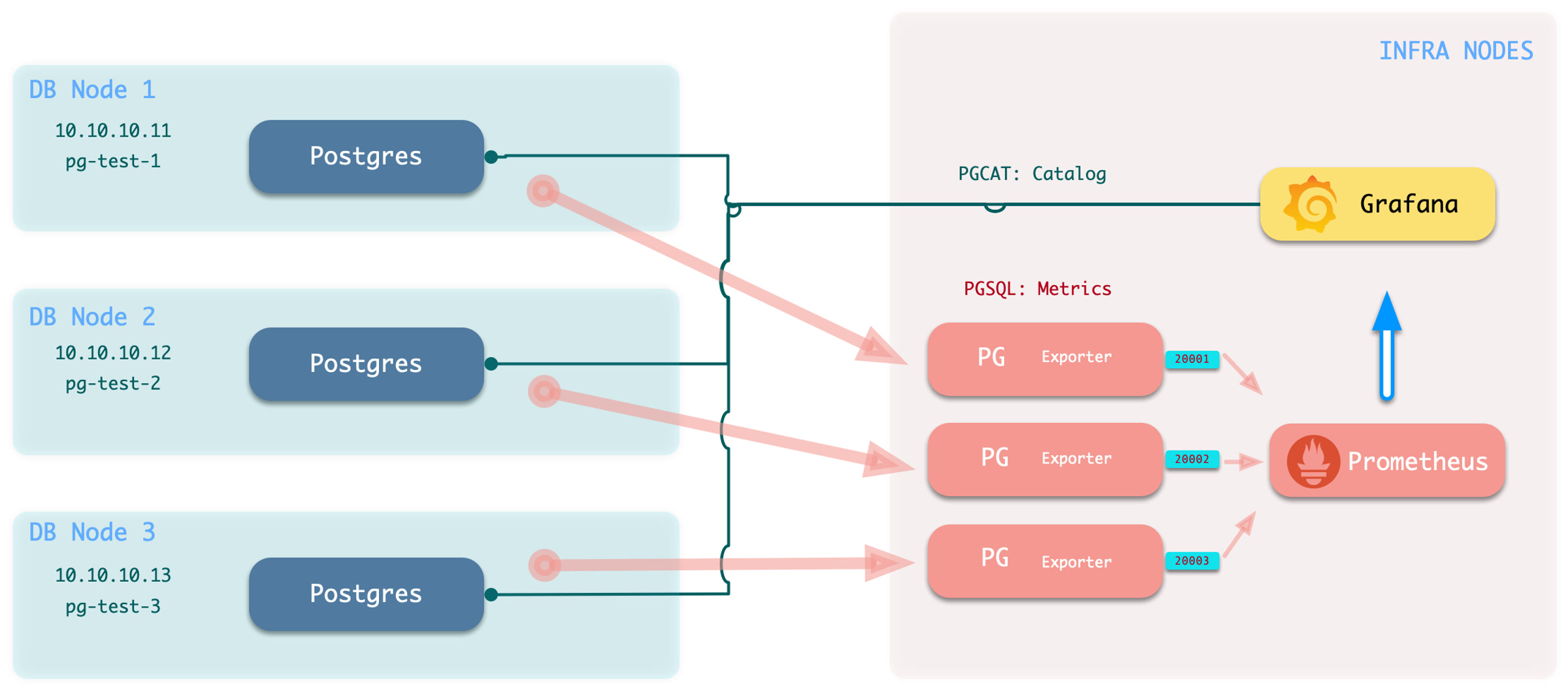
Execute the add monitoring command: bin/pgmon-add <clsname>
To remove remote cluster monitoring targets, use bin/pgmon-rm <clsname>
You can use more parameters to override default pg_exporter options. Here’s an example configuration for monitoring Aliyun RDS for PostgreSQL and PolarDB with Pigsty:
For details, refer to: remote.yml
When you want to monitor existing instances, whether RDS or self-built PostgreSQL instances, you need to configure the target database so that Pigsty can access them.
To monitor an external existing PostgreSQL instance, you need a connection string that can access that instance/cluster. Any accessible connection string (business user, superuser) can be used, but we recommend using a dedicated monitoring user to avoid permission leaks.
dbuser_monitor, which should belong to the pg_monitor role group or have access to relevant viewsmonitor is used for installing additional monitoring views and extension plugins; optional but recommendedpg_stat_statementsUsing the default monitoring user dbuser_monitor as an example, create the following user on the target database cluster.
Please note that the monitoring user and password created here should be consistent with pg_monitor_username and pg_monitor_password.
Configure the database pg_hba.conf file, adding the following rules to allow the monitoring user to access all databases from localhost and the admin machine using password authentication.
If your RDS doesn’t support defining HBA, simply whitelist the internal IP address of the machine running Pigsty.
The monitoring schema is optional; even without it, the main functionality of Pigsty’s monitoring system can work properly, but we strongly recommend creating this schema.
The monitoring extension is optional, but we strongly recommend enabling the pg_stat_statements extension, which provides important data about query performance.
Note: This extension must be listed in the database parameter shared_preload_libraries to take effect, and modifying that parameter requires a database restart.
Please note that you should install this extension in the default admin database postgres. Sometimes RDS doesn’t allow you to create a monitoring schema in the postgres database. In such cases, you can install the pg_stat_statements plugin in the default public schema, as long as you ensure the monitoring user’s search_path is configured as above so it can find the pg_stat_statements view.
Monitoring views provide several commonly used pre-processed results and encapsulate permissions for monitoring metrics that require high privileges (such as shared memory allocation), making them convenient for querying and use. Strongly recommended to create in all databases requiring monitoring.
The SQL below is provided to explain the monitored objects. The complete definitions rendered by current Pigsty are authoritative in
roles/pgsql/templates/pg-init-template.sql, which also includes additional hardening for secure search paths and privilege boundaries.
Pigsty provides numerous out-of-the-box Grafana monitoring dashboards for PostgreSQL: Demo & Gallery.
The current source provides 31 PostgreSQL-related dashboards: 29 PostgreSQL / PGCAT dashboards under files/grafana/pgsql, plus two PGLOG dashboards under files/grafana/app. They are organized by hierarchy into Overview, Cluster, Instance, and Database categories, and by data source into PGSQL, PGCAT, and PGLOG.
Overview
Cluster
Instance
Database
PGSQL Overview: Main dashboard for the PGSQL module
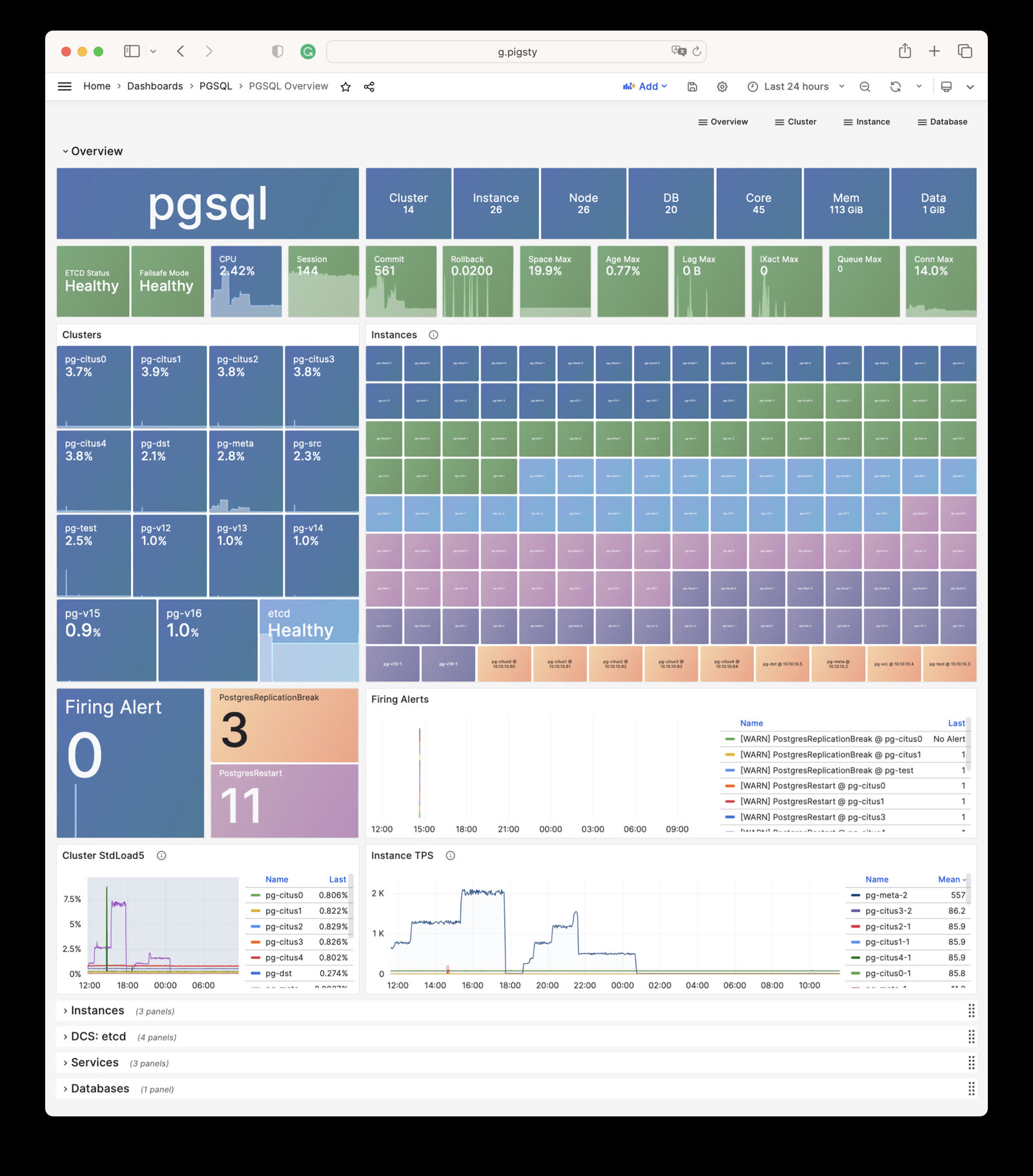
PGSQL Alert: Global core metrics overview and alert events
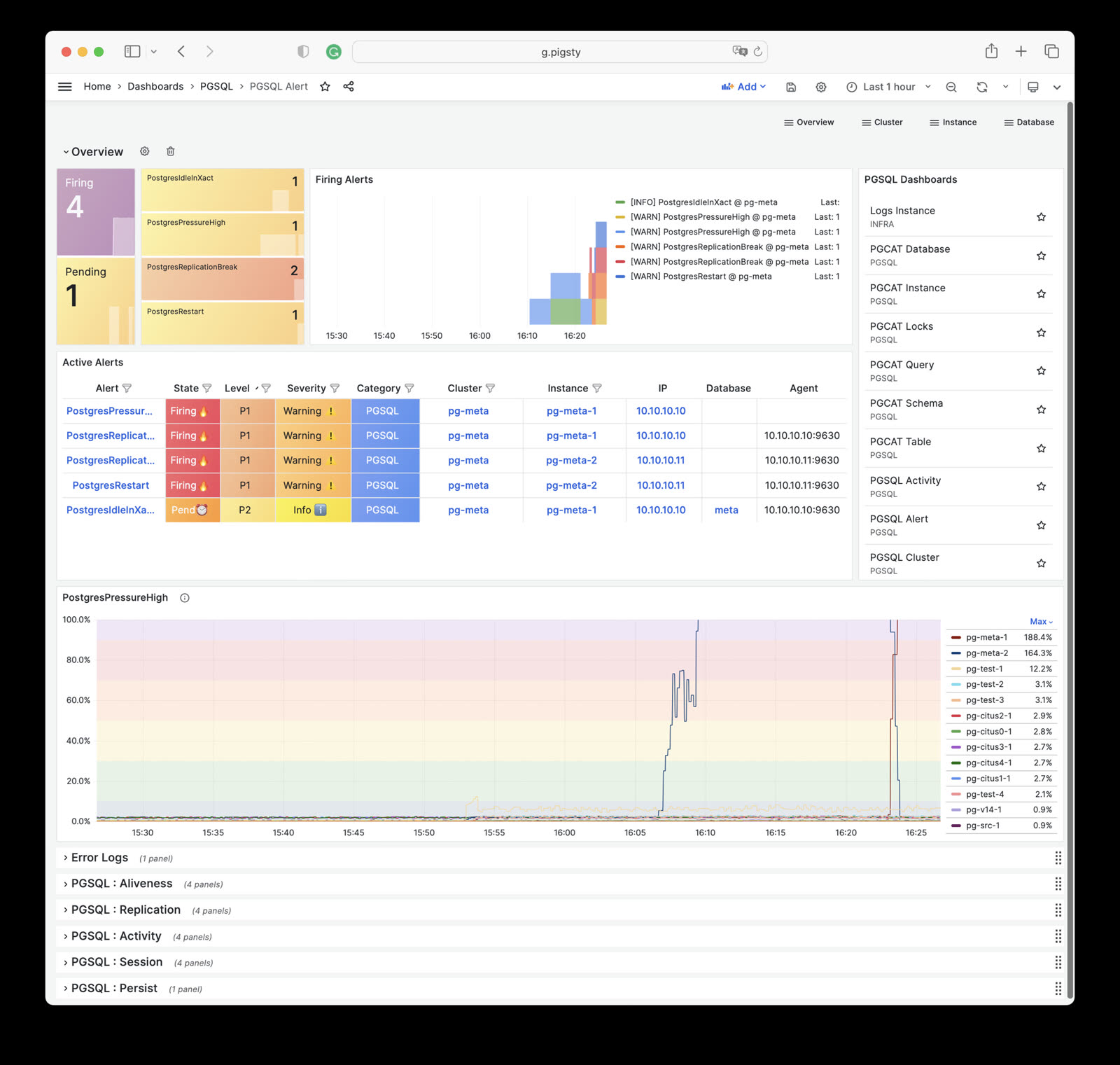
PGSQL Shard: Cross-shard metric comparison for horizontally sharded PGSQL clusters (e.g., CITUS/GPSQL)
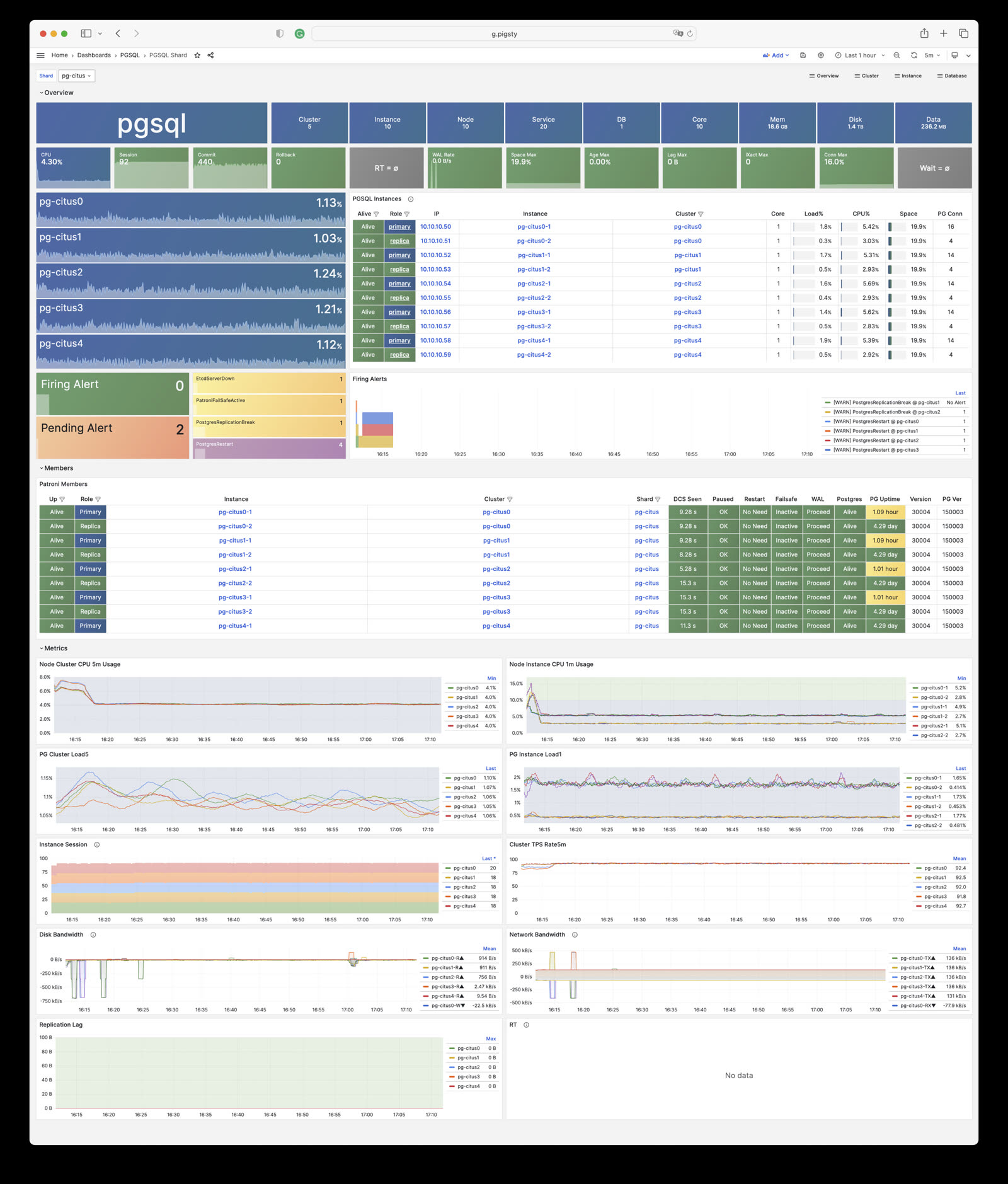
PGSQL Cluster: Main dashboard for a PGSQL cluster
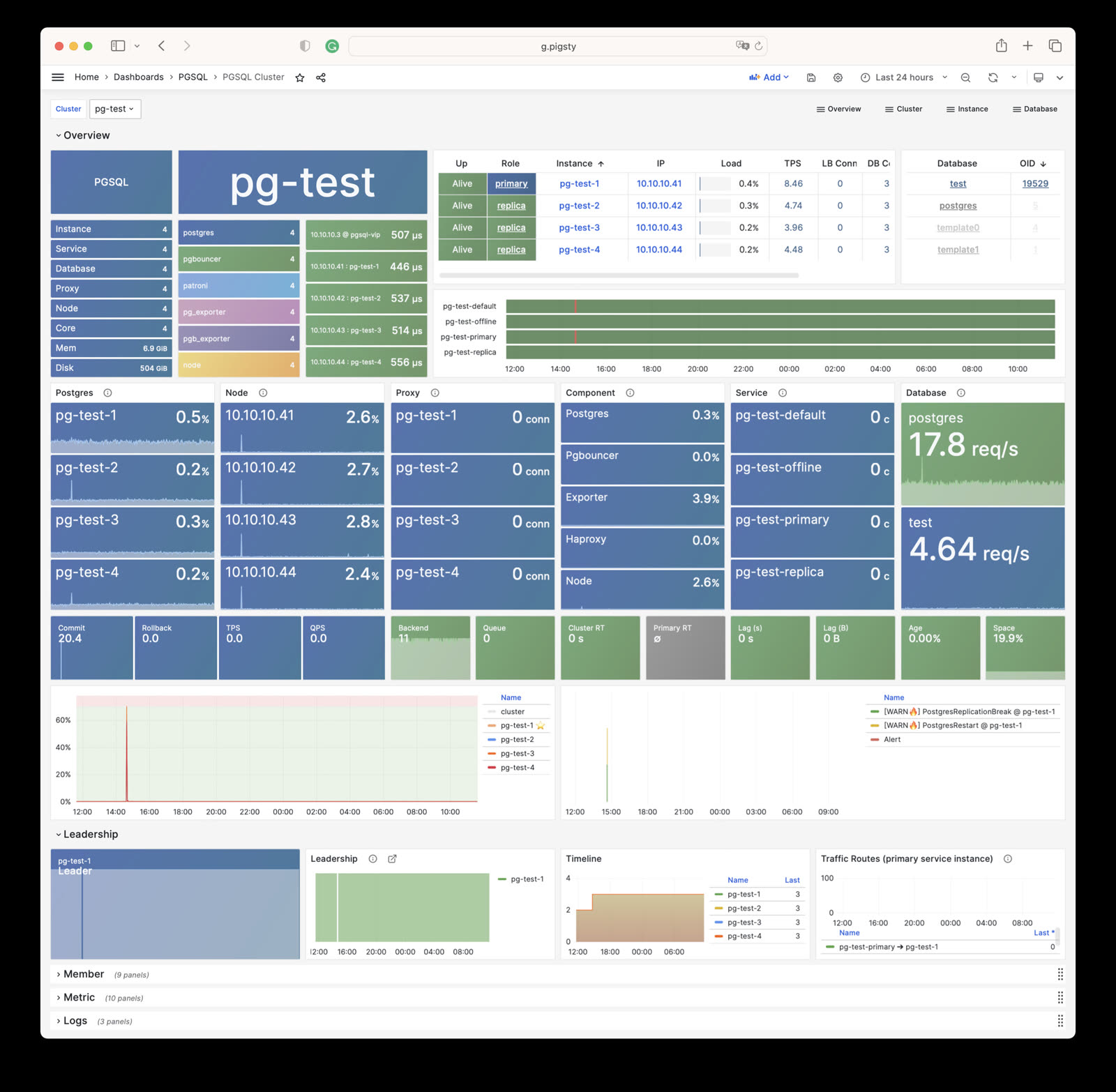
PGRDS Cluster: RDS version of PGSQL Cluster, focusing on PostgreSQL-native metrics
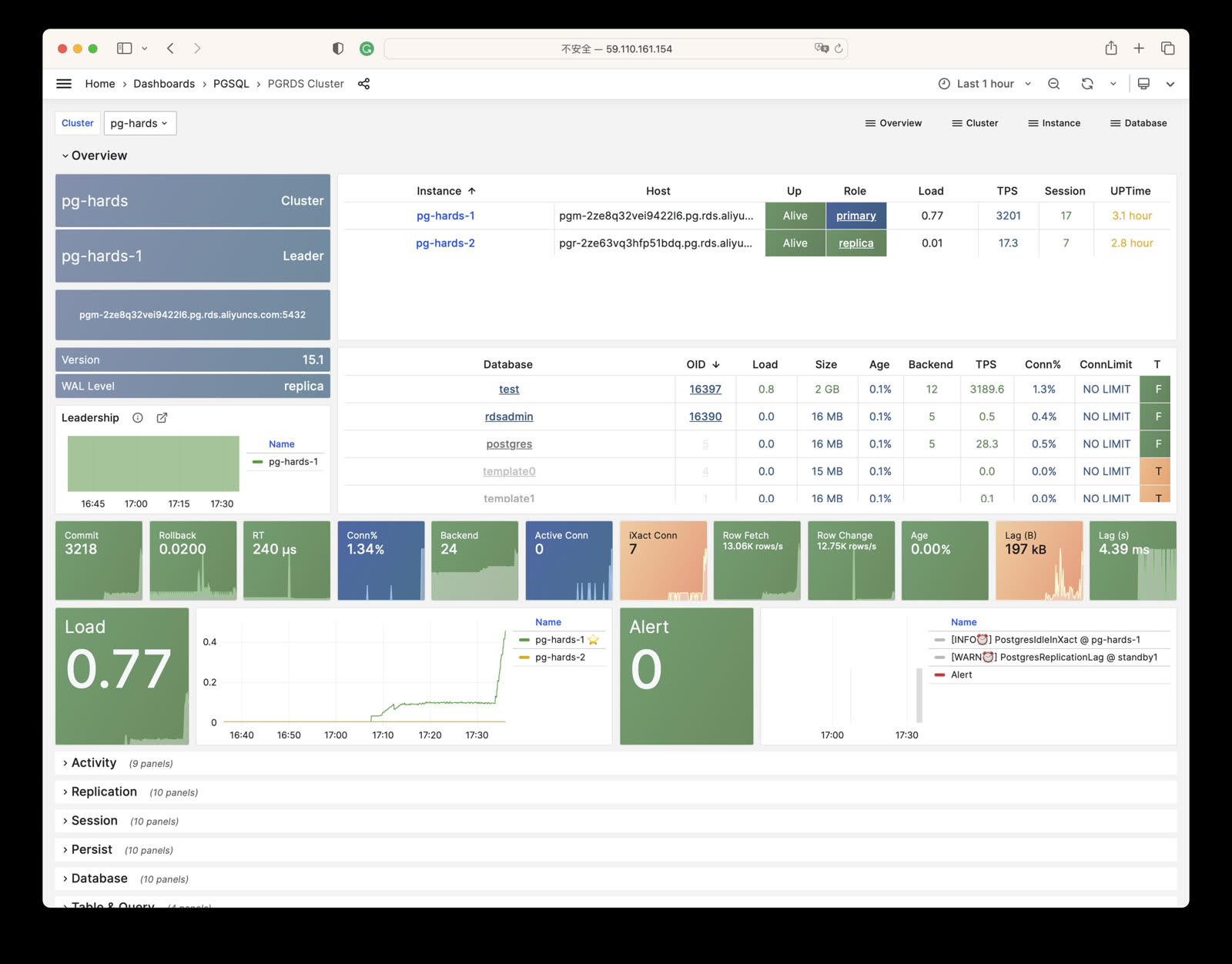
PGSQL Service: Service, proxy, routing, and load balancing for PGSQL cluster
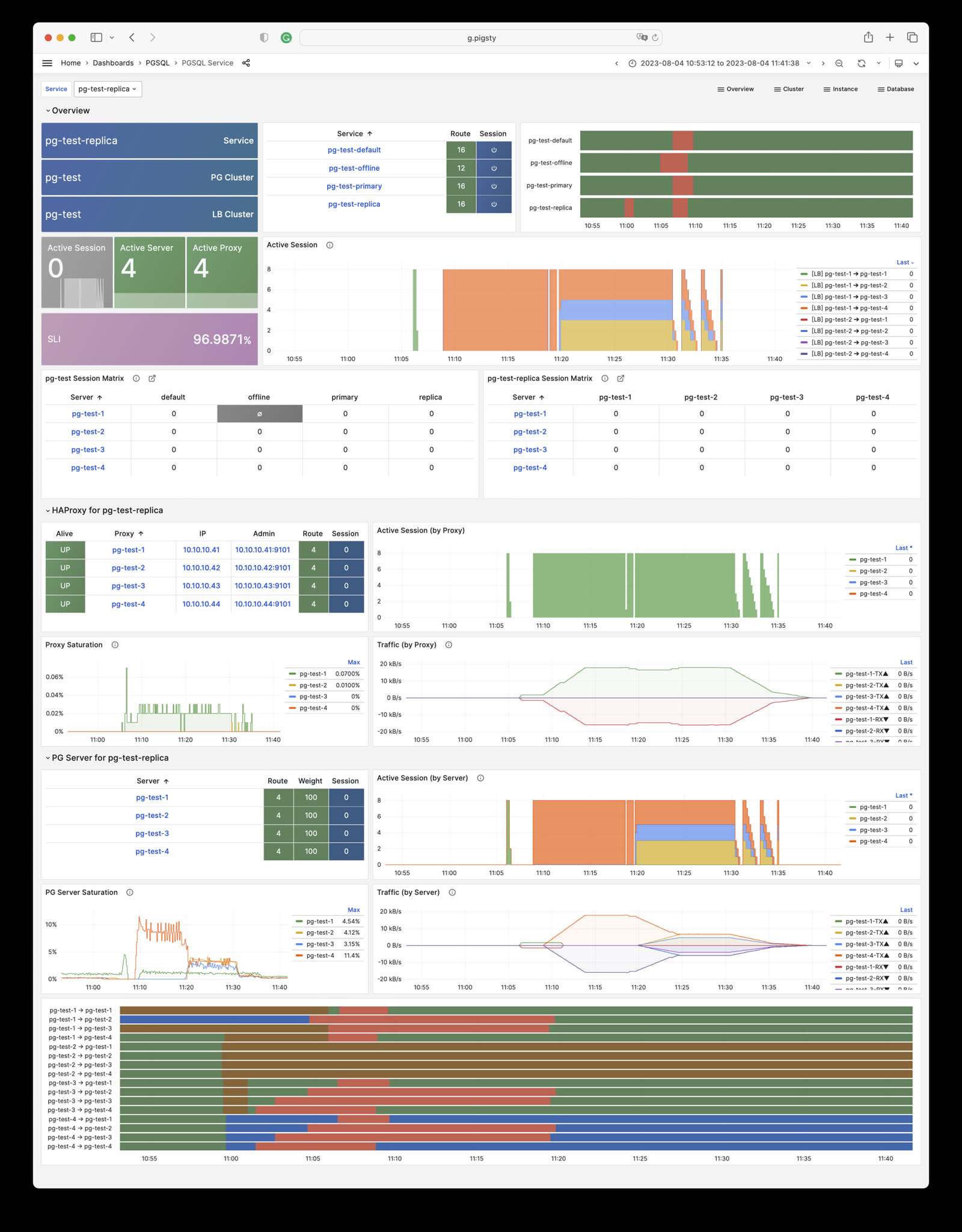
PGSQL Activity: Session/load/QPS/TPS/locks for PGSQL cluster
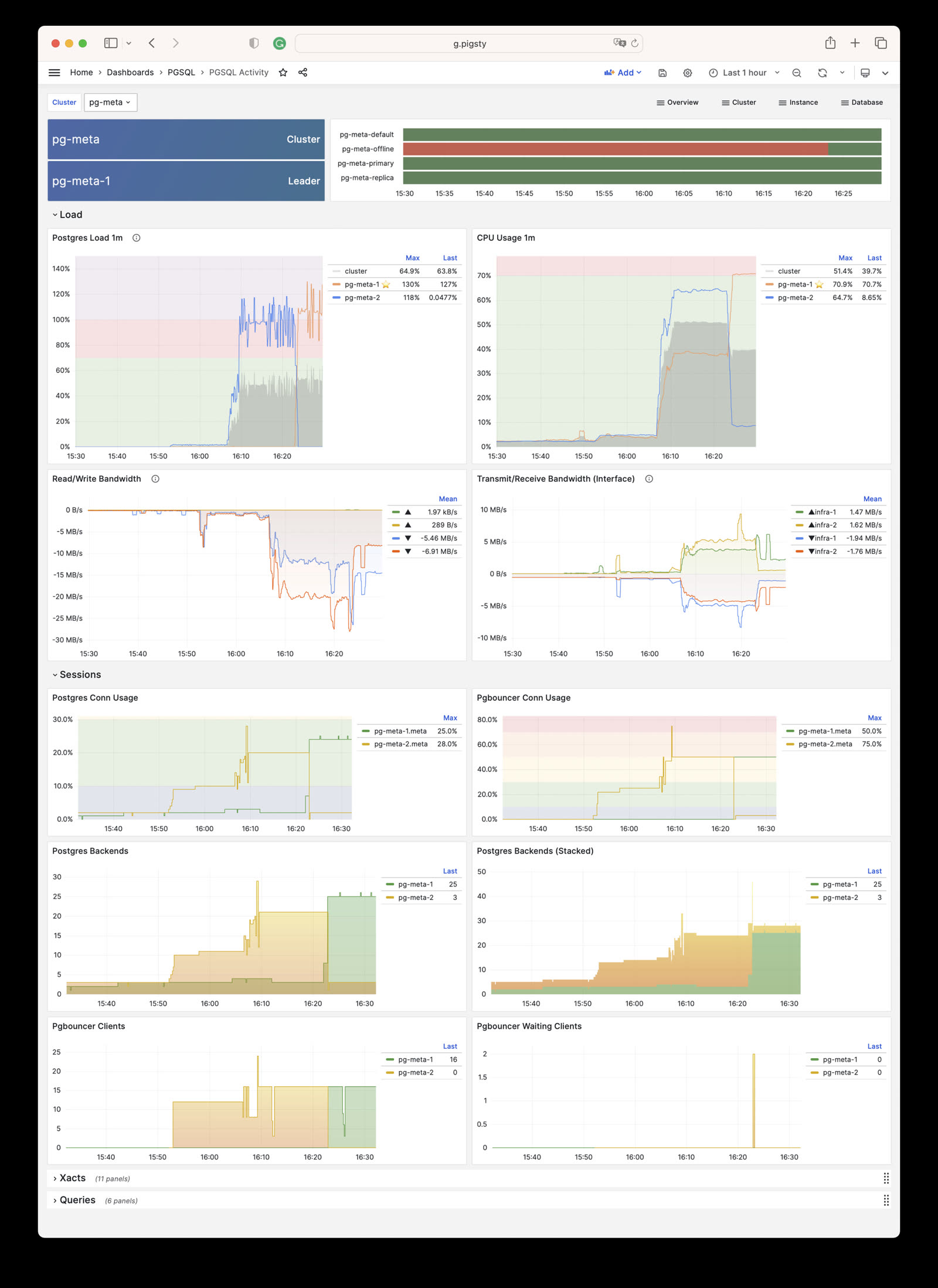
PGSQL Replication: Replication, slots, and pub/sub for PGSQL cluster
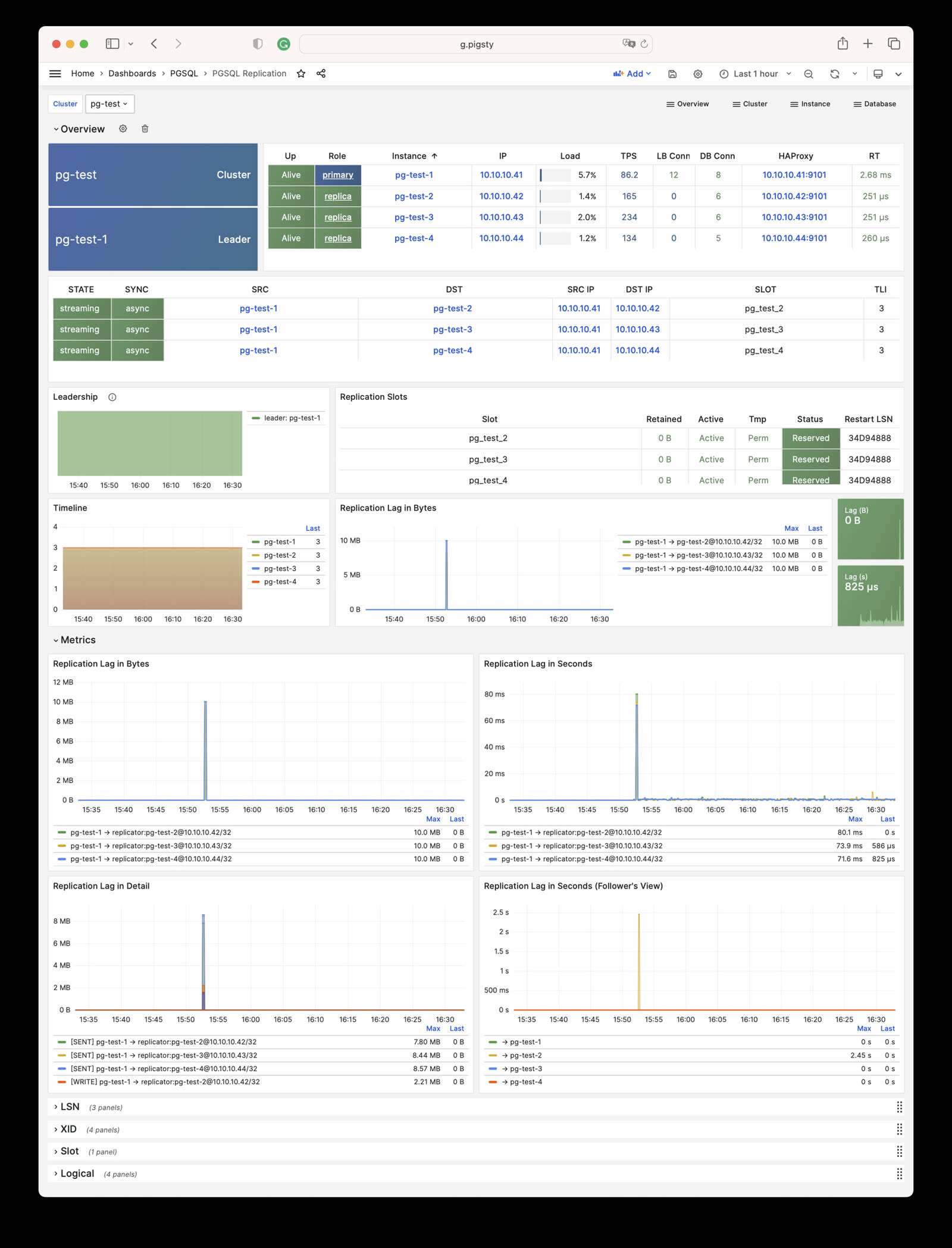
PGSQL Databases: Database CRUD, slow queries, and table statistics across all instances
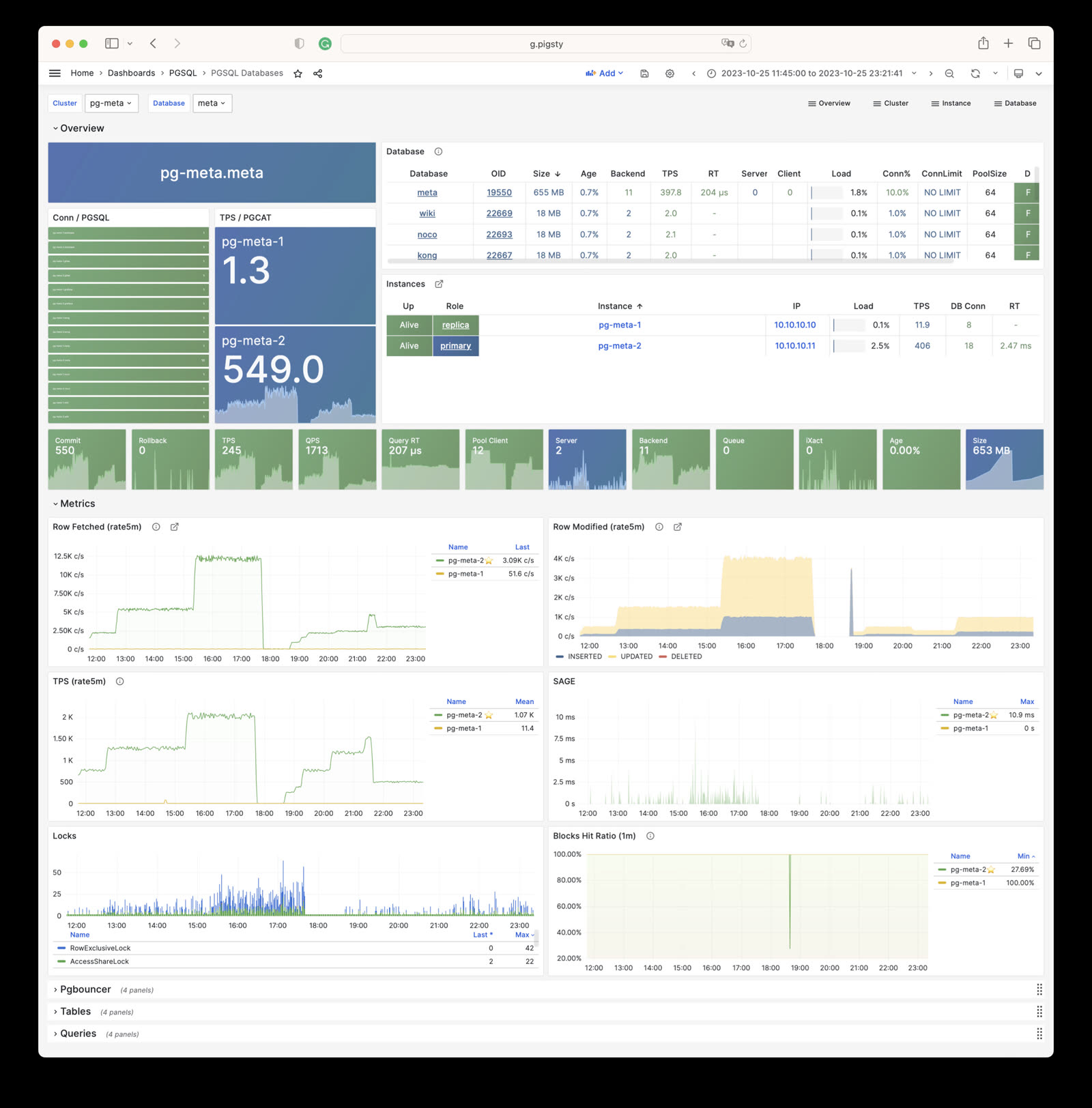
PGSQL Patroni: HA status and Patroni component status for cluster
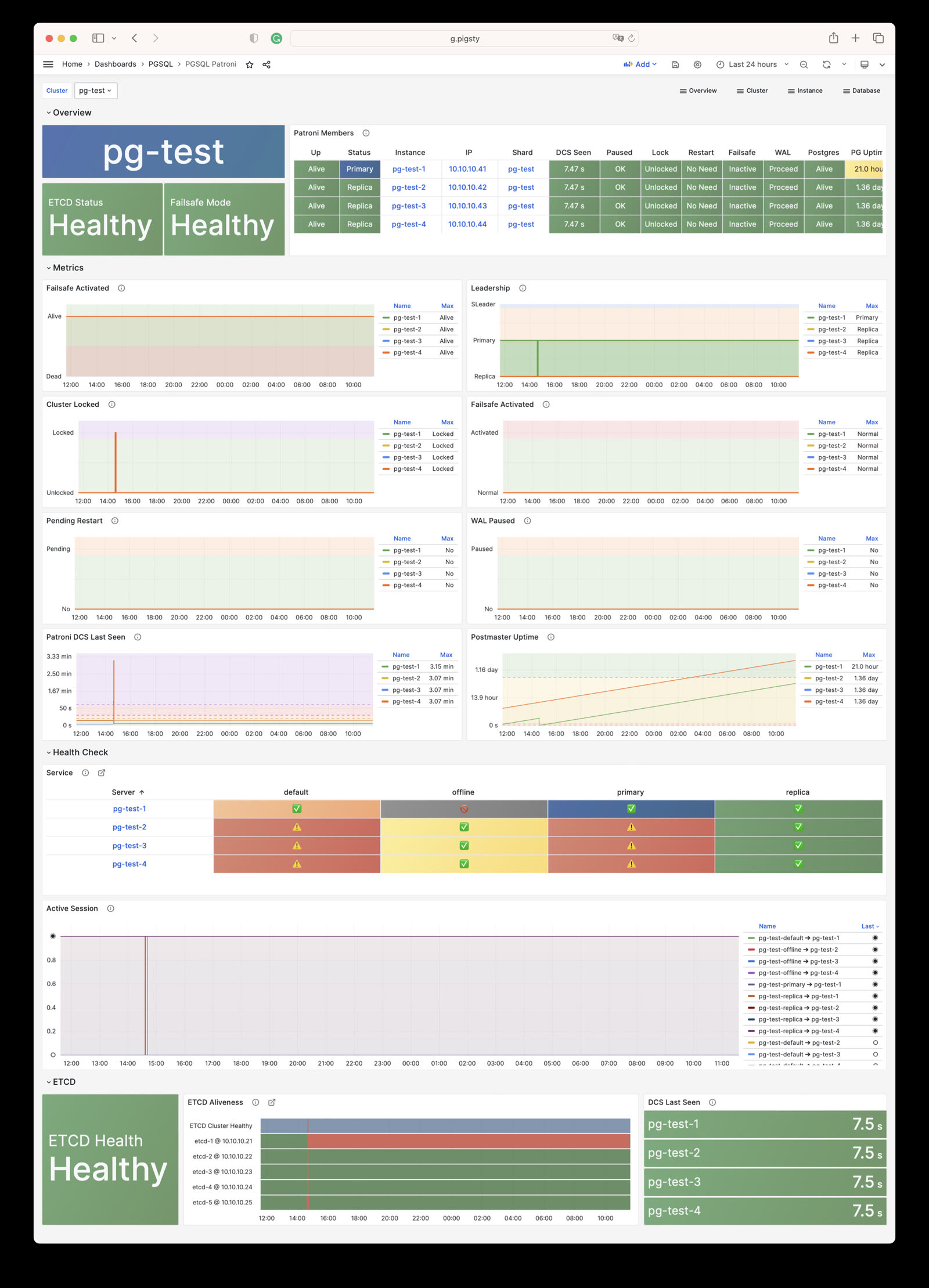
PGSQL PITR: PITR context for point-in-time recovery assistance
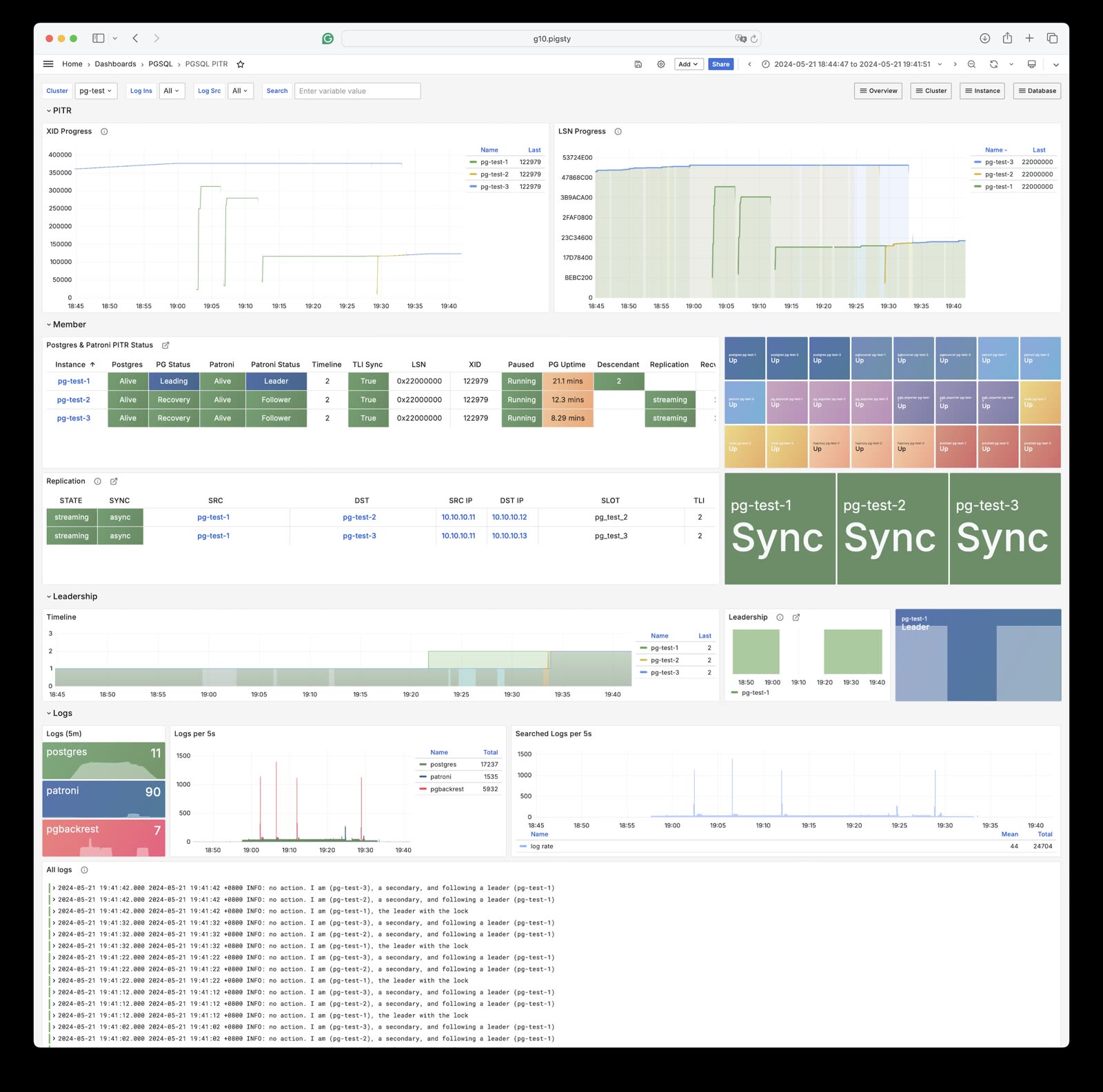
PGSQL Instance: Main dashboard for a single PGSQL instance
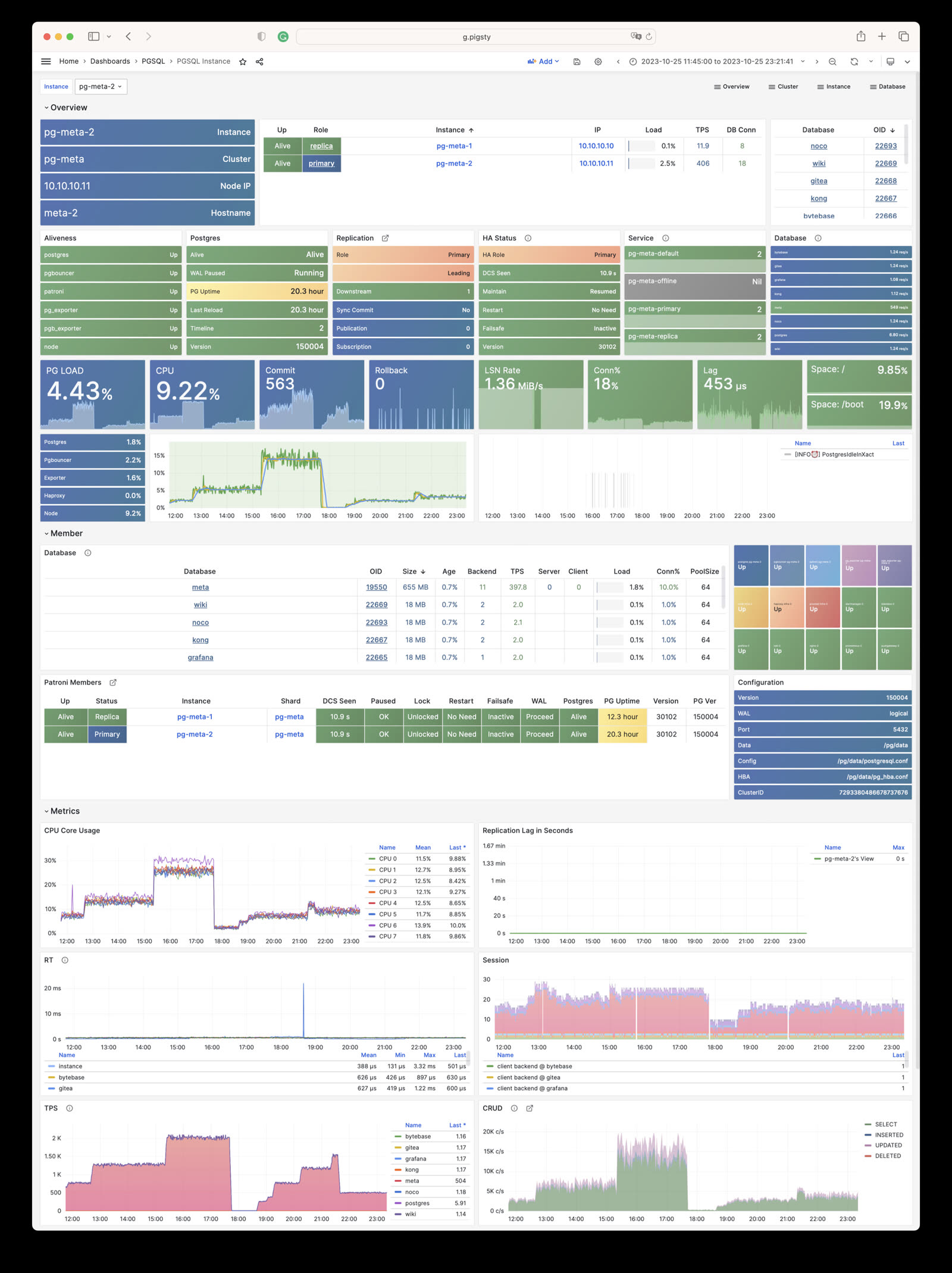
PGRDS Instance: RDS version of PGSQL Instance, focusing on PostgreSQL-native metrics
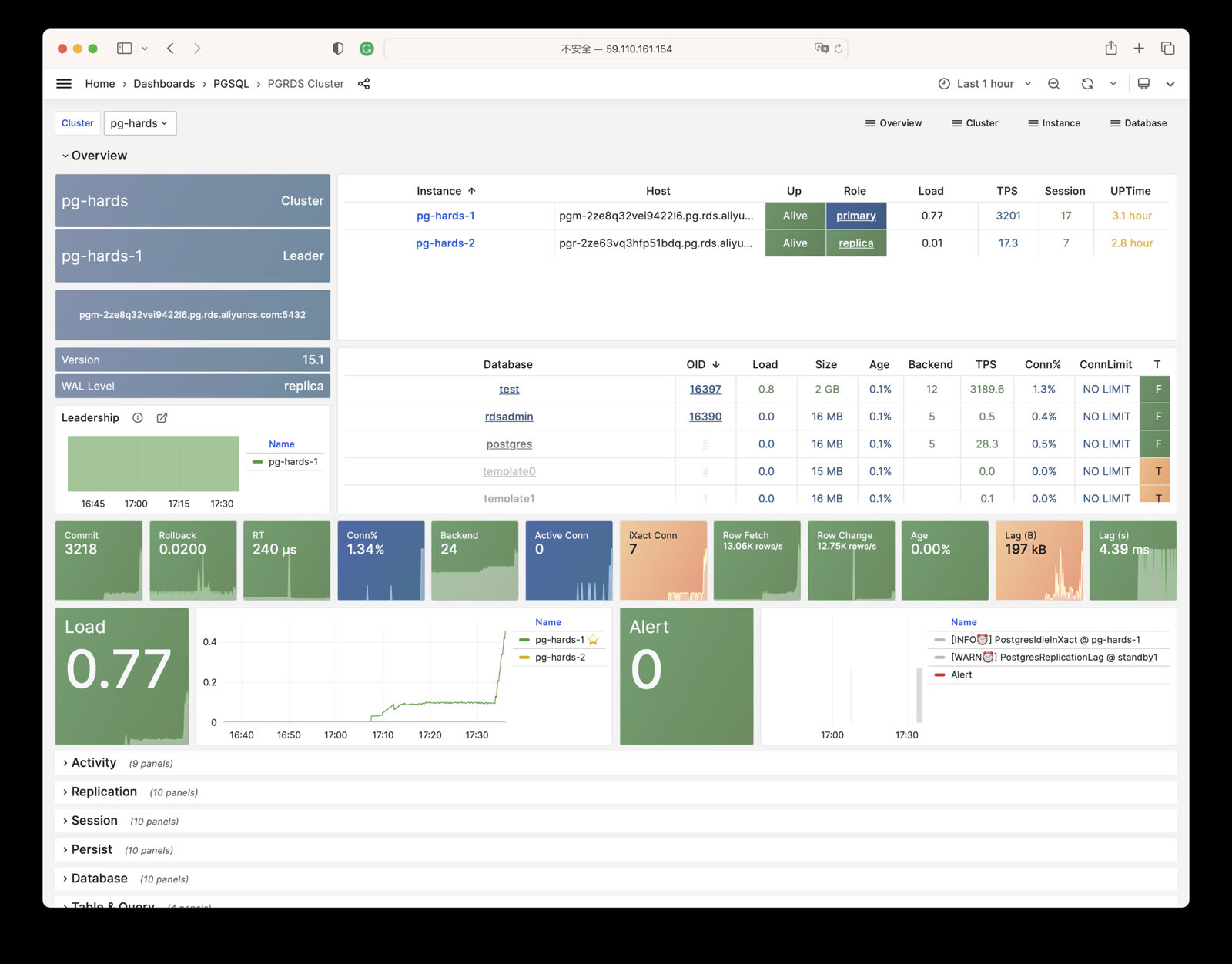
PGSQL Proxy: Detailed metrics for a single HAProxy load balancer
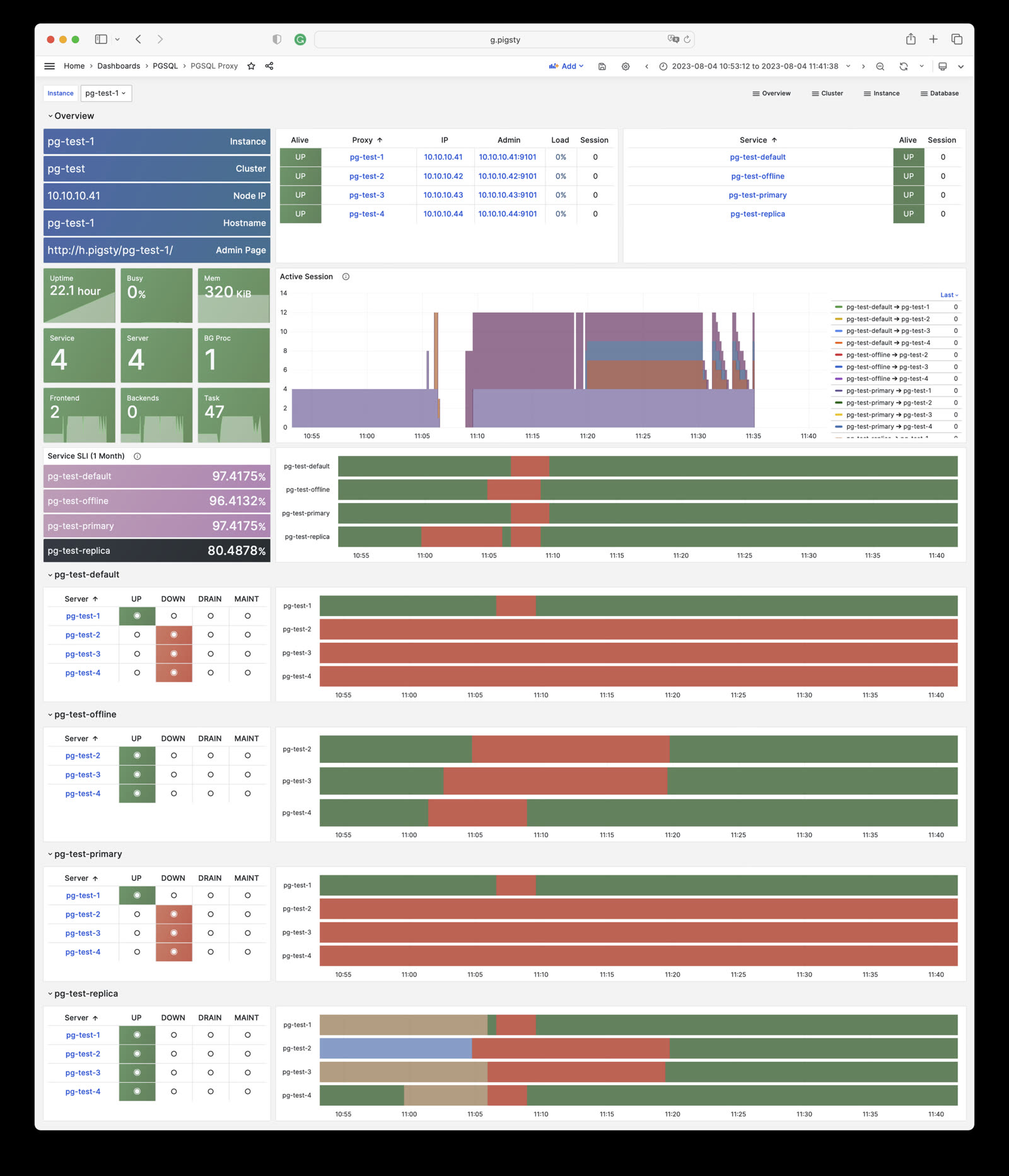
PGSQL Pgbouncer: Metrics overview for a single Pgbouncer connection pooler
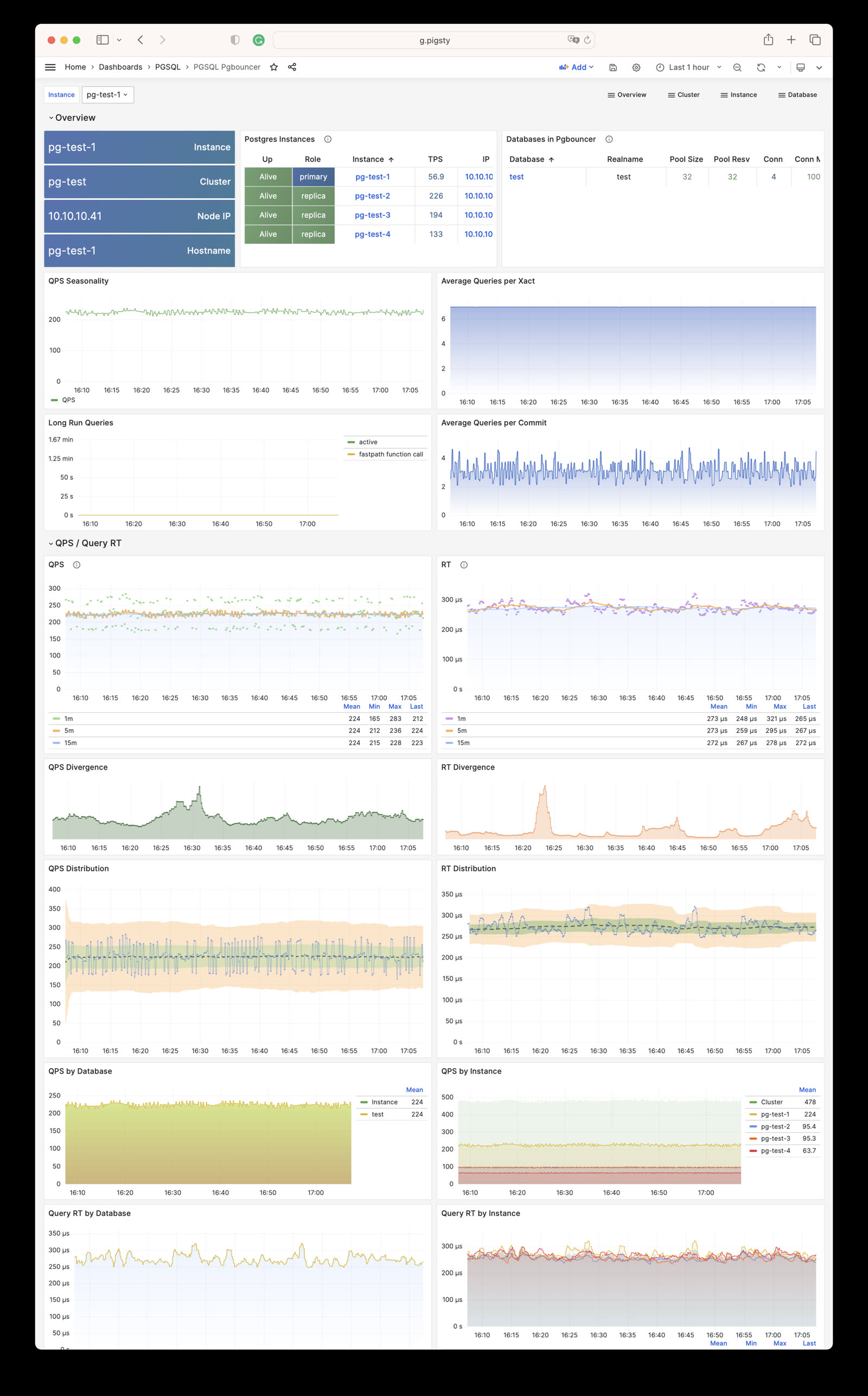
PGSQL Persist: Persistence metrics: WAL, XID, checkpoint, archive, IO
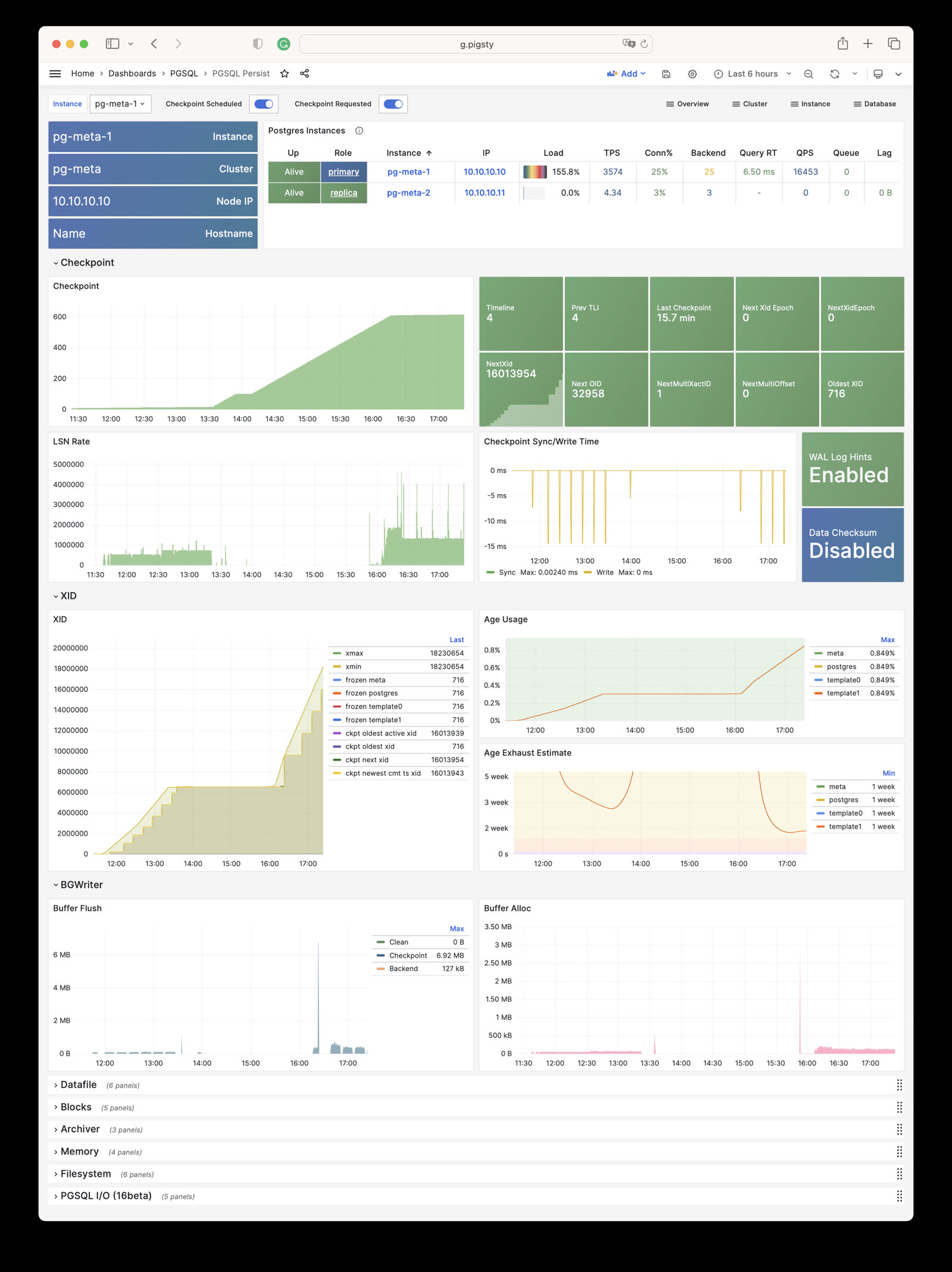
PGSQL Xacts: Transaction, lock, TPS/QPS related metrics
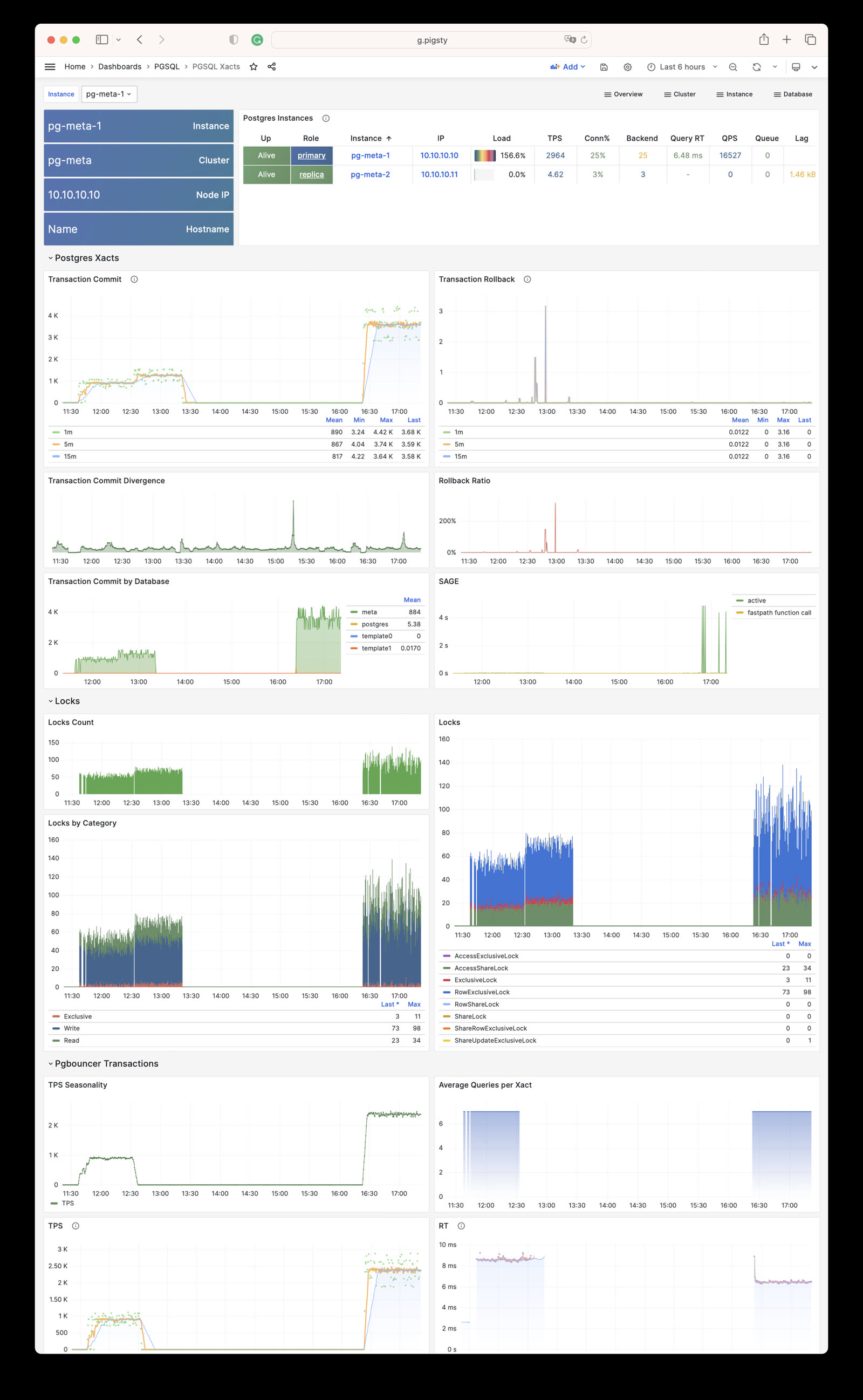
PGSQL Session: Session and active/idle time metrics for a single instance
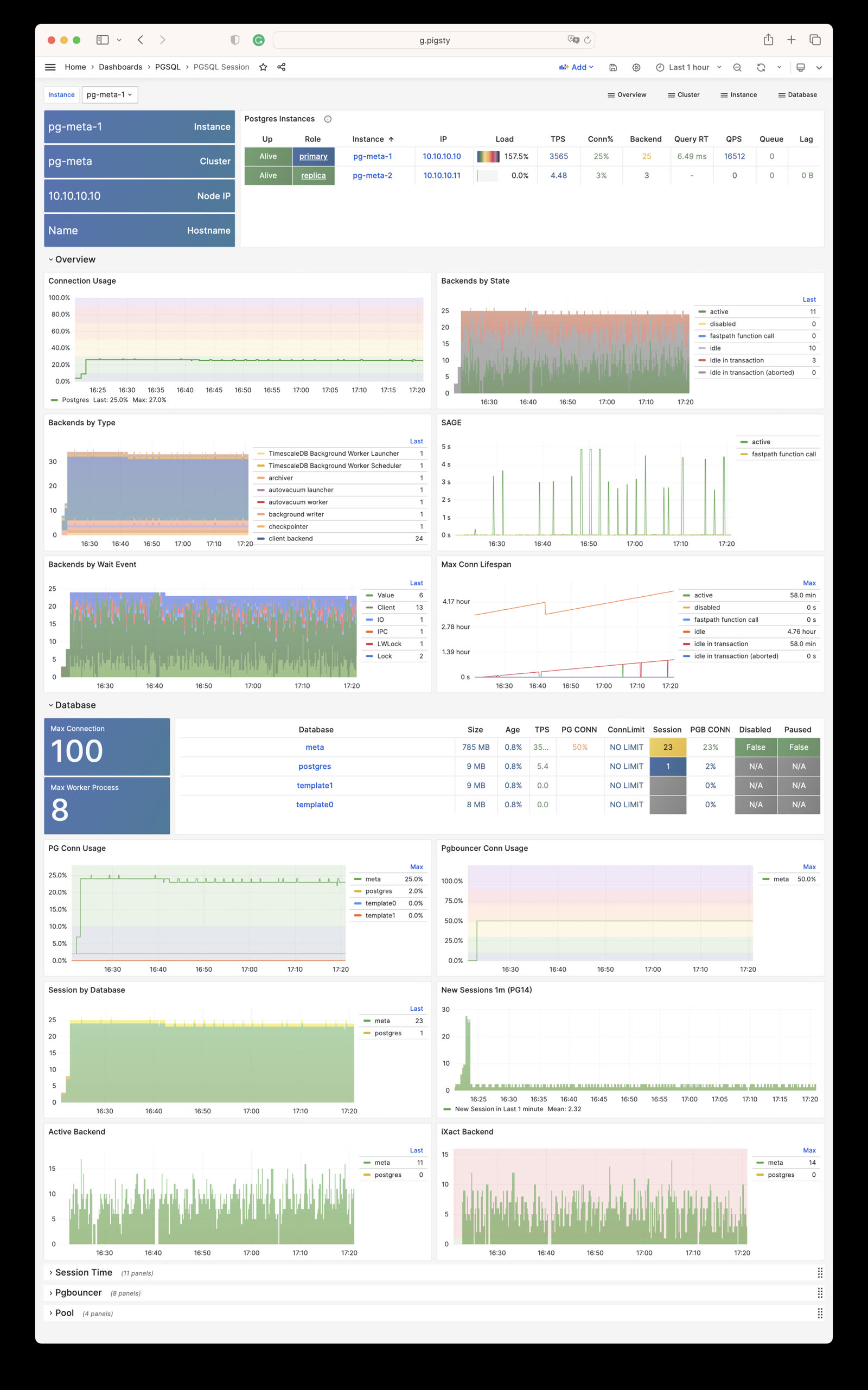
PGSQL Exporter: Self-monitoring metrics for Postgres/Pgbouncer exporters
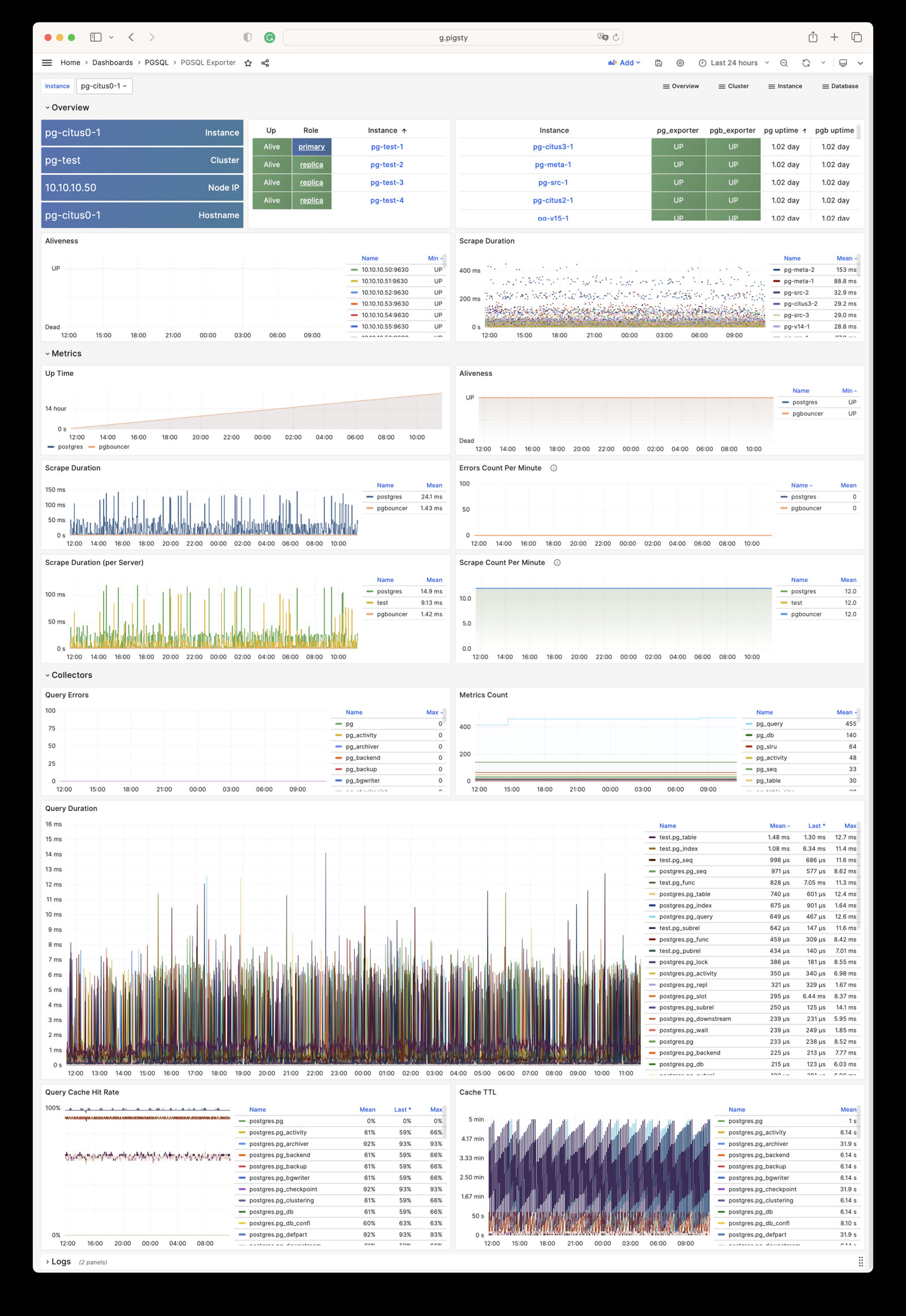
PGSQL Database: Main dashboard for a single PGSQL database
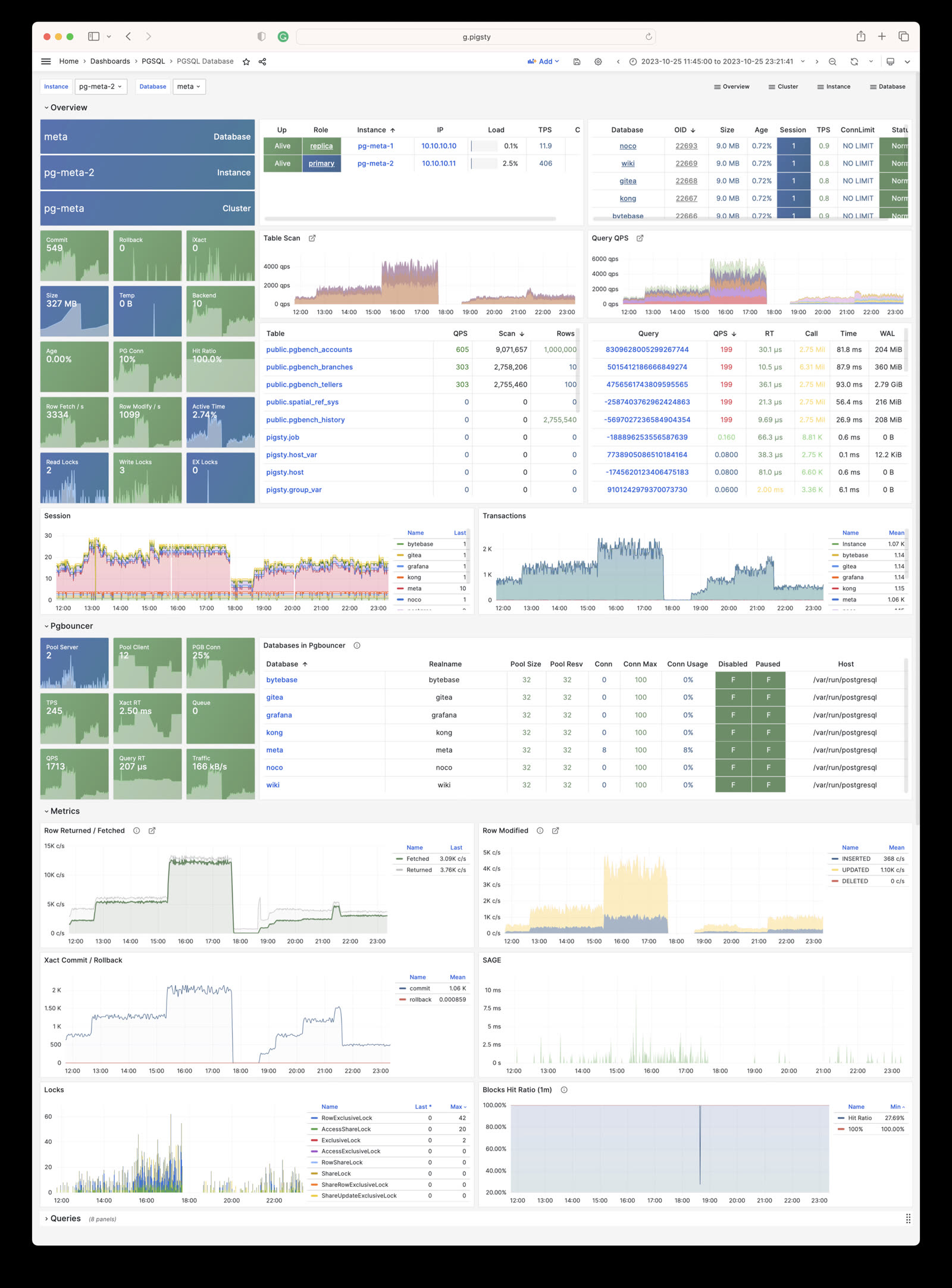
PGSQL Tables: Table/index access metrics within a single database
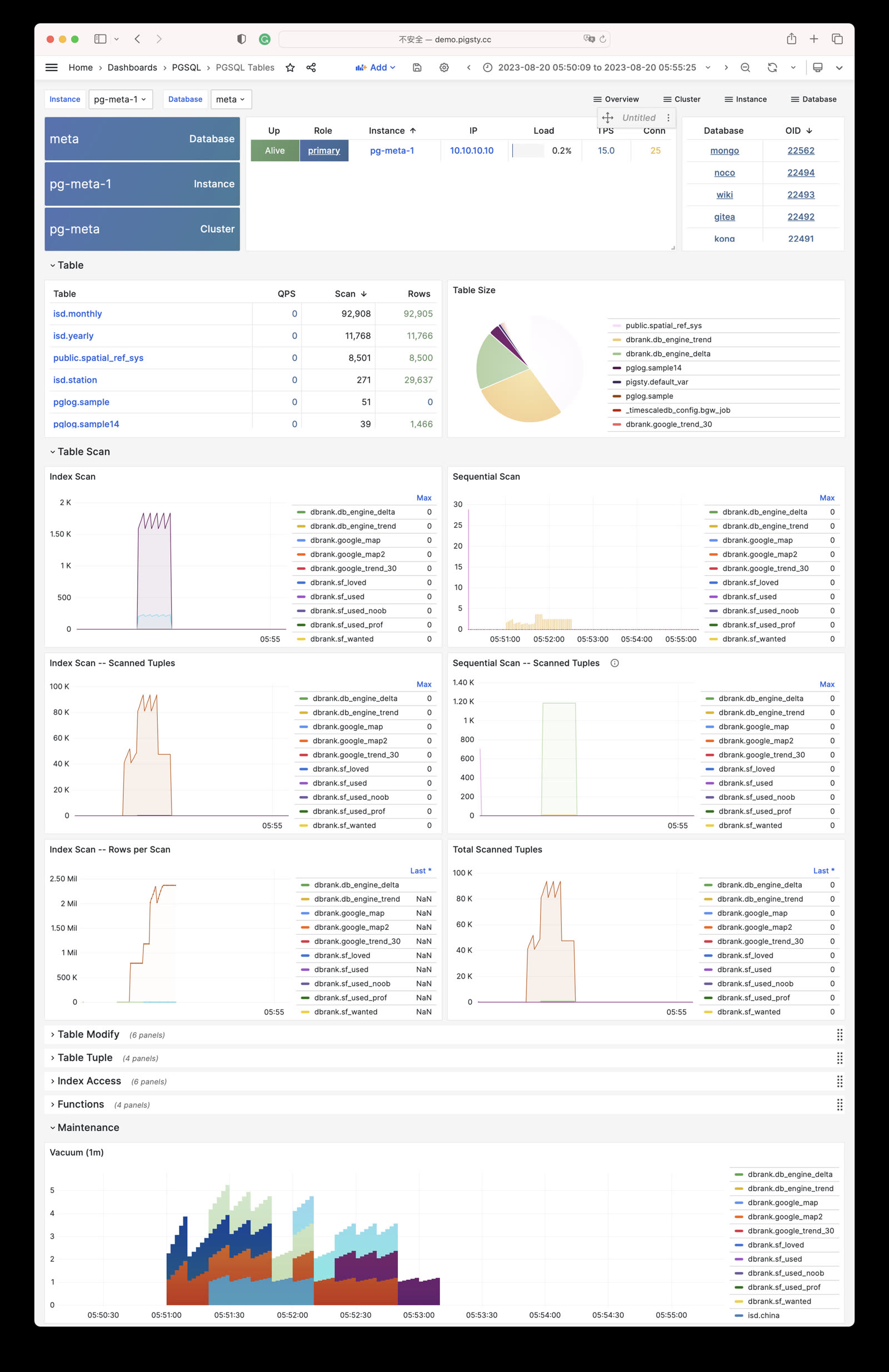
PGSQL Table: Detailed info for a single table (QPS/RT/index/sequence…)
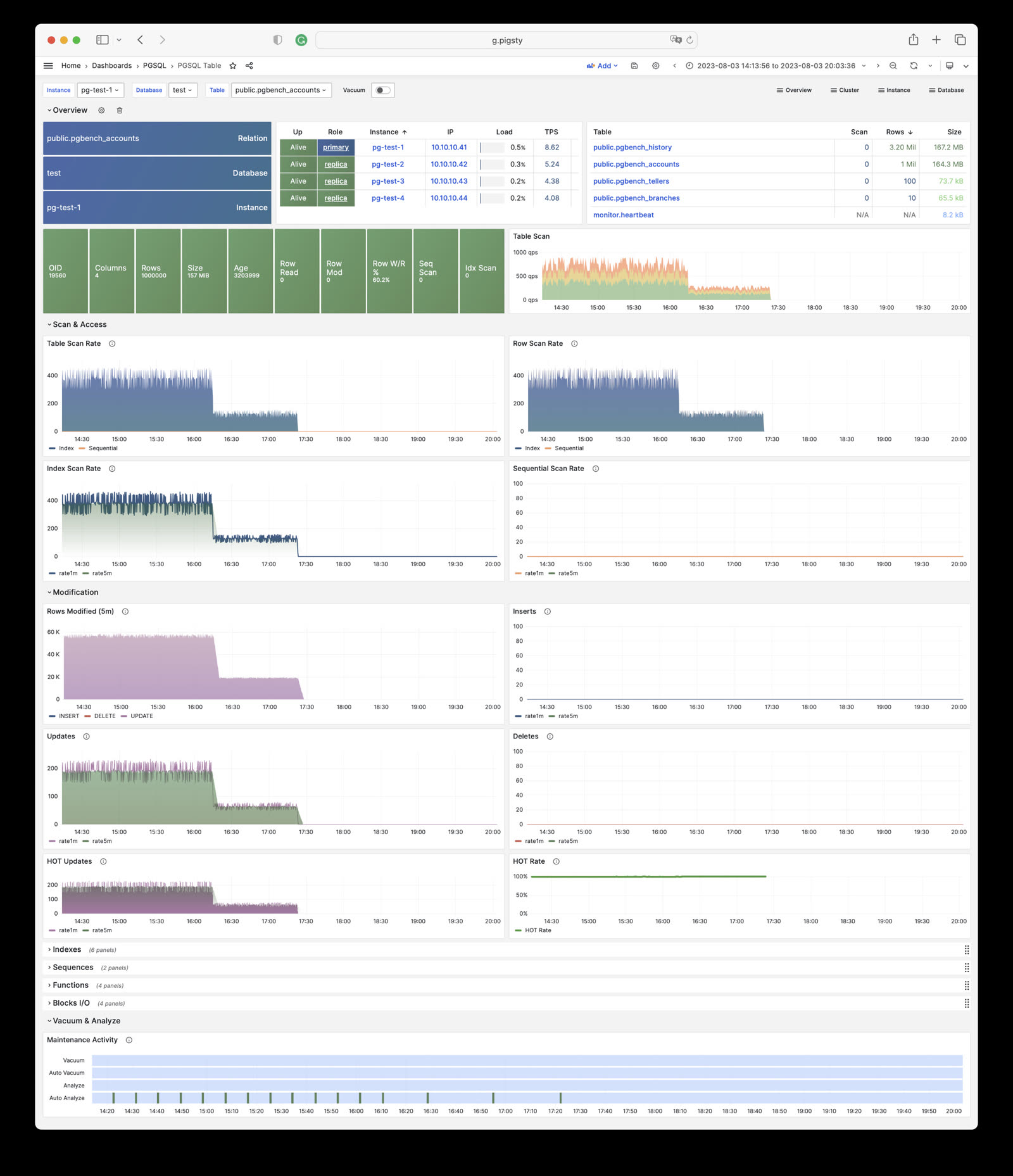
PGSQL Query: Detailed info for a query type (QPS/RT)
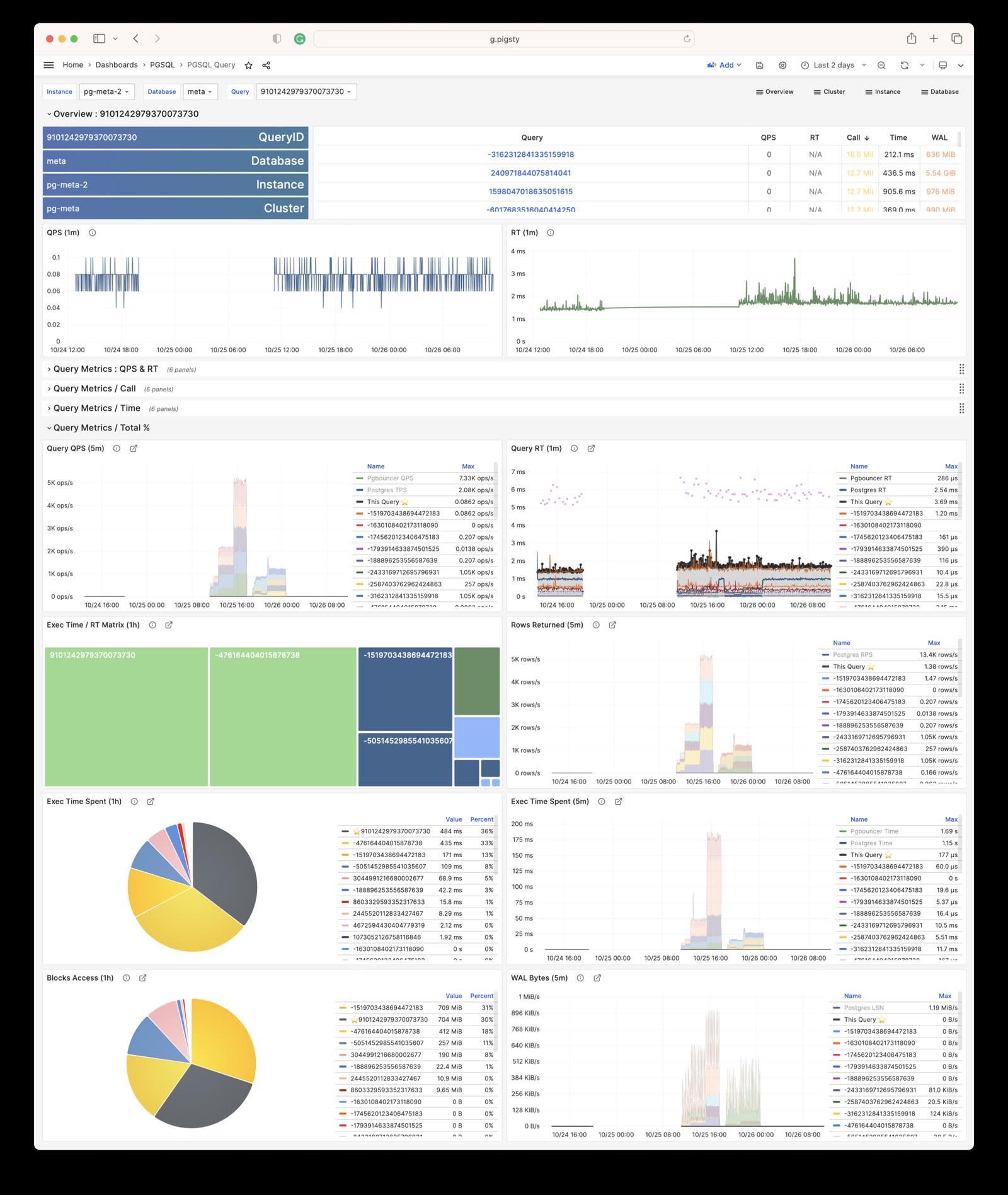
PGCAT Instance: Instance info retrieved directly from database catalog
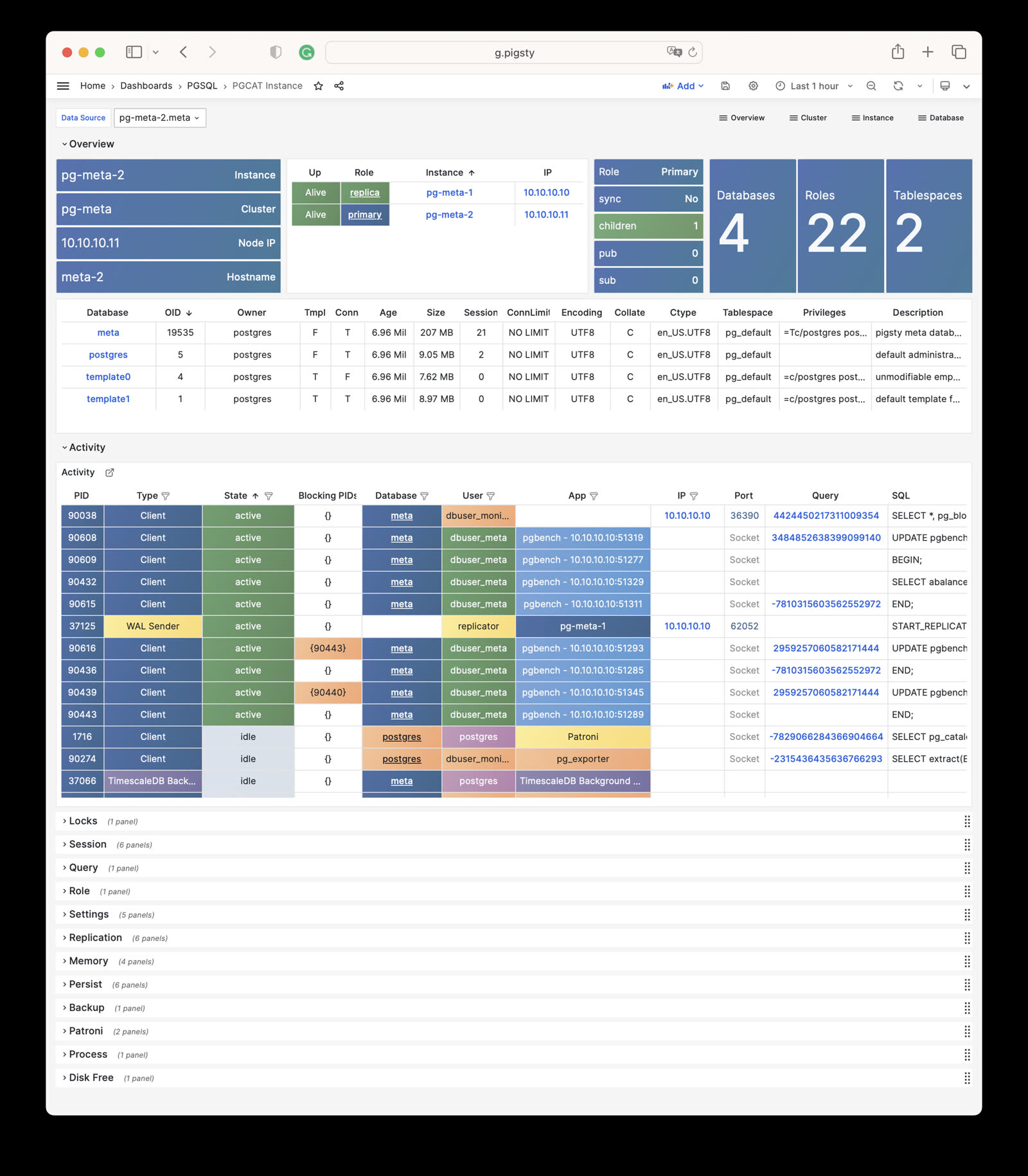
PGCAT Database: Database info retrieved directly from database catalog
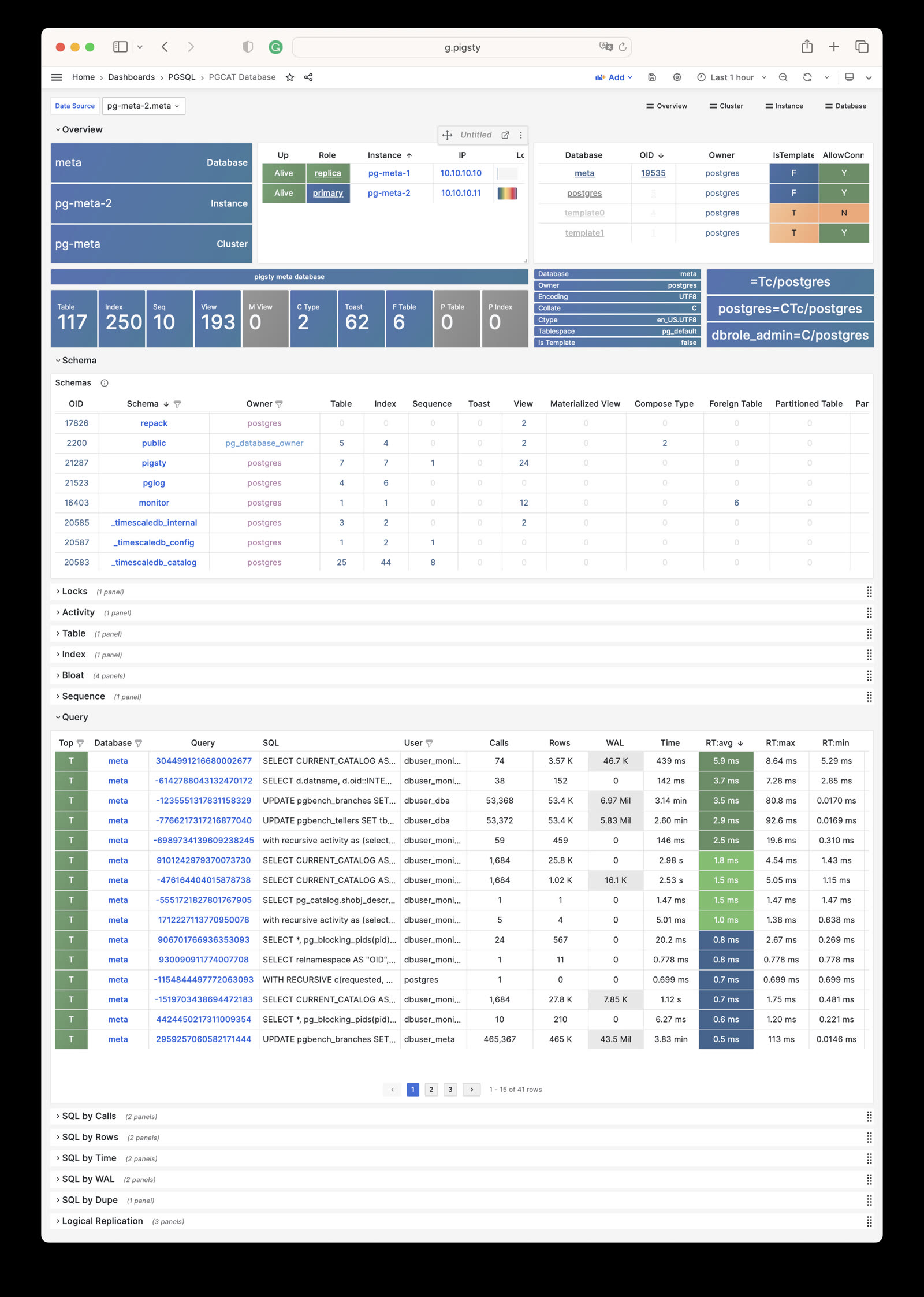
PGCAT Schema: Schema info from database catalog (tables/indexes/sequences…)
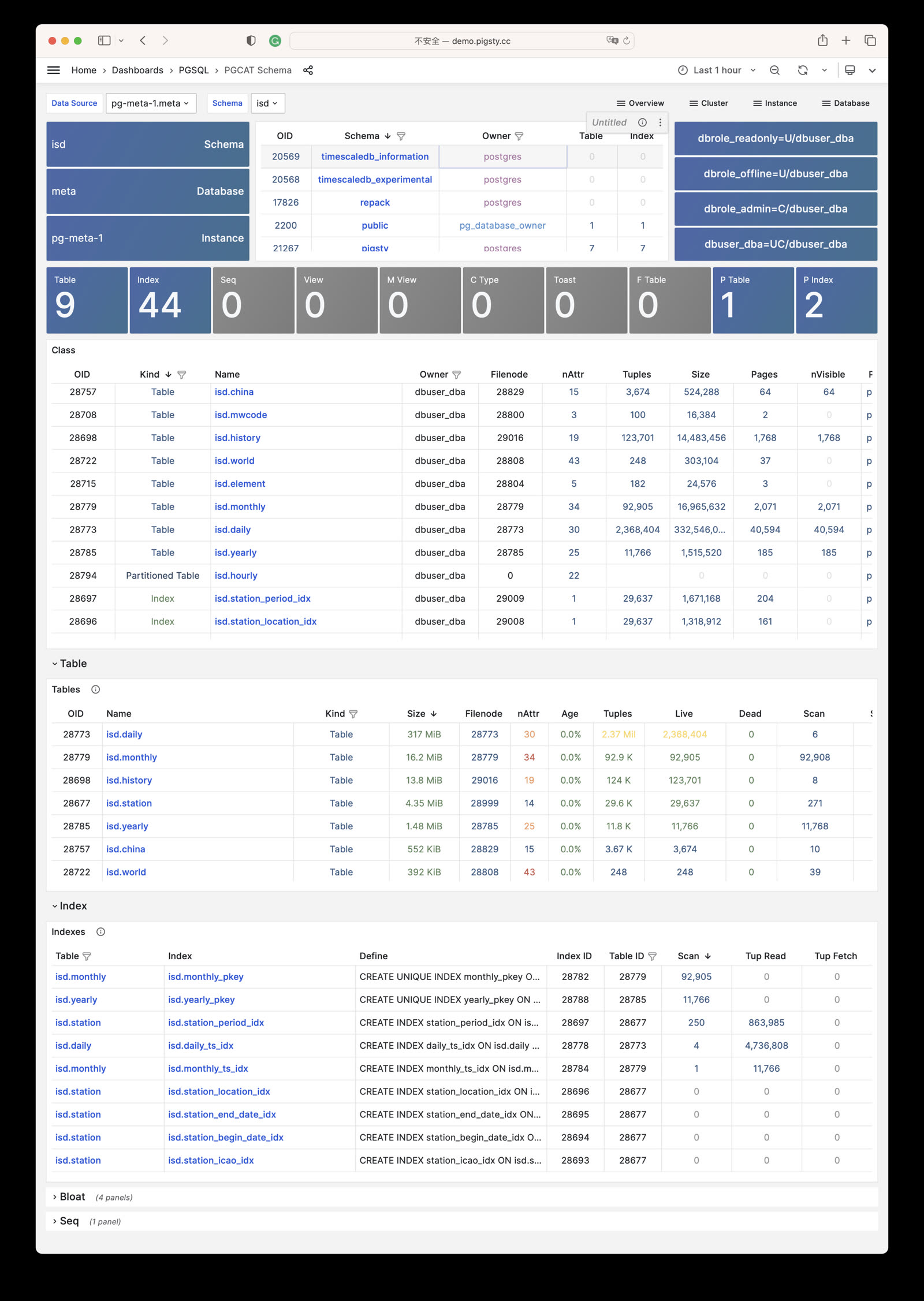
PGCAT Table: Detailed table info from database catalog (stats/bloat…)
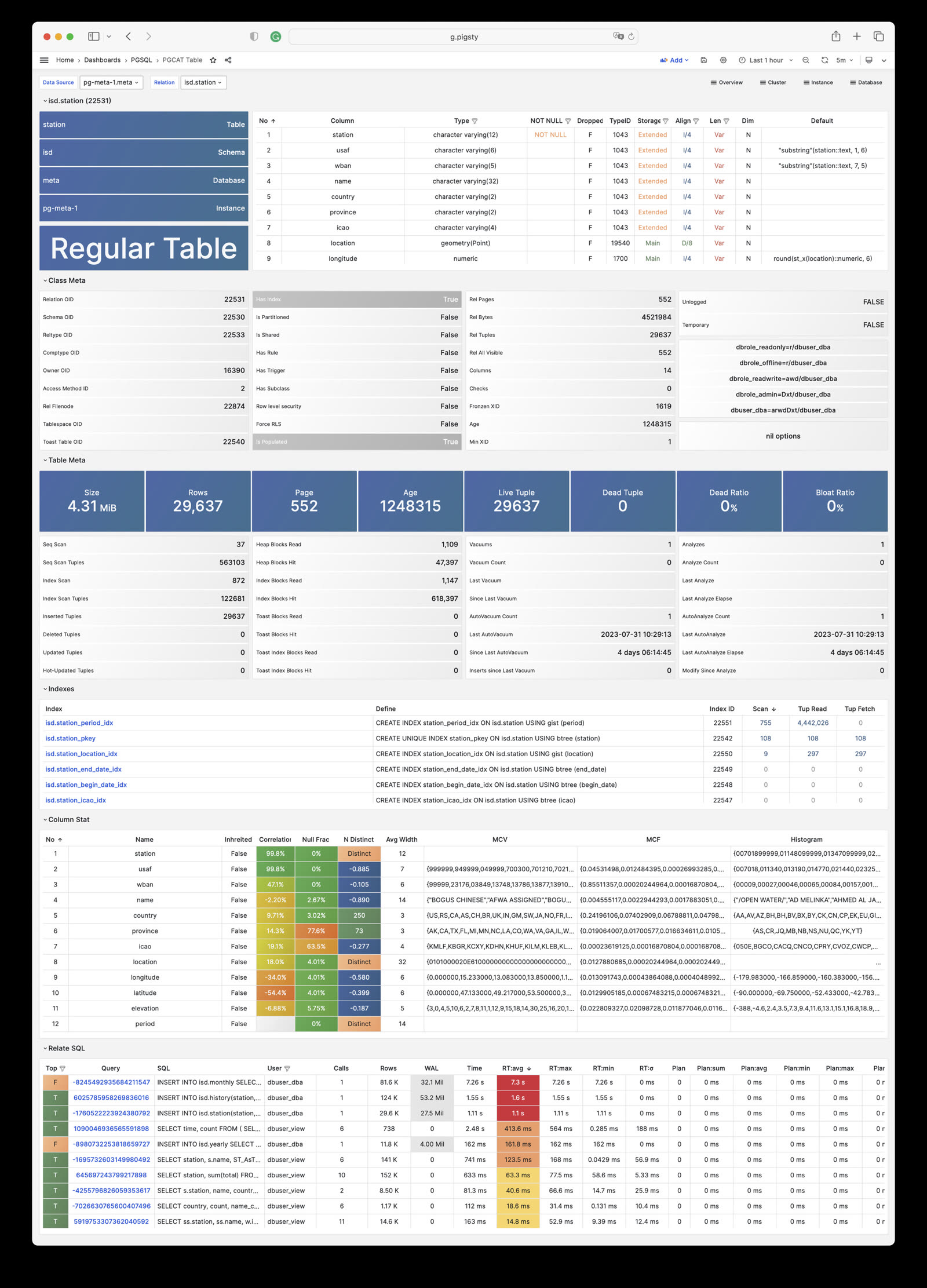
PGCAT Query: Query details from database catalog (SQL/stats)
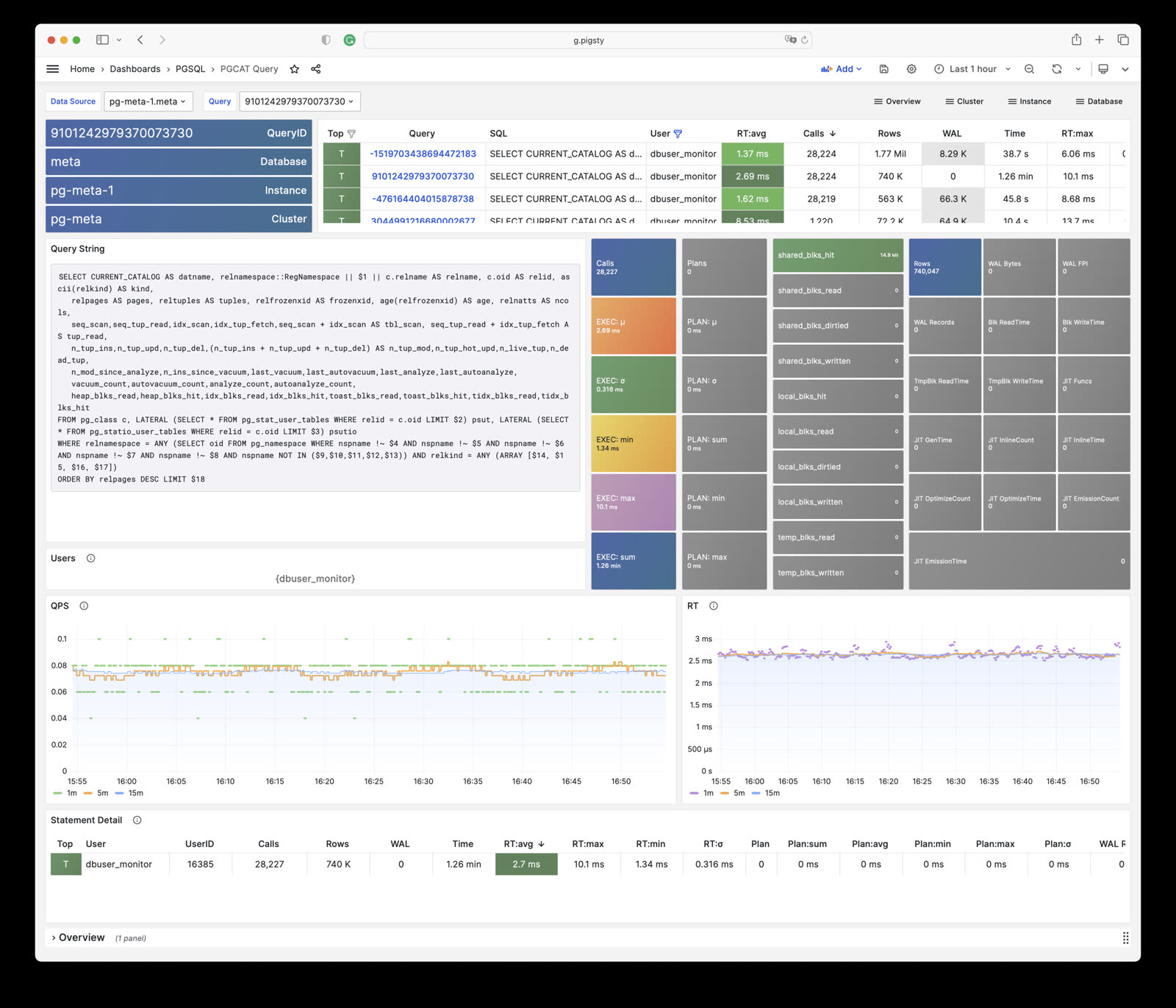
PGCAT Locks: Activity and lock wait info from database catalog
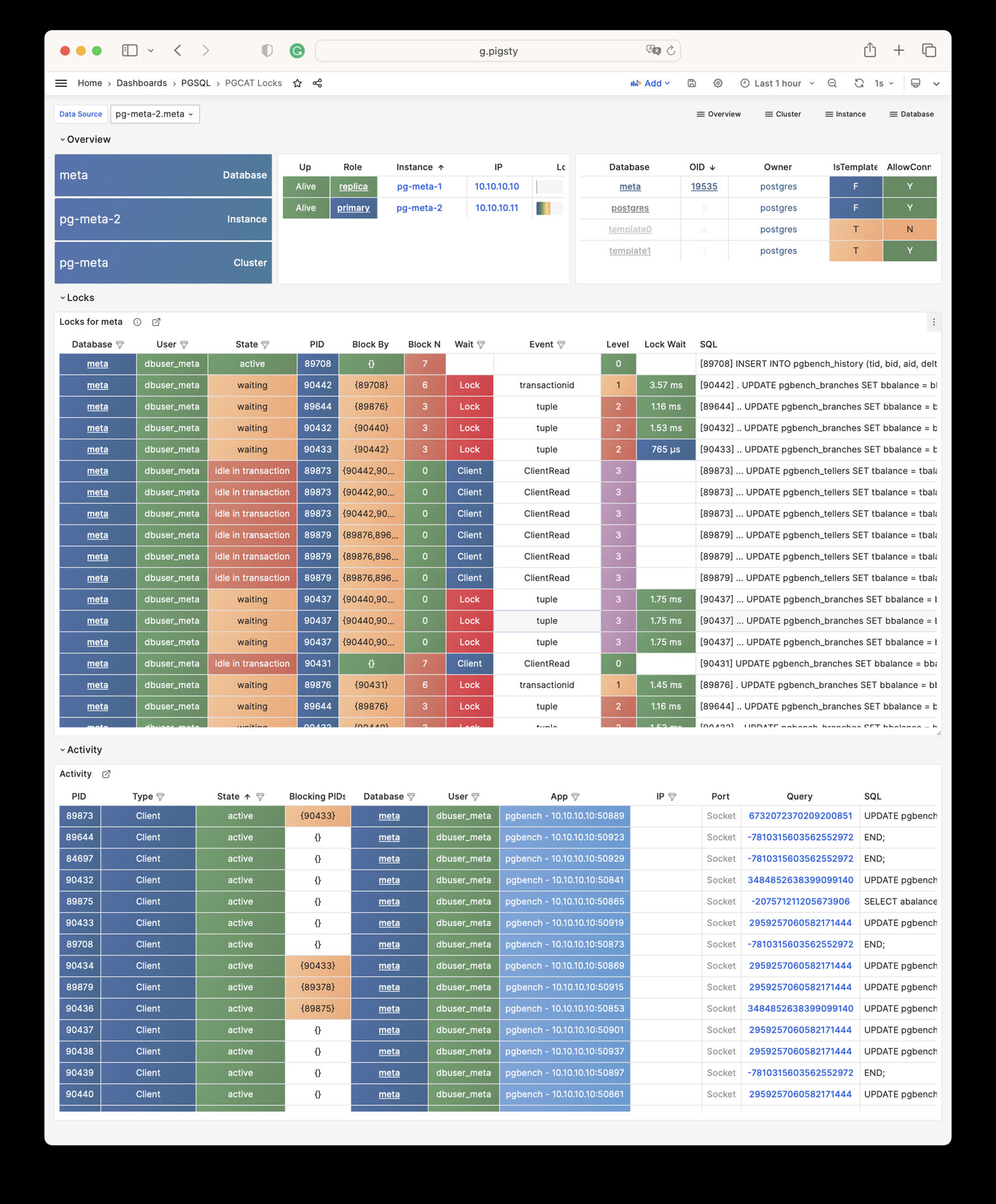
PGLOG Overview: Overview of CSV log samples in Pigsty CMDB
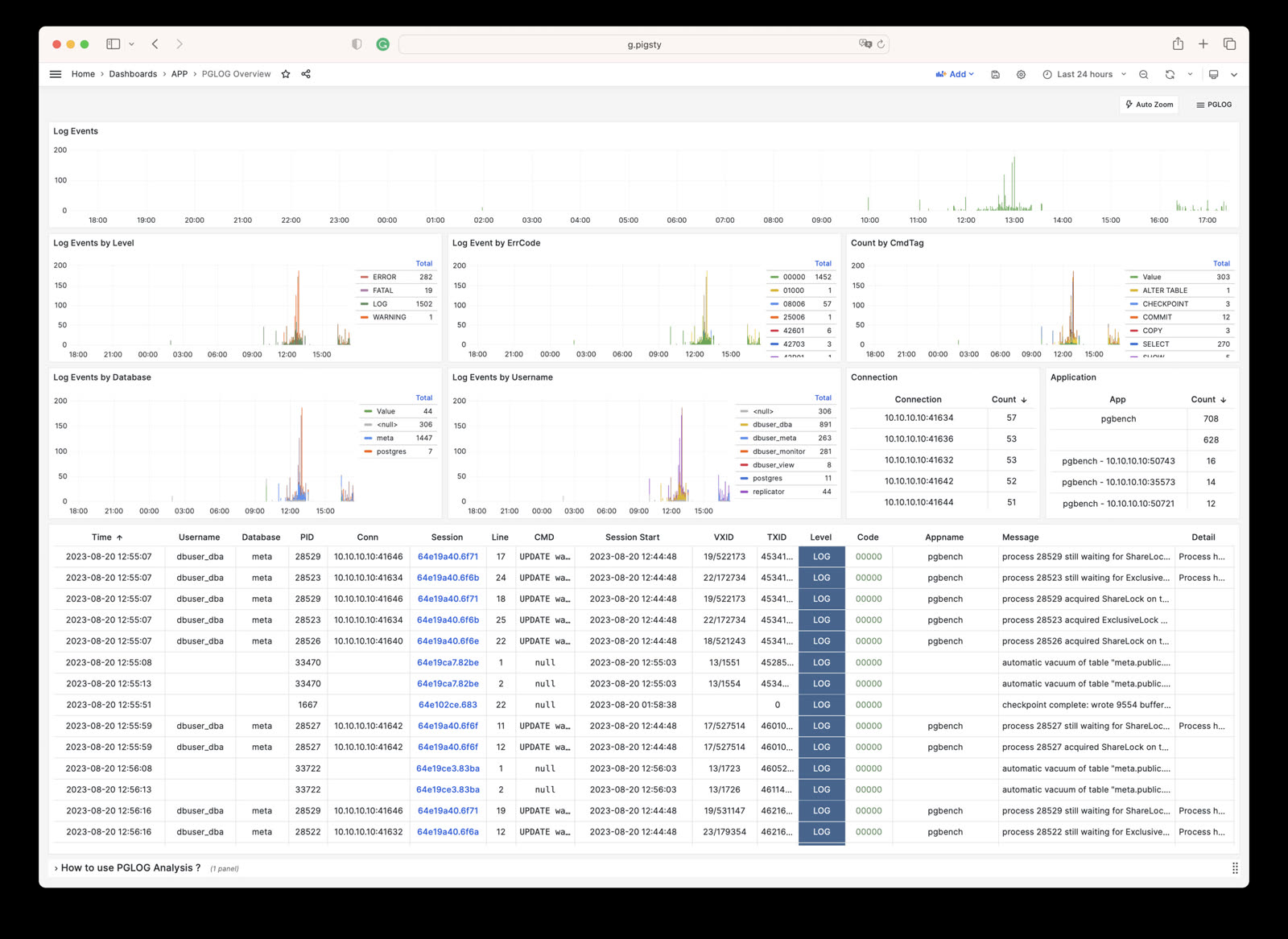
PGLOG Session: Log details for a single session in CSV log samples
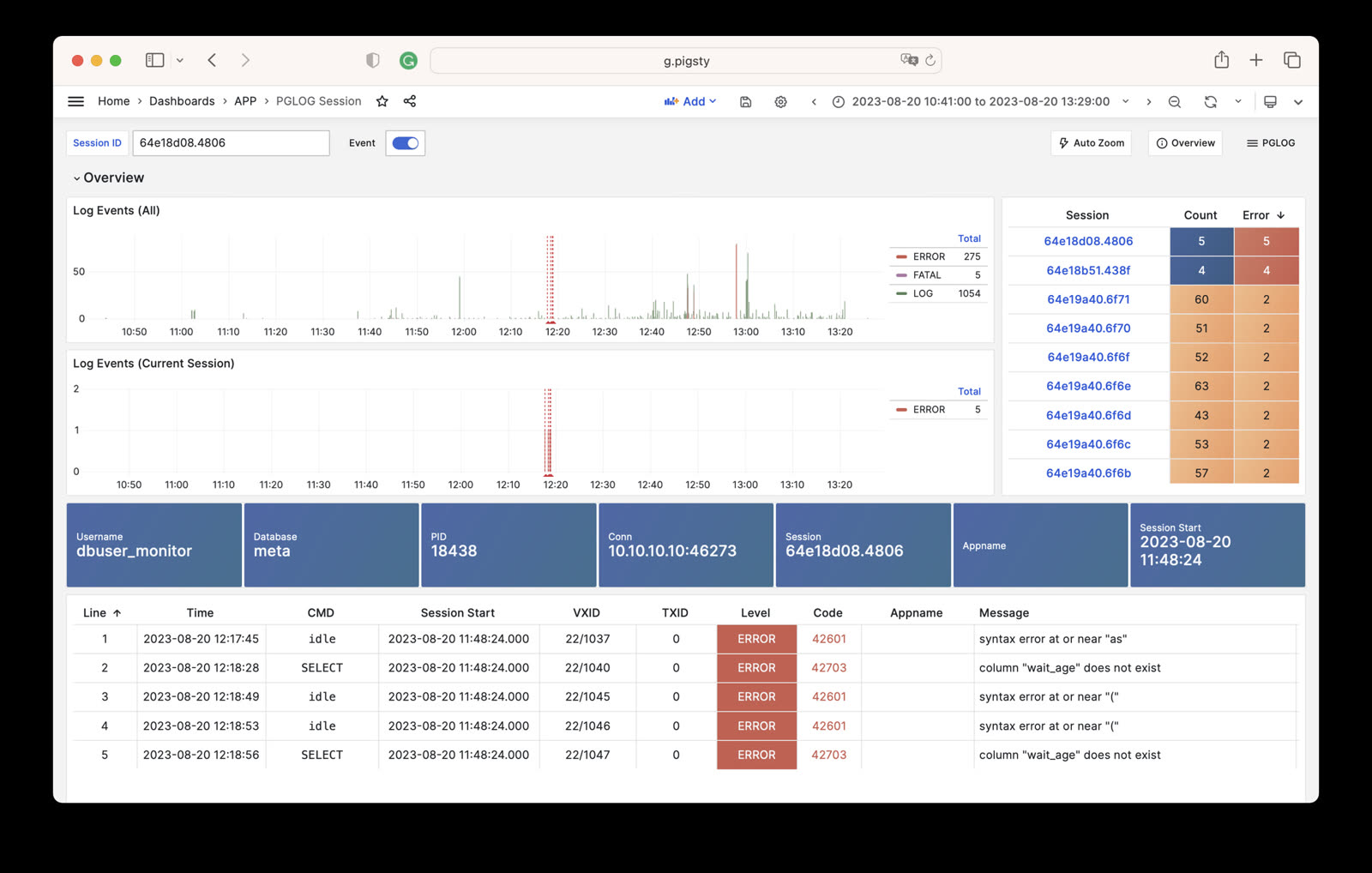
See pigsty/wiki/gallery for details.
PostgreSQL module global overview monitoring dashboards, including:
Main dashboard for the PGSQL module: Demo
PGSQL Overview is the main dashboard for the PostgreSQL module, providing a global overview of the entire PGSQL module.
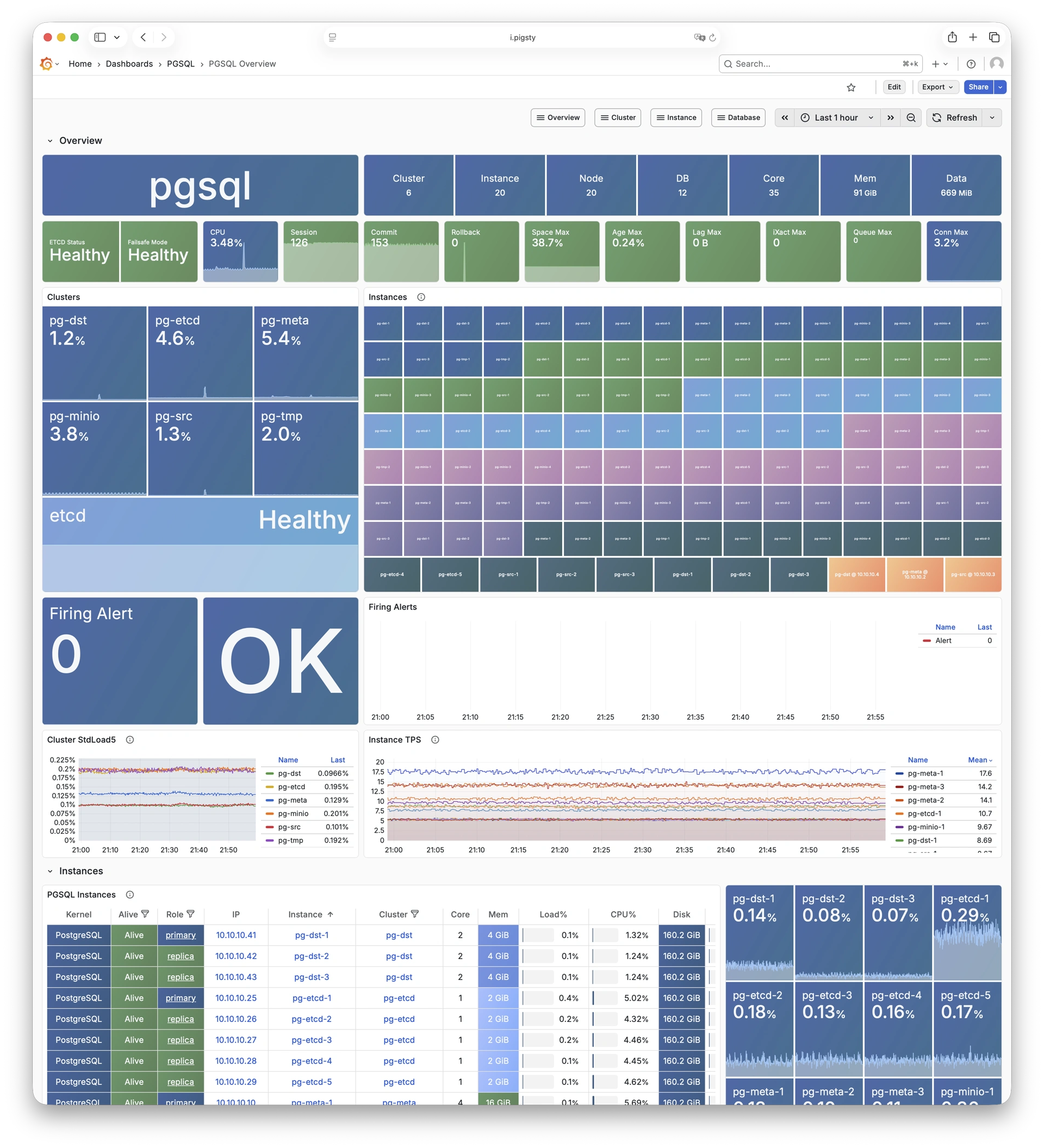
Global key metrics and alert events for PGSQL: Demo
PGSQL Alert provides a global overview of core metrics and alert events for PostgreSQL clusters.
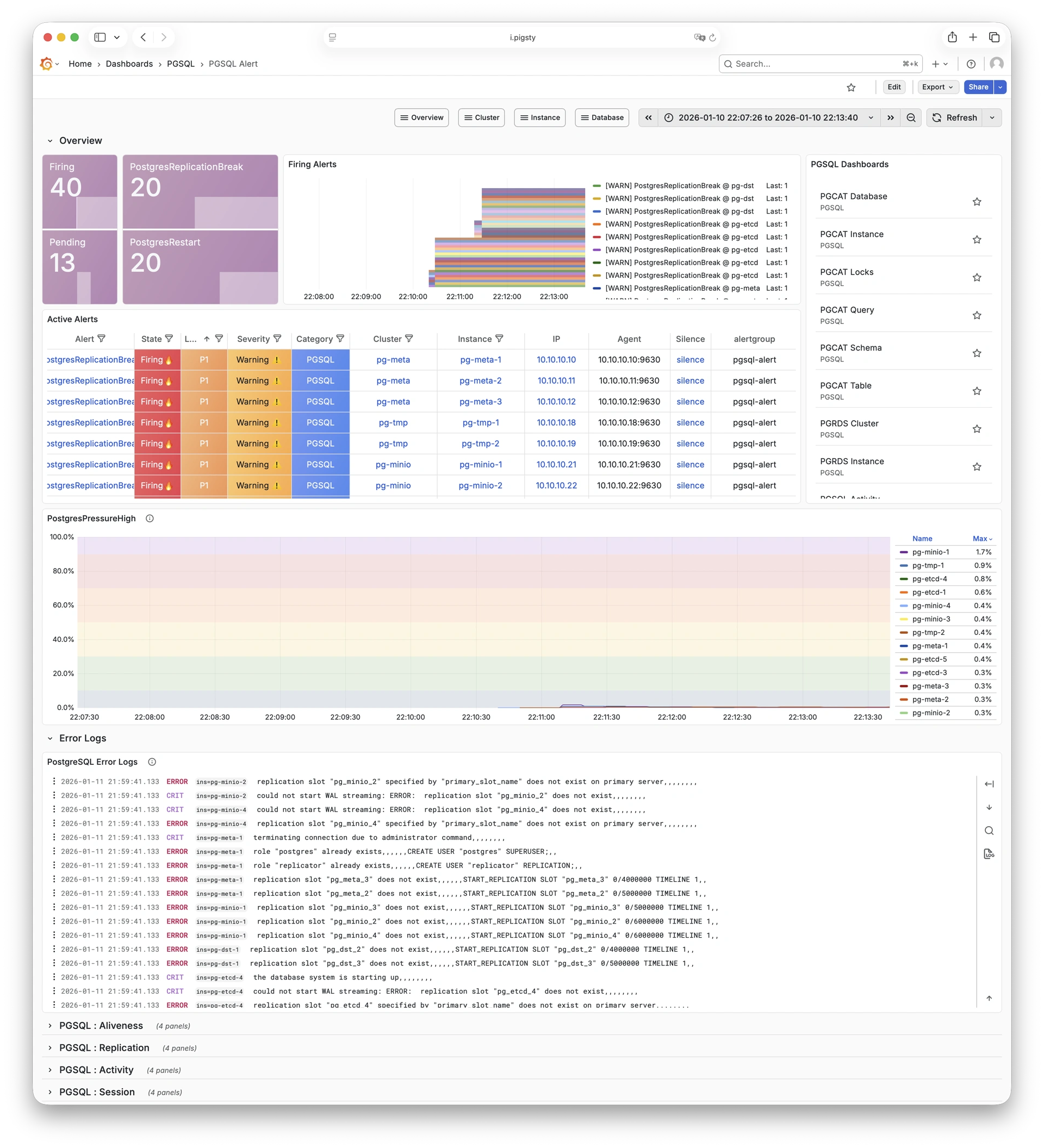
Overview of horizontally sharded PGSQL clusters: Demo
PGSQL Shard provides cross-shard metric comparison for horizontally sharded PGSQL clusters such as CITUS or GPSQL.
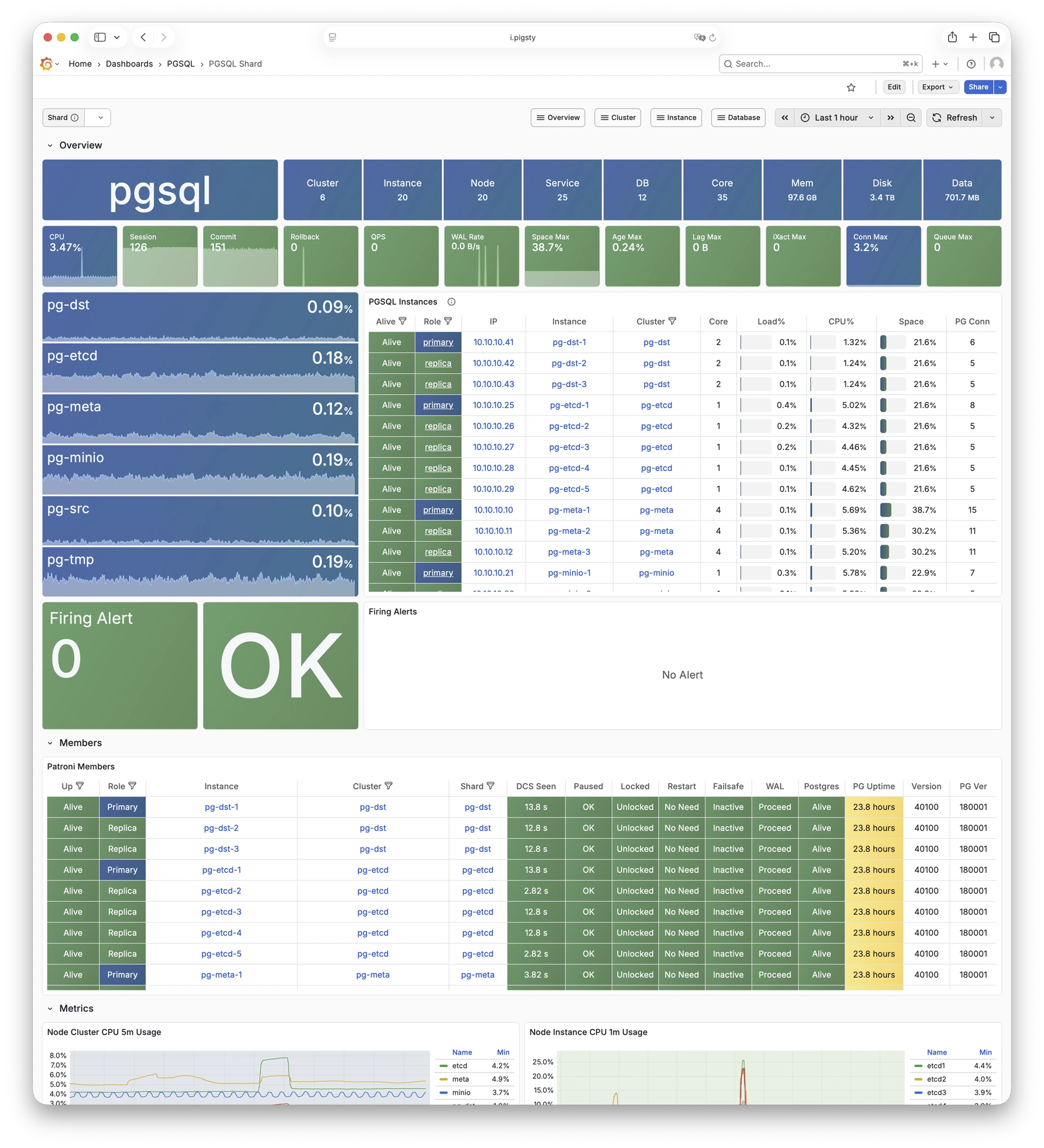
PostgreSQL cluster-level monitoring dashboards, including:
Main dashboard for a PGSQL cluster: Demo
PGSQL Cluster is the main dashboard for a single PostgreSQL cluster, providing cluster-level core metrics overview.
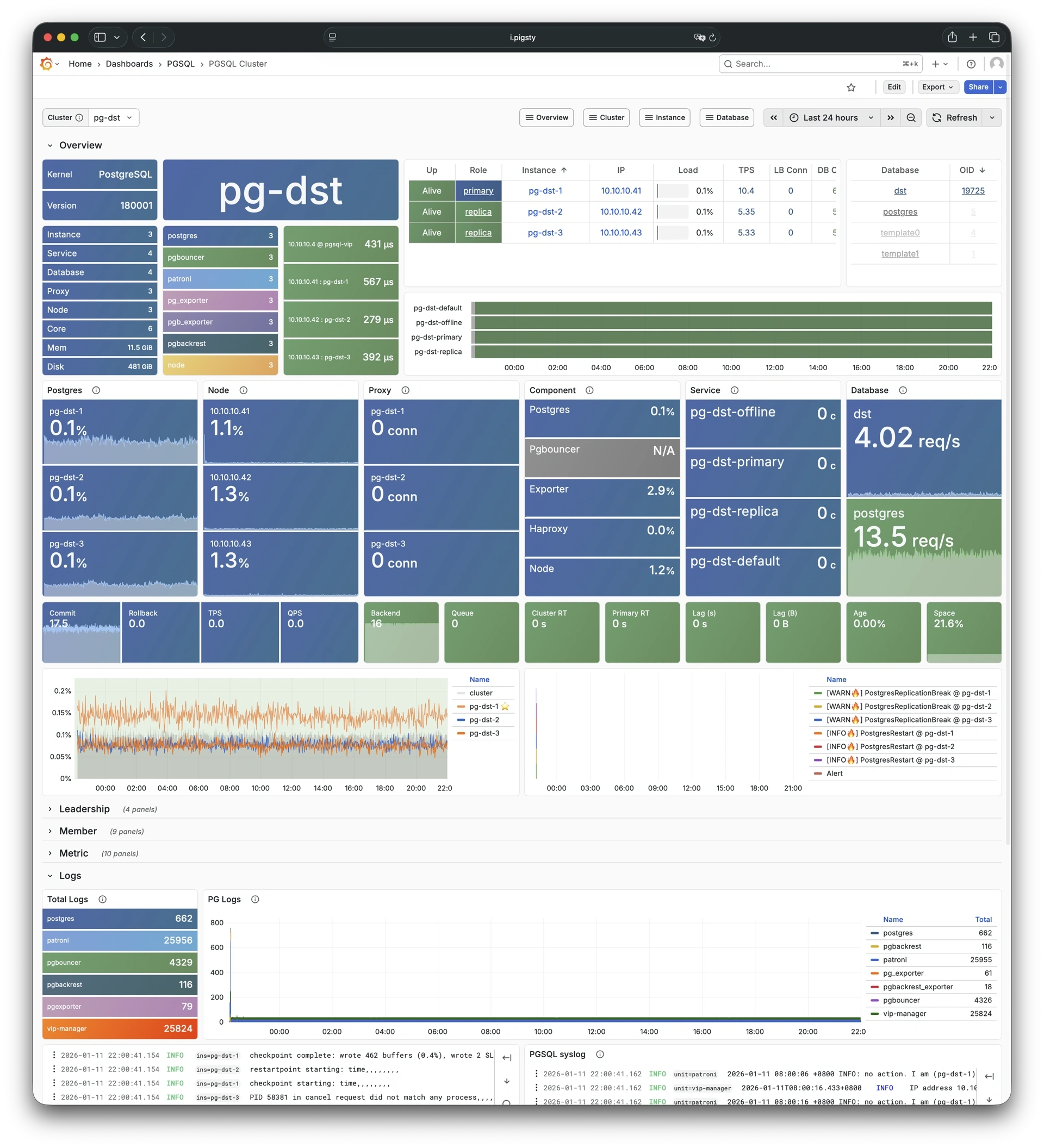
RDS version of PGSQL Cluster: Demo
PGRDS Cluster is the RDS version of PGSQL Cluster, focusing on PostgreSQL-native metrics without host-level metrics.
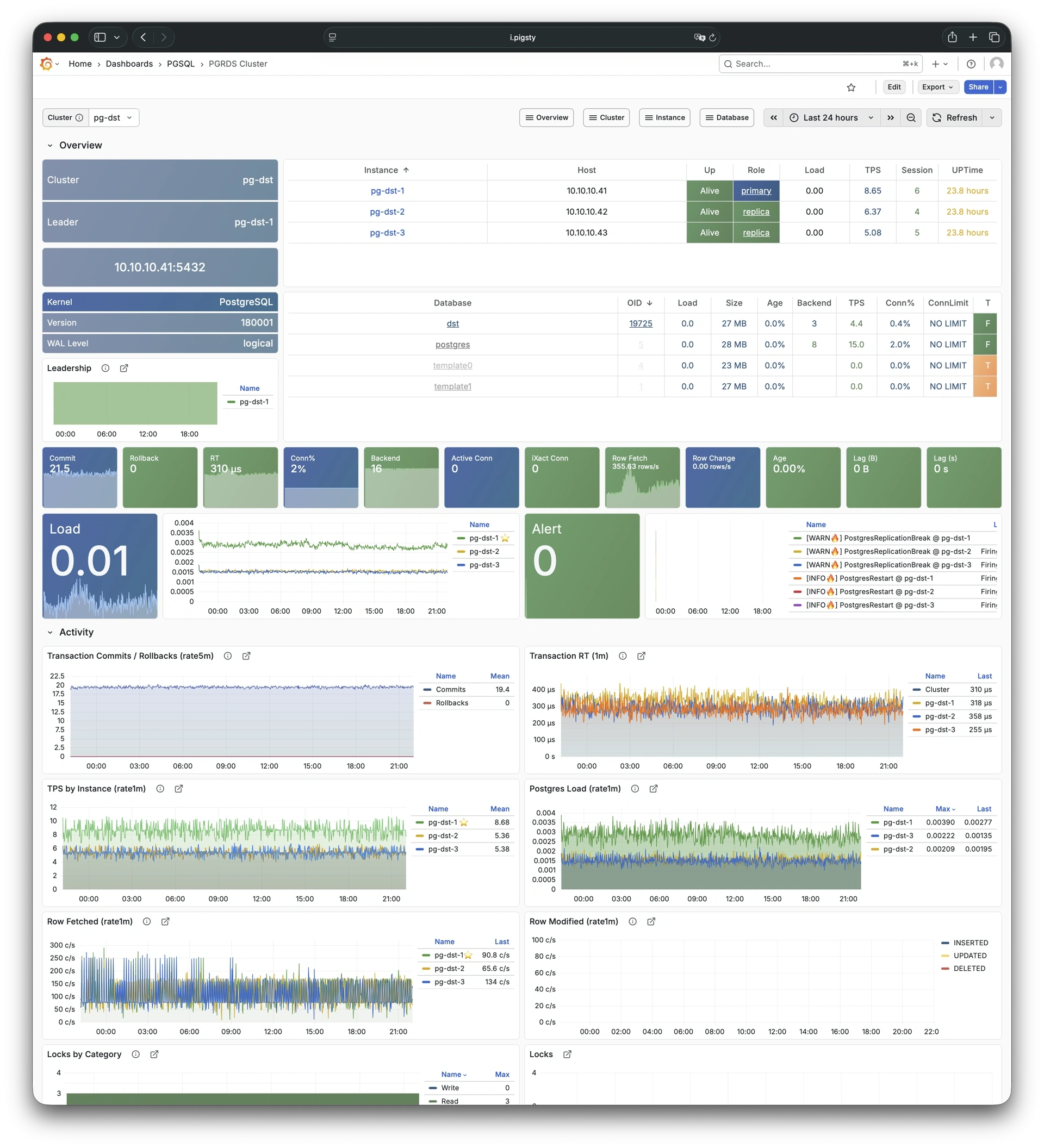
Session/load/QPS/TPS/locks for PGSQL cluster: Demo
PGSQL Activity focuses on session activity, load, QPS, TPS, and lock status for a PostgreSQL cluster.
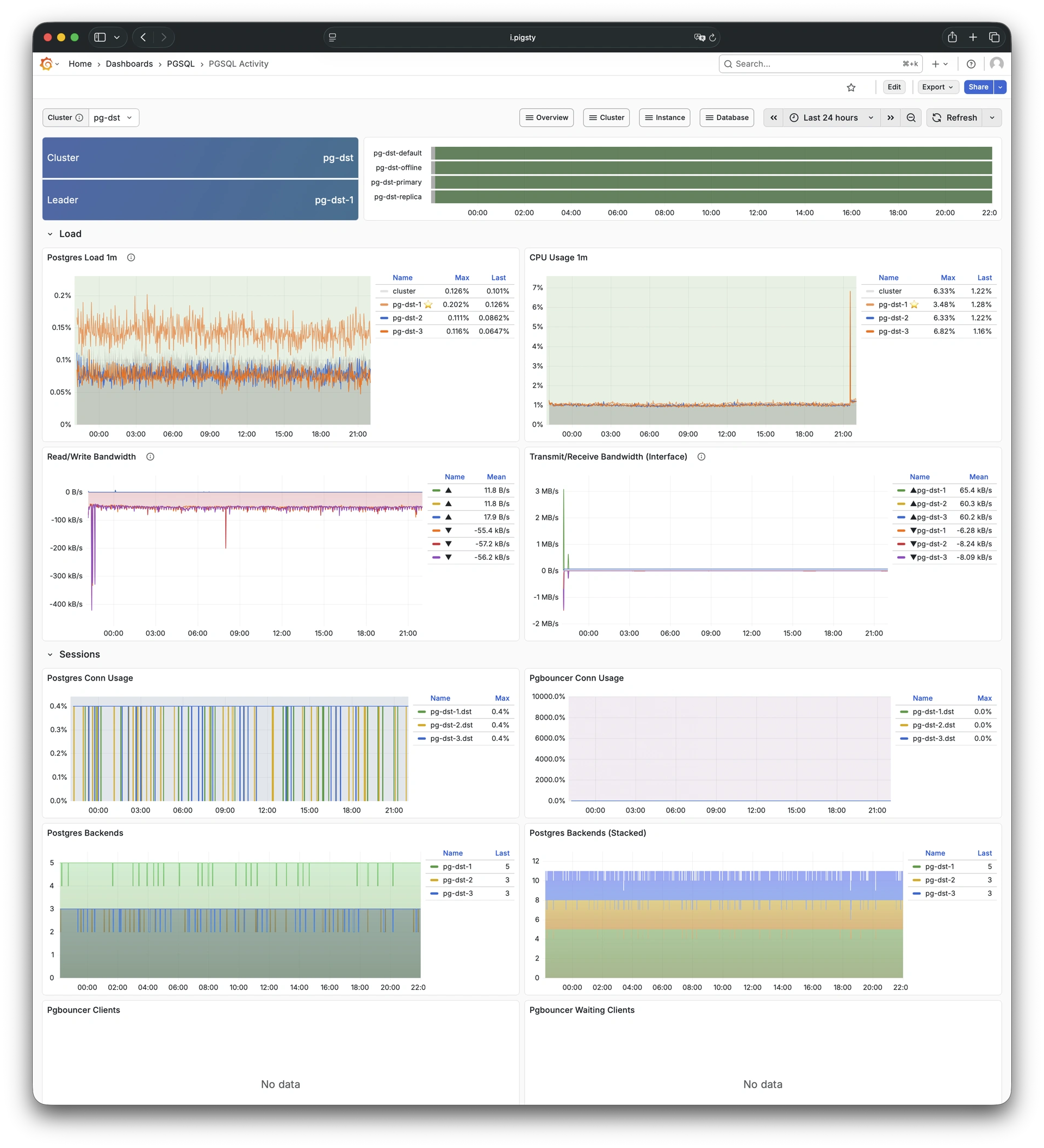
Replication, slots, and pub/sub for PGSQL cluster: Demo
PGSQL Replication focuses on replication status, replication slots, and logical replication (pub/sub) for a PostgreSQL cluster.
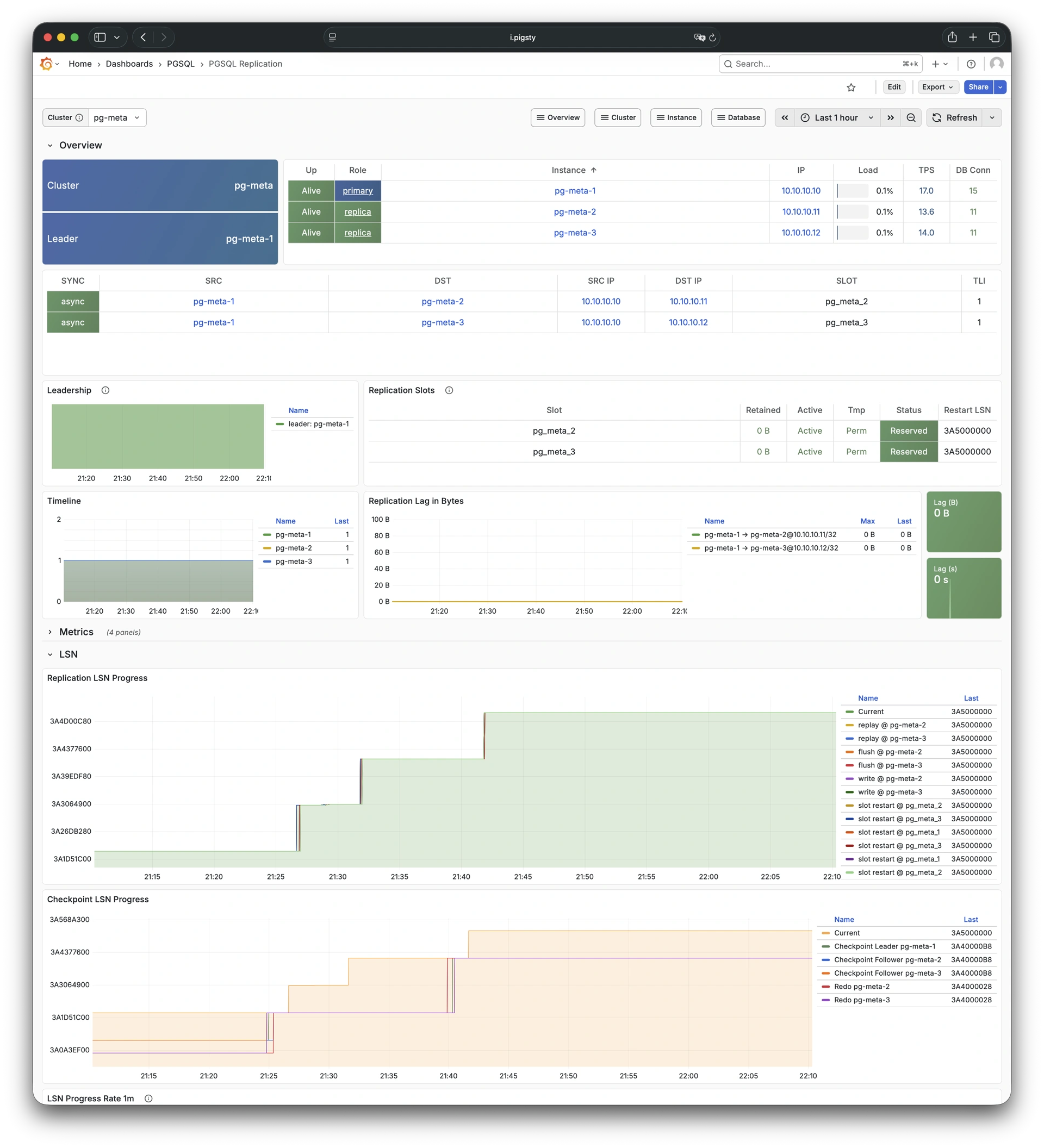
Service, proxy, routing, and load balancing for PGSQL cluster: Demo
PGSQL Service focuses on service endpoints, proxy routing, and load balancing status for a PostgreSQL cluster.
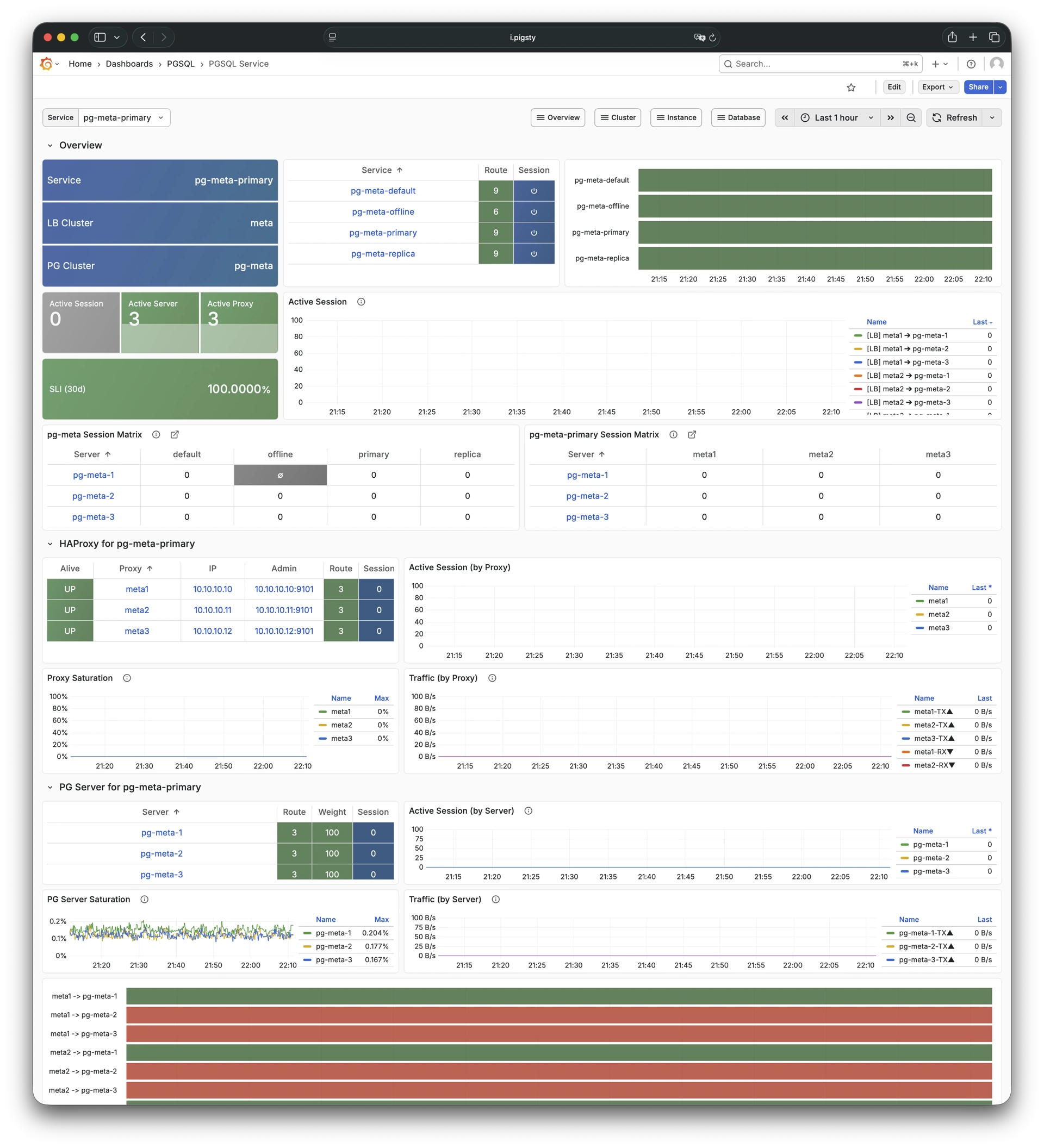
Database CRUD, slow queries, and table statistics: Demo
PGSQL Databases focuses on database-level CRUD operations, slow queries, and table statistics across all instances in a cluster.
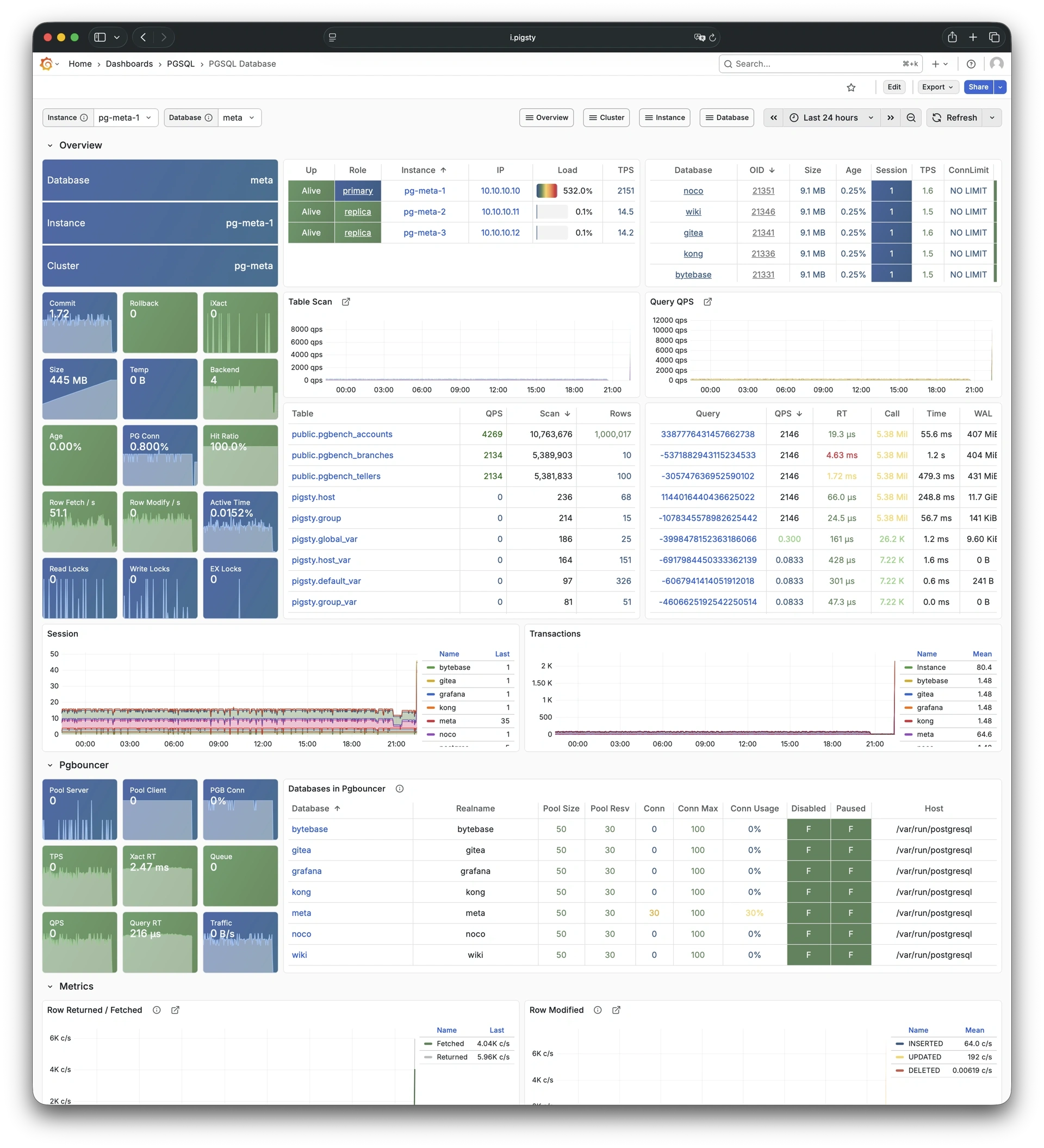
HA status and Patroni component status: Demo
PGSQL Patroni focuses on high-availability status and Patroni component health for a PostgreSQL cluster.
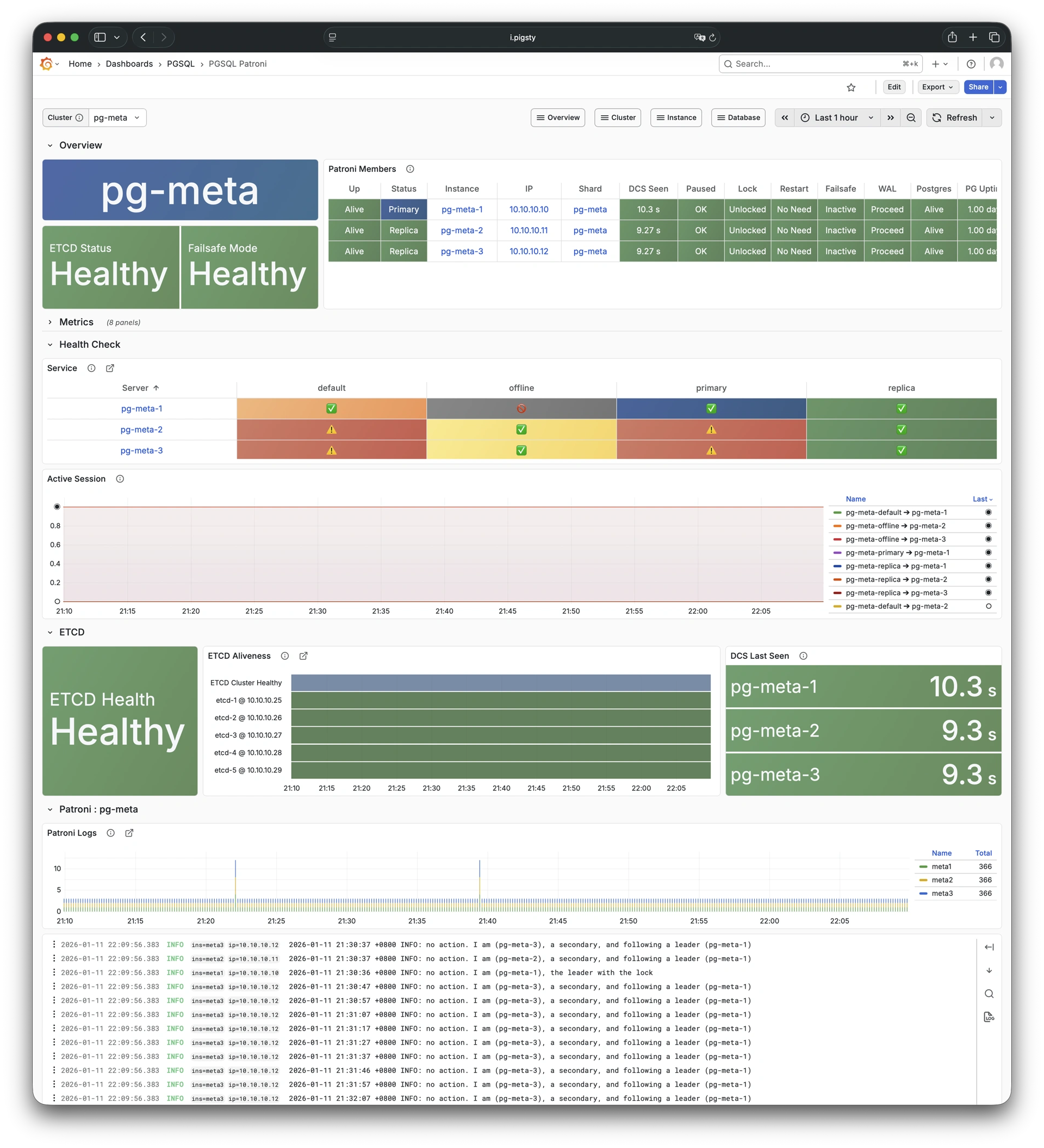
PITR context for point-in-time recovery: Demo
PGSQL PITR provides context information for point-in-time recovery operations, showing backup status and WAL timeline.
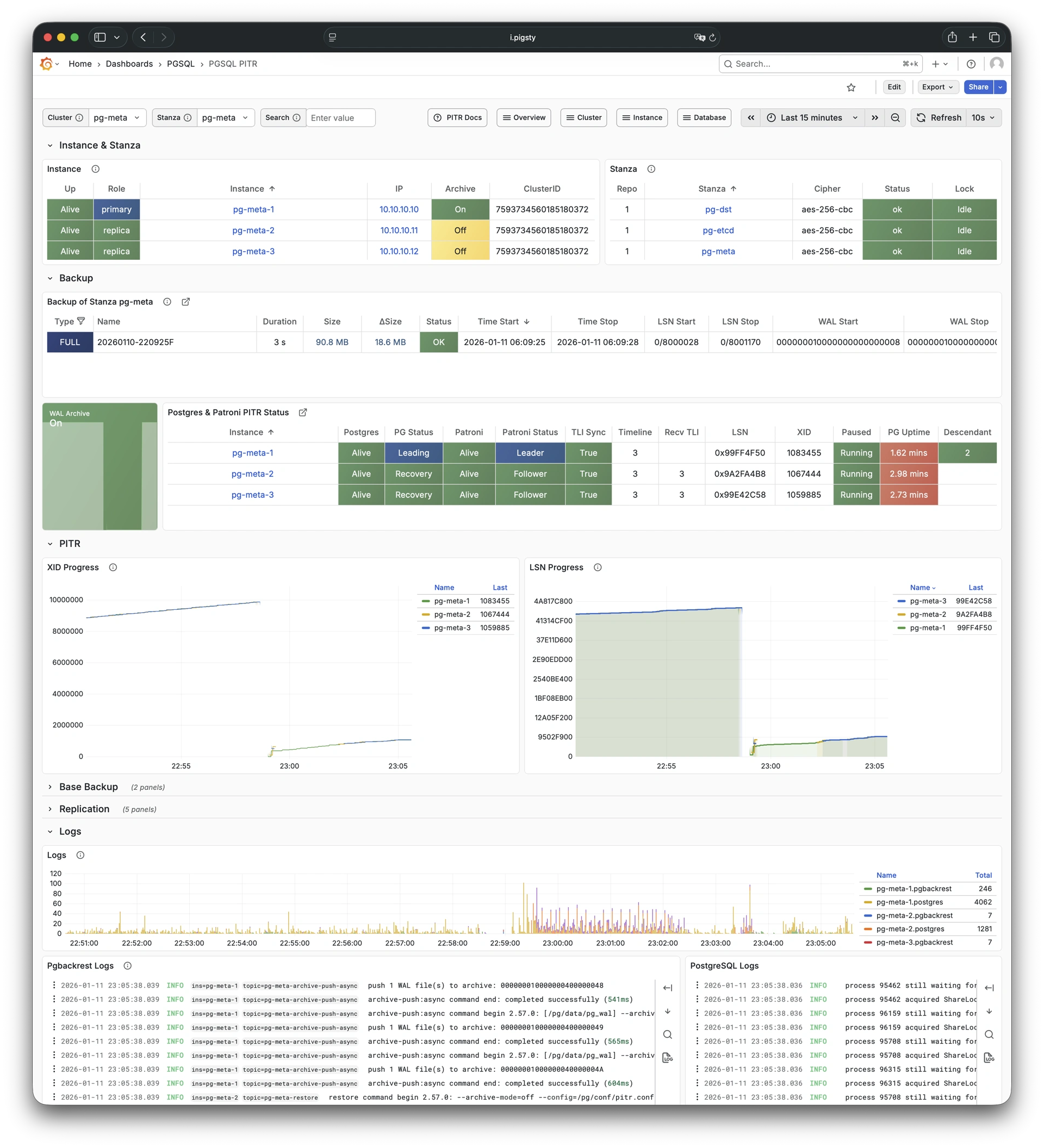
PostgreSQL instance-level monitoring dashboards, including:
Main dashboard for a single PGSQL instance: Demo
PGSQL Instance is the main dashboard for a single PostgreSQL instance, providing comprehensive instance-level metrics.
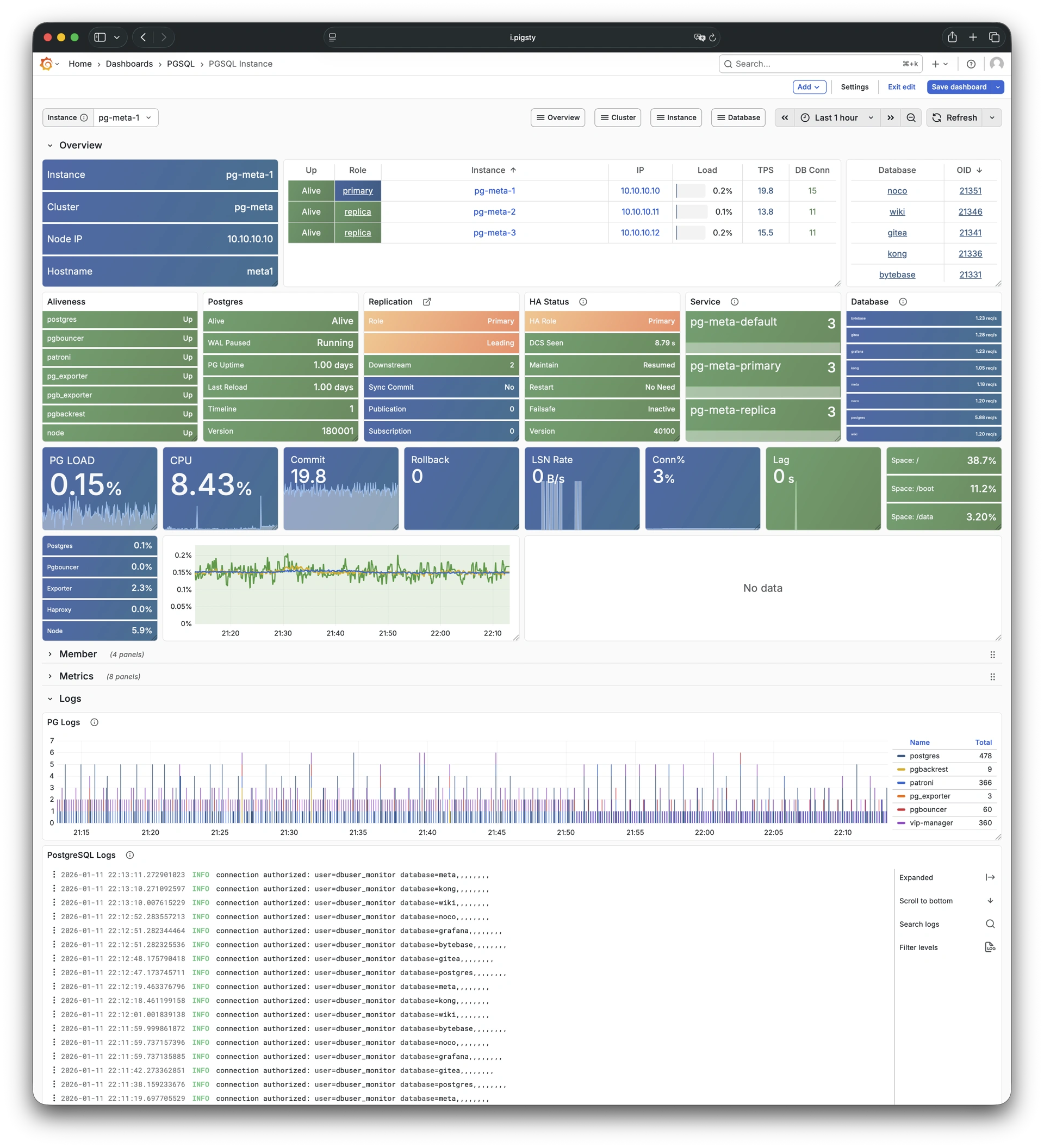
RDS version of PGSQL Instance: Demo
PGRDS Instance is the RDS version of PGSQL Instance, focusing on PostgreSQL-native metrics without host-level metrics.
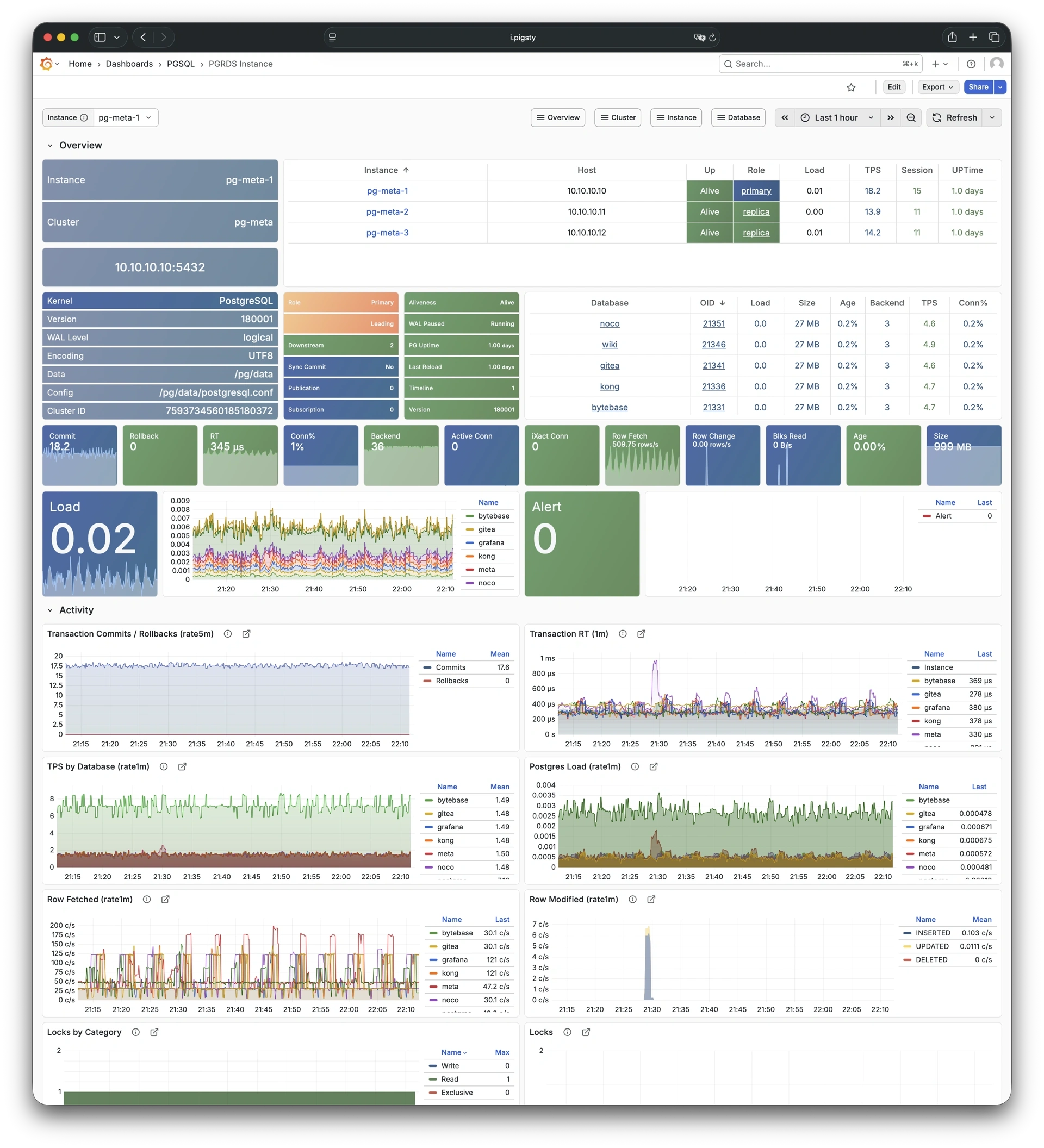
Instance info from database catalog: Demo
PGCAT Instance shows instance-level information retrieved directly from PostgreSQL system catalog.
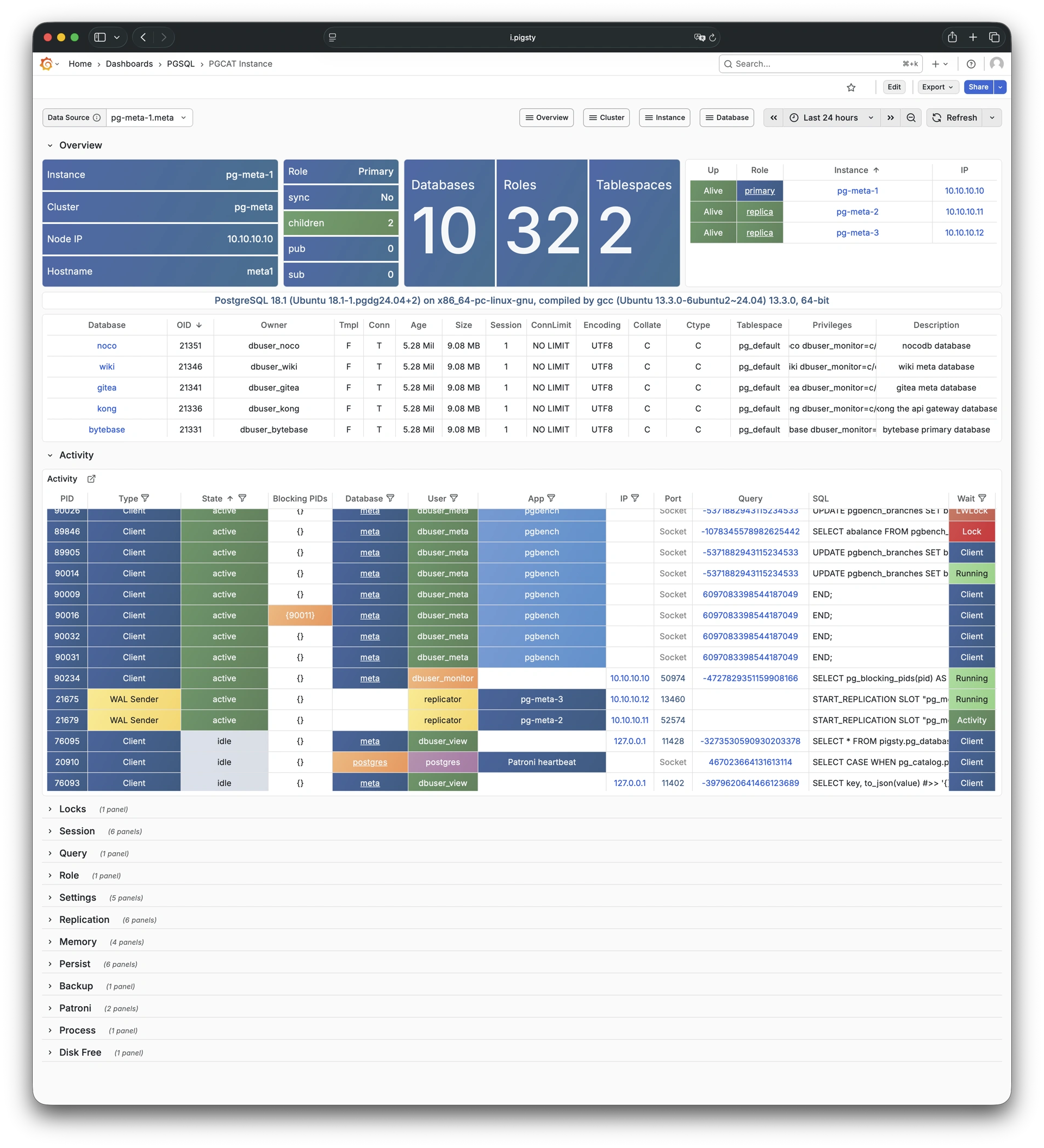
Persistence metrics for PGSQL instance: Demo
PGSQL Persist focuses on persistence-related metrics: WAL generation, XID consumption, checkpoints, archiving, and I/O patterns.
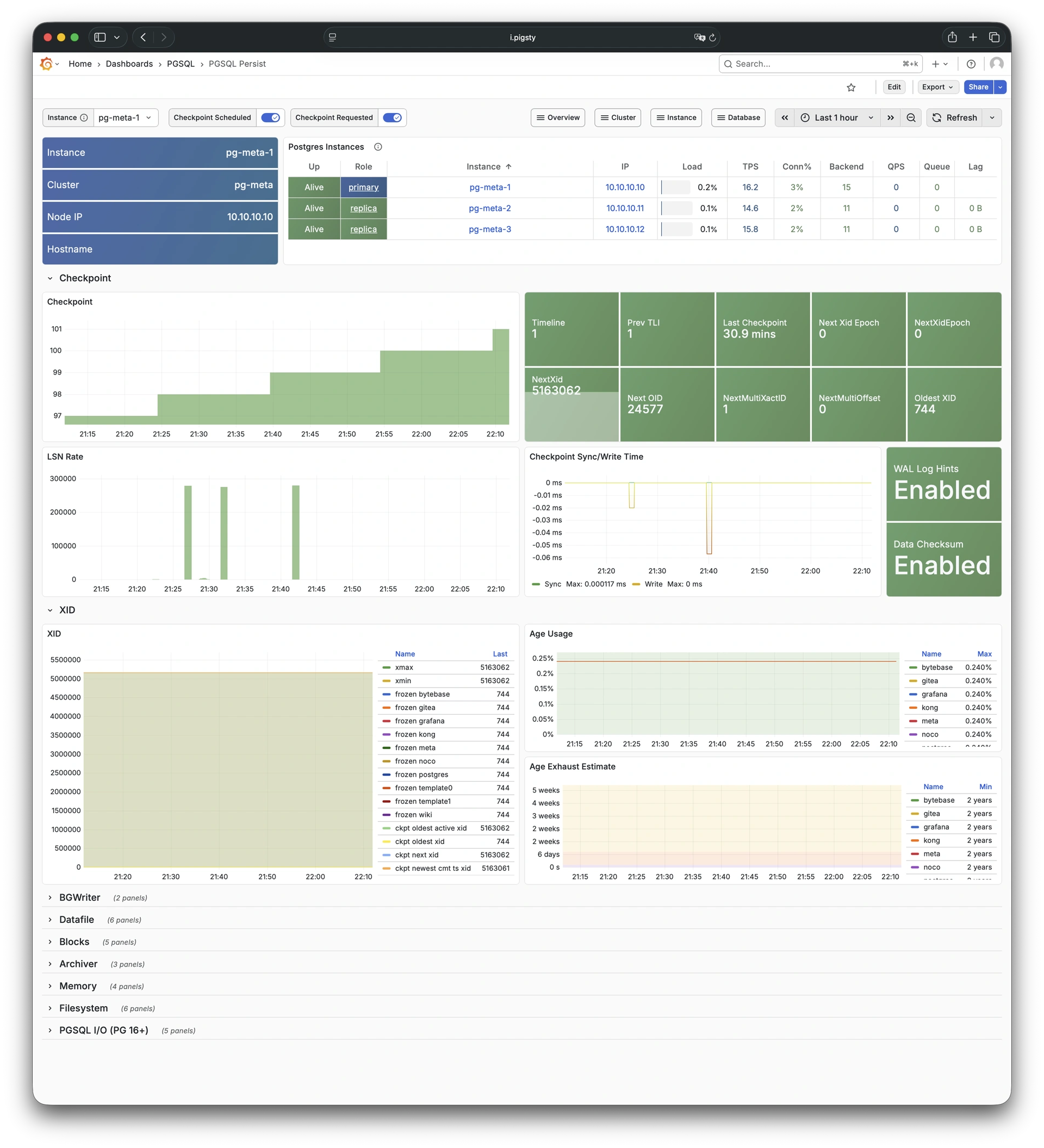
Detailed metrics for HAProxy: Demo
PGSQL Proxy shows detailed metrics for a single HAProxy load balancer instance serving PostgreSQL traffic.
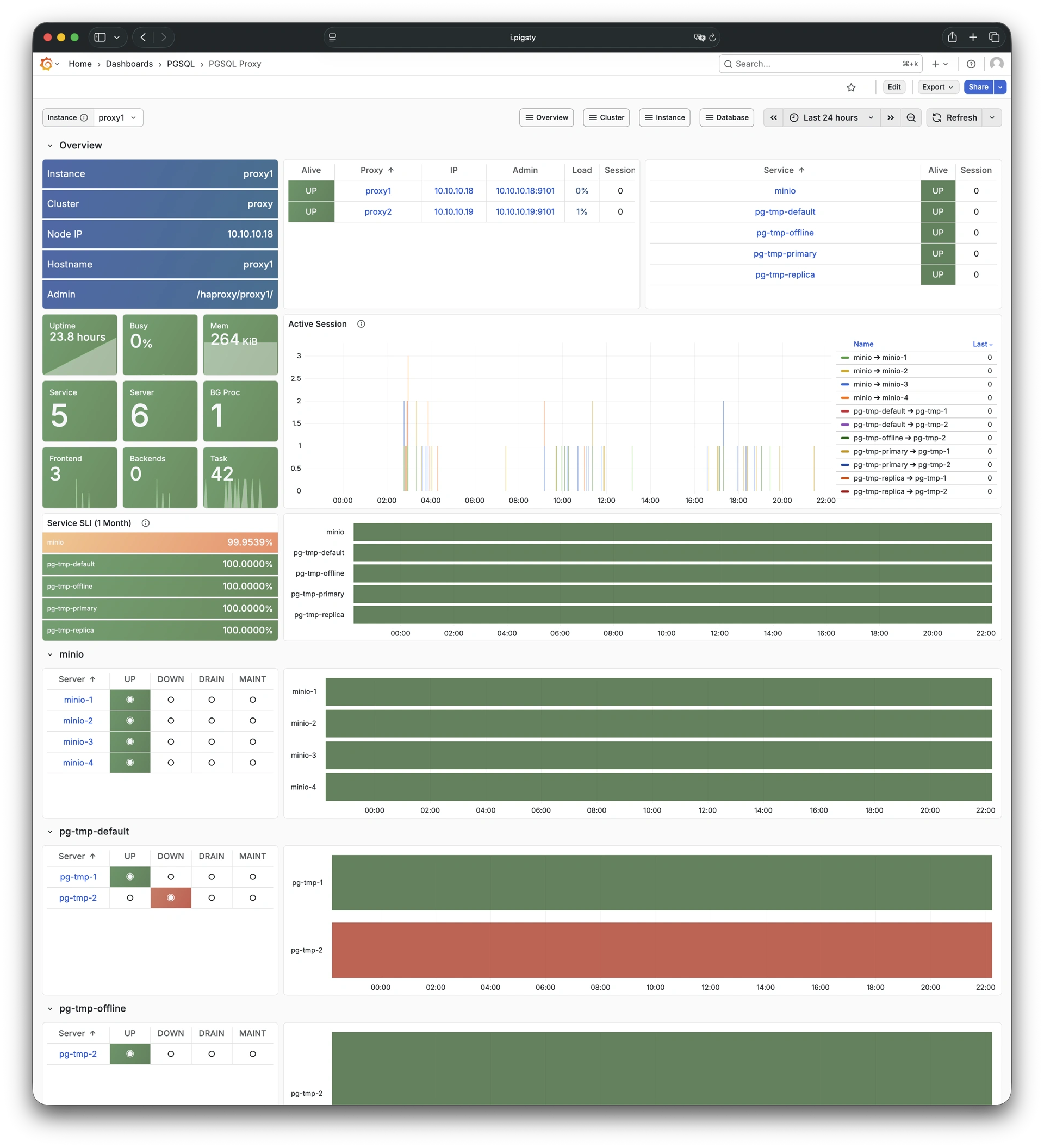
Metrics overview for Pgbouncer: Demo
PGSQL Pgbouncer shows connection pooling metrics for a single Pgbouncer instance.
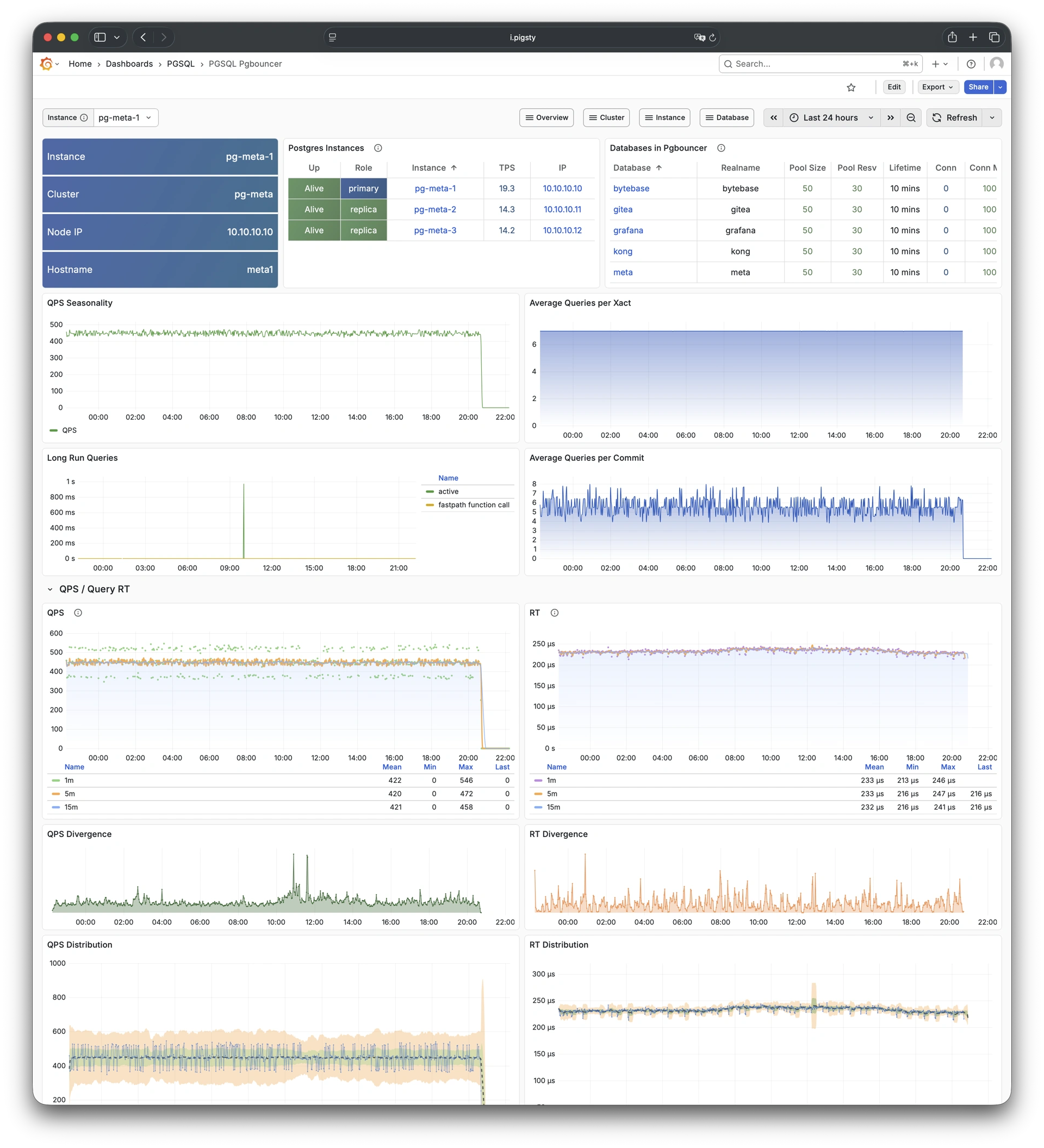
Session and active/idle time metrics: Demo
PGSQL Session focuses on session statistics and active/idle time distribution for a single PostgreSQL instance.
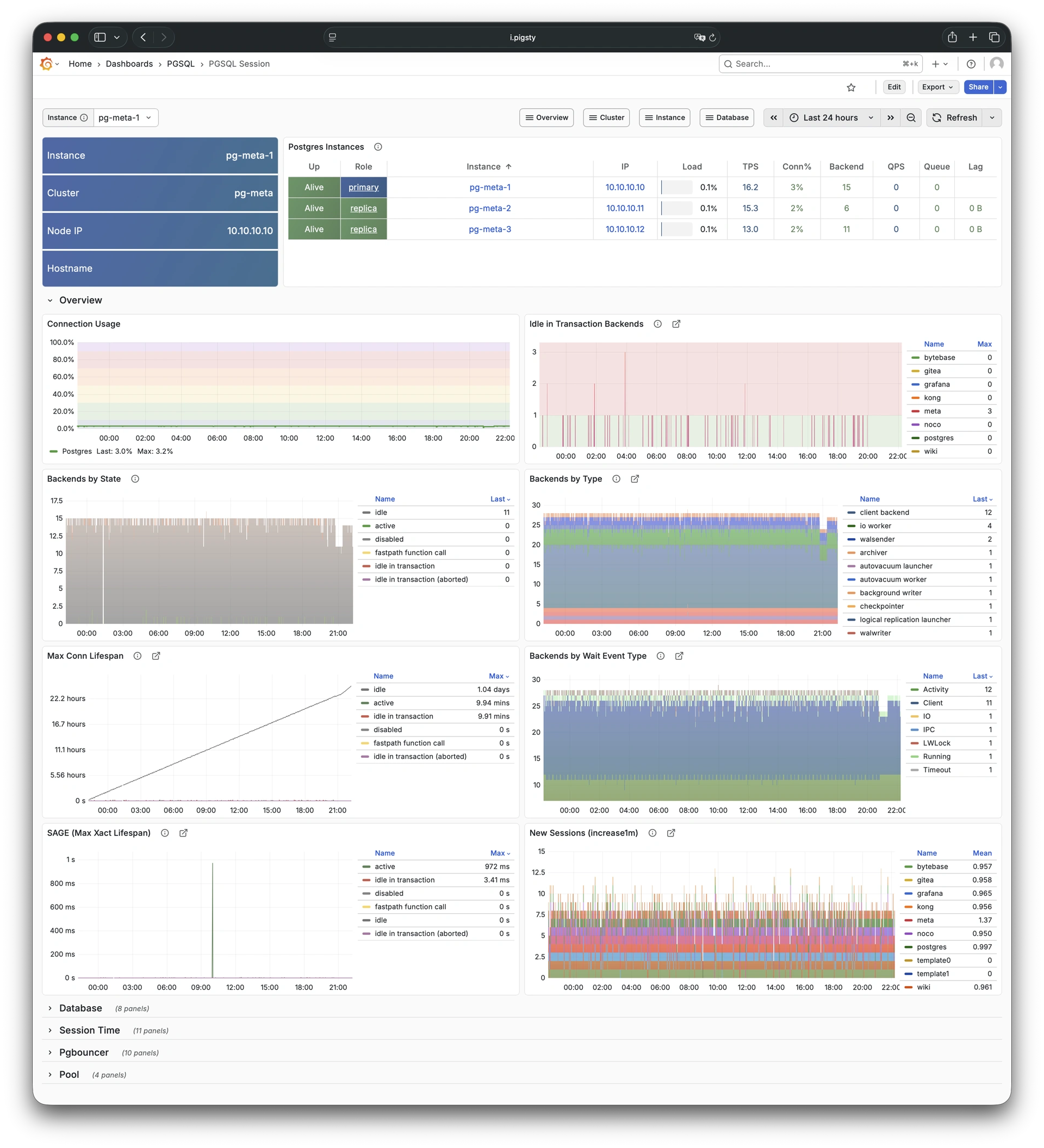
Transaction, lock, TPS/QPS metrics: Demo
PGSQL Xacts focuses on transaction processing, lock activity, and TPS/QPS metrics for a single PostgreSQL instance.
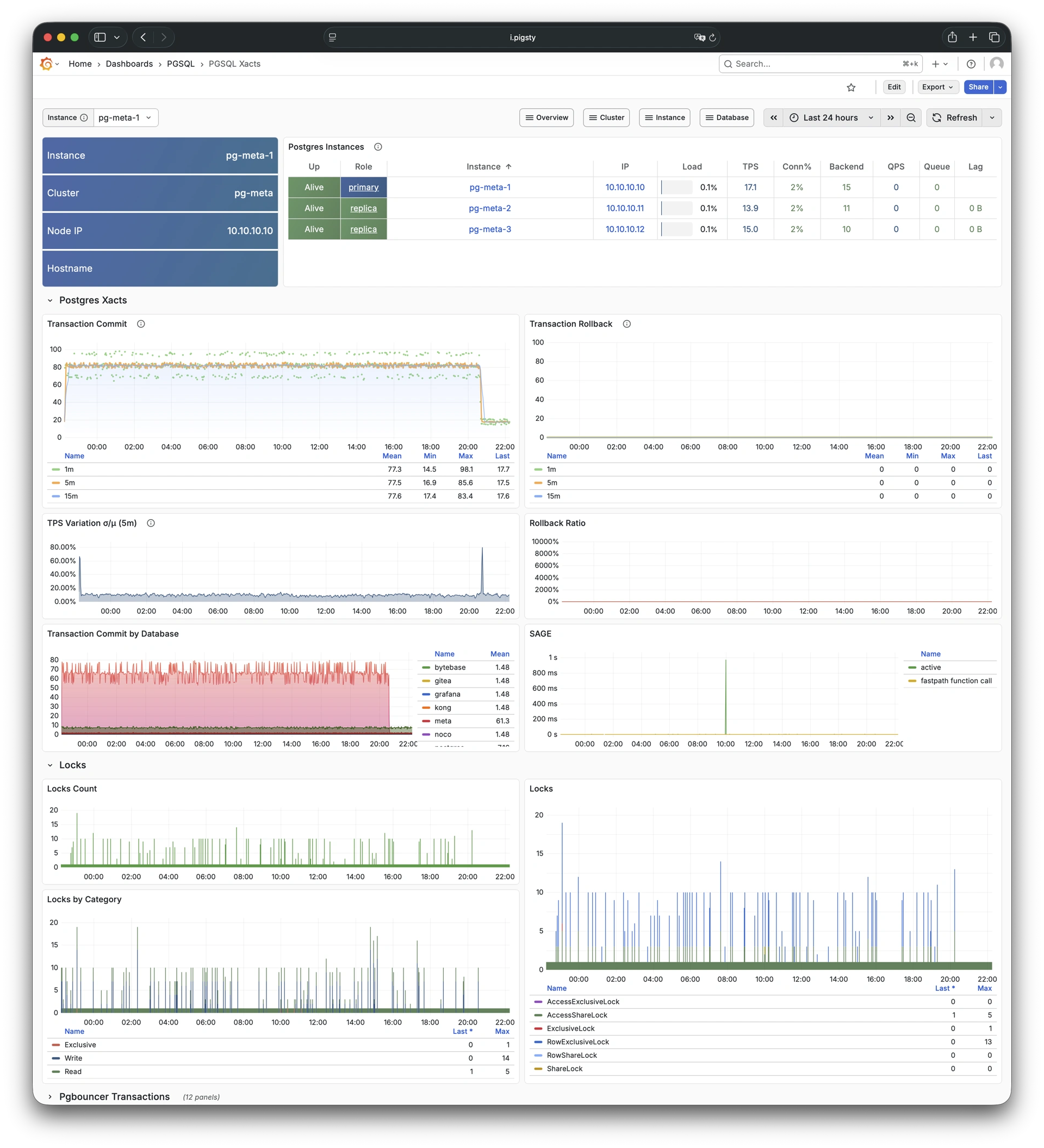
Self-monitoring metrics for exporters: Demo
PGSQL Exporter shows self-monitoring metrics for the Postgres exporter and Pgbouncer exporter components.
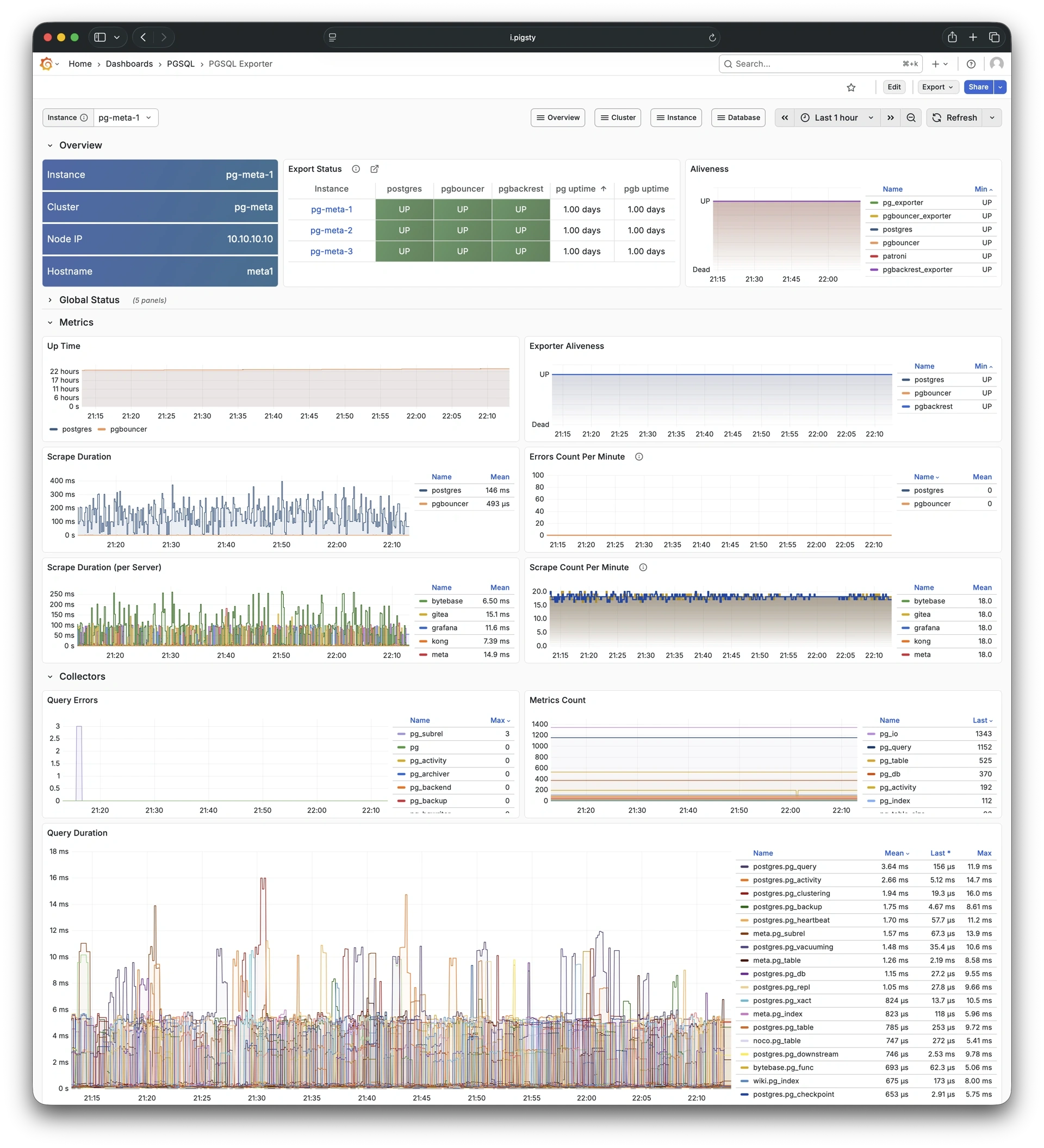
PostgreSQL database-level monitoring dashboards, including:
Main dashboard for a single PGSQL database: Demo
PGSQL Database is the main dashboard for a single PostgreSQL database, providing comprehensive database-level metrics.
Database info from database catalog: Demo
PGCAT Database shows database-level information retrieved directly from PostgreSQL system catalog.
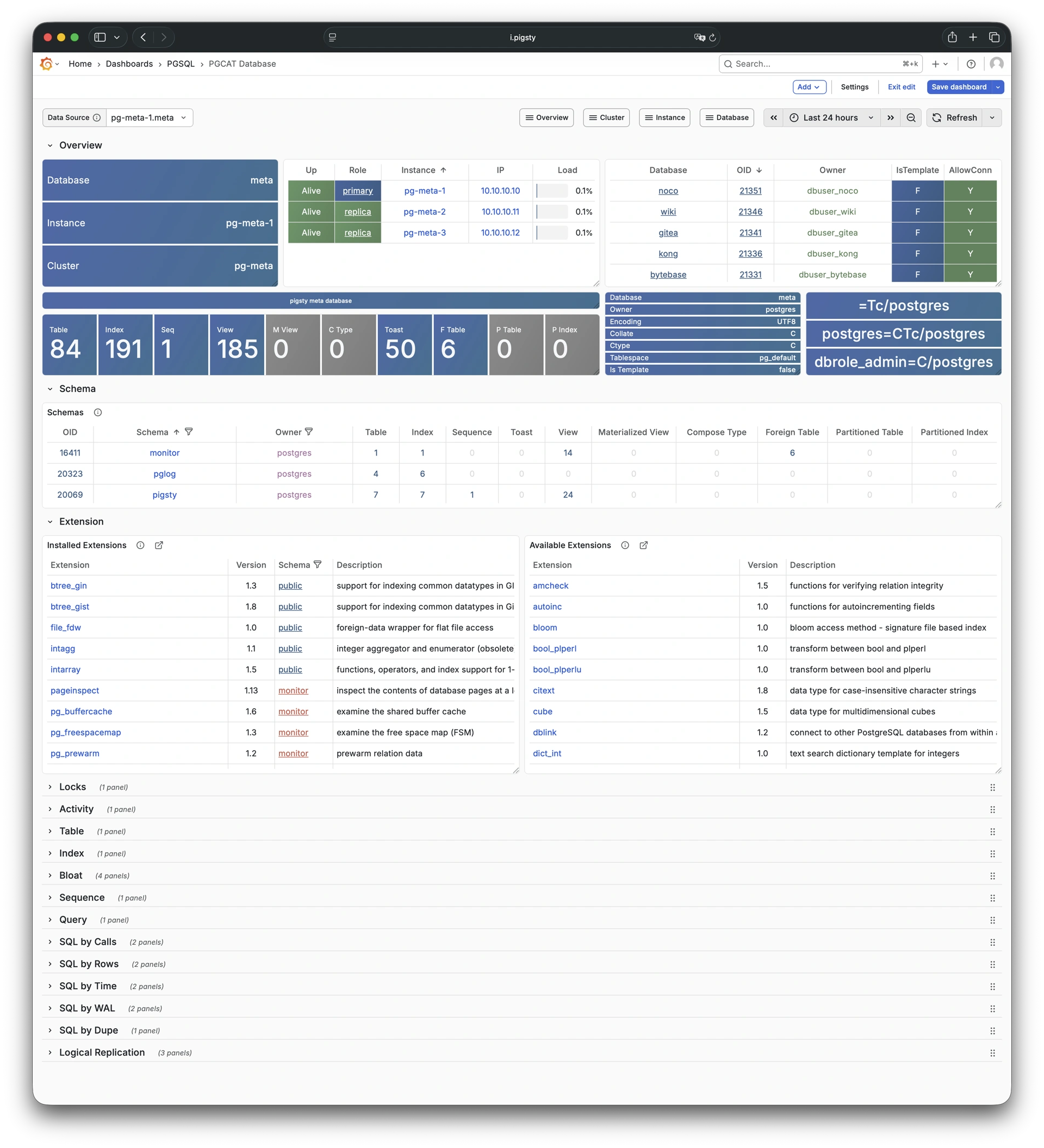
Table/index access metrics: Demo
PGSQL Tables shows table and index access metrics for all objects within a single PostgreSQL database.
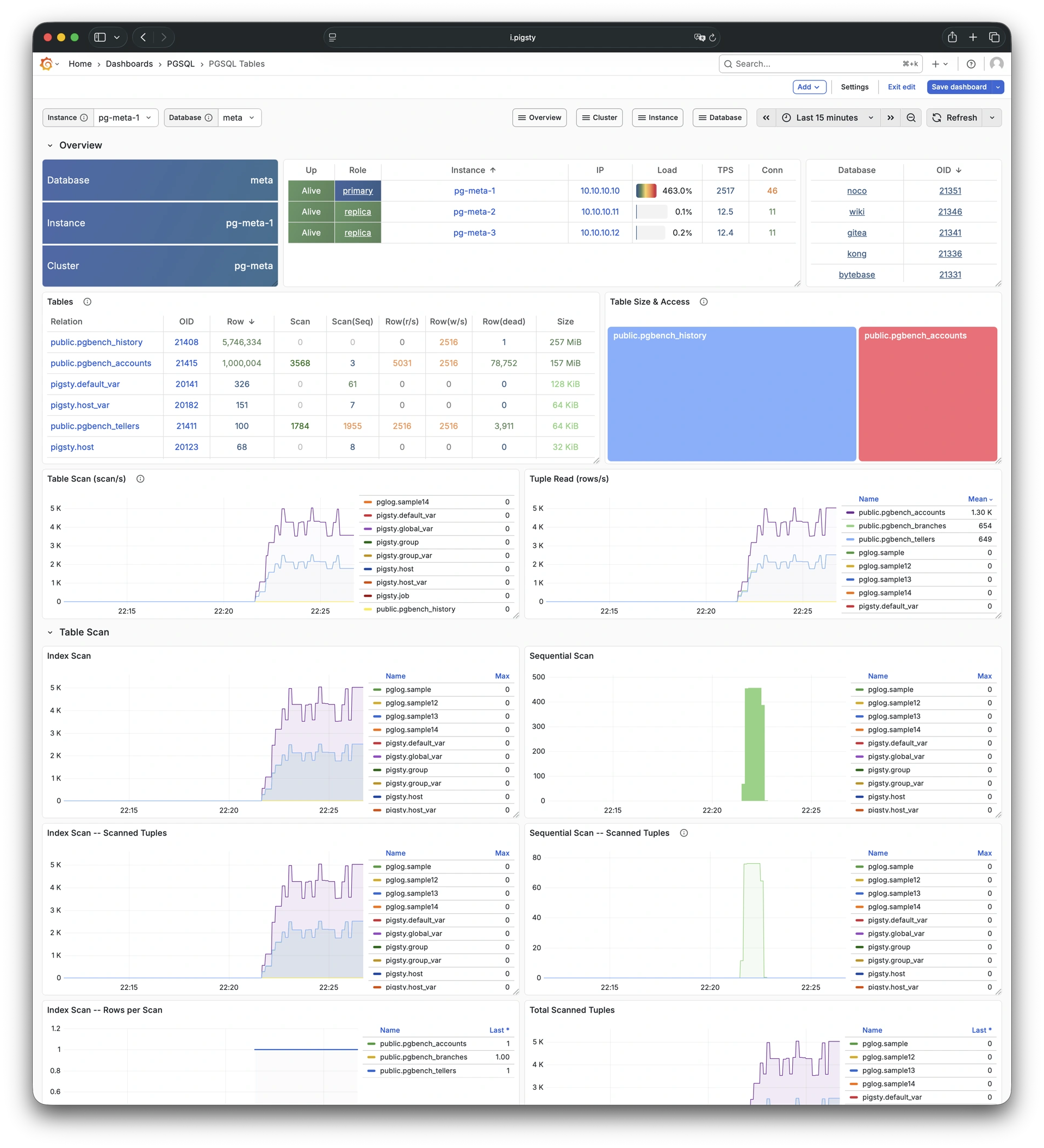
Detailed info for a single table: Demo
PGSQL Table shows detailed metrics for a single table including QPS, response time, index usage, and sequence info.
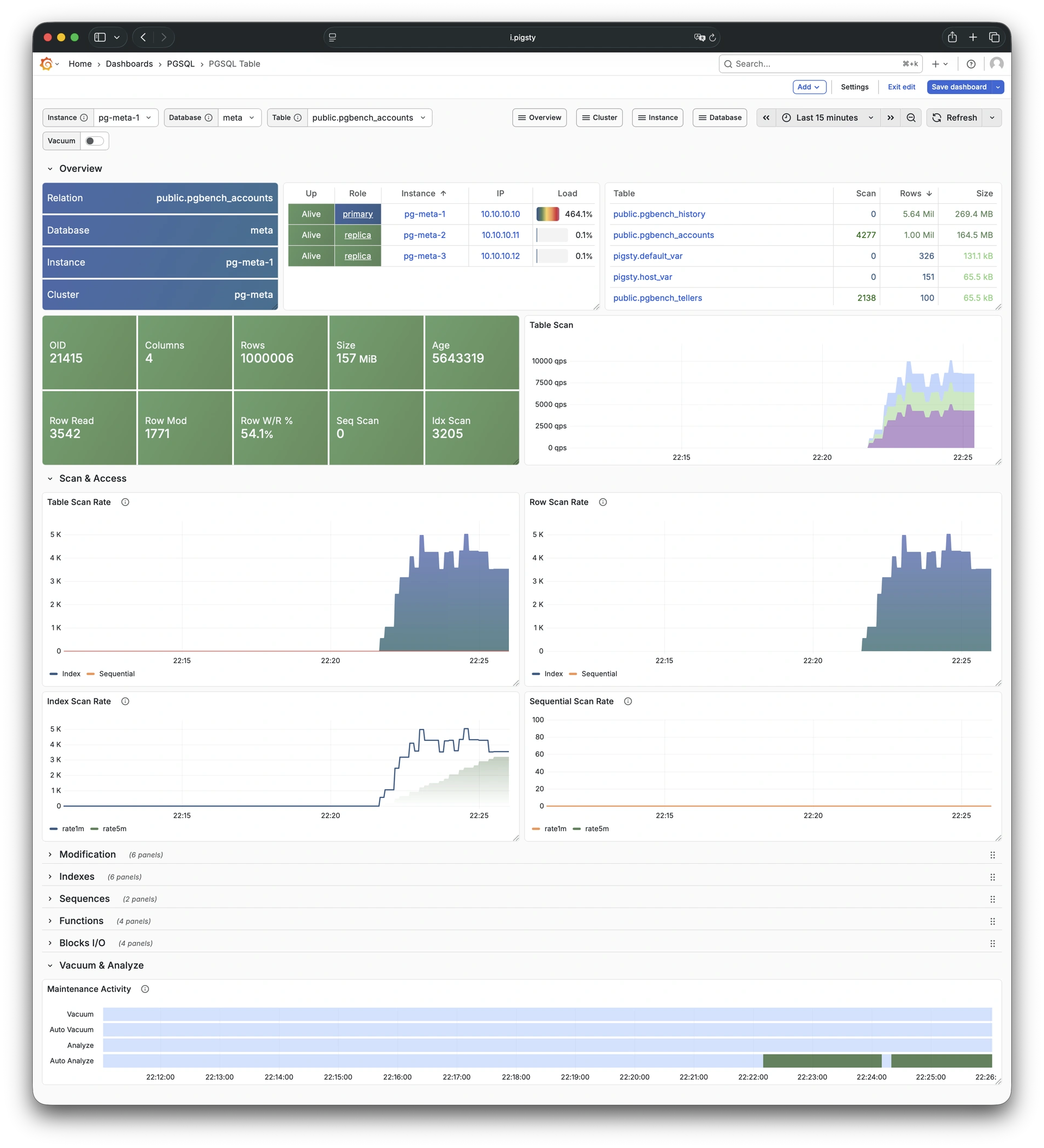
Detailed table info from catalog: Demo
PGCAT Table shows detailed table information from database catalog including statistics and bloat analysis.
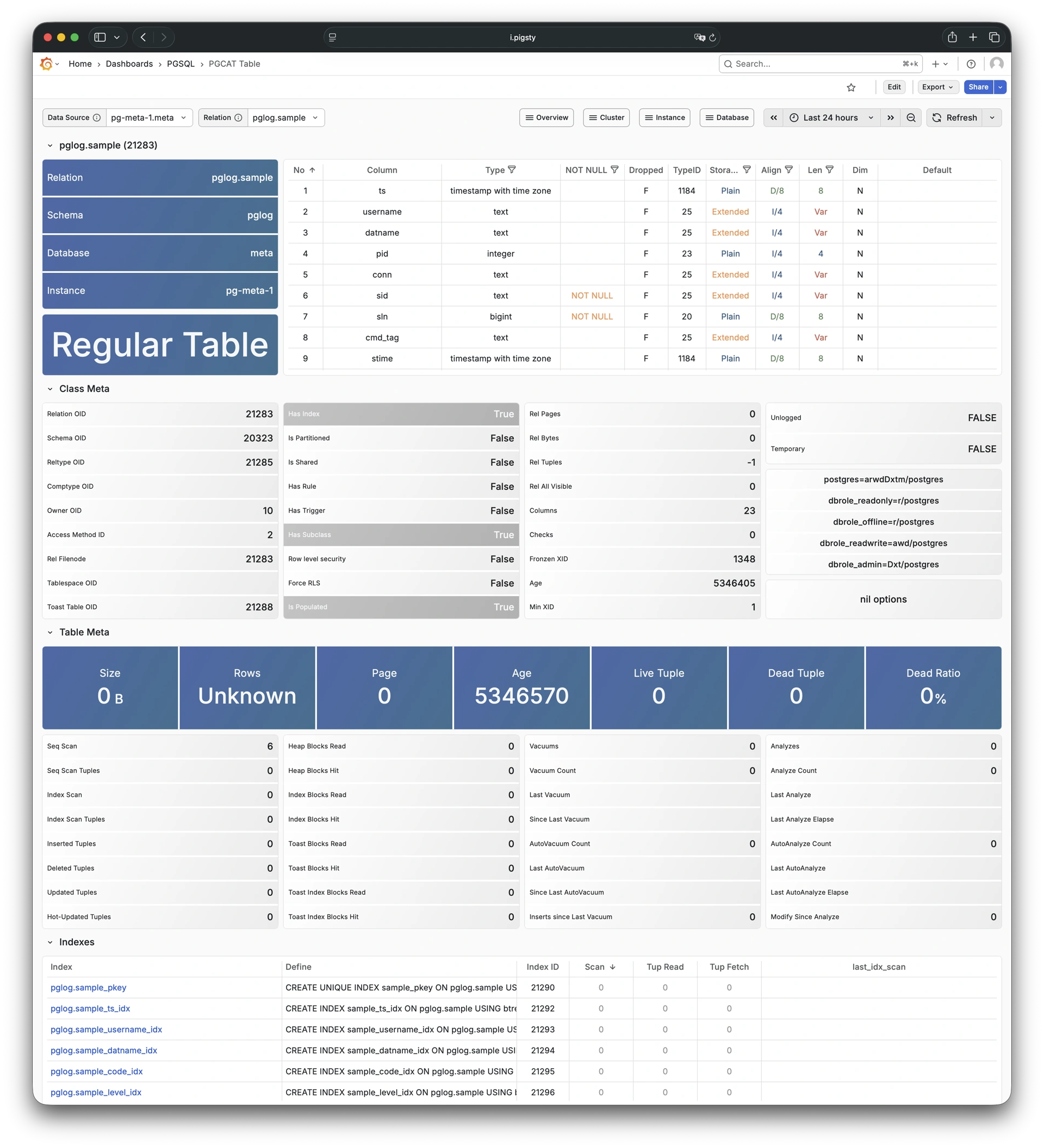
Detailed info for a query type: Demo
PGSQL Query shows detailed metrics for a specific query type including QPS and response time distribution.
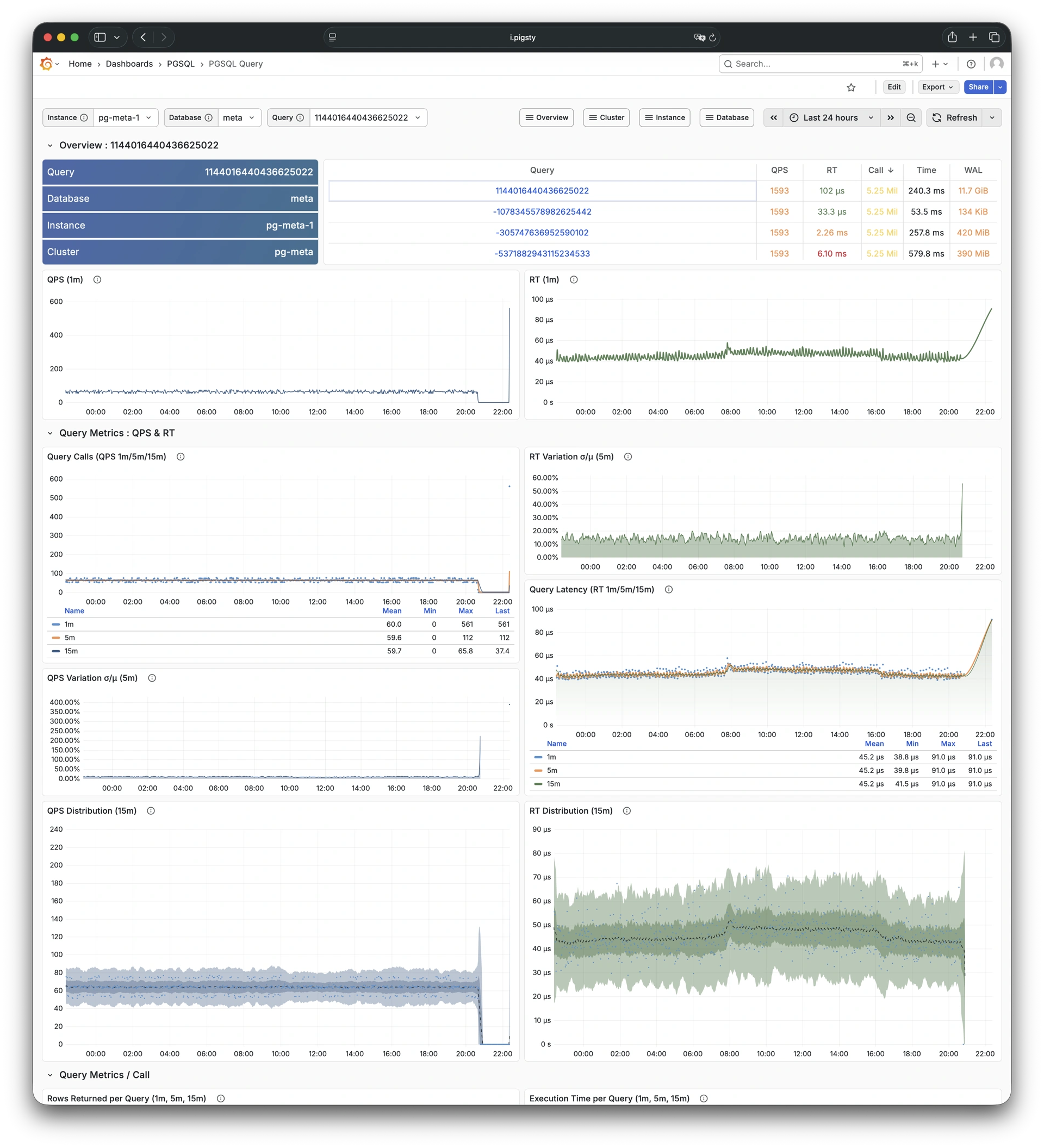
Query details from database catalog: Demo
PGCAT Query shows query details from database catalog including SQL text and execution statistics.
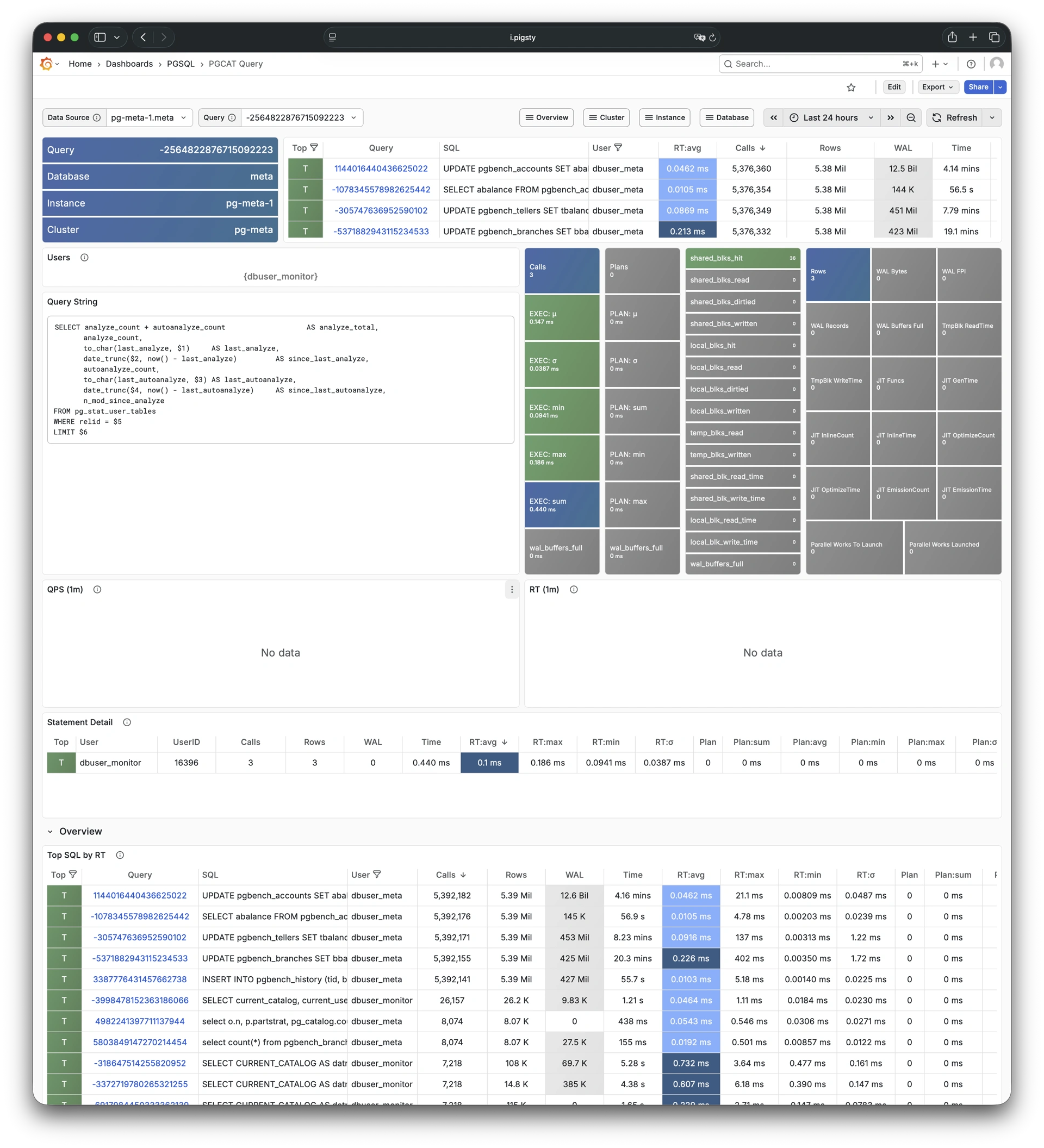
Activity and lock wait info: Demo
PGCAT Locks shows active sessions and lock wait information from database catalog.
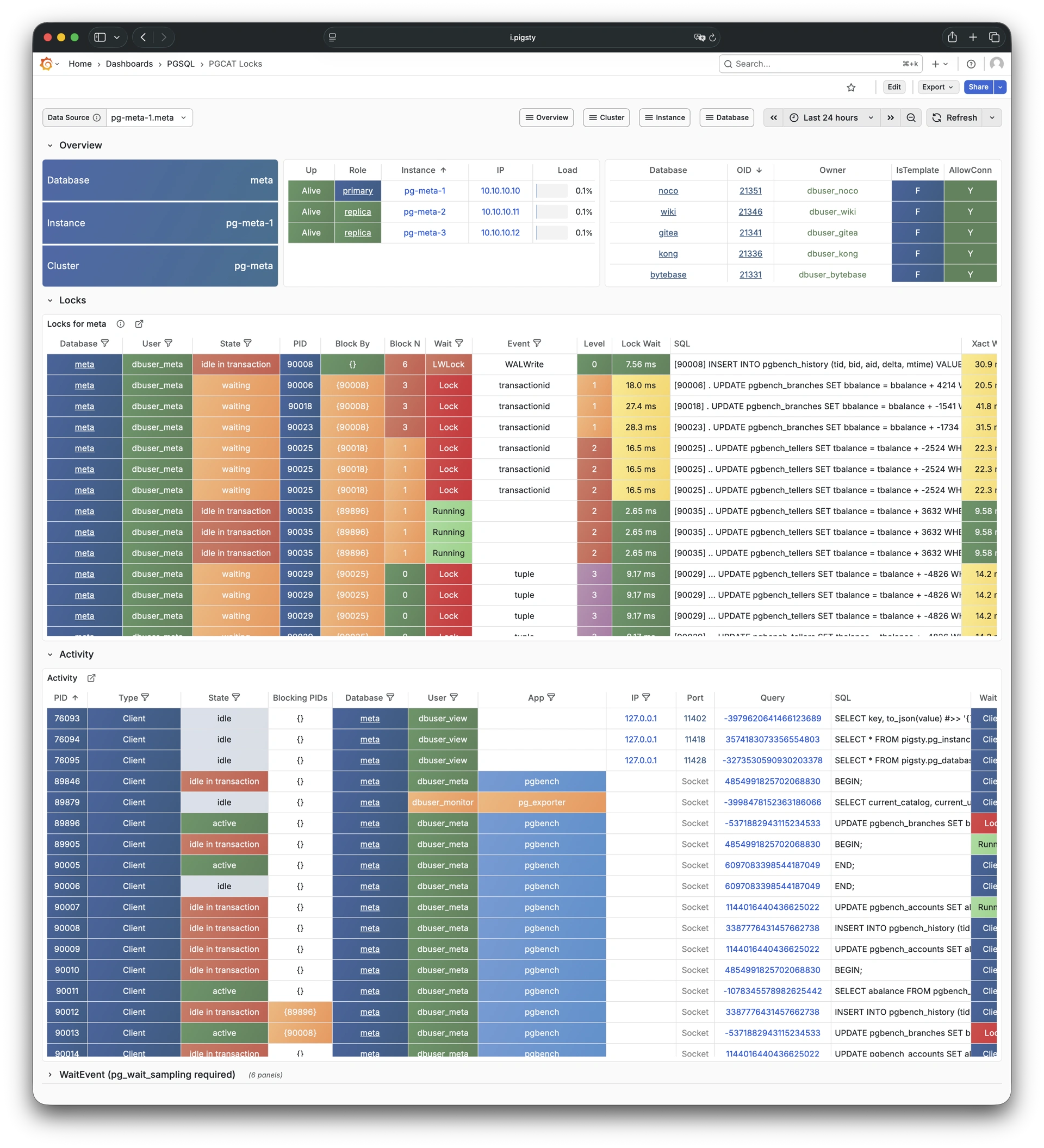
Schema info from database catalog: Demo
PGCAT Schema shows schema-level information from database catalog including tables, indexes, and sequences.
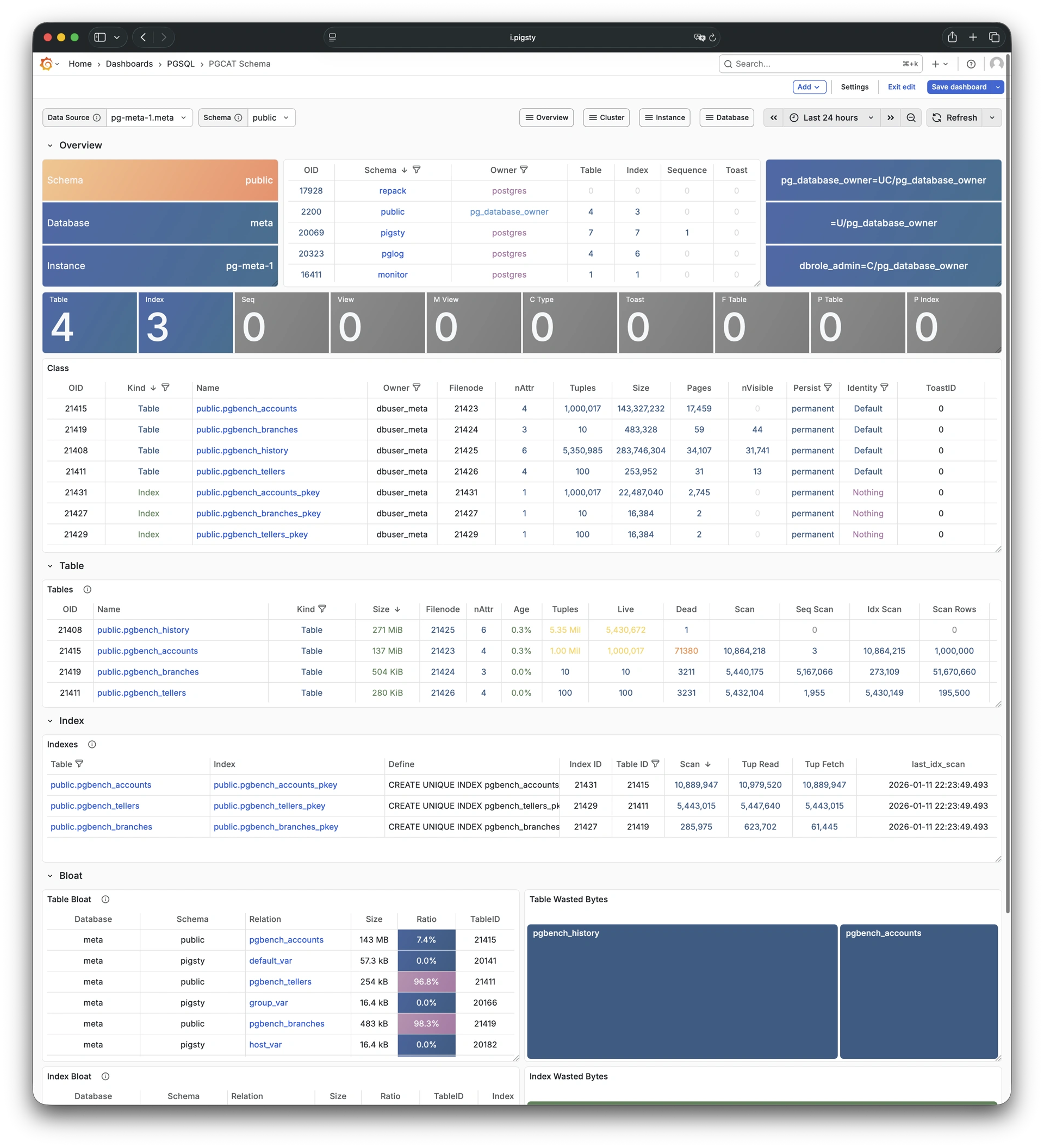
The PGSQL module provides 638 available monitoring metrics.
| Metric Name | Type | Labels | Description |
|---|---|---|---|
| ALERTS | Unknown | category, job, level, ins, severity, ip, alertname, alertstate, instance, cls |
N/A |
| ALERTS_FOR_STATE | Unknown | category, job, level, ins, severity, ip, alertname, instance, cls |
N/A |
| cls:pressure1 | Unknown | job, cls |
N/A |
| cls:pressure15 | Unknown | job, cls |
N/A |
| cls:pressure5 | Unknown | job, cls |
N/A |
| go_gc_duration_seconds | summary | job, ins, ip, instance, quantile, cls |
A summary of the pause duration of garbage collection cycles. |
| go_gc_duration_seconds_count | Unknown | job, ins, ip, instance, cls |
N/A |
| go_gc_duration_seconds_sum | Unknown | job, ins, ip, instance, cls |
N/A |
| go_goroutines | gauge | job, ins, ip, instance, cls |
Number of goroutines that currently exist. |
| go_info | gauge | version, job, ins, ip, instance, cls |
Information about the Go environment. |
| go_memstats_alloc_bytes | gauge | job, ins, ip, instance, cls |
Number of bytes allocated and still in use. |
| go_memstats_alloc_bytes_total | counter | job, ins, ip, instance, cls |
Total number of bytes allocated, even if freed. |
| go_memstats_buck_hash_sys_bytes | gauge | job, ins, ip, instance, cls |
Number of bytes used by the profiling bucket hash table. |
| go_memstats_frees_total | counter | job, ins, ip, instance, cls |
Total number of frees. |
| go_memstats_gc_sys_bytes | gauge | job, ins, ip, instance, cls |
Number of bytes used for garbage collection system metadata. |
| go_memstats_heap_alloc_bytes | gauge | job, ins, ip, instance, cls |
Number of heap bytes allocated and still in use. |
| go_memstats_heap_idle_bytes | gauge | job, ins, ip, instance, cls |
Number of heap bytes waiting to be used. |
| go_memstats_heap_inuse_bytes | gauge | job, ins, ip, instance, cls |
Number of heap bytes that are in use. |
| go_memstats_heap_objects | gauge | job, ins, ip, instance, cls |
Number of allocated objects. |
| go_memstats_heap_released_bytes | gauge | job, ins, ip, instance, cls |
Number of heap bytes released to OS. |
| go_memstats_heap_sys_bytes | gauge | job, ins, ip, instance, cls |
Number of heap bytes obtained from system. |
| go_memstats_last_gc_time_seconds | gauge | job, ins, ip, instance, cls |
Number of seconds since 1970 of last garbage collection. |
| go_memstats_lookups_total | counter | job, ins, ip, instance, cls |
Total number of pointer lookups. |
| go_memstats_mallocs_total | counter | job, ins, ip, instance, cls |
Total number of mallocs. |
| go_memstats_mcache_inuse_bytes | gauge | job, ins, ip, instance, cls |
Number of bytes in use by mcache structures. |
| go_memstats_mcache_sys_bytes | gauge | job, ins, ip, instance, cls |
Number of bytes used for mcache structures obtained from system. |
| go_memstats_mspan_inuse_bytes | gauge | job, ins, ip, instance, cls |
Number of bytes in use by mspan structures. |
| go_memstats_mspan_sys_bytes | gauge | job, ins, ip, instance, cls |
Number of bytes used for mspan structures obtained from system. |
| go_memstats_next_gc_bytes | gauge | job, ins, ip, instance, cls |
Number of heap bytes when next garbage collection will take place. |
| go_memstats_other_sys_bytes | gauge | job, ins, ip, instance, cls |
Number of bytes used for other system allocations. |
| go_memstats_stack_inuse_bytes | gauge | job, ins, ip, instance, cls |
Number of bytes in use by the stack allocator. |
| go_memstats_stack_sys_bytes | gauge | job, ins, ip, instance, cls |
Number of bytes obtained from system for stack allocator. |
| go_memstats_sys_bytes | gauge | job, ins, ip, instance, cls |
Number of bytes obtained from system. |
| go_threads | gauge | job, ins, ip, instance, cls |
Number of OS threads created. |
| ins:pressure1 | Unknown | job, ins, ip, cls |
N/A |
| ins:pressure15 | Unknown | job, ins, ip, cls |
N/A |
| ins:pressure5 | Unknown | job, ins, ip, cls |
N/A |
| patroni_cluster_unlocked | gauge | job, ins, ip, instance, cls, scope |
Value is 1 if the cluster is unlocked, 0 if locked. |
| patroni_dcs_last_seen | gauge | job, ins, ip, instance, cls, scope |
Epoch timestamp when DCS was last contacted successfully by Patroni. |
| patroni_failsafe_mode_is_active | gauge | job, ins, ip, instance, cls, scope |
Value is 1 if failsafe mode is active, 0 if inactive. |
| patroni_is_paused | gauge | job, ins, ip, instance, cls, scope |
Value is 1 if auto failover is disabled, 0 otherwise. |
| patroni_master | gauge | job, ins, ip, instance, cls, scope |
Value is 1 if this node is the leader, 0 otherwise. |
| patroni_pending_restart | gauge | job, ins, ip, instance, cls, scope |
Value is 1 if the node needs a restart, 0 otherwise. |
| patroni_postgres_in_archive_recovery | gauge | job, ins, ip, instance, cls, scope |
Value is 1 if Postgres is replicating from archive, 0 otherwise. |
| patroni_postgres_running | gauge | job, ins, ip, instance, cls, scope |
Value is 1 if Postgres is running, 0 otherwise. |
| patroni_postgres_server_version | gauge | job, ins, ip, instance, cls, scope |
Version of Postgres (if running), 0 otherwise. |
| patroni_postgres_streaming | gauge | job, ins, ip, instance, cls, scope |
Value is 1 if Postgres is streaming, 0 otherwise. |
| patroni_postgres_timeline | counter | job, ins, ip, instance, cls, scope |
Postgres timeline of this node (if running), 0 otherwise. |
| patroni_postmaster_start_time | gauge | job, ins, ip, instance, cls, scope |
Epoch seconds since Postgres started. |
| patroni_primary | gauge | job, ins, ip, instance, cls, scope |
Value is 1 if this node is the leader, 0 otherwise. |
| patroni_replica | gauge | job, ins, ip, instance, cls, scope |
Value is 1 if this node is a replica, 0 otherwise. |
| patroni_standby_leader | gauge | job, ins, ip, instance, cls, scope |
Value is 1 if this node is the standby_leader, 0 otherwise. |
| patroni_sync_standby | gauge | job, ins, ip, instance, cls, scope |
Value is 1 if this node is a sync standby replica, 0 otherwise. |
| patroni_up | Unknown | job, ins, ip, instance, cls |
N/A |
| patroni_version | gauge | job, ins, ip, instance, cls, scope |
Patroni semver without periods. |
| patroni_xlog_location | counter | job, ins, ip, instance, cls, scope |
Current location of the Postgres transaction log, 0 if this node is not the leader. |
| patroni_xlog_paused | gauge | job, ins, ip, instance, cls, scope |
Value is 1 if the Postgres xlog is paused, 0 otherwise. |
| patroni_xlog_received_location | counter | job, ins, ip, instance, cls, scope |
Current location of the received Postgres transaction log, 0 if this node is not a replica. |
| patroni_xlog_replayed_location | counter | job, ins, ip, instance, cls, scope |
Current location of the replayed Postgres transaction log, 0 if this node is not a replica. |
| patroni_xlog_replayed_timestamp | gauge | job, ins, ip, instance, cls, scope |
Current timestamp of the replayed Postgres transaction log, 0 if null. |
| pg:cls:active_backends | Unknown | job, cls |
N/A |
| pg:cls:active_time_rate15m | Unknown | job, cls |
N/A |
| pg:cls:active_time_rate1m | Unknown | job, cls |
N/A |
| pg:cls:active_time_rate5m | Unknown | job, cls |
N/A |
| pg:cls:age | Unknown | job, cls |
N/A |
| pg:cls:buf_alloc_rate1m | Unknown | job, cls |
N/A |
| pg:cls:buf_clean_rate1m | Unknown | job, cls |
N/A |
| pg:cls:buf_flush_backend_rate1m | Unknown | job, cls |
N/A |
| pg:cls:buf_flush_checkpoint_rate1m | Unknown | job, cls |
N/A |
| pg:cls:cpu_count | Unknown | job, cls |
N/A |
| pg:cls:cpu_usage | Unknown | job, cls |
N/A |
| pg:cls:cpu_usage_15m | Unknown | job, cls |
N/A |
| pg:cls:cpu_usage_1m | Unknown | job, cls |
N/A |
| pg:cls:cpu_usage_5m | Unknown | job, cls |
N/A |
| pg:cls:db_size | Unknown | job, cls |
N/A |
| pg:cls:file_size | Unknown | job, cls |
N/A |
| pg:cls:ixact_backends | Unknown | job, cls |
N/A |
| pg:cls:ixact_time_rate1m | Unknown | job, cls |
N/A |
| pg:cls:lag_bytes | Unknown | job, cls |
N/A |
| pg:cls:lag_seconds | Unknown | job, cls |
N/A |
| pg:cls:leader | Unknown | job, ins, ip, instance, cls |
N/A |
| pg:cls:load1 | Unknown | job, cls |
N/A |
| pg:cls:load15 | Unknown | job, cls |
N/A |
| pg:cls:load5 | Unknown | job, cls |
N/A |
| pg:cls:lock_count | Unknown | job, cls |
N/A |
| pg:cls:locks | Unknown | job, cls, mode |
N/A |
| pg:cls:log_size | Unknown | job, cls |
N/A |
| pg:cls:lsn_rate1m | Unknown | job, cls |
N/A |
| pg:cls:members | Unknown | job, ins, ip, cls |
N/A |
| pg:cls:num_backends | Unknown | job, cls |
N/A |
| pg:cls:partition | Unknown | job, cls |
N/A |
| pg:cls:receiver | Unknown | state, slot_name, job, appname, ip, cls, sender_host, sender_port |
N/A |
| pg:cls:rlock_count | Unknown | job, cls |
N/A |
| pg:cls:saturation1 | Unknown | job, cls |
N/A |
| pg:cls:saturation15 | Unknown | job, cls |
N/A |
| pg:cls:saturation5 | Unknown | job, cls |
N/A |
| pg:cls:sender | Unknown | pid, usename, address, job, ins, appname, ip, cls |
N/A |
| pg:cls:session_time_rate1m | Unknown | job, cls |
N/A |
| pg:cls:size | Unknown | job, cls |
N/A |
| pg:cls:slot_count | Unknown | job, cls |
N/A |
| pg:cls:slot_retained_bytes | Unknown | job, cls |
N/A |
| pg:cls:standby_count | Unknown | job, cls |
N/A |
| pg:cls:sync_state | Unknown | job, cls |
N/A |
| pg:cls:timeline | Unknown | job, cls |
N/A |
| pg:cls:tup_deleted_rate1m | Unknown | job, cls |
N/A |
| pg:cls:tup_fetched_rate1m | Unknown | job, cls |
N/A |
| pg:cls:tup_inserted_rate1m | Unknown | job, cls |
N/A |
| pg:cls:tup_modified_rate1m | Unknown | job, cls |
N/A |
| pg:cls:tup_returned_rate1m | Unknown | job, cls |
N/A |
| pg:cls:wal_size | Unknown | job, cls |
N/A |
| pg:cls:xact_commit_rate15m | Unknown | job, cls |
N/A |
| pg:cls:xact_commit_rate1m | Unknown | job, cls |
N/A |
| pg:cls:xact_commit_rate5m | Unknown | job, cls |
N/A |
| pg:cls:xact_rollback_rate15m | Unknown | job, cls |
N/A |
| pg:cls:xact_rollback_rate1m | Unknown | job, cls |
N/A |
| pg:cls:xact_rollback_rate5m | Unknown | job, cls |
N/A |
| pg:cls:xact_total_rate15m | Unknown | job, cls |
N/A |
| pg:cls:xact_total_rate1m | Unknown | job, cls |
N/A |
| pg:cls:xact_total_sigma15m | Unknown | job, cls |
N/A |
| pg:cls:xlock_count | Unknown | job, cls |
N/A |
| pg:db:active_backends | Unknown | datname, job, ins, ip, instance, cls |
N/A |
| pg:db:active_time_rate15m | Unknown | datname, job, ins, ip, instance, cls |
N/A |
| pg:db:active_time_rate1m | Unknown | datname, job, ins, ip, instance, cls |
N/A |
| pg:db:active_time_rate5m | Unknown | datname, job, ins, ip, instance, cls |
N/A |
| pg:db:age | Unknown | datname, job, ins, ip, instance, cls |
N/A |
| pg:db:age_deriv1h | Unknown | datname, job, ins, ip, instance, cls |
N/A |
| pg:db:age_exhaust | Unknown | datname, job, ins, ip, instance, cls |
N/A |
| pg:db:blk_io_time_seconds_rate1m | Unknown | datname, job, ins, ip, instance, cls |
N/A |
| pg:db:blk_read_time_seconds_rate1m | Unknown | datname, job, ins, ip, instance, cls |
N/A |
| pg:db:blk_write_time_seconds_rate1m | Unknown | datname, job, ins, ip, instance, cls |
N/A |
| pg:db:blks_access_1m | Unknown | datname, job, ins, ip, instance, cls |
N/A |
| pg:db:blks_hit_1m | Unknown | datname, job, ins, ip, instance, cls |
N/A |
| pg:db:blks_hit_ratio1m | Unknown | datname, job, ins, ip, instance, cls |
N/A |
| pg:db:blks_read_1m | Unknown | datname, job, ins, ip, instance, cls |
N/A |
| pg:db:conn_limit | Unknown | datname, job, ins, ip, instance, cls |
N/A |
| pg:db:conn_usage | Unknown | datname, job, ins, ip, instance, cls |
N/A |
| pg:db:db_size | Unknown | datname, job, ins, ip, instance, cls |
N/A |
| pg:db:ixact_backends | Unknown | datname, job, ins, ip, instance, cls |
N/A |
| pg:db:ixact_time_rate1m | Unknown | datname, job, ins, ip, instance, cls |
N/A |
| pg:db:lock_count | Unknown | datname, job, ins, ip, instance, cls |
N/A |
| pg:db:num_backends | Unknown | datname, job, ins, ip, instance, cls |
N/A |
| pg:db:rlock_count | Unknown | datname, job, ins, ip, instance, cls |
N/A |
| pg:db:session_time_rate1m | Unknown | datname, job, ins, ip, instance, cls |
N/A |
| pg:db:temp_bytes_rate1m | Unknown | datname, job, ins, ip, instance, cls |
N/A |
| pg:db:temp_files_1m | Unknown | datname, job, ins, ip, instance, cls |
N/A |
| pg:db:tup_deleted_rate1m | Unknown | datname, job, ins, ip, instance, cls |
N/A |
| pg:db:tup_fetched_rate1m | Unknown | datname, job, ins, ip, instance, cls |
N/A |
| pg:db:tup_inserted_rate1m | Unknown | datname, job, ins, ip, instance, cls |
N/A |
| pg:db:tup_modified_rate1m | Unknown | datname, job, ins, ip, instance, cls |
N/A |
| pg:db:tup_returned_rate1m | Unknown | datname, job, ins, ip, instance, cls |
N/A |
| pg:db:wlock_count | Unknown | datname, job, ins, ip, instance, cls |
N/A |
| pg:db:xact_commit_rate15m | Unknown | datname, job, ins, ip, instance, cls |
N/A |
| pg:db:xact_commit_rate1m | Unknown | datname, job, ins, ip, instance, cls |
N/A |
| pg:db:xact_commit_rate5m | Unknown | datname, job, ins, ip, instance, cls |
N/A |
| pg:db:xact_rollback_rate15m | Unknown | datname, job, ins, ip, instance, cls |
N/A |
| pg:db:xact_rollback_rate1m | Unknown | datname, job, ins, ip, instance, cls |
N/A |
| pg:db:xact_rollback_rate5m | Unknown | datname, job, ins, ip, instance, cls |
N/A |
| pg:db:xact_total_rate15m | Unknown | datname, job, ins, ip, instance, cls |
N/A |
| pg:db:xact_total_rate1m | Unknown | datname, job, ins, ip, instance, cls |
N/A |
| pg:db:xact_total_rate5m | Unknown | datname, job, ins, ip, instance, cls |
N/A |
| pg:db:xact_total_sigma15m | Unknown | datname, job, ins, ip, instance, cls |
N/A |
| pg:db:xlock_count | Unknown | datname, job, ins, ip, instance, cls |
N/A |
| pg:env:active_backends | Unknown | job |
N/A |
| pg:env:active_time_rate15m | Unknown | job |
N/A |
| pg:env:active_time_rate1m | Unknown | job |
N/A |
| pg:env:active_time_rate5m | Unknown | job |
N/A |
| pg:env:age | Unknown | job |
N/A |
| pg:env:cpu_count | Unknown | job |
N/A |
| pg:env:cpu_usage | Unknown | job |
N/A |
| pg:env:cpu_usage_15m | Unknown | job |
N/A |
| pg:env:cpu_usage_1m | Unknown | job |
N/A |
| pg:env:cpu_usage_5m | Unknown | job |
N/A |
| pg:env:ixact_backends | Unknown | job |
N/A |
| pg:env:ixact_time_rate1m | Unknown | job |
N/A |
| pg:env:lag_bytes | Unknown | job |
N/A |
| pg:env:lag_seconds | Unknown | job |
N/A |
| pg:env:lsn_rate1m | Unknown | job |
N/A |
| pg:env:session_time_rate1m | Unknown | job |
N/A |
| pg:env:tup_deleted_rate1m | Unknown | job |
N/A |
| pg:env:tup_fetched_rate1m | Unknown | job |
N/A |
| pg:env:tup_inserted_rate1m | Unknown | job |
N/A |
| pg:env:tup_modified_rate1m | Unknown | job |
N/A |
| pg:env:tup_returned_rate1m | Unknown | job |
N/A |
| pg:env:xact_commit_rate15m | Unknown | job |
N/A |
| pg:env:xact_commit_rate1m | Unknown | job |
N/A |
| pg:env:xact_commit_rate5m | Unknown | job |
N/A |
| pg:env:xact_rollback_rate15m | Unknown | job |
N/A |
| pg:env:xact_rollback_rate1m | Unknown | job |
N/A |
| pg:env:xact_rollback_rate5m | Unknown | job |
N/A |
| pg:env:xact_total_rate15m | Unknown | job |
N/A |
| pg:env:xact_total_rate1m | Unknown | job |
N/A |
| pg:env:xact_total_sigma15m | Unknown | job |
N/A |
| pg:ins:active_backends | Unknown | job, ins, ip, instance, cls |
N/A |
| pg:ins:active_time_rate15m | Unknown | job, ins, ip, instance, cls |
N/A |
| pg:ins:active_time_rate1m | Unknown | job, ins, ip, instance, cls |
N/A |
| pg:ins:active_time_rate5m | Unknown | job, ins, ip, instance, cls |
N/A |
| pg:ins:age | Unknown | job, ins, ip, instance, cls |
N/A |
| pg:ins:blks_hit_ratio1m | Unknown | job, ins, ip, instance, cls |
N/A |
| pg:ins:buf_alloc_rate1m | Unknown | job, ins, ip, instance, cls |
N/A |
| pg:ins:buf_clean_rate1m | Unknown | job, ins, ip, instance, cls |
N/A |
| pg:ins:buf_flush_backend_rate1m | Unknown | job, ins, ip, instance, cls |
N/A |
| pg:ins:buf_flush_checkpoint_rate1m | Unknown | job, ins, ip, instance, cls |
N/A |
| pg:ins:ckpt_1h | Unknown | job, ins, ip, instance, cls |
N/A |
| pg:ins:ckpt_req_1m | Unknown | job, ins, ip, instance, cls |
N/A |
| pg:ins:ckpt_timed_1m | Unknown | job, ins, ip, instance, cls |
N/A |
| pg:ins:conn_limit | Unknown | job, ins, ip, instance, cls |
N/A |
| pg:ins:conn_usage | Unknown | job, ins, ip, instance, cls |
N/A |
| pg:ins:cpu_count | Unknown | job, ins, ip, instance, cls |
N/A |
| pg:ins:cpu_usage | Unknown | job, ins, ip, instance, cls |
N/A |
| pg:ins:cpu_usage_15m | Unknown | job, ins, ip, instance, cls |
N/A |
| pg:ins:cpu_usage_1m | Unknown | job, ins, ip, instance, cls |
N/A |
| pg:ins:cpu_usage_5m | Unknown | job, ins, ip, instance, cls |
N/A |
| pg:ins:db_size | Unknown | job, ins, ip, instance, cls |
N/A |
| pg:ins:file_size | Unknown | job, ins, ip, instance, cls |
N/A |
| pg:ins:fs_size | Unknown | job, ins, ip, instance, cls |
N/A |
| pg:ins:is_leader | Unknown | job, ins, ip, instance, cls |
N/A |
| pg:ins:ixact_backends | Unknown | job, ins, ip, instance, cls |
N/A |
| pg:ins:ixact_time_rate1m | Unknown | job, ins, ip, instance, cls |
N/A |
| pg:ins:lag_bytes | Unknown | job, ins, ip, instance, cls |
N/A |
| pg:ins:lag_seconds | Unknown | job, ins, ip, instance, cls |
N/A |
| pg:ins:load1 | Unknown | job, ins, ip, instance, cls |
N/A |
| pg:ins:load15 | Unknown | job, ins, ip, instance, cls |
N/A |
| pg:ins:load5 | Unknown | job, ins, ip, instance, cls |
N/A |
| pg:ins:lock_count | Unknown | job, ins, ip, instance, cls |
N/A |
| pg:ins:locks | Unknown | job, ins, ip, mode, instance, cls |
N/A |
| pg:ins:log_size | Unknown | job, ins, ip, instance, cls |
N/A |
| pg:ins:lsn_rate1m | Unknown | job, ins, ip, instance, cls |
N/A |
| pg:ins:mem_size | Unknown | job, ins, ip, instance, cls |
N/A |
| pg:ins:num_backends | Unknown | job, ins, ip, instance, cls |
N/A |
| pg:ins:rlock_count | Unknown | job, ins, ip, instance, cls |
N/A |
| pg:ins:saturation1 | Unknown | job, ins, ip, cls |
N/A |
| pg:ins:saturation15 | Unknown | job, ins, ip, cls |
N/A |
| pg:ins:saturation5 | Unknown | job, ins, ip, cls |
N/A |
| pg:ins:session_time_rate1m | Unknown | job, ins, ip, instance, cls |
N/A |
| pg:ins:slot_retained_bytes | Unknown | job, ins, ip, instance, cls |
N/A |
| pg:ins:space_usage | Unknown | job, ins, ip, instance, cls |
N/A |
| pg:ins:status | Unknown | job, ins, ip, instance, cls |
N/A |
| pg:ins:sync_state | Unknown | job, ins, instance, cls |
N/A |
| pg:ins:target_count | Unknown | job, cls, ins |
N/A |
| pg:ins:timeline | Unknown | job, ins, ip, instance, cls |
N/A |
| pg:ins:tup_deleted_rate1m | Unknown | job, ins, ip, instance, cls |
N/A |
| pg:ins:tup_fetched_rate1m | Unknown | job, ins, ip, instance, cls |
N/A |
| pg:ins:tup_inserted_rate1m | Unknown | job, ins, ip, instance, cls |
N/A |
| pg:ins:tup_modified_rate1m | Unknown | job, ins, ip, instance, cls |
N/A |
| pg:ins:tup_returned_rate1m | Unknown | job, ins, ip, instance, cls |
N/A |
| pg:ins:wal_size | Unknown | job, ins, ip, instance, cls |
N/A |
| pg:ins:wlock_count | Unknown | job, ins, ip, instance, cls |
N/A |
| pg:ins:xact_commit_rate15m | Unknown | job, ins, ip, instance, cls |
N/A |
| pg:ins:xact_commit_rate1m | Unknown | job, ins, ip, instance, cls |
N/A |
| pg:ins:xact_commit_rate5m | Unknown | job, ins, ip, instance, cls |
N/A |
| pg:ins:xact_rollback_rate15m | Unknown | job, ins, ip, instance, cls |
N/A |
| pg:ins:xact_rollback_rate1m | Unknown | job, ins, ip, instance, cls |
N/A |
| pg:ins:xact_rollback_rate5m | Unknown | job, ins, ip, instance, cls |
N/A |
| pg:ins:xact_total_rate15m | Unknown | job, ins, ip, instance, cls |
N/A |
| pg:ins:xact_total_rate1m | Unknown | job, ins, ip, instance, cls |
N/A |
| pg:ins:xact_total_rate5m | Unknown | job, ins, ip, instance, cls |
N/A |
| pg:ins:xact_total_sigma15m | Unknown | job, ins, ip, instance, cls |
N/A |
| pg:ins:xlock_count | Unknown | job, ins, ip, instance, cls |
N/A |
| pg:query:call_rate1m | Unknown | datname, query, job, ins, ip, instance, cls |
N/A |
| pg:query:rt_1m | Unknown | datname, query, job, ins, ip, instance, cls |
N/A |
| pg:table:scan_rate1m | Unknown | datname, relname, job, ins, ip, instance, cls |
N/A |
| pg_activity_count | gauge | datname, state, job, ins, ip, instance, cls |
Count of connection among (datname,state) |
| pg_activity_max_conn_duration | gauge | datname, state, job, ins, ip, instance, cls |
Max backend session duration since state change among (datname, state) |
| pg_activity_max_duration | gauge | datname, state, job, ins, ip, instance, cls |
Max duration since last state change among (datname, state) |
| pg_activity_max_tx_duration | gauge | datname, state, job, ins, ip, instance, cls |
Max transaction duration since state change among (datname, state) |
| pg_archiver_failed_count | counter | job, ins, ip, instance, cls |
Number of failed attempts for archiving WAL files |
| pg_archiver_finish_count | counter | job, ins, ip, instance, cls |
Number of WAL files that have been successfully archived |
| pg_archiver_last_failed_time | counter | job, ins, ip, instance, cls |
Time of the last failed archival operation |
| pg_archiver_last_finish_time | counter | job, ins, ip, instance, cls |
Time of the last successful archive operation |
| pg_archiver_reset_time | gauge | job, ins, ip, instance, cls |
Time at which archive statistics were last reset |
| pg_backend_count | gauge | type, job, ins, ip, instance, cls |
Database backend process count by backend_type |
| pg_bgwriter_buffers_alloc | counter | job, ins, ip, instance, cls |
Number of buffers allocated |
| pg_bgwriter_buffers_backend | counter | job, ins, ip, instance, cls |
Number of buffers written directly by a backend |
| pg_bgwriter_buffers_backend_fsync | counter | job, ins, ip, instance, cls |
Number of times a backend had to execute its own fsync call |
| pg_bgwriter_buffers_checkpoint | counter | job, ins, ip, instance, cls |
Number of buffers written during checkpoints |
| pg_bgwriter_buffers_clean | counter | job, ins, ip, instance, cls |
Number of buffers written by the background writer |
| pg_bgwriter_checkpoint_sync_time | counter | job, ins, ip, instance, cls |
Total amount of time that has been spent in the portion of checkpoint processing where files are synchronized to disk, in seconds |
| pg_bgwriter_checkpoint_write_time | counter | job, ins, ip, instance, cls |
Total amount of time that has been spent in the portion of checkpoint processing where files are written to disk, in seconds |
| pg_bgwriter_checkpoints_req | counter | job, ins, ip, instance, cls |
Number of requested checkpoints that have been performed |
| pg_bgwriter_checkpoints_timed | counter | job, ins, ip, instance, cls |
Number of scheduled checkpoints that have been performed |
| pg_bgwriter_maxwritten_clean | counter | job, ins, ip, instance, cls |
Number of times the background writer stopped a cleaning scan because it had written too many buffers |
| pg_bgwriter_reset_time | counter | job, ins, ip, instance, cls |
Time at which bgwriter statistics were last reset |
| pg_boot_time | gauge | job, ins, ip, instance, cls |
unix timestamp when postmaster boot |
| pg_checkpoint_checkpoint_lsn | counter | job, ins, ip, instance, cls |
Latest checkpoint location |
| pg_checkpoint_elapse | gauge | job, ins, ip, instance, cls |
Seconds elapsed since latest checkpoint in seconds |
| pg_checkpoint_full_page_writes | gauge | job, ins, ip, instance, cls |
Latest checkpoint’s full_page_writes enabled |
| pg_checkpoint_newest_commit_ts_xid | counter | job, ins, ip, instance, cls |
Latest checkpoint’s newestCommitTsXid |
| pg_checkpoint_next_multi_offset | counter | job, ins, ip, instance, cls |
Latest checkpoint’s NextMultiOffset |
| pg_checkpoint_next_multixact_id | counter | job, ins, ip, instance, cls |
Latest checkpoint’s NextMultiXactId |
| pg_checkpoint_next_oid | counter | job, ins, ip, instance, cls |
Latest checkpoint’s NextOID |
| pg_checkpoint_next_xid | counter | job, ins, ip, instance, cls |
Latest checkpoint’s NextXID xid |
| pg_checkpoint_next_xid_epoch | counter | job, ins, ip, instance, cls |
Latest checkpoint’s NextXID epoch |
| pg_checkpoint_oldest_active_xid | counter | job, ins, ip, instance, cls |
Latest checkpoint’s oldestActiveXID |
| pg_checkpoint_oldest_commit_ts_xid | counter | job, ins, ip, instance, cls |
Latest checkpoint’s oldestCommitTsXid |
| pg_checkpoint_oldest_multi_dbid | gauge | job, ins, ip, instance, cls |
Latest checkpoint’s oldestMulti’s DB OID |
| pg_checkpoint_oldest_multi_xid | counter | job, ins, ip, instance, cls |
Latest checkpoint’s oldestMultiXid |
| pg_checkpoint_oldest_xid | counter | job, ins, ip, instance, cls |
Latest checkpoint’s oldestXID |
| pg_checkpoint_oldest_xid_dbid | gauge | job, ins, ip, instance, cls |
Latest checkpoint’s oldestXID’s DB OID |
| pg_checkpoint_prev_tli | counter | job, ins, ip, instance, cls |
Latest checkpoint’s PrevTimeLineID |
| pg_checkpoint_redo_lsn | counter | job, ins, ip, instance, cls |
Latest checkpoint’s REDO location |
| pg_checkpoint_time | counter | job, ins, ip, instance, cls |
Time of latest checkpoint |
| pg_checkpoint_tli | counter | job, ins, ip, instance, cls |
Latest checkpoint’s TimeLineID |
| pg_conf_reload_time | gauge | job, ins, ip, instance, cls |
seconds since last configuration reload |
| pg_db_active_time | counter | datname, job, ins, ip, instance, cls |
Time spent executing SQL statements in this database, in seconds |
| pg_db_age | gauge | datname, job, ins, ip, instance, cls |
Age of database calculated from datfrozenxid |
| pg_db_allow_conn | gauge | datname, job, ins, ip, instance, cls |
If false(0) then no one can connect to this database. |
| pg_db_blk_read_time | counter | datname, job, ins, ip, instance, cls |
Time spent reading data file blocks by backends in this database, in seconds |
| pg_db_blk_write_time | counter | datname, job, ins, ip, instance, cls |
Time spent writing data file blocks by backends in this database, in seconds |
| pg_db_blks_access | counter | datname, job, ins, ip, instance, cls |
Number of times disk blocks that accessed read+hit |
| pg_db_blks_hit | counter | datname, job, ins, ip, instance, cls |
Number of times disk blocks were found already in the buffer cache |
| pg_db_blks_read | counter | datname, job, ins, ip, instance, cls |
Number of disk blocks read in this database |
| pg_db_cks_fail_time | gauge | datname, job, ins, ip, instance, cls |
Time at which the last data page checksum failure was detected in this database |
| pg_db_cks_fails | counter | datname, job, ins, ip, instance, cls |
Number of data page checksum failures detected in this database, -1 for not enabled |
| pg_db_confl_confl_bufferpin | counter | datname, job, ins, ip, instance, cls |
Number of queries in this database that have been canceled due to pinned buffers |
| pg_db_confl_confl_deadlock | counter | datname, job, ins, ip, instance, cls |
Number of queries in this database that have been canceled due to deadlocks |
| pg_db_confl_confl_lock | counter | datname, job, ins, ip, instance, cls |
Number of queries in this database that have been canceled due to lock timeouts |
| pg_db_confl_confl_snapshot | counter | datname, job, ins, ip, instance, cls |
Number of queries in this database that have been canceled due to old snapshots |
| pg_db_confl_confl_tablespace | counter | datname, job, ins, ip, instance, cls |
Number of queries in this database that have been canceled due to dropped tablespaces |
| pg_db_conflicts | counter | datname, job, ins, ip, instance, cls |
Number of queries canceled due to conflicts with recovery in this database |
| pg_db_conn_limit | gauge | datname, job, ins, ip, instance, cls |
Sets maximum number of concurrent connections that can be made to this database. -1 means no limit. |
| pg_db_datid | gauge | datname, job, ins, ip, instance, cls |
OID of the database |
| pg_db_deadlocks | counter | datname, job, ins, ip, instance, cls |
Number of deadlocks detected in this database |
| pg_db_frozen_xid | gauge | datname, job, ins, ip, instance, cls |
All transaction IDs before this one have been frozened |
| pg_db_is_template | gauge | datname, job, ins, ip, instance, cls |
If true(1), then this database can be cloned by any user with CREATEDB privileges |
| pg_db_ixact_time | counter | datname, job, ins, ip, instance, cls |
Time spent idling while in a transaction in this database, in seconds |
| pg_db_numbackends | gauge | datname, job, ins, ip, instance, cls |
Number of backends currently connected to this database |
| pg_db_reset_time | counter | datname, job, ins, ip, instance, cls |
Time at which database statistics were last reset |
| pg_db_session_time | counter | datname, job, ins, ip, instance, cls |
Time spent by database sessions in this database, in seconds |
| pg_db_sessions | counter | datname, job, ins, ip, instance, cls |
Total number of sessions established to this database |
| pg_db_sessions_abandoned | counter | datname, job, ins, ip, instance, cls |
Number of database sessions to this database that were terminated because connection to the client was lost |
| pg_db_sessions_fatal | counter | datname, job, ins, ip, instance, cls |
Number of database sessions to this database that were terminated by fatal errors |
| pg_db_sessions_killed | counter | datname, job, ins, ip, instance, cls |
Number of database sessions to this database that were terminated by operator intervention |
| pg_db_temp_bytes | counter | datname, job, ins, ip, instance, cls |
Total amount of data written to temporary files by queries in this database. |
| pg_db_temp_files | counter | datname, job, ins, ip, instance, cls |
Number of temporary files created by queries in this database |
| pg_db_tup_deleted | counter | datname, job, ins, ip, instance, cls |
Number of rows deleted by queries in this database |
| pg_db_tup_fetched | counter | datname, job, ins, ip, instance, cls |
Number of rows fetched by queries in this database |
| pg_db_tup_inserted | counter | datname, job, ins, ip, instance, cls |
Number of rows inserted by queries in this database |
| pg_db_tup_modified | counter | datname, job, ins, ip, instance, cls |
Number of rows modified by queries in this database |
| pg_db_tup_returned | counter | datname, job, ins, ip, instance, cls |
Number of rows returned by queries in this database |
| pg_db_tup_updated | counter | datname, job, ins, ip, instance, cls |
Number of rows updated by queries in this database |
| pg_db_xact_commit | counter | datname, job, ins, ip, instance, cls |
Number of transactions in this database that have been committed |
| pg_db_xact_rollback | counter | datname, job, ins, ip, instance, cls |
Number of transactions in this database that have been rolled back |
| pg_db_xact_total | counter | datname, job, ins, ip, instance, cls |
Number of transactions in this database |
| pg_downstream_count | gauge | state, job, ins, ip, instance, cls |
Count of corresponding state |
| pg_exporter_agent_up | Unknown | job, ins, ip, instance, cls |
N/A |
| pg_exporter_last_scrape_time | gauge | job, ins, ip, instance, cls |
seconds exporter spending on scrapping |
| pg_exporter_query_cache_ttl | gauge | datname, query, job, ins, ip, instance, cls |
times to live of query cache |
| pg_exporter_query_scrape_duration | gauge | datname, query, job, ins, ip, instance, cls |
seconds query spending on scrapping |
| pg_exporter_query_scrape_error_count | gauge | datname, query, job, ins, ip, instance, cls |
times the query failed |
| pg_exporter_query_scrape_hit_count | gauge | datname, query, job, ins, ip, instance, cls |
numbers been scrapped from this query |
| pg_exporter_query_scrape_metric_count | gauge | datname, query, job, ins, ip, instance, cls |
numbers of metrics been scrapped from this query |
| pg_exporter_query_scrape_total_count | gauge | datname, query, job, ins, ip, instance, cls |
times exporter server was scraped for metrics |
| pg_exporter_scrape_duration | gauge | job, ins, ip, instance, cls |
seconds exporter spending on scrapping |
| pg_exporter_scrape_error_count | counter | job, ins, ip, instance, cls |
times exporter was scraped for metrics and failed |
| pg_exporter_scrape_total_count | counter | job, ins, ip, instance, cls |
times exporter was scraped for metrics |
| pg_exporter_server_scrape_duration | gauge | datname, job, ins, ip, instance, cls |
seconds exporter server spending on scrapping |
| pg_exporter_server_scrape_error_count | Unknown | datname, job, ins, ip, instance, cls |
N/A |
| pg_exporter_server_scrape_total_count | gauge | datname, job, ins, ip, instance, cls |
times exporter server was scraped for metrics |
| pg_exporter_server_scrape_total_seconds | gauge | datname, job, ins, ip, instance, cls |
seconds exporter server spending on scrapping |
| pg_exporter_up | gauge | job, ins, ip, instance, cls |
always be 1 if your could retrieve metrics |
| pg_exporter_uptime | gauge | job, ins, ip, instance, cls |
seconds since exporter primary server inited |
| pg_flush_lsn | counter | job, ins, ip, instance, cls |
primary only, location of current wal syncing |
| pg_func_calls | counter | datname, funcname, job, ins, ip, instance, cls |
Number of times this function has been called |
| pg_func_self_time | counter | datname, funcname, job, ins, ip, instance, cls |
Total time spent in this function itself, not including other functions called by it, in ms |
| pg_func_total_time | counter | datname, funcname, job, ins, ip, instance, cls |
Total time spent in this function and all other functions called by it, in ms |
| pg_in_recovery | gauge | job, ins, ip, instance, cls |
server is in recovery mode? 1 for yes 0 for no |
| pg_index_idx_blks_hit | counter | datname, relname, job, ins, relid, ip, instance, cls, idxname |
Number of buffer hits in this index |
| pg_index_idx_blks_read | counter | datname, relname, job, ins, relid, ip, instance, cls, idxname |
Number of disk blocks read from this index |
| pg_index_idx_scan | counter | datname, relname, job, ins, relid, ip, instance, cls, idxname |
Number of index scans initiated on this index |
| pg_index_idx_tup_fetch | counter | datname, relname, job, ins, relid, ip, instance, cls, idxname |
Number of live table rows fetched by simple index scans using this index |
| pg_index_idx_tup_read | counter | datname, relname, job, ins, relid, ip, instance, cls, idxname |
Number of index entries returned by scans on this index |
| pg_index_relpages | gauge | datname, relname, job, ins, relid, ip, instance, cls, idxname |
Size of the on-disk representation of this index in pages |
| pg_index_reltuples | gauge | datname, relname, job, ins, relid, ip, instance, cls, idxname |
Estimate relation tuples |
| pg_insert_lsn | counter | job, ins, ip, instance, cls |
primary only, location of current wal inserting |
| pg_io_evictions | counter | type, job, ins, object, ip, context, instance, cls |
Number of times a block has been written out from a shared or local buffer |
| pg_io_extend_time | counter | type, job, ins, object, ip, context, instance, cls |
Time spent in extend operations in seconds |
| pg_io_extends | counter | type, job, ins, object, ip, context, instance, cls |
Number of relation extend operations, each of the size specified in op_bytes. |
| pg_io_fsync_time | counter | type, job, ins, object, ip, context, instance, cls |
Time spent in fsync operations in seconds |
| pg_io_fsyncs | counter | type, job, ins, object, ip, context, instance, cls |
Number of fsync calls. These are only tracked in context normal |
| pg_io_hits | counter | type, job, ins, object, ip, context, instance, cls |
The number of times a desired block was found in a shared buffer. |
| pg_io_op_bytes | gauge | type, job, ins, object, ip, context, instance, cls |
The number of bytes per unit of I/O read, written, or extended. 8192 by default |
| pg_io_read_time | counter | type, job, ins, object, ip, context, instance, cls |
Time spent in read operations in seconds |
| pg_io_reads | counter | type, job, ins, object, ip, context, instance, cls |
Number of read operations, each of the size specified in op_bytes. |
| pg_io_reset_time | gauge | type, job, ins, object, ip, context, instance, cls |
Timestamp at which these statistics were last reset |
| pg_io_reuses | counter | type, job, ins, object, ip, context, instance, cls |
The number of times an existing buffer in reused |
| pg_io_write_time | counter | type, job, ins, object, ip, context, instance, cls |
Time spent in write operations in seconds |
| pg_io_writeback_time | counter | type, job, ins, object, ip, context, instance, cls |
Time spent in writeback operations in seconds |
| pg_io_writebacks | counter | type, job, ins, object, ip, context, instance, cls |
Number of units of size op_bytes which the process requested the kernel write out to permanent storage. |
| pg_io_writes | counter | type, job, ins, object, ip, context, instance, cls |
Number of write operations, each of the size specified in op_bytes. |
| pg_is_in_recovery | gauge | job, ins, ip, instance, cls |
1 if in recovery mode |
| pg_is_wal_replay_paused | gauge | job, ins, ip, instance, cls |
1 if wal play paused |
| pg_lag | gauge | job, ins, ip, instance, cls |
replica only, replication lag in seconds |
| pg_last_replay_time | gauge | job, ins, ip, instance, cls |
time when last transaction been replayed |
| pg_lock_count | gauge | datname, job, ins, ip, mode, instance, cls |
Number of locks of corresponding mode and database |
| pg_lsn | counter | job, ins, ip, instance, cls |
log sequence number, current write location |
| pg_meta_info | gauge | cls, extensions, version, job, ins, primary_conninfo, conf_path, hba_path, ip, cluster_id, instance, listen_port, wal_level, ver_num, cluster_name, data_dir |
constant 1 |
| pg_query_calls | counter | datname, query, job, ins, ip, instance, cls |
Number of times the statement was executed |
| pg_query_exec_time | counter | datname, query, job, ins, ip, instance, cls |
Total time spent executing the statement, in seconds |
| pg_query_io_time | counter | datname, query, job, ins, ip, instance, cls |
Total time the statement spent reading and writing blocks, in seconds |
| pg_query_rows | counter | datname, query, job, ins, ip, instance, cls |
Total number of rows retrieved or affected by the statement |
| pg_query_sblk_dirtied | counter | datname, query, job, ins, ip, instance, cls |
Total number of shared blocks dirtied by the statement |
| pg_query_sblk_hit | counter | datname, query, job, ins, ip, instance, cls |
Total number of shared block cache hits by the statement |
| pg_query_sblk_read | counter | datname, query, job, ins, ip, instance, cls |
Total number of shared blocks read by the statement |
| pg_query_sblk_written | counter | datname, query, job, ins, ip, instance, cls |
Total number of shared blocks written by the statement |
| pg_query_wal_bytes | counter | datname, query, job, ins, ip, instance, cls |
Total amount of WAL bytes generated by the statement |
| pg_receive_lsn | counter | job, ins, ip, instance, cls |
replica only, location of wal synced to disk |
| pg_recovery_backup_end_lsn | counter | job, ins, ip, instance, cls |
Backup end location |
| pg_recovery_backup_start_lsn | counter | job, ins, ip, instance, cls |
Backup start location |
| pg_recovery_min_lsn | counter | job, ins, ip, instance, cls |
Minimum recovery ending location |
| pg_recovery_min_timeline | counter | job, ins, ip, instance, cls |
Min recovery ending loc’s timeline |
| pg_recovery_prefetch_block_distance | gauge | job, ins, ip, instance, cls |
How many blocks ahead the prefetcher is looking |
| pg_recovery_prefetch_hit | counter | job, ins, ip, instance, cls |
Number of blocks not prefetched because they were already in the buffer pool |
| pg_recovery_prefetch_io_depth | gauge | job, ins, ip, instance, cls |
How many prefetches have been initiated but are not yet known to have completed |
| pg_recovery_prefetch_prefetch | counter | job, ins, ip, instance, cls |
Number of blocks prefetched because they were not in the buffer pool |
| pg_recovery_prefetch_reset_time | counter | job, ins, ip, instance, cls |
Time at which these recovery prefetch statistics were last reset |
| pg_recovery_prefetch_skip_fpw | gauge | job, ins, ip, instance, cls |
Number of blocks not prefetched because a full page image was included in the WAL |
| pg_recovery_prefetch_skip_init | counter | job, ins, ip, instance, cls |
Number of blocks not prefetched because they would be zero-initialized |
| pg_recovery_prefetch_skip_new | counter | job, ins, ip, instance, cls |
Number of blocks not prefetched because they didn’t exist yet |
| pg_recovery_prefetch_skip_rep | counter | job, ins, ip, instance, cls |
Number of blocks not prefetched because they were already recently prefetched |
| pg_recovery_prefetch_wal_distance | gauge | job, ins, ip, instance, cls |
How many bytes ahead the prefetcher is looking |
| pg_recovery_require_record | gauge | job, ins, ip, instance, cls |
End-of-backup record required |
| pg_recv_flush_lsn | counter | state, slot_name, job, ins, ip, instance, cls, sender_host, sender_port |
Last write-ahead log location already received and flushed to disk |
| pg_recv_flush_tli | counter | state, slot_name, job, ins, ip, instance, cls, sender_host, sender_port |
Timeline number of last write-ahead log location received and flushed to disk |
| pg_recv_init_lsn | counter | state, slot_name, job, ins, ip, instance, cls, sender_host, sender_port |
First write-ahead log location used when WAL receiver is started |
| pg_recv_init_tli | counter | state, slot_name, job, ins, ip, instance, cls, sender_host, sender_port |
First timeline number used when WAL receiver is started |
| pg_recv_msg_recv_time | gauge | state, slot_name, job, ins, ip, instance, cls, sender_host, sender_port |
Receipt time of last message received from origin WAL sender |
| pg_recv_msg_send_time | gauge | state, slot_name, job, ins, ip, instance, cls, sender_host, sender_port |
Send time of last message received from origin WAL sender |
| pg_recv_pid | gauge | state, slot_name, job, ins, ip, instance, cls, sender_host, sender_port |
Process ID of the WAL receiver process |
| pg_recv_reported_lsn | counter | state, slot_name, job, ins, ip, instance, cls, sender_host, sender_port |
Last write-ahead log location reported to origin WAL sender |
| pg_recv_reported_time | gauge | state, slot_name, job, ins, ip, instance, cls, sender_host, sender_port |
Time of last write-ahead log location reported to origin WAL sender |
| pg_recv_time | gauge | state, slot_name, job, ins, ip, instance, cls, sender_host, sender_port |
Time of current snapshot |
| pg_recv_write_lsn | counter | state, slot_name, job, ins, ip, instance, cls, sender_host, sender_port |
Last write-ahead log location already received and written to disk, but not flushed. |
| pg_relkind_count | gauge | datname, job, ins, ip, instance, cls, relkind |
Number of relations of corresponding relkind |
| pg_repl_backend_xmin | counter | pid, usename, address, job, ins, appname, ip, instance, cls |
This standby’s xmin horizon reported by hot_standby_feedback. |
| pg_repl_client_port | gauge | pid, usename, address, job, ins, appname, ip, instance, cls |
TCP port number that the client is using for communication with this WAL sender, or -1 if a Unix socket is used |
| pg_repl_flush_diff | gauge | pid, usename, address, job, ins, appname, ip, instance, cls |
Last log position flushed to disk by this standby server diff with current lsn |
| pg_repl_flush_lag | gauge | pid, usename, address, job, ins, appname, ip, instance, cls |
Time elapsed between flushing recent WAL locally and receiving notification that this standby server has written and flushed it |
| pg_repl_flush_lsn | counter | pid, usename, address, job, ins, appname, ip, instance, cls |
Last write-ahead log location flushed to disk by this standby server |
| pg_repl_launch_time | counter | pid, usename, address, job, ins, appname, ip, instance, cls |
Time when this process was started, i.e., when the client connected to this WAL sender |
| pg_repl_lsn | counter | pid, usename, address, job, ins, appname, ip, instance, cls |
Current log position on this server |
| pg_repl_replay_diff | gauge | pid, usename, address, job, ins, appname, ip, instance, cls |
Last log position replayed into the database on this standby server diff with current lsn |
| pg_repl_replay_lag | gauge | pid, usename, address, job, ins, appname, ip, instance, cls |
Time elapsed between flushing recent WAL locally and receiving notification that this standby server has written, flushed and applied it |
| pg_repl_replay_lsn | counter | pid, usename, address, job, ins, appname, ip, instance, cls |
Last write-ahead log location replayed into the database on this standby server |
| pg_repl_reply_time | gauge | pid, usename, address, job, ins, appname, ip, instance, cls |
Send time of last reply message received from standby server |
| pg_repl_sent_diff | gauge | pid, usename, address, job, ins, appname, ip, instance, cls |
Last log position sent to this standby server diff with current lsn |
| pg_repl_sent_lsn | counter | pid, usename, address, job, ins, appname, ip, instance, cls |
Last write-ahead log location sent on this connection |
| pg_repl_state | gauge | pid, usename, address, job, ins, appname, ip, instance, cls |
Current WAL sender encoded state 0-4 for streaming startup catchup backup stopping |
| pg_repl_sync_priority | gauge | pid, usename, address, job, ins, appname, ip, instance, cls |
Priority of this standby server for being chosen as the synchronous standby |
| pg_repl_sync_state | gauge | pid, usename, address, job, ins, appname, ip, instance, cls |
Encoded synchronous state of this standby server, 0-3 for async potential sync quorum |
| pg_repl_time | counter | pid, usename, address, job, ins, appname, ip, instance, cls |
Current timestamp in unix epoch |
| pg_repl_write_diff | gauge | pid, usename, address, job, ins, appname, ip, instance, cls |
Last log position written to disk by this standby server diff with current lsn |
| pg_repl_write_lag | gauge | pid, usename, address, job, ins, appname, ip, instance, cls |
Time elapsed between flushing recent WAL locally and receiving notification that this standby server has written it |
| pg_repl_write_lsn | counter | pid, usename, address, job, ins, appname, ip, instance, cls |
Last write-ahead log location written to disk by this standby server |
| pg_replay_lsn | counter | job, ins, ip, instance, cls |
replica only, location of wal applied |
| pg_seq_blks_hit | counter | datname, job, ins, ip, instance, cls, seqname |
Number of buffer hits in this sequence |
| pg_seq_blks_read | counter | datname, job, ins, ip, instance, cls, seqname |
Number of disk blocks read from this sequence |
| pg_seq_last_value | counter | datname, job, ins, ip, instance, cls, seqname |
The last sequence value written to disk |
| pg_setting_block_size | gauge | job, ins, ip, instance, cls |
pg page block size, 8192 by default |
| pg_setting_data_checksums | gauge | job, ins, ip, instance, cls |
whether data checksum is enabled, 1 enabled 0 disabled |
| pg_setting_max_connections | gauge | job, ins, ip, instance, cls |
number of concurrent connections to the database server |
| pg_setting_max_locks_per_transaction | gauge | job, ins, ip, instance, cls |
no more than this many distinct objects can be locked at any one time |
| pg_setting_max_prepared_transactions | gauge | job, ins, ip, instance, cls |
maximum number of transactions that can be in the prepared state simultaneously |
| pg_setting_max_replication_slots | gauge | job, ins, ip, instance, cls |
maximum number of replication slots |
| pg_setting_max_wal_senders | gauge | job, ins, ip, instance, cls |
maximum number of concurrent connections from standby servers |
| pg_setting_max_worker_processes | gauge | job, ins, ip, instance, cls |
maximum number of background processes that the system can support |
| pg_setting_wal_log_hints | gauge | job, ins, ip, instance, cls |
whether wal_log_hints is enabled, 1 enabled 0 disabled |
| pg_size_bytes | gauge | datname, job, ins, ip, instance, cls |
File size in bytes |
| pg_slot_active | gauge | slot_name, job, ins, ip, instance, cls |
True(1) if this slot is currently actively being used |
| pg_slot_catalog_xmin | counter | slot_name, job, ins, ip, instance, cls |
The oldest transaction affecting the system catalogs that this slot needs the database to retain. |
| pg_slot_confirm_lsn | counter | slot_name, job, ins, ip, instance, cls |
The address (LSN) up to which the logical slot’s consumer has confirmed receiving data. |
| pg_slot_reset_time | counter | slot_name, job, ins, ip, instance, cls |
When statistics were last reset |
| pg_slot_restart_lsn | counter | slot_name, job, ins, ip, instance, cls |
The address (LSN) of oldest WAL which still might be required by the consumer of this slot |
| pg_slot_retained_bytes | gauge | slot_name, job, ins, ip, instance, cls |
Size of bytes that retained for this slot |
| pg_slot_safe_wal_size | gauge | slot_name, job, ins, ip, instance, cls |
bytes that can be written to WAL which will not make slot into lost |
| pg_slot_spill_bytes | counter | slot_name, job, ins, ip, instance, cls |
Bytes that spilled to disk due to logical decode mem exceeding |
| pg_slot_spill_count | counter | slot_name, job, ins, ip, instance, cls |
Xacts that spilled to disk due to logical decode mem exceeding (a xact can be spilled multiple times) |
| pg_slot_spill_txns | counter | slot_name, job, ins, ip, instance, cls |
Xacts that spilled to disk due to logical decode mem exceeding (subtrans included) |
| pg_slot_stream_bytes | counter | slot_name, job, ins, ip, instance, cls |
Bytes that streamed to decoding output plugin after mem exceed |
| pg_slot_stream_count | counter | slot_name, job, ins, ip, instance, cls |
Xacts that streamed to decoding output plugin after mem exceed (a xact can be streamed multiple times) |
| pg_slot_stream_txns | counter | slot_name, job, ins, ip, instance, cls |
Xacts that streamed to decoding output plugin after mem exceed |
| pg_slot_temporary | gauge | slot_name, job, ins, ip, instance, cls |
True(1) if this is a temporary replication slot. |
| pg_slot_total_bytes | counter | slot_name, job, ins, ip, instance, cls |
Number of decoded bytes sent to the decoding output plugin for this slot |
| pg_slot_total_txns | counter | slot_name, job, ins, ip, instance, cls |
Number of decoded xacts sent to the decoding output plugin for this slot |
| pg_slot_wal_status | gauge | slot_name, job, ins, ip, instance, cls |
WAL reserve status 0-3 means reserved,extended,unreserved,lost, -1 means other |
| pg_slot_xmin | counter | slot_name, job, ins, ip, instance, cls |
The oldest transaction that this slot needs the database to retain. |
| pg_slru_blks_exists | counter | job, ins, ip, instance, cls |
Number of blocks checked for existence for this SLRU |
| pg_slru_blks_hit | counter | job, ins, ip, instance, cls |
Number of times disk blocks were found already in the SLRU, so that a read was not necessary |
| pg_slru_blks_read | counter | job, ins, ip, instance, cls |
Number of disk blocks read for this SLRU |
| pg_slru_blks_written | counter | job, ins, ip, instance, cls |
Number of disk blocks written for this SLRU |
| pg_slru_blks_zeroed | counter | job, ins, ip, instance, cls |
Number of blocks zeroed during initializations |
| pg_slru_flushes | counter | job, ins, ip, instance, cls |
Number of flushes of dirty data for this SLRU |
| pg_slru_reset_time | counter | job, ins, ip, instance, cls |
Time at which these statistics were last reset |
| pg_slru_truncates | counter | job, ins, ip, instance, cls |
Number of truncates for this SLRU |
| pg_ssl_disabled | gauge | job, ins, ip, instance, cls |
Number of client connection that does not use ssl |
| pg_ssl_enabled | gauge | job, ins, ip, instance, cls |
Number of client connection that use ssl |
| pg_sync_standby_enabled | gauge | job, ins, ip, names, instance, cls |
Synchronous commit enabled, 1 if enabled, 0 if disabled |
| pg_table_age | gauge | datname, relname, job, ins, ip, instance, cls |
Age of this table in vacuum cycles |
| pg_table_analyze_count | counter | datname, relname, job, ins, ip, instance, cls |
Number of times this table has been manually analyzed |
| pg_table_autoanalyze_count | counter | datname, relname, job, ins, ip, instance, cls |
Number of times this table has been analyzed by the autovacuum daemon |
| pg_table_autovacuum_count | counter | datname, relname, job, ins, ip, instance, cls |
Number of times this table has been vacuumed by the autovacuum daemon |
| pg_table_frozenxid | counter | datname, relname, job, ins, ip, instance, cls |
All txid before this have been frozen on this table |
| pg_table_heap_blks_hit | counter | datname, relname, job, ins, ip, instance, cls |
Number of buffer hits in this table |
| pg_table_heap_blks_read | counter | datname, relname, job, ins, ip, instance, cls |
Number of disk blocks read from this table |
| pg_table_idx_blks_hit | counter | datname, relname, job, ins, ip, instance, cls |
Number of buffer hits in all indexes on this table |
| pg_table_idx_blks_read | counter | datname, relname, job, ins, ip, instance, cls |
Number of disk blocks read from all indexes on this table |
| pg_table_idx_scan | counter | datname, relname, job, ins, ip, instance, cls |
Number of index scans initiated on this table |
| pg_table_idx_tup_fetch | counter | datname, relname, job, ins, ip, instance, cls |
Number of live rows fetched by index scans |
| pg_table_kind | gauge | datname, relname, job, ins, ip, instance, cls |
Relation kind r/table/114 |
| pg_table_n_dead_tup | gauge | datname, relname, job, ins, ip, instance, cls |
Estimated number of dead rows |
| pg_table_n_ins_since_vacuum | gauge | datname, relname, job, ins, ip, instance, cls |
Estimated number of rows inserted since this table was last vacuumed |
| pg_table_n_live_tup | gauge | datname, relname, job, ins, ip, instance, cls |
Estimated number of live rows |
| pg_table_n_mod_since_analyze | gauge | datname, relname, job, ins, ip, instance, cls |
Estimated number of rows modified since this table was last analyzed |
| pg_table_n_tup_del | counter | datname, relname, job, ins, ip, instance, cls |
Number of rows deleted |
| pg_table_n_tup_hot_upd | counter | datname, relname, job, ins, ip, instance, cls |
Number of rows HOT updated (i.e with no separate index update required) |
| pg_table_n_tup_ins | counter | datname, relname, job, ins, ip, instance, cls |
Number of rows inserted |
| pg_table_n_tup_mod | counter | datname, relname, job, ins, ip, instance, cls |
Number of rows modified (insert + update + delete) |
| pg_table_n_tup_newpage_upd | counter | datname, relname, job, ins, ip, instance, cls |
Number of rows updated where the successor version goes onto a new heap page |
| pg_table_n_tup_upd | counter | datname, relname, job, ins, ip, instance, cls |
Number of rows updated (includes HOT updated rows) |
| pg_table_ncols | gauge | datname, relname, job, ins, ip, instance, cls |
Number of columns in the table |
| pg_table_pages | gauge | datname, relname, job, ins, ip, instance, cls |
Size of the on-disk representation of this table in pages |
| pg_table_relid | gauge | datname, relname, job, ins, ip, instance, cls |
Relation oid of this table |
| pg_table_seq_scan | counter | datname, relname, job, ins, ip, instance, cls |
Number of sequential scans initiated on this table |
| pg_table_seq_tup_read | counter | datname, relname, job, ins, ip, instance, cls |
Number of live rows fetched by sequential scans |
| pg_table_size_bytes | gauge | datname, relname, job, ins, ip, instance, cls |
Total bytes of this table (including toast, index, toast index) |
| pg_table_size_indexsize | gauge | datname, relname, job, ins, ip, instance, cls |
Bytes of all related indexes of this table |
| pg_table_size_relsize | gauge | datname, relname, job, ins, ip, instance, cls |
Bytes of this table itself (main, vm, fsm) |
| pg_table_size_toastsize | gauge | datname, relname, job, ins, ip, instance, cls |
Bytes of toast tables of this table |
| pg_table_tbl_scan | counter | datname, relname, job, ins, ip, instance, cls |
Number of scans initiated on this table |
| pg_table_tup_read | counter | datname, relname, job, ins, ip, instance, cls |
Number of live rows fetched by scans |
| pg_table_tuples | counter | datname, relname, job, ins, ip, instance, cls |
All txid before this have been frozen on this table |
| pg_table_vacuum_count | counter | datname, relname, job, ins, ip, instance, cls |
Number of times this table has been manually vacuumed (not counting VACUUM FULL) |
| pg_timestamp | gauge | job, ins, ip, instance, cls |
database current timestamp |
| pg_up | gauge | job, ins, ip, instance, cls |
last scrape was able to connect to the server: 1 for yes, 0 for no |
| pg_uptime | gauge | job, ins, ip, instance, cls |
seconds since postmaster start |
| pg_version | gauge | job, ins, ip, instance, cls |
server version number |
| pg_wait_count | gauge | datname, job, ins, event, ip, instance, cls |
Count of WaitEvent on target database |
| pg_wal_buffers_full | counter | job, ins, ip, instance, cls |
Number of times WAL data was written to disk because WAL buffers became full |
| pg_wal_bytes | counter | job, ins, ip, instance, cls |
Total amount of WAL generated in bytes |
| pg_wal_fpi | counter | job, ins, ip, instance, cls |
Total number of WAL full page images generated |
| pg_wal_records | counter | job, ins, ip, instance, cls |
Total number of WAL records generated |
| pg_wal_reset_time | counter | job, ins, ip, instance, cls |
When statistics were last reset |
| pg_wal_sync | counter | job, ins, ip, instance, cls |
Number of times WAL files were synced to disk via issue_xlog_fsync request |
| pg_wal_sync_time | counter | job, ins, ip, instance, cls |
Total amount of time spent syncing WAL files to disk via issue_xlog_fsync request, in seconds |
| pg_wal_write | counter | job, ins, ip, instance, cls |
Number of times WAL buffers were written out to disk via XLogWrite request. |
| pg_wal_write_time | counter | job, ins, ip, instance, cls |
Total amount of time spent writing WAL buffers to disk via XLogWrite request in seconds |
| pg_write_lsn | counter | job, ins, ip, instance, cls |
primary only, location of current wal writing |
| pg_xact_xmax | counter | job, ins, ip, instance, cls |
First as-yet-unassigned txid. txid >= this are invisible. |
| pg_xact_xmin | counter | job, ins, ip, instance, cls |
Earliest txid that is still active |
| pg_xact_xnum | gauge | job, ins, ip, instance, cls |
Current active transaction count |
| pgbouncer:cls:load1 | Unknown | job, cls |
N/A |
| pgbouncer:cls:load15 | Unknown | job, cls |
N/A |
| pgbouncer:cls:load5 | Unknown | job, cls |
N/A |
| pgbouncer:db:conn_usage | Unknown | datname, job, ins, ip, instance, host, cls, real_datname, port |
N/A |
| pgbouncer:db:conn_usage_reserve | Unknown | datname, job, ins, ip, instance, host, cls, real_datname, port |
N/A |
| pgbouncer:db:pool_current_conn | Unknown | datname, job, ins, ip, instance, host, cls, real_datname, port |
N/A |
| pgbouncer:db:pool_disabled | Unknown | datname, job, ins, ip, instance, host, cls, real_datname, port |
N/A |
| pgbouncer:db:pool_max_conn | Unknown | datname, job, ins, ip, instance, host, cls, real_datname, port |
N/A |
| pgbouncer:db:pool_paused | Unknown | datname, job, ins, ip, instance, host, cls, real_datname, port |
N/A |
| pgbouncer:db:pool_reserve_size | Unknown | datname, job, ins, ip, instance, host, cls, real_datname, port |
N/A |
| pgbouncer:db:pool_size | Unknown | datname, job, ins, ip, instance, host, cls, real_datname, port |
N/A |
| pgbouncer:ins:free_clients | Unknown | job, ins, ip, instance, cls |
N/A |
| pgbouncer:ins:free_servers | Unknown | job, ins, ip, instance, cls |
N/A |
| pgbouncer:ins:load1 | Unknown | job, ins, ip, instance, cls |
N/A |
| pgbouncer:ins:load15 | Unknown | job, ins, ip, instance, cls |
N/A |
| pgbouncer:ins:load5 | Unknown | job, ins, ip, instance, cls |
N/A |
| pgbouncer:ins:login_clients | Unknown | job, ins, ip, instance, cls |
N/A |
| pgbouncer:ins:pool_databases | Unknown | job, ins, ip, instance, cls |
N/A |
| pgbouncer:ins:pool_users | Unknown | job, ins, ip, instance, cls |
N/A |
| pgbouncer:ins:pools | Unknown | job, ins, ip, instance, cls |
N/A |
| pgbouncer:ins:used_clients | Unknown | job, ins, ip, instance, cls |
N/A |
| pgbouncer_database_current_connections | gauge | datname, job, ins, ip, instance, host, cls, real_datname, port |
Current number of connections for this database |
| pgbouncer_database_disabled | gauge | datname, job, ins, ip, instance, host, cls, real_datname, port |
True(1) if this database is currently disabled, else 0 |
| pgbouncer_database_max_connections | gauge | datname, job, ins, ip, instance, host, cls, real_datname, port |
Maximum number of allowed connections for this database |
| pgbouncer_database_min_pool_size | gauge | datname, job, ins, ip, instance, host, cls, real_datname, port |
Minimum number of server connections |
| pgbouncer_database_paused | gauge | datname, job, ins, ip, instance, host, cls, real_datname, port |
True(1) if this database is currently paused, else 0 |
| pgbouncer_database_pool_size | gauge | datname, job, ins, ip, instance, host, cls, real_datname, port |
Maximum number of server connections |
| pgbouncer_database_reserve_pool | gauge | datname, job, ins, ip, instance, host, cls, real_datname, port |
Maximum number of additional connections for this database |
| pgbouncer_exporter_agent_up | Unknown | job, ins, ip, instance, cls |
N/A |
| pgbouncer_exporter_last_scrape_time | gauge | job, ins, ip, instance, cls |
seconds exporter spending on scrapping |
| pgbouncer_exporter_query_cache_ttl | gauge | datname, query, job, ins, ip, instance, cls |
times to live of query cache |
| pgbouncer_exporter_query_scrape_duration | gauge | datname, query, job, ins, ip, instance, cls |
seconds query spending on scrapping |
| pgbouncer_exporter_query_scrape_error_count | gauge | datname, query, job, ins, ip, instance, cls |
times the query failed |
| pgbouncer_exporter_query_scrape_hit_count | gauge | datname, query, job, ins, ip, instance, cls |
numbers been scrapped from this query |
| pgbouncer_exporter_query_scrape_metric_count | gauge | datname, query, job, ins, ip, instance, cls |
numbers of metrics been scrapped from this query |
| pgbouncer_exporter_query_scrape_total_count | gauge | datname, query, job, ins, ip, instance, cls |
times exporter server was scraped for metrics |
| pgbouncer_exporter_scrape_duration | gauge | job, ins, ip, instance, cls |
seconds exporter spending on scrapping |
| pgbouncer_exporter_scrape_error_count | counter | job, ins, ip, instance, cls |
times exporter was scraped for metrics and failed |
| pgbouncer_exporter_scrape_total_count | counter | job, ins, ip, instance, cls |
times exporter was scraped for metrics |
| pgbouncer_exporter_server_scrape_duration | gauge | datname, job, ins, ip, instance, cls |
seconds exporter server spending on scrapping |
| pgbouncer_exporter_server_scrape_total_count | gauge | datname, job, ins, ip, instance, cls |
times exporter server was scraped for metrics |
| pgbouncer_exporter_server_scrape_total_seconds | gauge | datname, job, ins, ip, instance, cls |
seconds exporter server spending on scrapping |
| pgbouncer_exporter_up | gauge | job, ins, ip, instance, cls |
always be 1 if your could retrieve metrics |
| pgbouncer_exporter_uptime | gauge | job, ins, ip, instance, cls |
seconds since exporter primary server inited |
| pgbouncer_in_recovery | gauge | job, ins, ip, instance, cls |
server is in recovery mode? 1 for yes 0 for no |
| pgbouncer_list_items | gauge | job, ins, ip, instance, list, cls |
Number of corresponding pgbouncer object |
| pgbouncer_pool_active_cancel_clients | gauge | datname, job, ins, ip, instance, user, cls, pool_mode |
Client connections that have forwarded query cancellations to the server and are waiting for the server response. |
| pgbouncer_pool_active_cancel_servers | gauge | datname, job, ins, ip, instance, user, cls, pool_mode |
Server connections that are currently forwarding a cancel request |
| pgbouncer_pool_active_clients | gauge | datname, job, ins, ip, instance, user, cls, pool_mode |
Client connections that are linked to server connection and can process queries |
| pgbouncer_pool_active_servers | gauge | datname, job, ins, ip, instance, user, cls, pool_mode |
Server connections that are linked to a client |
| pgbouncer_pool_cancel_clients | gauge | datname, job, ins, ip, instance, user, cls, pool_mode |
Client connections that have not forwarded query cancellations to the server yet. |
| pgbouncer_pool_cancel_servers | gauge | datname, job, ins, ip, instance, user, cls, pool_mode |
cancel requests have completed that were sent to cancel a query on this server |
| pgbouncer_pool_idle_servers | gauge | datname, job, ins, ip, instance, user, cls, pool_mode |
Server connections that are unused and immediately usable for client queries |
| pgbouncer_pool_login_servers | gauge | datname, job, ins, ip, instance, user, cls, pool_mode |
Server connections currently in the process of logging in |
| pgbouncer_pool_maxwait | gauge | datname, job, ins, ip, instance, user, cls, pool_mode |
How long the first(oldest) client in the queue has waited, in seconds, key metric |
| pgbouncer_pool_maxwait_us | gauge | datname, job, ins, ip, instance, user, cls, pool_mode |
Microsecond part of the maximum waiting time. |
| pgbouncer_pool_tested_servers | gauge | datname, job, ins, ip, instance, user, cls, pool_mode |
Server connections that are currently running reset or check query |
| pgbouncer_pool_used_servers | gauge | datname, job, ins, ip, instance, user, cls, pool_mode |
Server connections that have been idle for more than server_check_delay (means have to run check query) |
| pgbouncer_pool_waiting_clients | gauge | datname, job, ins, ip, instance, user, cls, pool_mode |
Client connections that have sent queries but have not yet got a server connection |
| pgbouncer_stat_avg_query_count | gauge | datname, job, ins, ip, instance, cls |
Average queries per second in last stat period |
| pgbouncer_stat_avg_query_time | gauge | datname, job, ins, ip, instance, cls |
Average query duration, in seconds |
| pgbouncer_stat_avg_recv | gauge | datname, job, ins, ip, instance, cls |
Average received (from clients) bytes per second |
| pgbouncer_stat_avg_sent | gauge | datname, job, ins, ip, instance, cls |
Average sent (to clients) bytes per second |
| pgbouncer_stat_avg_wait_time | gauge | datname, job, ins, ip, instance, cls |
Time spent by clients waiting for a server, in seconds (average per second). |
| pgbouncer_stat_avg_xact_count | gauge | datname, job, ins, ip, instance, cls |
Average transactions per second in last stat period |
| pgbouncer_stat_avg_xact_time | gauge | datname, job, ins, ip, instance, cls |
Average transaction duration, in seconds |
| pgbouncer_stat_total_query_count | gauge | datname, job, ins, ip, instance, cls |
Total number of SQL queries pooled by pgbouncer |
| pgbouncer_stat_total_query_time | counter | datname, job, ins, ip, instance, cls |
Total number of seconds spent when executing queries |
| pgbouncer_stat_total_received | counter | datname, job, ins, ip, instance, cls |
Total volume in bytes of network traffic received by pgbouncer |
| pgbouncer_stat_total_sent | counter | datname, job, ins, ip, instance, cls |
Total volume in bytes of network traffic sent by pgbouncer |
| pgbouncer_stat_total_wait_time | counter | datname, job, ins, ip, instance, cls |
Time spent by clients waiting for a server, in seconds |
| pgbouncer_stat_total_xact_count | gauge | datname, job, ins, ip, instance, cls |
Total number of SQL transactions pooled by pgbouncer |
| pgbouncer_stat_total_xact_time | counter | datname, job, ins, ip, instance, cls |
Total number of seconds spent when in a transaction |
| pgbouncer_up | gauge | job, ins, ip, instance, cls |
last scrape was able to connect to the server: 1 for yes, 0 for no |
| pgbouncer_version | gauge | job, ins, ip, instance, cls |
server version number |
| process_cpu_seconds_total | counter | job, ins, ip, instance, cls |
Total user and system CPU time spent in seconds. |
| process_max_fds | gauge | job, ins, ip, instance, cls |
Maximum number of open file descriptors. |
| process_open_fds | gauge | job, ins, ip, instance, cls |
Number of open file descriptors. |
| process_resident_memory_bytes | gauge | job, ins, ip, instance, cls |
Resident memory size in bytes. |
| process_start_time_seconds | gauge | job, ins, ip, instance, cls |
Start time of the process since unix epoch in seconds. |
| process_virtual_memory_bytes | gauge | job, ins, ip, instance, cls |
Virtual memory size in bytes. |
| process_virtual_memory_max_bytes | gauge | job, ins, ip, instance, cls |
Maximum amount of virtual memory available in bytes. |
| promhttp_metric_handler_requests_in_flight | gauge | job, ins, ip, instance, cls |
Current number of scrapes being served. |
| promhttp_metric_handler_requests_total | counter | code, job, ins, ip, instance, cls |
Total number of scrapes by HTTP status code. |
| scrape_duration_seconds | Unknown | job, ins, ip, instance, cls |
N/A |
| scrape_samples_post_metric_relabeling | Unknown | job, ins, ip, instance, cls |
N/A |
| scrape_samples_scraped | Unknown | job, ins, ip, instance, cls |
N/A |
| scrape_series_added | Unknown | job, ins, ip, instance, cls |
N/A |
| up | Unknown | job, ins, ip, instance, cls |
N/A |
The PGSQL module needs to be installed on nodes managed by Pigsty (i.e., nodes that have the NODE module configured), and also requires an available ETCD cluster in your deployment to store cluster metadata.
Installing the PGSQL module on a single node will create a standalone PGSQL server/instance, i.e., a primary instance.
Installing on additional nodes will create read replicas, which can serve as standby instances and handle read-only requests.
You can also create offline instances for ETL/OLAP/interactive queries, use sync standby and quorum commit to improve data consistency,
or even set up standby clusters and delayed clusters to quickly respond to data loss caused by human errors and software defects.
You can define multiple PGSQL clusters and further organize them into a horizontal sharding cluster: Pigsty natively supports Citus cluster groups, allowing you to upgrade your standard PGSQL cluster in-place to a distributed database cluster.
| Section | Description |
|---|---|
PG_ID |
PostgreSQL cluster and instance identity parameters |
PG_BUSINESS |
Business users, databases, services and access control rule definition |
PG_INSTALL |
PostgreSQL installation: version, paths, packages |
PG_BOOTSTRAP |
PostgreSQL cluster initialization: Patroni high availability |
PG_PROVISION |
PostgreSQL cluster template provisioning: roles, privileges, extensions |
PG_BACKUP |
pgBackRest backup and recovery configuration |
PG_ACCESS |
Service exposure, connection pooling, VIP, DNS client access config |
PG_MONITOR |
PostgreSQL monitoring exporter configuration |
PG_REMOVE |
PostgreSQL instance cleanup and uninstall configuration |
PG_ID parameters are used to define PostgreSQL cluster and instance identity, including cluster name, instance sequence number, role, shard, and other core identity parameters.
| Parameter | Type | Level | Description |
|---|---|---|---|
pg_mode |
enum |
C |
pgsql cluster mode: pgsql,citus,mssql,mysql,ivory,pgtde,polar,gpsql,agens,oriole,pgedge |
pg_cluster |
string |
C |
pgsql cluster name, REQUIRED identity parameter |
pg_seq |
int |
I |
pgsql instance seq number, REQUIRED identity parameter |
pg_role |
enum |
I |
pgsql instance role: primary, replica, standby, offline, or delayed |
pg_instances |
dict |
I |
define multiple pg instances on node in {port:ins_vars} format |
pg_upstream |
ip |
I |
replication upstream IP for a standby cluster or cascade replica |
pg_shard |
string |
C |
pgsql shard name; specify explicitly for horizontal sharding |
pg_group |
int |
C |
non-negative pgsql shard index; specify explicitly for horizontal sharding |
gp_role |
enum |
C |
greenplum role of this cluster, could be master or segment |
pg_exporters |
dict |
C |
additional pg_exporters to monitor remote postgres instances |
pg_offline_query |
bool |
I |
set to true to mark this replica as offline instance for offline queries |
PG_BUSINESS parameters are used to define business users, databases, services and access control rules, as well as default system user credentials.
| Parameter | Type | Level | Description |
|---|---|---|---|
pg_users |
user[] |
C |
postgres business users |
pg_databases |
database[] |
C |
postgres business databases |
pg_services |
service[] |
C |
postgres business services |
pg_hba_rules |
hba[] |
C |
business hba rules for postgres |
pgb_hba_rules |
hba[] |
C |
business hba rules for pgbouncer |
pg_crontab |
string[] |
C |
crontab entries for postgres dbsu |
pg_replication_username |
username |
G |
postgres replication username, replicator by default |
pg_replication_password |
password |
G |
postgres replication password, DBUser.Replicator by default |
pg_admin_username |
username |
G |
postgres admin username, dbuser_dba by default |
pg_admin_password |
password |
G |
postgres admin password in plain text, DBUser.DBA by default |
pg_monitor_username |
username |
G |
postgres monitor username, dbuser_monitor by default |
pg_monitor_password |
password |
G |
postgres monitor password, DBUser.Monitor by default |
pg_dbsu_password |
password |
G/C |
dbsu password, empty string disables it by default, best not set |
PG_INSTALL parameters are used to configure PostgreSQL installation options, including version, paths, packages, and extensions.
| Parameter | Type | Level | Description |
|---|---|---|---|
pg_dbsu |
username |
C |
os dbsu name, postgres by default, better not change it |
pg_dbsu_uid |
int |
C |
os dbsu uid and gid, 26 for default postgres user and group |
pg_dbsu_sudo |
enum |
C |
dbsu sudo privilege, none,limit,all,nopass. limit by default |
pg_dbsu_home |
path |
C |
postgresql home directory, /var/lib/pgsql by default |
pg_dbsu_ssh_exchange |
bool |
C |
exchange postgres dbsu ssh key among same pgsql cluster |
pg_version |
enum |
C |
postgres major version to be installed, 18 by default |
pg_bin_dir |
path |
C |
postgres binary dir, /usr/pgsql/bin by default |
pg_log_dir |
path |
C |
postgres log dir, /pg/log/postgres by default |
pg_packages |
string[] |
C |
pg packages to be installed, ${pg_version} will be replaced |
pg_extensions |
string[] |
C |
pg extensions to be installed, ${pg_version} will be replaced |
PG_BOOTSTRAP parameters are used to configure PostgreSQL cluster initialization, including Patroni high availability, storage paths, networking, encoding, and other core settings.
| Parameter | Type | Level | Description |
|---|---|---|---|
pg_data |
path |
C |
PostgreSQL data directory, /pg/data by default |
pg_fs_main |
path |
C |
mountpoint/path for pg main data, /data/postgres by default |
pg_fs_backup |
path |
C |
mountpoint/path for pg backup data, /data/backups by default |
pg_storage_type |
enum |
C |
storage type for pg main data, SSD,HDD. SSD by default |
pg_dummy_filesize |
size |
C |
size of /pg/dummy, hold 64MB disk space for emergency use |
pg_listen |
ip(s) |
C/I |
postgres/pgbouncer listen addr, comma separated list, 0.0.0.0 |
pg_port |
port |
C |
postgres listen port, 5432 by default |
pg_localhost |
path |
C |
postgres unix socket dir for localhost connection |
pg_namespace |
path |
C |
top level key namespace in etcd, used by patroni & vip |
patroni_enabled |
bool |
C |
if disabled, no postgres cluster will be created during init |
patroni_mode |
enum |
C |
patroni working mode: default,pause,remove |
patroni_port |
port |
C |
patroni listen port, 8008 by default |
patroni_log_dir |
path |
C |
patroni log dir, /pg/log/patroni by default |
patroni_ssl_enabled |
bool |
G |
secure patroni RestAPI communications with SSL? |
patroni_watchdog_mode |
enum |
C |
patroni watchdog mode: automatic,required,off. off by default |
patroni_username |
username |
C |
patroni restapi username, postgres by default |
patroni_password |
password |
C |
patroni restapi password, Patroni.API by default |
pg_primary_db |
string |
C |
primary database name, used by citus,etc. postgres by default |
pg_parameters |
dict |
C |
extra parameters in postgresql.auto.conf |
pg_files |
path[] |
C |
extra files to be copied to PGDATA (e.g. license files) |
pg_conf |
enum |
C |
config template: oltp,olap,crit,tiny. oltp.yml by default |
pg_max_conn |
int |
C |
postgres max connections, auto will use recommended value |
pg_shared_buffer_ratio |
float |
C |
postgres shared buffer memory ratio, 0.25 by default, 0.1~0.4 |
pg_rto |
enum |
C |
RTO mode: fast, norm, safe, or wide; default norm |
pg_rto_plan |
dict |
G |
RTO presets for Patroni HA and HAProxy health-check timeouts |
pg_rpo |
int |
C |
sampled lag threshold for Patroni failover candidates; default 1MiB |
pg_libs |
string |
C |
preloaded libraries, pg_stat_statements,auto_explain by default |
pg_delay |
interval |
I |
WAL replay apply delay for standby cluster, for delayed replica |
pg_checksum |
bool |
C |
enable data checksum for postgres cluster? |
pg_pwd_enc |
enum |
C |
password encryption algorithm: fixed to scram-sha-256 |
pg_encoding |
enum |
C |
database cluster encoding, UTF8 by default |
pg_locale |
enum |
C |
database cluster locale, C by default |
pg_lc_collate |
enum |
C |
database cluster collate, C by default |
pg_lc_ctype |
enum |
C |
database character type, C by default |
pg_io_method |
enum |
C |
PostgreSQL IO method: auto, sync, worker, io_uring |
pg_etcd_password |
password |
C |
etcd password for this PostgreSQL cluster, cluster name by default |
pgsodium_key |
string |
C |
pgsodium encryption master key, 64 hex digits, sha256(pg_cluster) |
pgsodium_getkey_script |
path |
C |
pgsodium getkey script path, uses template pgsodium_getkey |
PG_PROVISION parameters are used to configure PostgreSQL cluster template provisioning, including default roles, privileges, schemas, extensions, and HBA rules.
| Parameter | Type | Level | Description |
|---|---|---|---|
pg_provision |
bool |
C |
provision postgres cluster content after bootstrap? |
pg_init |
string |
G/C |
init script for cluster template, pg-init by default |
pg_default_roles |
role[] |
G/C |
default predefined roles and system users in postgres |
pg_default_privileges |
string[] |
G/C |
default privileges when created by admin user |
pg_default_schemas |
string[] |
G/C |
default schemas to be created |
pg_default_extensions |
extension[] |
G/C |
default extensions to be created |
pg_reload |
bool |
A |
reload postgres config after hba changes? |
pg_default_hba_rules |
hba[] |
G/C |
postgres default host-based auth rules, global default HBA |
pgb_default_hba_rules |
hba[] |
G/C |
pgbouncer default host-based auth rules, global default HBA |
PG_BACKUP parameters are used to configure pgBackRest backup and recovery, including repository type, paths, and retention policies.
| Parameter | Type | Level | Description |
|---|---|---|---|
pgbackrest_enabled |
bool |
C |
enable pgbackrest on pgsql host? |
pgbackrest_log_dir |
path |
C |
pgbackrest log dir, /pg/log/pgbackrest by default |
pgbackrest_method |
enum |
C |
pgbackrest repo method: local,minio,etc… |
pgbackrest_init_backup |
bool |
C |
perform full backup after init? true by default |
pgbackrest_repo |
dict |
G/C |
pgbackrest repo definition |
PG_ACCESS parameters are used to configure service exposure, connection pooling, VIP, DNS, and other client access options.
| Parameter | Type | Level | Description |
|---|---|---|---|
pgbouncer_enabled |
bool |
C |
if disabled, pgbouncer will not be configured |
pgbouncer_port |
port |
C |
pgbouncer listen port, 6432 by default |
pgbouncer_log_dir |
path |
C |
pgbouncer log dir, /pg/log/pgbouncer by default |
pgbouncer_auth_query |
bool |
C |
use AuthQuery to get unlisted business users from postgres? |
pgbouncer_poolmode |
enum |
C |
pool mode: transaction,session,statement. transaction by default |
pgbouncer_sslmode |
enum |
C |
pgbouncer client ssl mode, disabled by default |
pgbouncer_ignore_param |
string[] |
C |
pgbouncer ignore startup parameters list |
pg_weight |
int |
I |
relative load balancing weight in service, 0-255, 100 by default |
pg_service_provider |
string |
G/C |
dedicated haproxy node group name, or use local haproxy |
pg_default_service_dest |
enum |
G/C |
default service dest if svc.dest=‘default’: postgres or pgbouncer |
pg_default_services |
service[] |
G/C |
postgres default service definition list, shared globally |
pg_vip_enabled |
bool |
C |
enable L2 VIP for pgsql primary? disabled by default |
pg_vip_address |
cidr4 |
C |
vip address in <ipv4>/<mask> format, required if vip enabled |
pg_vip_interface |
string |
C/I |
vip network interface to bind, auto by default |
pg_dns_suffix |
string |
C |
pgsql dns suffix, empty by default |
pg_dns_target |
enum |
C |
PG DNS resolves to: auto, primary, vip, none, or specific IP |
PG_MONITOR parameters are used to configure PostgreSQL monitoring exporters, including pg_exporter, pgbouncer_exporter, and pgbackrest_exporter.
| Parameter | Type | Level | Description |
|---|---|---|---|
pg_exporter_enabled |
bool |
C |
enable pg_exporter on pgsql host? |
pg_exporter_config |
string |
C |
pg_exporter config file/template name |
pg_exporter_cache_ttls |
string |
C |
pg_exporter collector ttl stages, ‘1,10,60,300’ by default |
pg_exporter_port |
port |
C |
pg_exporter listen port, 9630 by default |
pg_exporter_params |
string |
C |
extra URL parameters for pg_exporter dsn |
pg_exporter_url |
pgurl |
C |
overwrite auto-generated postgres DSN connection string |
pg_exporter_auto_discovery |
bool |
C |
enable auto database discovery for monitoring? enabled |
pg_exporter_exclude_database |
string |
C |
excluded database list when auto-discovery, comma separated |
pg_exporter_include_database |
string |
C |
only monitor these databases when auto-discovery enabled |
pg_exporter_connect_timeout |
int |
C |
pg_exporter connect timeout in ms, 200 by default |
pg_exporter_options |
arg |
C |
extra command line options for pg_exporter |
pgbouncer_exporter_enabled |
bool |
C |
enable pgbouncer_exporter on pgsql host? |
pgbouncer_exporter_port |
port |
C |
pgbouncer_exporter listen port, 9631 by default |
pgbouncer_exporter_url |
pgurl |
C |
overwrite auto-generated pgbouncer dsn connection string |
pgbouncer_exporter_options |
arg |
C |
extra command line options for pgbouncer_exporter |
pgbackrest_exporter_enabled |
bool |
C |
enable pgbackrest_exporter on pgsql host? |
pgbackrest_exporter_port |
port |
C |
pgbackrest_exporter listen port, 9854 by default |
pgbackrest_exporter_options |
arg |
C |
extra command line options for pgbackrest_exporter |
PG_REMOVE parameters are used to configure PostgreSQL instance cleanup and uninstall behavior, including data directory, backup, and package removal control.
| Parameter | Type | Level | Description |
|---|---|---|---|
pg_rm_data |
bool |
G/C/A |
remove postgres data directory when removing instance? |
pg_rm_backup |
bool |
G/C/A |
remove pgbackrest backup when removing primary? |
pg_rm_pkg |
bool |
G/C/A |
uninstall related packages when removing pgsql instance? |
pg_safeguard |
bool |
G/C/A |
prevent accidental pgsql cleanup operations? false |
PG_ID
Here are commonly used parameters for identifying entities in the PGSQL module: clusters, instances, services, etc…
You must explicitly specify these identity parameters, they have no default values:
| Name | Type | Level | Description |
|---|---|---|---|
pg_cluster |
string |
C | PG cluster name |
pg_seq |
number |
I | PG instance ID |
pg_role |
enum |
I | PG instance role |
pg_shard |
string |
C | Shard name |
pg_group |
number |
C | Shard index |
pg_cluster: Identifies the cluster name, configured at cluster level.pg_role: Configured at instance level, identifies the role of the instance. Only primary role is treated specially. If not specified, defaults to replica role, with special delayed and offline roles.pg_seq: Used to identify instances within a cluster, typically an integer starting from 0 or 1, once assigned it doesn’t change.{{ pg_cluster }}-{{ pg_seq }} uniquely identifies an instance, i.e., pg_instance.{{ pg_cluster }}-{{ pg_role }} identifies services within the cluster, i.e., pg_service.pg_shard and pg_group are used for horizontal sharding clusters, only for citus, greenplum, and matrixdb.pg_cluster, pg_role, pg_seq are core identity parameters, required for any Postgres cluster and must be explicitly specified. Here is an example:
All other parameters can be inherited from global or default configuration, but identity parameters must be explicitly specified and manually assigned.
pg_mode
Parameter Name: pg_mode, Type: enum, Level: C
PostgreSQL cluster mode, default value is pgsql, i.e., standard PostgreSQL cluster.
Available mode options include:
pgsql: Standard PostgreSQL clustercitus: Citus distributed database clustermssql: Babelfish MSSQL wire protocol compatible kernelmysql: OpenHalo/HaloDB MySQL wire protocol compatible kernelivory: IvorySQL Oracle compatible kernelpgtde: Percona PostgreSQL with pg_tdepolar: PolarDB for PostgreSQL kernelgpsql: Greenplum parallel database cluster (monitoring)agens: AgensGraph graph database kerneloriole: OrioleDB storage-engine kernelpgedge: pgEdge distributed-replication kernelpg_shard and pg_group default to pg_cluster and 0, respectively. When pg_mode is citus or gpsql and the sharded system contains multiple physical clusters, set both explicitly to define the horizontal-sharding identity.
In both cases, each PostgreSQL cluster is part of a larger business unit.
pg_cluster
Parameter Name: pg_cluster, Type: string, Level: C
PostgreSQL cluster name, required identity parameter, no default value.
The cluster name is used as the namespace for resources.
The current role validation accepts names matching ^[A-Za-z0-9-]+$ and rejects root. To keep DNS names, service names, and operation scripts consistent, lowercase names beginning with a letter and containing only lowercase letters, digits, and hyphens are still recommended.
pg_seq
Parameter Name: pg_seq, Type: int, Level: I
PostgreSQL instance sequence number, required identity parameter, no default value.
The sequence number of this instance, uniquely assigned within its cluster, typically using natural numbers starting from 0 or 1, usually not recycled or reused.
pg_role
Parameter Name: pg_role, Type: enum, Level: I
PostgreSQL instance role, required identity parameter with no default. Current validation accepts primary, replica, standby, offline, and delayed.
The commonly used service-membership labels are:
primary: Primary instance, there is one and only one in a cluster.replica: Replica for serving online read-only traffic, may have slight replication delay under high load (10ms~100ms, 100KB).offline: Offline replica for handling offline read-only traffic, such as analytics/ETL/personal queries.standby and delayed are also valid inventory role values, but these strings alone do not create a standby cluster or delayed replication. Configure the topology with pg_upstream and pg_delay. Role-filtered HBA rules use these inventory labels directly.
pg_instances
Parameter Name: pg_instances, Type: dict, Level: I
Define multiple PostgreSQL instances on a single host using {port:ins_vars} format.
This parameter is reserved for multi-instance deployment on a single node. Pigsty has not yet implemented this feature and strongly recommends dedicated node deployment.
pg_upstream
Parameter Name: pg_upstream, Type: ip, Level: I
Upstream instance IP address for standby cluster or cascade replica.
Setting pg_upstream on the primary instance of a cluster indicates this cluster is a standby cluster, and this instance will act as a standby leader, receiving and applying changes from the upstream cluster.
Setting pg_upstream on a non-primary instance specifies a specific instance as the upstream for physical replication. If different from the primary instance IP address, this instance becomes a cascade replica. It is the user’s responsibility to ensure the upstream IP address is another instance in the same cluster.
pg_shard
Parameter Name: pg_shard, Type: string, Level: C
PostgreSQL horizontal shard name, defaulting to pg_cluster. Specify it explicitly for horizontal-sharding systems made up of multiple physical clusters, such as Citus.
When multiple standard PostgreSQL clusters serve the same business together in a horizontal sharding manner, Pigsty marks this group of clusters as a horizontal sharding cluster.
pg_shard is the shard group name. It is typically a prefix of pg_cluster.
For example, if we have a shard group pg-citus with 4 clusters, their identity parameters would be:
pg_group
Parameter Name: pg_group, Type: int, Level: C
PostgreSQL horizontal-sharding cluster index, defaulting to 0. Specify it explicitly for horizontal-sharding systems made up of multiple physical clusters, such as Citus.
This parameter is used in conjunction with pg_shard, typically using non-negative integers as index numbers.
gp_role
Parameter Name: gp_role, Type: enum, Level: C
Greenplum/Matrixdb role of the PostgreSQL cluster, can be master or segment.
master: Marks the postgres cluster as a greenplum master instance (coordinator node), this is the default value.segment: Marks the postgres cluster as a greenplum segment cluster (data node).This parameter is only used for Greenplum/MatrixDB databases (pg_mode is gpsql) and has no meaning for regular PostgreSQL clusters.
pg_exporters
Parameter Name: pg_exporters, Type: dict, Level: C
Additional exporter definitions for monitoring remote PostgreSQL instances, default value: {}
If you want to monitor remote PostgreSQL instances, define them in the pg_exporters parameter on the cluster where the monitoring system resides (Infra node), and use the pgsql-monitor.yml playbook to complete the deployment.
pg_offline_query
Parameter Name: pg_offline_query, Type: bool, Level: I
Set to true to mark this instance as eligible for offline queries. The default is false.
The flag adds the instance to the default offline service candidate set and activates HBA rules with role: offline on that instance. It does not grant connection access by itself; effective access still depends on generated HBA rules, database CONNECT privileges, and role attributes.
Instances with this flag have an effect similar to setting pg_role = offline for the instance, with the only difference being that offline instances by default do not serve replica service requests and exist as dedicated offline/analytics replica instances.
If no dedicated offline instance is available, enable the parameter on a regular replica. To restrict dbrole_offline to these instances, also set role: offline explicitly on the corresponding HBA rule.
PG_BUSINESS
Customize cluster templates: users, databases, services, and permission rules.
Users should pay close attention to this section of parameters, as this is where business declares its required database objects.
pg_userspg_databasespg_services (global definition: pg_default_services)pg_hba_rulespgb_hba_rulespg_crontabDefault database users and their credentials. Their passwords must be changed in production.
pg_admin_username / pg_admin_passwordpg_replication_username / pg_replication_passwordpg_monitor_username / pg_monitor_passwordpg_users
Parameter Name: pg_users, Type: user[], Level: C
PostgreSQL business user list, needs to be defined at the PG cluster level. Default value: [] empty list.
Each array element is a user/role definition, for example:
User-level pool quota is consistently defined by
pool_connlimit(mapped to Pgbouncermax_user_connections).
pg_databases
Parameter Name: pg_databases, Type: database[], Level: C
PostgreSQL business database list, needs to be defined at the PG cluster level. Default value: [] empty list.
Each array element is a business database definition, for example:
Since Pigsty
v4.1.0, database pool fields are unified aspool_reserveandpool_connlimit; legacy aliasespool_size_reserve/pool_max_db_connare converged.
In each database definition object, only name is a required field, all other fields are optional.
pg_services
Parameter Name: pg_services, Type: service[], Level: C
PostgreSQL service list, needs to be defined at the PG cluster level. Default value: [], empty list.
Used to define additional services at the database cluster level. Each object in the array defines a service. A complete service definition example:
Note that this parameter is used to add additional services at the cluster level. If you want to globally define services that all PostgreSQL databases should provide, use the pg_default_services parameter.
pg_hba_rules
Parameter Name: pg_hba_rules, Type: hba[], Level: C
Client IP whitelist/blacklist rules for database cluster/instance. Default: [] empty list.
Array of objects, each object represents a rule. HBA rule object definition:
title: Rule title name, rendered as comment in HBA file.rules: Rule array, each element is a standard HBA rule string.role: Rule application scope, which instance roles will enable this rule?
common: Applies to all instancesprimary, replica, offline: Only applies to instances with specific pg_role.role: 'offline' rules apply to instances with pg_role : offline, and also to instances with pg_offline_query flag.In addition to the native HBA rule definition above, Pigsty also provides a more convenient alias form:
pg_default_hba_rules is similar to this parameter, but it’s used to define global HBA rules, while this parameter is typically used to customize HBA rules for specific clusters/instances.
pgb_hba_rules
Parameter Name: pgb_hba_rules, Type: hba[], Level: C
Pgbouncer business HBA rules, default value: [], empty array.
This parameter is similar to pg_hba_rules, both are arrays of hba rule objects, the difference is that this parameter is for Pgbouncer.
pgb_default_hba_rules is similar to this parameter, but it’s used to define global connection pool HBA rules, while this parameter is typically used to customize HBA rules for specific connection pool clusters/instances.
pg_crontab
Parameter Name: pg_crontab, Type: string[], Level: C
Cron job list for the PostgreSQL database superuser (dbsu, default postgres), default value: [] empty array.
Each array element is a crontab entry line, using standard user crontab format: minute hour day month weekday command (no need to specify username).
This parameter writes cron jobs to the postgres user’s personal crontab file:
/var/spool/cron/postgres/var/spool/cron/crontabs/postgresNote: This parameter replaces the old practice of configuring postgres user tasks in
node_crontab. Becausenode_crontabis written to/etc/crontabduring NODE initialization, thepostgresuser may not exist yet, causing cron errors.
pg_replication_username
Parameter Name: pg_replication_username, Type: username, Level: G
PostgreSQL physical replication username, default is replicator, not recommended to change this parameter.
pg_replication_password
Parameter Name: pg_replication_password, Type: password, Level: G
PostgreSQL physical replication user password, default value: DBUser.Replicator.
Change this password in production environments.
pg_admin_username
Parameter Name: pg_admin_username, Type: username, Level: G
PostgreSQL / Pgbouncer admin name, default: dbuser_dba.
This is the globally used database administrator with database Superuser privileges and connection pool traffic management permissions. Please control its usage scope.
pg_admin_password
Parameter Name: pg_admin_password, Type: password, Level: G
PostgreSQL / Pgbouncer admin password, default: DBUser.DBA.
Change this password in production environments.
pg_monitor_username
Parameter Name: pg_monitor_username, Type: username, Level: G
PostgreSQL/Pgbouncer monitor username, default: dbuser_monitor.
This is a database/connection pool user for monitoring, not recommended to change this username.
However, if your existing database uses a different monitor user, you can use this parameter to specify the monitor username when defining monitoring targets.
pg_monitor_password
Parameter Name: pg_monitor_password, Type: password, Level: G
Password used by PostgreSQL/Pgbouncer monitor user, default: DBUser.Monitor.
Try to avoid using characters like @:/ that can be confused with URL delimiters in passwords to reduce unnecessary trouble.
Change this password in production environments.
pg_dbsu_password
Parameter Name: pg_dbsu_password, Type: password, Level: G/C
PostgreSQL pg_dbsu superuser password, default is empty string, meaning no password is set.
We don’t recommend configuring password login for dbsu as it increases the attack surface. The exception is: pg_mode = citus, in which case you need to configure a password for each shard cluster’s dbsu to allow connections within the shard cluster.
PG_INSTALL
This section is responsible for installing PostgreSQL and its extensions. If you want to install different major versions and extension plugins, just modify pg_version and pg_extensions. Note that not all extensions are available for all major versions.
pg_dbsu
Parameter Name: pg_dbsu, Type: username, Level: C
OS dbsu username used by PostgreSQL, default is postgres, changing this username is not recommended.
However, in certain situations, you may need a username different from postgres, for example, when installing and configuring Greenplum / MatrixDB, you need to use gpadmin / mxadmin as the corresponding OS superuser.
pg_dbsu_uid
Parameter Name: pg_dbsu_uid, Type: int, Level: C
OS database superuser uid and gid, 26 is the default postgres user UID/GID from PGDG RPM.
For Debian/Ubuntu systems, there is no default value, and user 26 is often taken. Therefore, when Pigsty detects the installation environment is Debian-based and uid is 26, it will automatically use the replacement pg_dbsu_uid = 543.
pg_dbsu_sudo
Parameter Name: pg_dbsu_sudo, Type: enum, Level: C
Database superuser sudo privilege, can be none, limit, all, or nopass. Default is limit
none: No sudo privilege
limit: Limited sudo privilege for executing systemctl commands for database-related components (default option).
all: Full sudo privilege, requires password.
nopass: Full sudo privilege without password (not recommended).
Default value is limit, only allows executing sudo systemctl <start|stop|reload> <postgres|patroni|pgbouncer|...>.
pg_dbsu_home
Parameter Name: pg_dbsu_home, Type: path, Level: C
PostgreSQL home directory, default is /var/lib/pgsql, consistent with official pgdg RPM.
pg_dbsu_ssh_exchange
Parameter Name: pg_dbsu_ssh_exchange, Type: bool, Level: C
Whether to exchange OS dbsu ssh keys within the same PostgreSQL cluster?
Default is true, meaning database superusers in the same cluster can ssh to each other.
The exchange set comes from pg_cluster_members, which matches actual hosts with the same pg_cluster across the current inventory; it does not require an Ansible group named after the cluster. The execution-time -l limit still restricts playbook targets, so ensure it covers every member that needs configuration.
pg_version
Parameter Name: pg_version, Type: enum, Level: C
PostgreSQL major version to install, default is 18.
Note that PostgreSQL physical streaming replication cannot cross major versions, so it’s best not to configure this at the instance level.
You can use parameters in pg_packages and pg_extensions to install different packages and extensions for specific PG major versions.
pg_bin_dir
Parameter Name: pg_bin_dir, Type: path, Level: C
PostgreSQL binary directory, default is /usr/pgsql/bin.
The default value is a symlink manually created during installation, pointing to the specific installed Postgres version directory.
For example /usr/pgsql -> /usr/pgsql-15. On Ubuntu/Debian it points to /usr/lib/postgresql/15/bin.
For more details, see PGSQL File Structure.
pg_log_dir
Parameter Name: pg_log_dir, Type: path, Level: C
PostgreSQL log directory, default: /pg/log/postgres. The Vector log agent uses this variable to collect PostgreSQL logs.
Note that if the log directory pg_log_dir is prefixed with the data directory pg_data, it won’t be explicitly created (created automatically during data directory initialization).
pg_packages
Parameter Name: pg_packages, Type: string[], Level: C
PostgreSQL packages to install (RPM/DEB), this is an array of package names where elements can be space or comma-separated package aliases.
Pigsty v4 converges the default value to two aliases:
pgsql-main: Maps to PostgreSQL kernel, client, PL languages, and core extensions like pg_repack, wal2json, pgvector on the current platform.pgsql-common: Maps to companion components required for running the database, such as Patroni, Pgbouncer, pgBackRest, pg_exporter, vip-manager, and other daemons.Alias definitions can be found in pg_package_map under roles/node_id/vars/. Pigsty first resolves aliases based on OS and architecture, then replaces $v/${pg_version} with the actual major version pg_version, and finally installs the real packages. This shields package name differences between distributions.
If additional packages are needed (e.g., specific FDW or extensions), you can append aliases or real package names directly to pg_packages. But remember to keep pgsql-main pgsql-common, otherwise core components will be missing.
pg_extensions
Parameter Name: pg_extensions, Type: string[], Level: G/C
PostgreSQL extension packages to install (RPM/DEB), this is an array of extension package names or aliases.
Starting from v4, the default value is an empty list []. Pigsty no longer forces installation of large extensions, users can choose as needed to avoid extra disk and dependency usage.
To install extensions, fill in like this:
pg_package_map provides aliases that hide package-name differences between distributions. The following examples use single-extension aliases and category groups from the current v4.5 EL9 map; availability can differ by platform and PostgreSQL major version:
For the exact mapping, consult roles/node_id/vars/<os>.<arch>.yml for the target platform and the current extension catalog. pg_analytics and spat were removed from the v4.5 catalog and current mainstream-platform maps; do not copy them from older examples.
PG_BOOTSTRAP
Bootstrap PostgreSQL cluster with Patroni and set up 1:1 corresponding Pgbouncer connection pool.
It also initializes the database cluster with default roles, users, privileges, schemas, and extensions defined in PG_PROVISION.
The following parameters configure the PGSQL bootstrap stage. The internal variable pg_data always represents the /pg/data symlink and must not be overridden in inventory. Configure pg_fs_main to change the physical location of the primary data directory.
pg_data
Internal Variable: pg_data, Type: path
pg_data is an internal Pigsty variable, not a user configuration parameter. It always represents the PostgreSQL data-directory symlink at /pg/data.
Patroni templates, maintenance scripts, and cleanup workflows all rely on this symlink. Do not override or modify it in pigsty.yml. Configure pg_fs_main to change the underlying physical data location. See PGSQL File Structure for details.
pg_fs_main
Parameter Name: pg_fs_main, Type: path, Level: C
Mount point/file system path for PostgreSQL main data disk, default is /data/postgres.
Default value: /data/postgres, which will be used directly as the parent directory of PostgreSQL main data directory.
NVME SSD is recommended for PostgreSQL main data storage. Pigsty is optimized for SSD storage by default, but also supports HDD.
You can change pg_storage_type to HDD for HDD storage optimization.
pg_fs_backup
Parameter Name: pg_fs_backup, Type: path, Level: C
Mount point/file system path for PostgreSQL backup data disk, default is /data/backups.
If you’re using the default pgbackrest_method = local, it’s recommended to use a separate disk for backup storage.
The backup disk should be large enough to hold all backups, at least sufficient for 3 base backups + 2 days of WAL archives. Usually capacity isn’t a big issue since you can use cheap large HDDs as backup disks.
It’s recommended to use a separate disk for backup storage, otherwise Pigsty will fall back to the main data disk and consume main data disk capacity and IO.
pg_storage_type
Parameter Name: pg_storage_type, Type: enum, Level: C
Type of PostgreSQL data storage media: SSD or HDD, default is SSD.
Default value: SSD, which affects some tuning parameters like random_page_cost and effective_io_concurrency.
pg_dummy_filesize
Parameter Name: pg_dummy_filesize, Type: size, Level: C
Size of /pg/dummy, default is 64MiB, 64MB disk space for emergency use.
When disk is full, deleting the placeholder file can free some space for emergency use. Recommend at least 8GiB for production.
pg_listen
Parameter Name: pg_listen, Type: ip, Level: C
PostgreSQL / Pgbouncer listen address, default is 0.0.0.0 (all ipv4 addresses).
You can use placeholders in this variable, for example: '${ip},${lo}' or '${ip},${vip},${lo}':
${ip}: Translates to inventory_hostname, which is the primary internal IP address defined in the inventory.${vip}: If pg_vip_enabled is enabled, will use the host part of pg_vip_address.${lo}: Will be replaced with 127.0.0.1For production environments with high security requirements, it’s recommended to restrict listen IP addresses.
pg_port
Parameter Name: pg_port, Type: port, Level: C
Port that PostgreSQL server listens on, default is 5432.
pg_localhost
Parameter Name: pg_localhost, Type: path, Level: C
Unix socket directory for localhost PostgreSQL connection, default is /var/run/postgresql.
Unix socket directory for PostgreSQL and Pgbouncer local connections. pg_exporter and patroni will preferentially use Unix sockets to access PostgreSQL.
pg_namespace
Parameter Name: pg_namespace, Type: path, Level: C
Top-level namespace used in etcd, used by patroni and vip-manager, default is: /pg, not recommended to change.
patroni_enabled
Parameter Name: patroni_enabled, Type: bool, Level: C
Enable Patroni? Default is: true.
If disabled, no Postgres cluster will be created during initialization. Pigsty will skip the task of starting patroni, which can be used when trying to add some components to existing postgres instances.
patroni_mode
Parameter Name: patroni_mode, Type: enum, Level: C
Patroni working mode: default, pause, remove. Default: default.
default: Normal use of Patroni to bootstrap PostgreSQL clusterpause: Similar to default, but enters maintenance mode after bootstrapremove: Use Patroni to initialize cluster, then remove Patroni and use raw PostgreSQL.patroni_port
Parameter Name: patroni_port, Type: port, Level: C
Patroni listen port, default is 8008, not recommended to change.
Patroni API server listens on this port for health checks and API requests.
patroni_log_dir
Parameter Name: patroni_log_dir, Type: path, Level: C
Patroni log directory, default is /pg/log/patroni, collected by Vector log agent.
patroni_ssl_enabled
Parameter Name: patroni_ssl_enabled, Type: bool, Level: G
Secure patroni RestAPI communications with SSL? Default is false.
This parameter is a global flag that can only be set before deployment. Because if SSL is enabled for patroni, you will have to use HTTPS instead of HTTP for health checks, fetching metrics, and calling APIs.
patroni_watchdog_mode
Parameter Name: patroni_watchdog_mode, Type: string, Level: C
Patroni watchdog mode: automatic, required, off, default is off.
In case of primary failure, Patroni can use watchdog to force shutdown old primary node to avoid split-brain.
off: Don’t use watchdog. No fencing at all (default behavior)automatic: Enable watchdog if kernel has softdog module enabled and watchdog belongs to dbsu.required: Force enable watchdog, refuse to start Patroni/PostgreSQL if softdog unavailable.Default is off. You should not enable watchdog on Infra nodes. Critical systems where data consistency takes priority over availability, especially business clusters involving money, can consider enabling this option.
Note that if all your access traffic uses HAproxy health check service access, there is normally no split-brain risk.
patroni_username
Parameter Name: patroni_username, Type: username, Level: C
Patroni REST API username, default is postgres, used with patroni_password.
Patroni’s dangerous REST APIs (like restarting cluster) are protected by additional username/password. See Configure Cluster and Patroni RESTAPI for details.
patroni_password
Parameter Name: patroni_password, Type: password, Level: C
Patroni REST API password, default is Patroni.API.
Change this parameter in production environments.
pg_primary_db
Parameter Name: pg_primary_db, Type: string, Level: C
Specify the primary database name in the cluster, used for citus and other business databases, default is postgres.
For example, when using Patroni to manage HA Citus clusters, you must choose a “primary database”.
Additionally, the database name specified here will be displayed in the printed connection string after PGSQL module installation is complete.
pg_parameters
Parameter Name: pg_parameters, Type: dict, Level: G/C/I
Used to specify and manage configuration parameters in postgresql.auto.conf.
After all cluster instances are initialized, the pg_param task will write the key/value pairs from this dictionary sequentially to /pg/data/postgresql.auto.conf.
Do not manually modify this configuration file or change cluster parameters with ALTER SYSTEM; the next configuration sync will overwrite those changes.
This variable has higher priority than cluster configuration in Patroni / DCS (i.e., higher priority than cluster configuration edited by Patroni edit-config), so it can typically be used to override cluster default parameters at instance level.
When your cluster members have different specifications (not recommended!), you can use this parameter for fine-grained configuration management of each instance.
Note that some important cluster parameters (with requirements on primary/replica parameter values) are managed directly by Patroni via command line arguments, have highest priority, and cannot be overridden this way. For these parameters, you must use Patroni edit-config for management and configuration.
PostgreSQL parameters that must be consistent on primary and replicas (inconsistency will cause replica to fail to start!):
wal_levelmax_connectionsmax_locks_per_transactionmax_worker_processesmax_prepared_transactionstrack_commit_timestampParameters that should preferably be consistent on primary and replicas (considering possibility of failover):
listen_addressesportcluster_namehot_standbywal_log_hintsmax_wal_sendersmax_replication_slotswal_keep_segmentswal_keep_sizeYou can set non-existent parameters (e.g., GUCs from extensions, thus configuring “not yet existing” parameters that ALTER SYSTEM cannot modify), but modifying existing configuration to illegal values may cause PostgreSQL to fail to start, configure with caution!
pg_files
Parameter Name: pg_files, Type: path[], Level: C
Used to specify a list of files to be copied to the PGDATA directory, default is empty array: []
Files specified in this parameter will be copied to the {{ pg_data }} directory, mainly used to distribute license files required by special commercial PostgreSQL kernels.
Currently only PolarDB (Oracle compatible) kernel requires license files. For example, you can place the license.lic file in the files/ directory and specify in pg_files:
pg_conf
Parameter Name: pg_conf, Type: enum, Level: C
Configuration template: {oltp,olap,crit,tiny}.yml, default is oltp.yml.
tiny.yml: Optimized for small nodes, VMs, small demos (1-8 cores, 1-16GB)oltp.yml: Optimized for OLTP workloads and latency-sensitive applications (4C8GB+) (default template)olap.yml: Optimized for OLAP workloads and throughput (4C8G+)crit.yml: Optimized for data consistency and critical applications (4C8G+)Default is oltp.yml, but the configure script will set this to tiny.yml when current node is a small node.
You can have your own templates, just place them under templates/<mode>.yml and set this value to the template name to use.
pg_max_conn
Parameter Name: pg_max_conn, Type: int, Level: C
PostgreSQL server max connections. You can choose a value between 50 and 5000, or use auto for recommended value.
Default is auto, which sets max connections based on pg_conf and pg_default_service_dest.
Not recommended to set this value above 5000, otherwise you’ll need to manually increase haproxy service connection limits.
Pgbouncer’s transaction pool can mitigate excessive OLTP connection issues, so setting a large connection count is not recommended by default.
For OLAP scenarios, change pg_default_service_dest to postgres to bypass connection pooling.
pg_shared_buffer_ratio
Parameter Name: pg_shared_buffer_ratio, Type: float, Level: C
Postgres shared buffer memory ratio, default is 0.25, normal range is 0.1~0.4.
Default: 0.25, meaning 25% of node memory will be used as PostgreSQL’s shared buffer. If you want to enable huge pages for PostgreSQL, this value should be appropriately smaller than node_hugepage_ratio.
Setting this value above 0.4 (40%) is usually not a good idea, but may be useful in extreme cases.
Note that shared buffers are only part of PostgreSQL’s shared memory. To calculate total shared memory, use show shared_memory_size_in_huge_pages;.
pg_rto
Parameter Name: pg_rto, Type: enum, Level: C
Recovery Time Objective (RTO) mode controlling Patroni and HAProxy timeout parameters. The default is norm.
Pigsty provides four presets tuned for different network conditions and deployment scenarios:
| Mode | Scenario | Network conditions | Source target RTO | Patroni TTL | False-failover risk |
|---|---|---|---|---|---|
fast |
Same rack or switch | < 1 ms, highly stable | < 30s | 20s | Higher |
norm |
Same datacenter | 1-5 ms, normal | < 45s | 30s | Medium |
safe |
Cross-datacenter | 10-50 ms | < 90s | 60s | Lower |
wide |
Cross-region/continent | 100-200 ms, public WAN | < 150s | 120s | Lowest |
A shorter RTO speeds recovery but increases the risk that network jitter is mistaken for failure. Choose a mode that matches your network conditions. See RTO Trade-offs for details.
The current template recognizes only these four string keys. Other values, including numbers, fall back to norm; they are not interpreted as seconds. To define another timeout combination, extend pg_rto_plan with a new key and use that key as pg_rto.
pg_rto_plan
Parameter Name: pg_rto_plan, Type: dict, Level: G
Dictionary of RTO presets defining Patroni HA and HAProxy health-check timeouts. The defaults contain four modes:
Each mode is an array of ten values controlling Patroni and HAProxy together:
| Index | Name | Component | Description |
|---|---|---|---|
| 0 | ttl |
Patroni | Primary-lock TTL in seconds |
| 1 | loop_wait |
Patroni | Main-loop sleep interval |
| 2 | retry_timeout |
Patroni | DCS/PostgreSQL retry timeout |
| 3 | primary_start_timeout |
Patroni | Time allowed for primary recovery |
| 4 | safety_margin |
Patroni | Watchdog safety margin |
| 5 | inter |
HAProxy | Health-check interval |
| 6 | fastinter |
HAProxy | Fast interval during state transitions |
| 7 | downinter |
HAProxy | Check interval while a server is down |
| 8 | rise |
HAProxy | Consecutive successes required for UP |
| 9 | fall |
HAProxy | Consecutive failures required for DOWN |
Override this dictionary to customize an existing mode or add a new one:
Caution: inappropriate timeout combinations can make the cluster unstable or cause frequent false failovers.
pg_rpo
Parameter Name: pg_rpo, Type: int, Level: C
Failover-candidate lag threshold in bytes, default: 1048576 (1 MiB). It is written to Patroni’s maximum_lag_on_failover and determines whether a replica is eligible for failover; it is not a hard upper bound on actual data loss. With asynchronous replication, worst-case loss also depends on write rate and when Patroni sampled the primary’s WAL position.
When the primary goes down and all replicas are lagging, you must make a difficult choice, trade-off between availability and consistency:
You can use the crit.yml conf template to ensure no data loss during failover, but this sacrifices some performance.
pg_libs
Parameter Name: pg_libs, Type: string, Level: C
Preloaded dynamic shared libraries, default is pg_stat_statements,auto_explain, two PostgreSQL built-in extensions that are strongly recommended to enable.
For existing clusters, you can directly configure cluster shared_preload_libraries parameter and apply.
If you want to use TimescaleDB or Citus extensions, you need to add timescaledb or citus to this list. timescaledb and citus should be placed at the front of this list, for example:
Other extensions requiring dynamic loading can also be added to this list, such as pg_cron, pgml, etc. Typically citus and timescaledb have highest priority and should be added to the front of the list.
pg_delay
Parameter Name: pg_delay, Type: interval, Level: I
Delayed standby replication delay, default: 0.
If this value is set to a positive value, the standby cluster leader will be delayed by this time before applying WAL changes. Setting to 1h means data in this cluster will always lag the original cluster by one hour.
See Delayed Standby Cluster for details.
pg_checksum
Parameter Name: pg_checksum, Type: bool, Level: C
Enable data checksum for PostgreSQL cluster? Default is true, enabled.
This parameter can only be set before PGSQL deployment (but you can enable it manually later).
Data checksums help detect disk corruption and hardware failures. This feature is enabled by default since Pigsty v3.5 to ensure data integrity.
pg_pwd_enc
Parameter Name: pg_pwd_enc, Type: enum, Level: C
Password encryption algorithm, fixed to scram-sha-256 since Pigsty v4.
All new users will use SCRAM credentials. md5 has been deprecated. For compatibility with old clients, upgrade to SCRAM in business connection pools or client drivers.
pg_encoding
Parameter Name: pg_encoding, Type: enum, Level: C
Database cluster encoding, default is UTF8.
Using other non-UTF8 encodings is not recommended.
pg_locale
Parameter Name: pg_locale, Type: enum, Level: C
Database cluster locale, default is C.
This parameter controls the database’s default Locale setting, affecting collation, character classification, and other behaviors. Using C or POSIX provides best performance and predictable sorting behavior.
If you need specific language localization support, you can set it to the corresponding Locale, such as en_US.UTF-8 or zh_CN.UTF-8. Note that Locale settings affect index sort order, so they cannot be changed after cluster initialization.
pg_lc_collate
Parameter Name: pg_lc_collate, Type: enum, Level: C
Database cluster collation, default is C.
Unless you know what you’re doing, modifying cluster-level collation settings is not recommended.
pg_lc_ctype
Parameter Name: pg_lc_ctype, Type: enum, Level: C
Database character set CTYPE, default is C.
Starting from Pigsty v3.5, to be consistent with pg_lc_collate, the default value changed to C.
pg_io_method
Parameter Name: pg_io_method, Type: enum, Level: C
PostgreSQL IO method, default is worker. Available options include:
auto: Automatically select based on operating system, uses io_uring on Debian-based systems or EL 10+, otherwise uses workersync: Use traditional synchronous IO methodworker: Use background worker processes to handle IO (default option)io_uring: Use Linux’s io_uring asynchronous IO interfaceCurrent tuning templates write this parameter only for PostgreSQL 18 and later, where it controls the asynchronous I/O execution method.
worker, io_uring, and sync; auto is Pigsty template-selection logic, not a PostgreSQL enum value.worker, which uses background processes for asynchronous I/O.io_uring.Note that setting this value on systems that don’t support io_uring may cause PostgreSQL startup to fail, so auto or worker are safer choices.
pg_etcd_password
Parameter Name: pg_etcd_password, Type: password, Level: C
The password used by this PostgreSQL cluster in etcd, default is empty string ''.
If set to empty string, the pg_cluster parameter value will be used as the password (for Citus clusters, the pg_shard parameter value is used).
This password is used for authentication when Patroni connects to etcd and when vip-manager accesses etcd.
pgsodium_key
Parameter Name: pgsodium_key, Type: string, Level: C
The encryption master key for the pgsodium extension, consisting of 64 hexadecimal digits.
This parameter is not set by default. If not specified, Pigsty will automatically generate a deterministic key using the value of sha256(pg_cluster).
pgsodium is a PostgreSQL extension based on libsodium that provides encryption functions and transparent column encryption capabilities. If you need to use pgsodium’s encryption features, it’s recommended to explicitly specify a secure random key and keep it safe.
Example command to generate a random key:
pgsodium_getkey_script
Parameter Name: pgsodium_getkey_script, Type: path, Level: C
Path to the pgsodium key retrieval script, default uses the pgsodium_getkey script from Pigsty templates.
This script is used to retrieve pgsodium’s master key when PostgreSQL starts. The default script reads the key from environment variables or configuration files.
If you have custom key management requirements (such as using HashiCorp Vault, AWS KMS, etc.), you can provide a custom script path.
PG_PROVISION
If PG_BOOTSTRAP is about creating a new cluster, then PG_PROVISION is about creating default objects in the cluster, including:
pg_provision
Parameter Name: pg_provision, Type: bool, Level: C
Complete the PostgreSQL cluster provisioning work defined in this section after the cluster is bootstrapped. Default value is true.
If disabled, the PostgreSQL cluster will not be provisioned. For some special “PostgreSQL” clusters, such as Greenplum, you can disable this option to skip the provisioning phase.
pg_init
Parameter Name: pg_init, Type: string, Level: G/C
Location of the shell script for initializing database templates, default is pg-init. This script is copied to /pg/bin/pg-init and then executed.
This script is located at roles/pgsql/templates/pg-init
You can add your own logic to this script, or provide a new script in the templates/ directory and set pg_init to the new script name. When using a custom script, please preserve the existing initialization logic.
pg_default_roles
Parameter Name: pg_default_roles, Type: role[], Level: G/C
Default roles and users in Postgres cluster.
Pigsty has a built-in role system. See PGSQL Access Control: Role System for details.
pg_default_privileges
Parameter Name: pg_default_privileges, Type: string[], Level: G/C
Default privileges (DEFAULT PRIVILEGE) settings in each database:
Pigsty provides matching default privileges for the built-in role system. See PGSQL Access Control: Default Privileges for details.
pg_default_schemas
Parameter Name: pg_default_schemas, Type: string[], Level: G/C
Default schemas to create, default value is: [ monitor ]. This will create a monitor schema on all databases for placing various monitoring extensions, tables, views, and functions.
pg_default_extensions
Parameter Name: pg_default_extensions, Type: extension[], Level: G/C
List of extensions to be created and enabled by default in all databases, default value:
The only third-party extension is pg_repack, which is important for database maintenance. All other extensions are built-in PostgreSQL Contrib extensions.
Monitoring-related extensions are installed in the monitor schema by default, which is created by pg_default_schemas.
pg_reload
Parameter Name: pg_reload, Type: bool, Level: A
Reload PostgreSQL after HBA changes, default value is true.
Set it to false to disable automatic configuration reload when you want to check before applying HBA changes.
pg_default_hba_rules
Parameter Name: pg_default_hba_rules, Type: hba[], Level: G/C
PostgreSQL host-based authentication rules, global default rules definition. Default value is:
The defaults target ordinary deployments on a trusted intranet; they are not a hardened baseline for public or regulated environments. The default +dbrole_offline rule has no role field and therefore applies to every instance. For instance isolation, copy the complete default list and set that rule to role: offline. See Authentication and Access Control: Offline Role and Instance Isolation.
This parameter is an array of HBA rule objects, identical in format to pg_hba_rules.
It’s recommended to configure unified pg_default_hba_rules globally, and use pg_hba_rules for additional customization on specific clusters. Rules from both parameters are applied sequentially, with the latter having higher priority.
pgb_default_hba_rules
Parameter Name: pgb_default_hba_rules, Type: hba[], Level: G/C
Pgbouncer default host-based authentication rules, array of HBA rule objects.
Default value provides a fair security level for common scenarios. Check PGSQL Authentication for details.
The default Pgbouncer HBA rules are simple:
Users can customize according to their own needs.
This parameter is identical in format to pgb_hba_rules. It’s recommended to configure unified pgb_default_hba_rules globally, and use pgb_hba_rules for additional customization on specific clusters. Rules from both parameters are applied sequentially, with the latter having higher priority.
PG_BACKUP
This section defines variables for pgBackRest, which is used for PGSQL Point-in-Time Recovery (PITR).
Check PGSQL Backup & PITR for detailed information.
pgbackrest_enabled
Parameter Name: pgbackrest_enabled, Type: bool, Level: C
Enable pgBackRest on PGSQL nodes? Default value is: true
When enabled, every node receives pgBackRest configuration. With the local filesystem repository (local), each member creates its own local stanza.
Initial and scheduled backups run only on the current primary; pg-backup exits after its role check on a replica. A non-local shared stanza is initialized only on a primary without pg_upstream.
pgbackrest_log_dir
Parameter Name: pgbackrest_log_dir, Type: path, Level: C
pgBackRest log directory, default is /pg/log/pgbackrest. The Vector log agent references this parameter for log collection.
pgbackrest_method
Parameter Name: pgbackrest_method, Type: enum, Level: C
pgBackRest repository method: default options are local, minio, or other user-defined methods, default is local.
This parameter determines which repository to use for pgBackRest. All available repository methods are defined in pgbackrest_repo.
Pigsty uses the local backup repository by default, which creates a backup repository in the /pg/backup directory on the primary instance. The underlying storage path is specified by pg_fs_backup.
pgbackrest_init_backup
Parameter Name: pgbackrest_init_backup, Type: bool, Level: C
Perform a full backup immediately after pgBackRest initialization completes? Default is true.
The task attempts this only on the cluster primary when pg_upstream is not defined. It uses ignore_errors for backup failures,
so enabling the parameter does not guarantee that a base backup exists. /etc/pgbackrest/initial.done is written only after the command succeeds.
Verify the repository afterward with pig pb info (or pb info).
pgbackrest_repo
Parameter Name: pgbackrest_repo, Type: dict, Level: G/C
pgBackRest repository documentation: https://pgbackrest.org/configuration.html#section-repository
The default value contains local and minio as candidate definitions. pgbackrest_method selects one of them,
and the v4.5.0 template renders only that selected entry as pgBackRest repo1; listing both keys is not a dual-repository backup configuration:
You can define new backup repositories, such as using AWS S3, GCP, or other cloud providers’ S3-compatible storage services.
Block Incremental Backup: Starting from pgBackRest 2.46, the block: y option enables block-level incremental backup.
This means during incremental backups, pgBackRest only backs up changed data blocks instead of entire changed files, significantly reducing backup data volume and backup time.
This feature is particularly useful for large databases, and it’s recommended to enable this option on object storage repositories.
PG_ACCESS
This section handles database access paths, including:
pgbouncer_enabled
Parameter Name: pgbouncer_enabled, Type: bool, Level: C
Default value is true. If disabled, the Pgbouncer connection pooler will not be configured on PGSQL nodes.
pgbouncer_port
Parameter Name: pgbouncer_port, Type: port, Level: C
Pgbouncer listen port, default is 6432.
pgbouncer_log_dir
Parameter Name: pgbouncer_log_dir, Type: path, Level: C
Pgbouncer log directory, default is /pg/log/pgbouncer. The Vector log agent collects Pgbouncer logs based on this parameter.
pgbouncer_auth_query
Parameter Name: pgbouncer_auth_query, Type: bool, Level: C
Allow Pgbouncer to query PostgreSQL to allow users not explicitly listed to access PostgreSQL through the connection pool? Default value is false.
If enabled, pgbouncer users will authenticate against the postgres database using SELECT username, password FROM monitor.pgbouncer_auth($1). Otherwise, only business users with pgbouncer: true are allowed to connect to the Pgbouncer connection pool.
pgbouncer_poolmode
Parameter Name: pgbouncer_poolmode, Type: enum, Level: C
Pgbouncer connection pool pooling mode: transaction, session, statement, default is transaction.
session: Session-level pooling with best feature compatibility.transaction: Transaction-level pooling with better performance (many small connections), may break some session-level features like NOTIFY/LISTEN, etc.statements: Statement-level pooling for simple read-only queries.If your application has feature compatibility issues, consider changing this parameter to session.
pgbouncer_sslmode
Parameter Name: pgbouncer_sslmode, Type: enum, Level: C
Pgbouncer client SSL mode, default is disable.
Note that enabling SSL may have a significant performance impact on your pgbouncer.
disable: Ignore if client requests TLS (default)allow: Use TLS if client requests it. Use plain TCP if not. Does not verify client certificate.prefer: Same as allow.require: Client must use TLS. Reject client connection if not. Does not verify client certificate.verify-ca: Client must use TLS with a valid client certificate.verify-full: Same as verify-ca.pgbouncer_ignore_param
Parameter Name: pgbouncer_ignore_param, Type: string[], Level: C
List of startup parameters ignored by PgBouncer, default value is:
These parameters are configured in the ignore_startup_parameters option in the PgBouncer configuration file. When clients set these parameters during connection, PgBouncer will not create new connections due to parameter mismatch in the connection pool.
This allows different clients to use the same connection pool even if they set different values for these parameters. This parameter was added in Pigsty v3.5.
pg_weight
Parameter Name: pg_weight, Type: int, Level: I
Relative load balancing weight in service, default is 100, range 0-255.
Default value: 100. You must define it in instance variables and reload service for it to take effect.
pg_service_provider
Parameter Name: pg_service_provider, Type: string, Level: G/C
Dedicated haproxy node group name, or empty string for local nodes by default.
If specified, PostgreSQL services will be registered to the dedicated haproxy node group instead of the current PGSQL cluster nodes.
Remember to allocate unique ports for each service on the dedicated haproxy nodes!
For example, if we define the following parameters on a 3-node pg-test cluster:
pg_default_service_dest
Parameter Name: pg_default_service_dest, Type: enum, Level: G/C
When defining a service, if svc.dest='default', this parameter will be used as the default value.
Default value: pgbouncer, meaning the 5433 primary service and 5434 replica service will route traffic to pgbouncer by default.
If you don’t want to use pgbouncer, set it to postgres. Traffic will be routed directly to postgres.
pg_default_services
Parameter Name: pg_default_services, Type: service[], Level: G/C
Postgres default service definitions.
Default value is four default service definitions, as described in PGSQL Service.
pg_vip_enabled
Parameter Name: pg_vip_enabled, Type: bool, Level: C
Enable L2 VIP for PGSQL cluster? Default value is false, meaning no L2 VIP will be created.
When L2 VIP is enabled, a VIP will be bound to the cluster primary instance node, managed by vip-manager based on data in etcd.
L2 VIP can only be used within the same L2 network, which may impose additional constraints on your network topology.
pg_vip_address
Parameter Name: pg_vip_address, Type: cidr4, Level: C
VIP address in <ipv4>/<mask> format is required if VIP is enabled.
Default value: 127.0.0.1/24. This value consists of two parts: ipv4 and mask, separated by /.
pg_vip_interface
Parameter Name: pg_vip_interface, Type: string, Level: C/I
VIP network interface to listen on, auto by default. Pigsty detects the interface associated with the instance IP in the inventory.
For non-standard routing, policy routing, or other unusual network environments where auto-detection is unsuitable, explicitly override it in the instance variables:
pg_dns_suffix
Parameter Name: pg_dns_suffix, Type: string, Level: C
PostgreSQL DNS name suffix, default is empty string.
By default, the PostgreSQL cluster name is registered as a DNS domain in dnsmasq on Infra nodes for external resolution.
You can specify a domain suffix with this parameter, which will use {{ pg_cluster }}{{ pg_dns_suffix }} as the cluster DNS name.
For example, if you set pg_dns_suffix to .db.vip.company.tld, the pg-test cluster DNS name will be pg-test.db.vip.company.tld.
pg_dns_target
Parameter Name: pg_dns_target, Type: enum, Level: C
Could be: auto, primary, vip, none, or an ad hoc IP address, which will be the target IP address of cluster DNS record.
Default value: auto, which will bind to pg_vip_address if pg_vip_enabled, or fallback to cluster primary instance IP address.
vip: bind to pg_vip_addressprimary: resolve to cluster primary instance IP addressauto: resolve to pg_vip_address if pg_vip_enabled, or fallback to cluster primary instance IP addressnone: do not bind to any IP address<ipv4>: bind to the given IP addressPG_MONITOR
The PG_MONITOR group parameters are used to monitor the status of PostgreSQL databases, Pgbouncer connection pools, and pgBackRest backup systems.
This parameter group defines three Exporter configurations: pg_exporter for monitoring PostgreSQL, pgbouncer_exporter for monitoring connection pools, and pgbackrest_exporter for monitoring backup status.
pg_exporter_enabled
Parameter Name: pg_exporter_enabled, Type: bool, Level: C
Enable pg_exporter on PGSQL nodes? Default value is: true.
PG Exporter is used to monitor PostgreSQL database instances. Set to false if you don’t want to install pg_exporter.
pg_exporter_config
Parameter Name: pg_exporter_config, Type: string, Level: C
pg_exporter’s collector configuration template name. The default is pg_exporter.yml. Pgbouncer Exporter uses its own fixed pgbouncer_exporter.yml template and is not affected by this parameter.
The default template is roles/pg_monitor/templates/pg_exporter.yml. To use a custom file, put it on Ansible’s template search path and specify its template name here.
pg_exporter_cache_ttls
Parameter Name: pg_exporter_cache_ttls, Type: string, Level: C
pg_exporter collector TTL stages (seconds), default is ‘1,10,60,300’.
Default value: 1,10,60,300, which will use different TTL values for different metric collectors: 1s, 10s, 60s, 300s.
PG Exporter has a built-in caching mechanism to avoid the improper impact of multiple Prometheus scrapes on the database. All metric collectors are divided into four categories by TTL:
For example, with default configuration, liveness metrics are cached for at most 1s, most common metrics are cached for 10s (should match the monitoring scrape interval victoria_scrape_interval).
A few slow-changing queries have 60s TTL, and very few high-overhead monitoring queries have 300s TTL.
pg_exporter_port
Parameter Name: pg_exporter_port, Type: port, Level: C
pg_exporter listen port, default value is: 9630
pg_exporter_params
Parameter Name: pg_exporter_params, Type: string, Level: C
Extra URL path parameters in the DSN used by pg_exporter.
Default value: sslmode=disable, which disables SSL for monitoring connections (since local unix sockets are used by default).
pg_exporter_url
Parameter Name: pg_exporter_url, Type: pgurl, Level: C
If specified, will override the auto-generated PostgreSQL DSN and use the specified DSN to connect to PostgreSQL. Default value is empty string.
If not specified, PG Exporter will use the following connection string to access PostgreSQL by default:
Use this parameter when you want to monitor a remote PostgreSQL instance, or need to use different monitoring user/password or configuration options.
pg_exporter_auto_discovery
Parameter Name: pg_exporter_auto_discovery, Type: bool, Level: C
Enable auto database discovery? Enabled by default: true.
By default, PG Exporter connects to the database specified in the DSN (default is the admin database postgres) to collect global metrics. If you want to collect metrics from all business databases, enable this option.
PG Exporter will automatically discover all databases in the target PostgreSQL instance and collect database-level monitoring metrics from these databases.
pg_exporter_exclude_database
Parameter Name: pg_exporter_exclude_database, Type: string, Level: C
If database auto-discovery is enabled (enabled by default), databases in this parameter’s list will not be monitored.
Default value is: template0,template1,postgres, meaning the admin database postgres and template databases are excluded from auto-monitoring.
As an exception, the database specified in the DSN is not affected by this parameter. For example, if PG Exporter connects to the postgres database, it will be monitored even if postgres is in this list.
pg_exporter_include_database
Parameter Name: pg_exporter_include_database, Type: string, Level: C
If database auto-discovery is enabled (enabled by default), only databases in this parameter’s list will be monitored. Default value is empty string, meaning this feature is not enabled.
The parameter format is a comma-separated list of database names, e.g., db1,db2,db3.
This parameter has higher priority than pg_exporter_exclude_database, acting as a whitelist mode. Use this parameter if you only want to monitor specific databases.
pg_exporter_connect_timeout
Parameter Name: pg_exporter_connect_timeout, Type: int, Level: C
pg_exporter connection timeout (milliseconds), default is 200 (in milliseconds).
How long will PG Exporter wait when trying to connect to a PostgreSQL database? Beyond this time, PG Exporter will give up the connection and report an error.
The default value of 200ms is sufficient for most scenarios (e.g., same availability zone monitoring), but if your monitored remote PostgreSQL is on another continent, you may need to increase this value to avoid connection timeouts.
pg_exporter_options
Parameter Name: pg_exporter_options, Type: arg, Level: C
Command line arguments passed to PG Exporter, default value is: "" empty string.
When using empty string, the default command arguments will be used:
Note: Do not override the pg_exporter_port port configuration in this parameter.
pgbouncer_exporter_enabled
Parameter Name: pgbouncer_exporter_enabled, Type: bool, Level: C
Enable pgbouncer_exporter on PGSQL nodes? Default value is: true.
pgbouncer_exporter_port
Parameter Name: pgbouncer_exporter_port, Type: port, Level: C
pgbouncer_exporter listen port, default value is: 9631
pgbouncer_exporter_url
Parameter Name: pgbouncer_exporter_url, Type: pgurl, Level: C
If specified, will override the auto-generated pgbouncer DSN and use the specified DSN to connect to pgbouncer. Default value is empty string.
If not specified, Pgbouncer Exporter will use the following connection string to access Pgbouncer by default:
Use this parameter when you want to monitor a remote Pgbouncer instance, or need to use different monitoring user/password or configuration options.
pgbouncer_exporter_options
Parameter Name: pgbouncer_exporter_options, Type: arg, Level: C
Command line arguments passed to Pgbouncer Exporter, default value is: "" empty string.
When using empty string, the default command arguments will be used:
Note: Do not override the pgbouncer_exporter_port port configuration in this parameter.
pgbackrest_exporter_enabled
Parameter Name: pgbackrest_exporter_enabled, Type: bool, Level: C
Enable pgbackrest_exporter on PGSQL nodes? Default value is: true.
pgbackrest_exporter is used to monitor the status of the pgBackRest backup system, including key metrics such as backup size, time, type, and duration.
pgbackrest_exporter_port
Parameter Name: pgbackrest_exporter_port, Type: port, Level: C
pgbackrest_exporter listen port, default value is: 9854.
This port is registered in the VictoriaMetrics-compatible scrape targets for backup-related metrics.
pgbackrest_exporter_options
Parameter Name: pgbackrest_exporter_options, Type: arg, Level: C
Command-line arguments passed to pgbackrest_exporter. The default is:
This collects every 120 seconds at info log level. Setting the parameter replaces the default argument set as a whole.
PG_REMOVE
pgsql-rm.yml invokes the pg_remove role to safely remove PostgreSQL instances. This section’s parameters control cleanup behavior to avoid accidental deletion.
pg_rm_data
Parameter Name: pg_rm_data, Type: bool, Level: G/C/A
Whether to clean up pg_data and symlinks when removing PGSQL instances, default is true.
This switch affects both pgsql-rm.yml and other scenarios that trigger pg_remove. Set to false to preserve the data directory for manual inspection or remounting.
pg_rm_backup
Parameter Name: pg_rm_backup, Type: bool, Level: G/C/A
Whether to also clean up the pgBackRest repository and configuration when removing the primary, default is true.
This parameter only applies to primary instances with pg_role=primary: pg_remove will first stop pgBackRest, delete the current cluster’s stanza, and remove data in pg_fs_backup when pgbackrest_method == 'local'. Standby clusters or upstream backups are not affected.
pg_rm_pkg
Parameter Name: pg_rm_pkg, Type: bool, Level: G/C/A
Whether to uninstall all packages installed by pg_packages when cleaning up PGSQL instances, default is true.
If you only want to temporarily stop and preserve binaries, set it to false. Otherwise, pg_remove will call the system package manager to completely uninstall PostgreSQL-related components.
pg_safeguard
Parameter Name: pg_safeguard, Type: bool, Level: G/C/A
Accidental deletion protection, default is false. When explicitly set to true, pg_remove will immediately terminate with a prompt, and will only continue after using -e pg_safeguard=false or disabling it in variables.
It’s recommended to enable this switch before batch cleanup in production environments, verify the commands and target nodes are correct, then disable it to avoid accidental deletion of instances.
Pigsty provides a series of playbooks for cluster provisioning, scaling, user/database management, monitoring, backup & recovery, and migration.
| Playbook | Function |
|---|---|
pgsql.yml |
Initialize PostgreSQL cluster or add new replicas |
pgsql-rm.yml |
Remove PostgreSQL cluster or specific instances |
pgsql-user.yml |
Add new business user to existing PostgreSQL cluster |
pgsql-db.yml |
Add new business database to existing PostgreSQL cluster |
pgsql-monitor.yml |
Monitor remote PostgreSQL instances |
pgsql-migration.yml |
Generate migration manual and scripts for existing PostgreSQL |
pgsql-pitr.yml |
Perform Point-In-Time Recovery (PITR) |
Be extra cautious when using PGSQL playbooks. Misuse of pgsql.yml and pgsql-rm.yml can lead to accidental database deletion!
-l parameter to limit the execution scope, and ensure you’re executing the right tasks on the right targets.pgsql.yml without parameters in production is a high-risk operation—think twice before proceeding.pig pg list <cluster> and pig pb info, verify a recent backup, and have the operator enter the exact target.To prevent accidental deletion, Pigsty’s PGSQL module provides a safeguard mechanism controlled by the pg_safeguard parameter.
When pg_safeguard is set to true, the pgsql-rm.yml playbook will abort immediately, protecting your database cluster.
In addition to pg_safeguard, pgsql-rm.yml provides finer-grained control parameters:
| Parameter | Default | Description |
|---|---|---|
pg_safeguard |
false |
Safeguard switch; when true, playbook aborts |
pg_rm_data |
true |
Whether to remove PostgreSQL data directory |
pg_rm_backup |
true |
Whether to remove pgBackRest backup data (only when removing primary) |
pg_rm_pkg |
true |
Whether to uninstall PostgreSQL packages |
These parameters allow precise control over removal behavior:
pgsql.yml
The pgsql.yml playbook is used to initialize PostgreSQL clusters or add new replicas.
Here’s a demo of initializing a PostgreSQL cluster in the sandbox environment:

Basic Usage
Wrapper Scripts
Pigsty provides convenient wrapper scripts to simplify common operations:
Subtasks
This playbook contains the following subtasks:
Related Administration Tasks
Notes
bin/pgsql-add handles these tasks automatically.When scaling a cluster, if Patroni takes too long to bring up a replica, the Ansible playbook may abort due to timeout:
wait for postgres/patroni replica task runs for a long time before abortingpgsql-rm.yml
The pgsql-rm.yml playbook is used to remove PostgreSQL clusters or specific instances.
Here’s a demo of removing a PostgreSQL cluster in the sandbox environment:

Basic Usage
Command Line Arguments
This playbook supports the following command line arguments:
Wrapper Scripts
Subtasks
This playbook contains the following subtasks:
Related Administration Tasks
Notes
pgsql-user.yml
The pgsql-user.yml playbook is used to add new business users to existing PostgreSQL clusters.
Basic Usage
Wrapper Scripts
Workflow
all.children.<pg_cluster>.vars.pg_users[i]pgsql-user.yml -l <pg_cluster> -e username=<name>The playbook will:
/pg/tmp/pg-user-{{ user.name }}.sqlpgbouncer_enabled: true, update /etc/pgbouncer/userlist.txt and useropts.txtUser Definition Example
For details, see: Admin SOP: Create User
pgsql-db.yml
The pgsql-db.yml playbook is used to add new business databases to existing PostgreSQL clusters.
Basic Usage
Wrapper Scripts
Workflow
all.children.<pg_cluster>.vars.pg_databases[i]pgsql-db.yml -l <pg_cluster> -e dbname=<name>The playbook will:
/pg/tmp/pg-db-{{ database.name }}.sqldb.register_datasource is true, register database as Grafana datasource/etc/pgbouncer/database.txt and reload pgbouncerDatabase Definition Example
For details, see: Admin SOP: Create Database
pgsql-monitor.yml
The pgsql-monitor.yml playbook is used to bring remote PostgreSQL instances into Pigsty’s monitoring system.
Basic Usage
Wrapper Scripts
Configuration
First, define pg_exporters in the infra group variables:
Architecture Diagram
Configurable Parameters
Remote Database Setup
Remote PostgreSQL instances need a monitoring user:
Limitations
For details, see: Admin SOP: Monitor RDS
pgsql-migration.yml
The pgsql-migration.yml playbook generates migration manuals and scripts for zero-downtime logical replication-based migration of existing PostgreSQL clusters.
Basic Usage
Workflow
files/migration/pg-meta.yml)Migration Task Definition Example
For details, see: Admin SOP: Migrate Cluster
pgsql-pitr.yml
The pgsql-pitr.yml playbook performs PostgreSQL Point-In-Time Recovery (PITR).
Basic Usage
PITR Task Parameters
Subtasks
This playbook contains the following subtasks:
Recovery Target Types
| Type | Description | Example |
|---|---|---|
default |
Recover to end of WAL archive stream (latest state) | {"pg_pitr": {}} |
time |
Recover to specific point in time | {"pg_pitr": {"time": "2025-07-13 10:00:00"}} |
xid |
Recover to specific transaction ID | {"pg_pitr": {"xid": "250000"}} |
name |
Recover to named restore point | {"pg_pitr": {"name": "before_ddl"}} |
lsn |
Recover to specific LSN | {"pg_pitr": {"lsn": "0/4001C80"}} |
immediate |
Stop immediately after reaching consistent state | {"pg_pitr": {"type": "immediate"}} |
For details, see: Backup & Recovery Tutorial
Pigsty provides 575 packaged extensions, covering 16 major categories including time-series, geospatial, vector, full-text search, analytics, and feature enhancements, ready to use out-of-the-box.
Using extensions in Pigsty involves four core steps: Download, Install, Config/Load, and Create.
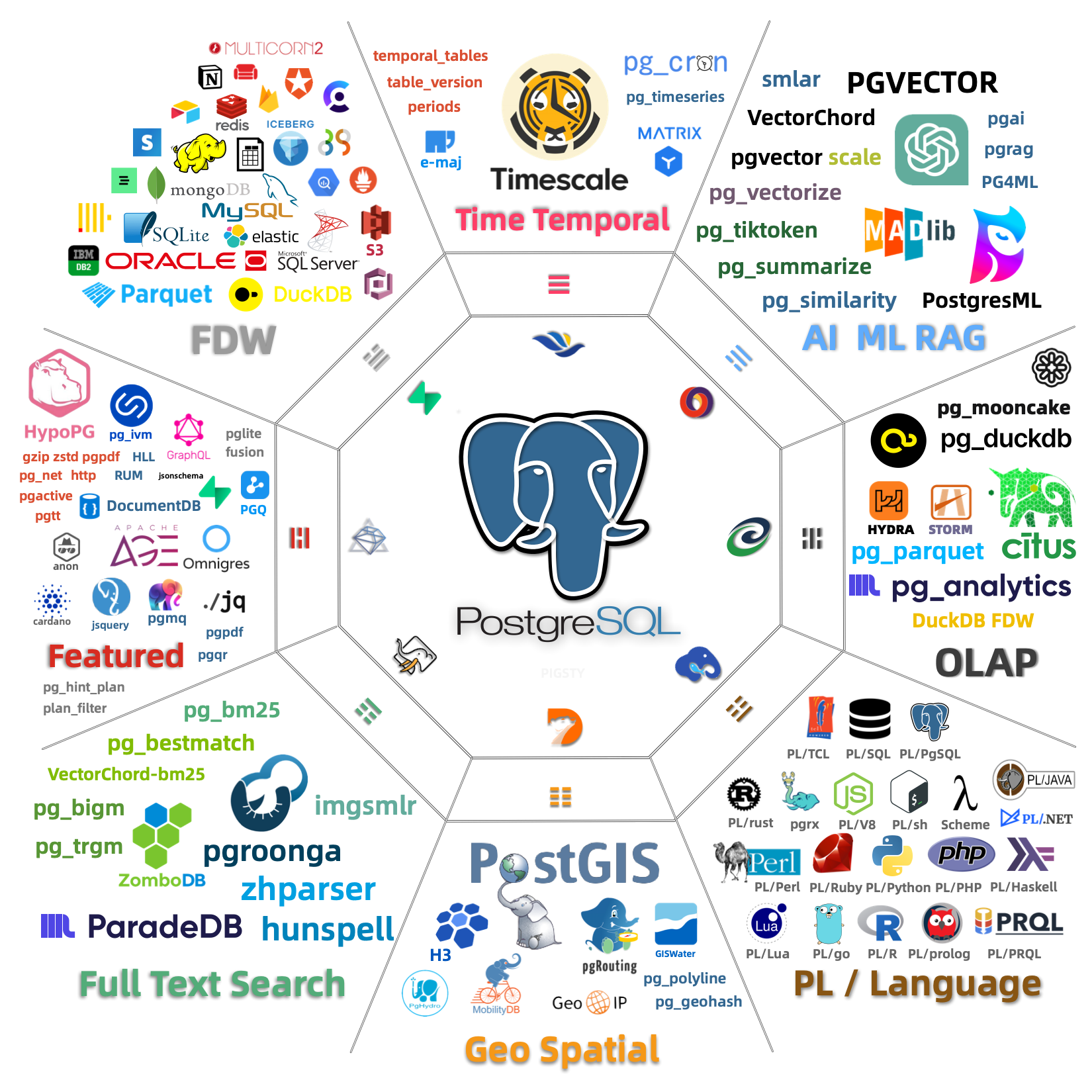
Using extensions in Pigsty requires four steps: Download, Install, Config, and Create.
pgsql-main package set)CREATE EXTENSION in the database to create the extensionDeclare extensions in the Pigsty configuration manifest, and they will be automatically installed and created during cluster initialization:
After executing ./pgsql.yml to initialize the cluster, the three extensions postgis, timescaledb, and vector will be available in the meta database.
For existing clusters, you can add extensions using command-line methods:
You can also use the pig package manager to install extension packages, then run CREATE EXTENSION inside the database:
| Step | Parameter/Command | Description |
|---|---|---|
| Download | repo_extra_packages |
Specify extension packages to download to local repository |
| Install | pg_extensions |
Specify extension packages to install on cluster |
| Config | pg_libs |
Preload extensions to shared_preload_libraries |
| Create | pg_databases.extensions |
Automatically execute CREATE EXTENSION in database |
For detailed instructions, please refer to each subsection: Download, Install, Config, Create
Extensions are the soul of PostgreSQL. Pigsty includes 575 pre-compiled, out-of-the-box extension plugins, fully unleashing PostgreSQL’s potential.
PostgreSQL extensions are a modular mechanism that allows enhancing database functionality without modifying the core code. An extension typically consists of three parts:
.control): Required, contains extension metadata.sql): Optional, defines functions, types, operators, and other database objects.so): Optional, provides high-performance functionality implemented in CExtensions can add to PostgreSQL: new data types, index methods, functions and operators, foreign data access, procedural languages, performance monitoring, security auditing, and more.
Among the extensions included in Pigsty, the following are most representative:
| Extension | Description |
|---|---|
| PostGIS | Geospatial data types and indexes, de facto GIS standard |
| TimescaleDB | Time-series database with continuous aggregates, columnar storage, auto-compression |
| PGVector | Vector data type with HNSW/IVFFlat indexes, essential for AI applications |
| Citus | Distributed database with horizontal sharding capabilities |
| pg_duckdb | Embedded DuckDB analytical engine for OLAP acceleration |
| pg_search | ParadeDB search extension, providing BM25 and full-text search capabilities |
| Apache AGE | Graph database supporting OpenCypher query language |
| pg_graphql | Native GraphQL query support |
Most extensions can coexist and even be combined, creating synergistic effects far greater than the sum of their parts.
Pigsty organizes extensions into 16 categories:
| Category | Alias | Description | Typical Extensions |
|---|---|---|---|
| Time-series | time |
Time-series data processing | timescaledb, pg_cron, periods |
| Geospatial | gis |
Geospatial data | postgis, h3, pgrouting |
| Vector | rag |
Vector retrieval and AI | pgvector, vchord, pg_vectorize |
| Search | fts |
Full-text search | pgroonga, zhparser, pg_bigm |
| Analytics | olap |
OLAP and analytics | pg_duckdb, pg_mooncake, citus |
| Feature | feat |
Feature enhancements | age, pg_graphql, hll, rum |
| Language | lang |
Procedural languages | plpython3u, pljava, plv8 |
| Type | type |
Data types | hstore, ltree, ip4r |
| Utility | util |
Utility tools | http, pg_net, pgjwt |
| Function | func |
Function libraries | pg_uuidv7, topn, tdigest |
| Admin | admin |
Operations management | pg_repack, pg_squeeze, pgagent |
| Stat | stat |
Monitoring statistics | pg_stat_statements, pg_qualstats, auto_explain |
| Security | sec |
Security auditing | pgaudit, pgsodium, pg_tde |
| FDW | fdw |
Foreign data access | postgres_fdw, mysql_fdw, oracle_fdw |
| Compatibility | sim |
Database compatibility | orafce, babelfish |
| ETL | etl |
Data synchronization | pglogical, wal2json, decoderbufs |
You can batch install an entire category of extensions using category aliases, for example: pg_extensions: [ pgsql-gis, pgsql-rag ].
Pigsty provides several predefined extension stacks for convenient scenario-based selection:
| Stack | Included Extensions |
|---|---|
gis-stack |
postgis, pgrouting, pointcloud, h3, q3c, ogr_fdw |
rag-stack |
pgvector, vchord, pgvectorscale, pg_similarity, pg_tiktoken |
fts-stack |
pgroonga, pg_bigm, zhparser, hunspell |
olap-stack |
pg_duckdb, pg_mooncake, timescaledb, pg_partman, plproxy |
feat-stack |
age, hll, rum, pg_graphql, pg_jsonschema, jsquery |
stat-stack |
pg_show_plans, pg_stat_kcache, pg_qualstats, pg_wait_sampling |
supa-stack |
pg_graphql, pg_jsonschema, wrappers, pgvector, pgsodium, vault |
Simply use these names in pg_extensions to install the entire stack.
Pigsty uses a package alias mechanism to simplify extension installation and management.
Managing extensions involves multiple layers of name mapping:
| Layer | Example pgvector |
Example postgis |
|---|---|---|
| Extension Name | vector |
postgis, postgis_topology, … |
| Package Alias | pgvector |
postgis |
| RPM Package Name | pgvector_18 |
postgis36_18* |
| DEB Package Name | postgresql-18-pgvector |
postgresql-18-postgis-3* |
Pigsty provides a package alias abstraction layer, so users don’t need to worry about specific RPM/DEB package names:
Pigsty automatically translates to the correct package names based on the operating system and PostgreSQL version.
CREATE EXTENSION uses the extension name (for example, vector), not the package alias (pgvector).
All extensions are organized into 16 categories, which can be batch installed using category aliases:
Except for the olap category, all category extensions can be installed simultaneously. Within the olap category, there are conflicts: pg_duckdb and pg_mooncake are mutually exclusive.
| Category | Description | Typical Extensions |
|---|---|---|
time |
Time-series | timescaledb, pg_cron, periods |
gis |
Geospatial | postgis, h3, pgrouting |
rag |
Vector/RAG | pgvector, pgml, vchord |
fts |
Full-text Search | pg_trgm, zhparser, pgroonga |
olap |
Analytics | citus, pg_duckdb, pg_mooncake |
feat |
Feature | age, pg_graphql, rum |
lang |
Language | plpython3u, pljava, plv8 |
type |
Data Type | hstore, ltree, citext |
util |
Utility | http, pg_net, pgjwt |
func |
Function | pgcrypto, uuid-ossp, pg_uuidv7 |
admin |
Admin | pg_repack, pgagent, pg_squeeze |
stat |
Statistics | pg_stat_statements, pg_qualstats, auto_explain |
sec |
Security | pgaudit, pgcrypto, pgsodium |
fdw |
Foreign Data Wrapper | postgres_fdw, mysql_fdw, oracle_fdw |
sim |
Compatibility | orafce, babelfishpg_tds |
etl |
Data/ETL | pglogical, wal2json, decoderbufs |
You can browse detailed information about all available extensions on the Pigsty Extension Catalog website, including:
Before installing extensions, ensure that extension packages are downloaded to the local repository or available from upstream.
Pigsty downloads the base PostgreSQL 18 kernel packages to the local software repository by default. The default extra download set is repo_extra_packages_default: [ pgsql-main ], which includes the PostgreSQL kernel, client, procedural languages, and basic extension packages such as pg_repack, wal2json, and pgvector.
If you need other extensions from the 575-extension catalog, explicitly add them to repo_extra_packages. Pigsty does not download every extension to the local repository by default.
Benefits of using a local repository:
To download additional extensions, add them to repo_extra_packages and rebuild the repository:
You can also install directly from internet upstream repositories without pre-downloading:
This approach is suitable for:
But may face:
Extension packages come from two main sources:
| Repository | Description |
|---|---|
| PGDG | PostgreSQL official repository, providing core extensions |
| Pigsty | Pigsty supplementary repository, providing additional extensions |
The Pigsty repository only includes extensions not present in the PGDG repository. Once an extension enters the PGDG repository, the Pigsty repository will remove it or keep it consistent.
Repository URLs:
For detailed repository configuration, see Extension Repository.
Pigsty uses the operating system’s package manager (yum/apt) to install extension packages.
Two parameters are used to specify extensions to install:
| Parameter | Purpose | Default Behavior |
|---|---|---|
pg_packages |
Global common packages | Ensure present (no upgrade) |
pg_extensions |
Cluster-specific extensions | Install latest version |
pg_packages is typically used to specify base components needed by all clusters (PostgreSQL kernel, Patroni, pgBouncer, etc.) and essential extensions.
pg_extensions is used to specify extensions needed by specific clusters.
Declare extensions in cluster configuration, and they will be automatically installed during initialization:
When executing ./pgsql.yml to initialize the cluster, extensions will be automatically installed.
For initialized clusters, there are multiple ways to install extensions:
Pigsty supports using standardized package aliases, automatically translating to package names for the corresponding PG version:
You can also use raw package names directly:
For package alias definitions, see:
After installation, verify in the database:
Some extensions require preloading dynamic libraries or configuring parameters before use. This section describes how to configure extensions.
Most extensions can be enabled directly with CREATE EXTENSION after installation, but some extensions using PostgreSQL’s Hook mechanism require preloading.
Preloading is specified via the shared_preload_libraries parameter and requires a database restart to take effect.
Common extensions that require preloading:
| Extension | Description |
|---|---|
timescaledb |
Time-series database extension, must be placed first |
citus |
Distributed database extension, must be placed first |
pg_stat_statements |
SQL statement statistics, enabled by default in Pigsty |
auto_explain |
Automatically log slow query execution plans, enabled by default in Pigsty |
pg_cron |
Scheduled task scheduling |
pg_net |
Asynchronous HTTP requests |
pg_tle |
Trusted language extensions |
pgaudit |
Audit logging |
pg_stat_kcache |
Kernel statistics |
pg_squeeze |
Online table space reclamation |
pgml |
PostgresML machine learning |
For the complete list, see the Extension Catalog (marked with LOAD).
The loading order of extensions in shared_preload_libraries is important:
timescaledb and citus must be placed firstcitus should come before timescaledbpg_stat_statements to use the same query_idWhen creating a new cluster, use the pg_libs parameter to specify preloaded extensions:
The value of pg_libs will be written to shared_preload_libraries during cluster initialization.
The default value of pg_libs is pg_stat_statements, auto_explain. These two Contrib extensions provide basic observability:
pg_stat_statements: Track execution statistics of all SQL statementsauto_explain: Automatically log execution plans for slow queriesFor initialized clusters, use patronictl to modify shared_preload_libraries:
You can also directly modify postgresql.conf or use ALTER SYSTEM:
A PostgreSQL service restart is required after modification.
Many extensions have configurable parameters that can be set in the following locations:
Use the pg_parameters parameter to specify:
Use ALTER SYSTEM or patronictl:
Preload errors prevent startup: If an extension in shared_preload_libraries doesn’t exist or fails to load, PostgreSQL will not start. Ensure extensions are properly installed before adding to preload.
Modification requires restart: Changes to shared_preload_libraries require restarting the PostgreSQL service to take effect.
Partial functionality available: Some extensions can be partially used without preloading, but full functionality requires preloading.
View current configuration: Use the following command to view current preload libraries:
After installing extension packages, you need to execute CREATE EXTENSION in the database to use extension features.
After installing extension packages, you can view available extensions:
Use CREATE EXTENSION to enable extensions in the database:
CREATE EXTENSION uses the extension name (for example, vector), not the package alias (pgvector).
Declare extensions in pg_databases, and they will be automatically created during cluster initialization:
Pigsty will automatically execute CREATE EXTENSION after database creation.
Some extensions must be added to shared_preload_libraries and restarted before creation:
If you try to create without preloading, you will receive an error message.
Common extensions requiring preload: timescaledb, citus, pg_cron, pg_net, pgaudit, etc. See Configure Extensions.
Some extensions depend on other extensions and need to be created in order:
A few extensions don’t provide SQL interfaces and don’t need CREATE EXTENSION:
| Extension | Description |
|---|---|
wal2json |
Logical decoding plugin, used directly in replication slots |
decoderbufs |
Logical decoding plugin |
decoder_raw |
Logical decoding plugin |
These extensions can be used immediately after installation, for example:
Extension updates involve two levels: package updates (operating system level) and extension object updates (database level).
Use package managers to update extension packages:
Batch update using Pigsty:
After package updates, extension objects in the database may need to be synchronized.
Backup first: Backup the database before updating extensions, especially for extensions involving data type changes.
Check compatibility: Some extension major version upgrades may be incompatible. Consult the extension’s upgrade documentation.
Preloaded extensions: If updating a preloaded extension (like timescaledb), a database restart may be required after the update.
Dependencies: If other extensions depend on the updated extension, update them in dependency order.
Replication environments: In master-slave replication environments, test updates on slaves first, then update the master after confirmation.
If ALTER EXTENSION UPDATE fails, it may be because:
PostgreSQL extensions typically don’t support direct rollback. To rollback:
Removing extensions involves two levels: dropping extension objects (database level) and uninstalling packages (operating system level).
Use DROP EXTENSION to remove extensions from the database:
Warning:
CASCADEwill drop all objects that depend on this extension (tables, functions, views, etc.). Use with caution.
It’s recommended to check dependencies before dropping:
If the extension is in shared_preload_libraries, it must be removed from the preload list after dropping:
After dropping the extension from the database, you can optionally uninstall the package:
Typically keeping the package doesn’t cause issues. Only uninstall when you need to free disk space or resolve conflicts.
Data loss risk: Using CASCADE will drop dependent objects, potentially causing data loss.
Application compatibility: Ensure applications no longer use the extension’s functionality before dropping.
Preload order: If dropping a preloaded extension, be sure to also remove it from shared_preload_libraries, otherwise the database may fail to start.
Master-slave environments: In replication environments, DROP EXTENSION automatically replicates to slaves.
Complete extension removal workflow:
Pigsty installs and enables some core extensions by default when initializing PostgreSQL clusters.
Extensions installed by default via pg_packages:
| Extension | Description |
|---|---|
pg_repack |
Handle table bloat online, important maintenance tool |
wal2json |
Logical decoding outputs JSON format changes, commonly used in CDC scenarios |
pgvector |
Vector data type and indexes, installed with pgsql-main by default |
The default value of pg_extensions is an empty array []. Declare additional extensions as needed, for example:
| Extension | Description |
|---|---|
postgis |
Geospatial database extension |
timescaledb |
Time-series database extension |
pgvector |
Vector data type and indexes |
Extensions enabled by default in all databases via pg_default_extensions:
| Extension | Schema | Description |
|---|---|---|
pg_stat_statements |
monitor | SQL statement execution statistics |
pgstattuple |
monitor | Tuple-level statistics |
pg_buffercache |
monitor | Buffer cache inspection |
pageinspect |
monitor | Page-level inspection |
pg_prewarm |
monitor | Relation prewarming |
pg_visibility |
monitor | Visibility map inspection |
pg_freespacemap |
monitor | Free space map inspection |
postgres_fdw |
public | PostgreSQL foreign data wrapper |
file_fdw |
public | File foreign data wrapper |
btree_gist |
public | B-tree GiST operator classes |
btree_gin |
public | B-tree GIN operator classes |
pg_trgm |
public | Trigram matching |
intagg |
public | Integer aggregator |
intarray |
public | Integer array functions |
pg_repack |
repack | Online table reorganization |
These extensions provide basic monitoring, operations, and feature enhancement capabilities.
Extensions preloaded by default into shared_preload_libraries via pg_libs:
| Extension | Description |
|---|---|
pg_stat_statements |
Track execution statistics of all SQL statements |
auto_explain |
Automatically log execution plans for slow queries |
These two extensions provide basic observability and are strongly recommended to keep.
You can customize default installed and enabled extensions by modifying configuration parameters:
For detailed extension usage, please refer to:
Pigsty provides supplementary extension repositories, offering additional extension packages on top of the PGDG official repository.
Applicable to EL 8/9/10 and compatible systems (RHEL, Rocky, AlmaLinux, CentOS, etc.).
Applicable to Debian 12/13 and Ubuntu 22.04/24.04/26.04 and compatible systems.
All packages are signed with GPG:
9592A7BC7A682E7333376E09E7935D8DB9BD8B20B9BD8B20The Pigsty repository follows these principles:
In Pigsty, you can replace the native PostgreSQL kernel with different PostgreSQL “flavors” to unlock specialized capabilities.
Pigsty supports multiple PostgreSQL kernels and compatibility branches so you can get compatibility layers, multi-master replication, graph queries, MPP warehousing, transparent encryption, and more inside one operational framework.
One thing to keep in mind is that not every kernel has the same delivery depth in Pigsty:
PostgreSQL, Citus, Babelfish, IvorySQL, PolarDB, AgensGraph, and pgEdge already have relatively clear templates and configuration paths;
Cloudberry and Greenplum, by contrast, are more often managed through gpsql mode, and their MPP initialization plus scale-out operations are still better handled with upstream tooling.
| Kernel | Key Feature | Description |
|---|---|---|
| PostgreSQL | Native kernel, full extension set | Vanilla PostgreSQL with 575 extensions |
| Supabase | Backend as a Service | PostgreSQL-based BaaS, Firebase alternative |
| Citus | Horizontal scaling | Distributed PostgreSQL via native extension |
| Babelfish | SQL Server compatible | SQL Server wire-protocol compatibility (PG17/18) |
| IvorySQL | Oracle compatible | Oracle syntax and PL/SQL compatibility |
| OpenHalo | MySQL compatible | MySQL wire-protocol compatibility |
| Percona | Transparent data encryption | Percona distribution with pg_tde |
| DocumentDB | MongoDB migration | DocumentDB + FerretDB wire compatibility |
| OrioleDB | OLTP optimization | Zheap, no bloat, S3 storage |
| PolarDB | Aurora-style RAC | RAC, China-local compliance scenario |
| Cloudberry | Open-source MPP warehouse | Cloudberry integrated through gpsql mode |
| AgensGraph | Property graph + Cypher | Graph query capability inside PostgreSQL |
| pgEdge | Spock multi-master replication | Distributed PostgreSQL for edge scenarios |

| Kernel | Debian / Ubuntu | EL |
|---|---|---|
| PostgreSQL / Citus | PostgreSQL 18.6 (Ubuntu 18.6-1.pgdg26.04+1) on x86_64-pc-linux-gnu, compiled by gcc (Ubuntu 15.2.0-16ubuntu1) 15.2.0, 64-bit |
PostgreSQL 18.6 on x86_64-pc-linux-gnu, compiled by gcc (GCC) 14.3.1 20251022 (Red Hat 14.3.1-4), 64-bit |
| IvorySQL | PostgreSQL 18.4 (IvorySQL 5.4) on x86_64-pc-linux-gnu, compiled by gcc (GCC) 9.5.0, 64-bit |
PostgreSQL 18.4 (IvorySQL 5.4) on x86_64-pc-linux-gnu, compiled by gcc (GCC) 9.5.0, 64-bit |
| Babelfish | Babelfish 17.7 on x86_64-pc-linux-gnu, compiled by gcc (Ubuntu 15.2.0-16ubuntu1) 15.2.0, 64-bit |
Babelfish 17.7 on x86_64-pc-linux-gnu, compiled by gcc (GCC) 14.3.1 20251022 (Red Hat 14.3.1-4), 64-bit |
| PolarDB | PostgreSQL 17.10 (PolarDB 17.10.1.0 build accf02e2) on x86_64-linux-gnu |
PostgreSQL 17.10 (PolarDB 17.10.1.0 build accf02e2) on x86_64-linux-gnu |
| Percona | PostgreSQL 18.4 - Percona Server for PostgreSQL 18.4.1 on x86_64-pc-linux-gnu, compiled by gcc (Ubuntu 15.2.0-16ubuntu1) 15.2.0, 64-bit |
PostgreSQL 18.4 - Percona Server for PostgreSQL 18.4.1 on x86_64-pc-linux-gnu, compiled by gcc (GCC) 14.3.1 20250617 (Red Hat 14.3.1-2), 64-bit |
| OrioleDB | OrioleDB 18.4 (OrioleDB 1.8-beta16) on x86_64-pc-linux-gnu, compiled by gcc (Ubuntu 15.2.0-16ubuntu1) 15.2.0, 64-bit |
OrioleDB 18.4 (OrioleDB 1.8-beta16) on x86_64-pc-linux-gnu, compiled by gcc (GCC) 14.3.1 20251022 (Red Hat 14.3.1-4), 64-bit |
| OpenHalo | openHalo 14.18 on x86_64-pc-linux-gnu, compiled by gcc (Ubuntu 15.2.0-16ubuntu1) 15.2.0, 64-bit |
openHalo 14.18 on x86_64-pc-linux-gnu, compiled by gcc (GCC) 14.3.1 20251022 (Red Hat 14.3.1-4), 64-bit |
| DocumentDB | PostgreSQL 18.6 (Ubuntu 18.6-1.pgdg26.04+1) on x86_64-pc-linux-gnu, compiled by gcc (Ubuntu 15.2.0-16ubuntu1) 15.2.0, 64-bit |
PostgreSQL 18.6 on x86_64-pc-linux-gnu, compiled by gcc (GCC) 14.3.1 20251022 (Red Hat 14.3.1-4), 64-bit |
| AgensGraph | PostgreSQL 17.10 (AgensGraph 2.17.0) on x86_64-pc-linux-gnu, compiled by gcc (Ubuntu 15.2.0-16ubuntu1) 15.2.0, 64-bit |
PostgreSQL 17.10 (AgensGraph 2.17.0) on x86_64-pc-linux-gnu, compiled by gcc (GCC) 14.3.1 20251022 (Red Hat 14.3.1-4), 64-bit |
| pgEdge | PostgreSQL 18.4 (pgEdge 5.0.10) on x86_64-pc-linux-gnu, compiled by gcc (Ubuntu 15.2.0-16ubuntu1) 15.2.0, 64-bit |
PostgreSQL 18.4 (pgEdge 5.0.10) on x86_64-pc-linux-gnu, compiled by gcc (GCC) 14.3.1 20251022 (Red Hat 14.3.1-4), 64-bit |
| Cloudberry | PostgreSQL 14.4 (Apache Cloudberry 2.0.0-incubating build 1) on aarch64-unknown-linux-gnu, compiled by gcc (GCC) 11.5.0 20240719 (Red Hat 11.5.0-11), 64-bit |
PostgreSQL is the world’s most advanced and popular open-source database.
Pigsty installs PostgreSQL 18 by default, supports PostgreSQL 14 ~ 18, and provides 575 PG extensions.
Install Pigsty using the pgsql configuration template.
Most configuration templates use PostgreSQL kernel by default, for example:
meta : Default, postgres with core extensions (vector, postgis, timescale)rich : postgres with all extensions installedslim : postgres only, no monitoring infrastructureha/full : 4-node sandbox for HA demonstrationpgsql : minimal postgres kernel configuration exampleVanilla PostgreSQL kernel requires no special adjustments:
To use a different PostgreSQL major version, you can configure it using the -v parameter:
If a PostgreSQL cluster is already installed, you need to uninstall it before installing a new version:
Pigsty provides a rich extension ecosystem for PostgreSQL. See the Extension Catalog for details.
Supabase — Build in a weekend, Scale to millions
Supabase is an open-source Firebase alternative that wraps PostgreSQL and provides authentication, out-of-the-box APIs, edge functions, real-time subscriptions, object storage, and vector embedding capabilities. This is a low-code all-in-one backend platform that lets you skip most backend development work, requiring only database design and frontend knowledge to quickly ship products!
Supabase’s motto is: “Build in a weekend, Scale to millions”. Indeed, Supabase is extremely cost-effective at small to micro scales (4c8g), like a cyber bodhisattva. — But when you really scale to millions of users — you should seriously consider self-hosting Supabase — whether for functionality, performance, or cost considerations.
Pigsty provides you with a complete one-click self-hosting solution for Supabase. Self-hosted Supabase enjoys full PostgreSQL monitoring, IaC, PITR, and high availability, and compared to Supabase cloud services, it provides up to 575 out-of-the-box PostgreSQL extensions and can more fully utilize the performance and cost advantages of modern hardware.
For the complete self-hosting tutorial, please refer to: Supabase Self-Hosting Guide
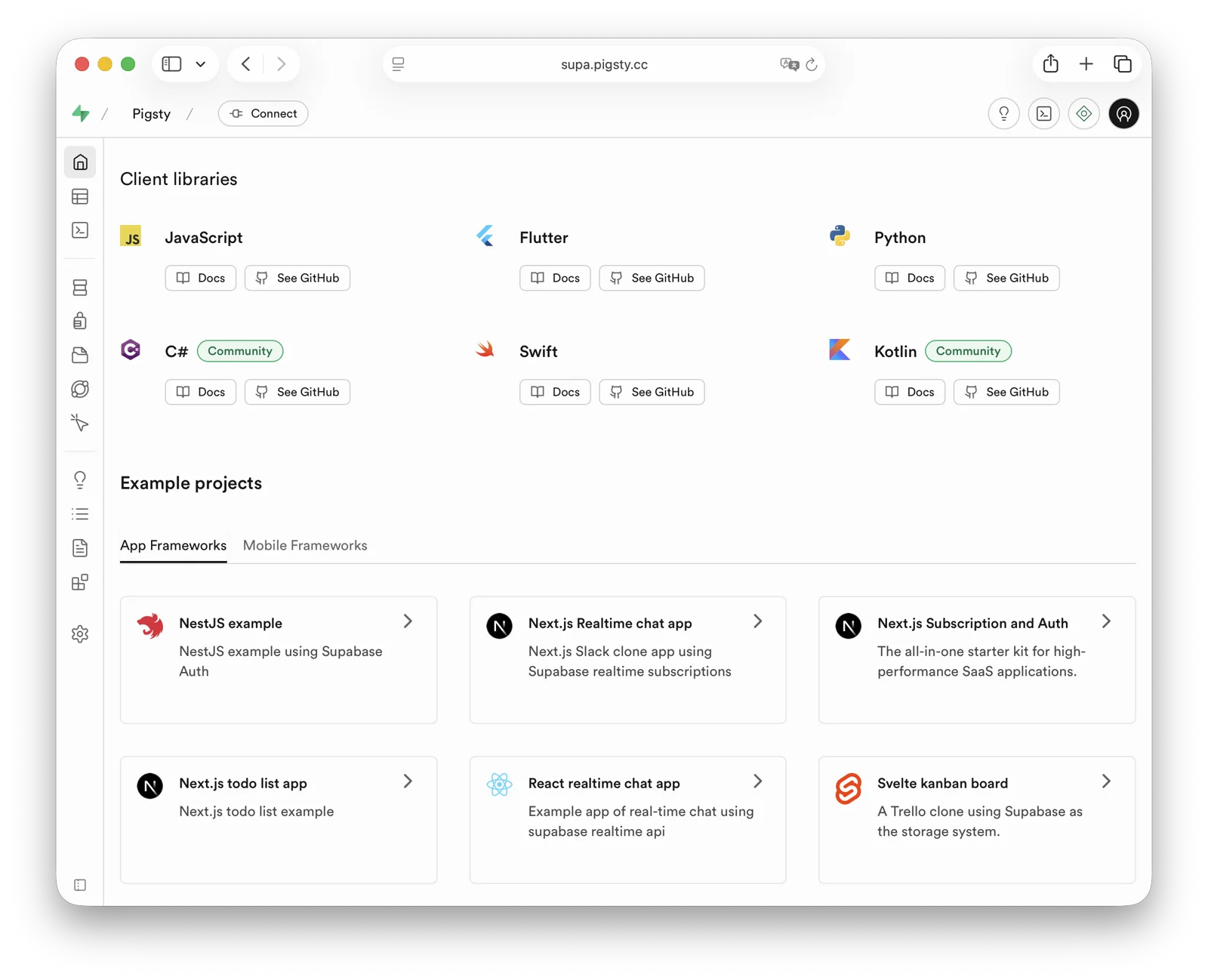
Pigsty’s default supabase.yml configuration template defines a single-node Supabase.
First, use Pigsty’s standard installation process to install the Silo and PostgreSQL instances required for Supabase:
Before deploying Supabase, please modify the Supabase parameters in the pigsty.yml config file according to your actual situation (mainly passwords!)
Then, run docker.yml and app.yml to complete the remaining work and deploy Supabase containers:
For users in China, please configure appropriate Docker mirror sites or proxy servers to bypass GFW to pull DockerHub images. For professional subscriptions, we provide the ability to offline install Pigsty and Supabase without internet access.
Pigsty exposes web services through Nginx on the admin node/INFRA node by default. You can add DNS resolution for supa.pigsty pointing to this node locally,
then access https://supa.pigsty through a browser to enter the Supabase Studio management interface.
Default username and password: supabase / pigsty
demo/supabase.cast — /demo/supabase.cast
Babelfish is a PostgreSQL-based SQL Server compatibility layer, open-sourced by AWS.
Pigsty lets you deploy Babelfish in mssql mode and provide, on top of PostgreSQL:
1433)In Pigsty v4, Babelfish supports PostgreSQL 17/18. The default template uses pg_version: 17, and Babelfish is part of Pigsty’s standard delivery path with support for all Linux platforms.
Compared with older Babelfish/PG15 docs, current behavior is:
pg_version: 17)babelfish + pgsql-common + sqlcmdel8, el9, el10, d12, d13, u22, u24, u26x86_64, aarch64mssql template no longer requires an extra mssql repo module (defaults to node,infra,pgsql)Older docs may still contain deprecated naming. Pigsty now consistently uses
Babelfishandbabelfishaliases.
Use the built-in Pigsty template:
After deployment, connect directly with SQL Server clients:
Core parameters in the mssql template:
Babelfish clusters expose two protocol endpoints:
54321433With Pigsty service abstraction you can also use:
5433: fixed route to primary 14335434: route to readable node 1433md5 instead of default scram-sha-256.multi-db; switch with babelfishpg_tsql.migration_mode if needed.The Babelfish kernel has 55 available extensions. After removing bundled PG Contrib extensions, the following extra extensions remain:
| Extension | Version | Description |
|---|---|---|
| babelfishpg_common | 5.4.0 |
Transact SQL Datatype Support |
| babelfishpg_money | 1.1.0 |
babelfishpg_money |
| babelfishpg_tds | 1.0.0 |
TDS protocol extension |
| babelfishpg_tsql | 5.4.0 |
Transact SQL compatibility |
Percona Postgres is a patched Postgres kernel with pg_tde (Transparent Data Encryption) extension.
Starting with v4.4.0, Pigsty packages Percona PostgreSQL under the private /usr/pgtde-$v; v4.5.0 keeps this layout
prefix (/usr/pgtde-18 for PostgreSQL 18). The pgtde package alias installs
both the kernel package and its contrib package, including pg_tde, PostGIS,
pgvector, wal2json, pg_repack, pgaudit, and pg_stat_monitor.
Use Pigsty’s standard installation process with the pgtde configuration template.
The following parameters need to be adjusted to deploy a Percona cluster:
The pgtde packages are delivered by Pigsty’s pgsql repository module.
The legacy percona module is not required by this template.
The Percona Postgres kernel has 73 available extensions. After removing bundled PG Contrib extensions, the following extra extensions remain:
| Extension | Version | Description |
|---|---|---|
| address_standardizer | 3.5.7 |
Used to parse an address into constituent elements. Generally used to support geocoding address normalization step. |
| address_standardizer_data_us | 3.5.7 |
Address Standardizer US dataset example |
| pg_repack | 1.5.3 |
Reorganize tables in PostgreSQL databases with minimal locks |
| pg_stat_monitor | 2.3.2 |
The pg_stat_monitor is a PostgreSQL Query Performance Monitoring tool, based on PostgreSQL contrib module pg_stat_statements. pg_stat_monitor provides aggregated statistics, client information, plan details including plan, and histogram information. |
| pg_tde | 2.2.1 |
pg_tde access method |
| pgaudit | 18.0 |
provides auditing functionality |
| postgis | 3.5.7 |
PostGIS geometry and geography spatial types and functions |
| postgis_raster | 3.5.7 |
PostGIS raster types and functions |
| postgis_sfcgal | 3.5.7 |
PostGIS SFCGAL functions |
| postgis_tiger_geocoder | 3.5.7 |
PostGIS tiger geocoder and reverse geocoder |
| postgis_topology | 3.5.7 |
PostGIS topology spatial types and functions |
| set_user | 4.2.0 |
similar to SET ROLE but with added logging |
| vector | 0.8.3 |
vector data type and ivfflat and hnsw access methods |
Note: Currently in stable stage - thoroughly evaluate before production use.
OpenHalo is an open-source PostgreSQL kernel that provides MySQL wire-protocol compatibility.
openHalo is based on PostgreSQL 14.18 and provides wire-level compatibility with MySQL 5.7.32-log / 8.0. Pigsty delivers it through pg_mode: mysql and the openhalo package alias.
Pigsty supports OpenHalo deployment on all supported Linux platforms.
Use Pigsty’s standard installation flow with the mysql template.
OpenHalo provides a dedicated extension, aux_mysql, which includes functions and types needed for MySQL compatibility. Enable it in the postgres database to get full compatibility behavior.
/usr/halo-14/share/postgresql/extension/aux_mysql.control$libdir/mysm, mysm.soFor MySQL access, connections still use the postgres database. The MySQL “database” concept maps to PostgreSQL “schema”. So use mysql maps to the mysql schema in the postgres database.
MySQL usernames/passwords are the same PostgreSQL credentials.
OpenHalo listens on port 3306 for MySQL wire protocol clients.
Pigsty’s conf/mysql installs a MySQL client by default.
At present, OpenHalo upstream reports Navicat works normally on this port, while IntelliJ DataGrip may fail.
Pigsty defaults database_compat_mode to mysql. You can further tune compatibility behavior with settings like:
The OpenHalo kernel packaged by Pigsty is based on HaloTech-Co-Ltd/openHalo with small adjustments:
halo0root to postgres1.0. prefix in the default version string, keeping 14.183306Pigsty does not provide warranty coverage for OpenHalo kernel behavior. Kernel-specific issues should be addressed with the upstream vendor.
Warning: This kernel is currently in beta1 stage; evaluate risks carefully before production use.
The OpenHalo kernel has 59 available extensions. After removing bundled PG Contrib extensions, the following extra extensions remain:
| Extension | Version | Description |
|---|---|---|
| aux_mysql | 1.5 |
MySQL Supplementary Extension |
| hstore_plpython2u | 1.0 |
transform between hstore and plpython2u |
| hstore_plpythonu | 1.0 |
transform between hstore and plpythonu |
| jsonb_plpython2u | 1.0 |
transform between jsonb and plpython2u |
| jsonb_plpythonu | 1.0 |
transform between jsonb and plpythonu |
| ltree_plpython2u | 1.0 |
transform between ltree and plpython2u |
| ltree_plpythonu | 1.0 |
transform between ltree and plpythonu |
OrioleDB is a PostgreSQL storage engine extension that claims to provide 4x OLTP performance, no xid wraparound and table bloat issues, and “cloud-native” (data stored in S3) capabilities.
Pigsty ships OrioleDB as a patched PostgreSQL kernel plus the OrioleDB extension.
You can run OrioleDB as an RDS using Pigsty. Current packages support PostgreSQL 16, 17, and 18 on supported Linux platforms. pg_mode still uses oriole for the /usr/oriole-$v install path, while the orioledb package alias resolves to versioned kernel packages such as orioledb-16, orioledb-17, and orioledb-18.
The current Pigsty package line is OrioleDB 1.8 beta16.
Follow Pigsty’s standard installation process using the oriole configuration template.
For production deployment, ensure you modify the password parameters in the pigsty.yml configuration before running the install playbook.
To use OrioleDB, install the orioledb package alias. Pigsty resolves it to the selected PG16, PG17, or PG18 OrioleDB kernel package according to pg_version.
Initialize TPC-B-like tables with pgbench using 100 warehouses:
Next, you can rebuild these tables using the orioledb storage engine and observe the performance difference:
Note: Currently in Beta stage - thoroughly evaluate before production use.
The OrioleDB kernel has 53 available extensions. After removing bundled PG Contrib extensions, the following extra extensions remain:
| Extension | Version | Description |
|---|---|---|
| orioledb | 1.8 |
OrioleDB – the next generation transactional engine |
gpsql mode.Cloudberry is an open-source MPP data warehouse kernel derived from the Greenplum ecosystem, suitable for large-scale parallel analytics workloads.
In Pigsty, Cloudberry uses gpsql mode and shares the same identity model, monitoring logic, and directory conventions as Greenplum / MatrixDB.
cloudberrypg_mode: gpsqlgp_role: master | segmentCloudberry 2.1.02.1.0-2PIGSTY, RPM 2.1.0-3PIGSTY/usr/cloudberryThe important boundary is this: Pigsty currently focuses on package delivery, node management, monitoring onboarding, access control, and configuration orchestration for Cloudberry. For MPP cluster initialization, scale-out, rebalance, and other upstream-specific operational actions, you should still use the official Cloudberry toolchain.
The current Pigsty repository provides
cloudberry,cloudberry-backup, andcloudberry-pxfpackages for both DEB and RPM platforms.
There is no standalone cloudberry one-click template yet. The more common workflow is:
cloudberry kernel package.gpsql mode.If you only need to install the kernel package on a node:
If you are onboarding an existing Cloudberry cluster, it is usually better to keep the original initialization workflow and add Pigsty inventory plus monitoring configuration incrementally.
Cloudberry uses gpsql mode rather than a dedicated cloudberry mode. Compared with vanilla PostgreSQL, you at least need to care about the extra identity parameters pg_shard and gp_role; if you want to label shard groups explicitly, you can also add pg_group.
Here is a minimal readable topology example:
Two details are easy to miss:
gp_role: master is for the coordinator / master node, and business access usually lands there.gp_role: segment nodes usually need pg_exporter to connect in utility mode for monitoring.For application and BI access, Cloudberry still exposes the PostgreSQL wire protocol, so most PostgreSQL-compatible clients, drivers, and BI tools can connect without special handling.
But keep the following in mind:
Cloudberry comes from the PostgreSQL ecosystem, but it is not simply “vanilla PostgreSQL plus a few extensions”. For the extension packages already available in Pigsty, it is better to think in two categories:
If your workload depends on postgis, vector extensions, FDWs, auditing, or custom C extensions, validate them on the target Cloudberry version first rather than copying a vanilla PostgreSQL extension list unchanged.
gpsql mode.AgensGraph is a property graph database kernel built on PostgreSQL, supporting openCypher queries and mixed Cypher/SQL workflows.
Pigsty integrates AgensGraph through pg_mode: agens while preserving most of the standard PostgreSQL operational model.
agensgraphpg_mode: agensAgensGraph 2.17.0PostgreSQL 17.10 (AgensGraph 2.17.0)agensFrom the client side, AgensGraph still speaks the PostgreSQL wire protocol, so normal PostgreSQL clients, drivers, and connection pools can connect directly.
The real difference from vanilla PostgreSQL is not how you connect, but that the database now contains graph objects, Cypher syntax, and the agtype data type.
Use the built-in Pigsty template:
The agens template automatically enables pg_mode: agens and installs the agensgraph kernel package. After deployment, verify the kernel version:
Key configuration for AgensGraph in Pigsty:
AgensGraph does not require a special preload stack like pgEdge or Babelfish, so most standard Pigsty patterns for HA, backup, monitoring, access control, and IaC remain unchanged.
If your workload is dominated by graph traversal and complex path queries, focus on work_mem, shared_buffers, and planner cost settings instead of assuming default OLTP habits will fit.
After connecting to the database, the usual first step is to create a graph and set graph_path:
Create labels, vertices, and edges:
Run graph queries and updates:
To call Cypher from within SQL, use the cypher() function:
In real projects, the more common pattern is to mix “relational tables + graph labels + Cypher queries”:
transactions, privileges, and backup workflows still follow PostgreSQL, while graph analysis logic lives in AgensGraph graph objects and the cypher() interface.
agens template is single-node for quick validation; production deployments should extend to an HA topology.conf/agensThe AgensGraph kernel has 60 available extensions. After removing bundled PG Contrib extensions, the following extra extensions remain:
| Extension | Version | Description |
|---|---|---|
| meta | 1.0 |
Utility functions for agensgraph |
pgEdge is a distributed PostgreSQL distribution for edge scenarios, built on Spock multi-master logical replication.
Pigsty integrates pgEdge through pg_mode: pgedge and delivers it through the standard PostgreSQL cluster workflow:
pgedge: a PG15, PG16, PG17, and PG18 compatible kernel; the template defaults to PG18spock: Active-active multi-master logical replicationsnowflake: Distributed unique sequenceslolor: Large object logical replication compatibility layerThe current Pigsty repository ships versioned pgEdge kernel packages for pgedge-15, pgedge-16, pgedge-17, and pgedge-18; the template defaults to pg_version: 18. The spock, snowflake, and lolor control files, SQL files, and shared libraries are bundled in the pgedge-$v kernel package, so they are no longer listed as separate pg_extensions packages to install.
From the client side, pgEdge is still PostgreSQL wire compatible, so psql, JDBC/ODBC, DBeaver, and similar tools work as usual.
The delivery model in Pigsty is: validate the kernel on a single node first, then expand to a multi-node replication topology. The template handles the kernel, extensions, monitoring, backup, and access control out of the box, but the actual multi-master topology still needs to be designed around your workload consistency and conflict strategy.
Use the built-in Pigsty template:
The template pre-installs spock, snowflake, and lolor in the meta database. After deployment, verify the kernel and extensions:
For the full template and parameters, see:
pgedgeconfig template.
Key parameters in the pgedge template (matching conf/pgedge.yml):
If you plan to grow into a multi-node multi-master topology, it is better to configure logical replication capacity and snowflake.node explicitly:
snowflake.node must be unique on every writable node, otherwise distributed IDs will collide.
The common workflow in Pigsty is still: validate the kernel on a single node first, then expand into a multi-node Spock replication topology.
If you need these capabilities in a business database as well, create the extensions first:
Then use the Spock SQL API or the pgEdge CLI to create nodes, replication sets, and subscriptions.
If your schema already uses serial or identity, plan the snowflake sequence migration before enabling multi-master writes, otherwise cross-node primary key collisions are likely.
PRIMARY KEY or an appropriate REPLICA IDENTITY.UNLOGGED and TEMPORARY tables do not participate in Spock logical replication.lolor explicitly rather than assuming native large objects will replicate correctly.pgedge config templatespock extensionsnowflake extensionlolor extensionThe pgEdge kernel has 63 available extensions. After removing bundled PG Contrib extensions, the following extra extensions remain:
DocumentDB is an open-source PostgreSQL document database extension maintained by Microsoft. FerretDB is a stateless protocol translation proxy built on top of it. Together, they expose a MongoDB wire-compatible endpoint from a standard PostgreSQL kernel: applications using MongoDB drivers can connect directly, while requests are translated into PostgreSQL operations.
Unlike other kernel variants, this is not a standalone PostgreSQL fork. The data layer runs native PostgreSQL 16–18 and is managed by the standard PGSQL module.
Persistence, transactions, high availability, backup, monitoring, and access control remain PostgreSQL responsibilities; FerretDB is deployed as a Pigsty Docker APP and handles only protocol translation.
Pigsty is a FerretDB community partner, provides binary packages for FerretDB and the DocumentDB extensions,
and delivers the complete stack out of the box through the mongo configuration template.
Use Pigsty’s standard installation flow with the mongo configuration template:
FerretDB listens on the local loopback address at port 27017 by default. Connect with mongosh or any MongoDB-compatible client:
Source: pigsty/conf/mongo.yml. See the Mongo configuration template documentation for the complete template.
The key PostgreSQL settings are the documentdb extension and its preload libraries, plus the backend superuser used by FerretDB:
FerretDB is deployed as a Docker APP. Its settings are ordinary overrides under apps.ferretdb.conf,
and the container connects to the local primary service on port 5436 through host.docker.internal:
Because FerretDB is fully stateless, its HA topology follows the standard PostgreSQL cluster pattern. The template retains a commented three-node pg-mongo example.
Each node runs a FerretDB container bound to local port 27018, and HAProxy aggregates them behind the floating endpoint 10.10.10.4:27017 (mongo.pigsty).
Patroni and etcd continue to manage PostgreSQL failover. The Mongo endpoint automatically recovers after the primary switches.
FERRETDB_AUTH: true) but does not yet implement MongoDB authorization roles. PostgreSQL users and HBA rules remain the actual security boundary.FERRETDB_BIND_ADDR only when remote access is required.mongo_* parameter group.Pigsty natively supports Citus. This is a distributed horizontal scaling extension based on the native PostgreSQL kernel.
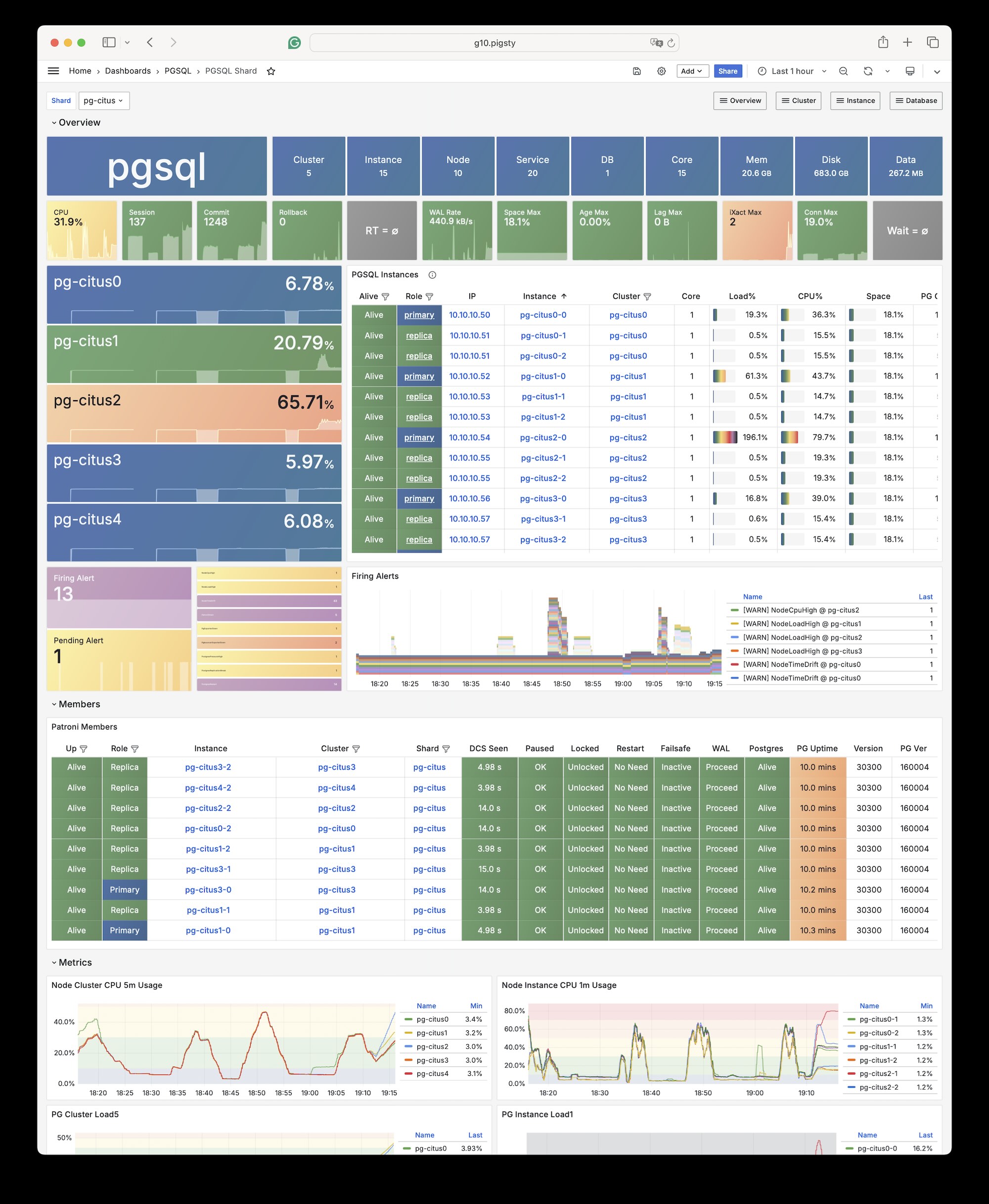
Citus is a PostgreSQL extension plugin that can be installed and enabled on a native PostgreSQL cluster following the standard plugin installation process.
To define a citus cluster, you need to specify the following parameters:
pg_mode must be set to citus instead of the default pgsqlpg_shard and shard number pg_group on each shard clusterpg_primary_db to specify the database managed by Patronipostgres from pg_dbsu instead of the default pg_admin_username to execute admin commands, then pg_dbsu_password must be set to a non-empty plaintext passwordAdditionally, you need extra hba rules to allow SSL access from localhost and other data nodes.
You can define each Citus cluster as a separate group, like standard PostgreSQL clusters. The current complete template is conf/ha/citus.yml:
You can also specify identity parameters for all Citus cluster members within a single group, as shown in conf/ha/citus.yml:
You can access any node just like accessing a regular cluster:
By default, changes you make to one Shard only occur on that cluster and are not synchronized to other Shards.
If you want to distribute writes across all Shards, you can use the API functions provided by Citus to mark tables as:
Starting from Citus 11.2, any Citus database node can play the role of coordinator, meaning any primary node can write:
After distributing the tables, you can also access them on other nodes:
For example, a full table scan will show that the execution plan has become a distributed plan:
You can initiate writes from several different primary nodes:
When a node fails, the native high availability support provided by Patroni will promote the standby node and automatically take over.
IvorySQL is an open-source PostgreSQL kernel fork that aims to provide “Oracle compatibility” based on PG.
The Pigsty PGSQL repository directly provides IvorySQL 5.4 packages compatible with PostgreSQL 18.4 across the currently supported EL, Debian, Ubuntu, and dual-architecture platforms.
Online installation uses Pigsty’s pgsql repository; the Professional Edition also provides offline delivery for the corresponding platforms.
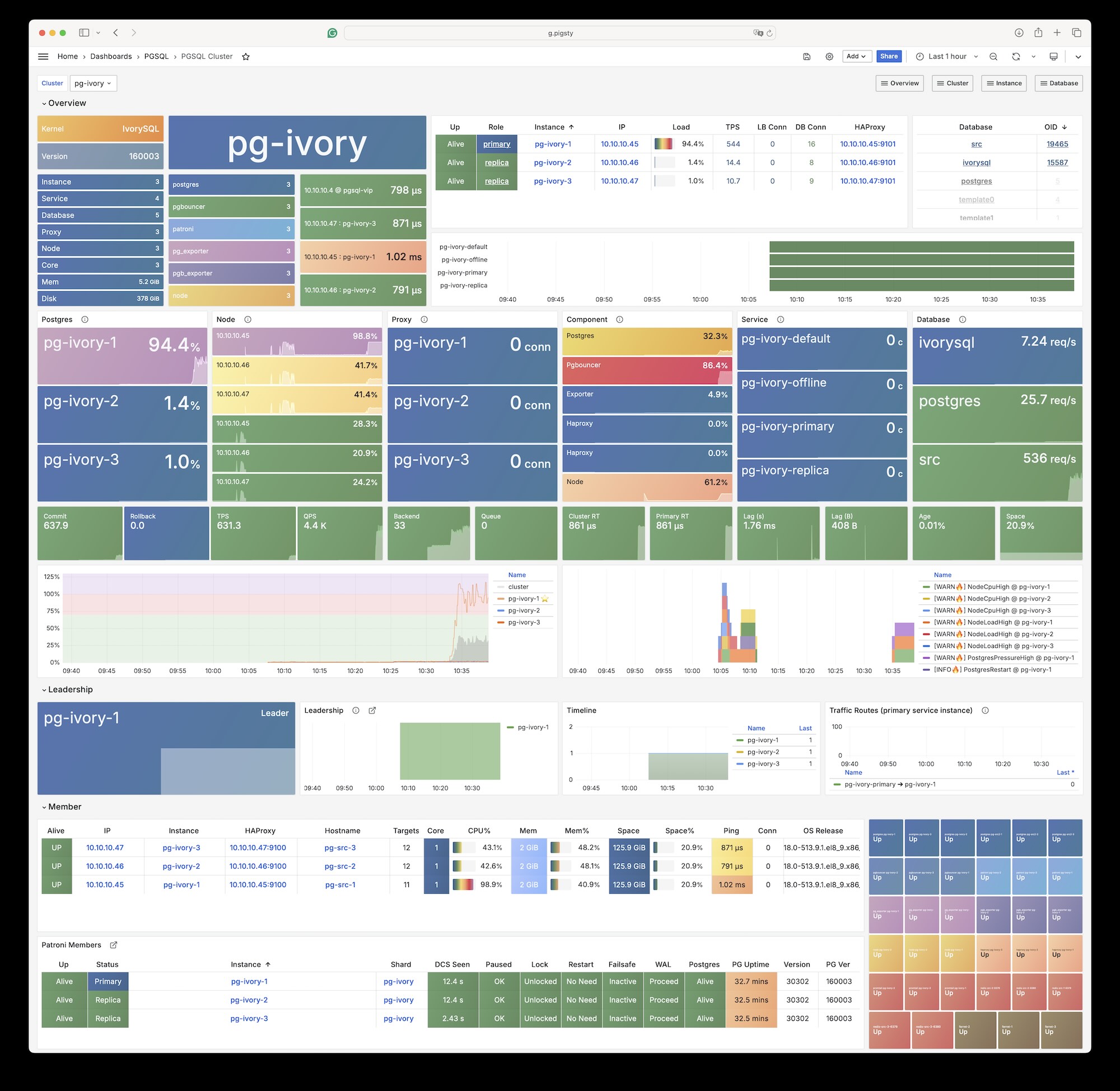
Pigsty’s ivorysql package alias points to IvorySQL 5, compatible with PostgreSQL 18. Real package names are mapped by platform variables under roles/node_id/vars/; for example, EL uses ivorysql5, while Debian/Ubuntu uses ivorysql-5.
The last IvorySQL version supporting EL7 was 3.3, corresponding to PostgreSQL 16.3; the last version based on PostgreSQL 17 is IvorySQL 4.4
Install with Pigsty’s built-in ivory configuration template:
The following parameters need to be configured for IvorySQL database clusters:
When using Oracle compatibility mode, you need to dynamically load the
liboracle_parserextension plugin.
IvorySQL 5 is equivalent to PostgreSQL 18, and any client tool compatible with the PostgreSQL wire protocol can access IvorySQL clusters.
The IvorySQL kernel has 95 available extensions. After removing bundled PG Contrib extensions, the following extra extensions remain:
| Extension | Version | Description |
|---|---|---|
| address_standardizer | 3.5.4 |
Used to parse an address into constituent elements. Generally used to support geocoding address normalization step. |
| address_standardizer_data_us | 3.5.4 |
Address Standardizer US dataset example |
| age | 1.7.0 |
AGE database extension |
| ddlx | 0.31 |
DDL eXtractor functions |
| gb18030_2022 | 1.0 |
support gb18030 2022 with extension |
| http | 1.7 |
HTTP client for PostgreSQL, allows web page retrieval inside the database. |
| ivorysql_ora | 1.0 |
Oracle Compatible extenison on Postgres Database |
| ora_btree_gin | 1.0 |
support for indexing oracle datatypes in GIN |
| ora_btree_gist | 1.0 |
support for oracle indexing common datatypes in GiST |
| pg_bigm | 1.2 |
text similarity measurement and index searching based on bigrams |
| pg_cron | 1.6 |
Job scheduler for PostgreSQL |
| pg_curl | 2.4 |
PostgreSQL cURL allows most curl actions, including data transfer with URL syntax via HTTP, HTTPS, FTP, FTPS, GOPHER, TFTP, SCP, SFTP, SMB, TELNET, DICT, LDAP, LDAPS, FILE, IMAP, SMTP, POP3, RTSP and RTMP |
| pg_get_functiondef | 1.0 |
Get function’s definition |
| pg_hint_plan | 1.8.0 |
optimizer hints for PostgreSQL |
| pg_jieba | 1.1.1 |
a parser for full-text search of Chinese |
| pg_partman | 5.3.1 |
Extension to manage partitioned tables by time or ID |
| pg_show_plans | 2.1 |
show query plans of all currently running SQL statements |
| pg_stat_monitor | 2.3 |
The pg_stat_monitor is a PostgreSQL Query Performance Monitoring tool, based on PostgreSQL contrib module pg_stat_statements. pg_stat_monitor provides aggregated statistics, client information, plan details including plan, and histogram information. |
| pg_textsearch | 0.1.0 |
Full-text search with BM25 ranking |
| pgagent | 4.2 |
A PostgreSQL job scheduler |
| pgaudit | 18.0 |
provides auditing functionality |
| pgroonga | 4.0.4 |
Super fast and all languages supported full text search index based on Groonga |
| pgroonga_database | 4.0.4 |
PGroonga database management module |
| pgrouting | 3.8.0 |
pgRouting Extension |
| plisql | 1.0 |
PL/iSQL procedural language |
| plpgsql_check | 2.8 |
extended check for plpgsql functions |
| postgis | 3.5.4 |
PostGIS geometry and geography spatial types and functions |
| postgis_raster | 3.5.4 |
PostGIS raster types and functions |
| postgis_sfcgal | 3.5.4 |
PostGIS SFCGAL functions |
| postgis_tiger_geocoder | 3.5.4 |
PostGIS tiger geocoder and reverse geocoder |
| postgis_topology | 3.5.4 |
PostGIS topology spatial types and functions |
| redis_fdw | 1.0 |
Foreign data wrapper for querying a Redis server |
| system_stats | 3.0 |
EnterpriseDB system statistics for PostgreSQL |
| vector | 0.8.1 |
vector data type and ivfflat and hnsw access methods |
| zhparser | 2.3 |
a parser for full-text search of Chinese |
Please note that Pigsty does not assume any warranty responsibility for using the IvorySQL kernel. Any issues or requirements encountered when using this kernel should be addressed with the original vendor.
Pigsty allows you to create PostgreSQL clusters with “domestic innovation qualification” credentials using PolarDB!
PolarDB for PostgreSQL now uses PostgreSQL 17 as its base. The polar template, default path, and extension notes in Pigsty have all been updated to PG17. Any client tool compatible with the PostgreSQL wire protocol can access PolarDB clusters.
Pigsty’s PGSQL repository provides PolarDB PG open-source installation packages, but they are not downloaded to the local software repository during Pigsty installation.
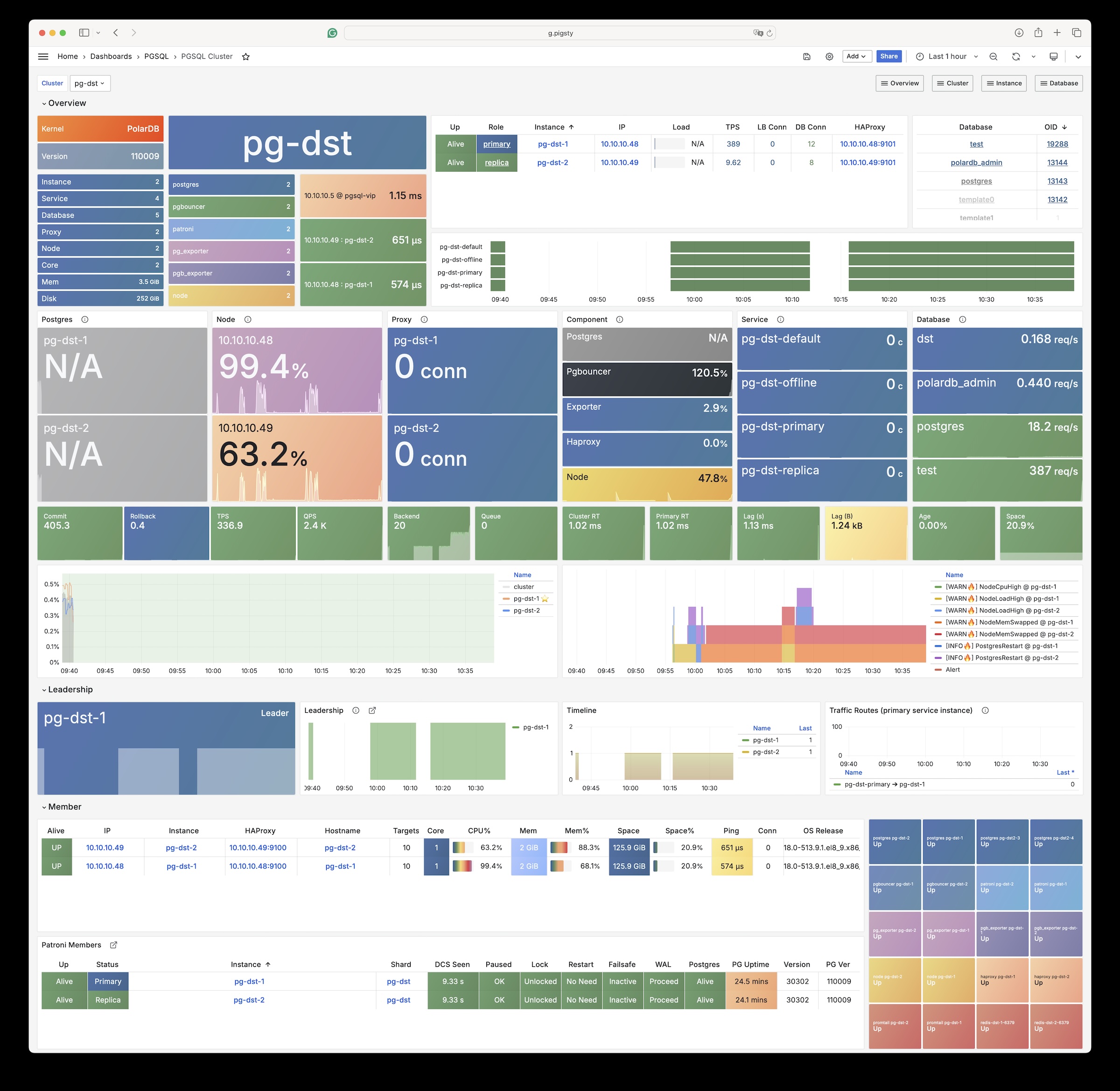
Use the built-in Pigsty template:
Starting with Pigsty v4.4, the PolarDB PG kernel uses packages built and maintained by Pigsty. The main changes are:
| Item | Old docs / old default | Current |
|---|---|---|
| Kernel baseline | PostgreSQL 15 | PostgreSQL 17 |
| Default PolarDB path | /u01/polardb_pg |
/usr/polar-17 |
| Supported architectures | x86_64 |
x86_64, aarch64 |
| Available extensions | Old docs said 61 | pg_available_extensions returns 93; 34 remain after filtering contrib |
| Replication user requirement | replicator must be SUPERUSER |
unchanged |
The following parameters need special configuration for PolarDB database clusters:
The default installation directory for the polar kernel has moved to /usr/polar-17. One important difference is that PolarDB PG still requires the replicator replication user to be SUPERUSER, unlike vanilla PostgreSQL.
The PolarDB PG kernel has 93 available extensions. After removing bundled PG Contrib extensions, the following extra extensions remain:
| Extension | Version | Description |
|---|---|---|
| hll | 2.18 |
type for storing hyperloglog data |
| ip4r | 2.4 |
|
| log_fdw | 1.4 |
foreign-data wrapper for Postgres log file access |
| pase | 0.0.1 |
ant ai similarity search |
| pg_bigm | 1.2 |
text similarity measurement and index searching based on bigrams |
| pg_cron | 1.5 |
Job scheduler for PostgreSQL |
| pg_cron_preload | 1.0 |
polardb pg extend catalog |
| pg_hint_plan | 1.7.0 |
optimizer hints for PostgreSQL |
| pg_jieba | 1.1.0 |
a parser for full-text search of Chinese |
| pg_partman | 5.2.4 |
Extension to manage partitioned tables by time or ID |
| pg_profile | 4.10 |
PostgreSQL load profile repository and report builder |
| pg_repack | 1.5.1-1 |
Reorganize tables in PostgreSQL databases with minimal locks |
| pg_similarity | 1.0 |
support similarity queries |
| pg_squeeze | 1.9 |
A tool to remove unused space from a relation. |
| pg_stat_kcache | 2.3.0 |
Kernel statistics gathering |
| pgaudit | 17.1 |
provides auditing functionality |
| pgtap | 1.3.3 |
Unit testing for PostgreSQL |
| pldbgapi | 1.1 |
server-side support for debugging PL/pgSQL functions |
| polar_advisor | 1.1 |
polar_advisor |
| polar_feature_utils | 1.0 |
PolarDB feature utilization |
| polar_io_stat | 1.0 |
polar io stat in multi dimension |
| polar_monitor | 1.3 |
monitor functions for PolarDB |
| polar_monitor_preload | 1.0 |
examine the polardb information |
| polar_parameter_manager | 1.2 |
Extension to select parameters for manger. |
| polar_proxy_utils | 1.0 |
Extension to provide operations about proxy. |
| polar_resource_manager | 1.0 |
a background process that forcibly frees user session process memory |
| polar_smgrperf | 1.0 |
smgr perf test extension |
| polar_tde_utils | 1.0 |
Internal extension for TDE |
| polar_vfs | 1.0 |
polar virtual file system for different storage |
| polar_worker | 1.1 |
polar_worker |
| prefix | 1.2.0 |
Prefix Range module for PostgreSQL |
| roaringbitmap | 0.5 |
support for Roaring Bitmaps |
| sequential_uuids | 1.0.3 |
generator of sequential UUIDs |
| varbitx | 1.1 |
varbit functions pack |
Pigsty allows you to create PolarDB for Oracle clusters with “domestic innovation qualification” credentials using PolarDB!
According to the Security and Reliability Evaluation Results Announcement (No. 1, 2023), Appendix 3, Centralized Database. PolarDB v2.0 is an autonomous, controllable, secure, and reliable domestic innovation database.
PolarDB for Oracle is an Oracle-compatible version developed based on PolarDB for PostgreSQL. Both share the same kernel, distinguished by the --compatibility-mode parameter.
We collaborate with the Alibaba Cloud kernel team to provide a complete database solution based on PolarDB v2.0 kernel and Pigsty. Please contact sales for inquiries, or purchase on Alibaba Cloud Marketplace.
The PolarDB for Oracle kernel is currently only available on EL7 (CentOS 7) systems.
Currently, the PolarDB 2.0 (Oracle compatible) kernel comes with the following 188 extension plugins:
| name | default_version | comment |
|---|---|---|
| cube | 1.5 | data type for multidimensional cubes |
| ip4r | 2.4 | NULL |
| adminpack | 2.1 | administrative functions for PostgreSQL |
| dict_xsyn | 1.0 | text search dictionary template for extended synonym processing |
| amcheck | 1.4 | functions for verifying relation integrity |
| autoinc | 1.0 | functions for autoincrementing fields |
| hstore | 1.8 | data type for storing sets of (key, value) pairs |
| bloom | 1.0 | bloom access method - signature file based index |
| earthdistance | 1.1 | calculate great-circle distances on the surface of the Earth |
| hstore_plperl | 1.0 | transform between hstore and plperl |
| bool_plperl | 1.0 | transform between bool and plperl |
| file_fdw | 1.0 | foreign-data wrapper for flat file access |
| bool_plperlu | 1.0 | transform between bool and plperlu |
| fuzzystrmatch | 1.1 | determine similarities and distance between strings |
| hstore_plperlu | 1.0 | transform between hstore and plperlu |
| btree_gin | 1.3 | support for indexing common datatypes in GIN |
| hstore_plpython2u | 1.0 | transform between hstore and plpython2u |
| btree_gist | 1.6 | support for indexing common datatypes in GiST |
| hll | 2.17 | type for storing hyperloglog data |
| hstore_plpython3u | 1.0 | transform between hstore and plpython3u |
| citext | 1.6 | data type for case-insensitive character strings |
| hstore_plpythonu | 1.0 | transform between hstore and plpythonu |
| hypopg | 1.3.1 | Hypothetical indexes for PostgreSQL |
| insert_username | 1.0 | functions for tracking who changed a table |
| dblink | 1.2 | connect to other PostgreSQL databases from within a database |
| decoderbufs | 0.1.0 | Logical decoding plugin that delivers WAL stream changes using a Protocol Buffer format |
| intagg | 1.1 | integer aggregator and enumerator (obsolete) |
| dict_int | 1.0 | text search dictionary template for integers |
| intarray | 1.5 | functions, operators, and index support for 1-D arrays of integers |
| isn | 1.2 | data types for international product numbering standards |
| jsonb_plperl | 1.0 | transform between jsonb and plperl |
| jsonb_plperlu | 1.0 | transform between jsonb and plperlu |
| jsonb_plpython2u | 1.0 | transform between jsonb and plpython2u |
| jsonb_plpython3u | 1.0 | transform between jsonb and plpython3u |
| jsonb_plpythonu | 1.0 | transform between jsonb and plpythonu |
| lo | 1.1 | Large Object maintenance |
| log_fdw | 1.0 | foreign-data wrapper for csvlog |
| ltree | 1.2 | data type for hierarchical tree-like structures |
| ltree_plpython2u | 1.0 | transform between ltree and plpython2u |
| ltree_plpython3u | 1.0 | transform between ltree and plpython3u |
| ltree_plpythonu | 1.0 | transform between ltree and plpythonu |
| moddatetime | 1.0 | functions for tracking last modification time |
| old_snapshot | 1.0 | utilities in support of old_snapshot_threshold |
| oracle_fdw | 1.2 | foreign data wrapper for Oracle access |
| oss_fdw | 1.1 | foreign-data wrapper for OSS access |
| pageinspect | 2.1 | inspect the contents of database pages at a low level |
| pase | 0.0.1 | ant ai similarity search |
| pg_bigm | 1.2 | text similarity measurement and index searching based on bigrams |
| pg_freespacemap | 1.2 | examine the free space map (FSM) |
| pg_hint_plan | 1.4 | controls execution plan with hinting phrases in comment of special form |
| pg_buffercache | 1.5 | examine the shared buffer cache |
| pg_prewarm | 1.2 | prewarm relation data |
| pg_repack | 1.4.8-1 | Reorganize tables in PostgreSQL databases with minimal locks |
| pg_sphere | 1.0 | spherical objects with useful functions, operators and index support |
| pg_cron | 1.5 | Job scheduler for PostgreSQL |
| pg_jieba | 1.1.0 | a parser for full-text search of Chinese |
| pg_stat_kcache | 2.2.1 | Kernel statistics gathering |
| pg_stat_statements | 1.9 | track planning and execution statistics of all SQL statements executed |
| pg_surgery | 1.0 | extension to perform surgery on a damaged relation |
| pg_trgm | 1.6 | text similarity measurement and index searching based on trigrams |
| pg_visibility | 1.2 | examine the visibility map (VM) and page-level visibility info |
| pg_wait_sampling | 1.1 | sampling based statistics of wait events |
| pgaudit | 1.6.2 | provides auditing functionality |
| pgcrypto | 1.3 | cryptographic functions |
| pgrowlocks | 1.2 | show row-level locking information |
| pgstattuple | 1.5 | show tuple-level statistics |
| pgtap | 1.2.0 | Unit testing for PostgreSQL |
| pldbgapi | 1.1 | server-side support for debugging PL/pgSQL functions |
| plperl | 1.0 | PL/Perl procedural language |
| plperlu | 1.0 | PL/PerlU untrusted procedural language |
| plpgsql | 1.0 | PL/pgSQL procedural language |
| plpython2u | 1.0 | PL/Python2U untrusted procedural language |
| plpythonu | 1.0 | PL/PythonU untrusted procedural language |
| plsql | 1.0 | Oracle compatible PL/SQL procedural language |
| pltcl | 1.0 | PL/Tcl procedural language |
| pltclu | 1.0 | PL/TclU untrusted procedural language |
| polar_bfile | 1.0 | The BFILE data type enables access to binary file LOBs that are stored in file systems outside Database |
| polar_bpe | 1.0 | polar_bpe |
| polar_builtin_cast | 1.1 | Internal extension for builtin casts |
| polar_builtin_funcs | 2.0 | implement polar builtin functions |
| polar_builtin_type | 1.5 | polar_builtin_type for PolarDB |
| polar_builtin_view | 1.5 | polar_builtin_view |
| polar_catalog | 1.2 | polardb pg extend catalog |
| polar_channel | 1.0 | polar_channel |
| polar_constraint | 1.0 | polar_constraint |
| polar_csn | 1.0 | polar_csn |
| polar_dba_views | 1.0 | polar_dba_views |
| polar_dbms_alert | 1.2 | implement polar_dbms_alert - supports asynchronous notification of database events. |
| polar_dbms_application_info | 1.0 | implement polar_dbms_application_info - record names of executing modules or transactions in the database. |
| polar_dbms_pipe | 1.1 | implements polar_dbms_pipe - package lets two or more sessions in the same instance communicate. |
| polar_dbms_aq | 1.2 | implement dbms_aq - provides an interface to Advanced Queuing. |
| polar_dbms_lob | 1.3 | implement dbms_lob - provides subprograms to operate on BLOBs, CLOBs, and NCLOBs. |
| polar_dbms_output | 1.2 | implement polar_dbms_output - enables you to send messages from stored procedures. |
| polar_dbms_lock | 1.0 | implement polar_dbms_lock - provides an interface to Oracle Lock Management services. |
| polar_dbms_aqadm | 1.3 | polar_dbms_aqadm - procedures to manage Advanced Queuing configuration and administration information. |
| polar_dbms_assert | 1.0 | implement polar_dbms_assert - provide an interface to validate properties of the input value. |
| polar_dbms_metadata | 1.0 | implement polar_dbms_metadata - provides a way for you to retrieve metadata from the database dictionary. |
| polar_dbms_random | 1.0 | implement polar_dbms_random - a built-in random number generator, not intended for cryptography |
| polar_dbms_crypto | 1.1 | implement dbms_crypto - provides an interface to encrypt and decrypt stored data. |
| polar_dbms_redact | 1.0 | implement polar_dbms_redact - provides an interface to mask data from queries by an application. |
| polar_dbms_debug | 1.1 | server-side support for debugging PL/SQL functions |
| polar_dbms_job | 1.0 | polar_dbms_job |
| polar_dbms_mview | 1.1 | implement polar_dbms_mview - enables to refresh materialized views. |
| polar_dbms_job_preload | 1.0 | polar_dbms_job_preload |
| polar_dbms_obfuscation_toolkit | 1.1 | implement polar_dbms_obfuscation_toolkit - enables an application to get data md5. |
| polar_dbms_rls | 1.1 | implement polar_dbms_rls - a fine-grained access control administrative built-in package |
| polar_multi_toast_utils | 1.0 | polar_multi_toast_utils |
| polar_dbms_session | 1.2 | implement polar_dbms_session - support to set preferences and security levels. |
| polar_odciconst | 1.0 | implement ODCIConst - Provide some built-in constants in Oracle. |
| polar_dbms_sql | 1.2 | implement polar_dbms_sql - provides an interface to execute dynamic SQL. |
| polar_osfs_toolkit | 1.0 | osfs library tools and functions extension |
| polar_dbms_stats | 14.0 | stabilize plans by fixing statistics |
| polar_monitor | 1.5 | monitor functions for PolarDB |
| polar_osfs_utils | 1.0 | osfs library utils extension |
| polar_dbms_utility | 1.3 | implement polar_dbms_utility - provides various utility subprograms. |
| polar_parameter_check | 1.0 | kernel extension for parameter validation |
| polar_dbms_xmldom | 1.0 | implement dbms_xmldom and dbms_xmlparser - support standard DOM interface and xml parser object |
| polar_parameter_manager | 1.1 | Extension to select parameters for manager. |
| polar_faults | 1.0.0 | simulate some database faults for end user or testing system. |
| polar_monitor_preload | 1.1 | examine the polardb information |
| polar_proxy_utils | 1.0 | Extension to provide operations about proxy. |
| polar_feature_utils | 1.2 | PolarDB feature utilization |
| polar_global_awr | 1.0 | PolarDB Global AWR Report |
| polar_publication | 1.0 | support polardb pg logical replication |
| polar_global_cache | 1.0 | polar_global_cache |
| polar_px | 1.0 | Parallel Execution extension |
| polar_serverless | 1.0 | polar serverless extension |
| polar_resource_manager | 1.0 | a background process that forcibly frees user session process memory |
| polar_sys_context | 1.1 | implement polar_sys_context - returns the value of parameter associated with the context namespace at the current instant. |
| polar_gpc | 1.3 | polar_gpc |
| polar_tde_utils | 1.0 | Internal extension for TDE |
| polar_gtt | 1.1 | polar_gtt |
| polar_utl_encode | 1.2 | implement polar_utl_encode - provides functions that encode RAW data into a standard encoded format |
| polar_htap | 1.1 | extension for PolarDB HTAP |
| polar_htap_db | 1.0 | extension for PolarDB HTAP database level operation |
| polar_io_stat | 1.0 | polar io stat in multi dimension |
| polar_utl_file | 1.0 | implement utl_file - support PL/SQL programs can read and write operating system text files |
| polar_ivm | 1.0 | polar_ivm |
| polar_sql_mapping | 1.2 | Record error sqls and mapping them to correct one |
| polar_stat_sql | 1.0 | Kernel statistics gathering, and sql plan nodes information gathering |
| tds_fdw | 2.0.2 | Foreign data wrapper for querying a TDS database (Sybase or Microsoft SQL Server) |
| xml2 | 1.1 | XPath querying and XSLT |
| polar_upgrade_catalogs | 1.1 | Upgrade catalogs for old version instance |
| polar_utl_i18n | 1.1 | polar_utl_i18n |
| polar_utl_raw | 1.0 | implement utl_raw - provides SQL functions for manipulating RAW datatypes. |
| timescaledb | 2.9.2 | Enables scalable inserts and complex queries for time-series data |
| polar_vfs | 1.0 | polar virtual file system for different storage |
| polar_worker | 1.0 | polar_worker |
| postgres_fdw | 1.1 | foreign-data wrapper for remote PostgreSQL servers |
| refint | 1.0 | functions for implementing referential integrity (obsolete) |
| roaringbitmap | 0.5 | support for Roaring Bitmaps |
| tsm_system_time | 1.0 | TABLESAMPLE method which accepts time in milliseconds as a limit |
| vector | 0.5.0 | vector data type and ivfflat and hnsw access methods |
| rum | 1.3 | RUM index access method |
| unaccent | 1.1 | text search dictionary that removes accents |
| seg | 1.4 | data type for representing line segments or floating-point intervals |
| sequential_uuids | 1.0.2 | generator of sequential UUIDs |
| uuid-ossp | 1.1 | generate universally unique identifiers (UUIDs) |
| smlar | 1.0 | compute similarity of any one-dimensional arrays |
| varbitx | 1.1 | varbit functions pack |
| sslinfo | 1.2 | information about SSL certificates |
| tablefunc | 1.0 | functions that manipulate whole tables, including crosstab |
| tcn | 1.0 | Triggered change notifications |
| zhparser | 1.0 | a parser for full-text search of Chinese |
| address_standardizer | 3.3.2 | Ganos PostGIS address standardizer |
| address_standardizer_data_us | 3.3.2 | Ganos PostGIS address standardizer data us |
| ganos_fdw | 6.0 | Ganos Spatial FDW extension for POLARDB |
| ganos_geometry | 6.0 | Ganos geometry lite extension for POLARDB |
| ganos_geometry_pyramid | 6.0 | Ganos Geometry Pyramid extension for POLARDB |
| ganos_geometry_sfcgal | 6.0 | Ganos geometry lite sfcgal extension for POLARDB |
| ganos_geomgrid | 6.0 | Ganos geometry grid extension for POLARDB |
| ganos_importer | 6.0 | Ganos Spatial importer extension for POLARDB |
| ganos_networking | 6.0 | Ganos networking |
| ganos_pointcloud | 6.0 | Ganos pointcloud extension For POLARDB |
| ganos_pointcloud_geometry | 6.0 | Ganos_pointcloud LIDAR data and ganos_geometry data for POLARDB |
| ganos_raster | 6.0 | Ganos raster extension for POLARDB |
| ganos_scene | 6.0 | Ganos scene extension for POLARDB |
| ganos_sfmesh | 6.0 | Ganos surface mesh extension for POLARDB |
| ganos_spatialref | 6.0 | Ganos spatial reference extension for POLARDB |
| ganos_trajectory | 6.0 | Ganos trajectory extension for POLARDB |
| ganos_vomesh | 6.0 | Ganos volume mesh extension for POLARDB |
| postgis_tiger_geocoder | 3.3.2 | Ganos PostGIS tiger geocoder |
| postgis_topology | 3.3.2 | Ganos PostGIS topology |
PostgresML is a PostgreSQL extension that supports the latest large language models (LLM), vector operations, classical machine learning, and traditional Postgres application workloads.
PostgresML (pgml) is a PostgreSQL extension written in Rust. You can run standalone Docker images, but this documentation is not a docker-compose template introduction, for reference only.
PostgresML officially supports Ubuntu 22.04, but we also maintain RPM versions for EL 8/9, if you don’t need CUDA and NVIDIA-related features.
You need internet access on database nodes to download Python dependencies from PyPI and models from HuggingFace.
Because the company behind it has ceased operations.
PostgresML is an extension written in Rust. Pigsty maintains prebuilt packages for PG14-17 on EL8/EL9 and Debian/Ubuntu platforms.
Creating a New Cluster
PostgresML 2.10.0 is available for PostgreSQL 14-17. The example below uses PG17; if you use PG14-16, change pg_version to the corresponding major version.
Pigsty resolves the pgml package alias to the platform-specific package name: pgml_$v on EL and postgresql-$v-pgml on Debian/Ubuntu. You also need to add pgml to pg_libs.
Enabling on an Existing Cluster
To enable pgml on an existing cluster, you can install it using Ansible’s package module:
You also need to install PostgresML’s Python dependencies on cluster nodes. Official tutorial: Installation Guide
Install Python and PIP
Ensure python3, pip, and venv are installed:
For EL 8 / EL9 and compatible distributions, you can use python3.11:
For users in mainland China, we recommend using Tsinghua University’s PyPI mirror.
Install Dependencies
Create a Python virtual environment and use pip to install dependencies from requirements.txt and requirements-xformers.txt.
If you’re using EL 8/9, replace
python3withpython3.11in the following commands.
After installing the pgml extension and Python dependencies on all cluster nodes, you can enable pgml on the PostgreSQL cluster.
Use the patronictl command to configure the cluster, add pgml to shared_preload_libraries, and specify your virtual environment directory in pgml.venv:
Then restart the database cluster and create the extension using SQL commands:
If everything is normal, you should see output similar to the following:
Done! For more details, please refer to the official PostgresML documentation: https://postgresml.org/docs/guides/use-cases/
Pigsty supports deploying Greenplum clusters and its derivative distribution YMatrixDB, and provides the capability to integrate existing Greenplum deployments into Pigsty monitoring.
Greenplum / YMatrix cluster deployment capabilities are only available in the professional/enterprise editions and are not currently open source.
Pigsty provides installation packages for Greenplum 6 (@el7) and Greenplum 7 (@el8). Open source users can install and configure them manually.
To define a Greenplum cluster, you need to use pg_mode = gpsql and additional identity parameters pg_shard and gp_role.
Additionally, PG Exporter requires extra connection parameters to connect to Greenplum Segment instances for metric collection.
Neon adopts a storage and compute separation architecture, providing seamless autoscaling, scale to zero, and unique database branching capabilities.
Neon official website: https://neon.tech/
Neon binaries are currently too large to include in the open-source package set. This support path remains in pilot stage; contact Pigsty sales if you need it.
Pigsty provides four preset Patroni/PostgreSQL config templates optimized for different workloads:
| Template | CPU Cores | Use Case | Characteristics |
|---|---|---|---|
/docs/pgsql/template/oltp.yml |
4-128C | OLTP transactions | High concurrency, low latency |
/docs/pgsql/template/olap.yml |
4-128C | OLAP analytics | Large queries, high parallelism |
/docs/pgsql/template/crit.yml |
4-128C | Consistency-first | Consistency-first, detailed auditing |
/docs/pgsql/template/tiny.yml |
1-3C | Tiny instances | Resource-constrained envs |
Use pg_conf to select a template; default is /docs/pgsql/template/oltp.yml.
The database tuning template
pg_confshould be paired with the OS tuning templatenode_tune.
All four standard templates set wal_level to logical. PostgreSQL 18.6 adds the output_plugin_libraries security allowlist; Pigsty permits the built-in pgoutput and test_decoding plugins plus wal2json, which is installed by the default pgsql-main package set. To use another logical-decoding output plugin, review its code and privilege boundary, then add its exact library name through pg_parameters. Patroni filters the template setting on older PostgreSQL versions that do not support it.
Set pg_conf in your cluster definition.
It’s recommended to set node_tune accordingly for OS-level tuning:
For critical financial workloads, use /docs/pgsql/template/crit.yml:
For low-spec VMs or dev environments, use /docs/pgsql/template/tiny.yml:
The four templates differ significantly in key parameters:
| Parameter | OLTP | OLAP | CRIT | TINY |
|---|---|---|---|---|
| max_connections | 500/1000 | 500 | 500/1000 | 250 |
| work_mem range | 64MB-1GB | 64MB-8GB | 64MB-1GB | 16MB-256MB |
| maintenance_work_mem | 25% shmem | 50% shmem | 25% shmem | 25% shmem |
| max_locks_per_transaction | 1-2x maxconn | 2-4x maxconn | 1-2x maxconn | 1-2x maxconn |
| Parameter | OLTP | OLAP | CRIT | TINY |
|---|---|---|---|---|
| max_worker_processes | max(cpu+16, 24) | max(cpu+20, 28) | max(cpu+16, 24) | max(cpu+12, 20) |
| max_parallel_workers | 50% cpu | 80% cpu | 50% cpu | 50% cpu |
| max_parallel_workers_per_gather | 20% cpu (max 8) | 50% cpu | 0 (off) | 0 (off) |
| parallel_setup_cost | 2000 | 1000 | 2000 | 1000 |
| parallel_tuple_cost | 0.2 | 0.1 | 0.2 | 0.1 |
| Parameter | OLTP | OLAP | CRIT | TINY |
|---|---|---|---|---|
| synchronous_mode | depends pg_rpo | depends pg_rpo | forced on | depends pg_rpo |
| data_checksums | optional | optional | forced on | optional |
| Parameter | OLTP | OLAP | CRIT | TINY |
|---|---|---|---|---|
| vacuum_cost_delay | 20ms | 10ms | 20ms | 20ms |
| vacuum_cost_limit | 2000 | 10000 | 2000 | 2000 |
| autovacuum_max_workers | 3 | 3 | 3 | 2 |
| Parameter | OLTP | OLAP | CRIT | TINY |
|---|---|---|---|---|
| idle_in_transaction_session_timeout | 10min | off | 1min | 10min |
| log_min_duration_statement | 100ms | 1000ms | 100ms | 100ms |
| default_statistics_target | 400 | 1000 | 400 | 200 |
| track_activity_query_size | 8KB | 8KB | 32KB | 8KB |
| log_connections | auth | auth | full | default |
| Parameter | OLTP | OLAP | CRIT | TINY |
|---|---|---|---|---|
| io_workers | 25% cpu (4-16) | 50% cpu (4-32) | 25% cpu (4-8) | 3 |
| temp_file_limit | 1/20 disk, max 100GB | 1/5 disk, max 400GB | 1/20 disk, max 100GB | 1/20 disk, max 100GB |
OLTP Template: Default choice for most transaction processing. Ideal for e-commerce, social, gaming apps.
OLAP Template: For data warehouses, BI reports, ETL. Allows large queries, high parallelism, relaxed timeouts.
CRIT Template: For financial transactions, core accounting with strict consistency/security requirements. Forced sync replication, checksums, full audit.
TINY Template: For dev/test environments, resource-constrained VMs, Raspberry Pi. Minimizes resource usage, disables parallel queries.
Create custom templates based on existing ones. Templates are in roles/pgsql/templates/:
Steps to create a custom template:
roles/pgsql/templates/pg_confExample:
Then use in your cluster:
Templates use Jinja2 syntax; parameters are dynamically computed based on node resources (CPU, memory, disk).
For technical details on template parameter optimization, see Tuning Strategy:
pg_conf: PostgreSQL config templatenode_tune: OS tuning template, should match pg_confpg_rto: Recovery time objective, affects failover timeoutpg_rpo: Candidate-replica lag threshold; setting it to 0 enables synchronous replication in the general templatespg_max_conn: Override template max connectionspg_shared_buffer_ratio: Shared buffer memory ratiopg_storage_type: Storage type, affects IO paramsPigsty provides four scenario-based parameter templates by default, which can be specified and used through the pg_conf parameter.
tiny.yml: Optimized for small nodes, VMs, and demos (the template is labeled for 1-3 cores)oltp.yml: Optimized for OLTP workloads and latency-sensitive applications (4C8GB+) (default template)olap.yml: Optimized for OLAP workloads and throughput (4C8G+)crit.yml: Optimized for data consistency and critical applications (4C8G+)Pigsty adopts different parameter optimization strategies for these four default scenarios, as shown below:
Pigsty automatically detects the system’s memory size and uses it as the basis for setting the maximum number of connections and memory-related parameters.
pg_max_conn: PostgreSQL maximum connections, auto will use recommended values for different scenariospg_shared_buffer_ratio: Shared buffer memory ratio, default is 0.25By default, Pigsty uses 25% of memory as PostgreSQL shared buffers. The rest is shared among connections, work_mem, background processes, and the operating-system cache.
By default, if the user has not set a pg_max_conn maximum connections value, Pigsty will use defaults according to the following rules:
For OLTP and CRIT templates, if the service is not pointing to the pgbouncer connection pool but directly connects to the postgres database, the maximum connections will be doubled to 1000.
After determining the maximum connections, work_mem is calculated from shared memory size / maximum connections and limited to the range of 64MB ~ 1GB.
In PostgreSQL, there are 4 important parameters related to parallel queries. Pigsty automatically optimizes parameters based on the current system’s CPU cores.
The templates first calculate a parallel/extension worker budget and then add another eight reserved slots when writing max_worker_processes. The final GUC is therefore eight higher than the intermediate variable defined near the top of each template.
| OLTP | Setting Logic | Range Limits |
|---|---|---|
max_worker_processes |
max(CPU + 8, 16) + 8 | max(CPU + 16, 24) |
max_parallel_workers |
max(ceil(50% CPU), 2) | 1/2 CPU rounded up, minimum 2 |
max_parallel_maintenance_workers |
max(ceil(33% CPU), 2) | 1/3 CPU rounded up, minimum 2 |
max_parallel_workers_per_gather |
min(max(ceil(20% CPU), 2),8) | 1/5 CPU rounded down, minimum 2, max 8 |
| OLAP | Setting Logic | Range Limits |
|---|---|---|
max_worker_processes |
max(CPU + 12, 20) + 8 | max(CPU + 20, 28) |
max_parallel_workers |
max(ceil(80% CPU, 2)) | 4/5 CPU rounded up, minimum 2 |
max_parallel_maintenance_workers |
max(ceil(33% CPU), 2) | 1/3 CPU rounded up, minimum 2 |
max_parallel_workers_per_gather |
max(floor(50% CPU), 2) | 1/2 CPU rounded up, minimum 2 |
| CRIT | Setting Logic | Range Limits |
|---|---|---|
max_worker_processes |
max(CPU + 8, 16) + 8 | max(CPU + 16, 24) |
max_parallel_workers |
max(ceil(50% CPU), 2) | 1/2 CPU rounded up, minimum 2 |
max_parallel_maintenance_workers |
max(ceil(33% CPU), 2) | 1/3 CPU rounded up, minimum 2 |
max_parallel_workers_per_gather |
0, enable as needed |
| TINY | Setting Logic | Range Limits |
|---|---|---|
max_worker_processes |
max(CPU + 4, 12) + 8 | max(CPU + 12, 20) |
max_parallel_workers |
max(floor(50% CPU), 1) | 50% CPU rounded down, minimum 1 |
max_parallel_maintenance_workers |
max(floor(33% CPU), 1) | 33% CPU rounded down, minimum 1 |
max_parallel_workers_per_gather |
0 | Disables parallel gather per query |
Note that the CRIT and TINY templates disable parallel queries by setting max_parallel_workers_per_gather = 0.
Users can enable parallel queries as needed by setting this parameter.
Both OLTP and CRIT templates additionally set the following parameters, doubling the parallel query cost to reduce the tendency to use parallel queries.
Note that adjustments to the max_worker_processes parameter only take effect after a restart. Additionally, when a replica’s configuration value for this parameter is higher than the primary’s, the replica will fail to start.
This parameter must be adjusted through Patroni configuration management, which ensures consistent primary-replica configuration and prevents new replicas from failing to start during failover.
Pigsty automatically detects the total space of the disk where the /data/postgres main data directory is located and uses it as the basis for specifying the following parameters:
pg_size_twentieth is one twentieth of disk capacity rounded up, clamped to 1-100GB.temp_file_limit and min_wal_size is 100GB.max_wal_size is 400GB.max_slot_wal_keep_size is 600GB.The OLAP template sets temp_file_limit to pg_size_twentieth × 4, for an effective cap of 400GB. Existing 200GB/2TB/3TB comments at the ends of template lines do not account for the 100GB cap already applied to pg_size_twentieth; the rendered expression is authoritative.
In addition to using Pigsty’s automatically configured parameters, you can also manually tune PostgreSQL parameters.
Use the pg edit-config <cluster> command to interactively edit cluster configuration:
Or use the -p parameter to directly set parameters:
You can also use the Patroni REST API to modify configuration:
oltp.yml is Pigsty’s default config template, optimized for online transaction processing (OLTP). Designed for 4-128 core CPUs with high concurrency, low latency, and high throughput.
Pair with
node_tune=oltpfor OS-level tuning.
OLTP template is ideal for:
Workload characteristics:
oltp.yml is the default template, no explicit specification needed:
Or explicitly specify:
pg_default_service_dest is pgbouncer, max_connections is set to 500max_connections is set to 1000pg_max_conn parameterOLTP template memory allocation strategy:
| Parameter | Formula | Description |
|---|---|---|
shared_buffers |
mem × pg_shared_buffer_ratio |
Default ratio 0.25 |
maintenance_work_mem |
shared_buffers × 25% | For VACUUM, CREATE INDEX |
work_mem |
64MB - 1GB | Based on shared_buffers/max_connections |
effective_cache_size |
total mem - shared_buffers | Estimated cache memory |
work_mem calculation:
Ensures each connection has sufficient sort/hash memory without over-allocation.
OLTP template moderately limits parallel queries to prevent resource contention:
Parallel cost estimates are increased to favor serial execution:
Balances data safety and write performance.
Conservative vacuum settings avoid impacting online transaction performance.
Enables planner to generate better query plans.
10-minute idle transaction timeout prevents zombie transactions holding locks.
| Feature | OLTP | OLAP | CRIT |
|---|---|---|---|
| max_connections | 500-1000 | 500 | 500-1000 |
| work_mem | 64MB-1GB | 64MB-8GB | 64MB-1GB |
| Parallel query | Moderate limit | Aggressive | Disabled |
| Vacuum intensity | Conservative | Aggressive | Conservative |
| Txn timeout | 10min | Disabled | 1min |
| Slow query threshold | 100ms | 1000ms | 100ms |
For high concurrency, use PgBouncer connection pool:
Use read replicas to share read load:
Focus on these metrics:
pg_conf: PostgreSQL config template selectionnode_tune: OS tuning template, should match pg_confolap.yml is optimized for online analytical processing (OLAP). Designed for 4-128 core CPUs with support for large queries, high parallelism, relaxed timeouts, and aggressive vacuum.
Pair with
node_tune=olapfor OS-level tuning.
OLAP template is ideal for:
Workload characteristics:
Specify pg_conf = olap.yml in cluster definition:
Use olap.yml template for dedicated offline replicas:
OLAP scenarios typically don’t need many connections; 500 is sufficient for most analytical workloads.
OLAP template uses more aggressive memory allocation:
| Parameter | Formula | Description |
|---|---|---|
shared_buffers |
mem × pg_shared_buffer_ratio |
Default ratio 0.25 |
maintenance_work_mem |
shared_buffers × 50% | Faster index creation and VACUUM |
work_mem |
64MB - 8GB | Larger sort/hash memory |
effective_cache_size |
total mem - shared_buffers | Estimated cache memory |
work_mem calculation (differs from OLTP):
Larger work_mem allows bigger sort and hash operations in memory, avoiding disk spill.
OLAP queries may involve more tables (partitions, many JOINs), requiring more lock slots.
OLAP template aggressively enables parallel queries:
Parallel cost estimates use defaults to favor parallel plans:
Partition-wise optimization enabled:
More IO workers support parallel large table scans.
Larger temp_file_limit allows bigger intermediate results to spill to disk.
OLAP template uses aggressive vacuum settings:
Analytical databases often have bulk writes requiring aggressive vacuum to reclaim space.
Higher default_statistics_target provides more accurate query plans, crucial for complex analytics.
Analytical queries may need to hold transactions for extended periods, so idle timeout is disabled.
| Parameter | OLAP | OLTP | Reason |
|---|---|---|---|
| max_connections | 500 | 500-1000 | Fewer analytical connections |
| work_mem limit | 8GB | 1GB | Support larger in-memory sorts |
| maintenance_work_mem | 50% buffer | 25% buffer | Faster index creation |
| max_locks_per_transaction | 2-4x | 1-2x | More tables in queries |
| max_parallel_workers | 80% cpu | 50% cpu | Aggressive parallelism |
| max_parallel_workers_per_gather | 50% cpu | 20% cpu | Aggressive parallelism |
| parallel_setup_cost | 1000 | 2000 | Default, encourages parallel |
| parallel_tuple_cost | 0.1 | 0.2 | Default, encourages parallel |
| enable_partitionwise_join | on | off | Partition optimization |
| enable_partitionwise_aggregate | on | off | Partition optimization |
| vacuum_cost_delay | 10ms | 20ms | Aggressive vacuum |
| vacuum_cost_limit | 10000 | 2000 | Aggressive vacuum |
| temp_file_limit | 1/5 disk | 1/20 disk | Allow larger temp files |
| io_workers | 50% cpu | 25% cpu | More parallel IO |
| log_min_duration_statement | 1000ms | 100ms | Relaxed slow query threshold |
| default_statistics_target | 1000 | 400 | More precise stats |
| idle_in_transaction_session_timeout | Disabled | 10min | Allow long transactions |
OLAP template works great with TimescaleDB:
For ultimate analytical performance, combine with pg_duckdb:
Consider columnar storage extensions:
For mixed workloads, isolate analytics to dedicated replicas:
Focus on these metrics:
pg_conf: PostgreSQL config template selectionnode_tune: OS tuning template, should match pg_confcrit.yml targets transactional workloads with elevated consistency and audit requirements. It forces data checksums and Patroni strict synchronous mode, adds connection logging, and adjusts selected WAL, timeout, and parallel-query parameters.
The template increases write latency and may block writes when no synchronous replica is available. Before use, confirm consistency objectives, failure domains, client commit settings, and availability requirements.
Also evaluate node_tune: crit, although host tuning and database parameters can be selected independently.
A three-node topology leaves room to select another synchronous replica after one node fails. Continued write availability still depends on remaining node state, DCS, network, and synchronous-replica selection. Exercise failures on the target topology.
CRIT does not derive synchronous mode from pg_rpo. It enables these settings unconditionally:
synchronous_mode_strict prevents Patroni from falling back to asynchronous replication when no synchronous replica is available. The primary therefore blocks writes that require synchronous acknowledgment.
The mode targets preservation of acknowledged transactions when:
synchronous_commit to local, off, or another asynchronous level;RPO must therefore be validated against client parameters, replication state, and the failure model; it cannot be inferred from the template name alone.
To require acknowledgment from multiple synchronous replicas, change Patroni dynamic configuration:
A higher synchronous-replica count imposes stricter conditions for accepting writes.
CRIT initialization always includes:
This overrides a disabled pg_checksum setting and enables page checksums for a new cluster. Checksums detect page damage after write; they do not detect logical errors or every memory error.
CRIT logs DDL, statements taking longer than 100 ms, and disconnection events:
PostgreSQL 18 and later use:
Earlier versions use log_connections: on. These records support connection auditing but are not fine-grained SQL audit logs. Enable pgaudit separately to record object reads and writes, roles, or statement classes.
track_activity_query_size is set to 32 KiB to retain longer active-query text. Logs may contain SQL and business data; restrict access and set an appropriate retention period.
CRIT changes Patroni watchdog from disabled to automatic:
automatic activates only when the system has a usable watchdog device. If fencing must be mandatory, verify hardware, virtualization support, and device permissions before setting required explicitly. A bad configuration can prevent primary startup or disrupt failover.
| Parameter | CRIT | OLTP Default | Effect |
|---|---|---|---|
synchronous_mode |
Always enabled | Derived from pg_rpo |
Consistency first |
synchronous_mode_strict |
true |
General template behavior | Blocks writes without a synchronous replica |
data-checksums |
Always enabled | Controlled by pg_checksum |
Page-damage detection |
max_parallel_workers_per_gather |
0 |
Calculated from CPU | Reduces parallel-query variability |
wal_writer_delay |
10ms |
20ms |
Processes WAL more frequently |
wal_writer_flush_after |
0 |
1MB |
Changes WAL flush behavior |
idle_replication_slot_timeout |
3d |
7d |
Removes idle replication slots sooner |
idle_in_transaction_session_timeout |
1min |
10min |
Terminates idle transactions sooner |
track_activity_query_size |
32KiB |
8KiB |
Retains longer query text |
log_connections |
Detailed connection events | PostgreSQL 18 logs authorization by default | Adds connection-audit detail |
log_disconnections |
on |
off |
Records disconnections |
CRIT also disables parallel gather for individual queries and adjusts parallel costs, autovacuum, WAL, and statistics parameters. The active values for a release are defined in roles/pgsql/templates/crit.yml.
CRIT generates shared_preload_libraries from pg_libs. The role default sets:
Selecting crit.yml alone does not load passwordcheck. Configure it explicitly when password-complexity checks are required:
ha/safe includes this override. To use pgaudit, also add it to pg_libs and configure the audit scope:
The impact depends on hardware, network, queries, and client behavior. Test with the actual workload instead of relying on a fixed latency or throughput percentage.
synchronous_commitautomatic or required according to availability requirementspg_libs and extension parameters explicitly when password checks or SQL auditing are required
ha/safe Configuration: three-node hardening example that includes CRITtiny.yml is optimized for micro instances and resource-constrained environments. Designed for 1-3 core CPUs with minimal resource usage, conservative memory allocation, and disabled parallel queries.
Pair with
node_tune=tinyfor OS-level tuning.
TINY template is ideal for:
Resource constraints:
Specify pg_conf = tiny.yml in cluster definition:
Single-node development:
Micro instances don’t need many concurrent connections; 250 is sufficient for dev/test.
TINY template uses conservative memory allocation:
| Parameter | Formula | Description |
|---|---|---|
shared_buffers |
mem × pg_shared_buffer_ratio |
Default ratio 0.25 |
maintenance_work_mem |
shared_buffers × 25% | For VACUUM, CREATE INDEX |
work_mem |
16MB - 256MB | Smaller sort/hash memory |
effective_cache_size |
total mem - shared_buffers | Estimated cache memory |
work_mem calculation (differs from OLTP):
Smaller work_mem limit (256MB vs OLTP’s 1GB) prevents memory exhaustion.
TINY template completely disables parallel queries:
max_parallel_workers_per_gather: 0 ensures queries won’t spawn parallel workers, avoiding resource contention on low-core systems.
Fixed low IO worker count suitable for resource-constrained environments.
Fewer autovacuum workers reduce background resource usage.
Lower default_statistics_target reduces pg_statistic table size.
TINY template doesn’t enable extra connection logging to reduce log volume.
pg_stat_statements.max reduced from 10000 to 2500, saving ~75% memory.
| Parameter | TINY | OLTP | Reason |
|---|---|---|---|
| max_connections | 250 | 500-1000 | Reduce connection overhead |
| work_mem limit | 256MB | 1GB | Prevent memory exhaustion |
| max_worker_processes | max(cpu+12, 20) | max(cpu+16, 24) | Fewer background processes |
| max_parallel_workers_per_gather | 0 | 20% cpu | Disable parallel queries |
| autovacuum_max_workers | 2 | 3 | Reduce background load |
| default_statistics_target | 200 | 400 | Save space |
| pg_stat_statements.max | 2500 | 10000 | Reduce memory usage |
| io_workers | 3 | 25% cpu | Fixed low value |
TINY template resource usage by configuration:
PostgreSQL process memory: ~400-600MB
PostgreSQL process memory: ~1.5-2GB
Consider using OLTP template instead:
For extremely constrained resources:
Even on micro instances, PgBouncer significantly improves concurrency:
When your application grows and needs more resources, easily upgrade to OLTP template:
pg_conf: PostgreSQL config template selectionnode_tune: OS tuning template, should match pg_confpg admin alias?
Starting from Pigsty v4.0, permissions to manage global Patroni / PostgreSQL clusters using the pg admin alias have been tightened to the admin group (admin) on admin nodes.
The admin user (dba) created by the node.yml playbook has this permission by default. If your current user wants this permission, you need to explicitly add them to the admin group:
There are multiple possible causes for this error. You need to check Ansible, Systemd / Patroni / PostgreSQL logs to find the real cause.
etcdctl get --prefix /pg/<cls>/; only after confirming the backup and full cluster name should you use etcdctl del --prefix /pg/<cls>/. The trailing / is the namespace boundary and must not be omitted, or a cluster whose name merely starts with the same text can also match. This is destructive; prefer the controlled decommissioning workflow.en_US.UTF8 but English language pack or Locale support wasn’t installed).There are several possible causes:
Immediate failure: Usually due to config errors, network issues, corrupted DCS metadata, etc. You must check /pg/log to find the actual cause.
Failure after a while: This might be due to source instance data corruption. See PGSQL FAQ: How to create a replica when data is corrupted?
Timeout after a long time: If the wait for postgres replica task takes 30 minutes or longer and fails due to timeout, this is common for large clusters (e.g., 1TB+, may take hours to create a replica).
In this case, the underlying replica creation process is still ongoing. You can use pg list <cls> to check cluster status and wait for the replica to catch up with the primary. Then use the following command to continue with remaining tasks and complete the full replica init:
This means the PostgreSQL instance being cleaned has the deletion safeguard enabled. Disable pg_safeguard to remove the Postgres instance.
If the deletion safeguard pg_safeguard is enabled, you cannot remove running PGSQL instances using bin/pgsql-rm or the pgsql-rm.yml playbook.
To disable pg_safeguard, you can set pg_safeguard to false in the config inventory, or use the command param -e pg_safeguard=false when executing the playbook.
Use the
crit.ymlparam template, setpg_rpoto0, or config the cluster for sync commit mode.
Consider using Sync Standby and Quorum Commit to ensure zero data loss during failover.
For more details, see the intro in Security Considerations - Availability.
If the disk is full and even Shell commands cannot execute, rm -rf /pg/dummy can release some emergency space.
By default, pg_dummy_filesize is set to 64MB. In prod envs, it’s recommended to increase it to 8GB or larger.
It will be placed at /pg/dummy path on the PGSQL main data disk. You can delete this file to free up some emergency space:
At least it will allow you to run some shell scripts on that node to further reclaim other space (e.g., logs/WAL, stale data, WAL archives and backups).
Pigsty sets the clonefrom: true tag in the patroni config of all instances, marking the instance as available for creating replicas.
If an instance has corrupted data files causing errors when creating new replicas, you can set clonefrom: false to avoid pulling data from the corrupted instance. Here’s how:
A regular PostgreSQL instance scrape takes about 200ms. The scrape interval defaults to 10 seconds, which is almost negligible for a prod multi-core database instance.
Note that Pigsty enables in-database object monitoring by default, so if your database has hundreds of thousands of table/index objects, scraping may increase to several seconds.
You can modify Prometheus’s scrape frequency. Please ensure: the scrape cycle should be significantly longer than the duration of a single scrape.
Detailed monitoring config instructions are provided in PGSQL Monitor.
Separate read and write operations, route traffic correctly, and deliver PostgreSQL cluster capabilities reliably.
Service is an abstraction: it is the form in which database clusters provide capabilities to the outside world and encapsulates the details of the underlying cluster.
Services are critical for stable access in production environments and show their value when high availability clusters automatically fail over. Single-node users typically don’t need to worry about this concept.
The concept of “service” is for production environments. Personal users/single-node clusters can simply access the database directly using instance name/IP address.
For example, Pigsty’s default single-node pg-meta.meta database can be connected directly using three different users:
In real-world production environments, we use replication-based primary-replica database clusters. In a cluster, there is one and only one instance as the leader (primary) that can accept writes. Other instances (replicas) continuously fetch change logs from the cluster leader and stay consistent with it. At the same time, replicas can also handle read-only requests, significantly reducing the load on the primary in read-heavy scenarios. Therefore, separating write requests and read-only requests to the cluster is a very common practice.
In addition, for production environments with high-frequency short connections, we also pool requests through a connection pool middleware (Pgbouncer) to reduce the overhead of creating connections and backend processes. But for scenarios such as ETL and change execution, we need to bypass the connection pool and access the database directly. At the same time, high-availability clusters will experience failover when failures occur, and failover will cause changes to the cluster’s leader. Therefore, high-availability database solutions require that write traffic can automatically adapt to changes in the cluster’s leader. These different access requirements (read-write separation, pooling and direct connection, automatic failover adaptation) ultimately abstract the concept of Service.
Typically, database clusters must provide this most basic service:
For production database clusters, at least these two services should be provided:
In addition, depending on specific business scenarios, there may be other services, such as:
Pigsty provides four different services by default for each PostgreSQL database cluster. Here are the default services and their definitions:
| Service | Port | Description |
|---|---|---|
| primary | 5433 | Production read-write, connects to primary connection pool (6432) |
| replica | 5434 | Production read-only, connects to replica connection pool (6432) |
| default | 5436 | Admin, ETL writes, direct access to primary (5432) |
| offline | 5438 | OLAP, ETL, personal users, interactive queries |
Taking the default pg-meta cluster as an example, it provides four default services:
You can see how these four services work from the sample cluster architecture diagram:
The actual DNS target of pg-meta is controlled by pg_dns_target. The default auto points to the L2 VIP when VIP is enabled; otherwise it points to the inventory primary’s IP. VIP is not enabled by default. See Accessing Services.
In Pigsty, services are implemented using haproxy on nodes, differentiated by different ports on host nodes.
Haproxy is enabled by default on each node managed by Pigsty to expose services, and database nodes are no exception. Although nodes in a cluster have primary-replica distinctions from the database perspective, from the service perspective, each node is the same: This means that even if you access a replica node, as long as you use the correct service port, you can still use the primary’s read-write service. This design can hide complexity: so as long as you can access any instance on a PostgreSQL cluster, you can completely access all services.
This design is similar to NodePort services in Kubernetes. Similarly, in Pigsty, each service includes the following two core elements:
Pigsty’s service delivery boundary stops at the cluster’s HAProxy, and users can access these load balancers in various ways. See Accessing Services.
All services are declared through configuration files. For example, the PostgreSQL default services are defined by the pg_default_services parameter:
You can also define additional services in pg_services. Both pg_default_services and pg_services are arrays of service definition objects.
Pigsty allows you to define your own services:
pg_default_services: Services uniformly exposed by all PostgreSQL clusters, four by default.pg_services: Additional PostgreSQL services, can be defined at global or cluster level as needed.haproxy_services: Directly customize HAProxy service content, can be used for accessing other componentsFor PostgreSQL clusters, you typically only need to focus on the first two.
Each service definition generates a new configuration file in the configuration directory of all related HAProxy instances: /etc/haproxy/conf.d/<pg_cluster>-<service>.cfg
Here’s a custom service example standby: when you want to provide a read-only service without replication lag, you can add this record to pg_services:
The above service definition is rendered as the HAProxy configuration file /etc/haproxy/conf.d/pg-test-standby.cfg on the sample three-node pg-test cluster:
Here, all three instances of the pg-test cluster are selected by selector: "[]", rendered into the backend server list of the pg-test-standby service. But due to the /sync health check, Patroni Rest API only returns healthy HTTP 200 status code on the primary and sync standby, so only the primary and sync standby can actually handle requests.
Additionally, the primary satisfies the condition pg_role == primary, is selected by the backup selector, and is marked as a backup server, only used when no other instances (i.e., sync standby) can meet the demand.
The Primary service is perhaps the most critical service in production environments. It provides read-write capability to the database cluster on port 5433. The service definition is as follows:
selector: "[]" means all cluster members will be included in the Primary servicecheck: /primary) and actually carry Primary service traffic.dest: default means the Primary service destination is affected by the pg_default_service_dest parameterdefault of dest will be replaced by the value of pg_default_service_dest, which defaults to pgbouncer.pgbouncer_port, defaulting to 6432If the value of pg_default_service_dest is postgres, then the primary service destination will bypass the connection pool and use the PostgreSQL database port directly (pg_port, default 5432). This parameter is very useful for scenarios that don’t want to use a connection pool.
Patroni’s high availability mechanism ensures that at most one instance’s /primary health check is true at any time, so the Primary service will always route traffic to the primary instance.
One benefit of using the Primary service instead of direct database connection is that if the cluster has a split-brain situation for some reason (e.g., kill -9 killing the primary Patroni without watchdog), Haproxy can still avoid split-brain in this case, because it will only distribute traffic when Patroni is alive and returns primary status.
The Replica service is second only to the Primary service in importance in production environments. It provides read-only capability to the database cluster on port 5434. The service definition is as follows:
selector: "[]" means all cluster members will be included in the Replica servicecheck: /read-only) and carry Replica service traffic.[? pg_role == 'primary' || pg_role == 'offline' ] marks the primary and offline replicas as backup servers.dest: default means the Replica service destination is also affected by the pg_default_service_dest parameterdefault of dest will be replaced by the value of pg_default_service_dest, which defaults to pgbouncer, same as the Primary servicepgbouncer_port, defaulting to 6432The Replica service is very flexible: if there are surviving dedicated Replica instances, it will prioritize using these instances to handle read-only requests. Only when all replica instances are down will the primary handle read-only requests. For the common one-primary-one-replica two-node cluster, this means: use the replica as long as it’s alive, use the primary when the replica is down.
Additionally, unless all dedicated read-only instances are down, the Replica service will not use dedicated Offline instances, thus avoiding mixing online fast queries and offline slow queries together, interfering with each other.
The Default service provides services on port 5436. It is a variant of the Primary service.
The Default service always bypasses the connection pool and connects directly to PostgreSQL on the primary. This is useful for admin connections, ETL writes, CDC data change capture, etc.
If pg_default_service_dest is changed to postgres, then the Default service is completely equivalent to the Primary service except for port and name. In this case, you can consider removing Default from default services.
The Offline service provides services on port 5438. It bypasses the connection pool to directly access the PostgreSQL database, typically used for slow queries, analytical queries, ETL reads, and personal interactive queries:
The Offline service routes traffic directly to dedicated offline replicas, or normal read-only instances with the pg_offline_query flag.
pg_role = offline, or normal read-only instances with pg_offline_query = true/replica only returns 200 for replicas, the primary returns an error, so the Offline service will never distribute traffic to the primary instance, even if only this primary is left in the cluster.The Offline service provides limited read-only service, typically used for two types of queries: interactive queries (personal users), slow queries and long transactions (analytics/ETL).
The Offline service requires extra care. HAProxy’s /replica health check automatically rejects the new primary after a switchover, but selector uses static pg_role / pg_offline_query labels from the inventory. In a one-primary-one-replica cluster where only the replica serves Offline queries, a switchover may temporarily leave no eligible backend.
Reloading an unchanged inventory does not add the old primary to the Offline backend list. First update the inventory labels (or pg_offline_query) to match the new plan and then reload services, or switch the primary back.
If your business model is relatively simple, you can consider removing the Default service and Offline service, and use the Primary service and Replica service to connect directly to the database.
Reload services when cluster membership changes, service definitions or static selector labels change, or relative weights are adjusted. Normal Primary/Replica switchover is handled by Patroni health checks and does not require a separate reload.
Pigsty’s service delivery boundary stops at the cluster’s HAProxy. Users can access these load balancers in various ways.
The typical approach is to use DNS or VIP access, binding them to all or any number of load balancers in the cluster.
You can use different host & port combinations, which provide PostgreSQL services in different ways.
Host
| Type | Example | Description |
|---|---|---|
| Cluster Domain | pg-test |
Access via cluster domain name (resolved by dnsmasq @ infra node) |
| Cluster VIP Address | 10.10.10.3 |
Access via L2 VIP address managed by vip-manager, bound to primary node |
| Instance Hostname | pg-test-1 |
Access via any instance hostname (resolved by dnsmasq @ infra node) |
| Instance IP Address | 10.10.10.11 |
Access any instance’s IP address |
Port
Pigsty uses different ports to distinguish pg services
| Port | Service | Type | Description |
|---|---|---|---|
| 5432 | postgres | Database | Direct access to postgres server |
| 6432 | pgbouncer | Middleware | Access postgres via connection pool middleware |
| 5433 | primary | Service | Access primary pgbouncer (or postgres) |
| 5434 | replica | Service | Access replica pgbouncer (or postgres) |
| 5436 | default | Service | Access primary postgres |
| 5438 | offline | Service | Access offline postgres |
Combinations
You can override default service configuration in multiple ways. A common requirement is to have Primary service and Replica service bypass the Pgbouncer connection pool and access the PostgreSQL database directly.
To achieve this, you can change pg_default_service_dest to postgres, so all services with svc.dest='default' in their service definitions will use postgres instead of the default pgbouncer as the target.
If you have already pointed Primary service to PostgreSQL, then default service becomes redundant and can be considered for removal.
If you don’t need to distinguish between personal interactive queries and analytical/ETL slow queries, you can consider removing Offline service from the default service list pg_default_services.
If you don’t need read-only replicas to share online read-only traffic, you can also remove Replica service from the default service list.
Pigsty exposes PostgreSQL services through haproxy on nodes. All haproxy instances in the entire cluster are configured with the same service definitions.
However, you can delegate pg services to specific node groups (e.g., dedicated haproxy load balancer cluster) instead of haproxy on PostgreSQL cluster members.
To do this, you need to override the default service definitions using pg_default_services and set pg_service_provider to the proxy group name.
For example, this configuration will expose the pg cluster’s primary service on the proxy haproxy node group on port 10013.
Users need to ensure that the port for each delegated service is unique in the proxy cluster.
An example of using a dedicated load balancer cluster is provided in the 20-node production environment simulation sandbox: conf/ha/simu.yml
Pigsty access-control documentation is organized by purpose:
pg_default_roles, pg_users, pg_default_privileges, and related parameters.dbrole_offline provides independent read-only object privileges; it does not restrict instance scope automatically. To allow it only on offline instances, set role: offline explicitly on the corresponding HBA rule and verify the generated pg_hba.conf on both online and offline instances.
CREATE USER/ROLE.In this context, users refer to logical objects within a database cluster created using the SQL commands
CREATE USER/ROLE.
In PostgreSQL, users belong directly to the database cluster rather than to a specific database. Therefore, when creating business databases and business users, you should follow the principle of “users first, then databases.”
Pigsty defines roles and users in database clusters through two configuration parameters:
pg_default_roles: Defines globally unified roles and userspg_users: Defines business users and roles at the database cluster levelThe former defines roles and users shared across the entire environment, while the latter defines business roles and users specific to individual clusters. Both have the same format and are arrays of user definition objects.
You can define multiple users/roles, and they will be created sequentially—first global, then cluster-level, and finally in array order—so later users can belong to roles defined earlier.
Here is the business user definition for the default cluster pg-meta in the Pigsty demo environment:
Each user/role definition is an object that may include the following fields. Using dbuser_meta as an example:
name, which should be a valid and unique username in the PostgreSQL cluster.password, but for loginable business users, a password is usually required.password can be plaintext or scram-sha-256 / md5 hash string; please avoid using plaintext passwords.login, superuser, createdb, createrole, inherit, replication, bypassrls are boolean flags.pgbouncer is disabled by default: to add business users to the pgbouncer user list, you should explicitly set it to true.ACL System
Pigsty provides a built-in access control / ACL model. Assign its default business roles to users as required:
dbrole_readwrite: Role with global read-write access (production accounts primarily used by business should have database read-write privileges)dbrole_readonly: Role with global read-only access (if other businesses need read-only access, use this role)dbrole_admin: Role with DDL privileges (business administrators, scenarios requiring table creation in applications)dbrole_offline: Independent read-only role for ad hoc queries, ETL, and analytics; restrict its instance scope explicitly through HBAIf you want to redesign your own ACL system, consider customizing the following parameters and templates:
pg_default_roles: System-wide roles and global userspg_default_privileges: Default privileges for newly created objectsroles/pgsql/templates/pg-init-roles.sql: Role creation SQL templateroles/pgsql/templates/pg-init-template.sql: Privilege SQL templateUsers and roles defined in pg_default_roles and pg_users are automatically created one by one during the cluster initialization PROVISION phase.
If you want to create users on an existing cluster, you can use the bin/pgsql-user tool.
Add the new user/role definition to all.children.<cls>.pg_users and use the following method to create the user:
Unlike databases, the user creation playbook is always idempotent. When the target user already exists, Pigsty will modify the target user’s attributes to match the configuration. So running it repeatedly on existing clusters is usually not a problem.
We don’t recommend manually creating new business users, especially when you want the user to use the default pgbouncer connection pool: unless you’re willing to manually maintain the user list in Pgbouncer and keep it consistent with PostgreSQL.
When creating new users with bin/pgsql-user tool or pgsql-user.yml playbook, the user will also be added to the Pgbouncer Users list.
The method for modifying PostgreSQL user attributes is the same as Creating Users.
First, adjust your user definition, modify the attributes that need adjustment, then execute the following command to apply:
Note that modifying users will not delete users, but modify user attributes through the ALTER USER command; it also won’t revoke user privileges and groups, and will use the GRANT command to grant new roles.
Pgbouncer is enabled by default and serves as a connection pool middleware, with its users managed by default.
Pigsty adds all users in pg_users that explicitly have the pgbouncer: true flag to the pgbouncer user list.
Users in the Pgbouncer connection pool are listed in /etc/pgbouncer/userlist.txt:
User-level connection pool parameters are maintained in a separate file: /etc/pgbouncer/useropts.txt, for example:
When you create a database, the Pgbouncer database list definition file will be refreshed and take effect through online configuration reload, without affecting existing connections.
Pgbouncer runs with the same dbsu as PostgreSQL, which defaults to the postgres operating system user. You can use the pgb alias to access pgbouncer management functions using the dbsu.
The connection pool user configuration files userlist.txt and useropts.txt are automatically refreshed when you create users, and take effect through online configuration reload, normally without affecting existing connections.
Note that the pgbouncer_auth_query parameter allows you to use dynamic queries to complete connection pool user authentication—this is a compromise when you don’t want to manage users in the connection pool.
CREATE DATABASE within a database cluster.In this context, Database refers to the logical object created using the SQL command
CREATE DATABASEwithin a database cluster.
A PostgreSQL server can serve multiple databases simultaneously. In Pigsty, you can define the required databases in the cluster configuration.
Pigsty will modify and customize the default template database template1, creating default schemas, installing default extensions, and configuring default privileges. Newly created databases will inherit these settings from template1 by default.
By default, all business databases will be added to the Pgbouncer connection pool in a 1:1 manner; pg_exporter will use an auto-discovery mechanism to find all business databases and monitor objects within them.
Business databases are defined in the database cluster parameter pg_databases, which is an array of database definition objects.
Databases in the array are created sequentially according to the definition order, so later defined databases can use previously defined databases as templates.
Below is the database definition for the default pg-meta cluster in the Pigsty demo environment:
Each database definition is an object that may include the following fields, using the meta database as an example:
The only required field is name, which should be a valid and unique database name in the current PostgreSQL cluster, other parameters have reasonable defaults.
name: Database name, required.baseline: SQL file path (Ansible search path, usually in files), used to initialize database content.owner: Database owner, default is postgrestemplate: Template used when creating the database, default is template1encoding: Database default character encoding, default is UTF8, default is consistent with the instance. It is recommended not to configure and modify.locale: Database default locale, default is C, it is recommended not to configure, keep consistent with the instance.lc_collate: Database default locale string collation, default is same as instance setting, it is recommended not to modify, must be consistent with template database. It is strongly recommended not to configure, or configure to C.lc_ctype: Database default LOCALE, default is same as instance setting, it is recommended not to modify or set, must be consistent with template database. It is recommended to configure to C or en_US.UTF8.allowconn: Whether to allow connection to the database, default is true, not recommended to modify.revokeconn: Whether to revoke connection privilege to the database? Default is false. If true, PUBLIC CONNECT privilege on the database will be revoked. Only default users (dbsu|monitor|admin|replicator|owner) can connect. In addition, admin|owner will have GRANT OPTION, can grant connection privileges to other users.tablespace: Tablespace associated with the database, default is pg_default.connlimit: Database connection limit, default is -1, meaning no limit.extensions: Object array, each object defines an extension in the database, and the schema in which it is installed.parameters: KV object, each KV defines a parameter that needs to be modified for the database through ALTER DATABASE.pgbouncer: Boolean option, whether to add this database to Pgbouncer. All databases will be added to Pgbouncer list unless explicitly specified as pgbouncer: false.comment: Database comment information.pool_auth_user: When pgbouncer_auth_query is enabled, all connections to this pgbouncer database will use the user specified here to execute authentication queries. You need to use a user with access to the pg_shadow table.pool_mode: Database level pgbouncer pool mode, default is transaction, i.e., transaction pooling. If left empty, will use pgbouncer_poolmode parameter as default value.pool_size: Database-level Pgbouncer default pool size, default 50.pool_reserve: Database-level Pgbouncer reserve pool, default 30; when the regular pool is exhausted, at most this many burst connections can be added.pool_size_min: Database level pgbouncer pool size min, default is 0pool_connlimit: Database level pgbouncer connection pool max database connections, default is 100Newly created databases are forked from the template1 database by default. This template database will be customized during the PG_PROVISION phase:
configured with extensions, schemas, and default privileges, so newly created databases will also inherit these configurations unless you explicitly use another database as a template.
For database access privileges, see Access Control: Database Isolation.
Databases defined in pg_databases will be automatically created during cluster initialization.
If you wish to create database on an existing cluster, you can use the bin/pgsql-db wrapper script.
Add new database definition to all.children.<cls>.pg_databases, and create that database with the following command:
Here are some considerations when creating a new database:
The create database playbook is idempotent by default, however when you use baseline scripts, it may not be: in this case, it’s usually not recommended to re-run this on existing databases unless you’re sure the provided baseline SQL is also idempotent.
We don’t recommend manually creating new databases, especially when you’re using the default pgbouncer connection pool: unless you’re willing to manually maintain the Pgbouncer database list and keep it consistent with PostgreSQL.
When creating new databases using the pgsql-db tool or pgsql-db.yml playbook, this database will also be added to the Pgbouncer Database list.
If your database definition has a non-trivial owner (default is dbsu postgres), make sure the owner user exists before creating the database.
Best practice is always to create users before creating databases.
Pigsty will configure and enable a Pgbouncer connection pool for PostgreSQL instances in a 1:1 manner by default, communicating via /var/run/postgresql Unix Socket.
Connection pools can optimize short connection performance, reduce concurrency contention, avoid overwhelming the database with too many connections, and provide additional flexibility during database migration.
Pigsty adds all databases in pg_databases to pgbouncer’s database list by default.
You can disable pgbouncer connection pool support for a specific database by explicitly setting pgbouncer: false in the database definition.
The Pgbouncer database list is defined in /etc/pgbouncer/database.txt, and connection pool parameters from the database definition are reflected here:
When you create databases, the Pgbouncer database list definition file will be refreshed and take effect through online configuration reload, normally without affecting existing connections.
Pgbouncer runs with the same dbsu as PostgreSQL, defaulting to the postgres os user. You can use the pgb alias to access pgbouncer management functions using dbsu.
To route a managed Pgbouncer database to another node, edit /etc/pgbouncer/database.txt, then reload the configuration and rebuild existing server connections:
The current
pgb-routehelper edits only/etc/pgbouncer/pgbouncer.ini, while Pigsty-managed database routes live in the includeddatabase.txt; it therefore does not change those managed routes.
Detailed explanation of Host-Based Authentication (HBA) in Pigsty.
Authentication is the foundation of Access Control and Default Privileges. PostgreSQL supports several authentication methods.
Here we mainly introduce HBA: Host Based Authentication. HBA rules define which users can access which databases from which locations and in which ways.
To connect to a PostgreSQL database, users must first be authenticated (password is used by default).
You can provide the password in the connection string (not secure), or pass it using the PGPASSWORD environment variable or .pgpass file. Refer to the psql documentation and PostgreSQL Connection Strings for more details.
For example, to connect to Pigsty’s default meta database, you can use the following connection strings:
By default, Pigsty enables server-side SSL encryption but does not verify client SSL certificates. To connect using client SSL certificates, you can provide client parameters using the PGSSLCERT and PGSSLKEY environment variables or sslkey and sslcert parameters.
Client certificates (CN = username) can be signed using the local CA with the cert.yml playbook.
In Pigsty, there are four parameters related to HBA rules:
pg_hba_rules: postgres HBA rulespg_default_hba_rules: postgres global default HBA rulespgb_hba_rules: pgbouncer HBA rulespgb_default_hba_rules: pgbouncer global default HBA rulesThese are all arrays of HBA rule objects. Each HBA rule is an object in one of the following two forms:
The raw form of HBA is almost identical to the PostgreSQL pg_hba.conf format:
In this form, the rules field is an array of strings, where each line is a raw HBA rule. The title field is rendered as a comment explaining what the rules below do.
The role field specifies which instance roles the rule applies to. When an instance’s pg_role matches the role, the HBA rule will be added to that instance’s HBA.
role: common will be added to all instances.role: primary will only be added to primary instances.role: replica will only be added to replica instances.role: offline will be added to offline instances (pg_role = offline or pg_offline_query = true)The alias form allows you to maintain HBA rules in a simpler, clearer, and more convenient way: it replaces the rules field with addr, auth, user, and db fields. The title and role fields still apply.
addr: where - Which IP address ranges are affected by this rule?
world: All IP addressesintra: All intranet IP address ranges: '10.0.0.0/8', '172.16.0.0/12', '192.168.0.0/16'infra: IP addresses of Infra nodesadmin: IP addresses of admin_ip management nodeslocal: Local Unix Socketlocalhost: Local Unix Socket and TCP 127.0.0.1/32 loopback addresscluster: IP addresses of all members in the same PostgreSQL cluster<cidr>: A specific CIDR address block or IP addressauth: how - What authentication method does this rule specify?
deny: Deny accesstrust: Trust directly, no authentication requiredpwd: Password authentication, uses md5 or scram-sha-256 authentication based on the pg_pwd_enc parametersha/scram-sha-256: Force use of scram-sha-256 password authentication.md5: md5 password authentication, but can also be compatible with scram-sha-256 authentication, not recommended.ssl: On top of password authentication pwd, require SSL to be enabledssl-md5: On top of password authentication md5, require SSL to be enabledssl-sha: On top of password authentication sha, require SSL to be enabledos/ident: Use ident authentication with the operating system user identitypeer: Use peer authentication method, similar to os identcert: Use client SSL certificate-based authentication, certificate CN is the usernameuser: who: Which users are affected by this rule?
all: All users${dbsu}: Default database superuser pg_dbsu${repl}: Default database replication user pg_replication_username${admin}: Default database admin user pg_admin_username${monitor}: Default database monitor user pg_monitor_usernamedb: which: Which databases are affected by this rule?
all: All databasesreplication: Allow replication connections (not specifying a specific database)Typically, global HBA is defined in all.vars. To modify the global default HBA rules, copy them from conf/ha/full.yml into all.vars and edit them.
pg_default_hba_rules: postgres global default HBA rulespgb_default_hba_rules: pgbouncer global default HBA rulesCluster-specific HBA rules are defined in the database cluster-level configuration:
pg_hba_rules: postgres HBA rulespgb_hba_rules: pgbouncer HBA rulesHere are some examples of cluster HBA rule definitions:
HBA is a static rule configuration file that needs to be reloaded to take effect after modification. The default HBA rule set typically doesn’t need to be reloaded because it doesn’t involve Role or cluster members.
If your HBA design uses specific instance role restrictions or cluster member restrictions, then when cluster instance members change (add/remove/failover), some HBA rules’ effective conditions/scope change, and you typically also need to reload HBA to reflect the latest changes.
To reload postgres/pgbouncer hba rules:
The underlying Ansible playbook commands actually executed are:
Pigsty has a default set of HBA rules that are secure enough for most scenarios. These rules use the alias form, so they are basically self-explanatory.
For scenarios requiring higher security, use the hardened conf/ha/safe.yml configuration template, which uses the following default HBA rule set:
See Authentication for methods and default boundaries, and Security Considerations for production hardening.
Configuration | Administration | Playbooks | Monitoring | Parameters
Every Pigsty deployment includes a set of infrastructure components that provide services for managed nodes and database clusters:
| Component | Port | Description |
|---|---|---|
| Nginx | 80/443 |
Web service portal, local repo, and unified entry point |
| Grafana | 3000 |
Visualization platform for monitoring dashboards and data apps |
| VictoriaMetrics | 8428 |
Time-series database with VMUI, compatible with Prometheus API |
| VictoriaLogs | 9428 |
Centralized log database, receives structured logs from Vector |
| VictoriaTraces | 10428 |
Tracing and event storage for slow SQL / request tracing |
| VMAlert | 8880 |
Alert rule evaluator, triggers alerts based on VictoriaMetrics metrics |
| AlertManager | 9059 |
Alert aggregation and dispatch, receives notifications from VMAlert |
| BlackboxExporter | 9115 |
ICMP/TCP/HTTP blackbox probing |
| DNSMASQ | 53 |
DNS server for internal domain resolution |
| Chronyd | 123 |
NTP time server |
| PostgreSQL | 5432 |
CMDB and default database |
| Ansible | - | Runs playbooks, orchestrates all infrastructure |
In Pigsty, the PGSQL module uses some services on INFRA nodes, specifically:
Nginx is the access entry point for all WebUI services in Pigsty, using port 80 on the admin node by default.
Many infrastructure components with WebUI are exposed through Nginx, such as Grafana, VictoriaMetrics (VMUI), AlertManager, and HAProxy traffic management pages. Additionally, static file resources like yum/apt repos are served through Nginx.
Nginx exposes built-in Web services through subpaths under i.pigsty by default. It can also route access requests to corresponding upstream components based on domain names according to infra_portal configuration.
If you use other domains or public domains, you can modify them here:
Pigsty strongly recommends using domain names to access Pigsty UI systems rather than direct IP+port access, for these reasons:
If you don’t have available internet domains or local DNS resolution, you can add local static resolution records in /etc/hosts (MacOS/Linux) or C:\Windows\System32\drivers\etc\hosts (Windows).
Nginx configuration parameters are at: Configuration: INFRA - NGINX
Pigsty creates a local software repository during installation to accelerate subsequent software installation.
This repository is served by Nginx, located by default at /www/pigsty, accessible via http://i.pigsty/pigsty.
A Pigsty offline bundle is a compressed prebuilt RPM/APT repository directory. The current source uses SOW to create repositories. If /www/pigsty/repo_complete exists, Pigsty treats the local repository as complete and skips upstream downloads. This file contains SHA-256 checksums; it is not merely an empty marker.
The repo definition file is at /www/pigsty.repo, accessible by default via http://${admin_ip}/pigsty.repo
You can also use the file local repo directly without Nginx:
Local repository configuration parameters are at: Configuration: INFRA - REPO
Pigsty v4 uses the VictoriaMetrics family to replace Prometheus/Loki, providing unified monitoring, logging, and tracing capabilities:
8428 by default, accessible via https://i.pigsty/vmetrics/ for VMUI, compatible with Prometheus API. You can also configure a dedicated domain in infra_portal./infra/rules/*.yml, listens on port 8880, and sends alert events to Alertmanager.9428, supports the https://i.pigsty/vlogs/ query interface. All nodes run Vector by default, pushing structured system logs, PostgreSQL logs, etc. to VictoriaLogs.10428 for slow SQL / Trace collection, Grafana accesses it as a Jaeger datasource.9059, accessible via https://i.pigsty/alertmgr/ for managing alert notifications. If a.pigsty is configured in infra_portal, it can also be accessed through a dedicated domain. After configuring SMTP, Webhook, etc., it can push messages.9115 by default for Ping/TCP/HTTP probing, accessible via https://i.pigsty/blackbox/.For more information, see: Configuration: INFRA - VICTORIA and Configuration: INFRA - PROMETHEUS.
Grafana is the core of Pigsty’s WebUI, listening on port 3000 by default. It can be accessed through https://i.pigsty/ui/ or directly via IP:3000; if g.pigsty is configured in infra_portal, it can also be accessed through a dedicated domain.
Pigsty comes with preconfigured datasources for VictoriaMetrics / Logs / Traces (vmetrics-*, vlogs-*, vtraces-*), and numerous dashboards with URL-based navigation for quick problem location.
Grafana can also be used as a general low-code visualization platform, so Pigsty installs plugins like ECharts and victoriametrics-datasource by default for building monitoring dashboards or inspection reports.
Grafana configuration parameters are at: Configuration: INFRA - GRAFANA.
Pigsty installs Ansible on the meta node by default. Ansible is a popular operations tool with declarative configuration style and idempotent playbook design that greatly reduces system maintenance complexity.
DNSMASQ provides DNS resolution services within the environment. Domain names from other modules are registered with the DNSMASQ service on INFRA nodes.
DNS records are placed by default in the /etc/dnsmasq.d/pigsty/ directory on all INFRA nodes.
DNSMASQ configuration parameters are at: Configuration: INFRA - DNS
NTP service synchronizes time across all nodes in the environment (optional)
NTP configuration parameters are at: Configuration: NODES - NTP
To install the INFRA module on a node, first add it to the infra group in the config inventory and assign an instance number infra_seq
Then use the infra.yml playbook to initialize the INFRA module on the nodes.
Here are some administration tasks related to the INFRA module:
infra-rm.yml has no deletion safeguard. Without tags, it removes infra_data, nginx_data, nginx_home (default: /www), and /var/lib/grafana.
If you only need to stop services or deregister targets, use tags. See Playbooks for the complete removal scope.
You can use the following playbook subtasks to manage the local yum repo on Infra nodes:
The most commonly used commands are:
You can use the following playbook subtasks to manage various infrastructure components on Infra nodes:
Other commonly used tasks include:
Pigsty provides three playbooks related to the INFRA module:
infra.yml: Initialize pigsty infrastructure on infra nodesinfra-rm.yml: Remove infrastructure components from infra nodesdeploy.yml: Deploy the NODE, INFRA, ETCD, MINIO, and PGSQL core chain in one passinfra.yml
The INFRA module playbook infra.yml initializes pigsty infrastructure on INFRA nodes
Executing this playbook completes the following tasks
This playbook executes on INFRA nodes by default
10.10.10.10 in config templates with the current node’s primary IP address.Notes about this playbook
vmetrics_clean, vlogs_clean, vtraces_clean to false./www/pigsty/repo_complete exists, this playbook skips downloading software from internet. Full execution takes about 5-8 minutes depending on machine configuration.
infra-rm.yml
The INFRA module playbook infra-rm.yml removes pigsty infrastructure from INFRA nodes
Common subtasks include:
Full execution has no deletion safeguard and removes infra_data, nginx_data, nginx_home (default: /www), and /var/lib/grafana. Back up any data you need before running it.
deploy.yml
The INFRA module playbook deploy.yml deploys the NODE, INFRA, ETCD, MINIO, and PGSQL core chain on all nodes in one pass. Optional modules such as Docker, Redis, Kafka, native MySQL, JUICE, and VIBE require their own playbooks.
This playbook is described in more detail in Playbook: One-Time Installation.
Pigsty Home: Pigsty monitoring system homepage
INFRA Overview: Pigsty infrastructure self-monitoring overview
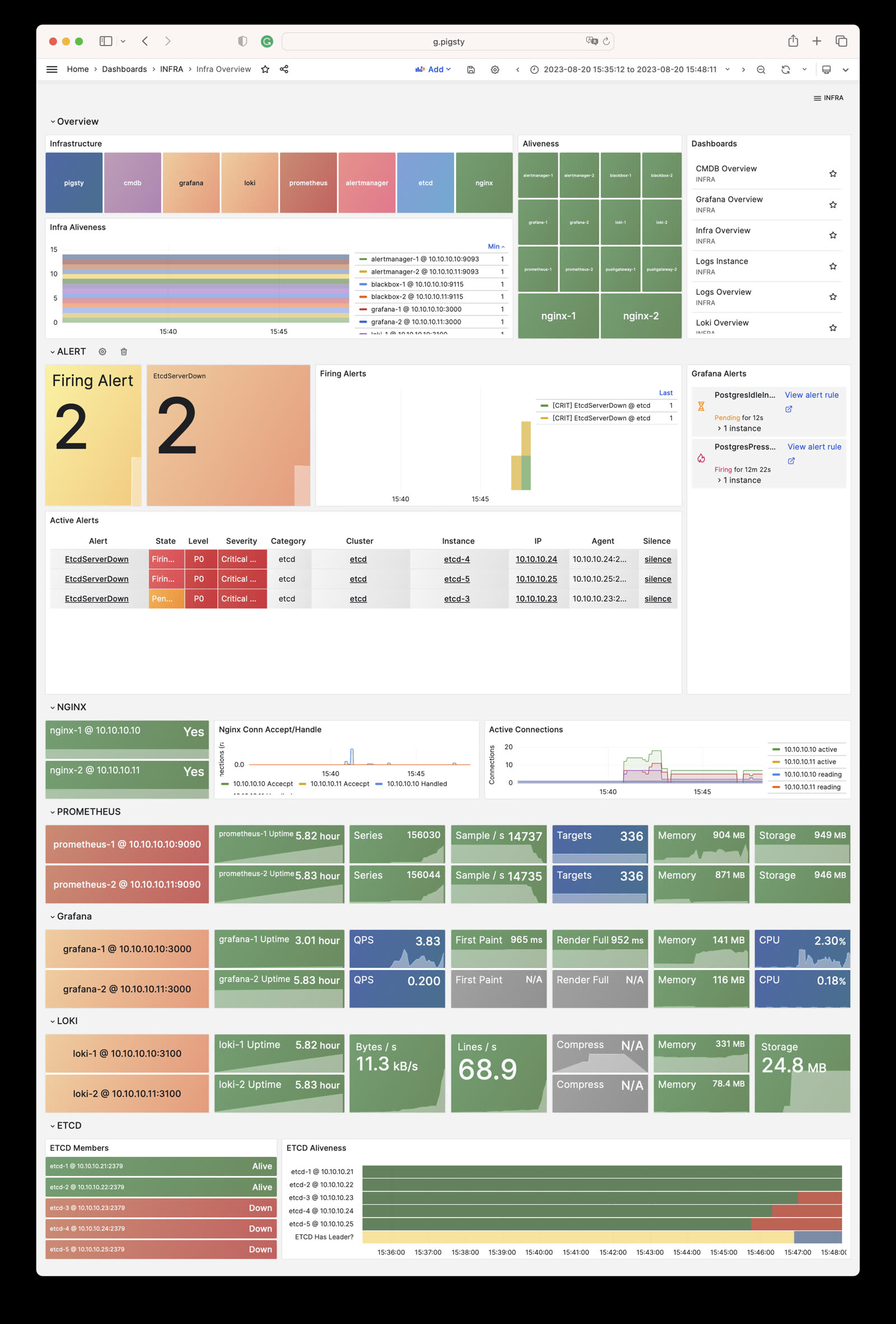
Nginx Instance: Nginx metrics and logs
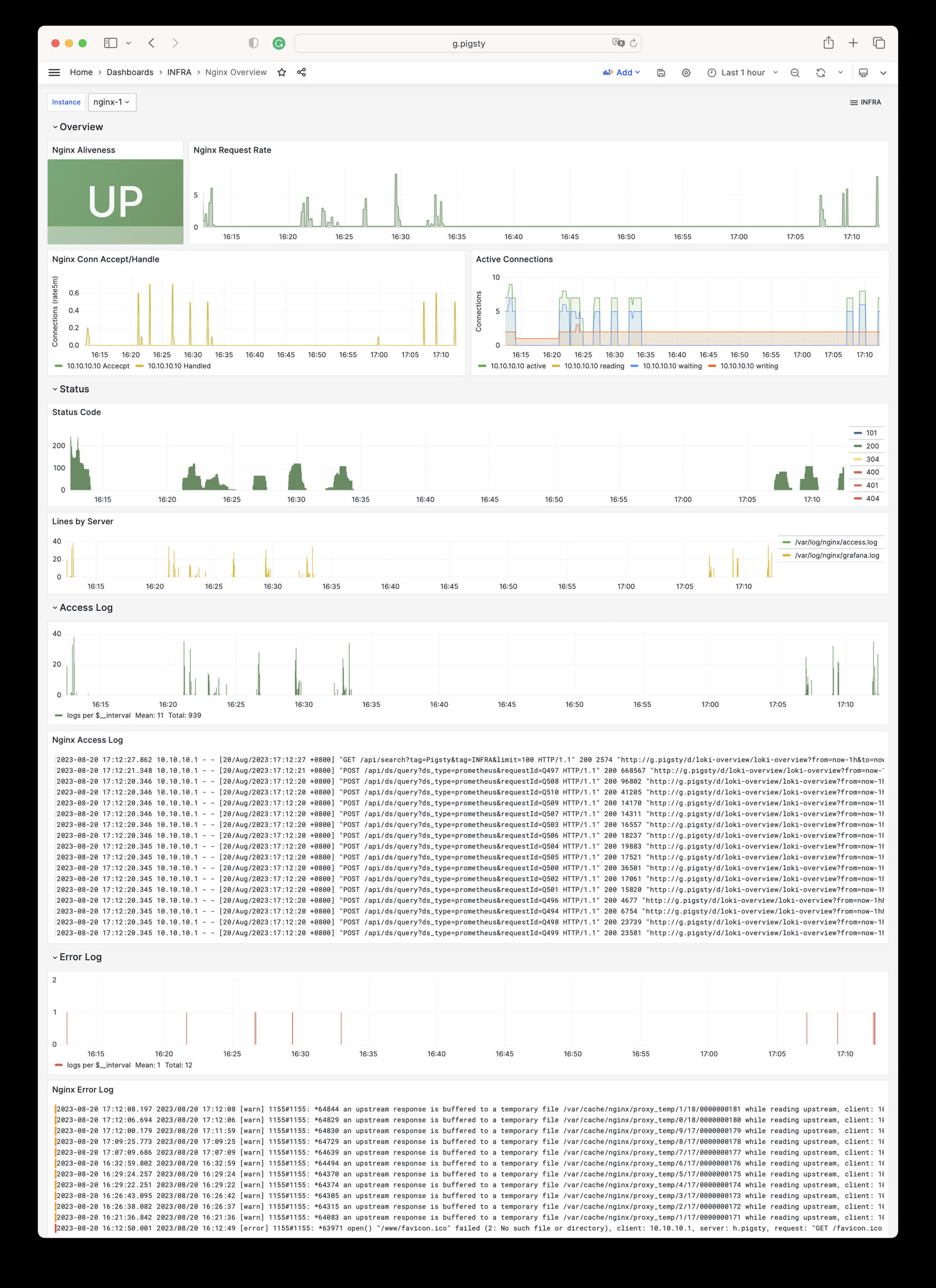
Grafana Instance: Grafana metrics and logs
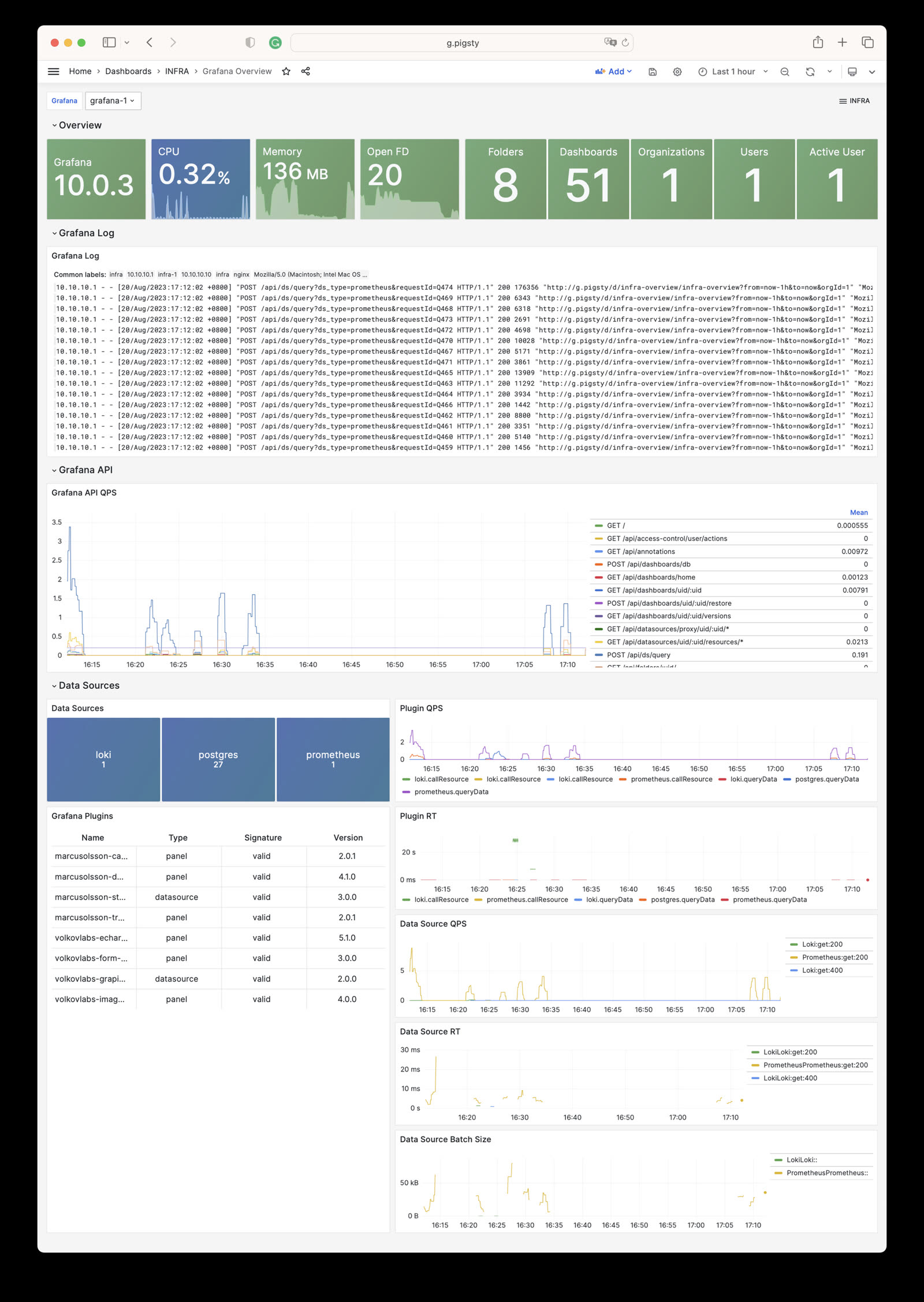
VictoriaMetrics Instance: VictoriaMetrics scraping, querying, and storage metrics
VMAlert Instance: Alert rule evaluation and queue status
Alertmanager Instance: Alert aggregation, notification pipelines, and Silences
VictoriaLogs Instance: Log ingestion rate, query load, and index hits
VictoriaTraces Instance: Trace/KV storage and Jaeger interface
Logs Instance: Node log search based on Vector + VictoriaLogs
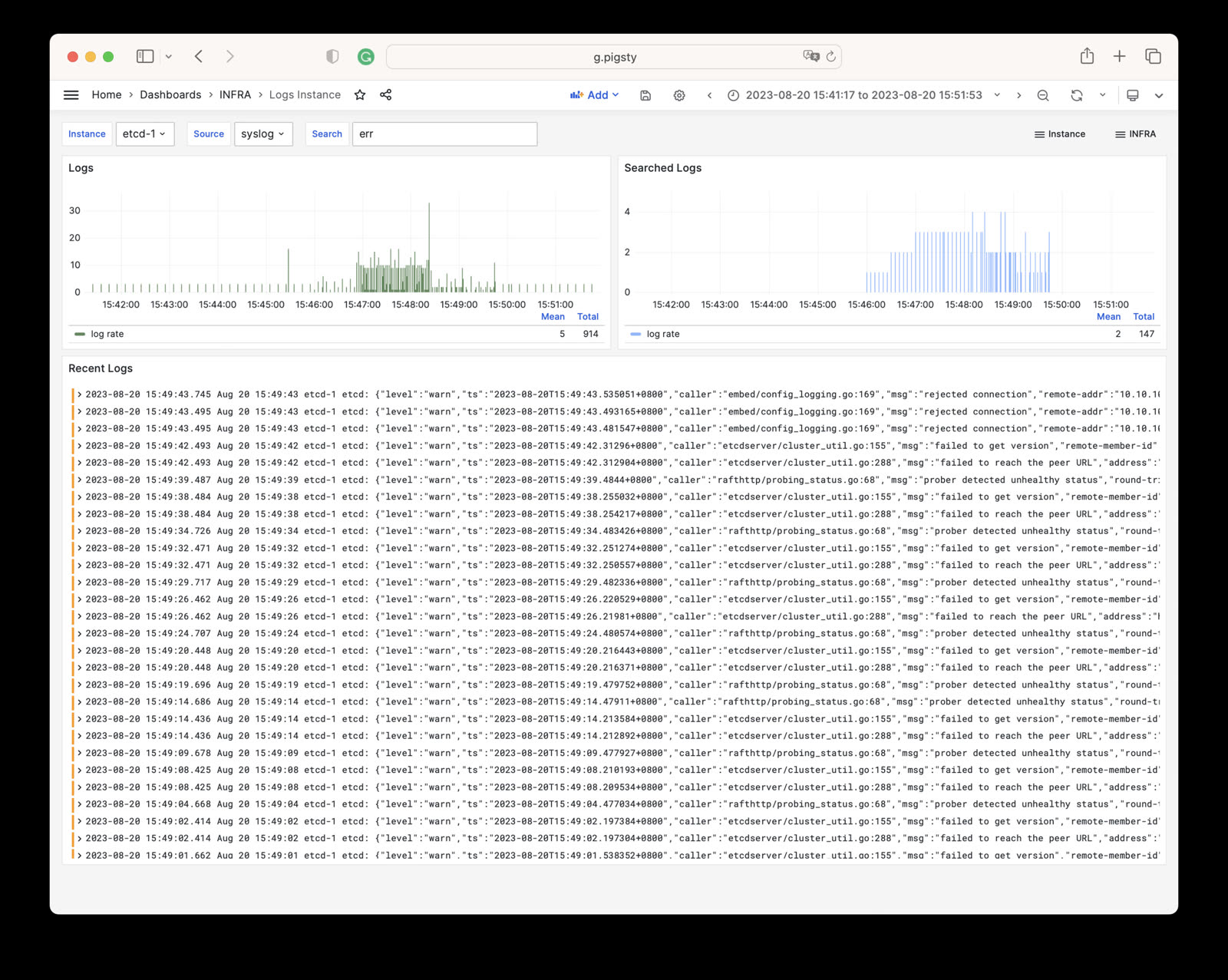
CMDB Overview: CMDB visualization
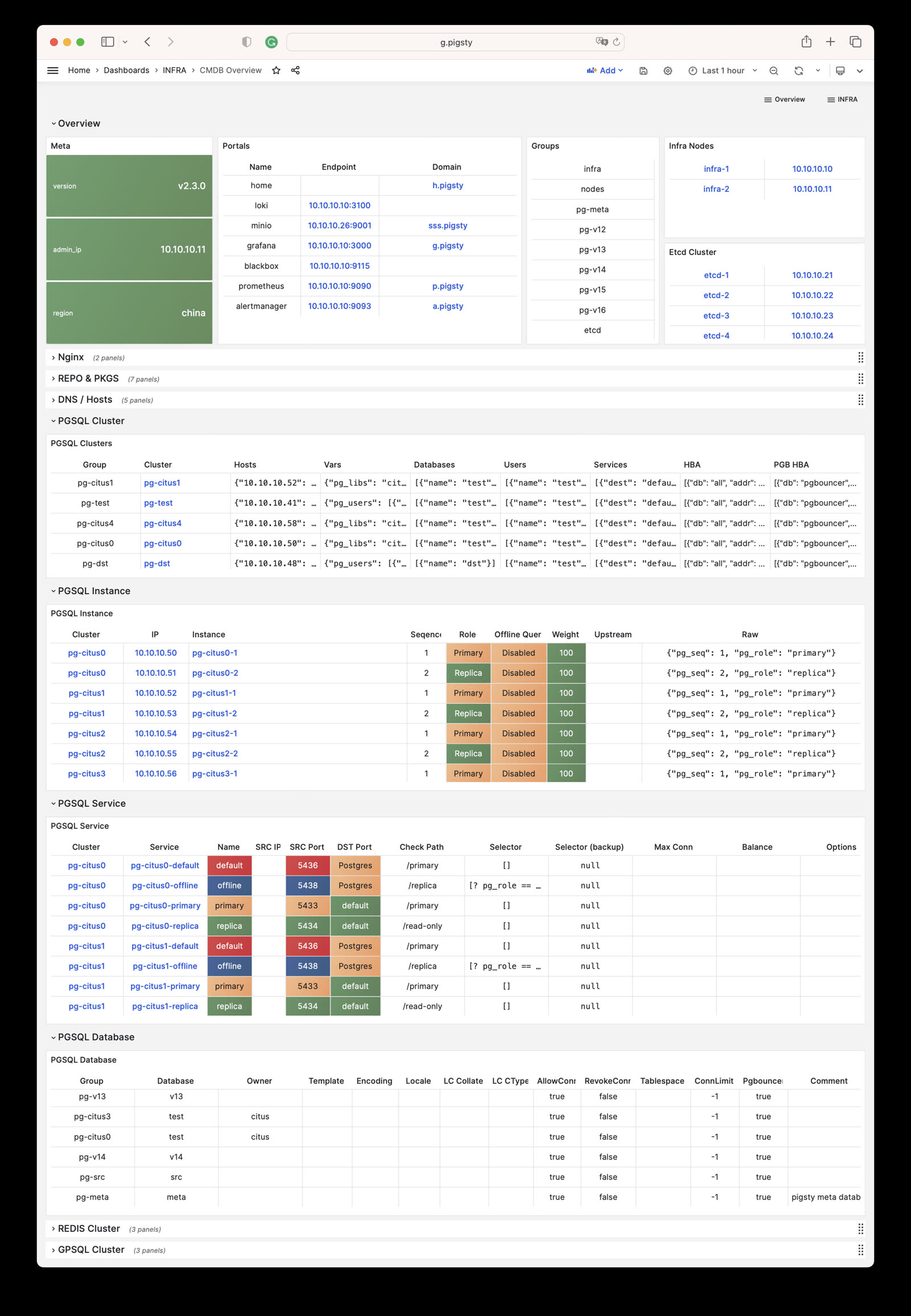
ETCD Overview: etcd metrics and logs
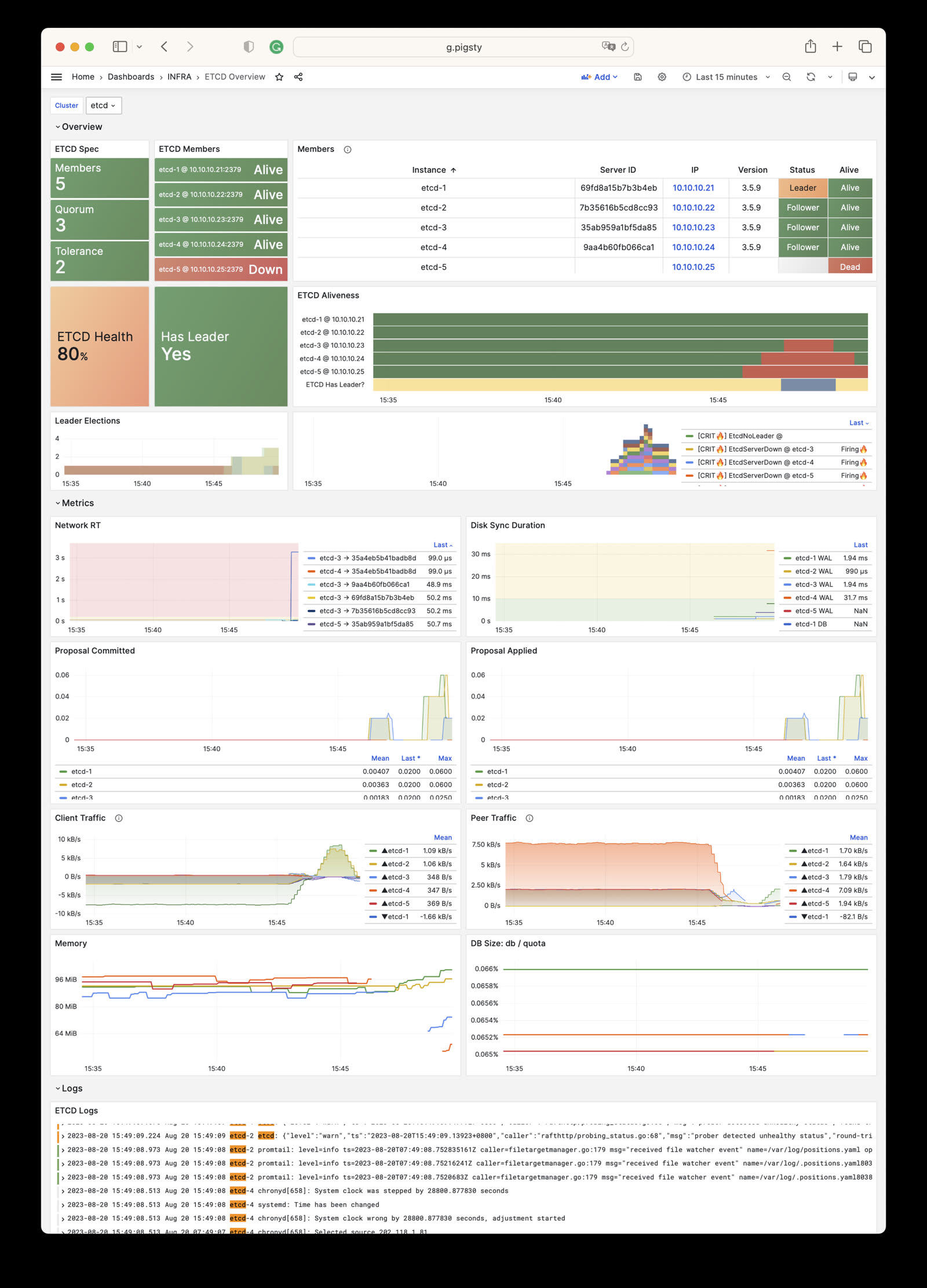
The INFRA module has the following 10 parameter groups.
META: Pigsty metadataCA: Self-signed PKI/CA infrastructureINFRA_ID: Infrastructure portal, Nginx domainsREPO: Local software repositoryINFRA_PACKAGE: Infrastructure software packagesNGINX: Nginx web serverDNS: DNSMASQ domain serverVICTORIA: VictoriaMetrics / Logs / Traces suitePROMETHEUS: Alertmanager and Blackbox ExporterGRAFANA: Grafana observability suiteFor the latest default values, types, and hierarchy, please refer to the Parameter Reference to stay consistent with the Pigsty version.
INFRA = primarily monitoring infrastructure, optional for PostgreSQL databases.
Unless manually configured to depend on DNS/NTP services on INFRA nodes, INFRA module failures typically don’t affect PG cluster operations.
Single INFRA node suffices for most scenarios. Prod env recommends 2-3 INFRA nodes for HA.
For better resource utilization, ETCD module (required by PG HA) can share nodes with INFRA module.
Using more than 3 INFRA nodes provides little additional benefit, but more ETCD nodes (e.g., 5) can improve DCS availability.
Add node IPs to infra group in config inventory, assign INFRA instance number infra_seq.
Default single INFRA node config:
By default, 10.10.10.10 placeholder replaced with current node’s primary IP during config.
Use infra.yml playbook to init INFRA module on nodes.
Two INFRA nodes config:
Three INFRA nodes config (with params):
Most INFRA module components = “stateless/identical state”. For HA, focus on “load balancing”.
HA achievable via Keepalived L2 VIP or HAProxy L4 load balancing. L2 VIP recommended for L2-reachable networks.
Config example:
Set VIP-related params and modify service endpoints in infra_portal.
See Nginx Parameter Config and Tutorial: Nginx.
See DNS Parameter Config and Tutorial: DNS.
See NTP Parameter Config.
The INFRA module is responsible for deploying Pigsty’s infrastructure components: local software repository, Nginx, DNSMasq, VictoriaMetrics, VictoriaLogs, Grafana, Alertmanager, Blackbox Exporter, and other monitoring and alerting infrastructure.
Pigsty v4.x uses VictoriaMetrics to replace Prometheus and VictoriaLogs to replace Loki, providing a superior observability solution.
| Section | Description |
|---|---|
META |
Pigsty metadata: version, admin IP, region, language, proxy |
CA |
Self-signed CA certificate management |
INFRA_ID |
Infrastructure node identity and service portal |
REPO |
Local software repository configuration |
INFRA_PACKAGE |
Infrastructure node package installation |
NGINX |
Nginx web server and reverse proxy configuration |
DNS |
DNSMasq DNS server configuration |
VICTORIA |
VictoriaMetrics/Logs/Traces observability stack |
PROMETHEUS |
Alertmanager and Blackbox Exporter |
GRAFANA |
Grafana visualization platform configuration |
META parameters define Pigsty metadata, including version string, admin node IP, repository mirror region, default language, and proxy settings.
| Parameter | Type | Level | Description |
|---|---|---|---|
version |
string |
G |
Pigsty version string |
admin_ip |
ip |
G |
Admin node IP address |
region |
enum |
G |
Upstream mirror region: default,china,europe |
language |
enum |
G |
Default language: en or zh |
proxy_env |
dict |
G |
Global proxy environment variables |
CA parameters configure Pigsty’s self-signed CA certificate management, including CA creation, CA name, and certificate validity.
| Parameter | Type | Level | Description |
|---|---|---|---|
ca_create |
bool |
G |
Allow creation if the CA private key is missing? Default true |
ca_cn |
string |
G |
CA CN name, fixed as pigsty-ca |
cert_validity |
interval |
G |
Certificate validity, default 20 years |
INFRA_ID parameters define infrastructure node identity, including node sequence number, service portal configuration, and data directory.
| Parameter | Type | Level | Description |
|---|---|---|---|
infra_seq |
int |
I |
Infrastructure node sequence, REQUIRED |
infra_portal |
dict |
G |
Infrastructure services exposed via Nginx portal |
infra_data |
path |
G |
Infrastructure data directory, default /data/infra |
infra_services |
service[] |
G |
Built-in home navigation entries |
infra_extra_services |
service[] |
G |
Additional home navigation entries, default [] |
REPO parameters configure the local software repository, including repository enable switch, directory paths, upstream source definitions, and packages to download.
| Parameter | Type | Level | Description |
|---|---|---|---|
repo_enabled |
bool |
G/I |
Create local repo on this infra node? |
repo_home |
path |
G |
Repo home directory, default /www |
repo_name |
string |
G |
Repo name, default pigsty |
repo_endpoint |
url |
G |
Repo access endpoint: domain or ip:port |
repo_remove |
bool |
G/A |
Remove existing upstream repo definitions? |
repo_modules |
string |
G/A |
Enabled upstream repo modules, comma separated |
repo_upstream |
upstream[] |
G |
Upstream repo definitions |
repo_packages |
string[] |
G |
Packages to download from upstream |
repo_extra_packages |
string[] |
G/C/I |
Extra packages to download |
repo_url_packages |
string[] |
G |
Extra packages downloaded via URL |
INFRA_PACKAGE parameters define RPM/DEB packages to install on infrastructure nodes.
| Parameter | Type | Level | Description |
|---|---|---|---|
infra_packages |
string[] |
G |
Packages to install on infra nodes |
NGINX parameters configure Nginx web server and reverse proxy, including enable switch, ports, SSL mode, certificates, and basic authentication.
| Parameter | Type | Level | Description |
|---|---|---|---|
nginx_enabled |
bool |
G/I |
Enable Nginx on this infra node? |
nginx_clean |
bool |
G/A |
Clean existing Nginx config during init? |
nginx_exporter_enabled |
bool |
G/I |
Enable nginx_exporter on this infra node? |
nginx_exporter_port |
port |
G |
nginx_exporter listen port, default 9113 |
nginx_sslmode |
enum |
G |
Nginx SSL mode: disable,enable,enforce |
nginx_cert_validity |
duration |
G |
Nginx self-signed cert validity, default 397d |
nginx_home |
path |
G |
Nginx content dir, default /www, symlink to nginx_data |
nginx_data |
path |
G |
Nginx actual data dir, default /data/nginx |
nginx_users |
dict |
G |
Nginx basic auth users: username-password dict |
nginx_port |
port |
G |
Nginx listen port, default 80 |
nginx_ssl_port |
port |
G |
Nginx SSL listen port, default 443 |
certbot_sign |
bool |
G/A |
Sign cert with certbot? |
certbot_email |
string |
G/A |
Certbot notification email address |
certbot_options |
string |
G/A |
Certbot extra command line options |
DNS parameters configure DNSMasq DNS server, including enable switch, listen port, and dynamic DNS records.
| Parameter | Type | Level | Description |
|---|---|---|---|
dns_enabled |
bool |
G/I |
Setup dnsmasq on this infra node? |
dns_port |
port |
G |
DNS server listen port, default 53 |
dns_records |
string[] |
G |
Dynamic DNS records resolved by dnsmasq |
VICTORIA parameters configure the VictoriaMetrics/Logs/Traces observability stack, including enable switches, ports, and data retention policies.
| Parameter | Type | Level | Description |
|---|---|---|---|
vmetrics_enabled |
bool |
G/I |
Enable VictoriaMetrics on this infra node? |
vmetrics_clean |
bool |
G/A |
Clean VictoriaMetrics data during init? |
vmetrics_port |
port |
G |
VictoriaMetrics listen port, default 8428 |
vmetrics_scrape_interval |
interval |
G |
Global scrape interval, default 10s |
vmetrics_scrape_timeout |
interval |
G |
Global scrape timeout, default 8s |
vmetrics_options |
arg |
G |
VictoriaMetrics extra CLI options |
vlogs_enabled |
bool |
G/I |
Enable VictoriaLogs on this infra node? |
vlogs_clean |
bool |
G/A |
Clean VictoriaLogs data during init? |
vlogs_port |
port |
G |
VictoriaLogs listen port, default 9428 |
vlogs_options |
arg |
G |
VictoriaLogs extra CLI options |
vtraces_enabled |
bool |
G/I |
Enable VictoriaTraces on this infra node? |
vtraces_clean |
bool |
G/A |
Clean VictoriaTraces data during init? |
vtraces_port |
port |
G |
VictoriaTraces listen port, default 10428 |
vtraces_options |
arg |
G |
VictoriaTraces extra CLI options |
vmalert_enabled |
bool |
G/I |
Enable VMAlert on this infra node? |
vmalert_port |
port |
G |
VMAlert listen port, default 8880 |
vmalert_options |
arg |
G |
VMAlert extra CLI options |
PROMETHEUS parameters configure Alertmanager and Blackbox Exporter, providing alert management and network probing capabilities.
| Parameter | Type | Level | Description |
|---|---|---|---|
blackbox_enabled |
bool |
G/I |
Setup blackbox_exporter on this infra node? |
blackbox_port |
port |
G |
blackbox_exporter listen port, default 9115 |
blackbox_options |
arg |
G |
blackbox_exporter extra CLI options |
alertmanager_enabled |
bool |
G/I |
Setup alertmanager on this infra node? |
alertmanager_port |
port |
G |
AlertManager listen port, default 9059 |
alertmanager_options |
arg |
G |
alertmanager extra CLI options |
exporter_metrics_path |
path |
G |
Exporter metrics path, default /metrics |
GRAFANA parameters configure the Grafana visualization platform, including enable switch, port, admin credentials, and data source configuration.
| Parameter | Type | Level | Description |
|---|---|---|---|
grafana_enabled |
bool |
G/I |
Enable Grafana on this infra node? |
grafana_port |
port |
G |
Grafana listen port, default 3000 |
grafana_clean |
bool |
G/A |
Clean Grafana data during init? |
grafana_admin_username |
username |
G |
Grafana admin username, default admin |
grafana_admin_password |
password |
G |
Grafana admin password, default pigsty |
grafana_auth_proxy |
bool |
G |
Enable Grafana auth proxy? |
grafana_pgurl |
url |
G |
External PostgreSQL URL for Grafana persistence |
grafana_view_password |
password |
G |
Grafana metadb PG datasource password |
META
This section defines Pigsty deployment metadata: version string, admin node IP address, repository mirror region, default language, and HTTP(S) proxy for downloading packages.
version
name: version, type: string, level: G
Pigsty version string. The current source default is v4.5.0.
Pigsty uses this version string internally for feature control and content rendering. Do not modify this parameter arbitrarily.
Pigsty uses semantic versioning, and the version string typically starts with the character v, e.g., v4.5.0.
admin_ip
name: admin_ip, type: ip, level: G
Admin node IP address, default is the placeholder IP address: 10.10.10.10
The node specified by this parameter will be treated as the admin node, typically pointing to the first node where Pigsty is installed, i.e., the control node.
The default value 10.10.10.10 is a placeholder that will be replaced with the actual admin node IP address during configure.
Many parameters reference this parameter, such as:
In these parameters, the string ${admin_ip} will be replaced with the actual value of admin_ip. Using this mechanism, you can specify different admin nodes for different nodes.
region
name: region, type: enum, level: G
Upstream mirror region, available options: default, china, europe, default is default
If a region other than default is set, and there’s a corresponding entry in repo_upstream with a matching baseurl, it will be used instead of the default baseurl.
For example, if your region is set to china, Pigsty will attempt to use Chinese mirror sites to accelerate downloads. If an upstream repository doesn’t have a corresponding China region mirror, the default upstream mirror site will be used instead.
Additionally, URLs defined in repo_url_packages will be replaced from repo.pigsty.io to repo.pigsty.cc to use domestic mirrors.
language
name: language, type: enum, level: G
Default language setting, options are en (English) or zh (Chinese), default is en.
This parameter affects the language preference of some Pigsty-generated configurations and content, such as the initial language setting of Grafana dashboards.
If you are a Chinese user, it is recommended to set this parameter to zh for a better Chinese support experience.
proxy_env
name: proxy_env, type: dict, level: G
Global proxy environment variables used when downloading packages, default value specifies no_proxy, which is the list of addresses that should not use a proxy:
When installing from the Internet in mainland China, certain packages may be blocked. You can use a proxy to solve this problem.
Note that if the Docker module is used, the proxy server configuration here will also be written to the Docker Daemon configuration file.
Note that if the -x parameter is specified during ./configure, the proxy configuration information in the current environment will be automatically filled into the generated pigsty.yaml file.
CA
Pigsty uses self-signed CA certificates to support advanced security features such as HTTPS access, PostgreSQL SSL connections, etc.
ca_create
name: ca_create, type: bool, level: G
Allow CA creation when the private key is missing? The default is true.
When set to true, Pigsty creates a new CA private key if files/pki/ca/ca.key is absent. If ca.crt is absent, it uses the existing or newly created private key to issue the CA certificate.
If you already have a CA public-private key pair, you can copy them to the files/pki/ca directory:
files/pki/ca/ca.crt: CA public key certificatefiles/pki/ca/ca.key: CA private key filePigsty reuses an existing CA key pair. If the private key is absent and this parameter is false, deployment stops with an error. If only ca.crt is missing, Pigsty still reissues it with the existing private key. Always back up and restore the matching ca.key and ca.crt together to avoid a certificate/key mismatch.
Be sure to retain and backup the newly generated CA private key file during deployment, as it is crucial for issuing new certificates later.
Pigsty v3.x used the ca_method parameter (create, recreate, or copy); v4.x simplifies it to the boolean ca_create.
ca_cn
name: ca_cn, type: string, level: G
CA CN (Common Name), fixed as pigsty-ca, not recommended to modify.
You can use the following command to view the Pigsty CA certificate details on a node:
cert_validity
name: cert_validity, type: interval, level: G
Certificate validity period for issued certificates, default is 20 years, sufficient for most scenarios. Default value: 7300d
This parameter affects the validity of all certificates issued by the Pigsty CA, including:
Note: The validity of HTTPS certificates used by Nginx is controlled separately by nginx_cert_validity, because modern browsers have stricter requirements for website certificate validity (maximum 397 days).
INFRA_ID
Infrastructure identity and portal definition.
infra_seq
name: infra_seq, type: int, level: I
Infrastructure node sequence number, REQUIRED identity parameter that must be explicitly specified on infrastructure nodes, so no default value is provided.
This parameter is used to uniquely identify each node in multi-infrastructure node deployments, typically using positive integers starting from 1.
Example configuration:
infra_portal
name: infra_portal, type: dict, level: G
Infrastructure services exposed via Nginx portal. The v4.x default value is very concise:
Pigsty will automatically configure the corresponding reverse proxies based on the actually enabled components. Users typically only need to define the home domain name.
Each record consists of a Key and a Value dictionary, where name is the key representing the component name, and the value is an object that can configure the following parameters:
name: REQUIRED, specifies the name of the Nginx server
home is a fixed name, please do not modify it./etc/nginx/conf.d/<name>.confdomain field will not generate configuration files but will be used as references.domain: OPTIONAL, when the service needs to be exposed via Nginx, this is a REQUIRED field specifying the domain name to use
endpoint: Usually used as an alternative to path, specifies the upstream server address. Setting endpoint indicates this is a reverse proxy server
${admin_ip} can be used as a placeholder in the configuration and will be dynamically replaced with admin_ip during deploymentwebsocket and schema parameterspath: Usually used as an alternative to endpoint, specifies the local file server path. Setting path indicates this is a local web server
index parameter to enable file index pagescertbot: Certbot certificate name; if configured, Certbot will be used to apply for certificates
cert: Certificate file path; if configured, will override the default certificate pathkey: Certificate key file path; if configured, will override the default certificate key pathwebsocket: Whether to enable WebSocket support
schema: Protocol used by the upstream server; if configured, will override the default protocol
index: Whether to enable file index pages
log: Nginx log file path
/var/log/nginx/<name>.log as the default log file pathconf: Nginx configuration file path
config: Nginx configuration code block
enforce_https: Redirect HTTP to HTTPS
infra_data
name: infra_data, type: path, level: G
Infrastructure data directory, default value is /data/infra.
This directory is used to store data files for infrastructure components, including:
It is recommended to place this directory on a separate data disk for easier management and expansion.
infra_services
name: infra_services, type: service[], level: G
Built-in navigation entries on the Pigsty home page. Current defaults include Metrics, Logs, Traces, Monitor Targets, Alert Rules, Alert Manager, CA Certificate, Software Repo, and Explain Visualizer.
Each item can use name, url, desc, and icon, plus the Chinese display fields name_cn and desc_cn. This parameter replaces the entire default list; use infra_extra_services if you only want to append entries.
infra_extra_services
name: infra_extra_services, type: service[], level: G
Navigation entries appended to infra_services. The default is [], and each item uses the same structure as infra_services. For example:
REPO
This section is about local software repository configuration. Pigsty enables a local software repository (APT/YUM) on infrastructure nodes by default.
During initialization, Pigsty downloads all packages and their dependencies (specified by repo_packages) from the Internet upstream repository (specified by repo_upstream) to {{ nginx_home }} / {{ repo_name }} (default /www/pigsty). The total size of all software and dependencies is approximately 1GB.
The current package candidate is SOW 0.3.0, and the source uses SOW to generate RPM/APT metadata. After a successful build, repo_complete is both a SHA-256 manifest and a completion marker. When it is present, Pigsty skips downloading and rebuilding by default and uses the existing repository. Force a rebuild with ./infra.yml -t repo_build -e repo_build=true.
Both repo_create and cache_create invoke sow create --pigsty directly, with no fallback to createrepo_c or dpkg-scanpackages. If an older offline bundle or local repository does not contain SOW, refresh the media or install SOW from the Pigsty INFRA repository first.
If some packages download too slowly, you can set a download proxy using the proxy_env configuration to complete the initial download, or directly download the pre-packaged offline package, which is essentially a local software repository built on the same operating system.
repo_enabled
name: repo_enabled, type: bool, level: G/I
Create a local software repository on this infrastructure node? Default is true, meaning all Infra nodes will set up a local software repository.
If you have multiple infrastructure nodes, you can keep only 1-2 nodes as software repositories; other nodes can set this parameter to false to avoid duplicate software download builds.
repo_home
name: repo_home, type: path, level: G
Local software repository home directory, defaults to Nginx’s root directory: /www.
On a fresh installation, if this path does not exist, the role creates a symlink to nginx_data. Existing directories and symlinks are preserved unchanged. Modification is generally discouraged; if required, keep it consistent with nginx_home.
repo_name
name: repo_name, type: string, level: G
Local repository name, default is pigsty. Changing this repository name is not recommended.
The final repository path is {{ repo_home }}/{{ repo_name }}, defaulting to /www/pigsty.
repo_endpoint
name: repo_endpoint, type: url, level: G
Endpoint used by other nodes to access this repository, default value: http://${admin_ip}:80.
Pigsty starts Nginx on infrastructure nodes at ports 80/443 by default, providing local software repository (static files) service.
If you modify nginx_port or nginx_ssl_port, or use a different infrastructure node from the control node, adjust this parameter accordingly.
If you use a domain name, you can add resolution in node_default_etc_hosts, node_etc_hosts, or dns_records.
repo_remove
name: repo_remove, type: bool, level: G/A
Remove existing upstream repository definitions when building the local repository? Default value: true.
When this parameter is enabled, all existing repository files in /etc/yum.repos.d will be moved and backed up to /etc/yum.repos.d/backup. On Debian systems, /etc/apt/sources.list and /etc/apt/sources.list.d are removed and backed up to /etc/apt/backup.
Since existing OS sources have uncontrollable content, using Pigsty-validated upstream software sources can improve the success rate and speed of downloading packages from the Internet.
In certain situations (e.g., your OS is some EL/Deb compatible variant that uses private sources for many packages), you may need to keep existing upstream repository definitions. In such cases, set this parameter to false.
repo_modules
name: repo_modules, type: string, level: G/A
Which upstream repository modules will be added to the local software source, default value: infra,node,pgsql
When Pigsty attempts to add upstream repositories, it filters entries in repo_upstream based on this parameter’s value. Only entries whose module field matches this parameter’s value will be added to the local software source.
During the build stage, infra is automatically added to the effective module list so SOW can be installed. This bootstrap dependency is restored even if a user overrides repo_modules without infra.
Modules are comma-separated. Available module lists can be found in the repo_upstream definitions; common modules include:
local: Local Pigsty repositoryinfra: Infrastructure packages (Nginx, Docker, etc.)node: OS base packagespgsql: PostgreSQL-related packagesextra: Extra PostgreSQL extensionsdocker: Docker-relatedredis: Redis-relatedmongo: MongoDB-relatedmysql: MySQL-relatedrepo_upstream
name: repo_upstream, type: upstream[], level: G
Where to download upstream packages when building the local repository? This parameter has no default value. If not explicitly specified by the user in the configuration file, it will be loaded from the repo_upstream_default variable defined in roles/node_id/vars based on the current node’s OS family.
Pigsty provides complete upstream repository definitions for currently supported OS versions (EL 8/9/10, Debian 12/13, Ubuntu 22/24/26), including:
Each upstream repository definition contains the following fields:
RPM upstream repositories retain native DNF module filtering by default. Set meta.module_hotfixes only on a repository that must actually replace an EL module stream. Pigsty’s aggregated local repository itself is consumed with module_hotfixes=1, but Pigsty no longer generates fake modules.yaml / ModuleMD metadata.
Users typically don’t need to modify this parameter unless they have special repository requirements. For detailed repository definitions, refer to the configuration files for corresponding operating systems in the roles/node_id/vars/ directory.
repo_packages
name: repo_packages, type: string[], level: G
String array type, where each line is a space-separated list of software packages, specifying packages (and their dependencies) to download using repotrack or apt download.
This parameter has no default value, meaning its default state is undefined. If not explicitly defined, Pigsty will load the default from the repo_packages_default variable defined in roles/node_id/vars:
Each element in this parameter will be translated according to the package_map in the above files, based on the specific OS distro major version. For example, on EL systems it translates to:
As a convention, repo_packages typically includes packages unrelated to the PostgreSQL major version (such as Infra, Node, and PGDG Common parts), while PostgreSQL major version-related packages (kernel, extensions) are usually specified in repo_extra_packages to facilitate switching PG major versions.
repo_extra_packages
name: repo_extra_packages, type: string[], level: G/C/I
Used to specify additional packages to download without modifying repo_packages (typically PG major version-related packages), default value is an empty list.
If not explicitly defined, Pigsty will load the default from the repo_extra_packages_default variable defined in roles/node_id/vars:
Elements in this parameter undergo package name translation, where $v will be replaced with pg_version, i.e., the current PG major version (default 18).
The pgsql-main here translates on EL systems to:
Users can typically specify PostgreSQL major version-related packages here without affecting the other PG version-independent packages defined in repo_packages.
repo_url_packages
name: repo_url_packages, type: object[] | string[], level: G
Packages downloaded directly from the Internet using URLs, default is an empty array: []
You can use URL strings directly as array elements in this parameter, or use object structures to explicitly specify URLs and filenames.
Note that this parameter is affected by the region variable. If you’re in mainland China, Pigsty will automatically replace URLs, changing repo.pigsty.io to repo.pigsty.cc.
INFRA_PACKAGE
These RPM/DEB packages are installed only on INFRA nodes.
infra_packages
name: infra_packages, type: string[], level: G
String array type, where each line is a space-separated list of software packages, specifying packages to install on Infra nodes.
This parameter has no single cross-platform default. If not explicitly specified, Pigsty loads infra_packages_default from the platform-specific file under roles/node_id/vars, based on the operating-system version and CPU architecture.
For example, the current mapping for EL 9 x86_64 is:
The current mapping for Debian 13 x86_64 is:
Pigsty v4.x replaces Prometheus and Loki with the VictoriaMetrics suite, so its package list differs significantly from v3.x.
NGINX
Pigsty proxies all web service access through Nginx: Home Page, Grafana, VictoriaMetrics, etc., as well as other optional tools like PGWeb, Jupyter Lab, Pgadmin, Bytebase, and static resources and reports like pev, schemaspy, and pgbadger.
Most importantly, Nginx also serves as the web server for the local software repository (Yum/Apt), used to store and distribute Pigsty packages.
nginx_enabled
name: nginx_enabled, type: bool, level: G/I
Enable Nginx on this Infra node? Default value: true.
Nginx is a core component of Pigsty infrastructure, responsible for:
nginx_clean
name: nginx_clean, type: bool, level: G/A
Clean existing Nginx configuration during initialization? Default value: false.
When set to true, all existing configuration files under /etc/nginx/conf.d/ will be deleted during Nginx initialization, ensuring a clean start.
If you’re deploying for the first time or want to completely rebuild Nginx configuration, you can set this parameter to true.
nginx_exporter_enabled
name: nginx_exporter_enabled, type: bool, level: G/I
Enable nginx_exporter on this infrastructure node? Default value: true.
If this option is disabled, the /nginx health check stub will also be disabled. Consider disabling this when your Nginx version doesn’t support this feature.
nginx_exporter_port
name: nginx_exporter_port, type: port, level: G
nginx_exporter listen port, default value is 9113.
nginx_exporter is used to collect Nginx operational metrics for VictoriaMetrics to scrape and monitor.
nginx_sslmode
name: nginx_sslmode, type: enum, level: G
Nginx SSL operating mode. Three options: disable, enable, enforce, default value is enable, meaning SSL is enabled but not enforced.
disable: Only listen on the port specified by nginx_port to serve HTTP requests.enable: Also listen on the port specified by nginx_ssl_port to serve HTTPS requests.enforce: All links will be rendered to use https:// by default
infra_portalnginx_cert_validity
name: nginx_cert_validity, type: duration, level: G
Nginx self-signed certificate validity, default value is 397d (approximately 13 months).
Modern browsers require website certificate validity to be at most 397 days, hence this default value. Setting a longer validity is not recommended, as browsers may refuse to trust such certificates.
nginx_home
name: nginx_home, type: path, level: G
Nginx server static content directory, default: /www
This is a symlink that actually points to the nginx_data directory. This directory contains static resources and software repository files.
It’s best not to modify this parameter arbitrarily. If modified, it should be consistent with the repo_home parameter.
nginx_data
name: nginx_data, type: path, level: G
Nginx actual data directory, default is /data/nginx.
This is the actual storage location for Nginx static files; nginx_home is a symlink pointing to this directory.
It’s recommended to place this directory on a data disk for easier management of large package files.
nginx_users
name: nginx_users, type: dict, level: G
Nginx Basic Authentication user dictionary, default is an empty dictionary {}.
Format is { username: password } key-value pairs, for example:
These users can be used to protect certain Nginx endpoints that require authentication.
nginx_port
name: nginx_port, type: port, level: G
Nginx default listening port (serving HTTP), default is port 80. It’s best not to modify this parameter.
When your server’s port 80 is occupied, you can consider using another port, but you need to also modify repo_endpoint and keep node_repo_local_urls consistent with the port used here.
nginx_ssl_port
name: nginx_ssl_port, type: port, level: G
Nginx SSL default listening port, default is 443. It’s best not to modify this parameter.
certbot_sign
name: certbot_sign, type: bool, level: G/A
Use certbot to sign Nginx certificates during installation? Default value is false.
When set to true, Pigsty will use certbot to automatically apply for free SSL certificates from Let’s Encrypt during the execution of infra.yml and deploy.yml playbooks (in the nginx role).
For domains defined in infra_portal, if a certbot parameter is defined, Pigsty will use certbot to apply for a certificate for that domain. The certificate name will be the value of the certbot parameter. If multiple servers/domains specify the same certbot parameter, Pigsty will merge and apply for certificates for these domains, using the certbot parameter value as the certificate name.
Enabling this option requires:
This option is disabled by default. You can manually execute the make cert command after installation, which actually calls the rendered /etc/nginx/sign-cert script to update or apply for certificates using certbot.
certbot_email
name: certbot_email, type: string, level: G/A
Email address for receiving certificate expiration reminder emails, default value is [email protected].
When certbot_sign is set to true, it’s recommended to provide this parameter. Let’s Encrypt will send reminder emails to this address when certificates are about to expire.
certbot_options
name: certbot_options, type: string, level: G/A
Additional configuration parameters passed to certbot, default value is an empty string.
You can pass additional command-line options to certbot through this parameter, for example --dry-run, which makes certbot perform a preview and test without actually applying for certificates.
DNS
Pigsty enables DNSMASQ on Infra nodes by default to resolve auxiliary names such as i.pigsty, m.pigsty, and api.pigsty; sss.pigsty can optionally provide the Silo endpoint.
Resolution records are stored in the /etc/dnsmasq.d/pigsty/default file on Infra nodes. To use this DNS server, you must add nameserver <ip> to /etc/resolv.conf. The node_dns_servers parameter handles this.
dns_enabled
name: dns_enabled, type: bool, level: G/I
Enable DNSMASQ service on this Infra node? Default value: true.
If you don’t want to use the default DNS server (e.g., you already have an external DNS server, or your provider doesn’t allow you to use a DNS server), you can set this value to false to disable it, and use node_default_etc_hosts and node_etc_hosts static resolution records instead.
dns_port
name: dns_port, type: port, level: G
DNSMASQ default listening port, default is 53. It’s not recommended to modify the default DNS service port.
dns_records
name: dns_records, type: string[], level: G
Dynamic DNS records resolved by dnsmasq, generally used to resolve auxiliary domain names to the admin node. These records are written to the /etc/dnsmasq.d/pigsty/default file on infrastructure nodes.
v4.x default value:
The ${admin_ip} placeholder is used here and will be replaced with the actual admin_ip value during deployment.
Common domain name purposes:
i.pigsty: Pigsty home pagem.pigsty: Commonly used for the Silo console (optional)p.pigsty: Commonly used for the VictoriaMetrics Web UI when explicitly configured in infra_portalapi.pigsty: API serviceadm.pigsty: Admin serviceVICTORIA
Pigsty v4.x uses the VictoriaMetrics suite to replace Prometheus and Loki, providing a superior observability solution:
vmetrics_enabled
name: vmetrics_enabled, type: bool, level: G/I
Enable VictoriaMetrics on this Infra node? Default value is true.
VictoriaMetrics is the core monitoring component in Pigsty v4.x, replacing Prometheus as the time series database, responsible for:
vmetrics_clean
name: vmetrics_clean, type: bool, level: G/A
Clean existing VictoriaMetrics data during initialization? Default value is false.
When set to true, existing time series data will be deleted during initialization. Use this option carefully unless you’re sure you want to rebuild monitoring data.
vmetrics_port
name: vmetrics_port, type: port, level: G
VictoriaMetrics listen port, default value is 8428.
This port is used for:
vmetrics_scrape_interval
name: vmetrics_scrape_interval, type: interval, level: G
VictoriaMetrics global metrics scrape interval, default value is 10s.
In production environments, 10-30 seconds is a suitable scrape interval. If you need finer monitoring data granularity, you can adjust this parameter, but it will increase storage and CPU overhead.
vmetrics_scrape_timeout
name: vmetrics_scrape_timeout, type: interval, level: G
VictoriaMetrics global scrape timeout, default is 8s.
Setting a scrape timeout can effectively prevent avalanches caused by monitoring system queries. The principle is that this parameter must be less than and close to vmetrics_scrape_interval to ensure each scrape duration doesn’t exceed the scrape interval.
vmetrics_options
name: vmetrics_options, type: arg, level: G
VictoriaMetrics extra command line options, default value:
Common parameter descriptions:
-retentionPeriod=15d: Data retention period, default 15 days-promscrape.fileSDCheckInterval=5s: File service discovery refresh intervalYou can add other VictoriaMetrics-supported parameters as needed.
vlogs_enabled
name: vlogs_enabled, type: bool, level: G/I
Enable VictoriaLogs on this Infra node? Default value is true.
VictoriaLogs replaces Loki as the log aggregation storage, responsible for:
vlogs_clean
name: vlogs_clean, type: bool, level: G/A
Clean existing VictoriaLogs data during initialization? Default value is false.
vlogs_port
name: vlogs_port, type: port, level: G
VictoriaLogs listen port, default value is 9428.
vlogs_options
name: vlogs_options, type: arg, level: G
VictoriaLogs extra command line options, default value:
Common parameter descriptions:
-retentionPeriod=15d: Log retention period, default 15 days-retention.maxDiskSpaceUsageBytes=50GiB: Maximum disk usage-insert.maxLineSizeBytes=1MB: Maximum single log line size-search.maxQueryDuration=120s: Maximum query execution timevtraces_enabled
name: vtraces_enabled, type: bool, level: G/I
Enable VictoriaTraces on this Infra node? Default value is true.
VictoriaTraces is used for distributed trace data storage and query, supporting Jaeger, Zipkin, and other trace protocols.
vtraces_clean
name: vtraces_clean, type: bool, level: G/A
Clean existing VictoriaTraces data during initialization? Default value is false.
vtraces_port
name: vtraces_port, type: port, level: G
VictoriaTraces listen port, default value is 10428.
vtraces_options
name: vtraces_options, type: arg, level: G
VictoriaTraces extra command line options, default value:
vmalert_enabled
name: vmalert_enabled, type: bool, level: G/I
Enable VMAlert on this Infra node? Default value is true.
VMAlert is responsible for alert rule evaluation, replacing Prometheus Alerting functionality, working with Alertmanager.
vmalert_port
name: vmalert_port, type: port, level: G
VMAlert listen port, default value is 8880.
vmalert_options
name: vmalert_options, type: arg, level: G
VMAlert extra command line options, default value is an empty string.
PROMETHEUS
This section now primarily contains Blackbox Exporter and Alertmanager configuration.
Pigsty v4.x uses VictoriaMetrics instead of Prometheus. The legacy prometheus_* and pushgateway_* parameters are no longer part of the current interface; use the vmetrics_* and vmalert_* parameters under VICTORIA for metric storage and rule evaluation.
blackbox_enabled
name: blackbox_enabled, type: bool, level: G/I
Enable BlackboxExporter on this Infra node? Default value is true.
BlackboxExporter sends ICMP packets to node IP addresses, VIP addresses, and PostgreSQL VIP addresses to test network connectivity. It can also perform HTTP, TCP, DNS, and other probes.
blackbox_port
name: blackbox_port, type: port, level: G
Blackbox Exporter listen port, default value is 9115.
blackbox_options
name: blackbox_options, type: arg, level: G
BlackboxExporter extra command line options, default value: empty string.
alertmanager_enabled
name: alertmanager_enabled, type: bool, level: G/I
Enable AlertManager on this Infra node? Default value is true.
AlertManager is responsible for receiving alert notifications from VMAlert and performing alert grouping, inhibition, silencing, routing, and other processing.
alertmanager_port
name: alertmanager_port, type: port, level: G
AlertManager listen port, default value is 9059.
If you modify this port, ensure you update the alertmanager entry’s endpoint configuration in infra_portal accordingly (if defined).
alertmanager_options
name: alertmanager_options, type: arg, level: G
AlertManager extra command line options, default value: empty string.
exporter_metrics_path
name: exporter_metrics_path, type: path, level: G
HTTP endpoint path where monitoring exporters expose metrics, default: /metrics. Not recommended to modify this parameter.
This parameter defines the standard path for all exporters to expose monitoring metrics.
GRAFANA
Pigsty uses Grafana as the monitoring system frontend. It can also serve as a data analysis and visualization platform, or for low-code data application development and data application prototyping.
grafana_enabled
name: grafana_enabled, type: bool, level: G/I
Enable Grafana on Infra node? Default value: true, meaning all infrastructure nodes will install and enable Grafana by default.
grafana_port
name: grafana_port, type: port, level: G
Grafana listen port, default value is 3000.
If you need to access Grafana directly (not through Nginx reverse proxy), you can use this port.
grafana_clean
name: grafana_clean, type: bool, level: G/A
Clean Grafana data files during initialization? Default: false.
This operation removes /var/lib/grafana/grafana.db, ensuring a fresh Grafana installation.
If you want to preserve existing Grafana configuration (such as dashboards, users, data sources, etc.), set this parameter to false.
grafana_admin_username
name: grafana_admin_username, type: username, level: G
Grafana admin username, default is admin.
grafana_admin_password
name: grafana_admin_password, type: password, level: G
Grafana admin password, default is pigsty.
IMPORTANT: Be sure to change this password parameter before deploying to production!
grafana_auth_proxy
name: grafana_auth_proxy, type: bool, level: G
Enable Grafana auth proxy? Default is false.
When enabled, Grafana will trust user identity information passed by the reverse proxy (Nginx), enabling single sign-on (SSO) functionality.
This is typically used for integration with external identity authentication systems.
grafana_pgurl
name: grafana_pgurl, type: url, level: G
External PostgreSQL database URL for Grafana persistence storage. Default is an empty string.
If specified, Grafana will use this PostgreSQL database instead of the default SQLite database to store its configuration data.
Format example: postgres://grafana:password@pg-meta:5432/grafana?sslmode=disable
This is useful for scenarios requiring Grafana high availability deployment or data persistence.
grafana_view_password
name: grafana_view_password, type: password, level: G
Read-only user password used by Grafana metadb PG data source, default is DBUser.Viewer.
This password is used for Grafana to connect to the PostgreSQL CMDB data source to query metadata in read-only mode.
Pigsty provides three playbooks related to the INFRA module:
deploy.yml: Deploy the NODE, INFRA, ETCD, MINIO, and PGSQL core modules on all nodes in one passinfra.yml: Initialize Pigsty infrastructure on infra nodesinfra-rm.yml: Remove infrastructure components from infra nodesdeploy.yml
Deploy the NODE, INFRA, ETCD, MINIO, and PGSQL core modules on all nodes in one pass, resolving INFRA/NODE circular dependency issues.
This playbook interleaves subtasks from infra.yml and node.yml, completing deployment of the core components in the following order:
This playbook is equivalent to executing the following five playbooks sequentially:
deploy.yml does not currently deploy the Docker module. If Docker is required, set docker_enabled: true and run docker.yml separately.
infra.yml
Initialize the infrastructure module on Infra nodes defined in the infra group of your configuration file.
This playbook performs the following tasks:
Playbook notes:
vmetrics_clean, vlogs_clean, vtraces_clean to false beforehandgrafana_clean is set to false, Grafana dashboards and configuration changes will be lost/www/pigsty/repo_complete exists, this playbook skips internet downloads; the file is the SHA-256 manifest and completion marker generated by SOWinfra-rm.yml
Remove Pigsty infrastructure from Infra nodes defined in the infra group of your configuration file.
Common subtasks include:
infra-rm.yml has no deletion safeguard. Without tags, it runs every phase above. The data phase recursively removes infra_data (default: /data/infra), nginx_data (default: /data/nginx), nginx_home (default: /www), and /var/lib/grafana, including metrics, logs, traces, the software repository, and local Grafana data. Use the corresponding tag if you only want to stop services or deregister targets. Before a full run, back up everything that must survive and verify the exact infra target.
This document describes monitoring dashboards and alert rules for the INFRA module in Pigsty.
Pigsty provides the following monitoring dashboards for the Infra module:
| Dashboard | Description |
|---|---|
| Pigsty Home | Pigsty monitoring system homepage |
| INFRA Overview | Pigsty infrastructure self-monitoring overview |
| Nginx Instance | Nginx metrics and logs |
| Grafana Instance | Grafana metrics and logs |
| VictoriaMetrics Instance | VictoriaMetrics scraping/query status |
| VMAlert Instance | Alert rule execution status |
| Alertmanager Instance | Alert aggregation and notifications |
| VictoriaLogs Instance | Log ingestion, querying, and indexing |
| Logs Instance | View log information on a single node |
| VictoriaTraces Instance | Trace storage and querying |
| Inventory CMDB | CMDB visualization |
| ETCD Overview | etcd cluster monitoring |
Pigsty provides the following two alert rules for the INFRA module:
| Alert Rule | Description |
|---|---|
InfraDown |
Infrastructure component is down |
AgentDown |
Monitoring agent is down |
You can modify or add new infrastructure alert rules in files/victoria/rules/infra.yml.
Note: Pigsty v4.0 has replaced Prometheus/Loki with VictoriaMetrics/Logs/Traces. The following metric list is still based on v3.x generation, for reference when troubleshooting older versions only. To get the latest metrics, query directly in
https://p.pigsty(VMUI) or Grafana. Future versions will regenerate metric reference sheets consistent with the Victoria suite.
The INFRA module has 964 available metrics.
| Metric Name | Type | Labels | Description |
|---|---|---|---|
| alertmanager_alerts | gauge | ins, instance, ip, job, cls, state |
How many alerts by state. |
| alertmanager_alerts_invalid_total | counter | version, ins, instance, ip, job, cls |
The total number of received alerts that were invalid. |
| alertmanager_alerts_received_total | counter | version, ins, instance, ip, status, job, cls |
The total number of received alerts. |
| alertmanager_build_info | gauge | revision, version, ins, instance, ip, tags, goarch, goversion, job, cls, branch, goos |
A metric with a constant ‘1’ value labeled by version, revision, branch, goversion from which alertmanager was built, and the goos and goarch for the build. |
| alertmanager_cluster_alive_messages_total | counter | ins, instance, ip, peer, job, cls |
Total number of received alive messages. |
| alertmanager_cluster_enabled | gauge | ins, instance, ip, job, cls |
Indicates whether the clustering is enabled or not. |
| alertmanager_cluster_failed_peers | gauge | ins, instance, ip, job, cls |
Number indicating the current number of failed peers in the cluster. |
| alertmanager_cluster_health_score | gauge | ins, instance, ip, job, cls |
Health score of the cluster. Lower values are better and zero means ’totally healthy’. |
| alertmanager_cluster_members | gauge | ins, instance, ip, job, cls |
Number indicating current number of members in cluster. |
| alertmanager_cluster_messages_pruned_total | counter | ins, instance, ip, job, cls |
Total number of cluster messages pruned. |
| alertmanager_cluster_messages_queued | gauge | ins, instance, ip, job, cls |
Number of cluster messages which are queued. |
| alertmanager_cluster_messages_received_size_total | counter | ins, instance, ip, msg_type, job, cls |
Total size of cluster messages received. |
| alertmanager_cluster_messages_received_total | counter | ins, instance, ip, msg_type, job, cls |
Total number of cluster messages received. |
| alertmanager_cluster_messages_sent_size_total | counter | ins, instance, ip, msg_type, job, cls |
Total size of cluster messages sent. |
| alertmanager_cluster_messages_sent_total | counter | ins, instance, ip, msg_type, job, cls |
Total number of cluster messages sent. |
| alertmanager_cluster_peer_info | gauge | ins, instance, ip, peer, job, cls |
A metric with a constant ‘1’ value labeled by peer name. |
| alertmanager_cluster_peers_joined_total | counter | ins, instance, ip, job, cls |
A counter of the number of peers that have joined. |
| alertmanager_cluster_peers_left_total | counter | ins, instance, ip, job, cls |
A counter of the number of peers that have left. |
| alertmanager_cluster_peers_update_total | counter | ins, instance, ip, job, cls |
A counter of the number of peers that have updated metadata. |
| alertmanager_cluster_reconnections_failed_total | counter | ins, instance, ip, job, cls |
A counter of the number of failed cluster peer reconnection attempts. |
| alertmanager_cluster_reconnections_total | counter | ins, instance, ip, job, cls |
A counter of the number of cluster peer reconnections. |
| alertmanager_cluster_refresh_join_failed_total | counter | ins, instance, ip, job, cls |
A counter of the number of failed cluster peer joined attempts via refresh. |
| alertmanager_cluster_refresh_join_total | counter | ins, instance, ip, job, cls |
A counter of the number of cluster peer joined via refresh. |
| alertmanager_config_hash | gauge | ins, instance, ip, job, cls |
Hash of the currently loaded alertmanager configuration. |
| alertmanager_config_last_reload_success_timestamp_seconds | gauge | ins, instance, ip, job, cls |
Timestamp of the last successful configuration reload. |
| alertmanager_config_last_reload_successful | gauge | ins, instance, ip, job, cls |
Whether the last configuration reload attempt was successful. |
| alertmanager_dispatcher_aggregation_groups | gauge | ins, instance, ip, job, cls |
Number of active aggregation groups |
| alertmanager_dispatcher_alert_processing_duration_seconds_count | Unknown | ins, instance, ip, job, cls |
N/A |
| alertmanager_dispatcher_alert_processing_duration_seconds_sum | Unknown | ins, instance, ip, job, cls |
N/A |
| alertmanager_http_concurrency_limit_exceeded_total | counter | ins, instance, method, ip, job, cls |
Total number of times an HTTP request failed because the concurrency limit was reached. |
| alertmanager_http_request_duration_seconds_bucket | Unknown | ins, instance, method, ip, le, job, cls, handler |
N/A |
| alertmanager_http_request_duration_seconds_count | Unknown | ins, instance, method, ip, job, cls, handler |
N/A |
| alertmanager_http_request_duration_seconds_sum | Unknown | ins, instance, method, ip, job, cls, handler |
N/A |
| alertmanager_http_requests_in_flight | gauge | ins, instance, method, ip, job, cls |
Current number of HTTP requests being processed. |
| alertmanager_http_response_size_bytes_bucket | Unknown | ins, instance, method, ip, le, job, cls, handler |
N/A |
| alertmanager_http_response_size_bytes_count | Unknown | ins, instance, method, ip, job, cls, handler |
N/A |
| alertmanager_http_response_size_bytes_sum | Unknown | ins, instance, method, ip, job, cls, handler |
N/A |
| alertmanager_integrations | gauge | ins, instance, ip, job, cls |
Number of configured integrations. |
| alertmanager_marked_alerts | gauge | ins, instance, ip, job, cls, state |
How many alerts by state are currently marked in the Alertmanager regardless of their expiry. |
| alertmanager_nflog_gc_duration_seconds_count | Unknown | ins, instance, ip, job, cls |
N/A |
| alertmanager_nflog_gc_duration_seconds_sum | Unknown | ins, instance, ip, job, cls |
N/A |
| alertmanager_nflog_gossip_messages_propagated_total | counter | ins, instance, ip, job, cls |
Number of received gossip messages that have been further gossiped. |
| alertmanager_nflog_maintenance_errors_total | counter | ins, instance, ip, job, cls |
How many maintenances were executed for the notification log that failed. |
| alertmanager_nflog_maintenance_total | counter | ins, instance, ip, job, cls |
How many maintenances were executed for the notification log. |
| alertmanager_nflog_queries_total | counter | ins, instance, ip, job, cls |
Number of notification log queries were received. |
| alertmanager_nflog_query_duration_seconds_bucket | Unknown | ins, instance, ip, le, job, cls |
N/A |
| alertmanager_nflog_query_duration_seconds_count | Unknown | ins, instance, ip, job, cls |
N/A |
| alertmanager_nflog_query_duration_seconds_sum | Unknown | ins, instance, ip, job, cls |
N/A |
| alertmanager_nflog_query_errors_total | counter | ins, instance, ip, job, cls |
Number notification log received queries that failed. |
| alertmanager_nflog_snapshot_duration_seconds_count | Unknown | ins, instance, ip, job, cls |
N/A |
| alertmanager_nflog_snapshot_duration_seconds_sum | Unknown | ins, instance, ip, job, cls |
N/A |
| alertmanager_nflog_snapshot_size_bytes | gauge | ins, instance, ip, job, cls |
Size of the last notification log snapshot in bytes. |
| alertmanager_notification_latency_seconds_bucket | Unknown | integration, ins, instance, ip, le, job, cls |
N/A |
| alertmanager_notification_latency_seconds_count | Unknown | integration, ins, instance, ip, job, cls |
N/A |
| alertmanager_notification_latency_seconds_sum | Unknown | integration, ins, instance, ip, job, cls |
N/A |
| alertmanager_notification_requests_failed_total | counter | integration, ins, instance, ip, job, cls |
The total number of failed notification requests. |
| alertmanager_notification_requests_total | counter | integration, ins, instance, ip, job, cls |
The total number of attempted notification requests. |
| alertmanager_notifications_failed_total | counter | integration, ins, instance, ip, reason, job, cls |
The total number of failed notifications. |
| alertmanager_notifications_total | counter | integration, ins, instance, ip, job, cls |
The total number of attempted notifications. |
| alertmanager_oversize_gossip_message_duration_seconds_bucket | Unknown | ins, instance, ip, le, key, job, cls |
N/A |
| alertmanager_oversize_gossip_message_duration_seconds_count | Unknown | ins, instance, ip, key, job, cls |
N/A |
| alertmanager_oversize_gossip_message_duration_seconds_sum | Unknown | ins, instance, ip, key, job, cls |
N/A |
| alertmanager_oversized_gossip_message_dropped_total | counter | ins, instance, ip, key, job, cls |
Number of oversized gossip messages that were dropped due to a full message queue. |
| alertmanager_oversized_gossip_message_failure_total | counter | ins, instance, ip, key, job, cls |
Number of oversized gossip message sends that failed. |
| alertmanager_oversized_gossip_message_sent_total | counter | ins, instance, ip, key, job, cls |
Number of oversized gossip message sent. |
| alertmanager_peer_position | gauge | ins, instance, ip, job, cls |
Position the Alertmanager instance believes it’s in. The position determines a peer’s behavior in the cluster. |
| alertmanager_receivers | gauge | ins, instance, ip, job, cls |
Number of configured receivers. |
| alertmanager_silences | gauge | ins, instance, ip, job, cls, state |
How many silences by state. |
| alertmanager_silences_gc_duration_seconds_count | Unknown | ins, instance, ip, job, cls |
N/A |
| alertmanager_silences_gc_duration_seconds_sum | Unknown | ins, instance, ip, job, cls |
N/A |
| alertmanager_silences_gossip_messages_propagated_total | counter | ins, instance, ip, job, cls |
Number of received gossip messages that have been further gossiped. |
| alertmanager_silences_maintenance_errors_total | counter | ins, instance, ip, job, cls |
How many maintenances were executed for silences that failed. |
| alertmanager_silences_maintenance_total | counter | ins, instance, ip, job, cls |
How many maintenances were executed for silences. |
| alertmanager_silences_queries_total | counter | ins, instance, ip, job, cls |
How many silence queries were received. |
| alertmanager_silences_query_duration_seconds_bucket | Unknown | ins, instance, ip, le, job, cls |
N/A |
| alertmanager_silences_query_duration_seconds_count | Unknown | ins, instance, ip, job, cls |
N/A |
| alertmanager_silences_query_duration_seconds_sum | Unknown | ins, instance, ip, job, cls |
N/A |
| alertmanager_silences_query_errors_total | counter | ins, instance, ip, job, cls |
How many silence received queries did not succeed. |
| alertmanager_silences_snapshot_duration_seconds_count | Unknown | ins, instance, ip, job, cls |
N/A |
| alertmanager_silences_snapshot_duration_seconds_sum | Unknown | ins, instance, ip, job, cls |
N/A |
| alertmanager_silences_snapshot_size_bytes | gauge | ins, instance, ip, job, cls |
Size of the last silence snapshot in bytes. |
| blackbox_exporter_build_info | gauge | revision, version, ins, instance, ip, tags, goarch, goversion, job, cls, branch, goos |
A metric with a constant ‘1’ value labeled by version, revision, branch, goversion from which blackbox_exporter was built, and the goos and goarch for the build. |
| blackbox_exporter_config_last_reload_success_timestamp_seconds | gauge | ins, instance, ip, job, cls |
Timestamp of the last successful configuration reload. |
| blackbox_exporter_config_last_reload_successful | gauge | ins, instance, ip, job, cls |
Blackbox exporter config loaded successfully. |
| blackbox_module_unknown_total | counter | ins, instance, ip, job, cls |
Count of unknown modules requested by probes |
| cortex_distributor_ingester_clients | gauge | ins, instance, ip, job, cls |
The current number of ingester clients. |
| cortex_dns_failures_total | Unknown | ins, instance, ip, job, cls |
N/A |
| cortex_dns_lookups_total | Unknown | ins, instance, ip, job, cls |
N/A |
| cortex_frontend_query_range_duration_seconds_bucket | Unknown | ins, instance, method, ip, le, job, cls, status_code |
N/A |
| cortex_frontend_query_range_duration_seconds_count | Unknown | ins, instance, method, ip, job, cls, status_code |
N/A |
| cortex_frontend_query_range_duration_seconds_sum | Unknown | ins, instance, method, ip, job, cls, status_code |
N/A |
| cortex_ingester_flush_queue_length | gauge | ins, instance, ip, job, cls |
The total number of series pending in the flush queue. |
| cortex_kv_request_duration_seconds_bucket | Unknown | ins, instance, role, ip, le, kv_name, type, operation, job, cls, status_code |
N/A |
| cortex_kv_request_duration_seconds_count | Unknown | ins, instance, role, ip, kv_name, type, operation, job, cls, status_code |
N/A |
| cortex_kv_request_duration_seconds_sum | Unknown | ins, instance, role, ip, kv_name, type, operation, job, cls, status_code |
N/A |
| cortex_member_consul_heartbeats_total | Unknown | ins, instance, ip, job, cls |
N/A |
| cortex_prometheus_notifications_alertmanagers_discovered | gauge | ins, instance, ip, user, job, cls |
The number of alertmanagers discovered and active. |
| cortex_prometheus_notifications_dropped_total | Unknown | ins, instance, ip, user, job, cls |
N/A |
| cortex_prometheus_notifications_queue_capacity | gauge | ins, instance, ip, user, job, cls |
The capacity of the alert notifications queue. |
| cortex_prometheus_notifications_queue_length | gauge | ins, instance, ip, user, job, cls |
The number of alert notifications in the queue. |
| cortex_prometheus_rule_evaluation_duration_seconds | summary | ins, instance, ip, user, job, cls, quantile |
The duration for a rule to execute. |
| cortex_prometheus_rule_evaluation_duration_seconds_count | Unknown | ins, instance, ip, user, job, cls |
N/A |
| cortex_prometheus_rule_evaluation_duration_seconds_sum | Unknown | ins, instance, ip, user, job, cls |
N/A |
| cortex_prometheus_rule_group_duration_seconds | summary | ins, instance, ip, user, job, cls, quantile |
The duration of rule group evaluations. |
| cortex_prometheus_rule_group_duration_seconds_count | Unknown | ins, instance, ip, user, job, cls |
N/A |
| cortex_prometheus_rule_group_duration_seconds_sum | Unknown | ins, instance, ip, user, job, cls |
N/A |
| cortex_query_frontend_connected_schedulers | gauge | ins, instance, ip, job, cls |
Number of schedulers this frontend is connected to. |
| cortex_query_frontend_queries_in_progress | gauge | ins, instance, ip, job, cls |
Number of queries in progress handled by this frontend. |
| cortex_query_frontend_retries_bucket | Unknown | ins, instance, ip, le, job, cls |
N/A |
| cortex_query_frontend_retries_count | Unknown | ins, instance, ip, job, cls |
N/A |
| cortex_query_frontend_retries_sum | Unknown | ins, instance, ip, job, cls |
N/A |
| cortex_query_scheduler_connected_frontend_clients | gauge | ins, instance, ip, job, cls |
Number of query-frontend worker clients currently connected to the query-scheduler. |
| cortex_query_scheduler_connected_querier_clients | gauge | ins, instance, ip, job, cls |
Number of querier worker clients currently connected to the query-scheduler. |
| cortex_query_scheduler_inflight_requests | summary | ins, instance, ip, job, cls, quantile |
Number of inflight requests (either queued or processing) sampled at a regular interval. Quantile buckets keep track of inflight requests over the last 60s. |
| cortex_query_scheduler_inflight_requests_count | Unknown | ins, instance, ip, job, cls |
N/A |
| cortex_query_scheduler_inflight_requests_sum | Unknown | ins, instance, ip, job, cls |
N/A |
| cortex_query_scheduler_queue_duration_seconds_bucket | Unknown | ins, instance, ip, le, job, cls |
N/A |
| cortex_query_scheduler_queue_duration_seconds_count | Unknown | ins, instance, ip, job, cls |
N/A |
| cortex_query_scheduler_queue_duration_seconds_sum | Unknown | ins, instance, ip, job, cls |
N/A |
| cortex_query_scheduler_queue_length | Unknown | ins, instance, ip, user, job, cls |
N/A |
| cortex_query_scheduler_running | gauge | ins, instance, ip, job, cls |
Value will be 1 if the scheduler is in the ReplicationSet and actively receiving/processing requests |
| cortex_ring_member_heartbeats_total | Unknown | ins, instance, ip, job, cls |
N/A |
| cortex_ring_member_tokens_owned | gauge | ins, instance, ip, job, cls |
The number of tokens owned in the ring. |
| cortex_ring_member_tokens_to_own | gauge | ins, instance, ip, job, cls |
The number of tokens to own in the ring. |
| cortex_ring_members | gauge | ins, instance, ip, job, cls, state |
Number of members in the ring |
| cortex_ring_oldest_member_timestamp | gauge | ins, instance, ip, job, cls, state |
Timestamp of the oldest member in the ring. |
| cortex_ring_tokens_total | gauge | ins, instance, ip, job, cls |
Number of tokens in the ring |
| cortex_ruler_clients | gauge | ins, instance, ip, job, cls |
The current number of ruler clients in the pool. |
| cortex_ruler_config_last_reload_successful | gauge | ins, instance, ip, user, job, cls |
Boolean set to 1 whenever the last configuration reload attempt was successful. |
| cortex_ruler_config_last_reload_successful_seconds | gauge | ins, instance, ip, user, job, cls |
Timestamp of the last successful configuration reload. |
| cortex_ruler_config_updates_total | Unknown | ins, instance, ip, user, job, cls |
N/A |
| cortex_ruler_managers_total | gauge | ins, instance, ip, job, cls |
Total number of managers registered and running in the ruler |
| cortex_ruler_ring_check_errors_total | Unknown | ins, instance, ip, job, cls |
N/A |
| cortex_ruler_sync_rules_total | Unknown | ins, instance, ip, reason, job, cls |
N/A |
| deprecated_flags_inuse_total | Unknown | ins, instance, ip, job, cls |
N/A |
| go_cgo_go_to_c_calls_calls_total | Unknown | ins, instance, ip, job, cls |
N/A |
| go_cpu_classes_gc_mark_assist_cpu_seconds_total | Unknown | ins, instance, ip, job, cls |
N/A |
| go_cpu_classes_gc_mark_dedicated_cpu_seconds_total | Unknown | ins, instance, ip, job, cls |
N/A |
| go_cpu_classes_gc_mark_idle_cpu_seconds_total | Unknown | ins, instance, ip, job, cls |
N/A |
| go_cpu_classes_gc_pause_cpu_seconds_total | Unknown | ins, instance, ip, job, cls |
N/A |
| go_cpu_classes_gc_total_cpu_seconds_total | Unknown | ins, instance, ip, job, cls |
N/A |
| go_cpu_classes_idle_cpu_seconds_total | Unknown | ins, instance, ip, job, cls |
N/A |
| go_cpu_classes_scavenge_assist_cpu_seconds_total | Unknown | ins, instance, ip, job, cls |
N/A |
| go_cpu_classes_scavenge_background_cpu_seconds_total | Unknown | ins, instance, ip, job, cls |
N/A |
| go_cpu_classes_scavenge_total_cpu_seconds_total | Unknown | ins, instance, ip, job, cls |
N/A |
| go_cpu_classes_total_cpu_seconds_total | Unknown | ins, instance, ip, job, cls |
N/A |
| go_cpu_classes_user_cpu_seconds_total | Unknown | ins, instance, ip, job, cls |
N/A |
| go_gc_cycles_automatic_gc_cycles_total | Unknown | ins, instance, ip, job, cls |
N/A |
| go_gc_cycles_forced_gc_cycles_total | Unknown | ins, instance, ip, job, cls |
N/A |
| go_gc_cycles_total_gc_cycles_total | Unknown | ins, instance, ip, job, cls |
N/A |
| go_gc_duration_seconds | summary | ins, instance, ip, job, cls, quantile |
A summary of the pause duration of garbage collection cycles. |
| go_gc_duration_seconds_count | Unknown | ins, instance, ip, job, cls |
N/A |
| go_gc_duration_seconds_sum | Unknown | ins, instance, ip, job, cls |
N/A |
| go_gc_gogc_percent | gauge | ins, instance, ip, job, cls |
Heap size target percentage configured by the user, otherwise 100. This value is set by the GOGC environment variable, and the runtime/debug.SetGCPercent function. |
| go_gc_gomemlimit_bytes | gauge | ins, instance, ip, job, cls |
Go runtime memory limit configured by the user, otherwise math.MaxInt64. This value is set by the GOMEMLIMIT environment variable, and the runtime/debug.SetMemoryLimit function. |
| go_gc_heap_allocs_by_size_bytes_bucket | Unknown | ins, instance, ip, le, job, cls |
N/A |
| go_gc_heap_allocs_by_size_bytes_count | Unknown | ins, instance, ip, job, cls |
N/A |
| go_gc_heap_allocs_by_size_bytes_sum | Unknown | ins, instance, ip, job, cls |
N/A |
| go_gc_heap_allocs_bytes_total | Unknown | ins, instance, ip, job, cls |
N/A |
| go_gc_heap_allocs_objects_total | Unknown | ins, instance, ip, job, cls |
N/A |
| go_gc_heap_frees_by_size_bytes_bucket | Unknown | ins, instance, ip, le, job, cls |
N/A |
| go_gc_heap_frees_by_size_bytes_count | Unknown | ins, instance, ip, job, cls |
N/A |
| go_gc_heap_frees_by_size_bytes_sum | Unknown | ins, instance, ip, job, cls |
N/A |
| go_gc_heap_frees_bytes_total | Unknown | ins, instance, ip, job, cls |
N/A |
| go_gc_heap_frees_objects_total | Unknown | ins, instance, ip, job, cls |
N/A |
| go_gc_heap_goal_bytes | gauge | ins, instance, ip, job, cls |
Heap size target for the end of the GC cycle. |
| go_gc_heap_live_bytes | gauge | ins, instance, ip, job, cls |
Heap memory occupied by live objects that were marked by the previous GC. |
| go_gc_heap_objects_objects | gauge | ins, instance, ip, job, cls |
Number of objects, live or unswept, occupying heap memory. |
| go_gc_heap_tiny_allocs_objects_total | Unknown | ins, instance, ip, job, cls |
N/A |
| go_gc_limiter_last_enabled_gc_cycle | gauge | ins, instance, ip, job, cls |
GC cycle the last time the GC CPU limiter was enabled. This metric is useful for diagnosing the root cause of an out-of-memory error, because the limiter trades memory for CPU time when the GC’s CPU time gets too high. This is most likely to occur with use of SetMemoryLimit. The first GC cycle is cycle 1, so a value of 0 indicates that it was never enabled. |
| go_gc_pauses_seconds_bucket | Unknown | ins, instance, ip, le, job, cls |
N/A |
| go_gc_pauses_seconds_count | Unknown | ins, instance, ip, job, cls |
N/A |
| go_gc_pauses_seconds_sum | Unknown | ins, instance, ip, job, cls |
N/A |
| go_gc_scan_globals_bytes | gauge | ins, instance, ip, job, cls |
The total amount of global variable space that is scannable. |
| go_gc_scan_heap_bytes | gauge | ins, instance, ip, job, cls |
The total amount of heap space that is scannable. |
| go_gc_scan_stack_bytes | gauge | ins, instance, ip, job, cls |
The number of bytes of stack that were scanned last GC cycle. |
| go_gc_scan_total_bytes | gauge | ins, instance, ip, job, cls |
The total amount space that is scannable. Sum of all metrics in /gc/scan. |
| go_gc_stack_starting_size_bytes | gauge | ins, instance, ip, job, cls |
The stack size of new goroutines. |
| go_godebug_non_default_behavior_execerrdot_events_total | Unknown | ins, instance, ip, job, cls |
N/A |
| go_godebug_non_default_behavior_gocachehash_events_total | Unknown | ins, instance, ip, job, cls |
N/A |
| go_godebug_non_default_behavior_gocachetest_events_total | Unknown | ins, instance, ip, job, cls |
N/A |
| go_godebug_non_default_behavior_gocacheverify_events_total | Unknown | ins, instance, ip, job, cls |
N/A |
| go_godebug_non_default_behavior_http2client_events_total | Unknown | ins, instance, ip, job, cls |
N/A |
| go_godebug_non_default_behavior_http2server_events_total | Unknown | ins, instance, ip, job, cls |
N/A |
| go_godebug_non_default_behavior_installgoroot_events_total | Unknown | ins, instance, ip, job, cls |
N/A |
| go_godebug_non_default_behavior_jstmpllitinterp_events_total | Unknown | ins, instance, ip, job, cls |
N/A |
| go_godebug_non_default_behavior_multipartmaxheaders_events_total | Unknown | ins, instance, ip, job, cls |
N/A |
| go_godebug_non_default_behavior_multipartmaxparts_events_total | Unknown | ins, instance, ip, job, cls |
N/A |
| go_godebug_non_default_behavior_multipathtcp_events_total | Unknown | ins, instance, ip, job, cls |
N/A |
| go_godebug_non_default_behavior_panicnil_events_total | Unknown | ins, instance, ip, job, cls |
N/A |
| go_godebug_non_default_behavior_randautoseed_events_total | Unknown | ins, instance, ip, job, cls |
N/A |
| go_godebug_non_default_behavior_tarinsecurepath_events_total | Unknown | ins, instance, ip, job, cls |
N/A |
| go_godebug_non_default_behavior_tlsmaxrsasize_events_total | Unknown | ins, instance, ip, job, cls |
N/A |
| go_godebug_non_default_behavior_x509sha1_events_total | Unknown | ins, instance, ip, job, cls |
N/A |
| go_godebug_non_default_behavior_x509usefallbackroots_events_total | Unknown | ins, instance, ip, job, cls |
N/A |
| go_godebug_non_default_behavior_zipinsecurepath_events_total | Unknown | ins, instance, ip, job, cls |
N/A |
| go_goroutines | gauge | ins, instance, ip, job, cls |
Number of goroutines that currently exist. |
| go_info | gauge | version, ins, instance, ip, job, cls |
Information about the Go environment. |
| go_memory_classes_heap_free_bytes | gauge | ins, instance, ip, job, cls |
Memory that is completely free and eligible to be returned to the underlying system, but has not been. This metric is the runtime’s estimate of free address space that is backed by physical memory. |
| go_memory_classes_heap_objects_bytes | gauge | ins, instance, ip, job, cls |
Memory occupied by live objects and dead objects that have not yet been marked free by the garbage collector. |
| go_memory_classes_heap_released_bytes | gauge | ins, instance, ip, job, cls |
Memory that is completely free and has been returned to the underlying system. This metric is the runtime’s estimate of free address space that is still mapped into the process, but is not backed by physical memory. |
| go_memory_classes_heap_stacks_bytes | gauge | ins, instance, ip, job, cls |
Memory allocated from the heap that is reserved for stack space, whether or not it is currently in-use. Currently, this represents all stack memory for goroutines. It also includes all OS thread stacks in non-cgo programs. Note that stacks may be allocated differently in the future, and this may change. |
| go_memory_classes_heap_unused_bytes | gauge | ins, instance, ip, job, cls |
Memory that is reserved for heap objects but is not currently used to hold heap objects. |
| go_memory_classes_metadata_mcache_free_bytes | gauge | ins, instance, ip, job, cls |
Memory that is reserved for runtime mcache structures, but not in-use. |
| go_memory_classes_metadata_mcache_inuse_bytes | gauge | ins, instance, ip, job, cls |
Memory that is occupied by runtime mcache structures that are currently being used. |
| go_memory_classes_metadata_mspan_free_bytes | gauge | ins, instance, ip, job, cls |
Memory that is reserved for runtime mspan structures, but not in-use. |
| go_memory_classes_metadata_mspan_inuse_bytes | gauge | ins, instance, ip, job, cls |
Memory that is occupied by runtime mspan structures that are currently being used. |
| go_memory_classes_metadata_other_bytes | gauge | ins, instance, ip, job, cls |
Memory that is reserved for or used to hold runtime metadata. |
| go_memory_classes_os_stacks_bytes | gauge | ins, instance, ip, job, cls |
Stack memory allocated by the underlying operating system. In non-cgo programs this metric is currently zero. This may change in the future.In cgo programs this metric includes OS thread stacks allocated directly from the OS. Currently, this only accounts for one stack in c-shared and c-archive build modes, and other sources of stacks from the OS are not measured. This too may change in the future. |
| go_memory_classes_other_bytes | gauge | ins, instance, ip, job, cls |
Memory used by execution trace buffers, structures for debugging the runtime, finalizer and profiler specials, and more. |
| go_memory_classes_profiling_buckets_bytes | gauge | ins, instance, ip, job, cls |
Memory that is used by the stack trace hash map used for profiling. |
| go_memory_classes_total_bytes | gauge | ins, instance, ip, job, cls |
All memory mapped by the Go runtime into the current process as read-write. Note that this does not include memory mapped by code called via cgo or via the syscall package. Sum of all metrics in /memory/classes. |
| go_memstats_alloc_bytes | counter | ins, instance, ip, job, cls |
Total number of bytes allocated, even if freed. |
| go_memstats_alloc_bytes_total | counter | ins, instance, ip, job, cls |
Total number of bytes allocated, even if freed. |
| go_memstats_buck_hash_sys_bytes | gauge | ins, instance, ip, job, cls |
Number of bytes used by the profiling bucket hash table. |
| go_memstats_frees_total | counter | ins, instance, ip, job, cls |
Total number of frees. |
| go_memstats_gc_sys_bytes | gauge | ins, instance, ip, job, cls |
Number of bytes used for garbage collection system metadata. |
| go_memstats_heap_alloc_bytes | gauge | ins, instance, ip, job, cls |
Number of heap bytes allocated and still in use. |
| go_memstats_heap_idle_bytes | gauge | ins, instance, ip, job, cls |
Number of heap bytes waiting to be used. |
| go_memstats_heap_inuse_bytes | gauge | ins, instance, ip, job, cls |
Number of heap bytes that are in use. |
| go_memstats_heap_objects | gauge | ins, instance, ip, job, cls |
Number of allocated objects. |
| go_memstats_heap_released_bytes | gauge | ins, instance, ip, job, cls |
Number of heap bytes released to OS. |
| go_memstats_heap_sys_bytes | gauge | ins, instance, ip, job, cls |
Number of heap bytes obtained from system. |
| go_memstats_last_gc_time_seconds | gauge | ins, instance, ip, job, cls |
Number of seconds since 1970 of last garbage collection. |
| go_memstats_lookups_total | counter | ins, instance, ip, job, cls |
Total number of pointer lookups. |
| go_memstats_mallocs_total | counter | ins, instance, ip, job, cls |
Total number of mallocs. |
| go_memstats_mcache_inuse_bytes | gauge | ins, instance, ip, job, cls |
Number of bytes in use by mcache structures. |
| go_memstats_mcache_sys_bytes | gauge | ins, instance, ip, job, cls |
Number of bytes used for mcache structures obtained from system. |
| go_memstats_mspan_inuse_bytes | gauge | ins, instance, ip, job, cls |
Number of bytes in use by mspan structures. |
| go_memstats_mspan_sys_bytes | gauge | ins, instance, ip, job, cls |
Number of bytes used for mspan structures obtained from system. |
| go_memstats_next_gc_bytes | gauge | ins, instance, ip, job, cls |
Number of heap bytes when next garbage collection will take place. |
| go_memstats_other_sys_bytes | gauge | ins, instance, ip, job, cls |
Number of bytes used for other system allocations. |
| go_memstats_stack_inuse_bytes | gauge | ins, instance, ip, job, cls |
Number of bytes in use by the stack allocator. |
| go_memstats_stack_sys_bytes | gauge | ins, instance, ip, job, cls |
Number of bytes obtained from system for stack allocator. |
| go_memstats_sys_bytes | gauge | ins, instance, ip, job, cls |
Number of bytes obtained from system. |
| go_sched_gomaxprocs_threads | gauge | ins, instance, ip, job, cls |
The current runtime.GOMAXPROCS setting, or the number of operating system threads that can execute user-level Go code simultaneously. |
| go_sched_goroutines_goroutines | gauge | ins, instance, ip, job, cls |
Count of live goroutines. |
| go_sched_latencies_seconds_bucket | Unknown | ins, instance, ip, le, job, cls |
N/A |
| go_sched_latencies_seconds_count | Unknown | ins, instance, ip, job, cls |
N/A |
| go_sched_latencies_seconds_sum | Unknown | ins, instance, ip, job, cls |
N/A |
| go_sql_stats_connections_blocked_seconds | unknown | ins, instance, db_name, ip, job, cls |
The total time blocked waiting for a new connection. |
| go_sql_stats_connections_closed_max_idle | unknown | ins, instance, db_name, ip, job, cls |
The total number of connections closed due to SetMaxIdleConns. |
| go_sql_stats_connections_closed_max_idle_time | unknown | ins, instance, db_name, ip, job, cls |
The total number of connections closed due to SetConnMaxIdleTime. |
| go_sql_stats_connections_closed_max_lifetime | unknown | ins, instance, db_name, ip, job, cls |
The total number of connections closed due to SetConnMaxLifetime. |
| go_sql_stats_connections_idle | gauge | ins, instance, db_name, ip, job, cls |
The number of idle connections. |
| go_sql_stats_connections_in_use | gauge | ins, instance, db_name, ip, job, cls |
The number of connections currently in use. |
| go_sql_stats_connections_max_open | gauge | ins, instance, db_name, ip, job, cls |
Maximum number of open connections to the database. |
| go_sql_stats_connections_open | gauge | ins, instance, db_name, ip, job, cls |
The number of established connections both in use and idle. |
| go_sql_stats_connections_waited_for | unknown | ins, instance, db_name, ip, job, cls |
The total number of connections waited for. |
| go_sync_mutex_wait_total_seconds_total | Unknown | ins, instance, ip, job, cls |
N/A |
| go_threads | gauge | ins, instance, ip, job, cls |
Number of OS threads created. |
| grafana_access_evaluation_count | unknown | ins, instance, ip, job, cls |
number of evaluation calls |
| grafana_access_evaluation_duration_bucket | Unknown | ins, instance, ip, le, job, cls |
N/A |
| grafana_access_evaluation_duration_count | Unknown | ins, instance, ip, job, cls |
N/A |
| grafana_access_evaluation_duration_sum | Unknown | ins, instance, ip, job, cls |
N/A |
| grafana_access_permissions_duration_bucket | Unknown | ins, instance, ip, le, job, cls |
N/A |
| grafana_access_permissions_duration_count | Unknown | ins, instance, ip, job, cls |
N/A |
| grafana_access_permissions_duration_sum | Unknown | ins, instance, ip, job, cls |
N/A |
| grafana_aggregator_discovery_aggregation_count_total | Unknown | ins, instance, ip, job, cls |
N/A |
| grafana_alerting_active_alerts | gauge | ins, instance, ip, job, cls |
amount of active alerts |
| grafana_alerting_active_configurations | gauge | ins, instance, ip, job, cls |
The number of active Alertmanager configurations. |
| grafana_alerting_alertmanager_config_match | gauge | ins, instance, ip, job, cls |
The total number of match |
| grafana_alerting_alertmanager_config_match_re | gauge | ins, instance, ip, job, cls |
The total number of matchRE |
| grafana_alerting_alertmanager_config_matchers | gauge | ins, instance, ip, job, cls |
The total number of matchers |
| grafana_alerting_alertmanager_config_object_matchers | gauge | ins, instance, ip, job, cls |
The total number of object_matchers |
| grafana_alerting_discovered_configurations | gauge | ins, instance, ip, job, cls |
The number of organizations we’ve discovered that require an Alertmanager configuration. |
| grafana_alerting_dispatcher_aggregation_groups | gauge | ins, instance, ip, job, cls |
Number of active aggregation groups |
| grafana_alerting_dispatcher_alert_processing_duration_seconds_count | Unknown | ins, instance, ip, job, cls |
N/A |
| grafana_alerting_dispatcher_alert_processing_duration_seconds_sum | Unknown | ins, instance, ip, job, cls |
N/A |
| grafana_alerting_execution_time_milliseconds | summary | ins, instance, ip, job, cls, quantile |
summary of alert execution duration |
| grafana_alerting_execution_time_milliseconds_count | Unknown | ins, instance, ip, job, cls |
N/A |
| grafana_alerting_execution_time_milliseconds_sum | Unknown | ins, instance, ip, job, cls |
N/A |
| grafana_alerting_nflog_gc_duration_seconds_count | Unknown | ins, instance, ip, job, cls |
N/A |
| grafana_alerting_nflog_gc_duration_seconds_sum | Unknown | ins, instance, ip, job, cls |
N/A |
| grafana_alerting_nflog_gossip_messages_propagated_total | Unknown | ins, instance, ip, job, cls |
N/A |
| grafana_alerting_nflog_queries_total | Unknown | ins, instance, ip, job, cls |
N/A |
| grafana_alerting_nflog_query_duration_seconds_bucket | Unknown | ins, instance, ip, le, job, cls |
N/A |
| grafana_alerting_nflog_query_duration_seconds_count | Unknown | ins, instance, ip, job, cls |
N/A |
| grafana_alerting_nflog_query_duration_seconds_sum | Unknown | ins, instance, ip, job, cls |
N/A |
| grafana_alerting_nflog_query_errors_total | Unknown | ins, instance, ip, job, cls |
N/A |
| grafana_alerting_nflog_snapshot_duration_seconds_count | Unknown | ins, instance, ip, job, cls |
N/A |
| grafana_alerting_nflog_snapshot_duration_seconds_sum | Unknown | ins, instance, ip, job, cls |
N/A |
| grafana_alerting_nflog_snapshot_size_bytes | gauge | ins, instance, ip, job, cls |
Size of the last notification log snapshot in bytes. |
| grafana_alerting_notification_latency_seconds_bucket | Unknown | ins, instance, ip, le, job, cls |
N/A |
| grafana_alerting_notification_latency_seconds_count | Unknown | ins, instance, ip, job, cls |
N/A |
| grafana_alerting_notification_latency_seconds_sum | Unknown | ins, instance, ip, job, cls |
N/A |
| grafana_alerting_schedule_alert_rules | gauge | ins, instance, ip, job, cls |
The number of alert rules that could be considered for evaluation at the next tick. |
| grafana_alerting_schedule_alert_rules_hash | gauge | ins, instance, ip, job, cls |
A hash of the alert rules that could be considered for evaluation at the next tick. |
| grafana_alerting_schedule_periodic_duration_seconds_bucket | Unknown | ins, instance, ip, le, job, cls |
N/A |
| grafana_alerting_schedule_periodic_duration_seconds_count | Unknown | ins, instance, ip, job, cls |
N/A |
| grafana_alerting_schedule_periodic_duration_seconds_sum | Unknown | ins, instance, ip, job, cls |
N/A |
| grafana_alerting_schedule_query_alert_rules_duration_seconds_bucket | Unknown | ins, instance, ip, le, job, cls |
N/A |
| grafana_alerting_schedule_query_alert_rules_duration_seconds_count | Unknown | ins, instance, ip, job, cls |
N/A |
| grafana_alerting_schedule_query_alert_rules_duration_seconds_sum | Unknown | ins, instance, ip, job, cls |
N/A |
| grafana_alerting_scheduler_behind_seconds | gauge | ins, instance, ip, job, cls |
The total number of seconds the scheduler is behind. |
| grafana_alerting_silences_gc_duration_seconds_count | Unknown | ins, instance, ip, job, cls |
N/A |
| grafana_alerting_silences_gc_duration_seconds_sum | Unknown | ins, instance, ip, job, cls |
N/A |
| grafana_alerting_silences_gossip_messages_propagated_total | Unknown | ins, instance, ip, job, cls |
N/A |
| grafana_alerting_silences_queries_total | Unknown | ins, instance, ip, job, cls |
N/A |
| grafana_alerting_silences_query_duration_seconds_bucket | Unknown | ins, instance, ip, le, job, cls |
N/A |
| grafana_alerting_silences_query_duration_seconds_count | Unknown | ins, instance, ip, job, cls |
N/A |
| grafana_alerting_silences_query_duration_seconds_sum | Unknown | ins, instance, ip, job, cls |
N/A |
| grafana_alerting_silences_query_errors_total | Unknown | ins, instance, ip, job, cls |
N/A |
| grafana_alerting_silences_snapshot_duration_seconds_count | Unknown | ins, instance, ip, job, cls |
N/A |
| grafana_alerting_silences_snapshot_duration_seconds_sum | Unknown | ins, instance, ip, job, cls |
N/A |
| grafana_alerting_silences_snapshot_size_bytes | gauge | ins, instance, ip, job, cls |
Size of the last silence snapshot in bytes. |
| grafana_alerting_state_calculation_duration_seconds_bucket | Unknown | ins, instance, ip, le, job, cls |
N/A |
| grafana_alerting_state_calculation_duration_seconds_count | Unknown | ins, instance, ip, job, cls |
N/A |
| grafana_alerting_state_calculation_duration_seconds_sum | Unknown | ins, instance, ip, job, cls |
N/A |
| grafana_alerting_state_history_writes_bytes_total | Unknown | ins, instance, ip, job, cls |
N/A |
| grafana_alerting_ticker_interval_seconds | gauge | ins, instance, ip, job, cls |
Interval at which the ticker is meant to tick. |
| grafana_alerting_ticker_last_consumed_tick_timestamp_seconds | gauge | ins, instance, ip, job, cls |
Timestamp of the last consumed tick in seconds. |
| grafana_alerting_ticker_next_tick_timestamp_seconds | gauge | ins, instance, ip, job, cls |
Timestamp of the next tick in seconds before it is consumed. |
| grafana_api_admin_user_created_total | Unknown | ins, instance, ip, job, cls |
N/A |
| grafana_api_dashboard_get_milliseconds | summary | ins, instance, ip, job, cls, quantile |
summary for dashboard get duration |
| grafana_api_dashboard_get_milliseconds_count | Unknown | ins, instance, ip, job, cls |
N/A |
| grafana_api_dashboard_get_milliseconds_sum | Unknown | ins, instance, ip, job, cls |
N/A |
| grafana_api_dashboard_save_milliseconds | summary | ins, instance, ip, job, cls, quantile |
summary for dashboard save duration |
| grafana_api_dashboard_save_milliseconds_count | Unknown | ins, instance, ip, job, cls |
N/A |
| grafana_api_dashboard_save_milliseconds_sum | Unknown | ins, instance, ip, job, cls |
N/A |
| grafana_api_dashboard_search_milliseconds | summary | ins, instance, ip, job, cls, quantile |
summary for dashboard search duration |
| grafana_api_dashboard_search_milliseconds_count | Unknown | ins, instance, ip, job, cls |
N/A |
| grafana_api_dashboard_search_milliseconds_sum | Unknown | ins, instance, ip, job, cls |
N/A |
| grafana_api_dashboard_snapshot_create_total | Unknown | ins, instance, ip, job, cls |
N/A |
| grafana_api_dashboard_snapshot_external_total | Unknown | ins, instance, ip, job, cls |
N/A |
| grafana_api_dashboard_snapshot_get_total | Unknown | ins, instance, ip, job, cls |
N/A |
| grafana_api_dataproxy_request_all_milliseconds | summary | ins, instance, ip, job, cls, quantile |
summary for dataproxy request duration |
| grafana_api_dataproxy_request_all_milliseconds_count | Unknown | ins, instance, ip, job, cls |
N/A |
| grafana_api_dataproxy_request_all_milliseconds_sum | Unknown | ins, instance, ip, job, cls |
N/A |
| grafana_api_login_oauth_total | Unknown | ins, instance, ip, job, cls |
N/A |
| grafana_api_login_post_total | Unknown | ins, instance, ip, job, cls |
N/A |
| grafana_api_login_saml_total | Unknown | ins, instance, ip, job, cls |
N/A |
| grafana_api_models_dashboard_insert_total | Unknown | ins, instance, ip, job, cls |
N/A |
| grafana_api_org_create_total | Unknown | ins, instance, ip, job, cls |
N/A |
| grafana_api_response_status_total | Unknown | ins, instance, ip, job, cls, code |
N/A |
| grafana_api_user_signup_completed_total | Unknown | ins, instance, ip, job, cls |
N/A |
| grafana_api_user_signup_invite_total | Unknown | ins, instance, ip, job, cls |
N/A |
| grafana_api_user_signup_started_total | Unknown | ins, instance, ip, job, cls |
N/A |
| grafana_apiserver_audit_event_total | Unknown | ins, instance, ip, job, cls |
N/A |
| grafana_apiserver_audit_requests_rejected_total | Unknown | ins, instance, ip, job, cls |
N/A |
| grafana_apiserver_client_certificate_expiration_seconds_bucket | Unknown | ins, instance, ip, le, job, cls |
N/A |
| grafana_apiserver_client_certificate_expiration_seconds_count | Unknown | ins, instance, ip, job, cls |
N/A |
| grafana_apiserver_client_certificate_expiration_seconds_sum | Unknown | ins, instance, ip, job, cls |
N/A |
| grafana_apiserver_envelope_encryption_dek_cache_fill_percent | gauge | ins, instance, ip, job, cls |
[ALPHA] Percent of the cache slots currently occupied by cached DEKs. |
| grafana_apiserver_flowcontrol_seat_fair_frac | gauge | ins, instance, ip, job, cls |
[ALPHA] Fair fraction of server’s concurrency to allocate to each priority level that can use it |
| grafana_apiserver_storage_data_key_generation_duration_seconds_bucket | Unknown | ins, instance, ip, le, job, cls |
N/A |
| grafana_apiserver_storage_data_key_generation_duration_seconds_count | Unknown | ins, instance, ip, job, cls |
N/A |
| grafana_apiserver_storage_data_key_generation_duration_seconds_sum | Unknown | ins, instance, ip, job, cls |
N/A |
| grafana_apiserver_storage_data_key_generation_failures_total | Unknown | ins, instance, ip, job, cls |
N/A |
| grafana_apiserver_storage_envelope_transformation_cache_misses_total | Unknown | ins, instance, ip, job, cls |
N/A |
| grafana_apiserver_tls_handshake_errors_total | Unknown | ins, instance, ip, job, cls |
N/A |
| grafana_apiserver_webhooks_x509_insecure_sha1_total | Unknown | ins, instance, ip, job, cls |
N/A |
| grafana_apiserver_webhooks_x509_missing_san_total | Unknown | ins, instance, ip, job, cls |
N/A |
| grafana_authn_authn_failed_authentication_total | Unknown | ins, instance, ip, job, cls |
N/A |
| grafana_authn_authn_successful_authentication_total | Unknown | ins, instance, ip, client, job, cls |
N/A |
| grafana_authn_authn_successful_login_total | Unknown | ins, instance, ip, client, job, cls |
N/A |
| grafana_aws_cloudwatch_get_metric_data_total | Unknown | ins, instance, ip, job, cls |
N/A |
| grafana_aws_cloudwatch_get_metric_statistics_total | Unknown | ins, instance, ip, job, cls |
N/A |
| grafana_aws_cloudwatch_list_metrics_total | Unknown | ins, instance, ip, job, cls |
N/A |
| grafana_build_info | gauge | revision, version, ins, instance, edition, ip, goversion, job, cls, branch |
A metric with a constant ‘1’ value labeled by version, revision, branch, and goversion from which Grafana was built |
| grafana_build_timestamp | gauge | revision, version, ins, instance, edition, ip, goversion, job, cls, branch |
A metric exposing when the binary was built in epoch |
| grafana_cardinality_enforcement_unexpected_categorizations_total | Unknown | ins, instance, ip, job, cls |
N/A |
| grafana_database_conn_idle | gauge | ins, instance, ip, job, cls |
The number of idle connections |
| grafana_database_conn_in_use | gauge | ins, instance, ip, job, cls |
The number of connections currently in use |
| grafana_database_conn_max_idle_closed_seconds | unknown | ins, instance, ip, job, cls |
The total number of connections closed due to SetConnMaxIdleTime |
| grafana_database_conn_max_idle_closed_total | Unknown | ins, instance, ip, job, cls |
N/A |
| grafana_database_conn_max_lifetime_closed_total | Unknown | ins, instance, ip, job, cls |
N/A |
| grafana_database_conn_max_open | gauge | ins, instance, ip, job, cls |
Maximum number of open connections to the database |
| grafana_database_conn_open | gauge | ins, instance, ip, job, cls |
The number of established connections both in use and idle |
| grafana_database_conn_wait_count_total | Unknown | ins, instance, ip, job, cls |
N/A |
| grafana_database_conn_wait_duration_seconds | unknown | ins, instance, ip, job, cls |
The total time blocked waiting for a new connection |
| grafana_datasource_request_duration_seconds_bucket | Unknown | datasource, ins, instance, method, ip, le, datasource_type, job, cls, code |
N/A |
| grafana_datasource_request_duration_seconds_count | Unknown | datasource, ins, instance, method, ip, datasource_type, job, cls, code |
N/A |
| grafana_datasource_request_duration_seconds_sum | Unknown | datasource, ins, instance, method, ip, datasource_type, job, cls, code |
N/A |
| grafana_datasource_request_in_flight | gauge | datasource, ins, instance, ip, datasource_type, job, cls |
A gauge of outgoing data source requests currently being sent by Grafana |
| grafana_datasource_request_total | Unknown | datasource, ins, instance, method, ip, datasource_type, job, cls, code |
N/A |
| grafana_datasource_response_size_bytes_bucket | Unknown | datasource, ins, instance, ip, le, datasource_type, job, cls |
N/A |
| grafana_datasource_response_size_bytes_count | Unknown | datasource, ins, instance, ip, datasource_type, job, cls |
N/A |
| grafana_datasource_response_size_bytes_sum | Unknown | datasource, ins, instance, ip, datasource_type, job, cls |
N/A |
| grafana_db_datasource_query_by_id_total | Unknown | ins, instance, ip, job, cls |
N/A |
| grafana_disabled_metrics_total | Unknown | ins, instance, ip, job, cls |
N/A |
| grafana_emails_sent_failed | unknown | ins, instance, ip, job, cls |
Number of emails Grafana failed to send |
| grafana_emails_sent_total | Unknown | ins, instance, ip, job, cls |
N/A |
| grafana_encryption_cache_reads_total | Unknown | ins, instance, method, ip, hit, job, cls |
N/A |
| grafana_encryption_ops_total | Unknown | ins, instance, ip, success, operation, job, cls |
N/A |
| grafana_environment_info | gauge | version, ins, instance, ip, job, cls, commit |
A metric with a constant ‘1’ value labeled by environment information about the running instance. |
| grafana_feature_toggles_info | gauge | ins, instance, ip, job, cls |
info metric that exposes what feature toggles are enabled or not |
| grafana_frontend_boot_css_time_seconds_bucket | Unknown | ins, instance, ip, le, job, cls |
N/A |
| grafana_frontend_boot_css_time_seconds_count | Unknown | ins, instance, ip, job, cls |
N/A |
| grafana_frontend_boot_css_time_seconds_sum | Unknown | ins, instance, ip, job, cls |
N/A |
| grafana_frontend_boot_first_contentful_paint_time_seconds_bucket | Unknown | ins, instance, ip, le, job, cls |
N/A |
| grafana_frontend_boot_first_contentful_paint_time_seconds_count | Unknown | ins, instance, ip, job, cls |
N/A |
| grafana_frontend_boot_first_contentful_paint_time_seconds_sum | Unknown | ins, instance, ip, job, cls |
N/A |
| grafana_frontend_boot_first_paint_time_seconds_bucket | Unknown | ins, instance, ip, le, job, cls |
N/A |
| grafana_frontend_boot_first_paint_time_seconds_count | Unknown | ins, instance, ip, job, cls |
N/A |
| grafana_frontend_boot_first_paint_time_seconds_sum | Unknown | ins, instance, ip, job, cls |
N/A |
| grafana_frontend_boot_js_done_time_seconds_bucket | Unknown | ins, instance, ip, le, job, cls |
N/A |
| grafana_frontend_boot_js_done_time_seconds_count | Unknown | ins, instance, ip, job, cls |
N/A |
| grafana_frontend_boot_js_done_time_seconds_sum | Unknown | ins, instance, ip, job, cls |
N/A |
| grafana_frontend_boot_load_time_seconds_bucket | Unknown | ins, instance, ip, le, job, cls |
N/A |
| grafana_frontend_boot_load_time_seconds_count | Unknown | ins, instance, ip, job, cls |
N/A |
| grafana_frontend_boot_load_time_seconds_sum | Unknown | ins, instance, ip, job, cls |
N/A |
| grafana_frontend_plugins_preload_ms_bucket | Unknown | ins, instance, ip, le, job, cls |
N/A |
| grafana_frontend_plugins_preload_ms_count | Unknown | ins, instance, ip, job, cls |
N/A |
| grafana_frontend_plugins_preload_ms_sum | Unknown | ins, instance, ip, job, cls |
N/A |
| grafana_hidden_metrics_total | Unknown | ins, instance, ip, job, cls |
N/A |
| grafana_http_request_duration_seconds_bucket | Unknown | ins, instance, method, ip, le, job, cls, status_code, handler |
N/A |
| grafana_http_request_duration_seconds_count | Unknown | ins, instance, method, ip, job, cls, status_code, handler |
N/A |
| grafana_http_request_duration_seconds_sum | Unknown | ins, instance, method, ip, job, cls, status_code, handler |
N/A |
| grafana_http_request_in_flight | gauge | ins, instance, ip, job, cls |
A gauge of requests currently being served by Grafana. |
| grafana_idforwarding_idforwarding_failed_token_signing_total | Unknown | ins, instance, ip, job, cls |
N/A |
| grafana_idforwarding_idforwarding_token_signing_duration_seconds_bucket | Unknown | ins, instance, ip, le, job, cls |
N/A |
| grafana_idforwarding_idforwarding_token_signing_duration_seconds_count | Unknown | ins, instance, ip, job, cls |
N/A |
| grafana_idforwarding_idforwarding_token_signing_duration_seconds_sum | Unknown | ins, instance, ip, job, cls |
N/A |
| grafana_idforwarding_idforwarding_token_signing_from_cache_total | Unknown | ins, instance, ip, job, cls |
N/A |
| grafana_idforwarding_idforwarding_token_signing_total | Unknown | ins, instance, ip, job, cls |
N/A |
| grafana_instance_start_total | Unknown | ins, instance, ip, job, cls |
N/A |
| grafana_ldap_users_sync_execution_time | summary | ins, instance, ip, job, cls, quantile |
summary for LDAP users sync execution duration |
| grafana_ldap_users_sync_execution_time_count | Unknown | ins, instance, ip, job, cls |
N/A |
| grafana_ldap_users_sync_execution_time_sum | Unknown | ins, instance, ip, job, cls |
N/A |
| grafana_live_client_command_duration_seconds | summary | ins, instance, method, ip, job, cls, quantile |
Client command duration summary. |
| grafana_live_client_command_duration_seconds_count | Unknown | ins, instance, method, ip, job, cls |
N/A |
| grafana_live_client_command_duration_seconds_sum | Unknown | ins, instance, method, ip, job, cls |
N/A |
| grafana_live_client_num_reply_errors | unknown | ins, instance, method, ip, job, cls, code |
Number of errors in replies sent to clients. |
| grafana_live_client_num_server_disconnects | unknown | ins, instance, ip, job, cls, code |
Number of server initiated disconnects. |
| grafana_live_client_recover | unknown | ins, instance, ip, recovered, job, cls |
Count of recover operations. |
| grafana_live_node_action_count | unknown | action, ins, instance, ip, job, cls |
Number of node actions called. |
| grafana_live_node_build | gauge | version, ins, instance, ip, job, cls |
Node build info. |
| grafana_live_node_messages_received_count | unknown | ins, instance, ip, type, job, cls |
Number of messages received. |
| grafana_live_node_messages_sent_count | unknown | ins, instance, ip, type, job, cls |
Number of messages sent. |
| grafana_live_node_num_channels | gauge | ins, instance, ip, job, cls |
Number of channels with one or more subscribers. |
| grafana_live_node_num_clients | gauge | ins, instance, ip, job, cls |
Number of clients connected. |
| grafana_live_node_num_nodes | gauge | ins, instance, ip, job, cls |
Number of nodes in cluster. |
| grafana_live_node_num_subscriptions | gauge | ins, instance, ip, job, cls |
Number of subscriptions. |
| grafana_live_node_num_users | gauge | ins, instance, ip, job, cls |
Number of unique users connected. |
| grafana_live_transport_connect_count | unknown | ins, instance, ip, transport, job, cls |
Number of connections to specific transport. |
| grafana_live_transport_messages_sent | unknown | ins, instance, ip, transport, job, cls |
Number of messages sent over specific transport. |
| grafana_loki_plugin_parse_response_duration_seconds_bucket | Unknown | endpoint, ins, instance, ip, le, status, job, cls |
N/A |
| grafana_loki_plugin_parse_response_duration_seconds_count | Unknown | endpoint, ins, instance, ip, status, job, cls |
N/A |
| grafana_loki_plugin_parse_response_duration_seconds_sum | Unknown | endpoint, ins, instance, ip, status, job, cls |
N/A |
| grafana_page_response_status_total | Unknown | ins, instance, ip, job, cls, code |
N/A |
| grafana_plugin_build_info | gauge | version, signature_status, ins, instance, plugin_type, ip, plugin_id, job, cls |
A metric with a constant ‘1’ value labeled by pluginId, pluginType and version from which Grafana plugin was built |
| grafana_plugin_request_duration_milliseconds_bucket | Unknown | endpoint, ins, instance, target, ip, le, plugin_id, job, cls |
N/A |
| grafana_plugin_request_duration_milliseconds_count | Unknown | endpoint, ins, instance, target, ip, plugin_id, job, cls |
N/A |
| grafana_plugin_request_duration_milliseconds_sum | Unknown | endpoint, ins, instance, target, ip, plugin_id, job, cls |
N/A |
| grafana_plugin_request_duration_seconds_bucket | Unknown | endpoint, ins, instance, target, ip, le, status, plugin_id, source, job, cls |
N/A |
| grafana_plugin_request_duration_seconds_count | Unknown | endpoint, ins, instance, target, ip, status, plugin_id, source, job, cls |
N/A |
| grafana_plugin_request_duration_seconds_sum | Unknown | endpoint, ins, instance, target, ip, status, plugin_id, source, job, cls |
N/A |
| grafana_plugin_request_size_bytes_bucket | Unknown | endpoint, ins, instance, target, ip, le, plugin_id, source, job, cls |
N/A |
| grafana_plugin_request_size_bytes_count | Unknown | endpoint, ins, instance, target, ip, plugin_id, source, job, cls |
N/A |
| grafana_plugin_request_size_bytes_sum | Unknown | endpoint, ins, instance, target, ip, plugin_id, source, job, cls |
N/A |
| grafana_plugin_request_total | Unknown | endpoint, ins, instance, target, ip, status, plugin_id, job, cls |
N/A |
| grafana_process_cpu_seconds_total | Unknown | ins, instance, ip, job, cls |
N/A |
| grafana_process_max_fds | gauge | ins, instance, ip, job, cls |
Maximum number of open file descriptors. |
| grafana_process_open_fds | gauge | ins, instance, ip, job, cls |
Number of open file descriptors. |
| grafana_process_resident_memory_bytes | gauge | ins, instance, ip, job, cls |
Resident memory size in bytes. |
| grafana_process_start_time_seconds | gauge | ins, instance, ip, job, cls |
Start time of the process since unix epoch in seconds. |
| grafana_process_virtual_memory_bytes | gauge | ins, instance, ip, job, cls |
Virtual memory size in bytes. |
| grafana_process_virtual_memory_max_bytes | gauge | ins, instance, ip, job, cls |
Maximum amount of virtual memory available in bytes. |
| grafana_prometheus_plugin_backend_request_count | unknown | endpoint, ins, instance, ip, status, errorSource, job, cls |
The total amount of prometheus backend plugin requests |
| grafana_proxy_response_status_total | Unknown | ins, instance, ip, job, cls, code |
N/A |
| grafana_public_dashboard_request_count | unknown | ins, instance, ip, job, cls |
counter for public dashboards requests |
| grafana_registered_metrics_total | Unknown | ins, instance, ip, stability_level, deprecated_version, job, cls |
N/A |
| grafana_rendering_queue_size | gauge | ins, instance, ip, job, cls |
size of rendering queue |
| grafana_search_dashboard_search_failures_duration_seconds_bucket | Unknown | ins, instance, ip, le, job, cls |
N/A |
| grafana_search_dashboard_search_failures_duration_seconds_count | Unknown | ins, instance, ip, job, cls |
N/A |
| grafana_search_dashboard_search_failures_duration_seconds_sum | Unknown | ins, instance, ip, job, cls |
N/A |
| grafana_search_dashboard_search_successes_duration_seconds_bucket | Unknown | ins, instance, ip, le, job, cls |
N/A |
| grafana_search_dashboard_search_successes_duration_seconds_count | Unknown | ins, instance, ip, job, cls |
N/A |
| grafana_search_dashboard_search_successes_duration_seconds_sum | Unknown | ins, instance, ip, job, cls |
N/A |
| grafana_stat_active_users | gauge | ins, instance, ip, job, cls |
number of active users |
| grafana_stat_total_orgs | gauge | ins, instance, ip, job, cls |
total amount of orgs |
| grafana_stat_total_playlists | gauge | ins, instance, ip, job, cls |
total amount of playlists |
| grafana_stat_total_service_account_tokens | gauge | ins, instance, ip, job, cls |
total amount of service account tokens |
| grafana_stat_total_service_accounts | gauge | ins, instance, ip, job, cls |
total amount of service accounts |
| grafana_stat_total_service_accounts_role_none | gauge | ins, instance, ip, job, cls |
total amount of service accounts with no role |
| grafana_stat_total_teams | gauge | ins, instance, ip, job, cls |
total amount of teams |
| grafana_stat_total_users | gauge | ins, instance, ip, job, cls |
total amount of users |
| grafana_stat_totals_active_admins | gauge | ins, instance, ip, job, cls |
total amount of active admins |
| grafana_stat_totals_active_editors | gauge | ins, instance, ip, job, cls |
total amount of active editors |
| grafana_stat_totals_active_viewers | gauge | ins, instance, ip, job, cls |
total amount of active viewers |
| grafana_stat_totals_admins | gauge | ins, instance, ip, job, cls |
total amount of admins |
| grafana_stat_totals_alert_rules | gauge | ins, instance, ip, job, cls |
total amount of alert rules in the database |
| grafana_stat_totals_annotations | gauge | ins, instance, ip, job, cls |
total amount of annotations in the database |
| grafana_stat_totals_correlations | gauge | ins, instance, ip, job, cls |
total amount of correlations |
| grafana_stat_totals_dashboard | gauge | ins, instance, ip, job, cls |
total amount of dashboards |
| grafana_stat_totals_dashboard_versions | gauge | ins, instance, ip, job, cls |
total amount of dashboard versions in the database |
| grafana_stat_totals_data_keys | gauge | ins, instance, ip, job, cls, active |
total amount of data keys in the database |
| grafana_stat_totals_datasource | gauge | ins, instance, ip, plugin_id, job, cls |
total number of defined datasources, labeled by pluginId |
| grafana_stat_totals_editors | gauge | ins, instance, ip, job, cls |
total amount of editors |
| grafana_stat_totals_folder | gauge | ins, instance, ip, job, cls |
total amount of folders |
| grafana_stat_totals_library_panels | gauge | ins, instance, ip, job, cls |
total amount of library panels in the database |
| grafana_stat_totals_library_variables | gauge | ins, instance, ip, job, cls |
total amount of library variables in the database |
| grafana_stat_totals_public_dashboard | gauge | ins, instance, ip, job, cls |
total amount of public dashboards |
| grafana_stat_totals_rule_groups | gauge | ins, instance, ip, job, cls |
total amount of alert rule groups in the database |
| grafana_stat_totals_viewers | gauge | ins, instance, ip, job, cls |
total amount of viewers |
| infra_up | Unknown | ins, instance, ip, job, cls |
N/A |
| jaeger_tracer_baggage_restrictions_updates_total | Unknown | result, ins, instance, ip, job, cls |
N/A |
| jaeger_tracer_baggage_truncations_total | Unknown | ins, instance, ip, job, cls |
N/A |
| jaeger_tracer_baggage_updates_total | Unknown | result, ins, instance, ip, job, cls |
N/A |
| jaeger_tracer_finished_spans_total | Unknown | ins, instance, ip, sampled, job, cls |
N/A |
| jaeger_tracer_reporter_queue_length | gauge | ins, instance, ip, job, cls |
Current number of spans in the reporter queue |
| jaeger_tracer_reporter_spans_total | Unknown | result, ins, instance, ip, job, cls |
N/A |
| jaeger_tracer_sampler_queries_total | Unknown | result, ins, instance, ip, job, cls |
N/A |
| jaeger_tracer_sampler_updates_total | Unknown | result, ins, instance, ip, job, cls |
N/A |
| jaeger_tracer_span_context_decoding_errors_total | Unknown | ins, instance, ip, job, cls |
N/A |
| jaeger_tracer_started_spans_total | Unknown | ins, instance, ip, sampled, job, cls |
N/A |
| jaeger_tracer_throttled_debug_spans_total | Unknown | ins, instance, ip, job, cls |
N/A |
| jaeger_tracer_throttler_updates_total | Unknown | result, ins, instance, ip, job, cls |
N/A |
| jaeger_tracer_traces_total | Unknown | ins, instance, ip, sampled, job, cls, state |
N/A |
| kv_request_duration_seconds_bucket | Unknown | ins, instance, role, ip, le, kv_name, type, operation, job, cls, status_code |
N/A |
| kv_request_duration_seconds_count | Unknown | ins, instance, role, ip, kv_name, type, operation, job, cls, status_code |
N/A |
| kv_request_duration_seconds_sum | Unknown | ins, instance, role, ip, kv_name, type, operation, job, cls, status_code |
N/A |
| legacy_grafana_alerting_ticker_interval_seconds | gauge | ins, instance, ip, job, cls |
Interval at which the ticker is meant to tick. |
| legacy_grafana_alerting_ticker_last_consumed_tick_timestamp_seconds | gauge | ins, instance, ip, job, cls |
Timestamp of the last consumed tick in seconds. |
| legacy_grafana_alerting_ticker_next_tick_timestamp_seconds | gauge | ins, instance, ip, job, cls |
Timestamp of the next tick in seconds before it is consumed. |
| logql_query_duration_seconds_bucket | Unknown | ins, instance, query_type, ip, le, job, cls |
N/A |
| logql_query_duration_seconds_count | Unknown | ins, instance, query_type, ip, job, cls |
N/A |
| logql_query_duration_seconds_sum | Unknown | ins, instance, query_type, ip, job, cls |
N/A |
| loki_azure_blob_egress_bytes_total | Unknown | ins, instance, ip, job, cls |
N/A |
| loki_boltdb_shipper_apply_retention_last_successful_run_timestamp_seconds | gauge | ins, instance, ip, job, cls |
Unix timestamp of the last successful retention run |
| loki_boltdb_shipper_compact_tables_operation_duration_seconds | gauge | ins, instance, ip, job, cls |
Time (in seconds) spent in compacting all the tables |
| loki_boltdb_shipper_compact_tables_operation_last_successful_run_timestamp_seconds | gauge | ins, instance, ip, job, cls |
Unix timestamp of the last successful compaction run |
| loki_boltdb_shipper_compact_tables_operation_total | Unknown | ins, instance, ip, status, job, cls |
N/A |
| loki_boltdb_shipper_compactor_running | gauge | ins, instance, ip, job, cls |
Value will be 1 if compactor is currently running on this instance |
| loki_boltdb_shipper_open_existing_file_failures_total | Unknown | ins, instance, ip, component, job, cls |
N/A |
| loki_boltdb_shipper_query_time_table_download_duration_seconds | unknown | ins, instance, ip, component, job, cls, table |
Time (in seconds) spent in downloading of files per table at query time |
| loki_boltdb_shipper_request_duration_seconds_bucket | Unknown | ins, instance, ip, le, component, operation, job, cls, status_code |
N/A |
| loki_boltdb_shipper_request_duration_seconds_count | Unknown | ins, instance, ip, component, operation, job, cls, status_code |
N/A |
| loki_boltdb_shipper_request_duration_seconds_sum | Unknown | ins, instance, ip, component, operation, job, cls, status_code |
N/A |
| loki_boltdb_shipper_tables_download_operation_duration_seconds | gauge | ins, instance, ip, component, job, cls |
Time (in seconds) spent in downloading updated files for all the tables |
| loki_boltdb_shipper_tables_sync_operation_total | Unknown | ins, instance, ip, status, component, job, cls |
N/A |
| loki_boltdb_shipper_tables_upload_operation_total | Unknown | ins, instance, ip, status, component, job, cls |
N/A |
| loki_build_info | gauge | revision, version, ins, instance, ip, tags, goarch, goversion, job, cls, branch, goos |
A metric with a constant ‘1’ value labeled by version, revision, branch, goversion from which loki was built, and the goos and goarch for the build. |
| loki_bytes_per_line_bucket | Unknown | ins, instance, ip, le, job, cls |
N/A |
| loki_bytes_per_line_count | Unknown | ins, instance, ip, job, cls |
N/A |
| loki_bytes_per_line_sum | Unknown | ins, instance, ip, job, cls |
N/A |
| loki_cache_corrupt_chunks_total | Unknown | ins, instance, ip, job, cls |
N/A |
| loki_cache_fetched_keys | unknown | ins, instance, ip, job, cls |
Total count of keys requested from cache. |
| loki_cache_hits | unknown | ins, instance, ip, job, cls |
Total count of keys found in cache. |
| loki_cache_request_duration_seconds_bucket | Unknown | ins, instance, method, ip, le, job, cls, status_code |
N/A |
| loki_cache_request_duration_seconds_count | Unknown | ins, instance, method, ip, job, cls, status_code |
N/A |
| loki_cache_request_duration_seconds_sum | Unknown | ins, instance, method, ip, job, cls, status_code |
N/A |
| loki_cache_value_size_bytes_bucket | Unknown | ins, instance, method, ip, le, job, cls |
N/A |
| loki_cache_value_size_bytes_count | Unknown | ins, instance, method, ip, job, cls |
N/A |
| loki_cache_value_size_bytes_sum | Unknown | ins, instance, method, ip, job, cls |
N/A |
| loki_chunk_fetcher_cache_dequeued_total | Unknown | ins, instance, ip, job, cls |
N/A |
| loki_chunk_fetcher_cache_enqueued_total | Unknown | ins, instance, ip, job, cls |
N/A |
| loki_chunk_fetcher_cache_skipped_buffer_full_total | Unknown | ins, instance, ip, job, cls |
N/A |
| loki_chunk_fetcher_fetched_size_bytes_bucket | Unknown | ins, instance, ip, le, source, job, cls |
N/A |
| loki_chunk_fetcher_fetched_size_bytes_count | Unknown | ins, instance, ip, source, job, cls |
N/A |
| loki_chunk_fetcher_fetched_size_bytes_sum | Unknown | ins, instance, ip, source, job, cls |
N/A |
| loki_chunk_store_chunks_per_query_bucket | Unknown | ins, instance, ip, le, job, cls |
N/A |
| loki_chunk_store_chunks_per_query_count | Unknown | ins, instance, ip, job, cls |
N/A |
| loki_chunk_store_chunks_per_query_sum | Unknown | ins, instance, ip, job, cls |
N/A |
| loki_chunk_store_deduped_bytes_total | Unknown | ins, instance, ip, job, cls |
N/A |
| loki_chunk_store_deduped_chunks_total | Unknown | ins, instance, ip, job, cls |
N/A |
| loki_chunk_store_fetched_chunk_bytes_total | Unknown | ins, instance, ip, user, job, cls |
N/A |
| loki_chunk_store_fetched_chunks_total | Unknown | ins, instance, ip, user, job, cls |
N/A |
| loki_chunk_store_index_entries_per_chunk_bucket | Unknown | ins, instance, ip, le, job, cls |
N/A |
| loki_chunk_store_index_entries_per_chunk_count | Unknown | ins, instance, ip, job, cls |
N/A |
| loki_chunk_store_index_entries_per_chunk_sum | Unknown | ins, instance, ip, job, cls |
N/A |
| loki_chunk_store_index_lookups_per_query_bucket | Unknown | ins, instance, ip, le, job, cls |
N/A |
| loki_chunk_store_index_lookups_per_query_count | Unknown | ins, instance, ip, job, cls |
N/A |
| loki_chunk_store_index_lookups_per_query_sum | Unknown | ins, instance, ip, job, cls |
N/A |
| loki_chunk_store_series_post_intersection_per_query_bucket | Unknown | ins, instance, ip, le, job, cls |
N/A |
| loki_chunk_store_series_post_intersection_per_query_count | Unknown | ins, instance, ip, job, cls |
N/A |
| loki_chunk_store_series_post_intersection_per_query_sum | Unknown | ins, instance, ip, job, cls |
N/A |
| loki_chunk_store_series_pre_intersection_per_query_bucket | Unknown | ins, instance, ip, le, job, cls |
N/A |
| loki_chunk_store_series_pre_intersection_per_query_count | Unknown | ins, instance, ip, job, cls |
N/A |
| loki_chunk_store_series_pre_intersection_per_query_sum | Unknown | ins, instance, ip, job, cls |
N/A |
| loki_chunk_store_stored_chunk_bytes_total | Unknown | ins, instance, ip, user, job, cls |
N/A |
| loki_chunk_store_stored_chunks_total | Unknown | ins, instance, ip, user, job, cls |
N/A |
| loki_consul_request_duration_seconds_bucket | Unknown | ins, instance, ip, le, kv_name, operation, job, cls, status_code |
N/A |
| loki_consul_request_duration_seconds_count | Unknown | ins, instance, ip, kv_name, operation, job, cls, status_code |
N/A |
| loki_consul_request_duration_seconds_sum | Unknown | ins, instance, ip, kv_name, operation, job, cls, status_code |
N/A |
| loki_delete_request_lookups_failed_total | Unknown | ins, instance, ip, job, cls |
N/A |
| loki_delete_request_lookups_total | Unknown | ins, instance, ip, job, cls |
N/A |
| loki_discarded_bytes_total | Unknown | ins, instance, ip, reason, job, cls, tenant |
N/A |
| loki_discarded_samples_total | Unknown | ins, instance, ip, reason, job, cls, tenant |
N/A |
| loki_distributor_bytes_received_total | Unknown | ins, instance, retention_hours, ip, job, cls, tenant |
N/A |
| loki_distributor_ingester_appends_total | Unknown | ins, instance, ip, ingester, job, cls |
N/A |
| loki_distributor_lines_received_total | Unknown | ins, instance, ip, job, cls, tenant |
N/A |
| loki_distributor_replication_factor | gauge | ins, instance, ip, job, cls |
The configured replication factor. |
| loki_distributor_structured_metadata_bytes_received_total | Unknown | ins, instance, retention_hours, ip, job, cls, tenant |
N/A |
| loki_experimental_features_in_use_total | Unknown | ins, instance, ip, job, cls |
N/A |
| loki_index_chunk_refs_total | Unknown | ins, instance, ip, status, job, cls |
N/A |
| loki_index_request_duration_seconds_bucket | Unknown | ins, instance, ip, le, component, operation, job, cls, status_code |
N/A |
| loki_index_request_duration_seconds_count | Unknown | ins, instance, ip, component, operation, job, cls, status_code |
N/A |
| loki_index_request_duration_seconds_sum | Unknown | ins, instance, ip, component, operation, job, cls, status_code |
N/A |
| loki_inflight_requests | gauge | ins, instance, method, ip, route, job, cls |
Current number of inflight requests. |
| loki_ingester_autoforget_unhealthy_ingesters_total | Unknown | ins, instance, ip, job, cls |
N/A |
| loki_ingester_blocks_per_chunk_bucket | Unknown | ins, instance, ip, le, job, cls |
N/A |
| loki_ingester_blocks_per_chunk_count | Unknown | ins, instance, ip, job, cls |
N/A |
| loki_ingester_blocks_per_chunk_sum | Unknown | ins, instance, ip, job, cls |
N/A |
| loki_ingester_checkpoint_creations_failed_total | Unknown | ins, instance, ip, job, cls |
N/A |
| loki_ingester_checkpoint_creations_total | Unknown | ins, instance, ip, job, cls |
N/A |
| loki_ingester_checkpoint_deletions_failed_total | Unknown | ins, instance, ip, job, cls |
N/A |
| loki_ingester_checkpoint_deletions_total | Unknown | ins, instance, ip, job, cls |
N/A |
| loki_ingester_checkpoint_duration_seconds | summary | ins, instance, ip, job, cls, quantile |
Time taken to create a checkpoint. |
| loki_ingester_checkpoint_duration_seconds_count | Unknown | ins, instance, ip, job, cls |
N/A |
| loki_ingester_checkpoint_duration_seconds_sum | Unknown | ins, instance, ip, job, cls |
N/A |
| loki_ingester_checkpoint_logged_bytes_total | Unknown | ins, instance, ip, job, cls |
N/A |
| loki_ingester_chunk_age_seconds_bucket | Unknown | ins, instance, ip, le, job, cls |
N/A |
| loki_ingester_chunk_age_seconds_count | Unknown | ins, instance, ip, job, cls |
N/A |
| loki_ingester_chunk_age_seconds_sum | Unknown | ins, instance, ip, job, cls |
N/A |
| loki_ingester_chunk_bounds_hours_bucket | Unknown | ins, instance, ip, le, job, cls |
N/A |
| loki_ingester_chunk_bounds_hours_count | Unknown | ins, instance, ip, job, cls |
N/A |
| loki_ingester_chunk_bounds_hours_sum | Unknown | ins, instance, ip, job, cls |
N/A |
| loki_ingester_chunk_compression_ratio_bucket | Unknown | ins, instance, ip, le, job, cls |
N/A |
| loki_ingester_chunk_compression_ratio_count | Unknown | ins, instance, ip, job, cls |
N/A |
| loki_ingester_chunk_compression_ratio_sum | Unknown | ins, instance, ip, job, cls |
N/A |
| loki_ingester_chunk_encode_time_seconds_bucket | Unknown | ins, instance, ip, le, job, cls |
N/A |
| loki_ingester_chunk_encode_time_seconds_count | Unknown | ins, instance, ip, job, cls |
N/A |
| loki_ingester_chunk_encode_time_seconds_sum | Unknown | ins, instance, ip, job, cls |
N/A |
| loki_ingester_chunk_entries_bucket | Unknown | ins, instance, ip, le, job, cls |
N/A |
| loki_ingester_chunk_entries_count | Unknown | ins, instance, ip, job, cls |
N/A |
| loki_ingester_chunk_entries_sum | Unknown | ins, instance, ip, job, cls |
N/A |
| loki_ingester_chunk_size_bytes_bucket | Unknown | ins, instance, ip, le, job, cls |
N/A |
| loki_ingester_chunk_size_bytes_count | Unknown | ins, instance, ip, job, cls |
N/A |
| loki_ingester_chunk_size_bytes_sum | Unknown | ins, instance, ip, job, cls |
N/A |
| loki_ingester_chunk_stored_bytes_total | Unknown | ins, instance, ip, job, cls, tenant |
N/A |
| loki_ingester_chunk_utilization_bucket | Unknown | ins, instance, ip, le, job, cls |
N/A |
| loki_ingester_chunk_utilization_count | Unknown | ins, instance, ip, job, cls |
N/A |
| loki_ingester_chunk_utilization_sum | Unknown | ins, instance, ip, job, cls |
N/A |
| loki_ingester_chunks_created_total | Unknown | ins, instance, ip, job, cls |
N/A |
| loki_ingester_chunks_flushed_total | Unknown | ins, instance, ip, reason, job, cls |
N/A |
| loki_ingester_chunks_stored_total | Unknown | ins, instance, ip, job, cls, tenant |
N/A |
| loki_ingester_client_request_duration_seconds_bucket | Unknown | ins, instance, ip, le, operation, job, cls, status_code |
N/A |
| loki_ingester_client_request_duration_seconds_count | Unknown | ins, instance, ip, operation, job, cls, status_code |
N/A |
| loki_ingester_client_request_duration_seconds_sum | Unknown | ins, instance, ip, operation, job, cls, status_code |
N/A |
| loki_ingester_limiter_enabled | gauge | ins, instance, ip, job, cls |
Whether the ingester’s limiter is enabled |
| loki_ingester_memory_chunks | gauge | ins, instance, ip, job, cls |
The total number of chunks in memory. |
| loki_ingester_memory_streams | gauge | ins, instance, ip, job, cls, tenant |
The total number of streams in memory per tenant. |
| loki_ingester_memory_streams_labels_bytes | gauge | ins, instance, ip, job, cls |
Total bytes of labels of the streams in memory. |
| loki_ingester_received_chunks | unknown | ins, instance, ip, job, cls |
The total number of chunks received by this ingester whilst joining. |
| loki_ingester_samples_per_chunk_bucket | Unknown | ins, instance, ip, le, job, cls |
N/A |
| loki_ingester_samples_per_chunk_count | Unknown | ins, instance, ip, job, cls |
N/A |
| loki_ingester_samples_per_chunk_sum | Unknown | ins, instance, ip, job, cls |
N/A |
| loki_ingester_sent_chunks | unknown | ins, instance, ip, job, cls |
The total number of chunks sent by this ingester whilst leaving. |
| loki_ingester_shutdown_marker | gauge | ins, instance, ip, job, cls |
1 if prepare shutdown has been called, 0 otherwise |
| loki_ingester_streams_created_total | Unknown | ins, instance, ip, job, cls, tenant |
N/A |
| loki_ingester_streams_removed_total | Unknown | ins, instance, ip, job, cls, tenant |
N/A |
| loki_ingester_wal_bytes_in_use | gauge | ins, instance, ip, job, cls |
Total number of bytes in use by the WAL recovery process. |
| loki_ingester_wal_disk_full_failures_total | Unknown | ins, instance, ip, job, cls |
N/A |
| loki_ingester_wal_duplicate_entries_total | Unknown | ins, instance, ip, job, cls |
N/A |
| loki_ingester_wal_logged_bytes_total | Unknown | ins, instance, ip, job, cls |
N/A |
| loki_ingester_wal_records_logged_total | Unknown | ins, instance, ip, job, cls |
N/A |
| loki_ingester_wal_recovered_bytes_total | Unknown | ins, instance, ip, job, cls |
N/A |
| loki_ingester_wal_recovered_chunks_total | Unknown | ins, instance, ip, job, cls |
N/A |
| loki_ingester_wal_recovered_entries_total | Unknown | ins, instance, ip, job, cls |
N/A |
| loki_ingester_wal_recovered_streams_total | Unknown | ins, instance, ip, job, cls |
N/A |
| loki_ingester_wal_replay_active | gauge | ins, instance, ip, job, cls |
Whether the WAL is replaying |
| loki_ingester_wal_replay_duration_seconds | gauge | ins, instance, ip, job, cls |
Time taken to replay the checkpoint and the WAL. |
| loki_ingester_wal_replay_flushing | gauge | ins, instance, ip, job, cls |
Whether the wal replay is in a flushing phase due to backpressure |
| loki_internal_log_messages_total | Unknown | ins, instance, ip, level, job, cls |
N/A |
| loki_kv_request_duration_seconds_bucket | Unknown | ins, instance, role, ip, le, kv_name, type, operation, job, cls, status_code |
N/A |
| loki_kv_request_duration_seconds_count | Unknown | ins, instance, role, ip, kv_name, type, operation, job, cls, status_code |
N/A |
| loki_kv_request_duration_seconds_sum | Unknown | ins, instance, role, ip, kv_name, type, operation, job, cls, status_code |
N/A |
| loki_log_flushes_bucket | Unknown | ins, instance, ip, le, job, cls |
N/A |
| loki_log_flushes_count | Unknown | ins, instance, ip, job, cls |
N/A |
| loki_log_flushes_sum | Unknown | ins, instance, ip, job, cls |
N/A |
| loki_log_messages_total | Unknown | ins, instance, ip, level, job, cls |
N/A |
| loki_logql_querystats_bytes_processed_per_seconds_bucket | Unknown | ins, instance, range, ip, le, sharded, type, job, cls, status_code, latency_type |
N/A |
| loki_logql_querystats_bytes_processed_per_seconds_count | Unknown | ins, instance, range, ip, sharded, type, job, cls, status_code, latency_type |
N/A |
| loki_logql_querystats_bytes_processed_per_seconds_sum | Unknown | ins, instance, range, ip, sharded, type, job, cls, status_code, latency_type |
N/A |
| loki_logql_querystats_chunk_download_latency_seconds_bucket | Unknown | ins, instance, range, ip, le, type, job, cls, status_code |
N/A |
| loki_logql_querystats_chunk_download_latency_seconds_count | Unknown | ins, instance, range, ip, type, job, cls, status_code |
N/A |
| loki_logql_querystats_chunk_download_latency_seconds_sum | Unknown | ins, instance, range, ip, type, job, cls, status_code |
N/A |
| loki_logql_querystats_downloaded_chunk_total | Unknown | ins, instance, range, ip, type, job, cls, status_code |
N/A |
| loki_logql_querystats_duplicates_total | Unknown | ins, instance, ip, job, cls |
N/A |
| loki_logql_querystats_ingester_sent_lines_total | Unknown | ins, instance, ip, job, cls |
N/A |
| loki_logql_querystats_latency_seconds_bucket | Unknown | ins, instance, range, ip, le, type, job, cls, status_code |
N/A |
| loki_logql_querystats_latency_seconds_count | Unknown | ins, instance, range, ip, type, job, cls, status_code |
N/A |
| loki_logql_querystats_latency_seconds_sum | Unknown | ins, instance, range, ip, type, job, cls, status_code |
N/A |
| loki_panic_total | Unknown | ins, instance, ip, job, cls |
N/A |
| loki_querier_index_cache_corruptions_total | Unknown | ins, instance, ip, job, cls |
N/A |
| loki_querier_index_cache_encode_errors_total | Unknown | ins, instance, ip, job, cls |
N/A |
| loki_querier_index_cache_gets_total | Unknown | ins, instance, ip, job, cls |
N/A |
| loki_querier_index_cache_hits_total | Unknown | ins, instance, ip, job, cls |
N/A |
| loki_querier_index_cache_puts_total | Unknown | ins, instance, ip, job, cls |
N/A |
| loki_querier_query_frontend_clients | gauge | ins, instance, ip, job, cls |
The current number of clients connected to query-frontend. |
| loki_querier_query_frontend_request_duration_seconds_bucket | Unknown | ins, instance, ip, le, operation, job, cls, status_code |
N/A |
| loki_querier_query_frontend_request_duration_seconds_count | Unknown | ins, instance, ip, operation, job, cls, status_code |
N/A |
| loki_querier_query_frontend_request_duration_seconds_sum | Unknown | ins, instance, ip, operation, job, cls, status_code |
N/A |
| loki_querier_tail_active | gauge | ins, instance, ip, job, cls |
Number of active tailers |
| loki_querier_tail_active_streams | gauge | ins, instance, ip, job, cls |
Number of active streams being tailed |
| loki_querier_tail_bytes_total | Unknown | ins, instance, ip, job, cls |
N/A |
| loki_querier_worker_concurrency | gauge | ins, instance, ip, job, cls |
Number of concurrent querier workers |
| loki_querier_worker_inflight_queries | gauge | ins, instance, ip, job, cls |
Number of queries being processed by the querier workers |
| loki_query_frontend_log_result_cache_hit_total | Unknown | ins, instance, ip, job, cls |
N/A |
| loki_query_frontend_log_result_cache_miss_total | Unknown | ins, instance, ip, job, cls |
N/A |
| loki_query_frontend_partitions_bucket | Unknown | ins, instance, ip, le, job, cls |
N/A |
| loki_query_frontend_partitions_count | Unknown | ins, instance, ip, job, cls |
N/A |
| loki_query_frontend_partitions_sum | Unknown | ins, instance, ip, job, cls |
N/A |
| loki_query_frontend_shard_factor_bucket | Unknown | ins, instance, ip, le, mapper, job, cls |
N/A |
| loki_query_frontend_shard_factor_count | Unknown | ins, instance, ip, mapper, job, cls |
N/A |
| loki_query_frontend_shard_factor_sum | Unknown | ins, instance, ip, mapper, job, cls |
N/A |
| loki_query_scheduler_enqueue_count | Unknown | ins, instance, ip, level, user, job, cls |
N/A |
| loki_rate_store_expired_streams_total | Unknown | ins, instance, ip, job, cls |
N/A |
| loki_rate_store_max_stream_rate_bytes | gauge | ins, instance, ip, job, cls |
The maximum stream rate for any stream reported by ingesters during a sync operation. Sharded Streams are combined. |
| loki_rate_store_max_stream_shards | gauge | ins, instance, ip, job, cls |
The number of shards for a single stream reported by ingesters during a sync operation. |
| loki_rate_store_max_unique_stream_rate_bytes | gauge | ins, instance, ip, job, cls |
The maximum stream rate for any stream reported by ingesters during a sync operation. Sharded Streams are considered separate. |
| loki_rate_store_stream_rate_bytes_bucket | Unknown | ins, instance, ip, le, job, cls |
N/A |
| loki_rate_store_stream_rate_bytes_count | Unknown | ins, instance, ip, job, cls |
N/A |
| loki_rate_store_stream_rate_bytes_sum | Unknown | ins, instance, ip, job, cls |
N/A |
| loki_rate_store_stream_shards_bucket | Unknown | ins, instance, ip, le, job, cls |
N/A |
| loki_rate_store_stream_shards_count | Unknown | ins, instance, ip, job, cls |
N/A |
| loki_rate_store_stream_shards_sum | Unknown | ins, instance, ip, job, cls |
N/A |
| loki_rate_store_streams | gauge | ins, instance, ip, job, cls |
The number of unique streams reported by all ingesters. Sharded streams are combined |
| loki_request_duration_seconds_bucket | Unknown | ins, instance, method, ip, le, ws, route, job, cls, status_code |
N/A |
| loki_request_duration_seconds_count | Unknown | ins, instance, method, ip, ws, route, job, cls, status_code |
N/A |
| loki_request_duration_seconds_sum | Unknown | ins, instance, method, ip, ws, route, job, cls, status_code |
N/A |
| loki_request_message_bytes_bucket | Unknown | ins, instance, method, ip, le, route, job, cls |
N/A |
| loki_request_message_bytes_count | Unknown | ins, instance, method, ip, route, job, cls |
N/A |
| loki_request_message_bytes_sum | Unknown | ins, instance, method, ip, route, job, cls |
N/A |
| loki_response_message_bytes_bucket | Unknown | ins, instance, method, ip, le, route, job, cls |
N/A |
| loki_response_message_bytes_count | Unknown | ins, instance, method, ip, route, job, cls |
N/A |
| loki_response_message_bytes_sum | Unknown | ins, instance, method, ip, route, job, cls |
N/A |
| loki_results_cache_version_comparisons_total | Unknown | ins, instance, ip, job, cls |
N/A |
| loki_store_chunks_downloaded_total | Unknown | ins, instance, ip, status, job, cls |
N/A |
| loki_store_chunks_per_batch_bucket | Unknown | ins, instance, ip, le, status, job, cls |
N/A |
| loki_store_chunks_per_batch_count | Unknown | ins, instance, ip, status, job, cls |
N/A |
| loki_store_chunks_per_batch_sum | Unknown | ins, instance, ip, status, job, cls |
N/A |
| loki_store_series_total | Unknown | ins, instance, ip, status, job, cls |
N/A |
| loki_stream_sharding_count | unknown | ins, instance, ip, job, cls |
Total number of times the distributor has sharded streams |
| loki_tcp_connections | gauge | ins, instance, ip, protocol, job, cls |
Current number of accepted TCP connections. |
| loki_tcp_connections_limit | gauge | ins, instance, ip, protocol, job, cls |
The max number of TCP connections that can be accepted (0 means no limit). |
| net_conntrack_dialer_conn_attempted_total | counter | ins, instance, ip, dialer_name, job, cls |
Total number of connections attempted by the given dialer a given name. |
| net_conntrack_dialer_conn_closed_total | counter | ins, instance, ip, dialer_name, job, cls |
Total number of connections closed which originated from the dialer of a given name. |
| net_conntrack_dialer_conn_established_total | counter | ins, instance, ip, dialer_name, job, cls |
Total number of connections successfully established by the given dialer a given name. |
| net_conntrack_dialer_conn_failed_total | counter | ins, instance, ip, dialer_name, reason, job, cls |
Total number of connections failed to dial by the dialer a given name. |
| net_conntrack_listener_conn_accepted_total | counter | ins, instance, ip, listener_name, job, cls |
Total number of connections opened to the listener of a given name. |
| net_conntrack_listener_conn_closed_total | counter | ins, instance, ip, listener_name, job, cls |
Total number of connections closed that were made to the listener of a given name. |
| nginx_connections_accepted | counter | ins, instance, ip, job, cls |
Accepted client connections |
| nginx_connections_active | gauge | ins, instance, ip, job, cls |
Active client connections |
| nginx_connections_handled | counter | ins, instance, ip, job, cls |
Handled client connections |
| nginx_connections_reading | gauge | ins, instance, ip, job, cls |
Connections where NGINX is reading the request header |
| nginx_connections_waiting | gauge | ins, instance, ip, job, cls |
Idle client connections |
| nginx_connections_writing | gauge | ins, instance, ip, job, cls |
Connections where NGINX is writing the response back to the client |
| nginx_exporter_build_info | gauge | revision, version, ins, instance, ip, tags, goarch, goversion, job, cls, branch, goos |
A metric with a constant ‘1’ value labeled by version, revision, branch, goversion from which nginx_exporter was built, and the goos and goarch for the build. |
| nginx_http_requests_total | counter | ins, instance, ip, job, cls |
Total http requests |
| nginx_up | gauge | ins, instance, ip, job, cls |
Status of the last metric scrape |
| plugins_active_instances | gauge | ins, instance, ip, job, cls |
The number of active plugin instances |
| plugins_datasource_instances_total | Unknown | ins, instance, ip, job, cls |
N/A |
| process_cpu_seconds_total | counter | ins, instance, ip, job, cls |
Total user and system CPU time spent in seconds. |
| process_max_fds | gauge | ins, instance, ip, job, cls |
Maximum number of open file descriptors. |
| process_open_fds | gauge | ins, instance, ip, job, cls |
Number of open file descriptors. |
| process_resident_memory_bytes | gauge | ins, instance, ip, job, cls |
Resident memory size in bytes. |
| process_start_time_seconds | gauge | ins, instance, ip, job, cls |
Start time of the process since unix epoch in seconds. |
| process_virtual_memory_bytes | gauge | ins, instance, ip, job, cls |
Virtual memory size in bytes. |
| process_virtual_memory_max_bytes | gauge | ins, instance, ip, job, cls |
Maximum amount of virtual memory available in bytes. |
| prometheus_api_remote_read_queries | gauge | ins, instance, ip, job, cls |
The current number of remote read queries being executed or waiting. |
| prometheus_build_info | gauge | revision, version, ins, instance, ip, tags, goarch, goversion, job, cls, branch, goos |
A metric with a constant ‘1’ value labeled by version, revision, branch, goversion from which prometheus was built, and the goos and goarch for the build. |
| prometheus_config_last_reload_success_timestamp_seconds | gauge | ins, instance, ip, job, cls |
Timestamp of the last successful configuration reload. |
| prometheus_config_last_reload_successful | gauge | ins, instance, ip, job, cls |
Whether the last configuration reload attempt was successful. |
| prometheus_engine_queries | gauge | ins, instance, ip, job, cls |
The current number of queries being executed or waiting. |
| prometheus_engine_queries_concurrent_max | gauge | ins, instance, ip, job, cls |
The max number of concurrent queries. |
| prometheus_engine_query_duration_seconds | summary | ins, instance, ip, job, cls, quantile, slice |
Query timings |
| prometheus_engine_query_duration_seconds_count | Unknown | ins, instance, ip, job, cls, slice |
N/A |
| prometheus_engine_query_duration_seconds_sum | Unknown | ins, instance, ip, job, cls, slice |
N/A |
| prometheus_engine_query_log_enabled | gauge | ins, instance, ip, job, cls |
State of the query log. |
| prometheus_engine_query_log_failures_total | counter | ins, instance, ip, job, cls |
The number of query log failures. |
| prometheus_engine_query_samples_total | counter | ins, instance, ip, job, cls |
The total number of samples loaded by all queries. |
| prometheus_http_request_duration_seconds_bucket | Unknown | ins, instance, ip, le, job, cls, handler |
N/A |
| prometheus_http_request_duration_seconds_count | Unknown | ins, instance, ip, job, cls, handler |
N/A |
| prometheus_http_request_duration_seconds_sum | Unknown | ins, instance, ip, job, cls, handler |
N/A |
| prometheus_http_requests_total | counter | ins, instance, ip, job, cls, code, handler |
Counter of HTTP requests. |
| prometheus_http_response_size_bytes_bucket | Unknown | ins, instance, ip, le, job, cls, handler |
N/A |
| prometheus_http_response_size_bytes_count | Unknown | ins, instance, ip, job, cls, handler |
N/A |
| prometheus_http_response_size_bytes_sum | Unknown | ins, instance, ip, job, cls, handler |
N/A |
| prometheus_notifications_alertmanagers_discovered | gauge | ins, instance, ip, job, cls |
The number of alertmanagers discovered and active. |
| prometheus_notifications_dropped_total | counter | ins, instance, ip, job, cls |
Total number of alerts dropped due to errors when sending to Alertmanager. |
| prometheus_notifications_errors_total | counter | ins, instance, ip, alertmanager, job, cls |
Total number of errors sending alert notifications. |
| prometheus_notifications_latency_seconds | summary | ins, instance, ip, alertmanager, job, cls, quantile |
Latency quantiles for sending alert notifications. |
| prometheus_notifications_latency_seconds_count | Unknown | ins, instance, ip, alertmanager, job, cls |
N/A |
| prometheus_notifications_latency_seconds_sum | Unknown | ins, instance, ip, alertmanager, job, cls |
N/A |
| prometheus_notifications_queue_capacity | gauge | ins, instance, ip, job, cls |
The capacity of the alert notifications queue. |
| prometheus_notifications_queue_length | gauge | ins, instance, ip, job, cls |
The number of alert notifications in the queue. |
| prometheus_notifications_sent_total | counter | ins, instance, ip, alertmanager, job, cls |
Total number of alerts sent. |
| prometheus_ready | gauge | ins, instance, ip, job, cls |
Whether Prometheus startup was fully completed and the server is ready for normal operation. |
| prometheus_remote_storage_exemplars_in_total | counter | ins, instance, ip, job, cls |
Exemplars in to remote storage, compare to exemplars out for queue managers. |
| prometheus_remote_storage_highest_timestamp_in_seconds | gauge | ins, instance, ip, job, cls |
Highest timestamp that has come into the remote storage via the Appender interface, in seconds since epoch. |
| prometheus_remote_storage_histograms_in_total | counter | ins, instance, ip, job, cls |
HistogramSamples in to remote storage, compare to histograms out for queue managers. |
| prometheus_remote_storage_samples_in_total | counter | ins, instance, ip, job, cls |
Samples in to remote storage, compare to samples out for queue managers. |
| prometheus_remote_storage_string_interner_zero_reference_releases_total | counter | ins, instance, ip, job, cls |
The number of times release has been called for strings that are not interned. |
| prometheus_rule_evaluation_duration_seconds | summary | ins, instance, ip, job, cls, quantile |
The duration for a rule to execute. |
| prometheus_rule_evaluation_duration_seconds_count | Unknown | ins, instance, ip, job, cls |
N/A |
| prometheus_rule_evaluation_duration_seconds_sum | Unknown | ins, instance, ip, job, cls |
N/A |
| prometheus_rule_evaluation_failures_total | counter | ins, instance, ip, job, cls, rule_group |
The total number of rule evaluation failures. |
| prometheus_rule_evaluations_total | counter | ins, instance, ip, job, cls, rule_group |
The total number of rule evaluations. |
| prometheus_rule_group_duration_seconds | summary | ins, instance, ip, job, cls, quantile |
The duration of rule group evaluations. |
| prometheus_rule_group_duration_seconds_count | Unknown | ins, instance, ip, job, cls |
N/A |
| prometheus_rule_group_duration_seconds_sum | Unknown | ins, instance, ip, job, cls |
N/A |
| prometheus_rule_group_interval_seconds | gauge | ins, instance, ip, job, cls, rule_group |
The interval of a rule group. |
| prometheus_rule_group_iterations_missed_total | counter | ins, instance, ip, job, cls, rule_group |
The total number of rule group evaluations missed due to slow rule group evaluation. |
| prometheus_rule_group_iterations_total | counter | ins, instance, ip, job, cls, rule_group |
The total number of scheduled rule group evaluations, whether executed or missed. |
| prometheus_rule_group_last_duration_seconds | gauge | ins, instance, ip, job, cls, rule_group |
The duration of the last rule group evaluation. |
| prometheus_rule_group_last_evaluation_samples | gauge | ins, instance, ip, job, cls, rule_group |
The number of samples returned during the last rule group evaluation. |
| prometheus_rule_group_last_evaluation_timestamp_seconds | gauge | ins, instance, ip, job, cls, rule_group |
The timestamp of the last rule group evaluation in seconds. |
| prometheus_rule_group_rules | gauge | ins, instance, ip, job, cls, rule_group |
The number of rules. |
| prometheus_sd_azure_cache_hit_total | counter | ins, instance, ip, job, cls |
Number of cache hit during refresh. |
| prometheus_sd_azure_failures_total | counter | ins, instance, ip, job, cls |
Number of Azure service discovery refresh failures. |
| prometheus_sd_consul_rpc_duration_seconds | summary | endpoint, ins, instance, ip, job, cls, call, quantile |
The duration of a Consul RPC call in seconds. |
| prometheus_sd_consul_rpc_duration_seconds_count | Unknown | endpoint, ins, instance, ip, job, cls, call |
N/A |
| prometheus_sd_consul_rpc_duration_seconds_sum | Unknown | endpoint, ins, instance, ip, job, cls, call |
N/A |
| prometheus_sd_consul_rpc_failures_total | counter | ins, instance, ip, job, cls |
The number of Consul RPC call failures. |
| prometheus_sd_discovered_targets | gauge | ins, instance, ip, config, job, cls |
Current number of discovered targets. |
| prometheus_sd_dns_lookup_failures_total | counter | ins, instance, ip, job, cls |
The number of DNS-SD lookup failures. |
| prometheus_sd_dns_lookups_total | counter | ins, instance, ip, job, cls |
The number of DNS-SD lookups. |
| prometheus_sd_failed_configs | gauge | ins, instance, ip, job, cls |
Current number of service discovery configurations that failed to load. |
| prometheus_sd_file_mtime_seconds | gauge | ins, instance, ip, filename, job, cls |
Timestamp (mtime) of files read by FileSD. Timestamp is set at read time. |
| prometheus_sd_file_read_errors_total | counter | ins, instance, ip, job, cls |
The number of File-SD read errors. |
| prometheus_sd_file_scan_duration_seconds | summary | ins, instance, ip, job, cls, quantile |
The duration of the File-SD scan in seconds. |
| prometheus_sd_file_scan_duration_seconds_count | Unknown | ins, instance, ip, job, cls |
N/A |
| prometheus_sd_file_scan_duration_seconds_sum | Unknown | ins, instance, ip, job, cls |
N/A |
| prometheus_sd_file_watcher_errors_total | counter | ins, instance, ip, job, cls |
The number of File-SD errors caused by filesystem watch failures. |
| prometheus_sd_http_failures_total | counter | ins, instance, ip, job, cls |
Number of HTTP service discovery refresh failures. |
| prometheus_sd_kubernetes_events_total | counter | event, ins, instance, role, ip, job, cls |
The number of Kubernetes events handled. |
| prometheus_sd_kuma_fetch_duration_seconds | summary | ins, instance, ip, job, cls, quantile |
The duration of a Kuma MADS fetch call. |
| prometheus_sd_kuma_fetch_duration_seconds_count | Unknown | ins, instance, ip, job, cls |
N/A |
| prometheus_sd_kuma_fetch_duration_seconds_sum | Unknown | ins, instance, ip, job, cls |
N/A |
| prometheus_sd_kuma_fetch_failures_total | counter | ins, instance, ip, job, cls |
The number of Kuma MADS fetch call failures. |
| prometheus_sd_kuma_fetch_skipped_updates_total | counter | ins, instance, ip, job, cls |
The number of Kuma MADS fetch calls that result in no updates to the targets. |
| prometheus_sd_linode_failures_total | counter | ins, instance, ip, job, cls |
Number of Linode service discovery refresh failures. |
| prometheus_sd_nomad_failures_total | counter | ins, instance, ip, job, cls |
Number of nomad service discovery refresh failures. |
| prometheus_sd_received_updates_total | counter | ins, instance, ip, job, cls |
Total number of update events received from the SD providers. |
| prometheus_sd_updates_total | counter | ins, instance, ip, job, cls |
Total number of update events sent to the SD consumers. |
| prometheus_target_interval_length_seconds | summary | ins, instance, interval, ip, job, cls, quantile |
Actual intervals between scrapes. |
| prometheus_target_interval_length_seconds_count | Unknown | ins, instance, interval, ip, job, cls |
N/A |
| prometheus_target_interval_length_seconds_sum | Unknown | ins, instance, interval, ip, job, cls |
N/A |
| prometheus_target_metadata_cache_bytes | gauge | ins, instance, ip, scrape_job, job, cls |
The number of bytes that are currently used for storing metric metadata in the cache |
| prometheus_target_metadata_cache_entries | gauge | ins, instance, ip, scrape_job, job, cls |
Total number of metric metadata entries in the cache |
| prometheus_target_scrape_pool_exceeded_label_limits_total | counter | ins, instance, ip, job, cls |
Total number of times scrape pools hit the label limits, during sync or config reload. |
| prometheus_target_scrape_pool_exceeded_target_limit_total | counter | ins, instance, ip, job, cls |
Total number of times scrape pools hit the target limit, during sync or config reload. |
| prometheus_target_scrape_pool_reloads_failed_total | counter | ins, instance, ip, job, cls |
Total number of failed scrape pool reloads. |
| prometheus_target_scrape_pool_reloads_total | counter | ins, instance, ip, job, cls |
Total number of scrape pool reloads. |
| prometheus_target_scrape_pool_sync_total | counter | ins, instance, ip, scrape_job, job, cls |
Total number of syncs that were executed on a scrape pool. |
| prometheus_target_scrape_pool_target_limit | gauge | ins, instance, ip, scrape_job, job, cls |
Maximum number of targets allowed in this scrape pool. |
| prometheus_target_scrape_pool_targets | gauge | ins, instance, ip, scrape_job, job, cls |
Current number of targets in this scrape pool. |
| prometheus_target_scrape_pools_failed_total | counter | ins, instance, ip, job, cls |
Total number of scrape pool creations that failed. |
| prometheus_target_scrape_pools_total | counter | ins, instance, ip, job, cls |
Total number of scrape pool creation attempts. |
| prometheus_target_scrapes_cache_flush_forced_total | counter | ins, instance, ip, job, cls |
How many times a scrape cache was flushed due to getting big while scrapes are failing. |
| prometheus_target_scrapes_exceeded_body_size_limit_total | counter | ins, instance, ip, job, cls |
Total number of scrapes that hit the body size limit |
| prometheus_target_scrapes_exceeded_native_histogram_bucket_limit_total | counter | ins, instance, ip, job, cls |
Total number of scrapes that hit the native histogram bucket limit and were rejected. |
| prometheus_target_scrapes_exceeded_sample_limit_total | counter | ins, instance, ip, job, cls |
Total number of scrapes that hit the sample limit and were rejected. |
| prometheus_target_scrapes_exemplar_out_of_order_total | counter | ins, instance, ip, job, cls |
Total number of exemplar rejected due to not being out of the expected order. |
| prometheus_target_scrapes_sample_duplicate_timestamp_total | counter | ins, instance, ip, job, cls |
Total number of samples rejected due to duplicate timestamps but different values. |
| prometheus_target_scrapes_sample_out_of_bounds_total | counter | ins, instance, ip, job, cls |
Total number of samples rejected due to timestamp falling outside of the time bounds. |
| prometheus_target_scrapes_sample_out_of_order_total | counter | ins, instance, ip, job, cls |
Total number of samples rejected due to not being out of the expected order. |
| prometheus_target_sync_failed_total | counter | ins, instance, ip, scrape_job, job, cls |
Total number of target sync failures. |
| prometheus_target_sync_length_seconds | summary | ins, instance, ip, scrape_job, job, cls, quantile |
Actual interval to sync the scrape pool. |
| prometheus_target_sync_length_seconds_count | Unknown | ins, instance, ip, scrape_job, job, cls |
N/A |
| prometheus_target_sync_length_seconds_sum | Unknown | ins, instance, ip, scrape_job, job, cls |
N/A |
| prometheus_template_text_expansion_failures_total | counter | ins, instance, ip, job, cls |
The total number of template text expansion failures. |
| prometheus_template_text_expansions_total | counter | ins, instance, ip, job, cls |
The total number of template text expansions. |
| prometheus_treecache_watcher_goroutines | gauge | ins, instance, ip, job, cls |
The current number of watcher goroutines. |
| prometheus_treecache_zookeeper_failures_total | counter | ins, instance, ip, job, cls |
The total number of ZooKeeper failures. |
| prometheus_tsdb_blocks_loaded | gauge | ins, instance, ip, job, cls |
Number of currently loaded data blocks |
| prometheus_tsdb_checkpoint_creations_failed_total | counter | ins, instance, ip, job, cls |
Total number of checkpoint creations that failed. |
| prometheus_tsdb_checkpoint_creations_total | counter | ins, instance, ip, job, cls |
Total number of checkpoint creations attempted. |
| prometheus_tsdb_checkpoint_deletions_failed_total | counter | ins, instance, ip, job, cls |
Total number of checkpoint deletions that failed. |
| prometheus_tsdb_checkpoint_deletions_total | counter | ins, instance, ip, job, cls |
Total number of checkpoint deletions attempted. |
| prometheus_tsdb_clean_start | gauge | ins, instance, ip, job, cls |
-1: lockfile is disabled. 0: a lockfile from a previous execution was replaced. 1: lockfile creation was clean |
| prometheus_tsdb_compaction_chunk_range_seconds_bucket | Unknown | ins, instance, ip, le, job, cls |
N/A |
| prometheus_tsdb_compaction_chunk_range_seconds_count | Unknown | ins, instance, ip, job, cls |
N/A |
| prometheus_tsdb_compaction_chunk_range_seconds_sum | Unknown | ins, instance, ip, job, cls |
N/A |
| prometheus_tsdb_compaction_chunk_samples_bucket | Unknown | ins, instance, ip, le, job, cls |
N/A |
| prometheus_tsdb_compaction_chunk_samples_count | Unknown | ins, instance, ip, job, cls |
N/A |
| prometheus_tsdb_compaction_chunk_samples_sum | Unknown | ins, instance, ip, job, cls |
N/A |
| prometheus_tsdb_compaction_chunk_size_bytes_bucket | Unknown | ins, instance, ip, le, job, cls |
N/A |
| prometheus_tsdb_compaction_chunk_size_bytes_count | Unknown | ins, instance, ip, job, cls |
N/A |
| prometheus_tsdb_compaction_chunk_size_bytes_sum | Unknown | ins, instance, ip, job, cls |
N/A |
| prometheus_tsdb_compaction_duration_seconds_bucket | Unknown | ins, instance, ip, le, job, cls |
N/A |
| prometheus_tsdb_compaction_duration_seconds_count | Unknown | ins, instance, ip, job, cls |
N/A |
| prometheus_tsdb_compaction_duration_seconds_sum | Unknown | ins, instance, ip, job, cls |
N/A |
| prometheus_tsdb_compaction_populating_block | gauge | ins, instance, ip, job, cls |
Set to 1 when a block is currently being written to the disk. |
| prometheus_tsdb_compactions_failed_total | counter | ins, instance, ip, job, cls |
Total number of compactions that failed for the partition. |
| prometheus_tsdb_compactions_skipped_total | counter | ins, instance, ip, job, cls |
Total number of skipped compactions due to disabled auto compaction. |
| prometheus_tsdb_compactions_total | counter | ins, instance, ip, job, cls |
Total number of compactions that were executed for the partition. |
| prometheus_tsdb_compactions_triggered_total | counter | ins, instance, ip, job, cls |
Total number of triggered compactions for the partition. |
| prometheus_tsdb_data_replay_duration_seconds | gauge | ins, instance, ip, job, cls |
Time taken to replay the data on disk. |
| prometheus_tsdb_exemplar_exemplars_appended_total | counter | ins, instance, ip, job, cls |
Total number of appended exemplars. |
| prometheus_tsdb_exemplar_exemplars_in_storage | gauge | ins, instance, ip, job, cls |
Number of exemplars currently in circular storage. |
| prometheus_tsdb_exemplar_last_exemplars_timestamp_seconds | gauge | ins, instance, ip, job, cls |
The timestamp of the oldest exemplar stored in circular storage. Useful to check for what timerange the current exemplar buffer limit allows. This usually means the last timestampfor all exemplars for a typical setup. This is not true though if one of the series timestamp is in future compared to rest series. |
| prometheus_tsdb_exemplar_max_exemplars | gauge | ins, instance, ip, job, cls |
Total number of exemplars the exemplar storage can store, resizeable. |
| prometheus_tsdb_exemplar_out_of_order_exemplars_total | counter | ins, instance, ip, job, cls |
Total number of out of order exemplar ingestion failed attempts. |
| prometheus_tsdb_exemplar_series_with_exemplars_in_storage | gauge | ins, instance, ip, job, cls |
Number of series with exemplars currently in circular storage. |
| prometheus_tsdb_head_active_appenders | gauge | ins, instance, ip, job, cls |
Number of currently active appender transactions |
| prometheus_tsdb_head_chunks | gauge | ins, instance, ip, job, cls |
Total number of chunks in the head block. |
| prometheus_tsdb_head_chunks_created_total | counter | ins, instance, ip, job, cls |
Total number of chunks created in the head |
| prometheus_tsdb_head_chunks_removed_total | counter | ins, instance, ip, job, cls |
Total number of chunks removed in the head |
| prometheus_tsdb_head_chunks_storage_size_bytes | gauge | ins, instance, ip, job, cls |
Size of the chunks_head directory. |
| prometheus_tsdb_head_gc_duration_seconds_count | Unknown | ins, instance, ip, job, cls |
N/A |
| prometheus_tsdb_head_gc_duration_seconds_sum | Unknown | ins, instance, ip, job, cls |
N/A |
| prometheus_tsdb_head_max_time | gauge | ins, instance, ip, job, cls |
Maximum timestamp of the head block. The unit is decided by the library consumer. |
| prometheus_tsdb_head_max_time_seconds | gauge | ins, instance, ip, job, cls |
Maximum timestamp of the head block. |
| prometheus_tsdb_head_min_time | gauge | ins, instance, ip, job, cls |
Minimum time bound of the head block. The unit is decided by the library consumer. |
| prometheus_tsdb_head_min_time_seconds | gauge | ins, instance, ip, job, cls |
Minimum time bound of the head block. |
| prometheus_tsdb_head_out_of_order_samples_appended_total | counter | ins, instance, ip, job, cls |
Total number of appended out of order samples. |
| prometheus_tsdb_head_samples_appended_total | counter | ins, instance, ip, type, job, cls |
Total number of appended samples. |
| prometheus_tsdb_head_series | gauge | ins, instance, ip, job, cls |
Total number of series in the head block. |
| prometheus_tsdb_head_series_created_total | counter | ins, instance, ip, job, cls |
Total number of series created in the head |
| prometheus_tsdb_head_series_not_found_total | counter | ins, instance, ip, job, cls |
Total number of requests for series that were not found. |
| prometheus_tsdb_head_series_removed_total | counter | ins, instance, ip, job, cls |
Total number of series removed in the head |
| prometheus_tsdb_head_truncations_failed_total | counter | ins, instance, ip, job, cls |
Total number of head truncations that failed. |
| prometheus_tsdb_head_truncations_total | counter | ins, instance, ip, job, cls |
Total number of head truncations attempted. |
| prometheus_tsdb_isolation_high_watermark | gauge | ins, instance, ip, job, cls |
The highest TSDB append ID that has been given out. |
| prometheus_tsdb_isolation_low_watermark | gauge | ins, instance, ip, job, cls |
The lowest TSDB append ID that is still referenced. |
| prometheus_tsdb_lowest_timestamp | gauge | ins, instance, ip, job, cls |
Lowest timestamp value stored in the database. The unit is decided by the library consumer. |
| prometheus_tsdb_lowest_timestamp_seconds | gauge | ins, instance, ip, job, cls |
Lowest timestamp value stored in the database. |
| prometheus_tsdb_mmap_chunk_corruptions_total | counter | ins, instance, ip, job, cls |
Total number of memory-mapped chunk corruptions. |
| prometheus_tsdb_mmap_chunks_total | counter | ins, instance, ip, job, cls |
Total number of chunks that were memory-mapped. |
| prometheus_tsdb_out_of_bound_samples_total | counter | ins, instance, ip, type, job, cls |
Total number of out of bound samples ingestion failed attempts with out of order support disabled. |
| prometheus_tsdb_out_of_order_samples_total | counter | ins, instance, ip, type, job, cls |
Total number of out of order samples ingestion failed attempts due to out of order being disabled. |
| prometheus_tsdb_reloads_failures_total | counter | ins, instance, ip, job, cls |
Number of times the database failed to reloadBlocks block data from disk. |
| prometheus_tsdb_reloads_total | counter | ins, instance, ip, job, cls |
Number of times the database reloaded block data from disk. |
| prometheus_tsdb_retention_limit_bytes | gauge | ins, instance, ip, job, cls |
Max number of bytes to be retained in the tsdb blocks, configured 0 means disabled |
| prometheus_tsdb_retention_limit_seconds | gauge | ins, instance, ip, job, cls |
How long to retain samples in storage. |
| prometheus_tsdb_size_retentions_total | counter | ins, instance, ip, job, cls |
The number of times that blocks were deleted because the maximum number of bytes was exceeded. |
| prometheus_tsdb_snapshot_replay_error_total | counter | ins, instance, ip, job, cls |
Total number snapshot replays that failed. |
| prometheus_tsdb_storage_blocks_bytes | gauge | ins, instance, ip, job, cls |
The number of bytes that are currently used for local storage by all blocks. |
| prometheus_tsdb_symbol_table_size_bytes | gauge | ins, instance, ip, job, cls |
Size of symbol table in memory for loaded blocks |
| prometheus_tsdb_time_retentions_total | counter | ins, instance, ip, job, cls |
The number of times that blocks were deleted because the maximum time limit was exceeded. |
| prometheus_tsdb_tombstone_cleanup_seconds_bucket | Unknown | ins, instance, ip, le, job, cls |
N/A |
| prometheus_tsdb_tombstone_cleanup_seconds_count | Unknown | ins, instance, ip, job, cls |
N/A |
| prometheus_tsdb_tombstone_cleanup_seconds_sum | Unknown | ins, instance, ip, job, cls |
N/A |
| prometheus_tsdb_too_old_samples_total | counter | ins, instance, ip, type, job, cls |
Total number of out of order samples ingestion failed attempts with out of support enabled, but sample outside of time window. |
| prometheus_tsdb_vertical_compactions_total | counter | ins, instance, ip, job, cls |
Total number of compactions done on overlapping blocks. |
| prometheus_tsdb_wal_completed_pages_total | counter | ins, instance, ip, job, cls |
Total number of completed pages. |
| prometheus_tsdb_wal_corruptions_total | counter | ins, instance, ip, job, cls |
Total number of WAL corruptions. |
| prometheus_tsdb_wal_fsync_duration_seconds | summary | ins, instance, ip, job, cls, quantile |
Duration of write log fsync. |
| prometheus_tsdb_wal_fsync_duration_seconds_count | Unknown | ins, instance, ip, job, cls |
N/A |
| prometheus_tsdb_wal_fsync_duration_seconds_sum | Unknown | ins, instance, ip, job, cls |
N/A |
| prometheus_tsdb_wal_page_flushes_total | counter | ins, instance, ip, job, cls |
Total number of page flushes. |
| prometheus_tsdb_wal_segment_current | gauge | ins, instance, ip, job, cls |
Write log segment index that TSDB is currently writing to. |
| prometheus_tsdb_wal_storage_size_bytes | gauge | ins, instance, ip, job, cls |
Size of the write log directory. |
| prometheus_tsdb_wal_truncate_duration_seconds_count | Unknown | ins, instance, ip, job, cls |
N/A |
| prometheus_tsdb_wal_truncate_duration_seconds_sum | Unknown | ins, instance, ip, job, cls |
N/A |
| prometheus_tsdb_wal_truncations_failed_total | counter | ins, instance, ip, job, cls |
Total number of write log truncations that failed. |
| prometheus_tsdb_wal_truncations_total | counter | ins, instance, ip, job, cls |
Total number of write log truncations attempted. |
| prometheus_tsdb_wal_writes_failed_total | counter | ins, instance, ip, job, cls |
Total number of write log writes that failed. |
| prometheus_web_federation_errors_total | counter | ins, instance, ip, job, cls |
Total number of errors that occurred while sending federation responses. |
| prometheus_web_federation_warnings_total | counter | ins, instance, ip, job, cls |
Total number of warnings that occurred while sending federation responses. |
| promhttp_metric_handler_requests_in_flight | gauge | ins, instance, ip, job, cls |
Current number of scrapes being served. |
| promhttp_metric_handler_requests_total | counter | ins, instance, ip, job, cls, code |
Total number of scrapes by HTTP status code. |
| pushgateway_build_info | gauge | revision, version, ins, instance, ip, tags, goarch, goversion, job, cls, branch, goos |
A metric with a constant ‘1’ value labeled by version, revision, branch, goversion from which pushgateway was built, and the goos and goarch for the build. |
| pushgateway_http_requests_total | counter | ins, instance, method, ip, job, cls, code, handler |
Total HTTP requests processed by the Pushgateway, excluding scrapes. |
| querier_cache_added_new_total | Unknown | ins, instance, ip, job, cache, cls |
N/A |
| querier_cache_added_total | Unknown | ins, instance, ip, job, cache, cls |
N/A |
| querier_cache_entries | gauge | ins, instance, ip, job, cache, cls |
The total number of entries |
| querier_cache_evicted_total | Unknown | ins, instance, ip, job, reason, cache, cls |
N/A |
| querier_cache_gets_total | Unknown | ins, instance, ip, job, cache, cls |
N/A |
| querier_cache_memory_bytes | gauge | ins, instance, ip, job, cache, cls |
The current cache size in bytes |
| querier_cache_misses_total | Unknown | ins, instance, ip, job, cache, cls |
N/A |
| querier_cache_stale_gets_total | Unknown | ins, instance, ip, job, cache, cls |
N/A |
| ring_member_heartbeats_total | Unknown | ins, instance, ip, job, cls |
N/A |
| ring_member_tokens_owned | gauge | ins, instance, ip, job, cls |
The number of tokens owned in the ring. |
| ring_member_tokens_to_own | gauge | ins, instance, ip, job, cls |
The number of tokens to own in the ring. |
| scrape_duration_seconds | Unknown | ins, instance, ip, job, cls |
N/A |
| scrape_samples_post_metric_relabeling | Unknown | ins, instance, ip, job, cls |
N/A |
| scrape_samples_scraped | Unknown | ins, instance, ip, job, cls |
N/A |
| scrape_series_added | Unknown | ins, instance, ip, job, cls |
N/A |
| up | Unknown | ins, instance, ip, job, cls |
N/A |
PING job has 54 metrics, provided by blackbox_exporter.
| Metric Name | Type | Labels | Description |
|---|---|---|---|
| agent_up | Unknown | ins, ip, job, instance, cls |
N/A |
| probe_dns_lookup_time_seconds | gauge | ins, ip, job, instance, cls |
Returns the time taken for probe dns lookup in seconds |
| probe_duration_seconds | gauge | ins, ip, job, instance, cls |
Returns how long the probe took to complete in seconds |
| probe_icmp_duration_seconds | gauge | ins, ip, job, phase, instance, cls |
Duration of icmp request by phase |
| probe_icmp_reply_hop_limit | gauge | ins, ip, job, instance, cls |
Replied packet hop limit (TTL for ipv4) |
| probe_ip_addr_hash | gauge | ins, ip, job, instance, cls |
Specifies the hash of IP address. It’s useful to detect if the IP address changes. |
| probe_ip_protocol | gauge | ins, ip, job, instance, cls |
Specifies whether probe ip protocol is IP4 or IP6 |
| probe_success | gauge | ins, ip, job, instance, cls |
Displays whether or not the probe was a success |
| scrape_duration_seconds | Unknown | ins, ip, job, instance, cls |
N/A |
| scrape_samples_post_metric_relabeling | Unknown | ins, ip, job, instance, cls |
N/A |
| scrape_samples_scraped | Unknown | ins, ip, job, instance, cls |
N/A |
| scrape_series_added | Unknown | ins, ip, job, instance, cls |
N/A |
| up | Unknown | ins, ip, job, instance, cls |
N/A |
PushGateway provides 44 metrics.
| Metric Name | Type | Labels | Description |
|---|---|---|---|
| agent_up | Unknown | job, cls, instance, ins, ip |
N/A |
| go_gc_duration_seconds | summary | job, cls, instance, ins, quantile, ip |
A summary of the pause duration of garbage collection cycles. |
| go_gc_duration_seconds_count | Unknown | job, cls, instance, ins, ip |
N/A |
| go_gc_duration_seconds_sum | Unknown | job, cls, instance, ins, ip |
N/A |
| go_goroutines | gauge | job, cls, instance, ins, ip |
Number of goroutines that currently exist. |
| go_info | gauge | job, cls, instance, ins, ip, version |
Information about the Go environment. |
| go_memstats_alloc_bytes | counter | job, cls, instance, ins, ip |
Total number of bytes allocated, even if freed. |
| go_memstats_alloc_bytes_total | counter | job, cls, instance, ins, ip |
Total number of bytes allocated, even if freed. |
| go_memstats_buck_hash_sys_bytes | gauge | job, cls, instance, ins, ip |
Number of bytes used by the profiling bucket hash table. |
| go_memstats_frees_total | counter | job, cls, instance, ins, ip |
Total number of frees. |
| go_memstats_gc_sys_bytes | gauge | job, cls, instance, ins, ip |
Number of bytes used for garbage collection system metadata. |
| go_memstats_heap_alloc_bytes | gauge | job, cls, instance, ins, ip |
Number of heap bytes allocated and still in use. |
| go_memstats_heap_idle_bytes | gauge | job, cls, instance, ins, ip |
Number of heap bytes waiting to be used. |
| go_memstats_heap_inuse_bytes | gauge | job, cls, instance, ins, ip |
Number of heap bytes that are in use. |
| go_memstats_heap_objects | gauge | job, cls, instance, ins, ip |
Number of allocated objects. |
| go_memstats_heap_released_bytes | gauge | job, cls, instance, ins, ip |
Number of heap bytes released to OS. |
| go_memstats_heap_sys_bytes | gauge | job, cls, instance, ins, ip |
Number of heap bytes obtained from system. |
| go_memstats_last_gc_time_seconds | gauge | job, cls, instance, ins, ip |
Number of seconds since 1970 of last garbage collection. |
| go_memstats_lookups_total | counter | job, cls, instance, ins, ip |
Total number of pointer lookups. |
| go_memstats_mallocs_total | counter | job, cls, instance, ins, ip |
Total number of mallocs. |
| go_memstats_mcache_inuse_bytes | gauge | job, cls, instance, ins, ip |
Number of bytes in use by mcache structures. |
| go_memstats_mcache_sys_bytes | gauge | job, cls, instance, ins, ip |
Number of bytes used for mcache structures obtained from system. |
| go_memstats_mspan_inuse_bytes | gauge | job, cls, instance, ins, ip |
Number of bytes in use by mspan structures. |
| go_memstats_mspan_sys_bytes | gauge | job, cls, instance, ins, ip |
Number of bytes used for mspan structures obtained from system. |
| go_memstats_next_gc_bytes | gauge | job, cls, instance, ins, ip |
Number of heap bytes when next garbage collection will take place. |
| go_memstats_other_sys_bytes | gauge | job, cls, instance, ins, ip |
Number of bytes used for other system allocations. |
| go_memstats_stack_inuse_bytes | gauge | job, cls, instance, ins, ip |
Number of bytes in use by the stack allocator. |
| go_memstats_stack_sys_bytes | gauge | job, cls, instance, ins, ip |
Number of bytes obtained from system for stack allocator. |
| go_memstats_sys_bytes | gauge | job, cls, instance, ins, ip |
Number of bytes obtained from system. |
| go_threads | gauge | job, cls, instance, ins, ip |
Number of OS threads created. |
| process_cpu_seconds_total | counter | job, cls, instance, ins, ip |
Total user and system CPU time spent in seconds. |
| process_max_fds | gauge | job, cls, instance, ins, ip |
Maximum number of open file descriptors. |
| process_open_fds | gauge | job, cls, instance, ins, ip |
Number of open file descriptors. |
| process_resident_memory_bytes | gauge | job, cls, instance, ins, ip |
Resident memory size in bytes. |
| process_start_time_seconds | gauge | job, cls, instance, ins, ip |
Start time of the process since unix epoch in seconds. |
| process_virtual_memory_bytes | gauge | job, cls, instance, ins, ip |
Virtual memory size in bytes. |
| process_virtual_memory_max_bytes | gauge | job, cls, instance, ins, ip |
Maximum amount of virtual memory available in bytes. |
| pushgateway_build_info | gauge | job, goversion, cls, branch, instance, tags, revision, goarch, ins, ip, version, goos |
A metric with a constant ‘1’ value labeled by version, revision, branch, goversion from which pushgateway was built, and the goos and goarch for the build. |
| pushgateway_http_requests_total | counter | job, cls, method, code, handler, instance, ins, ip |
Total HTTP requests processed by the Pushgateway, excluding scrapes. |
| scrape_duration_seconds | Unknown | job, cls, instance, ins, ip |
N/A |
| scrape_samples_post_metric_relabeling | Unknown | job, cls, instance, ins, ip |
N/A |
| scrape_samples_scraped | Unknown | job, cls, instance, ins, ip |
N/A |
| scrape_series_added | Unknown | job, cls, instance, ins, ip |
N/A |
| up | Unknown | job, cls, instance, ins, ip |
N/A |
Strictly following the current source, the infra role directly manages:
infra.yml also chains the CA, repository, NODE, HAProxy, and node-monitoring roles, so it configures supporting capabilities such as the self-signed CA, Chronyd, Node Exporter, and Vector on Infra nodes. ETCD, PostgreSQL, and Docker are separate modules and are not deployed by infra.yml; use etcd.yml, pgsql.yml, and docker.yml, respectively.
VictoriaMetrics uses static service discovery through the /infra/targets/<job>/*.yml directory. If target files are accidentally deleted, use the following commands to re-register:
Other modules (such as pg_monitor.yml and mysql.yml) also provide corresponding *_register tags that can be executed as needed.
PGSQL databases defined in pg_databases are registered as Grafana datasources by default (for use by PGCAT applications).
If you accidentally delete postgres datasources registered in Grafana, you can register them again using the following command:
If you accidentally delete the registered haproxy proxy settings in /etc/nginx/conf.d/haproxy, you can restore them using the following command:
PGSQL cluster/instance domains are registered by default to /etc/dnsmasq.d/pigsty/<name> on infra nodes. You can restore them using the following command:
Although you can access services directly via IP:Port, we still recommend consolidating access entry points by using domain names and accessing various WebUI services through Nginx proxy. This helps consolidate access, reduce exposed ports, and facilitate access control and auditing.
If you want to expose new WebUI services through the Nginx portal, you can add service definitions to the infra_portal parameter.
For example, here’s the Infra portal configuration used by Pigsty’s official demo, exposing several additional services:
After completing the Nginx upstream service definition, use the following configuration and commands to register new services to Nginx.
If you want HTTPS access, you must delete files/pki/csr/pigsty.csr and files/pki/nginx/pigsty.{key,crt} to force regeneration of Nginx SSL/TLS certificates to include new upstream domains.
If you want to use certificates issued by an authoritative CA instead of Pigsty self-signed CA certificates, you can place them in the /etc/nginx/conf.d/cert/ directory and modify the corresponding configuration: /etc/nginx/conf.d/<name>.conf.
Pigsty has a built-in wrapper script bin/repo-add that calls the ansible playbook node.yml to add repo files to corresponding nodes.
This section covers daily administration and operations for Pigsty deployments.
Pigsty installs Nginx on INFRA nodes as the entry point for all web services, listening on standard ports 80/443.
In Pigsty, you can configure Nginx to provide various services through inventory:
Customize Nginx behavior via infra_portal parameter:
infra_portal is a dictionary where each key defines a service and the value is the service configuration.
Only services with a domain defined will generate corresponding Nginx config files.
home: Special default server for homepage and built-in monitoring component reverse proxiesendpoint for reverse proxypath for static file serving| Parameter | Description |
|---|---|
domain |
Optional proxy domain |
endpoint |
Upstream service address (IP:PORT or socket) |
path |
Local directory for static content |
scheme |
Protocol type (http/https), default http |
domains |
Additional domain list (aliases) |
| Parameter | Description |
|---|---|
certbot |
Enable Let’s Encrypt cert management, value is cert name |
cert |
Custom certificate file path |
key |
Custom private key file path |
enforce_https |
Force HTTPS redirect (301) |
| Parameter | Description |
|---|---|
config |
Custom Nginx config snippet |
index |
Enable directory listing (for static) |
log |
Custom log file name |
websocket |
Enable WebSocket support |
auth |
Enable Basic Auth |
realm |
Basic Auth prompt message |
Three ways to resolve domains to Pigsty servers:
/etc/hostsFor local development, add to /etc/hosts:
Pigsty includes dnsmasq service, configurable via dns_records parameter for internal DNS resolution.
Configure HTTPS via nginx_sslmode parameter:
| Mode | Description |
|---|---|
disable |
Listen HTTP only (nginx_port) |
enable |
Also listen HTTPS (nginx_ssl_port), default self-signed cert |
enforce |
Force redirect to HTTPS, all port 80 requests get 301 redirect |
For self-signed certificates, several access options:
http://<ip>/ca.crt)Pigsty supports using Certbot to request free Let’s Encrypt certificates.
certbot parameter to services in infra_portal, specifying cert namecertbot_email with a valid emailcertbot_sign to true for auto-signing during deploymentOr run the scripts directly on the server:
For more info, see Certbot: Request and Renew HTTPS Certificates
Pigsty’s default home server provides these built-in routes:
| Path | Description |
|---|---|
/ |
Homepage navigation |
/ui/ |
Grafana monitoring dashboards |
/vmetrics/ |
VictoriaMetrics VMUI |
/vlogs/ |
VictoriaLogs log query |
/vtraces/ |
VictoriaTraces tracing |
/vmalert/ |
VMAlert alerting rules |
/alertmgr/ |
AlertManager alert management |
/blackbox/ |
Blackbox Exporter |
/pev |
PostgreSQL Explain visualization |
/haproxy/<cluster>/ |
HAProxy admin interface (if any) |
These routes allow accessing all monitoring components through a single entry point, no need for multiple domain configurations.
config parameter for custom Nginx configurationsHere’s the Nginx configuration used by Pigsty’s public demo site demo.pigsty.io:
Pigsty’s REPO role downloads required packages and creates a local YUM/APT repository under /www/pigsty that Nginx can serve. The current package candidate is SOW 0.3.0; the source uses SOW to generate metadata for both repository types instead of calling createrepo_c, modifyrepo_c, or dpkg-scanpackages separately.
Add packages to repo_packages or repo_extra_packages, then run:
If /www/pigsty/repo_complete already exists, the default repo_build skips the build. To force a rebuild, override it explicitly:
To rebuild metadata for packages already present without downloading new ones:
Both repo_create and cache_create require sow on the target node. A fresh online build automatically adds infra to the effective repo_modules list and installs SOW from the Pigsty INFRA upstream repository.
Offline bundles and local repositories created before this change may not contain SOW. Before rebuilding from old media, refresh the bundle/local repository or install the current SOW 0.3.0 candidate from the Pigsty INFRA repository. Do not assume that older environments can still fall back to createrepo_c.
On a fresh installation, if /www does not exist, the role creates /data/nginx and makes /www point to it. Existing directories and symlinks are preserved rather than forcibly replaced.
| Task | Purpose |
|---|---|
repo_check |
Check repo_complete to determine whether the local repository is complete |
repo_prepare |
Configure and use an existing repository |
repo_dir |
Create /www/pigsty and ACME directories |
repo_upstream |
Back up and add upstream YUM or APT definitions |
repo_url_pkg |
Download packages from direct URLs |
repo_cache |
Run yum makecache or apt update |
repo_boot_pkg |
Install sow and the RPM platform’s dnf-utils / yum-utils |
repo_pkg |
Download packages and dependencies |
repo_create |
Run SOW to clean and atomically publish repository metadata |
repo_use |
Write the local Pigsty repository definition on the current host |
repo_nginx |
Start a temporary Nginx when no service is already running |
The command executed by repo_create is:
--pigsty removes unneeded or conflict-prone packages and atomically publishes the result only after all metadata has been generated. A typical layout is:
Do not treat repo_complete as an empty sentinel; it contains SHA-256 checksums. Its presence means SOW completed publication of local repository metadata. It does not prove that remote mirrors, signed repositories, or offline bundles have been synchronized.
Pigsty no longer fabricates modules.yaml / ModuleMD metadata for the aggregated local repository. System upstream repositories retain native DNF module filtering. Only an upstream repository that truly needs to replace an EL module stream should set meta explicitly:
The aggregated Pigsty local repository itself is configured with module_hotfixes=1 so local PostgreSQL packages are not hidden by system module streams. This is distinct from generating fake ModuleMD metadata.
The default repo_packages uses these alias groups:
node-bootstrap includes Ansible, Python dependencies, SOW, and SSH tools. infra-package includes Nginx, etcd, HAProxy, Victoria exporters, Redis/Valkey, Silo, mcli, SOW, and Pig. Exact names vary by OS mapping; always use roles/node_id/vars/<os>.<arch>.yml as the authority.
Use domain names instead of IP addresses to access Pigsty’s various web services.
Add the following static resolution records to /etc/hosts:
Replace IP address with your actual Pigsty node’s IP.
DNS Protocol: Resolves domain names to IP addresses. Multiple domains can point to same IP.
HTTP Protocol: Uses Host header to route requests to different sites on same port (80/443).
Pigsty predefines the following default domains:
| Domain | Service | Port | Purpose |
|---|---|---|---|
i.pigsty |
Nginx | 80/443 | Default homepage, local repo, unified entry |
m.pigsty |
Silo | 9001 | Object storage console |
Grafana, VictoriaMetrics, and Alertmanager are accessed by default through the /ui/, /vmetrics/, and /alertmgr/ subpaths under i.pigsty. To use dedicated domains such as g.pigsty, p.pigsty, and a.pigsty, configure them explicitly in infra_portal and dns_records.
Add entries to /etc/hosts on the client machine:
Add content:
Pigsty includes dnsmasq as an internal DNS server. Configure managed nodes to use INFRA node as DNS server:
Configure domain records resolved by dnsmasq via dns_records:
Purchase a domain and add DNS A record pointing to public IP:
example.com)infra_portalPigsty runs dnsmasq on INFRA nodes as a DNS server.
| Parameter | Default | Description |
|---|---|---|
dns_enabled |
true |
Enable DNS service |
dns_port |
53 |
DNS listen port |
dns_records |
See below | Default DNS records |
Default DNS records:
Pigsty automatically registers DNS records for PostgreSQL clusters and instances:
<pg_instance> points to instance IP (e.g., pg-meta-1)<pg_cluster> points to primary IP or VIP (e.g., pg-meta)Cluster-level DNS target controlled by pg_dns_target:
| Value | Description |
|---|---|
auto |
Auto-select: use VIP if available, else primary IP |
primary |
Always point to primary IP |
vip |
Always point to VIP (requires VIP enabled) |
none |
Don’t register cluster DNS |
<ip> |
Specify fixed IP address |
Add suffix to cluster DNS via pg_dns_suffix.
Pigsty manages DNS configuration on managed nodes.
Configure static /etc/hosts records via node_etc_hosts:
| Parameter | Default | Description |
|---|---|---|
node_dns_method |
add |
DNS config method |
node_dns_servers |
['${admin_ip}'] |
DNS server list |
node_dns_options |
See below | resolv.conf options |
node_dns_method options:
| Value | Description |
|---|---|
add |
Prepend to existing DNS server list |
overwrite |
Completely overwrite DNS config |
none |
Don’t modify DNS config |
Default DNS options:
Pigsty uses self-signed certificates by default. Options include:
http://<ip>/ca.crt)See CA and Certificates documentation for details.
Pigsty reserves the following domains for various application services:
| Domain | Purpose |
|---|---|
adm.pigsty |
PgAdmin interface |
ddl.pigsty |
Bytebase DDL management |
cli.pigsty |
PgWeb CLI interface |
api.pigsty |
PostgREST API service |
lab.pigsty |
Jupyter environment |
git.pigsty |
Gitea Git service |
wiki.pigsty |
Wiki.js docs |
noco.pigsty |
NocoDB |
supa.pigsty |
Supabase |
dify.pigsty |
Dify AI |
odoo.pigsty |
Odoo ERP |
mm.pigsty |
Mattermost |
Using these domains requires configuring corresponding services in infra_portal.
This document covers daily management operations for the INFRA module, including installation, uninstallation, scaling, and component maintenance.
Use the infra.yml playbook to install the INFRA module on the infra group:
Use the infra-rm.yml playbook to uninstall the INFRA module from the infra group:
This playbook has no deletion safeguard. Full execution removes infra_data, nginx_data, nginx_home (default: /www), and /var/lib/grafana.
If you only need to stop services or deregister targets, use -t service or -t deregister. Read the complete removal scope and back up required data before running it.
Assign infra_seq to new nodes and add them to the infra group in the inventory:
Use the -l limit option to execute the playbook on the new node only:
Local repository management tasks:
Complete subtask list:
Nginx management tasks:
Request HTTPS certificate:
Management commands for various infrastructure components:
Common maintenance commands:
Grafana uses two password parameters: grafana_admin_password, whose public default is pigsty, and grafana_view_password, whose default is DBUser.Viewer.
| Parameter | Rendered configuration |
|---|---|
grafana_admin_password |
/etc/grafana/grafana.ini and /infra/env/pigsty |
grafana_view_password |
/etc/grafana/provisioning/datasources/pigsty.yml |
Change the public defaults before production. After Grafana initializes, changing grafana_admin_password in inventory does not by itself reset the live Grafana account password; change it through Grafana (or its supported administration interface), keep the inventory consistent, and rerender the environment when needed:
grafana_view_password is the password used by the default PostgreSQL metadb data source as dbuser_view. If that database role password changes, update both the declared value and the Grafana data source; changing only one side breaks the dashboard connection.
Pigsty maintains a self-signed Certificate Authority (CA) on the admin node by default. It signs certificates for PostgreSQL, Patroni, etcd, Silo, Nginx, and other internal services. Public Nginx entries can use Certbot/Let’s Encrypt certificates configured through infra_portal.
files/pki/ca/ca.key is the trust-root private key for the entire deployment. Never print, commit, upload, or transmit it over an unprotected channel. Back it up together with ca.crt, encrypted, with tightly restricted read access.
The ca stage of infra.yml creates or reuses the CA locally on the admin node running Ansible, not on a remote Infra node. The default layout is:
The core defaults match the v4.5.0 roles:
| Parameter | Default | Meaning |
|---|---|---|
ca_create |
true |
Allow creation when ca.key is missing |
ca_cn |
pigsty-ca |
Common Name of the CA certificate |
cert_validity |
7300d |
Default internal service/client validity (20 years) |
nginx_cert_validity |
397d |
Nginx self-signed HTTPS certificate validity |
The role hard-codes the CA certificate lifetime to 36500d (about 100 years). These long-lived certificates are for a controlled internal trust domain; they are not publicly browser-trusted. Clients must explicitly trust ca.crt, while public endpoints should use a publicly trusted CA.
Initialize the local CA stage:
Running ./infra.yml -t ca may create a missing key or certificate and therefore changes PKI state. Confirm the admin node, configuration, and existing CA backup first.
To reuse an enterprise CA:
ca_create: false in pigsty.yml.files/pki/ca/ca.key and files/pki/ca/ca.crt pair on the admin node.ca_create: false prevents generation of a new private key only when ca.key is missing. If the key exists but ca.crt does not, the role still creates a new self-signed CA certificate from that key. Always restore the pair together instead of relying on certificate regeneration.
Before running the CA stage, verify the files that will be used, the existing CA backup, and the admin node.
Retain at least:
files/pki/ca/ca.key and ca.crtca.srl, index.txt, and CRL files if issuance/revocation management uses themEncrypt the backup and keep it in controlled offline media or a secrets-management system; do not leave an unencrypted tar archive. Restore into an isolated temporary directory first, then verify file count, type, permissions, public-key match, and certificate fingerprint before replacement.
Losing ca.key does not immediately make existing certificates unverifiable: they remain verifiable while clients trust ca.crt and the certificates remain valid and unrevoked. You can no longer issue, renew, or revoke with the original CA, so recovery usually requires a new CA, reissuing every certificate, and rolling out a new trust chain.
cert.yml
cert.yml runs locally on the admin node and issues generic certificates with the Pigsty CA. Pass cn explicitly instead of relying on the generic script default:
Default outputs:
| Parameter | Default | Meaning |
|---|---|---|
cn |
pigsty |
Common Name; set explicitly in real use |
san |
[DNS:localhost, IP:127.0.0.1] |
Subject Alternative Names |
org |
pigsty |
Organization |
unit |
pigsty |
Organizational Unit |
expire |
7300d |
Validity |
key |
files/pki/misc/<cn>.key |
Private-key output path |
crt |
files/pki/misc/<cn>.crt |
Certificate output path |
Advanced examples:
Verify the certificate without displaying or copying private-key content:
For PostgreSQL client certificates, cn must match the database role expected by HBA/cert authentication. Install the certificate, key, and root certificate on the client with the private key at mode 0600. With sslmode=verify-full, the connection hostname must appear in the server certificate SAN.
Distribute only public ca.crt, never ca.key. Verify its SHA-256 fingerprint through a separate trusted channel before installation.
Infra Nginx normally exposes the public CA certificate at http://<infra_ip>/ca.crt. Verify the fingerprint after download; HTTP transport alone does not prove certificate authenticity.
Each infra_portal entry can name a certbot certificate. Pigsty’s /etc/nginx/sign-cert uses Certbot webroot mode, groups domain and domains entries that share a certificate name, and then /etc/nginx/link-cert links the result into Nginx.
Prerequisites:
certbot_email is valid and the Certbot package is installed.Update the Nginx configuration and issue certificates:
In v4.5.0, the nginx_certbot task has ignore_errors: true. A playbook that continues or reports overall success does not prove certificate issuance. Inspect Certbot state, certificate files, Nginx configuration, and a real TLS handshake.
Renewal scheduling depends on the Certbot package for the operating system. Do not add a duplicate cron job before checking existing timers and cron configuration:
After Certbot replaces certificates on disk, Nginx still needs a reload to use them. Configure and verify a renewal deploy hook such as systemctl reload nginx, or an equivalent managed process. Treat automatic renewal as proven only after a real or staging renewal exercise.
| Symptom | Check |
|---|---|
| Browser rejects an internal cert | Correct ca.crt, SAN hostname, and system time |
verify-full fails |
Connection hostname, SAN, chain, and root certificate |
| Certbot HTTP-01 fails | DNS, port 80, ACME webroot, proxy/CDN, and rate limits |
| Playbook succeeds but old cert remains | Ignored nginx_certbot errors, link-cert, and Nginx reload |
| Permission denied | Private key 0600 (deployed Nginx key is 0640 root:nginx) |
| Trust breaks after CA rotation | Roll out client trust, then service certs, then reload services |
Final acceptance should separately prove correct certificate content and SANs, successful chain validation, that the service loaded the new certificate, that target clients trust it, and that renewal exists and passes a dry run. A generated file or successful playbook alone proves none of those later layers.
You can use PostgreSQL as Grafana’s backend database.
This is a great opportunity to understand Pigsty’s deployment system. By completing this tutorial, you’ll learn:
We can define a new database grafana on pg-meta, or create a dedicated Grafana database cluster pg-grafana on new nodes.
To create a new dedicated cluster pg-grafana on machines 10.10.10.11 and 10.10.10.12, use this config:
Use this command to create the pg-grafana cluster: pgsql.yml.
This command is the Ansible Playbook pgsql.yml for creating database clusters.
Users and databases defined in pg_users and pg_databases are automatically created during cluster initialization. With this config, after cluster creation (without DNS), you can access the database using these connection strings (any one works):
Since Pigsty is installed on a single meta node by default, the following steps will create Grafana’s user and database on the existing pg-meta cluster, not the pg-grafana cluster created here.
The usual convention for business object management: create user first, then database.
Because if the database has an owner configured, it depends on the corresponding user.
To create user dbuser_grafana on the pg-meta cluster, first add this user definition to pg-meta’s cluster definition:
Location: all.children.pg-meta.vars.pg_users
If you define a different password here, replace the corresponding parameter in subsequent steps
Use this command to create the dbuser_grafana user (either works):
This actually calls the Ansible Playbook pgsql-user.yml to create the user:
The dbrole_admin role has permission to execute DDL changes in the database, which is exactly what Grafana needs.
Creating a business database follows the same pattern as users. First add the new database grafana definition to pg-meta’s cluster definition.
Location: all.children.pg-meta.vars.pg_databases
Use this command to create the grafana database (either works):
This actually calls the Ansible Playbook pgsql-db.yml to create the database:
You can access the database using different services or access methods, for example:
Here, we’ll use the Default service that directly accesses the primary through load balancer.
First verify the connection string is reachable and has DDL execution permissions:
To make Grafana use a Postgres datasource, edit /etc/grafana/grafana.ini and modify the config:
Change the default config to:
Then restart Grafana:
When you see activity in the newly added grafana database from the monitoring system, Grafana is now using Postgres as its primary backend database.
But there’s a new issue—the original Dashboards and Datasources in Grafana have disappeared! You need to re-import dashboards and Postgres datasources.
As admin user, navigate to the files/grafana directory under the Pigsty directory and run grafana.py init to reload Pigsty dashboards.
Execution result:
This script detects the current environment (defined in ~/pigsty during installation), gets Grafana access info, and replaces dashboard URL placeholder domains (*.pigsty) with actual domains used.
As a side note, use grafana.py clean to clear target dashboards, and grafana.py load to load all dashboards from the current directory. When Pigsty dashboards change, use these two commands to upgrade all dashboards.
When creating a new PostgreSQL cluster with pgsql.yml or a new business database with pgsql-db.yml, Pigsty registers new PostgreSQL datasources in Grafana. You can directly access target database instances through Grafana using the default monitoring user. Most pgcat application features depend on this.
To register Postgres databases, use the register_grafana task in pgsql.yml:
You can directly modify the Pigsty config file to change Grafana’s backend datasource, completing the database switch in one step. Edit the grafana_pgurl parameter in pigsty.yml:
Then re-run the grafana task from infra.yml to complete the Grafana upgrade:
Tune nodes into the desired state and monitor it, manage node, VIP, HAProxy, and exporters.
Pigsty uses IP address as the unique identifier for nodes. This IP should be the internal IP address on which the database instance listens and provides external services.
This IP address must be the address on which the database instance listens and provides external services, but should not be a public IP address. That said, you don’t necessarily have to connect to the database via this IP. For example, managing target nodes indirectly through SSH tunnels or jump hosts is also feasible. However, when identifying database nodes, the primary IPv4 address remains the node’s core identifier. This is critical, and you should ensure this during configuration.
The IP address is the inventory_hostname in the inventory, represented as the key in the <cluster>.hosts object. In addition, each node has two optional identity parameters:
| Name | Type | Level | Necessity | Comment |
|---|---|---|---|---|
inventory_hostname |
ip |
- | Required | Node IP |
nodename |
string |
I | Optional | Node Name |
node_cluster |
string |
C | Optional | Node cluster name |
The parameters nodename and node_cluster are optional. If not provided, the node’s existing hostname and the fixed value nodes will be used as defaults. In Pigsty’s monitoring system, these two will be used as the node’s cluster identifier (cls) and instance identifier (ins).
For PGSQL nodes, because Pigsty defaults to a 1:1 exclusive deployment of PG to node, you can use the node_id_from_pg parameter to borrow the PostgreSQL instance’s identity parameters (pg_cluster and pg_seq) for the node’s ins and cls labels. This allows database and node monitoring metrics to share the same labels for cross-analysis.
You can also configure rich functionality for host clusters. For example, use HAProxy on the node cluster for load balancing and service exposure, or bind an L2 VIP to the cluster.
The NODE module tunes target nodes into the desired state and integrates them into the Pigsty monitoring system.
| Parameter Section | Description |
|---|---|
NODE_ID |
Node identity parameters |
NODE_DNS |
Node DNS resolution |
NODE_PACKAGE |
Upstream repo & package install |
NODE_TUNE |
Node tuning & kernel features |
NODE_SEC |
Node security configurations |
NODE_ADMIN |
Admin user & SSH keys |
NODE_TIME |
Timezone, NTP, crontab |
NODE_VIP |
Optional L2 VIP for cluster |
HAPROXY |
HAProxy load balancer |
NODE_EXPORTER |
Node monitoring exporter |
VECTOR |
Vector log collector |
NODE_ID section defines node identity parameters, including node name, cluster name, and whether to borrow identity from PostgreSQL.
| Parameter | Type | Level | Description |
|---|---|---|---|
nodename |
string |
I |
node instance identity, use hostname if missing |
node_cluster |
string |
C |
node cluster identity, use ’nodes’ if missing |
nodename_overwrite |
bool |
C |
overwrite node’s hostname with nodename? |
nodename_exchange |
bool |
C |
exchange nodename among play hosts? |
node_id_from_pg |
bool |
C |
use postgres identity as node identity if applicable? |
NODE_DNS section configures node DNS resolution, including static hosts records and dynamic DNS servers.
| Parameter | Type | Level | Description |
|---|---|---|---|
node_write_etc_hosts |
bool |
G/C/I |
modify /etc/hosts on target node? |
node_default_etc_hosts |
string[] |
G |
static dns records in /etc/hosts |
node_etc_hosts |
string[] |
C |
extra static dns records in /etc/hosts |
node_dns_method |
enum |
C |
how to handle dns servers: add,none,overwrite |
node_dns_servers |
string[] |
C |
dynamic nameserver in /etc/resolv.conf |
node_dns_options |
string[] |
C |
dns resolv options in /etc/resolv.conf |
NODE_PACKAGE section configures node software repositories, package installation, and uv Python virtual environment.
| Parameter | Type | Level | Description |
|---|---|---|---|
node_repo_modules |
enum |
C |
which repo modules to enable on node? local default |
node_repo_remove |
bool |
C |
remove existing repo on node when configuring? |
node_packages |
string[] |
C |
packages to be installed on current nodes |
node_default_packages |
string[] |
G |
default packages to be installed on all nodes |
node_uv_env |
path |
C |
uv venv path, /data/venv by default, empty to skip |
node_pip_packages |
string |
C |
pip packages to install in uv venv |
NODE_TUNE section configures node kernel parameters, feature toggles, and tuning templates.
| Parameter | Type | Level | Description |
|---|---|---|---|
node_disable_numa |
bool |
C |
disable node numa, reboot required |
node_disable_swap |
bool |
C |
disable node swap, use with caution |
node_static_network |
bool |
C |
preserve dns resolver settings after reboot |
node_disk_prefetch |
bool |
C |
setup disk prefetch on HDD to increase performance |
node_kernel_modules |
string[] |
C |
kernel modules to be enabled on this node |
node_hugepage_count |
int |
C |
number of 2MB hugepage, take precedence over ratio |
node_hugepage_ratio |
float |
C |
node mem hugepage ratio, 0 disable it by default |
node_overcommit_ratio |
float |
C |
node mem overcommit ratio (50-100), 0 disable it |
node_tune |
enum |
C |
node tuned profile: none,oltp,olap,crit,tiny |
node_tuned_profile_dir |
path |
C |
tuned profile directory selected by platform mapping |
node_sysctl_params |
dict |
C |
extra sysctl parameters in k:v format |
NODE_SEC section configures node security options, including SELinux and firewall.
| Parameter | Type | Level | Description |
|---|---|---|---|
node_selinux_mode |
enum |
C |
SELinux mode: disabled, permissive, enforcing |
node_firewall_mode |
enum |
C |
firewall mode: zone (default, enabled), off (disable), none (self-managed) |
node_firewall_intranet |
cidr[] |
C |
intranet CIDR list for firewall rules |
node_firewall_public_port |
port[] |
C |
public exposed port list, default [22, 80, 443] |
NODE_ADMIN section configures admin user, data directory, and shell aliases.
| Parameter | Type | Level | Description |
|---|---|---|---|
node_data |
path |
C |
node main data directory, /data by default |
node_admin_enabled |
bool |
C |
create a admin user on target node? |
node_admin_uid |
int |
C |
uid and gid for node admin user |
node_admin_username |
username |
C |
name of node admin user, dba by default |
node_admin_sudo |
enum |
C |
admin sudo privilege: limited, nopass, all, none |
node_admin_ssh_exchange |
bool |
C |
exchange admin ssh key among node cluster |
node_admin_pk_current |
bool |
C |
add current user’s ssh pk to admin authorized_keys |
node_admin_pk_list |
string[] |
C |
ssh public keys to be added to admin user |
node_aliases |
dict |
C |
shell aliases in K:V dict format |
NODE_TIME section configures timezone, NTP time sync, and crontab.
| Parameter | Type | Level | Description |
|---|---|---|---|
node_timezone |
string |
C |
setup node timezone, empty string to skip |
node_ntp_enabled |
bool |
C |
enable chronyd time sync service? |
node_ntp_servers |
string[] |
C |
ntp servers in /etc/chrony.conf |
node_crontab_overwrite |
bool |
C |
overwrite or append to /etc/crontab? |
node_crontab |
string[] |
C |
crontab entries in /etc/crontab |
NODE_VIP section configures L2 VIP for node cluster, implemented by keepalived.
| Parameter | Type | Level | Description |
|---|---|---|---|
vip_enabled |
bool |
C |
enable L2 vip on this node cluster? |
vip_address |
ip |
C |
node vip address in ipv4 format, required if enabled |
vip_vrid |
int |
C |
integer 1-254, should be unique in same VLAN |
vip_role |
enum |
I |
optional, master/backup, backup by default |
vip_preempt |
bool |
C/I |
optional, true/false, enable vip preemption |
vip_interface |
string |
C/I |
node vip network interface, auto by default |
vip_dns_suffix |
string |
C |
node vip dns name suffix, empty string by default |
vip_auth_pass |
password |
C |
vrrp authentication password, auto-generated if empty |
vip_exporter_port |
port |
C |
keepalived exporter listen port, 9650 by default |
HAPROXY section configures HAProxy load balancer and service exposure.
| Parameter | Type | Level | Description |
|---|---|---|---|
haproxy_enabled |
bool |
C |
enable haproxy on this node? |
haproxy_clean |
bool |
G/C/A |
cleanup all existing haproxy config? |
haproxy_reload |
bool |
A |
reload haproxy after config? |
haproxy_auth_enabled |
bool |
G |
enable authentication for admin page |
haproxy_admin_username |
username |
G |
haproxy admin username, admin default |
haproxy_admin_password |
password |
G |
haproxy admin password, pigsty default |
haproxy_exporter_port |
port |
C |
haproxy exporter port, 9101 by default |
haproxy_client_timeout |
interval |
C |
client connection timeout, 24h default |
haproxy_server_timeout |
interval |
C |
server connection timeout, 24h default |
haproxy_services |
service[] |
C |
list of haproxy services to expose |
NODE_EXPORTER section configures node monitoring exporter.
| Parameter | Type | Level | Description |
|---|---|---|---|
node_exporter_enabled |
bool |
C |
setup node_exporter on this node? |
node_exporter_port |
port |
C |
node exporter listen port, 9100 default |
node_exporter_options |
arg |
C |
extra server options for node_exporter |
VECTOR section configures Vector log collector.
| Parameter | Type | Level | Description |
|---|---|---|---|
vector_enabled |
bool |
C |
enable vector log collector? |
vector_clean |
bool |
G/A |
purge vector data dir during init? |
vector_data |
path |
C |
vector data directory, /data/vector default |
vector_port |
port |
C |
vector metrics listen port, 9598 default |
vector_read_from |
enum |
C |
read log from beginning or end |
vector_log_endpoint |
string[] |
C |
log endpoint, default send to infra group |
NODE_ID
Each node has identity parameters that are configured through the parameters in <cluster>.hosts and <cluster>.vars.
Pigsty uses IP address as the unique identifier for database nodes. This IP address must be the one that the database instance listens on and provides services, but should not be a public IP address.
However, users don’t have to connect to the database via this IP address. For example, managing target nodes indirectly through SSH tunnels or jump servers is feasible.
When identifying database nodes, the primary IPv4 address remains the core identifier. This is very important, and users should ensure this when configuring.
The IP address is the inventory_hostname in the inventory, which is the key of the <cluster>.hosts object.
In addition, nodes have two important identity parameters in the Pigsty monitoring system: nodename and node_cluster, which are used as the instance identity (ins) and cluster identity (cls) in the monitoring system.
When executing the default PostgreSQL deployment, since Pigsty uses exclusive 1:1 deployment by default, you can borrow the database instance’s identity parameters (pg_cluster) to the node’s ins and cls labels through the node_id_from_pg parameter.
| Name | Type | Level | Required | Description |
|---|---|---|---|---|
inventory_hostname |
ip |
- | Required | Node IP Address |
nodename |
string |
I | Optional | Node Name |
node_cluster |
string |
C | Optional | Node Cluster Name |
nodename
name: nodename, type: string, level: I
Node instance identity parameter. If not explicitly set, the existing hostname will be used as the node name. This parameter is optional since it has a reasonable default value.
If node_id_from_pg is enabled (default), and nodename is not explicitly specified, nodename will try to use ${pg_cluster}-${pg_seq} as the instance identity. If the PGSQL module is not defined on this cluster, it will fall back to the default, which is the node’s HOSTNAME.
node_cluster
name: node_cluster, type: string, level: C
This option allows explicitly specifying a cluster name for the node, which is only meaningful when defined at the node cluster level. Using the default empty value will use the fixed value nodes as the node cluster identity.
If node_id_from_pg is enabled (default), and node_cluster is not explicitly specified, node_cluster will try to use ${pg_cluster} as the cluster identity. If the PGSQL module is not defined on this cluster, it will fall back to the default nodes.
nodename_overwrite
name: nodename_overwrite, type: bool, level: C
Overwrite node’s hostname with nodename? Default is true. In this case, if you set a non-empty nodename, it will be used as the current host’s HOSTNAME.
When nodename is empty, if node_id_from_pg is true (default), Pigsty will try to borrow the identity parameters of the PostgreSQL instance defined 1:1 on the node as the node name, i.e., {{ pg_cluster }}-{{ pg_seq }}. If the PGSQL module is not installed on this node, it will fall back to not doing anything.
Therefore, if you leave nodename empty and don’t enable node_id_from_pg, Pigsty will not make any changes to the existing hostname.
nodename_exchange
name: nodename_exchange, type: bool, level: C
Exchange nodename among play hosts? Default is false.
When enabled, nodes executing the node.yml playbook in the same batch will exchange node names with each other, writing them to /etc/hosts.
node_id_from_pg
name: node_id_from_pg, type: bool, level: C
Borrow identity parameters from the PostgreSQL instance/cluster deployed 1:1 on the node? Default is true.
PostgreSQL instances and nodes in Pigsty use 1:1 deployment by default, so you can “borrow” identity parameters from the database instance. This parameter is enabled by default, meaning that if a PostgreSQL cluster has no special configuration, the host node cluster and instance identity parameters will default to matching the database identity parameters. This provides extra convenience for problem analysis and monitoring data processing.
NODE_DNS
Pigsty configures static DNS records and dynamic DNS servers for nodes.
If your node provider has already configured DNS servers for you, you can set node_dns_method to none to skip DNS setup.
node_write_etc_hosts
name: node_write_etc_hosts, type: bool, level: G|C|I
Modify /etc/hosts on the target node? Default is true. Container environments often prohibit modifying this file; set this parameter to false to skip the change.
node_default_etc_hosts
name: node_default_etc_hosts, type: string[], level: G
Static DNS records to be written to all nodes’ /etc/hosts. Default value:
node_default_etc_hosts is an array. Each element is a DNS record with format <ip> <name>. You can specify multiple domain names separated by spaces.
This parameter is used to configure global static DNS records. If you want to configure specific static DNS records for individual clusters and instances, use the node_etc_hosts parameter.
node_etc_hosts
name: node_etc_hosts, type: string[], level: C
Extra static DNS records to write to node’s /etc/hosts. Default is [] (empty array).
Same format as node_default_etc_hosts, but suitable for configuration at the cluster/instance level.
node_dns_method
name: node_dns_method, type: enum, level: C
How to configure DNS servers? Three options: add, none, overwrite. Default is add.
add: Append the records in node_dns_servers to /etc/resolv.conf and keep existing DNS servers. (default)overwrite: Overwrite /etc/resolv.conf with the records in node_dns_serversnone: Skip DNS server configuration. If your environment already has DNS servers configured, you can skip DNS configuration directly.node_dns_servers
name: node_dns_servers, type: string[], level: C
Configure the dynamic DNS server list in /etc/resolv.conf. Default is ["${admin_ip}"], using the admin node as the primary DNS server.
node_dns_options
name: node_dns_options, type: string[], level: C
DNS resolution options in /etc/resolv.conf. Default value:
If node_dns_method is configured as add or overwrite, the records in this configuration will be written to /etc/resolv.conf first. Refer to Linux documentation for /etc/resolv.conf format details.
NODE_PACKAGE
Pigsty configures software repositories and installs packages on managed nodes.
node_repo_modules
name: node_repo_modules, type: string, level: C/A
List of software repository modules to be added on the node, same format as repo_modules. Default is local, using the local software repository specified in repo_upstream.
When Pigsty manages nodes, it filters entries in repo_upstream based on this parameter value. Only entries whose module field matches this parameter value will be added to the node’s software sources.
node_repo_remove
name: node_repo_remove, type: bool, level: C/A
Remove existing software repository definitions on the node? Default is true.
When enabled, Pigsty will remove existing configuration files in /etc/yum.repos.d on the node and back them up to /etc/yum.repos.d/backup.
On Debian/Ubuntu systems, it backs up /etc/apt/sources.list(.d) to /etc/apt/backup.
node_packages
name: node_packages, type: string[], level: C
List of software packages to install and upgrade on the current node. Default is [openssh-server], which upgrades sshd to the latest version during installation (to avoid security vulnerabilities).
Each array element is a string of comma-separated package names. Same format as node_default_packages. This parameter is usually used to specify additional packages to install at the node/cluster level.
Packages specified in this parameter will be upgraded to the latest available version. If you need to keep existing node software versions unchanged (just ensure they exist), use the node_default_packages parameter.
node_default_packages
name: node_default_packages, type: string[], level: G
Default packages to install on every node. This parameter has no single cross-platform default. If it is not set explicitly, the node_id role loads node_packages_default from the corresponding <os>.<arch>.yml file under roles/node_id/vars, according to operating-system version and CPU architecture.
This is a string array in which each line is a comma-separated package list. Mappings differ across distributions, releases, and architectures; no single EL or Debian list should be treated as the universal default for that family.
Packages specified in this variable only require existence, not latest. If you need to install the latest version, use the node_packages parameter.
For example, the current mapping for EL 9 x86_64 is:
The current mapping for Debian 13 x86_64 is:
This parameter uses the same format as node_packages, but is normally used as a global override of the platform mapping for packages required on every node.
node_uv_env
name: node_uv_env, type: path, level: C
uv virtual environment path, default is /data/venv. Set to empty string '' to skip uv venv configuration.
When non-empty, Pigsty creates a Python virtual environment on the node using uv venv and installs pip packages specified in node_pip_packages.
In the China region (region: china), /etc/uv/uv.toml is automatically configured to use the Tencent Cloud PyPI mirror at https://mirrors.cloud.tencent.com/pypi/simple/.
node_pip_packages
name: node_pip_packages, type: string, level: C
Pip packages to install in uv virtual environment, default is empty string ''.
Use space-separated package names, e.g.: 'ansible pgcli requests pandas'.
Only takes effect when node_uv_env is non-empty.
NODE_TUNE
Host node features, kernel modules, and tuning templates.
node_disable_numa
name: node_disable_numa, type: bool, level: C
Disable NUMA? Default is false (NUMA not disabled).
Note that disabling NUMA requires a machine reboot to take effect! If you don’t know how to set CPU affinity, it’s recommended to disable NUMA when using databases in production environments.
node_disable_swap
name: node_disable_swap, type: bool, level: C
Disable SWAP? Default is false (SWAP not disabled).
Disabling SWAP is generally not recommended. The exception is if you have enough memory for exclusive PostgreSQL deployment, you can disable SWAP to improve performance.
Exception: SWAP should be disabled when your node is used for Kubernetes deployments.
node_static_network
name: node_static_network, type: bool, level: C
Use static DNS servers? Default is true (enabled).
Enabling static networking means your DNS Resolv configuration won’t be overwritten by machine reboots or NIC changes. Recommended to enable, or have network engineers handle the configuration.
node_disk_prefetch
name: node_disk_prefetch, type: bool, level: C
Enable disk prefetch? Default is false (not enabled).
Can optimize performance for HDD-deployed instances. Recommended to enable when using mechanical hard drives.
node_kernel_modules
name: node_kernel_modules, type: string[], level: C
Which kernel modules to enable? Default enables the following kernel modules:
An array of kernel module names declaring the kernel modules that need to be installed on the node.
node_hugepage_count
name: node_hugepage_count, type: int, level: C
Number of 2MB hugepages to allocate on the node. Default is 0. Related parameter is node_hugepage_ratio.
If both node_hugepage_count and node_hugepage_ratio are 0 (default), hugepages will be completely disabled. This parameter has higher priority than node_hugepage_ratio because it’s more precise.
If a non-zero value is set, it will be written to /etc/sysctl.d/hugepage.conf to take effect. Negative values won’t work, and numbers higher than 90% of node memory will be capped at 90% of node memory.
If not zero, it should be slightly larger than the corresponding pg_shared_buffer_ratio value so PostgreSQL can use hugepages.
node_hugepage_ratio
name: node_hugepage_ratio, type: float, level: C
Ratio of node memory for hugepages. Default is 0. Valid range: 0 ~ 0.40.
This memory ratio will be allocated as hugepages and reserved for PostgreSQL. node_hugepage_count is the higher priority and more precise version of this parameter.
Default: 0, which sets vm.nr_hugepages=0 and completely disables hugepages.
This parameter should equal or be slightly larger than pg_shared_buffer_ratio if not zero.
For example, if you allocate 25% of memory for Postgres shared buffers by default, you can set this value to 0.27 ~ 0.30, and use /pg/bin/pg-tune-hugepage after initialization to precisely reclaim wasted hugepages.
node_overcommit_ratio
name: node_overcommit_ratio, type: int, level: C
Node memory overcommit ratio. Default is 0. This is an integer from 0 to 100+.
Default: 0, which sets vm.overcommit_memory=0. Otherwise, vm.overcommit_memory=2 will be used with this value as vm.overcommit_ratio.
Recommended to set vm.overcommit_ratio on dedicated pgsql nodes to avoid memory overcommit.
node_tune
name: node_tune, type: enum, level: C
Preset tuning profiles for machines, provided through tuned. Four preset modes:
tiny: Micro virtual machineoltp: Regular OLTP template, optimizes latency (default)olap: Regular OLAP template, optimizes throughputcrit: Core financial business template, optimizes dirty page countTypically, the database tuning template pg_conf should match the machine tuning template.
node_tuned_profile_dir
name: node_tuned_profile_dir, type: path, level: C
Directory where Pigsty writes the tiny, oltp, olap, and crit tuned profiles. The role default is /etc/tuned, then platform variables adapt it to the distribution layout: EL 10, Debian 13, and Ubuntu 26 use /etc/tuned/profiles; EL 8/9, Debian 12, and Ubuntu 22/24 use /etc/tuned.
Normally leave this unchanged. Override it only when the target system’s tuned profile directory differs from Pigsty’s known platform mapping.
node_sysctl_params
name: node_sysctl_params, type: dict, level: C
Sysctl kernel parameters in K:V format (written and applied immediately by Ansible sysctl module) as a supplement to the tuned profile.
Default:
This default ensures the kernel per-process FD ceiling is not lower than LimitNOFILE=8388608 used by several Pigsty systemd units, avoiding setrlimit failures on some distro/systemd combinations.
This is a KV dictionary parameter where Key is the kernel sysctl parameter name and Value is the parameter value. You can also consider defining extra sysctl parameters directly in the tuned templates in roles/node/templates.
NODE_SEC
Node security related parameters, including SELinux and firewall configuration.
node_selinux_mode
name: node_selinux_mode, type: enum, level: C
SELinux running mode. Default is permissive.
Options:
disabled: Completely disable SELinux (equivalent to old version’s node_disable_selinux: true)permissive: Permissive mode, logs violations but doesn’t block (recommended, default)enforcing: Enforcing mode, strictly enforces SELinux policiesIf you don’t have professional OS/security experts, it’s recommended to use permissive or disabled mode.
Note that SELinux is only enabled by default on EL-based systems. If you want to enable SELinux on Debian/Ubuntu systems, you need to install and enable SELinux configuration yourself. Also, SELinux mode changes may require a system reboot to fully take effect.
node_firewall_mode
name: node_firewall_mode, type: enum, level: C
Firewall running mode. Default is zone (firewall enabled and zone-managed).
Since v4.1, the default changed from none to zone.
Options:
zone: Enable firewall and configure rules: trust intranet, only open specified ports to public (default)off: Turn off and disable firewall (equivalent to old version’s node_disable_firewall: true)none: Do not manage firewall state/rules; fully self-managed by userUses firewalld service on EL systems, ufw service on Debian/Ubuntu systems. To align behavior across distros, Pigsty now defaults to zone: firewall enabled by default, intranet trusted, and public access limited to node_firewall_public_port.
If you need full manual firewall control (for example, relying only on cloud security groups or enterprise firewall policies), set node_firewall_mode to none. Use off only when you explicitly want to disable the system firewall.
Production environments with public network exposure should use zone mode with node_firewall_intranet and node_firewall_public_port for fine-grained access control. The zone mode will enable the firewall if not already running.
node_firewall_intranet
name: node_firewall_intranet, type: cidr[], level: C
Intranet CIDR address list. Introduced in v4.0. Default value:
This parameter defines IP address ranges considered as “internal network”. Traffic from these networks will be allowed to access all service ports without separate open rules.
Hosts within these CIDR ranges are treated as trusted intranet hosts with more permissive firewall rules. The same ranges are treated as “intranet” by PG/PGB HBA rules.
Because the default firewall mode is zone, this list is active by default.
node_firewall_public_port
name: node_firewall_public_port, type: port[], level: C
Public exposed port list. Default is [22, 80, 443].
This parameter defines ports exposed to public network (non-intranet CIDR). Default exposed ports include:
22: SSH service port80: HTTP service port443: HTTPS service portYou can adjust this list according to actual needs. For example, if you need to expose PostgreSQL to public network, explicitly add 5432:
PostgreSQL default security policy in Pigsty only allows administrators to access the database port from public networks. If you want other users to access the database from public networks, make sure to correctly configure corresponding access permissions in PG/PGB HBA rules.
If you want to expose other service ports to public networks, you can add them to this list. Always keep the minimum-exposure principle and open only ports you really need.
Note that this parameter only takes effect when node_firewall_mode is set to zone; it is not applied in none or off mode.
NODE_ADMIN
This section is about administrators on host nodes - who can log in and how.
node_data
name: node_data, type: path, level: C
Node’s main data directory. Default is /data.
If this directory doesn’t exist, it will be created. This directory should be owned by root with 777 permissions.
node_admin_enabled
name: node_admin_enabled, type: bool, level: C
Create a dedicated admin user on this node? Default is true.
Pigsty creates an admin user on each node by default (with password-free sudo and ssh). The default admin is named dba (uid=88), which can access other nodes in the environment from the admin node via password-free SSH and execute password-free sudo.
node_admin_uid
name: node_admin_uid, type: int, level: C
Admin user UID. Default is 88.
Please ensure the UID is the same across all nodes whenever possible to avoid unnecessary permission issues.
If the default UID 88 is already taken, you can choose another UID. Be careful about UID namespace conflicts when manually assigning.
node_admin_username
name: node_admin_username, type: username, level: C
Admin username. Default is dba.
node_admin_sudo
name: node_admin_sudo, type: enum, level: C
Admin user’s sudo privilege level. Default is nopass (password-free sudo).
Options:
none: No sudo privilegeslimited: Limited sudo privileges (only allowed to execute specific commands)nopass: Password-free sudo privileges (default, allows all commands without password)all: Full sudo privileges (requires password)Pigsty uses nopass mode by default, allowing admin users to execute any sudo command without password, which is very convenient for automated operations.
In production environments with high security requirements, you may need to adjust this parameter to limited or all to restrict admin privileges.
node_admin_ssh_exchange
name: node_admin_ssh_exchange, type: bool, level: C
Exchange node admin SSH keys between node clusters. Default is true.
When enabled, Pigsty will exchange SSH public keys between members during playbook execution, allowing admin node_admin_username to access each other from different nodes.
node_admin_pk_current
name: node_admin_pk_current, type: bool, level: C
Add current node & user’s public key to admin account? Default is true.
When enabled, the SSH public key (~/.ssh/id_rsa.pub) of the admin user executing this playbook on the current node will be copied to the target node admin user’s authorized_keys.
When deploying in production environments, please pay attention to this parameter, as it will install the default public key of the user currently executing the command to the admin user on all machines.
node_admin_pk_list
name: node_admin_pk_list, type: string[], level: C
List of public keys for admins who can log in. Default is [] (empty array).
Each array element is a string containing the public key to be written to the admin user’s ~/.ssh/authorized_keys. Users with the corresponding private key can log in as admin.
When deploying in production environments, please pay attention to this parameter and only add trusted keys to this list.
node_aliases
name: node_aliases, type: dict, level: C
Shell aliases to be written to host’s /etc/profile.d/node.alias.sh. Default is {} (empty dict).
This parameter allows you to configure convenient shell aliases for the host’s shell environment. The K:V dict defined here will be written to the target node’s profile.d file in the format alias k=v.
For example, the following declares an alias named dp for quickly executing docker compose pull:
NODE_TIME
Configuration related to host time/timezone/NTP/scheduled tasks.
Time synchronization is very important for database services. Please ensure the system chronyd time service is running properly.
node_timezone
name: node_timezone, type: string, level: C
Set node timezone. Empty string means skip. Default is empty string, which won’t modify the default timezone (usually UTC).
When using in China region, it’s recommended to set to Asia/Hong_Kong / Asia/Shanghai.
node_ntp_enabled
name: node_ntp_enabled, type: bool, level: C
Enable chronyd time sync service? Default is true.
Pigsty will override the node’s /etc/chrony.conf with the NTP server list specified in node_ntp_servers.
If your node already has NTP servers configured, you can set this parameter to false to skip time sync configuration.
node_ntp_servers
name: node_ntp_servers, type: string[], level: C
NTP server list used in /etc/chrony.conf. Default: ["pool pool.ntp.org iburst"]
This parameter is an array where each element is a string representing one line of NTP server configuration. Only takes effect when node_ntp_enabled is enabled.
Pigsty uses the global NTP server pool.ntp.org by default. You can modify this parameter according to your network environment, e.g., cn.pool.ntp.org iburst, or internal time services.
You can also use the ${admin_ip} placeholder in the configuration to use the time server on the admin node.
node_crontab_overwrite
name: node_crontab_overwrite, type: bool, level: C
When handling scheduled tasks in node_crontab, append or overwrite? Default is true (overwrite).
If you want to append scheduled tasks on the node, set this parameter to false, and Pigsty will append rather than overwrite all scheduled tasks on the node’s crontab.
node_crontab
name: node_crontab, type: string[], level: C
Scheduled tasks defined in node’s /etc/crontab. Default is [] (empty array).
Each array element is a string representing one scheduled task line. Use standard cron format for definition.
For example, the following configuration will execute a system task as root at 3am every day:
Note: For PostgreSQL backup tasks and other postgres user cron jobs, use the
pg_crontabparameter instead ofnode_crontab. Becausenode_crontabis written to/etc/crontabduring NODE initialization, thepostgresuser may not exist yet, which will cause cron to reportbad usernameand ignore the entire crontab file.
When node_crontab_overwrite is true (default), the default /etc/crontab will be restored when removing the node.
NODE_VIP
You can bind an optional L2 VIP to a node cluster. This feature is disabled by default. L2 VIP only makes sense for a group of node clusters. The VIP will switch between nodes in the cluster according to configured priorities, ensuring high availability of node services.
Note that L2 VIP can only be used within the same L2 network segment, which may impose additional restrictions on your network topology. If you don’t want this restriction, you can consider using DNS LB or HAProxy for similar functionality.
When enabling this feature, you need to explicitly assign available vip_address and vip_vrid for this L2 VIP. Users should ensure both are unique within the same network segment.
Note that NODE VIP is different from PG VIP. PG VIP is a VIP serving PostgreSQL instances, managed by vip-manager and bound to the PG cluster primary. NODE VIP is managed by Keepalived and bound to node clusters. It can be in master-backup mode or load-balanced mode, and both can coexist.
vip_enabled
name: vip_enabled, type: bool, level: C
Enable an L2 VIP managed by Keepalived on this node cluster? Default is false.
vip_address
name: vip_address, type: ip, level: C
Node VIP address in IPv4 format (without CIDR suffix). This is a required parameter when vip_enabled is enabled.
This parameter has no default value, meaning you must explicitly assign a unique VIP address for the node cluster.
vip_vrid
name: vip_vrid, type: int, level: C
VRID is a positive integer from 1 to 254 used to identify a VIP in the network. This is a required parameter when vip_enabled is enabled.
This parameter has no default value, meaning you must explicitly assign a unique ID within the network segment for the node cluster.
vip_role
name: vip_role, type: enum, level: I
Node VIP role. Options are master or backup. Default is backup.
This parameter value will be set as keepalived’s initial state.
vip_preempt
name: vip_preempt, type: bool, level: C/I
Enable VIP preemption? Optional parameter. Default is false (no preemption).
Preemption means when a backup node has higher priority than the currently alive and working master node, should it preempt the VIP?
vip_interface
name: vip_interface, type: string, level: C/I
Network interface for the node VIP. The default is auto; Pigsty detects the interface associated with the node IP in the inventory.
For non-standard routing, policy routing, or other unusual network environments where auto-detection is unsuitable, explicitly override the interface name at the instance or node level.
You should use the same interface name as the node’s primary IP address (the IP address you put in the inventory).
If your nodes have different interface names, you can override it at the instance/node level.
vip_dns_suffix
name: vip_dns_suffix, type: string, level: C/I
DNS name for node cluster L2 VIP. Default is empty string, meaning the cluster name itself is used as the DNS name.
vip_auth_pass
name: vip_auth_pass, type: password, level: C
VRRP authentication password for keepalived. Default is empty string.
When empty, Pigsty will auto-generate a password using the pattern <cluster_name>-<vrid>.
For production environments with security requirements, set an explicit strong password.
vip_exporter_port
name: vip_exporter_port, type: port, level: C/I
Keepalived exporter listen port. Default is 9650.
HAPROXY
HAProxy is installed and enabled on all nodes by default, exposing services in a manner similar to Kubernetes NodePort.
The PGSQL module uses HAProxy for services.
haproxy_enabled
name: haproxy_enabled, type: bool, level: C
Enable haproxy on this node? Default is true.
haproxy_clean
name: haproxy_clean, type: bool, level: G/C/A
Cleanup all existing haproxy config? Default is false.
haproxy_reload
name: haproxy_reload, type: bool, level: A
Reload haproxy after config? Default is true, will reload haproxy after config changes.
If you want to check before applying, you can disable this option with command arguments, check, then apply.
haproxy_auth_enabled
name: haproxy_auth_enabled, type: bool, level: G
Enable authentication for haproxy admin page. Default is true, which requires HTTP basic auth for the admin page.
Not recommended to disable authentication, as your traffic control page will be exposed, which is risky.
haproxy_admin_username
name: haproxy_admin_username, type: username, level: G
HAProxy admin username. Default is admin.
haproxy_admin_password
name: haproxy_admin_password, type: password, level: G
HAProxy admin password. Default is pigsty.
PLEASE CHANGE THIS PASSWORD IN YOUR PRODUCTION ENVIRONMENT!
haproxy_exporter_port
name: haproxy_exporter_port, type: port, level: C
HAProxy traffic management/metrics exposed port. Default is 9101.
haproxy_client_timeout
name: haproxy_client_timeout, type: interval, level: C
Client connection timeout. Default is 24h.
Setting a timeout can avoid long-lived connections that are difficult to clean up. If you really need long connections, you can set it to a longer time.
haproxy_server_timeout
name: haproxy_server_timeout, type: interval, level: C
Server connection timeout. Default is 24h.
Setting a timeout can avoid long-lived connections that are difficult to clean up. If you really need long connections, you can set it to a longer time.
haproxy_services
name: haproxy_services, type: service[], level: C
List of services to expose via HAProxy on this node. Default is [] (empty array).
Each array element is a service definition. Here’s an example service definition:
Each service definition is rendered as /etc/haproxy/conf.d/<service.name>.cfg and takes effect after HAProxy reload. The main configuration remains /etc/haproxy/haproxy.cfg.
Pigsty writes the HAProxy unit to /etc/systemd/system/haproxy.service. The optional environment file is /etc/default/haproxy, where only EXTRAOPTS is recognized. Do not repeat -f there because it conflicts with the main configuration and configuration directory fixed in the unit. If you override EXTRAOPTS, keep the default -S /run/haproxy-master.sock so seamless reload continues to work; restart the service after changing it.
NODE_EXPORTER
node_exporter_enabled
name: node_exporter_enabled, type: bool, level: C
Enable node metrics collector on current node? Default is true.
node_exporter_port
name: node_exporter_port, type: port, level: C
Port used to expose node metrics. Default is 9100.
node_exporter_options
name: node_exporter_options, type: arg, level: C
Command line arguments for node metrics collector. Default value:
--no-collector.softnet --no-collector.nvme --collector.tcpstat --collector.processes
This option enables/disables some metrics collectors. Please adjust according to your needs.
VECTOR
Vector is the log collection component used by Pigsty since v4. It collects logs from various modules and sends them to VictoriaLogs service on infrastructure nodes.
INFRA: Infrastructure component logs, collected only on Infra nodes.
nginx-access: /var/log/nginx/access.lognginx-error: /var/log/nginx/error.loggrafana: /var/log/grafana/grafana.logNODES: Host-related logs, collection enabled on all nodes.
syslog: /var/log/messages (/var/log/syslog on Debian)dmesg: /var/log/dmesgcron: /var/log/cronPGSQL: PostgreSQL-related logs, collection enabled only when node has PGSQL module configured.
postgres: /pg/log/postgres/*patroni: /pg/log/patroni/patroni.log (job=patroni)pgbouncer: /pg/log/pgbouncer/pgbouncer.logpgbackrest: /pg/log/pgbackrest/*.logREDIS: Redis-related logs, collection enabled only when node has REDIS module configured.
redis: /var/log/redis/*.logLog directories are automatically adjusted according to these parameter configurations:
pg_log_dir,patroni_log_dir,pgbouncer_log_dir,pgbackrest_log_dir
vector_enabled
name: vector_enabled, type: bool, level: C
Enable Vector log collection service? Default is true.
Vector is the log collection agent used by Pigsty since v4, replacing Promtail from previous versions. It collects node and service logs and sends them to VictoriaLogs.
vector_clean
name: vector_clean, type: bool, level: G/A
Clean existing data directory when installing Vector? Default is false.
By default, it won’t clean. When you choose to clean, Pigsty will remove the existing data directory vector_data when deploying Vector. This means Vector will re-collect all logs on the current node and send them to VictoriaLogs.
vector_data
name: vector_data, type: path, level: C
Vector data directory path. Default is /data/vector.
Vector stores log read offsets and buffered data in this directory.
vector_port
name: vector_port, type: port, level: C
Vector metrics listen port. Default is 9598.
This port is used to expose Vector’s own monitoring metrics, which can be scraped by VictoriaMetrics.
vector_read_from
name: vector_read_from, type: enum, level: C
Vector log reading start position. Default is beginning.
Options are beginning (start from beginning) or end (start from end). beginning reads the entire content of existing log files, end only reads newly generated logs.
vector_log_endpoint
name: vector_log_endpoint, type: string[], level: C
Log destination endpoint list. Default is [ infra ].
Specifies which node group’s VictoriaLogs service to send logs to. Default sends to nodes in the infra group.
Pigsty provides two playbooks related to the NODE module:
node.yml: Add nodes to Pigsty and configure them to the desired statenode-rm.yml: Remove managed nodes from PigstyTwo wrapper scripts are also provided: bin/node-add and bin/node-rm, for quickly invoking these playbooks.
node.yml
The node.yml playbook for adding nodes to Pigsty contains the following subtasks:
node-rm.yml
The node-rm.yml playbook for removing nodes from Pigsty contains the following subtasks:
node-rm.yml removes Pigsty management and stops NODE-related services; it is not an operating-system teardown or full uninstall:
vector_data (default: /data/vector).node_data, stop Docker, or delete Docker data.The current removal role deletes vector_data directly and does not use the installation role’s vector_clean switch. Confirm that no Vector buffer data must be retained before running it.
Here are common administration operations for the NODE module:
For more questions, see FAQ: NODE
To add a node to Pigsty, you need passwordless ssh/sudo access to that node.
You can also add an entire cluster at once, or use wildcards to match nodes in the inventory to add to Pigsty.
Example: Add three nodes of PG cluster pg-test to Pigsty management
demo/node-add.cast — /demo/node-add.cast
To remove a node from Pigsty, you can use the following commands:
First confirm that every business module on the node has been removed through its own workflow and check whether any vector_data buffer must be retained.
After confirming the exact target, call the wrapper:
You can also remove an entire cluster at once, or use wildcards to match nodes in the inventory to remove from Pigsty.
Here, “remove node” means removing NODE management. The playbook deregisters monitoring, logging, and the HAProxy portal; stops Node Exporter, Vector, HAProxy, and optional VIP services; and deletes vector_data (default: /data/vector).
It does not uninstall packages, remove the admin user or node_data, stop Docker, or delete Docker data. See node-rm.yml for the exact boundary.
demo/node-rm.cast — /demo/node-rm.cast
If the current user doesn’t have passwordless ssh/sudo access to the node, you can use another admin user to bootstrap it:
You can bind an optional L2 VIP on a node cluster using the vip_enabled parameter.
If you want to add or reconfigure monitoring on existing nodes, use the following commands:
haproxy_admin_password (default pigsty) is used for HAProxy admin UI authentication, rendered to /etc/haproxy/haproxy.cfg.
After changing the password, use the following to reload config (hot reload, no connection interruption):
Pigsty uses node_firewall_mode to control firewall behavior.
Uses firewalld on RHEL/Rocky and ufw on Debian/Ubuntu.
Since v4.1, this defaults to zone: Pigsty enables the system firewall consistently across distros with an “intranet trusted, public minimized” policy.
In zone mode, intranet traffic is unrestricted, but external access is limited to specific ports.
Set node_firewall_mode: none only when you want to fully self-manage firewall state and rules.
This is especially important when deploying on cloud servers exposed to the internet.
We recommend opening only necessary ports: 22 (SSH), 80/443 (HTTP/HTTPS) are essential. Be cautious about exposing port 5432 (PostgreSQL).
zone is already the default. If you previously set none/off, set it back to zone and apply:
Then execute: ./node.yml -l <target> -t node_firewall
To open additional ports, add them to node_firewall_public_port and re-run:
CIDRs in node_firewall_intranet are added to the trusted zone with full access:
Important: Pigsty’s firewall management is add-only. Removing entries from config and re-running will NOT delete existing rules. You must remove them manually.
To completely disable the firewall, set node_firewall_mode to off:
Or disable manually:
Pigsty currently provides 10 monitoring dashboards in the NODE dashboard directory, along with comprehensive alerting rules.
The NODE dashboard directory currently contains 10 dashboards. The JuiceFS and Claude Code dashboards show data only after those components are deployed and emit metrics.
Displays an overall overview of all host nodes in the current environment.
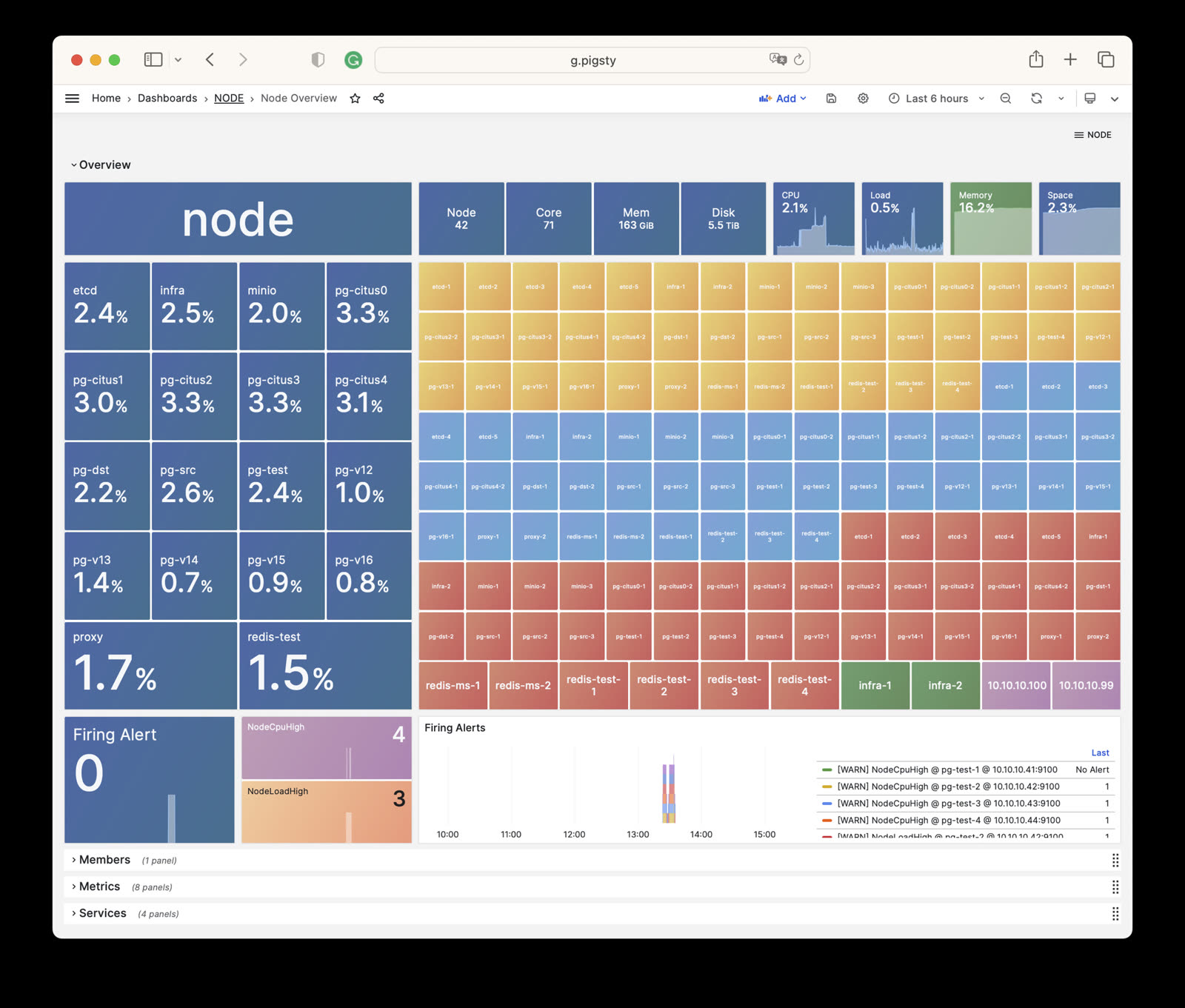
Shows detailed monitoring data for a specific host cluster.
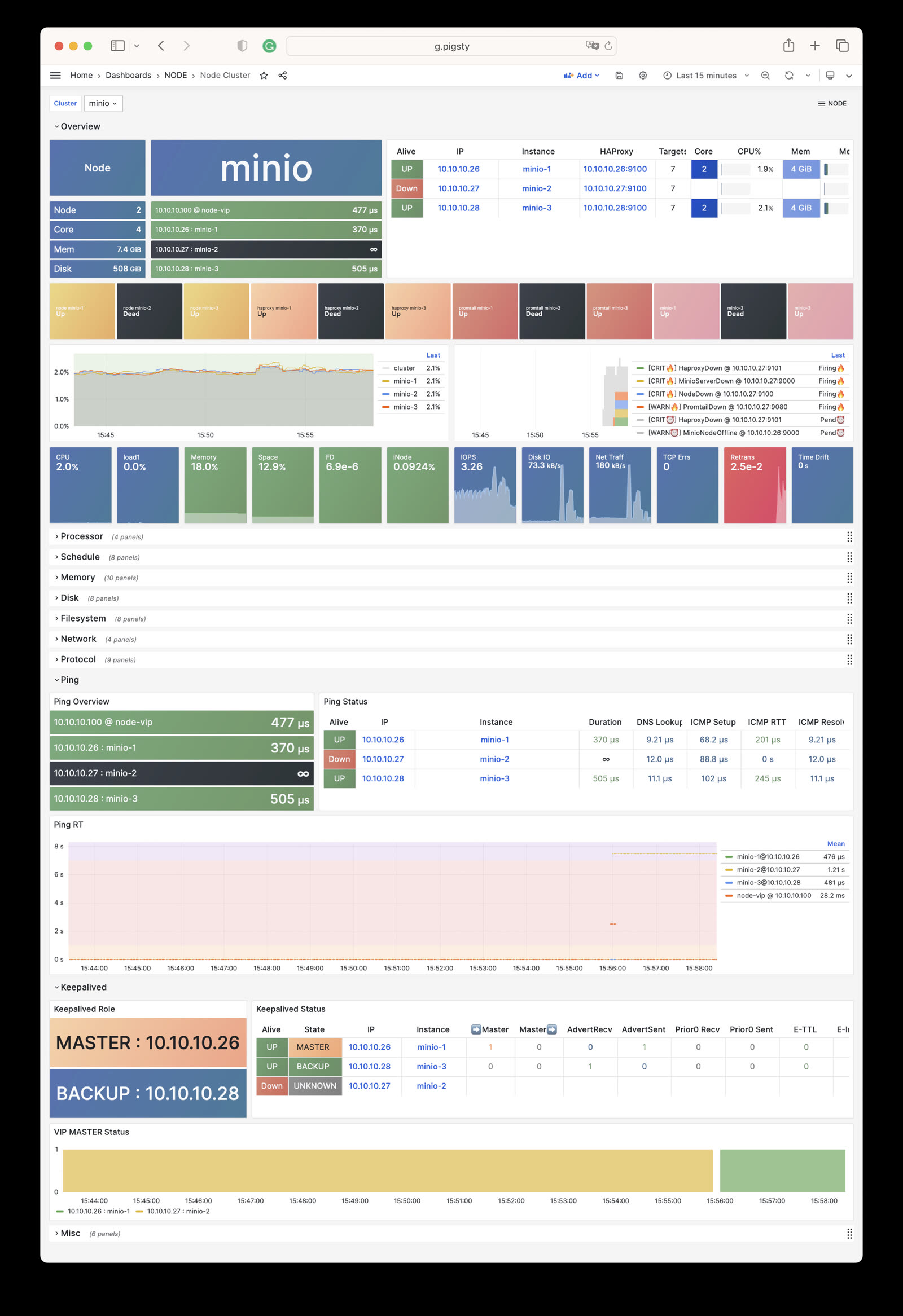
Presents detailed monitoring information for a single host node.
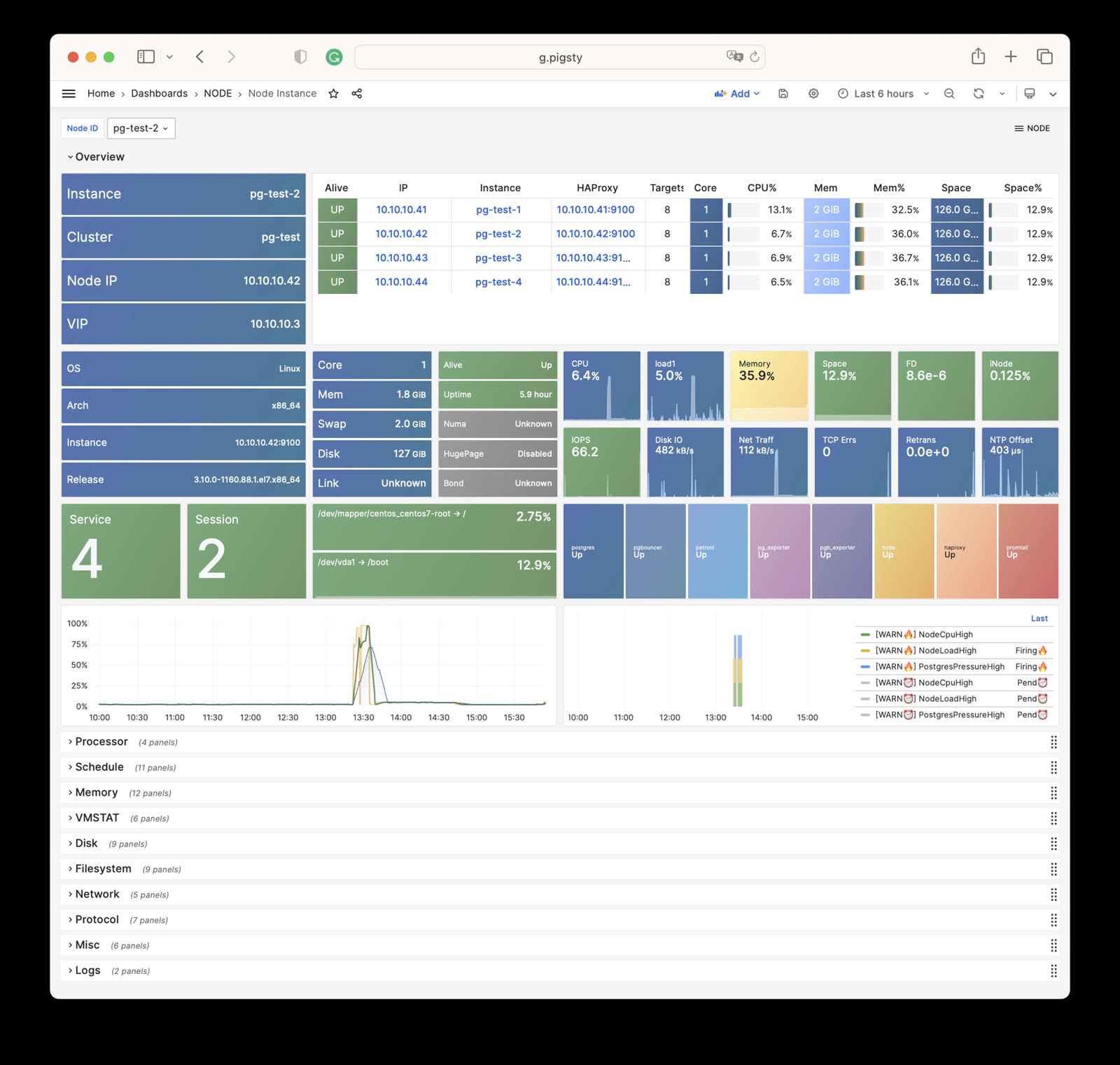
Centrally displays alert information for all hosts in the environment.
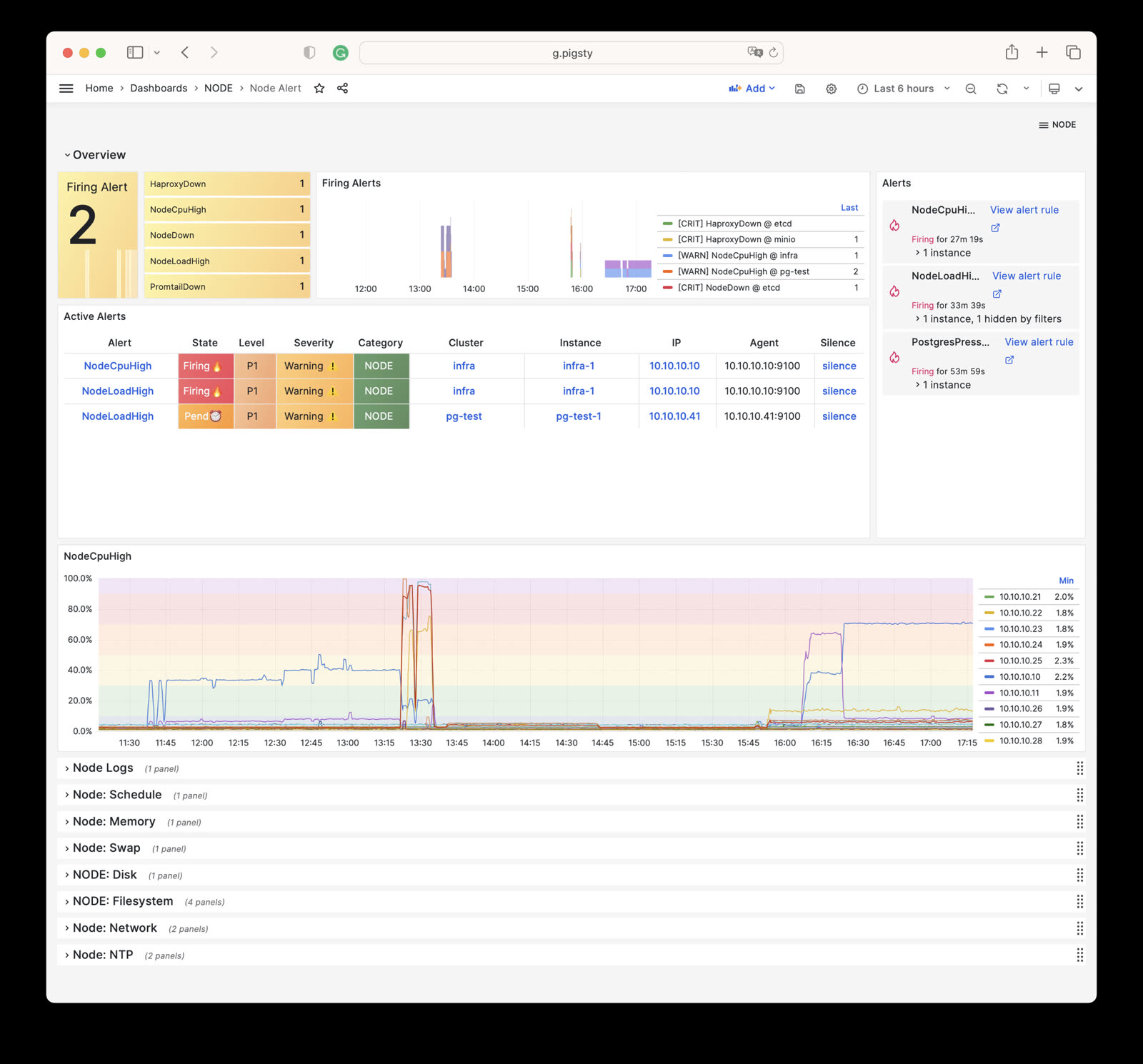
Monitors detailed status of L2 virtual IPs.
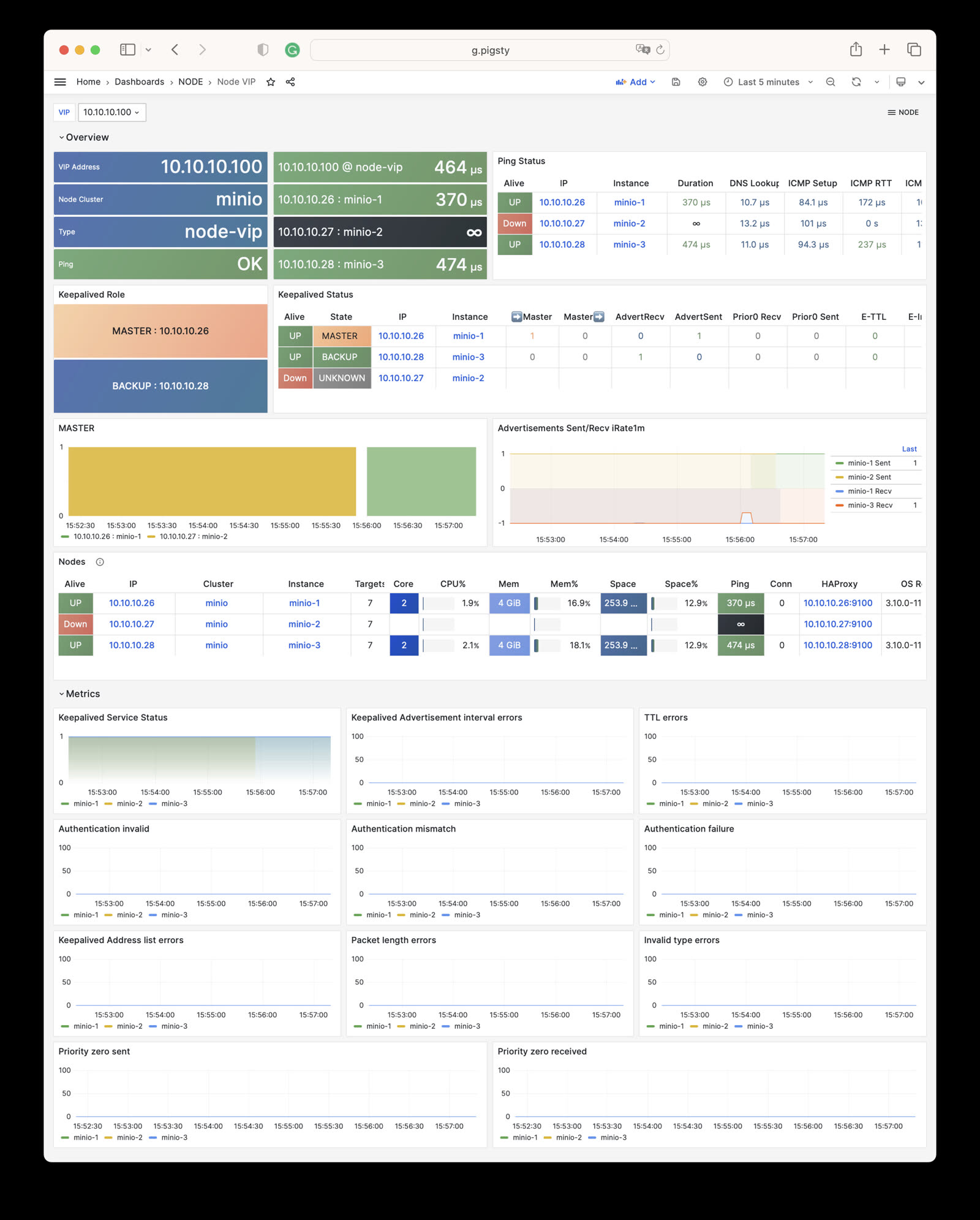
Tracks the operational status of HAProxy load balancers.
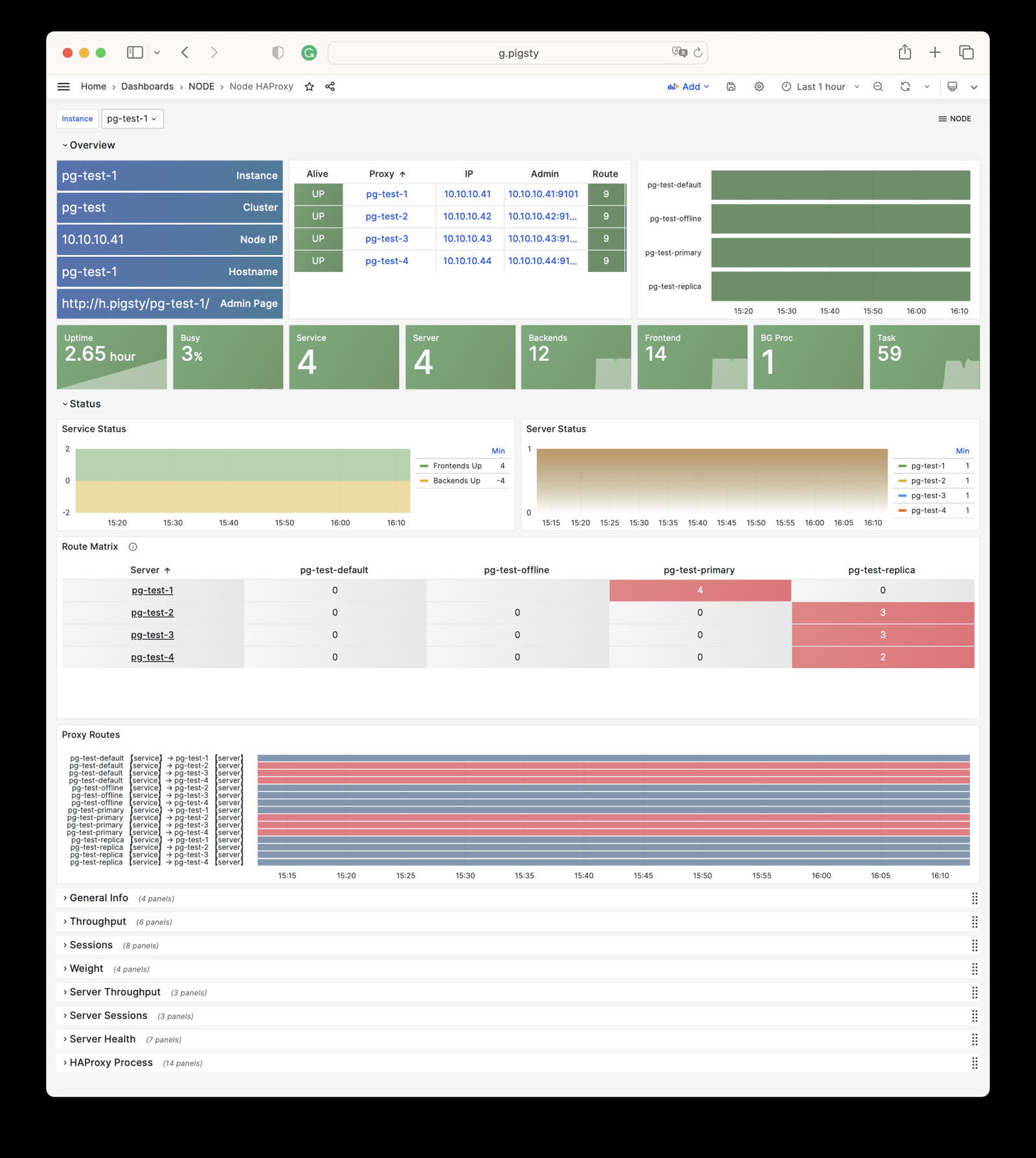
Focuses on per-disk I/O latency, throughput, queue depth, and other storage metrics.
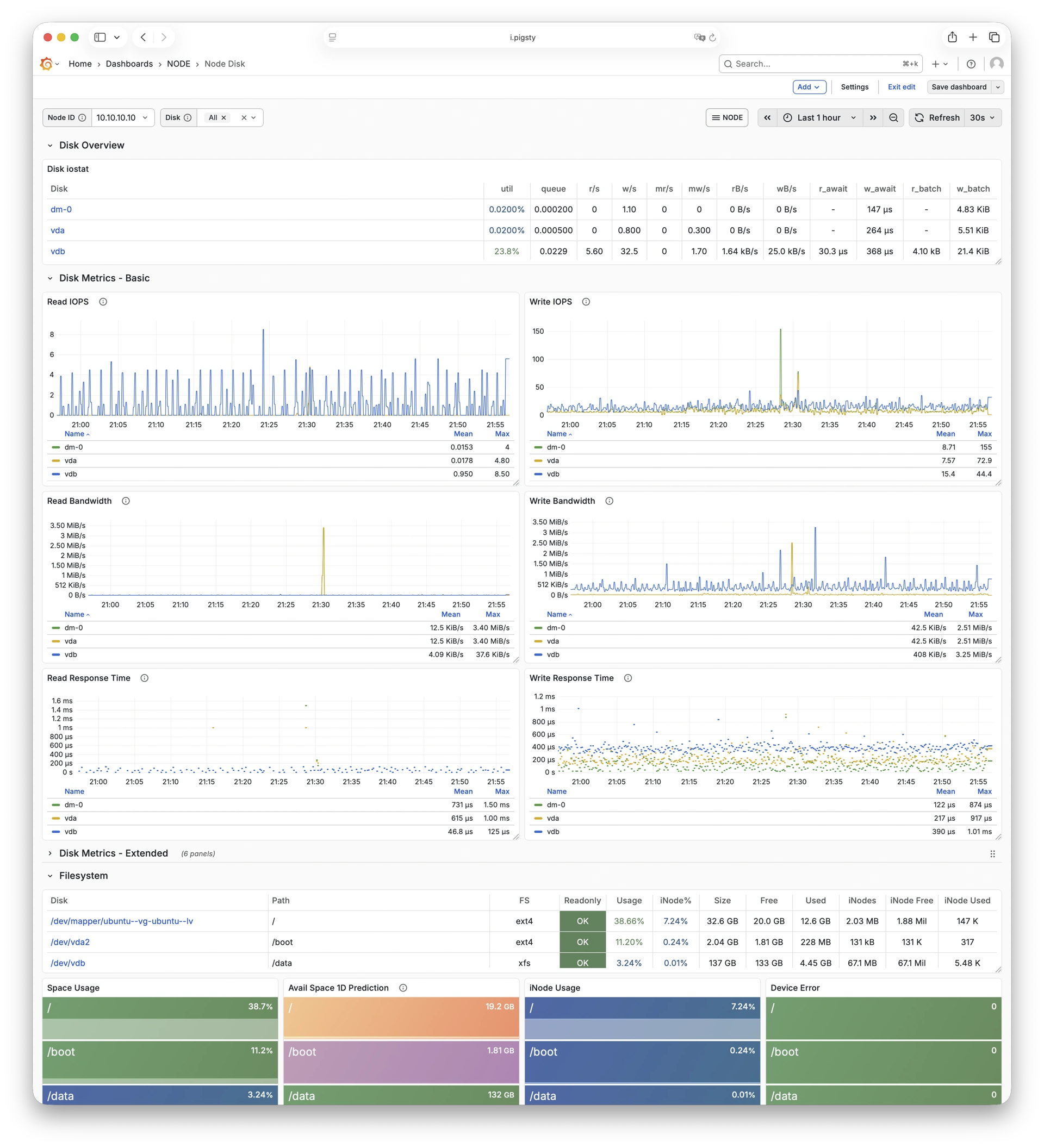
Shows Vector collection and forwarding status, plus log-pipeline health.
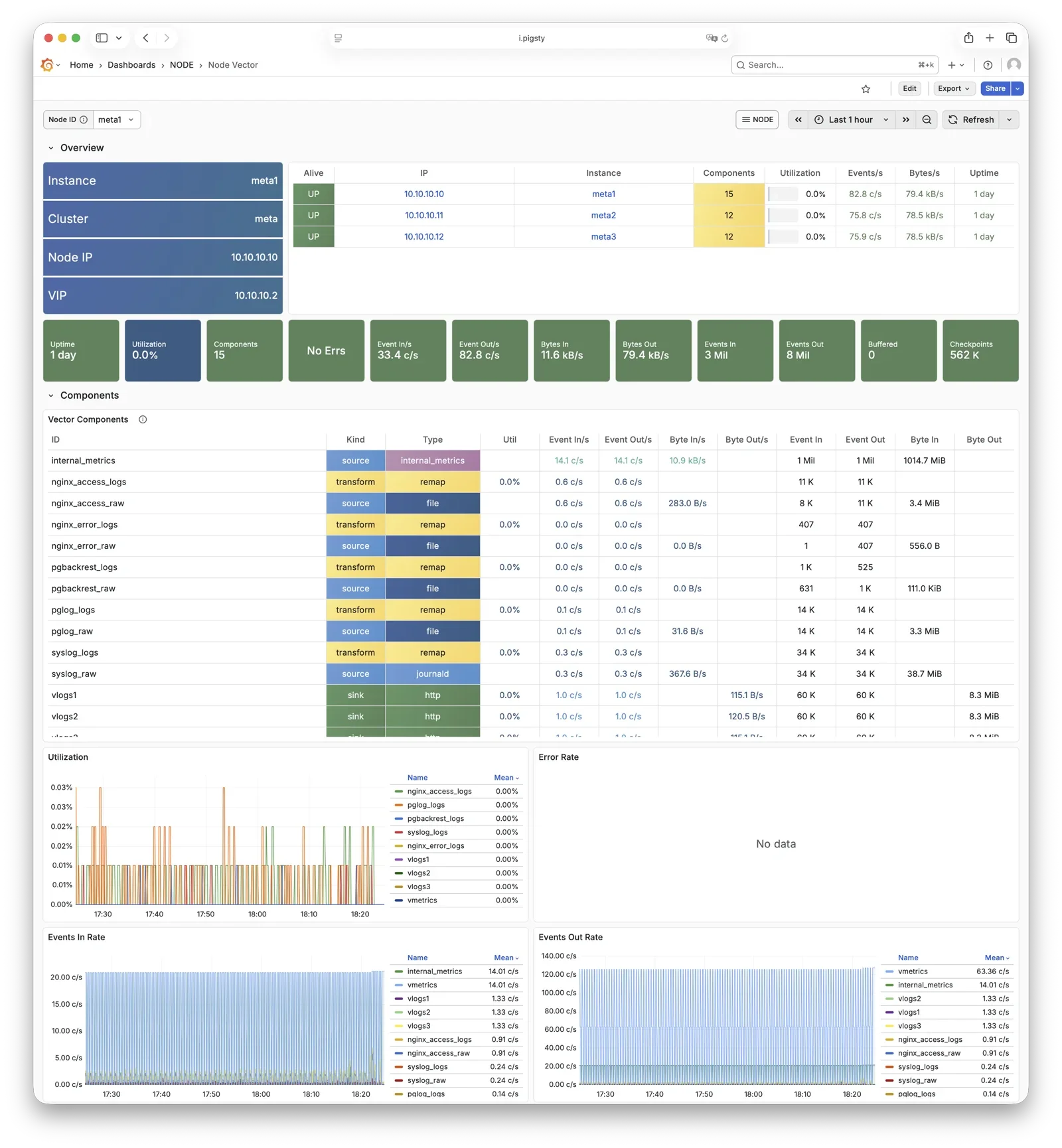
Shows JuiceFS client cache, object storage, metadata operations, and read/write performance.
Open the Node JuiceFS Dashboard
Shows sessions, tokens, costs, and logs reported by Claude Code through OpenTelemetry.
Open the Claude Code Dashboard
Pigsty implements the following alerting rules for NODE:
| Rule | Level | Description |
|---|---|---|
NodeDown |
CRIT | Node is offline |
HaproxyDown |
CRIT | HAProxy service is offline |
VectorDown |
WARN | Log collecting agent offline (Vector) |
DockerDown |
WARN | Container engine offline |
KeepalivedDown |
WARN | Keepalived daemon offline |
| Rule | Level | Description |
|---|---|---|
NodeCpuHigh |
WARN | CPU usage exceeds 70% |
| Rule | Level | Description |
|---|---|---|
NodeLoadHigh |
WARN | Normalized load exceeds 100% |
| Rule | Level | Description |
|---|---|---|
NodeOutOfMem |
WARN | Available memory less than 10% |
NodeMemSwapped |
WARN | Swap usage exceeds 1% |
| Rule | Level | Description |
|---|---|---|
NodeFsSpaceFull |
WARN | Disk usage exceeds 90% |
NodeFsFilesFull |
WARN | Inode usage exceeds 90% |
NodeFdFull |
WARN | File descriptor usage exceeds 90% |
| Rule | Level | Description |
|---|---|---|
NodeDiskSlow |
WARN | Read/write latency exceeds 32ms |
| Rule | Level | Description |
|---|---|---|
NodeTcpErrHigh |
WARN | TCP error rate exceeds 1/min |
NodeTcpRetransHigh |
WARN | TCP retransmission rate exceeds 1% |
| Rule | Level | Description |
|---|---|---|
NodeTimeDrift |
WARN | System time not synchronized |
This page is a snapshot of 727 monitoring metric categories for the NODE module. The actual runtime metric set varies with package version, enabled collectors, and target state.
| Metric Name | Type | Labels | Description |
|---|---|---|---|
| ALERTS | Unknown | alertname, ip, level, severity, ins, job, alertstate, category, instance, cls |
N/A |
| ALERTS_FOR_STATE | Unknown | alertname, ip, level, severity, ins, job, category, instance, cls |
N/A |
| deprecated_flags_inuse_total | Unknown | instance, ins, job, ip, cls |
N/A |
| go_gc_duration_seconds | summary | quantile, instance, ins, job, ip, cls |
A summary of the pause duration of garbage collection cycles. |
| go_gc_duration_seconds_count | Unknown | instance, ins, job, ip, cls |
N/A |
| go_gc_duration_seconds_sum | Unknown | instance, ins, job, ip, cls |
N/A |
| go_goroutines | gauge | instance, ins, job, ip, cls |
Number of goroutines that currently exist. |
| go_info | gauge | version, instance, ins, job, ip, cls |
Information about the Go environment. |
| go_memstats_alloc_bytes | gauge | instance, ins, job, ip, cls |
Number of bytes allocated and still in use. |
| go_memstats_alloc_bytes_total | counter | instance, ins, job, ip, cls |
Total number of bytes allocated, even if freed. |
| go_memstats_buck_hash_sys_bytes | gauge | instance, ins, job, ip, cls |
Number of bytes used by the profiling bucket hash table. |
| go_memstats_frees_total | counter | instance, ins, job, ip, cls |
Total number of frees. |
| go_memstats_gc_sys_bytes | gauge | instance, ins, job, ip, cls |
Number of bytes used for garbage collection system metadata. |
| go_memstats_heap_alloc_bytes | gauge | instance, ins, job, ip, cls |
Number of heap bytes allocated and still in use. |
| go_memstats_heap_idle_bytes | gauge | instance, ins, job, ip, cls |
Number of heap bytes waiting to be used. |
| go_memstats_heap_inuse_bytes | gauge | instance, ins, job, ip, cls |
Number of heap bytes that are in use. |
| go_memstats_heap_objects | gauge | instance, ins, job, ip, cls |
Number of allocated objects. |
| go_memstats_heap_released_bytes | gauge | instance, ins, job, ip, cls |
Number of heap bytes released to OS. |
| go_memstats_heap_sys_bytes | gauge | instance, ins, job, ip, cls |
Number of heap bytes obtained from system. |
| go_memstats_last_gc_time_seconds | gauge | instance, ins, job, ip, cls |
Number of seconds since 1970 of last garbage collection. |
| go_memstats_lookups_total | counter | instance, ins, job, ip, cls |
Total number of pointer lookups. |
| go_memstats_mallocs_total | counter | instance, ins, job, ip, cls |
Total number of mallocs. |
| go_memstats_mcache_inuse_bytes | gauge | instance, ins, job, ip, cls |
Number of bytes in use by mcache structures. |
| go_memstats_mcache_sys_bytes | gauge | instance, ins, job, ip, cls |
Number of bytes used for mcache structures obtained from system. |
| go_memstats_mspan_inuse_bytes | gauge | instance, ins, job, ip, cls |
Number of bytes in use by mspan structures. |
| go_memstats_mspan_sys_bytes | gauge | instance, ins, job, ip, cls |
Number of bytes used for mspan structures obtained from system. |
| go_memstats_next_gc_bytes | gauge | instance, ins, job, ip, cls |
Number of heap bytes when next garbage collection will take place. |
| go_memstats_other_sys_bytes | gauge | instance, ins, job, ip, cls |
Number of bytes used for other system allocations. |
| go_memstats_stack_inuse_bytes | gauge | instance, ins, job, ip, cls |
Number of bytes in use by the stack allocator. |
| go_memstats_stack_sys_bytes | gauge | instance, ins, job, ip, cls |
Number of bytes obtained from system for stack allocator. |
| go_memstats_sys_bytes | gauge | instance, ins, job, ip, cls |
Number of bytes obtained from system. |
| go_threads | gauge | instance, ins, job, ip, cls |
Number of OS threads created. |
| haproxy:cls:usage | Unknown | job, cls |
N/A |
| haproxy:ins:uptime | Unknown | instance, ins, job, ip, cls |
N/A |
| haproxy:ins:usage | Unknown | instance, ins, job, ip, cls |
N/A |
| haproxy_backend_active_servers | gauge | proxy, instance, ins, job, ip, cls |
Total number of active UP servers with a non-zero weight |
| haproxy_backend_agg_check_status | gauge | state, proxy, instance, ins, job, ip, cls |
Backend’s aggregated gauge of servers’ state check status |
| haproxy_backend_agg_server_check_status | gauge | state, proxy, instance, ins, job, ip, cls |
[DEPRECATED] Backend’s aggregated gauge of servers’ status |
| haproxy_backend_agg_server_status | gauge | state, proxy, instance, ins, job, ip, cls |
Backend’s aggregated gauge of servers’ status |
| haproxy_backend_backup_servers | gauge | proxy, instance, ins, job, ip, cls |
Total number of backup UP servers with a non-zero weight |
| haproxy_backend_bytes_in_total | counter | proxy, instance, ins, job, ip, cls |
Total number of request bytes since process started |
| haproxy_backend_bytes_out_total | counter | proxy, instance, ins, job, ip, cls |
Total number of response bytes since process started |
| haproxy_backend_check_last_change_seconds | gauge | proxy, instance, ins, job, ip, cls |
How long ago the last server state changed, in seconds |
| haproxy_backend_check_up_down_total | counter | proxy, instance, ins, job, ip, cls |
Total number of failed checks causing UP to DOWN server transitions, per server/backend, since the worker process started |
| haproxy_backend_client_aborts_total | counter | proxy, instance, ins, job, ip, cls |
Total number of requests or connections aborted by the client since the worker process started |
| haproxy_backend_connect_time_average_seconds | gauge | proxy, instance, ins, job, ip, cls |
Avg. connect time for last 1024 successful connections. |
| haproxy_backend_connection_attempts_total | counter | proxy, instance, ins, job, ip, cls |
Total number of outgoing connection attempts on this backend/server since the worker process started |
| haproxy_backend_connection_errors_total | counter | proxy, instance, ins, job, ip, cls |
Total number of failed connections to server since the worker process started |
| haproxy_backend_connection_reuses_total | counter | proxy, instance, ins, job, ip, cls |
Total number of reused connection on this backend/server since the worker process started |
| haproxy_backend_current_queue | gauge | proxy, instance, ins, job, ip, cls |
Number of current queued connections |
| haproxy_backend_current_sessions | gauge | proxy, instance, ins, job, ip, cls |
Number of current sessions on the frontend, backend or server |
| haproxy_backend_downtime_seconds_total | counter | proxy, instance, ins, job, ip, cls |
Total time spent in DOWN state, for server or backend |
| haproxy_backend_failed_header_rewriting_total | counter | proxy, instance, ins, job, ip, cls |
Total number of failed HTTP header rewrites since the worker process started |
| haproxy_backend_http_cache_hits_total | counter | proxy, instance, ins, job, ip, cls |
Total number of HTTP requests not found in the cache on this frontend/backend since the worker process started |
| haproxy_backend_http_cache_lookups_total | counter | proxy, instance, ins, job, ip, cls |
Total number of HTTP requests looked up in the cache on this frontend/backend since the worker process started |
| haproxy_backend_http_comp_bytes_bypassed_total | counter | proxy, instance, ins, job, ip, cls |
Total number of bytes that bypassed HTTP compression for this object since the worker process started (CPU/memory/bandwidth limitation) |
| haproxy_backend_http_comp_bytes_in_total | counter | proxy, instance, ins, job, ip, cls |
Total number of bytes submitted to the HTTP compressor for this object since the worker process started |
| haproxy_backend_http_comp_bytes_out_total | counter | proxy, instance, ins, job, ip, cls |
Total number of bytes emitted by the HTTP compressor for this object since the worker process started |
| haproxy_backend_http_comp_responses_total | counter | proxy, instance, ins, job, ip, cls |
Total number of HTTP responses that were compressed for this object since the worker process started |
| haproxy_backend_http_requests_total | counter | proxy, instance, ins, job, ip, cls |
Total number of HTTP requests processed by this object since the worker process started |
| haproxy_backend_http_responses_total | counter | ip, proxy, ins, code, job, instance, cls |
Total number of HTTP responses with status 100-199 returned by this object since the worker process started |
| haproxy_backend_internal_errors_total | counter | proxy, instance, ins, job, ip, cls |
Total number of internal errors since process started |
| haproxy_backend_last_session_seconds | gauge | proxy, instance, ins, job, ip, cls |
How long ago some traffic was seen on this object on this worker process, in seconds |
| haproxy_backend_limit_sessions | gauge | proxy, instance, ins, job, ip, cls |
Frontend/listener/server’s maxconn, backend’s fullconn |
| haproxy_backend_loadbalanced_total | counter | proxy, instance, ins, job, ip, cls |
Total number of requests routed by load balancing since the worker process started (ignores queue pop and stickiness) |
| haproxy_backend_max_connect_time_seconds | gauge | proxy, instance, ins, job, ip, cls |
Maximum observed time spent waiting for a connection to complete |
| haproxy_backend_max_queue | gauge | proxy, instance, ins, job, ip, cls |
Highest value of queued connections encountered since process started |
| haproxy_backend_max_queue_time_seconds | gauge | proxy, instance, ins, job, ip, cls |
Maximum observed time spent in the queue |
| haproxy_backend_max_response_time_seconds | gauge | proxy, instance, ins, job, ip, cls |
Maximum observed time spent waiting for a server response |
| haproxy_backend_max_session_rate | gauge | proxy, instance, ins, job, ip, cls |
Highest value of sessions per second observed since the worker process started |
| haproxy_backend_max_sessions | gauge | proxy, instance, ins, job, ip, cls |
Highest value of current sessions encountered since process started |
| haproxy_backend_max_total_time_seconds | gauge | proxy, instance, ins, job, ip, cls |
Maximum observed total request+response time (request+queue+connect+response+processing) |
| haproxy_backend_queue_time_average_seconds | gauge | proxy, instance, ins, job, ip, cls |
Avg. queue time for last 1024 successful connections. |
| haproxy_backend_redispatch_warnings_total | counter | proxy, instance, ins, job, ip, cls |
Total number of server redispatches due to connection failures since the worker process started |
| haproxy_backend_requests_denied_total | counter | proxy, instance, ins, job, ip, cls |
Total number of denied requests since process started |
| haproxy_backend_response_errors_total | counter | proxy, instance, ins, job, ip, cls |
Total number of invalid responses since the worker process started |
| haproxy_backend_response_time_average_seconds | gauge | proxy, instance, ins, job, ip, cls |
Avg. response time for last 1024 successful connections. |
| haproxy_backend_responses_denied_total | counter | proxy, instance, ins, job, ip, cls |
Total number of denied responses since process started |
| haproxy_backend_retry_warnings_total | counter | proxy, instance, ins, job, ip, cls |
Total number of server connection retries since the worker process started |
| haproxy_backend_server_aborts_total | counter | proxy, instance, ins, job, ip, cls |
Total number of requests or connections aborted by the server since the worker process started |
| haproxy_backend_sessions_total | counter | proxy, instance, ins, job, ip, cls |
Total number of sessions since process started |
| haproxy_backend_status | gauge | state, proxy, instance, ins, job, ip, cls |
Current status of the service, per state label value. |
| haproxy_backend_total_time_average_seconds | gauge | proxy, instance, ins, job, ip, cls |
Avg. total time for last 1024 successful connections. |
| haproxy_backend_uweight | gauge | proxy, instance, ins, job, ip, cls |
Server’s user weight, or sum of active servers’ user weights for a backend |
| haproxy_backend_weight | gauge | proxy, instance, ins, job, ip, cls |
Server’s effective weight, or sum of active servers’ effective weights for a backend |
| haproxy_frontend_bytes_in_total | counter | proxy, instance, ins, job, ip, cls |
Total number of request bytes since process started |
| haproxy_frontend_bytes_out_total | counter | proxy, instance, ins, job, ip, cls |
Total number of response bytes since process started |
| haproxy_frontend_connections_rate_max | gauge | proxy, instance, ins, job, ip, cls |
Highest value of connections per second observed since the worker process started |
| haproxy_frontend_connections_total | counter | proxy, instance, ins, job, ip, cls |
Total number of new connections accepted on this frontend since the worker process started |
| haproxy_frontend_current_sessions | gauge | proxy, instance, ins, job, ip, cls |
Number of current sessions on the frontend, backend or server |
| haproxy_frontend_denied_connections_total | counter | proxy, instance, ins, job, ip, cls |
Total number of incoming connections blocked on a listener/frontend by a tcp-request connection rule since the worker process started |
| haproxy_frontend_denied_sessions_total | counter | proxy, instance, ins, job, ip, cls |
Total number of incoming sessions blocked on a listener/frontend by a tcp-request connection rule since the worker process started |
| haproxy_frontend_failed_header_rewriting_total | counter | proxy, instance, ins, job, ip, cls |
Total number of failed HTTP header rewrites since the worker process started |
| haproxy_frontend_http_cache_hits_total | counter | proxy, instance, ins, job, ip, cls |
Total number of HTTP requests not found in the cache on this frontend/backend since the worker process started |
| haproxy_frontend_http_cache_lookups_total | counter | proxy, instance, ins, job, ip, cls |
Total number of HTTP requests looked up in the cache on this frontend/backend since the worker process started |
| haproxy_frontend_http_comp_bytes_bypassed_total | counter | proxy, instance, ins, job, ip, cls |
Total number of bytes that bypassed HTTP compression for this object since the worker process started (CPU/memory/bandwidth limitation) |
| haproxy_frontend_http_comp_bytes_in_total | counter | proxy, instance, ins, job, ip, cls |
Total number of bytes submitted to the HTTP compressor for this object since the worker process started |
| haproxy_frontend_http_comp_bytes_out_total | counter | proxy, instance, ins, job, ip, cls |
Total number of bytes emitted by the HTTP compressor for this object since the worker process started |
| haproxy_frontend_http_comp_responses_total | counter | proxy, instance, ins, job, ip, cls |
Total number of HTTP responses that were compressed for this object since the worker process started |
| haproxy_frontend_http_requests_rate_max | gauge | proxy, instance, ins, job, ip, cls |
Highest value of http requests observed since the worker process started |
| haproxy_frontend_http_requests_total | counter | proxy, instance, ins, job, ip, cls |
Total number of HTTP requests processed by this object since the worker process started |
| haproxy_frontend_http_responses_total | counter | ip, proxy, ins, code, job, instance, cls |
Total number of HTTP responses with status 100-199 returned by this object since the worker process started |
| haproxy_frontend_intercepted_requests_total | counter | proxy, instance, ins, job, ip, cls |
Total number of HTTP requests intercepted on the frontend (redirects/stats/services) since the worker process started |
| haproxy_frontend_internal_errors_total | counter | proxy, instance, ins, job, ip, cls |
Total number of internal errors since process started |
| haproxy_frontend_limit_session_rate | gauge | proxy, instance, ins, job, ip, cls |
Limit on the number of sessions accepted in a second (frontend only, ‘rate-limit sessions’ setting) |
| haproxy_frontend_limit_sessions | gauge | proxy, instance, ins, job, ip, cls |
Frontend/listener/server’s maxconn, backend’s fullconn |
| haproxy_frontend_max_session_rate | gauge | proxy, instance, ins, job, ip, cls |
Highest value of sessions per second observed since the worker process started |
| haproxy_frontend_max_sessions | gauge | proxy, instance, ins, job, ip, cls |
Highest value of current sessions encountered since process started |
| haproxy_frontend_request_errors_total | counter | proxy, instance, ins, job, ip, cls |
Total number of invalid requests since process started |
| haproxy_frontend_requests_denied_total | counter | proxy, instance, ins, job, ip, cls |
Total number of denied requests since process started |
| haproxy_frontend_responses_denied_total | counter | proxy, instance, ins, job, ip, cls |
Total number of denied responses since process started |
| haproxy_frontend_sessions_total | counter | proxy, instance, ins, job, ip, cls |
Total number of sessions since process started |
| haproxy_frontend_status | gauge | state, proxy, instance, ins, job, ip, cls |
Current status of the service, per state label value. |
| haproxy_process_active_peers | gauge | instance, ins, job, ip, cls |
Current number of verified active peers connections on the current worker process |
| haproxy_process_build_info | gauge | version, instance, ins, job, ip, cls |
Build info |
| haproxy_process_busy_polling_enabled | gauge | instance, ins, job, ip, cls |
1 if busy-polling is currently in use on the worker process, otherwise zero (config.busy-polling) |
| haproxy_process_bytes_out_rate | gauge | instance, ins, job, ip, cls |
Number of bytes emitted by current worker process over the last second |
| haproxy_process_bytes_out_total | counter | instance, ins, job, ip, cls |
Total number of bytes emitted by current worker process since started |
| haproxy_process_connected_peers | gauge | instance, ins, job, ip, cls |
Current number of peers having passed the connection step on the current worker process |
| haproxy_process_connections_total | counter | instance, ins, job, ip, cls |
Total number of connections on this worker process since started |
| haproxy_process_current_backend_ssl_key_rate | gauge | instance, ins, job, ip, cls |
Number of SSL keys created on backends in this worker process over the last second |
| haproxy_process_current_connection_rate | gauge | instance, ins, job, ip, cls |
Number of front connections created on this worker process over the last second |
| haproxy_process_current_connections | gauge | instance, ins, job, ip, cls |
Current number of connections on this worker process |
| haproxy_process_current_frontend_ssl_key_rate | gauge | instance, ins, job, ip, cls |
Number of SSL keys created on frontends in this worker process over the last second |
| haproxy_process_current_run_queue | gauge | instance, ins, job, ip, cls |
Total number of active tasks+tasklets in the current worker process |
| haproxy_process_current_session_rate | gauge | instance, ins, job, ip, cls |
Number of sessions created on this worker process over the last second |
| haproxy_process_current_ssl_connections | gauge | instance, ins, job, ip, cls |
Current number of SSL endpoints on this worker process (front+back) |
| haproxy_process_current_ssl_rate | gauge | instance, ins, job, ip, cls |
Number of SSL connections created on this worker process over the last second |
| haproxy_process_current_tasks | gauge | instance, ins, job, ip, cls |
Total number of tasks in the current worker process (active + sleeping) |
| haproxy_process_current_zlib_memory | gauge | instance, ins, job, ip, cls |
Amount of memory currently used by HTTP compression on the current worker process (in bytes) |
| haproxy_process_dropped_logs_total | counter | instance, ins, job, ip, cls |
Total number of dropped logs for current worker process since started |
| haproxy_process_failed_resolutions | counter | instance, ins, job, ip, cls |
Total number of failed DNS resolutions in current worker process since started |
| haproxy_process_frontend_ssl_reuse | gauge | instance, ins, job, ip, cls |
Percent of frontend SSL connections which did not require a new key |
| haproxy_process_hard_max_connections | gauge | instance, ins, job, ip, cls |
Hard limit on the number of per-process connections (imposed by Memmax_MB or Ulimit-n) |
| haproxy_process_http_comp_bytes_in_total | counter | instance, ins, job, ip, cls |
Number of bytes submitted to the HTTP compressor in this worker process over the last second |
| haproxy_process_http_comp_bytes_out_total | counter | instance, ins, job, ip, cls |
Number of bytes emitted by the HTTP compressor in this worker process over the last second |
| haproxy_process_idle_time_percent | gauge | instance, ins, job, ip, cls |
Percentage of last second spent waiting in the current worker thread |
| haproxy_process_jobs | gauge | instance, ins, job, ip, cls |
Current number of active jobs on the current worker process (frontend connections, master connections, listeners) |
| haproxy_process_limit_connection_rate | gauge | instance, ins, job, ip, cls |
Hard limit for ConnRate (global.maxconnrate) |
| haproxy_process_limit_http_comp | gauge | instance, ins, job, ip, cls |
Limit of CompressBpsOut beyond which HTTP compression is automatically disabled |
| haproxy_process_limit_session_rate | gauge | instance, ins, job, ip, cls |
Hard limit for SessRate (global.maxsessrate) |
| haproxy_process_limit_ssl_rate | gauge | instance, ins, job, ip, cls |
Hard limit for SslRate (global.maxsslrate) |
| haproxy_process_listeners | gauge | instance, ins, job, ip, cls |
Current number of active listeners on the current worker process |
| haproxy_process_max_backend_ssl_key_rate | gauge | instance, ins, job, ip, cls |
Highest SslBackendKeyRate reached on this worker process since started (in SSL keys per second) |
| haproxy_process_max_connection_rate | gauge | instance, ins, job, ip, cls |
Highest ConnRate reached on this worker process since started (in connections per second) |
| haproxy_process_max_connections | gauge | instance, ins, job, ip, cls |
Hard limit on the number of per-process connections (configured or imposed by Ulimit-n) |
| haproxy_process_max_fds | gauge | instance, ins, job, ip, cls |
Hard limit on the number of per-process file descriptors |
| haproxy_process_max_frontend_ssl_key_rate | gauge | instance, ins, job, ip, cls |
Highest SslFrontendKeyRate reached on this worker process since started (in SSL keys per second) |
| haproxy_process_max_memory_bytes | gauge | instance, ins, job, ip, cls |
Worker process’s hard limit on memory usage in byes (-m on command line) |
| haproxy_process_max_pipes | gauge | instance, ins, job, ip, cls |
Hard limit on the number of pipes for splicing, 0=unlimited |
| haproxy_process_max_session_rate | gauge | instance, ins, job, ip, cls |
Highest SessRate reached on this worker process since started (in sessions per second) |
| haproxy_process_max_sockets | gauge | instance, ins, job, ip, cls |
Hard limit on the number of per-process sockets |
| haproxy_process_max_ssl_connections | gauge | instance, ins, job, ip, cls |
Hard limit on the number of per-process SSL endpoints (front+back), 0=unlimited |
| haproxy_process_max_ssl_rate | gauge | instance, ins, job, ip, cls |
Highest SslRate reached on this worker process since started (in connections per second) |
| haproxy_process_max_zlib_memory | gauge | instance, ins, job, ip, cls |
Limit on the amount of memory used by HTTP compression above which it is automatically disabled (in bytes, see global.maxzlibmem) |
| haproxy_process_nbproc | gauge | instance, ins, job, ip, cls |
Number of started worker processes (historical, always 1) |
| haproxy_process_nbthread | gauge | instance, ins, job, ip, cls |
Number of started threads (global.nbthread) |
| haproxy_process_pipes_free_total | counter | instance, ins, job, ip, cls |
Current number of allocated and available pipes in this worker process |
| haproxy_process_pipes_used_total | counter | instance, ins, job, ip, cls |
Current number of pipes in use in this worker process |
| haproxy_process_pool_allocated_bytes | gauge | instance, ins, job, ip, cls |
Amount of memory allocated in pools (in bytes) |
| haproxy_process_pool_failures_total | counter | instance, ins, job, ip, cls |
Number of failed pool allocations since this worker was started |
| haproxy_process_pool_used_bytes | gauge | instance, ins, job, ip, cls |
Amount of pool memory currently used (in bytes) |
| haproxy_process_recv_logs_total | counter | instance, ins, job, ip, cls |
Total number of log messages received by log-forwarding listeners on this worker process since started |
| haproxy_process_relative_process_id | gauge | instance, ins, job, ip, cls |
Relative worker process number (1) |
| haproxy_process_requests_total | counter | instance, ins, job, ip, cls |
Total number of requests on this worker process since started |
| haproxy_process_spliced_bytes_out_total | counter | instance, ins, job, ip, cls |
Total number of bytes emitted by current worker process through a kernel pipe since started |
| haproxy_process_ssl_cache_lookups_total | counter | instance, ins, job, ip, cls |
Total number of SSL session ID lookups in the SSL session cache on this worker since started |
| haproxy_process_ssl_cache_misses_total | counter | instance, ins, job, ip, cls |
Total number of SSL session ID lookups that didn’t find a session in the SSL session cache on this worker since started |
| haproxy_process_ssl_connections_total | counter | instance, ins, job, ip, cls |
Total number of SSL endpoints on this worker process since started (front+back) |
| haproxy_process_start_time_seconds | gauge | instance, ins, job, ip, cls |
Start time in seconds |
| haproxy_process_stopping | gauge | instance, ins, job, ip, cls |
1 if the worker process is currently stopping, otherwise zero |
| haproxy_process_unstoppable_jobs | gauge | instance, ins, job, ip, cls |
Current number of unstoppable jobs on the current worker process (master connections) |
| haproxy_process_uptime_seconds | gauge | instance, ins, job, ip, cls |
How long ago this worker process was started (seconds) |
| haproxy_server_bytes_in_total | counter | proxy, instance, ins, job, server, ip, cls |
Total number of request bytes since process started |
| haproxy_server_bytes_out_total | counter | proxy, instance, ins, job, server, ip, cls |
Total number of response bytes since process started |
| haproxy_server_check_code | gauge | proxy, instance, ins, job, server, ip, cls |
layer5-7 code, if available of the last health check. |
| haproxy_server_check_duration_seconds | gauge | proxy, instance, ins, job, server, ip, cls |
Total duration of the latest server health check, in seconds. |
| haproxy_server_check_failures_total | counter | proxy, instance, ins, job, server, ip, cls |
Total number of failed individual health checks per server/backend, since the worker process started |
| haproxy_server_check_last_change_seconds | gauge | proxy, instance, ins, job, server, ip, cls |
How long ago the last server state changed, in seconds |
| haproxy_server_check_status | gauge | state, proxy, instance, ins, job, server, ip, cls |
Status of last health check, per state label value. |
| haproxy_server_check_up_down_total | counter | proxy, instance, ins, job, server, ip, cls |
Total number of failed checks causing UP to DOWN server transitions, per server/backend, since the worker process started |
| haproxy_server_client_aborts_total | counter | proxy, instance, ins, job, server, ip, cls |
Total number of requests or connections aborted by the client since the worker process started |
| haproxy_server_connect_time_average_seconds | gauge | proxy, instance, ins, job, server, ip, cls |
Avg. connect time for last 1024 successful connections. |
| haproxy_server_connection_attempts_total | counter | proxy, instance, ins, job, server, ip, cls |
Total number of outgoing connection attempts on this backend/server since the worker process started |
| haproxy_server_connection_errors_total | counter | proxy, instance, ins, job, server, ip, cls |
Total number of failed connections to server since the worker process started |
| haproxy_server_connection_reuses_total | counter | proxy, instance, ins, job, server, ip, cls |
Total number of reused connection on this backend/server since the worker process started |
| haproxy_server_current_queue | gauge | proxy, instance, ins, job, server, ip, cls |
Number of current queued connections |
| haproxy_server_current_sessions | gauge | proxy, instance, ins, job, server, ip, cls |
Number of current sessions on the frontend, backend or server |
| haproxy_server_current_throttle | gauge | proxy, instance, ins, job, server, ip, cls |
Throttling ratio applied to a server’s maxconn and weight during the slowstart period (0 to 100%) |
| haproxy_server_downtime_seconds_total | counter | proxy, instance, ins, job, server, ip, cls |
Total time spent in DOWN state, for server or backend |
| haproxy_server_failed_header_rewriting_total | counter | proxy, instance, ins, job, server, ip, cls |
Total number of failed HTTP header rewrites since the worker process started |
| haproxy_server_idle_connections_current | gauge | proxy, instance, ins, job, server, ip, cls |
Current number of idle connections available for reuse on this server |
| haproxy_server_idle_connections_limit | gauge | proxy, instance, ins, job, server, ip, cls |
Limit on the number of available idle connections on this server (server ‘pool_max_conn’ directive) |
| haproxy_server_internal_errors_total | counter | proxy, instance, ins, job, server, ip, cls |
Total number of internal errors since process started |
| haproxy_server_last_session_seconds | gauge | proxy, instance, ins, job, server, ip, cls |
How long ago some traffic was seen on this object on this worker process, in seconds |
| haproxy_server_limit_sessions | gauge | proxy, instance, ins, job, server, ip, cls |
Frontend/listener/server’s maxconn, backend’s fullconn |
| haproxy_server_loadbalanced_total | counter | proxy, instance, ins, job, server, ip, cls |
Total number of requests routed by load balancing since the worker process started (ignores queue pop and stickiness) |
| haproxy_server_max_connect_time_seconds | gauge | proxy, instance, ins, job, server, ip, cls |
Maximum observed time spent waiting for a connection to complete |
| haproxy_server_max_queue | gauge | proxy, instance, ins, job, server, ip, cls |
Highest value of queued connections encountered since process started |
| haproxy_server_max_queue_time_seconds | gauge | proxy, instance, ins, job, server, ip, cls |
Maximum observed time spent in the queue |
| haproxy_server_max_response_time_seconds | gauge | proxy, instance, ins, job, server, ip, cls |
Maximum observed time spent waiting for a server response |
| haproxy_server_max_session_rate | gauge | proxy, instance, ins, job, server, ip, cls |
Highest value of sessions per second observed since the worker process started |
| haproxy_server_max_sessions | gauge | proxy, instance, ins, job, server, ip, cls |
Highest value of current sessions encountered since process started |
| haproxy_server_max_total_time_seconds | gauge | proxy, instance, ins, job, server, ip, cls |
Maximum observed total request+response time (request+queue+connect+response+processing) |
| haproxy_server_need_connections_current | gauge | proxy, instance, ins, job, server, ip, cls |
Estimated needed number of connections |
| haproxy_server_queue_limit | gauge | proxy, instance, ins, job, server, ip, cls |
Limit on the number of connections in queue, for servers only (maxqueue argument) |
| haproxy_server_queue_time_average_seconds | gauge | proxy, instance, ins, job, server, ip, cls |
Avg. queue time for last 1024 successful connections. |
| haproxy_server_redispatch_warnings_total | counter | proxy, instance, ins, job, server, ip, cls |
Total number of server redispatches due to connection failures since the worker process started |
| haproxy_server_response_errors_total | counter | proxy, instance, ins, job, server, ip, cls |
Total number of invalid responses since the worker process started |
| haproxy_server_response_time_average_seconds | gauge | proxy, instance, ins, job, server, ip, cls |
Avg. response time for last 1024 successful connections. |
| haproxy_server_responses_denied_total | counter | proxy, instance, ins, job, server, ip, cls |
Total number of denied responses since process started |
| haproxy_server_retry_warnings_total | counter | proxy, instance, ins, job, server, ip, cls |
Total number of server connection retries since the worker process started |
| haproxy_server_safe_idle_connections_current | gauge | proxy, instance, ins, job, server, ip, cls |
Current number of safe idle connections |
| haproxy_server_server_aborts_total | counter | proxy, instance, ins, job, server, ip, cls |
Total number of requests or connections aborted by the server since the worker process started |
| haproxy_server_sessions_total | counter | proxy, instance, ins, job, server, ip, cls |
Total number of sessions since process started |
| haproxy_server_status | gauge | state, proxy, instance, ins, job, server, ip, cls |
Current status of the service, per state label value. |
| haproxy_server_total_time_average_seconds | gauge | proxy, instance, ins, job, server, ip, cls |
Avg. total time for last 1024 successful connections. |
| haproxy_server_unsafe_idle_connections_current | gauge | proxy, instance, ins, job, server, ip, cls |
Current number of unsafe idle connections |
| haproxy_server_used_connections_current | gauge | proxy, instance, ins, job, server, ip, cls |
Current number of connections in use |
| haproxy_server_uweight | gauge | proxy, instance, ins, job, server, ip, cls |
Server’s user weight, or sum of active servers’ user weights for a backend |
| haproxy_server_weight | gauge | proxy, instance, ins, job, server, ip, cls |
Server’s effective weight, or sum of active servers’ effective weights for a backend |
| haproxy_up | Unknown | instance, ins, job, ip, cls |
N/A |
| inflight_requests | gauge | instance, ins, job, route, ip, cls, method |
Current number of inflight requests. |
| jaeger_tracer_baggage_restrictions_updates_total | Unknown | instance, ins, job, result, ip, cls |
N/A |
| jaeger_tracer_baggage_truncations_total | Unknown | instance, ins, job, ip, cls |
N/A |
| jaeger_tracer_baggage_updates_total | Unknown | instance, ins, job, result, ip, cls |
N/A |
| jaeger_tracer_finished_spans_total | Unknown | instance, ins, job, sampled, ip, cls |
N/A |
| jaeger_tracer_reporter_queue_length | gauge | instance, ins, job, ip, cls |
Current number of spans in the reporter queue |
| jaeger_tracer_reporter_spans_total | Unknown | instance, ins, job, result, ip, cls |
N/A |
| jaeger_tracer_sampler_queries_total | Unknown | instance, ins, job, result, ip, cls |
N/A |
| jaeger_tracer_sampler_updates_total | Unknown | instance, ins, job, result, ip, cls |
N/A |
| jaeger_tracer_span_context_decoding_errors_total | Unknown | instance, ins, job, ip, cls |
N/A |
| jaeger_tracer_started_spans_total | Unknown | instance, ins, job, sampled, ip, cls |
N/A |
| jaeger_tracer_throttled_debug_spans_total | Unknown | instance, ins, job, ip, cls |
N/A |
| jaeger_tracer_throttler_updates_total | Unknown | instance, ins, job, result, ip, cls |
N/A |
| jaeger_tracer_traces_total | Unknown | state, instance, ins, job, sampled, ip, cls |
N/A |
| loki_experimental_features_in_use_total | Unknown | instance, ins, job, ip, cls |
N/A |
| loki_internal_log_messages_total | Unknown | level, instance, ins, job, ip, cls |
N/A |
| loki_log_flushes_bucket | Unknown | instance, ins, job, le, ip, cls |
N/A |
| loki_log_flushes_count | Unknown | instance, ins, job, ip, cls |
N/A |
| loki_log_flushes_sum | Unknown | instance, ins, job, ip, cls |
N/A |
| loki_log_messages_total | Unknown | level, instance, ins, job, ip, cls |
N/A |
| loki_logql_querystats_duplicates_total | Unknown | instance, ins, job, ip, cls |
N/A |
| loki_logql_querystats_ingester_sent_lines_total | Unknown | instance, ins, job, ip, cls |
N/A |
| loki_querier_index_cache_corruptions_total | Unknown | instance, ins, job, ip, cls |
N/A |
| loki_querier_index_cache_encode_errors_total | Unknown | instance, ins, job, ip, cls |
N/A |
| loki_querier_index_cache_gets_total | Unknown | instance, ins, job, ip, cls |
N/A |
| loki_querier_index_cache_hits_total | Unknown | instance, ins, job, ip, cls |
N/A |
| loki_querier_index_cache_puts_total | Unknown | instance, ins, job, ip, cls |
N/A |
| net_conntrack_dialer_conn_attempted_total | counter | ip, ins, job, instance, cls, dialer_name |
Total number of connections attempted by the given dialer a given name. |
| net_conntrack_dialer_conn_closed_total | counter | ip, ins, job, instance, cls, dialer_name |
Total number of connections closed which originated from the dialer of a given name. |
| net_conntrack_dialer_conn_established_total | counter | ip, ins, job, instance, cls, dialer_name |
Total number of connections successfully established by the given dialer a given name. |
| net_conntrack_dialer_conn_failed_total | counter | ip, ins, job, reason, instance, cls, dialer_name |
Total number of connections failed to dial by the dialer a given name. |
| node:cls:avail_bytes | Unknown | job, cls |
N/A |
| node:cls:cpu_count | Unknown | job, cls |
N/A |
| node:cls:cpu_usage | Unknown | job, cls |
N/A |
| node:cls:cpu_usage_15m | Unknown | job, cls |
N/A |
| node:cls:cpu_usage_1m | Unknown | job, cls |
N/A |
| node:cls:cpu_usage_5m | Unknown | job, cls |
N/A |
| node:cls:disk_io_bytes_rate1m | Unknown | job, cls |
N/A |
| node:cls:disk_iops_1m | Unknown | job, cls |
N/A |
| node:cls:disk_mreads_rate1m | Unknown | job, cls |
N/A |
| node:cls:disk_mreads_ratio1m | Unknown | job, cls |
N/A |
| node:cls:disk_mwrites_rate1m | Unknown | job, cls |
N/A |
| node:cls:disk_mwrites_ratio1m | Unknown | job, cls |
N/A |
| node:cls:disk_read_bytes_rate1m | Unknown | job, cls |
N/A |
| node:cls:disk_reads_rate1m | Unknown | job, cls |
N/A |
| node:cls:disk_write_bytes_rate1m | Unknown | job, cls |
N/A |
| node:cls:disk_writes_rate1m | Unknown | job, cls |
N/A |
| node:cls:free_bytes | Unknown | job, cls |
N/A |
| node:cls:mem_usage | Unknown | job, cls |
N/A |
| node:cls:network_io_bytes_rate1m | Unknown | job, cls |
N/A |
| node:cls:network_rx_bytes_rate1m | Unknown | job, cls |
N/A |
| node:cls:network_rx_pps1m | Unknown | job, cls |
N/A |
| node:cls:network_tx_bytes_rate1m | Unknown | job, cls |
N/A |
| node:cls:network_tx_pps1m | Unknown | job, cls |
N/A |
| node:cls:size_bytes | Unknown | job, cls |
N/A |
| node:cls:space_usage | Unknown | job, cls |
N/A |
| node:cls:space_usage_max | Unknown | job, cls |
N/A |
| node:cls:stdload1 | Unknown | job, cls |
N/A |
| node:cls:stdload15 | Unknown | job, cls |
N/A |
| node:cls:stdload5 | Unknown | job, cls |
N/A |
| node:cls:time_drift_max | Unknown | job, cls |
N/A |
| node:cpu:idle_time_irate1m | Unknown | ip, ins, job, cpu, instance, cls |
N/A |
| node:cpu:sched_timeslices_rate1m | Unknown | ip, ins, job, cpu, instance, cls |
N/A |
| node:cpu:sched_wait_rate1m | Unknown | ip, ins, job, cpu, instance, cls |
N/A |
| node:cpu:time_irate1m | Unknown | ip, mode, ins, job, cpu, instance, cls |
N/A |
| node:cpu:total_time_irate1m | Unknown | ip, ins, job, cpu, instance, cls |
N/A |
| node:cpu:usage | Unknown | ip, ins, job, cpu, instance, cls |
N/A |
| node:cpu:usage_avg15m | Unknown | ip, ins, job, cpu, instance, cls |
N/A |
| node:cpu:usage_avg1m | Unknown | ip, ins, job, cpu, instance, cls |
N/A |
| node:cpu:usage_avg5m | Unknown | ip, ins, job, cpu, instance, cls |
N/A |
| node:dev:disk_avg_queue_size | Unknown | ip, device, ins, job, instance, cls |
N/A |
| node:dev:disk_io_batch_1m | Unknown | ip, device, ins, job, instance, cls |
N/A |
| node:dev:disk_io_bytes_rate1m | Unknown | ip, device, ins, job, instance, cls |
N/A |
| node:dev:disk_io_rt_1m | Unknown | ip, device, ins, job, instance, cls |
N/A |
| node:dev:disk_io_time_rate1m | Unknown | ip, device, ins, job, instance, cls |
N/A |
| node:dev:disk_iops_1m | Unknown | ip, device, ins, job, instance, cls |
N/A |
| node:dev:disk_mreads_rate1m | Unknown | ip, device, ins, job, instance, cls |
N/A |
| node:dev:disk_mreads_ratio1m | Unknown | ip, device, ins, job, instance, cls |
N/A |
| node:dev:disk_mwrites_rate1m | Unknown | ip, device, ins, job, instance, cls |
N/A |
| node:dev:disk_mwrites_ratio1m | Unknown | ip, device, ins, job, instance, cls |
N/A |
| node:dev:disk_read_batch_1m | Unknown | ip, device, ins, job, instance, cls |
N/A |
| node:dev:disk_read_bytes_rate1m | Unknown | ip, device, ins, job, instance, cls |
N/A |
| node:dev:disk_read_rt_1m | Unknown | ip, device, ins, job, instance, cls |
N/A |
| node:dev:disk_read_time_rate1m | Unknown | ip, device, ins, job, instance, cls |
N/A |
| node:dev:disk_reads_rate1m | Unknown | ip, device, ins, job, instance, cls |
N/A |
| node:dev:disk_util_1m | Unknown | ip, device, ins, job, instance, cls |
N/A |
| node:dev:disk_write_batch_1m | Unknown | ip, device, ins, job, instance, cls |
N/A |
| node:dev:disk_write_bytes_rate1m | Unknown | ip, device, ins, job, instance, cls |
N/A |
| node:dev:disk_write_rt_1m | Unknown | ip, device, ins, job, instance, cls |
N/A |
| node:dev:disk_write_time_rate1m | Unknown | ip, device, ins, job, instance, cls |
N/A |
| node:dev:disk_writes_rate1m | Unknown | ip, device, ins, job, instance, cls |
N/A |
| node:dev:network_io_bytes_rate1m | Unknown | ip, device, ins, job, instance, cls |
N/A |
| node:dev:network_rx_bytes_rate1m | Unknown | ip, device, ins, job, instance, cls |
N/A |
| node:dev:network_rx_pps1m | Unknown | ip, device, ins, job, instance, cls |
N/A |
| node:dev:network_tx_bytes_rate1m | Unknown | ip, device, ins, job, instance, cls |
N/A |
| node:dev:network_tx_pps1m | Unknown | ip, device, ins, job, instance, cls |
N/A |
| node:env:avail_bytes | Unknown | job |
N/A |
| node:env:cpu_count | Unknown | job |
N/A |
| node:env:cpu_usage | Unknown | job |
N/A |
| node:env:cpu_usage_15m | Unknown | job |
N/A |
| node:env:cpu_usage_1m | Unknown | job |
N/A |
| node:env:cpu_usage_5m | Unknown | job |
N/A |
| node:env:device_space_usage_max | Unknown | device, mountpoint, job, fstype |
N/A |
| node:env:free_bytes | Unknown | job |
N/A |
| node:env:mem_avail | Unknown | job |
N/A |
| node:env:mem_total | Unknown | job |
N/A |
| node:env:mem_usage | Unknown | job |
N/A |
| node:env:size_bytes | Unknown | job |
N/A |
| node:env:space_usage | Unknown | job |
N/A |
| node:env:stdload1 | Unknown | job |
N/A |
| node:env:stdload15 | Unknown | job |
N/A |
| node:env:stdload5 | Unknown | job |
N/A |
| node:fs:avail_bytes | Unknown | ip, device, mountpoint, ins, cls, job, instance, fstype |
N/A |
| node:fs:free_bytes | Unknown | ip, device, mountpoint, ins, cls, job, instance, fstype |
N/A |
| node:fs:inode_free | Unknown | ip, device, mountpoint, ins, cls, job, instance, fstype |
N/A |
| node:fs:inode_total | Unknown | ip, device, mountpoint, ins, cls, job, instance, fstype |
N/A |
| node:fs:inode_usage | Unknown | ip, device, mountpoint, ins, cls, job, instance, fstype |
N/A |
| node:fs:inode_used | Unknown | ip, device, mountpoint, ins, cls, job, instance, fstype |
N/A |
| node:fs:size_bytes | Unknown | ip, device, mountpoint, ins, cls, job, instance, fstype |
N/A |
| node:fs:space_deriv1h | Unknown | ip, device, mountpoint, ins, cls, job, instance, fstype |
N/A |
| node:fs:space_exhaust | Unknown | ip, device, mountpoint, ins, cls, job, instance, fstype |
N/A |
| node:fs:space_predict_1d | Unknown | ip, device, mountpoint, ins, cls, job, instance, fstype |
N/A |
| node:fs:space_usage | Unknown | ip, device, mountpoint, ins, cls, job, instance, fstype |
N/A |
| node:ins | Unknown | id, ip, ins, job, nodename, instance, cls |
N/A |
| node:ins:avail_bytes | Unknown | instance, ins, job, ip, cls |
N/A |
| node:ins:cpu_count | Unknown | instance, ins, job, ip, cls |
N/A |
| node:ins:cpu_usage | Unknown | instance, ins, job, ip, cls |
N/A |
| node:ins:cpu_usage_15m | Unknown | instance, ins, job, ip, cls |
N/A |
| node:ins:cpu_usage_1m | Unknown | instance, ins, job, ip, cls |
N/A |
| node:ins:cpu_usage_5m | Unknown | instance, ins, job, ip, cls |
N/A |
| node:ins:ctx_switch_rate1m | Unknown | instance, ins, job, ip, cls |
N/A |
| node:ins:disk_io_bytes_rate1m | Unknown | instance, ins, job, ip, cls |
N/A |
| node:ins:disk_iops_1m | Unknown | instance, ins, job, ip, cls |
N/A |
| node:ins:disk_mreads_rate1m | Unknown | instance, ins, job, ip, cls |
N/A |
| node:ins:disk_mreads_ratio1m | Unknown | instance, ins, job, ip, cls |
N/A |
| node:ins:disk_mwrites_rate1m | Unknown | instance, ins, job, ip, cls |
N/A |
| node:ins:disk_mwrites_ratio1m | Unknown | instance, ins, job, ip, cls |
N/A |
| node:ins:disk_read_bytes_rate1m | Unknown | instance, ins, job, ip, cls |
N/A |
| node:ins:disk_reads_rate1m | Unknown | instance, ins, job, ip, cls |
N/A |
| node:ins:disk_write_bytes_rate1m | Unknown | instance, ins, job, ip, cls |
N/A |
| node:ins:disk_writes_rate1m | Unknown | instance, ins, job, ip, cls |
N/A |
| node:ins:fd_alloc_rate1m | Unknown | instance, ins, job, ip, cls |
N/A |
| node:ins:fd_usage | Unknown | instance, ins, job, ip, cls |
N/A |
| node:ins:forks_rate1m | Unknown | instance, ins, job, ip, cls |
N/A |
| node:ins:free_bytes | Unknown | instance, ins, job, ip, cls |
N/A |
| node:ins:inode_usage | Unknown | instance, ins, job, ip, cls |
N/A |
| node:ins:interrupt_rate1m | Unknown | instance, ins, job, ip, cls |
N/A |
| node:ins:mem_avail | Unknown | instance, ins, job, ip, cls |
N/A |
| node:ins:mem_commit_ratio | Unknown | instance, ins, job, ip, cls |
N/A |
| node:ins:mem_kernel | Unknown | instance, ins, job, ip, cls |
N/A |
| node:ins:mem_rss | Unknown | instance, ins, job, ip, cls |
N/A |
| node:ins:mem_usage | Unknown | instance, ins, job, ip, cls |
N/A |
| node:ins:network_io_bytes_rate1m | Unknown | instance, ins, job, ip, cls |
N/A |
| node:ins:network_rx_bytes_rate1m | Unknown | instance, ins, job, ip, cls |
N/A |
| node:ins:network_rx_pps1m | Unknown | instance, ins, job, ip, cls |
N/A |
| node:ins:network_tx_bytes_rate1m | Unknown | instance, ins, job, ip, cls |
N/A |
| node:ins:network_tx_pps1m | Unknown | instance, ins, job, ip, cls |
N/A |
| node:ins:pagefault_rate1m | Unknown | instance, ins, job, ip, cls |
N/A |
| node:ins:pagein_rate1m | Unknown | instance, ins, job, ip, cls |
N/A |
| node:ins:pageout_rate1m | Unknown | instance, ins, job, ip, cls |
N/A |
| node:ins:pgmajfault_rate1m | Unknown | instance, ins, job, ip, cls |
N/A |
| node:ins:sched_wait_rate1m | Unknown | instance, ins, job, ip, cls |
N/A |
| node:ins:size_bytes | Unknown | instance, ins, job, ip, cls |
N/A |
| node:ins:space_usage_max | Unknown | instance, ins, job, ip, cls |
N/A |
| node:ins:stdload1 | Unknown | instance, ins, job, ip, cls |
N/A |
| node:ins:stdload15 | Unknown | instance, ins, job, ip, cls |
N/A |
| node:ins:stdload5 | Unknown | instance, ins, job, ip, cls |
N/A |
| node:ins:swap_usage | Unknown | instance, ins, job, ip, cls |
N/A |
| node:ins:swapin_rate1m | Unknown | instance, ins, job, ip, cls |
N/A |
| node:ins:swapout_rate1m | Unknown | instance, ins, job, ip, cls |
N/A |
| node:ins:tcp_active_opens_rate1m | Unknown | instance, ins, job, ip, cls |
N/A |
| node:ins:tcp_dropped_rate1m | Unknown | instance, ins, job, ip, cls |
N/A |
| node:ins:tcp_error | Unknown | instance, ins, job, ip, cls |
N/A |
| node:ins:tcp_error_rate1m | Unknown | instance, ins, job, ip, cls |
N/A |
| node:ins:tcp_insegs_rate1m | Unknown | instance, ins, job, ip, cls |
N/A |
| node:ins:tcp_outsegs_rate1m | Unknown | instance, ins, job, ip, cls |
N/A |
| node:ins:tcp_overflow_rate1m | Unknown | instance, ins, job, ip, cls |
N/A |
| node:ins:tcp_passive_opens_rate1m | Unknown | instance, ins, job, ip, cls |
N/A |
| node:ins:tcp_retrans_ratio1m | Unknown | instance, ins, job, ip, cls |
N/A |
| node:ins:tcp_retranssegs_rate1m | Unknown | instance, ins, job, ip, cls |
N/A |
| node:ins:tcp_segs_rate1m | Unknown | instance, ins, job, ip, cls |
N/A |
| node:ins:time_drift | Unknown | instance, ins, job, ip, cls |
N/A |
| node:ins:udp_in_rate1m | Unknown | instance, ins, job, ip, cls |
N/A |
| node:ins:udp_out_rate1m | Unknown | instance, ins, job, ip, cls |
N/A |
| node:ins:uptime | Unknown | instance, ins, job, ip, cls |
N/A |
| node_arp_entries | gauge | ip, device, ins, job, instance, cls |
ARP entries by device |
| node_boot_time_seconds | gauge | instance, ins, job, ip, cls |
Node boot time, in unixtime. |
| node_context_switches_total | counter | instance, ins, job, ip, cls |
Total number of context switches. |
| node_cooling_device_cur_state | gauge | instance, ins, job, type, ip, cls |
Current throttle state of the cooling device |
| node_cooling_device_max_state | gauge | instance, ins, job, type, ip, cls |
Maximum throttle state of the cooling device |
| node_cpu_guest_seconds_total | counter | ip, mode, ins, job, cpu, instance, cls |
Seconds the CPUs spent in guests (VMs) for each mode. |
| node_cpu_seconds_total | counter | ip, mode, ins, job, cpu, instance, cls |
Seconds the CPUs spent in each mode. |
| node_disk_discard_time_seconds_total | counter | ip, device, ins, job, instance, cls |
This is the total number of seconds spent by all discards. |
| node_disk_discarded_sectors_total | counter | ip, device, ins, job, instance, cls |
The total number of sectors discarded successfully. |
| node_disk_discards_completed_total | counter | ip, device, ins, job, instance, cls |
The total number of discards completed successfully. |
| node_disk_discards_merged_total | counter | ip, device, ins, job, instance, cls |
The total number of discards merged. |
| node_disk_filesystem_info | gauge | ip, usage, version, device, uuid, ins, type, job, instance, cls |
Info about disk filesystem. |
| node_disk_info | gauge | minor, ip, major, revision, device, model, serial, path, ins, job, instance, cls |
Info of /sys/block/<block_device>. |
| node_disk_io_now | gauge | ip, device, ins, job, instance, cls |
The number of I/Os currently in progress. |
| node_disk_io_time_seconds_total | counter | ip, device, ins, job, instance, cls |
Total seconds spent doing I/Os. |
| node_disk_io_time_weighted_seconds_total | counter | ip, device, ins, job, instance, cls |
The weighted # of seconds spent doing I/Os. |
| node_disk_read_bytes_total | counter | ip, device, ins, job, instance, cls |
The total number of bytes read successfully. |
| node_disk_read_time_seconds_total | counter | ip, device, ins, job, instance, cls |
The total number of seconds spent by all reads. |
| node_disk_reads_completed_total | counter | ip, device, ins, job, instance, cls |
The total number of reads completed successfully. |
| node_disk_reads_merged_total | counter | ip, device, ins, job, instance, cls |
The total number of reads merged. |
| node_disk_write_time_seconds_total | counter | ip, device, ins, job, instance, cls |
This is the total number of seconds spent by all writes. |
| node_disk_writes_completed_total | counter | ip, device, ins, job, instance, cls |
The total number of writes completed successfully. |
| node_disk_writes_merged_total | counter | ip, device, ins, job, instance, cls |
The number of writes merged. |
| node_disk_written_bytes_total | counter | ip, device, ins, job, instance, cls |
The total number of bytes written successfully. |
| node_dmi_info | gauge | bios_vendor, ip, product_family, product_version, product_uuid, system_vendor, bios_version, ins, bios_date, cls, job, product_name, instance, chassis_version, chassis_vendor, product_serial |
A metric with a constant ‘1’ value labeled by bios_date, bios_release, bios_vendor, bios_version, board_asset_tag, board_name, board_serial, board_vendor, board_version, chassis_asset_tag, chassis_serial, chassis_vendor, chassis_version, product_family, product_name, product_serial, product_sku, product_uuid, product_version, system_vendor if provided by DMI. |
| node_entropy_available_bits | gauge | instance, ins, job, ip, cls |
Bits of available entropy. |
| node_entropy_pool_size_bits | gauge | instance, ins, job, ip, cls |
Bits of entropy pool. |
| node_exporter_build_info | gauge | ip, version, revision, goversion, branch, ins, goarch, job, tags, instance, cls, goos |
A metric with a constant ‘1’ value labeled by version, revision, branch, goversion from which node_exporter was built, and the goos and goarch for the build. |
| node_filefd_allocated | gauge | instance, ins, job, ip, cls |
File descriptor statistics: allocated. |
| node_filefd_maximum | gauge | instance, ins, job, ip, cls |
File descriptor statistics: maximum. |
| node_filesystem_avail_bytes | gauge | ip, device, mountpoint, ins, cls, job, instance, fstype |
Filesystem space available to non-root users in bytes. |
| node_filesystem_device_error | gauge | ip, device, mountpoint, ins, cls, job, instance, fstype |
Whether an error occurred while getting statistics for the given device. |
| node_filesystem_files | gauge | ip, device, mountpoint, ins, cls, job, instance, fstype |
Filesystem total file nodes. |
| node_filesystem_files_free | gauge | ip, device, mountpoint, ins, cls, job, instance, fstype |
Filesystem total free file nodes. |
| node_filesystem_free_bytes | gauge | ip, device, mountpoint, ins, cls, job, instance, fstype |
Filesystem free space in bytes. |
| node_filesystem_readonly | gauge | ip, device, mountpoint, ins, cls, job, instance, fstype |
Filesystem read-only status. |
| node_filesystem_size_bytes | gauge | ip, device, mountpoint, ins, cls, job, instance, fstype |
Filesystem size in bytes. |
| node_forks_total | counter | instance, ins, job, ip, cls |
Total number of forks. |
| node_hwmon_chip_names | gauge | chip_name, ip, ins, chip, job, instance, cls |
Annotation metric for human-readable chip names |
| node_hwmon_energy_joule_total | counter | sensor, ip, ins, chip, job, instance, cls |
Hardware monitor for joules used so far (input) |
| node_hwmon_sensor_label | gauge | sensor, ip, ins, chip, job, label, instance, cls |
Label for given chip and sensor |
| node_intr_total | counter | instance, ins, job, ip, cls |
Total number of interrupts serviced. |
| node_ipvs_connections_total | counter | instance, ins, job, ip, cls |
The total number of connections made. |
| node_ipvs_incoming_bytes_total | counter | instance, ins, job, ip, cls |
The total amount of incoming data. |
| node_ipvs_incoming_packets_total | counter | instance, ins, job, ip, cls |
The total number of incoming packets. |
| node_ipvs_outgoing_bytes_total | counter | instance, ins, job, ip, cls |
The total amount of outgoing data. |
| node_ipvs_outgoing_packets_total | counter | instance, ins, job, ip, cls |
The total number of outgoing packets. |
| node_load1 | gauge | instance, ins, job, ip, cls |
1m load average. |
| node_load15 | gauge | instance, ins, job, ip, cls |
15m load average. |
| node_load5 | gauge | instance, ins, job, ip, cls |
5m load average. |
| node_memory_Active_anon_bytes | gauge | instance, ins, job, ip, cls |
Memory information field Active_anon_bytes. |
| node_memory_Active_bytes | gauge | instance, ins, job, ip, cls |
Memory information field Active_bytes. |
| node_memory_Active_file_bytes | gauge | instance, ins, job, ip, cls |
Memory information field Active_file_bytes. |
| node_memory_AnonHugePages_bytes | gauge | instance, ins, job, ip, cls |
Memory information field AnonHugePages_bytes. |
| node_memory_AnonPages_bytes | gauge | instance, ins, job, ip, cls |
Memory information field AnonPages_bytes. |
| node_memory_Bounce_bytes | gauge | instance, ins, job, ip, cls |
Memory information field Bounce_bytes. |
| node_memory_Buffers_bytes | gauge | instance, ins, job, ip, cls |
Memory information field Buffers_bytes. |
| node_memory_Cached_bytes | gauge | instance, ins, job, ip, cls |
Memory information field Cached_bytes. |
| node_memory_CommitLimit_bytes | gauge | instance, ins, job, ip, cls |
Memory information field CommitLimit_bytes. |
| node_memory_Committed_AS_bytes | gauge | instance, ins, job, ip, cls |
Memory information field Committed_AS_bytes. |
| node_memory_DirectMap1G_bytes | gauge | instance, ins, job, ip, cls |
Memory information field DirectMap1G_bytes. |
| node_memory_DirectMap2M_bytes | gauge | instance, ins, job, ip, cls |
Memory information field DirectMap2M_bytes. |
| node_memory_DirectMap4k_bytes | gauge | instance, ins, job, ip, cls |
Memory information field DirectMap4k_bytes. |
| node_memory_Dirty_bytes | gauge | instance, ins, job, ip, cls |
Memory information field Dirty_bytes. |
| node_memory_FileHugePages_bytes | gauge | instance, ins, job, ip, cls |
Memory information field FileHugePages_bytes. |
| node_memory_FilePmdMapped_bytes | gauge | instance, ins, job, ip, cls |
Memory information field FilePmdMapped_bytes. |
| node_memory_HardwareCorrupted_bytes | gauge | instance, ins, job, ip, cls |
Memory information field HardwareCorrupted_bytes. |
| node_memory_HugePages_Free | gauge | instance, ins, job, ip, cls |
Memory information field HugePages_Free. |
| node_memory_HugePages_Rsvd | gauge | instance, ins, job, ip, cls |
Memory information field HugePages_Rsvd. |
| node_memory_HugePages_Surp | gauge | instance, ins, job, ip, cls |
Memory information field HugePages_Surp. |
| node_memory_HugePages_Total | gauge | instance, ins, job, ip, cls |
Memory information field HugePages_Total. |
| node_memory_Hugepagesize_bytes | gauge | instance, ins, job, ip, cls |
Memory information field Hugepagesize_bytes. |
| node_memory_Hugetlb_bytes | gauge | instance, ins, job, ip, cls |
Memory information field Hugetlb_bytes. |
| node_memory_Inactive_anon_bytes | gauge | instance, ins, job, ip, cls |
Memory information field Inactive_anon_bytes. |
| node_memory_Inactive_bytes | gauge | instance, ins, job, ip, cls |
Memory information field Inactive_bytes. |
| node_memory_Inactive_file_bytes | gauge | instance, ins, job, ip, cls |
Memory information field Inactive_file_bytes. |
| node_memory_KReclaimable_bytes | gauge | instance, ins, job, ip, cls |
Memory information field KReclaimable_bytes. |
| node_memory_KernelStack_bytes | gauge | instance, ins, job, ip, cls |
Memory information field KernelStack_bytes. |
| node_memory_Mapped_bytes | gauge | instance, ins, job, ip, cls |
Memory information field Mapped_bytes. |
| node_memory_MemAvailable_bytes | gauge | instance, ins, job, ip, cls |
Memory information field MemAvailable_bytes. |
| node_memory_MemFree_bytes | gauge | instance, ins, job, ip, cls |
Memory information field MemFree_bytes. |
| node_memory_MemTotal_bytes | gauge | instance, ins, job, ip, cls |
Memory information field MemTotal_bytes. |
| node_memory_Mlocked_bytes | gauge | instance, ins, job, ip, cls |
Memory information field Mlocked_bytes. |
| node_memory_NFS_Unstable_bytes | gauge | instance, ins, job, ip, cls |
Memory information field NFS_Unstable_bytes. |
| node_memory_PageTables_bytes | gauge | instance, ins, job, ip, cls |
Memory information field PageTables_bytes. |
| node_memory_Percpu_bytes | gauge | instance, ins, job, ip, cls |
Memory information field Percpu_bytes. |
| node_memory_SReclaimable_bytes | gauge | instance, ins, job, ip, cls |
Memory information field SReclaimable_bytes. |
| node_memory_SUnreclaim_bytes | gauge | instance, ins, job, ip, cls |
Memory information field SUnreclaim_bytes. |
| node_memory_ShmemHugePages_bytes | gauge | instance, ins, job, ip, cls |
Memory information field ShmemHugePages_bytes. |
| node_memory_ShmemPmdMapped_bytes | gauge | instance, ins, job, ip, cls |
Memory information field ShmemPmdMapped_bytes. |
| node_memory_Shmem_bytes | gauge | instance, ins, job, ip, cls |
Memory information field Shmem_bytes. |
| node_memory_Slab_bytes | gauge | instance, ins, job, ip, cls |
Memory information field Slab_bytes. |
| node_memory_SwapCached_bytes | gauge | instance, ins, job, ip, cls |
Memory information field SwapCached_bytes. |
| node_memory_SwapFree_bytes | gauge | instance, ins, job, ip, cls |
Memory information field SwapFree_bytes. |
| node_memory_SwapTotal_bytes | gauge | instance, ins, job, ip, cls |
Memory information field SwapTotal_bytes. |
| node_memory_Unevictable_bytes | gauge | instance, ins, job, ip, cls |
Memory information field Unevictable_bytes. |
| node_memory_VmallocChunk_bytes | gauge | instance, ins, job, ip, cls |
Memory information field VmallocChunk_bytes. |
| node_memory_VmallocTotal_bytes | gauge | instance, ins, job, ip, cls |
Memory information field VmallocTotal_bytes. |
| node_memory_VmallocUsed_bytes | gauge | instance, ins, job, ip, cls |
Memory information field VmallocUsed_bytes. |
| node_memory_WritebackTmp_bytes | gauge | instance, ins, job, ip, cls |
Memory information field WritebackTmp_bytes. |
| node_memory_Writeback_bytes | gauge | instance, ins, job, ip, cls |
Memory information field Writeback_bytes. |
| node_netstat_Icmp6_InErrors | unknown | instance, ins, job, ip, cls |
Statistic Icmp6InErrors. |
| node_netstat_Icmp6_InMsgs | unknown | instance, ins, job, ip, cls |
Statistic Icmp6InMsgs. |
| node_netstat_Icmp6_OutMsgs | unknown | instance, ins, job, ip, cls |
Statistic Icmp6OutMsgs. |
| node_netstat_Icmp_InErrors | unknown | instance, ins, job, ip, cls |
Statistic IcmpInErrors. |
| node_netstat_Icmp_InMsgs | unknown | instance, ins, job, ip, cls |
Statistic IcmpInMsgs. |
| node_netstat_Icmp_OutMsgs | unknown | instance, ins, job, ip, cls |
Statistic IcmpOutMsgs. |
| node_netstat_Ip6_InOctets | unknown | instance, ins, job, ip, cls |
Statistic Ip6InOctets. |
| node_netstat_Ip6_OutOctets | unknown | instance, ins, job, ip, cls |
Statistic Ip6OutOctets. |
| node_netstat_IpExt_InOctets | unknown | instance, ins, job, ip, cls |
Statistic IpExtInOctets. |
| node_netstat_IpExt_OutOctets | unknown | instance, ins, job, ip, cls |
Statistic IpExtOutOctets. |
| node_netstat_Ip_Forwarding | unknown | instance, ins, job, ip, cls |
Statistic IpForwarding. |
| node_netstat_TcpExt_ListenDrops | unknown | instance, ins, job, ip, cls |
Statistic TcpExtListenDrops. |
| node_netstat_TcpExt_ListenOverflows | unknown | instance, ins, job, ip, cls |
Statistic TcpExtListenOverflows. |
| node_netstat_TcpExt_SyncookiesFailed | unknown | instance, ins, job, ip, cls |
Statistic TcpExtSyncookiesFailed. |
| node_netstat_TcpExt_SyncookiesRecv | unknown | instance, ins, job, ip, cls |
Statistic TcpExtSyncookiesRecv. |
| node_netstat_TcpExt_SyncookiesSent | unknown | instance, ins, job, ip, cls |
Statistic TcpExtSyncookiesSent. |
| node_netstat_TcpExt_TCPSynRetrans | unknown | instance, ins, job, ip, cls |
Statistic TcpExtTCPSynRetrans. |
| node_netstat_TcpExt_TCPTimeouts | unknown | instance, ins, job, ip, cls |
Statistic TcpExtTCPTimeouts. |
| node_netstat_Tcp_ActiveOpens | unknown | instance, ins, job, ip, cls |
Statistic TcpActiveOpens. |
| node_netstat_Tcp_CurrEstab | unknown | instance, ins, job, ip, cls |
Statistic TcpCurrEstab. |
| node_netstat_Tcp_InErrs | unknown | instance, ins, job, ip, cls |
Statistic TcpInErrs. |
| node_netstat_Tcp_InSegs | unknown | instance, ins, job, ip, cls |
Statistic TcpInSegs. |
| node_netstat_Tcp_OutRsts | unknown | instance, ins, job, ip, cls |
Statistic TcpOutRsts. |
| node_netstat_Tcp_OutSegs | unknown | instance, ins, job, ip, cls |
Statistic TcpOutSegs. |
| node_netstat_Tcp_PassiveOpens | unknown | instance, ins, job, ip, cls |
Statistic TcpPassiveOpens. |
| node_netstat_Tcp_RetransSegs | unknown | instance, ins, job, ip, cls |
Statistic TcpRetransSegs. |
| node_netstat_Udp6_InDatagrams | unknown | instance, ins, job, ip, cls |
Statistic Udp6InDatagrams. |
| node_netstat_Udp6_InErrors | unknown | instance, ins, job, ip, cls |
Statistic Udp6InErrors. |
| node_netstat_Udp6_NoPorts | unknown | instance, ins, job, ip, cls |
Statistic Udp6NoPorts. |
| node_netstat_Udp6_OutDatagrams | unknown | instance, ins, job, ip, cls |
Statistic Udp6OutDatagrams. |
| node_netstat_Udp6_RcvbufErrors | unknown | instance, ins, job, ip, cls |
Statistic Udp6RcvbufErrors. |
| node_netstat_Udp6_SndbufErrors | unknown | instance, ins, job, ip, cls |
Statistic Udp6SndbufErrors. |
| node_netstat_UdpLite6_InErrors | unknown | instance, ins, job, ip, cls |
Statistic UdpLite6InErrors. |
| node_netstat_UdpLite_InErrors | unknown | instance, ins, job, ip, cls |
Statistic UdpLiteInErrors. |
| node_netstat_Udp_InDatagrams | unknown | instance, ins, job, ip, cls |
Statistic UdpInDatagrams. |
| node_netstat_Udp_InErrors | unknown | instance, ins, job, ip, cls |
Statistic UdpInErrors. |
| node_netstat_Udp_NoPorts | unknown | instance, ins, job, ip, cls |
Statistic UdpNoPorts. |
| node_netstat_Udp_OutDatagrams | unknown | instance, ins, job, ip, cls |
Statistic UdpOutDatagrams. |
| node_netstat_Udp_RcvbufErrors | unknown | instance, ins, job, ip, cls |
Statistic UdpRcvbufErrors. |
| node_netstat_Udp_SndbufErrors | unknown | instance, ins, job, ip, cls |
Statistic UdpSndbufErrors. |
| node_network_address_assign_type | gauge | ip, device, ins, job, instance, cls |
Network device property: address_assign_type |
| node_network_carrier | gauge | ip, device, ins, job, instance, cls |
Network device property: carrier |
| node_network_carrier_changes_total | counter | ip, device, ins, job, instance, cls |
Network device property: carrier_changes_total |
| node_network_carrier_down_changes_total | counter | ip, device, ins, job, instance, cls |
Network device property: carrier_down_changes_total |
| node_network_carrier_up_changes_total | counter | ip, device, ins, job, instance, cls |
Network device property: carrier_up_changes_total |
| node_network_device_id | gauge | ip, device, ins, job, instance, cls |
Network device property: device_id |
| node_network_dormant | gauge | ip, device, ins, job, instance, cls |
Network device property: dormant |
| node_network_flags | gauge | ip, device, ins, job, instance, cls |
Network device property: flags |
| node_network_iface_id | gauge | ip, device, ins, job, instance, cls |
Network device property: iface_id |
| node_network_iface_link | gauge | ip, device, ins, job, instance, cls |
Network device property: iface_link |
| node_network_iface_link_mode | gauge | ip, device, ins, job, instance, cls |
Network device property: iface_link_mode |
| node_network_info | gauge | broadcast, ip, device, operstate, ins, job, adminstate, duplex, address, instance, cls |
Non-numeric data from /sys/class/net/ |
| node_network_mtu_bytes | gauge | ip, device, ins, job, instance, cls |
Network device property: mtu_bytes |
| node_network_name_assign_type | gauge | ip, device, ins, job, instance, cls |
Network device property: name_assign_type |
| node_network_net_dev_group | gauge | ip, device, ins, job, instance, cls |
Network device property: net_dev_group |
| node_network_protocol_type | gauge | ip, device, ins, job, instance, cls |
Network device property: protocol_type |
| node_network_receive_bytes_total | counter | ip, device, ins, job, instance, cls |
Network device statistic receive_bytes. |
| node_network_receive_compressed_total | counter | ip, device, ins, job, instance, cls |
Network device statistic receive_compressed. |
| node_network_receive_drop_total | counter | ip, device, ins, job, instance, cls |
Network device statistic receive_drop. |
| node_network_receive_errs_total | counter | ip, device, ins, job, instance, cls |
Network device statistic receive_errs. |
| node_network_receive_fifo_total | counter | ip, device, ins, job, instance, cls |
Network device statistic receive_fifo. |
| node_network_receive_frame_total | counter | ip, device, ins, job, instance, cls |
Network device statistic receive_frame. |
| node_network_receive_multicast_total | counter | ip, device, ins, job, instance, cls |
Network device statistic receive_multicast. |
| node_network_receive_nohandler_total | counter | ip, device, ins, job, instance, cls |
Network device statistic receive_nohandler. |
| node_network_receive_packets_total | counter | ip, device, ins, job, instance, cls |
Network device statistic receive_packets. |
| node_network_speed_bytes | gauge | ip, device, ins, job, instance, cls |
Network device property: speed_bytes |
| node_network_transmit_bytes_total | counter | ip, device, ins, job, instance, cls |
Network device statistic transmit_bytes. |
| node_network_transmit_carrier_total | counter | ip, device, ins, job, instance, cls |
Network device statistic transmit_carrier. |
| node_network_transmit_colls_total | counter | ip, device, ins, job, instance, cls |
Network device statistic transmit_colls. |
| node_network_transmit_compressed_total | counter | ip, device, ins, job, instance, cls |
Network device statistic transmit_compressed. |
| node_network_transmit_drop_total | counter | ip, device, ins, job, instance, cls |
Network device statistic transmit_drop. |
| node_network_transmit_errs_total | counter | ip, device, ins, job, instance, cls |
Network device statistic transmit_errs. |
| node_network_transmit_fifo_total | counter | ip, device, ins, job, instance, cls |
Network device statistic transmit_fifo. |
| node_network_transmit_packets_total | counter | ip, device, ins, job, instance, cls |
Network device statistic transmit_packets. |
| node_network_transmit_queue_length | gauge | ip, device, ins, job, instance, cls |
Network device property: transmit_queue_length |
| node_network_up | gauge | ip, device, ins, job, instance, cls |
Value is 1 if operstate is ‘up’, 0 otherwise. |
| node_nf_conntrack_entries | gauge | instance, ins, job, ip, cls |
Number of currently allocated flow entries for connection tracking. |
| node_nf_conntrack_entries_limit | gauge | instance, ins, job, ip, cls |
Maximum size of connection tracking table. |
| node_nf_conntrack_stat_drop | gauge | instance, ins, job, ip, cls |
Number of packets dropped due to conntrack failure. |
| node_nf_conntrack_stat_early_drop | gauge | instance, ins, job, ip, cls |
Number of dropped conntrack entries to make room for new ones, if maximum table size was reached. |
| node_nf_conntrack_stat_found | gauge | instance, ins, job, ip, cls |
Number of searched entries which were successful. |
| node_nf_conntrack_stat_ignore | gauge | instance, ins, job, ip, cls |
Number of packets seen which are already connected to a conntrack entry. |
| node_nf_conntrack_stat_insert | gauge | instance, ins, job, ip, cls |
Number of entries inserted into the list. |
| node_nf_conntrack_stat_insert_failed | gauge | instance, ins, job, ip, cls |
Number of entries for which list insertion was attempted but failed. |
| node_nf_conntrack_stat_invalid | gauge | instance, ins, job, ip, cls |
Number of packets seen which can not be tracked. |
| node_nf_conntrack_stat_search_restart | gauge | instance, ins, job, ip, cls |
Number of conntrack table lookups which had to be restarted due to hashtable resizes. |
| node_os_info | gauge | id, ip, version, version_id, ins, instance, job, pretty_name, id_like, cls |
A metric with a constant ‘1’ value labeled by build_id, id, id_like, image_id, image_version, name, pretty_name, variant, variant_id, version, version_codename, version_id. |
| node_os_version | gauge | id, ip, ins, instance, job, id_like, cls |
Metric containing the major.minor part of the OS version. |
| node_processes_max_processes | gauge | instance, ins, job, ip, cls |
Number of max PIDs limit |
| node_processes_max_threads | gauge | instance, ins, job, ip, cls |
Limit of threads in the system |
| node_processes_pids | gauge | instance, ins, job, ip, cls |
Number of PIDs |
| node_processes_state | gauge | state, instance, ins, job, ip, cls |
Number of processes in each state. |
| node_processes_threads | gauge | instance, ins, job, ip, cls |
Allocated threads in system |
| node_processes_threads_state | gauge | instance, ins, job, thread_state, ip, cls |
Number of threads in each state. |
| node_procs_blocked | gauge | instance, ins, job, ip, cls |
Number of processes blocked waiting for I/O to complete. |
| node_procs_running | gauge | instance, ins, job, ip, cls |
Number of processes in runnable state. |
| node_schedstat_running_seconds_total | counter | ip, ins, job, cpu, instance, cls |
Number of seconds CPU spent running a process. |
| node_schedstat_timeslices_total | counter | ip, ins, job, cpu, instance, cls |
Number of timeslices executed by CPU. |
| node_schedstat_waiting_seconds_total | counter | ip, ins, job, cpu, instance, cls |
Number of seconds spent by processing waiting for this CPU. |
| node_scrape_collector_duration_seconds | gauge | ip, collector, ins, job, instance, cls |
node_exporter: Duration of a collector scrape. |
| node_scrape_collector_success | gauge | ip, collector, ins, job, instance, cls |
node_exporter: Whether a collector succeeded. |
| node_selinux_enabled | gauge | instance, ins, job, ip, cls |
SELinux is enabled, 1 is true, 0 is false |
| node_sockstat_FRAG6_inuse | gauge | instance, ins, job, ip, cls |
Number of FRAG6 sockets in state inuse. |
| node_sockstat_FRAG6_memory | gauge | instance, ins, job, ip, cls |
Number of FRAG6 sockets in state memory. |
| node_sockstat_FRAG_inuse | gauge | instance, ins, job, ip, cls |
Number of FRAG sockets in state inuse. |
| node_sockstat_FRAG_memory | gauge | instance, ins, job, ip, cls |
Number of FRAG sockets in state memory. |
| node_sockstat_RAW6_inuse | gauge | instance, ins, job, ip, cls |
Number of RAW6 sockets in state inuse. |
| node_sockstat_RAW_inuse | gauge | instance, ins, job, ip, cls |
Number of RAW sockets in state inuse. |
| node_sockstat_TCP6_inuse | gauge | instance, ins, job, ip, cls |
Number of TCP6 sockets in state inuse. |
| node_sockstat_TCP_alloc | gauge | instance, ins, job, ip, cls |
Number of TCP sockets in state alloc. |
| node_sockstat_TCP_inuse | gauge | instance, ins, job, ip, cls |
Number of TCP sockets in state inuse. |
| node_sockstat_TCP_mem | gauge | instance, ins, job, ip, cls |
Number of TCP sockets in state mem. |
| node_sockstat_TCP_mem_bytes | gauge | instance, ins, job, ip, cls |
Number of TCP sockets in state mem_bytes. |
| node_sockstat_TCP_orphan | gauge | instance, ins, job, ip, cls |
Number of TCP sockets in state orphan. |
| node_sockstat_TCP_tw | gauge | instance, ins, job, ip, cls |
Number of TCP sockets in state tw. |
| node_sockstat_UDP6_inuse | gauge | instance, ins, job, ip, cls |
Number of UDP6 sockets in state inuse. |
| node_sockstat_UDPLITE6_inuse | gauge | instance, ins, job, ip, cls |
Number of UDPLITE6 sockets in state inuse. |
| node_sockstat_UDPLITE_inuse | gauge | instance, ins, job, ip, cls |
Number of UDPLITE sockets in state inuse. |
| node_sockstat_UDP_inuse | gauge | instance, ins, job, ip, cls |
Number of UDP sockets in state inuse. |
| node_sockstat_UDP_mem | gauge | instance, ins, job, ip, cls |
Number of UDP sockets in state mem. |
| node_sockstat_UDP_mem_bytes | gauge | instance, ins, job, ip, cls |
Number of UDP sockets in state mem_bytes. |
| node_sockstat_sockets_used | gauge | instance, ins, job, ip, cls |
Number of IPv4 sockets in use. |
| node_tcp_connection_states | gauge | state, instance, ins, job, ip, cls |
Number of connection states. |
| node_textfile_scrape_error | gauge | instance, ins, job, ip, cls |
1 if there was an error opening or reading a file, 0 otherwise |
| node_time_clocksource_available_info | gauge | ip, device, ins, clocksource, job, instance, cls |
Available clocksources read from ‘/sys/devices/system/clocksource’. |
| node_time_clocksource_current_info | gauge | ip, device, ins, clocksource, job, instance, cls |
Current clocksource read from ‘/sys/devices/system/clocksource’. |
| node_time_seconds | gauge | instance, ins, job, ip, cls |
System time in seconds since epoch (1970). |
| node_time_zone_offset_seconds | gauge | instance, ins, job, time_zone, ip, cls |
System time zone offset in seconds. |
| node_timex_estimated_error_seconds | gauge | instance, ins, job, ip, cls |
Estimated error in seconds. |
| node_timex_frequency_adjustment_ratio | gauge | instance, ins, job, ip, cls |
Local clock frequency adjustment. |
| node_timex_loop_time_constant | gauge | instance, ins, job, ip, cls |
Phase-locked loop time constant. |
| node_timex_maxerror_seconds | gauge | instance, ins, job, ip, cls |
Maximum error in seconds. |
| node_timex_offset_seconds | gauge | instance, ins, job, ip, cls |
Time offset in between local system and reference clock. |
| node_timex_pps_calibration_total | counter | instance, ins, job, ip, cls |
Pulse per second count of calibration intervals. |
| node_timex_pps_error_total | counter | instance, ins, job, ip, cls |
Pulse per second count of calibration errors. |
| node_timex_pps_frequency_hertz | gauge | instance, ins, job, ip, cls |
Pulse per second frequency. |
| node_timex_pps_jitter_seconds | gauge | instance, ins, job, ip, cls |
Pulse per second jitter. |
| node_timex_pps_jitter_total | counter | instance, ins, job, ip, cls |
Pulse per second count of jitter limit exceeded events. |
| node_timex_pps_shift_seconds | gauge | instance, ins, job, ip, cls |
Pulse per second interval duration. |
| node_timex_pps_stability_exceeded_total | counter | instance, ins, job, ip, cls |
Pulse per second count of stability limit exceeded events. |
| node_timex_pps_stability_hertz | gauge | instance, ins, job, ip, cls |
Pulse per second stability, average of recent frequency changes. |
| node_timex_status | gauge | instance, ins, job, ip, cls |
Value of the status array bits. |
| node_timex_sync_status | gauge | instance, ins, job, ip, cls |
Is clock synchronized to a reliable server (1 = yes, 0 = no). |
| node_timex_tai_offset_seconds | gauge | instance, ins, job, ip, cls |
International Atomic Time (TAI) offset. |
| node_timex_tick_seconds | gauge | instance, ins, job, ip, cls |
Seconds between clock ticks. |
| node_udp_queues | gauge | ip, queue, ins, job, exported_ip, instance, cls |
Number of allocated memory in the kernel for UDP datagrams in bytes. |
| node_uname_info | gauge | ip, sysname, version, domainname, release, ins, job, nodename, instance, cls, machine |
Labeled system information as provided by the uname system call. |
| node_up | Unknown | instance, ins, job, ip, cls |
N/A |
| node_vmstat_oom_kill | unknown | instance, ins, job, ip, cls |
/proc/vmstat information field oom_kill. |
| node_vmstat_pgfault | unknown | instance, ins, job, ip, cls |
/proc/vmstat information field pgfault. |
| node_vmstat_pgmajfault | unknown | instance, ins, job, ip, cls |
/proc/vmstat information field pgmajfault. |
| node_vmstat_pgpgin | unknown | instance, ins, job, ip, cls |
/proc/vmstat information field pgpgin. |
| node_vmstat_pgpgout | unknown | instance, ins, job, ip, cls |
/proc/vmstat information field pgpgout. |
| node_vmstat_pswpin | unknown | instance, ins, job, ip, cls |
/proc/vmstat information field pswpin. |
| node_vmstat_pswpout | unknown | instance, ins, job, ip, cls |
/proc/vmstat information field pswpout. |
| process_cpu_seconds_total | counter | instance, ins, job, ip, cls |
Total user and system CPU time spent in seconds. |
| process_max_fds | gauge | instance, ins, job, ip, cls |
Maximum number of open file descriptors. |
| process_open_fds | gauge | instance, ins, job, ip, cls |
Number of open file descriptors. |
| process_resident_memory_bytes | gauge | instance, ins, job, ip, cls |
Resident memory size in bytes. |
| process_start_time_seconds | gauge | instance, ins, job, ip, cls |
Start time of the process since unix epoch in seconds. |
| process_virtual_memory_bytes | gauge | instance, ins, job, ip, cls |
Virtual memory size in bytes. |
| process_virtual_memory_max_bytes | gauge | instance, ins, job, ip, cls |
Maximum amount of virtual memory available in bytes. |
| prometheus_remote_storage_exemplars_in_total | counter | instance, ins, job, ip, cls |
Exemplars in to remote storage, compare to exemplars out for queue managers. |
| prometheus_remote_storage_histograms_in_total | counter | instance, ins, job, ip, cls |
HistogramSamples in to remote storage, compare to histograms out for queue managers. |
| prometheus_remote_storage_samples_in_total | counter | instance, ins, job, ip, cls |
Samples in to remote storage, compare to samples out for queue managers. |
| prometheus_remote_storage_string_interner_zero_reference_releases_total | counter | instance, ins, job, ip, cls |
The number of times release has been called for strings that are not interned. |
| prometheus_sd_azure_failures_total | counter | instance, ins, job, ip, cls |
Number of Azure service discovery refresh failures. |
| prometheus_sd_consul_rpc_duration_seconds | summary | ip, call, quantile, ins, job, instance, cls, endpoint |
The duration of a Consul RPC call in seconds. |
| prometheus_sd_consul_rpc_duration_seconds_count | Unknown | ip, call, ins, job, instance, cls, endpoint |
N/A |
| prometheus_sd_consul_rpc_duration_seconds_sum | Unknown | ip, call, ins, job, instance, cls, endpoint |
N/A |
| prometheus_sd_consul_rpc_failures_total | counter | instance, ins, job, ip, cls |
The number of Consul RPC call failures. |
| prometheus_sd_consulagent_rpc_duration_seconds | summary | ip, call, quantile, ins, job, instance, cls, endpoint |
The duration of a Consul Agent RPC call in seconds. |
| prometheus_sd_consulagent_rpc_duration_seconds_count | Unknown | ip, call, ins, job, instance, cls, endpoint |
N/A |
| prometheus_sd_consulagent_rpc_duration_seconds_sum | Unknown | ip, call, ins, job, instance, cls, endpoint |
N/A |
| prometheus_sd_consulagent_rpc_failures_total | Unknown | instance, ins, job, ip, cls |
N/A |
| prometheus_sd_dns_lookup_failures_total | counter | instance, ins, job, ip, cls |
The number of DNS-SD lookup failures. |
| prometheus_sd_dns_lookups_total | counter | instance, ins, job, ip, cls |
The number of DNS-SD lookups. |
| prometheus_sd_file_read_errors_total | counter | instance, ins, job, ip, cls |
The number of File-SD read errors. |
| prometheus_sd_file_scan_duration_seconds | summary | quantile, instance, ins, job, ip, cls |
The duration of the File-SD scan in seconds. |
| prometheus_sd_file_scan_duration_seconds_count | Unknown | instance, ins, job, ip, cls |
N/A |
| prometheus_sd_file_scan_duration_seconds_sum | Unknown | instance, ins, job, ip, cls |
N/A |
| prometheus_sd_file_watcher_errors_total | counter | instance, ins, job, ip, cls |
The number of File-SD errors caused by filesystem watch failures. |
| prometheus_sd_kubernetes_events_total | counter | ip, event, ins, job, role, instance, cls |
The number of Kubernetes events handled. |
| prometheus_target_scrape_pool_exceeded_label_limits_total | counter | instance, ins, job, ip, cls |
Total number of times scrape pools hit the label limits, during sync or config reload. |
| prometheus_target_scrape_pool_exceeded_target_limit_total | counter | instance, ins, job, ip, cls |
Total number of times scrape pools hit the target limit, during sync or config reload. |
| prometheus_target_scrape_pool_reloads_failed_total | counter | instance, ins, job, ip, cls |
Total number of failed scrape pool reloads. |
| prometheus_target_scrape_pool_reloads_total | counter | instance, ins, job, ip, cls |
Total number of scrape pool reloads. |
| prometheus_target_scrape_pools_failed_total | counter | instance, ins, job, ip, cls |
Total number of scrape pool creations that failed. |
| prometheus_target_scrape_pools_total | counter | instance, ins, job, ip, cls |
Total number of scrape pool creation attempts. |
| prometheus_target_scrapes_cache_flush_forced_total | counter | instance, ins, job, ip, cls |
How many times a scrape cache was flushed due to getting big while scrapes are failing. |
| prometheus_target_scrapes_exceeded_body_size_limit_total | counter | instance, ins, job, ip, cls |
Total number of scrapes that hit the body size limit |
| prometheus_target_scrapes_exceeded_sample_limit_total | counter | instance, ins, job, ip, cls |
Total number of scrapes that hit the sample limit and were rejected. |
| prometheus_target_scrapes_exemplar_out_of_order_total | counter | instance, ins, job, ip, cls |
Total number of exemplar rejected due to not being out of the expected order. |
| prometheus_target_scrapes_sample_duplicate_timestamp_total | counter | instance, ins, job, ip, cls |
Total number of samples rejected due to duplicate timestamps but different values. |
| prometheus_target_scrapes_sample_out_of_bounds_total | counter | instance, ins, job, ip, cls |
Total number of samples rejected due to timestamp falling outside of the time bounds. |
| prometheus_target_scrapes_sample_out_of_order_total | counter | instance, ins, job, ip, cls |
Total number of samples rejected due to not being out of the expected order. |
| prometheus_template_text_expansion_failures_total | counter | instance, ins, job, ip, cls |
The total number of template text expansion failures. |
| prometheus_template_text_expansions_total | counter | instance, ins, job, ip, cls |
The total number of template text expansions. |
| prometheus_treecache_watcher_goroutines | gauge | instance, ins, job, ip, cls |
The current number of watcher goroutines. |
| prometheus_treecache_zookeeper_failures_total | counter | instance, ins, job, ip, cls |
The total number of ZooKeeper failures. |
| promhttp_metric_handler_errors_total | counter | ip, cause, ins, job, instance, cls |
Total number of internal errors encountered by the promhttp metric handler. |
| promhttp_metric_handler_requests_in_flight | gauge | instance, ins, job, ip, cls |
Current number of scrapes being served. |
| promhttp_metric_handler_requests_total | counter | ip, ins, code, job, instance, cls |
Total number of scrapes by HTTP status code. |
| promtail_batch_retries_total | Unknown | host, ip, ins, job, instance, cls |
N/A |
| promtail_build_info | gauge | ip, version, revision, goversion, branch, ins, goarch, job, tags, instance, cls, goos |
A metric with a constant ‘1’ value labeled by version, revision, branch, goversion from which promtail was built, and the goos and goarch for the build. |
| promtail_config_reload_fail_total | Unknown | instance, ins, job, ip, cls |
N/A |
| promtail_config_reload_success_total | Unknown | instance, ins, job, ip, cls |
N/A |
| promtail_dropped_bytes_total | Unknown | host, ip, ins, job, reason, instance, cls |
N/A |
| promtail_dropped_entries_total | Unknown | host, ip, ins, job, reason, instance, cls |
N/A |
| promtail_encoded_bytes_total | Unknown | host, ip, ins, job, instance, cls |
N/A |
| promtail_file_bytes_total | gauge | path, instance, ins, job, ip, cls |
Number of bytes total. |
| promtail_files_active_total | gauge | instance, ins, job, ip, cls |
Number of active files. |
| promtail_mutated_bytes_total | Unknown | host, ip, ins, job, reason, instance, cls |
N/A |
| promtail_mutated_entries_total | Unknown | host, ip, ins, job, reason, instance, cls |
N/A |
| promtail_read_bytes_total | gauge | path, instance, ins, job, ip, cls |
Number of bytes read. |
| promtail_read_lines_total | Unknown | path, instance, ins, job, ip, cls |
N/A |
| promtail_request_duration_seconds_bucket | Unknown | host, ip, ins, job, status_code, le, instance, cls |
N/A |
| promtail_request_duration_seconds_count | Unknown | host, ip, ins, job, status_code, instance, cls |
N/A |
| promtail_request_duration_seconds_sum | Unknown | host, ip, ins, job, status_code, instance, cls |
N/A |
| promtail_sent_bytes_total | Unknown | host, ip, ins, job, instance, cls |
N/A |
| promtail_sent_entries_total | Unknown | host, ip, ins, job, instance, cls |
N/A |
| promtail_targets_active_total | gauge | instance, ins, job, ip, cls |
Number of active total. |
| promtail_up | Unknown | instance, ins, job, ip, cls |
N/A |
| request_duration_seconds_bucket | Unknown | instance, ins, job, status_code, route, ws, le, ip, cls, method |
N/A |
| request_duration_seconds_count | Unknown | instance, ins, job, status_code, route, ws, ip, cls, method |
N/A |
| request_duration_seconds_sum | Unknown | instance, ins, job, status_code, route, ws, ip, cls, method |
N/A |
| request_message_bytes_bucket | Unknown | instance, ins, job, route, le, ip, cls, method |
N/A |
| request_message_bytes_count | Unknown | instance, ins, job, route, ip, cls, method |
N/A |
| request_message_bytes_sum | Unknown | instance, ins, job, route, ip, cls, method |
N/A |
| response_message_bytes_bucket | Unknown | instance, ins, job, route, le, ip, cls, method |
N/A |
| response_message_bytes_count | Unknown | instance, ins, job, route, ip, cls, method |
N/A |
| response_message_bytes_sum | Unknown | instance, ins, job, route, ip, cls, method |
N/A |
| scrape_duration_seconds | Unknown | instance, ins, job, ip, cls |
N/A |
| scrape_samples_post_metric_relabeling | Unknown | instance, ins, job, ip, cls |
N/A |
| scrape_samples_scraped | Unknown | instance, ins, job, ip, cls |
N/A |
| scrape_series_added | Unknown | instance, ins, job, ip, cls |
N/A |
| tcp_connections | gauge | instance, ins, job, protocol, ip, cls |
Current number of accepted TCP connections. |
| tcp_connections_limit | gauge | instance, ins, job, protocol, ip, cls |
The max number of TCP connections that can be accepted (0 means no limit). |
| up | Unknown | instance, ins, job, ip, cls |
N/A |
NTP is critical for various production services. If NTP is not configured, you can use public NTP services or the Chronyd on the admin node as the time standard.
If your nodes already have NTP configured, you can preserve the existing configuration without making any changes by setting node_ntp_enabled to false.
Otherwise, if you have Internet access, you can use public NTP services such as pool.ntp.org.
If you don’t have Internet access, you can use the following approach to ensure all nodes in the environment are synchronized with the admin node, or use another internal NTP time service.
Use chronyc to sync time. You must configure the NTP service first.
You can replace all with any group or host IP address to limit the execution scope.
If the target machine is hidden behind an SSH jump host, or some customizations prevent direct access using ssh ip, you can use Ansible connection parameters to specify various SSH connection options, such as:
When performing deployments and changes, the admin user used must have ssh and sudo privileges for all nodes. Passwordless login is not required.
You can pass ssh and sudo passwords via the -k|-K parameters when executing playbooks, or even use another user to run playbooks via -eansible_user=<another_user>.
However, Pigsty strongly recommends configuring SSH passwordless login with passwordless sudo for the admin user.
Use the following command to create a new standard admin user defined by node_admin_username using an existing admin user on that node.
You can use haproxy_services in the configuration to expose services, and use node.yml -t haproxy_config,haproxy_reload to update the configuration.
Here’s an example of exposing Silo: Silo Service Access
Pigsty builds a local software repository on infra nodes that includes all dependencies. All regular nodes will reference and use the local software repository on Infra nodes according to the default configuration of node_repo_modules as local.
This design avoids Internet access and enhances installation stability and reliability. All original repo definition files are moved to the /etc/yum.repos.d/backup directory; you can copy them back as needed.
If you want to preserve the original repo definition files during regular node installation, set node_repo_remove to false.
If you want to preserve the original repo definition files during Infra node local repo construction, set repo_remove to false.
The shell command line prompt used by Pigsty is specified by the environment variable PS1, defined in the /etc/profile.d/node.sh file.
If you don’t like it and want to modify or restore it, you can remove this file and log in again.
Pigsty will modify your node hostname in two situations:
nodename value is explicitly defined (default is empty)PGSQL module is declared on the node and the node_id_from_pg parameter is enabled (default is true)If you don’t want the hostname to be modified, you can set nodename_overwrite to false at the global/cluster/instance level (default is true).
For details, see the NODE_ID section.
The softdog kernel module is not available on OpenCloudOS and needs to be removed from node_kernel_modules. Add the following configuration item to the global variables in the config file to override:
When using Pigsty on Debian/Ubuntu systems, you may encounter the following issues:
Missing locale
If the system reports locale-related errors, you can fix them with the following command:
Missing rsync tool
Pigsty relies on rsync for file synchronization. If the system doesn’t have it installed, you can install it with:
ETCD is a distributed, reliable key-value store for critical system config data.
Pigsty uses etcd as DCS (Distributed Config Store), critical for PostgreSQL HA and automatic failover.
The ETCD module depends on NODE module and is required by PGSQL module. Install NODE module to manage nodes before installing ETCD.
Deploy ETCD cluster before any PGSQL cluster—patroni and vip-manager for PG HA rely on etcd for HA and L2 VIP binding to primary.
flowchart LR
subgraph PGSQL [PGSQL]
patroni[Patroni]
vip[VIP Manager]
end
subgraph ETCD [ETCD]
etcd[DCS Service]
end
subgraph NODE [NODE]
node[Software Repo]
end
PGSQL -->|depends| ETCD -->|depends| NODE
style PGSQL fill:#3E668F,stroke:#2d4a66,color:#fff
style ETCD fill:#5B9CD5,stroke:#4178a8,color:#fff
style NODE fill:#FCDB72,stroke:#d4b85e,color:#333
style patroni fill:#2d4a66,stroke:#1e3347,color:#fff
style vip fill:#2d4a66,stroke:#1e3347,color:#fff
style etcd fill:#4178a8,stroke:#2d5a7a,color:#fff
style node fill:#d4b85e,stroke:#b89a4a,color:#333One etcd cluster per Pigsty deployment serves multiple PG clusters.
Pigsty enables RBAC by default. Each PG cluster uses independent credentials for multi-tenant isolation. Admins use etcd root user with full permissions over all PG clusters.
Before deployment, define etcd cluster in config inventory. Typical choices:
An even-member Etcd cluster is technically valid, but it does not tolerate more failures than an odd-member cluster with one fewer member, while increasing deployment and quorum cost. Production therefore usually uses one, three, or five members; clusters larger than five are uncommon.
| Cluster Size | Quorum | Fault Tolerance | Use Case |
|---|---|---|---|
| 1 node | 1 | 0 | Dev, test, demo |
| 3 nodes | 2 | 1 | Small-medium prod |
| 5 nodes | 3 | 2 | Large prod |
| 7 nodes | 4 | 3 | Special HA requirements |
Define singleton etcd instance in Pigsty—single line of config:
All single-node config templates include this line. Placeholder IP 10.10.10.10 replaced with current admin node’s IP.
Only required params: etcd_seq and etcd_cluster—uniquely identify each etcd instance.
Most common config: 3-node etcd cluster tolerates 1 node failure, suitable for small-medium prod.
Example: Pigsty’s 3-node templates trio and safe use 3-node etcd:
5-node cluster tolerates 2 node failures, suitable for large prod.
Example: Pigsty’s production simulation template ha/simu uses a 5-node etcd cluster:
Services using etcd in Pigsty:
| Service | Purpose | Config File |
|---|---|---|
| Patroni | PG HA, stores cluster state and config | /etc/patroni/patroni.yml |
| VIP-Manager | Binds L2 VIP on PG clusters | /etc/default/vip-manager.yml |
When etcd cluster membership changes permanently, reload related service configs to ensure correct access.
Update Patroni’s etcd endpoint ref:
Update VIP-Manager’s etcd endpoint ref (only for PGSQL L2 VIP):
Since v4.0, Pigsty has enabled etcd RBAC auth by default. Related params:
| Parameter | Description | Default |
|---|---|---|
etcd_root_password |
etcd root password | Etcd.Root |
pg_etcd_password |
Patroni’s password for etcd | Empty (uses cluster name) |
Prod recommendations:
Module creates these directories/files on target hosts:
| Path | Purpose | Permissions |
|---|---|---|
/etc/etcd/ |
Config dir | 0750, etcd:etcd |
/etc/etcd/etcd.conf |
Main config file | 0644, etcd:etcd |
/etc/etcd/etcd.pass |
Root password file | 0640, root:etcd |
/etc/etcd/ca.crt |
CA cert | 0644, etcd:etcd |
/etc/etcd/server.crt |
Server cert | 0644, etcd:etcd |
/etc/etcd/server.key |
Server private key | 0600, etcd:etcd |
/var/lib/etcd/ |
Backup data dir | 0770, etcd:etcd |
/data/etcd/ |
Main data dir (configurable) | 0700, etcd:etcd |
/etc/profile.d/etcdctl.sh |
Client env vars | 0644, root:root |
/etc/systemd/system/etcd.service |
Systemd service | 0644, root:root |
The ETCD module has 13 parameters, divided into two sections:
ETCD: 10 parameters for etcd cluster deployment and configurationETCD_REMOVE: 3 parameters for controlling etcd cluster removalSince Pigsty v3.6, the etcd.yml playbook no longer includes removal functionality—removal parameters have been migrated to a standalone etcd_remove role. Starting from v4.0, RBAC authentication is enabled by default, with a new etcd_root_password parameter.
The ETCD parameter group is used for etcd cluster deployment and configuration, including instance identification, cluster name, data directory, ports, and authentication password.
| Parameter | Type | Level | Description |
|---|---|---|---|
etcd_seq |
int |
I |
etcd instance identifier, REQUIRED |
etcd_cluster |
string |
C |
etcd cluster name, fixed to etcd by default |
etcd_learner |
bool |
I/A |
initialize etcd instance as learner? |
etcd_data |
path |
C |
etcd data directory, /data/etcd by default |
etcd_port |
port |
C |
etcd client port, 2379 by default |
etcd_peer_port |
port |
C |
etcd peer port, 2380 by default |
etcd_init |
enum |
C |
etcd initial cluster state, new or existing |
etcd_election_timeout |
int |
C |
etcd election timeout, 1000ms by default |
etcd_heartbeat_interval |
int |
C |
etcd heartbeat interval, 100ms by default |
etcd_root_password |
password |
G |
etcd root user password for RBAC authentication |
The ETCD_REMOVE parameter group controls etcd cluster removal behavior, including safeguard protection, data cleanup, and package uninstallation.
| Parameter | Type | Level | Description |
|---|---|---|---|
etcd_safeguard |
bool |
G/C/A |
unconditionally refuse removal when true |
etcd_rm_data |
bool |
G/C/A |
remove etcd data during removal? default is true |
etcd_rm_pkg |
bool |
G/C/A |
uninstall etcd packages during removal? default is false |
ETCD
This section contains parameters for the etcd role,
which are used by the etcd.yml playbook.
Parameters are defined in roles/etcd/defaults/main.yml
etcd_seq
Parameter: etcd_seq, Type: int, Level: I
etcd instance identifier. This is a required parameter—you must assign a unique identifier to each etcd instance.
Here is an example of a 3-node etcd cluster with identifiers 1 through 3:
etcd_cluster
Parameter: etcd_cluster, Type: string, Level: C
etcd cluster & group name, default value is the hard-coded etcd.
You can modify this parameter when you want to deploy an additional etcd cluster for backup purposes.
etcd_learner
Parameter: etcd_learner, Type: bool, Level: I/A
Initialize etcd instance as learner? Default value is false.
When set to true, the etcd instance will be initialized as a learner, meaning it cannot participate in voting elections within the etcd cluster.
Use Cases:
Workflow:
etcd_learner: true to initialize the new member as a learneretcdctl endpoint status)etcdctl member promote <member_id> to promote it to a full memberLearner instances do not count toward cluster quorum. For example, in a 3-node cluster with 1 learner, the actual voting members are 2, which cannot tolerate any node failure.
etcd_data
Parameter: etcd_data, Type: path, Level: C
etcd data directory, default is /data/etcd.
etcd_port
Parameter: etcd_port, Type: port, Level: C
etcd client port, default is 2379.
etcd_peer_port
Parameter: etcd_peer_port, Type: port, Level: C
etcd peer port, default is 2380.
etcd_init
Parameter: etcd_init, Type: enum, Level: C
etcd initial cluster state, can be new or existing, default value: new.
Option Values:
| Value | Description | Use Case |
|---|---|---|
new |
Create a new etcd cluster | Initial deployment, cluster rebuild |
existing |
Join an existing etcd cluster | Cluster expansion, adding new members |
Important Notes:
When adding new members to an existing etcd cluster, you must set etcd_init=existing. Otherwise, the new instance will attempt to create an independent new cluster, causing split-brain or initialization failure.
Usage Examples:
etcd_election_timeout
Parameter: etcd_election_timeout, Type: int, Level: C
etcd election timeout, default is 1000 (milliseconds), i.e., 1 second.
etcd_heartbeat_interval
Parameter: etcd_heartbeat_interval, Type: int, Level: C
etcd heartbeat interval, default is 100 (milliseconds).
etcd_root_password
Parameter: etcd_root_password, Type: password, Level: G
etcd root user password for RBAC authentication, default value is Etcd.Root.
Since v4.0, Pigsty has enabled etcd RBAC (Role-Based Access Control) authentication by default. During cluster initialization, the etcd_auth task automatically creates the root user and enables authentication.
Password Storage Location:
/etc/etcd/etcd.pass file0640 (owned by root, readable by etcd group)/etc/profile.d/etcdctl.sh automatically reads this fileIntegration with Other Components:
pg_etcd_password parameter to configure the password for connecting to etcdpg_etcd_password is empty, Patroni will use the cluster name as password (not recommended)Security Recommendations:
In production environments, it is strongly recommended to change the default password Etcd.Root. Set it in global or cluster configuration:
Using configure -g will automatically generate and replace etcd_root_password
ETCD_REMOVE
This section contains parameters for the etcd_remove role,
which are action flags used by the etcd-rm.yml playbook.
Parameters are defined in roles/etcd_remove/defaults/main.yml
etcd_safeguard
Parameter: etcd_safeguard, Type: bool, Level: G/C/A
Removal safeguard, default false. When set to true, etcd-rm.yml aborts before deregistration, leaving the cluster, stopping the service, or deleting data. It is a static boolean switch and does not probe whether the instance is running.
Override it explicitly with -e etcd_safeguard=false.
Recommended Settings:
| Environment | Recommended | Description |
|---|---|---|
| Dev/Test | false |
Convenient for rapid rebuilding and testing |
| Production | true |
Prevents service interruption from accidental operations |
In emergencies, you can override the configuration with command-line parameters:
etcd_rm_data
Parameter: etcd_rm_data, Type: bool, Level: G/C/A
Remove etcd data and configuration files during removal? Default value is true.
When enabled, the etcd-rm.yml playbook will delete the following contents when removing a cluster or member:
/etc/etcd/ - Configuration directory (including certificates and password files)/var/lib/etcd/ - Alternate data directory{{ etcd_data }} - Primary data directory (default /data/etcd)/etc/systemd/system/etcd.service - Systemd service unit file/etc/profile.d/etcdctl.sh - Client environment script/etc/vector/etcd.yaml - Vector log collection configUse Cases:
| Scenario | Recommended | Description |
|---|---|---|
| Complete removal | true (default) |
Full cleanup, free disk space |
| Stop service only | false |
Preserve data for troubleshooting or recovery |
etcd_rm_pkg
Parameter: etcd_rm_pkg, Type: bool, Level: G/C/A
Uninstall etcd packages during removal? Default value is false.
When enabled, the etcd-rm.yml playbook will uninstall etcd packages when removing a cluster or member.
Use Cases:
| Scenario | Recommended | Description |
|---|---|---|
| Normal removal | false (default) |
Keep packages for quick redeployment |
| Complete cleanup | true |
Full uninstall, save disk space |
Usually there’s no need to uninstall etcd packages. Keeping the packages speeds up subsequent redeployments since no re-download or installation is required.
Common etcd admin SOPs:
bin/etcd-add and bin/etcd-rmFor more, refer to FAQ: ETCD.
Define etcd cluster in config inventory:
Run etcd.yml playbook:
Since v3.6, etcd.yml focuses on cluster install and member addition—no longer includes removal. Use dedicated etcd-rm.yml for all removals.
For prod etcd clusters, enable safeguard etcd_safeguard to prevent accidental deletion.
Use the dedicated etcd-rm.yml playbook to destroy an Etcd cluster. The default etcd_rm_data: true deletes local data and configuration. First confirm that no PostgreSQL cluster still uses it as DCS, verify a recent backup, and check the exact target name.
Or use utility script:
The removal playbook respects etcd_safeguard. If true, it aborts before leaving the cluster, deregistering, stopping the service, or deleting files. Its default is false, so the absence of an explicit override is not itself a confirmation.
Before removing etcd cluster, ensure no PG clusters use it as DCS. PG HA will break otherwise.
Uses etcd v3 API by default (v2 removed in v3.6+). Pigsty auto-configures env script /etc/profile.d/etcdctl.sh on etcd nodes, loaded on login.
Example client env config:
Since v4.0, Pigsty has enabled RBAC auth for etcd by default, so user auth is still required:
After configuring client env, run etcd CRUD ops:
Since v4.0, Pigsty has enabled etcd RBAC auth by default. During cluster init, etcd_auth task auto-creates root user and enables auth.
Root user password set by etcd_root_password, default: Etcd.Root. Stored in /etc/etcd/etcd.pass with 0640 perms (root-owned, etcd-group readable).
Strongly recommended to change default password in prod:
Client auth methods:
Patroni and etcd auth:
Patroni uses pg_etcd_password to configure etcd connection password. If empty, Patroni uses cluster name as password (not recommended). Configure separate etcd password per PG cluster in prod.
If etcd cluster membership changes (add/remove members), refresh etcd service endpoint references. These etcd refs in Pigsty need updates:
| Config Location | Config File | Update Method |
|---|---|---|
| etcd member config | /etc/etcd/etcd.conf |
./etcd.yml -t etcd_conf |
| etcdctl env vars | /etc/profile.d/etcdctl.sh |
./etcd.yml -t etcd_config |
| Patroni DCS config | /etc/patroni/patroni.yml |
./pgsql.yml -t pg_conf |
| VIP-Manager config | /etc/default/vip-manager.yml |
./pgsql.yml -t pg_vip_config |
Refresh etcd member config:
Refresh etcdctl client env:
Update Patroni DCS endpoint config:
Update VIP-Manager endpoint config (only for PGSQL L2 VIP):
Using bin/etcd-add / bin/etcd-rm utility scripts? Scripts prompt config refresh commands after completion.
ETCD Reference: Add a member
Use bin/etcd-add script to add new members to existing etcd cluster:
The script attempts these operations in order:
etcd.yml playbook (auto-sets etcd_init=existing)Add new member to existing etcd cluster:
etcd groupetcdctl member add (optional, playbook auto-does this)etcd_init=existing parameteretcd_learner=true)When adding new members, must use etcd_init=existing parameter. New instance will create new cluster instead of joining existing one otherwise.
Detailed steps. Start from single-instance etcd cluster:
Add new member using utility script (recommended):
Or manual. First use etcdctl member add to announce new learner instance etcd-2 to existing etcd cluster:
Check member list with etcdctl member list (or em list), see unstarted new member:
Next, use etcd.yml playbook to initialize new etcd instance etcd-2. After completion, new member has started:
After new member initialized and running stably, promote from learner to follower:
New member added. Don’t forget to reload config so all clients know new member.
Repeat steps to add more members. Prod environments need at least 3 members.
Use bin/etcd-rm script to remove members from etcd cluster:
Script auto-performs:
The underlying removal role tolerates some leave and cleanup errors. After the script finishes, inspect etcdctl member list, endpoint health, remaining quorum, and the actual service and data-directory state on the target.
Remove member instance from etcd cluster:
etcd_seq, cluster members, and connection endpointsetcd-rm.yml against the target; it attempts member remove, stops the service, and cleans up according to the removal flagsDo not delete the target from the inventory before running the removal playbook. The hosts: etcd scope in etcd-rm.yml would no longer select it, and the playbook could not derive the instance identity or cluster endpoints from inventory.
There is also no need to repeat etcdctl member remove before or after the playbook.
Example: 3-node etcd cluster, remove instance 3.
Method 1: Utility script (recommended)
The script attempts to remove the member, stop the service, and clean up data. Afterwards, still inspect the member list, quorum, and target files as described above.
Method 2: Manual
First keep the member to be removed in the inventory, then run the removal playbook:
The playbook attempts these operations in order:
etcdctl member remove to kick from clusterThe playbook queries the member ID and runs member remove automatically. Do this manually only when troubleshooting:
After a manual member removal, run ./etcd-rm.yml -l 10.10.10.12 while the target remains in inventory to stop, deregister, and clean it up. Its leave step skips a member that has already been removed.
Only after confirming that the member has left the live cluster, the remaining members retain quorum, and the target service and files match expectations should you delete 10.10.10.12 from the inventory. Then follow Reload Config to refresh the remaining Etcd members and all client references.
Repeat to remove more members. Combined with Add Member, perform rolling upgrades and migrations of etcd cluster.
v3.6+ provides utility scripts to simplify etcd cluster scaling:
bin/etcd-add
Add new members to existing etcd cluster:
Script features:
etcd_init=existing parameteretcd.yml playbook to complete member additionbin/etcd-rm
Remove members or entire cluster from etcd:
Script features:
etcd-rm.yml playbookThe ETCD module provides two core playbooks: etcd.yml for installing and configuring etcd clusters, and etcd-rm.yml for removing etcd clusters or members.
Since Pigsty v3.6, the etcd.yml playbook focuses on cluster installation and member addition. All removal operations have been moved to the dedicated etcd-rm.yml playbook using the etcd_remove role.
etcd.yml
Playbook source: etcd.yml
This playbook installs and configures an etcd cluster on the hardcoded etcd group, then launches the etcd service.
The following subtasks are available in etcd.yml:
etcd_assert : Validate etcd identity parameters (etcd_seq must be defined as a non-negative integer)etcd_install : Install etcd packagesetcd_dir : Create etcd data and configuration directoriesetcd_config : Generate etcd configuration
etcd_conf : Generate etcd main config file /etc/etcd/etcd.confetcd_cert : Generate etcd TLS certificates (CA, server cert, private key)etcd_member : Add new member to existing cluster (only runs when etcd_init=existing)etcd_launch : Launch etcd serviceetcd_auth : Enable RBAC authentication (create root user and enable auth)etcd_register : Register etcd to VictoriaMetrics monitoringetcd-rm.yml
Playbook source: etcd-rm.yml
A dedicated playbook for removing etcd clusters or individual members. The following subtasks are available in etcd-rm.yml:
etcd_safeguard : Check safeguard and abort if enabledetcd_pause : Pause for 3 seconds, allowing user to abort with Ctrl-Cetcd_deregister : Remove etcd registration from VictoriaMetrics monitoring targetsetcd_leave : Try graceful leaving etcd cluster before purgeetcd_svc : Stop and disable etcd service with systemdetcd_data : Remove etcd data (disable with etcd_rm_data=false)etcd_pkg : Uninstall etcd packages (enable with etcd_rm_pkg=true)The removal playbook uses the etcd_remove role with the following configurable parameters:
etcd_safeguard: Prevents accidental removal when set to trueetcd_rm_data: Controls whether ETCD data is deleted (default: true)etcd_rm_pkg: Controls whether ETCD packages are uninstalled (default: false)etcd_safeguard defaults to false, while etcd_rm_data defaults to true. A full etcd-rm.yml run therefore attempts to remove the target from the cluster, deregister and stop it, then delete local Etcd data, configuration, unit files, and the client environment file.
The playbook ignores some leave and cleanup errors and does not prove that the remaining members retain quorum. Always use an exact -l, and verify a recent backup, the member list, and remaining quorum.

Etcd Installation & Configuration:
Etcd Removal & Cleanup:
Convenience Scripts:
To prevent accidental deletion, Pigsty’s ETCD module provides a safeguard mechanism controlled by the etcd_safeguard parameter, which defaults to false (safeguard disabled).
For production etcd clusters that have been initialized, it’s recommended to enable the safeguard to prevent accidental deletion of existing etcd instances:
When etcd_safeguard is set to true, etcd-rm.yml aborts before any deregistration, cluster-leave, service-stop, or deletion action. It is a boolean guard and does not probe whether the instance is alive. Override it with a command-line parameter:
Regardless of the safeguard value, inspect etcdctl member list, endpoint health, and remaining quorum after a real run; a successful task status is not runtime acceptance.
ETCD module provides one monitoring dashboard: Etcd Overview.
ETCD Overview: Overview of ETCD cluster
Dashboard provides key ETCD status info. Notable: ETCD Aliveness—shows overall etcd cluster service status.
Red bands = instance downtime; blue-gray below = cluster unavailable.
Pigsty provides five preset alert rules for etcd, defined in files/victoria/rules/etcd.yml:
EtcdServerDown: etcd node down, CRIT alertEtcdNoLeader: etcd cluster no leader, CRIT alertEtcdQuotaFull: etcd quota > 90%, WARN alertEtcdNetworkPeerRTSlow: etcd network latency slow, INFO alertEtcdWalFsyncSlow: etcd disk fsync slow, INFO alertThe following excerpt mirrors the current rule source. Pigsty currently ships only the etcd-overview dashboard; the /ui/d/etcd-instance targets in the comments for the two latency alerts do not exist. Use /ui/d/etcd-overview to inspect cluster state. This is a known source-comment discrepancy and does not affect the alert expressions.
This snapshot records 177 monitoring metric families for the ETCD module. The metrics present at runtime vary with package version, enabled collectors, and target state.
| Metric Name | Type | Labels | Description |
|---|---|---|---|
| etcd:ins:backend_commit_rt_p99_5m | Unknown | cls, ins, instance, job, ip |
N/A |
| etcd:ins:disk_fsync_rt_p99_5m | Unknown | cls, ins, instance, job, ip |
N/A |
| etcd:ins:network_peer_rt_p99_1m | Unknown | cls, To, ins, instance, job, ip |
N/A |
| etcd_cluster_version | gauge | cls, cluster_version, ins, instance, job, ip |
Running version. 1 = ‘cluster_version’ label with current version |
| etcd_debugging_auth_revision | gauge | cls, ins, instance, job, ip |
Current auth store revision. |
| etcd_debugging_disk_backend_commit_rebalance_duration_seconds_bucket | Unknown | cls, ins, instance, job, le, ip |
N/A |
| etcd_debugging_disk_backend_commit_rebalance_duration_seconds_count | Unknown | cls, ins, instance, job, ip |
N/A |
| etcd_debugging_disk_backend_commit_rebalance_duration_seconds_sum | Unknown | cls, ins, instance, job, ip |
N/A |
| etcd_debugging_disk_backend_commit_spill_duration_seconds_bucket | Unknown | cls, ins, instance, job, le, ip |
N/A |
| etcd_debugging_disk_backend_commit_spill_duration_seconds_count | Unknown | cls, ins, instance, job, ip |
N/A |
| etcd_debugging_disk_backend_commit_spill_duration_seconds_sum | Unknown | cls, ins, instance, job, ip |
N/A |
| etcd_debugging_disk_backend_commit_write_duration_seconds_bucket | Unknown | cls, ins, instance, job, le, ip |
N/A |
| etcd_debugging_disk_backend_commit_write_duration_seconds_count | Unknown | cls, ins, instance, job, ip |
N/A |
| etcd_debugging_disk_backend_commit_write_duration_seconds_sum | Unknown | cls, ins, instance, job, ip |
N/A |
| etcd_debugging_lease_granted_total | counter | cls, ins, instance, job, ip |
Total granted leases. |
| etcd_debugging_lease_renewed_total | counter | cls, ins, instance, job, ip |
Renewed leases seen by leader. |
| etcd_debugging_lease_revoked_total | counter | cls, ins, instance, job, ip |
Revoked leases. |
| etcd_debugging_lease_ttl_total_bucket | Unknown | cls, ins, instance, job, le, ip |
N/A |
| etcd_debugging_lease_ttl_total_count | Unknown | cls, ins, instance, job, ip |
N/A |
| etcd_debugging_lease_ttl_total_sum | Unknown | cls, ins, instance, job, ip |
N/A |
| etcd_debugging_mvcc_compact_revision | gauge | cls, ins, instance, job, ip |
Last compaction revision in store. |
| etcd_debugging_mvcc_current_revision | gauge | cls, ins, instance, job, ip |
Current store revision. |
| etcd_debugging_mvcc_db_compaction_keys_total | counter | cls, ins, instance, job, ip |
DB keys compacted. |
| etcd_debugging_mvcc_db_compaction_last | gauge | cls, ins, instance, job, ip |
Last db compaction unix time. Resets to 0 on start. |
| etcd_debugging_mvcc_db_compaction_pause_duration_milliseconds_bucket | Unknown | cls, ins, instance, job, le, ip |
N/A |
| etcd_debugging_mvcc_db_compaction_pause_duration_milliseconds_count | Unknown | cls, ins, instance, job, ip |
N/A |
| etcd_debugging_mvcc_db_compaction_pause_duration_milliseconds_sum | Unknown | cls, ins, instance, job, ip |
N/A |
| etcd_debugging_mvcc_db_compaction_total_duration_milliseconds_bucket | Unknown | cls, ins, instance, job, le, ip |
N/A |
| etcd_debugging_mvcc_db_compaction_total_duration_milliseconds_count | Unknown | cls, ins, instance, job, ip |
N/A |
| etcd_debugging_mvcc_db_compaction_total_duration_milliseconds_sum | Unknown | cls, ins, instance, job, ip |
N/A |
| etcd_debugging_mvcc_events_total | counter | cls, ins, instance, job, ip |
Events sent by this member. |
| etcd_debugging_mvcc_index_compaction_pause_duration_milliseconds_bucket | Unknown | cls, ins, instance, job, le, ip |
N/A |
| etcd_debugging_mvcc_index_compaction_pause_duration_milliseconds_count | Unknown | cls, ins, instance, job, ip |
N/A |
| etcd_debugging_mvcc_index_compaction_pause_duration_milliseconds_sum | Unknown | cls, ins, instance, job, ip |
N/A |
| etcd_debugging_mvcc_keys_total | gauge | cls, ins, instance, job, ip |
Total keys. |
| etcd_debugging_mvcc_pending_events_total | gauge | cls, ins, instance, job, ip |
Pending events to send. |
| etcd_debugging_mvcc_range_total | counter | cls, ins, instance, job, ip |
Ranges seen by this member. |
| etcd_debugging_mvcc_slow_watcher_total | gauge | cls, ins, instance, job, ip |
Unsynced slow watchers. |
| etcd_debugging_mvcc_total_put_size_in_bytes | gauge | cls, ins, instance, job, ip |
Total put kv size seen by this member. |
| etcd_debugging_mvcc_watch_stream_total | gauge | cls, ins, instance, job, ip |
Watch streams. |
| etcd_debugging_mvcc_watcher_total | gauge | cls, ins, instance, job, ip |
Watchers. |
| etcd_debugging_server_lease_expired_total | counter | cls, ins, instance, job, ip |
Expired leases. |
| etcd_debugging_snap_save_marshalling_duration_seconds_bucket | Unknown | cls, ins, instance, job, le, ip |
N/A |
| etcd_debugging_snap_save_marshalling_duration_seconds_count | Unknown | cls, ins, instance, job, ip |
N/A |
| etcd_debugging_snap_save_marshalling_duration_seconds_sum | Unknown | cls, ins, instance, job, ip |
N/A |
| etcd_debugging_snap_save_total_duration_seconds_bucket | Unknown | cls, ins, instance, job, le, ip |
N/A |
| etcd_debugging_snap_save_total_duration_seconds_count | Unknown | cls, ins, instance, job, ip |
N/A |
| etcd_debugging_snap_save_total_duration_seconds_sum | Unknown | cls, ins, instance, job, ip |
N/A |
| etcd_debugging_store_expires_total | counter | cls, ins, instance, job, ip |
Expired keys. |
| etcd_debugging_store_reads_total | counter | cls, action, ins, instance, job, ip |
Reads (get/getRecursive) to this member. |
| etcd_debugging_store_watch_requests_total | counter | cls, ins, instance, job, ip |
Incoming watch requests (new/reestablished). |
| etcd_debugging_store_watchers | gauge | cls, ins, instance, job, ip |
Active watchers. |
| etcd_debugging_store_writes_total | counter | cls, action, ins, instance, job, ip |
Writes (set/compareAndDelete) to this member. |
| etcd_disk_backend_commit_duration_seconds_bucket | Unknown | cls, ins, instance, job, le, ip |
N/A |
| etcd_disk_backend_commit_duration_seconds_count | Unknown | cls, ins, instance, job, ip |
N/A |
| etcd_disk_backend_commit_duration_seconds_sum | Unknown | cls, ins, instance, job, ip |
N/A |
| etcd_disk_backend_defrag_duration_seconds_bucket | Unknown | cls, ins, instance, job, le, ip |
N/A |
| etcd_disk_backend_defrag_duration_seconds_count | Unknown | cls, ins, instance, job, ip |
N/A |
| etcd_disk_backend_defrag_duration_seconds_sum | Unknown | cls, ins, instance, job, ip |
N/A |
| etcd_disk_backend_snapshot_duration_seconds_bucket | Unknown | cls, ins, instance, job, le, ip |
N/A |
| etcd_disk_backend_snapshot_duration_seconds_count | Unknown | cls, ins, instance, job, ip |
N/A |
| etcd_disk_backend_snapshot_duration_seconds_sum | Unknown | cls, ins, instance, job, ip |
N/A |
| etcd_disk_defrag_inflight | gauge | cls, ins, instance, job, ip |
Defrag active. 1 = active, 0 = not. |
| etcd_disk_wal_fsync_duration_seconds_bucket | Unknown | cls, ins, instance, job, le, ip |
N/A |
| etcd_disk_wal_fsync_duration_seconds_count | Unknown | cls, ins, instance, job, ip |
N/A |
| etcd_disk_wal_fsync_duration_seconds_sum | Unknown | cls, ins, instance, job, ip |
N/A |
| etcd_disk_wal_write_bytes_total | gauge | cls, ins, instance, job, ip |
WAL bytes written. |
| etcd_grpc_proxy_cache_hits_total | gauge | cls, ins, instance, job, ip |
Cache hits. |
| etcd_grpc_proxy_cache_keys_total | gauge | cls, ins, instance, job, ip |
Keys/ranges cached. |
| etcd_grpc_proxy_cache_misses_total | gauge | cls, ins, instance, job, ip |
Cache misses. |
| etcd_grpc_proxy_events_coalescing_total | counter | cls, ins, instance, job, ip |
Events coalescing. |
| etcd_grpc_proxy_watchers_coalescing_total | gauge | cls, ins, instance, job, ip |
Current watchers coalescing. |
| etcd_mvcc_db_open_read_transactions | gauge | cls, ins, instance, job, ip |
Open read transactions. |
| etcd_mvcc_db_total_size_in_bytes | gauge | cls, ins, instance, job, ip |
DB physical bytes allocated. |
| etcd_mvcc_db_total_size_in_use_in_bytes | gauge | cls, ins, instance, job, ip |
DB logical bytes in use. |
| etcd_mvcc_delete_total | counter | cls, ins, instance, job, ip |
Deletes seen by this member. |
| etcd_mvcc_hash_duration_seconds_bucket | Unknown | cls, ins, instance, job, le, ip |
N/A |
| etcd_mvcc_hash_duration_seconds_count | Unknown | cls, ins, instance, job, ip |
N/A |
| etcd_mvcc_hash_duration_seconds_sum | Unknown | cls, ins, instance, job, ip |
N/A |
| etcd_mvcc_hash_rev_duration_seconds_bucket | Unknown | cls, ins, instance, job, le, ip |
N/A |
| etcd_mvcc_hash_rev_duration_seconds_count | Unknown | cls, ins, instance, job, ip |
N/A |
| etcd_mvcc_hash_rev_duration_seconds_sum | Unknown | cls, ins, instance, job, ip |
N/A |
| etcd_mvcc_put_total | counter | cls, ins, instance, job, ip |
Puts seen by this member. |
| etcd_mvcc_range_total | counter | cls, ins, instance, job, ip |
Ranges seen by this member. |
| etcd_mvcc_txn_total | counter | cls, ins, instance, job, ip |
Txns seen by this member. |
| etcd_network_active_peers | gauge | cls, ins, Local, instance, job, ip, Remote |
Active peer connections. |
| etcd_network_client_grpc_received_bytes_total | counter | cls, ins, instance, job, ip |
gRPC client bytes received. |
| etcd_network_client_grpc_sent_bytes_total | counter | cls, ins, instance, job, ip |
gRPC client bytes sent. |
| etcd_network_peer_received_bytes_total | counter | cls, ins, instance, job, ip, From |
Peer bytes received. |
| etcd_network_peer_round_trip_time_seconds_bucket | Unknown | cls, To, ins, instance, job, le, ip |
N/A |
| etcd_network_peer_round_trip_time_seconds_count | Unknown | cls, To, ins, instance, job, ip |
N/A |
| etcd_network_peer_round_trip_time_seconds_sum | Unknown | cls, To, ins, instance, job, ip |
N/A |
| etcd_network_peer_sent_bytes_total | counter | cls, To, ins, instance, job, ip |
Peer bytes sent. |
| etcd_server_apply_duration_seconds_bucket | Unknown | cls, version, ins, instance, job, le, success, ip, op |
N/A |
| etcd_server_apply_duration_seconds_count | Unknown | cls, version, ins, instance, job, success, ip, op |
N/A |
| etcd_server_apply_duration_seconds_sum | Unknown | cls, version, ins, instance, job, success, ip, op |
N/A |
| etcd_server_client_requests_total | counter | client_api_version, cls, ins, instance, type, job, ip |
Client requests per version. |
| etcd_server_go_version | gauge | cls, ins, instance, job, server_go_version, ip |
Go version running. 1 = ‘server_go_version’ label with current version. |
| etcd_server_has_leader | gauge | cls, ins, instance, job, ip |
Leader exists. 1 = exists, 0 = not. |
| etcd_server_health_failures | counter | cls, ins, instance, job, ip |
Failed health checks. |
| etcd_server_health_success | counter | cls, ins, instance, job, ip |
Successful health checks. |
| etcd_server_heartbeat_send_failures_total | counter | cls, ins, instance, job, ip |
Leader heartbeat send failures (likely overloaded from slow disk). |
| etcd_server_id | gauge | cls, ins, instance, job, server_id, ip |
Server/member ID (hex). 1 = ‘server_id’ label with current ID. |
| etcd_server_is_leader | gauge | cls, ins, instance, job, ip |
Member is leader. 1 if is, 0 otherwise. |
| etcd_server_is_learner | gauge | cls, ins, instance, job, ip |
Member is learner. 1 if is, 0 otherwise. |
| etcd_server_leader_changes_seen_total | counter | cls, ins, instance, job, ip |
Leader changes seen. |
| etcd_server_learner_promote_successes | counter | cls, ins, instance, job, ip |
Successful learner promotions while this member is leader. |
| etcd_server_proposals_applied_total | gauge | cls, ins, instance, job, ip |
Consensus proposals applied. |
| etcd_server_proposals_committed_total | gauge | cls, ins, instance, job, ip |
Consensus proposals committed. |
| etcd_server_proposals_failed_total | counter | cls, ins, instance, job, ip |
Failed proposals seen. |
| etcd_server_proposals_pending | gauge | cls, ins, instance, job, ip |
Pending proposals to commit. |
| etcd_server_quota_backend_bytes | gauge | cls, ins, instance, job, ip |
Backend storage quota bytes. |
| etcd_server_read_indexes_failed_total | counter | cls, ins, instance, job, ip |
Failed read indexes seen. |
| etcd_server_slow_apply_total | counter | cls, ins, instance, job, ip |
Slow apply requests (likely overloaded from slow disk). |
| etcd_server_slow_read_indexes_total | counter | cls, ins, instance, job, ip |
Pending read indexes not in sync with leader or timed out read index requests. |
| etcd_server_snapshot_apply_in_progress_total | gauge | cls, ins, instance, job, ip |
1 if server applying incoming snapshot. 0 if none. |
| etcd_server_version | gauge | cls, server_version, ins, instance, job, ip |
Version running. 1 = ‘server_version’ label with current version. |
| etcd_snap_db_fsync_duration_seconds_bucket | Unknown | cls, ins, instance, job, le, ip |
N/A |
| etcd_snap_db_fsync_duration_seconds_count | Unknown | cls, ins, instance, job, ip |
N/A |
| etcd_snap_db_fsync_duration_seconds_sum | Unknown | cls, ins, instance, job, ip |
N/A |
| etcd_snap_db_save_total_duration_seconds_bucket | Unknown | cls, ins, instance, job, le, ip |
N/A |
| etcd_snap_db_save_total_duration_seconds_count | Unknown | cls, ins, instance, job, ip |
N/A |
| etcd_snap_db_save_total_duration_seconds_sum | Unknown | cls, ins, instance, job, ip |
N/A |
| etcd_snap_fsync_duration_seconds_bucket | Unknown | cls, ins, instance, job, le, ip |
N/A |
| etcd_snap_fsync_duration_seconds_count | Unknown | cls, ins, instance, job, ip |
N/A |
| etcd_snap_fsync_duration_seconds_sum | Unknown | cls, ins, instance, job, ip |
N/A |
| etcd_up | Unknown | cls, ins, instance, job, ip |
N/A |
| go_gc_duration_seconds | summary | cls, ins, instance, job, quantile, ip |
GC pause duration summary. |
| go_gc_duration_seconds_count | Unknown | cls, ins, instance, job, ip |
N/A |
| go_gc_duration_seconds_sum | Unknown | cls, ins, instance, job, ip |
N/A |
| go_goroutines | gauge | cls, ins, instance, job, ip |
Goroutines. |
| go_info | gauge | cls, version, ins, instance, job, ip |
Go environment info. |
| go_memstats_alloc_bytes | gauge | cls, ins, instance, job, ip |
Bytes allocated and in use. |
| go_memstats_alloc_bytes_total | counter | cls, ins, instance, job, ip |
Bytes allocated, even if freed. |
| go_memstats_buck_hash_sys_bytes | gauge | cls, ins, instance, job, ip |
Bytes used by profiling bucket hash table. |
| go_memstats_frees_total | counter | cls, ins, instance, job, ip |
Frees. |
| go_memstats_gc_cpu_fraction | gauge | cls, ins, instance, job, ip |
GC CPU fraction since program started. |
| go_memstats_gc_sys_bytes | gauge | cls, ins, instance, job, ip |
Bytes used for GC system metadata. |
| go_memstats_heap_alloc_bytes | gauge | cls, ins, instance, job, ip |
Heap bytes allocated and in use. |
| go_memstats_heap_idle_bytes | gauge | cls, ins, instance, job, ip |
Heap bytes waiting to be used. |
| go_memstats_heap_inuse_bytes | gauge | cls, ins, instance, job, ip |
Heap bytes in use. |
| go_memstats_heap_objects | gauge | cls, ins, instance, job, ip |
Allocated objects. |
| go_memstats_heap_released_bytes | gauge | cls, ins, instance, job, ip |
Heap bytes released to OS. |
| go_memstats_heap_sys_bytes | gauge | cls, ins, instance, job, ip |
Heap bytes obtained from system. |
| go_memstats_last_gc_time_seconds | gauge | cls, ins, instance, job, ip |
Seconds since 1970 of last GC. |
| go_memstats_lookups_total | counter | cls, ins, instance, job, ip |
Pointer lookups. |
| go_memstats_mallocs_total | counter | cls, ins, instance, job, ip |
Mallocs. |
| go_memstats_mcache_inuse_bytes | gauge | cls, ins, instance, job, ip |
Bytes in use by mcache structures. |
| go_memstats_mcache_sys_bytes | gauge | cls, ins, instance, job, ip |
Bytes used for mcache structures from system. |
| go_memstats_mspan_inuse_bytes | gauge | cls, ins, instance, job, ip |
Bytes in use by mspan structures. |
| go_memstats_mspan_sys_bytes | gauge | cls, ins, instance, job, ip |
Bytes used for mspan structures from system. |
| go_memstats_next_gc_bytes | gauge | cls, ins, instance, job, ip |
Heap bytes when next GC will take place. |
| go_memstats_other_sys_bytes | gauge | cls, ins, instance, job, ip |
Bytes used for other system allocations. |
| go_memstats_stack_inuse_bytes | gauge | cls, ins, instance, job, ip |
Bytes in use by stack allocator. |
| go_memstats_stack_sys_bytes | gauge | cls, ins, instance, job, ip |
Bytes obtained from system for stack allocator. |
| go_memstats_sys_bytes | gauge | cls, ins, instance, job, ip |
Bytes obtained from system. |
| go_threads | gauge | cls, ins, instance, job, ip |
OS threads created. |
| grpc_server_handled_total | counter | cls, ins, instance, job, grpc_code, grpc_method, grpc_type, ip, grpc_service |
RPCs completed on server. |
| grpc_server_msg_received_total | counter | cls, ins, instance, job, grpc_type, grpc_method, ip, grpc_service |
RPC stream messages received on server. |
| grpc_server_msg_sent_total | counter | cls, ins, instance, job, grpc_type, grpc_method, ip, grpc_service |
gRPC stream messages sent on server. |
| grpc_server_started_total | counter | cls, ins, instance, job, grpc_type, grpc_method, ip, grpc_service |
RPCs started on server. |
| os_fd_limit | gauge | cls, ins, instance, job, ip |
FD limit. |
| os_fd_used | gauge | cls, ins, instance, job, ip |
Used FDs. |
| process_cpu_seconds_total | counter | cls, ins, instance, job, ip |
User + system CPU seconds. |
| process_max_fds | gauge | cls, ins, instance, job, ip |
Max FDs. |
| process_open_fds | gauge | cls, ins, instance, job, ip |
Open FDs. |
| process_resident_memory_bytes | gauge | cls, ins, instance, job, ip |
Resident memory bytes. |
| process_start_time_seconds | gauge | cls, ins, instance, job, ip |
Start time (unix epoch seconds). |
| process_virtual_memory_bytes | gauge | cls, ins, instance, job, ip |
Virtual memory bytes. |
| process_virtual_memory_max_bytes | gauge | cls, ins, instance, job, ip |
Max virtual memory bytes. |
| promhttp_metric_handler_requests_in_flight | gauge | cls, ins, instance, job, ip |
Current scrapes. |
| promhttp_metric_handler_requests_total | counter | cls, ins, instance, job, ip, code |
Scrapes by HTTP status code. |
| scrape_duration_seconds | Unknown | cls, ins, instance, job, ip |
N/A |
| scrape_samples_post_metric_relabeling | Unknown | cls, ins, instance, job, ip |
N/A |
| scrape_samples_scraped | Unknown | cls, ins, instance, job, ip |
N/A |
| scrape_series_added | Unknown | cls, ins, instance, job, ip |
N/A |
| up | Unknown | cls, ins, instance, job, ip |
N/A |
etcd is a distributed, reliable key-value store for critical system data. Pigsty uses etcd as DCS (Distributed Config Store) service for Patroni, storing PG HA status.
Patroni uses etcd for: cluster failure detection, auto failover, primary-replica switchover, and cluster config management.
etcd is critical for PostgreSQL HA, and its own availability depends on a reachable majority. Production deployments normally spread three or five voting members across independent failure domains.
If more than half (including exactly half) of etcd instances unavailable, etcd cluster enters unavailable state—refuses service.
Example: 3-node cluster allows max 1 node failure while 2 others continue; 5-node cluster tolerates 2 node failures.
Note: Learner instances don’t count toward members—3-node cluster with 1 learner = 2 actual members, zero fault tolerance.
In prod, use odd number of instances. For prod, recommend 3-node or 5-node for reliability.
If etcd cluster unavailable, affects PG control plane but not data plane—existing PG clusters continue running, but Patroni management ops fail.
During etcd failure: PG HA can’t auto failover, can’t use patronictl for PG management (config changes, manual failover, etc.).
Ansible playbooks unaffected by etcd failure: create DB, create user, refresh HBA/Service config. During etcd failure, operate PG clusters directly.
Note: Behavior applies to Patroni >=3.0 (Pigsty >=2.0). With older Patroni (<3.0, Pigsty 1.x), etcd/consul failure causes severe global impact:
All PG clusters demote: primaries → replicas, reject writes, etcd failure amplifies to global PG failure. Patroni 3.0 introduced DCS Failsafe—significantly improved.
By default, Pigsty uses etcd as Patroni’s DCS, where it stores coordination data such as leader leases, member state, and dynamic configuration. Pigsty itself does not store application data there.
Patroni creates and manages this DCS data. During controlled maintenance, it can normally reconstruct coordination state from a healthy PostgreSQL cluster, but that does not make etcd stateless or make direct DCS deletion risk-free.
Rebuilding etcd interrupts automatic failover and patronictl management and clears the current DCS state. Before doing so, inspect the Patroni topology, current primary, remaining quorum, and recent backups, and execute a documented recovery procedure during a maintenance window.
If using etcd for other purposes (K8s metadata, custom storage), backup etcd data yourself and restore after cluster recovery.
By default, Pigsty uses etcd only as Patroni DCS. Restarting services and rebuilding the whole cluster have very different risk: a restart preserves DCS data, while a rebuild clears coordination state and leaves PostgreSQL HA without DCS quorum until recovery. Diagnose and recover existing members first; rebuild only after verifying the topology, backups, and recovery path.
Restart etcd cluster:
If a full reset/rebuild is genuinely required, do it in a maintenance window and then verify etcdctl endpoint health, etcdctl member list, and patronictl list:
For custom etcd data: backup and restore after recovery.
Simple answer: don’t fill up etcd.
Pigsty enables etcd auto-compaction by default, with the current backend quota set to 8 GiB. This is usually sufficient, but actual usage should still be monitored.
etcd’s data model = each write generates new version.
Frequent writes (even few keys) = growing etcd DB size. At capacity limit, etcd rejects writes → PG HA breaks.
Pigsty’s default etcd config includes optimizations:
More details: etcd official maintenance guide.
Before Pigsty v2.6? Manually enable etcd auto GC.
Earlier Pigsty (v2.0 - v2.5)? Enable etcd auto-compaction in prod to avoid quota-based unavailability.
Edit the etcd configuration template: roles/etcd/templates/etcd.conf:
Then set related PG clusters to maintenance mode and redeploy etcd with ./etcd.yml.
This increases default quota from 2 GiB → 16 GiB, retains last 24h writes—avoids infinite growth.
By default, Patroni uses pg_namespace prefix (default: /pg) for all metadata keys, followed by PG cluster name.
Example: PG cluster pg-meta stores metadata under /pg/pg-meta.
Sample data:
Config inventory hardcodes etcd group—members used as DCS servers for PGSQL. Initialize with etcd.yml or assume external cluster exists.
To use external etcd: define as usual. Skip etcd.yml execution since cluster exists—no deployment needed.
Requirement: external etcd cluster certificate must use same CA as Pigsty—otherwise clients can’t use Pigsty’s self-signed certs.
For detailed process, refer to Add member to etcd cluster
Recommended: Utility script
Manual method:
Recommend: add one new member at a time.
For detailed process, refer to Remove member from etcd cluster
Recommended: Utility script
Manual method:
etcd-rm.yml already includes the etcdctl member remove step; do not repeat it before or after the normal workflow. Use a manual member remove only for troubleshooting. You can still run the removal playbook once while the target remains in inventory to stop, deregister, and clean it locally, then verify the remaining quorum.
Since v4.0, Pigsty has enabled etcd RBAC auth by default. Root password set by etcd_root_password, default: Etcd.Root.
Prod recommendation: change default password
Client auth:
More: RBAC Authentication.
MINIO is Pigsty’s compatibility module name for S3-compatible object storage. The current role deploys Silo, and minio_type accepts only silo.
Silo preserves the MinIO S3/Admin APIs, MINIO_* environment variables, disk format, and mcli client interface, and can serve as a PostgreSQL pgBackRest backup repository. The module name, parameter prefix, and monitoring job retain the MINIO / minio_* namespace for compatibility with existing inventories and operational entry points.
minio and rustfs are no longer valid minio_type values and fail during identity validation. Before upgrading a MinIO cluster managed by an older release, complete a backup, validate MinIO-to-Silo compatibility, and rehearse rollback. Do not treat package replacement as an already-accepted data migration. External MinIO, RustFS, or other S3 services can still serve as pgBackRest repositories, but the current MINIO role does not manage them.
MINIO is an optional module. When using it as a pgBackRest S3 repository, deploy it before the PGSQL module. TLS certificates and the host baseline come from the NODE / CA capabilities.
The following inventory explicitly defines a single-node Silo cluster. Both minio_cluster and minio_seq are required identity parameters; production inventories should explicitly set minio_type: silo.
The inventory group name may differ from minio_cluster. Roles calculate actual membership from each host’s minio_cluster identity. Do not define minio_cluster in all.vars, or every host will be treated as an object-storage member.
After deployment, use these entry points:
https://sss.pigsty:9000 (configure DNS or /etc/hosts explicitly for the domain)https://<node-ip>:9001mcli ls sss/ (a preconfigured alias is written on the admin node and cluster members)The default administrator credentials are minioadmin / S3User.MinIO. They are for demos only and must be changed before production deployment.
Silo uses the following Pigsty inventory deployment modes:
| Mode | Description | Use Cases |
|---|---|---|
| Single-Node Single-Disk (SNSD) | Single node, one data directory | Development, testing, demos |
| Single-Node Multi-Disk (SNMD) | Single node, multiple disks | Resource-constrained small deployments |
| Multi-Node Single-Disk (MNSD) | Multiple nodes, one data drive per node | Compact HA deployments |
| Multi-Node Multi-Disk (MNMD) | Multiple nodes with multiple disks per node | Recommended for production |
minio_data is always a directory path. Distributed and multi-drive deployments require these paths to reside on non-root, persistent filesystems. For example, /data/minio may be a subdirectory of a separately mounted /data filesystem, but not merely a directory on the root filesystem.
The multi-pool expansion semantics of minio_volumes come from the MinIO-compatible interface retained by Silo. Validate operations and rollback against the actual Silo version before production scaling.
minio_* parameters, the S3 port, TLS, and the mcli provisioning flow/minio/metrics/v3 and provides Grafana dashboards and alertsAfter you configure and deploy Silo with the playbook, use this page to access it through the compatible S3 and mcli interfaces.
First, define a single-node, single-disk object-storage cluster in the config inventory and explicitly pin its engine:
Then, run the minio.yml playbook provided by Pigsty against the defined group (here minio):
Note that deploy.yml automatically creates predefined Silo clusters, so you do not need to run the minio.yml playbook again manually.
For a production multi-node deployment, read Pigsty’s configuration documentation and verify the operational constraints of the Silo version you deploy.
Production environments should access object storage through a domain name and HTTPS, which is also the default configuration. If you explicitly set minio_https to false, HTTP is available instead. In either case, ensure that the object-storage service domain (default sss.pigsty) points to the service node or load balancer.
node_etc_hosts, or manually modify the /etc/hosts filedns_recordsFor production, we recommend the first method—static DNS records—so object storage does not depend on dynamic DNS.
Point the S3 service domain to the IP address and service port of a Silo node or load balancer.
Pigsty uses sss.pigsty as the default S3 service domain and serves it on port 9000. The role does not automatically create a global DNS record for minio_domain; configure resolution explicitly as described above.
Some examples deploy HAProxy on the Silo cluster to expose the service; those templates use port 9002 as the unified service port.
To access the Silo cluster with the mcli client, first configure a server alias:
After a full minio.yml run with minio_provision enabled, the role configures the default alias for the Ansible execution user on every Infra node and every actual object-storage member discovered by minio_cluster. A host in both sets is configured only once.
For the full mcli command reference, see the upstream MinIO Client documentation.
The password S3User.MinIO in the above examples is the Pigsty default. If you modified minio_secret_key during deployment, please use your actual configured password.
You can manage Silo application users with mcli. Default provisioning already creates pgbackrest, s3user_meta, and s3user_data; the example below creates one additional user and attaches the generated policy for the default data bucket:
You can perform CRUD operations on buckets in Silo:
You can also perform CRUD operations on objects within buckets. For details, please refer to the official documentation: Object Management
The Pigsty repository provides rclone, a convenient multi-cloud object-storage client that can access Silo.
If Silo uses HTTPS (the default), ensure that the client trusts Pigsty’s CA certificate (/etc/pki/ca.crt), or add no_check_certificate = true to the rclone configuration to skip certificate verification (not recommended for production).
In Pigsty, the MINIO module’s primary use case is as an S3 backup repository for pgBackRest.
When you set pgbackrest_method to minio, the PGSQL module uses the S3-compatible repository preset with that name. Silo deployed by the MINIO module works directly with this preset.
If you use a multi-node Silo cluster behind a load balancer, adjust s3_endpoint and storage_port accordingly.
Before deploying the MINIO module, define a Silo object-storage cluster in the config inventory. The current role requires minio_type: silo and supports these inventory deployment modes:
SNSD is suitable for development and testing, three-node MNSD for resource-constrained compact HA, and MNMD for production environments with higher capacity, throughput, and drive-redundancy requirements. SNMD handles drive failures within one server but cannot tolerate losing the server.
Silo can also use multi-pool deployment for expansion, or you can deploy multiple clusters.
With a multi-node cluster, any member can serve the S3 API, so the best practice is to place load balancing and high-availability service access in front of it.
minio_type is retained as a selector for future expansion, but the current deployment and removal roles accept only silo. It maps to the silo package, silo.service, /etc/default/silo, and ~/.minio/certs/. To support in-place migration, silo.service first reads legacy /etc/default/minio and then the higher-priority /etc/default/silo; it also conflicts with the old minio.service. New deployments should maintain only the Silo configuration file.
Legacy inventories with minio_type: minio or minio_type: rustfs fail identity validation. Before upgrading an existing MinIO deployment, validate MinIO-to-Silo data compatibility, backups, and rollback. References below to MinIO topology terms and upstream links describe interfaces retained by Silo; they do not mean that the current role still installs the minio package.
Pigsty uses minio_volumes to describe members and disks and renders it as Silo’s MINIO_VOLUMES. The role derives this value from inventory by default and also allows an explicit override.
minio_volumes points to a regular local directory derived from minio_data, defaulting to /data/minio.minio_volumes points to a sequence of local mount points derived from minio_data, for example /data{1...4}.minio_volumes points to one data path on each server, for example https://minio-{1...3}.pigsty:9000/data/minio.minio_volumes points to mount points across multiple servers, automatically generated from two parts:
minio_data to specify the disk mount point sequence for each cluster member /data{1...4}minio_node to specify the node naming pattern ${minio_cluster}-${minio_seq}.pigstyminio_volumes to assign nodes to each storage pool.minio_data is a filesystem directory, not a raw block device. Format and mount a local disk, cloud volume, separate partition, or LVM logical volume first, then give Silo the mount point or a directory beneath it. Do not put /dev/sdb in minio_data.
The MINIO role creates data directories and sets ownership and permissions, but it does not format or persistently mount production storage. Topologies impose different requirements on the backing filesystem:
drive is part of root drive, will not be used.Therefore, /data/minio may be a regular subdirectory when /data is a separately mounted persistent filesystem. If /data is merely a directory under /, it does not satisfy the distributed-storage requirement. A bind mount backed by the root filesystem does not create a new drive failure domain either.
Inspect the actual mounts before deployment:
The second command should report a separate /data or /data/minio mount rather than /. Production mounts should also be persisted in /etc/fstab or an equivalent mechanism, and drives in one storage pool should have similar capacities.
SNSD mode, compatible topology reference: MinIO Single-Node Single-Drive
In Pigsty, defining a singleton Silo instance is straightforward:
In single-node mode, the required identity parameters are minio_seq and minio_cluster, which uniquely identify each object-storage instance.
Single-node single-disk mode is for development purposes only, so you can use a regular directory as the data directory, specified by minio_data, defaulting to /data/minio.
When using Silo, we strongly recommend accessing it through a statically resolved domain name. For example, if minio_domain uses the default sss.pigsty,
you can add a static resolution on all nodes to facilitate access to this service.
Single-node single-disk mode should only be used for development, testing, and demo purposes, as it cannot tolerate any hardware failure and does not benefit from multi-disk performance improvements. For production, use Multi-Node Multi-Disk mode.
SNMD mode, compatible topology reference: MinIO Single-Node Multi-Drive
To use multiple disks on a single node, the operation is similar to Single-Node Single-Disk, but you need to specify minio_data in the format {{ prefix }}{x...y}, which defines a series of disk mount points.
Every SNMD data path must reside on a separate filesystem. If multiple paths resolve to the same filesystem, Silo refuses to treat them as separate drives. XFS is recommended for production; the Vagrant test setup can also prepare ext4 data drives when XFS tools are unavailable.
For example, the Vagrant object-storage sandbox defines a single-node Silo cluster with four disks: /data1, /data2, /data3, and /data4. Before starting Silo, mount them correctly and format them with xfs:
Disk mounting is part of server provisioning and beyond Pigsty’s scope. Mounted disks should be written to /etc/fstab for auto-mounting after server restart.
SNMD mode can utilize multiple disks on a single machine to provide higher performance and capacity, and tolerate partial disk failures. However, single-node mode cannot tolerate entire node failure, and you cannot add new nodes at runtime, so we do not recommend using SNMD mode in production unless you have special reasons.
MNSD uses one data drive on each of several servers. The following inventory defines a three-node, single-drive Silo cluster, which is also the storage topology used by ha/trio:
The role generates https://minio-{1...3}.pigsty:9000/data/minio. The three paths reside on three different servers, and /data/minio on every server must be backed by a non-root, persistent filesystem.
A three-drive set uses EC:1 by default: each object is split into two data shards and one parity shard. Read and write quorum are both two, so one node or one data drive may be unavailable. With equal-size drives, usable capacity is about two-thirds of raw capacity before filesystem and metadata overhead, and is limited by the smallest drive.
This is a resource-efficient compact HA topology that removes the single object-storage node as a failure point, but each node still has only one data drive. Use Multi-Node Multi-Disk when capacity, throughput, or per-node drive redundancy requirements are higher.
An existing single-node storage pool cannot be converted in place by adding two members. Create a new three-node cluster, migrate the objects, and switch client endpoints.
MNMD mode, compatible topology reference: MinIO Multi-Node Multi-Drive
In addition to using minio_data to specify disks as in Single-Node Multi-Disk mode, use minio_node to specify the multi-node naming pattern.
For example, the following configuration defines a four-node Silo cluster with four disks per node:
The minio_node parameter specifies the MINIO module’s internal node-name pattern, used to generate a unique name for each node.
By default, the node name is ${minio_cluster}-${minio_seq}.pigsty, where ${minio_cluster} is the cluster name and ${minio_seq} is the node sequence number.
Instance names are automatically written to /etc/hosts on each Silo node so cluster members can identify and reach one another.
In this case, the derived minio_volumes is https://minio-{1...4}.pigsty:9000/data{1...4}, identifying four drives on four nodes; the role writes it to Silo’s compatible environment variable.
You can set minio_volumes directly on the object-storage cluster to override the automatically generated value.
However, this is usually not necessary as Pigsty will automatically generate it based on the config inventory.
Silo retains the compatible ability to scale by adding new storage pools. In Pigsty, explicitly set minio_volumes to assign nodes to each pool.
For example, suppose you created the Silo cluster from the Multi-Node Multi-Disk example and now want to add another four-node storage pool.
You need to directly override the minio_volumes parameter:
Here, the two space-separated values represent two storage pools, each with four nodes and four disks per node. For details, see Administration: Cluster Expansion.
You can deploy new nodes as an independent Silo cluster. The following configuration declares two object-storage clusters with different identities:
minio_cluster has no default and must be defined for every cluster. Multiple clusters must also use distinct minio_alias, minio_domain, and minio_endpoint values, or shared client aliases and domains on INFRA nodes will overwrite one another. The Ansible group name may differ from minio_cluster; roles discover members across the inventory by identity.
Silo serves the S3 API on port 9000 by default. A multi-node cluster can be accessed through any member.
Service access falls under the scope of the NODE module, and we’ll provide only a basic introduction here.
High-availability access to a multi-node object-storage cluster can use L2 VIP or HAProxy. For example, bind an L2 VIP with keepalived, or expose the S3 service through the haproxy component provided by the NODE module.
For example, the configuration above enables HAProxy on every Silo node, exposes the S3 service on port 9002, and binds a Layer 2 VIP to the cluster.
Resolve sss.pigsty to VIP 10.10.10.9 and access port 9002; if a node fails, the VIP moves to another node.
In this case, also update global domain resolution and minio_endpoint so the mcli alias written to management nodes uses the new endpoint:
Pigsty allows using a dedicated load balancer server group instead of the cluster itself to run VIP and HAProxy. For example, the ha/simu template uses this approach.
In this case, point sss.pigsty to the load balancer and update minio_endpoint so the mcli alias on management nodes uses that endpoint:
To access the Silo service exposed through HAProxy from PGSQL, add a repository definition to pgbackrest_repo:
Silo provides an administration UI on port 9001 by default, controlled by minio_admin_port.
Exposing the administration interface externally may pose security risks. If required, add Silo to infra_portal and refresh the Nginx configuration.
DO NOT expose an unencrypted object-storage administration UI in production.
You will usually need an m.pigsty record in DNS or local /etc/hosts to access the Silo administration page.
Meanwhile, if you are using Pigsty’s self-signed CA rather than a proper public CA, you usually need to manually trust the CA or certificate to skip the “insecure” warning in the browser.
The MINIO module exposes 22 public parameters in two groups:
MINIO: 19 parameters for deploying Silo object-storage clustersMINIO_REMOVE: 3 parameters controlling object-storage cluster removalSince Pigsty v3.6, the minio.yml playbook no longer includes removal functionality. Removal-related parameters have been migrated to the dedicated minio_remove role and minio-rm.yml playbook.
The MINIO group configures a Silo object-storage cluster, including identity, storage paths, ports, credentials, and bucket/user provisioning.
| Parameter | Type | Level | Description |
|---|---|---|---|
minio_type |
enum |
G/C |
Reserved backend selector; currently accepts only silo |
minio_seq |
int |
I |
minio instance identifier, REQUIRED |
minio_cluster |
string |
C |
Required object-storage cluster identity |
minio_user |
username |
C |
minio os user, minio by default |
minio_https |
bool |
G/C |
Enable HTTPS for object storage? true by default |
minio_node |
string |
C |
minio node name pattern |
minio_data |
path |
C |
minio data dir, use {x...y} for multiple disks |
minio_volumes |
string |
C |
minio core parameter for nodes and disks, auto-gen |
minio_domain |
string |
G |
minio external domain, sss.pigsty by default |
minio_port |
port |
C |
minio service port, 9000 by default |
minio_admin_port |
port |
C |
minio console port, 9001 by default |
minio_access_key |
username |
C |
root access key, minioadmin by default |
minio_secret_key |
password |
C |
root secret key, S3User.MinIO by default |
minio_extra_vars |
string |
C |
extra environment variables for minio server |
minio_provision |
bool |
G/C |
run minio provisioning tasks? true by default |
minio_alias |
string |
G |
minio client alias for the deployment |
minio_endpoint |
string |
C |
endpoint for the minio client alias |
minio_buckets |
bucket[] |
C |
list of minio buckets to be created |
minio_users |
user[] |
C |
list of minio users to be created |
The MINIO_REMOVE group controls object-storage cluster removal, including safeguards, data cleanup, and package removal.
| Parameter | Type | Level | Description |
|---|---|---|---|
minio_safeguard |
bool |
G/C/A |
prevent accidental removal? false by default |
minio_rm_data |
bool |
G/C/A |
remove Silo data during removal? true by default |
minio_rm_pkg |
bool |
G/C/A |
uninstall Silo and mcli? false by default |
The minio_volumes and minio_endpoint are auto-generated parameters, but you can explicitly override them.
MINIO: 19 public parameters, defined in roles/minio/defaults/main.yml
MINIO_REMOVE: 3 parameters, defined in roles/minio_remove/defaults/main.yml
MINIO
This section contains parameters for the minio role,
used by the minio.yml playbook.
minio_type
Parameter: minio_type, Type: enum, Level: G/C
This reserved object-storage backend selector defaults to—and currently accepts only—silo. Silo retains the MinIO S3/Admin APIs, MINIO_* environment variables, and disk format.
minio and rustfs are no longer valid values and fail during role identity validation. Before upgrading a legacy MinIO cluster to v4.5, independently validate backups, MinIO-to-Silo data compatibility, and rollback; changing this parameter does not migrate data.
Both the deployment and removal roles default minio_type to silo. A minio-rm.yml run still requires the minio_cluster and minio_seq identity parameters and remains subject to minio_safeguard and the data/package cleanup switches; the engine default does not bypass these removal guards.
minio_seq
Parameter: minio_seq, Type: int, Level: I
Object-storage instance identifier, a required identity parameter. No default value—you must assign it manually.
Best practice is to start from 1, increment by 1, and never reuse previously assigned sequence numbers.
The sequence number, together with the cluster name minio_cluster, uniquely identifies each object-storage instance (e.g., minio-1).
In multi-node deployments, sequence numbers are also used to generate node names, which are written to the /etc/hosts file for static resolution.
minio_cluster
Parameter: minio_cluster, Type: string, Level: C
Object-storage cluster name. This parameter is required and has no default. Use it to distinguish membership and monitoring identity when deploying multiple clusters.
The cluster name, together with the sequence number minio_seq, uniquely identifies each object-storage instance.
For example, with cluster name minio and sequence 1, the instance name is minio-1.
The role finds members across the entire inventory by each host’s minio_cluster value, so the Ansible group name may differ from the cluster identity. Define this parameter explicitly in the object-storage group’s cluster variables; do not define it in all.vars, which would mark every host as a MINIO module member.
For multiple clusters, also set distinct minio_alias, minio_domain, and minio_endpoint values to avoid shared aliases and domain-name conflicts.
minio_user
Parameter: minio_user, Type: username, Level: C
Object-storage operating system user, default is minio.
Silo runs as this user, and its certificates are stored under ~/.minio/certs/.
minio_https
Parameter: minio_https, Type: bool, Level: G/C
Enable HTTPS for the object-storage service? Default is true.
Pigsty’s default pgBackRest minio repository preset uses HTTPS and validates the certificate with /etc/pki/ca.crt, so keep this parameter true when using the defaults. pgBackRest itself does not require Silo to use HTTPS; if you explicitly switch to HTTP, you must also update the storage TLS options in pgbackrest_repo rather than changing only this parameter.
When HTTPS is enabled, Pigsty automatically issues certificates for the selected server, containing the domain specified in minio_domain and the IP addresses of each node.
minio_node
Parameter: minio_node, Type: string, Level: C
Object-storage node-name pattern used for multi-node single-disk and multi-node multi-disk deployments.
Default value: ${minio_cluster}-${minio_seq}.pigsty, which uses the instance name plus .pigsty suffix as the default node name.
The domain pattern specified here generates node names, which are written to /etc/hosts on all Silo nodes.
minio_data
Parameter: minio_data, Type: path, Level: C
Silo data directory, default value: /data/minio. Set this parameter to a filesystem directory, not a raw block device such as /dev/sdb. The MINIO role creates the directory and sets its permissions, but does not format or mount production data drives.
Single-node single-disk may use a regular directory on the root filesystem for development. Multi-node single-disk, multi-node multi-disk, and single-node multi-disk deployments should use independent, persistent, non-root filesystems. Distributed Silo rejects data paths on the root filesystem.
/data/minio may be a subdirectory of a separately mounted /data filesystem. If /data is only a directory under /, it is still on the root drive. For multi-drive deployments, use {x...y} notation for multiple mount points, such as /data{1...4}/minio; every expanded path should map to a separate filesystem.
See Configuration: Storage Paths and Mounts for the complete requirements and verification commands.
minio_volumes
Parameter: minio_volumes, Type: string, Level: C
Silo core volume parameter. It is unset by default and generated with this rule:
minio_volumes directly uses the minio_data value.minio_volumes uses minio_node, minio_port, and minio_data to generate multi-node addresses.minio_volumes to define multiple node pool addresses.When specifying this parameter, ensure the values are consistent with minio_node, minio_port, and minio_data.
minio_domain
Parameter: minio_domain, Type: string, Level: G
Silo service domain name, default is sss.pigsty.
Clients can access the Silo S3 service through this domain. The name is included in the SAN (Subject Alternative Name) of certificates issued by the role, but the MINIO role does not automatically create a DNS record for minio_domain.
Add an explicit record through node_etc_hosts or dns_records, pointing it to a Silo node IP for a single-node deployment or to a load-balancer VIP for a multi-node deployment.
minio_port
Parameter: minio_port, Type: port, Level: C
Silo service port, default is 9000.
This is the Silo S3 API listening port. Clients access object storage through this port, which is also used for inter-node communication in multi-node deployments.
minio_admin_port
Parameter: minio_admin_port, Type: port, Level: C
Silo console port, default is 9001.
This is the listening port for Silo’s web management console, available at https://<minio-ip>:9001.
To expose the Silo console through Nginx, add it to infra_portal. The console requires HTTPS and WebSocket support.
minio_access_key
Parameter: minio_access_key, Type: username, Level: C
Root access key (username), default is minioadmin.
This is the Silo super-administrator username with full access to every bucket and object. Change this default in production.
minio_secret_key
Parameter: minio_secret_key, Type: password, Level: C
Root secret key (password), default is S3User.MinIO.
This is the Silo super-administrator password, used together with minio_access_key.
Using default passwords is a high-risk behavior! Make sure to change this password in your production deployment.
Tip: ./configure -g randomizes default passwords recognized by the configuration wizard. See the Default Credentials Checklist for the complete scope.
minio_extra_vars
Parameter: minio_extra_vars, Type: string, Level: C
Extra environment variables passed to Silo. Silo retains the MINIO_* variable names.
Default is an empty string. You can use multiline strings to pass multiple environment variables:
minio_provision
Parameter: minio_provision, Type: bool, Level: G/C
Run Silo provisioning tasks? Default is true.
When enabled, Pigsty automatically creates the buckets and users defined in minio_buckets and minio_users.
Set this to false if you don’t need automatic provisioning of these resources.
minio_alias
Parameter: minio_alias, Type: string, Level: G
mcli client alias for the local Silo cluster, default value: sss.
When minio_provision is enabled, this alias is written to the mcli configuration file (~/.mcli/config.json) for the Ansible execution user on every Infra node and Silo member. Hosts in both groups are configured only once. You can then use mcli <alias> commands directly, for example mcli ls sss/.
If deploying multiple Silo clusters, specify a different alias for each cluster to avoid conflicts.
minio_endpoint
Parameter: minio_endpoint, Type: string, Level: C
Endpoint for the client alias. If specified, minio_endpoint (for example, https://sss.pigsty:9002) replaces the automatically assembled <scheme>://<minio_domain>:<minio_port> endpoint for aliases on Infra nodes and Silo members.
The role runs this command as the Ansible execution user on Infra nodes and Silo members.
minio_buckets
Parameter: minio_buckets, Type: bucket[], Level: C
List of Silo buckets to create by default:
Three default buckets are created with different purposes and policies:
pgsql bucket: Used by default for PostgreSQL pgBackREST backup storage.meta bucket: Open bucket with versioning enabled, suitable for storing important metadata requiring version management.data bucket: Open bucket for other purposes, e.g., Supabase templates may use this bucket for business data.Each bucket has a corresponding access policy with the same name. For example, the pgsql policy has full access to the pgsql bucket, and so on.
You can also add a lock flag to bucket definitions to enable object locking, preventing accidental deletion of objects in the bucket.
minio_users
Parameter: minio_users, Type: user[], Level: C
List of Silo users to create, default value:
The default configuration creates three users corresponding to three default buckets:
pgbackrest: For PostgreSQL pgBackREST backups, with access to the pgsql bucket.s3user_meta: For accessing the meta bucket.s3user_data: For accessing the data bucket.Tip: ./configure -g will automatically replace these passwords in the configuration template if they appear as defaults.
MINIO_REMOVE
This section contains parameters for the minio_remove role,
used by the minio-rm.yml playbook.
minio_safeguard
Parameter: minio_safeguard, Type: bool, Level: G/C/A
Safeguard switch to prevent accidental deletion, default value is false.
When enabled, the minio-rm.yml playbook aborts and refuses to remove the Silo cluster, protecting it against accidental deletion.
It’s recommended to enable this safeguard in production environments to prevent data loss from accidental operations:
minio_rm_data
Parameter: minio_rm_data, Type: bool, Level: G/C/A
Remove Silo data and configuration during removal? Default value is true.
When enabled, the minio-rm.yml playbook deletes data directories, /etc/default/silo, the .minio user directory, and /etc/systemd/system/silo.service. Setting it to false preserves data and configuration but does not prevent service deregistration, stopping, or disabling.
minio_rm_pkg
Parameter: minio_rm_pkg, Type: bool, Level: G/C/A
Uninstall Silo packages during removal? Default value is false.
When enabled, the minio-rm.yml playbook uninstalls silo and mcli. This option is disabled by default so the packages remain available for later use.
The MINIO module provides two built-in playbooks:
minio.yml: Install and configure Silominio-rm.yml: Remove Silo, its configuration, and optionally its dataminio.yml
minio.yml runs with hosts: all, but its pre-tasks skip hosts where minio_cluster is undefined. The role then validates that:
minio_cluster is defined and non-emptyminio_seq is defined and is a non-negative integerminio_type must equal siloThus, minio_cluster is the module-membership gate, while invalid minio_seq or minio_type values fail identity validation explicitly. Do not define minio_cluster in all.vars.
The main task tags are:
minio-id: Validate identity and compute actual members, node names, and volume parameters from minio_cluster across the inventoryminio_install: Create the minio OS user, install Silo and mcli, and prepare data directories
minio_os_userminio_pkgminio_dirminio_config: Render /etc/default/silo, /etc/systemd/system/silo.service, certificates, and DNS
minio_confminio_certminio_dnsminio_launch: Start or restart silo.serviceminio_register: Write VictoriaMetrics FileSD targetsminio_provision: Have the cluster’s first member provision mcli aliases, buckets, and users onceRe-running minio.yml may restart a running object-storage service, but it does not proactively rebuild data. Schedule production runs according to the cluster’s failure budget.
minio-rm.yml
minio-rm.yml uses the same minio_cluster membership gate and identity validation, then runs:
minio_safeguard: Accidental-removal protection, default falseminio_pause: Pause for 3 seconds so you can abort with Ctrl+Cminio_deregister: Remove VictoriaMetrics targets and DNS recordsminio_svc: Stop and disable the Silo serviceminio_data: Delete data and configuration according to minio_rm_dataminio_pkg: Uninstall Silo and mcli according to minio_rm_pkgminio_rm_data defaults to true. A full removal run deletes every expanded minio_data directory. Before running it, verify minio_cluster, minio_seq, minio_type: silo, and all disk mount paths. To retire only the service while retaining data, explicitly pass -e minio_rm_data=false.
Both deployment and removal roles default minio_type to silo; other values are rejected. The removal examples still pass it explicitly as part of reviewing the package, service, certificate directory, and data paths; it is not an additional interactive confirmation gate.
If the configuration group name differs from minio_cluster, note that -l takes an Ansible group or host pattern, not the logical cluster name. Use a limit expression that covers every intended member.
For production clusters, enable accidental-removal protection in cluster variables:
After carefully verifying the target and backups, explicitly override it when destruction is required:

To create a cluster, define it in the config inventory and run the minio.yml playbook.
The configuration above defines an SNSD Single-Node Single-Disk Silo cluster. Create it with:
To destroy a cluster, run the dedicated minio-rm.yml playbook:
The removal role also defaults minio_type to silo; other values are rejected. The examples still spell it out so the backend, cluster identity, and paths are visible during review.
Starting from Pigsty v3.6, cluster removal has been migrated from minio.yml playbook to the dedicated minio-rm.yml playbook. The old minio_clean task has been deprecated.
The removal playbook attempts these operations in order:
silo.serviceminio_rm_data, enabled by default)mcli packages (minio_rm_pkg, disabled by default)The playbook tolerates errors. Its return status alone does not prove that the service, data, DNS records, and monitoring targets were all handled as intended; inspect each item after a real run.
This section uses the MinIO-compatible administration interfaces retained by Silo. Before a production operation, verify the constraints of the exact Silo version and complete a dedicated rehearsal.
Silo cannot directly change the node or disk count of an existing storage pool, but it can expand by adding a new pool.
Assume you have a four-node Silo cluster and want to double capacity by adding a new four-node storage pool.
First, modify the Silo cluster definition to add four new nodes, assigning sequence numbers 5 to 8.
The key step is to modify the minio_volumes parameter to designate the new four nodes as a new storage pool.
Step 2: Add these nodes to Pigsty:
Step 3: On the new nodes, use the Ansible playbook to install and prepare Silo:
Step 4: On the entire cluster, use the Ansible playbook to reconfigure Silo:
This step updates the
MINIO_VOLUMESconfiguration on the existing four nodes
Step 5: Restart the entire Silo cluster at once (do not use a rolling restart):
Step 6 (optional): If you are using a load balancer, make sure the load balancer configuration is updated. For example, add the new four nodes to the load balancer configuration:
Then, run the haproxy subtask of the node.yml playbook to update the load balancer configuration:
If you use L2 VIP for reliable load balancer access, you also need to add new nodes (if any) to the existing NODE VIP group:
Silo cannot directly reduce the node or disk count of an existing storage pool. To shrink at the pool level, add a new pool, drain the old pool into it, and then retire the old pool.
First, download the new silo and mcli packages to the local repository on the INFRA node, then rebuild repository metadata with SOW:
Next, upgrade the Silo server and compatible mcli client:
Finally, have the role restart the complete Silo cluster:
A package upgrade and migration from legacy MinIO to Silo are different operations. The former applies to a cluster already running Silo; the latter requires separate data-compatibility validation, backups, a maintenance window, and a rehearsed rollback plan. Do not reuse this upgrade procedure for migration.
minio_secret_key, which defaults to S3User.MinIO, is the Silo root password. It is rendered to /etc/default/silo.
After changing it, refresh configuration and restart the entire cluster:
To change a regular Silo user password, such as pgbackrest, run this on a node that can access Silo:
Then update every consumer of that password. For example, if pgBackRest uses the minio S3-compatible repository preset, refresh its configuration with:
Silo provides an administration UI through minio_admin_port, which defaults to 9001. Access it directly at https://<node-ip>:9001.
Some configuration templates also expose the administration entry point at m.pigsty. Login credentials come from minio_access_key and minio_secret_key.
Object storage uses HTTPS certificates issued by the Pigsty CA by default. Browsers and container clients must trust that CA. Do not substitute disabled certificate verification for a correct trust configuration in production.
Silo retains the stable job="minio", cls, ins, ip, and instance identity labels and uses flavor="silo":
| Backend | Metric Path | Target and Labels |
|---|---|---|
| Silo | VictoriaMetrics scrapes https://<instance>:9000/minio/metrics/v3 |
job=minio, flavor=silo |
Each instance’s FileSD target is written to /infra/targets/minio/<minio_cluster>-<minio_seq>.yml.
Silo registers one Metrics V3 root endpoint, which exposes cluster, system, API, and aggregated usage metrics. Pigsty drops samples with a non-empty bucket label and does not register separate per-bucket or replication endpoints, keeping time-series cardinality under control.
Pigsty provides the compatibility-named MinIO Overview / MinIO Instance dashboards for Silo Metrics V3 data, system logs, and instance state.
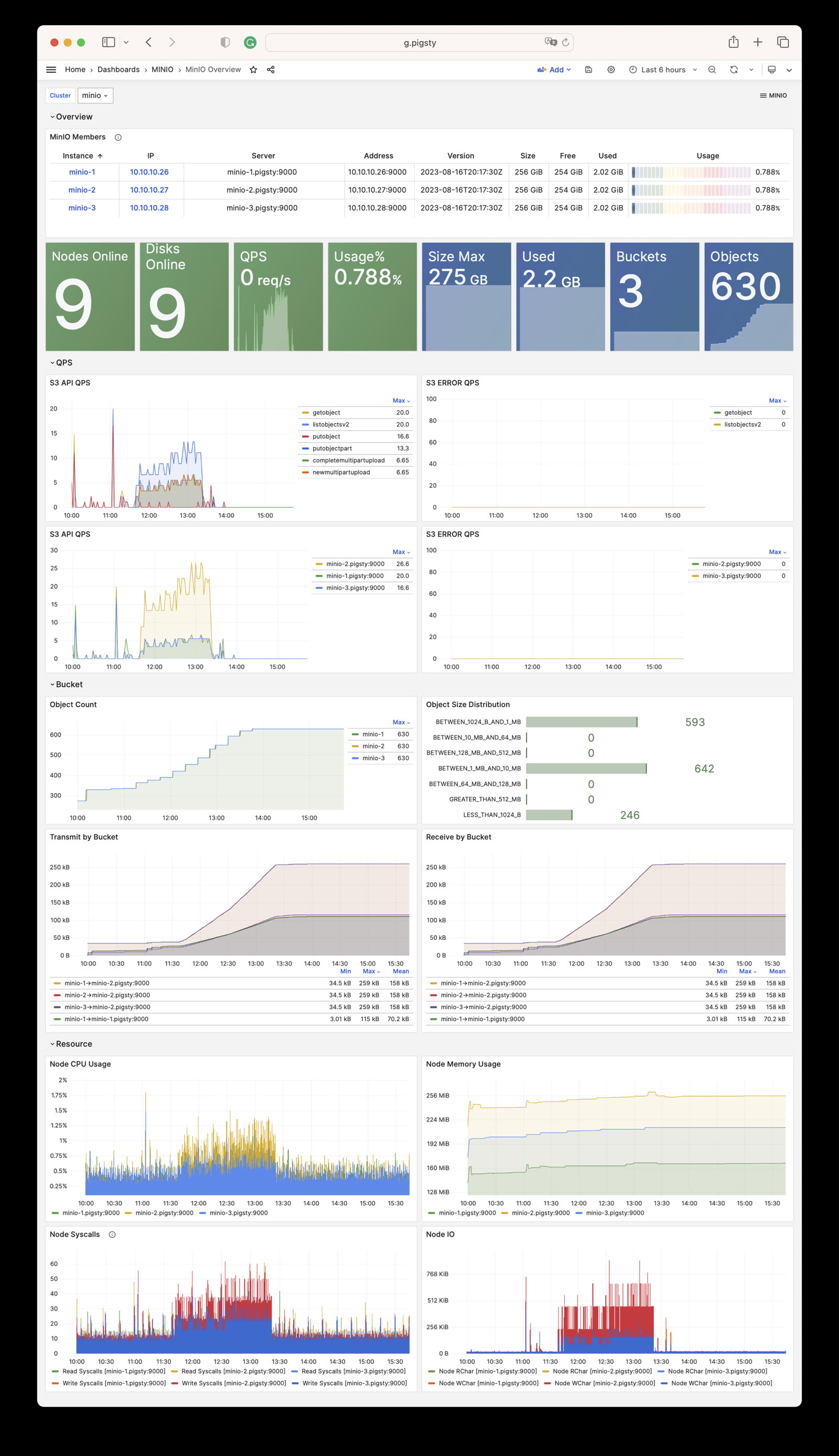
The current files/victoria/rules/minio.yml defines five alerts for Silo:
| Alert | Condition Summary | Severity |
|---|---|---|
MinioServerDown |
minio_up < 1 for 1 minute |
CRIT |
MinioNodeOffline |
Five-minute average offline-node count above 0 for 3 minutes | WARN |
MinioDiskOffline |
Five-minute average offline-drive count above 0 for 3 minutes | WARN |
MinioErasureSetUnhealthy |
Any erasure set’s overall health below 1 for 1 minute | CRIT |
MinioClusterCapacityHigh |
Usable capacity utilization above 90% for 15 minutes | WARN |
Key expressions use Metrics V3 names:
The MINIO module collects Silo metrics through /minio/metrics/v3. The metric set varies with server versions and enabled features, so this page documents the stable interfaces used by current dashboards and alerts rather than treating a complete scrape from one version as a permanent contract.
All object-storage targets use these Pigsty labels:
| Label | Meaning | Example |
|---|---|---|
job |
Fixed module namespace | minio |
flavor |
Actual backend | silo |
cls |
minio_cluster identity |
minio |
ins |
<minio_cluster>-<minio_seq> instance identity |
minio-1 |
ip |
Inventory management address | 10.10.10.10 |
instance |
Metric target address | 10.10.10.10:9000 |
Queries and recording rules should prefer the stable cls, ins, and ip identity labels.
Each Silo instance exposes only the V3 root endpoint, /minio/metrics/v3. Current key metrics are:
| Category | Key Metrics | Meaning |
|---|---|---|
| Liveness | minio_up |
Pigsty scrape/health state for the instance |
| Nodes | minio_cluster_health_nodes_online_count, minio_cluster_health_nodes_offline_count |
Online and offline nodes |
| Drives | minio_cluster_health_drives_online_count, minio_cluster_health_drives_offline_count |
Online and offline drives |
| Capacity | minio_cluster_health_capacity_raw_total_bytes |
Raw total capacity |
| Capacity | minio_cluster_health_capacity_usable_total_bytes, minio_cluster_health_capacity_usable_free_bytes |
Usable total and free capacity |
| Objects | minio_cluster_usage_objects_count, minio_cluster_usage_objects_total_bytes |
Object count and used bytes |
| Buckets | minio_cluster_usage_objects_buckets_count |
Aggregated bucket count |
| Erasure coding | minio_cluster_erasure_set_overall_health, minio_cluster_erasure_set_overall_write_quorum |
Erasure-set health and write quorum |
| API | minio_api_requests_total, minio_api_requests_errors_total, minio_api_requests_4xx_errors_total |
API requests and errors |
| API | minio_api_requests_inflight_total, minio_api_requests_incoming_total |
In-flight and incoming requests |
| Traffic | minio_api_requests_traffic_received_bytes, minio_api_requests_traffic_sent_bytes |
Received and sent bytes |
| Latency | minio_api_requests_ttfb_seconds_distribution |
Time-to-first-byte distribution |
| Process | minio_system_process_cpu_total_seconds, minio_system_process_resident_memory_bytes |
Process CPU and resident memory |
| System | minio_system_drive_free_bytes, minio_system_drive_used_bytes, minio_system_drive_health |
Per-drive capacity and health |
| Audit | minio_audit_total_messages |
Audit-message count |
Pigsty drops samples whose bucket label is non-empty at scrape time and does not register dedicated per-bucket or replication endpoints. This is an intentional cardinality-control policy. If per-bucket metrics are required, evaluate the time-series volume before adding a custom scrape job.
In v4.5.0, the current source deploys Silo—and only Silo. The only valid value for minio_type is silo. MINIO remains the compatibility module name; it does not mean the MinIO server is running.
minio_type: silo for new clusters.minio_type: minio and minio_type: rustfs fail during identity validation.Upstream MinIO switched to source-only distribution on 2025-10-15, marked the repository as maintenance mode on 2025-12-03, and archived it on 2026-04-25. Here, “source-only distribution” means that new prebuilt community binaries stopped being published—not merely RPM and DEB packages.
Pigsty therefore previously maintained its own MinIO fork and packages. MinIO CVE-2025-62506 affects releases before RELEASE.2025-10-15T17-29-55Z and is fixed in that release; both Pigsty’s later MinIO fork and the current Silo code include the fix.
The Pigsty Infra repository still carries MinIO/RustFS RPM and DEB packages plus their build scripts, but repository availability does not mean that the v4.5 MINIO module supports those backends. The current role accepts only Silo; other services must be deployed and maintained separately.
Pigsty’s default pgBackRest minio repository configuration uses HTTPS and verifies the certificate through /etc/pki/ca.crt to protect backup traffic. pgBackRest does not categorically forbid HTTP. If you explicitly choose HTTP, you must update the TLS options in pgbackrest_repo as well as disable minio_https; changing only the server-side switch is insufficient.
By default, the object-storage server certificate is issued by Pigsty’s private CA. It is not a self-signed server certificate, but container images usually do not trust this private CA, so clients such as mcli, rclone, and AWS CLI report an invalid certificate chain.
For example, for a Node.js application, mount the Pigsty CA certificate into the container and specify its path through NODE_EXTRA_CA_CERTS:
If Silo is not used as a pgBackRest backup repository, you can disable HTTPS and use HTTP instead, but you should also assess the risk of cleartext transport.
minio_data takes a directory path, not a raw disk device. /data/minio may be a regular subdirectory, but in multi-node or multi-drive deployments its backing storage must be an independent, persistent, non-root filesystem.
/data is mounted from a separate local disk, cloud volume, partition, or LVM logical volume, /data/minio is valid./data/minio is only a directory created under the root filesystem, distributed Silo marks it as a root drive and rejects it with drive is part of root drive, will not be used.Inspect the backing mounts with:
See Configuration: Storage Paths and Mounts for details and Multi-Node Single-Disk for the three-node topology.
Plan Silo cluster capacity before deployment because adding a storage pool requires a global restart.
Scale the cluster by adding a group of server nodes as a new storage pool.
You cannot directly change the node or disk count of an existing storage pool; expansion requires adding a new pool.
For the procedure, see Pigsty’s Expand Cluster guide and the upstream Expand MinIO Deployment reference for the compatible interface retained by Silo.
Starting with Pigsty v3.6, cluster removal uses the dedicated minio-rm.yml playbook:
The removal role also defaults minio_type to silo; other values are rejected. The examples still spell it out so the operator can review it together with cluster identity and paths before deletion.
minio_rm_data defaults to true, and the removal role tolerates some cleanup errors. Before a real run, verify the exact -l target and a recent backup. Afterwards, inspect the service, data directories, DNS records, and monitoring targets; the playbook’s return status alone does not prove that cleanup completed.
If you have enabled minio_safeguard protection, you need to explicitly override it to perform removal:
Pigsty ships the compatible MinIO client under the mcli command and package name instead of upstream’s mc, avoiding a name collision with the Midnight Commander file manager.
mcli is Pigsty’s delivery name for the compatible client and retains the mc CLI, although the exact version may change with Pigsty packaging. See the MinIO Client documentation for the command reference.
Pigsty provides out-of-the-box monitoring for Silo. Dashboard and metric names retain MinIO-compatible naming:
https://<minio-ip>:9001For details, see Monitoring.
REDIS is Pigsty’s Redis-compatible cache module. Choose Redis or Valkey with redis_type; the default remains redis. Both engines support primary-replica replication, Sentinel, and native cluster mode while sharing configuration paths, instance service names, monitoring, and log entry points.
The role installs the selected engine and redis-exporter. Instance processes use redis-server / redis-cli or valkey-server / valkey-cli, respectively. Changing redis_type changes packages and binaries; it does not automatically validate data formats, replication topology, or rollback. Rehearse any existing-cluster switch, and use one engine consistently across a logical cluster.
The default Redis package remains on the 7.2 BSD branch. Patch versions can differ by operating-system repository; treat the target repository metadata as authoritative.
The entity model of Redis is almost the same as that of PostgreSQL, which also includes the concepts of Cluster and Instance. Note that the Cluster here does not refer to the native Redis Cluster mode.
The core difference between the REDIS module and the PGSQL module is that Redis uses a single-node multi-instance deployment rather than the 1:1 deployment: multiple Redis instances are typically deployed on a physical/virtual machine node to utilize multi-core CPUs fully. Therefore, the ways to configure and administer Redis instances are slightly different from PGSQL.
In Redis managed by Pigsty, nodes are entirely subordinate to the cluster, which means that currently, it is not allowed to deploy Redis instances of two different clusters on one node. However, this does not affect deploying multiple independent Redis primary-replica instances on one node. Of course, there are some limitations; for example, in this case, you cannot specify different passwords for different instances on the same node.
Choose the server implementation with redis_type: redis by default, or valkey. Set it consistently at cluster level. The role switches packages and the *-server / *-cli binaries while retaining /etc/redis, /data/redis, instance systemd unit names, and the redis monitoring namespace. Validate data compatibility and rollback independently before changing an existing cluster’s engine.
Redis identity parameters are required parameters when defining a Redis cluster.
| Name | Attribute | Description | Example |
|---|---|---|---|
redis_cluster |
REQUIRED, cluster level | Cluster name | redis-test |
redis_node |
REQUIRED, node level | Node sequence number | 1,2 |
redis_instances |
REQUIRED, node level | Instance definition | { 6001 : {} ,6002 : {}} |
redis_cluster: Redis cluster name, serves as the top-level namespace for cluster resources.redis_node: Redis node number, an integer unique within the cluster to distinguish different nodes.redis_instances: JSON object where keys are instance port numbers and values are JSON objects containing other instance configurations.There are three different working modes for Redis, specified by the redis_mode parameter:
standalone: Default standalone master-slave modecluster: Redis native distributed cluster modesentinel: Sentinel mode, providing high availability for standalone master-slave RedisHere are three examples of Redis cluster definitions:
redis-msredis-sentinelredis-clusterThese examples omit redis_type and therefore use the default Redis engine. To deploy Valkey, add redis_type: valkey to the corresponding cluster’s vars; do not mix engines within one logical cluster.
Here are some common Redis configuration examples for different scenarios:
For pure caching scenarios with no data persistence requirements:
For web application session storage with some persistence needs:
For simple message queue scenarios requiring higher data reliability:
Master-slave cluster with Sentinel automatic failover:
For high-volume, high-throughput scenarios using native distributed cluster:
Recommended security configuration for production environments:
The REDIS module has 22 parameters: 19 for Redis/Valkey deployment and configuration, and 3 for removal.
The REDIS parameter group is used for Redis cluster deployment and configuration, including identity, instance definitions, operating mode, memory configuration, persistence, and monitoring.
| Parameter | Type | Level | Description |
|---|---|---|---|
redis_cluster |
string |
C |
Redis cluster name, required identity parameter |
redis_instances |
dict |
I |
Redis instance definitions on this node |
redis_node |
int |
I |
Redis node number, unique positive integer in cluster |
redis_fs_main |
path |
C |
Redis main data directory, /data/redis by default |
redis_exporter_enabled |
bool |
C |
Enable Redis Exporter? |
redis_exporter_port |
port |
C |
Redis Exporter listen port |
redis_exporter_options |
string |
C/I |
Redis Exporter CLI arguments |
redis_type |
enum |
G/C |
Server engine: redis (default) or valkey |
redis_mode |
enum |
C |
Redis mode: standalone, cluster, sentinel |
redis_conf |
string |
C |
Redis config template, except sentinel |
redis_bind_address |
ip |
C |
Redis bind address, defaults to 0.0.0.0; empty uses host IP |
redis_max_memory |
size |
C/I |
Max memory for each Redis instance |
redis_mem_policy |
enum |
C |
Redis memory eviction policy |
redis_password |
password |
C |
Redis password, empty disables password |
redis_rdb_save |
string[] |
C |
Redis RDB save directives, empty list disables RDB |
redis_aof_enabled |
bool |
C |
Enable Redis AOF? |
redis_rename_commands |
dict |
C |
Rename dangerous Redis commands |
redis_cluster_replicas |
int |
C |
Replicas per master in Redis native cluster |
redis_sentinel_monitor |
master[] |
C |
Master list for Redis Sentinel to monitor |
The REDIS_REMOVE parameter group controls Redis instance removal behavior.
| Parameter | Type | Level | Description |
|---|---|---|---|
redis_safeguard |
bool |
G/C/A |
Refuse removal unconditionally when true |
redis_rm_data |
bool |
G/C/A |
Remove Redis data directory when removing? |
redis_rm_pkg |
bool |
G/C/A |
Uninstall the selected engine and redis-exporter? |
The REDIS module contains 19 deployment parameters and 3 removal parameters.
redis_cluster
Parameter: redis_cluster, Type: string, Level: C
Redis cluster name, a required identity parameter that must be explicitly configured at the cluster level. It serves as the namespace for resources within the cluster.
Must follow the naming pattern [a-z][a-z0-9-]* to comply with various identity constraints. Using redis- as a cluster name prefix is recommended.
redis_node
Parameter: redis_node, Type: int, Level: I
Redis node sequence number, a required identity parameter that must be explicitly configured at the node (Host) level.
A positive integer that should be unique within the cluster, used to distinguish and identify different nodes. Assign starting from 0 or 1.
redis_instances
Parameter: redis_instances, Type: dict, Level: I
Redis instance definitions on the current node, a required parameter that must be explicitly configured at the node (Host) level.
Format is a JSON key-value object where keys are numeric port numbers and values are instance-specific JSON configuration items.
Each Redis instance listens on a unique port on its node. The replica_of field in instance configuration sets the upstream master address to establish replication:
redis_fs_main
Parameter: redis_fs_main, Type: path, Level: C
Main data directory for Redis, default is /data/redis.
Deployment does not allow the legacy value /data (redis role identity assert fails fast). For backward compatibility during removal, redis-rm.yml treats redis_fs_main=/data as /data/redis.
The data directory is owned by the redis OS user. See FHS: Redis for internal structure details.
redis_exporter_enabled
Parameter: redis_exporter_enabled, Type: bool, Level: C
Enable Redis Exporter monitoring component?
Enabled by default, deploying one exporter per Redis node, listening on redis_exporter_port 9121 by default. It scrapes metrics from all Redis instances on the node.
When set to false, roles/redis/tasks/exporter.yml still renders config files but skips starting the redis_exporter systemd service (the redis_exporter_launch task has when: redis_exporter_enabled|bool), allowing manually configured exporters to remain.
redis_register still writes this node’s VictoriaMetrics file-discovery target. If you do not provide your own exporter on the same port, handle that target as well to avoid continuous scrape failures.
redis_exporter_port
Parameter: redis_exporter_port, Type: port, Level: C
Redis Exporter listen port, default value: 9121
redis_exporter_options
Parameter: redis_exporter_options, Type: string, Level: C/I
Extra CLI arguments for Redis Exporter, rendered to /etc/default/redis_exporter (see roles/redis/tasks/exporter.yml), default is empty string. REDIS_EXPORTER_OPTS is appended to the systemd service’s ExecStart=/bin/redis_exporter $REDIS_EXPORTER_OPTS, useful for configuring extra scrape targets or filtering behavior.
redis_type
Parameter: redis_type, Type: enum, Level: G/C
Select the server implementation used by the REDIS module. Allowed values are redis and valkey; the default is redis.
The role installs the package with the selected name and calls /bin/redis-server / /bin/redis-cli or /bin/valkey-server / /bin/valkey-cli from instance systemd units. Configuration paths, data directories, instance service names, exporter behavior, and monitoring labels retain the redis namespace for compatibility with existing inventories and operational entry points.
Set the same value for every member at cluster level. Changing redis_type only changes the package and binaries selected by the role; it does not validate cross-version RDB/AOF, replication, Sentinel, or Cluster compatibility. Rehearse the change and prepare a rollback before switching an existing cluster.
redis_mode
Parameter: redis_mode, Type: enum, Level: C
Redis cluster operating mode, three options: standalone, cluster, sentinel. Default: standalone
standalone: Default, independent Redis master-slave modecluster: Redis native cluster modesentinel: Redis high availability component: SentinelWhen using standalone mode, Pigsty sets up Redis replication based on the replica_of parameter.
When using cluster mode, Pigsty creates a native Redis cluster using all defined instances based on the redis_cluster_replicas parameter.
When redis_mode=sentinel, redis.yml runs the redis-ha phase to distribute targets from redis_sentinel_monitor to all sentinels. When redis_mode=cluster, it also runs redis-join, using the redis-cli or valkey-cli selected by the engine to execute --cluster create. Both phases run automatically during a normal ./redis.yml -l <cluster> and can also be selected with -t redis-ha or -t redis-join.
redis_conf
Parameter: redis_conf, Type: string, Level: C
Redis config template path, except for Sentinel.
Default: redis.conf, a template file at roles/redis/templates/redis.conf.
To use your own Redis config template, place it in the templates/ directory and set this parameter to the template filename.
Note: Redis Sentinel uses a different template file: roles/redis/templates/redis-sentinel.conf.
redis_bind_address
Parameter: redis_bind_address, Type: ip, Level: C
IP address Redis server binds to. Empty string uses the hostname defined in the inventory.
Default: 0.0.0.0, binding to all available IPv4 addresses on the host.
For security in production environments, bind only to internal IPs by setting this to empty string ''.
When empty, the template roles/redis/templates/redis.conf uses inventory_hostname to render bind <ip>, binding to the management address declared in the inventory.
redis_max_memory
Parameter: redis_max_memory, Type: size, Level: C/I
Maximum memory for each Redis instance, default: 1GB.
redis_mem_policy
Parameter: redis_mem_policy, Type: enum, Level: C
Redis memory eviction policy, default: allkeys-lru
noeviction: Don’t save new values when memory limit is reached; only applies to primary when using replicationallkeys-lru: Keep most recently used keys; remove least recently used (LRU) keysallkeys-lfu: Keep frequently used keys; remove least frequently used (LFU) keysvolatile-lru: Remove least recently used keys with expire field setvolatile-lfu: Remove least frequently used keys with expire field setallkeys-random: Randomly remove keys to make space for new datavolatile-random: Randomly remove keys with expire field setvolatile-ttl: Remove keys with expire field set and shortest remaining TTLSee Redis Eviction Policy for details.
redis_password
Parameter: redis_password, Type: password, Level: C/N
Redis password. Empty string disables password, which is the default behavior.
Note that due to redis_exporter implementation limitations, you can only set one redis_password per node. This is usually not a problem since Pigsty doesn’t allow deploying two different Redis clusters on the same node.
Pigsty automatically writes this password to /etc/default/redis_exporter (REDIS_PASSWORD=...) and passes it through REDISCLI_AUTH to the redis-cli / valkey-cli selected by redis-ha and redis-join, keeping the password out of command-line arguments.
Use a strong password in production environments
redis_rdb_save
Parameter: redis_rdb_save, Type: string[], Level: C
Redis RDB save directives. Use empty list to disable RDB.
Default is ["1200 1"]: dump dataset to disk every 20 minutes if at least 1 key changed.
See Redis Persistence for details.
redis_aof_enabled
Parameter: redis_aof_enabled, Type: bool, Level: C
Enable Redis AOF? Default is false, meaning AOF is not used.
redis_rename_commands
Parameter: redis_rename_commands, Type: dict, Level: C
Rename dangerous Redis commands. A k:v dictionary where old is the command to rename and new is the new name.
Default: {}. You can hide dangerous commands like FLUSHDB and FLUSHALL. Example:
redis_cluster_replicas
Parameter: redis_cluster_replicas, Type: int, Level: C
Number of replicas per master/primary in Redis native cluster. Default: 1, meaning one replica per master.
redis_sentinel_monitor
Parameter: redis_sentinel_monitor, Type: master[], Level: C
List of masters for Redis Sentinel to monitor, used only on sentinel clusters. Each managed master is defined as:
name and host are required; port, password, and quorum are optional. quorum sets the number of sentinels needed to agree on master failure, typically more than half of sentinel instances (default is 1).
Starting from Pigsty 4.0, you can add remove: true to an entry, causing the redis-ha phase to only execute SENTINEL REMOVE <name>, useful for cleaning up targets no longer needed.
The following parameters are used by the redis_remove role, invoked by the redis-rm.yml playbook, controlling Redis instance removal behavior.
redis_safeguard
Parameter: redis_safeguard, Type: bool, Level: G/C/A
Redis deletion safeguard, default false. When set to true, redis-rm.yml aborts before deregistration, service shutdown, or deletion. This is a static Boolean switch and does not probe whether a Redis instance is running.
Override with CLI argument -e redis_safeguard=false to force removal.
redis_rm_data
Parameter: redis_rm_data, Type: bool, Level: G/C/A
Remove Redis data directory when removing Redis instances? Default is true.
The data directory (default /data/redis/, i.e. redis_fs_main) contains Redis RDB and AOF files. If not removed, newly deployed Redis instances will load data from these backup files.
Set to false to preserve data directories for later recovery.
redis_rm_pkg
Parameter: redis_rm_pkg, Type: bool, Level: G/C/A
When removing a Redis node, also uninstall the engine selected by redis_type and the redis-exporter package? Default is false. Removing a single instance with redis_port never uninstalls shared packages.
Typically not needed to uninstall packages; only enable when completely cleaning up a node.
The REDIS module provides two playbooks for deploying/removing Redis clusters/nodes/instances:
redis.yml: Deploy Redis cluster/node/instanceredis-rm.yml: Remove Redis cluster/node/instanceredis.yml
The redis.yml playbook for deploying Redis contains the following subtasks:
redis.yml supports three operation levels, controlled by -l to limit target scope and -e redis_port=<port> to specify a single instance:
| Level | Parameters | Description |
|---|---|---|
| Cluster | -l <cluster> |
Deploy all nodes and instances of the entire Redis cluster |
| Node | -l <ip> |
Deploy all Redis instances on the specified node |
| Instance | -l <ip> -e redis_port=<port> |
Deploy only a single instance on the specified node |
Deploy an entire Redis cluster, including all instances on all nodes:
Cluster-level operations will:
redis_type, plus redis-exporter, on all nodessentinel mode, configure sentinel monitoring targetscluster mode, form the native clusterDeploy only all Redis instances on the specified node:
Node-level operations are useful for:
Note: Node-level commands still enter the
redis-ha/redis-joinmode checks. Sentinel mode refreshes managed targets. In cluster mode, the playbook first uses the selected CLI to check the seed instance forcluster_state:ok; it exits for a healthy cluster and otherwise runs--cluster create. This guard does not replace scale-out: useredis-cli/valkey-cli --cluster add-nodeandreshardmanually for an existing native cluster.
Use the -e redis_port=<port> parameter to operate on a single instance:
Instance-level operations are useful for:
When redis_port is specified:
redis_instances definition)redis_exporter or reload Vector log configUse the -t <tag> parameter to selectively execute certain tasks:
Most tasks in redis.yml can be run repeatedly, but native-cluster initialization still requires attention to topology state:
redis_node / redis_exporter / redis_instance / redis_register overwrites config and restarts instancesredis-ha reapplies SENTINEL REMOVE/MONITOR based on redis_sentinel_monitorredis-join first checks whether the seed instance has reached cluster_state:ok and exits for a healthy cluster. The check does not repair incomplete or damaged topologies or perform scale-out, so do not treat it as a general add-node/reshard operation.Tip: If you only want to update configs without restarting all instances, use
-t redis_configto render configs only, then manually restart the instances you need.
Redis/Valkey units use Type=notify. During startup, systemd waits up to 1800s for readiness so large RDB/AOF loads and recovery can finish. A timeout is not a reason to broaden data deletion or use a forced stop; inspect instance logs, data size, disk I/O, and memory first.
redis-rm.yml
The redis-rm.yml playbook for removing Redis contains the following subtasks:
Tag-scoped execution follows the data/package switches. -t redis always enters the instance-stop phase; -t redis_data stops instances only when redis_rm_data=true, and -t redis_pkg stops them only when redis_rm_pkg=true. Thus -t redis_data -e redis_rm_data=false and -t redis_pkg -e redis_rm_pkg=false do not stop Redis merely because the tag was selected. Before any real removal, verify the exact same -l, tags, and extra variables.
redis-rm.yml also supports three operation levels:
| Level | Parameters | Description |
|---|---|---|
| Cluster | -l <cluster> |
Remove all nodes and instances of the entire Redis cluster |
| Node | -l <ip> |
Remove all Redis instances on the specified node |
| Instance | -l <ip> -e redis_port=<port> |
Remove only a single instance on the specified node |
Remove an entire Redis cluster:
Cluster-level removal will:
redis_rm_data=true)redis_type and redis-exporter (if redis_rm_pkg=true)Remove only all Redis instances on the specified node:
Node-level removal is useful for:
Node-level removal will:
Use the -e redis_port=<port> parameter to remove a single instance:
Instance-level removal is useful for:
Behavioral differences when redis_port is specified:
| Component | Node-Level (no redis_port) | Instance-Level (with redis_port) |
|---|---|---|
| Monitoring registration | Delete entire node’s registration file | Only remove that instance from registration file |
| redis_exporter | Stop and disable | No operation (other instances still need it) |
| Redis instances | Stop all instances | Only stop the specified port’s instance |
| Data directory | Delete entire redis_fs_main (default: /data/redis/) |
Only delete redis_fs_main/<cluster>-<node>-<port>/ (if redis_fs_main=/data, removal is compat-mapped to /data/redis) |
| Vector config | Delete /etc/vector/redis.yaml |
No operation (other instances still need it) |
| Packages | Optionally uninstall | No operation |
redis-rm.yml provides the following control parameters:
| Parameter | Default | Description |
|---|---|---|
redis_safeguard |
false |
Safety guard; when true, refuses to execute removal |
redis_rm_data |
true |
Whether to delete data directories (RDB/AOF files) |
redis_rm_pkg |
false |
Whether to uninstall the selected engine and redis-exporter |
Usage examples:
redis_safeguard defaults to false, while redis_rm_data defaults to true. The removal playbook also tolerates several service-stop, deregistration, data-deletion, and package-removal errors. After a real run, inspect the target processes, data directories, and monitoring registration; do not treat the playbook return status alone as proof of completion.
When a cluster has redis_safeguard: true configured, redis-rm.yml will refuse to execute:
Explicit override is required to execute:
Pigsty provides convenient wrapper scripts:
Initialize Redis cluster with Redis playbook:

Here are some common Redis administration task SOPs (Standard Operating Procedures):
The REDIS module defaults to redis_type: redis. With redis_type: valkey, the server and client commands become valkey-server and valkey-cli. Examples on this page use the default redis-cli; substitute valkey-cli for Valkey clusters. Playbooks choose the correct CLI automatically.
Basic Operations
High Availability
Scaling & Migration
Troubleshooting
For more questions, please refer to FAQ: REDIS.
You can use the redis.yml playbook to initialize Redis clusters, nodes, or instances:
You can also use wrapper scripts to initialize:
You can use the redis-rm.yml playbook to remove Redis clusters, nodes, or instances:
redis_rm_data defaults to true. Verify RDB/AOF backups and the current primary/replica, Sentinel, or cluster topology, then have the operator confirm the exact target. The commands below perform the corresponding removal directly.
You can also use wrapper scripts to remove Redis clusters/nodes/instances:
You can partially run the redis.yml playbook to reconfigure Redis clusters, nodes, or instances:
Note that Redis cannot reload configuration online. You must restart Redis using the launch task to make configuration changes take effect.
Use redis-cli with the default Redis engine. Valkey uses valkey-cli with the same arguments:
Redis provides the redis-benchmark tool, which can be used for Redis performance evaluation or to generate load for testing.
https://redis.io/commands/replicaof/
Redis standalone master-slave clusters can be configured for automatic high availability through Redis Sentinel. For detailed information, please refer to the Sentinel official documentation.
Using the four-node sandbox environment as an example, a Redis Sentinel cluster redis-meta can be used to manage multiple standalone Redis master-slave clusters.
Taking the one-master-one-slave Redis standalone cluster redis-ms as an example, you need to add the target on each Sentinel instance using SENTINEL MONITOR and provide the password using SENTINEL SET, and the high availability is configured.
If you want to remove a Redis master-slave cluster managed by Sentinel, use SENTINEL REMOVE <name>.
You can use the redis_sentinel_monitor parameter defined on the Sentinel cluster to automatically configure the list of masters managed by Sentinel.
The redis-ha stage in redis.yml will render /tmp/<cluster>.monitor on each sentinel instance based on this list and execute SENTINEL REMOVE and SENTINEL MONITOR commands sequentially, ensuring the sentinel management state remains consistent with the inventory. If you only want to remove a target without re-adding it, set remove: true on the monitor object, and the playbook will skip re-registration after SENTINEL REMOVE.
Use the following command to refresh the managed master list on the Redis Sentinel cluster:
When redis_mode is cluster, redis.yml also runs the redis-join stage. It uses the CLI selected by redis_type to execute --cluster create --cluster-yes ... --cluster-replicas {{ redis_cluster_replicas }} and assemble all inventory instances into a native cluster.
This step runs automatically during initial deployment. A later ./redis.yml -l <cluster> -t redis-join first checks the seed instance for cluster_state:ok and exits when the cluster is healthy. This guard does not perform add-node, resharding, or repair of a partially initialized topology; verify topology state before triggering the stage separately.
When adding new nodes/instances to an existing Redis master-slave cluster, first add the new definition in the inventory:
Then deploy only the new node:
Adding new nodes to a Redis native cluster requires additional steps:
After adding new instances to a Sentinel cluster, you should complete both instance deployment and target refresh:
If you need higher data safety, enable AOF:
Redeploy to apply AOF configuration:
When connecting to Redis from client applications:
Monitor these metrics through Grafana dashboards:
redis:ins:mem_usage > 80%redis:ins:cpu_usage > 70%redis:ins:rt > 1msThe REDIS module provides 3 monitoring dashboards:
Pigsty provides three monitoring dashboards for the REDIS module:
Redis Overview: Overview of all Redis clusters/instances
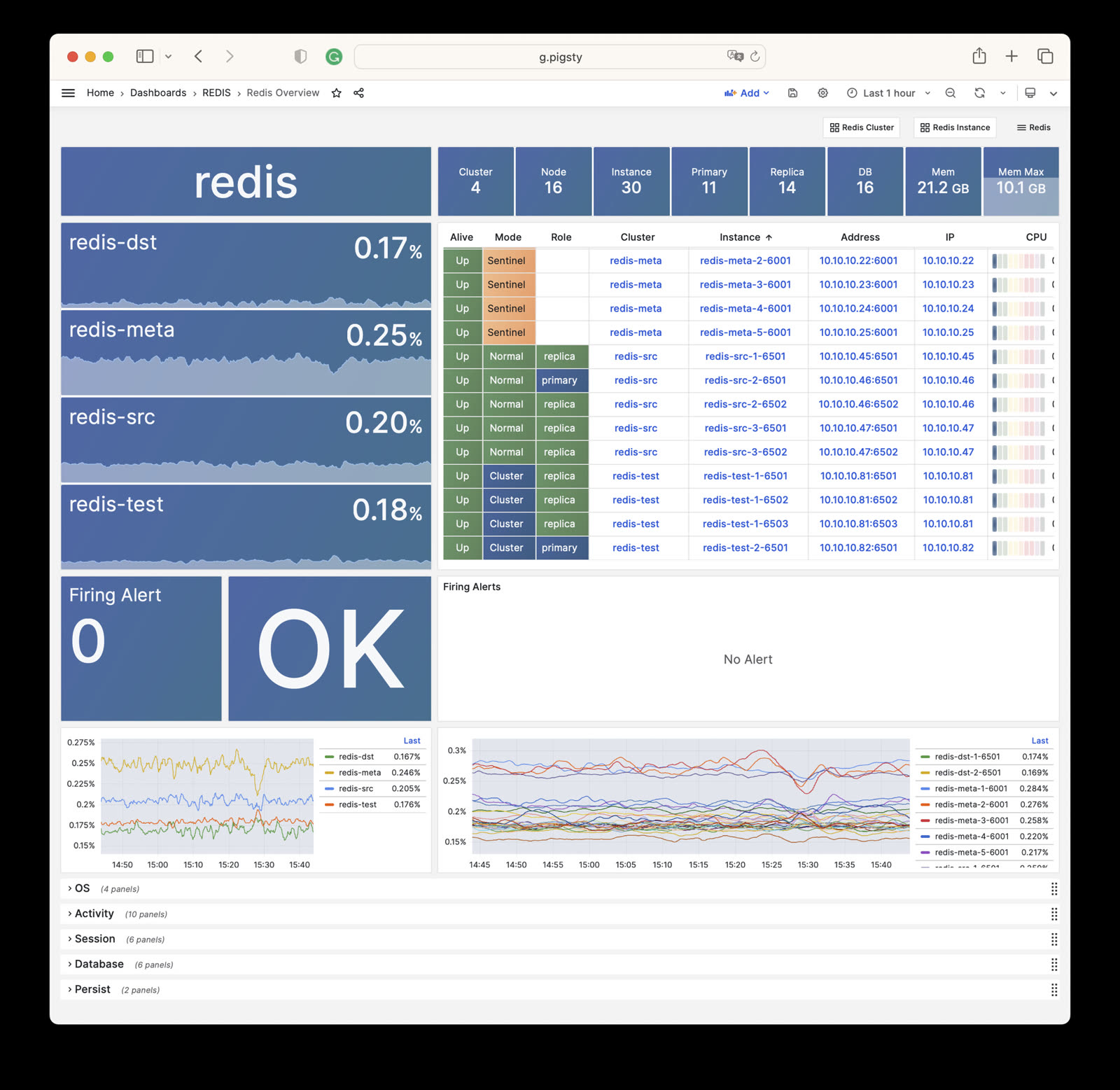
Redis Cluster: Details of a single Redis cluster
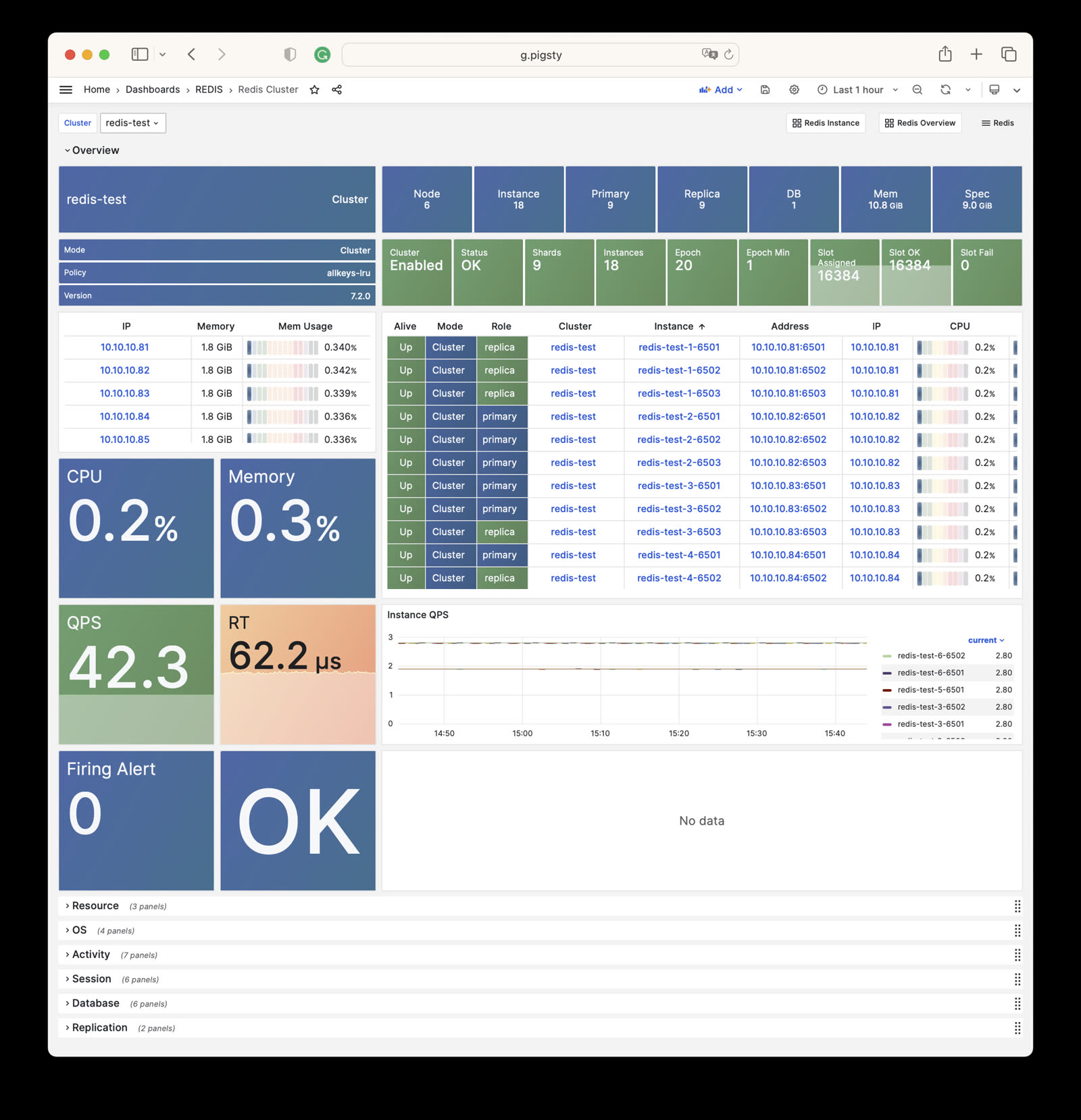
Redis Instance: Details of a single Redis instance
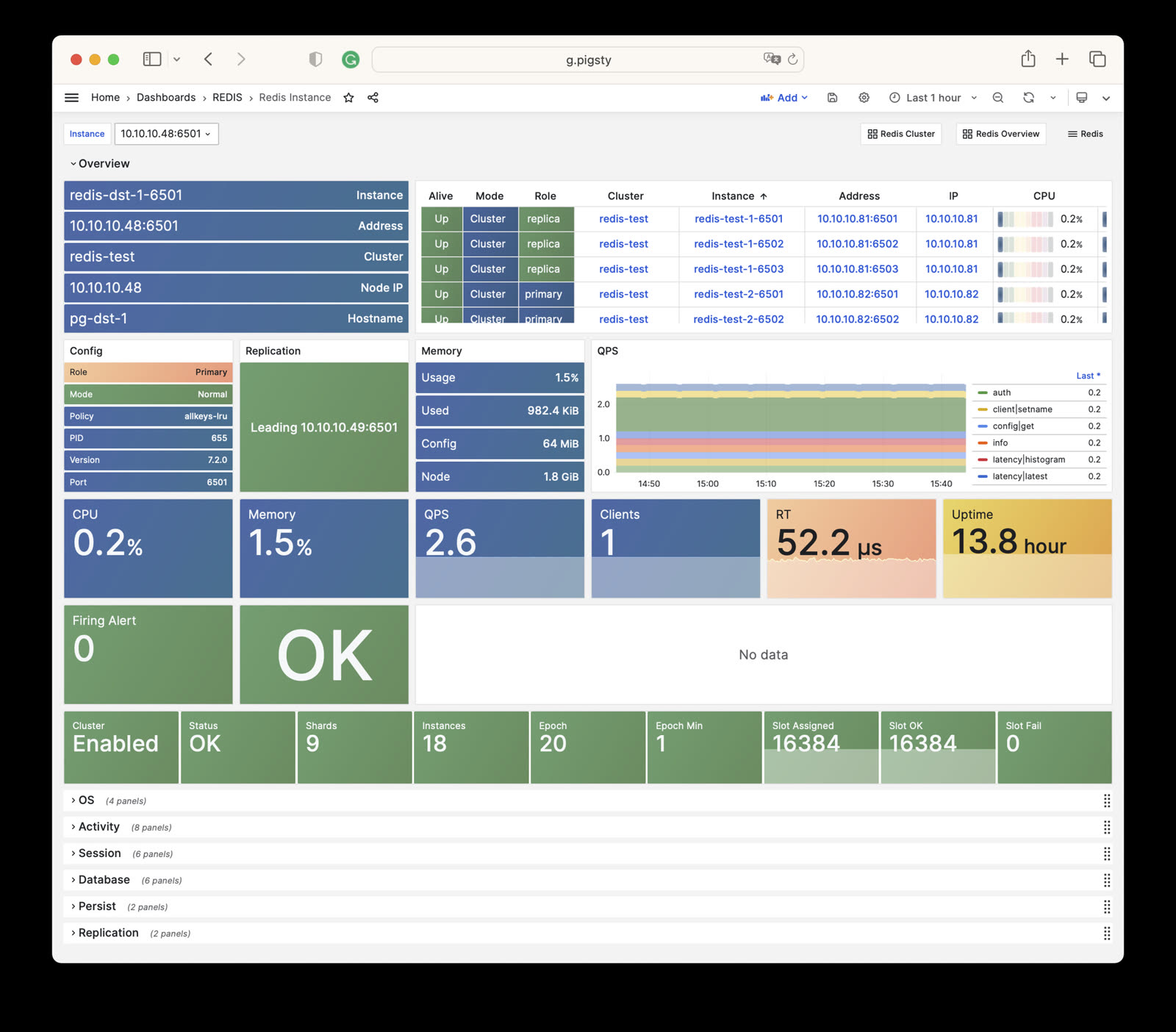
Pigsty provides the following six predefined alert rules for Redis, defined in files/victoria/rules/redis.yml:
RedisDown: Redis instance is downRedisRejectConn: Redis instance rejecting connectionsRedisRTHigh: Redis instance response time is too highRedisCPUHigh: Redis instance CPU usage is too highRedisMemHigh: Redis instance memory usage is too highRedisQPSHigh: Redis instance QPS is too highThe rule expr is authoritative: response time >160µs for 1 minute, CPU and memory usage >70% for 1 minute, and QPS >32000 for 5 minutes. The source excerpt below reflects the current rule file verbatim. Its CPU, memory, and QPS descriptions still contain the old 60%, 80%, and 16000 thresholds, and the RedisRTHigh comment incorrectly names pg:ins:query_rt; these comments do not change the actual expressions.
This page is a snapshot of 275 monitoring metric categories for the REDIS module. The actual runtime metric set varies with package version, enabled collectors, and target state.
| Metric Name | Type | Labels | Description |
|---|---|---|---|
| ALERTS | Unknown | cls, ip, level, severity, instance, category, ins, alertname, job, alertstate |
N/A |
| ALERTS_FOR_STATE | Unknown | cls, ip, level, severity, instance, category, ins, alertname, job |
N/A |
| redis:cls:aof_rewrite_time | Unknown | cls, job |
N/A |
| redis:cls:blocked_clients | Unknown | cls, job |
N/A |
| redis:cls:clients | Unknown | cls, job |
N/A |
| redis:cls:cmd_qps | Unknown | cls, cmd, job |
N/A |
| redis:cls:cmd_rt | Unknown | cls, cmd, job |
N/A |
| redis:cls:cmd_time | Unknown | cls, cmd, job |
N/A |
| redis:cls:conn_rate | Unknown | cls, job |
N/A |
| redis:cls:conn_reject | Unknown | cls, job |
N/A |
| redis:cls:cpu_sys | Unknown | cls, job |
N/A |
| redis:cls:cpu_sys_child | Unknown | cls, job |
N/A |
| redis:cls:cpu_usage | Unknown | cls, job |
N/A |
| redis:cls:cpu_usage_child | Unknown | cls, job |
N/A |
| redis:cls:cpu_user | Unknown | cls, job |
N/A |
| redis:cls:cpu_user_child | Unknown | cls, job |
N/A |
| redis:cls:fork_time | Unknown | cls, job |
N/A |
| redis:cls:key_evict | Unknown | cls, job |
N/A |
| redis:cls:key_expire | Unknown | cls, job |
N/A |
| redis:cls:key_hit | Unknown | cls, job |
N/A |
| redis:cls:key_hit_rate | Unknown | cls, job |
N/A |
| redis:cls:key_miss | Unknown | cls, job |
N/A |
| redis:cls:mem_max | Unknown | cls, job |
N/A |
| redis:cls:mem_usage | Unknown | cls, job |
N/A |
| redis:cls:mem_usage_max | Unknown | cls, job |
N/A |
| redis:cls:mem_used | Unknown | cls, job |
N/A |
| redis:cls:net_traffic | Unknown | cls, job |
N/A |
| redis:cls:qps | Unknown | cls, job |
N/A |
| redis:cls:qps_mu | Unknown | cls, job |
N/A |
| redis:cls:qps_realtime | Unknown | cls, job |
N/A |
| redis:cls:qps_sigma | Unknown | cls, job |
N/A |
| redis:cls:rt | Unknown | cls, job |
N/A |
| redis:cls:rt_mu | Unknown | cls, job |
N/A |
| redis:cls:rt_sigma | Unknown | cls, job |
N/A |
| redis:cls:rx | Unknown | cls, job |
N/A |
| redis:cls:size | Unknown | cls, job |
N/A |
| redis:cls:tx | Unknown | cls, job |
N/A |
| redis:env:blocked_clients | Unknown | job |
N/A |
| redis:env:clients | Unknown | job |
N/A |
| redis:env:cmd_qps | Unknown | cmd, job |
N/A |
| redis:env:cmd_rt | Unknown | cmd, job |
N/A |
| redis:env:cmd_time | Unknown | cmd, job |
N/A |
| redis:env:conn_rate | Unknown | job |
N/A |
| redis:env:conn_reject | Unknown | job |
N/A |
| redis:env:cpu_usage | Unknown | job |
N/A |
| redis:env:cpu_usage_child | Unknown | job |
N/A |
| redis:env:key_evict | Unknown | job |
N/A |
| redis:env:key_expire | Unknown | job |
N/A |
| redis:env:key_hit | Unknown | job |
N/A |
| redis:env:key_hit_rate | Unknown | job |
N/A |
| redis:env:key_miss | Unknown | job |
N/A |
| redis:env:mem_usage | Unknown | job |
N/A |
| redis:env:net_traffic | Unknown | job |
N/A |
| redis:env:qps | Unknown | job |
N/A |
| redis:env:qps_mu | Unknown | job |
N/A |
| redis:env:qps_realtime | Unknown | job |
N/A |
| redis:env:qps_sigma | Unknown | job |
N/A |
| redis:env:rt | Unknown | job |
N/A |
| redis:env:rt_mu | Unknown | job |
N/A |
| redis:env:rt_sigma | Unknown | job |
N/A |
| redis:env:rx | Unknown | job |
N/A |
| redis:env:tx | Unknown | job |
N/A |
| redis:ins | Unknown | cls, id, instance, ins, job |
N/A |
| redis:ins:blocked_clients | Unknown | cls, ip, instance, ins, job |
N/A |
| redis:ins:clients | Unknown | cls, ip, instance, ins, job |
N/A |
| redis:ins:cmd_qps | Unknown | cls, cmd, ip, instance, ins, job |
N/A |
| redis:ins:cmd_rt | Unknown | cls, cmd, ip, instance, ins, job |
N/A |
| redis:ins:cmd_time | Unknown | cls, cmd, ip, instance, ins, job |
N/A |
| redis:ins:conn_rate | Unknown | cls, ip, instance, ins, job |
N/A |
| redis:ins:conn_reject | Unknown | cls, ip, instance, ins, job |
N/A |
| redis:ins:cpu_sys | Unknown | cls, ip, instance, ins, job |
N/A |
| redis:ins:cpu_sys_child | Unknown | cls, ip, instance, ins, job |
N/A |
| redis:ins:cpu_usage | Unknown | cls, ip, instance, ins, job |
N/A |
| redis:ins:cpu_usage_child | Unknown | cls, ip, instance, ins, job |
N/A |
| redis:ins:cpu_user | Unknown | cls, ip, instance, ins, job |
N/A |
| redis:ins:cpu_user_child | Unknown | cls, ip, instance, ins, job |
N/A |
| redis:ins:key_evict | Unknown | cls, ip, instance, ins, job |
N/A |
| redis:ins:key_expire | Unknown | cls, ip, instance, ins, job |
N/A |
| redis:ins:key_hit | Unknown | cls, ip, instance, ins, job |
N/A |
| redis:ins:key_hit_rate | Unknown | cls, ip, instance, ins, job |
N/A |
| redis:ins:key_miss | Unknown | cls, ip, instance, ins, job |
N/A |
| redis:ins:lsn_rate | Unknown | cls, ip, instance, ins, job |
N/A |
| redis:ins:mem_usage | Unknown | cls, ip, instance, ins, job |
N/A |
| redis:ins:net_traffic | Unknown | cls, ip, instance, ins, job |
N/A |
| redis:ins:qps | Unknown | cls, ip, instance, ins, job |
N/A |
| redis:ins:qps_mu | Unknown | cls, ip, instance, ins, job |
N/A |
| redis:ins:qps_realtime | Unknown | cls, ip, instance, ins, job |
N/A |
| redis:ins:qps_sigma | Unknown | cls, ip, instance, ins, job |
N/A |
| redis:ins:rt | Unknown | cls, ip, instance, ins, job |
N/A |
| redis:ins:rt_mu | Unknown | cls, ip, instance, ins, job |
N/A |
| redis:ins:rt_sigma | Unknown | cls, ip, instance, ins, job |
N/A |
| redis:ins:rx | Unknown | cls, ip, instance, ins, job |
N/A |
| redis:ins:tx | Unknown | cls, ip, instance, ins, job |
N/A |
| redis:node:ip | Unknown | cls, ip, instance, ins, job |
N/A |
| redis:node:mem_alloc | Unknown | cls, ip, job |
N/A |
| redis:node:mem_total | Unknown | cls, ip, job |
N/A |
| redis:node:mem_used | Unknown | cls, ip, job |
N/A |
| redis:node:qps | Unknown | cls, ip, job |
N/A |
| redis_active_defrag_running | gauge | cls, ip, instance, ins, job |
active_defrag_running metric |
| redis_allocator_active_bytes | gauge | cls, ip, instance, ins, job |
allocator_active_bytes metric |
| redis_allocator_allocated_bytes | gauge | cls, ip, instance, ins, job |
allocator_allocated_bytes metric |
| redis_allocator_frag_bytes | gauge | cls, ip, instance, ins, job |
allocator_frag_bytes metric |
| redis_allocator_frag_ratio | gauge | cls, ip, instance, ins, job |
allocator_frag_ratio metric |
| redis_allocator_resident_bytes | gauge | cls, ip, instance, ins, job |
allocator_resident_bytes metric |
| redis_allocator_rss_bytes | gauge | cls, ip, instance, ins, job |
allocator_rss_bytes metric |
| redis_allocator_rss_ratio | gauge | cls, ip, instance, ins, job |
allocator_rss_ratio metric |
| redis_aof_current_rewrite_duration_sec | gauge | cls, ip, instance, ins, job |
aof_current_rewrite_duration_sec metric |
| redis_aof_enabled | gauge | cls, ip, instance, ins, job |
aof_enabled metric |
| redis_aof_last_bgrewrite_status | gauge | cls, ip, instance, ins, job |
aof_last_bgrewrite_status metric |
| redis_aof_last_cow_size_bytes | gauge | cls, ip, instance, ins, job |
aof_last_cow_size_bytes metric |
| redis_aof_last_rewrite_duration_sec | gauge | cls, ip, instance, ins, job |
aof_last_rewrite_duration_sec metric |
| redis_aof_last_write_status | gauge | cls, ip, instance, ins, job |
aof_last_write_status metric |
| redis_aof_rewrite_in_progress | gauge | cls, ip, instance, ins, job |
aof_rewrite_in_progress metric |
| redis_aof_rewrite_scheduled | gauge | cls, ip, instance, ins, job |
aof_rewrite_scheduled metric |
| redis_blocked_clients | gauge | cls, ip, instance, ins, job |
blocked_clients metric |
| redis_client_recent_max_input_buffer_bytes | gauge | cls, ip, instance, ins, job |
client_recent_max_input_buffer_bytes metric |
| redis_client_recent_max_output_buffer_bytes | gauge | cls, ip, instance, ins, job |
client_recent_max_output_buffer_bytes metric |
| redis_clients_in_timeout_table | gauge | cls, ip, instance, ins, job |
clients_in_timeout_table metric |
| redis_cluster_connections | gauge | cls, ip, instance, ins, job |
cluster_connections metric |
| redis_cluster_current_epoch | gauge | cls, ip, instance, ins, job |
cluster_current_epoch metric |
| redis_cluster_enabled | gauge | cls, ip, instance, ins, job |
cluster_enabled metric |
| redis_cluster_known_nodes | gauge | cls, ip, instance, ins, job |
cluster_known_nodes metric |
| redis_cluster_messages_received_total | gauge | cls, ip, instance, ins, job |
cluster_messages_received_total metric |
| redis_cluster_messages_sent_total | gauge | cls, ip, instance, ins, job |
cluster_messages_sent_total metric |
| redis_cluster_my_epoch | gauge | cls, ip, instance, ins, job |
cluster_my_epoch metric |
| redis_cluster_size | gauge | cls, ip, instance, ins, job |
cluster_size metric |
| redis_cluster_slots_assigned | gauge | cls, ip, instance, ins, job |
cluster_slots_assigned metric |
| redis_cluster_slots_fail | gauge | cls, ip, instance, ins, job |
cluster_slots_fail metric |
| redis_cluster_slots_ok | gauge | cls, ip, instance, ins, job |
cluster_slots_ok metric |
| redis_cluster_slots_pfail | gauge | cls, ip, instance, ins, job |
cluster_slots_pfail metric |
| redis_cluster_state | gauge | cls, ip, instance, ins, job |
cluster_state metric |
| redis_cluster_stats_messages_meet_received | gauge | cls, ip, instance, ins, job |
cluster_stats_messages_meet_received metric |
| redis_cluster_stats_messages_meet_sent | gauge | cls, ip, instance, ins, job |
cluster_stats_messages_meet_sent metric |
| redis_cluster_stats_messages_ping_received | gauge | cls, ip, instance, ins, job |
cluster_stats_messages_ping_received metric |
| redis_cluster_stats_messages_ping_sent | gauge | cls, ip, instance, ins, job |
cluster_stats_messages_ping_sent metric |
| redis_cluster_stats_messages_pong_received | gauge | cls, ip, instance, ins, job |
cluster_stats_messages_pong_received metric |
| redis_cluster_stats_messages_pong_sent | gauge | cls, ip, instance, ins, job |
cluster_stats_messages_pong_sent metric |
| redis_commands_duration_seconds_total | counter | cls, cmd, ip, instance, ins, job |
Total amount of time in seconds spent per command |
| redis_commands_failed_calls_total | counter | cls, cmd, ip, instance, ins, job |
Total number of errors prior command execution per command |
| redis_commands_latencies_usec_bucket | Unknown | cls, cmd, ip, le, instance, ins, job |
N/A |
| redis_commands_latencies_usec_count | Unknown | cls, cmd, ip, instance, ins, job |
N/A |
| redis_commands_latencies_usec_sum | Unknown | cls, cmd, ip, instance, ins, job |
N/A |
| redis_commands_processed_total | counter | cls, ip, instance, ins, job |
commands_processed_total metric |
| redis_commands_rejected_calls_total | counter | cls, cmd, ip, instance, ins, job |
Total number of errors within command execution per command |
| redis_commands_total | counter | cls, cmd, ip, instance, ins, job |
Total number of calls per command |
| redis_config_io_threads | gauge | cls, ip, instance, ins, job |
config_io_threads metric |
| redis_config_maxclients | gauge | cls, ip, instance, ins, job |
config_maxclients metric |
| redis_config_maxmemory | gauge | cls, ip, instance, ins, job |
config_maxmemory metric |
| redis_connected_clients | gauge | cls, ip, instance, ins, job |
connected_clients metric |
| redis_connected_slave_lag_seconds | gauge | cls, ip, slave_ip, instance, slave_state, ins, slave_port, job |
Lag of connected slave |
| redis_connected_slave_offset_bytes | gauge | cls, ip, slave_ip, instance, slave_state, ins, slave_port, job |
Offset of connected slave |
| redis_connected_slaves | gauge | cls, ip, instance, ins, job |
connected_slaves metric |
| redis_connections_received_total | counter | cls, ip, instance, ins, job |
connections_received_total metric |
| redis_cpu_sys_children_seconds_total | counter | cls, ip, instance, ins, job |
cpu_sys_children_seconds_total metric |
| redis_cpu_sys_main_thread_seconds_total | counter | cls, ip, instance, ins, job |
cpu_sys_main_thread_seconds_total metric |
| redis_cpu_sys_seconds_total | counter | cls, ip, instance, ins, job |
cpu_sys_seconds_total metric |
| redis_cpu_user_children_seconds_total | counter | cls, ip, instance, ins, job |
cpu_user_children_seconds_total metric |
| redis_cpu_user_main_thread_seconds_total | counter | cls, ip, instance, ins, job |
cpu_user_main_thread_seconds_total metric |
| redis_cpu_user_seconds_total | counter | cls, ip, instance, ins, job |
cpu_user_seconds_total metric |
| redis_db_keys | gauge | cls, ip, instance, ins, db, job |
Total number of keys by DB |
| redis_db_keys_expiring | gauge | cls, ip, instance, ins, db, job |
Total number of expiring keys by DB |
| redis_defrag_hits | gauge | cls, ip, instance, ins, job |
defrag_hits metric |
| redis_defrag_key_hits | gauge | cls, ip, instance, ins, job |
defrag_key_hits metric |
| redis_defrag_key_misses | gauge | cls, ip, instance, ins, job |
defrag_key_misses metric |
| redis_defrag_misses | gauge | cls, ip, instance, ins, job |
defrag_misses metric |
| redis_dump_payload_sanitizations | counter | cls, ip, instance, ins, job |
dump_payload_sanitizations metric |
| redis_errors_total | counter | cls, ip, err, instance, ins, job |
Total number of errors per error type |
| redis_evicted_keys_total | counter | cls, ip, instance, ins, job |
evicted_keys_total metric |
| redis_expired_keys_total | counter | cls, ip, instance, ins, job |
expired_keys_total metric |
| redis_expired_stale_percentage | gauge | cls, ip, instance, ins, job |
expired_stale_percentage metric |
| redis_expired_time_cap_reached_total | gauge | cls, ip, instance, ins, job |
expired_time_cap_reached_total metric |
| redis_exporter_build_info | gauge | cls, golang_version, ip, commit_sha, instance, version, ins, job, build_date |
redis exporter build_info |
| redis_exporter_last_scrape_connect_time_seconds | gauge | cls, ip, instance, ins, job |
exporter_last_scrape_connect_time_seconds metric |
| redis_exporter_last_scrape_duration_seconds | gauge | cls, ip, instance, ins, job |
exporter_last_scrape_duration_seconds metric |
| redis_exporter_last_scrape_error | gauge | cls, ip, instance, ins, job |
The last scrape error status. |
| redis_exporter_scrape_duration_seconds_count | Unknown | cls, ip, instance, ins, job |
N/A |
| redis_exporter_scrape_duration_seconds_sum | Unknown | cls, ip, instance, ins, job |
N/A |
| redis_exporter_scrapes_total | counter | cls, ip, instance, ins, job |
Current total redis scrapes. |
| redis_instance_info | gauge | cls, ip, os, role, instance, run_id, redis_version, tcp_port, process_id, ins, redis_mode, maxmemory_policy, redis_build_id, job |
Information about the Redis instance |
| redis_io_threaded_reads_processed | counter | cls, ip, instance, ins, job |
io_threaded_reads_processed metric |
| redis_io_threaded_writes_processed | counter | cls, ip, instance, ins, job |
io_threaded_writes_processed metric |
| redis_io_threads_active | gauge | cls, ip, instance, ins, job |
io_threads_active metric |
| redis_keyspace_hits_total | counter | cls, ip, instance, ins, job |
keyspace_hits_total metric |
| redis_keyspace_misses_total | counter | cls, ip, instance, ins, job |
keyspace_misses_total metric |
| redis_last_key_groups_scrape_duration_milliseconds | gauge | cls, ip, instance, ins, job |
Duration of the last key group metrics scrape in milliseconds |
| redis_last_slow_execution_duration_seconds | gauge | cls, ip, instance, ins, job |
The amount of time needed for last slow execution, in seconds |
| redis_latency_percentiles_usec | summary | cls, cmd, ip, instance, quantile, ins, job |
A summary of latency percentile distribution per command |
| redis_latency_percentiles_usec_count | Unknown | cls, cmd, ip, instance, ins, job |
N/A |
| redis_latency_percentiles_usec_sum | Unknown | cls, cmd, ip, instance, ins, job |
N/A |
| redis_latest_fork_seconds | gauge | cls, ip, instance, ins, job |
latest_fork_seconds metric |
| redis_lazyfree_pending_objects | gauge | cls, ip, instance, ins, job |
lazyfree_pending_objects metric |
| redis_loading_dump_file | gauge | cls, ip, instance, ins, job |
loading_dump_file metric |
| redis_master_last_io_seconds_ago | gauge | cls, ip, master_host, instance, ins, job, master_port |
Master last io seconds ago |
| redis_master_link_up | gauge | cls, ip, master_host, instance, ins, job, master_port |
Master link status on Redis slave |
| redis_master_repl_offset | gauge | cls, ip, instance, ins, job |
master_repl_offset metric |
| redis_master_sync_in_progress | gauge | cls, ip, master_host, instance, ins, job, master_port |
Master sync in progress |
| redis_mem_clients_normal | gauge | cls, ip, instance, ins, job |
mem_clients_normal metric |
| redis_mem_clients_slaves | gauge | cls, ip, instance, ins, job |
mem_clients_slaves metric |
| redis_mem_fragmentation_bytes | gauge | cls, ip, instance, ins, job |
mem_fragmentation_bytes metric |
| redis_mem_fragmentation_ratio | gauge | cls, ip, instance, ins, job |
mem_fragmentation_ratio metric |
| redis_mem_not_counted_for_eviction_bytes | gauge | cls, ip, instance, ins, job |
mem_not_counted_for_eviction_bytes metric |
| redis_memory_max_bytes | gauge | cls, ip, instance, ins, job |
memory_max_bytes metric |
| redis_memory_used_bytes | gauge | cls, ip, instance, ins, job |
memory_used_bytes metric |
| redis_memory_used_dataset_bytes | gauge | cls, ip, instance, ins, job |
memory_used_dataset_bytes metric |
| redis_memory_used_lua_bytes | gauge | cls, ip, instance, ins, job |
memory_used_lua_bytes metric |
| redis_memory_used_overhead_bytes | gauge | cls, ip, instance, ins, job |
memory_used_overhead_bytes metric |
| redis_memory_used_peak_bytes | gauge | cls, ip, instance, ins, job |
memory_used_peak_bytes metric |
| redis_memory_used_rss_bytes | gauge | cls, ip, instance, ins, job |
memory_used_rss_bytes metric |
| redis_memory_used_scripts_bytes | gauge | cls, ip, instance, ins, job |
memory_used_scripts_bytes metric |
| redis_memory_used_startup_bytes | gauge | cls, ip, instance, ins, job |
memory_used_startup_bytes metric |
| redis_migrate_cached_sockets_total | gauge | cls, ip, instance, ins, job |
migrate_cached_sockets_total metric |
| redis_module_fork_in_progress | gauge | cls, ip, instance, ins, job |
module_fork_in_progress metric |
| redis_module_fork_last_cow_size | gauge | cls, ip, instance, ins, job |
module_fork_last_cow_size metric |
| redis_net_input_bytes_total | counter | cls, ip, instance, ins, job |
net_input_bytes_total metric |
| redis_net_output_bytes_total | counter | cls, ip, instance, ins, job |
net_output_bytes_total metric |
| redis_number_of_cached_scripts | gauge | cls, ip, instance, ins, job |
number_of_cached_scripts metric |
| redis_process_id | gauge | cls, ip, instance, ins, job |
process_id metric |
| redis_pubsub_channels | gauge | cls, ip, instance, ins, job |
pubsub_channels metric |
| redis_pubsub_patterns | gauge | cls, ip, instance, ins, job |
pubsub_patterns metric |
| redis_pubsubshard_channels | gauge | cls, ip, instance, ins, job |
pubsubshard_channels metric |
| redis_rdb_bgsave_in_progress | gauge | cls, ip, instance, ins, job |
rdb_bgsave_in_progress metric |
| redis_rdb_changes_since_last_save | gauge | cls, ip, instance, ins, job |
rdb_changes_since_last_save metric |
| redis_rdb_current_bgsave_duration_sec | gauge | cls, ip, instance, ins, job |
rdb_current_bgsave_duration_sec metric |
| redis_rdb_last_bgsave_duration_sec | gauge | cls, ip, instance, ins, job |
rdb_last_bgsave_duration_sec metric |
| redis_rdb_last_bgsave_status | gauge | cls, ip, instance, ins, job |
rdb_last_bgsave_status metric |
| redis_rdb_last_cow_size_bytes | gauge | cls, ip, instance, ins, job |
rdb_last_cow_size_bytes metric |
| redis_rdb_last_save_timestamp_seconds | gauge | cls, ip, instance, ins, job |
rdb_last_save_timestamp_seconds metric |
| redis_rejected_connections_total | counter | cls, ip, instance, ins, job |
rejected_connections_total metric |
| redis_repl_backlog_first_byte_offset | gauge | cls, ip, instance, ins, job |
repl_backlog_first_byte_offset metric |
| redis_repl_backlog_history_bytes | gauge | cls, ip, instance, ins, job |
repl_backlog_history_bytes metric |
| redis_repl_backlog_is_active | gauge | cls, ip, instance, ins, job |
repl_backlog_is_active metric |
| redis_replica_partial_resync_accepted | gauge | cls, ip, instance, ins, job |
replica_partial_resync_accepted metric |
| redis_replica_partial_resync_denied | gauge | cls, ip, instance, ins, job |
replica_partial_resync_denied metric |
| redis_replica_resyncs_full | gauge | cls, ip, instance, ins, job |
replica_resyncs_full metric |
| redis_replication_backlog_bytes | gauge | cls, ip, instance, ins, job |
replication_backlog_bytes metric |
| redis_second_repl_offset | gauge | cls, ip, instance, ins, job |
second_repl_offset metric |
| redis_sentinel_master_ckquorum_status | gauge | cls, ip, message, instance, ins, master_name, job |
Master ckquorum status |
| redis_sentinel_master_ok_sentinels | gauge | cls, ip, instance, ins, master_address, master_name, job |
The number of okay sentinels monitoring this master |
| redis_sentinel_master_ok_slaves | gauge | cls, ip, instance, ins, master_address, master_name, job |
The number of okay slaves of the master |
| redis_sentinel_master_sentinels | gauge | cls, ip, instance, ins, master_address, master_name, job |
The number of sentinels monitoring this master |
| redis_sentinel_master_setting_ckquorum | gauge | cls, ip, instance, ins, master_address, master_name, job |
Show the current ckquorum config for each master |
| redis_sentinel_master_setting_down_after_milliseconds | gauge | cls, ip, instance, ins, master_address, master_name, job |
Show the current down-after-milliseconds config for each master |
| redis_sentinel_master_setting_failover_timeout | gauge | cls, ip, instance, ins, master_address, master_name, job |
Show the current failover-timeout config for each master |
| redis_sentinel_master_setting_parallel_syncs | gauge | cls, ip, instance, ins, master_address, master_name, job |
Show the current parallel-syncs config for each master |
| redis_sentinel_master_slaves | gauge | cls, ip, instance, ins, master_address, master_name, job |
The number of slaves of the master |
| redis_sentinel_master_status | gauge | cls, ip, master_status, instance, ins, master_address, master_name, job |
Master status on Sentinel |
| redis_sentinel_masters | gauge | cls, ip, instance, ins, job |
The number of masters this sentinel is watching |
| redis_sentinel_running_scripts | gauge | cls, ip, instance, ins, job |
Number of scripts in execution right now |
| redis_sentinel_scripts_queue_length | gauge | cls, ip, instance, ins, job |
Queue of user scripts to execute |
| redis_sentinel_simulate_failure_flags | gauge | cls, ip, instance, ins, job |
Failures simulations |
| redis_sentinel_tilt | gauge | cls, ip, instance, ins, job |
Sentinel is in TILT mode |
| redis_slave_expires_tracked_keys | gauge | cls, ip, instance, ins, job |
slave_expires_tracked_keys metric |
| redis_slave_info | gauge | cls, ip, master_host, instance, read_only, ins, job, master_port |
Information about the Redis slave |
| redis_slave_priority | gauge | cls, ip, instance, ins, job |
slave_priority metric |
| redis_slave_repl_offset | gauge | cls, ip, master_host, instance, ins, job, master_port |
Slave replication offset |
| redis_slowlog_last_id | gauge | cls, ip, instance, ins, job |
Last id of slowlog |
| redis_slowlog_length | gauge | cls, ip, instance, ins, job |
Total slowlog |
| redis_start_time_seconds | gauge | cls, ip, instance, ins, job |
Start time of the Redis instance since unix epoch in seconds. |
| redis_target_scrape_request_errors_total | counter | cls, ip, instance, ins, job |
Errors in requests to the exporter |
| redis_total_error_replies | counter | cls, ip, instance, ins, job |
total_error_replies metric |
| redis_total_reads_processed | counter | cls, ip, instance, ins, job |
total_reads_processed metric |
| redis_total_system_memory_bytes | gauge | cls, ip, instance, ins, job |
total_system_memory_bytes metric |
| redis_total_writes_processed | counter | cls, ip, instance, ins, job |
total_writes_processed metric |
| redis_tracking_clients | gauge | cls, ip, instance, ins, job |
tracking_clients metric |
| redis_tracking_total_items | gauge | cls, ip, instance, ins, job |
tracking_total_items metric |
| redis_tracking_total_keys | gauge | cls, ip, instance, ins, job |
tracking_total_keys metric |
| redis_tracking_total_prefixes | gauge | cls, ip, instance, ins, job |
tracking_total_prefixes metric |
| redis_unexpected_error_replies | counter | cls, ip, instance, ins, job |
unexpected_error_replies metric |
| redis_up | gauge | cls, ip, instance, ins, job |
Information about the Redis instance |
| redis_uptime_in_seconds | gauge | cls, ip, instance, ins, job |
uptime_in_seconds metric |
| scrape_duration_seconds | Unknown | cls, ip, instance, ins, job |
N/A |
| scrape_samples_post_metric_relabeling | Unknown | cls, ip, instance, ins, job |
N/A |
| scrape_samples_scraped | Unknown | cls, ip, instance, ins, job |
N/A |
| scrape_series_added | Unknown | cls, ip, instance, ins, job |
N/A |
| up | Unknown | cls, ip, instance, ins, job |
N/A |
This means the Redis instance you are trying to remove has the safeguard enabled. When redis_safeguard is true, redis-rm.yml refuses to run unconditionally; the switch does not probe whether an instance is running.
After confirming the exact -l/redis_port target, a recent backup, and the redis_rm_data setting, override the protection with -e redis_safeguard=false and run the removal. This switch only releases the guard; it does not verify the target or recoverability for you.
Use bin/redis-add <ip> <port> to deploy a new Redis instance on the node.
Use bin/redis-rm <ip> <port> to remove a single Redis instance from the node.
Current source defaults to redis_type: redis and also supports explicit redis_type: valkey. The role installs the corresponding redis or valkey package and calls the matching redis-server / valkey-server and CLI binaries from instance units. Configuration paths, instance service names, monitoring job, and parameter prefixes retain the redis namespace.
The default Redis package remains on the 7.2 BSD branch; patch versions vary by operating-system channel, so use the actual repository metadata as the source of truth. Switching an existing cluster to Valkey is not an automatic migration: first verify target-version RDB/AOF compatibility, replication and Sentinel/Cluster behavior, and a rollback path.
Docker is the most popular containerization platform, providing standardized software delivery capabilities.
Pigsty does not rely on Docker to deploy any of its components; instead, it provides the ability to deploy and install Docker — this is an optional module.
Pigsty offers a series of Docker software/tool/application templates for you to choose from as needed. This allows users to quickly spin up various containerized stateless software templates, adding extra functionality. You can use external, Pigsty-managed highly available database clusters while placing stateless applications inside containers.
When running configure, Pigsty automatically selects suitable upstream repositories and mirror acceleration settings based on region (for example, mainland China network environments), to improve image pull speed and availability.
You can easily configure Registry and Proxy settings to flexibly access different image sources.
Pigsty has built-in Docker support, which you can use to quickly deploy containerized applications.
Docker is an optional module. In Pigsty, whether Docker is installed is controlled by docker_enabled, which is disabled by default.
The docker-ce upstream repository belongs to the infra module. If you need to explicitly include Docker packages in the offline repository, use repo_extra_packages with the docker package alias (mapped to docker-ce and docker-compose-plugin).
After Docker is downloaded, you need to set the docker_enabled: true flag on the nodes where you want to install Docker, and configure other parameters as needed.
Finally, you can use the docker.yml playbook to install it on the nodes:
If you want to temporarily install Docker directly from the internet on certain nodes, you can use the following command:
This command will first enable the upstream software sources for the node,infra modules on the target nodes, then install the docker-ce and docker-compose-plugin packages (same package names on EL/Debian).
If you want Docker-related packages to be automatically downloaded during Pigsty initialization, refer to the instructions below.
Because it’s so simple, Pigsty doesn’t provide an uninstall playbook for the Docker module. You can directly remove Docker using an Ansible command:
To download Docker during Pigsty installation, confirm that repo_modules includes infra (the module containing Docker upstream repositories),
then specify Docker packages in repo_packages or repo_extra_packages.
The docker specified here (which actually corresponds to the docker-ce and docker-compose-plugin packages) will be automatically downloaded to the local repository during the default deploy.yml process.
After downloading, the Docker packages will be available to all nodes via the local repository.
If you’ve already completed Pigsty installation and the local repository is initialized, you can run ./infra.yml -t repo_build after modifying the configuration to re-download and rebuild the offline repository.
Installing Docker requires the Docker YUM/APT repository. In the v4.x default repo_upstream, this repository belongs to the infra module and is usually available out of the box.
Downloading Docker requires upstream internet software repositories, which are defined in the default repo_upstream with module name infra:
You can reference this repository using the infra module name in repo_modules and node_repo_modules.
Docker’s official software repository is blocked by default in mainland China. Use a mainland mirror to complete the download.
If you’re in mainland China and encounter Docker download failures, check whether region is set to default in your configuration inventory. The automatically configured region: china can resolve this issue.
If your network environment requires a proxy server to access the internet, you can configure the proxy_env parameter in Pigsty’s configuration inventory. This parameter will be written to the proxy related configuration in Docker’s configuration file.
When running configure with the -x parameter, the proxy server configuration from your current environment will be automatically generated into Pigsty’s configuration file under proxy_env.
In addition to using a proxy server, you can also configure Docker Registry Mirrors to bypass blocks.
You can use the docker_registry_mirrors parameter to specify Docker Registry Mirrors:
For users outside the firewall, in addition to the official DockerHub site, you can also consider using the quay.io mirror site. If your internal network environment already has mature image infrastructure, you can use your internal Docker registry mirrors to avoid being affected by external mirror sites and improve download speeds.
Users of public cloud providers can consider using free internal Docker mirrors. For example, if you’re using Alibaba Cloud, you can use Alibaba Cloud’s internal Docker mirror site (requires login):
If you’re using Tencent Cloud, you can use Tencent Cloud’s internal Docker mirror site (requires internal network):
Additionally, you can use CF-Workers-docker.io to quickly set up your own Docker image proxy. You can also consider using free Docker proxy mirrors (use at your own risk!)
The docker_image and docker_image_cache parameters can be used to directly specify a list of images to pull during Docker installation.
Using this feature, Docker will come with the specified images after installation (provided they can be successfully pulled; this task will be automatically ignored and skipped on failure).
For example, you can specify images to pull in the configuration inventory:
Another way to preload images is to use locally save d tgz archives: if you’ve previously exported Docker images using docker save xxx | gzip -c > /tmp/docker/xxx.tgz.
These exported image files can be automatically loaded via the glob specified by the docker_image_cache parameter. The default location is: /tmp/docker/*.tgz.
This means you can place images in the /tmp/docker directory beforehand, and after running docker.yml to install Docker, these image packages will be automatically loaded.
For example, in the self-hosted Supabase tutorial, this technique is used. Before spinning up Supabase and installing Docker, the *.tgz image archives from the local /tmp/supabase directory are copied to the target node’s /tmp/docker directory.
Pigsty provides a series of ready-to-use, Docker Compose-based software templates, which you can use to spin up business software that uses external Pigsty-managed database clusters.
The DOCKER module provides 8 configuration parameters.
The DOCKER parameter group is used for Docker container engine deployment and configuration, including enable switch, data directory, storage driver, registry mirrors, and monitoring.
| Parameter | Type | Level | Description |
|---|---|---|---|
docker_enabled |
bool |
G/C/I |
Enable Docker on current node? disabled by default |
docker_data |
path |
G/C/I |
Docker data directory, /data/docker by default |
docker_storage_driver |
enum |
G/C/I |
Docker storage driver, overlay2 by default |
docker_cgroups_driver |
enum |
G/C/I |
Docker cgroup driver: cgroupfs or systemd |
docker_registry_mirrors |
string[] |
G/C/I |
Docker registry mirror list |
docker_exporter_port |
port |
G |
Docker metrics exporter port, 9323 by default |
docker_image |
string[] |
G/C/I |
Docker images to pull, empty list by default |
docker_image_cache |
path |
G/C/I |
Docker image cache tarball path, /tmp/docker/*.tgz |
You can use the docker.yml playbook to install and enable Docker on nodes.
Default parameters are defined in roles/docker/defaults/main.yml
docker_enabled
Parameter: docker_enabled, Type: bool, Level: G/C/I
Enable Docker on current node? Default: false, meaning Docker is not enabled.
docker_data
Parameter: docker_data, Type: path, Level: G/C/I
Docker data directory, default is /data/docker.
This directory stores Docker images, containers, volumes, and other data. If you have a dedicated data disk, it’s recommended to point this directory to that disk’s mount point.
docker_storage_driver
Parameter: docker_storage_driver, Type: enum, Level: G/C/I
Docker storage driver, default is overlay2.
See official documentation: https://docs.docker.com/engine/storage/drivers/select-storage-driver/
Available storage drivers include:
overlay2: Recommended default driver, suitable for most scenariosfuse-overlayfs: For rootless container scenariosbtrfs: When using Btrfs filesystemzfs: When using ZFS filesystemvfs: For testing purposes, not recommended for productiondocker_cgroups_driver
Parameter: docker_cgroups_driver, Type: enum, Level: G/C/I
Docker cgroup filesystem driver, can be cgroupfs or systemd, default: systemd
docker_registry_mirrors
Parameter: docker_registry_mirrors, Type: string[], Level: G/C/I
Docker registry mirror list, default: [] empty array.
You can use Docker mirror sites to accelerate image pulls. Here are some examples:
You can also consider using a Cloudflare Worker to set up a Docker Proxy for faster access.
If pull speeds are still too slow, consider using alternative registries: docker login quay.io
docker_exporter_port
Parameter: docker_exporter_port, Type: port, Level: G
Docker metrics exporter port, default is 9323.
The Docker daemon exposes Prometheus-format monitoring metrics on this port for collection by monitoring infrastructure.
docker_image
Parameter: docker_image, Type: string[], Level: G/C/I
List of Docker images to pull, default is empty list [].
Docker image names specified here will be automatically pulled during the installation phase.
docker_image_cache
Parameter: docker_image_cache, Type: path, Level: G/C/I
Local Docker image cache tarball glob pattern, default is /tmp/docker/*.tgz.
You can use docker save | gzip to package images and automatically import them during Docker installation via this parameter.
.tgz tarball files matching this pattern will be imported into Docker one by one using:
The Docker module provides a default playbook docker.yml for installing Docker Daemon and Docker Compose.
docker.yml
Playbook source file: docker.yml
Running this playbook will install docker-ce and docker-compose-plugin on target nodes with the docker_enabled: true flag, and enable the dockerd service.
The following are the available task subsets in the docker.yml playbook:
docker_install : Install Docker and Docker Compose packages on the nodedocker_admin : Add specified users to the Docker admin user groupdocker_dir : Create Docker related directoriesdocker_config : Generate Docker daemon service configuration filedocker_launch : Start the Docker daemon servicedocker_register : Register Docker daemon as a monitoring target (alias tags: register / add_metrics)docker_image : Attempt to load pre-cached image tarballs from /tmp/docker/*.tgz (if they exist)The Docker module does not provide a dedicated uninstall playbook. If you need to uninstall Docker, you can manually stop Docker and then remove it:
Changing docker_enabled to false only makes docker.yml skip the entire Docker role. It does not stop or uninstall an existing Docker deployment, nor delete /data/docker.
The manual commands above also leave the data directory in place. Docker’s VictoriaMetrics file-discovery target can be deregistered together with the node through the node_deregister task in node-rm.yml.
This snapshot records 123 monitoring metric families for the DOCKER module. The metrics present at runtime vary with package version, enabled collectors, and target state.
| Metric Name | Type | Labels | Description |
|---|---|---|---|
| builder_builds_failed_total | counter | ip, cls, reason, ins, job, instance |
Number of failed image builds |
| builder_builds_triggered_total | counter | ip, cls, ins, job, instance |
Number of triggered image builds |
| docker_up | Unknown | ip, cls, ins, job, instance |
N/A |
| engine_daemon_container_actions_seconds_bucket | Unknown | ip, cls, ins, job, instance, le, action |
N/A |
| engine_daemon_container_actions_seconds_count | Unknown | ip, cls, ins, job, instance, action |
N/A |
| engine_daemon_container_actions_seconds_sum | Unknown | ip, cls, ins, job, instance, action |
N/A |
| engine_daemon_container_states_containers | gauge | ip, cls, ins, job, instance, state |
The count of containers in various states |
| engine_daemon_engine_cpus_cpus | gauge | ip, cls, ins, job, instance |
The number of cpus that the host system of the engine has |
| engine_daemon_engine_info | gauge | ip, cls, architecture, ins, job, instance, os_version, kernel, version, graphdriver, os, daemon_id, commit, os_type |
The information related to the engine and the OS it is running on |
| engine_daemon_engine_memory_bytes | gauge | ip, cls, ins, job, instance |
The number of bytes of memory that the host system of the engine has |
| engine_daemon_events_subscribers_total | gauge | ip, cls, ins, job, instance |
The number of current subscribers to events |
| engine_daemon_events_total | counter | ip, cls, ins, job, instance |
The number of events logged |
| engine_daemon_health_checks_failed_total | counter | ip, cls, ins, job, instance |
The total number of failed health checks |
| engine_daemon_health_check_start_duration_seconds_bucket | Unknown | ip, cls, ins, job, instance, le |
N/A |
| engine_daemon_health_check_start_duration_seconds_count | Unknown | ip, cls, ins, job, instance |
N/A |
| engine_daemon_health_check_start_duration_seconds_sum | Unknown | ip, cls, ins, job, instance |
N/A |
| engine_daemon_health_checks_total | counter | ip, cls, ins, job, instance |
The total number of health checks |
| engine_daemon_host_info_functions_seconds_bucket | Unknown | ip, cls, ins, job, instance, le, function |
N/A |
| engine_daemon_host_info_functions_seconds_count | Unknown | ip, cls, ins, job, instance, function |
N/A |
| engine_daemon_host_info_functions_seconds_sum | Unknown | ip, cls, ins, job, instance, function |
N/A |
| engine_daemon_image_actions_seconds_bucket | Unknown | ip, cls, ins, job, instance, le, action |
N/A |
| engine_daemon_image_actions_seconds_count | Unknown | ip, cls, ins, job, instance, action |
N/A |
| engine_daemon_image_actions_seconds_sum | Unknown | ip, cls, ins, job, instance, action |
N/A |
| engine_daemon_network_actions_seconds_bucket | Unknown | ip, cls, ins, job, instance, le, action |
N/A |
| engine_daemon_network_actions_seconds_count | Unknown | ip, cls, ins, job, instance, action |
N/A |
| engine_daemon_network_actions_seconds_sum | Unknown | ip, cls, ins, job, instance, action |
N/A |
| etcd_debugging_snap_save_marshalling_duration_seconds_bucket | Unknown | ip, cls, ins, job, instance, le |
N/A |
| etcd_debugging_snap_save_marshalling_duration_seconds_count | Unknown | ip, cls, ins, job, instance |
N/A |
| etcd_debugging_snap_save_marshalling_duration_seconds_sum | Unknown | ip, cls, ins, job, instance |
N/A |
| etcd_debugging_snap_save_total_duration_seconds_bucket | Unknown | ip, cls, ins, job, instance, le |
N/A |
| etcd_debugging_snap_save_total_duration_seconds_count | Unknown | ip, cls, ins, job, instance |
N/A |
| etcd_debugging_snap_save_total_duration_seconds_sum | Unknown | ip, cls, ins, job, instance |
N/A |
| etcd_disk_wal_fsync_duration_seconds_bucket | Unknown | ip, cls, ins, job, instance, le |
N/A |
| etcd_disk_wal_fsync_duration_seconds_count | Unknown | ip, cls, ins, job, instance |
N/A |
| etcd_disk_wal_fsync_duration_seconds_sum | Unknown | ip, cls, ins, job, instance |
N/A |
| etcd_disk_wal_write_bytes_total | gauge | ip, cls, ins, job, instance |
Total number of bytes written in WAL. |
| etcd_snap_db_fsync_duration_seconds_bucket | Unknown | ip, cls, ins, job, instance, le |
N/A |
| etcd_snap_db_fsync_duration_seconds_count | Unknown | ip, cls, ins, job, instance |
N/A |
| etcd_snap_db_fsync_duration_seconds_sum | Unknown | ip, cls, ins, job, instance |
N/A |
| etcd_snap_db_save_total_duration_seconds_bucket | Unknown | ip, cls, ins, job, instance, le |
N/A |
| etcd_snap_db_save_total_duration_seconds_count | Unknown | ip, cls, ins, job, instance |
N/A |
| etcd_snap_db_save_total_duration_seconds_sum | Unknown | ip, cls, ins, job, instance |
N/A |
| etcd_snap_fsync_duration_seconds_bucket | Unknown | ip, cls, ins, job, instance, le |
N/A |
| etcd_snap_fsync_duration_seconds_count | Unknown | ip, cls, ins, job, instance |
N/A |
| etcd_snap_fsync_duration_seconds_sum | Unknown | ip, cls, ins, job, instance |
N/A |
| go_gc_duration_seconds | summary | ip, cls, ins, job, instance, quantile |
A summary of the pause duration of garbage collection cycles. |
| go_gc_duration_seconds_count | Unknown | ip, cls, ins, job, instance |
N/A |
| go_gc_duration_seconds_sum | Unknown | ip, cls, ins, job, instance |
N/A |
| go_goroutines | gauge | ip, cls, ins, job, instance |
Number of goroutines that currently exist. |
| go_info | gauge | ip, cls, ins, job, version, instance |
Information about the Go environment. |
| go_memstats_alloc_bytes | counter | ip, cls, ins, job, instance |
Total number of bytes allocated, even if freed. |
| go_memstats_alloc_bytes_total | counter | ip, cls, ins, job, instance |
Total number of bytes allocated, even if freed. |
| go_memstats_buck_hash_sys_bytes | gauge | ip, cls, ins, job, instance |
Number of bytes used by the profiling bucket hash table. |
| go_memstats_frees_total | counter | ip, cls, ins, job, instance |
Total number of frees. |
| go_memstats_gc_sys_bytes | gauge | ip, cls, ins, job, instance |
Number of bytes used for garbage collection system metadata. |
| go_memstats_heap_alloc_bytes | gauge | ip, cls, ins, job, instance |
Number of heap bytes allocated and still in use. |
| go_memstats_heap_idle_bytes | gauge | ip, cls, ins, job, instance |
Number of heap bytes waiting to be used. |
| go_memstats_heap_inuse_bytes | gauge | ip, cls, ins, job, instance |
Number of heap bytes that are in use. |
| go_memstats_heap_objects | gauge | ip, cls, ins, job, instance |
Number of allocated objects. |
| go_memstats_heap_released_bytes | gauge | ip, cls, ins, job, instance |
Number of heap bytes released to OS. |
| go_memstats_heap_sys_bytes | gauge | ip, cls, ins, job, instance |
Number of heap bytes obtained from system. |
| go_memstats_last_gc_time_seconds | gauge | ip, cls, ins, job, instance |
Number of seconds since 1970 of last garbage collection. |
| go_memstats_lookups_total | counter | ip, cls, ins, job, instance |
Total number of pointer lookups. |
| go_memstats_mallocs_total | counter | ip, cls, ins, job, instance |
Total number of mallocs. |
| go_memstats_mcache_inuse_bytes | gauge | ip, cls, ins, job, instance |
Number of bytes in use by mcache structures. |
| go_memstats_mcache_sys_bytes | gauge | ip, cls, ins, job, instance |
Number of bytes used for mcache structures obtained from system. |
| go_memstats_mspan_inuse_bytes | gauge | ip, cls, ins, job, instance |
Number of bytes in use by mspan structures. |
| go_memstats_mspan_sys_bytes | gauge | ip, cls, ins, job, instance |
Number of bytes used for mspan structures obtained from system. |
| go_memstats_next_gc_bytes | gauge | ip, cls, ins, job, instance |
Number of heap bytes when next garbage collection will take place. |
| go_memstats_other_sys_bytes | gauge | ip, cls, ins, job, instance |
Number of bytes used for other system allocations. |
| go_memstats_stack_inuse_bytes | gauge | ip, cls, ins, job, instance |
Number of bytes in use by the stack allocator. |
| go_memstats_stack_sys_bytes | gauge | ip, cls, ins, job, instance |
Number of bytes obtained from system for stack allocator. |
| go_memstats_sys_bytes | gauge | ip, cls, ins, job, instance |
Number of bytes obtained from system. |
| go_threads | gauge | ip, cls, ins, job, instance |
Number of OS threads created. |
| logger_log_entries_size_greater_than_buffer_total | counter | ip, cls, ins, job, instance |
Number of log entries which are larger than the log buffer |
| logger_log_read_operations_failed_total | counter | ip, cls, ins, job, instance |
Number of log reads from container stdio that failed |
| logger_log_write_operations_failed_total | counter | ip, cls, ins, job, instance |
Number of log write operations that failed |
| process_cpu_seconds_total | counter | ip, cls, ins, job, instance |
Total user and system CPU time spent in seconds. |
| process_max_fds | gauge | ip, cls, ins, job, instance |
Maximum number of open file descriptors. |
| process_open_fds | gauge | ip, cls, ins, job, instance |
Number of open file descriptors. |
| process_resident_memory_bytes | gauge | ip, cls, ins, job, instance |
Resident memory size in bytes. |
| process_start_time_seconds | gauge | ip, cls, ins, job, instance |
Start time of the process since unix epoch in seconds. |
| process_virtual_memory_bytes | gauge | ip, cls, ins, job, instance |
Virtual memory size in bytes. |
| process_virtual_memory_max_bytes | gauge | ip, cls, ins, job, instance |
Maximum amount of virtual memory available in bytes. |
| promhttp_metric_handler_requests_in_flight | gauge | ip, cls, ins, job, instance |
Current number of scrapes being served. |
| promhttp_metric_handler_requests_total | counter | ip, cls, ins, job, instance, code |
Total number of scrapes by HTTP status code. |
| scrape_duration_seconds | Unknown | ip, cls, ins, job, instance |
N/A |
| scrape_samples_post_metric_relabeling | Unknown | ip, cls, ins, job, instance |
N/A |
| scrape_samples_scraped | Unknown | ip, cls, ins, job, instance |
N/A |
| scrape_series_added | Unknown | ip, cls, ins, job, instance |
N/A |
| swarm_dispatcher_scheduling_delay_seconds_bucket | Unknown | ip, cls, ins, job, instance, le |
N/A |
| swarm_dispatcher_scheduling_delay_seconds_count | Unknown | ip, cls, ins, job, instance |
N/A |
| swarm_dispatcher_scheduling_delay_seconds_sum | Unknown | ip, cls, ins, job, instance |
N/A |
| swarm_manager_configs_total | gauge | ip, cls, ins, job, instance |
The number of configs in the cluster object store |
| swarm_manager_leader | gauge | ip, cls, ins, job, instance |
Indicates if this manager node is a leader |
| swarm_manager_networks_total | gauge | ip, cls, ins, job, instance |
The number of networks in the cluster object store |
| swarm_manager_nodes | gauge | ip, cls, ins, job, instance, state |
The number of nodes |
| swarm_manager_secrets_total | gauge | ip, cls, ins, job, instance |
The number of secrets in the cluster object store |
| swarm_manager_services_total | gauge | ip, cls, ins, job, instance |
The number of services in the cluster object store |
| swarm_manager_tasks_total | gauge | ip, cls, ins, job, instance, state |
The number of tasks in the cluster object store |
| swarm_node_manager | gauge | ip, cls, ins, job, instance |
Whether this node is a manager or not |
| swarm_raft_snapshot_latency_seconds_bucket | Unknown | ip, cls, ins, job, instance, le |
N/A |
| swarm_raft_snapshot_latency_seconds_count | Unknown | ip, cls, ins, job, instance |
N/A |
| swarm_raft_snapshot_latency_seconds_sum | Unknown | ip, cls, ins, job, instance |
N/A |
| swarm_raft_transaction_latency_seconds_bucket | Unknown | ip, cls, ins, job, instance, le |
N/A |
| swarm_raft_transaction_latency_seconds_count | Unknown | ip, cls, ins, job, instance |
N/A |
| swarm_raft_transaction_latency_seconds_sum | Unknown | ip, cls, ins, job, instance |
N/A |
| swarm_store_batch_latency_seconds_bucket | Unknown | ip, cls, ins, job, instance, le |
N/A |
| swarm_store_batch_latency_seconds_count | Unknown | ip, cls, ins, job, instance |
N/A |
| swarm_store_batch_latency_seconds_sum | Unknown | ip, cls, ins, job, instance |
N/A |
| swarm_store_lookup_latency_seconds_bucket | Unknown | ip, cls, ins, job, instance, le |
N/A |
| swarm_store_lookup_latency_seconds_count | Unknown | ip, cls, ins, job, instance |
N/A |
| swarm_store_lookup_latency_seconds_sum | Unknown | ip, cls, ins, job, instance |
N/A |
| swarm_store_memory_store_lock_duration_seconds_bucket | Unknown | ip, cls, ins, job, instance, le |
N/A |
| swarm_store_memory_store_lock_duration_seconds_count | Unknown | ip, cls, ins, job, instance |
N/A |
| swarm_store_memory_store_lock_duration_seconds_sum | Unknown | ip, cls, ins, job, instance |
N/A |
| swarm_store_read_tx_latency_seconds_bucket | Unknown | ip, cls, ins, job, instance, le |
N/A |
| swarm_store_read_tx_latency_seconds_count | Unknown | ip, cls, ins, job, instance |
N/A |
| swarm_store_read_tx_latency_seconds_sum | Unknown | ip, cls, ins, job, instance |
N/A |
| swarm_store_write_tx_latency_seconds_bucket | Unknown | ip, cls, ins, job, instance, le |
N/A |
| swarm_store_write_tx_latency_seconds_count | Unknown | ip, cls, ins, job, instance |
N/A |
| swarm_store_write_tx_latency_seconds_sum | Unknown | ip, cls, ins, job, instance |
N/A |
| up | Unknown | ip, cls, ins, job, instance |
N/A |
By default, Pigsty adds both the management user running the playbook on the remote node (i.e., the SSH login user on the target node) and the admin user specified in the node_admin_username parameter to the Docker operating system group.
All users in this group (docker) can manage Docker using the docker CLI command.
If you want other users to be able to run Docker commands, add that OS user to the docker group:
During Docker installation, if the proxy_env parameter exists,
the HTTP proxy server configuration will be written to the /etc/docker/daemon.json configuration file.
Docker will use this proxy server when pulling images from upstream registries.
Tip: Running configure with the -x flag will write the proxy server configuration from your current environment into proxy_env.
If DockerHub access is slow in mainland China network environments, you can prioritize:
docker_registry_mirrorsproxy_env to pull via proxyquay.io)For example:
During Docker module installation, you can register Docker as a monitoring target by running the docker_register subtask (or alias tag add_metrics) for specific nodes:
Pigsty provides a collection of software templates that can be launched using Docker Compose, ready to use out of the box.
But you need to install the Docker module first.
JuiceFS is a high-performance POSIX-compatible distributed filesystem that can mount object storage or databases as a local filesystem.
The JUICE module depends on NODE for infrastructure and package repo, and typically uses PGSQL as the metadata engine.
Data storage can be PostgreSQL (in a jfs_blob table) or Silo / S3-compatible object storage provided by the MINIO module. Monitoring relies on INFRA VictoriaMetrics.
flowchart LR
subgraph Client["App/User"]
app["POSIX Access"]
end
subgraph JUICE["JUICE"]
jfs["JuiceFS Mount"]
end
subgraph PGSQL["PGSQL"]
meta["Metadata DB"]
blob["Data DB / jfs_blob (optional)"]
end
subgraph Object["Object Storage (optional)"]
s3["Silo / S3"]
end
subgraph INFRA["INFRA (optional)"]
vm["VictoriaMetrics"]
end
app --> jfs
jfs --> meta
jfs -.->|alternative data backend| blob
jfs -.->|alternative data backend| s3
jfs -->|/metrics| vm
style JUICE fill:#5B9CD5,stroke:#4178a8,color:#fff
style PGSQL fill:#3E668F,stroke:#2d4a66,color:#fff
style Object fill:#FCDB72,stroke:#d4b85e,color:#333
style INFRA fill:#999,stroke:#666,color:#fffjuice_instances dictMinimal config example (single instance):
Deploy:
JuiceFS consists of a metadata engine and data storage.
In the current version, meta is passed through to juicefs as the metadata engine URL, and PostgreSQL is typically used in production.
Data storage is defined by data options passed to juicefs format.
JUICE module core commands:
Notes:
--no-update ensures existing filesystems are not overwritten.data is only used for initial format; it does not affect existing filesystems.mount is only used during mount, you can pass cache and concurrency options.JUICE module has only two parameters:
| Parameter | Type | Level | Description |
|---|---|---|---|
juice_cache |
path |
C |
JuiceFS shared cache directory |
juice_instances |
dict |
I |
JuiceFS instance dict (can be empty) |
juice_cache: shared local cache directory for all instances, default /data/juicejuice_instances: instance-level dict, key is filesystem name; an empty dict means no instances are managedEach entry in juice_instances represents a JuiceFS instance:
| Field | Required | Default | Description |
|---|---|---|---|
path |
Yes | - | Mount point path, e.g. /fs |
meta |
Yes | - | Metadata engine URL (PostgreSQL recommended) |
data |
No | '' |
juicefs format options (storage backend) |
unit |
No | juicefs-<name> |
systemd service name |
mount |
No | '' |
Extra juicefs mount options |
port |
No | 9567 |
Metrics port (unique per node) |
owner |
No | root |
Mount point owner |
group |
No | root |
Mount point group |
mode |
No | 0755 |
Mount point permissions |
state |
No | create |
create / absent |
data on first format to make the storage backend clear.port values.Example:
data is appended to juicefs format, any supported backend works. Common examples:
JuiceFS creates a jfs_blob table in the database selected by --bucket for file data. This PostgreSQL data backend and the meta metadata engine are separate roles; they may use one database or be deployed separately. The database and a user with read/write privileges must already exist.
Mount the same JuiceFS on multiple nodes:
Only one node needs to format the filesystem; others will skip via --no-update.
port is exposed on 0.0.0.0. Use firewall or security group to restrict access.data will not update an existing filesystem; handle migration manually.meta and data may contain database or object-storage credentials. Restrict access to pigsty.yml, use dedicated least-privilege accounts, and never keep example passwords in production.JUICE module has 2 parameters:
juice_cache: shared cache directoryjuice_instances: instance definition dict| Parameter | Type | Level | Description |
|---|---|---|---|
juice_cache |
path |
C |
JuiceFS shared cache directory |
juice_instances |
dict |
I |
JuiceFS instance definition dict (can be empty) |
Level:
C= cluster level,I= instance level.
Defined in roles/juice/defaults/main.yml:
juice_cache
Parameter: juice_cache, type: path, level: C
Shared local cache directory for all JuiceFS instances, default /data/juice.
JuiceFS isolates caches by filesystem UUID under this directory.
juice_instances
Parameter: juice_instances, type: dict, level: I
Instance definition dict, usually defined at instance level. Default is an empty dict (meaning no instances are deployed). Key is filesystem name, value is instance config object.
Instance fields:
| Field | Required | Default | Description |
|---|---|---|---|
path |
Yes | - | Mount point path |
meta |
Yes | - | Metadata engine URL (PostgreSQL recommended) |
data |
No | '' |
juicefs format options (only effective on first creation) |
unit |
No | juicefs-<name> |
systemd service name |
mount |
No | '' |
Extra juicefs mount options |
port |
No | 9567 |
Metrics port (unique per node) |
owner |
No | root |
Mount point owner |
group |
No | root |
Mount point group |
mode |
No | 0755 |
Mount point permissions |
state |
No | create |
create / absent |
data is only used by juicefs format, it will not update an existing filesystem.port values.JUICE module provides juice.yml playbook to deploy and remove JuiceFS instances.
juice.yml
Task structure in juice.yml:
| Scope | Limit | Description |
|---|---|---|
| Node | -l <host> |
Deploy all instances on the node |
| Instance | -l <host> -e fsname=<name> |
Only handle specified instance |
Examples:
| Tag | Description |
|---|---|
juice_id |
Validate juice_instances and port conflicts |
juice_install |
Install juicefs package |
juice_cache |
Create shared cache dir |
juice_clean |
Remove instance (state=absent) |
juice_instance |
Create instance (umbrella tag) |
juice_init |
Format filesystem |
juice_dir |
Create mount dir |
juice_config |
Render config files |
juice_launch |
Start service |
juice_register |
Write VictoriaMetrics target file |
Render config only (no restart):
Update config and ensure service is online (without force restart):
If you need new mount options to take effect immediately, manually restart the instance service:
Removal flow:
state to absentjuice_cleanRemoval includes stopping the service, lazy unmounting, removing systemd unit and environment files, and reloading systemd. juice_register then rewrites the node’s target file and removes stale scrape endpoints. Running only juice_clean does not update monitoring targets.
PostgreSQL metadata, PostgreSQL jfs_blob data tables, and object-storage data are not deleted.
juice_register writes target file on infra node:
To re-register manually:
Common operations:
See FAQ for more.
Initialization steps:
juicefs package/data/juice)juicefs format --no-update (only effective on first creation)After changing config, it’s recommended to run (update config and ensure service is online):
Render config without touching service state:
Notes:
juice_config,juice_launch ensures service is started, but does not force-restart an already running instancedata only takes effect on the first formatmount options, manually restart the instance service (systemctl restart juicefs-<name>)state to absentjuice_cleanRemoval actions:
umount -l lazy unmountstate=absentPostgreSQL metadata, PostgreSQL jfs_blob data tables, and object-storage data are not deleted.
Running only -t juice_clean does not update monitoring targets and temporarily leaves stale scrape endpoints for removed instances. The commands above therefore run juice_register as well.
Add a new instance in config, ensure unique port:
Deploy:
Configure the same meta and instance name on multiple nodes:
Only one node needs to format the filesystem; others will skip via --no-update.
JuiceFS metadata and data must be restored to a mutually consistent state. Before any restore, stop every writer and unmount/stop the corresponding JuiceFS service on every client, identify the exact PostgreSQL cluster and target time, and confirm an available backup:
Only after confirming the exact cluster name, a recent backup, the recovery target, and a rollback plan should you follow the PostgreSQL PITR tutorial to stop Patroni/PostgreSQL and perform the restore. pg-pitr does not stop services, repair Patroni/DCS, validate data, or rebuild replicas; the command above is not a complete recovery procedure.
If metadata and the --storage postgres jfs_blob table are in the same restored PostgreSQL database, database PITR can return both to one point in time. If they reside in different databases or clusters, design a coordinated recovery point for both.
If file data is in Silo/S3, PostgreSQL PITR rolls back metadata only, not objects. Newer objects may remain, while old objects that were deleted or collected may be unavailable. Recoverability depends on object versioning, trash, and lifecycle policies; do not run garbage collection until validation is complete.
Pass juicefs mount options via mount:
Key metrics to watch:
juicefs_blockcache_hits/juicefs_blockcache_miss: cache hit ratiojuicefs_object_request_durations_histogram_seconds: object storage latencyjuicefs_transaction_durations_histogram_seconds: metadata transaction latencyJuiceFS instances expose Prometheus metrics via juicefs mount --metrics.
In JUICE, metrics listen on 0.0.0.0:<port>, default port 9567.
If INFRA is deployed, juice_register writes scrape targets to:
The current source includes the Node JuiceFS dashboard (UID: node-juice) for capacity, cache, object-storage, metadata-transaction, and client-resource metrics across JuiceFS mounts on a node.
To register manually:
| Metric | Type | Description |
|---|---|---|
juicefs_object_request_durations_histogram_seconds |
histogram | Object storage request latency |
juicefs_object_request_errors |
counter | Object storage errors |
| Metric | Type | Description |
|---|---|---|
juicefs_blockcache_hits |
counter | Cache hits |
juicefs_blockcache_miss |
counter | Cache misses |
| Metric | Type | Description |
|---|---|---|
juicefs_transaction_durations_histogram_seconds |
histogram | Metadata transaction latency (histogram) |
juicefs_transaction_durations_histogram_seconds_count |
counter | Metadata transaction request count |
Cache hit ratio:
Object storage P99 latency:
Multiple instances on the same node must use different port values. Example:
data not take effect?
data is only used by juicefs format --no-update. After filesystem creation it will not change.
To switch backend, migrate data and reformat manually.
state to absentRemoval does not delete PostgreSQL metadata or object storage data.
juice_register refreshes the target file; running only juice_clean leaves a stale monitoring scrape endpoint.
Depends on data:
--storage postgres: JuiceFS creates a jfs_blob table in the PostgreSQL database selected by --bucket--storage minio/s3: data is stored in a Silo/S3-compatible object-storage bucketMetadata is stored in the metadata engine defined by meta (in Pigsty production scenarios, this is usually PostgreSQL).
meta and instance name on all nodesport does not conflict on each nodejuice_register only writes /infra/targets/juice/ when infra group exists.
You can run manually:
After updating mount in the instance, refresh config first and then manually restart the service:
The VIBE module provides a browser-based dev environment with Code-Server, JupyterLab, Node.js, Claude Code, and Codex CLI,
and can work with JUICE shared storage and PGSQL database capabilities.
VIBE depends on NODE and INFRA:
NODE provides base software and Python uv environmentINFRA provides Nginx reverse proxy, Grafana and portal entry| Component | Description | Local Port | Access Path |
|---|---|---|---|
| Code-Server | VS Code in browser | 8443 | /code/ |
| JupyterLab | Interactive notebooks | 8888 | /jupyter/ |
| Node.js | Runtime and npm | - | CLI |
| Claude Code | CLI + observability config | - | CLI / Grafana |
| Codex CLI | CLI installation; configuration is not managed | - | CLI |
Notes:
127.0.0.1:8443, exposed via Nginx0.0.0.0:8888, base path /jupyter/; the current template allows any Origin and disables XSRF checks, so it is for trusted development networks onlyjupyter_enabled: false, while conf/vibe.yml template explicitly enables JupyterThe VIBE Jupyter template relies on its token as the default authentication barrier, and conf/vibe.yml does not enable additional Basic Auth on infra_portal.home. Set a strong random token, restrict port 8888 and portal sources, and use a trusted TLS endpoint before deployment. Never expose the default template directly to the Internet.
Default entry points (via infra_portal.home):
https://<domain>/code/https://<domain>/jupyter/https://<domain>/ui/d/claude-codevibe_data as root for Code-Server and JupyterJUICE for multi-node sharingvibe.yml usage and tagsVIBE supports enabling components on demand and exposes services via a unified workspace and Nginx portal.
| Component | Enable Param | Default | Description |
|---|---|---|---|
| Code-Server | code_enabled |
Enabled | VS Code in browser |
| JupyterLab | jupyter_enabled |
Disabled | Notebook / terminal / editor |
| Node.js | nodejs_enabled |
Enabled | Node.js runtime and npm |
| Claude Code | claude_enabled |
Enabled | CLI installation, config, and observability |
| Codex CLI | codex_enabled |
Enabled | CLI installation only; configuration is not managed |
Note: module default is jupyter_enabled: false, while conf/vibe.yml explicitly sets it to true.
Config usually lives in cluster vars, and can be overridden at instance level:
vibe_data is the unified workspace for VIBE:
root_dirAGENTS.md context file and create a CLAUDE.md symlink to itThe vibe_dir task creates the directory and context files, owned by node_user.
Notes:
127.0.0.1:<code_port> (default 8443), accessed via Nginx /code/code_data/code-server/config.yaml (default /data/code/code-server/config.yaml)/etc/default/code, used to configure extension marketplaceExtension marketplace:
code_gallery: microsoft uses Microsoft marketplaceregion=china, Open VSX defaults to Tsinghua mirrorNotes:
0.0.0.0:<jupyter_port> (default 8888), base path /jupyter/jupyter_data/jupyter_config.py (default /data/jupyter/jupyter_config.py)c.IdentityProvider.tokenallow_origin = '*', disable_check_xsrf = True, and trust_xheaders = True; these relax the security boundary for a reverse-proxied development sandboxnode_uv_env in NODE module beforehandUse a high-entropy random token and restrict TCP/8888 to trusted networks or the reverse proxy. infra_portal.home does not enable Basic Auth by default. For a second authentication layer, configure nginx_users and set auth: true on the portal. If you tighten the Jupyter settings, validate WebSockets, origin handling, and login before rollout.
Create venv example:
Notes:
nodejs_registry is empty and region=china, default registry is https://registry.npmmirror.comnpm_packages installs additional global npm packages and is empty by defaultThe claude task installs the CLI (claude_install) and writes its configuration (claude_config).
When Claude or Codex is enabled, VIBE ensures that the Node.js runtime is installed. Override claude_package to use a different Claude npm package.
Generated files:
~/.claude.json~/.claude/settings.jsonclaude_env is merged with default OpenTelemetry env vars, sending telemetry to VictoriaMetrics / VictoriaLogs.
The codex task runs npm install -g @openai/codex. VIBE installs Codex CLI only; it does not write Codex configuration or connect it to VIBE’s Claude Code observability.
VIBE exposes services through infra_portal.
By default, home domain includes /code/ and /jupyter/ paths.
For dedicated domains:
VIBE module has 18 parameters, grouped as:
| Parameter | Type | Level | Default | Description |
|---|---|---|---|---|
vibe_data |
path |
C |
/fs |
Workspace dir |
code_enabled |
bool |
C |
true |
Enable Code-Server |
code_port |
port |
C |
8443 |
Code-Server port |
code_data |
path |
C |
/data/code |
Code-Server data dir |
code_password |
string |
C |
Vibe.Coding |
Code-Server password |
code_gallery |
enum |
C |
openvsx |
Extension marketplace |
jupyter_enabled |
bool |
C |
false |
Enable JupyterLab |
jupyter_port |
port |
C |
8888 |
JupyterLab port |
jupyter_data |
path |
C |
/data/jupyter |
JupyterLab data dir |
jupyter_password |
string |
C |
Vibe.Coding |
JupyterLab token |
jupyter_venv |
path |
C |
/data/venv |
Python venv path |
nodejs_enabled |
bool |
C |
true |
Enable Node.js |
nodejs_registry |
url |
C |
'' |
npm registry mirror |
npm_packages |
string[] |
C |
[] |
Additional global npm packages |
claude_enabled |
bool |
C |
true |
Install and configure Claude Code |
claude_package |
string |
C |
@anthropic-ai/claude-code |
Claude Code npm package |
claude_env |
dict |
C |
{} |
Claude env vars |
codex_enabled |
bool |
C |
true |
Install Codex CLI |
Defined in roles/vibe/defaults/main.yml:
vibe_data
Workspace directory, default /fs. Code-Server and JupyterLab use it as their workspace root; vibe_dir renders AGENTS.md here and creates a CLAUDE.md symlink to it.
code_enabled
Enable Code-Server, default true.
code_port
Listen port, default 8443; bound to 127.0.0.1 and forwarded by Nginx /code/.
code_data
Data dir, config file at code_data/code-server/config.yaml (default /data/code/code-server/config.yaml).
code_password
Login password, default Vibe.Coding; it must be changed in production.
code_gallery
Extension marketplace: openvsx / microsoft.
When region=china and openvsx, Tsinghua mirror is used.
jupyter_enabled
Enable JupyterLab.
Module default is false; conf/vibe.yml explicitly sets it to true to enable a full sandbox.
jupyter_port
Listen port, default 0.0.0.0:8888.
jupyter_data
Data dir, config file at jupyter_data/jupyter_config.py (default /data/jupyter/jupyter_config.py).
jupyter_password
Access token, default Vibe.Coding, written to c.IdentityProvider.token.
jupyter_venv
Python venv path for JupyterLab, default /data/venv; it must be created beforehand (usually by the NODE module).
nodejs_enabled
Enable the standalone Node.js installation task, default true.
nodejs_registry
npm registry mirror; when empty and region=china, defaults to https://registry.npmmirror.com.
npm_packages
Additional global npm packages, tagged nodejs_pkg; empty by default.
Claude Code and Codex CLI are installed by their own dedicated tasks and do not need to be added here.
claude_enabled
Enable Claude Code installation and configuration, default true. claude_install installs the CLI, while claude_config writes its configuration.
claude_package
The npm package used for Claude Code; defaults to @anthropic-ai/claude-code.
claude_env
Extra env vars merged into default OpenTelemetry config.
Default env vars include:
CLAUDE_CODE_ENABLE_TELEMETRY=1OTEL_METRICS_EXPORTER=otlpOTEL_LOGS_EXPORTER=otlpOTEL_EXPORTER_OTLP_METRICS_PROTOCOL=http/protobufOTEL_EXPORTER_OTLP_LOGS_PROTOCOL=http/protobufOTEL_EXPORTER_OTLP_METRICS_ENDPOINT=http://127.0.0.1:8428/opentelemetry/v1/metricsOTEL_EXPORTER_OTLP_LOGS_ENDPOINT=http://127.0.0.1:9428/insert/opentelemetry/v1/logsOTEL_RESOURCE_ATTRIBUTES=ip=<inventory_hostname>,job=claudecodex_enabled
Whether to install Codex CLI; defaults to true. When enabled, codex_install runs npm install -g @openai/codex.
VIBE installs Codex CLI only; it does not manage Codex configuration or configure OpenTelemetry for it.
VIBE provides the vibe.yml playbook to deploy Code-Server, JupyterLab, Node.js, Claude Code, and Codex CLI.
vibe.ymlincludes onlynode_idandviberoles, it does not includenode/infra. Rundeploy.ymlfirst, or explicitly runnode.ymlandinfra.yml.
vibe.yml
Notes:
jupyter_install uses uv pip, it does not create venvnodejs_pkg installs only the additional packages declared in npm_packages; the list is empty by defaultclaude_install installs Claude CLI with claude_package, while claude_config writes the ~/.claude configurationcodex_install installs @openai/codex and does not manage Codex configurationFull deploy:
Component-level:
Config updates:
Skip components for this run:
These switches are task conditions. Setting one to false only skips the corresponding installation and configuration tasks; it does not stop, disable, or uninstall a service or package deployed earlier. To retire Code-Server or JupyterLab, run systemctl disable --now code-server or systemctl disable --now jupyter separately. VIBE currently has no dedicated removal playbook.
Node.js is a runtime dependency of Claude Code and Codex CLI. If nodejs_enabled=false but either claude_enabled or codex_enabled remains true, the nodejs phase still runs. It is skipped only when all three switches are false.
vibe.yml is idempotent. Re-run after config changes.
Logs:
vibe_dir creates these under vibe_data:
AGENTS.md: Context file rendered from the role templateCLAUDE.md: Symlink to AGENTS.mdDefault locations (adjustable via vibe_data):
Edit config:
Or via Ansible:
Config file: /data/jupyter/jupyter_config.py
Field: c.IdentityProvider.token
The current v4.5 template also allows any Origin and disables XSRF checks, so the token is its primary authentication barrier. Use a strong random token, restrict TCP/8888, and access it through a trusted TLS reverse proxy. Persist a new token in inventory, then preview and apply it:
Switch extension marketplace:
Redeploy:
VIBE does not create venv automatically, ensure jupyter_venv exists:
Install/upgrade JupyterLab:
Install extensions (in venv):
The claude_install subtask installs Claude CLI, while claude_config writes the configuration files.
Config files:
~/.claude.json~/.claude/settings.jsonUpdate config:
Reinstall/install Claude CLI:
Override claude_package if you need a different npm package.
VIBE installs @openai/codex through codex_install, but does not manage Codex configuration:
To configure for another user, run as that user or copy the files manually.
| Component | Key Files |
|---|---|
| Code-Server | /data/code/code-server/config.yaml |
| Code-Server | /etc/default/code |
| Code-Server | /etc/systemd/system/code-server.service |
| JupyterLab | /data/jupyter/jupyter_config.py |
| JupyterLab | /etc/default/jupyter |
| JupyterLab | /etc/systemd/system/jupyter.service |
| Claude Code | ~/.claude.json / ~/.claude/settings.json |
Port checks:
Nginx entry:
VIBE monitoring mainly focuses on Claude Code OpenTelemetry data. Code-Server and JupyterLab do not expose Prometheus metrics; use systemd and logs for health checks.
VIBE writes default OpenTelemetry env vars into ~/.claude/settings.json:
claude_env is merged with the defaults, and can be used for API keys or custom endpoints.
Grafana includes claude-code dashboard by default:
https://<domain>/ui/d/claude-codehttp://<ip>:3000/d/claude-codePort checks:
Via VictoriaLogs:
Ensure NODE and repo config are in place:
jupyter_venv must exist:
/code/ or /jupyter/
Ensure Nginx enables WebSocket (default is enabled).
If using custom infra_portal, set websocket: true.
Persist the new password in inventory first so it does not enter shell history:
Persist a high-entropy random token in inventory first. The current template allows any Origin and disables XSRF checks, so never use an example token or expose TCP/8888 directly:
First check whether claude_install completed:
If claude_enabled is disabled, install manually:
Use claude_package to select a different npm package.
Confirm that codex_enabled: true. VIBE installs Codex CLI only and does not generate Codex configuration.
Check local VictoriaMetrics/VictoriaLogs:
Ensure OTEL endpoints in ~/.claude/settings.json are correct.
code_galleryKafka is a distributed event-streaming platform. Pigsty’s KAFKA module deploys Apache Kafka 4.1+ dynamic KRaft clusters on managed nodes from RPM/DEB packages, with unified management of security, resources, lifecycle, and observability.
The Kafka module is currently in Beta. Test it thoroughly and confirm it meets your requirements before using it in serious production. That includes dynamic KRaft, strict rolling restart, TLS/SCRAM/ACL, declarative topics/users, credential and certificate rotation, and the full monitoring pipeline.
The KAFKA module currently provides:
controller.quorum.voters renderedcombined / broker / controller, in both combined and separated control-plane/data-plane topologieskafka-rm.yml strict-subset retirement (dead nodes included), three commands to replace a nodeplaintext and the production scram (TLS, SCRAM-SHA-512, controller mTLS, ACLs, and default-deny authorization)The KAFKA module depends on NODE for node management, the package repository, and base monitoring, and on INFRA for VictoriaMetrics, VictoriaLogs, Grafana, and Alertmanager.
flowchart LR
admin["Pigsty admin node"] -->|"kafka.yml / exact cluster"| kafka["Kafka 4.1+ / dynamic KRaft"]
kafka --> jmx["Each Kafka JVM / JMX :9404"]
kafka --> exporter["Up to two brokers / kafka_exporter :9308"]
kafka --> journal["Journald"]
jmx --> vm["VictoriaMetrics"]
exporter --> vm
journal --> vector["Vector"] --> vl["VictoriaLogs"]
vm --> grafana["Grafana"]
vl --> grafana
vm --> alert["Alertmanager"]
style kafka fill:#70C1B3,stroke:#4f968b,color:#fff
style vm fill:#E66B7A,stroke:#b84e5c,color:#fff
style vl fill:#C98367,stroke:#9e634e,color:#fff
style grafana fill:#F29C64,stroke:#c77845,color:#fffEvery Kafka JVM has a JMX Exporter injected and is registered as job=kafka. The protocol-level kafka_exporter runs only on the first two broker-capable nodes ordered by kafka_seq; a single-broker cluster runs only one, and pure controllers run none. They return the same logical-cluster view, so recording rules deduplicate before aggregating.
| Document | Contents |
|---|---|
| Quickstart | From a single node to a three-node secure cluster: client access, parameter changes, and go-live checks |
| Cluster Config | Topology, dynamic KRaft, network, storage, security, and resource declarations |
| Parameters | 15 persistent public parameters plus transient operational variables |
| Administration | Status checks, topics, messages, consumer groups, and topology changes |
| Playbook | kafka.yml lifecycle, task tags, rotation, and teardown safeguards |
| Monitoring | Metrics pipeline, dashboards, log queries, and alert rules |
| Metrics | Metric dictionary for JMX, the protocol exporter, and recording rules |
| FAQ | Questions on roles, identity, security, exporters, and scaling |
The Quickstart offers a complete path from scratch, building up step by step: single-node development cluster → three-node TLS/SCRAM/ACL secure cluster → application client access → parameter and resource changes → go-live checks.
If you are already familiar with Kafka and Pigsty, jump straight to Cluster Config or Parameters.
| Port | Service | Deployment scope | plaintext |
scram |
|---|---|---|---|---|
9092 |
Kafka Broker | Broker-capable nodes | PLAINTEXT | SASL_SSL + SCRAM-SHA-512 |
9093 |
KRaft Controller | Controller-capable nodes | PLAINTEXT | Mutual TLS |
9308 |
kafka_exporter | Up to two broker-capable nodes | HTTP metrics | HTTP metrics, TLS/SCRAM on the backend |
9404 |
JMX Exporter | All Kafka nodes | HTTP metrics | HTTP metrics |
All four ports must differ from one another, and all are adjustable via parameters. The HTTP ports of the JMX and protocol exporters should still be restricted to the monitoring network by firewall.
The current role provides a core deployment baseline for Kafka, not a replacement for a full streaming platform or a managed service. The following capabilities still require an explicit runbook or a separate component:
default.replication.factor after scale-out: Kafka 4.3 requires an explicit data-migration and static-config maintenance windowplaintext to scramThese boundaries should be documented explicitly in your production plan, approval process, and drills; they cannot be substituted by rerunning an ordinary inventory.
This tutorial starts from a minimal single-node cluster, walking through topic creation and message read/write; it then deploys a separate, secured three-node cluster with application users, ACLs, quotas, and production topics; finally, it demonstrates core parameter changes, client access, monitoring verification, and pre-launch checks.
Here, “from scratch” means starting before any Kafka is deployed. You will need a working Pigsty admin node with the base INFRA services already deployed; if you don’t have one yet, complete the Pigsty quick install first. The target nodes require SSH/sudo access and must be manageable by the NODE module.
| Stage | Goal | End Result |
|---|---|---|
| 1 | Deploy a single-node dev cluster | One combined node, PLAINTEXT, an RF=1 topic, CLI read/write |
| 2 | Deploy a three-node secure HA demo baseline | Three combined nodes, dynamic KRaft, TLS/SCRAM/ACL, RF=3/minISR=2 |
| 3 | Connect application clients | Produce/consume using an application principal, the Pigsty CA, and SASL_SSL |
| 4 | Change core parameters | Walk through heap, broker parameters, topic partitions/retention, and a secure rolling restart |
| 5 | Launch acceptance | Check quorum, ISR, end-to-end read/write, monitoring, capacity, and runbooks |
The kf-dev and kf-main below are two separate, brand-new clusters. If you do need it, you can also grow the single-node kf-dev into a three-controller cluster in place: declare two new combined nodes and rerun ./kafka.yml -l kf-dev, and the role formats each one, catches it up as an observer, and promotes it with add-controller, one at a time — but for a demo it is still simpler to build a fresh cluster. See Expand Cluster for the semantics.
Unless noted otherwise, the following commands are run from the project directory on the Pigsty admin node:
Before you start, confirm that:
pigsty.yml is the source of configuration for the current environment — back it up and review its existing contents first;inventory_hostname can be resolved and routed directly by every Kafka member and client;9092, 9093, 9308, and 9404 are free of conflicts;/data/kafka maps to a dedicated data disk or directory that holds nothing else;kafka.yml run uses -l to select exactly all members of one Kafka cluster;--check first, review the output, and obtain approval for the change.The inventory must keep the all.children hierarchy. Merge the groups below into your existing pigsty.yml; do not let the examples overwrite your existing all.vars, infra, etcd, pgsql, or other configuration.
Add the following kf-dev group to all.children. This node omits kafka_role, so it uses the default combined and serves as both broker and controller:
This configuration yields:
quickstart.events;:9404 and a protocol exporter on :9308.plaintext has no transport encryption, authentication, or ACLs, so use it only for local development or a trusted, isolated network.
If this host has not yet been initialized by NODE, run check mode first:
After reviewing the results and getting approval, bring the node under management:
You can skip this step for a node that Pigsty already manages and whose package repository and time synchronization are healthy. For full NODE preparation and day-to-day management, see Node Administration.
Run a check against the full cluster first:
Confirm the target is exactly the full membership of kf-dev, review the data path, packages, ports, and configuration changes, then run:
The role installs Java and kafka-stack, generates a random identity and bootstrap manifest, formats the KRaft storage, starts the service, creates the topics, and registers the monitoring targets.
Log in to the Kafka node and check the services:
Run the role’s own health check:
The returned JSON should contain "healthy": true. Continue by checking the dynamic quorum and the topic:
You should see a valid LeaderId, a CurrentVoters list that includes this node, and quickstart.events with RF=1 and ISR=1.
Start a console producer:
Type a few lines of messages, then press Ctrl-D to finish. Consume them from another terminal:
At this point, the single-node deployment, topic convergence, and message read/write are complete. For further status checks, see Day-to-Day Administration.
The three-node example is a brand-new kf-main cluster built from three combined nodes. It can tolerate the loss of one controller; business topics use RF=3/minISR=2, and the scram production security profile is enabled.
Add the following group to your existing all.children:
vault_kafka_quickstart_password must be supplied by your existing Ansible Vault, KMS, or another secret-injection mechanism, and must be at least 12 characters. Never commit a real password directly to Git, logs, or tickets.
The key semantics of this configuration:
kafka_role, so they consistently use combined;scram enables node TLS, controller mTLS, SCRAM-SHA-512, ACLs, and deny-by-default all at once;quickstart.events is created explicitly with 12 partitions and 3 replicas;quickstart-app can read and write quickstart.* topics, read quickstart.* groups, and use the idempotent producer;kafka_exporter, while all three Kafka JVMs run the JMX exporter.If the three brokers truly reside in different failure domains, you may add kafka_rack: az-a/az-b/az-c to all nodes respectively. Do not use fictitious rack labels to manufacture a disaster-recovery guarantee that does not exist; for the detailed rules, see Cluster Configuration: Rack.
If the nodes are not yet under management:
When deploying Kafka, you must select all three members:
You cannot use -l 10.10.10.11 alone: every selected cluster must be complete, and a partial selection is refused. Selecting several complete clusters at once (-l kf-dev,kf-main) or running bare against all clusters is allowed.
From the admin node, check the three Kafka services:
Run the full health check on any broker:
Query the quorum and the topic:
Before launch, you should see one active controller, three current voters, and three available brokers; every quickstart.events partition has three replicas with ISR=3, and there are no offline, under-replicated, or under-min-ISR partitions.
Securely copy the public CA certificate from the admin node to the application host:
ca.crt is a public certificate that is safe to distribute. Never copy, expose, or distribute files/pki/ca/ca.key. On the application host, the CA file should be owned by root and set read-only. An application host already managed by Pigsty needs no copy: the NODE module has installed the same CA at /etc/pki/ca.crt, which the client can reference directly.
On the application host, create /etc/kafka-client/client.properties:
The Kafka Java client supports SASL_SSL + SCRAM and a PEM truststore. A real application should inject the password from a secret manager at runtime rather than committing a file containing the password to the repository. For the complete set of fields, see the Kafka 4.3 SASL/SCRAM and producer configuration references.
The Kafka client is itself cluster-aware. bootstrap.servers is used only to obtain the initial metadata; once connected, the client uses that metadata to connect directly to the leader broker of each partition and refreshes its routing whenever a leader changes. The standard practice in production is therefore to:
bootstrap.servers, located in different failure domains;9092 on all brokers, and ensure that each broker’s advertised inventory_hostname is resolvable and routable;A single VIP or LB can neither substitute for the broker addresses in Kafka’s metadata nor transparently forward a connection to the correct partition leader; it only adds complexity around long-lived connection state, fault localization, and capacity planning. If your platform must provide a unified discovery entry point, a DNS name or TCP load balancer can serve as a bootstrap-only entry point, but each broker’s advertised.listeners must still return an address the client can reach directly, and the application must not be permitted to reach only the LB. Scenarios that span NAT, the public internet, Kubernetes, or multiple networks require a dedicated externally reachable address and an additional listener per broker; the current module fixes the inventory address as advertised.listeners and does not support such mappings.
On an application host with the Kafka 4.3 CLI installed, run:
When consuming, use a group prefix permitted by the ACL:
A production application should also explicitly review its client semantics:
| Client Setting | Suggested Starting Point | Notes |
|---|---|---|
acks |
all |
Pairs with RF=3/minISR=2 to avoid waiting on the leader alone |
enable.idempotence |
true |
Reduces the risk of duplicate writes from retries; requires the IdempotentWrite ACL |
group.id |
A distinct, stable name | Do not reuse a group across different business or consumption semantics |
| Offset commit | Choose per workload | Auto-commit is simple; manual commit ties commits to business processing results more reliably |
client.id |
An identifiable instance name | Helps with logs, quotas, and client diagnostics |
Client-side acks, retries, idempotence, batching, compression, and offset strategy are application configuration and should not be written into the broker’s kafka_parameters.
Always express persistent intent for Kafka by editing pigsty.yml, never by editing /etc/kafka/server.properties directly. Common intents map as follows:
| Goal | Parameter | Behavior |
|---|---|---|
| Adjust the JVM heap | kafka_heap_opts |
A static change; a healthy cluster enters a strict one-node-at-a-time rolling restart |
| Adjust threads, retention, segments | kafka_parameters |
Broker parameters not owned by the role; static changes require a rolling restart |
| Adjust topic partitions/retention | kafka_topics |
Online resource convergence; partitions can only increase, never decrease |
| Adjust application passwords/ACLs/quotas | kafka_users |
Online resource convergence; passwords come from a secret system |
| Declare failure domains | kafka_rack |
All-or-nothing across every broker-capable node; a change triggers a rolling restart but does not relocate data |
| Choose a security profile | kafka_security |
Decided only when bootstrapping a new cluster; it cannot be switched online by an ordinary rerun |
Suppose that after load testing you decide to raise the heap to 6G, increase the thread counts, and change the default retention for new topics to 72 hours:
Do not copy 6G/8/24 verbatim; these values must be determined by load-testing against your CPU, memory, connection count, message size, partition count, disk, and page cache.
Increase quickstart.events from 12 partitions to 24 and change the retention to three days:
Partitions cannot be reduced. When replication_factor differs from what is live, the role refuses ordinary convergence and requires an explicit partition reassignment; it never relocates existing replicas automatically.
Whether you change static parameters or dynamic resources, run the full state machine:
Do not run -t kafka_config alone. The role decides automatically: a static change triggers a strict node-by-node rolling restart; when only dynamic resources such as topics or users change, Kafka is not restarted.
The following keys belong to the role itself and must not be placed in kafka_parameters:
For all 15 public parameters, their defaults, and the reserved keys, see the Parameter Reference.
acks form a consistent failure model;kafka_rack expresses only real failure domains, and replica placement has been verified;kafka_security: scram from bootstrap onward;inventory_hostname of every broker directly;9092/9093 are open only to the principals that need them, and 9308/9404 only to the monitoring network;/usr/local/bin/pigsty-kafka-health cluster reports healthy;For detailed alerts and PromQL, see Monitoring and Alerting; for metric semantics, see Metric Definitions.
We recommend continuing along the following path:
| What You Want to Do Next | Document |
|---|---|
| Plan a combined or separated controller/broker topology, network, rack, storage, and security | Cluster Configuration |
| Look up the 15 public parameters, their defaults, schema, and reserved keys | Parameter Reference |
| Look up quorum, topic, user, message, consumer-group, and scaling operations | Day-to-Day Administration |
Understand the kafka.yml lifecycle, strict rolling restart, rotation, and cluster teardown |
Playbook |
| Use the dashboards, alerts, PromQL, and VictoriaLogs | Monitoring and Alerting |
| Understand every JMX/exporter/recording-rule metric | Metric Definitions |
| Troubleshoot identity conflicts, connectivity, SCRAM, exporters, lag, and scaling issues | FAQ |
| Return to the overview of module capabilities, default ports, and boundaries | Kafka Module Home |
One recommended reading path is: Quick Start → Cluster Configuration → Parameter Reference → Day-to-Day Administration → Playbook → Monitoring and Alerting → FAQ.
The KAFKA module expresses cluster intent through 15 persistent public parameters; everything else — topology, listeners, storage subdirectories, replication safety, authorization, and Exporter placement — is derived by the role in a single, consistent way. For a first deployment, start with the Quickstart; for the full field reference, see Parameters.
kafka_seq becomes the KRaft node.id. For a new cluster, the randomly generated Cluster ID, the initial controller identities, the security profile, and the initial replication policy are all written into the bootstrap manifest. Once storage has been formatted, do not casually change identities, the security profile, or the controller set. The role validates the live state against the manifest and fails closed on any conflict; it never silently overwrites or reformats data.
Before filling in the inventory, confirm at least the following:
NODE, the software repository is reachable, and inventory_hostname is directly routable by every Kafka member and client.-l to select precisely all members of one kafka_cluster — not a single node, a subset of members, or multiple clusters.kafka_seq is unique within the cluster, the controller count is odd, and the broker count matches your fault domains and capacity targets.9092, 9093, 9308, and 9404 do not collide, and Infra nodes can reach both metrics ports.kafka_data maps to a dedicated filesystem, sized for retention, write peaks, replication traffic, recovery time, and growth headroom.kafka_security: scram; node and admin clocks are synchronized, the Pigsty CA is available, and application passwords come from a secret source such as Vault.min.insync.replicas, and retention policy — along with client acks, retries, and consumer recovery strategy — have been reviewed.kafka_role accepts only three values:
| Role | Kafka process.roles |
Broker Port | Controller Port | JMX | kafka_exporter |
|---|---|---|---|---|---|
combined |
broker,controller |
✓ | ✓ | ✓ | eligible |
broker |
broker |
✓ | - | ✓ | eligible |
controller |
controller |
- | ✓ | ✓ | - |
kafka_role is all-or-nothing: cluster members either all omit it (and consistently use combined) or all declare it explicitly — a mix is refused during the identity precheck. A cluster must contain at least one controller-capable node and at least one broker-capable node; an even number of controllers produces a warning, and production typically uses 3 controllers.
A single node serves as both broker and controller. It cannot tolerate a node failure and is suitable only for development, testing, and feature validation:
The role derives RF=1 and minISR=1 from the initial broker count. Do not use a single-node topology or the default plaintext security profile directly in production.
All three nodes serve as both broker and controller — a compact production starting point. Omit every role field to use the default combined:
The initial three brokers automatically get the role-owned replication policy of RF=3 and minISR=2. You neither need nor are allowed to override the internal-topic RF, default.replication.factor, or min.insync.replicas in kafka_parameters. The 4G heap in the example is only illustrative; in production, balance the JVM heap, the operating-system page cache, and any other processes on the same host through load testing.
Critical or larger clusters can separate the control plane from the data plane. Because explicit roles are present, every member must declare its role:
A controller-only node does not listen on 9092 and does not run the protocol Exporter; it still exposes KRaft and JVM state through JMX. At most two kafka_exporter instances are placed on the broker-capable nodes with the lowest kafka_seq.
A new cluster uses the dynamic quorum directly: every node renders controller.quorum.bootstrap.servers, and no static controller.quorum.voters is generated. At the first format:
--initial-controllers or --no-initial-controllers mode;The bootstrap-only facts live on every cluster member:
Each member of a scram cluster also holds /etc/kafka/secrets.yml. The admin node keeps no kafka state at all: the manifest and secrets are resolved from any member copy on every run, and the issued node certificates live in the shared PKI tree (files/pki/kafka/, with CSRs under files/pki/csr/) and are simply re-signed from the Pigsty CA when absent. The manifest records only the cluster identity, the initial controller identities, the security profile, and the initial RF/minISR. The live cluster is always the authority on runtime facts:
scram cluster likewise fails closed when no member holds the secret material.The manifest is the cluster’s birth certificate: after the first commission, membership is authoritative in the live Raft state. Combined/controller nodes newly declared in the inventory are then joined to the dynamic quorum by the playbook (fresh format → observer catch-up → add-controller promotion), and retirement is a kafka-rm.yml strict-subset run (automatic remove-controller and broker unregistration) — see Expand Cluster and Shrink Cluster.
| Identity | Source | Example | Constraint |
|---|---|---|---|
| Cluster name | kafka_cluster |
kf-main |
Starts with a letter or digit; only letters, digits, underscores, and hyphens |
| Node number | kafka_seq |
1 |
Non-negative integer, unique within the cluster |
| Instance name | Auto-generated | kf-main-1 |
${kafka_cluster}-${kafka_seq} |
| Node role | kafka_role |
combined |
One of the three native roles |
| KRaft Cluster ID | Randomly generated at bootstrap | 22-character Kafka UUID | kafka_cluster_id is only a takeover/recovery assertion |
An already-formatted node reads cluster.id and node.id from ${kafka_data}/metadata/meta.properties and cross-checks them against the manifest and the inventory; the initial controllers’ Directory IDs are compared against the live quorum after startup. An identity mismatch is a protective failure and must not be worked around by deleting meta.properties or wiping data.
The role exposes only ports — not bind addresses, advertised addresses, or the listener map:
| Parameter | Default | Purpose |
|---|---|---|
kafka_port |
9092 |
Broker, client, and inter-broker communication |
kafka_controller_port |
9093 |
KRaft controller quorum |
kafka_exporter_port |
9308 |
Protocol Exporter HTTP metrics |
kafka_jmx_exporter_port |
9404 |
JMX Exporter HTTP metrics |
The fixed listener conventions are as follows:
0.0.0.0, and the controller listener binds inventory_hostname;advertised.listeners uses inventory_hostname;inventory_hostname;plaintext: both BROKER and CONTROLLER use PLAINTEXT;scram: BROKER uses SASL_SSL + SCRAM-SHA-512, and CONTROLLER uses mutual TLS.Clients must therefore be able to resolve and directly reach every broker’s inventory_hostname. The current v1 does not support NAT, public-address mapping, multiple client networks for the same broker, or arbitrary raw listener overrides; these scenarios cannot be assembled around through kafka_parameters.
Kafka’s standard access model is a smart client connecting directly to brokers: bootstrap.servers is configured with several seed addresses, and once the client fetches cluster metadata it connects directly to the partition leaders. HAProxy, a Keepalived VIP, or a cloud LB should not be used as the regular Kafka data-plane entry point, because they are unaware of Kafka metadata and partition leaders and cannot exempt clients from reaching every advertised.listeners address. A DNS or TCP LB can at most serve as an optional bootstrap discovery entry point; even then, the application network must still reach all brokers directly. See Quickstart: Connecting Application Clients for details.
The minimum required network flows:
| Source | Destination | Port | Purpose |
|---|---|---|---|
| Kafka clients, other brokers | All brokers | 9092 |
Produce, Fetch, metadata, and inter-broker communication |
| All Kafka members | All controllers | 9093 |
KRaft metadata quorum |
| Infra/VictoriaMetrics | All Kafka nodes | 9404 |
JVM/Kafka metrics |
| Infra/VictoriaMetrics | Selected Exporter nodes | 9308 |
Cluster/Topic/Consumer metrics |
The metrics ports are HTTP, and even when Kafka uses scram they should be restricted to the monitoring network by firewall.
You set only the root directory:
The role derives the topic data directory ${kafka_data}/data and the KRaft metadata directory ${kafka_data}/metadata in a fixed way. kafka_data must be a dedicated absolute path, and cannot be /, /data, /var, /etc, /opt, /usr, /home, /root, or /pg.
Production planning should account for at least retention, message peaks, replication traffic, partition/segment counts, disk latency and throughput, file descriptors, recovery time, JVM heap, and page cache. The current role generates only a single log.dirs; multi-disk JBOD, disk replacement, and automatic data migration require separate runbooks.
For deployments spanning fault domains, declare kafka_rack consistently on all broker-capable nodes:
Broker-capable nodes must either all set the rack or all omit it. Changing the rack triggers a safe rolling restart but does not automatically migrate existing replicas.
At the first bootstrap, the policy is derived from the initial broker count:
The initial default RF for future topics, the internal-topic RF, and the cluster minISR are all written into the manifest and frozen. After scaling out:
default.replication.factor keeps its initial value; Kafka 4.3 does not allow changing it online through dynamic broker configuration;kafka-reassign-partitions.sh plan; raising the static default additionally requires controller high availability or an explicit maintenance window, and takes effect through a full-cluster safe rolling restart.Producer acks, idempotence, retries, batching, and compression are client policy, not parameters of the Kafka broker role.
kafka_parameters
kafka_parameters is the only broker-parameter escape hatch. It defaults to {} and is rendered only onto broker-capable nodes. It is suited to non-role-owned keys such as num.partitions, thread counts, buffers, retention, and segments.
The following patterns are owned by the role and must not be overridden:
If any reserved key appears, the identity preflight fails outright before any file is written.
kafka_security: scram is a complete production profile, not a set of switches to be combined at will. It automatically enables:
StandardAuthorizer, deny-by-default, and role-owned admin/monitoring identities;Application resources are declared through two domain objects:
Resource convergence semantics: topic creation is idempotent, partitions only increase, and only explicitly declared config is updated; an RF change is refused with a prompt to run reassignment. A declared user’s password, ACLs, and the quota fields you provide converge idempotently. Removing a topic or user entry is not an implicit deletion procedure.
The security profile cannot be switched by an ordinary playbook after bootstrap. Internal credentials and certificates can use protected rotation, but an online migration from plaintext to scram still requires an explicit state machine that is planned for the future.
The role installs java-runtime and kafka-stack through platform mappings. The payload verified on 2026-07-16 is Kafka 4.3.1, kafka_exporter 1.9.0, and JMX Exporter 1.6.0; the actual versions still depend on the target platform’s repository and the installed packages.
| Path | Purpose |
|---|---|
/opt/kafka/ |
Kafka programs and CLI |
/etc/kafka/server.properties |
Role-generated service configuration |
/etc/kafka/admin.properties |
Role-generated broker admin channel; the CLI should always use it |
/etc/kafka/controller.properties |
Role-generated controller admin channel |
/etc/kafka/log4j2.yaml |
Journald logging configuration |
/etc/kafka/jmx_exporter.yml |
Bounded JMX metrics rules |
/etc/kafka/manifest.yml |
Authoritative copy of the bootstrap manifest on the node |
/etc/kafka/secrets.yml |
Copy of the internal secrets on a scram node |
/etc/kafka/.pigsty-applied-static.sha256 |
Fingerprint of the static config proven live; the rolling-restart trigger |
/etc/kafka/pki/kafka.pem |
PEM private key and certificate on a scram node; the trust anchor uses the system /etc/pki/ca.crt |
${kafka_data}/data/ |
Topic log data |
${kafka_data}/metadata/ |
KRaft metadata and meta.properties |
files/pki/kafka/ |
Issued node certs on the admin node (<cluster>-<seq>.key/.crt, CSRs under files/pki/csr/) |
These files are managed by the role. Persistent intent belongs in pigsty.yml. Do not edit generated files directly on the nodes, and do not copy passwords, private keys, or role-owned secret contents into inventory, logs, or tickets.
The KAFKA role deliberately exposes only 15 persistent parameters. Details such as topology, listeners, security implementation, storage subdirectories, replication safety, and Exporter placement are derived by the role in a single, consistent way, and cannot be overridden as additional persistent variables.
| Parameter | Level | Default | Description |
|---|---|---|---|
kafka_cluster |
Cluster | required | Kafka cluster identity |
kafka_seq |
Instance | required | Cluster-unique KRaft node.id |
kafka_role |
Instance | combined |
combined, broker, or controller |
kafka_cluster_id |
Cluster | unset | Takeover/recovery assertion; randomly generated for a new cluster |
kafka_data |
Instance | /data/kafka |
Role-owned data root directory |
kafka_heap_opts |
Instance | -Xms1G -Xmx1G |
Kafka JVM heap |
kafka_port |
Instance | 9092 |
Broker/client port |
kafka_controller_port |
Instance | 9093 |
KRaft controller port |
kafka_rack |
Instance | unset | Broker fault-domain label |
kafka_parameters |
Cluster/Instance | {} |
Non-role-owned broker parameters |
kafka_jmx_exporter_port |
Instance | 9404 |
JMX Exporter HTTP port |
kafka_exporter_port |
Instance | 9308 |
Protocol Exporter HTTP port |
kafka_security |
Cluster | plaintext |
plaintext or the production scram profile |
kafka_users |
Cluster | [] |
User credentials, ACLs, and quotas |
kafka_topics |
Cluster | [] |
Declarative topics |
kafka_cluster and kafka_seq must be defined; kafka_role has a real default. The cluster’s roles are either all omitted or all declared explicitly.
kafka_cluster
The required cluster identity. It must start with a letter or digit and contain only letters, digits, underscores, and hyphens:
It is used to discover the complete cluster membership, generate instance names, and locate the bootstrap manifest. Every kafka.yml lifecycle operation must use a precise -l to select all members of this cluster.
kafka_seq
A required non-negative integer, unique within the same kafka_cluster, which becomes the KRaft node.id directly:
The instance name is derived as ${kafka_cluster}-${kafka_seq}. Once a node has been formatted, do not change or reuse a sequence number that still has associated data.
kafka_role
Defaults to combined, and accepts only:
| Value | Kafka process.roles |
Semantics |
|---|---|---|
combined |
broker,controller |
Broker and controller co-located |
broker |
broker |
Broker only |
controller |
controller |
Controller only |
When all cluster members omit it, they consistently use combined; as soon as any member sets it explicitly, all members must set it explicitly. No legacy role aliases are provided.
kafka_cluster_id
Unset by default, used only to assert the identity of an existing cluster during takeover or recovery. It must be a 22-character Kafka UUID:
Do not set it for an ordinary new cluster. The role generates the Cluster ID randomly and writes it into every member’s /etc/kafka/manifest.yml. This parameter does not relabel existing data; it fails closed when it conflicts with the manifest or meta.properties.
kafka_rack
An optional broker fault-domain label, rendered as broker.rack:
All broker-capable nodes must either all declare it or all omit it. Controller-only nodes do not use this value. Changing the rack is a static change that goes through a strict rolling restart, but does not reassign existing replicas.
kafka_data
The data root directory, defaulting to /data/kafka:
The role derives ${kafka_data}/data and ${kafka_data}/metadata in a fixed way. This path must be a dedicated absolute path, and cannot be /, /data, /var, /etc, /opt, /usr, /home, /root, or /pg. kafka-rm.yml deletes the entire root directory by default, so do not mix other services or business files into it.
kafka_heap_opts
The Kafka JVM heap, defaulting to:
In production, set it according to load and memory load testing. Typically keep Xms and Xmx equal, and leave enough memory for the operating-system page cache and other processes.
kafka_port
The broker/client listener port, defaulting to 9092, and listening only on broker-capable nodes. plaintext mode uses PLAINTEXT; scram mode uses SASL_SSL + SCRAM-SHA-512.
kafka_controller_port
The KRaft controller listener port, defaulting to 9093 (the conventional Kafka KRaft port), and listening only on controller-capable nodes. When sharing a node with other services, verify yourself that the ports do not collide; the role does not automatically detect cross-service port usage.
The four public ports must all differ from one another. The broker listener binds 0.0.0.0, while the controller listener, the broker advertised address, and the controller bootstrap address all use inventory_hostname in a fixed way, with no separate address parameters.
kafka_parameters
Defaults to {}. It is the only Kafka broker-parameter escape hatch, rendered only onto broker-capable nodes:
The following keys or patterns are owned by the role and cannot be overridden through this mapping:
Identity, listeners, security, storage, and replication policy must remain single-authority; when a reserved key is included, the preflight fails outright.
kafka_jmx_exporter_port
The JMX Exporter HTTP port, defaulting to 9404. The role injects the JMX Exporter Java agent unconditionally into every Kafka JVM and registers it as job=kafka; there is no separate toggle parameter. The lifecycle health gate uses the role-owned Kafka CLI/metadata channel and does not depend on JMX. Infra monitoring nodes must be able to reach this port; the endpoint does not automatically enable HTTPS because of kafka_security: scram, so it should be protected by the monitoring network and firewall.
kafka_exporter_port
The HTTP port of the protocol-level kafka_exporter, defaulting to 9308. The role configures, starts, and registers it only on the first two broker-capable nodes after sorting by kafka_seq; a single-broker cluster runs only one. The monitoring target file is refreshed on every full run according to the current placement, but a stale Exporter service on a node that was previously selected is not stopped automatically by an ordinary playbook.
The Kafka protocol version, TLS/SCRAM parameters, and replica placement used by the Exporter are all internal role conventions, with no additional public toggles or options parameters.
kafka_security
Defaults to plaintext, and accepts only:
| Value | Broker/client | Controller | Authorization | Purpose |
|---|---|---|---|---|
plaintext |
PLAINTEXT | PLAINTEXT | none | Development or a trusted, isolated network |
scram |
SASL_SSL + SCRAM-SHA-512 | mutual TLS | StandardAuthorizer, deny-by-default | Production security baseline |
scram simultaneously configures the Pigsty CA-issued node certificates, the role-owned admin/monitoring/internal identities, and the ordering in which TLS/SCRAM and ACLs are enabled. The security profile is written into the bootstrap manifest; once the cluster is formatted, an ordinary rerun can neither switch plaintext to scram nor switch back.
Node certificate validity follows Pigsty’s shared CA parameter cert_validity (7300d by default); the KAFKA module has no separate certificate validity parameter.
kafka_users
Defaults to [], and may only be declared in scram mode. The collection must be a list of mappings, and each mapping accepts only name, password, acls, and quota; a non-mapping item or unknown top-level key fails before resource convergence:
Constraints:
name is unique within the list; password is required, must be at least 12 characters, and should reference a secret management system;resource is one of topic, group, transactional_id, cluster;pattern is literal (default) or prefixed;Read, Write, Create, Delete, Alter, Describe, ClusterAction, DescribeConfigs, AlterConfigs, IdempotentWrite;producer_byte_rate, consumer_byte_rate, request_percentage, controller_mutation_rate.The role converges the SCRAM password, the complete ACL set, and the explicitly provided quota fields for a declared user. Removing a user entry does not implicitly delete the principal or credentials; deletion/revocation requires a separate, audited operation.
kafka_topics
Defaults to []. The collection must be a list of mappings, and each mapping accepts only name, partitions, replication_factor, and config; a non-mapping item or unknown top-level key fails before resource convergence:
The identity precheck only validates that name is unique within the list. Partition and RF validity (at least 1, and RF not exceeding the current broker count) is decided by Kafka at creation time, so such errors surface during the resource convergence stage rather than under --check. The convergence semantics are:
config are updated;The following variables are used only via the command-line -e for one-off operational actions. They are not part of the 15 persistent API parameters and should not be written into pigsty.yml:
| Action | Playbook | Transient Variable | Protection Condition |
|---|---|---|---|
| Rotate internal credentials | kafka.yml |
kafka_rotate_credentials=true, kafka_rotate_confirm=<cluster> |
A healthy, fully-formatted scram cluster |
| Rotate certificates | kafka.yml |
kafka_rotate_certificates=true, kafka_rotate_confirm=<cluster> |
A healthy, fully-formatted scram cluster |
| Tear down the cluster | kafka-rm.yml |
kafka_rm_data (default true), kafka_rm_pkg (default false), kafka_safeguard (default false) |
Explicit -l required; kafka_safeguard=true aborts all deletion |
The two rotation actions are mutually exclusive, and must target a precise, complete cluster. kafka-rm.yml deletes the data directory and node-local /etc/kafka recovery state by default; kafka_rm_data=false retains both. Before running it, explicitly confirm the target cluster and your backup/rebuild intent. For the commands and full semantics, see Playbooks.
kafka_safeguard
For kafka-rm.yml only, false by default. When set to true, the removal role aborts before deregistration, retirement, service shutdown, and deletion. This is a boolean safety switch; it does not probe whether the cluster is alive.
kafka_rm_data
For kafka-rm.yml only, true by default. When enabled it deletes the entire kafka_data directory and /etc/kafka, the latter holding the manifest, credential copies, and the recovery state required to re-adopt retained storage. Setting it to false keeps both, but monitoring targets are still deregistered, services still stopped, and runtime integration config still removed.
kafka_rm_pkg
For kafka-rm.yml only, false by default. When set to true it uninstalls the kafka-stack packages from the platform mapping (the Kafka, Kafka Exporter, and JMX Exporter payload); the shared Java runtime is never uninstalled.
The KAFKA module installs Kafka under /opt/kafka, manages the service with Systemd, and keeps its persistent intent in pigsty.yml. The files generated on the nodes are not meant to be edited by hand.
All of the Kafka CLI examples below use the role-generated /etc/kafka/admin.properties. Even when the current profile is plaintext, keep --command-config on every command: that way the command structure stays the same when you switch the admin channel to scram. Replace <broker>:9092 with a reachable inventory_hostname and port.
KIP-1147 standardized the config-file argument as --command-config and the key-value argument as --command-property across every CLI, starting with Kafka 4.2. The CLI under /opt/kafka/bin comes from the Pigsty repository (currently a 4.3.x payload) and works as shown; if you run these from an external 4.1 or older CLI, the console producer/consumer still need the old names --producer.config / --consumer.config. The admin tools (kafka-topics.sh, kafka-configs.sh, kafka-acls.sh, kafka-consumer-groups.sh, kafka-metadata-quorum.sh, and friends) have always used --command-config and are unaffected.
| Operation | Command | Description |
|---|---|---|
| Create Cluster | ./kafka.yml -l <cls> |
Create or converge kafka clusters; a bare run covers all |
| Expand Cluster | ./kafka.yml -l <cls> |
Declare new members: broker admission, controller join |
| Shrink Cluster | ./kafka-rm.yml -l <ip> |
Retire a member: remove voter entry & broker registration |
| Remove Cluster | ./kafka-rm.yml -l <cls> |
Tear down a whole cluster; deletes data by default |
| Replace Failed Node | retire → provision → rejoin | Three commands; replicas are re-inherited automatically |
| Config Cluster | ./kafka.yml -l <cls> |
Edit the inventory, then roll under safety gates |
| Manage Topics | ./kafka.yml -l <cls> |
Declaratively create topics, grow partitions, set configs |
| Manage Users | ./kafka.yml -l <cls> |
Declaratively converge users, ACLs, and quotas |
| Rotate Credentials | ./kafka.yml -e kafka_rotate_... |
Protected internal credential / certificate rotation |
Cluster definition and parameters are covered in Configuration, playbook semantics in Playbooks, and monitoring in Monitoring.
Check the service and recent logs on any Kafka node:
The protocol exporter runs only on at most two broker-capable nodes with the lowest kafka_seq. On the selected nodes, also check:
Check listeners and metric endpoints:
kafka_up and kafka_exporter_up are recording metrics on the VictoriaMetrics side and do not necessarily appear on the raw endpoints. The JMX endpoint should contain jmx_scrape_error 0.0, JVM metrics, and kafka_ metrics matching the node’s role.
The role’s lifecycle gates do not rely on JMX. They check the dynamic quorum, unavailable partitions, under-replication, and under-min-ISR through the same admin channel:
Only healthy: true in the returned JSON means the gate passes. It is suitable for read-only diagnostics but is no substitute for end-to-end business validation.
The script also ships a built-in parser regression suite (pigsty-kafka-health selftest) that every playbook run executes right after installation; if the selftest fails, the health predicate itself cannot be trusted — stop making changes and investigate.
Query the dynamic quorum from any available broker:
Key things to verify:
LeaderId exists and matches an expected controller;CurrentVoters matches the expected membership (a joining node appears under CurrentObservers first);MaxFollowerLag and MaxFollowerLagTimeMs are not growing continuously;To confirm the dynamic quorum (KIP-853) feature level, inspect kraft.version with /opt/kafka/bin/kafka-features.sh ... describe.
Inspect controller replication state:
If there is no leader, a member lags persistently, or the voter set differs from expectation, stop other changes first and preserve the logs, the manifest, and meta.properties as evidence before analyzing. Remove a dead voter through the shrink or replace flows; never rewrite quorum state by hand.
Production topics should be declared in kafka_topics in pigsty.yml:
Converge after editing the declaration:
The role creates topics idempotently, only grows partitions, and only modifies the declared config keys. An RF change fails and demands an explicit partition reassignment; removing an entry from the inventory does not delete the topic.
Read-only topic inspection:
Ad-hoc or externally managed topics can be created with the Kafka CLI, but they are not written back into pigsty.yml. Never let declarative and manual management own the same topic. Topic deletion is a business-data deletion: it requires separate approval, exact-name confirmation, and a recovery plan, so no generic delete command is given here.
With kafka_security: scram, application identities should be managed through kafka_users:
A full playbook run idempotently converges the password, the user’s ACL set, and the explicitly given quota fields. Never commit passwords in plaintext or print them into logs. Removing a user entry does not delete the principal/credentials automatically; deletion or full revocation needs a separately reviewed procedure.
Use a test topic for end-to-end validation. The console producer/consumer share the same client config file:
Consume in another terminal:
Production acceptance should run from the real client network, covering DNS/advertised.listeners, certificate validation, ACLs, producer ACKs, consumer commits, and end-to-end latency — not just the broker-local path.
List and inspect consumer groups:
Judge lag against the consumption rate and business SLO: a short backlog can be batch-processing behavior, while sustained growth with consumption slower than production means the group cannot catch up. Resetting offsets may duplicate or skip messages, so it requires separate approval, exact group/topic confirmation, and a replay plan.
After editing pigsty.yml, run against complete clusters:
The role picks the path from live health and the static fingerprint:
add-controller, one at a time;Do not bypass the full state machine with -t kafka_config. Dynamic topic/user/ACL/quota convergence lives in the kafka_provision resource stage; whether a static change restarts anything is decided by the role.
A healthy cluster takes new members declared directly in the inventory: kafka_role: broker, combined, or controller all work. Give each new node a never-used kafka_seq (a host can belong to only one Kafka cluster at a time), make sure the node is managed by Pigsty, then still target complete clusters:
The role picks the path per member type and handles one new node at a time:
admit);--no-initial-controllers, start as an observer and catch up on metadata, promote with add-controller, then verify it entered the voter set with the cluster fully healthy (join).The quorum-join-hosts / broker-admission-hosts summary at the end of the run lists the nodes actually processed. Two reminders:
controller.quorum.bootstrap.servers on every member, so the existing nodes go through one gated strict rolling round afterwards — this is expected;Joining does not migrate existing partitions onto the new broker. Generate, review, and monitor a kafka-reassign-partitions.sh plan separately, control the disk/network load, and prepare a rollback. “The service is registered” is not “the expansion is complete.”
The replication policy does not scale up with the broker count either. In particular, Kafka 4.3’s default.replication.factor cannot be changed dynamically: after scaling from 1 broker to 3, it remains the RF=1 set at initial build, and any future topic without an explicit RF is still created with RF=1. First complete the reassignment of existing partitions, then plan for controller high availability or a maintenance window, and finally let the new static default take effect through a safe full-cluster rolling restart. Do not bypass the downtime gates just to change a default.
Selecting a strict subset of a cluster with kafka-rm.yml retires members (selecting the whole cluster is a teardown). Retirement removes the leaving node from live metadata through a surviving member:
The execution order is: deregister monitoring targets → stop services → remove-controller to remove the KRaft voter entry (if the member is a voter; strictly serialized when retiring several members) → kafka-cluster.sh unregister to drop the broker registration → clean local config and data (controlled by kafka_rm_data). Broker unregistration tolerates failure so the workflow is re-entrant and can handle an unreachable member. Delete the member from pigsty.yml only after checking the live quorum, broker registrations, replica health, and the target’s local state.
Before retiring, confirm yourself that: the remaining controllers still form a majority, the controller count stays odd, and the remaining broker count is not below the highest topic RF. If the retiring broker still hosts partition replicas, the role prints a warning: those partitions stay under-replicated until a replacement with the same kafka_seq rejoins (it re-inherits the assignment and resyncs automatically), or until you reassign them explicitly. A planned shrink should drain with a reassignment first, then retire.
When a node is permanently lost (disk gone, machine scrapped), keep its IP and kafka_seq and replace it in three steps:
All metadata operations in step 1 are delegated to a surviving member, so it works even when the node itself is unreachable; it also cleans up the monitoring target, so the dead node stops firing KafkaDown. In step 3, a broker with the same kafka_seq automatically re-inherits its former partition assignment and resynchronizes from the surviving replicas — no manual reassignment needed.
If you skip step 1 and rerun kafka.yml against a re-imaged node directly, the role fails fast in the config phase, reporting the stale voter entry’s directory ID together with the exact kafka-rm.yml command — run it and retry. The join flow is safely re-entrant: if any step is interrupted, rerunning kafka.yml continues from live state.
The role always uses inventory_hostname as the broker’s advertised address and the controller’s bootstrap address. Changing an inventory address, kafka_port, or kafka_controller_port affects client metadata, broker communication, or the quorum, and counts as a high-risk static change: check DNS, certificate SANs, routing, firewalls, bootstrap addresses, monitoring targets, and all cluster members in lockstep.
A formatted, healthy scram cluster supports two mutually exclusive protected actions: internal credential rotation and certificate rotation. Both require exact complete clusters and a matching kafka_rotate_confirm confirmation string, and running --check first is recommended. Certificates are re-issued by the same Pigsty CA, old and new certificates trust each other, and the rotation takes effect node by node through the strict rolling restart.
For the exact commands and failure semantics, see Playbook: Protected Rotation. The security profile itself is a bootstrap-only property; these actions do not imply support for online migration from plaintext to scram.
Kafka’s data protection relies on replicas across failure domains, correct min-ISR, producer ACKs, and a rehearsed recovery procedure. The current role does not provide Kafka data backup, automatic broker drain (a planned shrink needs a manual reassignment first), or cross-region disaster recovery.
When a disk or node fails:
journalctl -u kafka, node metrics, the manifest, server.properties, and meta.properties;node.id, cluster ID, directory ID, and the availability of the remaining replicas;kafka-rm.yml → provision with node.yml → rejoin with kafka.yml; if the disk survives and only the service misbehaves, do not rush to retire or delete meta.properties — try an ordinary converge first;VictoriaLogs/Grafana queries:
The usual diagnostic order is: service logs → listening ports → admin-channel health → dynamic quorum → broker/partition/ISR → client addresses and certificates/ACLs → consumer lag. For dashboards and alert mappings, see Monitoring.
The KAFKA module ships two playbooks: kafka.yml deploys an Apache Kafka 4.1+ dynamic KRaft cluster and converges its security,
resource, and monitoring state; kafka-rm.yml tears down a cluster or removes a member.
Every selected kafka_cluster must include all of its members: a partial selection fails before anything is written, while one cluster, several complete clusters, or a bare run over the whole inventory are all allowed. Run --check first against the exact same target; before the real run, still verify the backup/rebuild intent, capacity, business window, rollback plan, and change approval by hand.
kafka.yml
The limit rule is: every selected cluster must be complete. You may select one cluster, several clusters, or run bare against the whole inventory (strictly serial within a cluster, concurrent across clusters); a partial selection of a cluster’s members is refused outright.
Check mode validates the public API, the full cluster, roles, racks, ports, the manifest, and any inspectable file changes, but it skips formatting, service startup, and live health acceptance. A successful --check is therefore not a guarantee of a successful runtime.
kafka.yml is itself a thin wrapper: a single play runs the node_id and kafka roles in sequence, mirroring the structure of pgsql.yml. Inside the role, the lifecycle is split into six task stages; all cross-node ordering (parallel bootstrap, one-controller-at-a-time join, one-broker-at-a-time admission, strict node-by-node rolling) is handled centrally by the launch stage:
| Stage | Tag | Purpose |
|---|---|---|
| Identity | kafka-id |
Derive and assert identity, cluster completeness, roles, racks, ports, and reserved keys |
| Install | kafka_install |
Create the kafka system user, install the java-runtime and kafka-stack packages |
| Config | kafka_config |
Read/restore/create the manifest, issue security material, render config, compute the static fingerprint, format empty storage, decide the lifecycle path |
| Launch | kafka_launch |
Converge an unhealthy cluster, join controllers and admit brokers one at a time, strict rolling, commit the manifest and applied static state |
| Provision | kafka_provision |
Converge dynamic min-ISR, user credentials, ACLs, quotas, and declarative topics; report internal-topic RF drift |
| Monitor | kafka_monitor |
Configure the protocol exporter and register VictoriaMetrics targets |
The play uses any_errors_fatal: true. When a stage fails, dangerous forward progress stops; once you fix the cause, you can re-run against the full cluster, and the role recovers from live state and the persistent fingerprint instead of blindly reformatting.
The config stage uses the role’s own admin channel to judge cluster health and select exactly one downstream path:
When the cluster is stopped or the health predicate does not hold, it enters converge:
JMX plays no part in the lifecycle gates: the decisions for startup, admission, and rolling are made entirely on the role’s own Kafka CLI/metadata admin channel.
Newly formatted kafka_role: broker nodes are admitted one at a time (admit): after starting, each must be registered and not fenced before the next one proceeds.
New combined/controller nodes join the dynamic quorum one at a time instead (join): on a commissioned cluster the node is formatted fresh with --no-initial-controllers, starts as an observer and catches up on metadata, then the role promotes it with add-controller and verifies through the health post-check that it entered the voter set with the cluster fully healthy. The join flow is re-entrant: an interrupted run continues from live state on the next rerun, and if the node’s node.id still has a stale voter entry from a dead predecessor, the config phase fails fast with the exact kafka-rm.yml retirement command.
Admission/join only proves membership; existing partitions are not migrated onto the new broker automatically, so you must run an explicit reassignment separately.
When the rendered static fingerprint changes, the strict rolling restart handles one node at a time:
If a fault to repair and a static change coexist, converge only starts the stopped members and does not restart the still-online members in parallel; once the quorum recovers and catches up, the static changes that have not yet been loaded proceed into the strict rolling restart.
If the static fingerprint is unchanged, Kafka is not restarted. Dynamic resource changes still take effect online during the resource-convergence stage.
| Tag | Stage / Purpose |
|---|---|
kafka-id |
The identity, full-cluster, and topology-derivation assertions that always run |
kafka_install |
The overall entry point for the install stage |
kafka_user |
Create the kafka system user and group |
kafka_pkg |
Install the java-runtime and kafka-stack packages per platform mapping |
kafka_config |
Manifest, security material, config rendering, static fingerprint, storage formatting, and path decision |
kafka_launch |
Converge, serialized controller join and broker admission, strict rolling, and manifest commission |
kafka_provision |
Convergence of dynamic min-ISR, topics, users, ACLs, and quotas |
kafka_monitor / monitor |
The overall entry point for protocol-exporter configuration and monitoring registration |
kafka_register / register / add_metrics |
Refresh only the VictoriaMetrics file-discovery targets |
An ordinary configuration change should run the full kafka.yml and let the role choose its own lifecycle path. Stage tags are meant primarily for development, diagnostics, and controlled repair; you cannot bypass the full state machine with -t kafka_config or by limiting to a single node.
Before writing any config, the role validates that:
kafka_seq is unique, and the roles are either all omitted or all explicit;kafka_parameters;meta.properties, and the live cluster identity are consistent.A new cluster randomly generates the cluster ID and the initial controller directory IDs and formats each node in explicit dynamic-quorum mode. When ${kafka_data}/metadata/meta.properties already exists, it validates the cluster ID and node ID locally; initial controller directory IDs are compared against the live quorum only on the first bootstrap — after commissioning, membership is authoritative in the live Raft state. The role never reformats existing storage automatically.
The authoritative bootstrap manifest lives on every cluster member:
Each member of a scram cluster additionally has /etc/kafka/secrets.yml; the admin node keeps no kafka state and resolves both from any member copy on every run. The live cluster is the authoritative runtime fact, but an ordinary playbook will not silently rewrite either side on conflict:
node.id still has a stale predecessor voter entry in the quorum fails fast and asks you to retire it with kafka-rm.yml first.Do not delete meta.properties, the manifest, or the secrets to bypass these protections.
The role computes an expected fingerprint over the static files that affect the Kafka process, and writes /etc/kafka/.pigsty-applied-static.sha256 only after one of the following holds:
If the run is interrupted, changes that have not been proven to take effect are not recorded as “applied.” The next full re-run can still recognize the pending static restart.
Once the cluster is fully healthy, the resource-convergence and monitoring stages run in order:
kafka_users;kafka_topics;kafka_seq;Each instance maps to one target file, and both the JMX target and the (selected nodes’) protocol-exporter target live under the same kafka scrape job:
The target files are refreshed on every full run to match the current exporter placement; target deletion is handled by the deregistration step of kafka-rm.yml.
The rotation variables are one-shot extra-vars and should not be written into pigsty.yml. The two actions are mutually exclusive and only one may run at a time; the prerequisites are that all members are formatted, the cluster is healthy, the security profile is scram, the role-owned secret material exists, and kafka_rotate_confirm matches the cluster name exactly.
The role uses active/standby internal identities: it first updates the inactive credential through the live admin channel, then atomically switches the local protected record, and enters the normal strict rolling restart. The old active identity is kept as the next round’s standby, so a re-run after an interruption is recoverable.
The role discards the node certificates already issued in the shared PKI tree, re-issues a private key and certificate for each node from the same Pigsty CA, updates the PEM certificate bundle on the nodes, and enters the strict rolling restart. Because the old and new certificates are issued by the same CA and trust each other, no staged trust swap is needed; if the health precheck fails, the rotation does not begin and the existing certificates on the nodes are left unchanged.
kafka-rm.yml
Removal is not in kafka.yml; it uses the separate kafka-rm.yml playbook. It requires a non-empty -l/--limit and fails before entering any role when run without one. Selecting all members of a cluster with -l is a teardown, selecting a strict subset is member retirement; both share the same execution order:
Deregister the VictoriaMetrics targets (kafka_deregister) → stop and disable the kafka/kafka_exporter services (kafka) → remove the KRaft voter entry and broker registration through a surviving member (kafka_retire, which only has a surviving member to work through when a strict subset is selected) → delete exporter config, Systemd environment/units, and helper scripts (kafka_config) → delete the data directories and node-local /etc/kafka recovery state (kafka_data, controlled by kafka_rm_data) → optionally uninstall the packages (kafka_pkg, controlled by kafka_rm_pkg).
Before deregistration or service stop, the role also checks that kafka_data is a dedicated safe absolute path: it must contain no ./.. path segment and cannot be /, /data, /var, /etc, /opt, /usr, /home, /root, or /pg. The safeguard switch is kafka_safeguard: when set to true (on the command line or in the inventory), the playbook aborts immediately and deletes nothing. An identity conflict, an exporter anomaly, or an ordinary startup failure is not a reason to delete data — converge with kafka.yml first and read the failure reason.
kafka_rm_data defaults to true: a single default-parameter run of kafka-rm.yml deletes the selected nodes’ data/KRaft metadata and /etc/kafka recovery state. The playbook has no extra gate such as a confirmation string, so before running it you must verify the -l target, the backup or an explicit rebuild intent, and the impact on producers/consumers by hand.
Partial retirement requires at least one broker-capable (combined/broker) survivor and one controller-capable (combined/controller) survivor outside -l; one combined node can satisfy both roles. If either anchor is missing, the playbook fails before deregistration or service stop. It then uses those survivors to remove each target’s KRaft voter entry (remove-controller, strictly serialized for several members) and broker registration (unregister) before local cleanup. Metadata actions are delegated to survivors, so this also works for nodes that are already dead and unreachable—step one of Replace Failed Node. Broker unregistration is deliberately re-entrant and tolerates failure; after a real run, inspect the live quorum, broker registrations, and replica health instead of treating the playbook status alone as proof of retirement.
Automated retirement does not remove the need for planning: after the shrink, the remaining controllers should stay odd-numbered and keep a live majority, and the remaining broker count must not fall below the highest topic RF; when the retiring broker still hosts partition replicas, the playbook prints a warning — a planned shrink should drain with a reassignment first.
Neither playbook performs partition reassignment and data balancing, topic/user deletion, online plaintext → scram migration, version upgrades and feature-level finalization, or data backup and disaster recovery, and neither deploys ecosystem components such as Connect, Schema Registry, MirrorMaker, or Cruise Control. For the full list see Module Boundaries; for day-to-day read-only checks and resource management, see Administration.
Pigsty gives the KAFKA module a unified observability stack that combines metrics, logs, dashboards, and alerts. Monitoring covers both the Kafka JVM internals and the Kafka protocol view, so you never end up seeing only that the process is alive without visibility into partitions, ISR, and consumer lag, nor seeing only cluster metadata without visibility into the JVM, request queues, and KRaft controller health.
The KAFKA module uses two complementary exporters:
| Scrape Surface | Service / Method | Job | Node Scope | Main Content |
|---|---|---|---|---|
| JVM and Kafka internals | JMX Exporter Java agent :9404 |
kafka (with role label) |
All Kafka nodes | JVM, broker throughput, replication, request path, KRaft, controller |
| Kafka protocol view | kafka_exporter :9308 |
kafka (no role label) |
The one or two broker-capable nodes with the smallest kafka_seq |
Broker, topic, partition, offset, consumer group, lag |
| Host resources | node_exporter | node |
Managed nodes | CPU, memory, disk, network, filesystem |
| Logs | Journald → Vector → VictoriaLogs | syslog |
All Kafka nodes | Structured, searchable Kafka and exporter logs |
On each Infra node, the role generates one file-discovery target per instance. The JMX target and the protocol exporter target (on the selected nodes) both live in the same file, under the same kafka scrape job:
A single-broker cluster runs only one protocol exporter; a multi-broker cluster runs at most two. Controller-only nodes register only the JMX target; brokers that were not selected and controller-only nodes have no protocol exporter target, which is expected behavior. The target file is refreshed to match the current placement on every full run; deletion of an instance target is handled by the deregistration step in kafka-rm.yml.
Both target types are registered under the same job=kafka scrape job, and are distinguished by the presence or absence of the role label.
| Label | Meaning | Example |
|---|---|---|
job |
Scrape job | kafka |
cls |
Kafka cluster name | kf-main |
ins |
Kafka instance name | kf-main-1 |
ip |
Inventory host address | 10.10.10.11 |
instance |
JMX scrape endpoint | 10.10.10.11:9404 |
role |
Pigsty Kafka role | combined, broker, or controller |
node_id |
KRaft node ID | 1 |
A protocol exporter target carries only cls, ins, ip, and instance (10.10.10.11:9308); it has no role or node_id labels. The recording rules on the vmagent side use this to distinguish the two availability types: kafka_up is up{job="kafka",role=~".+"}, and kafka_exporter_up is up{job="kafka",role=""}.
The exporter queries the entire Kafka cluster through a broker, so the two exporters of the same cluster may return an identical view of topics, partitions, and consumer groups. The cluster-level recording rules first deduplicate across exporter instances, then aggregate the logical cluster rates. In scram mode, the TLS/SCRAM parameters the exporter needs to connect to Kafka are generated automatically from the role’s own monitoring identity.
Pigsty ships four complementary dashboards:
Cluster and global overview. cls=All is the overview across all Kafka clusters; once you select a specific cls, the same dashboard becomes the overview for that Kafka cluster, rather than a separate set of panels.
Main content:
Common variables: cls, members, topic, group, topk.
Use the ins variable to select any Kafka broker/controller JVM, including controller-only nodes, correlated with host resources.
Main content:
Common variables: cls, ins, ip.
Use cls and topic to select a logical topic and inspect topic/partition state from the protocol view.
Main content:
Common variables: cls, topic, topk.
Use cls and group to select a consumer group and inspect members, committed offsets, consumption progress, and backlog.
Main content:
Common variables: cls, group, topic, topk.
| Question | Preferred Dashboard | Drill-Down Path |
|---|---|---|
| Which cluster or topic is misbehaving? | Kafka Overview | Select cls, topic, group |
| Why is a consumer group falling behind? | Kafka Consumer | Group → Topic → Partition offset |
| Is a particular topic/partition unhealthy? | Kafka Topic | Topic → Partition → Consumer |
| Is a particular broker overloaded? | Kafka Instance | Request path → JVM → Node resources |
| Is the KRaft controller healthy? | Kafka Instance | KRaft metadata plane → Controller health |
| Are there leaderless/URP/ISR problems? | Kafka Overview | Cluster → Kafka Instance / Topic |
| Is the exporter missing data, or is Kafka itself unhealthy? | Overview + Instance | Compare kafka_exporter_up with kafka_up |
The Kafka rule file lives at /infra/rules/kafka.yml. The main recorded metrics are:
| Metric | Meaning |
|---|---|
kafka:topic:msg_rate1m/5m |
1m/5m forward change rate of a topic’s current offset |
kafka:cls:msg_rate1m/5m |
Deduplicated cluster message append rate |
kafka:csg_topic:commit_rate5m |
5-minute commit progress rate per consumer group/topic |
kafka:csg_topic:lag |
Total lag per consumer group/topic |
kafka:csg:lag |
Total lag of a consumer group across topics |
kafka:cls:lag |
Total lag of all consumer groups in a Kafka cluster |
kafka:ins:jvm_heap_used_ratio |
Kafka JVM heap usage ratio |
kafka:ins:jvm_cpu_cores |
Number of CPU cores consumed by the Kafka JVM |
kafka:ins:load / kafka:cls:load |
Saturation of the busiest request thread pool, and the cluster average |
kafka:ins:jvm_gc_time_rate5m |
5-minute GC time rate |
kafka:ins:messages_in_rate5m |
Broker 5-minute message receive rate |
kafka:ins:bytes_in_rate5m |
Broker 5-minute inbound client byte rate |
kafka:ins:bytes_out_rate5m |
Broker 5-minute outbound client byte rate |
kafka:ins:request_error_rate5m |
Broker 5-minute request error rate |
kafka:cls:under_replicated_partitions |
Total under-replicated partitions in the cluster |
kafka:cls:offline_partitions |
Offline partitions in the cluster |
Rates derived from offset changes represent progress, not client request counts. Log truncation, offset rollback, or an exporter restart can produce a transient negative change; the rules use clamp_min(..., 0) to keep only forward progress.
| Alert | Condition | Duration | Severity | Preferred Drill-Down |
|---|---|---|---|---|
KafkaDown |
up{job="kafka",role=~".+"} < 1 |
1m | CRIT | Kafka Instance / ins |
KafkaExporterDown |
up{job="kafka",role=""} < 1 |
1m | CRIT | Kafka Instance / ins |
KafkaJmxScrapeError |
jmx_scrape_error{job="kafka"} > 0 |
3m | WARN | Kafka Instance / JMX Collector |
KafkaJvmHeapHigh |
Heap usage > 90% | 15m | WARN | Kafka Instance / JVM Memory |
KafkaJvmDeadlock |
JVM deadlocked threads > 0 | 1m | CRIT | Kafka Instance / JVM Threads |
KafkaRequestHandlerSaturated |
Handler idle < 10% | 10m | WARN | Kafka Instance / Request Path |
KafkaNetworkProcessorSaturated |
Network processor idle < 10% | 10m | WARN | Kafka Instance / Request Path |
KafkaUnderReplicatedPartitions |
URP > 0 | 5m | WARN | Kafka Instance / Replication |
KafkaUnderMinISR |
Under min ISR > 0 | 1m | CRIT | Kafka Instance / Replication |
KafkaOfflineLogDirectory |
Offline log directory > 0 | 1m | CRIT | Kafka Instance / Disk Pressure |
KafkaOfflinePartitions |
Controller offline partitions > 0 | 1m | CRIT | Kafka Overview / cls |
KafkaControllerCountMismatch |
Active controller count is not 1 | 1m | CRIT | Kafka Overview / cls |
KafkaFencedBrokers |
Fenced brokers > 0 | 5m | WARN | Kafka Overview / cls |
KafkaUncleanLeaderElection |
An unclean leader election in the last 5 minutes | immediate | CRIT | Kafka Overview / cls |
KafkaConsumerLagGrowing |
Group lag > 100000 and still growing after 30m | 30m | WARN | Kafka Consumer / group |
An unclean leader election can mean data loss. Immediately preserve the controller/broker logs, confirm the affected topics and replicas, and only then decide on a recovery action.
Check scrape targets:
Check the replication health of a cluster:
Check consumer lag:
Check request saturation and latency:
Kafka services write stdout and stderr to Journald; the node’s Vector Journald source forwards them to VictoriaLogs, all under job:syslog.
The log panel on the Kafka Instance dashboard uses similar queries and shows time, level, systemd unit, and message. When diagnosing, align the logs with the KRaft, ISR, request queue, GC, disk I/O, and network metrics from the same time window.
Verify the raw endpoints on a Kafka node:
Check file discovery on an Infra node (one file per instance; the file for a selected node contains both the JMX and the protocol exporter targets):
Then query up{job="kafka"} in VictoriaMetrics (or the recorded metrics kafka_up and kafka_exporter_up). After a failed scrape, custom exporter metrics may briefly retain stale samples, so endpoint liveness should be judged by Prometheus’s native up. If the raw endpoints are fine but the recorded metrics are missing, check file discovery, the VictoriaMetrics target, network reachability, rule loading, and labels, in that order. If the JMX HTTP endpoint is fine but jmx_scrape_error is 1, check the Kafka logs and the MBean matching in /etc/kafka/jmx_exporter.yml.
For complete metric semantics, see Metric Definitions.
The KAFKA module uses two kinds of metric sources, both registered under the same job=kafka scrape job: the JMX target (with a role label) collects the internal state of each JVM, while the protocol exporter target (without a role label) collects the state of the logical cluster, topics, partitions, and consumer groups over the Kafka protocol. The protocol exporter is placed only on the one or two broker-capable nodes with the smallest kafka_seq, and a single-broker cluster runs just one.
The JMX configuration is an allow-list: it exports only the JVM baseline and a bounded set of broker, replication, request-path, and KRaft metrics. High-cardinality per-client and per-partition JMX MBeans are deliberately excluded; partition detail is supplied by the protocol exporter.
| Metric Source | Common Labels |
|---|---|
JMX target (:9404) |
job, cls, ins, ip, instance, role, node_id |
Protocol exporter target (:9308) |
job, cls, ins, ip, instance |
The job for both target types is kafka; whether a series carries the role label is what distinguishes the two.
Some metrics also carry dimensions such as topic, partition, broker, consumergroup, request, version, error, quantile, state, or operation.
| Metric | Type | Meaning |
|---|---|---|
kafka_up |
Gauge/Recording | JMX target scrape availability: up{job="kafka",role=~".+"} |
kafka_exporter_up |
Gauge/Recording | Protocol exporter target scrape availability: up{job="kafka",role=""} |
up |
Gauge | VictoriaMetrics scrape status for the raw target |
jmx_scrape_error |
Gauge | Whether the JMX Exporter’s last scrape errored; healthy value is 0 |
jmx_scrape_duration_seconds |
Gauge | JMX scrape duration |
jmx_scrape_cached_beans |
Gauge | Number of MBeans cached by the JMX Exporter |
scrape_duration_seconds |
Gauge | Time VictoriaMetrics took to scrape the exporter |
scrape_samples_scraped |
Gauge | Number of samples in this scrape |
The following metrics come from the protocol exporter target. Multiple exporters of the same cluster see the same logical cluster state, so any direct cluster aggregation must deduplicate by semantics rather than simply summing across all ins.
| Metric | Type | Key Dimensions | Meaning |
|---|---|---|---|
kafka_brokers |
Gauge | Cluster | Number of brokers discovered by the exporter |
kafka_broker_info |
Gauge | id, address, etc. |
Broker info, carried on labels with value 1 |
kafka_topic_partitions |
Gauge | topic |
Number of partitions in a topic |
kafka_topic_partition_current_offset |
Gauge | topic, partition |
Partition’s current log end offset |
kafka_topic_partition_oldest_offset |
Gauge | topic, partition |
Partition’s current earliest readable offset |
kafka_topic_partition_leader |
Gauge | topic, partition |
Current leader broker ID; used to spot anomalies when there is no leader |
kafka_topic_partition_replicas |
Gauge | topic, partition, broker |
The replica set assigned to a partition |
kafka_topic_partition_in_sync_replica |
Gauge | topic, partition, broker |
Current ISR members |
kafka_topic_partition_under_replicated_partition |
Gauge | topic, partition |
Whether the partition is under-replicated |
kafka_topic_partition_leader_is_preferred |
Gauge | topic, partition |
Whether the current leader is the preferred replica |
current_offset - oldest_offset estimates the currently retained offset span, but an offset count is not a byte count, and for a compacted topic it is not an exact message count either.
| Metric | Type | Key Dimensions | Meaning |
|---|---|---|---|
kafka_consumergroup_members |
Gauge | consumergroup |
Current member count of the group |
kafka_consumergroup_current_offset |
Gauge | consumergroup, topic, partition |
Group’s committed offset |
kafka_consumergroup_current_offset_sum |
Gauge | consumergroup, topic |
Sum of committed offsets |
kafka_consumergroup_lag |
Gauge | consumergroup, topic, partition |
Partition-level consumer lag |
kafka_consumergroup_lag_sum |
Gauge | consumergroup, topic |
Consumer lag aggregated per group/topic |
Ephemeral consumers that never commit an offset, clients that use external offset storage, and groups that have not yet consumed a topic will not necessarily produce these time series.
| Metric | Type | Meaning |
|---|---|---|
kafka_exporter_build_info |
Gauge | Exporter version, revision, and build info |
process_* |
Gauge/Counter | Exporter process CPU, memory, FD, start time, etc. |
go_* |
Gauge/Counter | Exporter Go runtime, GC, goroutine, and memory state |
promhttp_metric_handler_* |
Counter | /metrics request handling status |
excludeJvmMetrics: false makes the JMX Exporter expose the standard JVM/process metrics. The Kafka Instance dashboard mainly uses:
| Metric | Meaning |
|---|---|
jvm_memory_used_bytes |
Used memory, split by heap/non-heap and memory pool |
jvm_memory_committed_bytes |
JVM committed memory |
jvm_memory_max_bytes |
Maximum memory available to the JVM |
jvm_gc_collection_seconds_count |
GC count |
jvm_gc_collection_seconds_sum |
Cumulative GC time |
jvm_threads_state |
Thread count by thread state |
jvm_threads_deadlocked |
Number of detected deadlocked thread cycles |
jvm_buffer_pool_used_bytes |
Direct/mapped buffer pool usage |
process_cpu_seconds_total |
Cumulative CPU time of the Kafka JVM |
process_open_fds / process_max_fds |
Open and maximum file descriptors |
process_start_time_seconds |
Kafka JVM start time |
| Metric | Type | Meaning |
|---|---|---|
kafka_server_broker_messages_in_total |
Counter | Total messages received by the broker |
kafka_server_broker_bytes_in_total |
Counter | Total client bytes received by the broker |
kafka_server_broker_bytes_out_total |
Counter | Total client bytes sent by the broker |
kafka_server_broker_replication_bytes_in_total |
Counter | Total replication bytes received by the broker |
kafka_server_broker_replication_bytes_out_total |
Counter | Total replication bytes sent by the broker |
kafka_server_broker_produce_requests_total |
Counter | Total produce requests |
kafka_server_broker_failed_produce_requests_total |
Counter | Total failed produce requests |
kafka_server_broker_fetch_requests_total |
Counter | Total fetch requests |
kafka_server_broker_failed_fetch_requests_total |
Counter | Total failed fetch requests |
These are broker-wide totals with no topic dimension, which keeps the JMX series count from growing with the number of topics. Topic-level offsets and progress come from the protocol exporter.
| Metric | Type | Meaning |
|---|---|---|
kafka_server_replica_manager_under_replicated_partitions |
Gauge | Number of partitions whose ISR is smaller than the assigned replica set |
kafka_server_replica_manager_under_min_isr_partitions |
Gauge | Number of partitions whose ISR is below min.insync.replicas |
kafka_server_replica_manager_at_min_isr_partitions |
Gauge | Number of partitions whose ISR is exactly min.insync.replicas |
kafka_server_replica_manager_offline_replicas |
Gauge | Number of offline replicas on the current broker |
kafka_server_replica_manager_partitions |
Gauge | Number of replicas hosted by the current broker |
kafka_server_replica_manager_leaders |
Gauge | Number of partitions led by the current broker |
kafka_server_replica_manager_isr_shrinks_total |
Counter | Total ISR shrink events |
kafka_server_replica_manager_isr_expands_total |
Counter | Total ISR expand events |
kafka_server_replica_manager_failed_isr_updates_total |
Counter | Total failed ISR updates |
kafka_server_replica_manager_reassigning_partitions |
Gauge | Number of leader partitions currently being reassigned |
kafka_server_delayed_operation_purgatory_size |
Gauge | Number of delayed operations waiting, split by operation |
kafka_log_manager_offline_log_directories |
Gauge | Number of log directories Kafka has marked offline |
Under Replicated means the replicas are not all in sync. Under Min ISR is more serious: the write-availability or durability condition has fallen below the configured minimum ISR. At Min ISR has not crossed the line yet, but there is no remaining replica headroom.
| Metric | Type | Extra Labels | Meaning |
|---|---|---|---|
kafka_network_request_total |
Counter | request, version |
Total requests per Kafka API |
kafka_network_request_errors_total |
Counter | request, error |
Total error responses per API/error code |
kafka_network_request_total_time_seconds |
Gauge | request, version, quantile |
Total API time at P50/P95/P99 |
kafka_network_request_queue_size |
Gauge | — | Number of requests waiting for a request handler |
kafka_network_response_queue_size |
Gauge | — | Number of responses waiting for a network processor |
kafka_server_request_handler_idle_ratio |
Gauge | — | Average request-handler idle ratio |
kafka_network_processor_idle_ratio |
Gauge | — | Average network-processor idle ratio |
When investigating high latency, look at request volume, error codes, P95/P99, both queues, handler/processor idle, GC, CPU, disk I/O, and network together. A low idle ratio alone is not enough to pinpoint where the bottleneck is.
| Metric | Type | Meaning |
|---|---|---|
kafka_server_raft_state |
Gauge | The current member’s KRaft state, expressed via the state label |
kafka_server_raft_current_leader |
Gauge | Current KRaft leader node ID; -1 means unknown |
kafka_server_raft_current_epoch |
Gauge | Current KRaft epoch |
kafka_server_raft_high_watermark |
Gauge | Metadata log high watermark |
kafka_server_raft_log_end_offset |
Gauge | Metadata log end offset |
kafka_server_broker_metadata_last_applied_record_lag_seconds |
Gauge | Time lag of the broker applying metadata records |
kafka_server_broker_metadata_load_errors_total |
Counter | Total broker metadata load errors |
kafka_server_broker_metadata_apply_errors_total |
Counter | Total broker metadata image apply errors |
kafka_server_metadata_snapshot_bytes |
Gauge | Size of the most recently generated or loaded metadata snapshot |
kafka_server_metadata_snapshot_age_seconds |
Gauge | Age of the most recent metadata snapshot |
log_end_offset - high_watermark helps gauge metadata commit lag; also factor in the member role, current leader, epoch, and controller event latency.
These MBeans exist only in Kafka processes that carry the controller role:
| Metric | Type | Meaning |
|---|---|---|
kafka_controller_active_controller_count |
Gauge | 1 on the active controller, 0 on the others |
kafka_controller_fenced_broker_count |
Gauge | Number of fenced brokers observed by the active controller |
kafka_controller_active_broker_count |
Gauge | Number of active brokers |
kafka_controller_global_topic_count |
Gauge | Number of topics observed by the controller |
kafka_controller_global_partition_count |
Gauge | Number of partitions observed by the controller |
kafka_controller_offline_partition_count |
Gauge | Number of offline non-internal partitions |
kafka_controller_preferred_replica_imbalance_count |
Gauge | Number of partitions whose leader is not the preferred replica |
kafka_controller_metadata_errors_total |
Counter | Total controller metadata processing errors |
kafka_controller_last_applied_record_lag_seconds |
Gauge | Time lag of the controller applying metadata records |
kafka_controller_timed_out_broker_heartbeats_total |
Counter | Total broker heartbeat timeouts |
kafka_controller_elections_total |
Counter | Total new active-controller elections observed by this node |
kafka_controller_unclean_leader_elections_total |
Counter | Total unclean leader elections |
kafka_controller_event_queue_time_seconds |
Gauge | Controller event queue time at P50/P95/P99 |
kafka_controller_event_processing_time_seconds |
Gauge | Controller event processing time at P50/P95/P99 |
A healthy cluster should have exactly one active controller. Any increase in offline_partition_count, metadata_errors_total, or unclean_leader_elections_total should be treated as a priority.
| Metric | Aggregation Level | Window | Meaning |
|---|---|---|---|
kafka:topic:msg_rate1m |
Topic | 1m | Forward growth rate of current offset, deduplicated across exporters |
kafka:topic:msg_rate5m |
Topic | 5m | Forward growth rate of current offset, deduplicated across exporters |
kafka:cls:msg_rate1m |
Logical cluster | 1m | Message append rate, deduplicated across exporters |
kafka:cls:msg_rate5m |
Logical cluster | 5m | Message append rate, deduplicated across exporters |
kafka:csg_topic:commit_rate5m |
Group/Topic | 5m | Forward growth rate of commit offset |
kafka:csg_topic:lag |
Group/Topic | current | Partition lag, deduplicated and summed |
kafka:csg:lag |
Consumer group | current | Total group lag across topics |
kafka:cls:lag |
Logical cluster | current | Total cluster lag across consumer groups |
| Metric | Meaning |
|---|---|
kafka:ins:jvm_heap_used_ratio |
Heap used / heap max |
kafka:ins:jvm_cpu_cores |
5-minute JVM CPU core consumption |
kafka:ins:load |
Saturation of the instance’s busiest request thread pool |
kafka:cls:load |
Average load across the cluster’s instances |
kafka:ins:jvm_gc_time_rate5m |
5-minute GC time rate |
kafka:ins:messages_in_rate5m |
Broker 5-minute message receive rate |
kafka:ins:bytes_in_rate5m |
Broker 5-minute inbound client byte rate |
kafka:ins:bytes_out_rate5m |
Broker 5-minute outbound client byte rate |
kafka:ins:request_error_rate5m |
5-minute rate of non-NONE request errors |
kafka:cls:under_replicated_partitions |
Total under-replicated partitions in the cluster |
kafka:cls:offline_partitions |
Offline partitions in the cluster |
kafka_exporter results for the same cls; they may be duplicate views of the same cluster.kafka_topic_partition_current_offset is an offset, not an exact count of bytes, requests, or business events.role.For how to use the dashboards and alerts, see Monitoring.
The current role implements a production-grade v1 baseline: dynamic KRaft, full cluster guardrails, cold-start/repair, serial broker admission and dynamic controller join, member retirement (including dead nodes), three-command failed-node replacement, strict rolling restart, TLS/SCRAM/ACL, declarative convergence of topics/users, internal credential and certificate rotation, and the full monitoring pipeline.
It is not a managed Kafka product. Production still requires kafka_security: scram, an odd number of controllers, sufficient brokers/RF/minISR, plus your own capacity planning, reassignment/data balancing, upgrade, backup, restore, and failure drills. The default plaintext is only suitable for development or a trusted, isolated network.
controller.quorum.voters?
This module targets Kafka 4.1+ and uses native dynamic KRaft, with no ZooKeeper installed and no static quorum created. All members render controller.quorum.bootstrap.servers; new clusters are formatted explicitly with --initial-controllers/--no-initial-controllers, and after startup the role verifies that the directory IDs of the initial controllers have joined the live quorum.
The initial controller identity is written into the bootstrap manifest, but it is only a birth certificate: after the cluster’s first commission, live quorum membership is authoritative in Raft itself. Later controller additions and removals are orchestrated by the playbooks — additions go through kafka.yml’s observer catch-up + add-controller join flow, removals through a kafka-rm.yml strict-subset retirement (automatic remove-controller) — you only edit the inventory and run the matching playbook.
combined, broker, and controller?
combined: acts as both broker and controller, listening on 9092 and 9093; this is the default;broker: pure data plane, listening only on 9092;controller: pure control plane, listening only on 9093.The cluster roles must either be omitted entirely and consistently use combined, or be declared explicitly for every member. The old role aliases are no longer provided.
No. Pigsty’s Alertmanager listens on alertmanager_port 9059 with cluster port 9094, clear of the KRaft controller’s conventional port 9093. If you changed those ports and created a clash, adjust kafka_controller_port for that cluster — the role only enforces that the four Kafka ports 9092, 9093, 9308, and 9404 differ from one another, and does not detect port conflicts with other services.
A broker’s advertised.listeners always uses inventory_hostname. After connecting to the bootstrap server, a client must also resolve and reach every broker address returned in the metadata.
Check in order:
A scram client must additionally check the CA, SASL mechanism, username/password, and ACLs. The current v1 does not offer custom advertised addresses, multiple listeners, or NAT/public mapping; if a client cannot route directly to inventory_hostname, that network model is outside the current core contract and cannot be worked around by overriding the raw listener via kafka_parameters.
The role cross-checks the bootstrap manifest, ${kafka_data}/metadata/meta.properties, the inventory, and the live dynamic quorum. Common causes include:
kafka_cluster or kafka_seq was changed;kafka_cluster_id was given during restore/takeover;This is a protective failure. Do not delete meta.properties, the manifest, or run kafka-rm.yml. First confirm data ownership, the remaining replicas, the true Cluster/Node/Directory identity, and the recovery target.
Every cluster member keeps an authoritative copy of the manifest at /etc/kafka/manifest.yml (a scram cluster also has /etc/kafka/secrets.yml). The admin node keeps no kafka state and resolves both from any member copy on every run, so replacing the admin node or losing the local checkout does not affect cluster management. Only when all member copies are lost while the storage has already been formatted does the role fail closed and prompt you to restore the file on any member first; a formatted scram cluster likewise fails closed when no member holds the secret material. Issued node certificates are cached under files/pki/kafka/ and are simply re-signed from the Pigsty CA when absent.
Conversely, if the manifest exists but all Kafka data disks are empty, the role fails closed to avoid accidentally reviving a vanished cluster under an old identity. If you genuinely intend to rebuild, you must first run kafka-rm.yml and follow an explicit rebuild procedure.
kafka_parameters rejected?
Identity, the dynamic quorum, listeners, storage, replication, rack, and security must have a single source of authority, so those keys are owned by the role: if any one of them appears, the identity precheck fails before anything is written. For the complete reserved list, see kafka_parameters.
Use the corresponding public parameters instead. The role provides no variables for advertised addresses, path subdirectories, the listener map, or exporter options.
Set on a new cluster:
This enables the Pigsty CA node certificates, controller mTLS, broker/client SASL_SSL + SCRAM-SHA-512, StandardAuthorizer, and default-deny all at once. Application users declare their passwords, ACLs, and optional quotas via kafka_users.
The security mode is a bootstrap-only property. A formatted cluster cannot switch online from plaintext to scram via ordinary playbooks; that requires a separate migration state machine. A healthy scram cluster can rotate internal credentials or certificates through protected actions.
kafka_topics and kafka_users delete resources?
No. Removing an entry from the inventory never implicitly deletes a topic or a user.
Topics are created idempotently, partitions only increase, and only the declared configs are updated; an RF change requires an explicit reassignment. A declared user has its password, complete ACL set, and the given quota fields converged. Topic deletion, user deletion, and full privilege revocation are all separate, audited operations.
The JMX Exporter is injected into every Kafka JVM and collects JVM, broker, replication, request-path, and KRaft internal metrics, registered as a job=kafka target with a role label.
kafka_exporter queries the logical cluster, topics, partitions, offsets, consumer groups, and lag over the Kafka protocol, registered as a target under the same job=kafka but without a role label. The role runs it only on the first two broker-capable nodes ordered by kafka_seq; a single-broker cluster runs one, and pure controllers run none.
The two are complementary. The lifecycle health gate uses the role’s own Kafka CLI/metadata channel and does not depend on either exporter.
This is the expected derived placement. The protocol exporter returns a view of the entire logical cluster, not node metrics; capping it at two replicas avoids a monitoring single point of failure while keeping the cost of duplicate scraping in check.
Check the current targets (one file per instance; the files of selected nodes contain the :9308 protocol exporter target):
A full run refreshes each instance’s target file according to the current placement, so you should not run against a single node just to register labels. Note: if the exporter placement moves due to a topology change, the old kafka_exporter service on a formerly selected node is not stopped automatically by ordinary playbooks and must be cleaned up manually or via kafka-rm.yml.
jmx_scrape_error=1?
HTTP reachability only means the Java agent is loaded; jmx_scrape_error=1 means the MBean scrape failed this round:
Check whether /etc/kafka/jmx_exporter.yml matches the currently installed Kafka/JMX Exporter packages, and whether the JVM has passed startDelaySeconds. Real startup acceptance requires jmx_scrape_error 0.0, JVM metrics, and at least one kafka_ metric matching the role.
Common causes: the consumer does not use a group, does not commit offsets to Kafka, stores offsets in an external system, the group has not yet consumed the target topic, or the protocol exporter has a TLS/SCRAM/ACL/network problem.
Then check kafka_exporter_up, the exporter logs, the dashboard variables, and the raw kafka_consumergroup_* metrics. Endpoint liveness is judged by Prometheus’s native up; do not substitute a custom metric that may briefly linger after a scrape failure.
Both exporters query the same logical cluster and may return the same topic/partition/consumer-group state; summing them directly double-counts. Pigsty’s kafka:cls:* recording rules first deduplicate across the exporter replicas, then aggregate to the cluster.
No. Kafka producers and consumers are cluster-aware clients: once they reach any seed in bootstrap.servers and fetch metadata, they connect directly to each partition leader. A VIP or generic TCP LB neither understands partition leaders nor rewrites the broker addresses in metadata; putting one in the data plane only adds long-connection state, an extra point of failure, and troubleshooting complexity.
If a platform mandates a single discovery entry point, DNS or a TCP LB may serve bootstrap only, but advertised.listeners still returns a client-reachable address for each broker, and the application network must reach every broker. Exposure across NAT, the public internet, multiple networks, or Kubernetes requires a dedicated external address and an additional listener per broker; the current module always advertises the inventory address and does not support such mapping.
See Quickstart: why applications should connect directly to multiple brokers and Cluster Config: network and listeners.
Yes. Edit the inventory and let the playbooks orchestrate every step of the KRaft membership change:
broker, combined, and controller all work) and run ./kafka.yml -l <cls> against the complete cluster (you cannot limit the run to the new node only). Pure brokers are formatted, started, and verified as registered one at a time; combined/controller nodes are formatted with --no-initial-controllers, catch up as observers, then get promoted with add-controller. One node at a time, with health gates throughout../kafka-rm.yml -l <ip> (a strict subset of the cluster) performs remove-controller and the broker unregistration through a surviving member — it works even when the node is unreachable — then delete the member from the inventory.You still own the planning: keep the controller count odd with a live majority after the change, make one membership change at a time, and drain the partitions off a removed broker first (or let a same-kafka_seq replacement take them over). After a node joins, existing partitions are not migrated automatically; you must run and monitor reassignment separately — “the broker is registered” does not mean “capacity is already balanced.”
The role uses package_map['java-runtime'] and package_map['kafka-stack']; there is no kafka_version, scala_version, or exporter version parameter. The actual versions are determined by the Pigsty repository for the target platform and the installed packages.
The payload verified on 2026-07-16 is Kafka 4.3.1, kafka_exporter 1.9.0, and JMX Exporter 1.6.0. An upgrade still requires a separate review of compatibility, backup/rollback, rolling order, and feature level; you cannot simply swap the packages.
kafka.yml never performs cleanup; deletion lives only in the separate kafka-rm.yml playbook. Selecting a whole cluster with -l (or running bare for all clusters) is a teardown; selecting a strict subset is member retirement. By default kafka_rm_data=true permanently deletes the data/KRaft metadata, node-local /etc/kafka recovery state, and monitoring targets; kafka_rm_data=false keeps the data and recovery state, and kafka_safeguard=true aborts any deletion.
The playbook has no extra gate such as a confirmation string. Commands delete immediately; before running one, manually confirm the exact -l target, a recoverable backup or clear rebuild intent, and the business-decommissioned status. Broker unregistration during member retirement tolerates failure, so after a real run also inspect quorum, broker registrations, and replica health. For the full semantics, see Playbook: kafka-rm.yml.
MySQL is one of the world’s most popular open-source relational databases. Pigsty’s MYSQL module deploys a fixed, native MySQL 8.4 LTS platform on managed nodes: either a standalone instance or a three-node single-primary InnoDB Cluster built on Group Replication, with TLS, backups, monitoring, and lifecycle handled for you.
MYSQL is a supplementary pilot module. It aims to be a simple, inexpensive, good-enough MySQL cluster — not a peer of the PGSQL module. The core capabilities (deployment and convergence, HA failover, daily backups, monitoring and alerting) have been tested systematically; destructive procedures such as complete-outage recovery and physical restore are deliberately kept manual, with runbooks provided in Administration.
The MYSQL module currently provides:
6446) and read-only (6447) endpointsmysql_databases and mysql_users converge additively and never delete data implicitlymysql_parameters overrides for key settings such as max_connections, with orchestrated rolling restarts on configuration changesql_require_primary_key enabled by default, blocking PK-less tables that would break MGR replication and disaster recoverymysql.yml heals the cluster; destructive paths are fenced by guardrailsThe MYSQL module depends on NODE for node management, package repositories, and the shared CA, and on INFRA for VictoriaMetrics, VictoriaLogs, Grafana, and Alertmanager. It does not require ETCD or PGSQL.
flowchart LR
admin["Pigsty admin node"] -->|"mysql.yml"| mysqld["mysqld ×3 / single-primary MGR<br>3306 · TLS"]
client["Application clients"] -->|"RW 6446 / RO 6447"| router["MySQL Router<br>(on every HA member)"]
router --> mysqld
mysqld --> backup["XtraBackup daily full<br>(current primary only)"]
mysqld --> exporter["mysqld_exporter :9104"]
mysqld --> journal["Error log → Journald"]
exporter --> vm["VictoriaMetrics"]
journal --> vector["Vector"] --> vl["VictoriaLogs"]
vm --> grafana["Grafana"]
vl --> grafana
vm --> alertmanager["Alertmanager"]
style mysqld fill:#4479A1,stroke:#33618a,color:#fff
style router fill:#70C1B3,stroke:#4f968b,color:#fff
style vm fill:#E66B7A,stroke:#b84e5c,color:#fff
style vl fill:#C98367,stroke:#9e634e,color:#fffIn the three-node topology, mysql_seq=1 is only the bootstrap coordinator. The runtime PRIMARY is elected, and reruns never force the primary back to node 1.
| Component | Purpose | Fixed endpoint |
|---|---|---|
mysqld |
Standalone server or MGR member | Classic 3306, X Protocol 33060 |
| Group Replication | Three-member replication and consensus (XCOM) | 33061 |
| MySQL Router | Topology-aware entry point on every HA member | RW 6446, RO 6447 |
| MySQL Shell | AdminAPI cluster lifecycle | Local control plane |
| XtraBackup | Daily full physical backup | Local backup repository |
mysqld_exporter |
Server and MGR metrics | 9104 |
The role creates and manages three platform identities:
dbuser_cluster@'%': TLS-only AdminAPI and Router bootstrap identity (created on HA clusters only);dbuser_monitor@'127.0.0.1': least-privilege exporter identity;dbuser_backup@'localhost': local XtraBackup identity.The native-package platform gate admits:
| Arch | Supported systems |
|---|---|
x86_64 |
EL 8/9/10, Debian 12/13, Ubuntu 22/24 |
aarch64 |
EL 9/10 |
Debian/Ubuntu ARM64 is rejected at preflight: Oracle’s APT repository publishes no arm64 payload for MySQL 8.4. On ARM, use EL 9/10 (e.g. Rocky Linux).
MYSQL is a fixed platform, not a general-purpose MySQL installer. The following are deliberate non-goals — confirm they are acceptable before adopting:
mysql_parameters| Page | Content |
|---|---|
| Configuration | Topology planning, identity, databases, users, parameter overrides, backup settings |
| Parameters | The 11 public parameters and fixed platform conventions |
| Administration | Status checks, client access, config changes, failure handling, and three recovery runbooks |
| Playbook | mysql.yml and mysql-rm.yml usage, tags, and guardrails |
| Monitoring | Dashboards, recording rules, alert rules, log queries |
| Metrics | Label model and the derived-metric dictionary |
| FAQ | Platform limits, primary-key policy, recovery, troubleshooting |
Declare a cluster in the inventory (full template: conf/demo/mysql.yml):
After NODE provisioning, deploy:
Then open the Grafana MySQL Overview dashboard to inspect the cluster.
The MYSQL module is driven by the inventory: you declare the desired cluster, and mysql.yml converges the live state to match. This page covers topology planning and every configuration block; see Parameters for the full reference.
NODE-managed, with the shared CA installed at /etc/pki/ca.crt (managed by the node_ca role; the MySQL role only issues leaf certificates);mysql module: node_repo_modules: node,infra,mysql, or a local repo cached with repo_extra_packages: [mysql];x86_64 on EL 8/9/10, Debian 12/13, Ubuntu 22/24; or aarch64 on EL 9/10;mysql_root_password, mysql_monitor_password, mysql_cluster_password) are set to production values — preflight rejects CHANGE_ME placeholders.Each cluster is an inventory group with two required identity parameters:
| Parameter | Level | Description |
|---|---|---|
mysql_cluster |
Cluster | Cluster name; must match the inventory group holding the members. Also the backup directory and the cls monitoring label |
mysql_seq |
Instance | 1 for standalone; sequential 1..3 for HA; doubles as server_id |
Topology is inferred from member count: 1 member is a standalone, 3 members form an InnoDB Cluster; any other count is rejected at preflight. mysql_seq=1 is only the bootstrap coordinator, not the runtime primary.
Instance names follow {{ mysql_cluster }}-{{ mysql_seq }} (e.g. my-test-1). The inventory host address (IP or resolvable hostname) is the advertised MySQL and MGR address and cannot be changed by an ordinary rerun.
The minimal standalone declaration:
Standalone instances have no Router (6446/6447 do not exist); clients connect to 3306 directly. Backups, monitoring, and TLS behave exactly as in HA mode.
This yields a single-primary MGR cluster: one writable PRIMARY, two read-only SECONDARY members, tolerating one node failure. Every member runs a Router, so port 6446 on any member reaches the current primary.
Every mysql.yml run must select all members of the cluster with -l (or omit -l to converge every MySQL cluster). Partial member selection is rejected at preflight — a deliberate guard against topology divergence.
mysql_databases declares databases additively:
| Field | Default | Description |
|---|---|---|
name |
required | Database name, [A-Za-z0-9_$-]; system schema names are rejected |
encoding |
utf8mb4 |
Character set |
collate |
utf8mb4_0900_ai_ci |
Collation |
Each entry accepts only these three fields; preflight validation rejects additional keys.
Convergence is additive: reruns create missing databases, but removing an entry never drops one. Deleting data is a manual operation by design.
The platform enables sql_require_primary_key=ON by default, so creating a PK-less table fails with ERROR 3750. This is not pedantry: PK-less tables are read-only under MGR and block AdminAPI cluster rebuilds during disaster recovery. Define a primary key on every table (invisible-column PKs work too); override via mysql_parameters only if you truly must.
mysql_users declares users and grants additively:
Grant scopes are written as 'db.table', with * wildcards on either side ('*.*', 'app.*'); values are comma-separated privilege names. Preflight validates usernames, hosts, scopes, and privilege words, rejecting malformed declarations.
Semantics:
priv are applied, but removing a mapping does not REVOKE;root, dbuser_monitor, dbuser_cluster, dbuser_backup) cannot be declared;PREFERRED mode negotiates encryption automatically, and plaintext (DISABLED) connections are rejected; prefer an explicit VERIFY_CA.mysql_parameters overrides [mysqld] options, rendered at the end of the managed config so the last value wins:
Rules and safety:
._- allowed); values must be single-line scalars;mysqld --validate-config, so a bad option fails at deploy time without touching the running service;user, pid_file, server_id, datadir, socket, port, bind_address, mysqlx_bind_address, report_host, mysqlx, …), replication and plugins (gtid_mode, enforce_gtid_consistency, log_bin, relay_log, plugin_load*, clone, plugin_clone, plugin_mysqlx, group_replication_*, …), and TLS (require_secure_transport, ssl_*) are role-managed and rejected if declared;Memory needs no configuration: the buffer pool is 25% of node memory (256MB floor), redo capacity is half the buffer pool (128MB–4GB), and replica parallelism follows CPU count. For precise control, override innodb_buffer_pool_size and friends via mysql_parameters.
The backup contract (details in Administration):
<path>/<cluster>/<UTC timestamp>/, with an atomic latest symlink and retention-based pruning;After a failover, new backups land on the new primary’s local disk. Before restoring, check the latest timestamp on all members and take the newest. For off-site protection, sync the backup directory yourself (e.g. a scheduled rclone/rsync job).
Credential lifecycle rules:
CHANGE_ME prefix — enforced at preflight;mysql_cluster_password cannot be rotated by an ordinary rerun: it is embedded in cluster metadata and Router keyrings, so implicit rotation is rejected (standalone instances have no such binding and rotate normally);mysql_root_password cannot be silently reset either: if the live root password differs from the declaration, the task fails explicitly instead of overwriting it.Credential material lives in /etc/mysql/pigsty/ (root-owned: directory 0700, files 0600), including ready-to-use client configs for local operations:
Standalone plus three-node HA, matching the four-node sandbox:
See conf/demo/mysql.yml for the full template. Note that conf/mysql.yml is the OpenHalo template (a MySQL-compatible PostgreSQL kernel) and is unrelated to this module.
The MYSQL deployment role deliberately exposes only 11 parameters; the removal role adds 2 protected operations parameters. Software versions, ports, directories, charset, TLS paths, and timer schedules are fixed by the role; memory sizing is derived from node specs. To adjust server behavior, use mysql_parameters.
| Parameter | Level | Default | Description |
|---|---|---|---|
mysql_cluster |
Cluster | required | Cluster name and identity |
mysql_seq |
Instance | required | 1 for standalone; sequential 1..3 for HA |
mysql_root_password |
Cluster | DBUser.Root |
Local root password |
mysql_monitor_password |
Cluster | DBUser.Monitor |
Exporter identity password |
mysql_cluster_password |
Cluster | DBUser.Cluster |
AdminAPI/Router/backup identity password |
mysql_databases |
Cluster | [] |
Additive database declarations |
mysql_users |
Cluster | [] |
Additive user and grant declarations |
mysql_parameters |
Cluster/Instance | {} |
[mysqld] option overrides |
mysql_backup_enabled |
Cluster | true |
Daily full-backup timer |
mysql_backup_repo |
Cluster | see below | Local backup path and retention |
mysql_exporter_enabled |
Cluster | true |
Exporter and monitoring target |
The removal parameters are used by mysql-rm.yml:
| Parameter | Level | Default | Description |
|---|---|---|---|
mysql_safeguard |
Global/Cluster/CLI | true |
Refuse removal by default |
mysql_rm_confirm |
CLI | '' |
Must exactly match the instance or cluster name |
Variables that appeared on earlier versions of this page — mysql_role, mysql_services, mysql_packages, mysql_data, mysql_port, mysql_replication_*, mysql_*_username — are no longer part of the interface. Do not use them.
mysql_cluster
Required cluster identity; must match an inventory group containing the member hosts (enforced at preflight). Starts with a letter, digit, or underscore; ._- allowed; up to 63 characters:
Used to derive instance names (my-test-1), the deterministic MGR group UUID, the backup directory (<repo>/my-test/), and the cls monitoring label.
mysql_seq
Required instance sequence. 1 for standalone; a consecutive 1, 2, 3 for HA. Doubles as server_id:
mysql_seq=1 only marks the bootstrap coordinator. The runtime primary is elected, and reruns never move it back.
mysql_root_password
Password for root@'localhost', usable only locally (socket or loopback). Single-line, and must not keep the CHANGE_ME prefix:
The default is DBUser.Root:
Set at first launch. Afterwards, if the live password differs from the declaration, the run fails explicitly rather than resetting it — rotate manually with ALTER USER, then update the inventory.
mysql_monitor_password
Password for dbuser_monitor@'127.0.0.1', used by mysqld_exporter: loopback-only, capped at 3 connections, read-only privileges:
The default is DBUser.Monitor:
mysql_cluster_password
Shared password for dbuser_cluster@'%' (TLS-required) and dbuser_backup@'localhost', covering AdminAPI cluster management, Router bootstrap, and XtraBackup:
The default is DBUser.Cluster:
On HA clusters this password is embedded in cluster metadata and Router keyrings, so it cannot be rotated by an ordinary rerun: a mismatch between the live value and the declaration is rejected at preflight. Standalone instances have no such binding — update the inventory and rerun.
mysql_databases
Additive database list accepting only name / encoding / collate:
Creates and updates only; removing an entry never drops a database. Syntax and validation rules: Configuration.
mysql_users
Additive user list with fields name / host / password / connlimit / priv:
Grants are applied but never revoked implicitly; platform identities cannot be declared. Syntax and validation rules: Configuration.
mysql_parameters
A dictionary of [mysqld] overrides, rendered at the end of the managed config (last value wins):
Constraints and behavior:
[A-Za-z][A-Za-z0-9_.-]{0,63}; values are single-line scalars. The rendered config still passes mysqld --validate-config, so typos fail at deploy time without touching the running instance;- and _ spellings are treated alike): user, pid_file, server_id, datadir, socket, port, bind_address, mysqlx_bind_address, report_host, gtid_mode, enforce_gtid_consistency, log_bin, relay_log, require_secure_transport, ssl_ca, ssl_cert, ssl_key, plugin_load, plugin_load_add, clone, plugin_clone, mysqlx, and plugin_mysqlx, plus all group_replication_*, plugin_group_replication*, plugin_mysqlx_bind_address, and ssl_* options;mysql.yml, which orchestrates a rolling restart (secondaries first, primary last) — expect one brief write interruption when the primary restarts;sql_require_primary_key (default ON), long_query_time (default 1), binlog_expire_logs_seconds (default 7 days), and the memory settings.A note on dynamic variables: the few replication settings AdminAPI manages via SET PERSIST are authoritative at runtime; on every converge the role pins group_replication_group_seeds back to the declared member list to prevent persisted drift.
mysql_backup_enabled
Whether the daily backup timer runs (mysql-backup.timer, daily with up to 30 minutes of randomized delay):
Setting false stops the timer but keeps the backup script and config. Note that if backups were never enabled, the repository directory does not exist and a manual trigger exits immediately.
mysql_backup_repo
The local backup repository — local is the only supported method:
Layout and restore procedure: Administration.
mysql_exporter_enabled
Whether mysqld_exporter runs and the VictoriaMetrics target is registered:
Setting false stops the exporter and converges /infra/targets/mysql/<instance>.yml to an empty list (the file itself is only removed by mysql-rm.yml).
mysql_safeguard
Protected-removal safety switch, defaulting to true. You must explicitly set it to false when running mysql-rm.yml, or the role refuses to continue:
mysql_rm_confirm
Target-name confirmation string, empty by default. When removing a single member, it must exactly equal the instance name, such as my-test-3; when removing a complete cluster or standalone instance, it must exactly equal mysql_cluster. Both this value and mysql_safeguard=false are required.
The following are fixed or derived by the role — not inventory parameters — listed here for operators’ reference:
| Item | Value |
|---|---|
| Versions | MySQL Server/Client/Shell/Router 8.4 LTS, Percona XtraBackup 8.4 |
| Ports | 3306 (classic), 33060 (X Protocol; loopback-only on standalone), 33061 (MGR), 6446/6447 (Router RW/RO), 9104 (exporter); INFRA carries the read-only reference constant mysql_exporter_port: 9104 for monitoring config, not as a public MYSQL parameter |
| Data directory | /var/lib/mysql (binlogs under binlog/, 7-day expiry) |
| Config file | EL: /etc/my.cnf.d/pigsty.cnf; Debian/Ubuntu: /etc/mysql/mysql.conf.d/pigsty.cnf |
| Service units | MySQL: mysqld on EL, mysql on Debian/Ubuntu; Router: mysqlrouter; Exporter: mysqld_exporter |
| Secrets and scripts | /etc/mysql/pigsty/ (root-owned: directory 0700, files 0600) |
| Logs | Error log at /var/log/mysql/error.log, mirrored to Journald; slow log at /var/log/mysql/slow.log (1s threshold) |
| TLS | Enforced (require_secure_transport=ON); CA at /etc/pki/ca.crt, leaf certs under /etc/mysql/pki/ |
| Charset | utf8mb4 / utf8mb4_0900_ai_ci |
| Memory | Buffer pool = max(25% of node memory, 256MB); redo = clamp(50% of buffer pool, 128MB, 4GB) |
| Replication | GTID enforced, sql_require_primary_key=ON, single-primary MGR, BEFORE_ON_PRIMARY_FAILOVER consistency |
| Datadir markers | .pigsty-mysql-initialized (ownership check) and .pigsty-mysql-retired (retirement guard) |
This page covers day-to-day operations for the MYSQL module. The governing principle: declare state in the inventory, converge with the playbook. Most anomalies — a dropped member, drifted AdminAPI state — heal with a single ./mysql.yml -l <cluster> rerun. Only three destructive scenarios (member replacement, physical restore, complete-outage recovery) require the manual runbooks below.
| Operation | Command |
|---|---|
| Deploy / converge a cluster | ./mysql.yml -l <cluster> |
| Preflight without changes | ./mysql.yml -l <cluster> --check |
| Local root session | mysql --defaults-extra-file=/etc/mysql/pigsty/root.cnf |
| Inspect MGR topology | SELECT MEMBER_HOST,MEMBER_STATE,MEMBER_ROLE FROM performance_schema.replication_group_members; |
| AdminAPI status | dba.getCluster().status() in mysqlsh |
| Trigger a backup | systemctl start mysql-backup (in HA, only the primary runs it) |
| Retire a secondary | ./mysql-rm.yml -l <IP> -e mysql_safeguard=false -e mysql_rm_confirm=<instance> |
| Retire a whole cluster | ./mysql-rm.yml -l <cluster> -e mysql_safeguard=false -e mysql_rm_confirm=<cluster> |
Run the commands in this page on a cluster member as root: the client configs and secrets under /etc/mysql/pigsty/ are readable by root only. Examples use EL unit names — on Debian/Ubuntu the MySQL service unit is mysql, not mysqld.
On any member, confirm services and topology:
A healthy three-node cluster shows three ONLINE rows with exactly one PRIMARY. For the AdminAPI view:
For a fleet-level view, use the Grafana MySQL Overview dashboard or the derived metric mysql:cls:health (2 healthy / 1 degraded / 0 critical).
HA clients connect through any member’s Router, which follows failovers automatically:
Guidance:
PREFERRED mode negotiates encryption automatically, but prefer an explicit VERIFY_CA (JDBC: sslMode=VERIFY_CA) trusting the Pigsty CA;jdbc:mysql://10.10.10.11:6446,10.10.10.12:6446,10.10.10.13:6446/app, or list all members in your application-side load balancer;3306 directly;Measured expectations: a graceful primary stop interrupts writes for ~3–4 seconds; a primary crash (kill -9) for ~20 seconds with default eviction settings; rolling restarts of secondaries are invisible to clients.
Edit mysql_databases / mysql_users in the inventory, then converge:
In HA, object changes execute on the current primary and replicate out. Declarations are additive: nothing is dropped or revoked implicitly — do those by hand, then update the inventory to match.
All tuning goes through mysql_parameters:
Rolling-restart semantics (verified by testing):
mysqld --validate-config first — a bad option fails the run without touching the service;ONLINE; the primary restarts last;Standalone instances restart in place.
The module does not orchestrate planned switchovers; use AdminAPI when you need one:
Routers follow automatically. Rerun ./mysql.yml -l <cluster> afterwards to confirm convergence — primary placement is runtime state, not declared state, so the playbook will not move it back.
No action is needed during a failure: after a primary crash, MGR elects a new primary within ~20 seconds and Routers re-route; the crashed member is restarted by systemd and rejoins on its own. Intervene only in these cases:
| Symptom | Action |
|---|---|
A member stays OFFLINE (process up, GR stopped) |
Rerun ./mysql.yml -l <cluster> — it rejoins the member |
A member repeatedly fails to join, logging peers not configured |
Same: the converge pins group_replication_group_seeds back to the declared list |
| A member has not returned after a network partition heals | Wait ~1 minute for auto-rejoin; rerun the playbook if it still has not rejoined |
All members OFFLINE |
Complete outage — see Recover from a Complete Outage |
| Hardware is unrecoverable | See Replace a Failed Member |
Matching alerts: MySQLClusterMemberOffline (WARN), MySQLClusterNoPrimary / MySQLClusterQuorumLost (CRIT).
The replacement contract: the new machine reuses the failed member’s service address (the inventory does not change). Three steps, assuming my-test-3 (10.10.10.13) died:
Notes:
Retire a whole cluster (stop services, deregister monitoring, keep all data):
Retirement writes /var/lib/mysql/.pigsty-mysql-retired on every member, which blocks ordinary mysql.yml reruns so a retired instance cannot be revived by accident. To deliberately resurrect:
Two commands suffice for a standalone. HA clusters need one more step: the rerun brings services up, but all three members return with Group Replication OFFLINE (split-brain protection — nobody self-bootstraps) and the playbook exits with the complete-outage error. Continue with steps 3–4 of Recover from a Complete Outage to rebuild quorum.
Actual destruction (removing datadirs, backups, packages) is never done by playbooks — that is a manual decision made after verifying backups.
Backup layout, on the current primary’s local disk:
Check backup freshness — on all members for HA, since backups follow the primary:
This version exports no backup-freshness metric and ships no backup alerts: a failed backup is only visible in the mysql-backup logs (queryable in VictoriaLogs and on the Instance dashboard’s Router / Backup Logs panel). For important environments, add external log checks and rehearse the restore runbook below periodically.
This runbook restores a standalone instance to its most recent backup. It is destructive: writes after the backup are lost — check the latest timestamp first. Rebuilding an HA cluster works the same way: restore one node as the primary, then let the others rejoin via clone.
The step-4 marker is Pigsty’s proof of datadir ownership: without it (or with mismatched content), mysql.yml refuses to manage the restored datadir. For HA members, use "topology": "innodb_cluster" and the member’s own instance name.
When all three members are OFFLINE (power loss, cascading failure), MGR deliberately does not rebuild quorum on its own — that is split-brain protection — and mysql.yml refuses with instructions. The procedure:
Notes:
super_read_only); members usually remain readable, though a member that was expelled earlier may sit in offline_mode and refuse ordinary connections;sql_require_primary_key=ON prevents the PK-less tables that would otherwise block this procedure.Operational boundaries for the three platform passwords (details: Parameters):
mysql_monitor_password: update the inventory and rerun — rotates cleanly;mysql_root_password: implicit resets are refused. Rotate manually — ALTER USER 'root'@'localhost' IDENTIFIED BY '...'; on the primary — then update the inventory and rerun to refresh credential files;mysql_cluster_password: on HA clusters, bound to cluster metadata and Router keyrings — ordinary reruns reject rotation, and no automated HA procedure ships yet (standalone instances rotate normally via inventory + rerun). If HA rotation is unavoidable, do it manually via AdminAPI, sync every member’s credential files, then update the inventory.The MYSQL module ships two playbooks: mysql.yml deploys and converges, while mysql-rm.yml performs protected member retirement and cluster teardown. Re-running the former converges toward declared state; the latter is a separate lifecycle operation whose target, backups, and exact confirmation value must be checked again before every real run.
mysql.yml
Runs the full check → install → bootstrap → access → provision → backup → monitor convergence on the selected clusters:
Usage rules:
-l that covers only some members is rejected at preflight (guarding against topology divergence). Multiple complete clusters, or no -l at all, are fine;changed=0 in seconds. The run immediately after an AdminAPI membership operation (rejoin/clone) may report one convergence changed — the replication seed list being pinned back to the declaration — which is expected;Common tag-scoped runs:
For parameter and configuration changes, run the full playbook — they involve the rolling-restart orchestration described below.
The mysql_launch stage orchestrates restarts whenever the config file, certificates, or systemd units change:
ONLINE before a rolling restart; degraded clusters are refused (repair first, then change);mysql_seq), each secondary restarts and must return ONLINE before the next;Standalone instances restart in place. mysqld --validate-config at render time guarantees invalid options fail before any service is touched.
mysql.yml refuses to act in the following situations, with errors that state the reason and the way forward:
| Refused scenario | Rationale |
|---|---|
| Partial member selection | HA operations must cover the whole cluster |
| Invalid topology | Member count must be 1 or 3, with consecutive mysql_seq |
| Unsupported platform | Arch/OS outside the support matrix (e.g. Ubuntu ARM64) |
| Placeholder passwords | CHANGE_ME credentials left in place |
| Foreign datadir | Datadir lacks the Pigsty marker, or the marker names another cluster/instance/topology |
| Retirement marker present | Instance was retired by mysql-rm.yml; resurrection must be explicit |
| Implicit password changes | mysql_cluster_password or live root password differs from the declaration |
| Illegal parameter overrides | Reserved keys, malformed names, or multi-line values in mysql_parameters |
| Degraded-cluster restart | Config-driven restarts require all members ONLINE |
| Non-fresh clone target | Replacement members must be brand-new machines with empty datadirs |
| Complete outage | Quorum is never rebuilt automatically; the error prints the manual recovery steps |
These guardrails significantly reduce operational risk, but they are not a guarantee that data can never be lost. Every bypass—such as deleting markers or wiping data directories—must be a deliberate decision made after verifying backups and the exact scope.
mysql-rm.yml
The retirement playbook accepts three scopes, each requiring double confirmation (mysql_safeguard=false plus mysql_rm_confirm exactly matching the target):
What it does — and does not do:
ONLINE SECONDARY via AdminAPI (force: false), or verifies an already-detached member, then stops local services. The removal script runs on the target itself, so the target must be reachable — for a dead machine, use manual force removal instead (Replace a Failed Member). Retiring the primary directly is refused (switch it away first with setPrimaryInstance); so is retiring 2 of 3 members at once;.pigsty-mysql-retired, blocking ordinary mysql.yml reruns;--check previews the complete plan without touching anything.
The following are out of playbook scope by design; manual procedures live in Administration:
setPrimaryInstance);removeInstance with force: true);rebootClusterFromCompleteOutage);The MYSQL module plugs into Pigsty’s observability stack: metrics flow through mysqld_exporter into VictoriaMetrics, error logs flow through Journald/Vector into VictoriaLogs, Grafana ships 5 dashboards, and vmalert loads 68 recording rules plus 27 alert rules.
Each MySQL node runs one mysqld_exporter (port 9104) using the least-privilege monitor account (dbuser_monitor@'127.0.0.1'). Deployment writes a file-based service-discovery target on the Infra node:
The VictoriaMetrics mysql scrape job consumes this directory. mysql_exporter_enabled: false converges the target to an empty list; only mysql-rm.yml deletes target files.
Enabled collectors include global status/variables, binlog size, InnoDB metrics, the process list, performance-schema statement digests (top 50), table/index I/O waits, and MGR membership plus replication statistics.
All MySQL metrics carry a consistent label set:
| Label | Meaning | Example |
|---|---|---|
job |
Scrape job | mysql |
cls |
Cluster name | my-test |
ins |
Instance name | my-test-1 |
ip |
Member address | 10.10.10.11 |
topology |
Topology type | innodb_cluster / standalone |
Derived rules are named mysql:ins:* (instance level) and mysql:cls:* (cluster level); the full dictionary is in Metrics.
| Dashboard | Purpose |
|---|---|
| MySQL Overview | Fleet view: cluster inventory, health, QPS/TPS, active alerts, instance list |
| MySQL Cluster | One cluster: member states, workload, node resources, cluster logs |
| MySQL Instance | One instance: connections, statements, InnoDB, temp tables, locks, logs |
| MySQL Group Replication | MGR deep dive: roles, certification/applier queues, flow control, read-only safety, GR logs |
| MySQL Alert | Alert summary and key platform logs |
Cluster health at a glance: mysql:cls:health is 2 (healthy) / 1 (degraded but writable) / 0 (critical or unwritable) — the Overview’s Healthy Clusters stat and Cluster Health timeline are built on it.
The Group Replication dashboard is only meaningful for innodb_cluster topologies; selecting a standalone cluster legitimately shows No data on MGR panels.
The 27 alert rules are tiered by severity (CRIT / WARN / INFO). The ones to page on:
| Alert | Severity | Condition |
|---|---|---|
MySQLInstanceDown |
CRIT | Connection probe failing for 1m |
MySQLClusterNoPrimary |
CRIT | No ONLINE primary for 1m |
MySQLClusterQuorumLost |
CRIT | ONLINE members below majority for 1m |
MySQLClusterMultiplePrimary |
CRIT | More than one primary for 30s (split-brain signal) |
MySQLSecondaryWritable |
CRIT | A secondary writable for 2m (divergence risk) |
MySQLClusterMemberOffline |
WARN | A declared member out of the group for 5m |
MySQLPrimaryReadOnly |
WARN | Primary read-only for 5m |
MySQLExporterDown |
WARN | Scrape failing for 2m |
Connection pressure (MySQLConnectionsHigh WARN at 80% / MySQLConnectionsCritical CRIT at 95%), replication queues (MySQLGRQueueHigh WARN / MySQLGRQueueCritical CRIT), flow control (MySQLGRFlowControlHigh), InnoDB signals (MySQLBufferPoolWaits, MySQLInnoDBLogWaits, MySQLRedoCapacityHigh, MySQLDeadlocksHigh, MySQLHistoryListLarge), and INFO-level hints for slow queries, disk temp tables, full joins, buffer-pool hit ratio, and recent restarts.
Observed behavior from testing: a primary crash-failover (~20s) only produces pending alerts, no false pages; a genuine complete outage drives ClusterNoPrimary and QuorumLost to firing within 2 minutes.
MySQL error logs are written twice: to /var/log/mysql/error.log and via syslog → Journald → Vector → VictoriaLogs. Entries carry app=mysqld-<instance>, so the dashboard log panels work out of the box, and LogsQL queries are straightforward:
Note the log cls label is the node cluster name (node_cluster) — keep node_cluster aligned with mysql_cluster, as the configuration examples do, so metric and log labels agree.
Known boundaries:
slow.log, 1s threshold) stays on local disk and is not shipped to VictoriaLogs — inspect it on the instance, or use the statement-digest metrics (mysql:ins:statement_latency and friends);/var/log/mysqlrouter/ and are also local-only.Self-check every hop after deployment:
MYSQL metrics come from mysqld_exporter (raw metrics, mysql_ prefix) and vmalert recording rules (mysql:ins:* / mysql:cls:*). Dashboards and alerts are built on the derived metrics; this page is their dictionary.
Every metric carries job=mysql and the identity labels cls / ins / ip / topology (standalone or innodb_cluster). Instance-level derived metrics keep all identity labels; cluster-level metrics aggregate to cls + topology.
| Metric | Meaning |
|---|---|
mysql:ins:exporter_up |
Scrape success (transport health) |
mysql:ins:up |
MySQL connection probe success (database health) |
mysql:ins:uptime |
Instance uptime in seconds |
mysql:cls:instances |
Declared instance count |
mysql:cls:up |
Online instance count |
mysql:cls:health |
Cluster health: 2 healthy / 1 degraded-writable / 0 critical |
For HA clusters, mysql:cls:health combines quorum, single-primary, and full-membership status; for standalones it is 2 × mysql:cls:up.
| Metric | Meaning |
|---|---|
mysql:ins:qps |
Questions per second |
mysql:ins:tps |
Transactions per second (commit + rollback) |
mysql:ins:read_qps / mysql:ins:write_qps |
Read-class / write-class command rate |
mysql:ins:row_ops |
InnoDB row operations (read/insert/update/delete dimensions) |
mysql:ins:statement_rate |
Performance-schema statement rate |
mysql:ins:statement_latency |
Mean statement latency (seconds) |
mysql:ins:rows_examined_per_query |
Average rows examined per query |
mysql:ins:statement_errors |
Statement error rate |
mysql:ins:slow_queries / mysql:ins:slow_query_ratio |
Slow query rate and ratio |
mysql:ins:no_index_queries |
Rate of queries using no index |
| Metric | Meaning |
|---|---|
mysql:ins:connections |
Current connections (Threads_connected) |
mysql:ins:connection_usage |
Connections / max_connections |
mysql:ins:connection_rate |
New connection rate |
mysql:ins:threads_running / mysql:ins:threads_cached |
Active / cached threads |
mysql:ins:aborted_connects / mysql:ins:aborted_clients |
Failed handshakes / abnormal disconnects |
mysql:ins:connection_errors |
Total connection error rate |
mysql:ins:rx_bytes / mysql:ins:tx_bytes |
Network receive / transmit rate |
| Metric | Meaning |
|---|---|
mysql:ins:tmp_tables / mysql:ins:tmp_disk_tables |
In-memory / on-disk temp table creation rate |
mysql:ins:tmp_disk_ratio |
Share of temp tables spilling to disk |
mysql:ins:full_joins / mysql:ins:full_scans |
Index-less join / full scan rate |
mysql:ins:sort_merge_passes |
Sort merge passes (undersized sort buffer signal) |
mysql:ins:table_open_cache_hit_ratio |
Table open cache hit ratio |
mysql:ins:open_files_usage |
Open file usage ratio |
| Metric | Meaning |
|---|---|
mysql:ins:buffer_pool_hit_ratio |
Buffer pool hit ratio |
mysql:ins:buffer_pool_usage / mysql:ins:buffer_pool_dirty_ratio |
Buffer pool usage / dirty page ratio |
mysql:ins:buffer_pool_waits |
Free-page wait rate (memory pressure signal) |
mysql:ins:data_read_bytes / mysql:ins:data_write_bytes |
Data file read / write throughput |
mysql:ins:data_reads / mysql:ins:data_writes / mysql:ins:data_fsyncs |
Data file I/O and fsync rates |
mysql:ins:redo_bytes |
Redo write throughput |
mysql:ins:redo_utilization |
Redo capacity utilization (checkpoint lag) |
mysql:ins:log_waits |
Redo buffer wait rate |
mysql:ins:row_lock_waits / mysql:ins:row_lock_time |
Row lock wait rate / time |
mysql:ins:deadlocks |
Deadlock rate |
mysql:ins:history_list_length |
Purge lag (history list length) |
mysql:ins:binlog_bytes |
Total on-disk binlog size (bytes) |
Instance-level membership flags (value 1 or absent — the series does not exist when the condition is false, which is why alerts use unless):
| Metric | Meaning |
|---|---|
mysql:ins:gr_member |
Instance is in any MGR member state |
mysql:ins:gr_online |
Instance is ONLINE |
mysql:ins:gr_primary / mysql:ins:gr_secondary |
Instance is the ONLINE primary / a secondary |
Cluster-level quorum and topology:
| Metric | Meaning |
|---|---|
mysql:cls:gr_online_members |
ONLINE member count |
mysql:cls:gr_primary_members |
ONLINE primary count |
mysql:cls:gr_quorum |
Majority held (0/1) |
mysql:cls:gr_single_primary |
Exactly one primary (0/1) |
Replication pipeline (certification and apply):
| Metric | Meaning |
|---|---|
mysql:ins:gr_certifier_queue / mysql:ins:gr_applier_queue |
Transactions backed up in certification / applier queues |
mysql:ins:gr_certifier_queue_ratio / mysql:ins:gr_applier_queue_ratio |
Queue depth relative to flow-control thresholds |
mysql:ins:gr_checked_rate / mysql:ins:gr_applied_rate |
Certification / apply throughput |
mysql:ins:gr_conflict_rate |
Certification conflict rate (should be 0 under single-primary) |
For anything not covered by derived metrics, query the exporter’s raw families:
| Prefix | Content |
|---|---|
mysql_up / up |
Database probe / scrape status |
mysql_global_status_* |
Full SHOW GLOBAL STATUS counters |
mysql_global_variables_* |
Key system variables (e.g. max_connections) |
mysql_perf_schema_events_statements_* |
Statement digests (top 50 by digest) |
mysql_perf_schema_table_io_waits_* / ..._index_io_waits_* |
Table / index I/O waits |
mysql_perf_schema_replication_group_member_info |
MGR membership (member_state / member_role dimensions) |
mysql_perf_schema_transactions_* / mysql_perf_schema_conflicts_detected_total |
MGR certification, applier queues, and conflicts |
mysql_binlog_* |
Binlog file count and size |
mysql_info_schema_processlist_* |
Session distribution by state |
Browse the complete list with the mysql_ prefix in VictoriaMetrics vmui (/select/vmui).
It is a pilot module aiming for a simple, inexpensive, good-enough MySQL cluster. The four core capabilities — deployment and convergence, HA failover, daily backups, monitoring and alerting — have been tested systematically, including fault injection and complete-outage drills. Destructive recovery flows are deliberately manual, with runbooks provided. It does not aim for PGSQL-module completeness: no PITR, no VIP/DNS access layer, no automatic scaling. Validate and rehearse recovery against your own requirements before serious production use.
MYSQL is a “fixed platform”, not a general installer: server, client, Shell, Router, and XtraBackup are all pinned to the 8.4 LTS line, which keeps component compatibility and behavior predictable and eliminates a version-matrix testing burden. That is the core trade-off keeping this pilot simple. If you need other versions or deep customization, this module is not the right tool.
Topology is fixed: standalone or three-node single-primary InnoDB Cluster. Preflight rejects other member counts, and the datadir identity marker blocks in-place 1→3 conversion. Dynamic membership would drag in quorum management, Router re-bootstrap, and convergence-path complexity beyond what a pilot should carry.
Scaling paths:
mysqldump or mysqlsh util.dumpInstance);6447, shared by the two secondaries.The platform defaults to sql_require_primary_key=ON. PK-less tables are read-only under Group Replication and, worse, block AdminAPI cluster rebuilds during disaster recovery — better to fail at CREATE than to explode mid-recovery. Give every table a primary key; if you are onboarding a legacy system that truly cannot change, override:
Standalone instances keep the same default so they stay HA-portable.
Oracle’s APT repository ships no arm64 packages for MySQL 8.4 — nothing Pigsty can work around. On ARM (including VMs on Apple Silicon), use EL 9/10 (Rocky/Alma): Oracle’s YUM repository has full aarch64 support.
For HA, connect to 6446 (read-write) or 6447 (read-only) on any member; the Router follows failovers. Standalone connects to 3306 directly. TLS is mandatory: the server sets require_secure_transport=ON and rejects plaintext connections (ERROR 3159). The client default PREFERRED mode negotiates TLS automatically (only an explicit DISABLED is refused); prefer VERIFY_CA trusting /etc/pki/ca.crt.
Routers are per-node with no shared VIP — use a multi-host DSN listing all members’ 6446 to survive the loss of any single node.
No — and it does not need to. mysql_seq=1 is only the bootstrap order; the runtime primary is wherever MGR elected it, which is a fully legitimate state after failovers or rolling restarts. Reruns never relocate the primary. To place it deliberately, use setPrimaryInstance.
Usually nothing: systemd restarts a crashed mysqld and the member rejoins on its own (a primary crash completes failover and self-healing in ~20 seconds). If a member stays OFFLINE — after a healed network partition, or a STOP GROUP_REPLICATION — rerun ./mysql.yml -l <cluster> and it will be rejoined. If that fails, read the error: it states the cause and the next step.
This is the one availability scenario requiring manual action (deliberate split-brain protection): run dba.rebootClusterFromCompleteOutage() on the most advanced member, then rerun the playbook to converge the rest. Full steps: Recover from a Complete Outage. The mysql.yml failure message in this state prints exactly these instructions.
Backups are daily full physical backups stored under /data/backups/mysql/<cluster>/ on the current primary (after a failover, new backups follow the new primary — check every member when looking for the latest). There is no incremental chain and no binlog archiving, hence no PITR: a standalone’s recovery point is its most recent backup (worst case, one day of writes); an HA cluster’s data safety rests primarily on its three synchronized replicas, with backups as the last line and for full rebuilds. Restore procedure: Restore from Physical Backup. For off-site protection, sync the backup directory yourself.
Not yet — a known gap. There is no backup-freshness metric or alert; backup logs are shipped to VictoriaLogs (unit:mysql-backup) and visible on the Instance dashboard’s Router / Backup Logs panel. For important environments, add external log checks and rehearse restores periodically.
mysql_parameters keys rejected?
Identity (server_id, datadir, ports, …), replication (gtid_mode, log_bin, group_replication_*), and the TLS family are part of the platform’s guarantees. Overriding them would corrupt cluster identity or security floors, so preflight rejects them (- and _ spellings alike). Everything else is allowed and still validated by mysqld --validate-config. Full reserved list: Parameters.
One controlled blip: parameter changes trigger an orchestrated rolling restart — secondaries first (invisible to clients), primary last with one automatic failover (measured at ~3–4 seconds of write pause). Degraded clusters refuse rolling restarts so a change can never pile onto an outage. Schedule a window if your workload is failover-sensitive.
mysql_monitor_password: update the inventory and rerun — done (the exporter config is refreshed along the way);mysql_root_password: implicit resets are refused (protection against silent misconfiguration). Run ALTER USER 'root'@'localhost' ... manually, then update the inventory and rerun;mysql_cluster_password: on HA clusters, bound to cluster metadata and Router keyrings — ordinary reruns reject rotation and no automated HA flow ships yet (standalones rotate normally). If unavoidable, rotate manually via AdminAPI and sync each member’s credential files before updating the inventory.mysql-rm.yml keeps all data and writes a retirement marker. To resurrect: delete /var/lib/mysql/.pigsty-mysql-retired on each member and rerun mysql.yml (details) — that suffices for a standalone; an HA cluster additionally needs its quorum rebuilt per Recover from a Complete Outage. The marker only prevents accidental revival; datadir ownership is checked independently through .pigsty-mysql-initialized, so removing the retirement marker can never hand the data to a different cluster.
conf/mysql.yml match this module?
That template is OpenHalo — a MySQL wire-compatible solution on a PostgreSQL kernel (pg_mode: mysql) — unrelated to this module. The native MySQL template is conf/demo/mysql.yml. Rule of thumb: need real MySQL ecosystem compatibility → this module; running MySQL-protocol apps on PostgreSQL infrastructure → consider OpenHalo.
no ONLINE member holds the cluster?
That is the complete-outage verdict: no ONLINE member is carrying the cluster (or the members that are online cannot be reached). Follow the printed instructions — see Recover from a Complete Outage. If members are online and you still see this, check connectivity from the seq-1 (coordinator) member — where the reconciliation script runs — to every member’s port 3306, and the TLS trust chain (/etc/pki/ca.crt in place).
Walk the pipeline: curl http://<member>:9104/metrics | grep mysql_up (exporter) → confirm instance files under /infra/targets/mysql/ on the Infra node → query up{job="mysql"} in VictoriaMetrics. Note the Group Replication dashboard legitimately shows No data for standalone clusters. Full self-check commands: Monitoring.